



Best Translator Apps for iPhone
By App Store Tracker Editorial · Updated — live App Store data verified
The short version
The best translator app for iPhone in 2026 is Microsoft Translator — a 4.75-star average across 158,324 ratings, the largest user base on this list, with 100+ languages, offline packs, conversation mode, and zero cost. Runner-up Scanner Translator (4.5, 105,903 ratings) leads for camera OCR and document translation. Translate Me wins for voice-first travel use. Translator Keyboard is the pick for in-app message translation across iOS. Several niche picks cover photo translation, AI-powered conversation, and pet-translator novelty.
Jump to a pick↓
Translator apps split into four real use cases: real-time conversation (voice in, voice out), camera OCR (point at a sign or menu), text and messaging translation (paste or type), and offline travel use. Apple's built-in Translate app handles basics for 19 languages but third-party apps still dominate on accuracy, language coverage, OCR quality, and conversation flow. We pulled live App Store ratings and review themes for every pick. Two patterns repeated: free apps with ads dominate the bottom of every translator search result, and apps that nail camera OCR get used far more than apps that nail just voice or text. We weighted Microsoft Translator at the top because it ships every modality for free with no asterisk — voice, camera, text, and offline language packs are all included without a subscription paywall.
- Rating
- 4.8
- Reviews
- 158.2K
- Price
- Paid
- 90-day trend
- —
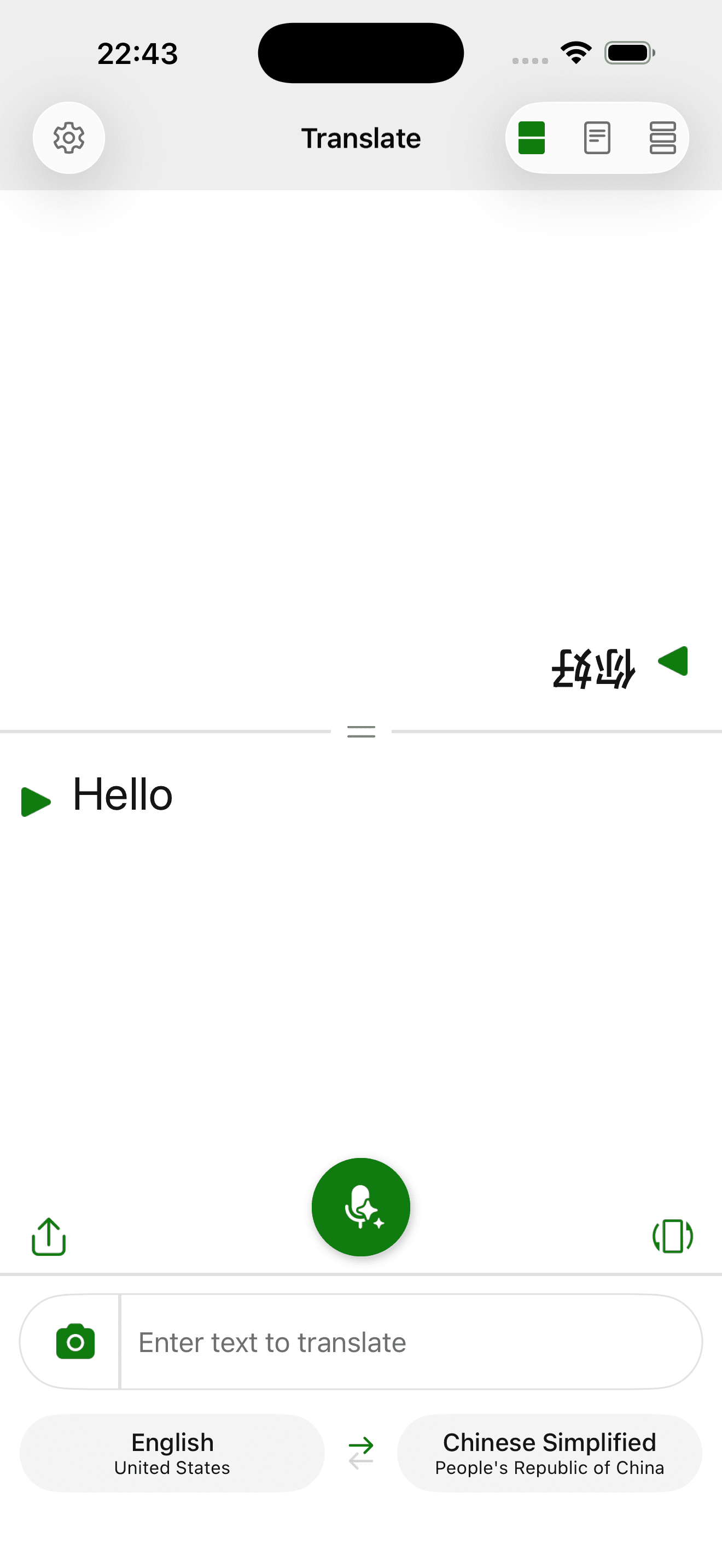
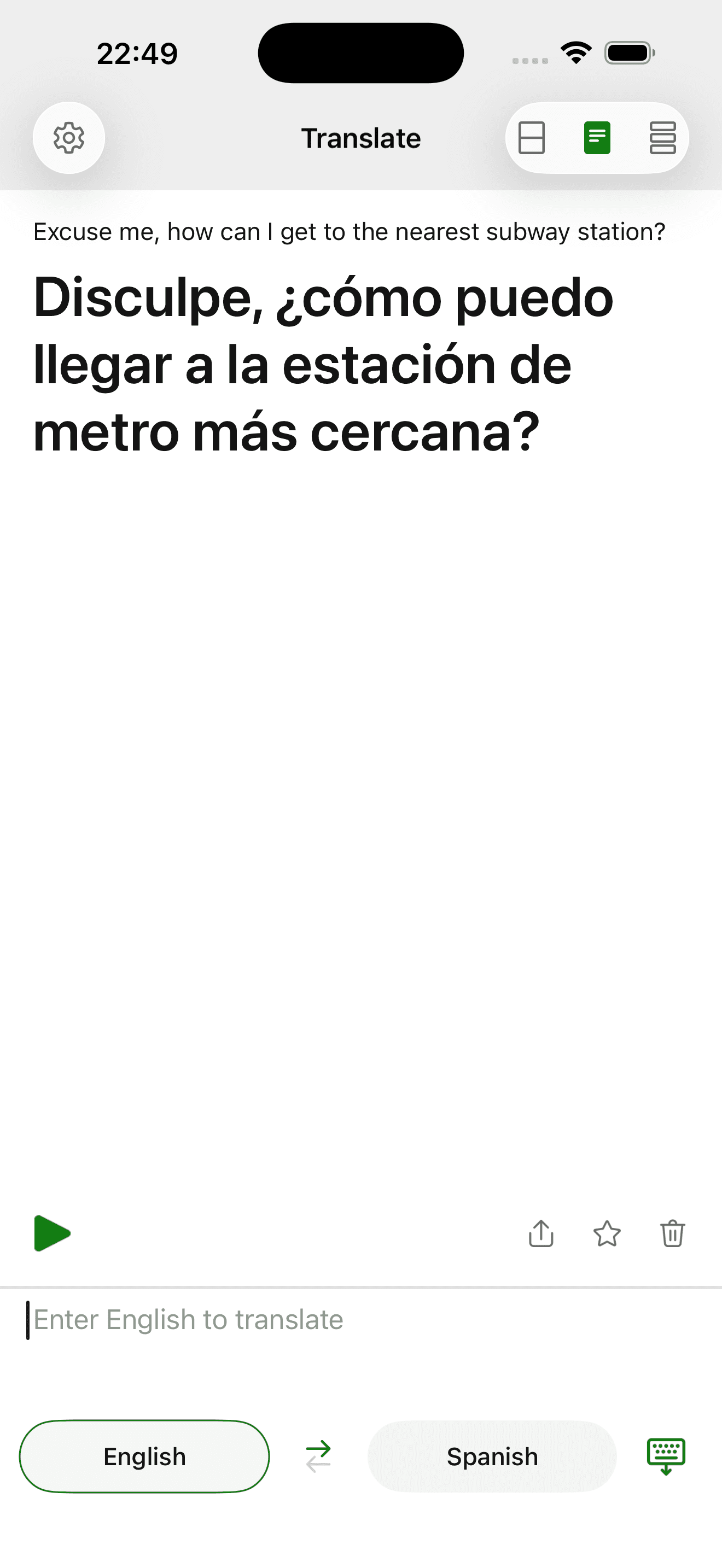
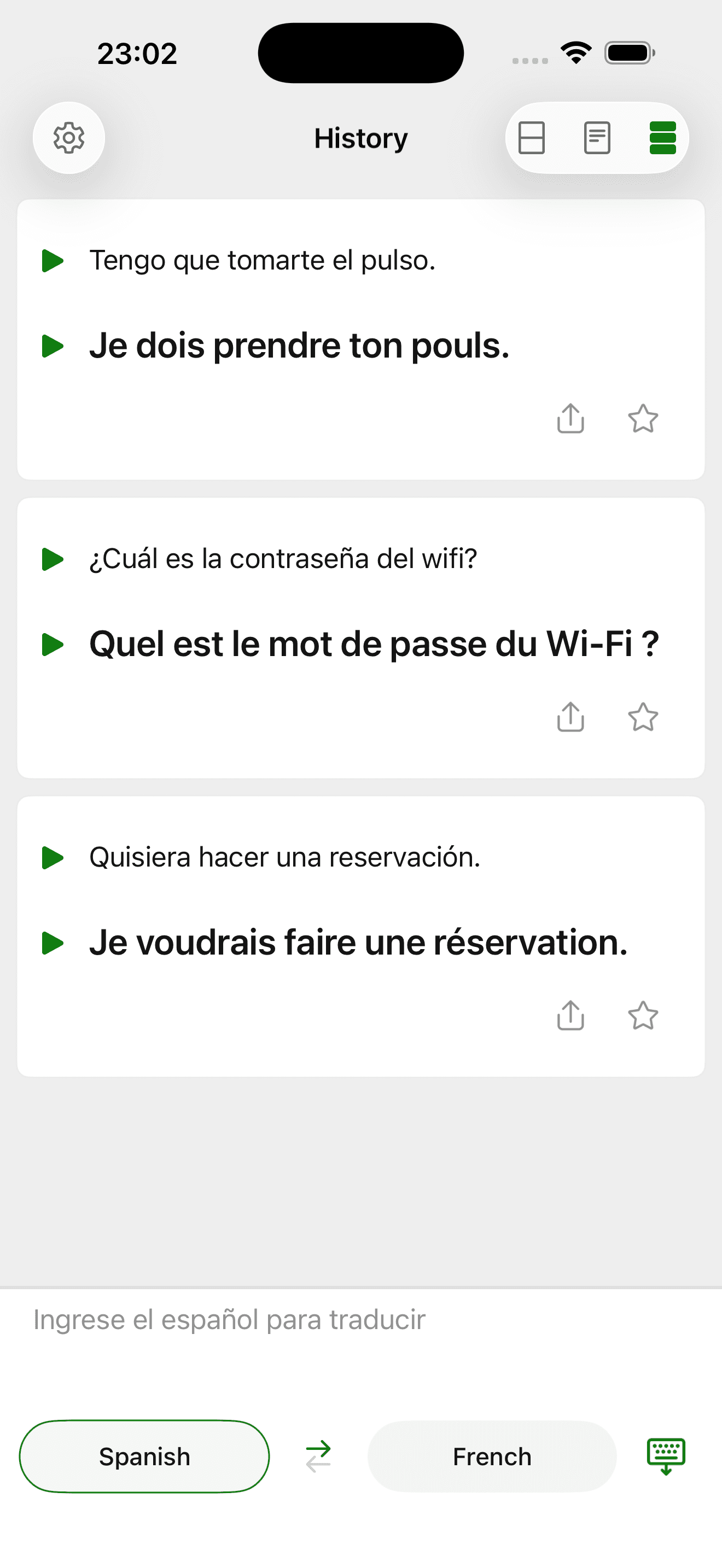
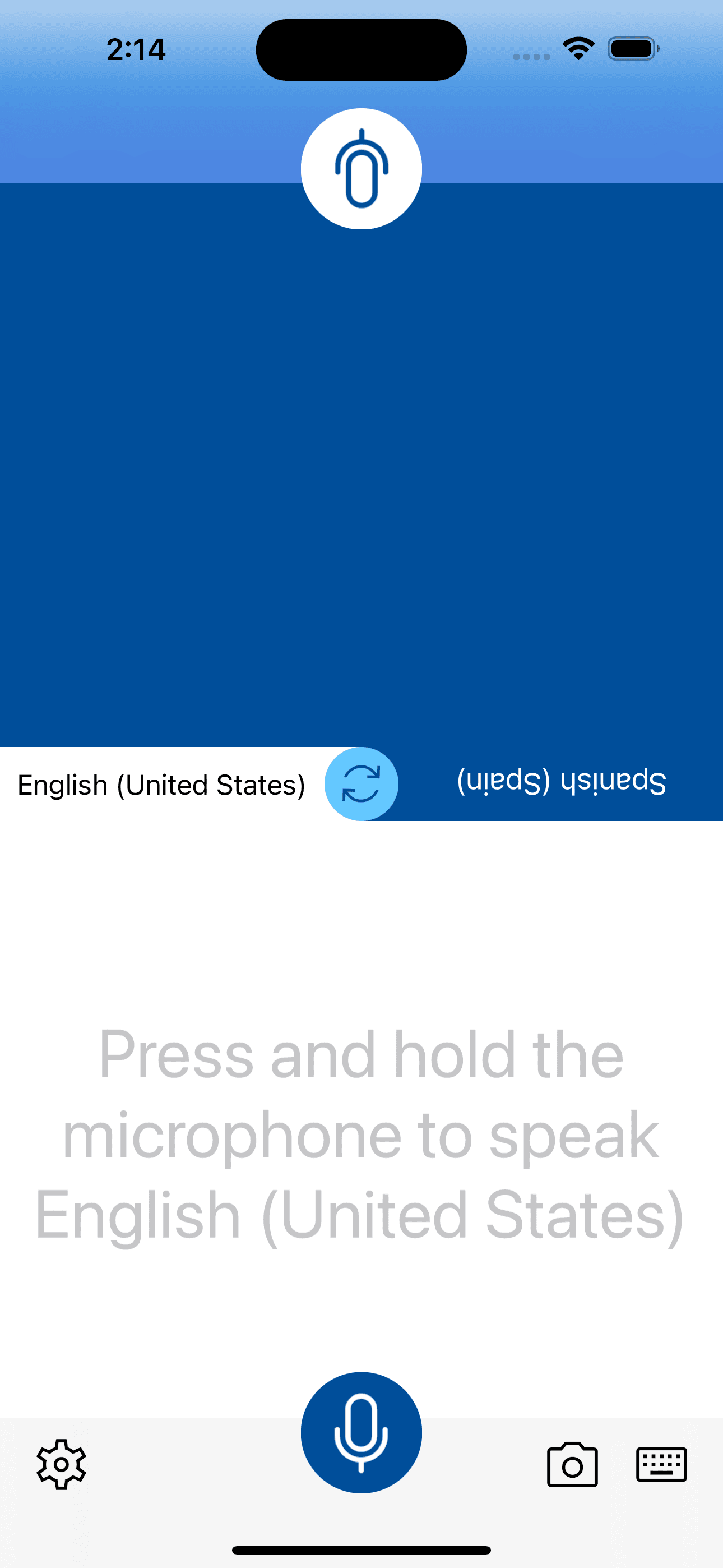
Microsoft Translator is the best translator app for iPhone users who want every modality (voice, camera, text, offline) in one free app. 100+ languages supported. Conversation mode handles two-way real-time exchanges between two phones or two languages on one phone. Offline language packs download once and work without internet. Compared with Apple's built-in Translate app, Microsoft Translator covers more languages (100+ vs 19) and has more accurate translations for less-common pairs. Compared with Google Translate (not on this list), Microsoft Translator has better iOS-native polish and stronger offline mode. Real use case: a traveler heading to a country whose language Apple Translate doesn't support, who downloads offline packs before the trip and uses conversation mode to communicate with taxi drivers, hotel staff, and restaurant servers. The 4.75 from 158,324 ratings reflects the largest user base in the category. Tradeoff: the interface is utilitarian rather than polished — it feels like a Microsoft product. For users who prioritize features and language breadth over interface beauty, Microsoft Translator is the clear winner.
Pros
- 100+ languages with voice, camera, text, and offline modes all free
- Conversation mode supports two-way real-time translation between languages
- Largest user base in category at 158,324 ratings with steady updates
Cons
- Utilitarian interface lacks the polish of paid competitors in category
- Some less-common language pairs less accurate than dedicated AI translators
- 2Get on App Store
#2OneDocs Scanner TranslatorBest Camera
Nayer AbuAlSoud
Ai Translate & Scan Camera OCR
- Rating
- 4.5
- Reviews
- 105.9K
- Price
- Paid
- 90-day trend
- —
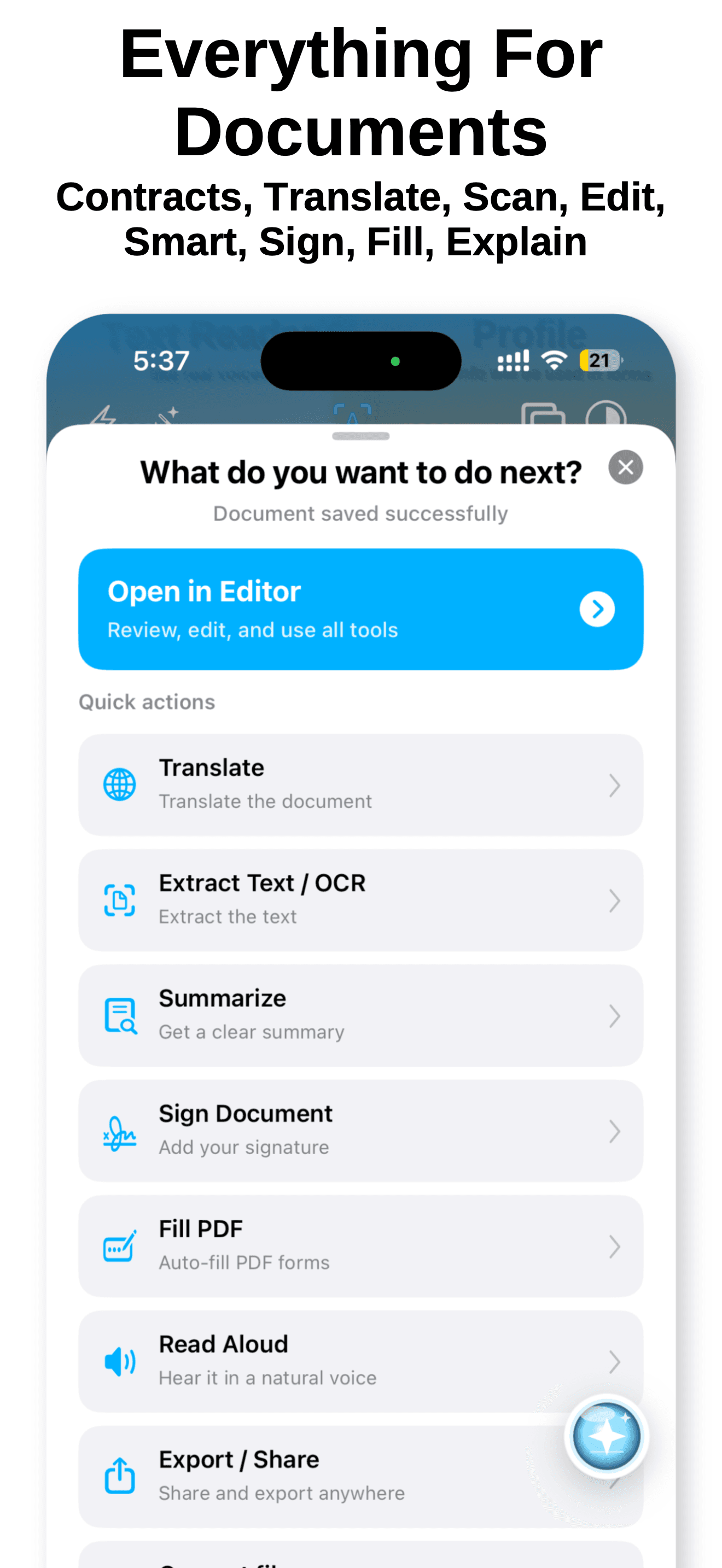
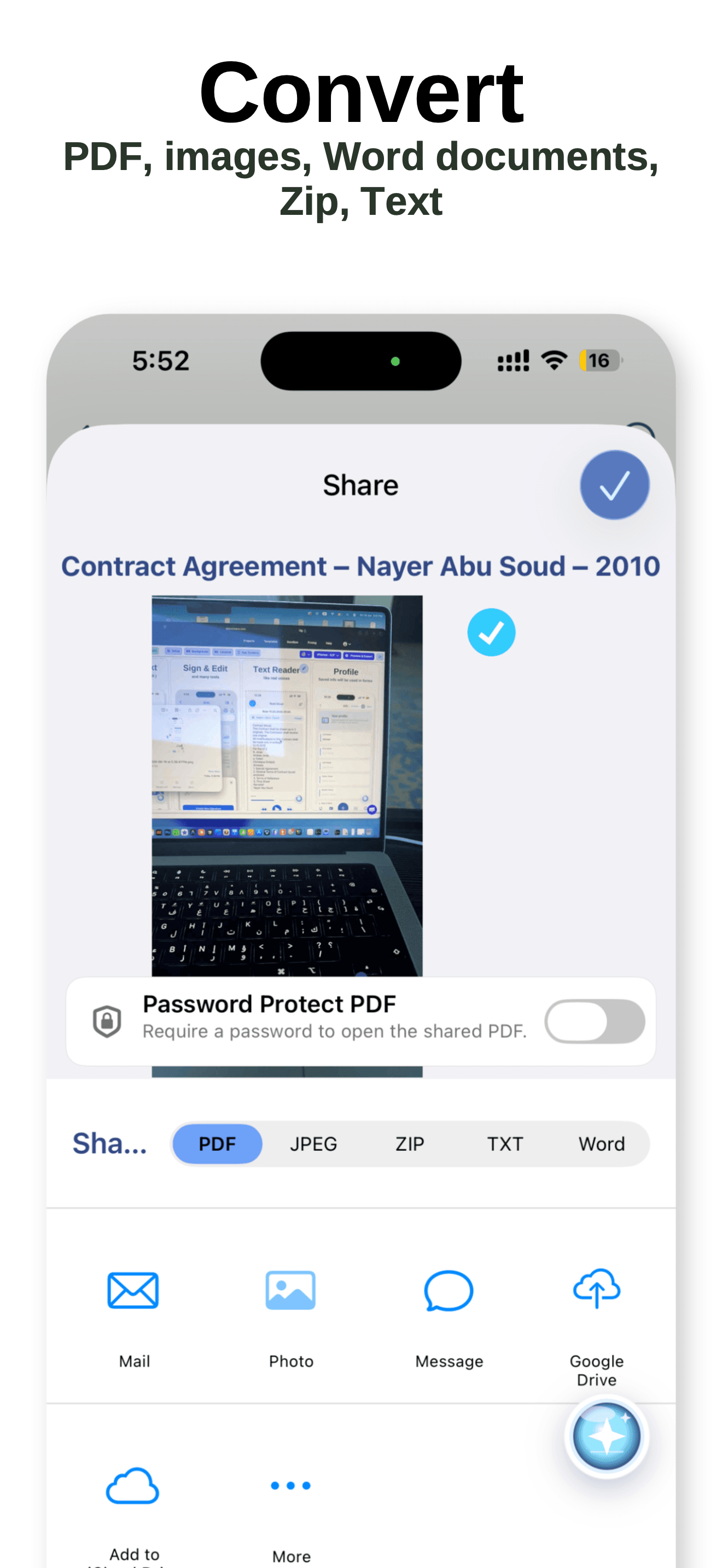
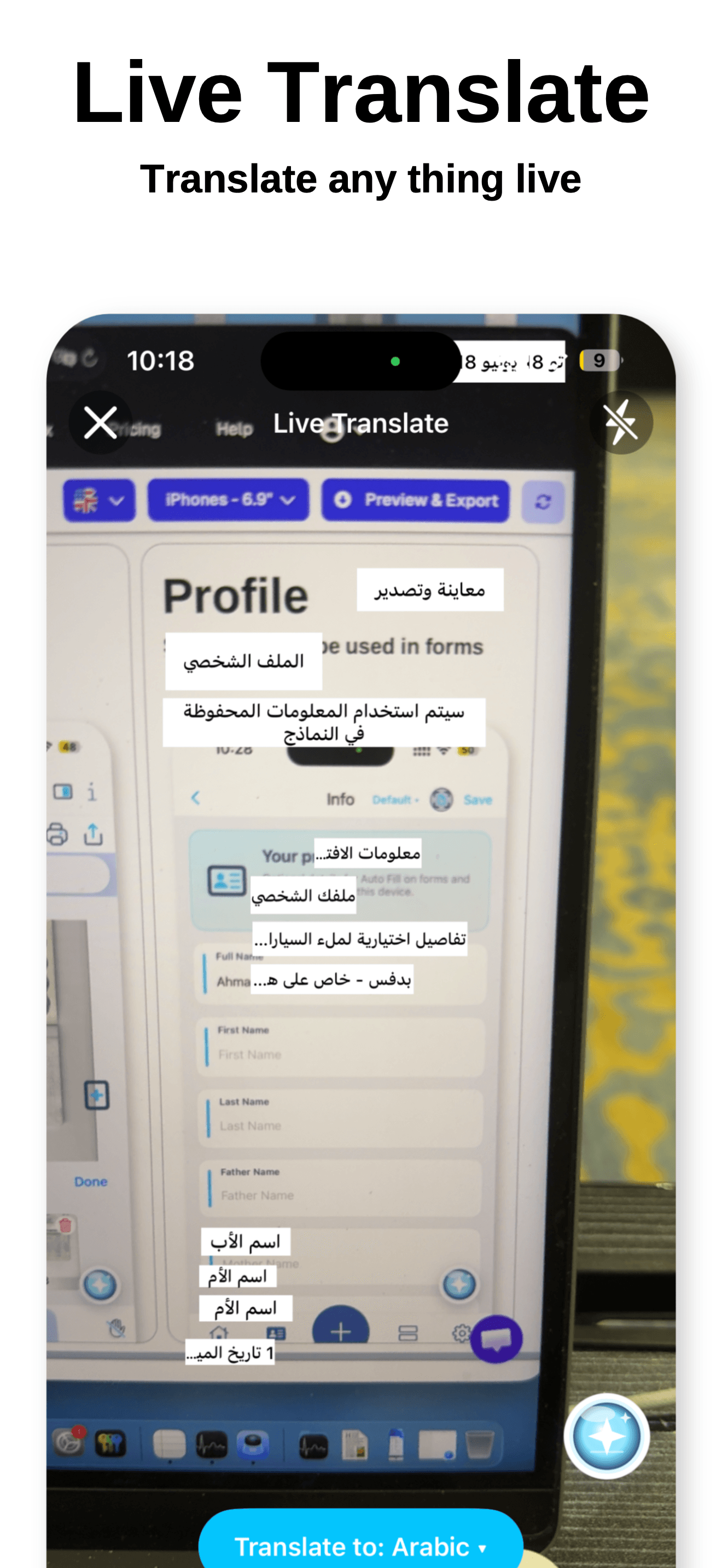
Scanner Translator is the best translator for users whose primary translation need is camera OCR — menus, signs, documents, screenshots. Point your camera at text and the app overlays the translation in real time, or scan a full document for batch translation. Compared with Microsoft Translator, Scanner Translator specializes in OCR quality and handles dense text (full menu pages, document pages) better. Compared with Google Lens (not on this list), Scanner Translator is iOS-native with cleaner output. Real use case: a traveler in a country with unfamiliar script (Japanese, Korean, Arabic, Cyrillic) who needs menu and sign translation on the fly, or a professional translating foreign-language documents for reference. The 4.5 from 105,903 ratings reflects strong adoption in the OCR-translation niche. Tradeoff: voice translation is weaker than Microsoft Translator's, and the app pushes its premium tier aggressively in the free experience. Best paired with Microsoft Translator for users who want both camera-first and voice-first modes covered.
Pros
- Best-in-class camera OCR for menus, signs, and document translation
- Handles dense foreign text (Japanese, Arabic, Cyrillic) reliably in photos
- Strong 105,903 rating count reflects broad adoption among travelers
Cons
- Voice translation weaker than Microsoft Translator's dedicated conversation mode
- Premium tier pushed aggressively throughout the free user experience
- 3Get on App Store
#3Translate Me - Live TranslatorBest for Conversations
Neosus
Voice & Text Translator
- Rating
- 4.6
- Reviews
- 26.8K
- Price
- Paid
- 90-day trend
- —
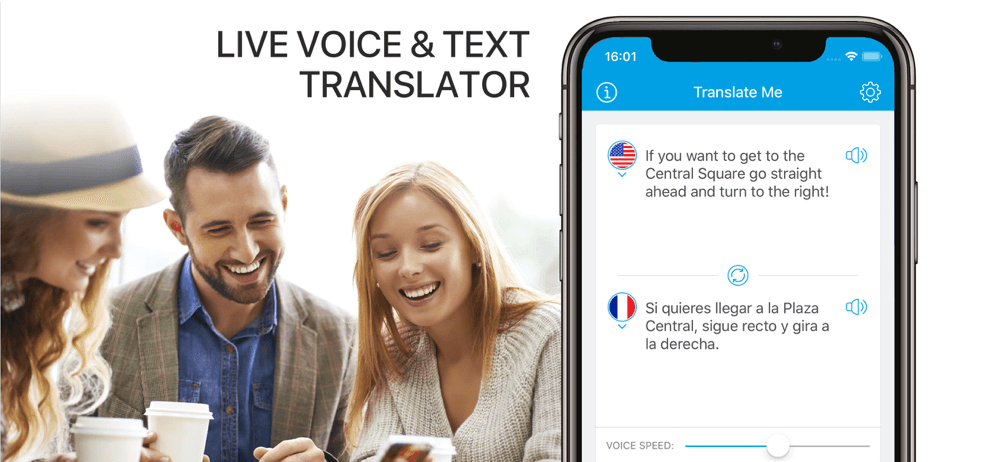
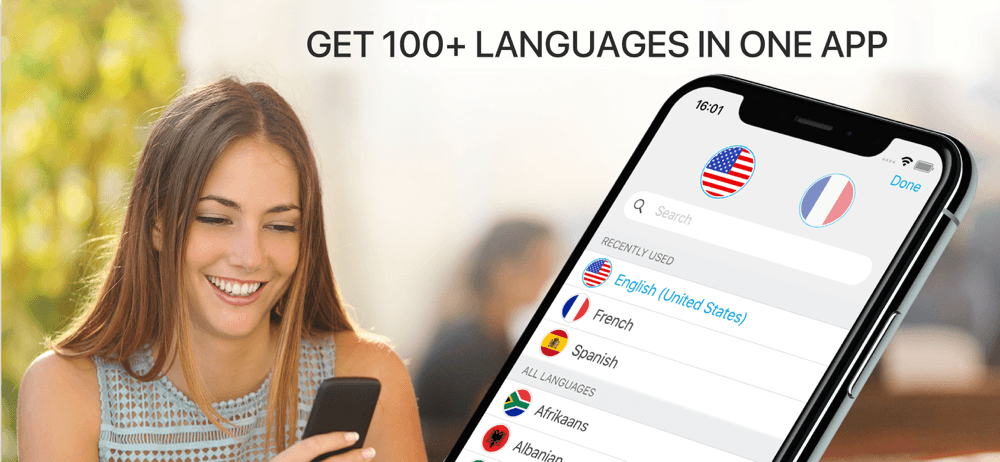
Translate Me is the best translator for voice-first conversation use — quick verbal translations on the fly, restaurant orders, taxi directions, and traveler-to-local exchanges. The pitch is speed: tap the language button, speak, and get instant audio playback in the target language. Compared with Microsoft Translator's conversation mode, Translate Me is faster to set up for one-off voice translations and easier for non-technical users. Compared with Talk & Translate, Translate Me has cleaner audio playback and a smaller learning curve. Real use case: a traveler in a foreign country who needs quick verbal exchanges throughout the day without setting up conversation modes or downloading offline packs. The 4.59 from 26,783 ratings reflects steady use. Free tier covers basic voice translation with ads. Tradeoff: language coverage is narrower than Microsoft Translator (around 100 languages but with shallower offline support), and the premium tier is pushed aggressively. Best for users whose translation needs are voice-first and short-duration.
Pros
- Voice-first interface optimized for quick traveler-to-local exchanges
- Faster setup than Microsoft Translator's conversation mode for one-offs
- Clean audio playback makes pronunciation easier for new speakers
Cons
- Language coverage narrower than Microsoft Translator on offline packs
- Premium tier walls off advanced features behind subscription paywall

- 4
 Get on App Store
#4Translator Keyboard - LanguageBest for Travel
Air Apps Systems
Translate Text, Message & Chat
- Rating
- 4.7
- Reviews
- 20.6K
- Price
- Paid
- 90-day trend
- —
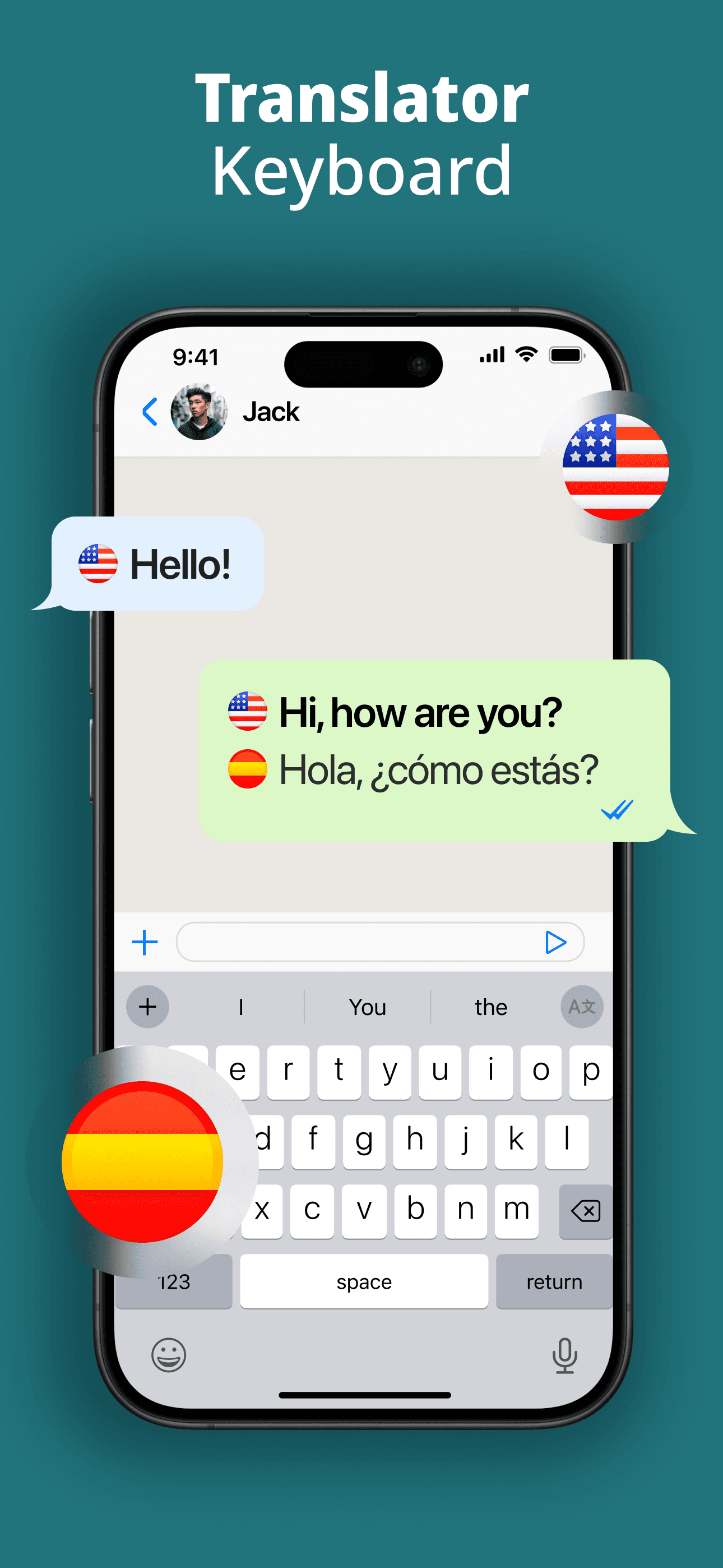
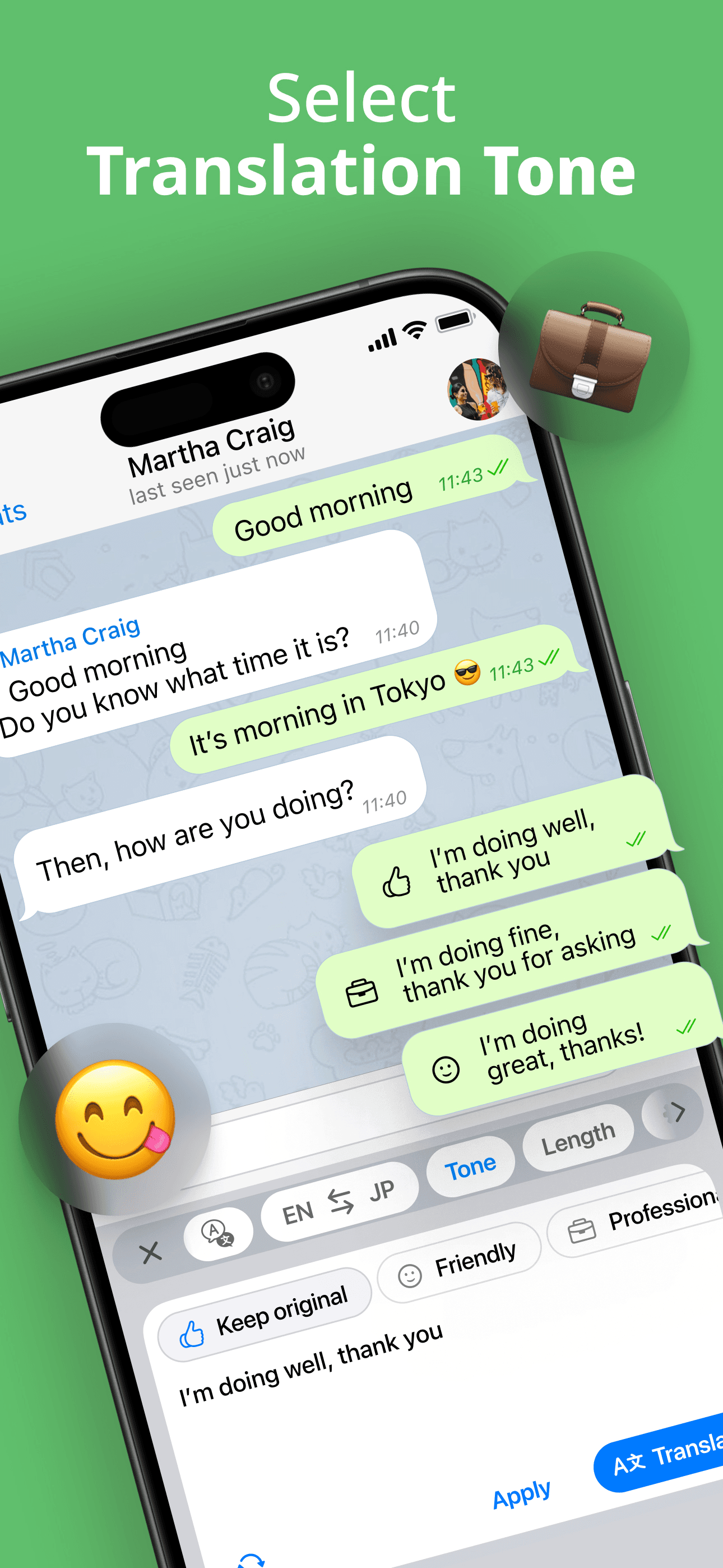
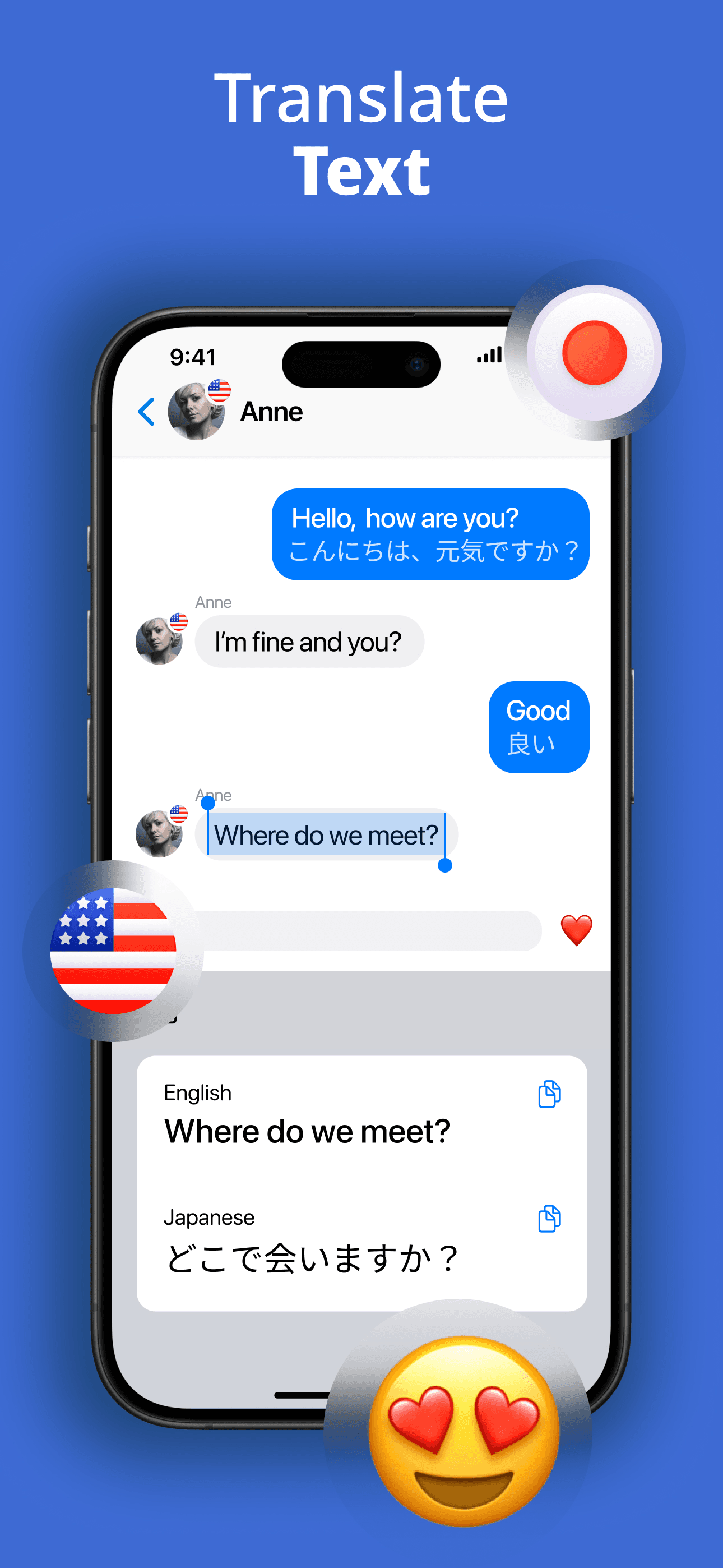
Translator Keyboard is the best translator for iOS users who need in-app message translation — chat with someone in a foreign language directly inside iMessage, WhatsApp, or any app that uses the keyboard. The pitch: type in your language, the keyboard converts to the target language before sending. Compared with Microsoft Translator's copy-paste workflow, Translator Keyboard removes the friction of switching apps. Compared with Apple Translate's Selection Translate feature, Translator Keyboard works in real time as you type. Real use case: someone in a long-distance relationship or business communication with a foreign partner who wants to chat naturally without copy-pasting into Translate. The 4.69 from 20,119 ratings reflects steady adoption among multilingual users. Tradeoff: it requires Full Access keyboard permission, which some privacy-conscious users will not grant, and the auto-translation occasionally mis-detects intent on short messages. Best for users whose translation needs live inside ongoing chat conversations.
Pros
- In-keyboard translation removes copy-paste friction in chat apps
- Works inside iMessage, WhatsApp, and any keyboard-using iOS app
- Real-time translation as you type for natural conversation flow
Cons
- Requires Full Access keyboard permission some users will not grant
- Occasionally mis-detects intent on short or ambiguous messages
- Rating
- 4.4
- Reviews
- 26.8K
- Price
- Free
- 90-day trend
- —
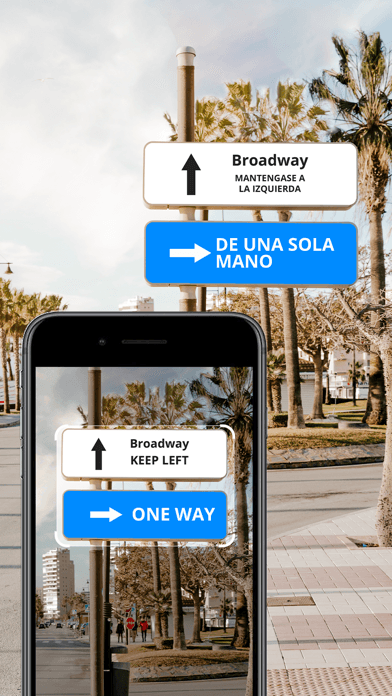
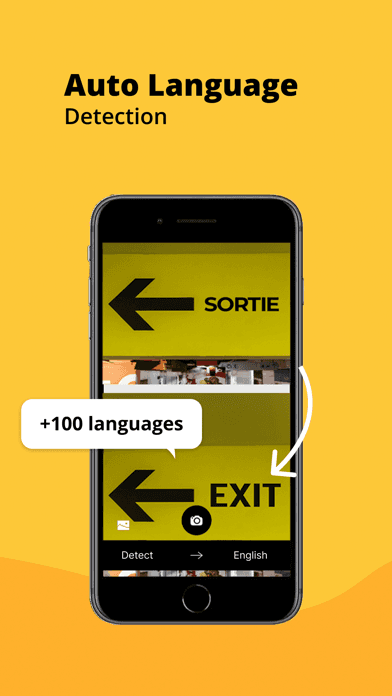
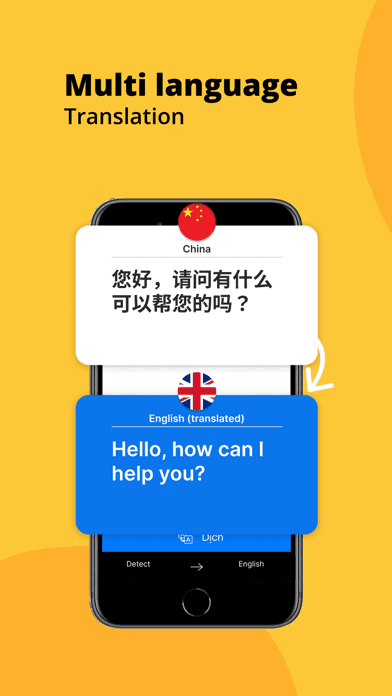
Photo Translator is the best lightweight camera translator for users who only need photo-OCR-based translation without voice or text modes. The pitch is simpler than Scanner Translator: take a photo of foreign text, get a translation overlay. Compared with Scanner Translator (more features), Photo Translator is leaner and cheaper for users who only need the photo workflow. Compared with Microsoft Translator's camera mode, Photo Translator focuses on still-image translation rather than live overlay. Real use case: a user who needs occasional photo translation (a sign, a label, a document page) and does not want to install a full-featured translator. The 4.4 from 26,736 ratings is lower than top picks — reviews mention OCR accuracy issues on handwriting and stylized fonts. Tradeoff: it does not handle voice or live conversation, so it pairs poorly with travel scenarios that need real-time exchanges. Best for users with narrow OCR-only translation needs.
Pros
- Lightweight photo OCR for users who only need occasional camera translation
- Simpler than Scanner Translator for casual photo-translation workflows
- Clean output for users who don't need live overlay translation modes
Cons
- OCR accuracy issues on handwriting and heavily stylized fonts
- No voice or text modes — narrow scope limits travel utility
- Rating
- —
- Reviews
- —
- Price
- Paid
- 90-day trend
- —
Translator GO is an AI-powered translator that uses large language models for translations rather than traditional statistical machine translation. The pitch is improved accuracy on idioms, context, and conversational nuance. Compared with Microsoft Translator's statistical approach, Translator GO sometimes handles nuanced phrases better — but also sometimes confidently produces wrong translations (a known LLM failure mode). Compared with newer AI translators like DeepL (not on this list), Translator GO's quality varies by language pair. Real use case: a user translating creative writing, marketing copy, or conversational dialogue where context and idiom matter more than literal accuracy. The 4.41 from 19,669 ratings reflects mixed user experience. Tradeoff: AI translation is impressive on common pairs but can fabricate translations on less-common ones with high confidence. Best as a complement to Microsoft Translator rather than a replacement — use both and compare for important translations.
Pros
- AI translation handles idioms and context better than statistical models
- Useful for creative writing and marketing copy translation needs
- Newer interface design feels more modern than older translator apps
Cons
- AI can fabricate confident-sounding wrong translations on edge cases
- Quality varies significantly by language pair — verify important translations
- 7
 Get on App Store
#7Talk & Translate AI TranslatorBest All-in-One
MobiSystems, Inc.
Voice, Text, Photo translation
- Rating
- 4.5
- Reviews
- 12.5K
- Price
- Free
- 90-day trend
- —
Talk & Translate is the best translator for users who want voice, text, and photo modes in a single app with a polished interface. The pitch is mode-flexibility: switch between voice conversation, text translation, and camera OCR without leaving the app. Compared with Microsoft Translator, Talk & Translate has a cleaner interface and faster mode-switching. Compared with mode-specific apps (Photo Translator, Translate Me), Talk & Translate is a one-stop shop. Real use case: a traveler who wants one app that handles every translation need on a trip — speaking with hotel staff, photographing menus, translating WhatsApp messages — without juggling multiple apps. The 4.51 from 12,457 ratings reflects solid adoption. Tradeoff: it is subscription-only for full features, and language coverage is narrower than Microsoft Translator's. Best for users who prefer paid polish over Microsoft's free utility, and want every mode in one app.
Pros
- Voice, text, and photo modes integrated in one polished interface
- Faster mode-switching than Microsoft Translator's segmented experience
- Clean travel-focused workflow without learning curve overhead
Cons
- Subscription required for full features Microsoft Translator gives free
- Language coverage narrower than Microsoft Translator on offline packs
- Rating
- 4.6
- Reviews
- 8.4K
- Price
- Paid
- 90-day trend
- —
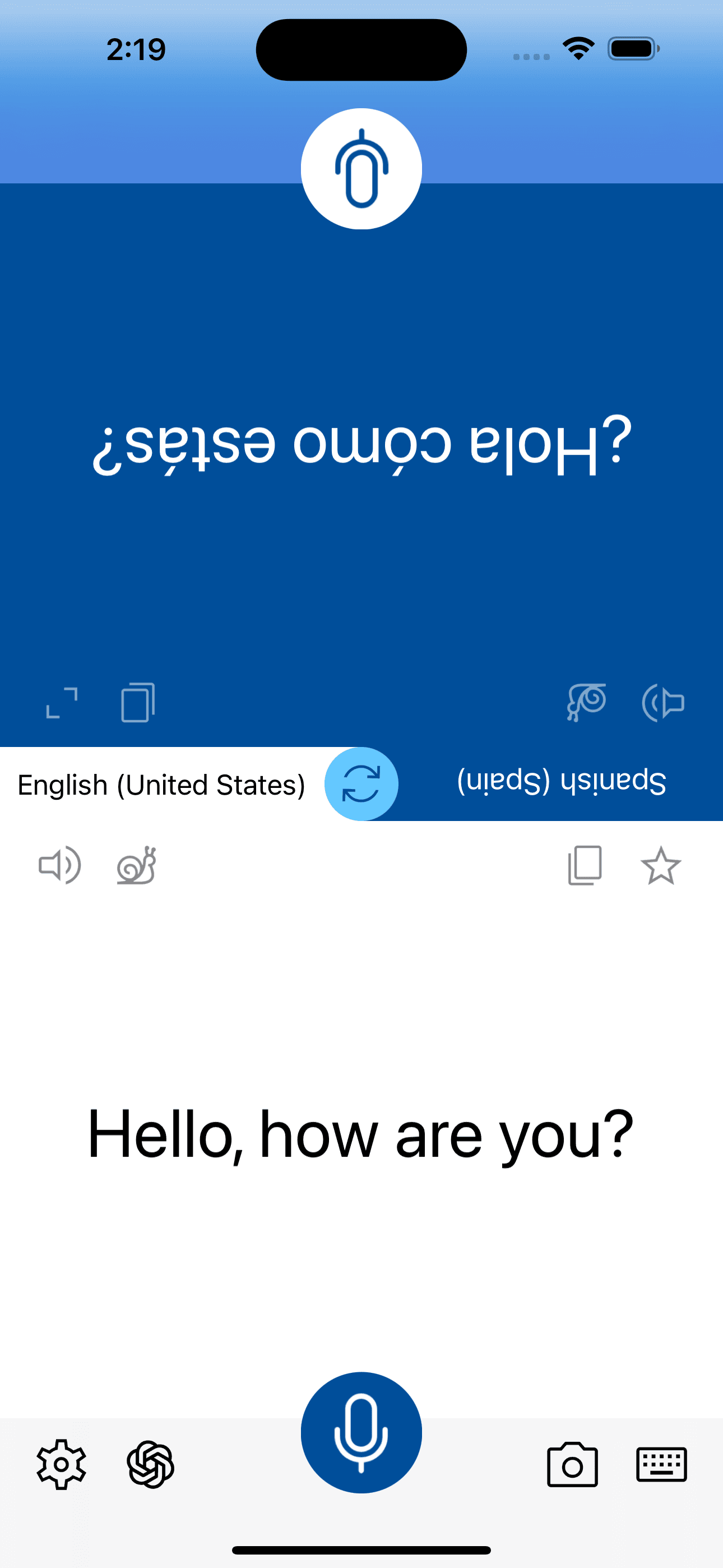
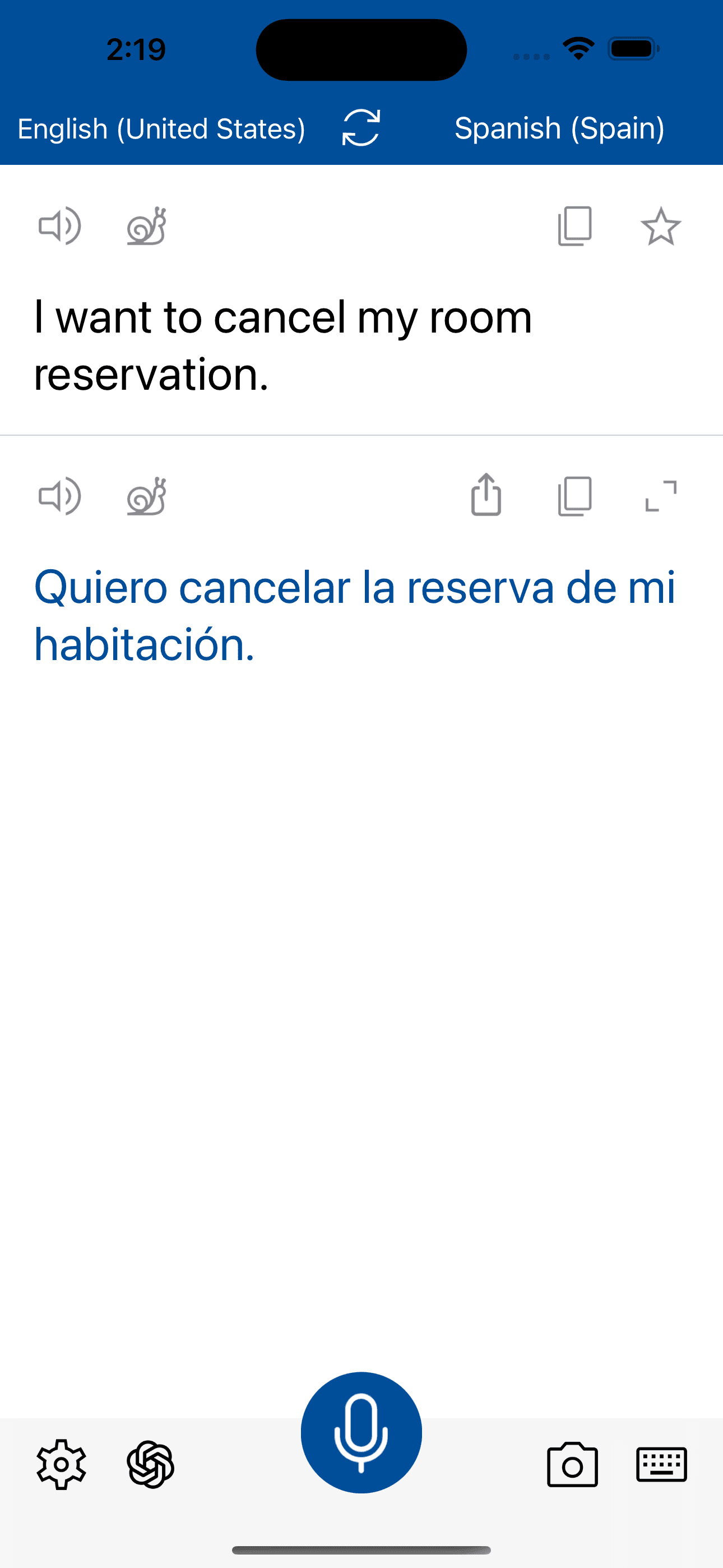
Instant Voice Translate is the best translator for users who want fast, simple voice-only translation without the complexity of mode-switching apps. The pitch: tap to record, get translated audio back. Compared with Microsoft Translator's full feature set, Instant Voice Translate is intentionally limited to voice — easier to learn and faster to use for that single workflow. Compared with Translate Me, Instant Voice Translate has a cleaner interface and is more focused. Real use case: a user who needs voice translation throughout a trip and doesn't want to learn a multi-mode app. The 4.61 from 8,081 ratings reflects loyal use among voice-first translators. Tradeoff: it does not handle camera or text translation, so users with broader needs will outgrow it quickly. Best for users who already have a camera translator (Apple Translate or Scanner Translator) and want a dedicated voice tool that doesn't try to be everything.
Pros
- Voice-only focus makes it easier to learn than multi-mode apps
- Fast tap-to-record workflow optimized for traveler conversation needs
- Clean interface without the feature bloat of bigger competitors
Cons
- No camera or text translation — narrow scope for broader needs
- Subscription model harder to justify against free Microsoft Translator
- 9
 Get on App Store
#9Voice Language Translator ProBest for Dialects
DREAMTEAM APPS sp. z o.o.
Speak and Translate Speech
- Rating
- 4.5
- Reviews
- 9.5K
- Price
- Paid
- 90-day trend
- —
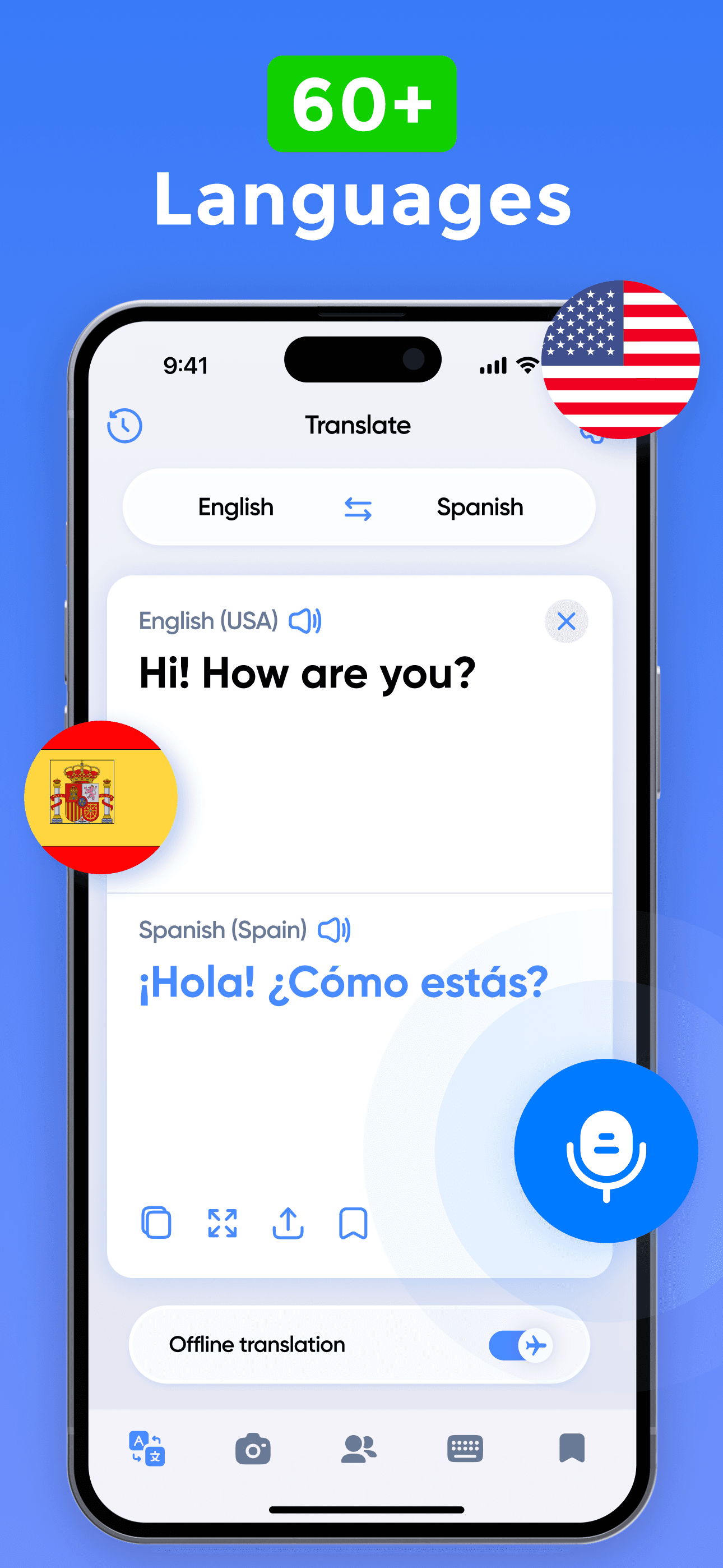
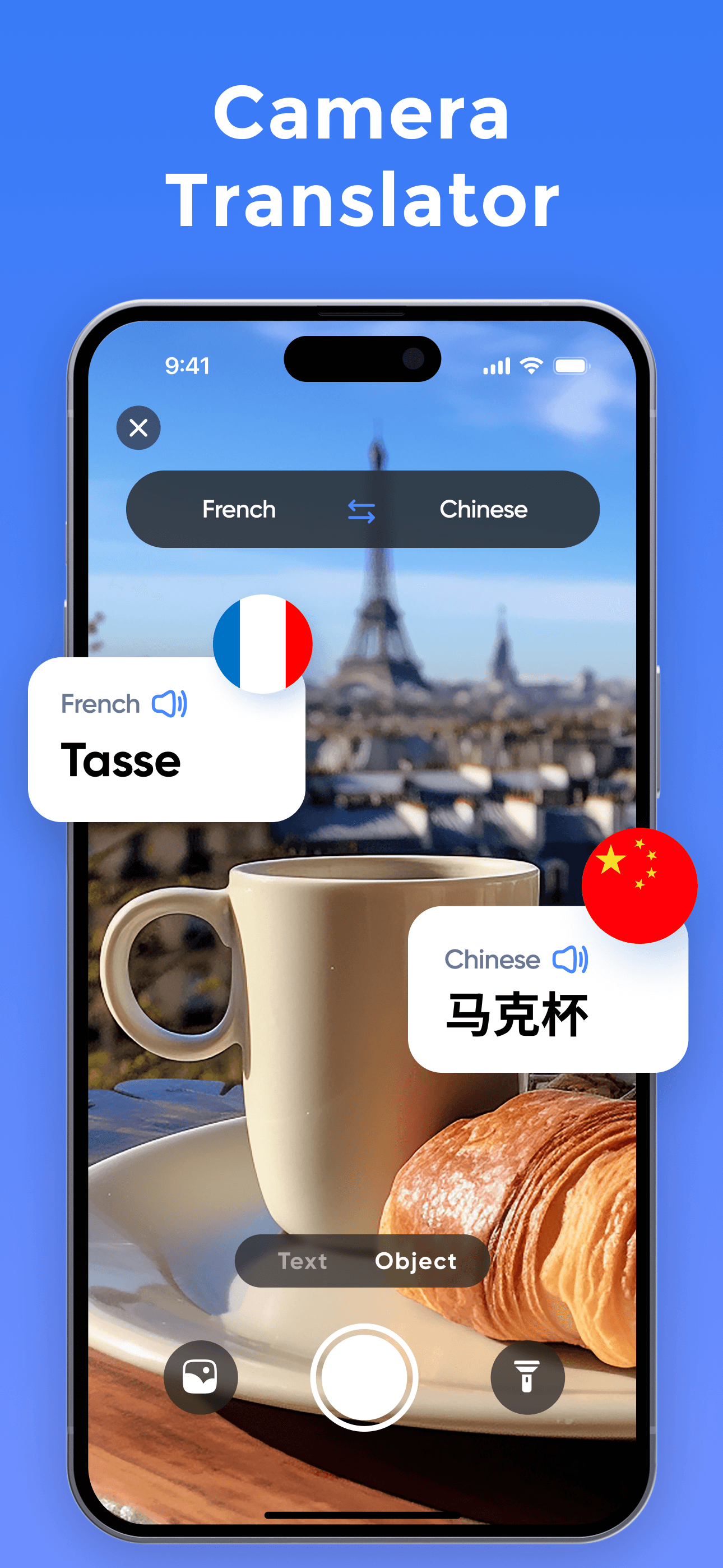
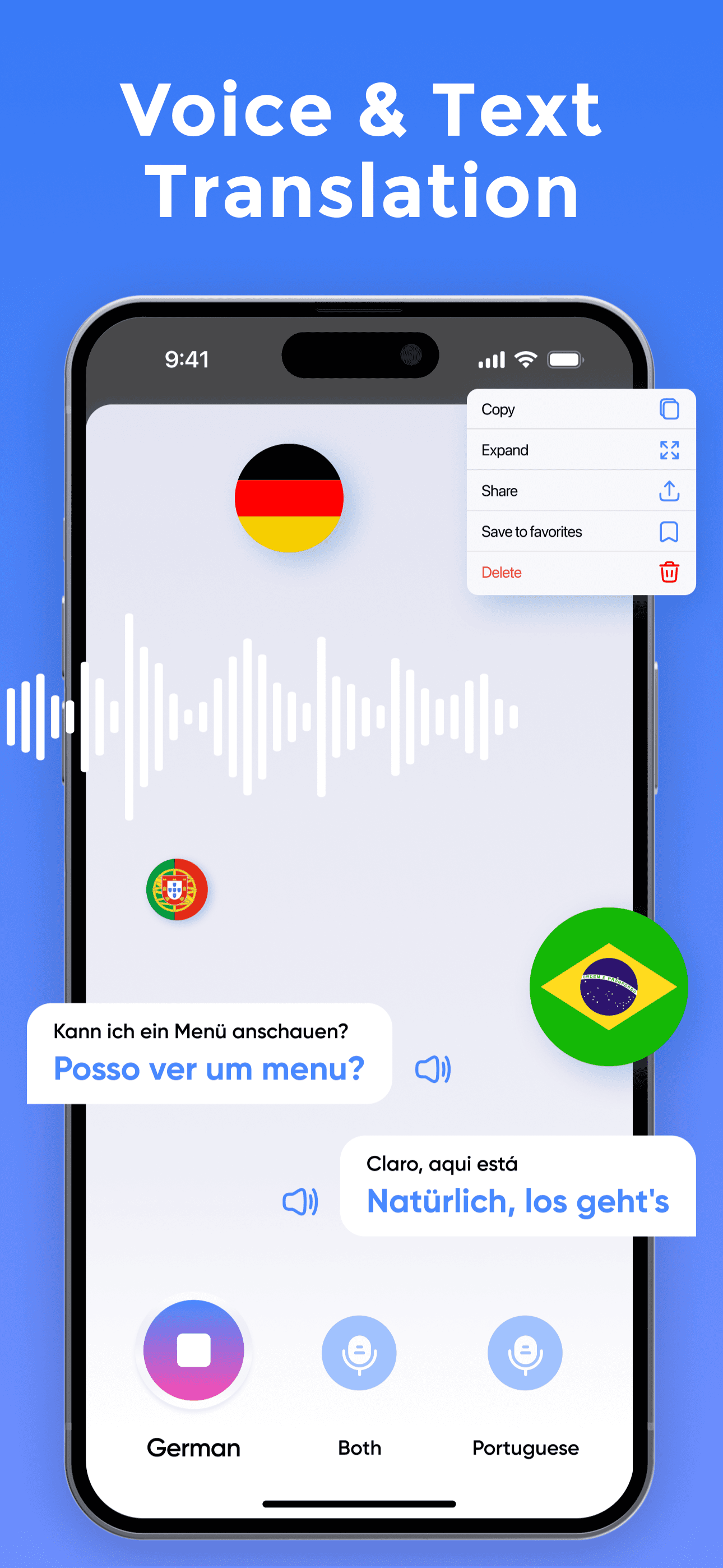
Voice Language Translator Pro is a paid voice-first translator with broad language coverage and a focus on travel scenarios. The pitch is similar to Instant Voice Translate but with deeper language pack support and dialect awareness for some languages. Compared with Microsoft Translator, Voice Language Translator Pro is paid but offers more dialect granularity in some language pairs. Compared with Instant Voice Translate, the Pro version includes more advanced features but at the cost of complexity. Real use case: a frequent traveler who needs reliable voice translation across many countries and wants better-than-average accuracy on regional dialects. The 4.52 from 9,438 ratings reflects steady use in the paid-translator niche. Tradeoff: paid model is harder to justify when Microsoft Translator does most of the same job for free. Best for users who travel frequently and find Microsoft Translator's interface too utilitarian, or who need specific dialect support not covered by the free apps.
Pros
- Better dialect granularity than free competitors in some language pairs
- Travel-focused features tuned for frequent international travelers
- Voice-first approach optimized for spoken exchanges over typing
Cons
- Paid model hard to justify against free Microsoft Translator alternative
- Camera and text modes weaker than dedicated apps in those categories
- 10
 Get on App Store
#10Dog Translator: Games For PetsBest Novelty
PAWFECT INNOVATIONS PTE. LTD.
Bark Translator & Dog Whistle
- Rating
- 4.7
- Reviews
- 6.9K
- Price
- Paid
- 90-day trend
- —
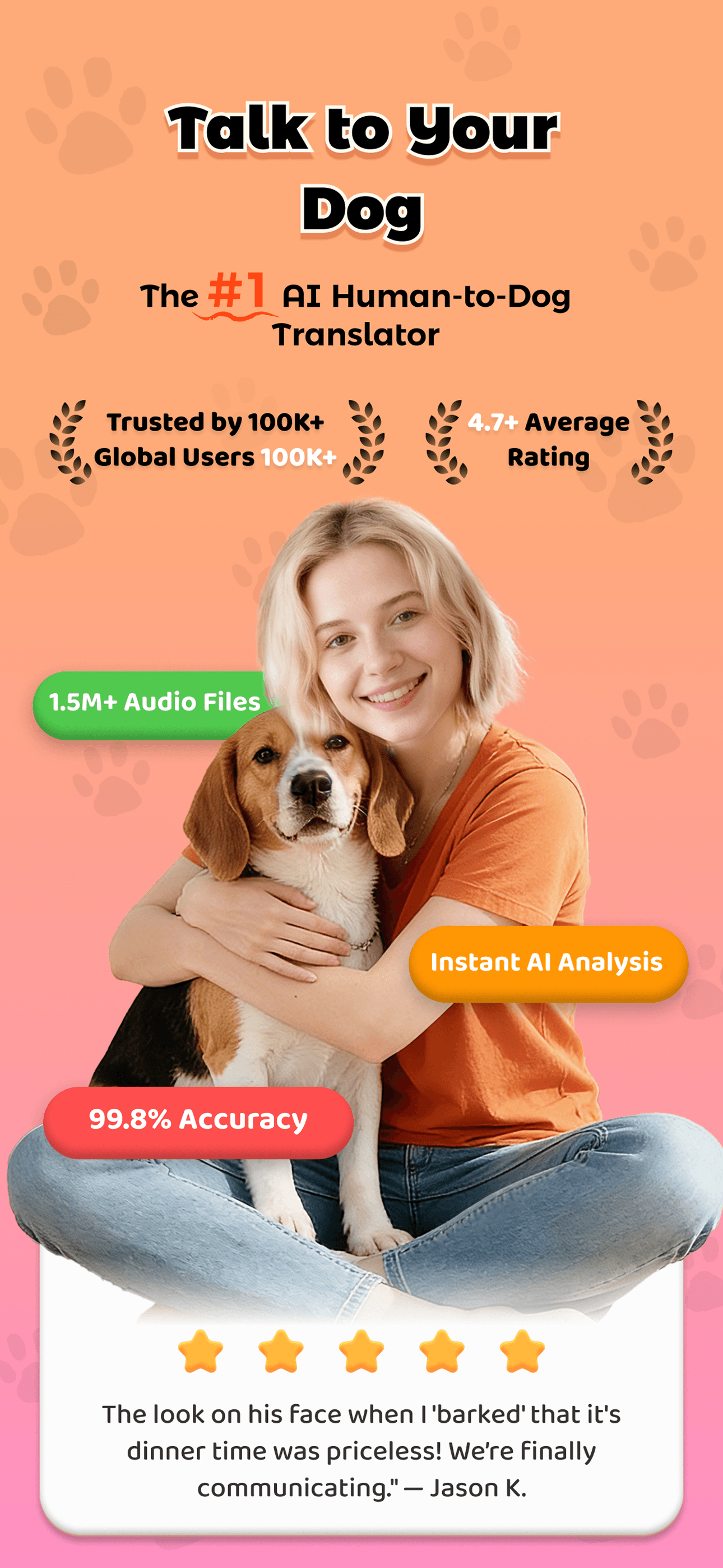
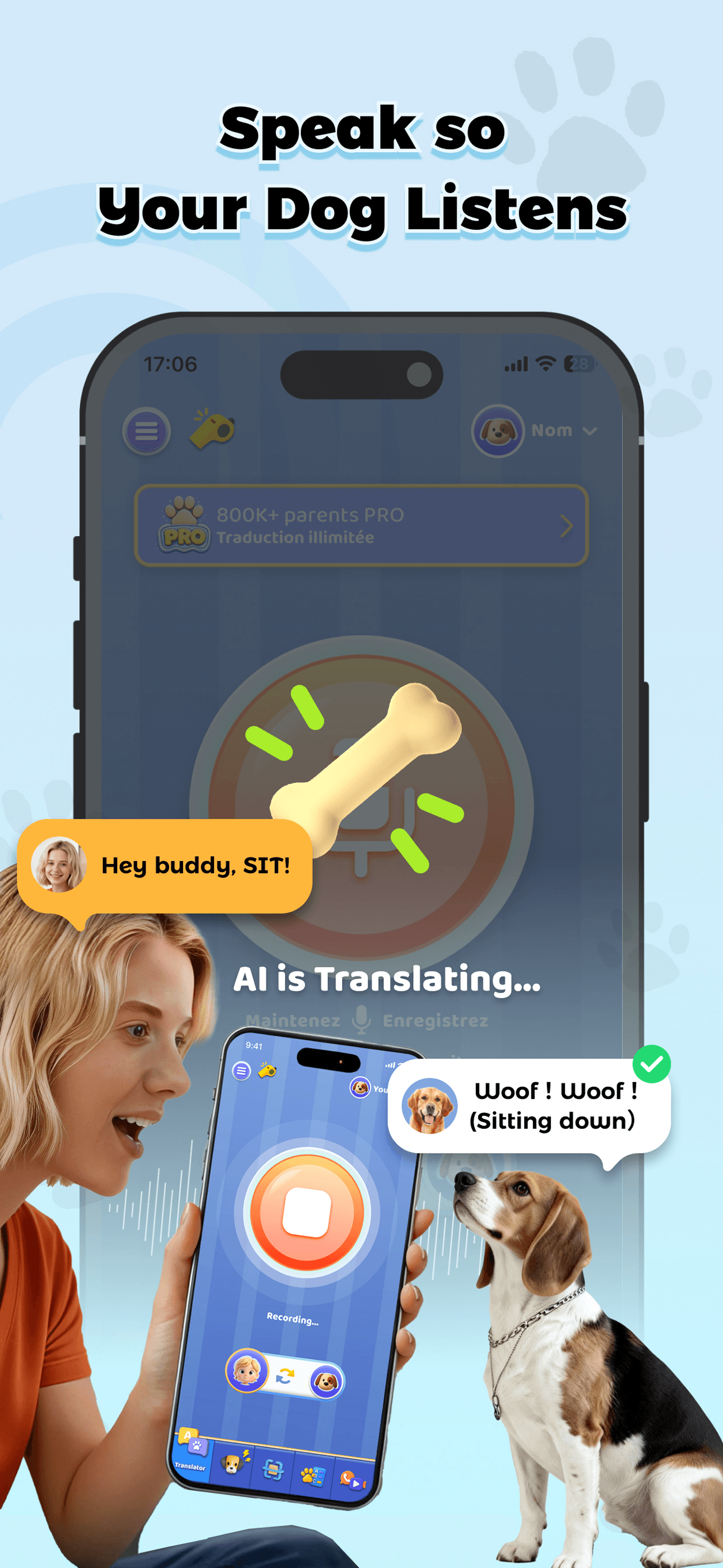
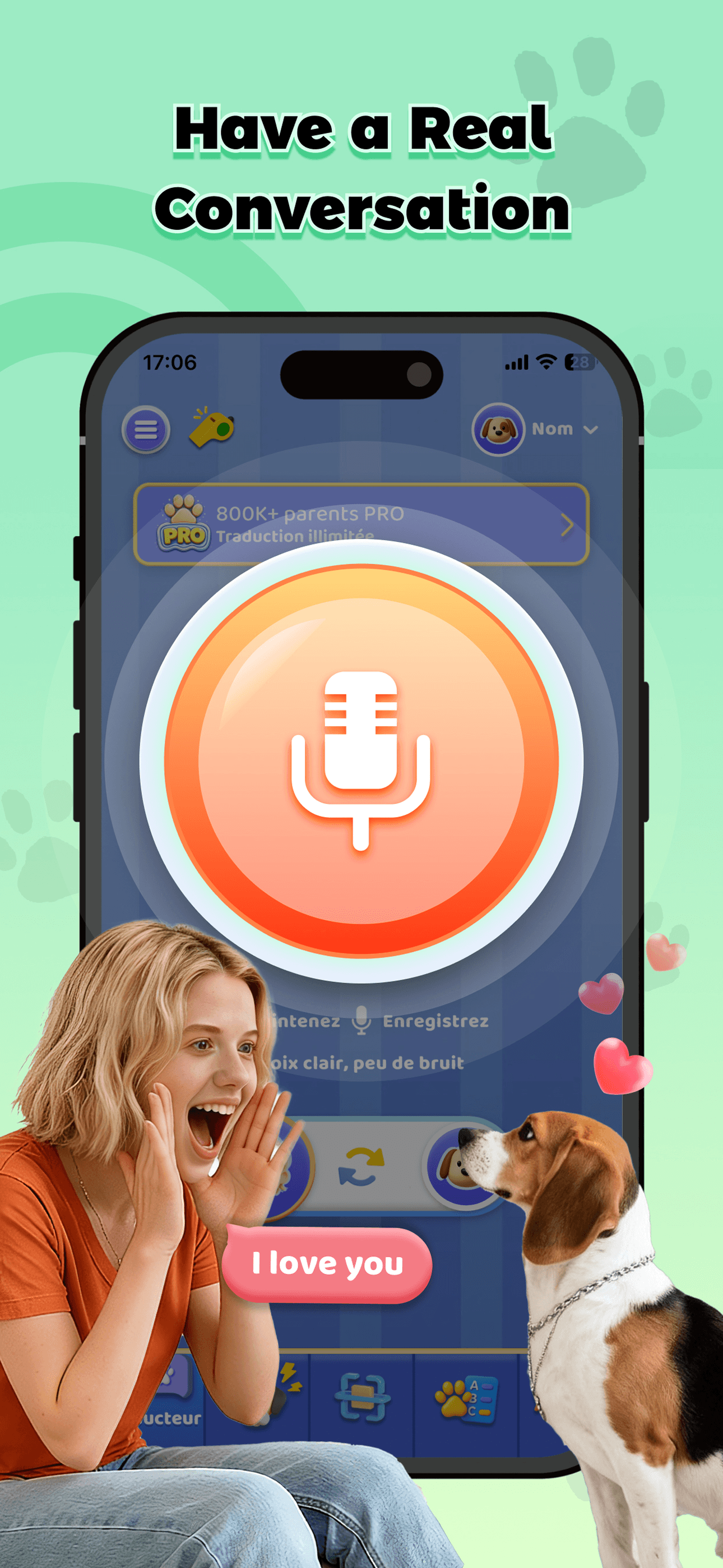
Dog Translator is the novelty pick on this list — an entertainment app that purports to translate dog barks into human language and vice versa. Compared with actual translator apps, this is not a serious tool: no scientific basis exists for translating dog vocalizations into language. Real use case: kids and pet owners who want a fun entertainment app to play with their dog, not a serious communication tool. The 4.68 from 6,771 ratings reflects its success as entertainment, not as translation. Tradeoff: it is not a real translator. Users searching for serious translation tools should pick Microsoft Translator, Scanner Translator, or any focused tool above. Included transparently because the curated list includes it — the app is fun for what it is, but readers searching this list for travel or language-learning tools should treat this entry as comic relief rather than a recommendation. Children may enjoy it; adults should set expectations accordingly.
Pros
- Entertaining novelty app for kids and pet owners to play with
- Strong 4.68 rating reflects success as entertainment product category
- Dog whistle sound feature adds genuine utility for pet training contexts
Cons
- Not a real translator — no scientific basis for dog-language translation
- Adults searching for serious translation tools should look elsewhere entirely


How we picked
### Data sources Live App Store metadata, ratings, and recent review samples pulled via our iTunes ingestion pipeline. Ratings shown in this article are current as of the most recent crawl, not stale snapshots. Review themes weighted toward the last 90 days.
### How we score Five weighted axes: translation accuracy across major language pairs, modality coverage (voice, camera, text, offline), value of the free tier, language pair breadth (100+ vs 20-30), and iOS-specific features like Live Activities, widgets, Apple Watch support, and Share Sheet integration.
### Refresh cadence Reviewed every six months. The category has been transformed by GPT-class translation models since 2023 — we re-evaluate immediately when major vendors announce model upgrades that change the accuracy ranking.
### What we exclude Apps with paywalls hiding basic translation features (a few free translations then full-screen ad walls). Apps that primarily exist to surface ads with translation as a thin wrapper. Apps with fewer than 1,000 ratings unless they fill a clear niche.
### What we don't do We do not run controlled translation-accuracy benchmarks. We do not assess medical, legal, or technical translation quality — those use cases need professional translators, not apps. Tonal languages (Mandarin, Vietnamese) remain difficult for all translator apps, and users should verify critical translations with native speakers when accuracy matters.