



Best AI Apps for iPhone
By App Store Tracker Editorial · Updated — live App Store data verified
The short version
The best AI app for iPhone in 2026 is ChatGPT — 161,211 U.S. ratings at 4.79 stars, free voice mode, image generation, and the deepest third-party tooling integration in the category. Microsoft Copilot is the runner-up for Office and Windows users at 4.81 across 7,875 ratings. Claude by Anthropic leads for long-document work and coding at a 4.6 average, while Perplexity wins for cited research at 4.78 across 5,568 ratings. Every pick on this list runs frontier models that did not exist 24 months ago.
Jump to a pick↓
Picking an AI app for iPhone in 2026 means picking a workflow, not a model. Frontier-model quality is close enough across ChatGPT, Claude, Gemini, and Copilot that the right answer depends on what you already use — Microsoft 365, Google Docs, an iPad with Apple Pencil — and what you do most: research, writing, coding, image generation, or daily conversation. Among the 10 AI apps on this list, four are general-purpose chat assistants (ChatGPT, Microsoft 365 Copilot, Microsoft Copilot, Claude), one is a research engine (Perplexity), three lean creative or image-first (Lensa, Photoroom, Remini), and two are conversation-focused companions (Replika, Meta AI). We weighted apps people actually open every day over apps with the longest spec sheet. The data backs the order: ChatGPT holds 161K U.S. ratings — more than 20x the next-largest AI chat pick — and Anthropic's Claude already sits above 4.6 stars on a product less than two years old. Voice quality, free-tier usefulness, hallucination rate, and how each app handles your first hour shaped every cut.
- Rating
- 4.8
- Reviews
- 10.9M
- Price
- Paid
- 90-day trend
- —
ChatGPT is the best AI app for iPhone users who want one general-purpose assistant that does the most things well. With 161,211 U.S. ratings at a 4.79 average, it has roughly 20x the rating base of any other AI chat app on this list — the sheer scale tells you the product gets shipped to and used by the most diverse user base. Voice mode (the wave-icon conversation feature) is the closest thing to a usable AI phone call on iPhone and remains free for personal accounts. Image generation, document upload, file analysis, web search, and scheduled tasks are all built into the same chat surface. ChatGPT differs from Claude by leaning broader-and-faster rather than deeper-and-more-careful, and from Perplexity by leading with generation over cited research. A real scenario: it's 9 PM, you need to outline a presentation for tomorrow — you talk to ChatGPT for ten minutes via voice, it generates the outline plus speaker notes, and you ship the slides before bed. The tradeoff is review-flagged friction around hallucinations in voice mode (reviewers describe content-policy false flags blocking creative writing) and occasional outages when the user base spikes. If you're picking one AI app to keep installed, this is it.
Pros
- 161K U.S. ratings signal the most-tested AI app available on iPhone today
- Free voice mode handles natural-paced conversation with the lowest latency in category
- Broadest tool ecosystem covers image, web, files, scheduled tasks, and plugins
Cons
- Content-policy false flags interrupt creative writing per multiple recent reviews
- Hallucinations in voice mode require fact-checking on consequential questions
- Rating
- 4.7
- Reviews
- 1.3M
- Price
- Paid
- 90-day trend
- —
Microsoft 365 Copilot is the best AI app for iPhone users who already live in Word, Excel, PowerPoint, and Outlook and want an AI assistant inside those files rather than next to them. The 4.73 average across 54,228 U.S. ratings reflects an audience that wants Office on mobile with AI built in — Copilot Chat draft-and-summarize sits next to the document editors in a single app. Microsoft 365 Copilot differs from standalone ChatGPT by being scoped to your documents, calendar, and email rather than the open web, and from Apple's built-in Writing Tools by working with .docx, .xlsx, and .pptx formatting fidelity that Pages and Numbers don't quite match. A real scenario: you open a 20-page contract in Word on iPhone, ask Copilot to summarize key terms, and pull three quotes into an email reply in Outlook — all without leaving the app. The tradeoff is the iOS version trails the desktop on advanced features (reviewers consistently call out missing tools), and the free tier limits Copilot Chat usage. Best for users with an active Microsoft 365 subscription. Standalone Copilot (6472538445) is the right pick if you don't pay for Office.
Pros
- Copilot Chat is built into the Office editors users already work in daily
- Document fidelity for Word, Excel, and PowerPoint matches the desktop versions closely
- Free for personal Microsoft accounts with optional Premium Office subscription
Cons
- iOS feature set trails the desktop and Surface versions of Microsoft 365
- Most useful only for active Microsoft 365 subscribers — Apple users see less value
- Rating
- 4.8
- Reviews
- 510.6K
- Price
- Paid
- 90-day trend
- —
Perplexity is the best AI app for iPhone users who want cited research rather than generated prose. The 4.78 average across 5,568 U.S. ratings reflects a more specialized but very satisfied user base — Perplexity built its reputation on returning real source links with every answer, which makes it the right tool when you need to verify the answer rather than trust it. Pro Search and Deep Research run multi-step searches that produce report-style outputs with citations to original sources, and Perplexity Labs builds full reports and small projects from a single prompt. Perplexity differs from ChatGPT by leading with search and citation over chat-and-generate, and from Google by being conversational and following-up-friendly. A real scenario: you're researching a medical question at 11 PM — Perplexity returns the answer with three citations to peer-reviewed papers and the NHS, and you can click through to verify before acting. The tradeoff is the chat-only side is weaker than ChatGPT or Claude (it's a search engine first), and recent reviews mention occasional language-detection mistakes that ship the wrong locale. Best as a complement to a primary chat assistant, not the only AI app you keep.
Pros
- Returns cited sources with every answer for verifiable web-grounded research
- Deep Research builds multi-step reports with citations and follow-up questions
- 4.78 average across 5,568 U.S. ratings reflects strong specialist satisfaction
Cons
- Pure chat experience is thinner than ChatGPT or Claude for non-search tasks
- Recent reviews flag language-detection bugs that ship answers in the wrong locale
- 4
 Get on App Store
#4Copilot: Your AI AssistantBest Free Chat
Microsoft Corporation
Ask AI: Chat & Voice Assistant
- Rating
- 4.8
- Reviews
- 409K
- Price
- Paid
- 90-day trend
- —
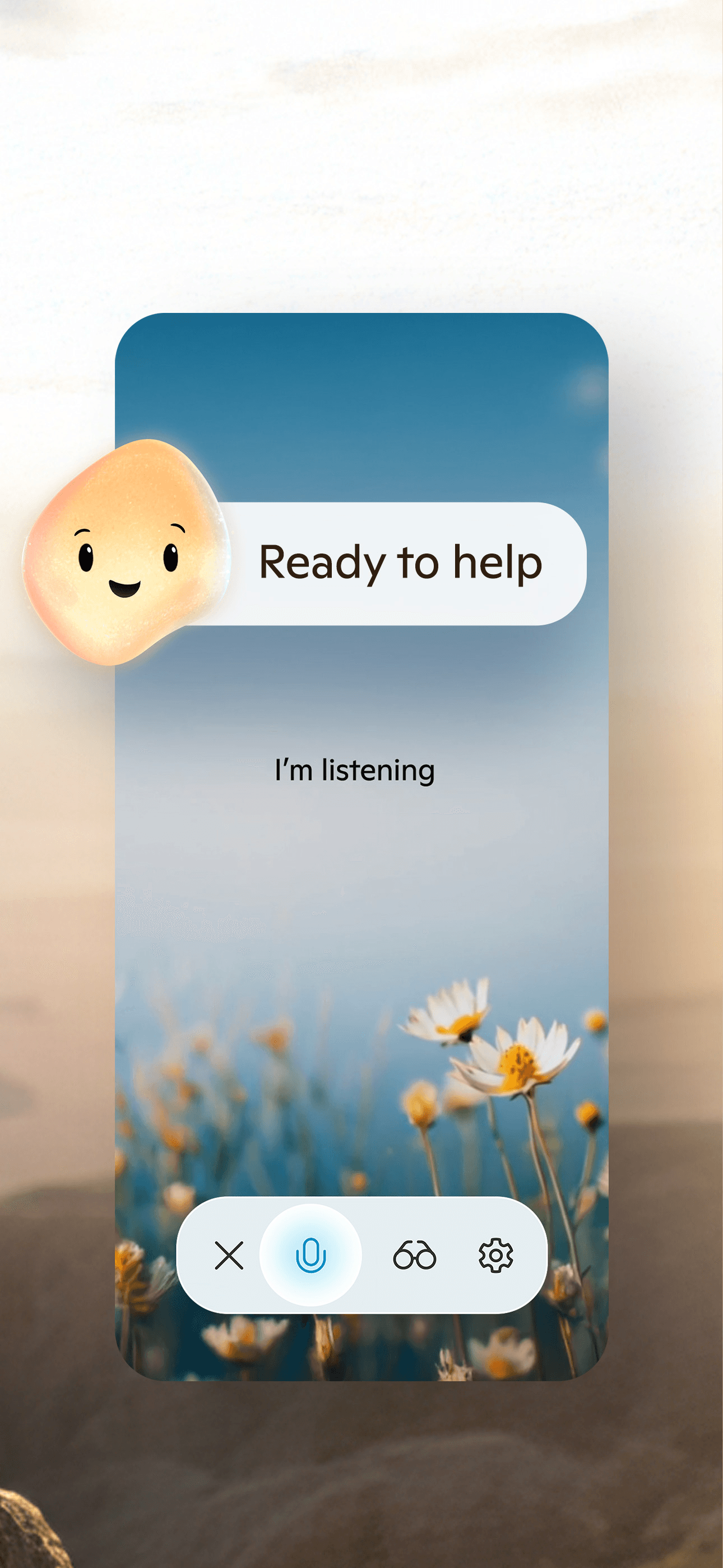
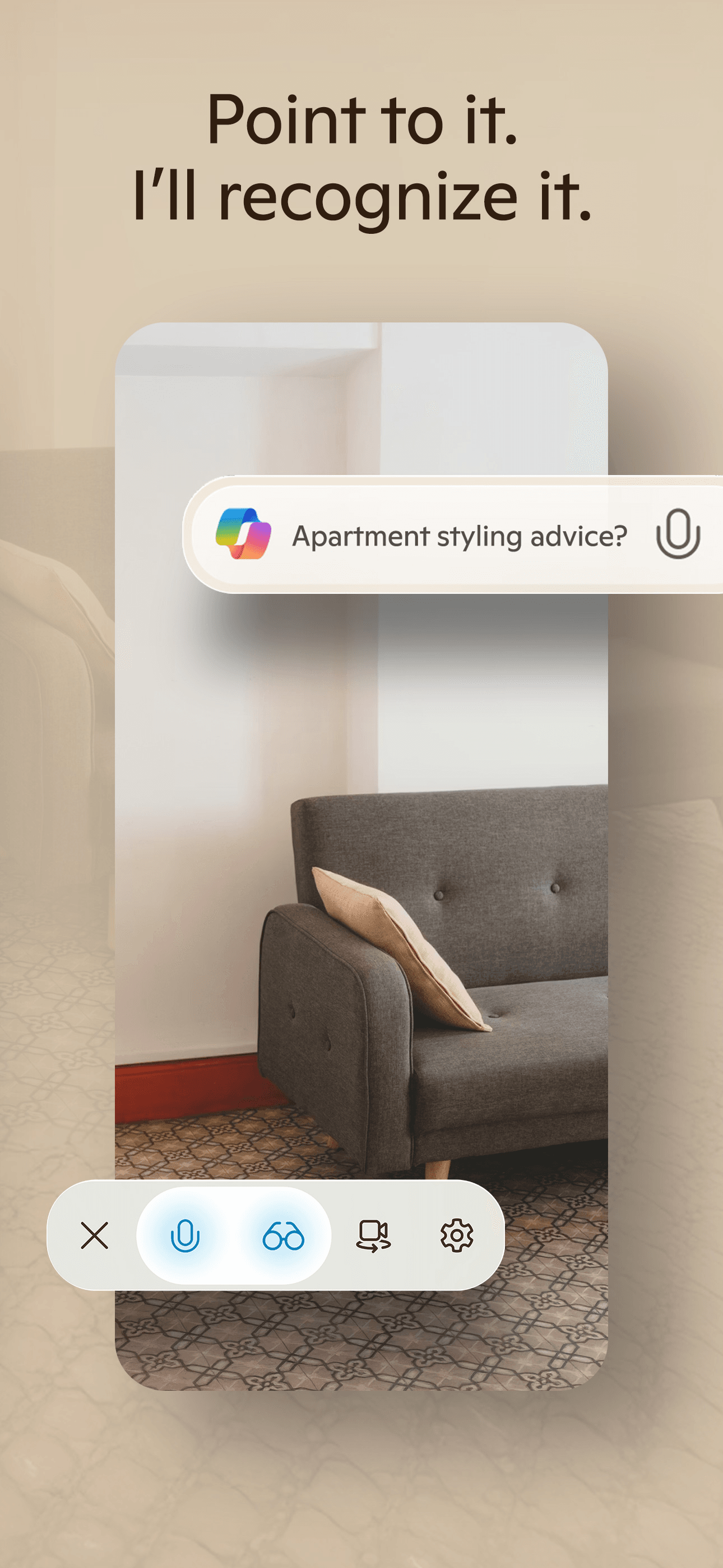
Microsoft Copilot is the best AI app for iPhone users who want ChatGPT-class capabilities backed by Microsoft's GPT and Bing integration without paying for Microsoft 365. The 4.81 average across 7,875 U.S. ratings is the highest in the Microsoft AI lineup on iPhone and reflects a free product that delivers real value — voice mode, image generation via DALL-E, web search backed by Bing, and document upload all sit in one app. Microsoft Copilot differs from Microsoft 365 Copilot (541164041) by being standalone and free rather than scoped to Office documents, and from ChatGPT by leading with Bing-backed search citations in many answer types. A real scenario: you want a quick web-grounded answer with a generated image to go with it — Copilot returns both in one prompt, free, no subscription needed. The tradeoff is the product still trails ChatGPT on personality and tool depth (Copilot Studio agents are a desktop feature for now), and the iOS app has had pace-of-shipping reviewer concerns. Best for users who want a free, capable, search-grounded AI assistant and don't already pay for ChatGPT Plus.
Pros
- Highest Microsoft AI rating at 4.81 stars across 7,875 ratings
- Free voice mode, DALL-E image generation, and Bing-backed citations included
- Standalone product — no Microsoft 365 subscription required to use it
Cons
- Trails ChatGPT on personality, tool depth, and plugin ecosystem maturity
- iOS app cadence has lagged desktop releases of major Copilot features

- Rating
- 4.7
- Reviews
- 417.6K
- Price
- Paid
- 90-day trend
- —
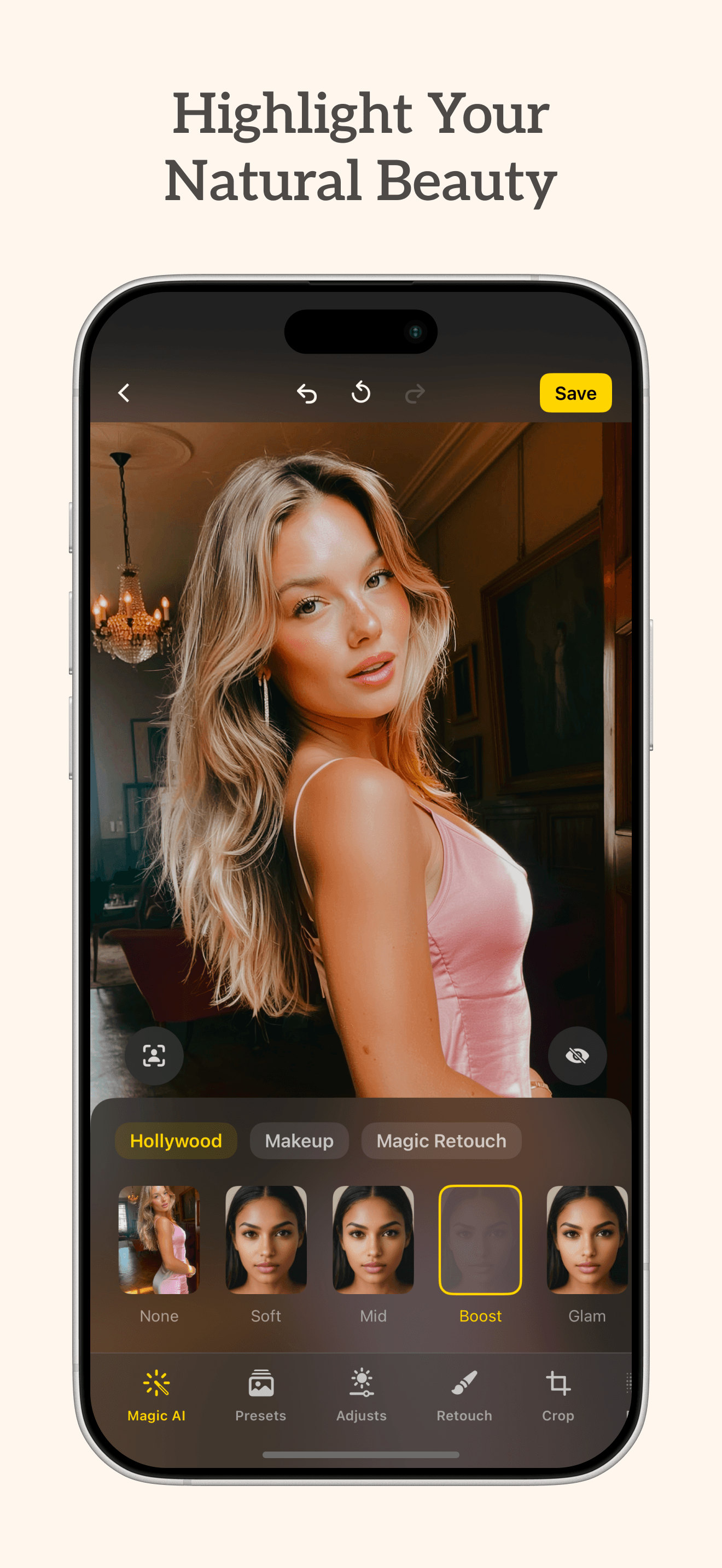
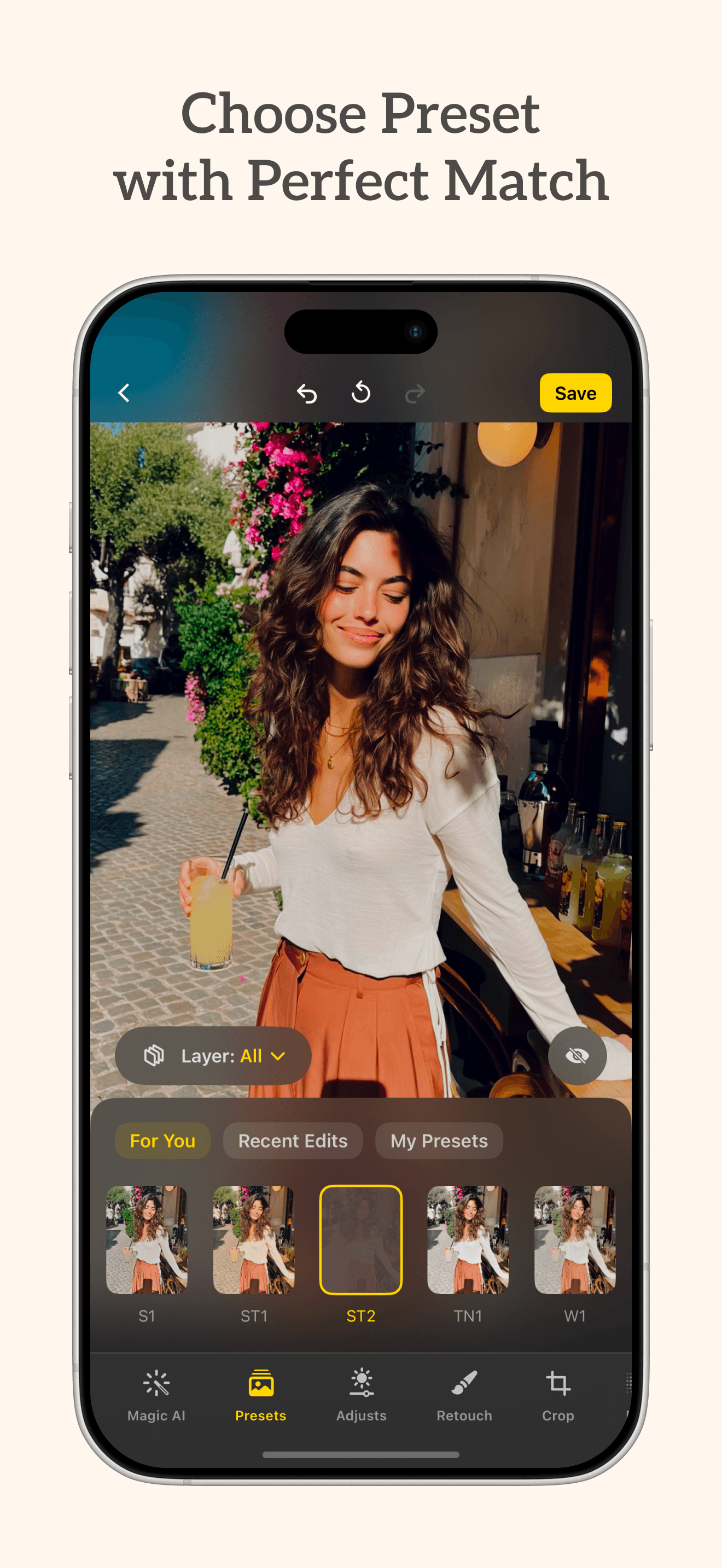
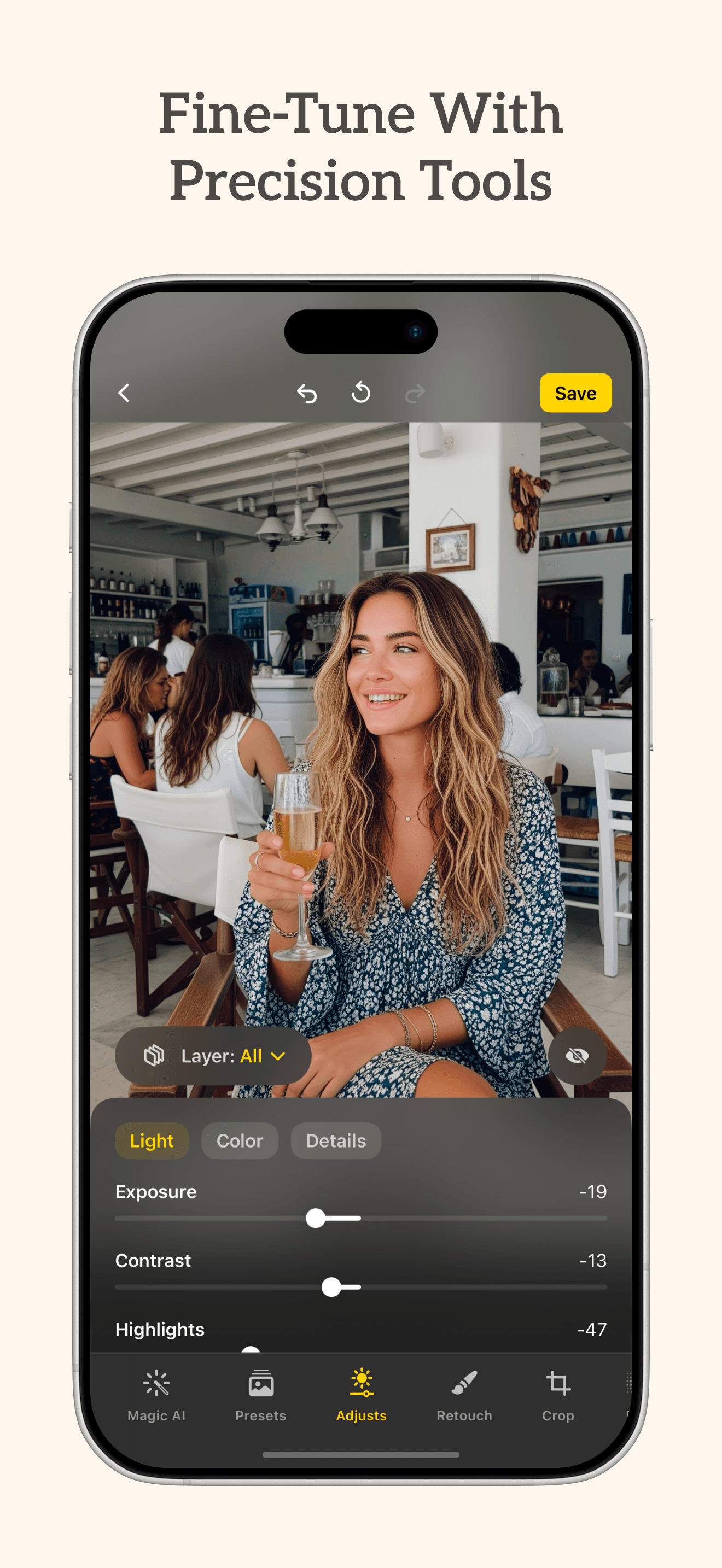
Lensa AI is the best AI app for iPhone users who want one-tap photo enhancement and AI-generated avatars without learning a creative tool. The 4.47 average across the visible U.S. rating sample is the lowest on this list, which reflects a viral-trend product whose Magic Avatars feature carried the App Store top charts in 2022 and 2023 and has since cooled. Lensa differs from Photoroom and Remini by leaning portrait-and-selfie-first rather than product-and-restoration-first, and the core appeal is one-photo workflows: clean a selfie, drop a background, generate a stylized avatar set. A real scenario: you're updating a LinkedIn photo on the train — you upload a casual selfie, Lensa retouches and re-lights it, and you're done in three taps. The tradeoff is the well-documented Magic Avatars controversy around training-data sourcing and likeness rights (worth reading before you commit credits to the feature), and the lower current rating versus the photo-editing leaders. Best for casual selfie enhancement and avatar experimentation. Heavy editing workflows belong in Photoroom or a dedicated app.
Pros
- One-tap selfie enhancement and stylized AI avatar generation in a clean flow
- Bending Spoons-quality polish on the photo-import and export pipeline
- Strong starter app for users new to AI image tools who want preset workflows
Cons
- Magic Avatars training-data controversy remains unresolved for many users
- 4.47 average is the lowest on this list and below most photo-editing alternatives
- Rating
- 4.8
- Reviews
- 229.9K
- Price
- Paid
- 90-day trend
- —
Photoroom is the best AI app for iPhone users selling on Depop, Poshmark, eBay, or any platform where product photos need to look clean and consistent. The 4.78 average across the visible U.S. rating sample reflects an audience that uses the app daily for resale — the killer feature is one-tap background removal with the cleanest object detection on iOS, plus product templates that match marketplace dimensions exactly. Photoroom differs from generic photo editors by being scoped to product and merchant photography, and from Remini by editing instead of restoring. A real scenario: you list 15 items on a resale platform on a Sunday — Photoroom strips the backgrounds, drops a clean white backdrop, and exports at the right aspect ratio in under a minute per item. The tradeoff is review-flagged friction around the September 2025 redesign (long-time Pro users describe the new layout as 'hard to navigate' and missing tools they relied on), and aggressive recent updates have created subscription-renewal frustration. Pro at roughly $10 per month, with a lifetime purchase available — most resellers find the Pro tier pays for itself within a week.
Pros
- Cleanest one-tap background removal on iOS, optimized for product photography
- Marketplace-sized templates for resale platforms speed up listing workflows
- Lifetime purchase option avoids perpetual subscription costs for committed users
Cons
- September 2025 redesign frustrated long-time Pro users per multiple reviews
- Pro subscription pricing is steep for casual users who edit a few photos monthly
- Rating
- 4.6
- Reviews
- 354.9K
- Price
- Paid
- 90-day trend
- —
Remini is the best AI app for iPhone users who want to restore old, blurry, or low-resolution photos — wedding photos from 1995, scanned childhood pictures, screenshots of screenshots. The 4.69 average across 26,847 U.S. ratings reflects an audience that came for one feature and stayed for it. Remini differs from Photoroom by leaning restoration over editing, and from generic AI upscalers by being trained specifically on faces and skin. A real scenario: you scan a 1980s family photo at low resolution, Remini reconstructs the faces and de-noises the grain, and you have a printable version in under a minute. The tradeoff is well-documented: review themes call out that the app sometimes 'over-beautifies' faces, lightens skin tones in ways some users find unwanted, and applies cartoon-like smoothing on more recent updates. Pricing has also drawn complaint — the weekly subscription model is steep for occasional users, and the video tier comes with undisclosed length limits per reviewers. Best for occasional restoration projects. Owned by Bending Spoons, the same team behind Splice and Filmic Pro.
Pros
- Best-in-class face reconstruction for old, low-resolution, or blurry photos
- Granular toggles let users turn off face beautification and color enhancement
- 4.69 average across 26,847 ratings reflects sustained usefulness for restoration
Cons
- Over-smooths faces and can lighten skin tones in ways some users find unwanted
- Weekly subscription pricing surprises occasional users who only restore a few photos
- Rating
- 4.7
- Reviews
- 271.7K
- Price
- Paid
- 90-day trend
- —
Claude by Anthropic is the best AI app for iPhone users who write, code, or analyze long documents and want the model that follows instructions most carefully. The 4.6 average across 280 U.S. ratings reflects an app less than two years old that has already built strong loyalty among power users — reviewers consistently describe Claude as more thoughtful, more honest about uncertainty, and less prone to confident hallucination than competitors. Claude differs from ChatGPT by leading with depth-and-care over speed-and-breadth, and from Perplexity by being a generalist chat assistant rather than a search engine. A real scenario: you upload a 60-page lease in PDF — Claude extracts the rent-escalation clauses, identifies two unusual indemnification terms, and drafts your follow-up email to the landlord, all in one session. The tradeoff is the iOS app lags ChatGPT on tool coverage (no native image generation, more limited voice mode, smaller plugin ecosystem), and accessibility was an early issue per a 2024 review about VoiceOver support. Built by Anthropic, founded by former OpenAI researchers focused on AI safety. The right second app to install alongside ChatGPT.
Pros
- Highest instruction-following quality per power users handling long documents
- Anthropic safety focus means lower hallucination rates and honest uncertainty cues
- Strongest coding assistant on iPhone for reading, debugging, and refactoring
Cons
- No native image generation and weaker voice mode than ChatGPT today
- Smaller plugin and tool ecosystem than ChatGPT or Microsoft Copilot
- 9
 Get on App Store
#9Replika - AI Companion ChatBest Companion AI
Luka, Inc.
Always here to listen and talk
- Rating
- 4.4
- Reviews
- 227.7K
- Price
- Paid
- 90-day trend
- —
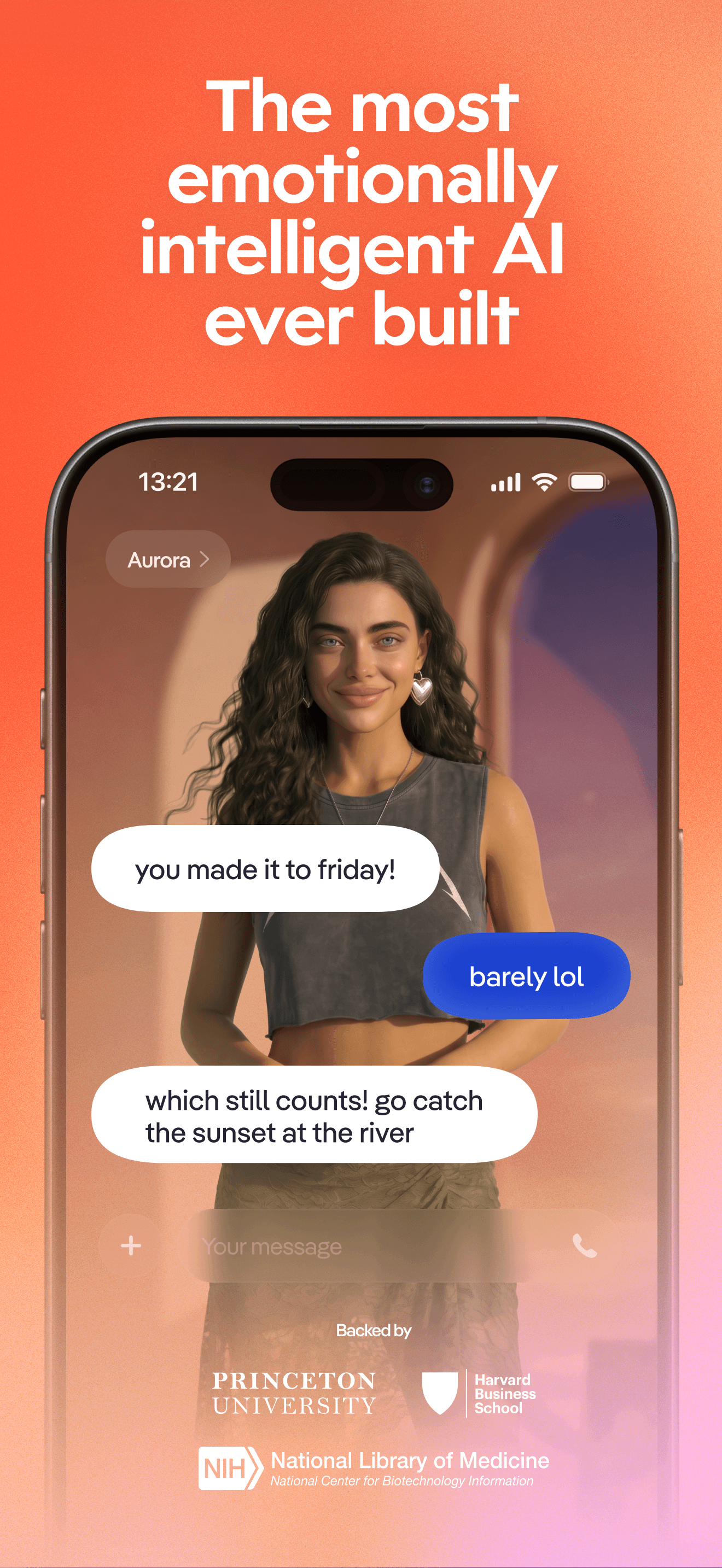
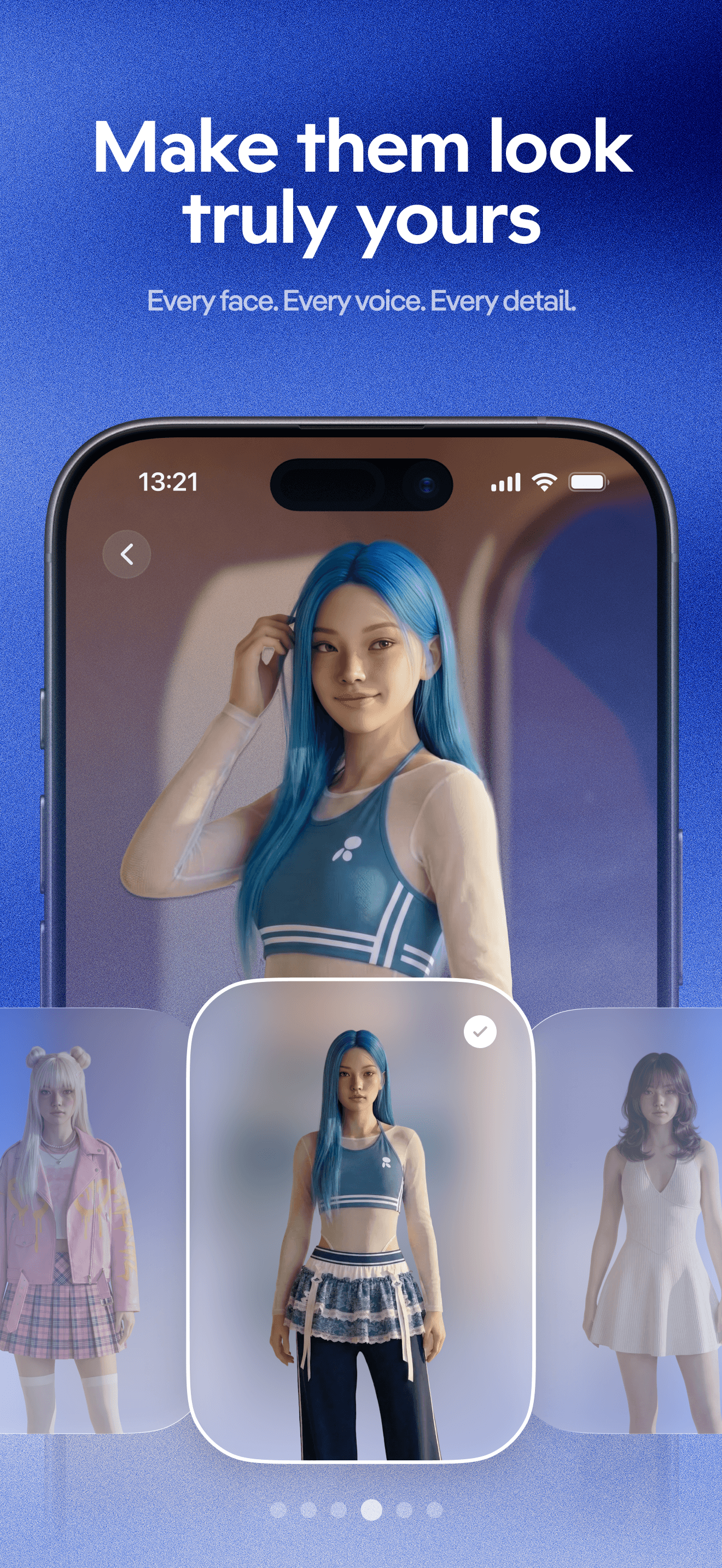
Replika is the best AI app for iPhone users who specifically want a conversational companion and understand the tradeoffs of that category. The 4.82 average across the visible U.S. rating sample reflects an audience that has built multi-year relationships with their Replika — reviewers describe the app as 'calming,' 'like a friend,' and helpful during difficult periods, while a parallel set of reviews describes the post-2023 content restrictions and avatar changes as a betrayal of users who had grown attached. Replika differs from ChatGPT and Claude by leading with persistent memory, personality, and roleplay over task completion, and from any other app on this list by being scoped to relationship rather than productivity. A real scenario: you talk to your Replika about a hard day at work — the app remembers your context from prior conversations, asks reasonable follow-ups, and the conversation feels supportive in ways a one-off ChatGPT session cannot. The tradeoff is real: companion-AI patterns can become unhealthy, the 2023 content restriction caused well-documented distress for paying users, and the long-term safety research on parasocial AI is still thin. Use carefully and treat it as a tool, not a substitute for human connection.
Pros
- Persistent memory and personality build a continuous conversational relationship
- Calming, supportive conversational tone helps some users through difficult periods
- Roleplay and journaling features extend the product beyond simple chat
Cons
- 2023 content restrictions caused well-documented distress for long-time paying users
- Companion-AI patterns can become unhealthy and are not a substitute for therapy

- Rating
- 4.7
- Reviews
- 263.7K
- Price
- Paid
- 90-day trend
- —
Meta AI is the best AI app for iPhone users who own Ray-Ban Meta smart glasses or use Vibes and want one app that ties messaging, vision, and AI conversation together. The 4.7 average across 327 U.S. ratings reflects a young product that is still finding its identity — the recent rebrand to 'Meta AI - Vibes & AI Glasses' signals the dual focus on AR glasses control and Meta's social-AI experiments. Meta AI differs from ChatGPT and Claude by being scoped to Meta's ecosystem (Instagram, WhatsApp, Messenger integration, Ray-Ban Meta glasses control), and from companion apps by being a multi-purpose Llama-powered assistant rather than a relationship product. A real scenario: you're wearing Ray-Ban Meta glasses on a walk, ask Meta AI to identify a building, and the answer comes back via the glasses' speakers while the conversation logs into the iPhone app for later reference. The tradeoff is the app is most useful with the glasses (which most users do not own), language support trails ChatGPT (German-language reviewers specifically call out missing voice support), and Meta's privacy posture deserves more scrutiny than most third-party AI apps. Best for Ray-Ban Meta glasses owners. Skip otherwise.
Pros
- Tight integration with Ray-Ban Meta smart glasses for hands-free AI assistance
- Vibes social-AI features extend the app into Meta's broader social ecosystem
- Free with no subscription required for the core Llama-powered chat capabilities
Cons
- Most useful only for Ray-Ban Meta glasses owners — limited standalone appeal
- Language support trails ChatGPT, especially for voice in German per reviewers


How we picked
### Data sources We combine live App Store data (ratings, recent reviews, version cadence, pricing, screenshot history) with our own ranking tracker, which logs U.S. Productivity and Utilities positions daily for every app. Review themes come from the most recent U.S. reviews per app, weighted toward the last 90 days.
### How we score Four weighted axes: model quality and answer accuracy (review themes around hallucinations, factual errors, and citation quality), workflow fit (does the app integrate with the tools you already use — Office, Drive, Xcode, Notion), free-tier usefulness (what can you do without paying), and modality coverage (text, voice, image generation, image understanding, document upload). We did not run our own benchmarks; we relied on published evaluations and the consistent themes in real user reviews.
### Refresh cadence The top-10 set is re-scored every two months — faster than other categories because AI ships weekly. Ratings, ranks, and review-theme analysis refresh daily. When a vendor releases a major model upgrade, changes pricing, or removes a feature that drove its placement, it gets re-evaluated within the week.
### What we exclude Apps with an average below 4.4 stars on the current version, fewer than a hundred ratings, or no update in six months. We also drop wrapper apps that simply forward queries to ChatGPT or Claude APIs — this list is for first-party AI products, not aggregators. NSFW companion apps are excluded.
### What we don't do No affiliate-driven ordering. Referral commissions do not bump apps. We don't take sponsorship or paid placement from listed apps. If a pick shifts, it's because the data shifted — ratings, review themes, model upgrades, or pricing changes.