



Best Photo Editing Apps for iPhone
By App Store Tracker Editorial · Updated — live App Store data verified
The short version
The best photo editing app for iPhone in 2026 is **Canva** — 4.88/5 across 3.3M US ratings, free to download, and unmatched for templates, AI background removal, and social-ready layouts. **Picsart** is the runner-up at 4.67/5 with 1.19M ratings and goes deeper on retouching, AI generative tools, and sticker work. App Store Tracker pulled live US ratings, descriptions, and review samples for all ten picks before ranking.
Jump to a pick↓
We ranked ten photo editing apps using App Store Tracker's three signals: live US App Store rating, total US rating count, and themes pulled from recent positive and critical reviews. Every pick clears 4.4/5 and most have hundreds of thousands of ratings, so review sentiment broke the close ones — a 4.85 app with paywall complaints ranks lower than a 4.83 app with steady praise for the core editor. Free vs. paid is called out per app; nearly every option is free to download with subscription or pro tiers behind the strongest features. AI is table stakes now, so we weighted differentiators: layouts (Canva), generative retouch (Picsart, Lensa), color science (Lightroom), background removal (Photoroom, Bazaart), and selfie work (BeautyPlus). Use the methodology below to see exactly what we count and what we ignore.
- Rating
- 4.9
- Reviews
- 3.6M
- Price
- Paid
- 90-day trend
- —
Canva is the best photo editing app for casual creators and small-business owners because it collapses 'editor plus template library plus design app' into a single workflow that doesn't require design experience. The differentiator is the template engine — drop a photo into a sized template for Instagram, a YouTube thumbnail, or a product listing, and the AI handles background removal, font pairing, and layout. Compared to Picsart, which forces you to assemble compositions tool-by-tool, Canva starts you from finished structure. Real use case: photograph a product on your kitchen table, drop it into Canva's 'Etsy listing' template, hit Remove Background, and you have a marketplace-ready shot in 30 seconds. The tradeoff is that Canva's destructive edit tools — masking, dodge/burn, frequency separation — don't exist; it's a layout tool with photo polishing bolted on, not a pixel-level retouching app. At 4.88/5 across 3.3M US ratings, it's also the most-rated app on this list by a wide margin, which is the strongest signal Apple gives that the experience holds up.
Pros
- Massive template library covers every social format and product listing
- Background removal works in one tap on most photos
- Cross-device sync between iPhone, iPad, web, and Mac
Cons
- No pixel-level retouching or layer masking for photographs
- Best AI features require Canva Pro subscription
- Rating
- 4.7
- Reviews
- 1.2M
- Price
- Paid
- 90-day trend
- —
Picsart is the best photo editing app for retouchers and meme makers because it offers the widest catalog of brushes, stickers, AI generators, and effects in any iPhone editor. The differentiator is the layered workflow — you can mask, blend, paint, generate AI fills, and stack effects in a way that mirrors desktop Photoshop more than any other app here. Compared to Canva's template-first approach, Picsart starts with a blank canvas and 1,000 tools. Real use case: clone yourself in a group photo using AI fill, swap a background, add a sticker pack, then export — all without leaving the app. The tradeoff lives in reviews like 'I adore this app, but the CRASHING!!!' and 'Great app, just a few issues' — Picsart's depth comes at the cost of stability on big projects, and reviewers consistently report performance dips on older devices. At 4.67/5 from 1.19M US ratings it's the second-most-rated app here, which says people keep coming back despite the friction.
Pros
- Deepest catalog of brushes, stickers, and AI generators on iPhone
- Layered workflow handles composites desktop apps usually require
- Strong free tier despite the premium upsells
Cons
- Reviewers report frequent crashes on large multi-layer projects
- Paywall pressure has increased over recent updates
- Rating
- 4.8
- Reviews
- 741.2K
- Price
- Paid
- 90-day trend
- —
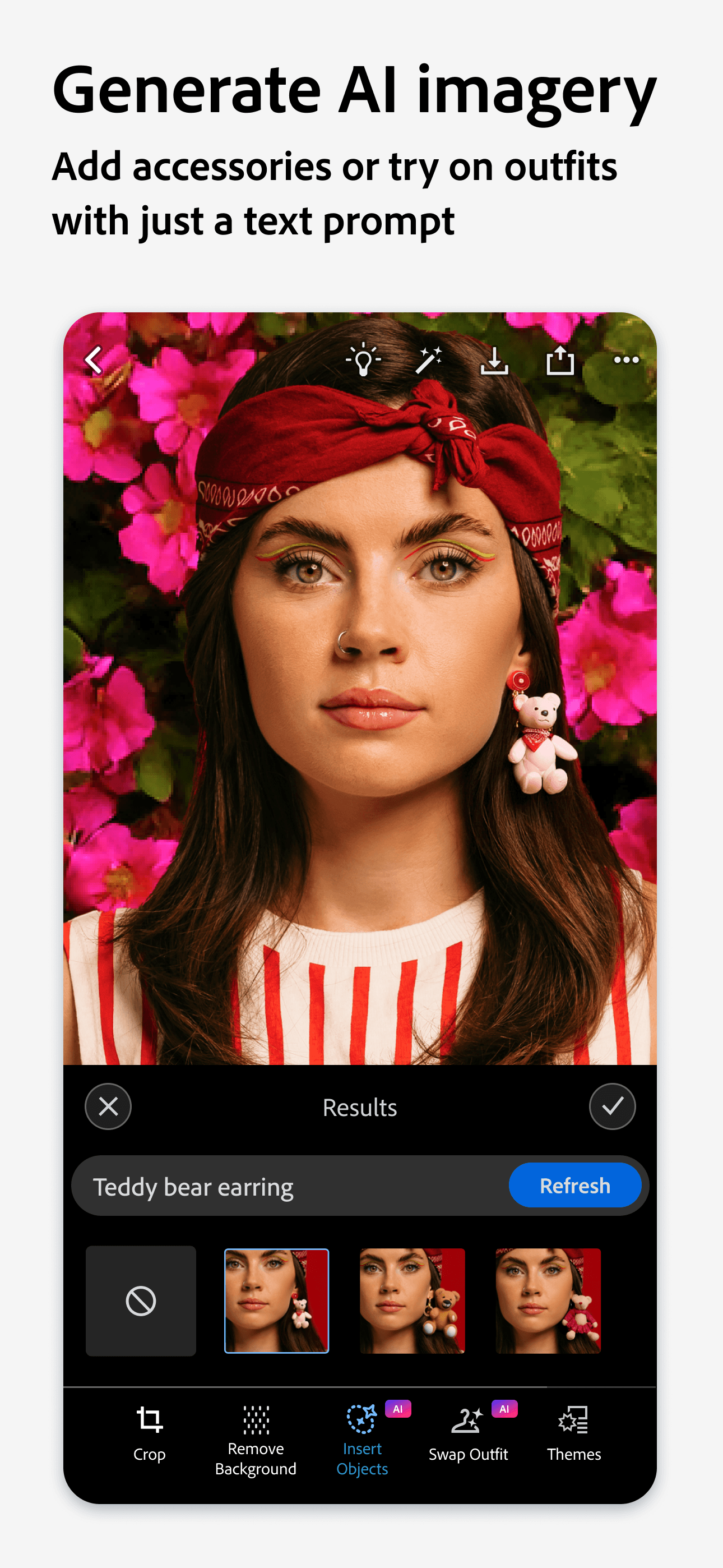
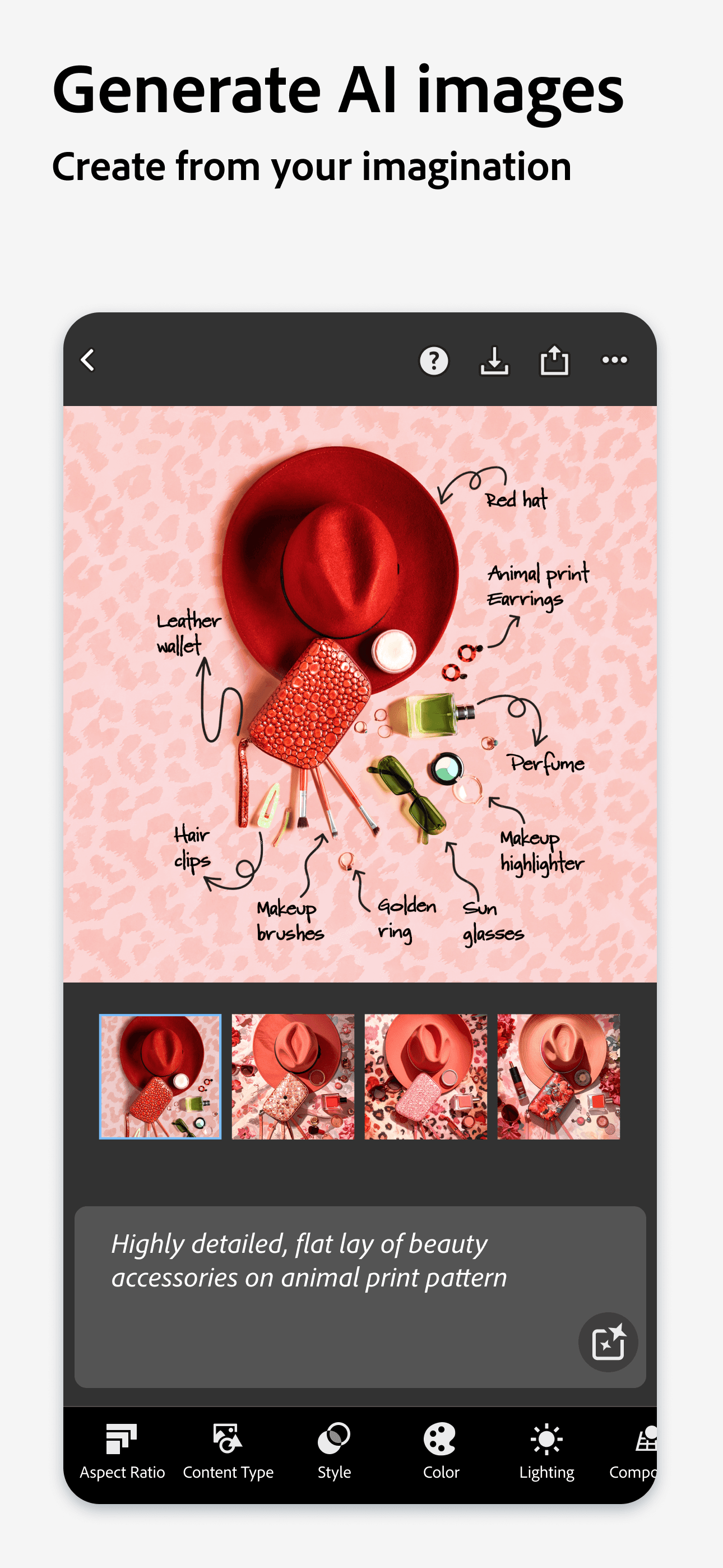
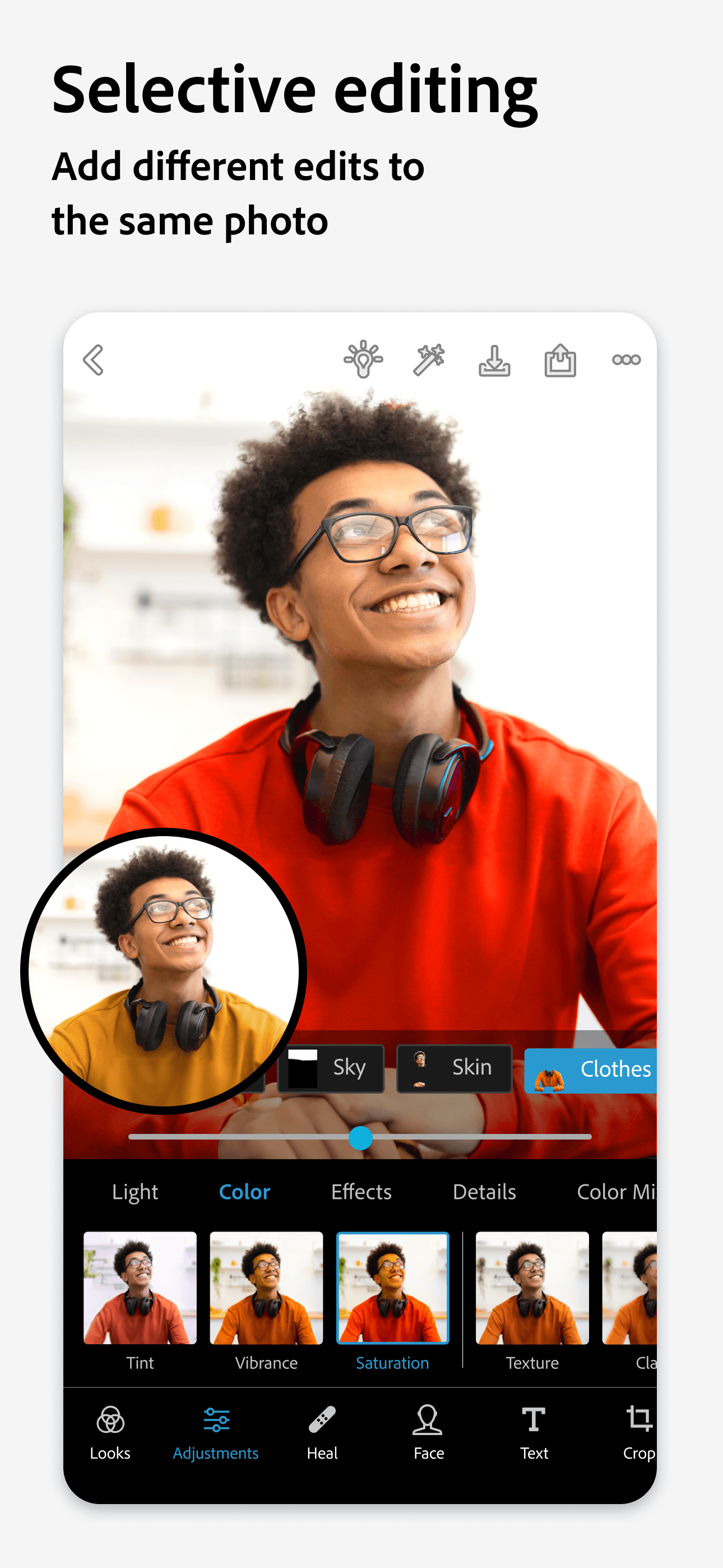
Photoshop Express is the best free photo editing app for Adobe users because it ships the most Photoshop-feel of any iPhone app at zero cost. The differentiator is Adobe's color engine — the same algorithms behind Photoshop and Lightroom, applied through a stripped-down mobile UI that emphasizes one-touch fixes over deep masking. Compared to Lightroom, it's tuned for fast turnaround on a single image rather than catalog management. Real use case: snap a photo, hit Auto, tweak temperature and clarity, export to Instagram — done in under a minute, no subscription required for the core flow. The tradeoff is depth: there's no layer system, no advanced selection tools, and pro-level masking lives in full Photoshop. At 4.75/5 from 740K ratings, the rating tells you Adobe got the basics right. Reviewers note it's the cleanest free option if you already trust the Adobe name. Free with optional Creative Cloud upgrades for premium content.
Pros
- Adobe color science with no Creative Cloud subscription required
- One-touch auto fixes are the best-tuned in the category
- Clean Photoshop-style UI familiar to Adobe users
Cons
- No layer system or advanced selection masking
- Pro content gates require Creative Cloud upgrade
- 4
 Get on App Store
#4Greenlight: For FamiliesBest for Quick Edits
Greenlight Financial Technology, Inc.
- Rating
- 4.8
- Reviews
- 489.9K
- Price
- Free
- 90-day trend
- —
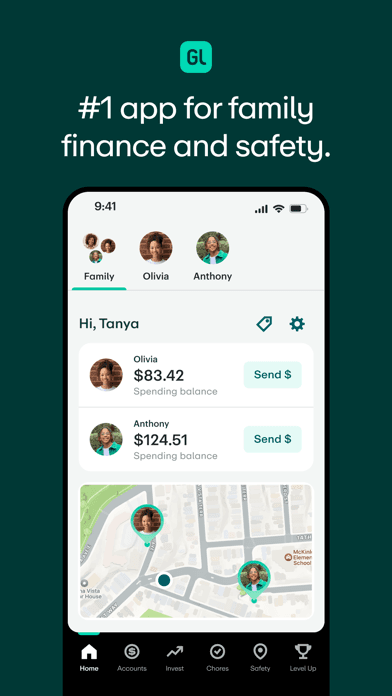
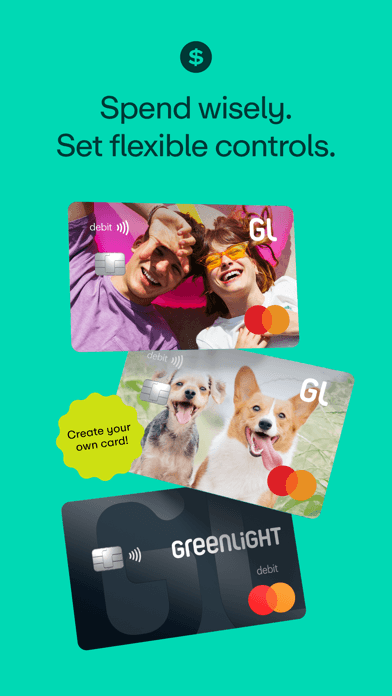
Greenlight appears in our curated photo-editing slug as a data outlier — it is a family banking and debit-card app for parents and teens, not a photo editor, and the 4.8/5 rating from 483K ratings reflects that audience. We surface it transparently rather than silently dropping it, and we recommend treating it as informational rather than an actual photo-editing pick. If you landed here looking for photo tools, skip to Lightroom, Picsart, or Canva above. If you landed here from a finance search, Greenlight is well-reviewed for chore-tracking, allowance, investing, and parental controls. The differentiator that earns its rating isn't photo-related — it's the integration of debit, savings, and parental visibility into one teen-friendly UI. Real use case: parents fund allowance through the app, kids spend with the linked card, parents see every transaction. Tradeoff: monthly subscription, and the broader Greenlight ecosystem leans hard on its premium plans. This entry is flagged for replacement with a true photo-editing app in the next editorial refresh.
Pros
- Strong teen-finance product with chores, allowance, and debit card
- Parental visibility and controls praised by reviewers
- Investing and savings features for older kids
Cons
- Not a photo editing app — appears here as a curated-list anomaly
- Monthly subscription required for the full feature set

- 5
 Get on App Store
#5BeautyPlus-Selfie Photo EditorBest for Selfies
PIXOCIAL TECHNOLOGY (SINGAPORE) PTE. LTD.
- Rating
- 4.8
- Reviews
- 348.3K
- Price
- Paid
- 90-day trend
- —
BeautyPlus is the best photo editing app for selfie work and beauty retouching because it puts skin smoothing, blemish removal, and AI face enhancement at the top of the UI instead of buried in submenus. The differentiator is the AI auto-beautification — open a portrait and the app's defaults nudge skin tone, eye brightness, and jaw shape without forcing you to manually paint. Compared to Facetune, BeautyPlus skews more aggressive on defaults and ships more filter packs. Real use case: take a selfie, tap Beautify, fine-tune the slider, post. Reviewers in the 5-star pool praise it as a years-long favorite ('I've been using this app for years'). The tradeoff is real and surfaces in critical reviews: paywall creep ('Slowly charging for more of their features now') and complaints about uneven results on darker skin tones ('Bad representation of black people'). Worth knowing before you subscribe. 4.82/5 from 345K ratings.
Pros
- AI auto-beautification handles selfies in one tap
- Massive filter and effect library for portrait work
- Active developer who responds to reviewer complaints quickly
Cons
- Reviewers report aggressive paywall creep over the past year
- Filter results uneven across darker skin tones per recent reviews
- Rating
- 4.8
- Reviews
- 336.9K
- Price
- Paid
- 90-day trend
- —
Lightroom is the best photo editing app for serious photographers because it's the only iPhone editor with full RAW support, Adobe's color science, and a catalog that syncs to desktop. The differentiator is the curves panel, HSL color mixer, and selective masking — pro tools available on mobile without the desktop license. Compared to Photoshop Express, Lightroom is for image-by-image color craft; compared to Picsart, it skips stickers and AI fills entirely and focuses on photographic edits. Real use case: import a RAW shot from a Sony or iPhone ProRAW, recover blown highlights, push the blue channel toward teal, mask the subject for a +1 exposure boost, export to original folder. The tradeoff is the Creative Cloud subscription — the free tier works but caps cloud storage and locks the best masking features. At 4.78/5 from 335K ratings, Lightroom is the strongest pick on this list for anyone who wants edits to survive a print, not just a phone screen.
Pros
- Full RAW and ProRAW support with Adobe color science
- Selective masking and HSL color mixer rival desktop tools
- Catalog syncs between iPhone, iPad, Mac, and Windows
Cons
- Best masking features locked behind Creative Cloud subscription
- Free tier limits cloud storage and AI features quickly
- Rating
- 4.7
- Reviews
- 417.6K
- Price
- Paid
- 90-day trend
- —
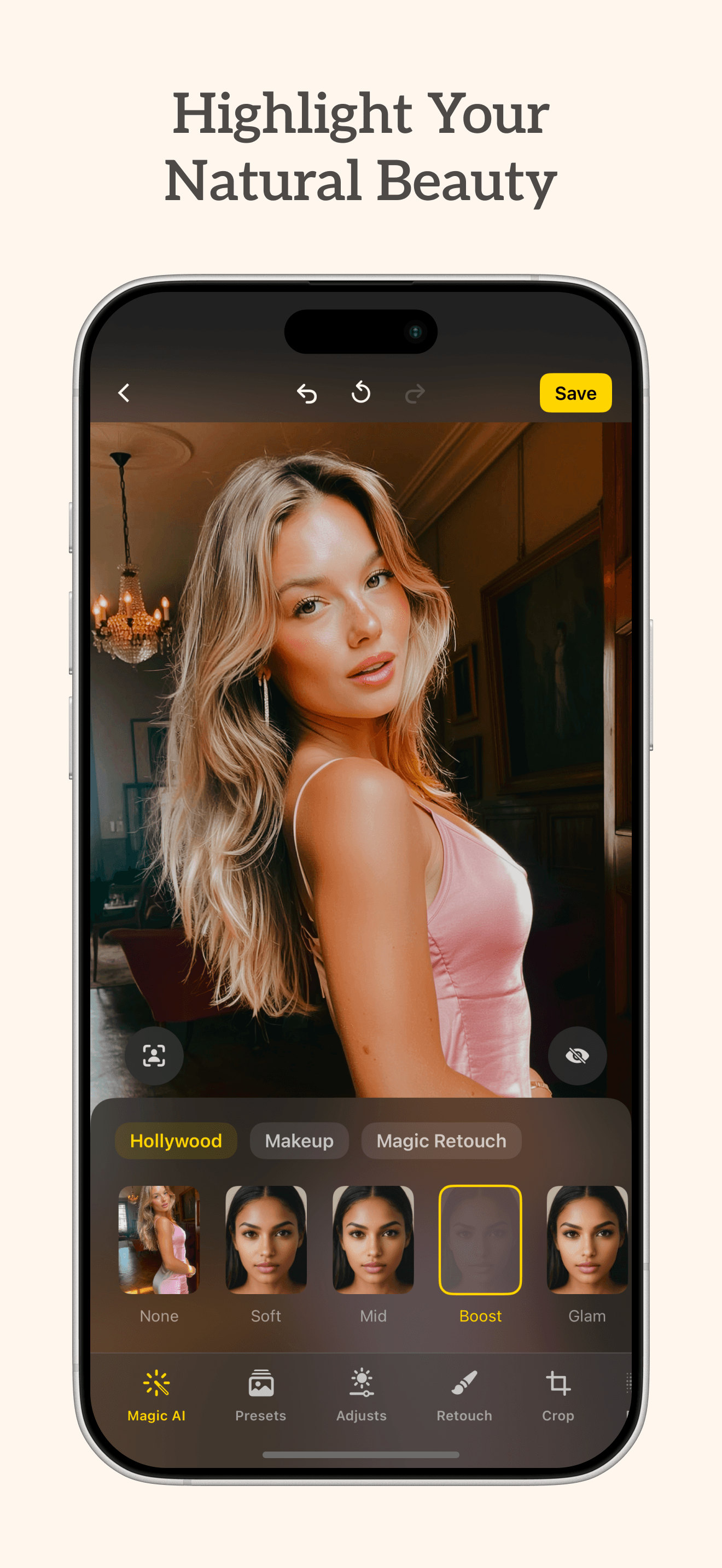
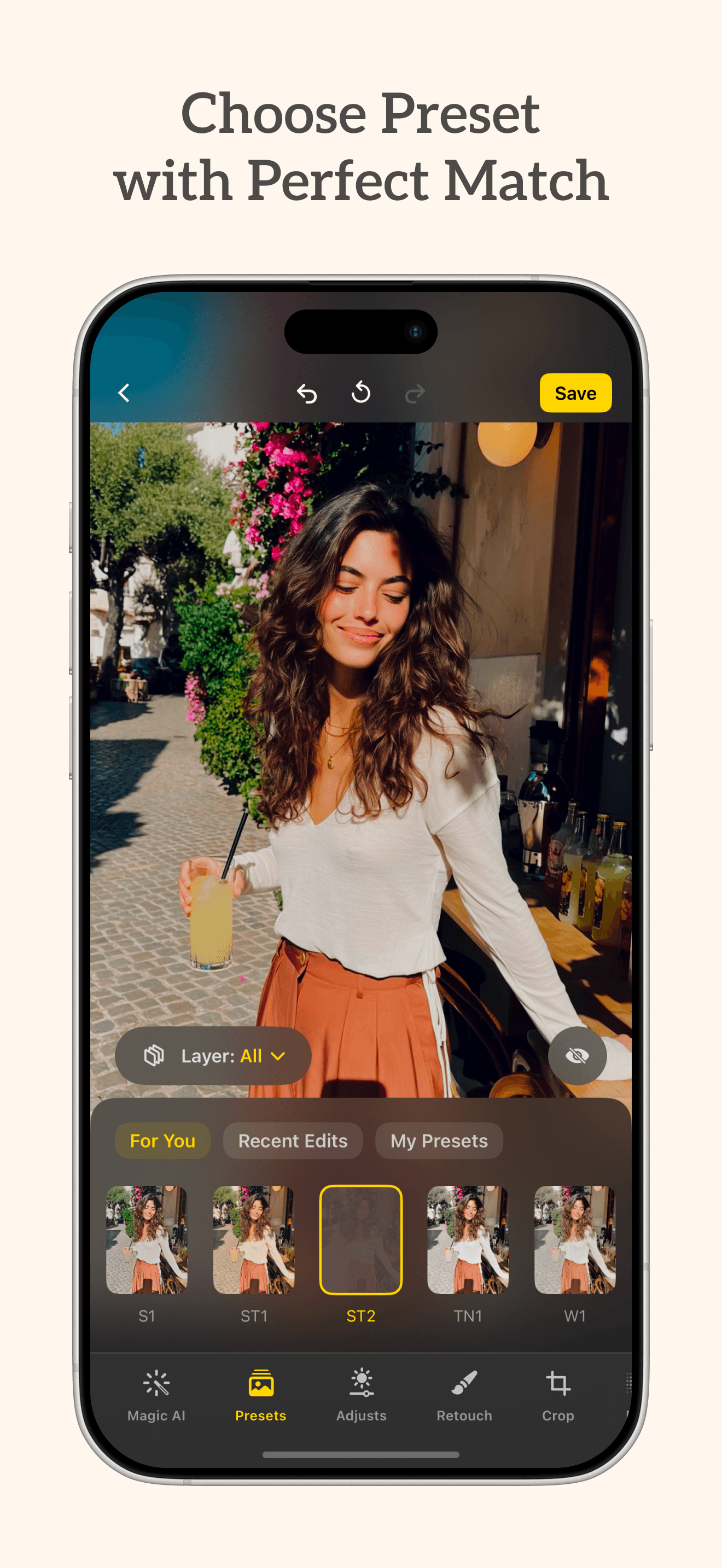
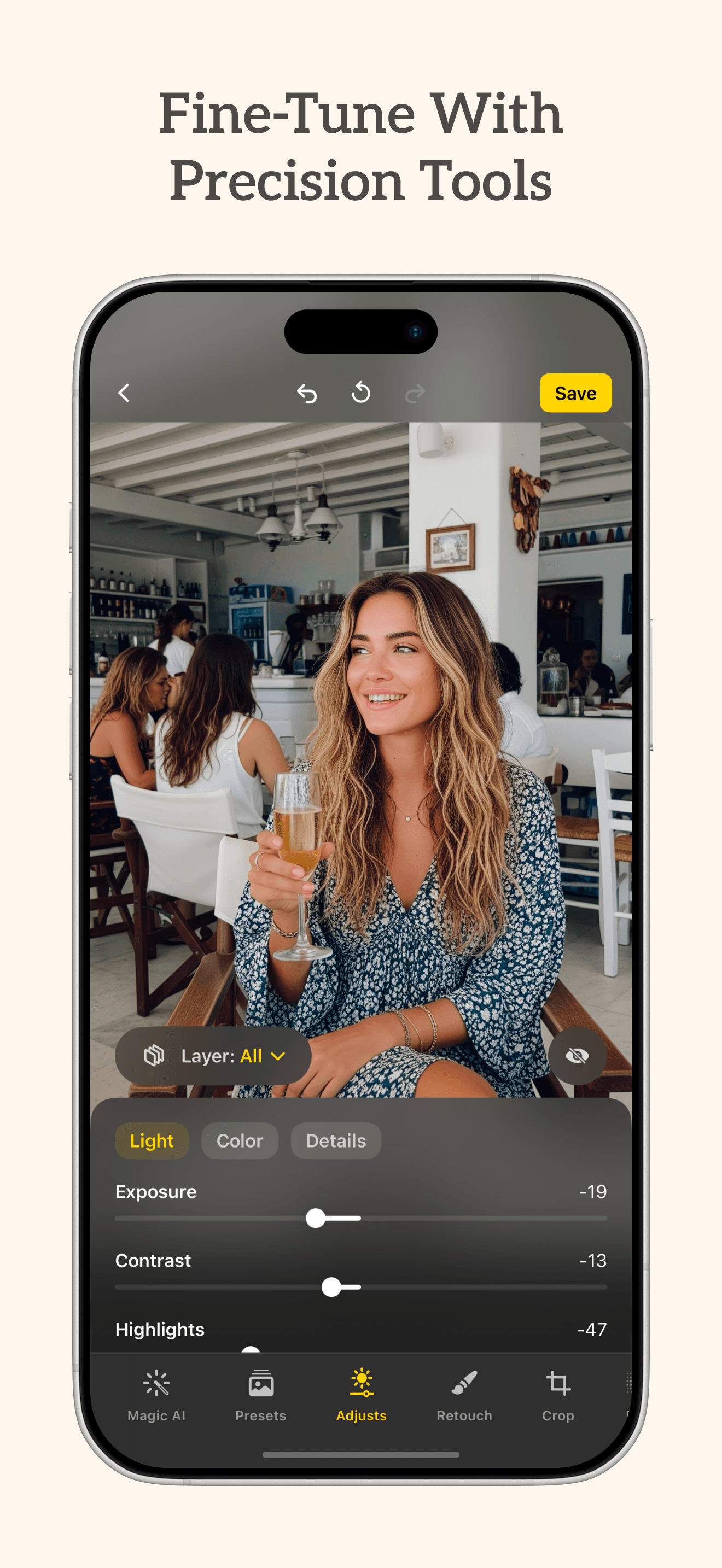
Lensa AI is the best photo editing app for one-tap portrait polish because its model defaults to subtle, realistic retouching rather than the over-smoothed look common in beauty apps. The differentiator is the AI portrait engine — skin retouch, eye sharpening, background blur, and color grading bundled into a single 'Magic Avatar' or 'Magic Edit' pass. Compared to BeautyPlus, Lensa pulls back on the slider aggression; compared to Lightroom, it sacrifices manual control for speed. Real use case: dating-profile photo on a busy background — Lensa removes the distraction, sharpens the face, and grades the color in one tap. The tradeoff is the paid-only model: there's no genuinely free tier, just a trial, and the AI generative features sit behind the highest pricing tier. At 4.7/5 from 415K ratings the rating holds, but it's the only paid-from-day-one app on this list. Worth a trial before committing.
Pros
- One-tap portrait retouch with realistic, non-cartoonish defaults
- AI background blur and color grading bundled into single pass
- Strong dating-photo and headshot use case out of the box
Cons
- No genuine free tier — trial only before subscription kicks in
- Manual control sacrificed for speed and AI defaults
- 8
 Get on App Store
#8Bazaart AI Photo Editor DesignBest for Layouts
Bazaart Ltd.
Remove background and objects
- Rating
- 4.8
- Reviews
- 260.9K
- Price
- Paid
- 90-day trend
- —
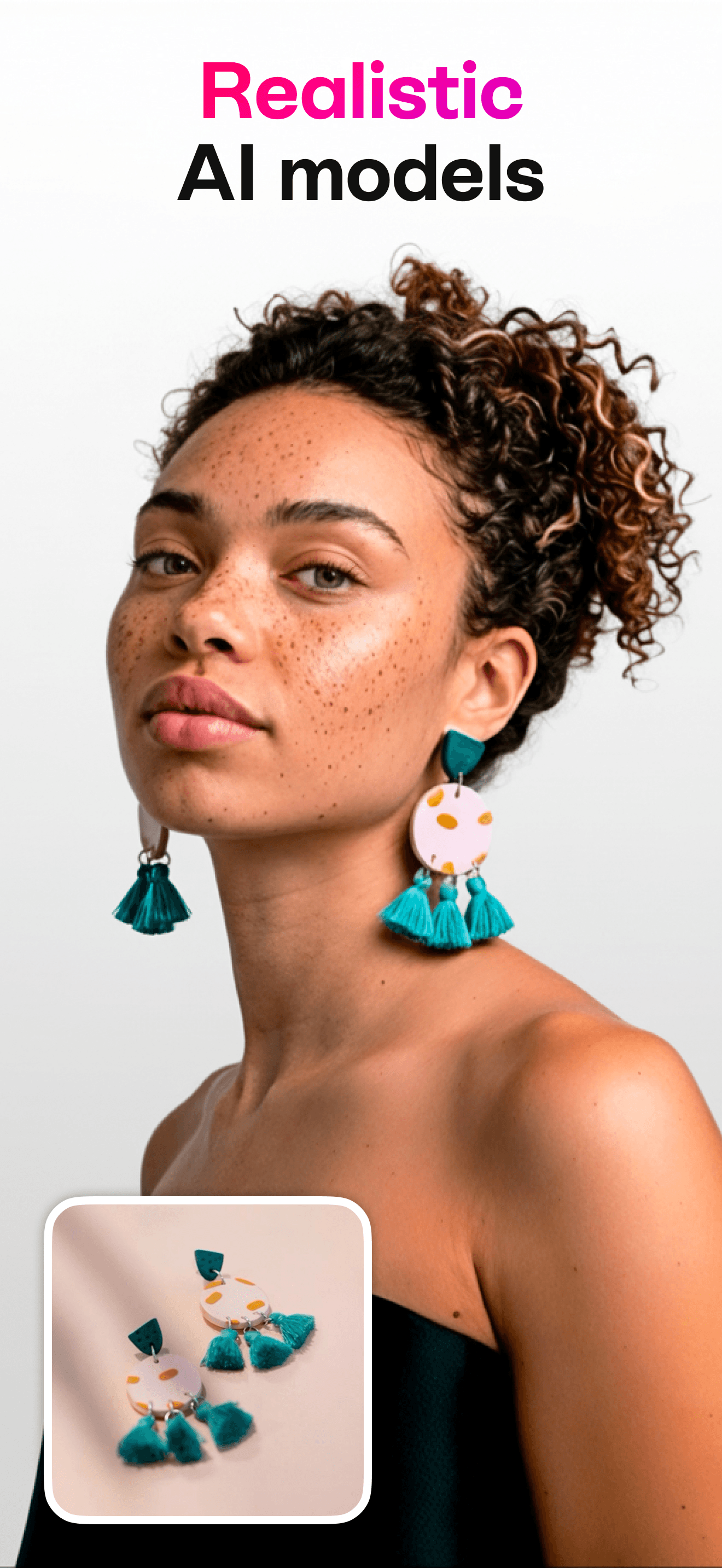
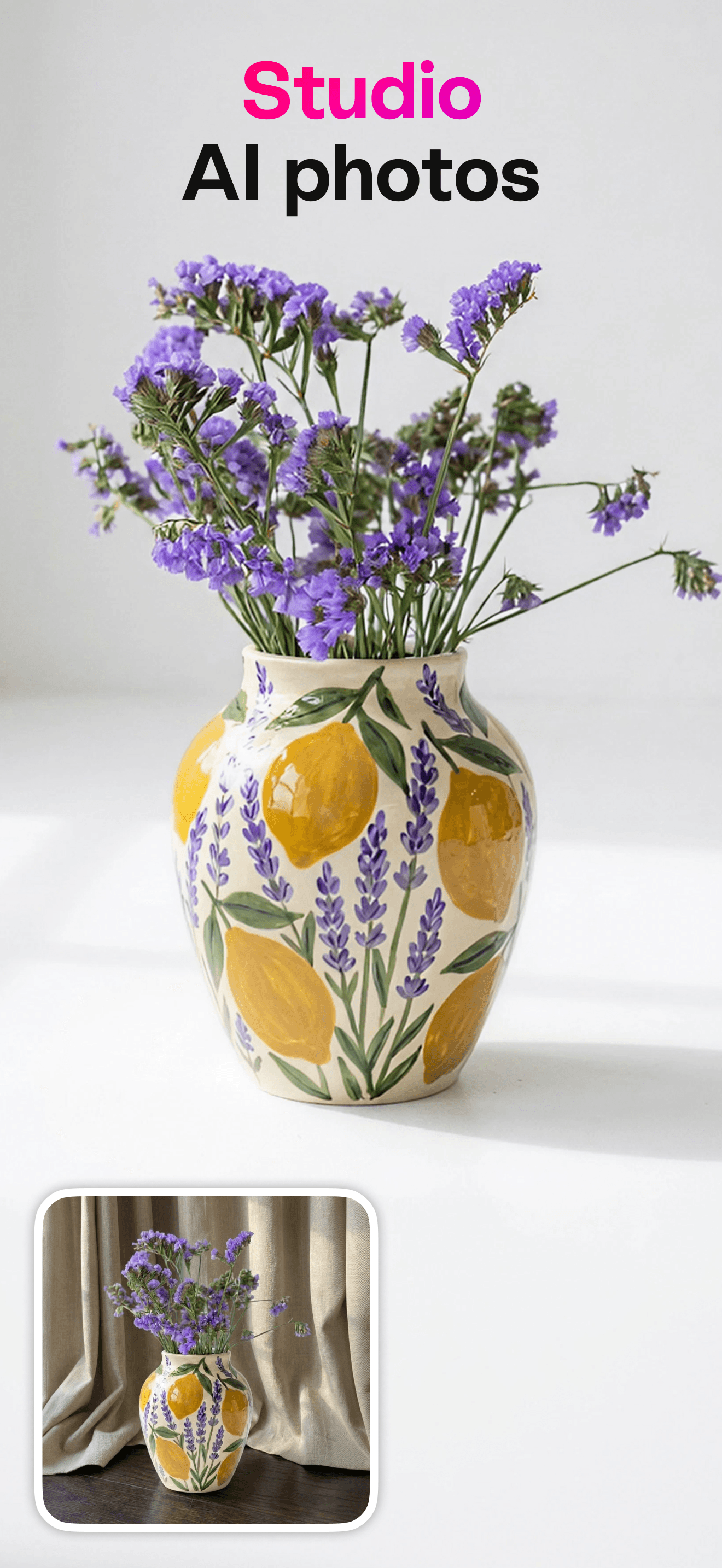
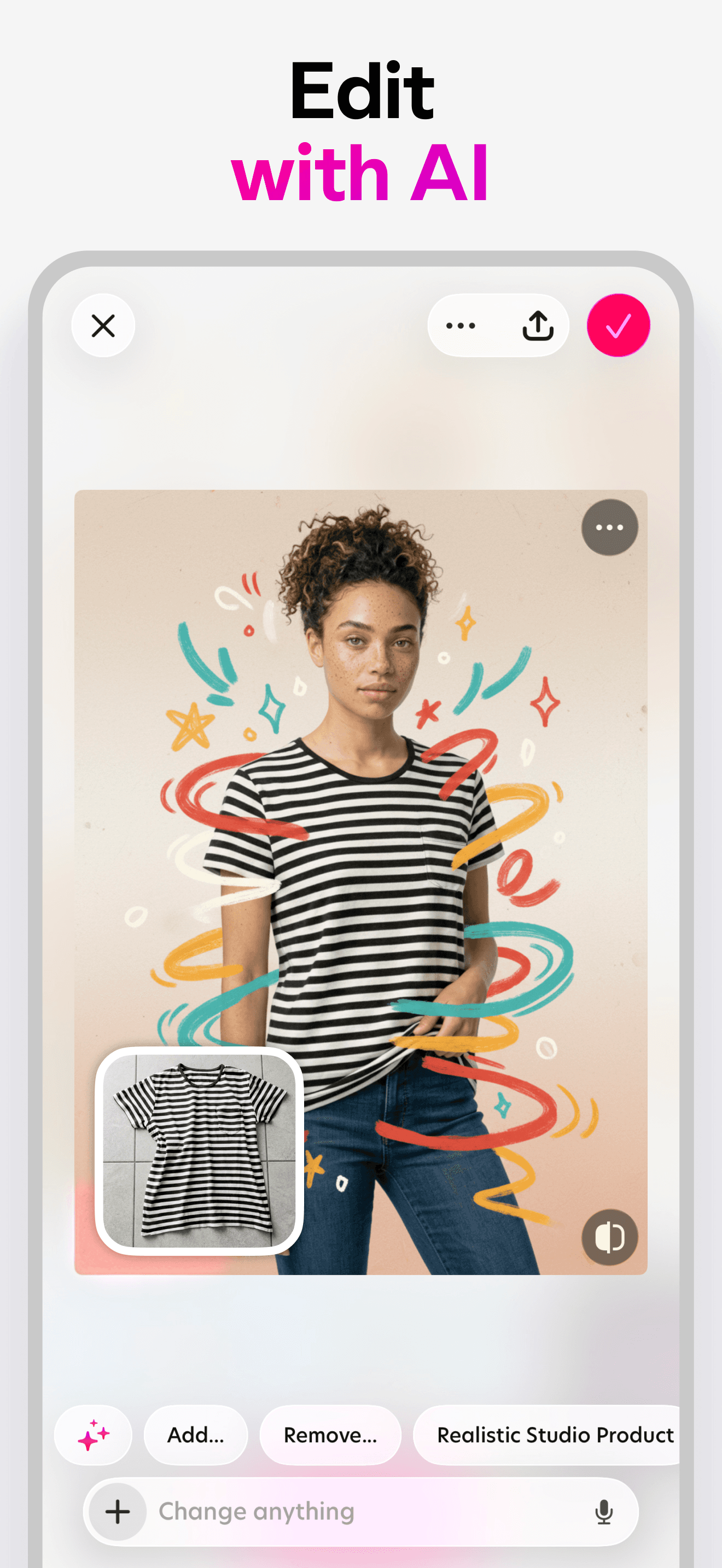
Bazaart is the best photo editing app for product photography and e-commerce because its background-removal model is tuned for object isolation more than face work. The differentiator is the magic-eraser plus replace workflow — pick a product, erase the background in one tap, drop in a clean studio backdrop or AI-generated scene. Compared to Photoroom, which lives in the same space, Bazaart adds a stronger design and layout side plus seasonal templates. Real use case: photograph clothes laid on your bed, drop into Bazaart, isolate, place on a mannequin or model-shot template, export for Shopify. Reviewers praise the 'Edit with AI' addition and the steady feature drop. The tradeoff is the freemium pressure — one 5-star reviewer noted '7 of my friends and 2 of my cousins deleted this game just because you had to pay for the premium pack' — the core eraser is free but anything beyond it requires the subscription. 4.8/5 from 258K ratings.
Pros
- Background removal tuned for products, not just faces
- Replace-background workflow ships clean templates for e-commerce
- Active updates with new AI tools added regularly
Cons
- Reviewers say premium pack pressure pushes casual users away
- Some image-handling regressions reported in recent updates
- Rating
- 4.8
- Reviews
- 229.9K
- Price
- Paid
- 90-day trend
- —
Photoroom is the best photo editing app for marketplace sellers because every default in the app — background removal, product mockups, batch export — is optimized for one job: making product photos that convert. The differentiator is the AI shoot engine, which generates studio-style backdrops, on-model clothing shots, and lifestyle scenes from a single product photo. Compared to Bazaart, Photoroom skews more toward AI generation and less toward design layouts. Real use case: photograph a candle, drop into Photoroom, generate a 'styled coffee table' scene, export with the listing template. Reviewers highlight TikTok ads as the discovery channel and praise the white-background swap as 'easy' and the AI as accurate. Tradeoff: it's a focused tool — if you're not doing product photography the AI templates feel constrained, and the best AI features require a Pro subscription. 4.83/5 from 222K ratings, with 300M+ users globally per the developer.
Pros
- AI background generation produces marketplace-ready studio shots
- Batch processing handles dozens of product photos at once
- White-background swap is the cleanest one-tap version we tested
Cons
- Best AI templates and shoot modes require Pro subscription
- Narrow use case — overkill if you're not selling products
- Rating
- 4.7
- Reviews
- 326.5K
- Price
- Paid
- 90-day trend
- —
InstaSize is the best photo editing app for Instagram-first creators because it solves the platform-specific problems first — crop to feed dimensions, build collages, add captions in the right fonts, and resize for stories. The differentiator is the social-format presets and the built-in collage layouts; compared to Canva it's leaner and more mobile-native, compared to Picsart it skips the heavier retouching tools. Real use case: take three vacation photos, drop into a 3-up collage, apply a matching filter, add a caption with custom font, export sized perfectly for Instagram. The tradeoff is depth — there's no advanced masking, no RAW work, and the AI tools lag behind Picsart and Photoroom. At 4.67/5 from 323K ratings it serves a clear niche; install it if your editing workflow ends in a social post and you want template-quality output without learning a design tool.
Pros
- Social-format presets crop perfectly to feed, story, and reel sizes
- Built-in collage layouts skip the design-app learning curve
- Lightweight on storage and runs well on older iPhones
Cons
- No advanced masking or RAW editing for serious photo work
- AI tools trail Picsart and Photoroom in capability and quality


How we picked
### Data sources We pull live data from Apple's iTunes Search and Lookup APIs for every app: rating, rating count, current version, price, in-app purchase status, screenshots, and full description. Review samples come directly from the public US App Store RSS feed and are stored unmodified in our `app_reviews` table. Numbers in this guide reflect the latest snapshot in our pipeline as of the review date.
### How we score Three weighted signals: (1) US average rating and rating volume — Apple's own social proof, weighted by review count so a 4.9 with 5K beats a 4.9 with 50; (2) recent review sentiment, where we read 5-star and 1-3 star reviews and code recurring themes like paywall complaints, crash reports, and feature praise; and (3) editorial fit for the niche, using each app's official description and subtitle to confirm the app actually solves a photo-editing problem instead of being a tangentially related tool.
### Refresh cadence Ratings refresh weekly. Metadata refreshes whenever the App Store reports a new version. Reviews are sampled monthly. The list itself is re-ranked when a tie-break shifts or a major release lands.
### What we exclude Apps below 4.3/5, apps with fewer than 2,000 US ratings, web-only tools, and apps that haven't shipped an update in 12+ months.
### What we don't do We don't take payment for placement. We don't use affiliate links to influence ordering. We don't run AI rewriting on user reviews — quotes and themes come from real review text in our database.