



Best Flight Tracker Apps for iPhone
By App Store Tracker Editorial · Updated — live App Store data verified
The short version
The best flight tracker app for iPhone in 2026 is Flightradar24 — a real-time live map of every commercial aircraft in the sky, with tap-to-identify aircraft details and ADS-B coverage that hobbyist-grade competitors can't match. FlightAware is the runner-up with a 4.86 rating and stronger airport-status alerts. The 10 apps on this list split into pure trackers (Flightradar24, FlightAware), trip-aware planners (TripIt, KAYAK), and airline-native apps (Delta, JetBlue, Southwest, Spirit, Frontier, Volaris) whose booking flows include status tracking for trips you booked with that airline.
Jump to a pick↓
Flight-tracker apps for iPhone fall into three jobs in 2026, and the best app for you depends on which job you actually need. The 10 apps on this list cover all three: real-time tracking of any flight anywhere (Flightradar24, FlightAware), trip planning that ingests your itinerary and follows it for you (TripIt, KAYAK), and airline-native apps that handle booking, check-in, and gate updates for one carrier (Fly Delta, JetBlue, Southwest, Spirit, Frontier, Volaris). The data tilts toward airline apps because they have huge install bases — Delta alone has 7 million U.S. ratings. But Flightradar24 leads on a different axis: tracking flights you didn't book, watching aircraft fly over your house, and answering 'where is dad's plane right now?' The right pick depends on whether you need to track one airline you fly often, or every aircraft in the sky.
- Rating
- 4.8
- Reviews
- 7M
- Price
- Paid
- 90-day trend
- —
Fly Delta is the best airline-native flight tracker app for iPhone users who fly Delta regularly. With 7 million U.S. ratings at a 4.85 average — the largest install base of any airline app on this list — Fly Delta delivers a polished trip-management surface: mobile boarding passes, gate alerts, baggage tracker, in-flight entertainment access, SkyMiles balance, and seat upgrades. The map view shows your aircraft in real time during the flight on most fleets. Fly Delta differs from Flightradar24 by being deeply integrated with Delta's operations data (gates, crew, equipment changes published faster than third-party trackers), and from KAYAK by being airline-specific. A real scenario: you're at the gate, the inbound aircraft is delayed, Fly Delta shows the new gate and pushes a notification 90 seconds before the boarding-time change is published anywhere else. The tradeoff is reviewer-flagged friction around booking errors and app slowness during high-traffic moments (irregular operations days) where the app may struggle to keep up. Best for Delta frequent flyers — the app is essentially required if you fly Delta more than a few times a year.
Pros
- Largest install base of any airline app — 7 million U.S. ratings reflect deep adoption
- Real-time aircraft map view during flight on most Delta fleets
- Gate, baggage, and crew updates publish faster than third-party trackers
Cons
- App slows or errors during irregular operations days per recent reviews
- Booking flow drew complaints about repeated errors during recent traffic spikes
- Rating
- —
- Reviews
- —
- Price
- Paid
- 90-day trend
- —
Southwest Airlines: Travel App is the best airline-native app for iPhone users who fly Southwest regularly under the 2026 assigned-seat rollout. With nearly 7 million U.S. ratings at 4.84, Southwest's app handles booking, A-list status, Rapid Rewards balance, check-in, mobile boarding passes, and (now) assigned-seat selection — the major workflow change of 2025-2026 versus the legacy open-seating model. Southwest differs from Delta and JetBlue by being more straightforward — fewer fare classes, fewer status tiers, simpler UI. A real scenario: you book a Southwest flight 60 days out, the app reminds you 24 hours before to check in, you select your assigned seat, and your boarding pass auto-loads to Wallet. The tradeoff is reviewer-flagged friction around customer service interactions tied to the new seat-assignment model and changes from the legacy product — many recent reviews describe the company's brand promise feeling diluted compared to the open-seating era. The app itself is well-rated; the airline policy changes are the more controversial item. Best for Southwest frequent flyers.
Pros
- Handles the new assigned-seat workflow under the 2026 product change
- Rapid Rewards balance, A-list status, and check-in flow are well rated
- Boarding pass auto-loads to Apple Wallet reliably
Cons
- Customer-service complaints around the airline's policy changes feature in recent reviews
- Multi-city booking flow drew complaints about silent failures and unwanted refunds
- Rating
- —
- Reviews
- —
- Price
- Paid
- 90-day trend
- —
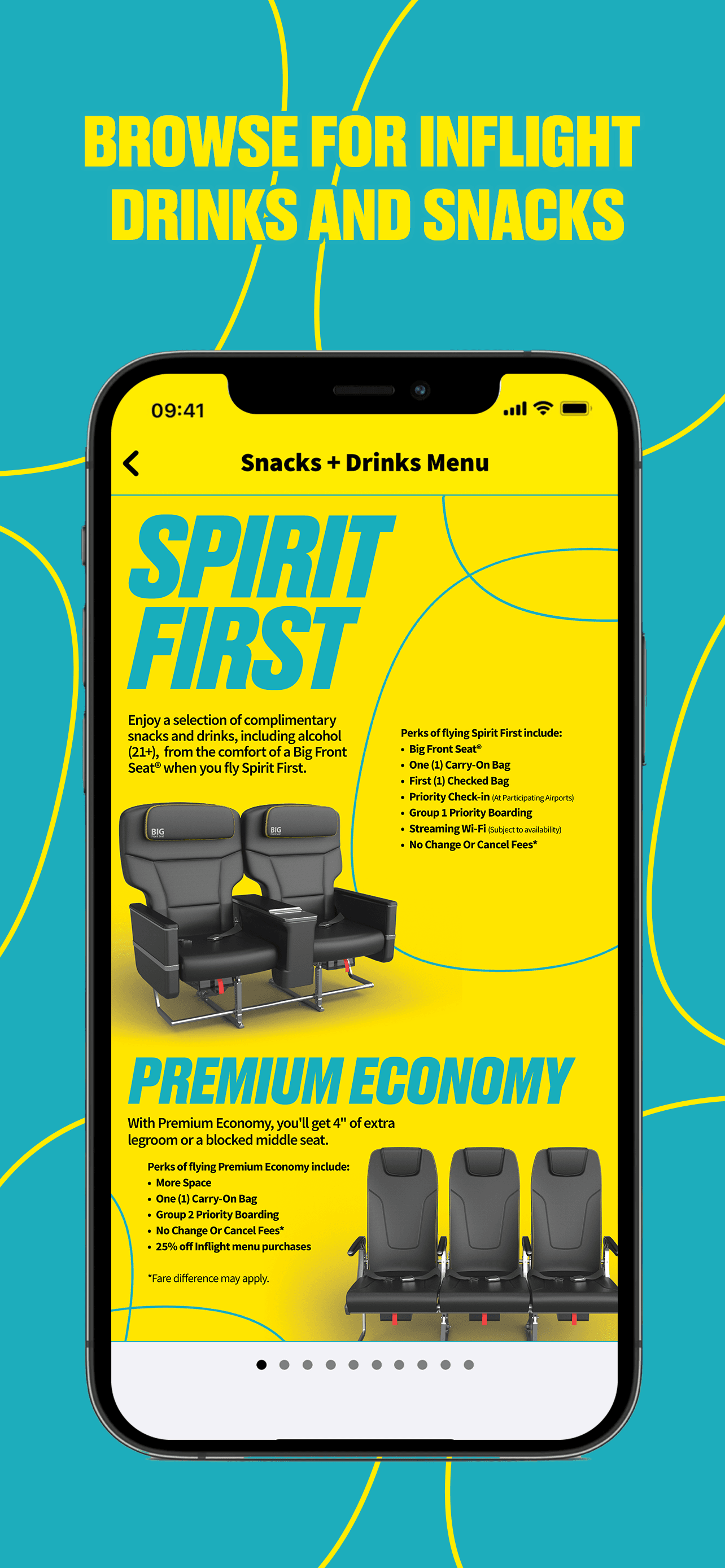
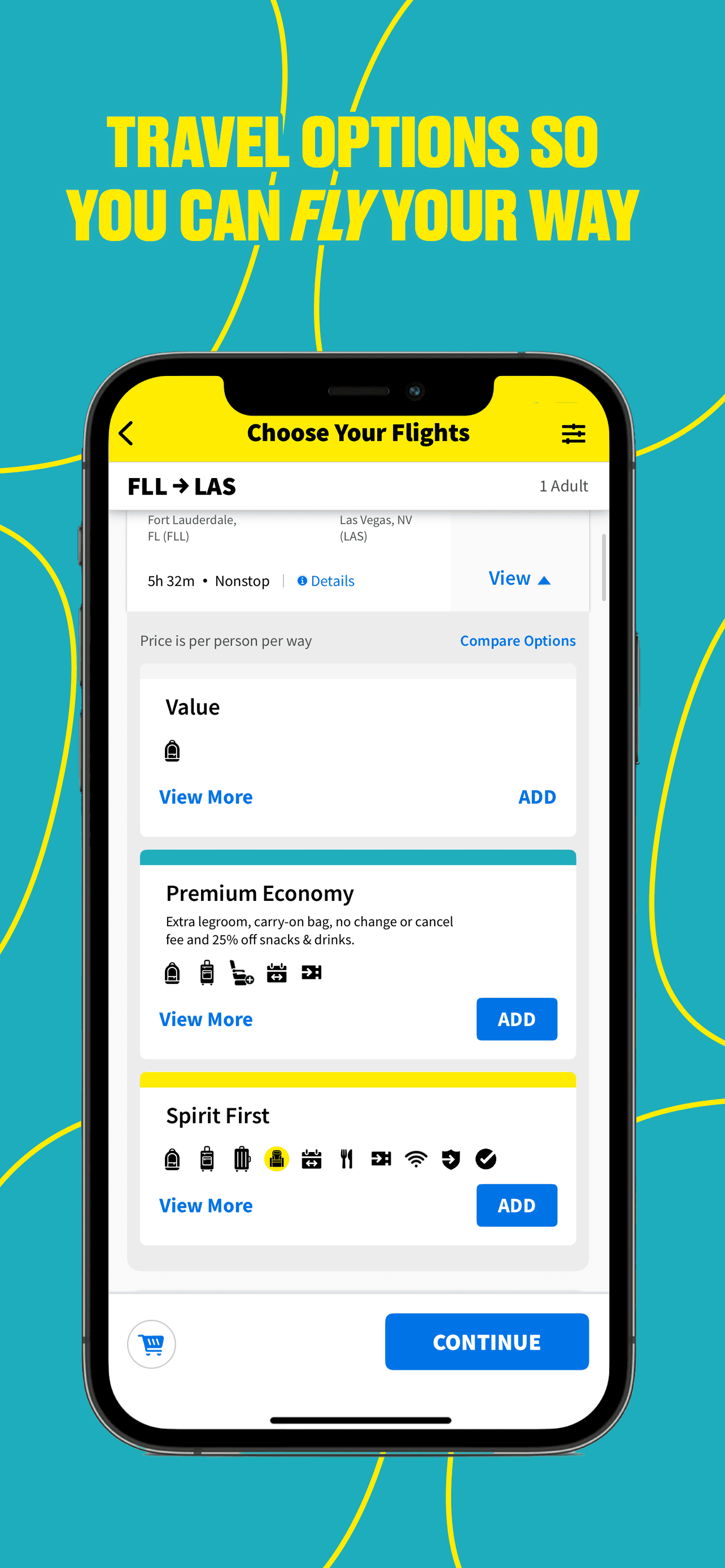
Spirit Airlines is the best airline-native flight tracker app for iPhone users who fly Spirit's ultra-low-cost model and need an app that minimizes friction at boarding. With a 4.82 average across 2.07 million U.S. ratings — surprisingly high given the airline's reputation — the app handles booking, check-in, mobile boarding passes, $9 Fare Club balance, baggage purchases, and seat selection. Spirit differs from Delta and JetBlue by being more transactional: the app's job is to move you through the airline's pay-for-everything model, and reviewers consistently praise its reliability even as they complain about the airline's pricing. A real scenario: you book a Spirit flight, the app prompts you to pre-pay for baggage (cheaper than at the airport), check-in opens 24 hours out, you load the boarding pass, and you skip the kiosk entirely. The tradeoff is reviewer-flagged friction around customer service — the airline app cannot resolve baggage-fee disputes or weather-delay rebooking, and reviewers describe long wait times for human support. Best for Spirit flyers who plan to pre-pay everything online.
Pros
- Reliable boarding pass and check-in flow despite the airline's reputation
- Pre-pay baggage in the app saves real money versus at-airport fees
- $9 Fare Club balance and seat-selection options surfaced clearly
Cons
- App cannot resolve baggage-fee disputes or weather-delay rebooking
- Reviewer complaints about long human-support wait times echo airline-wide issues

- Rating
- 4.9
- Reviews
- 1.5M
- Price
- Paid
- 90-day trend
- —
JetBlue is the best airline-native flight tracker app for iPhone users who fly JetBlue's transcontinental and Caribbean routes. With a 4.86 average across 1.45 million U.S. ratings, the app handles booking, check-in, mobile boarding passes, TrueBlue points, flight status, and in-flight entertainment. The JetBlue app differs from Fly Delta by being more focused — fewer features, but the core check-in and trip-management flow is cleaner. A real scenario: you book a flight from BOS to Aruba, the app handles seat selection and check-in 24 hours out, you board with the mobile pass, and the in-flight WiFi authentication is one tap. The tradeoff is reviewer-flagged friction around irregular operations — multiple recent reviews describe poor recovery flow when flights are canceled, with chat support and seat-assignment problems featuring prominently. Specifically, party-of-two seat assignments not staying together has frustrated reviewers, even when both tickets are booked simultaneously. Best for JetBlue regulars who want a clean trip-management surface and don't fly the airline through codeshares often.
Pros
- Clean trip-management surface with strong mobile boarding pass reliability
- TrueBlue points and seat selection flow are well rated
- In-flight WiFi authentication is a single tap on most aircraft
Cons
- Party-of-two seats often not assigned together even when booked simultaneously
- Irregular-operations recovery flow drew sharp negative reviews around chat support
- Rating
- 4.7
- Reviews
- 1.2M
- Price
- Paid
- 90-day trend
- —
Frontier Airlines is the airline-native app for iPhone users who fly Frontier's ultra-low-cost model. With a 4.71 average across 1.17 million U.S. ratings — the lowest on this list — the app handles booking, Discount Den, GoWild Pass access, check-in, and mobile boarding passes. Frontier differs from Spirit by leaning more into bundle-pricing options (Perks bundles bundle bags and seat selection at booking), but the app shares the same ultra-low-cost transactional feel. A real scenario: you book a Frontier flight months out at a low fare, the app pushes upgrades to bundles before departure, check-in opens 24 hours before, and the boarding pass lands in the app. The tradeoff is reviewer-flagged friction around boarding-pass reliability — multiple recent reviews describe the app failing to load the boarding pass at the airport, forcing users to pay for a printed pass at the kiosk (a Frontier-specific fee). The dominant theme in recent negative reviews is the gap between low-fare expectations and total trip cost after fees, which the app surfaces but doesn't simplify. Best for budget-focused flyers who book Perks bundles upfront.
Pros
- Perks bundle pricing surfaces total cost upfront before booking
- Discount Den and GoWild Pass access integrated into the booking flow
- Check-in and mobile boarding pass workflow covers the basics
Cons
- Multiple recent reviews describe boarding pass failing to load at the airport
- Gap between advertised low fare and total trip cost after fees frustrates reviewers
- Rating
- 4.8
- Reviews
- 644.5K
- Price
- Paid
- 90-day trend
- —
Flightradar24 is the best flight tracker app for iPhone, period. The signature is the live map: open the app, and every commercial aircraft currently in the sky appears as a plane icon over its real-world position, refreshed in near real time from ADS-B receivers worldwide. Tap any aircraft and the app shows the airline, route, altitude, speed, aircraft type, registration, and flight history. With a 4.84 average across 624,298 U.S. ratings, Flightradar24 leads the pure-tracker category on both adoption and sentiment. The app differs from FlightAware by being more visually polished, more 3D-capable (AR overlay shows planes flying over your phone in real time), and stronger on global coverage. A real scenario: you're at home waiting for a delayed pickup, you open Flightradar24, tap the inbound flight, and watch it descend on the live map — you leave for the airport at exactly the right moment. The tradeoff is the ads on the free tier, which recent reviewers describe as aggressive, and the Silver/Gold subscription tiers required for deeper features like weather overlay and 3D cockpit view. Best for aviation enthusiasts and anyone who tracks flights they didn't book.
Pros
- Live map shows every commercial aircraft worldwide with near real-time refresh
- Tap-to-identify reveals airline, aircraft type, route, altitude, and history
- AR overlay shows planes flying over your phone position in real time
Cons
- Free tier ads are described as aggressive in recent reviews
- Deeper features (weather radar, 3D view) require Silver or Gold subscription
- 7
 Get on App Store
#7KAYAK: Flights, Hotels & CarsBest Notifications
KAYAK
Plan vacations & book trips
- Rating
- —
- Reviews
- —
- Price
- Paid
- 90-day trend
- —
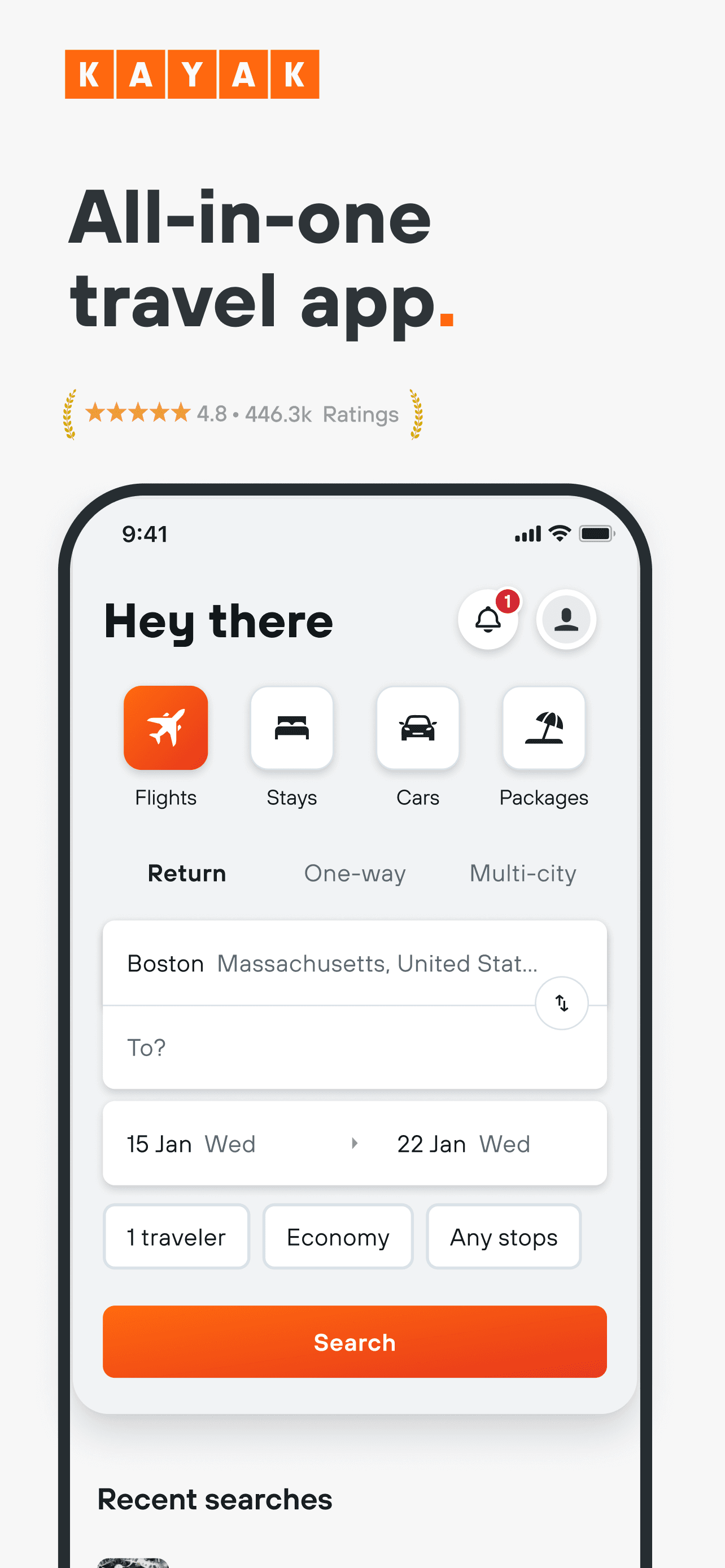
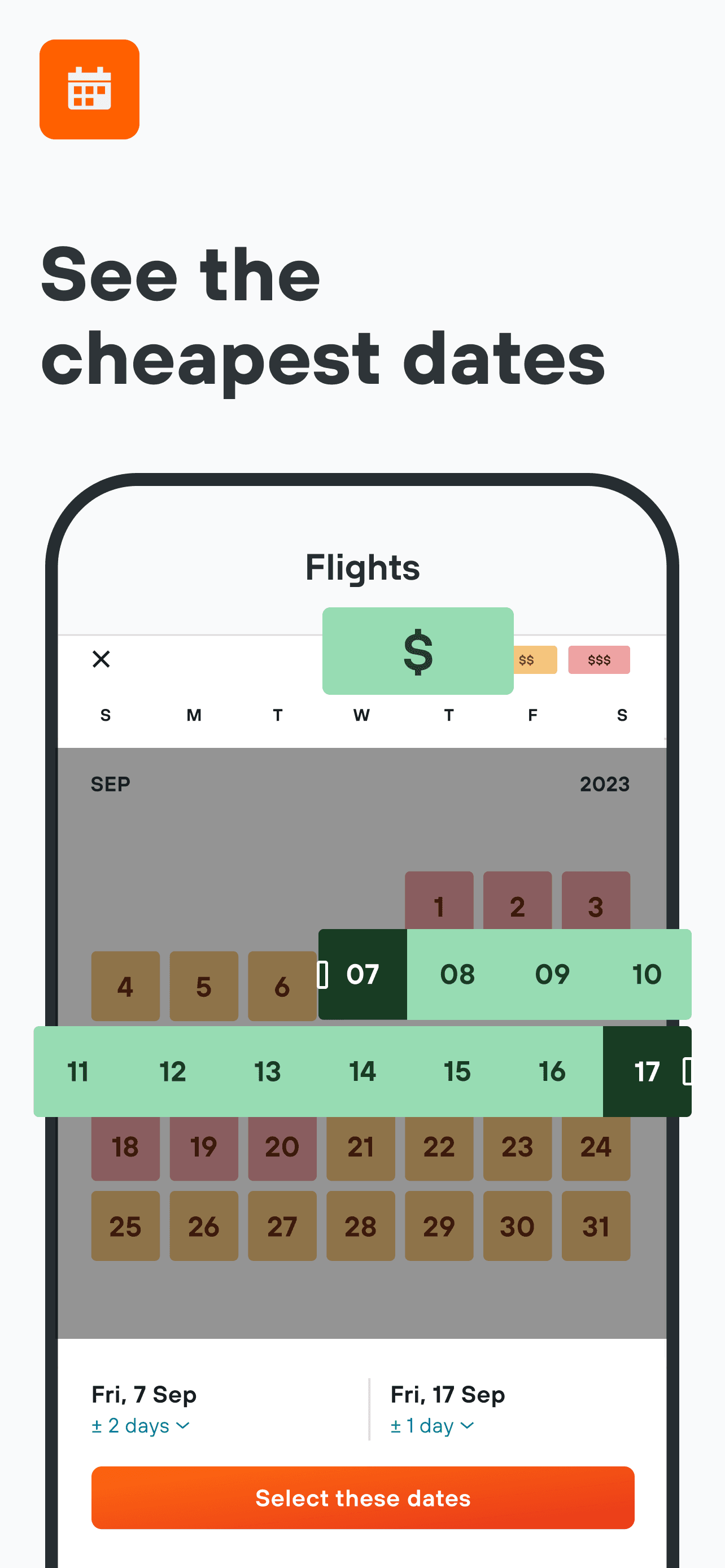
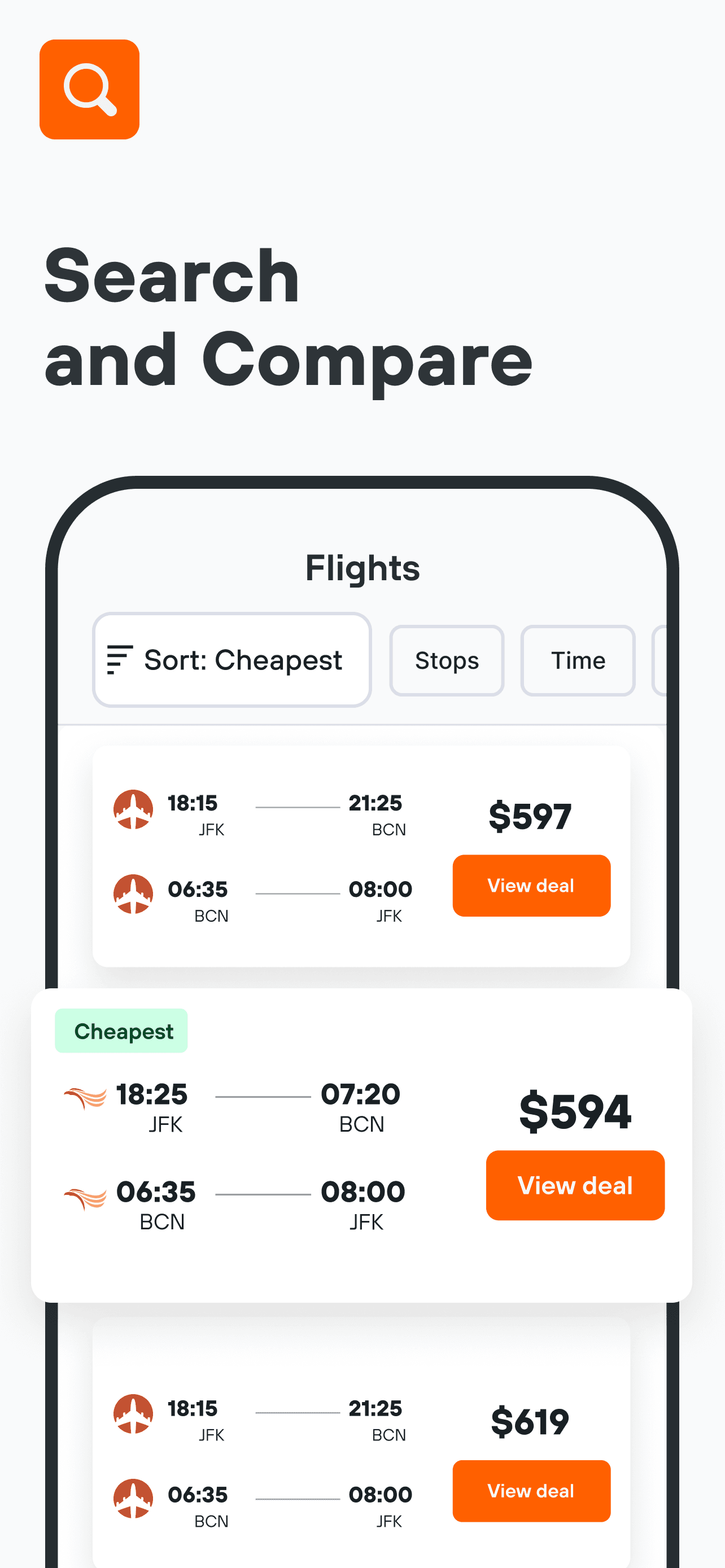
KAYAK is the best flight tracker app for iPhone users who book their travel through KAYAK's search engine and want a single app for booking, itinerary, and tracking. The app handles flight search, hotel search, car rental, and price-alert notifications — and once you book, it brings the trip into a personal itinerary that includes flight status, gate assignment, and baggage-claim info. The 4.83 average across 485,481 U.S. ratings reflects adoption from people who use KAYAK for both the price comparison and the trip tracking. KAYAK differs from TripIt by being a booking surface first and itinerary manager second, and from airline-native apps by handling cross-airline trips natively. A real scenario: you book a round-trip with two different airlines through KAYAK, the app tracks both legs, surfaces gate changes for each, and shows your trip in one place. The tradeoff is recent reviewer concerns around the booking-support flow and refund processing when something goes wrong — a few sharply-worded reviews describe poor recovery experiences. Best for users who book through KAYAK and want their booking and tracking in one app.
Pros
- Combines flight search, booking, and itinerary tracking in one app
- Handles multi-airline trips natively without separate apps
- Price-alert notifications for monitored routes work reliably
Cons
- Booking-support and refund flow drew sharp negative reviews recently
- Tracking surface assumes the booking went through KAYAK; weaker for external bookings
- 8
 Get on App Store
#8FlightAware Flight TrackerBest for Aviation Geeks
FlightAware
Airplane & flight tracker
- Rating
- 4.9
- Reviews
- 377K
- Price
- Paid
- 90-day trend
- —
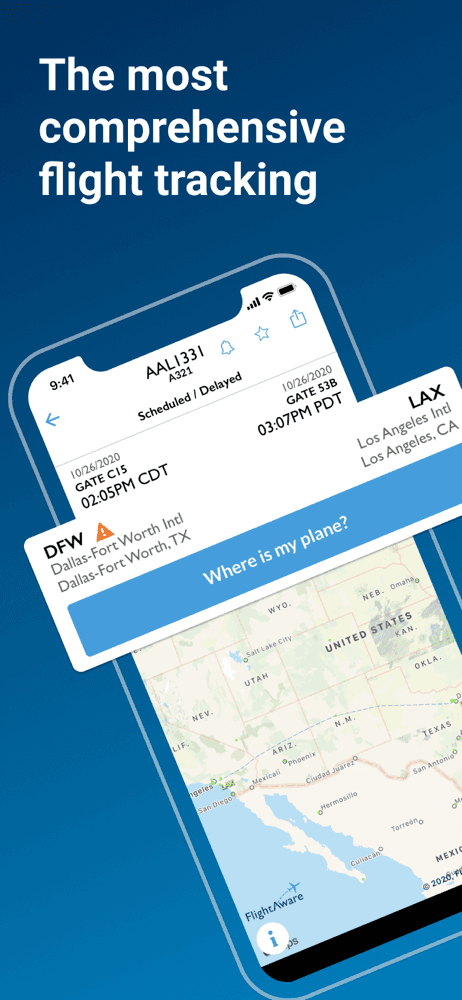
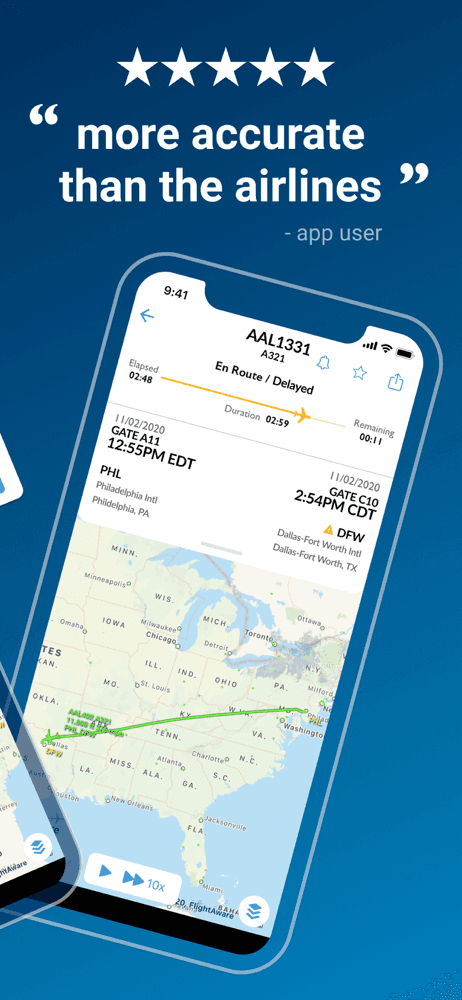
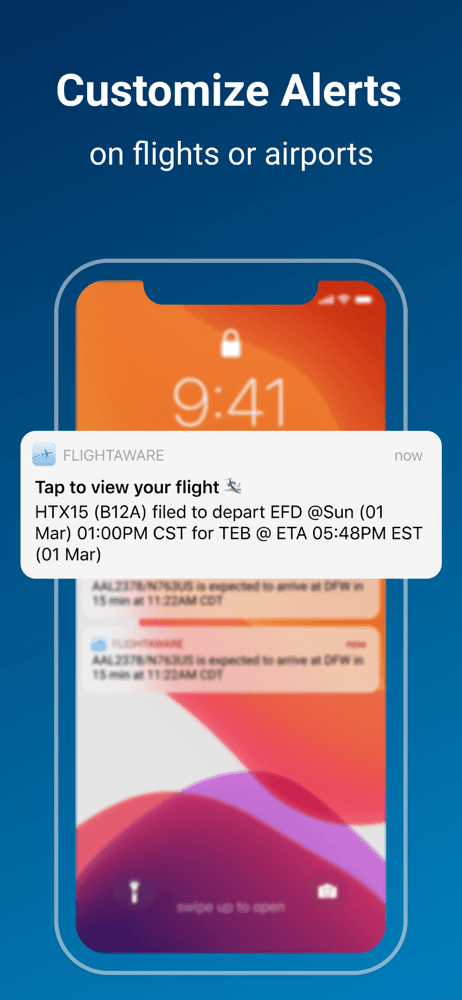
FlightAware is the best flight tracker app for iPhone users who care most about airport operations data — delays, ground stops, runway conditions, and ATC system status. The 4.86 average across 366,306 U.S. ratings reflects long-term adoption by pilots, dispatchers, and frequent flyers who use FlightAware for situational awareness more than aircraft-spotting. The free tier covers flight status, airport boards, and basic tracking; Premium ($39.95/year or higher) unlocks extended history and advanced filters. FlightAware differs from Flightradar24 by leaning into operational data — its airport-delay map and ATC ground-stop notifications are stronger, and review themes consistently praise the accuracy of its arrival estimates versus the airline's own. A real scenario: you have a connection in ORD, FlightAware shows a ground stop just declared, you check the alternate-routing surface, and you're at the gate agent before your fellow passengers know. The tradeoff is a less polished live-map experience than Flightradar24 and a recurring complaint about subscription billing where users describe being charged unexpectedly. Best for frequent flyers and pilots.
Pros
- Airport-status and ATC ground-stop notifications outperform competitors
- Free tier covers most casual flight-status and tracking needs
- Arrival-time estimates often more accurate than the airline's own data
Cons
- Less polished live-map experience than Flightradar24
- Recent reviews describe unexpected subscription charges and slow refund response
- Rating
- 4.8
- Reviews
- 306.6K
- Price
- Paid
- 90-day trend
- —
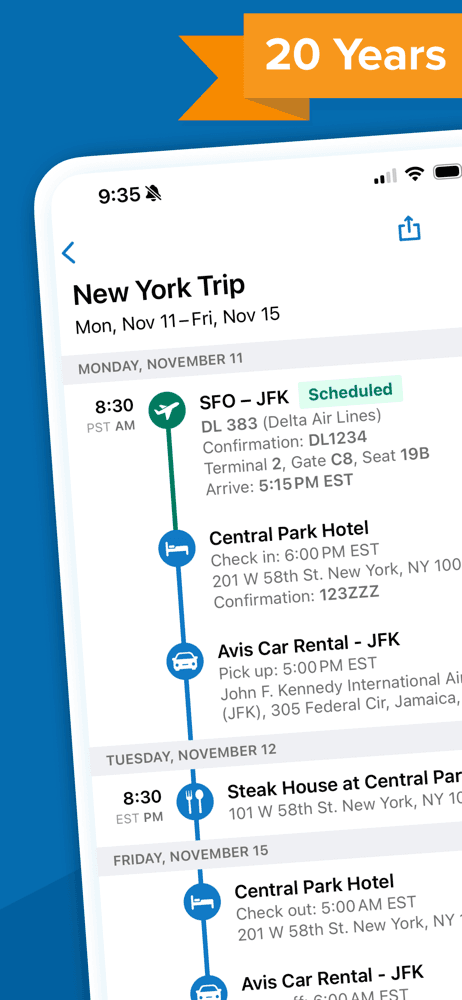
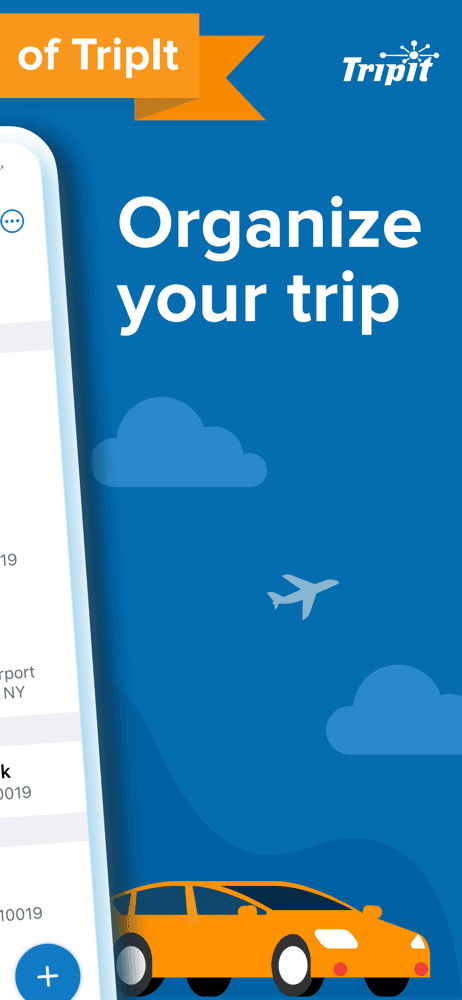
TripIt is the best flight tracker app for iPhone users who want their entire trip — flights, hotels, rental cars, restaurant reservations — auto-imported into a single itinerary that updates itself. The signature feature: forward your confirmation email to plans@tripit.com, and the app parses out flight numbers, hotel addresses, car-rental pickup, and reservations into a clean timeline. The 4.84 average across 301,330 U.S. ratings reflects sustained adoption among business travelers and frequent-flyer hobbyists. TripIt Pro (~$49/year) adds real-time flight alerts, alternate-flight suggestions when yours is canceled, seat tracker, and point/mile tracking. TripIt differs from Flightradar24 by tracking your trip rather than every plane in the sky, and from airline-native apps by working across every airline and travel vendor you use. A real scenario: your flight is canceled at 2 AM in Atlanta, Pro pushes a notification with three alternate flights and seat availability, you rebook from the lounge floor without calling. The tradeoff is the parsing occasionally misses non-standard confirmation emails and requires manual entry. Best for multi-trip travelers who book across multiple airlines.
Pros
- Email-forward parsing auto-builds itineraries from any travel vendor's confirmation
- Pro tier pushes real-time flight alerts and alternate-flight suggestions when canceled
- Tracks flights, hotels, cars, and reservations in a single chronological view
Cons
- Parsing occasionally misses non-standard confirmation emails
- Best features (alternate flights, seat tracker) require Pro subscription

- Rating
- —
- Reviews
- —
- Price
- Paid
- 90-day trend
- —
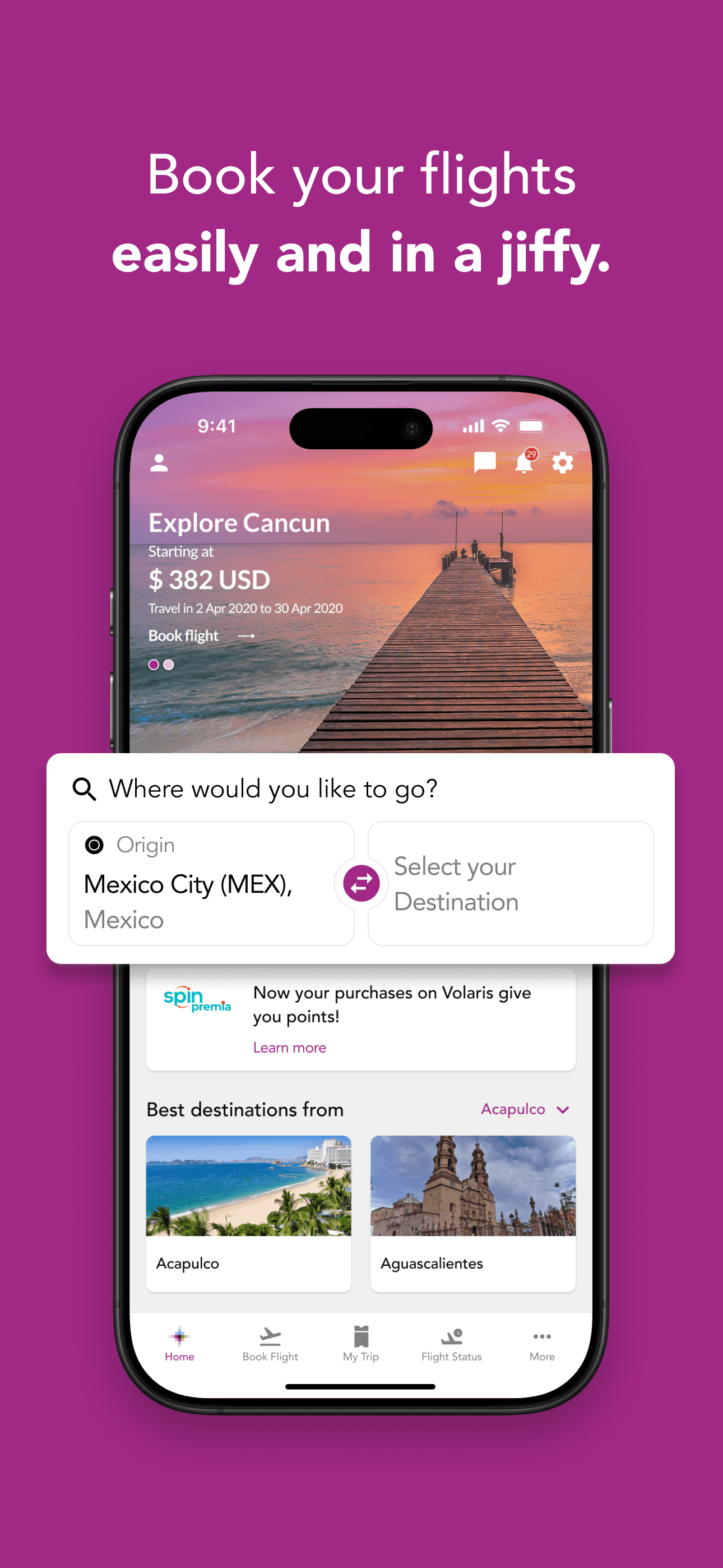
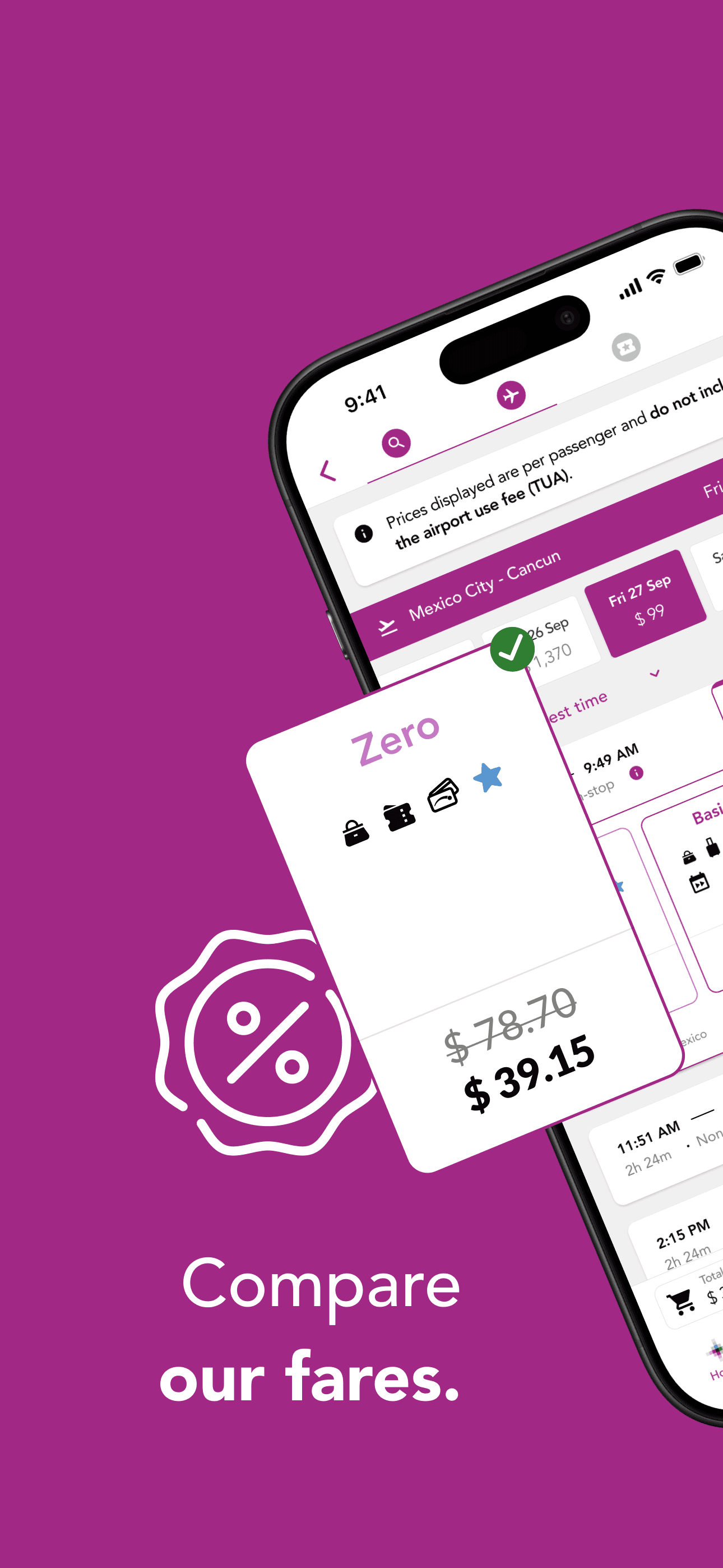
Volaris is the best airline-native flight tracker app for iPhone users who fly the Mexican ultra-low-cost carrier on routes within Mexico, between Mexico and the U.S., or to Central America and the Caribbean. With a 4.75 average across 376,663 U.S. ratings, the app handles booking in pesos or dollars, V.Club membership, baggage pre-purchase, check-in, and mobile boarding passes. Volaris differs from Spirit and Frontier by being the dominant low-cost carrier in Mexico, which means many cross-border trips on Volaris-only routes have no real airline alternative. A real scenario: you book a Tijuana-to-Mexico City flight, the app handles currency selection at checkout, pre-pays a checked bag, check-in opens 24 hours before, and the boarding pass loads in your wallet. The tradeoff is the bilingual interface occasionally surfaces Spanish strings on the English version, and reviewer complaints around customer service during cancellations echo other ultra-low-cost carriers — recovery is the weak point of the model, not the app. Best for U.S.-Mexico travelers who fly Volaris by route necessity.
Pros
- Dominant low-cost carrier app for U.S.-Mexico and intra-Mexico routes
- Currency selection and bilingual booking flow work across both audiences
- V.Club membership pricing surfaced and managed in-app
Cons
- Spanish strings occasionally surface on the English version of the app
- Customer-service recovery during cancellations echoes ultra-low-cost weak spots



How we picked
### Data sources We combine live App Store data (ratings, recent reviews, version cadence, pricing, screenshots) with our own ranking tracker, which logs U.S. Travel category positions daily for every app. Review themes come from the most recent U.S. reviews per app, weighted toward the last 90 days.
### How we score Four weighted axes: live tracking accuracy (ADS-B coverage, refresh rate, aircraft identification depth), delay and disruption handling (push notifications for gate changes, cancellations, baggage carousel updates), trip-import quality (auto-parsing email confirmations into a single itinerary), and free-tier usefulness measured against what the paid tier unlocks. Airline-native apps are graded on a separate axis — check-in flow, boarding-pass reliability, and seat-management quality.
### Refresh cadence The top-10 set is re-scored monthly. Ratings, ranks, and review-theme analysis refresh daily. When an app changes pricing, drops below 4.0 stars, or removes a feature that drove its ranking (boarding pass reliability, free-tier tracking limits), it gets re-evaluated within the week — not at the next monthly window.
### What we exclude Apps with an average below 4.0 stars, fewer than a few hundred ratings on the current version, or no update in nine months. We also drop pure airline-booking apps with no tracking, status, or trip-management surface. Aviation-radio scanner apps and unofficial third-party airline trackers are excluded because they tend to lose authorization and break.
### What we don't do No affiliate-driven ordering. Referral commissions from KAYAK or TripIt don't bump apps. We don't take sponsorship from listed airlines. If a pick shifts, it's because the data shifted — pricing, ratings, review themes, or removed features. We don't take a position on which airline to fly; we score the app, not the carrier.