



Best 2FA Authenticator Apps for iPhone
By App Store Tracker Editorial · Updated — live App Store data verified
The short version
The best 2FA authenticator app for iPhone in 2026 is Google Authenticator — a 4.85-star average across 1,091,092 U.S. ratings, the largest tested sample on this list, with broad service coverage and free use. Microsoft Authenticator is the runner-up at 4.72 across 643,949 ratings, especially for Microsoft 365 households. 2Stable's Authenticator App leads independents at 4.64, while Authenticator App+ scores highest among indie picks at 4.8. iOS Passwords now generates 2FA codes natively for many services.
Jump to a pick↓
Picking a 2FA authenticator app for iPhone in 2026 means choosing where you store the secrets that unlock your accounts — and how you recover them if your phone is lost or stolen. Among the 10 authenticator apps on this list, two are first-party big-tech apps (Google, Microsoft), four are established independents with iCloud encrypted backup and Apple Watch support (2Stable, SMM, Rocket Apps, Vitalii Kuprenko), and four are newer entrants competing on UI polish and pricing. The data backs the order: Google Authenticator holds a 4.85 average from over 1.09 million U.S. ratings — by far the largest tested user base on this list — and Microsoft Authenticator trails on a still-massive sample. iCloud backup behavior, recovery during phone migration, on-device encryption, and how each app handles your worst day (lost phone, account locked out) shaped every cut. Treat the picks as starting points; the authenticator you trust on day 1,000 is the one that survives the migration.
- Rating
- 4.8
- Reviews
- 1.2M
- Price
- Paid
- 90-day trend
- —
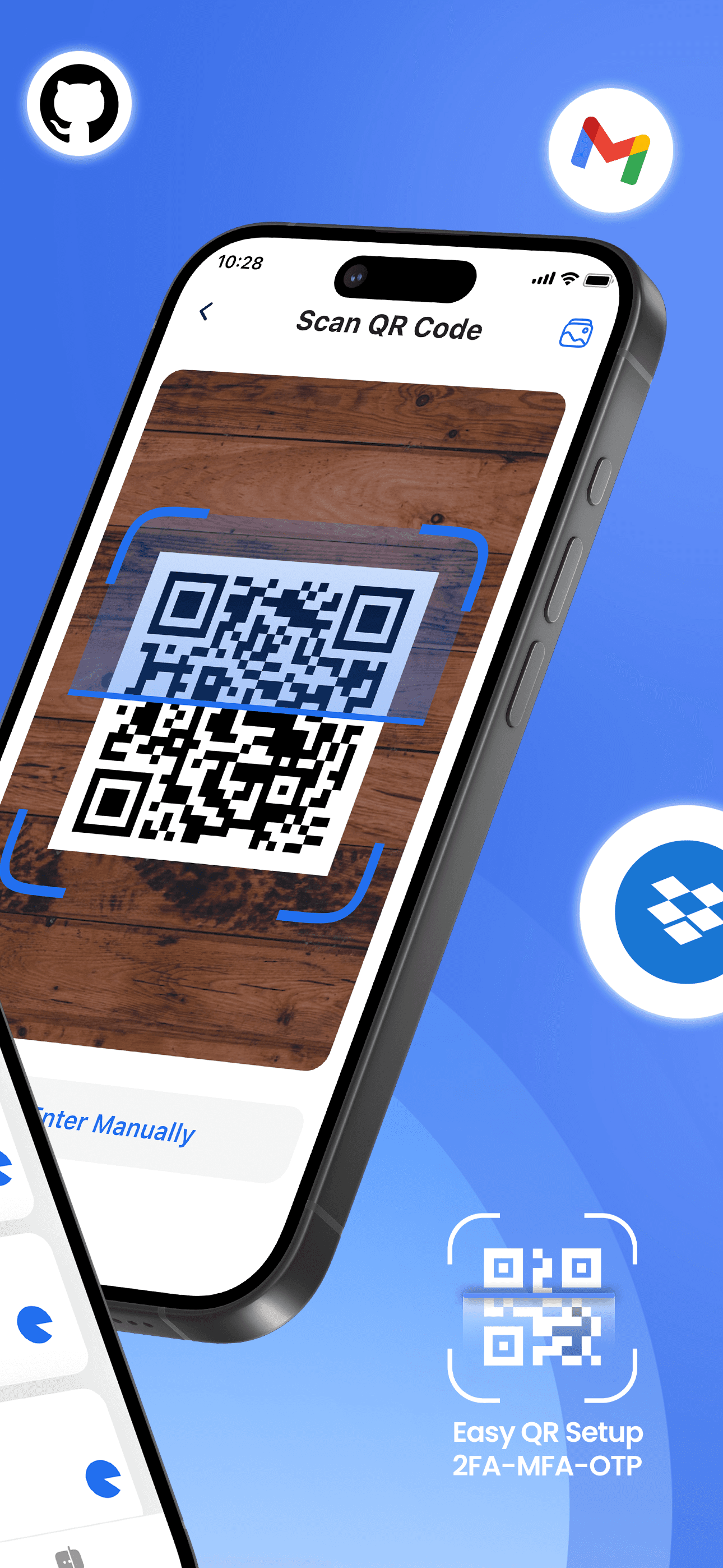
Google Authenticator is the best 2FA authenticator for iPhone users who want the most widely supported, free, and well-known option. The 4.85 average across 1,091,092 U.S. ratings is by far the largest tested user base on this list, and it reflects an app that has been the default for over a decade. Google Authenticator differs from Microsoft Authenticator by being broader and service-agnostic, and from indie picks by being first-party and free with no upsells. A real scenario: a service shows a QR code for 2FA setup, you tap the plus button in Google Authenticator, scan, and six-digit codes refresh every 30 seconds. The 2023 cloud-sync feature finally addressed the historical pain point — losing your phone meant losing all codes. The tradeoff is real and reviewer-flagged: one long-time user reported losing 'over 8 accounts' after a phone migration before cloud sync existed, and another reviewer specifically described 'no back-up for Authenticator' as the main weakness. Cloud sync is now opt-in, but requires you to enable it before you need it. Best for most iPhone users; pair with print-out backup codes for high-value accounts.
Pros
- Largest tested user base on this list at 1.09 million U.S. ratings with 4.85 average
- Free with no upsells and broad TOTP support across every major online service
- 2023 cloud-sync addition finally solves the phone-migration code-loss problem
Cons
- Long-time users report losing accounts after migrating phones without cloud sync enabled
- Cloud sync is opt-in and not enabled by default — many users discover it too late
- Rating
- 4.7
- Reviews
- 709K
- Price
- Paid
- 90-day trend
- —
Microsoft Authenticator is the best 2FA app for iPhone users with Microsoft 365 work or school accounts and anyone who wants push-notification approval rather than typing codes. The 4.72 average across 643,949 U.S. ratings reflects an audience required to use it for work and a second audience that has adopted it voluntarily for the push flow. Microsoft Authenticator differs from Google Authenticator by adding push notifications for Microsoft accounts (tap Approve on your phone instead of typing a code), and from indie picks by being free with Microsoft account-tied backup. A real scenario: you sign in to a Microsoft 365 work account, your iPhone buzzes with a notification, you tap Approve, and you're in — no code typing. The tradeoff is documented in recent reviews: one user described the app as 'a mess' after recent updates and 'full of glitches' for registering new accounts. Another wished for folder grouping. Best for Microsoft 365 households, IT-managed work environments, and users who want push approval as their primary 2FA flow.
Pros
- Push-notification approval flow for Microsoft accounts bypasses typing six-digit codes
- Free with Microsoft-account-tied backup for both consumer and Microsoft 365 use
- Required for many work environments — pre-installed in IT-managed iPhone fleets
Cons
- Recent reviewers describe the app as glitchy with friction registering new accounts
- No folder or group settings — long account lists become hard to navigate quickly
- Rating
- 4.6
- Reviews
- 49.4K
- Price
- Paid
- 90-day trend
- —
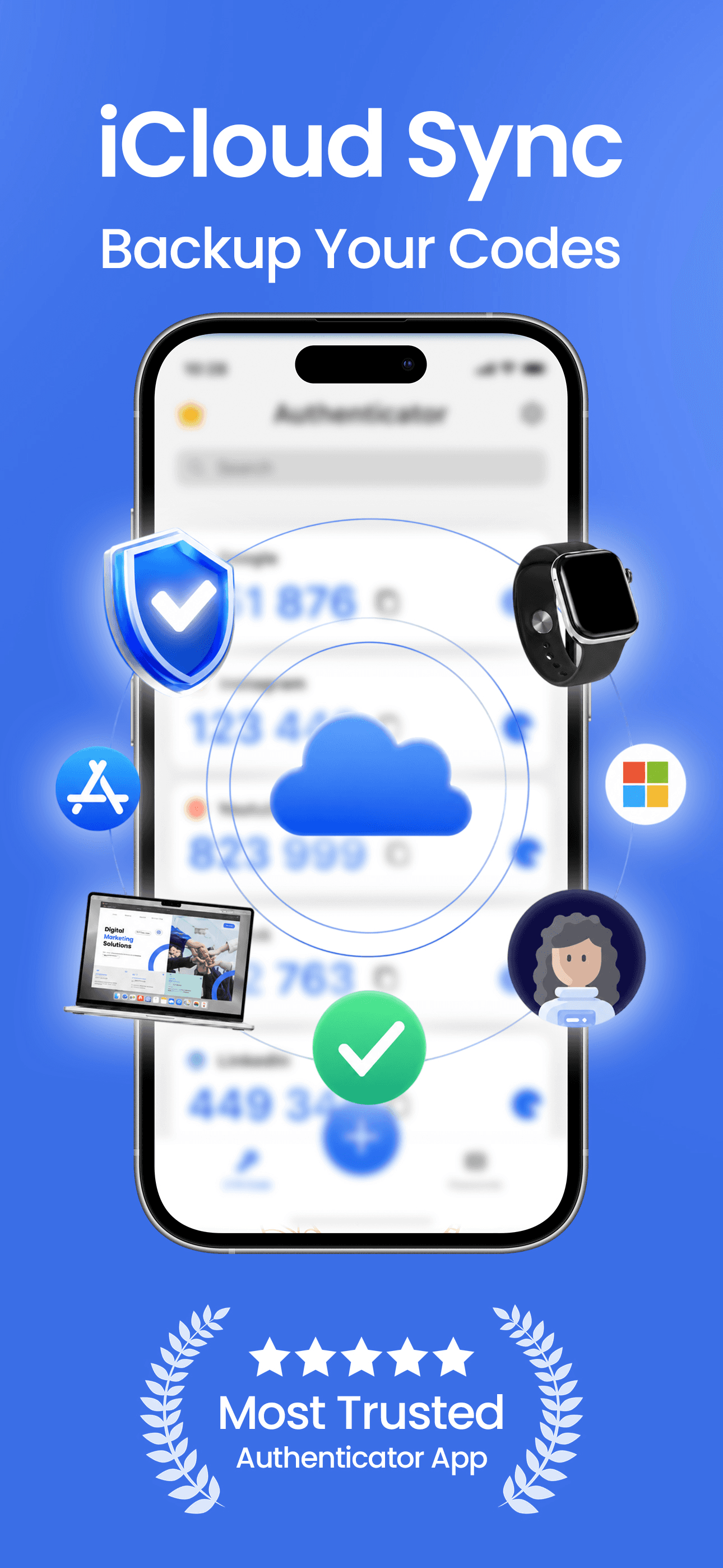
2Stable Authenticator App is the best 2FA authenticator for iPhone users who want a polished indie alternative with encrypted iCloud backup, Apple Watch support, and strong customer service. The 4.64 average across 46,181 U.S. ratings is the largest indie user base on this list, and recent reviewers specifically praise the developer's responsiveness — one reviewer described 'less than 5 minutes via email' response time. 2Stable differs from Google Authenticator by adding encrypted iCloud backup (codes encrypted before they leave the device), and from other indie picks by having the largest user base and longest update history. A real scenario: you set up 2FA across 40 accounts, enable encrypted iCloud backup, and migrate to a new iPhone six months later — your codes restore from iCloud in a single sign-in step. The tradeoff is the free tier covers core authentication, but encrypted backup and Apple Watch sync sit behind a paid plan, and the user base is much smaller than Google's. Best for Apple-ecosystem users who want a non-Google indie option with active development and real customer support.
Pros
- Encrypted iCloud backup protects codes during phone migration with end-to-end encryption
- Apple Watch support and customer-service responsiveness flagged by recent reviewers
- Largest indie user base on this list at 46,181 U.S. ratings with active development
Cons
- Encrypted backup and Apple Watch sync sit behind a paid Premium subscription
- Smaller user base than Google or Microsoft limits real-world testing across edge cases
- Rating
- 4.6
- Reviews
- 26.3K
- Price
- Paid
- 90-day trend
- —
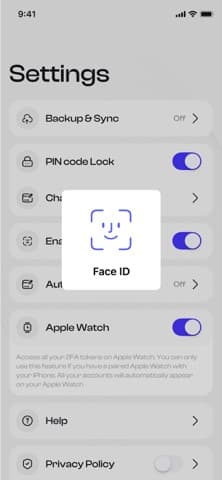
Authenticator (by SMM service) is the best 2FA authenticator for iPhone users who want an all-in-one app that combines 2FA codes, password storage, and private browsing in one tool. The 4.64 average across 25,953 U.S. ratings reflects an audience that has chosen this app for the bundled feature set. Authenticator differs from 2Stable by adding password and browser features alongside 2FA, and from Google Authenticator by being paid and iCloud-backup-first. A real scenario: you want a single security app for codes, passwords, and incognito-style browsing without using three separate tools — Authenticator handles the bundle. Face ID and Apple Watch support are built in. The tradeoff is the bundled approach trades focus for breadth — users who want a pure authenticator may prefer 2Stable's focused design, and users who already use a dedicated password manager find the password feature redundant. The current version landed in April 2026, showing active development. Best for users who want one app covering security codes, passwords, and private browsing without subscribing to a full password manager.
Pros
- Bundles 2FA codes, password storage, and private browsing in a single security app
- Face ID, Apple Watch, and iCloud backup support built in for Apple-ecosystem users
- Active development with the current version landing in April 2026
Cons
- Bundled approach trades focus for breadth versus dedicated authenticator apps
- Password feature is redundant for users who already use a dedicated password manager
- 5
 Get on App Store
#5Authenticator App+Best with Cloud Backup
Rocket Apps GmbH
2FA Two Factor Authentication
- Rating
- 4.8
- Reviews
- 11.9K
- Price
- Paid
- 90-day trend
- —
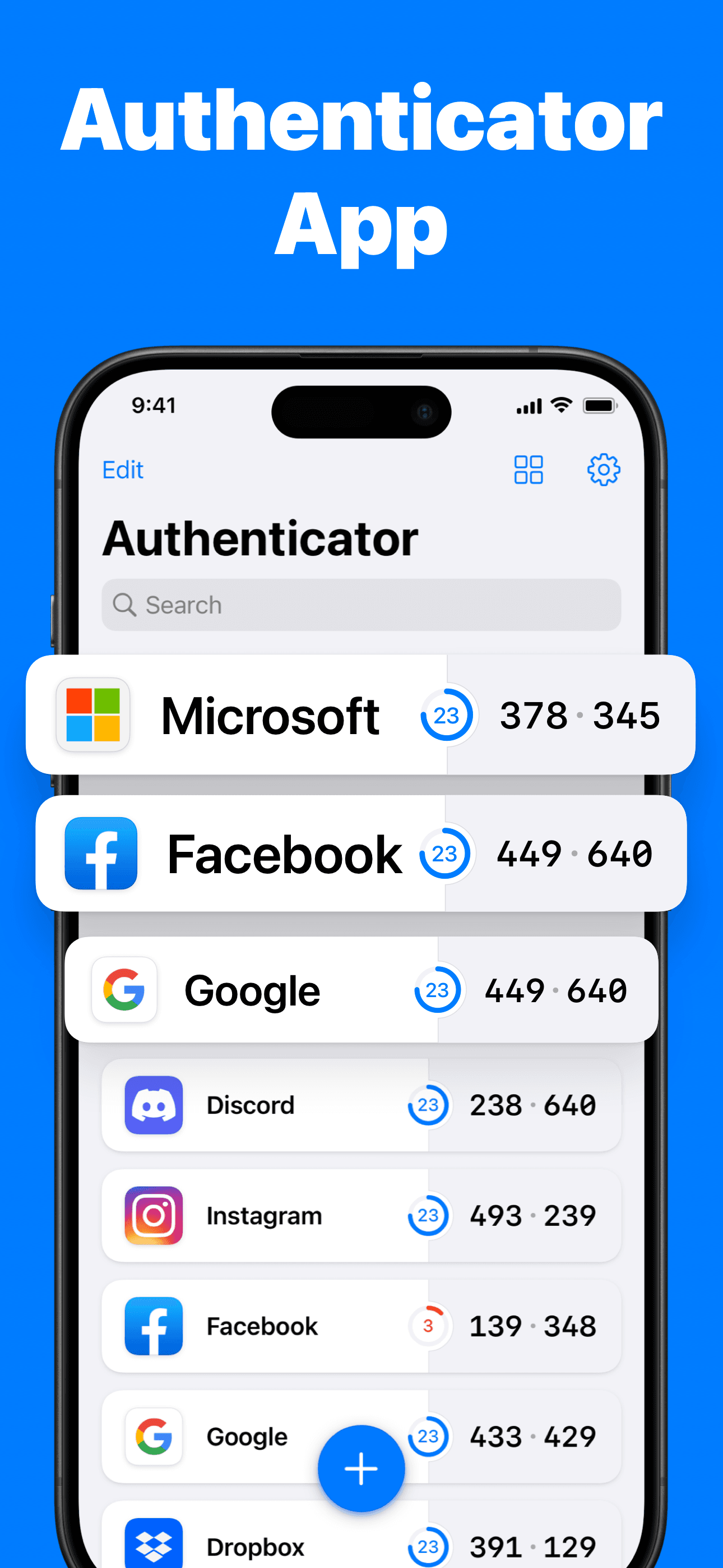
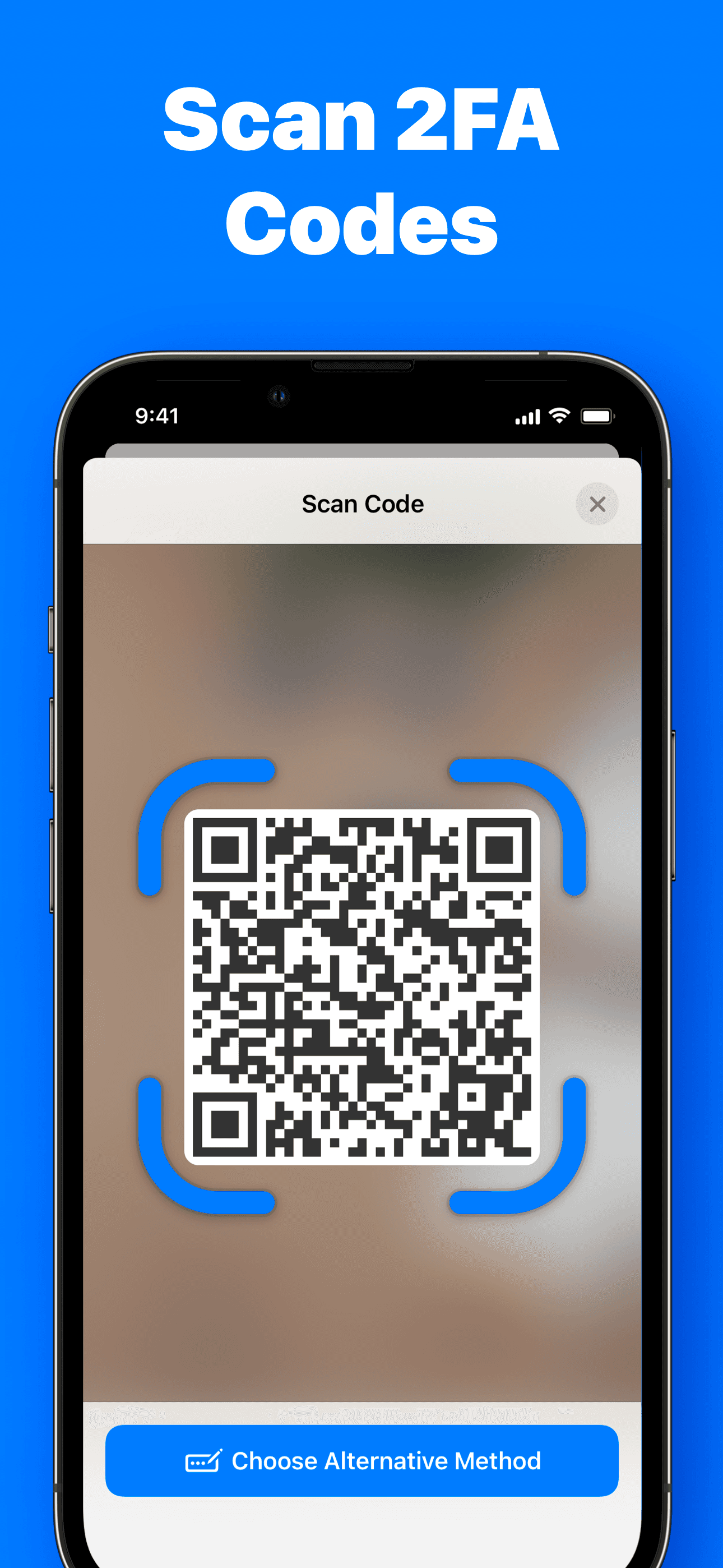
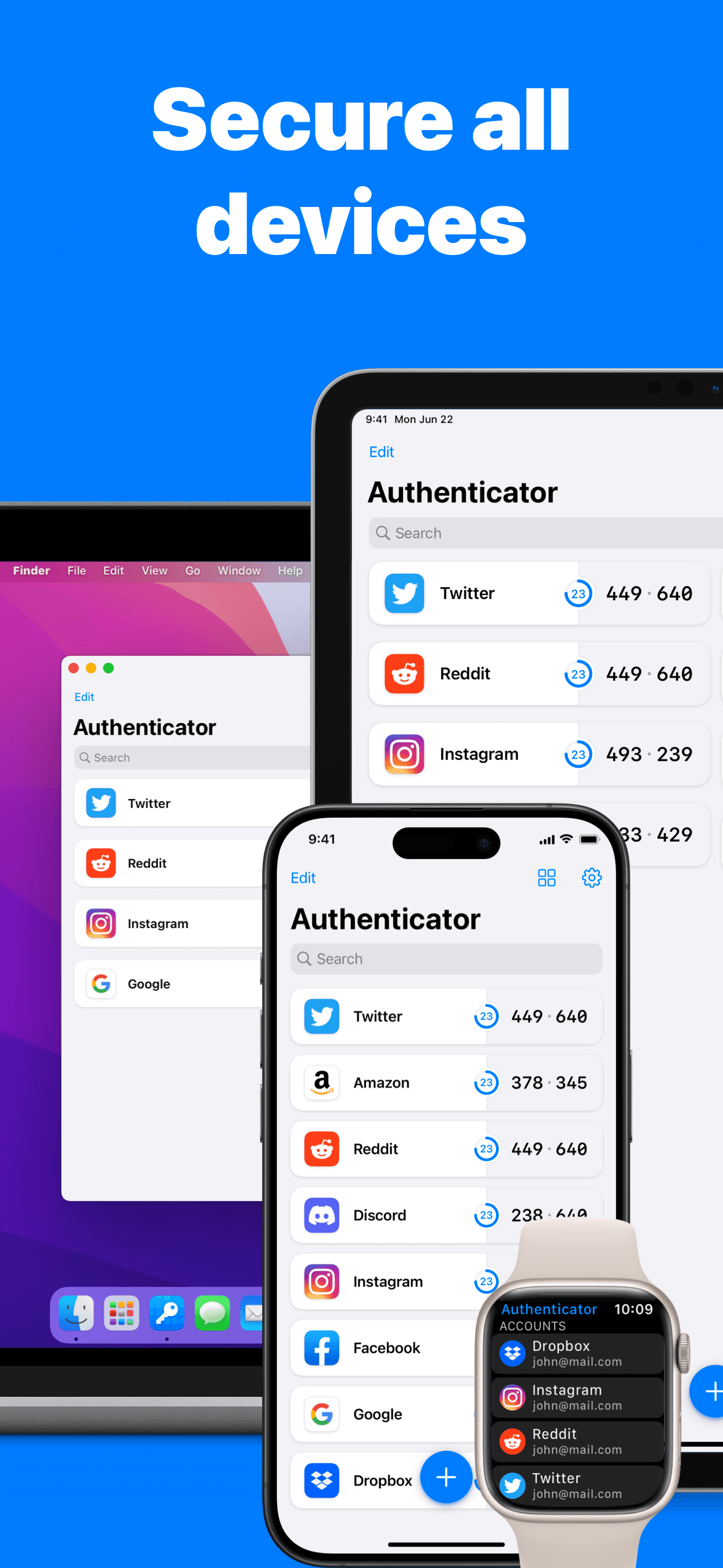
Authenticator App+ is the best 2FA authenticator for iPhone users who care about end-to-end encryption and want the highest-rated indie option on this list. The 4.8 average across 11,757 U.S. ratings is the highest star rating among indie authenticator apps here, and the product positions explicitly around encrypted backup and Apple-ecosystem polish. Authenticator App+ differs from 2Stable by being slightly newer with a higher current rating but smaller user base, and from Google Authenticator by leading encryption-first rather than free-and-broad. A real scenario: you scan a QR code from a new service, the 2FA secret is encrypted on-device before any backup leaves the iPhone, and the code refreshes on iPhone and Apple Watch in sync. The tradeoff is reviewer-flagged: one user described losing all accounts when 'the app logged itself out' and could not recover them, and another reported a UI regression where copying codes became less convenient. Best for users prioritizing encryption claims and design polish, but enable backup carefully and verify your recovery flow before relying on the app for critical accounts.
Pros
- Highest indie rating on this list at 4.8 stars across 11,757 U.S. ratings
- End-to-end encryption claims and Apple-ecosystem polish in design and sync
- Active development with frequent updates through 2026 and clean Apple Watch support
Cons
- Reviewers report account loss after the app logged itself out — recovery flow flagged
- UI regression in code-copy flow described in recent reviews as a usability step backward
- 6
 Get on App Store
#6Authenticator - 2FA AppBest Privacy-Focused
Vitalii Kuprenko
Protects your online identity
- Rating
- 4.7
- Reviews
- 2.5K
- Price
- Free
- 90-day trend
- —
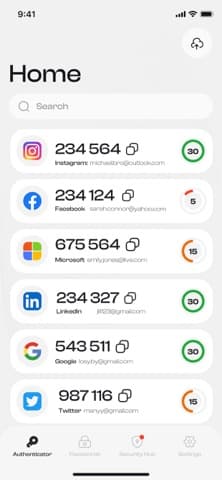
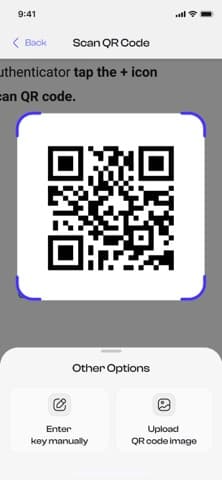
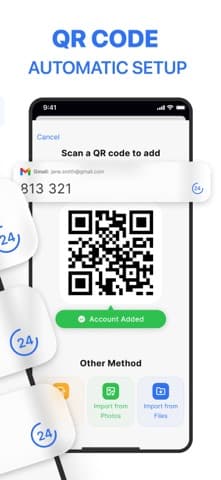
Authenticator (by Vitalii Kuprenko) is the best 2FA authenticator for iPhone users who want a clean, simple, fast indie app from a solo developer — released in October 2024 and updated through April 2026. The 4.67 average across 2,451 U.S. ratings reflects an early audience that has self-selected for design polish and indie indie support. This Authenticator differs from 2Stable by being newer and smaller, and from Google Authenticator by leading with QR-code-first onboarding and a minimalist UI. A real scenario: you set up 2FA for a new service, scan the QR code, and the code appears immediately in a tile-based list — no folders, no clutter, just codes. The tradeoff is the small user base (2,451 ratings) means the long-term roadmap is less certain than 2Stable's, and the solo-developer model can mean slower feature shipping. Active updates (April 2026 most recent) show commitment. Best for users who want a fresh, design-forward indie authenticator and are willing to bet on a newer product, especially if 2Stable's design feels too utilitarian.
Pros
- Clean, design-forward indie authenticator from a solo developer with active updates
- QR-code-first onboarding and tile-based code list keep the UI minimal and fast
- 4.67-star rating from early adopters reflects strong design and execution
Cons
- Small user base of 2,451 ratings means long-term roadmap is less certain than 2Stable
- Solo-developer model can mean slower shipping than well-funded indie alternatives
- 7
 Get on App Store
#7Authenticator ® AppBest for Devs
MATECHMOBILE SOFTWARE JOINT STOCK COMPANY
2FA Two Factor Authentication
- Rating
- 4.4
- Reviews
- 3.4K
- Price
- Free
- 90-day trend
- —
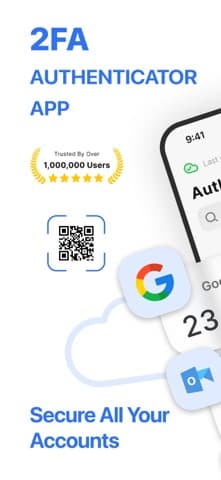
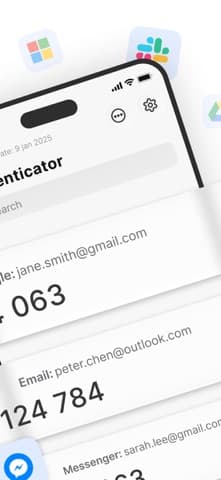
MFA Authenticator (by MatechMobile) is the best 2FA app for iPhone users who want a no-frills authenticator from a smaller publisher and don't need an established brand. The 4.47 average across 2,986 U.S. ratings is on the lower end of this list and reflects mixed reception, but the product ships standard TOTP support across over 1,000 services. MatechMobile's Authenticator differs from Google Authenticator by being a less-known indie option, and from 2Stable by being newer and less polished. A real scenario: you need a 2FA app immediately and Google Authenticator is unavailable for some reason — this works as a fallback. The tradeoff is the lower star rating reflects friction reviewers flag (smaller user base, less testing across edge-case services), and the brand recognition is minimal. The free tier is gated by subscription nudges. Best as a fallback option for users who specifically want an alternative to the big-tech and well-known indie picks; for primary use, Google Authenticator or 2Stable is the safer choice.
Pros
- Standard TOTP support across over 1,000 services for general 2FA workflows
- Available as a fallback when big-tech or established indie picks are unavailable
- Active development with the current version landing in April 2026
Cons
- 4.47-star average is on the lower end of this list and reflects mixed reception
- Free tier is gated by subscription nudges typical of smaller-publisher security apps
- Rating
- 4.5
- Reviews
- 2.5K
- Price
- Paid
- 90-day trend
- —
Authenticator (by Appqe) is the best 2FA authenticator for iPhone users who want a free-to-install indie option with broad service compatibility. The 4.46 average across 2,480 U.S. ratings reflects an audience that has installed and used the app for general 2FA needs across major services — Microsoft, Google, Robinhood, Facebook, PayPal, Amazon, Coinbase. Appqe's Authenticator differs from Google Authenticator by being indie with no first-party brand, and from 2Stable by being newer with a smaller user base. A real scenario: a casual user adds 2FA to five or ten services and wants a simple list of codes — this delivers exactly that without ecosystem commitments. The tradeoff is the rating is on the low side for this list and the development cadence is slower (current version dates to October 2025, behind 2026 updates from other picks). Best as a lightweight option for users with limited 2FA needs who specifically want an indie app outside the big-tech pair; for power users, 2Stable or Authenticator App+ ship more polish.
Pros
- Free-to-install indie option compatible with major services including Google and PayPal
- Lightweight workflow for casual users with limited 2FA needs and small account counts
- Indie alternative to big-tech authenticators without ecosystem account commitments
Cons
- Development cadence is slower with the current version dating to October 2025
- 4.46-star average is on the low side and limits confidence for critical accounts
- Rating
- —
- Reviews
- —
- Price
- Paid
- 90-day trend
- —
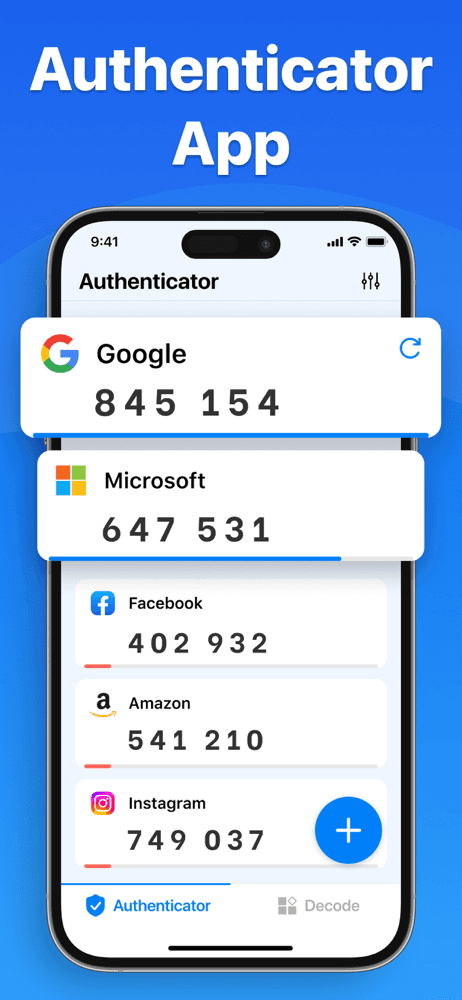
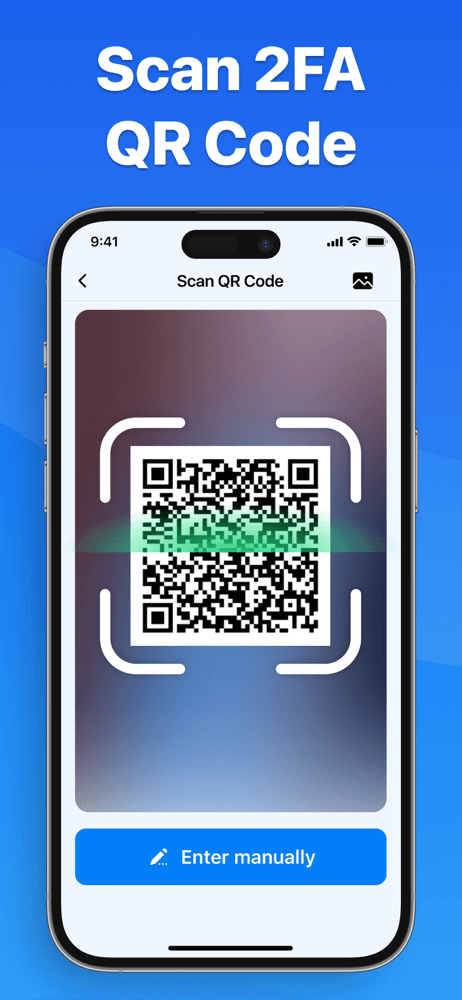
Authenticator App #1 (by Identity and Access Security) is the best 2FA app for iPhone users who want fast QR-code scanning with scan history and a focus on speed of setup. The 4.62 average across 1,350 U.S. ratings reflects a smaller indie product that has positioned around lightning-fast onboarding. This Authenticator differs from Google Authenticator by emphasizing scan speed and history, and from 2Stable by being smaller and less established. A real scenario: you're setting up 2FA across 20 services in one session — this app keeps a scan history so you can verify you scanned each one without having to re-test logins. The tradeoff is the small user base (1,350 ratings) limits real-world testing, and the subscription auto-renewal model has drawn scrutiny in similar small-publisher apps. Best for users actively rolling out 2FA across many accounts who value the scan-history feature; for long-term use, switch to a larger-installed-base app once setup is complete.
Pros
- Fast QR-code scanning with scan history for users rolling out 2FA across many accounts
- Lightweight setup flow positioned around speed during initial deployment
- Active development with the current version landing in January 2026
Cons
- Small user base of 1,350 ratings limits real-world testing across diverse services
- Subscription auto-renewal model warrants careful review before committing long-term
- 10
 Get on App Store
#10Authenticator App • 2FA • MFABest Open-Source
A1Apps
Secure Passwords with 2FA, MFA
- Rating
- 4.6
- Reviews
- 912
- Price
- Paid
- 90-day trend
- —
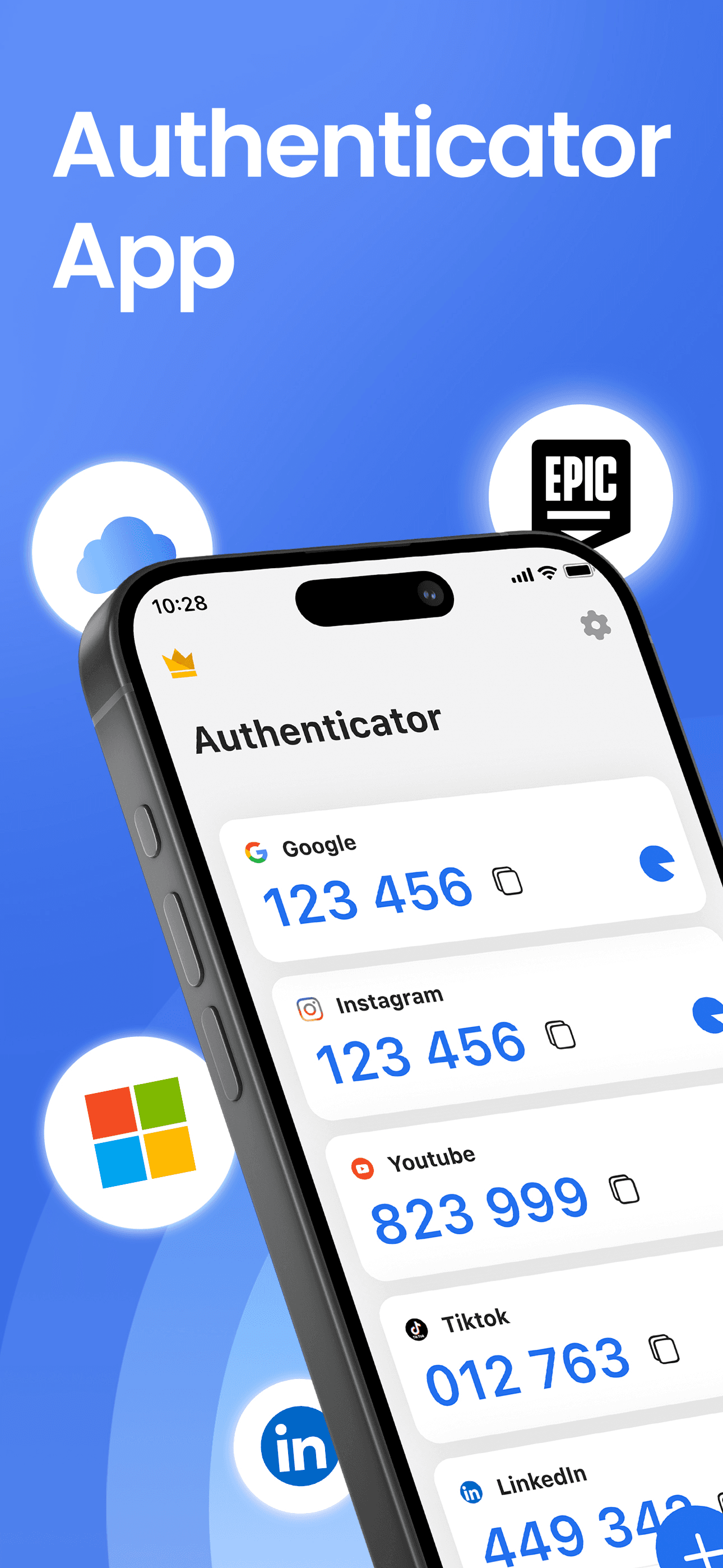
Authenticator App (by RHO APPS) is the best 2FA app for iPhone users who want a security bundle combining 2FA codes with password management. The 4.61 average across 854 U.S. ratings reflects a newer product released in July 2024 with active updates through April 2026. RHO's Authenticator differs from Google Authenticator by bundling password management with 2FA, and from indie picks like 2Stable by being newer and smaller. A real scenario: you want one app handling both 2FA codes and stored passwords without subscribing to a full password manager like 1Password. The tradeoff is reviewer-flagged and concerning: recent reviews describe 'blurred codes' that prevent login, account loss tied to login flows, and a user-hostile pattern of working initially then degrading. Multiple recent 1-star reviews specifically call out losing Roblox accounts because codes blur. Best treated as a low-priority option pending review-theme stabilization; for primary 2FA use, choose a higher-rated indie like 2Stable or Authenticator App+ instead.
Pros
- Bundles 2FA codes with password management in a single newer security app
- Active development with frequent updates through April 2026 since July 2024 launch
- Lower-cost alternative to subscribing to a full password manager like 1Password
Cons
- Recent reviewers report blurred codes preventing login and lost Roblox accounts
- Multiple 1-star reviews describe the app working initially then degrading over time


How we picked
### Data sources We combine live App Store data (ratings, recent reviews, version cadence, pricing, screenshot history) with our own ranking tracker, which logs U.S. Utilities positions daily for every app. Review themes come from the most recent U.S. reviews per app, weighted toward the last 90 days. Authenticator-app reviews skew toward account-recovery horror stories — we weight those heavily.
### How we score Four weighted axes: backup and recovery (does the app actually let you recover codes after losing your phone, and how painful is the process), service coverage (does it handle the TOTP standard plus vendor-specific flows like Microsoft and Authy), security model (on-device encryption, optional iCloud backup, no-cloud option), and price fairness (free options versus reasonable subscription pricing). We did not run formal penetration tests; we relied on consistent themes in user reviews and published security architecture.
### Refresh cadence The top-10 set is re-scored quarterly. Ratings, ranks, and review-theme analysis refresh daily. When a vendor releases a major redesign, changes pricing, or removes a feature that drove its placement, it gets re-evaluated within the week. Google Authenticator's 2023 cloud-sync addition is the canonical example — a feature change that re-shaped the category overnight.
### What we exclude Apps with an average below 4.4 stars on the current version, fewer than five hundred ratings, or no update in nine months. We dropped authenticator apps that proxy codes through the developer's servers rather than computing TOTP on-device, since the security model is fundamentally weaker. We also dropped apps reviewers consistently flag for losing codes after updates.
### What we don't do No affiliate-driven ordering. Referral commissions do not bump apps. We don't take sponsorship or paid placement from listed apps. If a pick shifts, it's because the data shifted — pricing, ratings, review themes, or feature changes.