



Best Workout Apps for iPhone
By App Store Tracker Editorial · Updated — live App Store data verified
The short version
The best workout app for iPhone in 2026 is Peloton — at 4.92 stars across 808,585 U.S. ratings, the highest combined rating-volume score in the workout category, with the broadest class library (strength, running, yoga, meditation, HIIT) and no equipment required. Fitbod is the runner-up if you want adaptive strength programming over guided classes. Among these 10 picks, Peloton and FitOn lead on class breadth, Strong and Fitbod lead on strength tracking, LADDER leads on coached strength programs, Home Workout leads on no-equipment plans, and JustFit leads on Pilates-style beginners.
Jump to a pick↓
The right workout app for iPhone in 2026 depends on one decision: do you want a class to follow or a program to track? Among the 10 workout apps on this list — drawn from the U.S. App Store's Health & Fitness category — four lean on live or on-demand classes, three lean on strength tracking and programming, two specialize in no-equipment home routines, and one is structured around Pilates. We weighted apps people return to weekly over apps with the prettiest onboarding. Ratings volume matters here: Peloton's 808,585 U.S. ratings dwarf every other pick. Programming intelligence, Apple Watch integration, and the ability to work both at home and at a gym without changing apps all factor in. Pick the format that matches the day you actually have time to train.
- Rating
- 4.9
- Reviews
- 813.8K
- Price
- Paid
- 90-day trend
- —
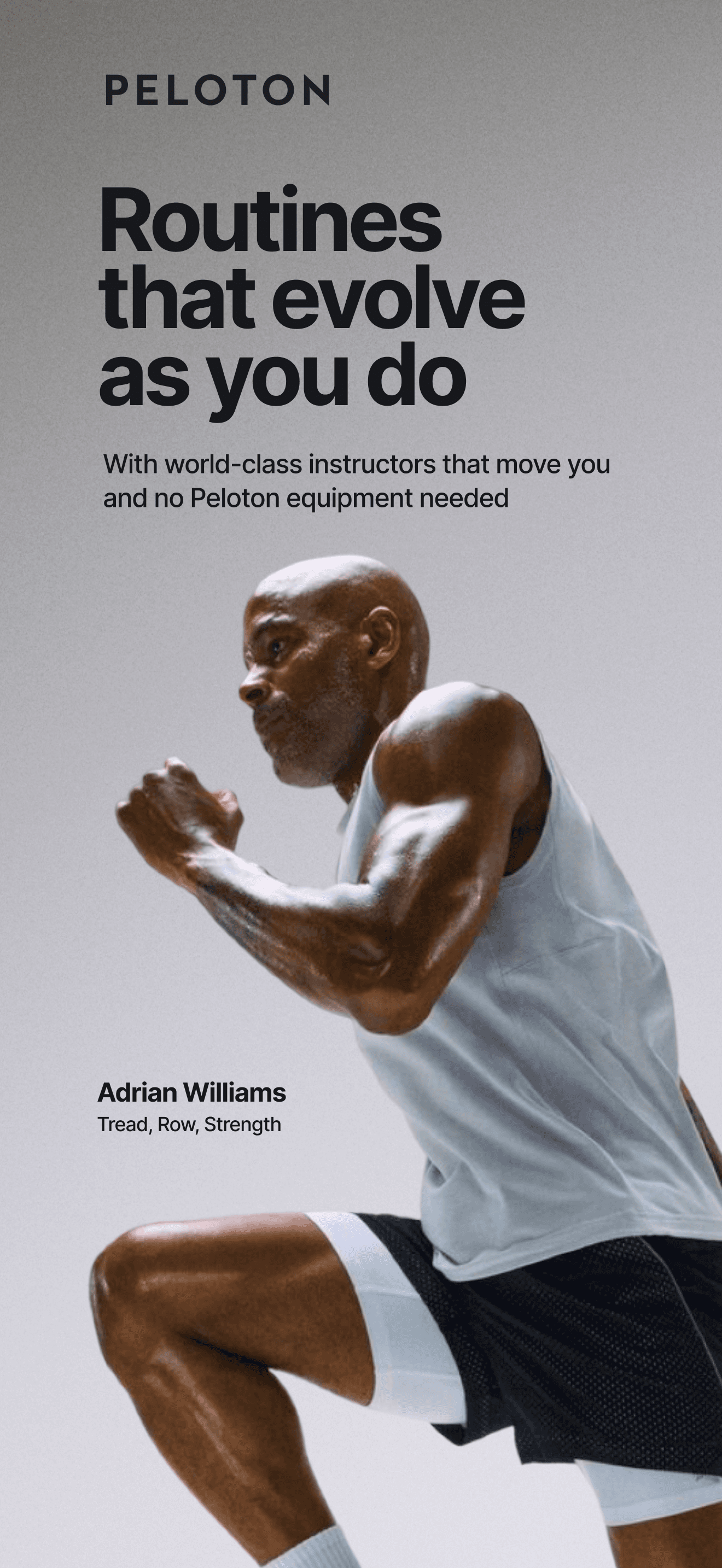
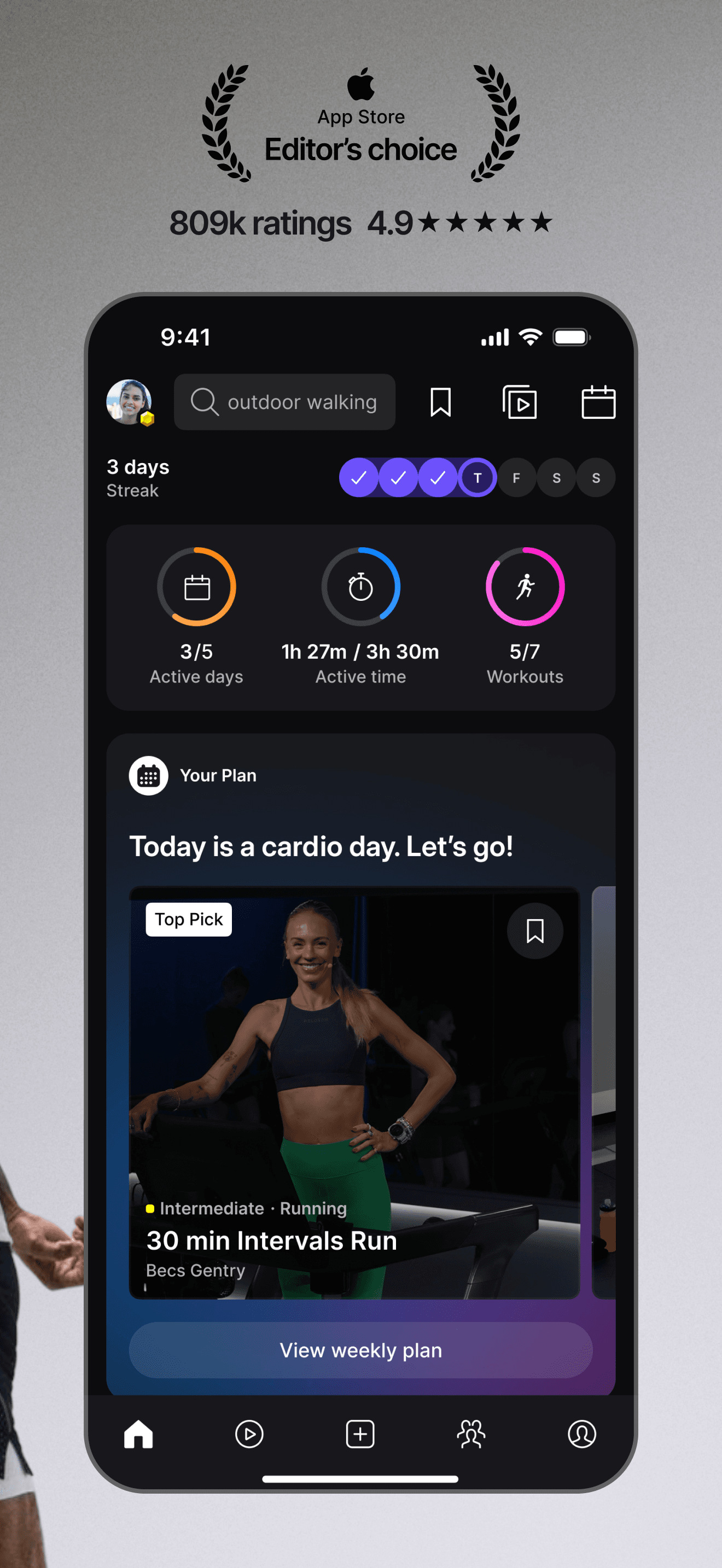
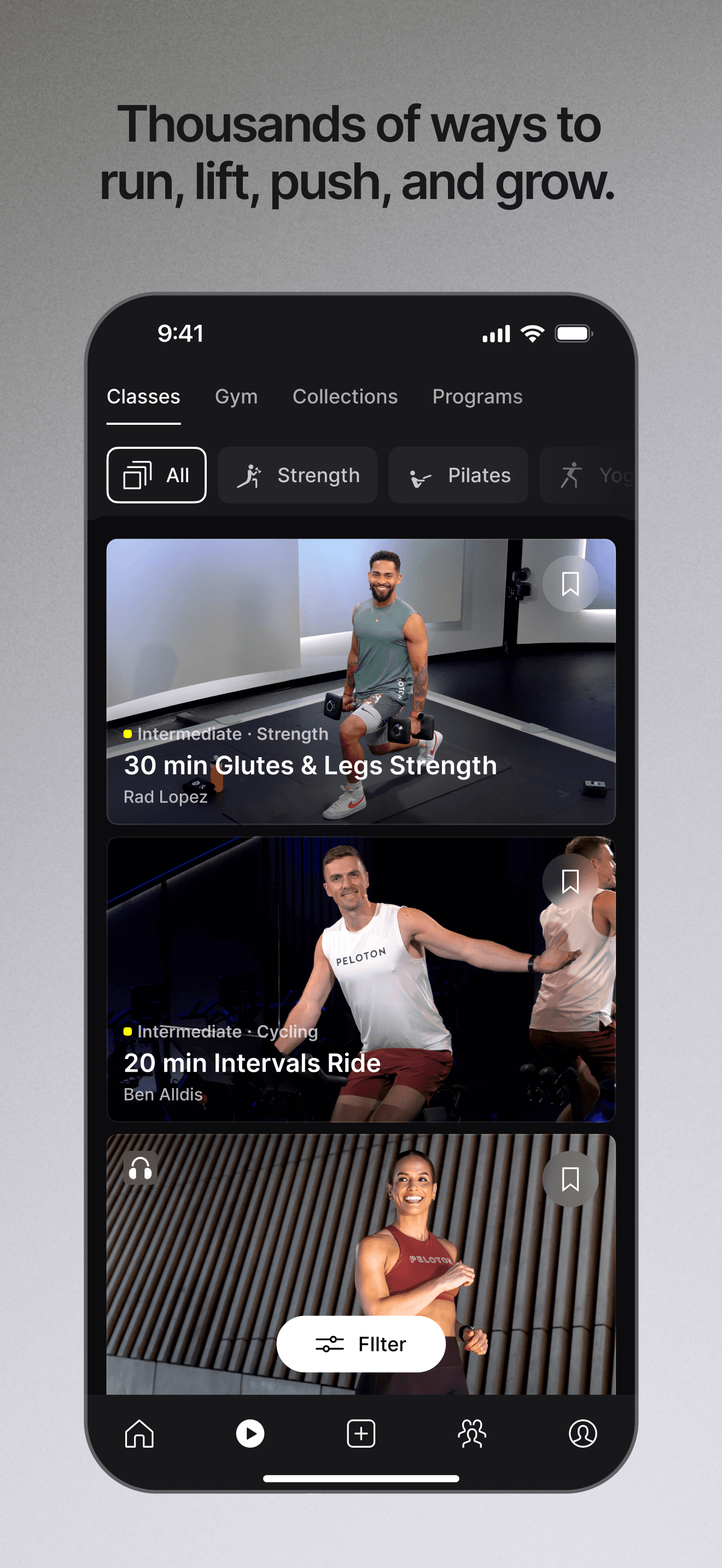
Peloton is the best workout app for iPhone because no other pick combines a 4.92-star average with 808,585 U.S. ratings and a class library this broad. You don't need the bike or the treadmill — the app alone covers strength, running (indoor and outdoor), yoga, meditation, HIIT, cycling, walking, and stretching, with instructors who feel like personalities rather than presenters. Peloton differs from FitOn by leaning into the live-feeling production polish and the schedule that turns workouts into appointments. A real scenario: it's 7 AM, you open the app, pick a 20-minute strength class with Adrian, follow along on the iPhone propped on your dresser, and close all three Apple Watch rings before the morning coffee. The tradeoff is reviewer-flagged friction with explicit language in some instructor classes (no built-in filter currently) and a subscription required for full access ($12.99/month is the typical app-only price). The class scheduling and filtering UI takes a couple of sessions to master. Best for users who want a class to follow rather than a program to track.
Pros
- Largest class library on this list covering strength, running, yoga, HIIT, meditation
- 808K U.S. ratings and 4.92-star average reflect category-leading retention and quality
- Native Apple Watch companion app records heart-rate, calories, and closes activity rings
Cons
- Explicit language in many instructor classes with no built-in filter to remove
- App-only subscription required at typical $12.99 monthly with no permanent free tier
- 2Get on App Store
#2Workout for Women: Home & GymBest for Beginners
Fast Builder Limited
Workout Planner, Weight Loss
- Rating
- 4.8
- Reviews
- 530.2K
- Price
- Paid
- 90-day trend
- —
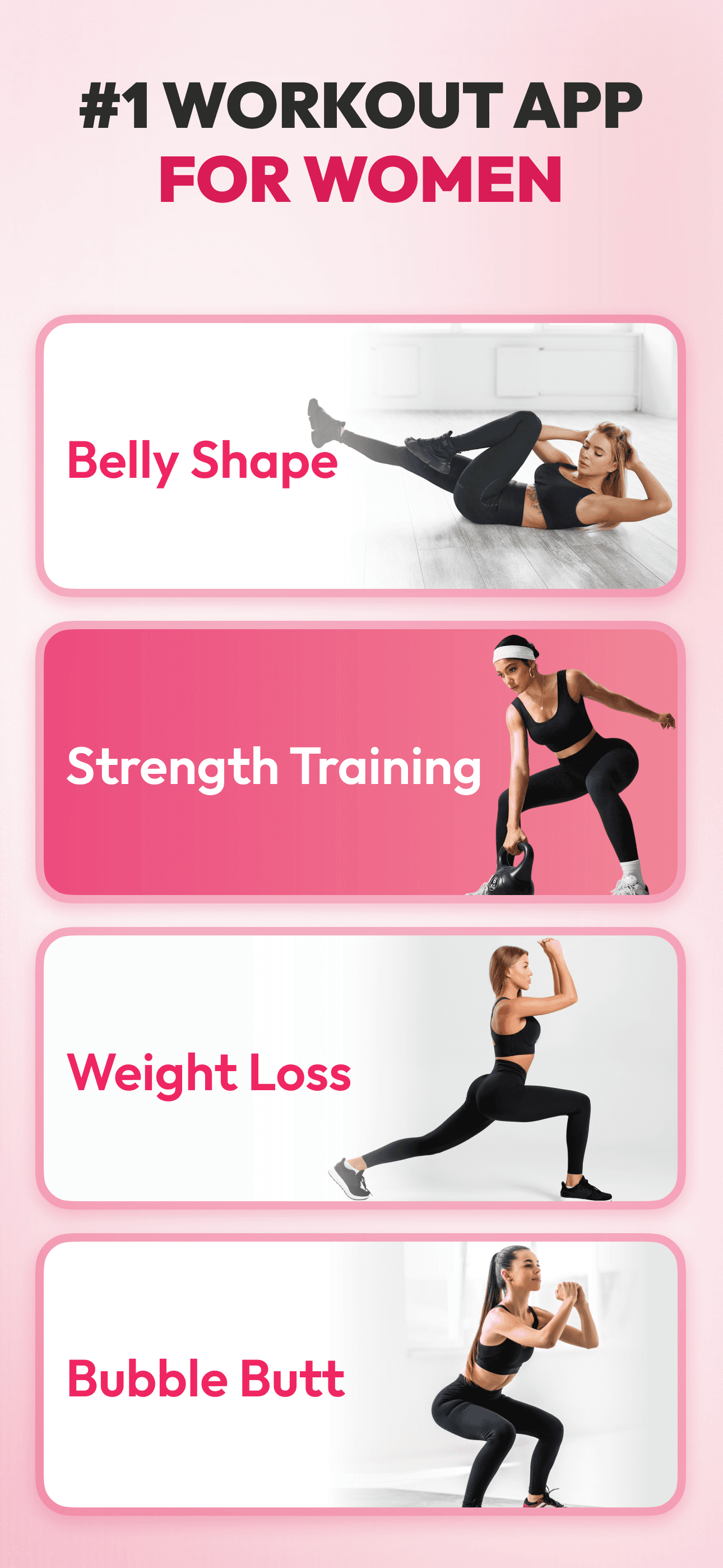
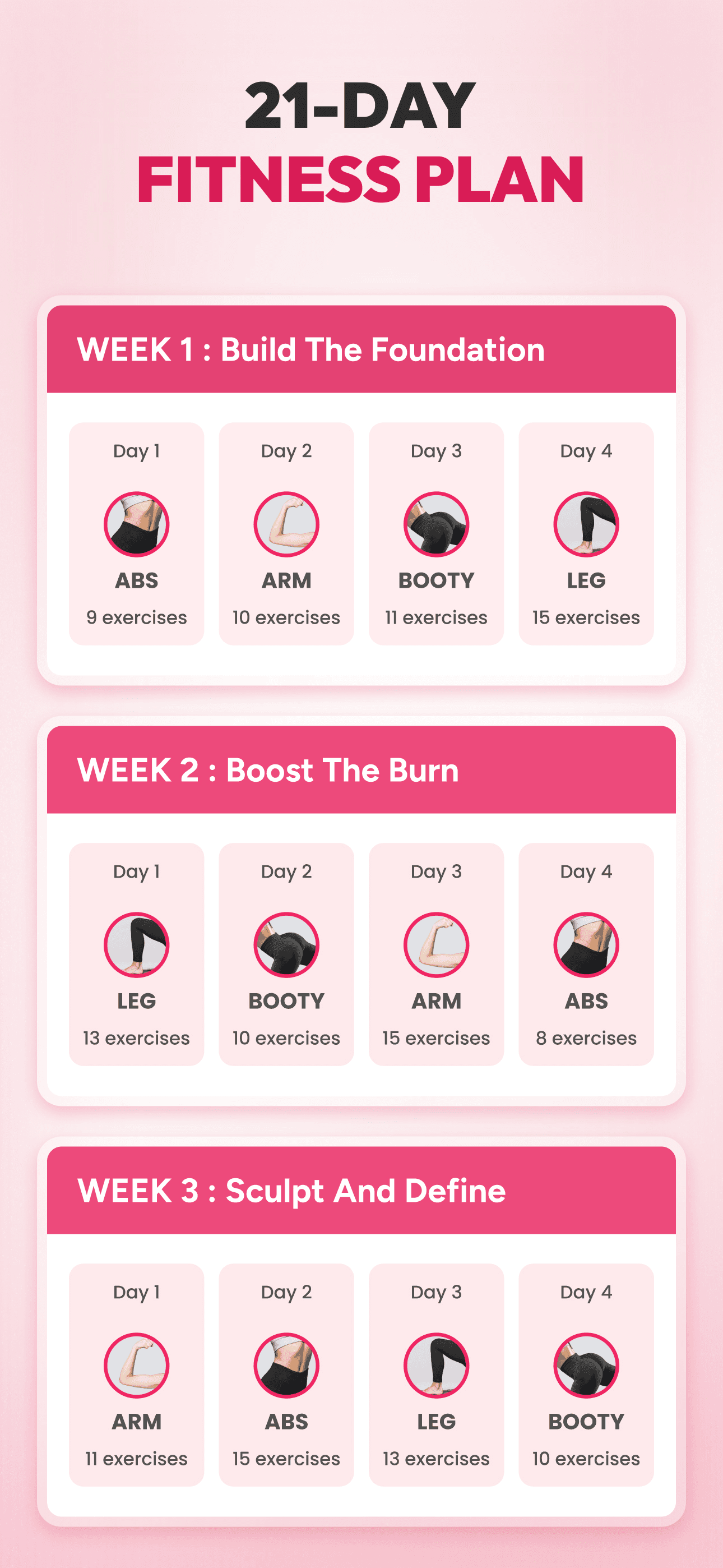
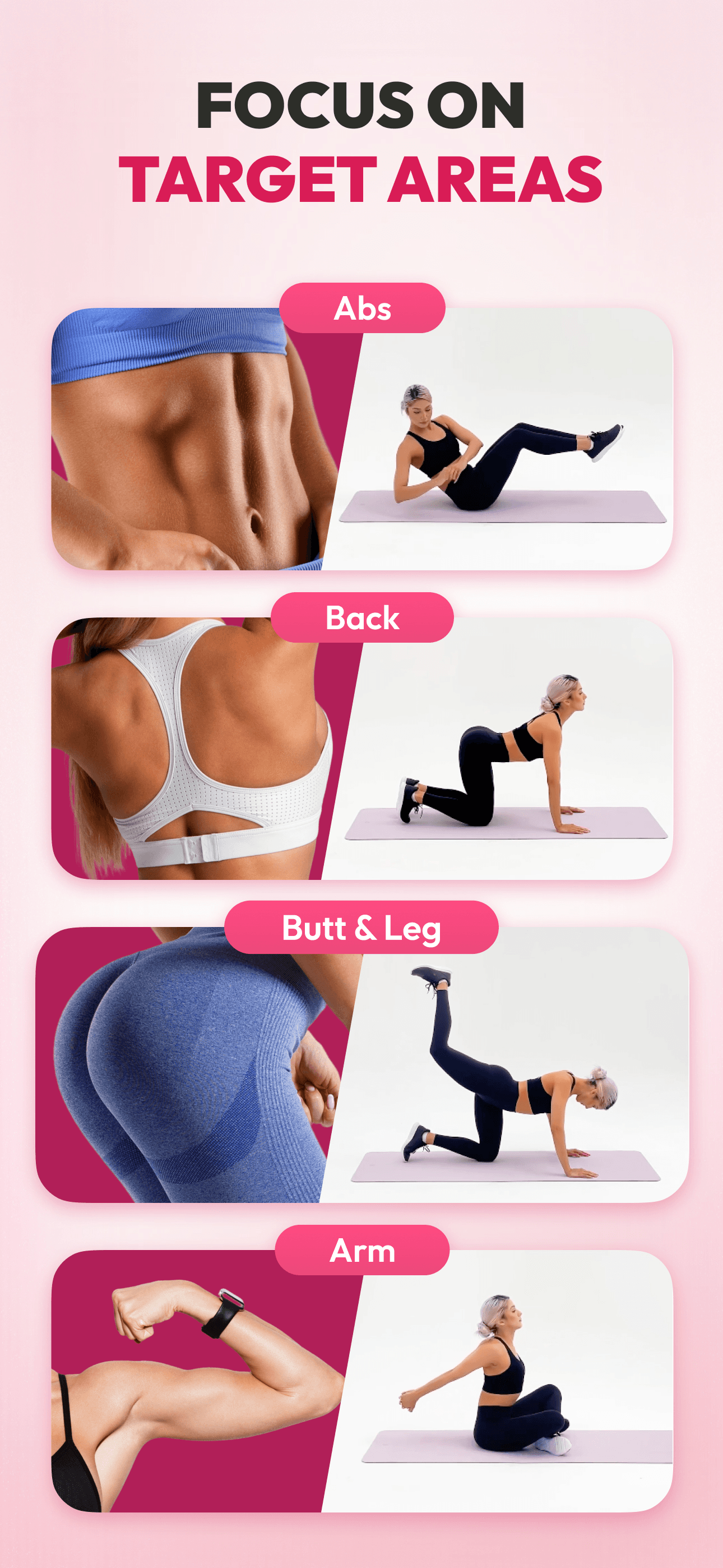
Workout for Women is the best workout app for iPhone users who want a female-focused home routine without a class subscription. With 528,585 U.S. ratings at a 4.85 average and a position as the #1-Rated Female Focused Workout App in 2024, the app delivers customized bodyweight programs targeting specific areas (abs, glutes, full-body) in 7-30 minute blocks. Workout for Women differs from Peloton by skipping instructor-led classes for animated demonstrations and a structured plan that adapts to your reported goal, weight, and schedule. A real scenario: you set a 30-day glute challenge, the app builds a daily 15-minute routine, you follow the animated demos in the morning, and check off the day on a calendar streak. The tradeoff is the demonstration format — animated figures, not live trainers — which some users find less motivating than a real person, and the free tier shows ads while paywalling advanced plans. Best for users who want zero-equipment, female-focused programming without paying for class production.
Pros
- Female-focused programming with 528K U.S. ratings and 4.85-star average sentiment
- Customized bodyweight plans target abs, glutes, and full-body in 7-30 minute blocks
- Free tier includes daily workouts with the deeper plans behind premium subscription
Cons
- Animated figure demonstrations less motivating for users who prefer real-trainer guidance
- Free tier shows ads between workouts with the cleaner experience gated behind paywall
- 3Get on App Store
#3FitOn Workouts & Fitness PlansBest Free
FitOn Inc.
Cardio, Yoga & Pilates classes
- Rating
- 4.9
- Reviews
- 282.7K
- Price
- Paid
- 90-day trend
- —
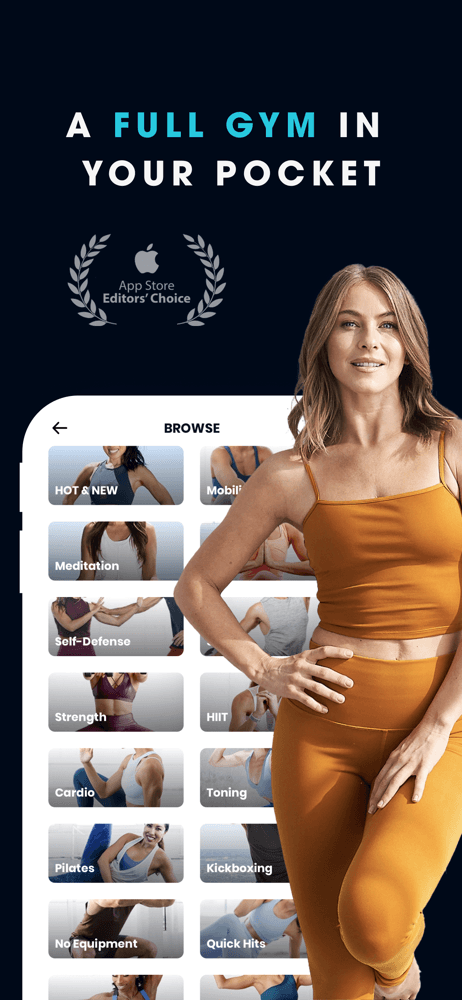
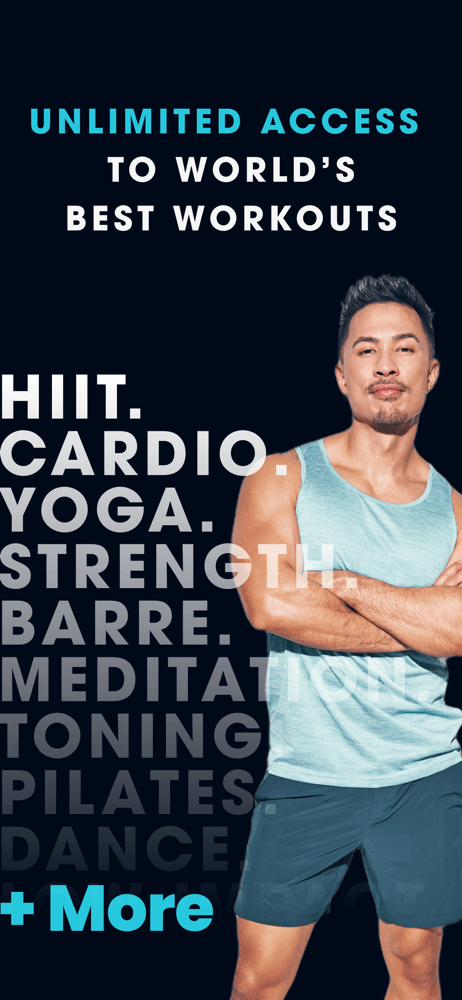
FitOn is the best workout app for iPhone users who want a real free tier with celebrity-trainer videos. At 4.87 stars across 282,767 U.S. ratings, FitOn keeps full unlimited workouts on its free tier — strength, HIIT, yoga, Pilates, dance, meditation — and monetizes through a Premium upgrade that adds personalized plans, music, and meal plans. FitOn differs from Peloton by being free at the core; differs from Workout for Women by featuring named human trainers (Jonathan Van Ness, Julianne Hough, Gabrielle Union among them). A real scenario: you pick a 25-minute Yoga With Julianne class, follow along on your iPhone, and close your Activity rings without spending a dollar on the app. The tradeoff is the production polish sits a tier below Peloton — the trainers are real but the editing and class breadth lag — and the Premium upsell appears often inside the free flow. Best for users who want celebrity-style classes for $0 and accept a less-polished interface in exchange.
Pros
- Real free tier with unlimited workouts including celebrity-trainer video classes
- 282K U.S. ratings at 4.87-star average reflect strong retention without paywall pressure
- Class library spans strength, HIIT, yoga, Pilates, dance, and meditation breadth
Cons
- Production polish sits a tier below Peloton in editing, instructor depth, and breadth
- Premium upsell appears frequently inside the free workout flow as nudges

- Rating
- —
- Reviews
- —
- Price
- Paid
- 90-day trend
- —
Fitbod is the best workout app for iPhone users serious about strength programming. An Apple Editor's Choice Award winner at 4.81 stars across 270,296 U.S. ratings, Fitbod's AI plans your next workout based on your available equipment, your training history, muscle recovery status, and your goal (strength, muscle, endurance). Fitbod differs from Peloton by skipping classes entirely — there's no instructor, just an adaptive workout sheet that progresses. A real scenario: you walk into a gym, Fitbod has already scheduled three compound lifts with target weights and rep ranges based on last Monday's session; you complete the workout, log RPE, and Fitbod re-balances Wednesday's plan. The tradeoff is reviewer-flagged friction around 'workouts not always great' — the AI's exercise selection can feel formulaic, and superset detection has edge cases that newer reviewers flag. Free tier limits sessions per week before paywalling Premium ($12.99/month or $79.99/year). Best for users who want a smart strength program without writing it themselves.
Pros
- Apple Editor's Choice winner with adaptive AI strength programming on iOS
- 270K U.S. ratings at 4.81 stars reflect long-term retention among strength lifters
- Plans next workout from prior session, equipment access, and muscle recovery status
Cons
- AI exercise selection can feel formulaic and superset detection has edge cases
- Free tier limits sessions per week before Premium paywall kicks in
- Rating
- 4.8
- Reviews
- 213K
- Price
- Paid
- 90-day trend
- —
JustFit is the best workout app for iPhone users who want a beginner-friendly Pilates and low-impact fitness on-ramp. At 4.79 stars across 211,684 U.S. ratings, JustFit's signature 28-day wall Pilates challenge has converted a wave of new exercisers, and its no-equipment, minimal-space approach (literally a section of wall) lowers the barrier for people who don't have weights or floor space. JustFit differs from Peloton by being beginner-focused and lower-intensity; differs from FitOn by leading with structured challenges rather than an open class library. A real scenario: you commit to the 28-day challenge, complete a 15-minute session against your bedroom wall each morning, and watch the streak counter and gentle progress charts reinforce the habit. The tradeoff is reviewer-flagged friction with subscription billing — multiple recent 1-star reviews describe unexpected annual charges shortly after a short trial, and the marketing promises (visible results in 27 days) draw skepticism. Best for users who want low-intensity, structured Pilates without a gym membership.
Pros
- Signature 28-day wall Pilates challenge converts new exercisers without equipment
- Minimal-space, low-impact format lowers the floor for total fitness beginners
- 211K U.S. ratings at 4.79 stars reflect strong category traction with newcomers
Cons
- Unexpected annual charges shortly after short trial flagged in recent reviews
- Marketing promises like results in 27 days draw user skepticism in negative reviews
- Rating
- 5.0
- Reviews
- 168.9K
- Price
- Paid
- 90-day trend
- —
LADDER is the best workout app for iPhone users who want coach-built strength programs delivered like a subscription service. At 4.95 stars across 136,453 U.S. ratings — the highest rating on this list — LADDER pairs you with a named strength coach who delivers a multi-week program tailored to your goal, equipment, and schedule. LADDER differs from Fitbod by replacing AI programming with real coaches; differs from Peloton by being strength-first rather than class-first. A real scenario: you choose a hypertrophy coach, get an eight-week program with daily sessions, message the coach mid-program when your shoulder gets cranky, and the coach swaps movements in your next session. Review themes praise the value-per-dollar ('Worth the money') and the team-formation social side. The tradeoff is the price tier — LADDER is a premium subscription positioned above Fitbod, and the value depends on actually using the coach access, not just running the workouts. Free trial converts to recurring. Best for users who want human-curated strength programming.
Pros
- Highest rating on this list at 4.95 stars across 136K U.S. ratings recorded
- Real-coach strength programming with multi-week plans tailored to your equipment
- Direct coach messaging lets you swap movements when joints get cranky mid-program
Cons
- Premium pricing tier sits above Fitbod with value tied to actually using coach access
- Free trial converts to recurring subscription which requires conscious cancel timing
- Rating
- 4.8
- Reviews
- 164.4K
- Price
- Paid
- 90-day trend
- —
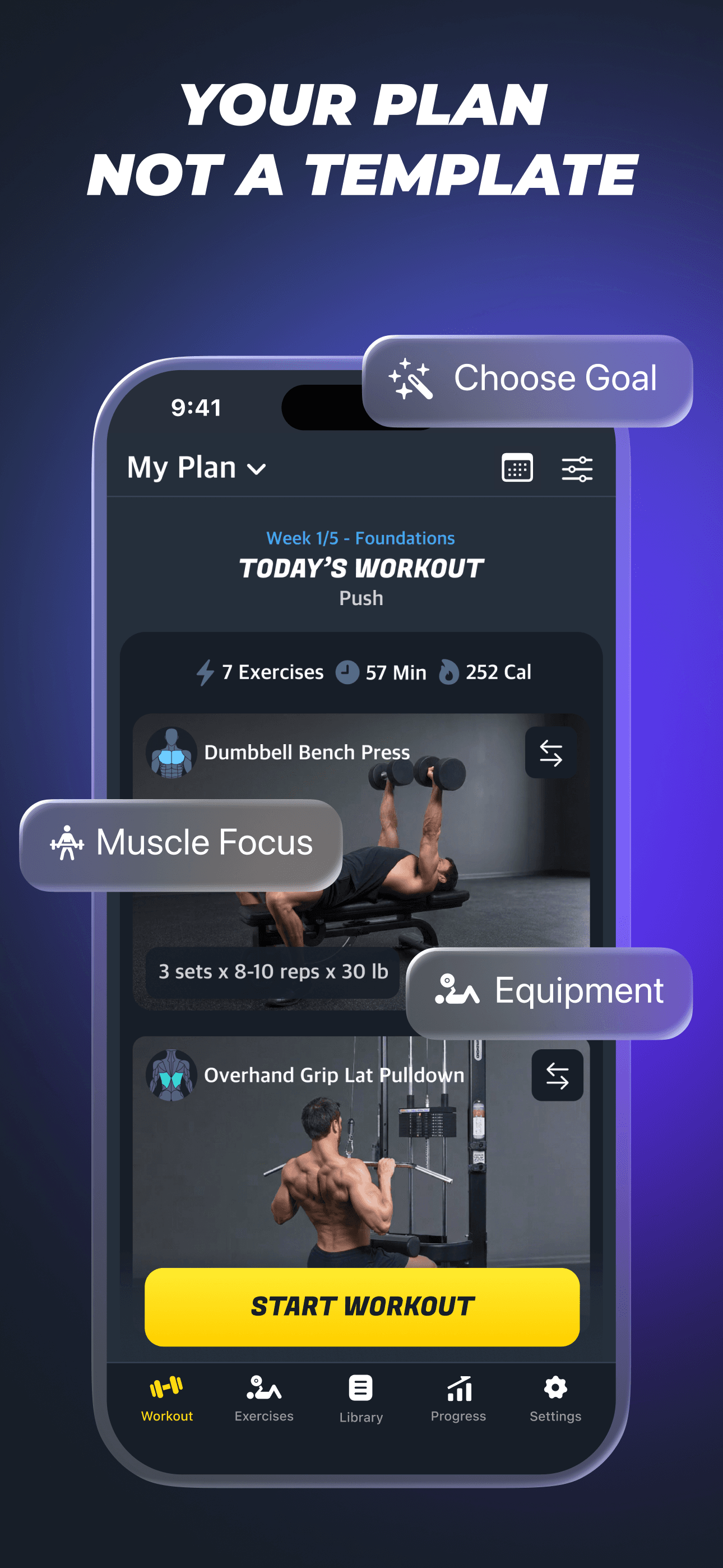
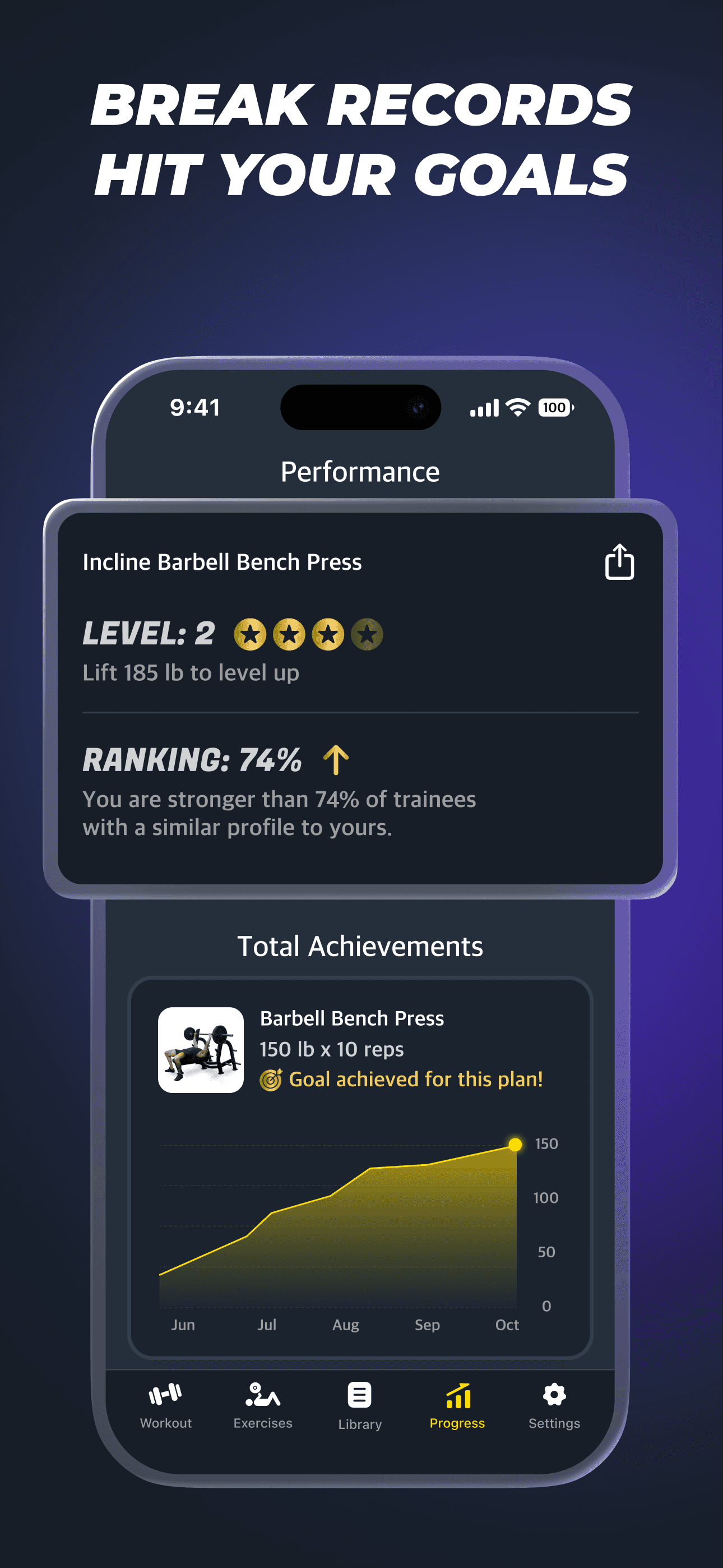
Gymverse is the best workout app for iPhone users who want AI-built gym programming that adapts as they progress. At 4.85 stars across 163,355 U.S. ratings, Gymverse builds adaptive multi-week training plans around your goal, equipment, schedule, and experience level, then refreshes the program automatically as your performance data accumulates. Gymverse differs from Fitbod by leaning more aggressively on multi-week program structure (cycles, deloads, progressive overload) rather than session-by-session AI generation. A real scenario: you input a 'build muscle' goal with three gym days per week and dumbbell + bench access, Gymverse builds a 12-week hypertrophy cycle with deload weeks scheduled, and the program adjusts loads based on your logged sets. The tradeoff is reviewer-flagged friction around two themes: a post-update crash that's been hard to recover from for some users, and unexpected charges shortly after a trial (Apple-side dispute is the recommended path). Best for users who want long-cycle hypertrophy programming with progressive overload baked in.
Pros
- AI builds adaptive multi-week training cycles with deload weeks scheduled automatically
- 163K U.S. ratings at 4.85 stars reflect strong retention among gym-focused lifters
- Programs refresh automatically as your logged performance data accumulates weekly
Cons
- Post-update crashes reported by users with progress recovery difficulties
- Unexpected charges shortly after trial with Apple-side dispute as recommended path
- Rating
- 4.9
- Reviews
- 114.6K
- Price
- Paid
- 90-day trend
- —
Home Workout - No Equipments is the best workout app for iPhone users who want bodyweight programming with calorie-burn estimates and no gym requirement. At 4.88 stars across 110,421 U.S. ratings, the app delivers structured plans for full-body, abs, chest, arms, leg, and shoulder workouts using nothing but your own bodyweight. Home Workout differs from Peloton by skipping classes for animated demonstrations and from Workout for Women by being more gender-neutral and calisthenics-focused. A real scenario: you commit to a 30-day full-body plan, do a 12-minute session in your living room each morning, and watch the calorie counter and streak together build adherence. The tradeoff is reviewer-flagged friction: one review describes the female workout demonstrations as drawn with less attention than the male versions (a UI issue the developer can fix without changing the plans themselves), and the calorie-burn calculation draws skepticism since it's algorithmic, not heart-rate-based. Best for users who want disciplined calisthenics structure without equipment or coaching.
Pros
- Bodyweight-only programs delivered with structured 30-day plans and streak tracking
- 110K U.S. ratings at 4.88 stars reflect calisthenics-focused user retention strength
- Targets full-body, abs, chest, arms, leg, and shoulder splits with animated demos
Cons
- Female workout illustrations drawn with less attention than male versions per reviews
- Algorithmic calorie burn estimate draws skepticism since it is not heart-rate-based
- 9
 Get on App Store
#9Strong Workout Tracker Gym LogBest Strength Tracker
Strong Fitness PTE Limited
Strength Training Planner
- Rating
- 4.9
- Reviews
- 108.5K
- Price
- Free
- 90-day trend
- —
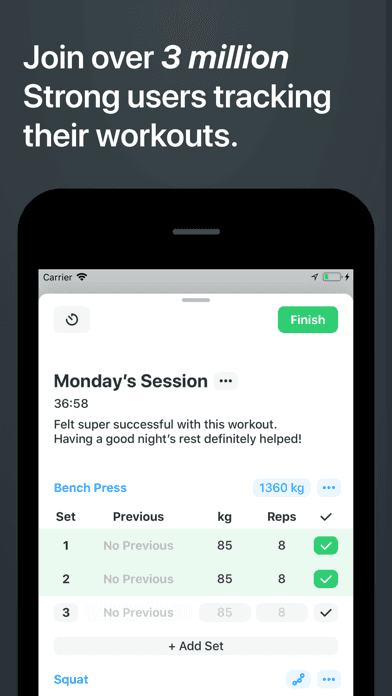
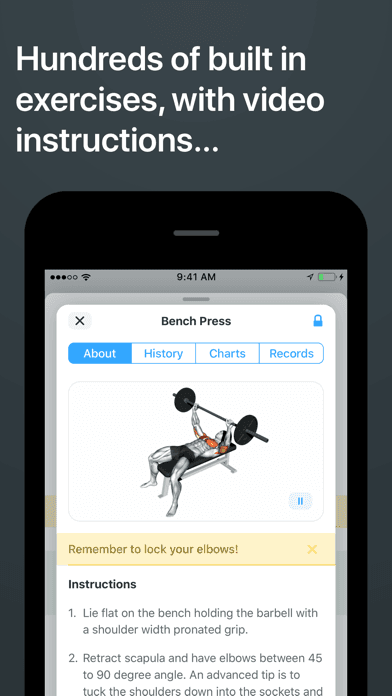
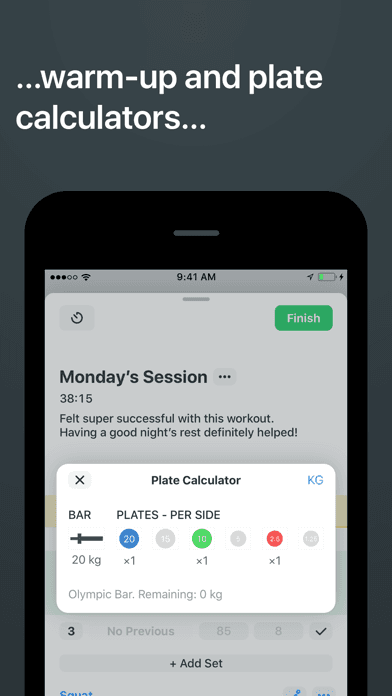
Strong is the best workout app for iPhone users who only need a tracker — not a coach, not a plan, just the cleanest set-rep-weight log on iOS. At 4.86 stars across 108,375 U.S. ratings (with 1.2M+ downloads to date per the listing), Strong is the gold standard for users who write their own routines or follow programs from coaches, books, or strength blogs. Strong differs from every other pick on this list by not generating workouts — you bring the plan, Strong handles the logging. A real scenario: you walk in for a five-set squat session, tap your prior workout to autofill weights, log each set as you complete it, hit the rest timer, and finish with a clean session summary that updates your 1RM chart automatically. The tradeoff is exactly that minimalism: if you don't already have a program, Strong won't help you build one, and the Premium tier ($4.99/month or $29.99/year) gates advanced metrics (1RM tracking, plate calculator, body measurements). Best for serious lifters who already know what they're doing.
Pros
- Cleanest set-rep-weight log on iOS with autofill from your prior workout entries
- 108K U.S. ratings at 4.86 stars reflect serious-lifter retention over years of use
- Apple Watch companion lets you log sets from the wrist between rest-timer intervals
Cons
- No programming or coaching — bring your own routine or pull from outside sources
- Premium gates 1RM tracking, plate calculator, and body measurement deeper metrics
- Rating
- 4.6
- Reviews
- 211.6K
- Price
- Paid
- 90-day trend
- —
ArtWorkout is an outlier on this list — at 4.59 stars across 184,149 U.S. ratings, the app teaches drawing rather than physical training. It earns its position through high ratings and Health & Fitness category presence (creative practice has a mind-body adjacency), but it's not a workout app in the conventional sense. ArtWorkout differs from every other pick by replacing the physical workout format with structured drawing lessons, animated practice prompts, and a daily-streak system that uses the same habit mechanics the fitness apps lean on. A real scenario: you commit to a 10-minute daily drawing practice, follow guided lessons on perspective, anatomy, or shading, and watch your streak build alongside an actual portfolio of completed sketches. The tradeoff is that it doesn't move your body — if your goal is calories burned or strength gained, this is a category mismatch — but the habit infrastructure is the same as a workout streak app. Best for users who want a creative practice habit, not a strength or cardio plan.
Pros
- Structured daily drawing practice with the same streak-and-progress habit mechanics
- 184K U.S. ratings at 4.59 stars across guided lessons on perspective and anatomy
- Free tier includes core drawing prompts with deeper lessons unlocked via premium
Cons
- Not a physical workout app — doesn't move your body, burn calories, or build strength
- Mismatch with calorie and strength goals if those are your primary fitness targets


How we picked
### Data sources Live App Store metadata feeds ratings, version cadence, screenshots, and recent reviews. Our ranking tracker logs U.S. Health & Fitness category positions daily for every app. Review themes come from the most recent U.S. reviews per app, weighted toward the last 90 days.
### How we score Four weighted axes: programming quality (how the app builds, adapts, and progresses your routine), workout-tracking depth (sets, reps, weight, RPE, supersets, rest-timer), Apple Watch and HealthKit integration (heart-rate, calories burned, workout-type recognition, ring-closing), and price-to-value (free-tier usefulness, trial transparency, subscription clarity).
### Refresh cadence The top 10 set is re-scored monthly. Ratings, ranks, and review themes refresh daily. When an app changes pricing, drops below 4.0 stars, or removes a feature that drove its placement (free workouts, for example), it gets re-evaluated within the week.
### What we exclude Apps with an average below 4.0 stars, fewer than 20,000 U.S. ratings, or no update in nine months. We exclude pure tracker apps without programming (basic step counters), and we exclude apps making clinical-grade performance claims that have not been validated.
### What we don't do No affiliate-driven ordering. Referral commissions don't bump apps. We don't take sponsorship from listed apps. This is a feature comparison; not personal training, not medical advice, not a guarantee that any specific app will produce a specific result. Form, progression, and injury management belong to a real coach or clinician.