



Best Widget Apps for iPhone
By App Store Tracker Editorial · Updated — live App Store data verified
The short version
The best widget app for iPhone in 2026 is Widgetsmith — 4.61 stars across 747,882 ratings makes it the most-used widget app on the App Store, with deep customization for Home Screen, Lock Screen, and Apple Watch widgets. Aesthetic Kit is the runner-up at 4.58 stars from 126,427 ratings for users who want pre-designed widget themes. MinimaList wins for to-do widgets with 44,371 ratings. Days handles countdown widgets. Widgy is the deep-customization power tool. Several pre-designed widget packs round out the list.
Jump to a pick↓
Widgets transformed the iPhone Home Screen and Lock Screen since iOS 14 made them first-class, and iOS 18 expanded them further. The category splits into three real use cases: customizable widget toolkits (Widgetsmith, Widgy) where you build exactly what you want, pre-designed theme packs (Aesthetic Kit, Color Widgets) where you pick from curated styles, and purpose-built single-function widgets (MinimaList for to-dos, Days for countdowns). The ten apps below cover all three. We pulled live App Store ratings and review themes for every pick and weighted Lock Screen and Home Screen support, Apple Watch widgets, live-data widgets, battery impact, and how each handles iOS version updates that frequently break widget compatibility for the less-maintained apps.
- Rating
- 4.6
- Reviews
- 753.4K
- Price
- Paid
- 90-day trend
- —
Widgetsmith is the best widget app for iPhone users who want the deepest customization toolkit and the most polished iOS-native experience. Developed by indie developer David Smith, Widgetsmith pioneered the third-party widget category when iOS 14 launched and remains the most-installed widget app on the App Store. Compared with Aesthetic Kit, Widgetsmith lets you build widgets from scratch — font, color, data source, layout — rather than picking from pre-designed themes. Compared with Widgy, Widgetsmith is easier to learn while still covering most customization needs. Real use case: a user who wants a specific time-and-date widget in a particular font and color, a custom-styled weather widget, and a calendar widget showing only one specific calendar — Widgetsmith handles all three from one app. The 4.61 from 747,882 ratings is the largest user base on this list. Free tier covers most widget types. Premium unlocks weather forecasts, tide data, and astronomical widgets. Tradeoff: pure customization means setup time — users who want instant results should pick Aesthetic Kit instead.
Pros
- Largest user base in category at 747,882 ratings with steady updates
- Deep customization across font, color, data source, and layout
- Supports Home Screen, Lock Screen, and Apple Watch widgets in one app
Cons
- Customization requires real setup time — not for users wanting instant results
- Premium subscription needed for weather forecasts, tide, and astronomical widgets
- 2Get on App Store
#2Aesthetic Kit: Live WallpapersBest for Aesthetics
CELESTIAN GOLDEN APPS
icons, wallpapers, shortcuts
- Rating
- 4.6
- Reviews
- 126.5K
- Price
- Paid
- 90-day trend
- —
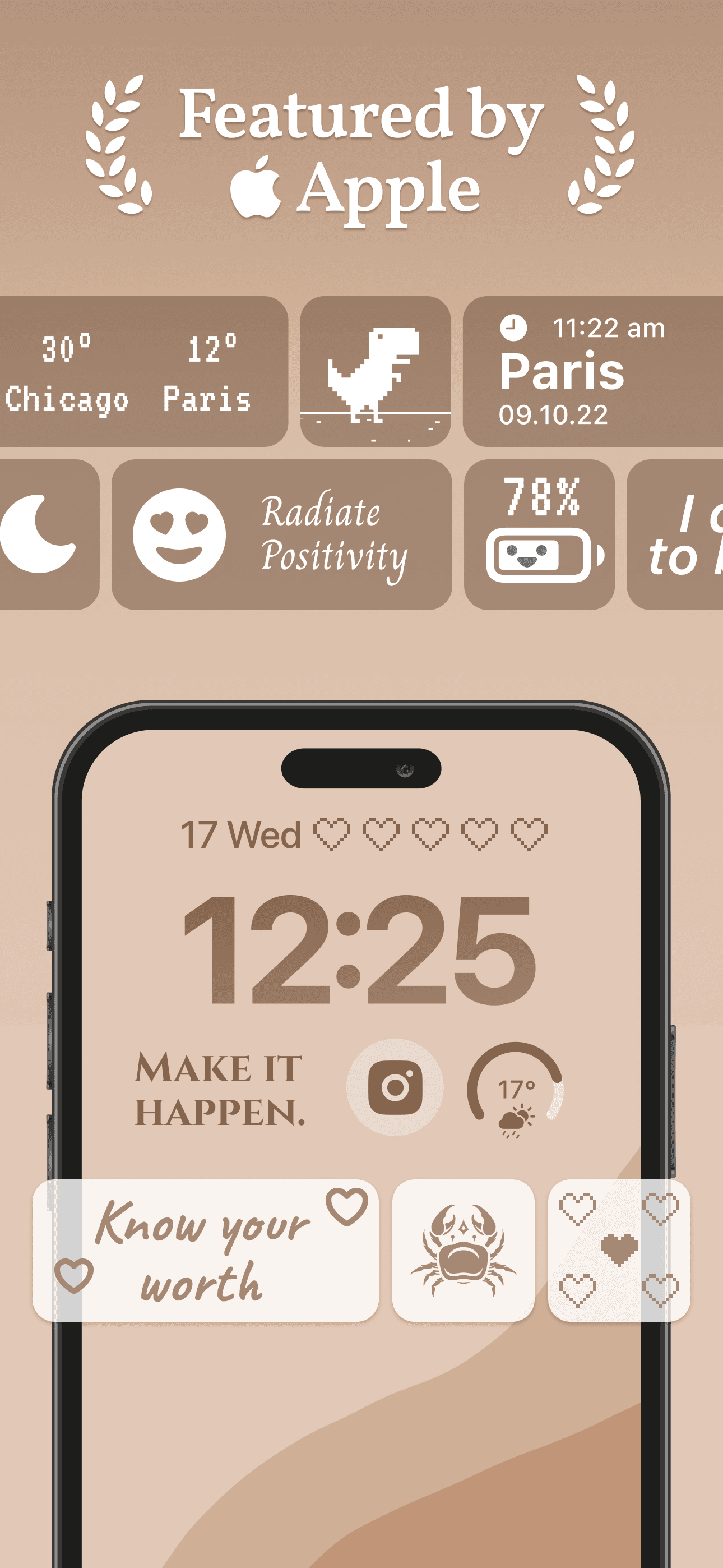
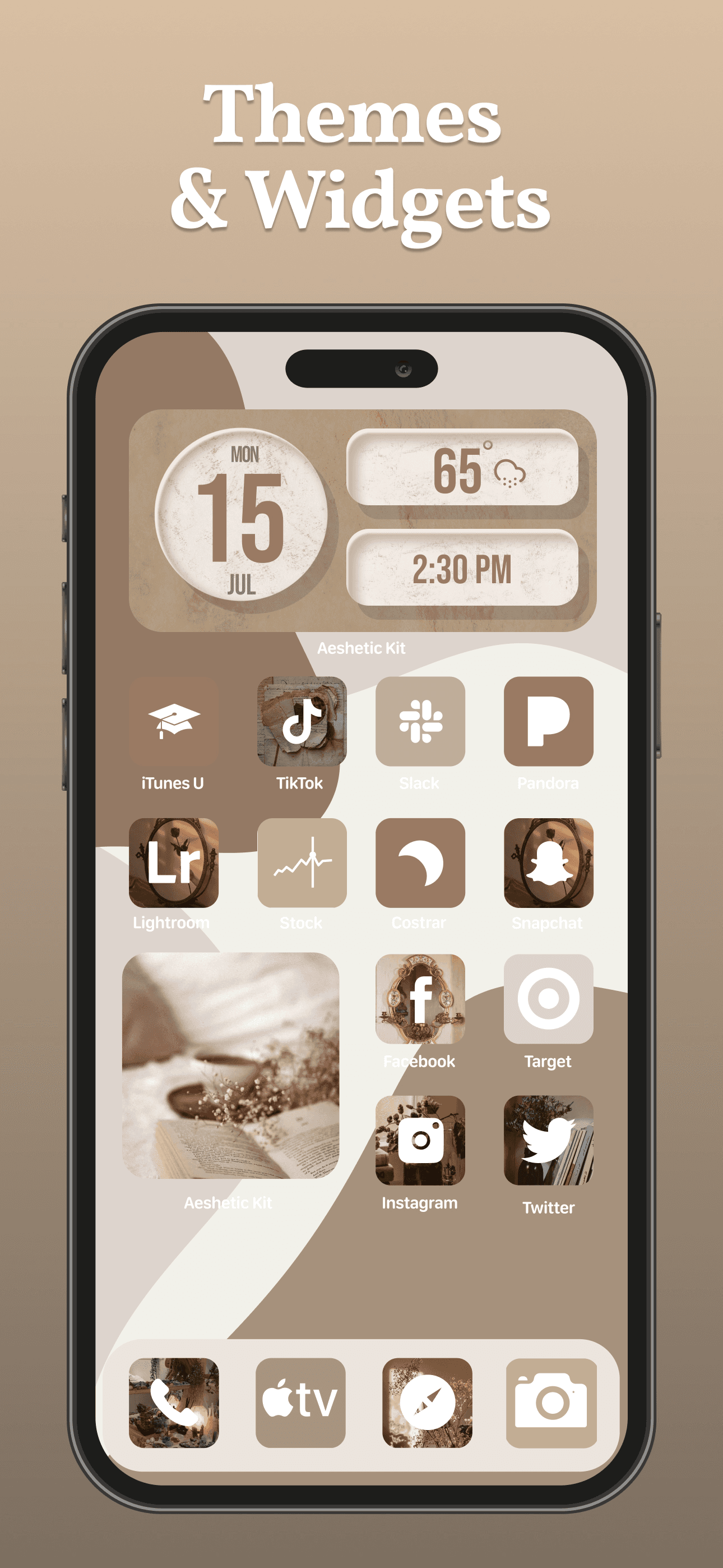
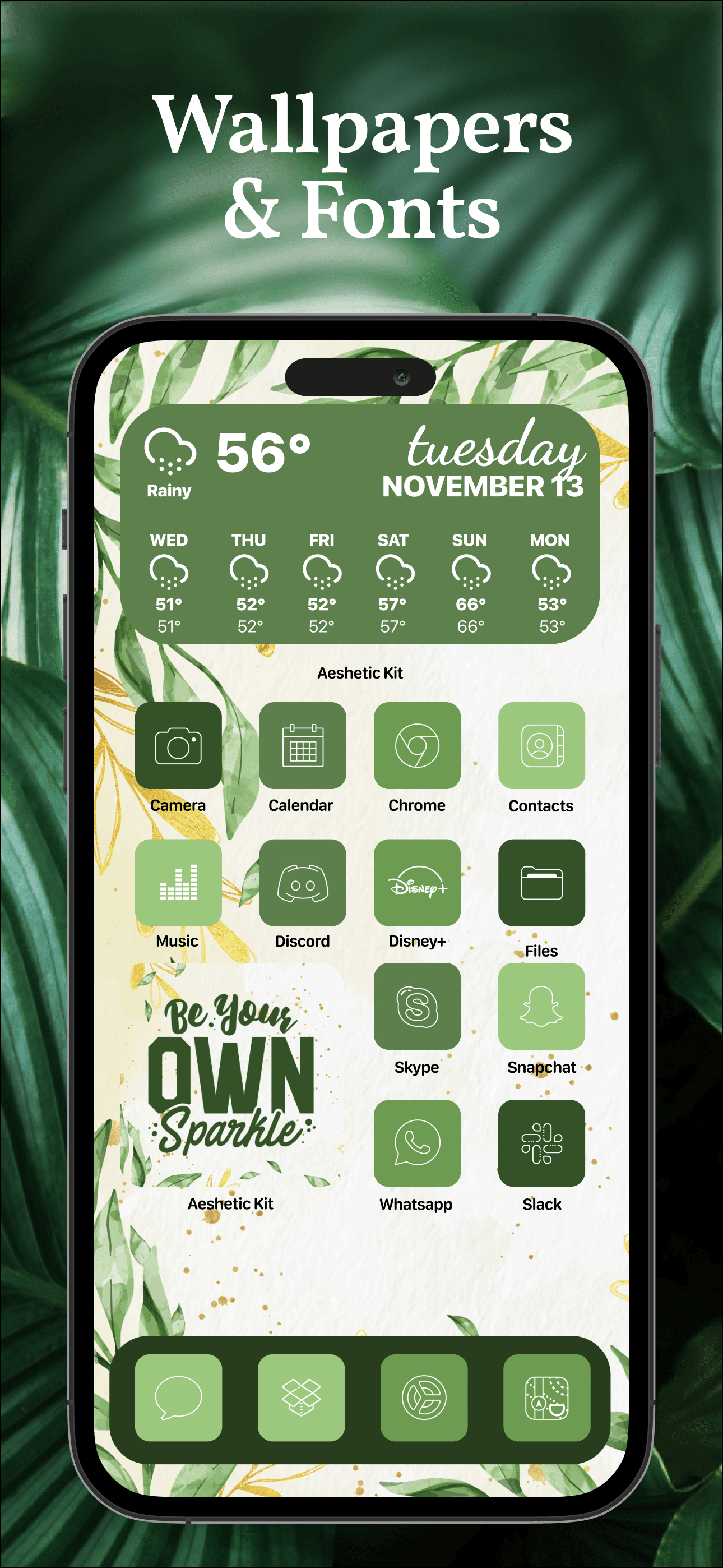
Aesthetic Kit is the best widget app for users who want pre-designed widget themes and don't want to build their own from scratch. The pitch: thousands of curated widget designs across aesthetics (Y2K, cottagecore, dark academia, minimalist, kawaii) you can apply in seconds. Compared with Widgetsmith's blank-canvas approach, Aesthetic Kit is browse-and-pick. Compared with Color Widgets, Aesthetic Kit has broader theme variety. Real use case: a teen or young adult who wants their Home Screen to match a specific aesthetic vibe (Pinterest-inspired) without spending hours designing widgets pixel by pixel. The 4.58 from 126,427 ratings reflects mainstream adoption in the aesthetic-customization niche. Tradeoff: subscription required for the best themes and full icon pack collection, and users who want highly specific customizations will still want a tool like Widgetsmith. Best paired with Widgetsmith for users who want both pre-designed themes and custom widgets — they serve different needs in the same Home Screen.
Pros
- Thousands of pre-designed widget themes across multiple aesthetic styles
- Browse-and-pick workflow gets users to finished Home Screen quickly
- Strong 4.58 rating with 126,427 ratings reflects mainstream adoption
Cons
- Subscription required for best themes and full icon pack collection
- Less customization depth than Widgetsmith for users wanting precise control
- 3Get on App Store
#3To Do List MinimaList & WidgetBest for Productivity
Inner Grow Limited
Planner, Reminder & Tasks
- Rating
- 4.8
- Reviews
- 45.7K
- Price
- Free
- 90-day trend
- —
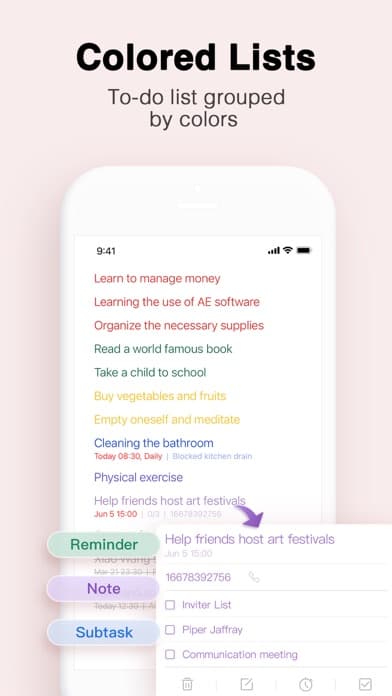
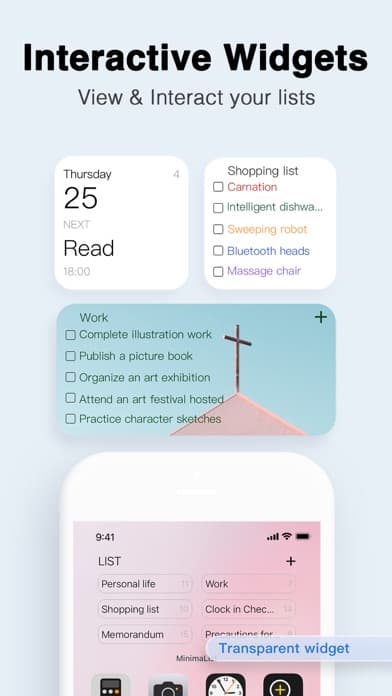
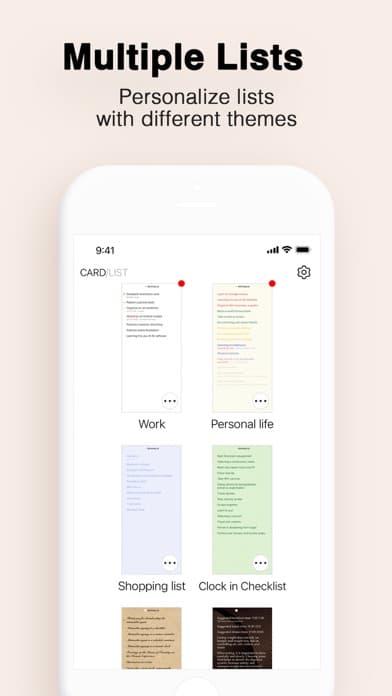
MinimaList is the best to-do widget app for users who want a fast, focused task widget that surfaces today's tasks on the Home Screen without opening any app. The pitch: a minimalist to-do app with widget-first design — your most important tasks are always visible. Compared with full to-do apps like Things or Reminders, MinimaList is intentionally simpler. Compared with general widget apps, MinimaList specializes in the to-do widget use case. Real use case: someone who wants to glance at their phone and see today's three most important tasks without tapping into any app. The 4.77 from 44,371 ratings reflects strong adoption among productivity-minded users. Pomodoro timer and white-noise features extend the focus use case. Tradeoff: it is a to-do app first and widget app second — users who want only widgets without a backing to-do app should pick Widgetsmith with calendar widgets instead. Best for users who actively want a dedicated to-do app where the widget is the primary interface.
Pros
- Widget-first to-do design surfaces today's tasks without app-opening
- Bundled Pomodoro timer and white-noise features extend focus workflow
- Strong 4.77 rating reflects loyal productivity-focused user base
Cons
- Simpler than full to-do apps for users with complex project systems
- Subscription required for advanced features like recurring tasks and tags
- Rating
- 4.7
- Reviews
- 26K
- Price
- Paid
- 90-day trend
- —
Widgy Widgets is the best widget app for power users who want the deepest customization possible — arbitrary fonts, custom data feeds via URL, conditional logic, animations, and visual programming for widget layouts. The pitch: anything you can dream up, you can build. Compared with Widgetsmith's polished simplicity, Widgy is a power tool with a learning curve. Compared with all other widget apps, Widgy is the only one with true visual programming for widget logic. Real use case: a developer or maker who wants a widget that pulls live data from a custom API (home automation status, server uptime, custom dashboards) with conditional formatting based on the data. The 4.65 from 25,990 ratings reflects loyal power-user adoption. Tradeoff: the learning curve is real — casual users will find it overwhelming. Best for users who want widgets that no other app can build, accepting the setup overhead. The Widgy community shares widget packs that lower the barrier for users who don't want to build from scratch.
Pros
- Deepest customization possible with visual programming for widget logic
- Custom data feeds via URL and JSON for arbitrary live-data widgets
- Widget pack community shares pre-built configurations lowering barrier
Cons
- Steep learning curve makes it overwhelming for casual widget users
- Visual programming is overkill for users who only need basic widgets
- Rating
- 4.8
- Reviews
- 13.6K
- Price
- Paid
- 90-day trend
- —
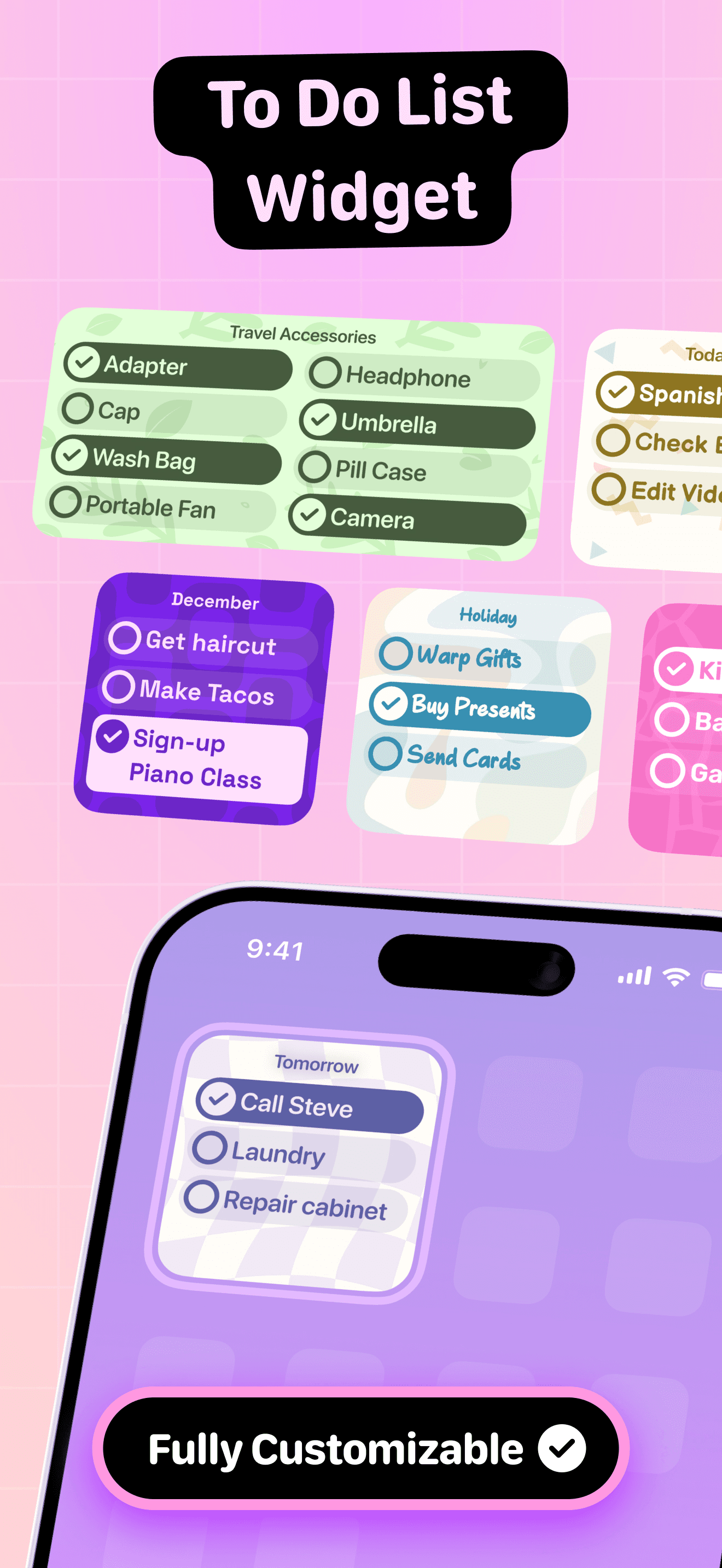
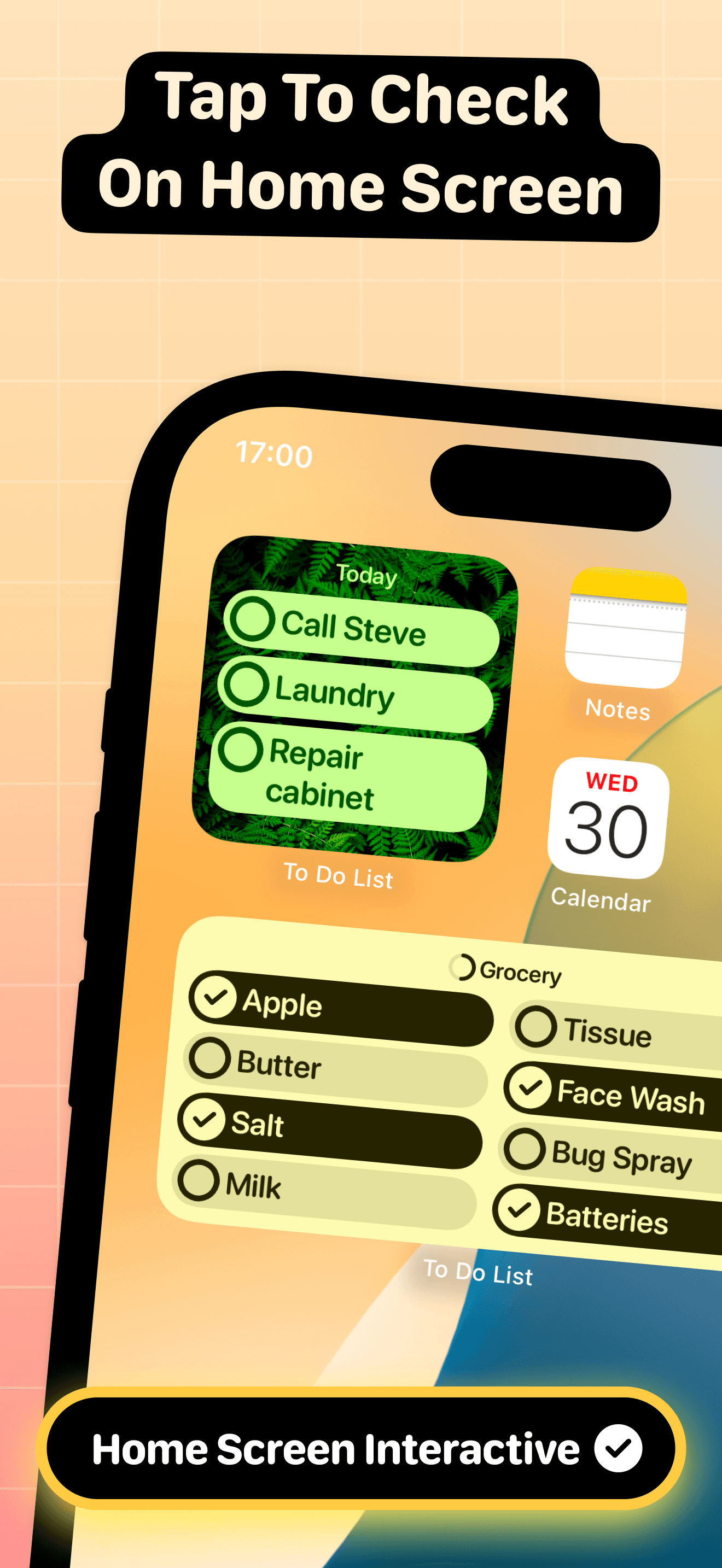
To Do List Widget is the best free to-do widget for users who want a simple, ad-free task widget without committing to a full to-do ecosystem. The pitch: tap items off your list directly from the Home Screen widget — no app-opening required. Compared with MinimaList, To Do List Widget is simpler and fully free. Compared with Apple Reminders' widget, To Do List Widget has a cleaner widget design. Real use case: a user who has a small daily task list (5-10 items) and wants the widget to be the primary interaction surface, marking items done by tapping. The 4.77 from 13,440 ratings reflects strong adoption among free-app users. iOS 17 interactive widget support means tapping items in the widget marks them done without opening the app. Tradeoff: it is simpler than dedicated to-do apps — users with complex task systems (projects, due dates, tags) should pick Things or Todoist instead. Best as the most polished free option in the to-do widget space.
Pros
- Fully free with no ads or paid tiers for to-do widget functionality
- iOS 17 interactive widget support marks tasks done without app-opening
- Strong 4.77 rating reflects quality in the free-app to-do widget category
Cons
- Simpler than dedicated to-do apps for complex project workflows
- No cross-device sync via iCloud limits multi-device users somewhat
- 6
 Get on App Store
#6Days • Countdown & WidgetsBest for Lock Screen
MD Apps LTD
Countdown, widgets & reminders
- Rating
- 4.8
- Reviews
- 12.1K
- Price
- Paid
- 90-day trend
- —
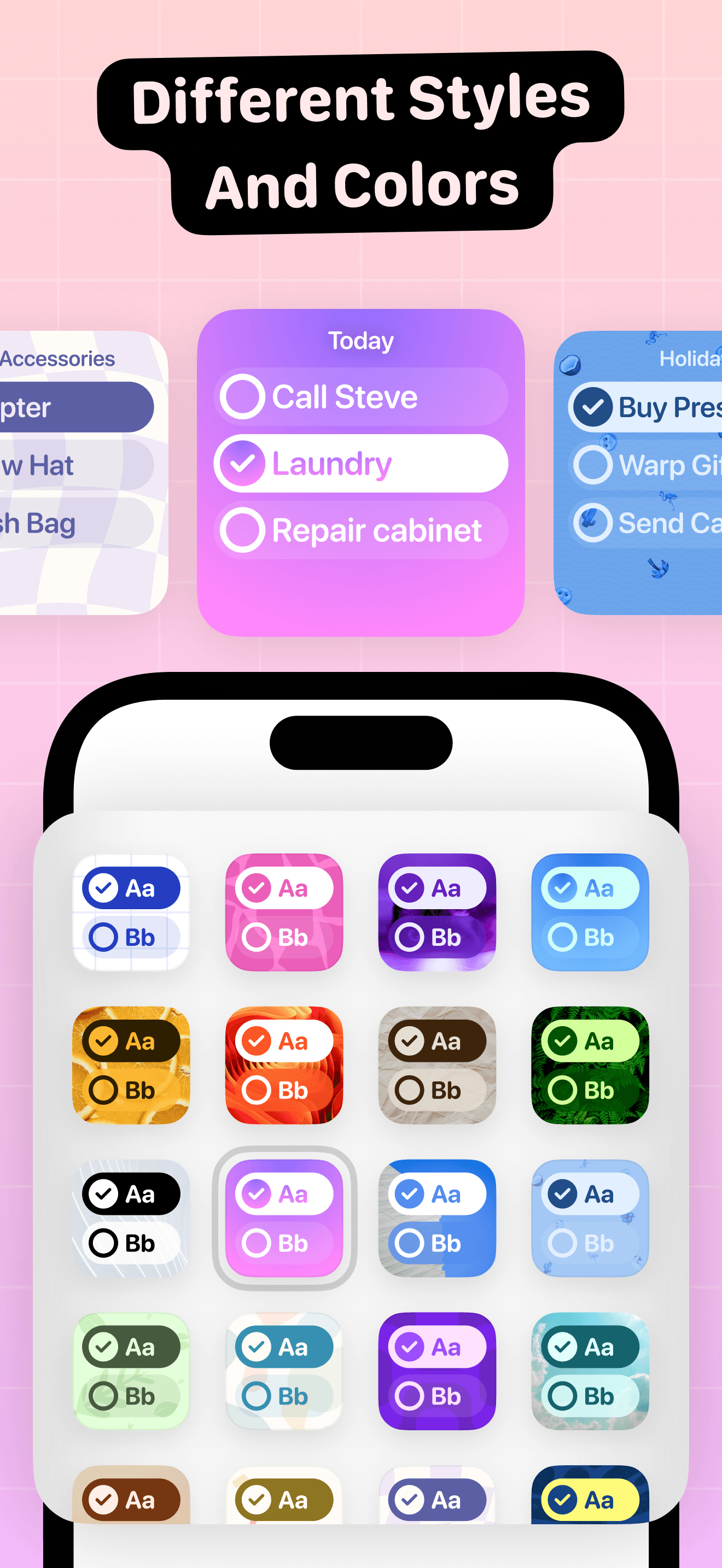
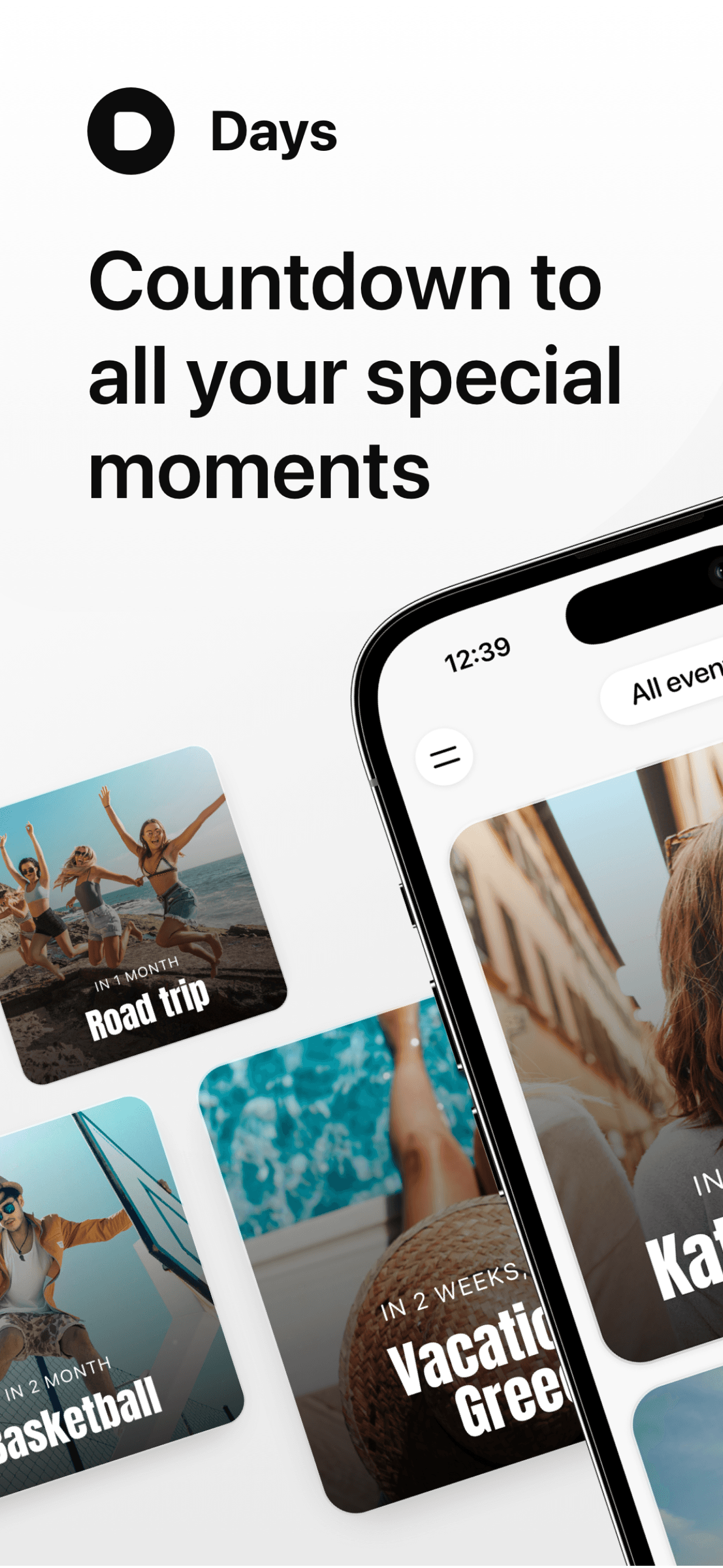
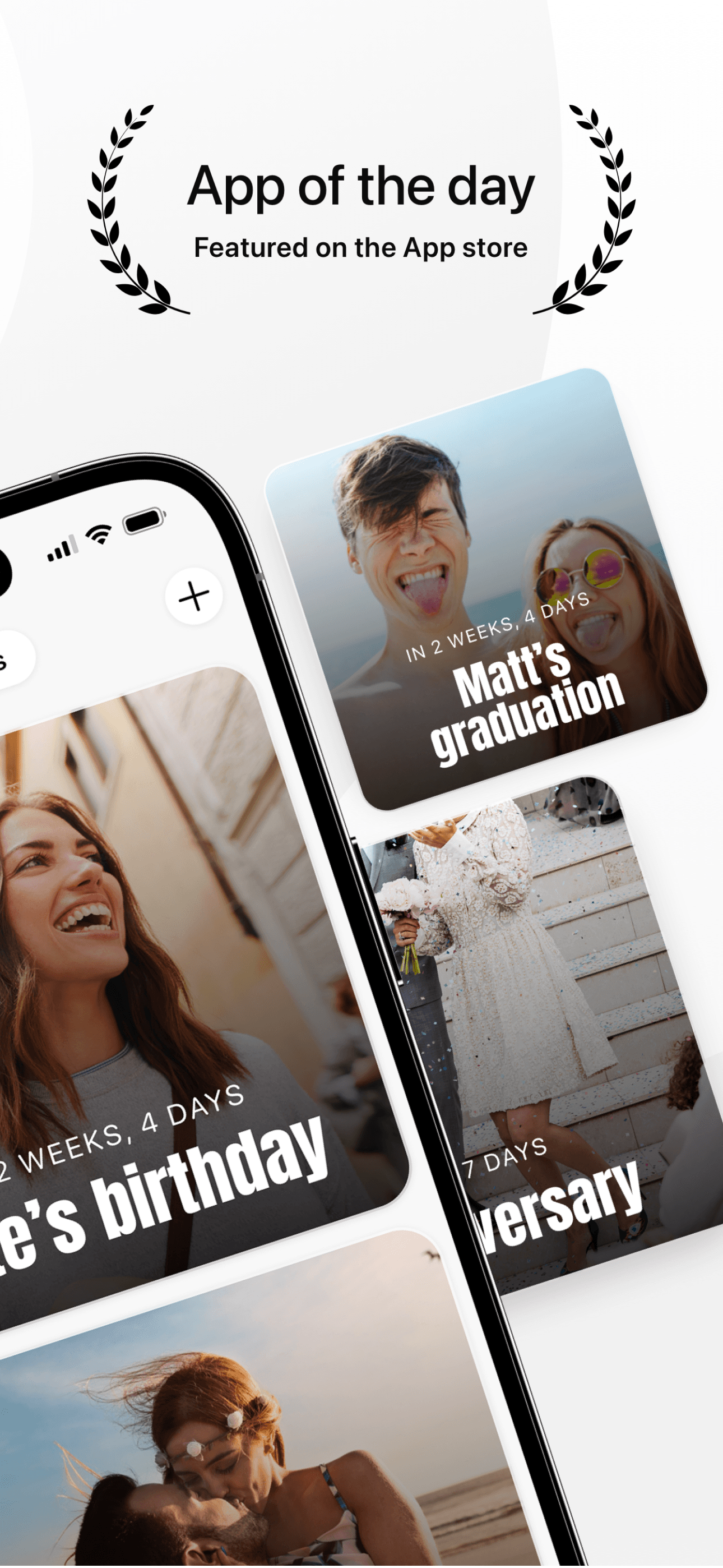
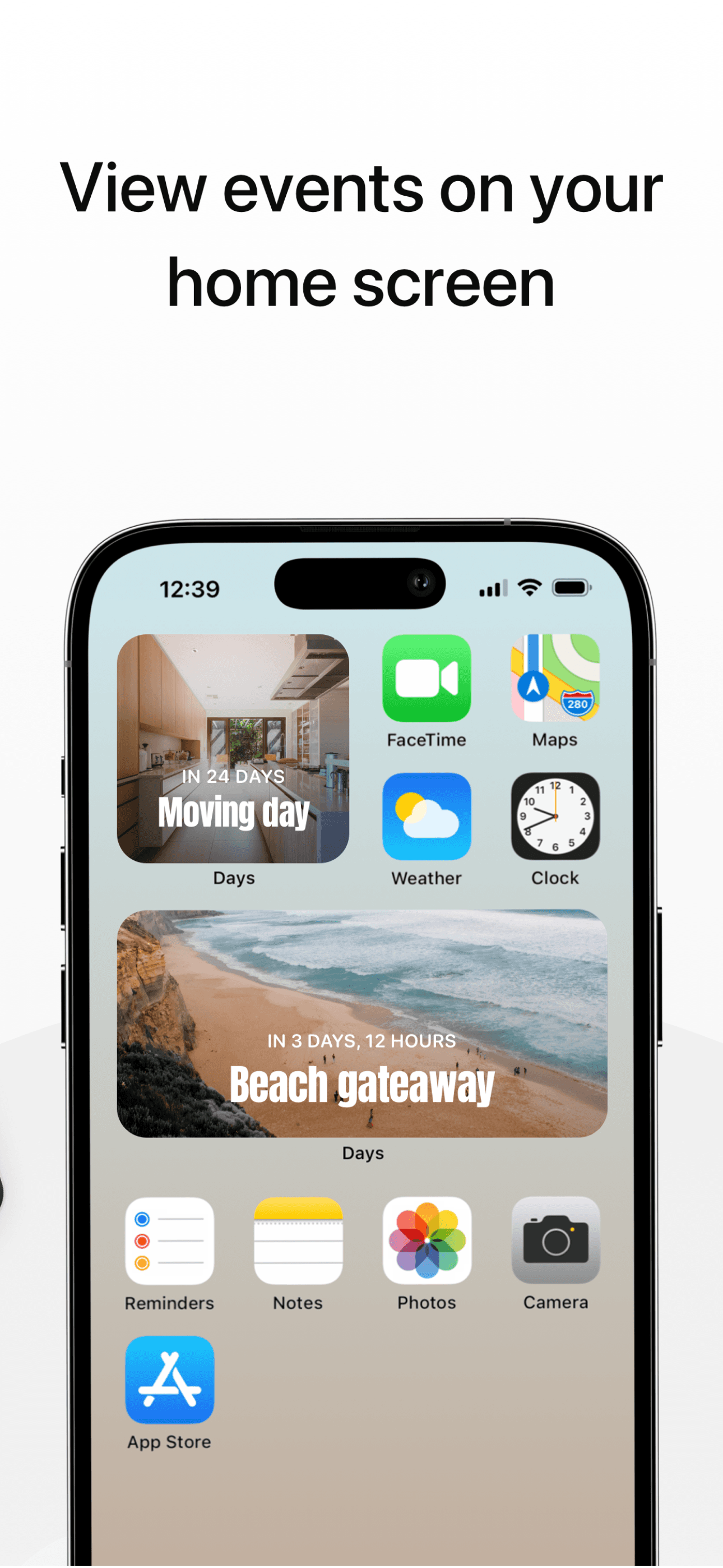
Days is the best countdown widget app for users who want event countdowns on their Home Screen or Lock Screen — vacation, deadline, birthday, anniversary. The pitch: simple, beautiful countdown widgets that always show how many days until your important dates. Compared with general widget apps, Days specializes in the countdown use case with better date math and recurring event support. Compared with Apple Calendar's widget, Days surfaces countdowns prominently rather than burying them in event lists. Real use case: someone planning a wedding, vacation, exam, or major life event who wants a daily reminder of the days remaining as motivation or anticipation. The 4.79 from 11,457 ratings reflects loyal adoption. iCloud sync handles cross-device. Tradeoff: it is a single-purpose app — users who only need one or two countdowns should use Widgetsmith's date widget instead. Best for users who track multiple countdowns and want them styled consistently across the Home Screen.
Pros
- Specialized countdown widgets with better date math than general widget apps
- Recurring event support handles birthdays, anniversaries, and renewals cleanly
- iCloud sync handles cross-device countdown visibility across iPhone and iPad
Cons
- Single-purpose app — users with one countdown should use Widgetsmith instead
- Subscription required for unlimited countdowns and advanced styling options
- 7
 Get on App Store
#7Widgets Kit Icon Wallpaper AppBest Custom Icons
Qianyan Technology
Aesthetic Screen Theme Changer
- Rating
- 4.7
- Reviews
- 12.6K
- Price
- Paid
- 90-day trend
- —
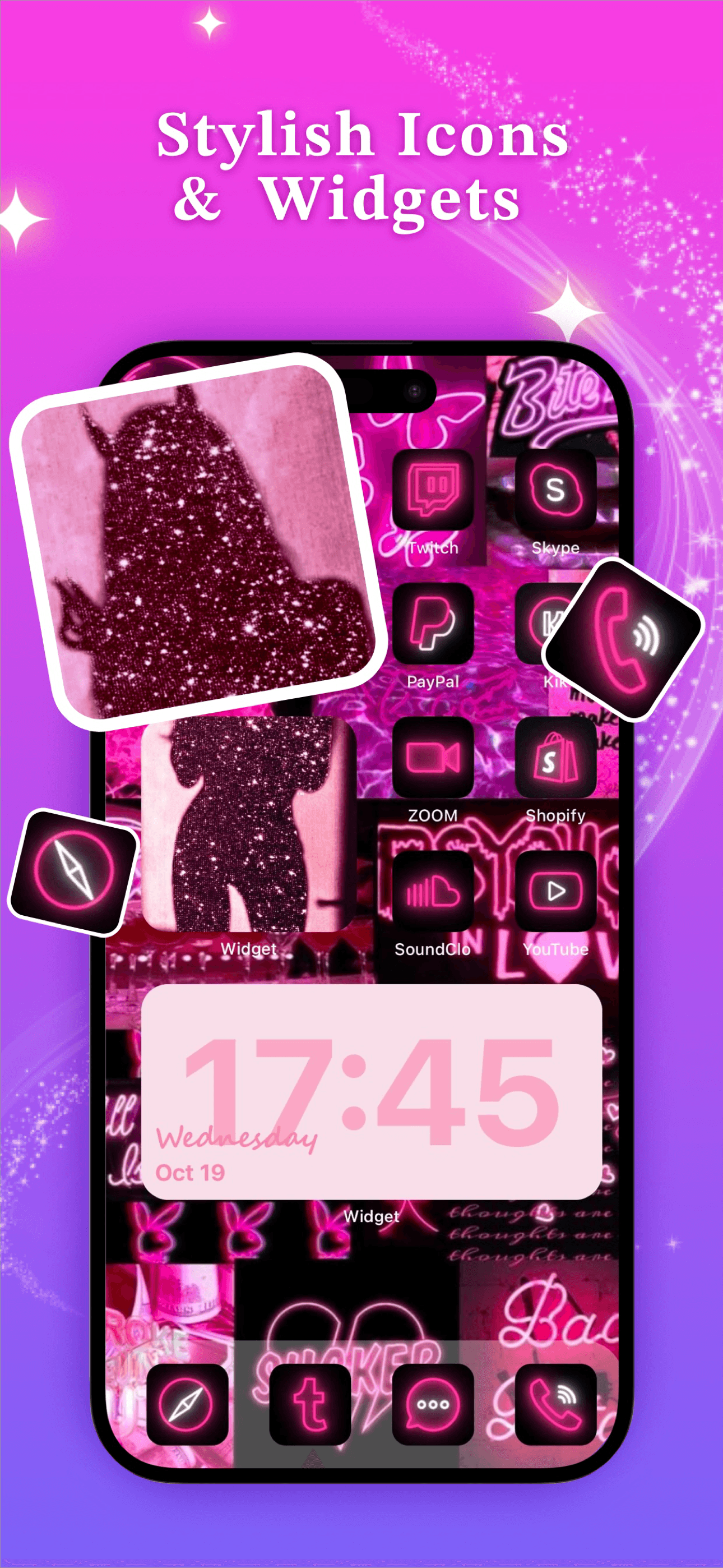
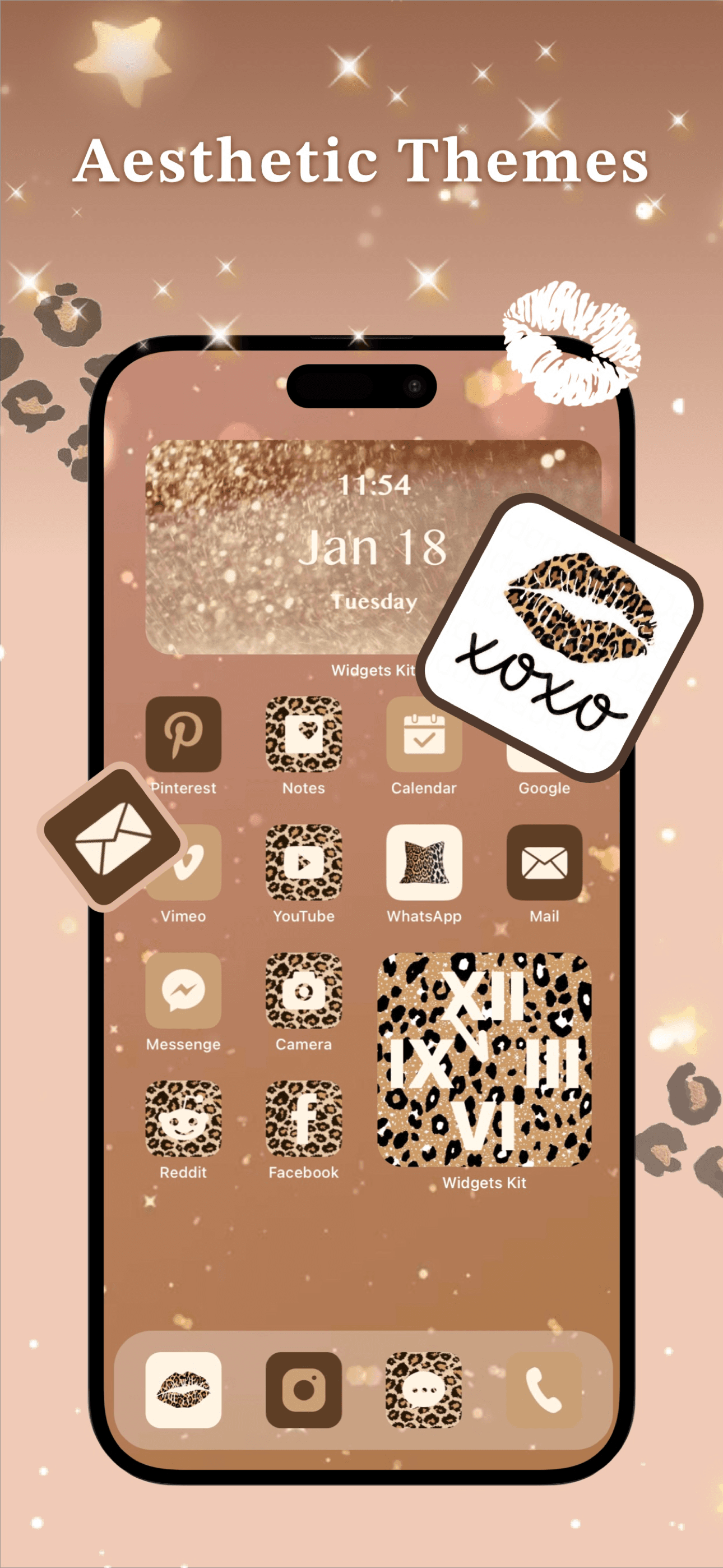
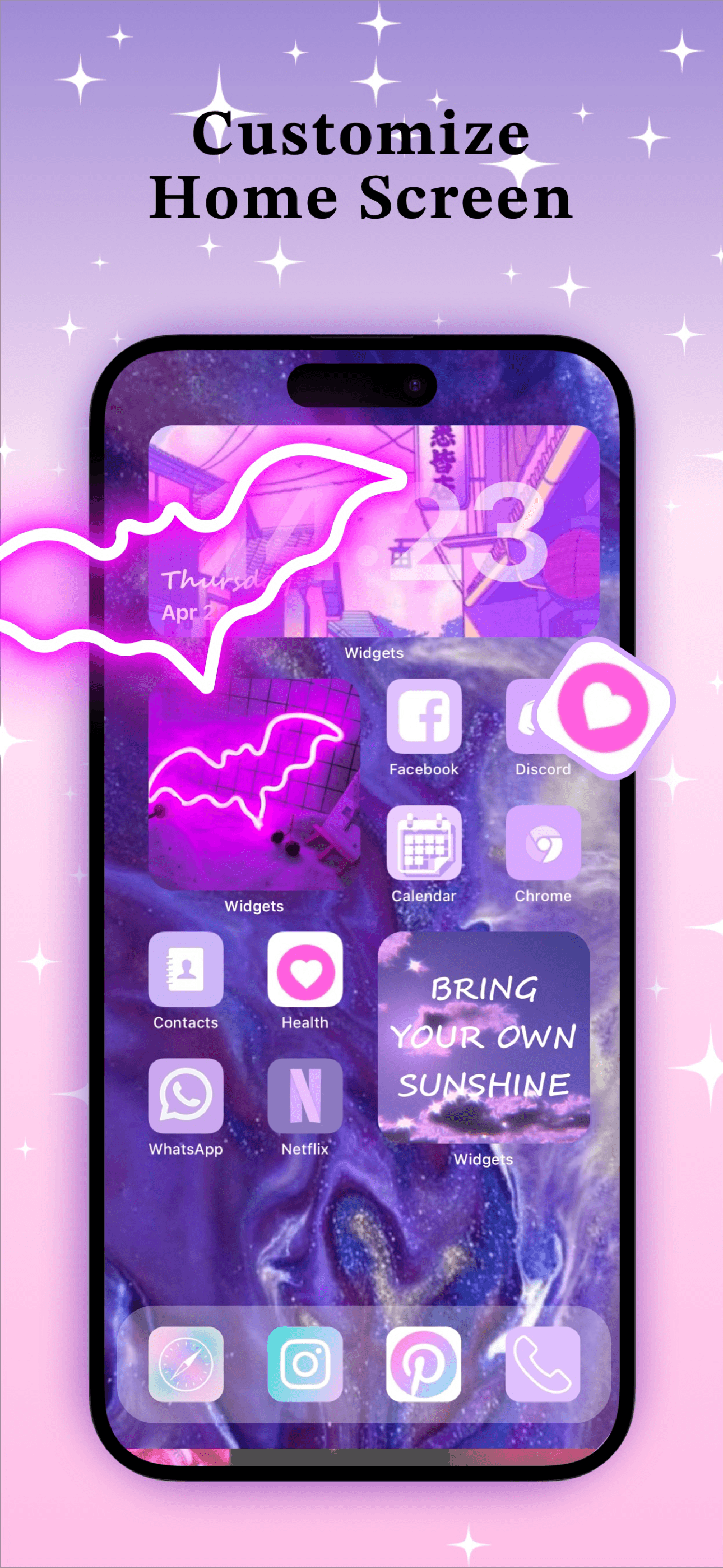
Widgets Kit Icon Wallpaper App is the best all-in-one customization app combining widgets, custom app icons, and matching wallpapers for users who want full Home Screen theme makeovers. The pitch: pick a theme aesthetic and apply matching widgets, icons, and wallpapers in one workflow. Compared with Aesthetic Kit, Widgets Kit has tighter icon-wallpaper-widget bundling. Compared with Color Widgets, Widgets Kit has more icon pack options. Real use case: someone who wants a complete Home Screen makeover where every element matches a specific aesthetic — Y2K, cyberpunk, watercolor, minimalist — without manually coordinating across multiple apps. The 4.7 from 12,449 ratings reflects strong adoption among theme-focused customizers. Subscription unlocks full theme collections. Tradeoff: custom app icons on iOS still require the Shortcuts workaround which adds a brief launch delay — Apple has not improved this in years. For users who accept that tradeoff, Widgets Kit offers the most complete theme experience.
Pros
- All-in-one widgets, icons, and wallpapers for complete Home Screen makeovers
- Tightest icon-widget-wallpaper bundling for theme-consistent results
- Strong 4.7 rating with 12,449 ratings reflects steady theme-focused adoption
Cons
- Custom app icons require Shortcuts workaround with brief launch delay
- Subscription required for full theme collection and icon pack access
- 8
 Get on App Store
#8Note Widget - Love DrawingBest for Couples
KYOTO K.K.
Love Drawing Picture & Video
- Rating
- 4.6
- Reviews
- 12.3K
- Price
- Paid
- 90-day trend
- —
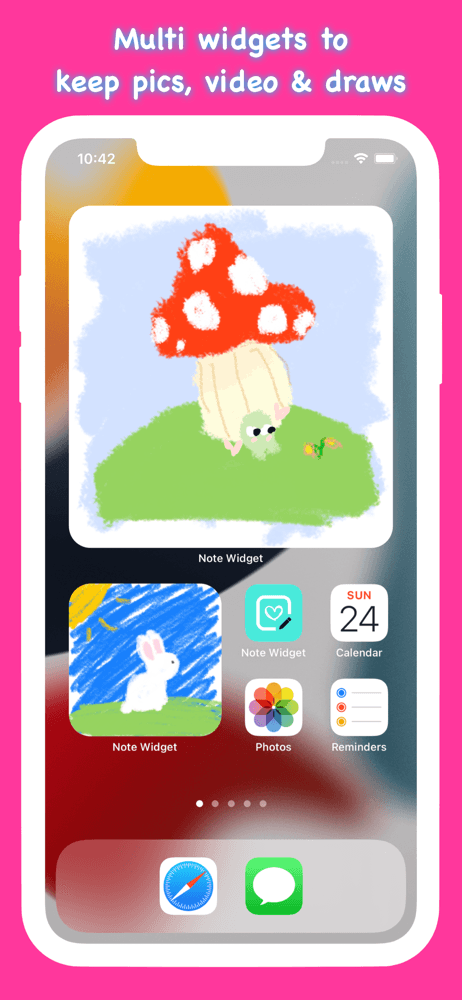
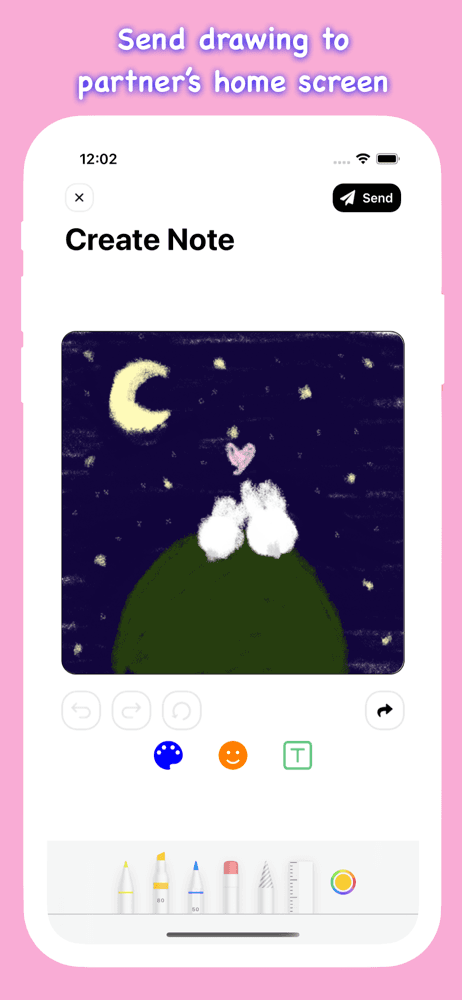
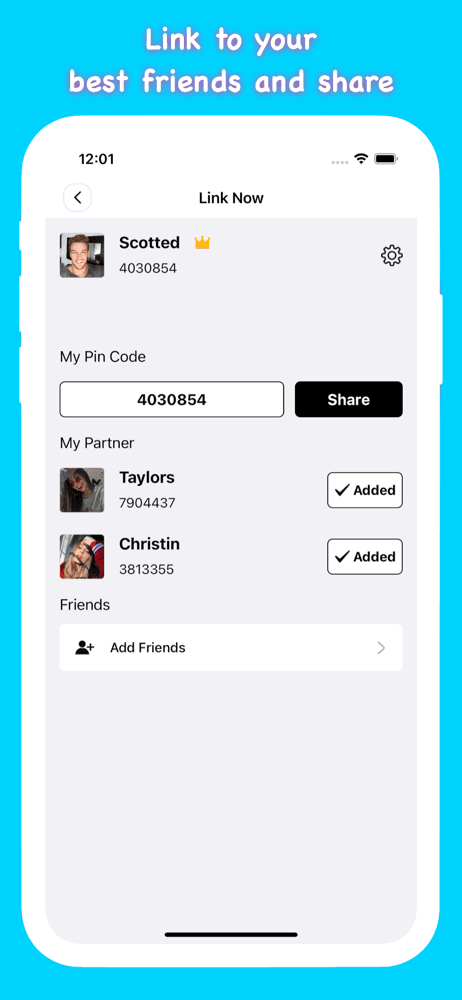
Note Widget - Love Drawing is a niche widget app for couples and gift-givers who want shared drawing and message widgets on each other's Home Screens. The pitch: send love notes, drawings, and photos that appear on your partner's Home Screen as a widget. Compared with general widget apps, Note Widget is a relationship-specific tool. Compared with Apple Photos' widget, Note Widget supports drawings and live messages between paired accounts. Real use case: long-distance couples who want a shared visual presence on each other's phones — a sketch you sent at lunch appears on their Home Screen all afternoon. The 4.6 from 12,293 ratings reflects strong adoption in the relationship-app niche. Tradeoff: it requires both partners to install and connect the app, which limits casual use. Subscription unlocks unlimited messages and advanced features. Best for couples specifically interested in the shared-widget experience; not a general widget app for productivity or aesthetics.
Pros
- Shared drawing and message widgets for couples on each other's Home Screens
- Real-time updates make distant partners feel present in daily phone use
- Strong 4.6 rating with 12,293 ratings reflects loyal couple-app adoption
Cons
- Requires both partners to install and connect — limits casual single use
- Subscription required for unlimited messages and advanced shared features
- 9
 Get on App Store
#9Colorful Widget- Widget&ThemesBest Photo
Guangzhou ZHIFENG Information Technology Co.,Ltd.
live Wallpaper, Icon, Widgets
- Rating
- 4.7
- Reviews
- 10.1K
- Price
- Paid
- 90-day trend
- —
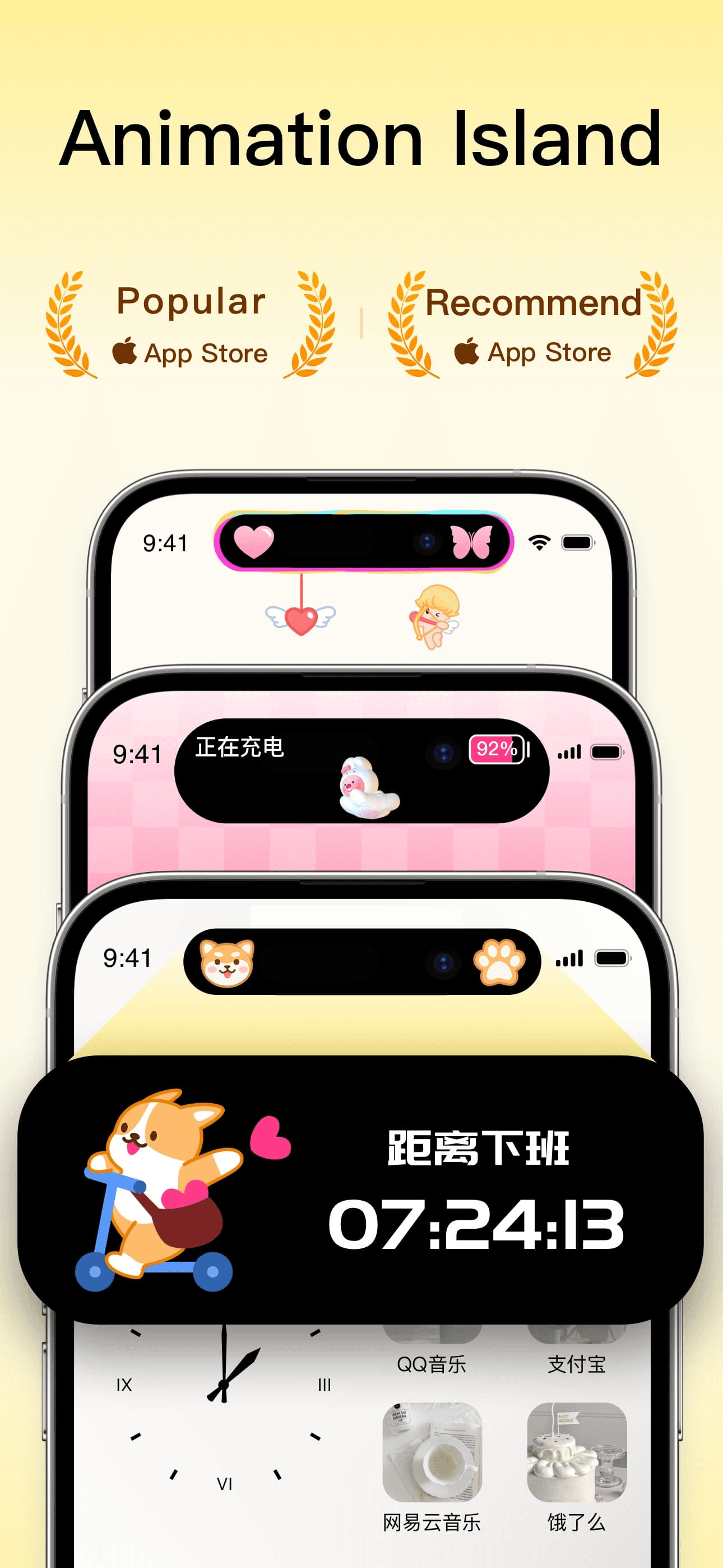
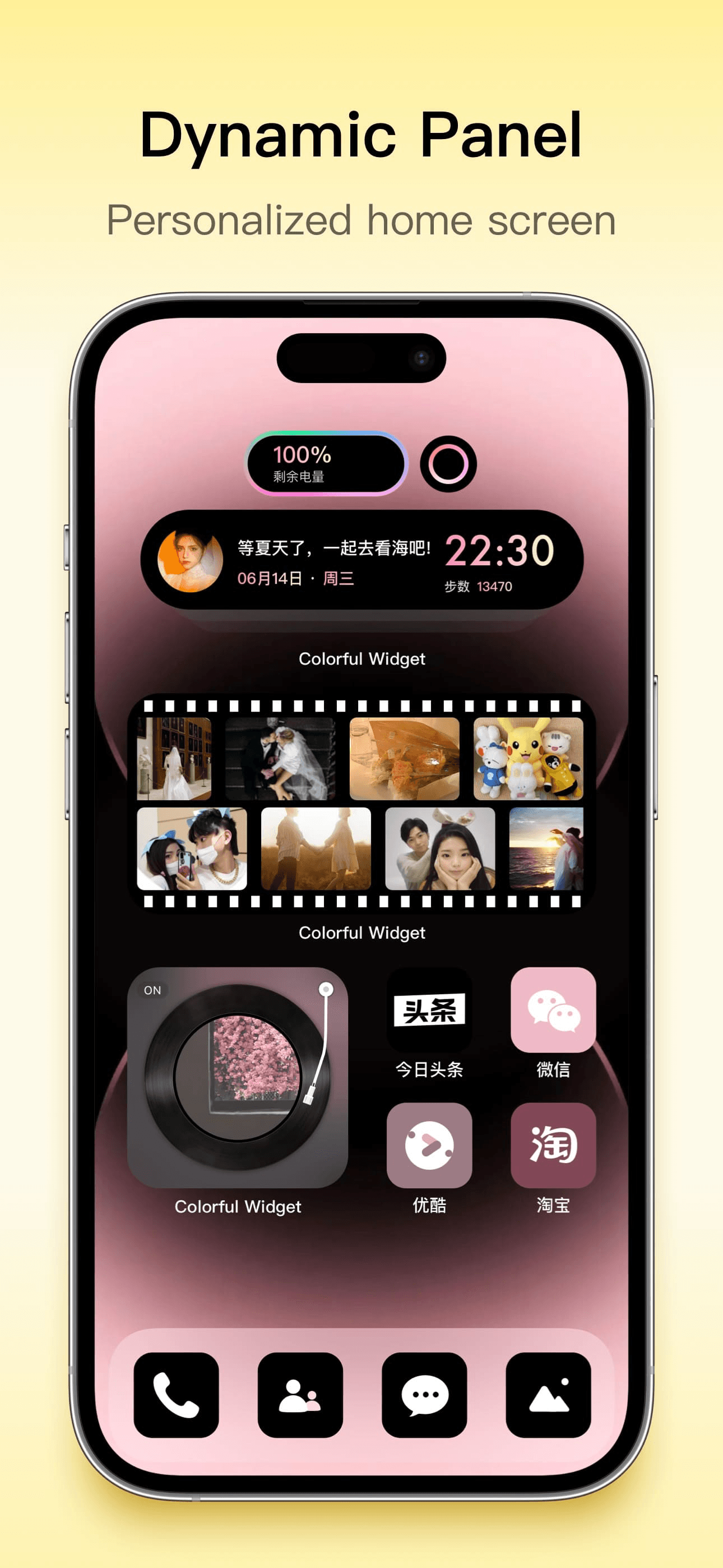
Colorful Widget is a theme-pack widget app focused on color-coordinated widget designs, app icon packs, and live wallpapers. The pitch: pick a color theme and apply matching widgets, icons, and wallpapers across your Home Screen. Compared with Aesthetic Kit's breadth, Colorful Widget focuses on color-first organization. Compared with Widgets Kit, Colorful Widget has stronger live wallpaper integration. Real use case: someone who wants a Home Screen organized around a specific color palette (pastel pink, neon green, monochrome) with everything matching. The 4.7 from 9,670 ratings reflects steady adoption among color-conscious customizers. Subscription unlocks full theme library. Tradeoff: the focus on color theming means less variety in aesthetic styles compared with Aesthetic Kit's broader approach. Best for users who already know their preferred color palette and want every Home Screen element to match consistently across widgets, icons, and wallpaper.
Pros
- Color-first theme organization helps users coordinate Home Screen palettes
- Live wallpaper integration adds motion to the customization workflow
- Strong 4.7 rating reflects steady adoption among color-conscious customizers
Cons
- Color-focused organization means less aesthetic variety than Aesthetic Kit
- Subscription required for full theme library and icon pack access
- Rating
- 4.6
- Reviews
- 8.8K
- Price
- Paid
- 90-day trend
- —
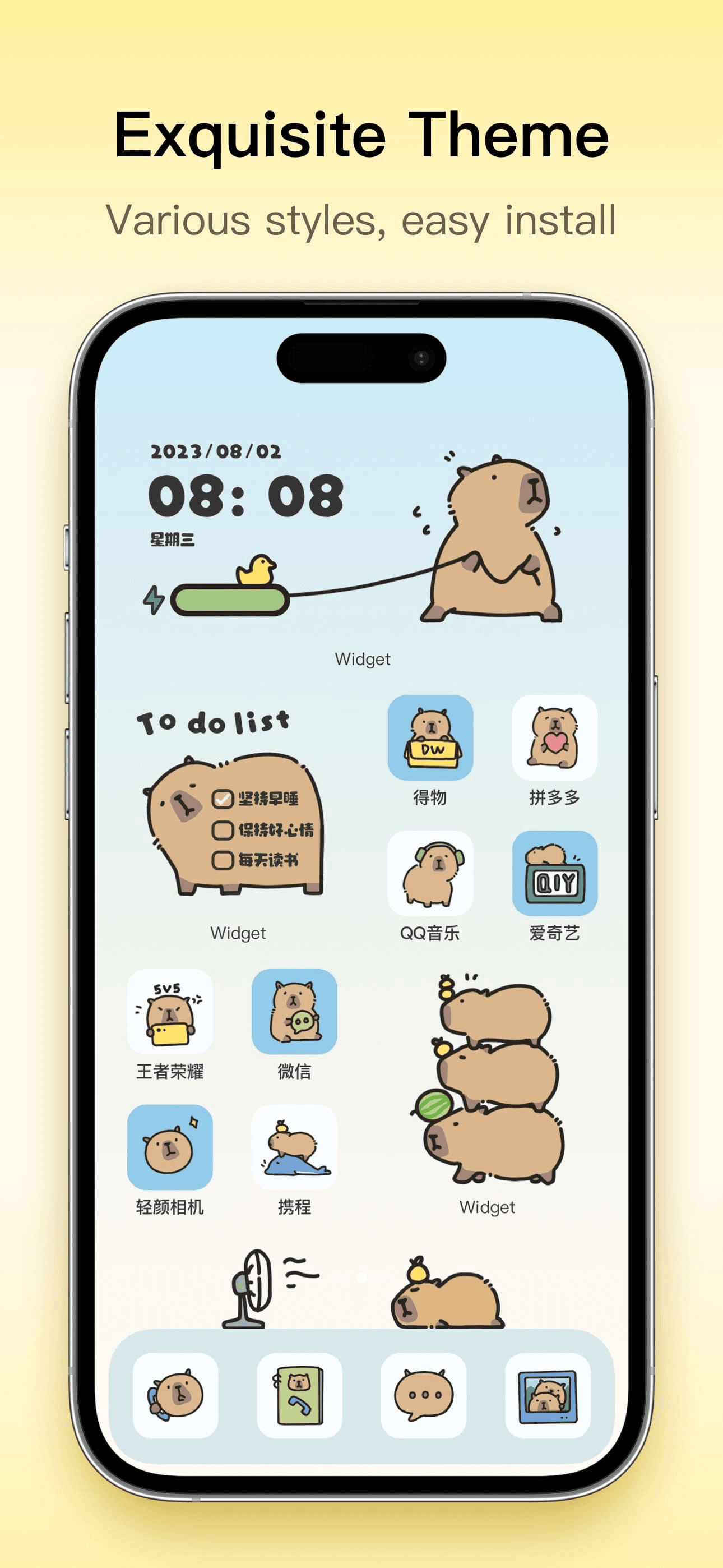
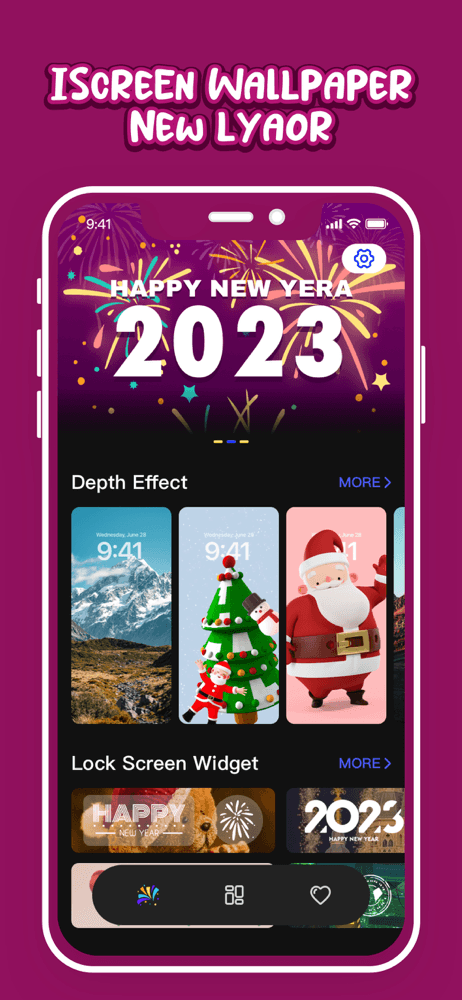
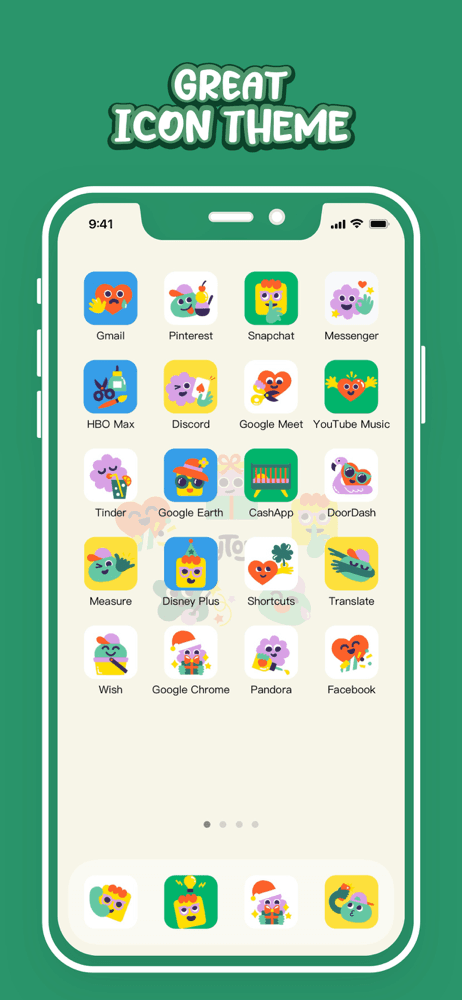
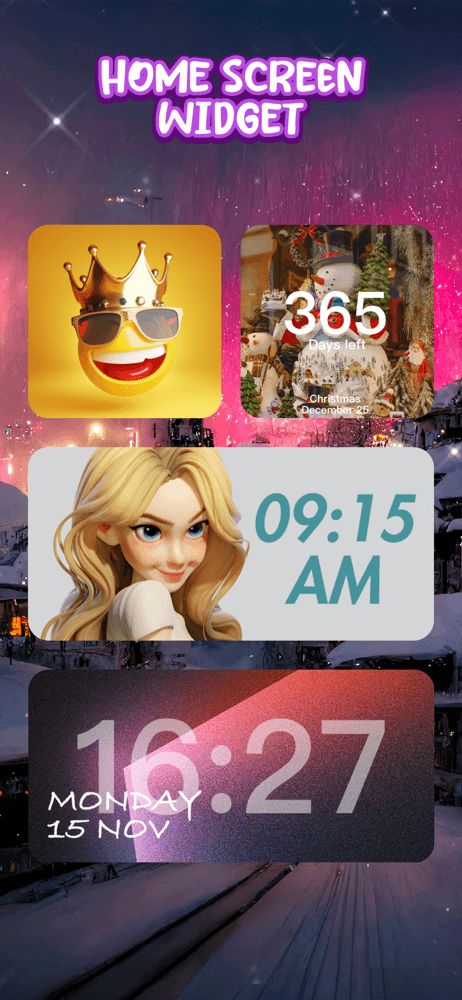
iScreen Wallpaper is the best live-wallpaper-and-widget app for users who want animated wallpapers alongside widgets and icon themes. The pitch: animated and live wallpapers, custom widgets, and icon packs in one app. Compared with Widgets Kit, iScreen leans more heavily on wallpaper animation. Compared with Apple's built-in Live Wallpapers (limited and deprecated for newer iPhones), iScreen offers far more variety. Real use case: someone who wants their Home Screen and Lock Screen to feel alive with animated backgrounds and matching widgets. The 4.59 from 8,757 ratings reflects steady adoption among aesthetic-focused users. Tradeoff: animated wallpapers can have measurable battery impact on older devices, and the subscription model walls off the best wallpapers. Best for users who specifically want animated backgrounds — if you prefer static wallpapers, pick Aesthetic Kit or Widgets Kit instead which focus more on widget and icon variety.
Pros
- Strong live wallpaper library with animated and dynamic backgrounds
- Combines wallpapers, widgets, and icons in single themed packages
- Replaces Apple's deprecated Live Wallpapers with more modern variety
Cons
- Animated wallpapers can have measurable battery impact on older devices
- Subscription model walls off the best wallpapers and animation effects


How we picked
### Data sources Live App Store metadata, ratings, and recent review samples pulled via our iTunes ingestion pipeline. Ratings shown in this article are current as of the most recent crawl, not stale snapshots. Review themes weighted toward the last 90 days.
### How we score Five weighted axes: widget variety (number of widget types and styles available), customization depth (font choices, colors, data sources), iOS version support (does it work on the latest iOS without breaking), battery impact, and value of the free tier.
### Refresh cadence Reviewed every six months, plus immediately after each major iOS release that introduces new widget capabilities. iOS 17 brought interactive widgets; iOS 18 expanded Lock Screen widget options. Ratings refresh daily through our ingestion pipeline.
### What we exclude Apps that bundle widgets with aggressive subscription paywalls (a few free widgets then walls everything else off). Apps that haven't shipped updates for the current iOS version. Apps with fewer than 1,000 ratings unless they fill a clear niche.
### What we don't do We do not assess battery impact through controlled testing — battery claims are based on user reports and the app's published refresh behavior. We do not accept paid placement; picks are editorial. Widget customization is highly personal; the best app is the one whose style and data sources match your needs.