



Best Water Tracker Apps for iPhone
By App Store Tracker Editorial · Updated — live App Store data verified
The short version
Waterllama takes the top spot for the cutest design and the deepest gamification — a 2022 Apple Design Award finalist with strong character collection and challenges. WaterMinder is the most-cited utility tracker, downloaded by millions and integrated cleanly with Apple Health. Plant Nanny owns the cute-design niche through its growing-plant metaphor. P App tracks water through bladder cues, a niche but useful angle for users with UTI history. Most apps offer real free tiers; paid features unlock advanced reminders, themes, and family sharing.
Jump to a pick↓
Water tracker apps look simple — log a glass of water, hit your daily goal — and most are. The differentiation comes from how each app motivates you to keep logging after the novelty fades. Waterllama uses character collection and challenges; Plant Nanny uses a plant that wilts if you neglect it; WaterMinder uses charts and Apple Health integration; P App uses bladder cues as the trigger. The ten apps below cover all of these approaches. We weighted reminder reliability, Apple Health integration, free-tier value, design quality, and how each handles the gamification loop that determines whether users stick with tracking for weeks or abandon it after three days. Free tiers in this category are mostly real — Plant Nanny, My Water, and Waterful all give you usable products without paying. Paid tiers unlock advanced reminders, themes, family sharing, and analytics. None require an Apple Watch, though most pair well with one for wrist-tap logging.
- Rating
- 4.9
- Reviews
- 157K
- Price
- Paid
- 90-day trend
- —
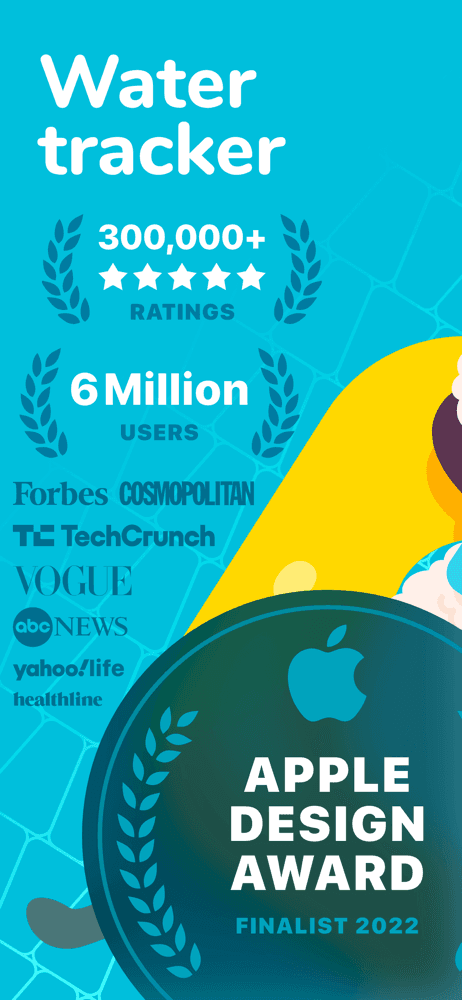
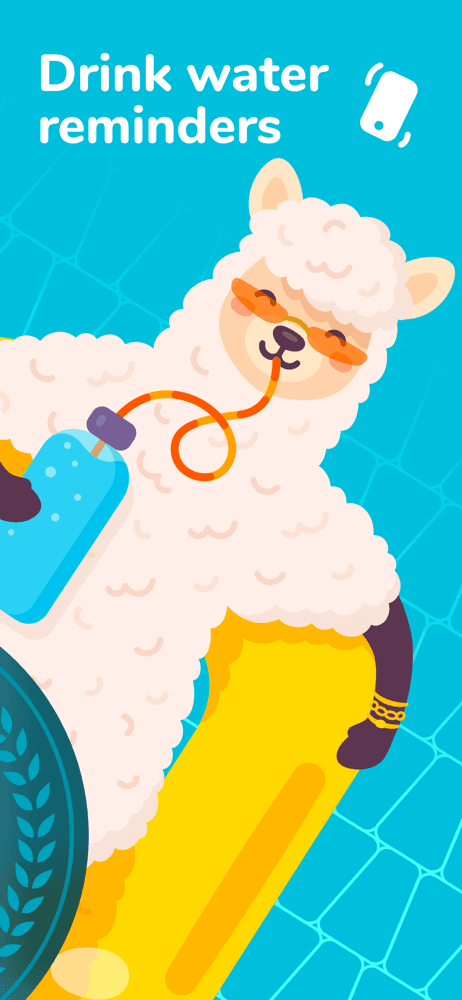
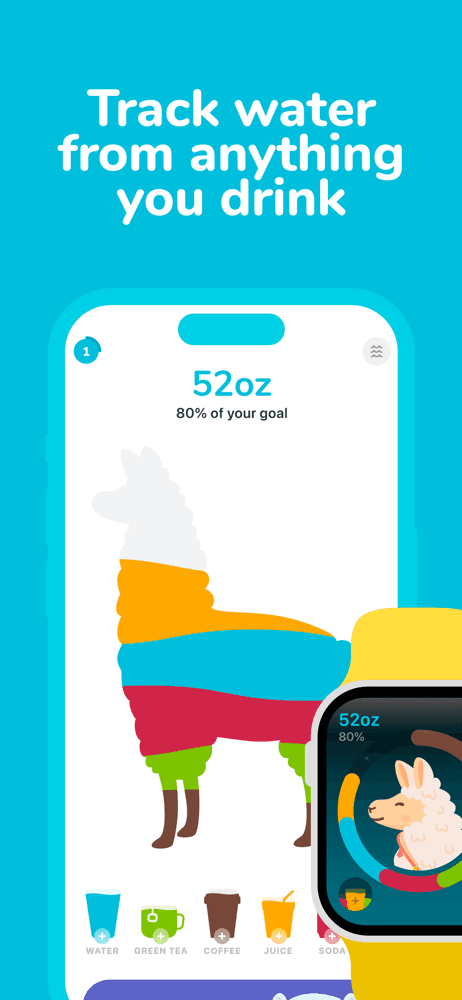
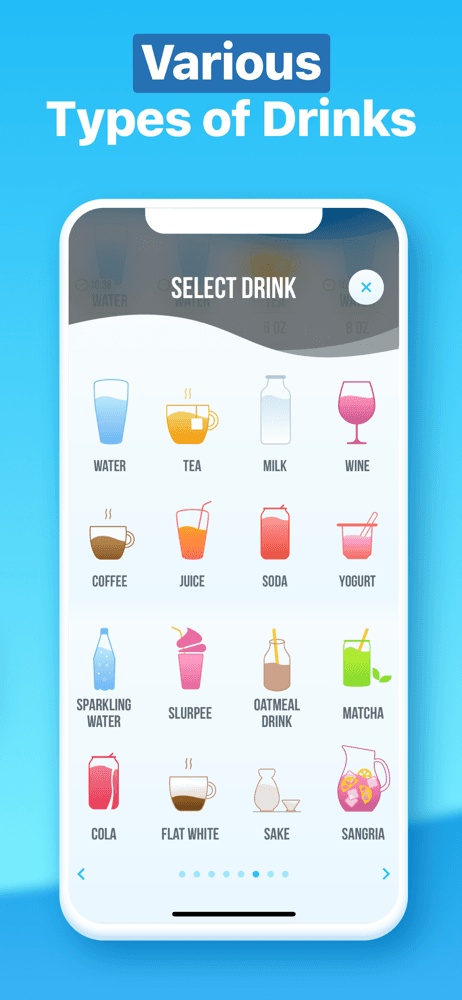
Waterllama earns 'Best Overall' through one of the most beloved designs in the entire fitness category and a 2022 Apple Design Award Finalist nod that signals genuine design craftsmanship. The 4.87 rating across 152,000 reviews is exceptional and reflects sustained satisfaction over years. The app's 140 collectible characters (different llamas with personalities, outfits, and unlock conditions) create a gamification loop that keeps users logging long after the novelty of tracking water would otherwise wear off. Smart reminders, hydration challenges, and tracking for non-water drinks (coffee, tea, juice) round out the feature set. Pricing runs around $20 per year for the full feature set; a free tier is available but limited. Honest knocks cluster around the subscription model — multiple reviewers describe wanting to support the app but finding the $16+ annual cost steep for what is essentially a water tracker. One reviewer specifically asked 'why a subscription?' for what feels like it should be a one-time purchase. The subscription model is industry-standard for the category but creates friction for users who came from the era of paid-once apps. The app's strength is the emotional design — opening the app feels like a small joy rather than a chore, which is exactly the reaction water tracker apps need to drive sustained behavior change. Best for users who respond to character collection, want a polished design, and value the gamification loop over pure utility tracking. Use WaterMinder alongside if you also want strong Apple Health integration.
Pros
- 2022 Apple Design Award Finalist with exceptional craftsmanship
- 140 collectible characters create gamification loop that sustains long-term use
- 4.87 rating across 152,000 reviews is exceptional in the category
Cons
- Multiple reviewers find ~$16/year subscription steep for a water tracker
- Subscription model creates friction for users from the paid-once app era
- 2Get on App Store
#2Plant Nanny Cute Water TrackerBest Cute Design
SPARKFUL INC.
Drinking & Hydration Reminder
- Rating
- 4.7
- Reviews
- 105.8K
- Price
- Paid
- 90-day trend
- —
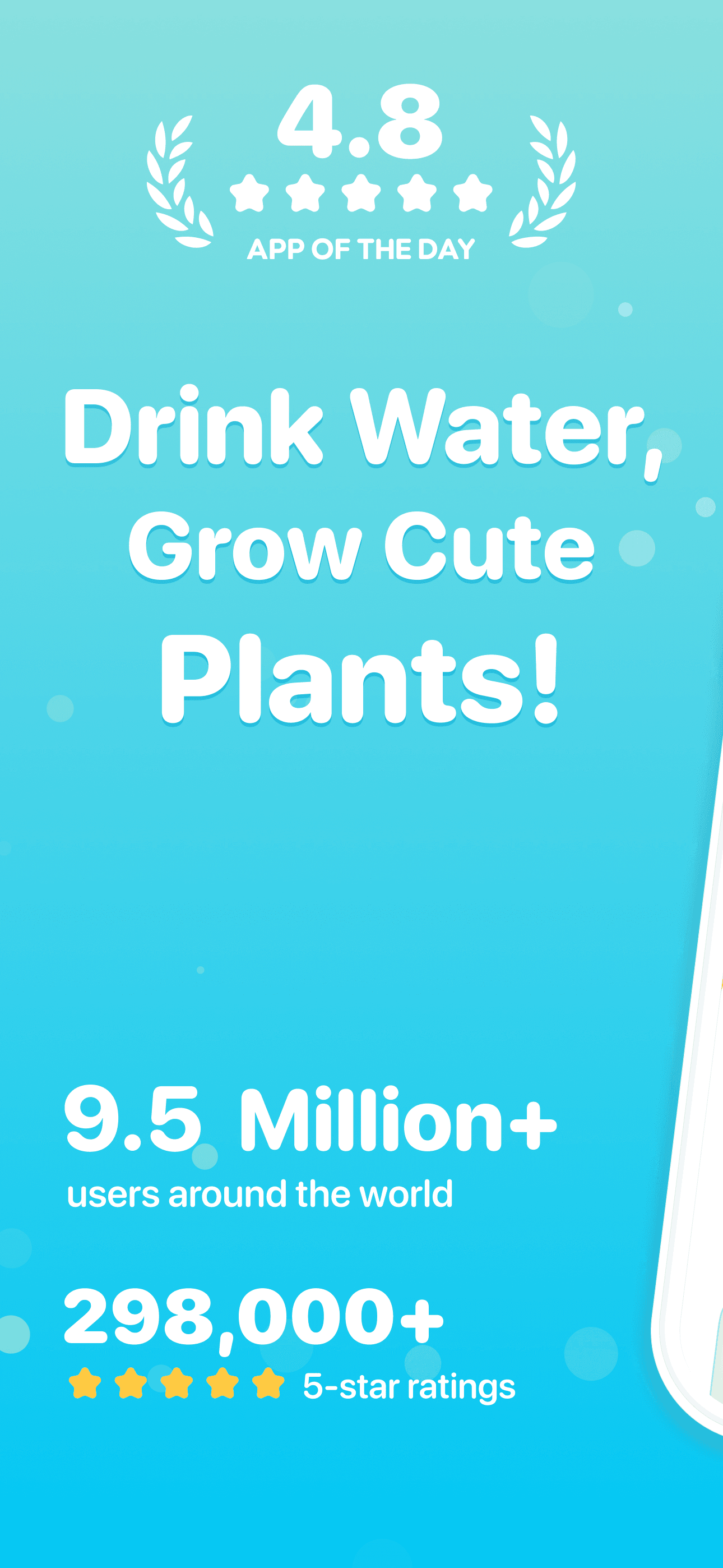
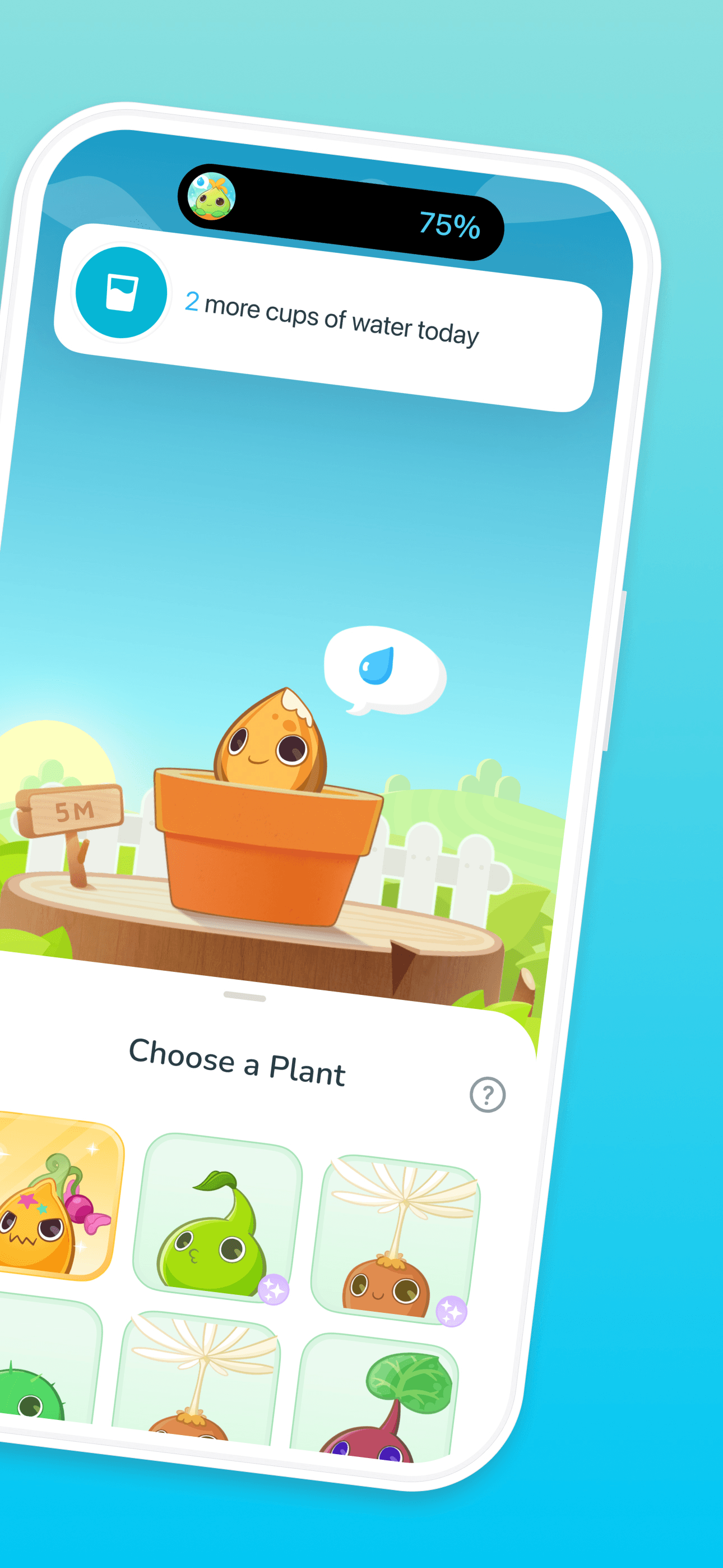
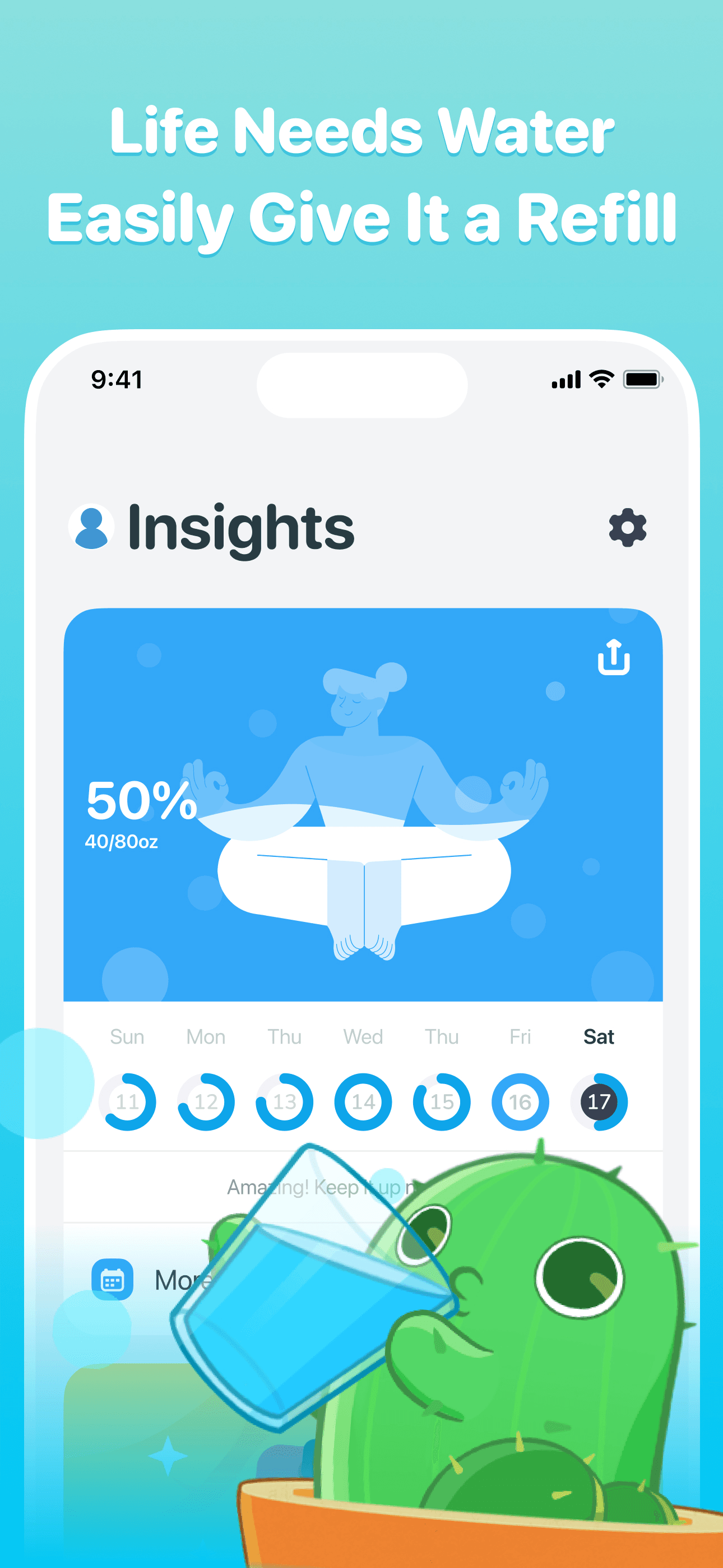
Plant Nanny earns 'Best Cute Design' through one of the most enduring metaphors in the water tracker category: a plant that grows when you drink water and wilts when you neglect it. The emotional pull of caring for a virtual plant turns out to be more motivating than tracking your own hydration directly. The 4.72 rating across 104,000 reviews reflects sustained satisfaction. Sparkful (the developer) also makes Plant Nanny+, an adjacent app, suggesting deep investment in this brand. The free tier is genuinely usable, with paid features for more plant varieties, themes, and advanced features. Honest knocks include occasional sync issues with Apple Health (reviewers report inconsistent two-way sync), reminder timing that some users find too frequent or poorly timed, and a gamification loop that loses some users after they have collected most of the plant varieties. The strongest argument for Plant Nanny is the indirect motivation — you do not have to care about hydration; you have to care about your plant, which is easier emotionally. This works especially well for users who responded to Tamagotchi-style games as kids or who currently keep houseplants. Best for users who want emotional motivation over data-driven motivation, gardeners and plant lovers, and anyone who finds character-collection (Waterllama) too cluttered. Use alongside WaterMinder if you also want clean charts and analytics.
Pros
- Plant-growing metaphor turns water tracking into emotional motivation
- Free tier is genuinely usable with paid features for more plant varieties
- Sustained 4.72 rating across 104,000 reviews reflects long-term satisfaction
Cons
- Apple Health sync is occasionally inconsistent in two-way direction
- Gamification loop loses some users after collecting most plant varieties
- 3Get on App Store
#3Water Reminder - Daily TrackerBest with Reminders
VGFIT LLC
Nutrition & Calorie counter
- Rating
- 4.7
- Reviews
- 77.4K
- Price
- Paid
- 90-day trend
- —
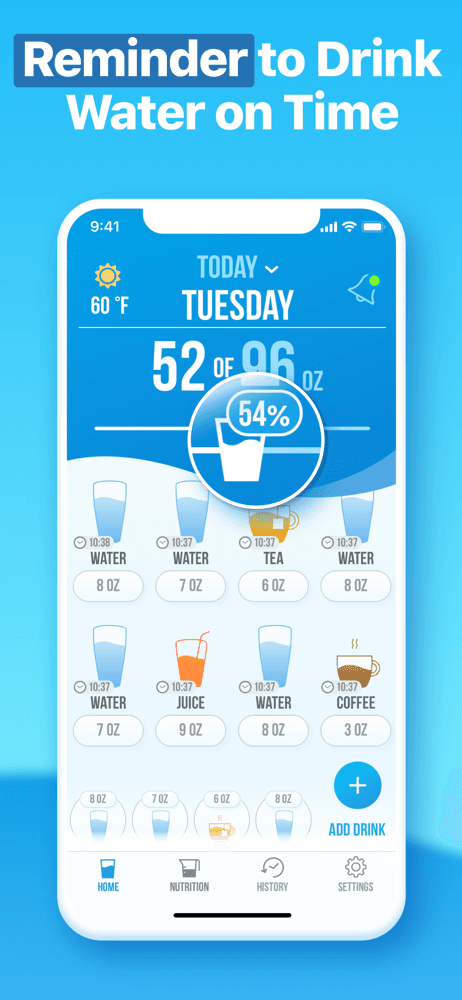
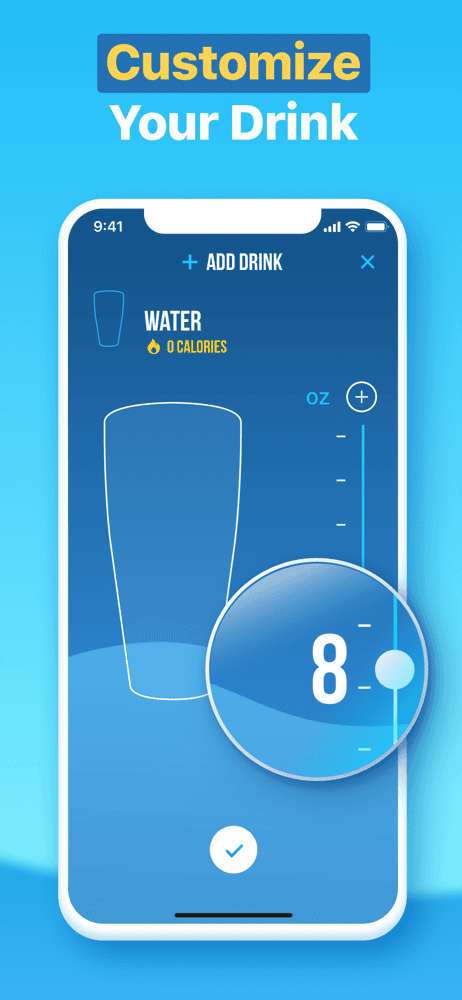
Water Reminder by VGFIT earns 'Best with Reminders' through reliable smart reminders and clean Apple Health integration. The 4.73 rating across 76,000 reviews reflects strong satisfaction in the utility-tracker category. VGFIT (the developer) operates several fitness apps with similar design language. The free tier covers basic tracking; paid tier unlocks advanced features at around $30 per year. Honest knocks include an interface that feels less distinctive than Waterllama or Plant Nanny (utility-focused rather than emotionally-engaging), and limited customization for users who want themes or character collection. The app does one job well — reminds you to drink and tracks how much — without the gamification overhead. The strongest argument for this app over the design-forward alternatives is exactly that simplicity. Some users want a water tracker without virtual pets or character unlocks; they want a counter that hits its target. Reminders are smart in the sense that they adjust based on your logged drinks and respect quiet hours, which catches the basics that less-polished apps get wrong. Best for users who want pure utility tracking, who have abandoned design-heavy apps because the gamification felt patronizing, and who value reliable reminders over emotional engagement. Use alongside an Apple Watch complication for quick wrist-logging.
Pros
- Reliable smart reminders that adjust based on logged drinks
- Clean utility design without gamification overhead
- VGFIT's broader fitness ecosystem includes nutrition and workout apps
Cons
- Interface feels less distinctive than design-forward alternatives
- Limited customization for users who want themes or characters
- 4
 Get on App Store
#4Water Tracker by WaterMinder®Best for Apple Watch
Funn Media, LLC
Drink More, Hydration Reminder
- Rating
- 4.7
- Reviews
- 33.9K
- Price
- Paid
- 90-day trend
- —
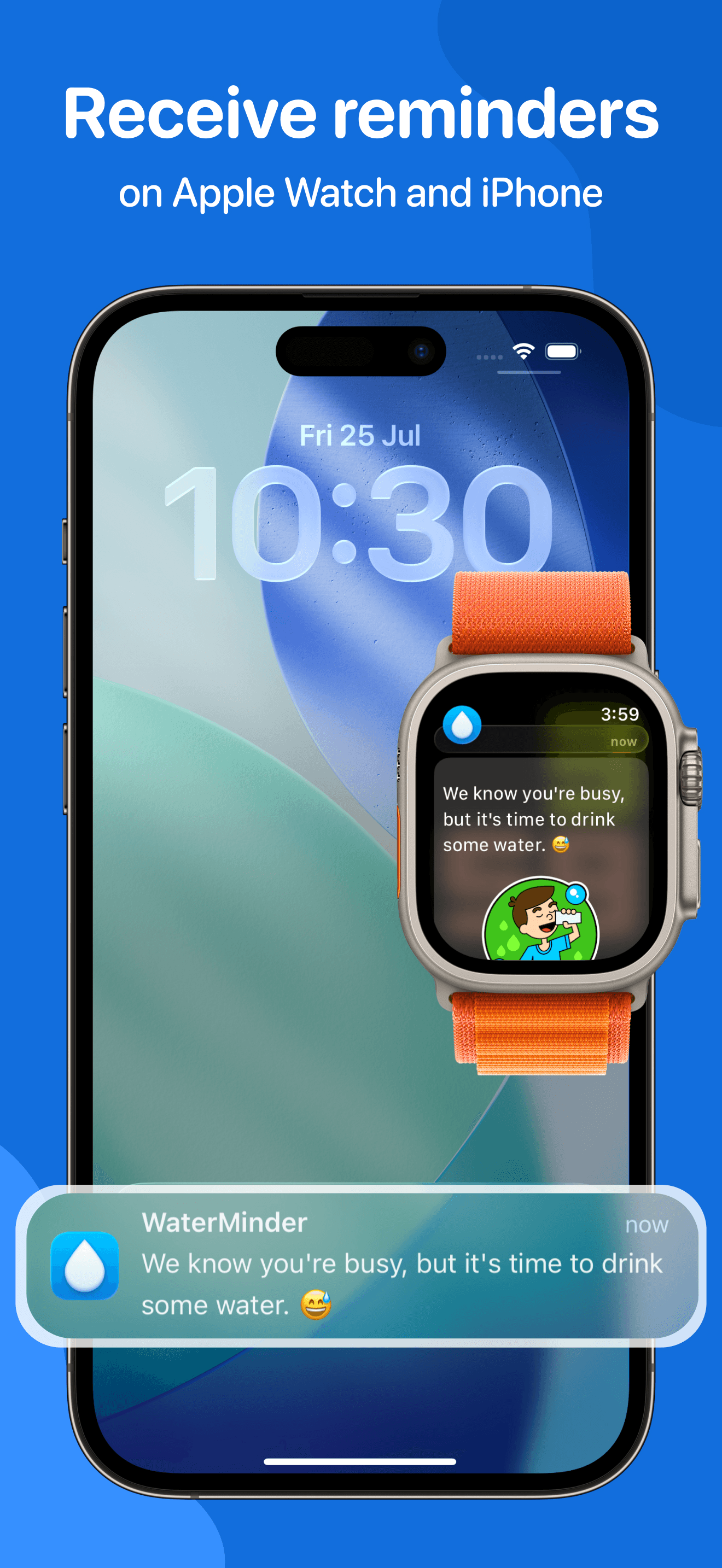
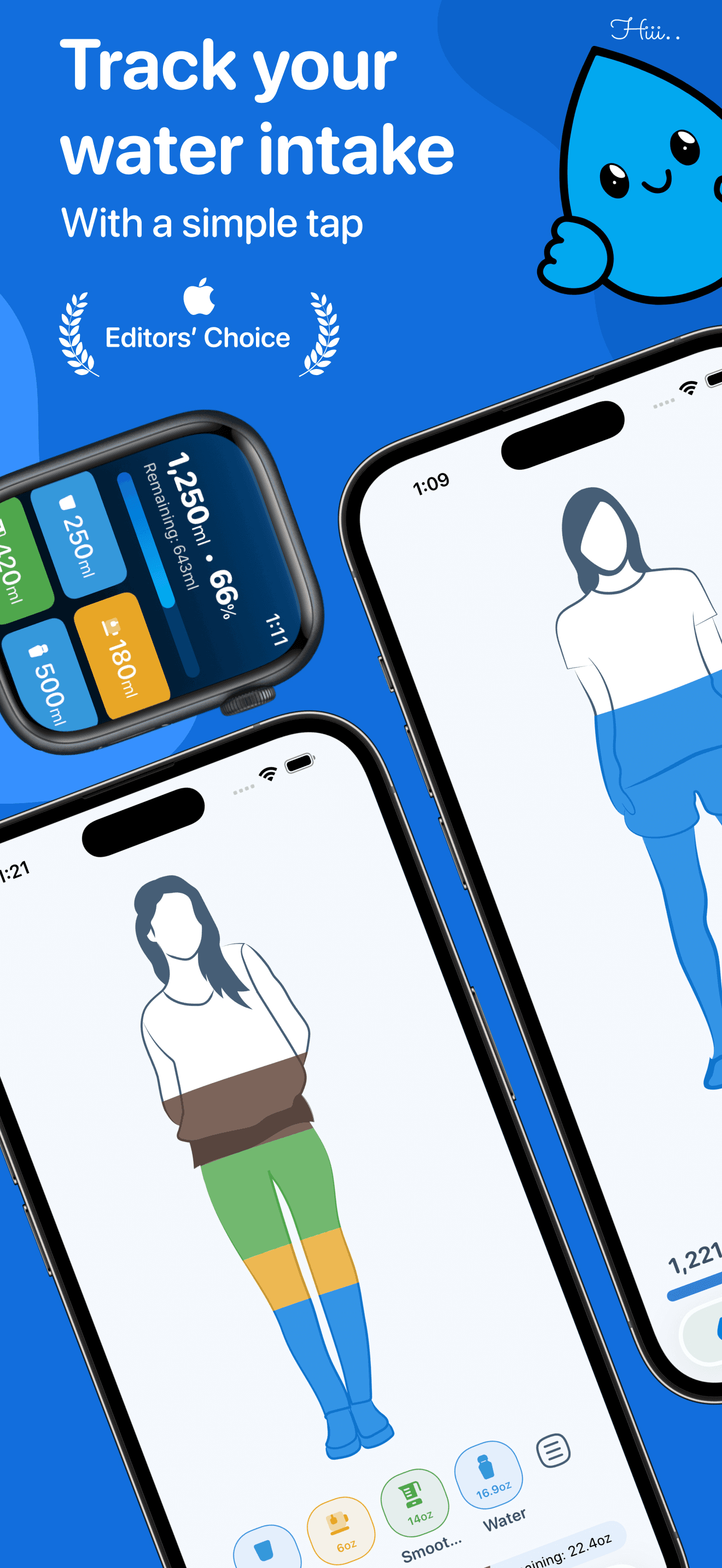
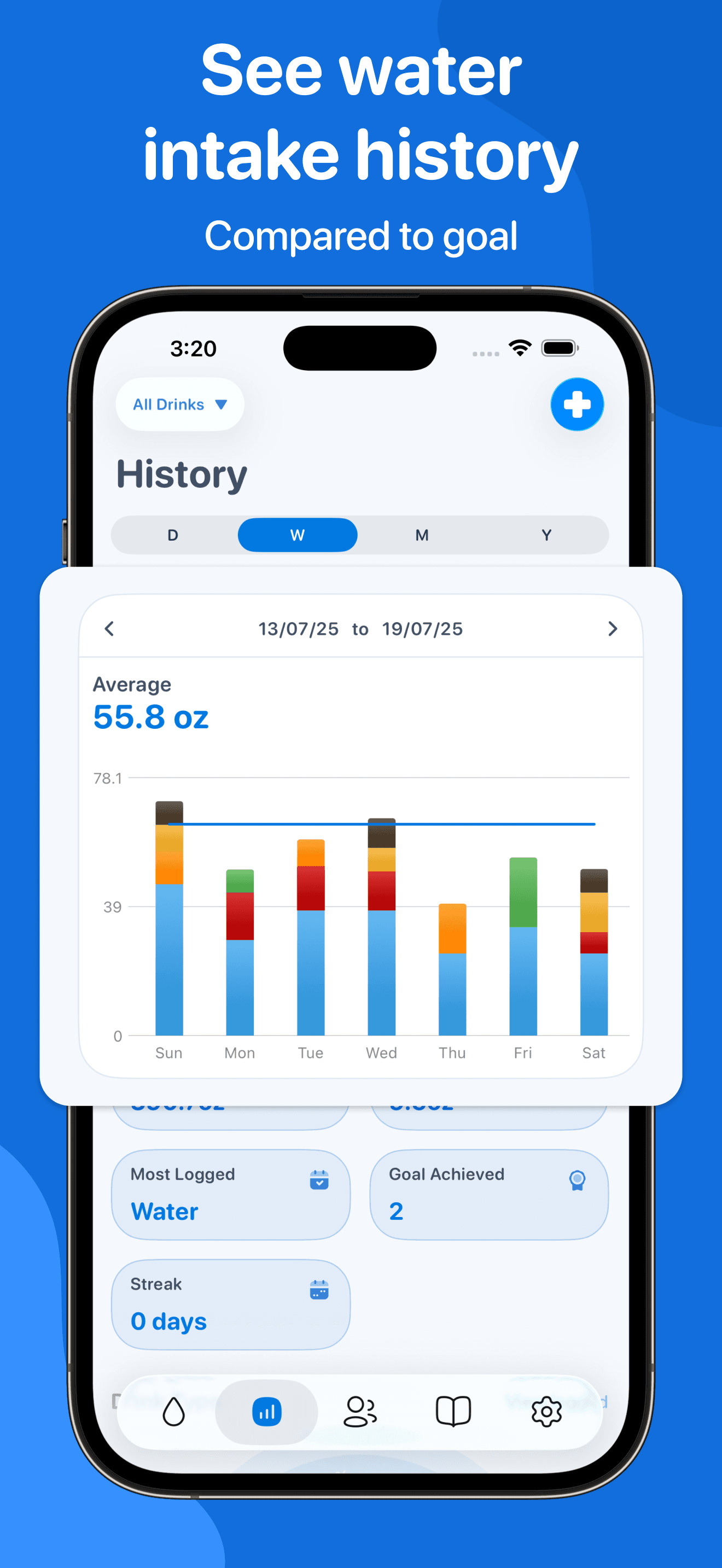
WaterMinder earns 'Best for Apple Watch' through its polished Watch app, deep Apple Health integration, and credibility built over years of being featured by Apple, The New Yorker, Women's Health, and other outlets. The 4.75 rating across 33,000 reviews reflects strong satisfaction in the utility-tracker category. The 'pouring water into the glass' animation when you log a drink is one of the more satisfying micro-interactions in any tracker app, which is the kind of detail that distinguishes WaterMinder from generic utility trackers. Pricing runs around $5 per month or $20 per year. Honest knocks include occasional sync issues between iPhone and Watch (a category-wide problem that WaterMinder handles better than most but does not solve), and pricing that some users find high for a water tracker. The strongest argument for WaterMinder over Waterllama is the utility-focused design: if you want clean charts, strong Apple Health two-way sync, and a Watch app that actually works for wrist-tap logging, WaterMinder is the more grown-up option. The character-collection mechanic in Waterllama is irrelevant to users who want a quiet tracker that just works. Best for users who already own an Apple Watch and want first-class wrist logging, who appreciate clean utility design over gamification, and who want their hydration data in Apple Health for use across other fitness apps.
Pros
- Polished Apple Watch app with first-class wrist-tap logging
- Satisfying pour animation when logging a drink
- Featured by Apple and major media for years
Cons
- Occasional iPhone-Watch sync issues (category-wide problem, not unique here)
- Pricing at $20/year feels high for a water tracker to some users
- 5
 Get on App Store
#5My Water - Daily Water TrackerBest Simple
Gismart Limited
Drink reminder, health balance
- Rating
- 4.7
- Reviews
- 4.8K
- Price
- Paid
- 90-day trend
- —
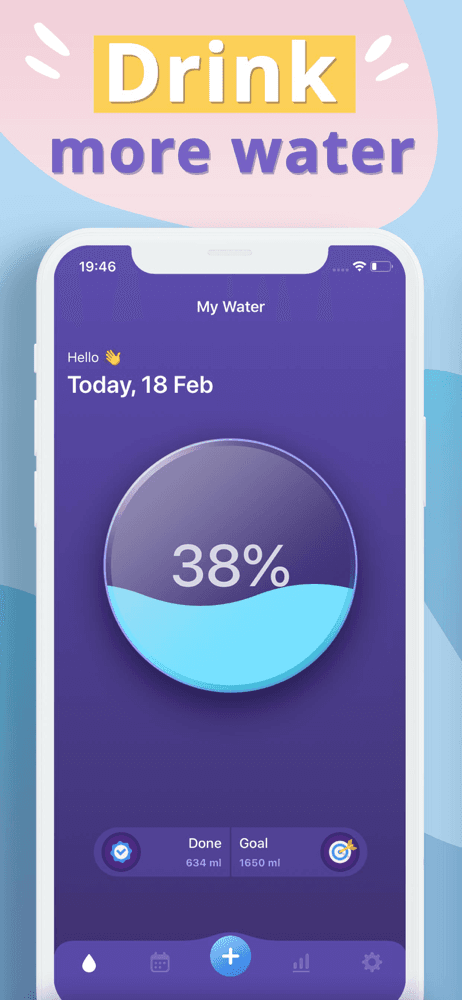
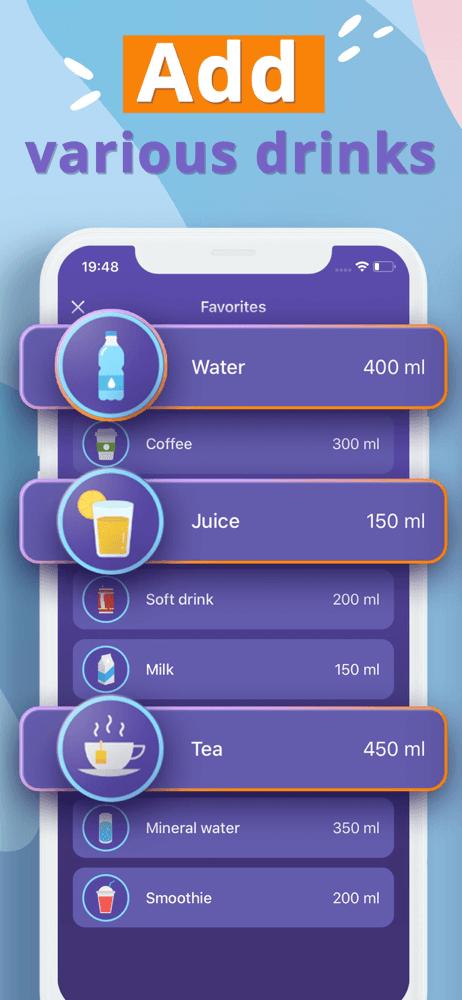
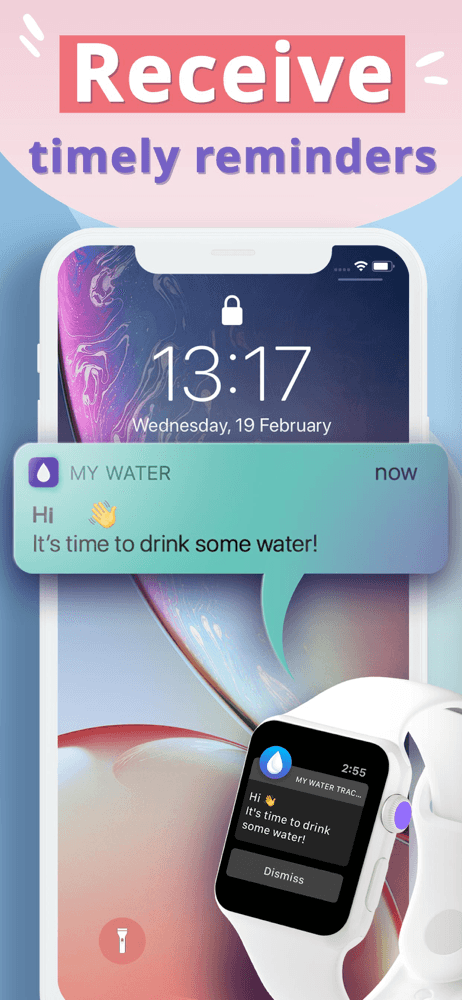
My Water earns 'Best Simple' through its no-frills free tracker from Gismart (a company that operates several utility apps). The 4.7 rating across 4,800 reviews reflects satisfaction with the focused approach. The app calculates a personalized goal based on weight and activity, sends reminders, and tracks daily intake without the design complexity of higher-rated alternatives. Pricing is free with optional in-app purchases. Honest knocks include an interface that feels generic compared to design-forward alternatives, occasional in-app advertising in the free version that some users find distracting (others accept this as the cost of free), and a brand identity that is less distinctive than Waterllama or Plant Nanny. The strongest argument for My Water is exactly what it is — a free water tracker that does the job without trying to be cute, gamified, or design-distinctive. Users who already know they want to track water and need a tool without ceremony will find this works. Free apps in the water tracker category are often supported by ads or aggressive upsells; My Water's monetization is on the lighter side of the spectrum. Best for budget-conscious users, anyone allergic to gamification, and users who want a simple tracker as a starting point before investing in a paid alternative. Upgrade to WaterMinder or Waterllama if you find yourself wanting more.
Pros
- Genuinely free tier without aggressive paywalls
- Personalized goal calculation based on weight and activity
- Lighter monetization than most free water apps
Cons
- Generic interface compared to design-forward alternatives
- In-app advertising in free version distracts some users
- 6
 Get on App Store
#6Water Tracker - Drink ReminderBest for Goals
Shenzhen Xinchuang Information Technology Co., Ltd.
My Daily Hydration Balance
- Rating
- 4.7
- Reviews
- 3.6K
- Price
- Paid
- 90-day trend
- —
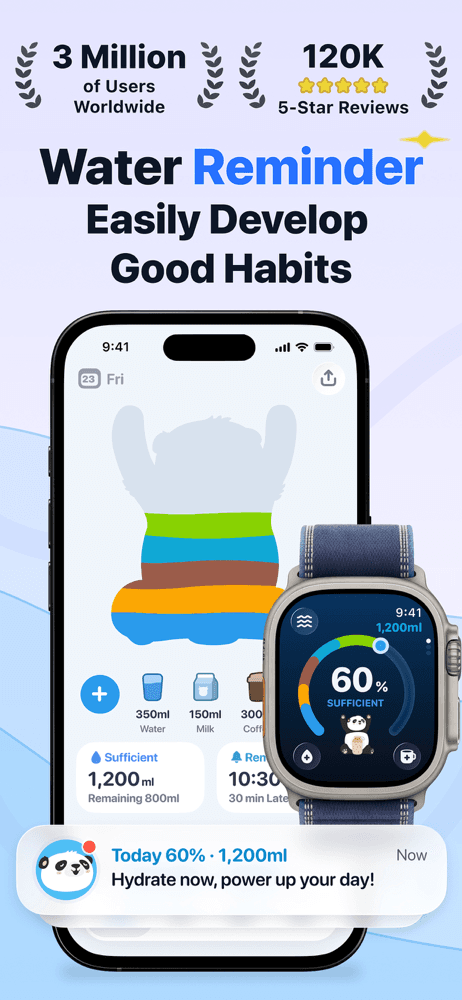
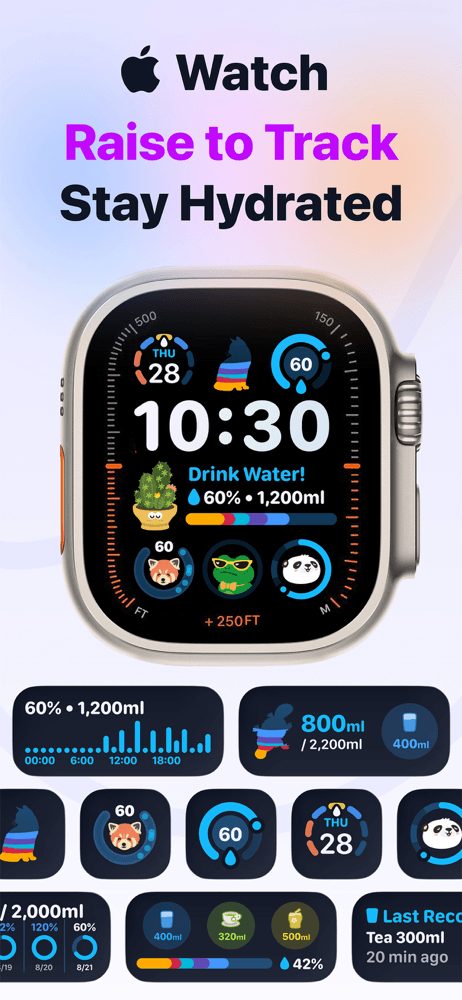
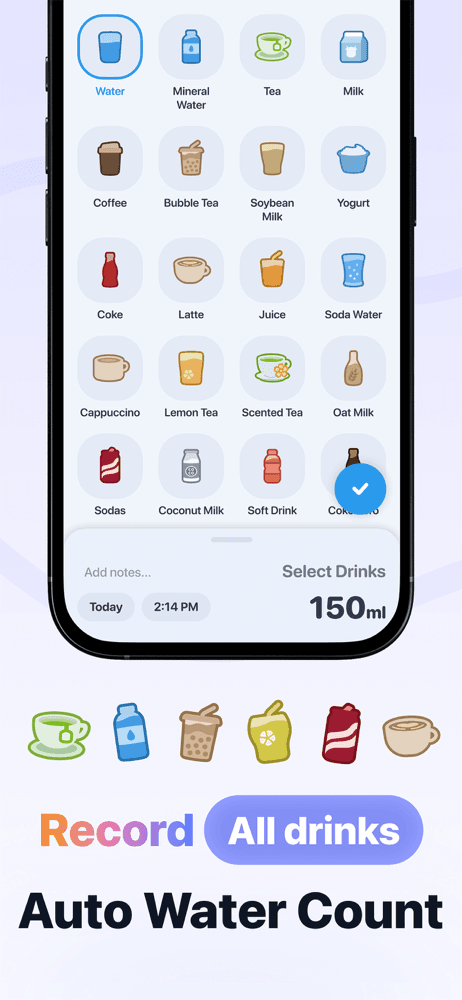
Water Tracker by Shenzhen Xinchuang earns 'Best for Goals' through its focused approach to random reminders within user-specified intervals — a small feature that solves the over-reminding problem of fixed-interval apps. The 4.73 rating across 3,400 reviews reflects satisfaction with the focused execution. The app supports tracking water in varying glass sizes (8oz, 16oz, custom sizes), full consumption history, and easy back-entry for missed logs. Pricing runs around $5-15 with optional in-app purchases. Honest knocks include a developer name that some US users may find off-putting (this is a small Chinese developer who built a credible water tracker without major brand investment), and an interface that feels less polished than larger commercial alternatives. The randomized reminders feature is the differentiator — fixed-interval reminders become predictable and easy to ignore, while randomized reminders within a window feel more natural and trigger logging more reliably. Best for users who have tried other water trackers and found themselves ignoring scheduled reminders, who want a focused tracker without gamification, and who appreciate the specific design choice around reminder randomization that this app gets right.
Pros
- Randomized reminders within a window beat predictable fixed-interval reminders
- Custom glass sizes for users who do not drink standard 8oz glasses
- Easy back-entry for missed logs without complex workflow
Cons
- Less polished interface than larger commercial alternatives
- Small developer may take time to ship updates and fix bugs
- 7
 Get on App Store
#7Water Reminder - P AppBest with Insights
Ganotis Holdings, Inc.
Hydration Tracker & UTI
- Rating
- 4.8
- Reviews
- 1.9K
- Price
- Paid
- 90-day trend
- —
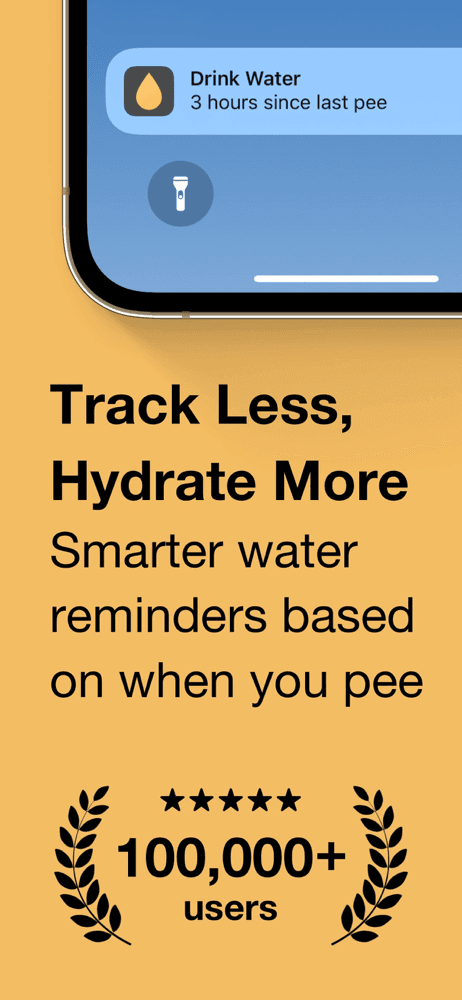
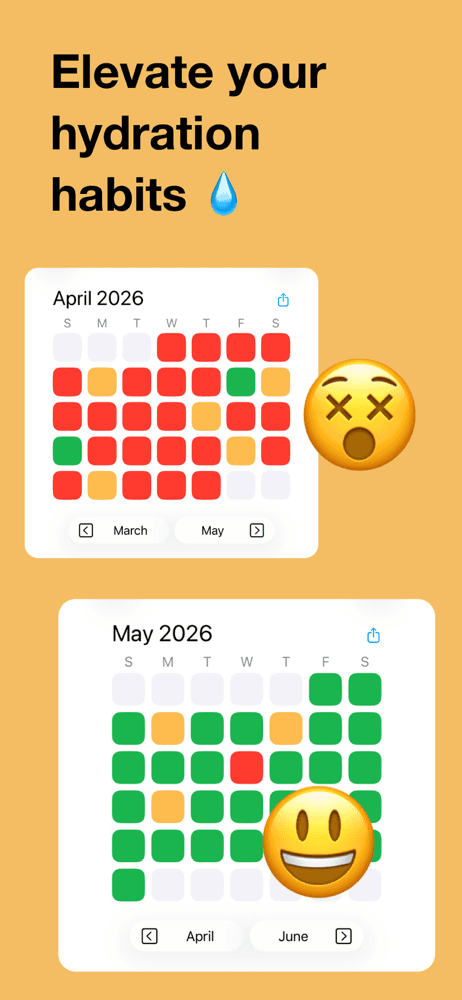
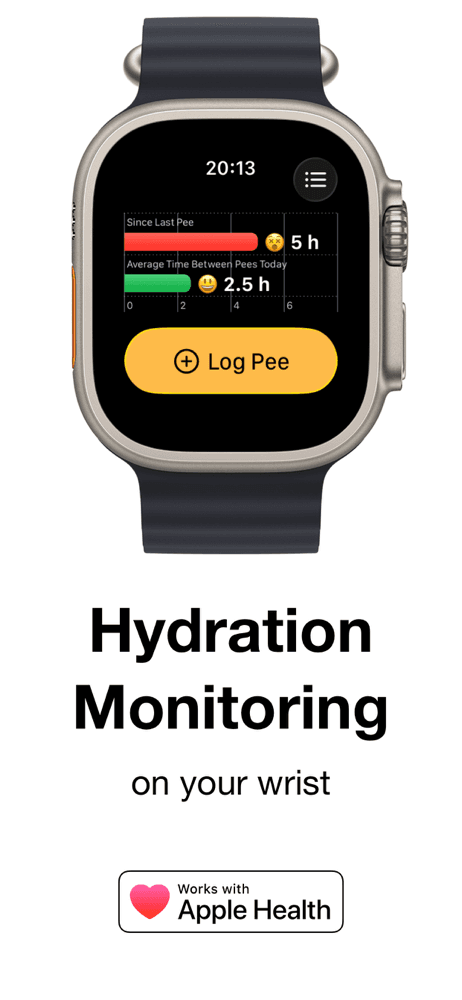
P App earns 'Best with Insights' through one of the most unique angles in the water tracker category: tracking hydration by tracking bladder activity rather than direct water intake. The app reminds you to drink water when it has been a long time since you last urinated, which is a more direct biological signal of hydration than counting glasses. The 4.75 rating across 1,800 reviews reflects satisfaction from a smaller audience who specifically want this approach. The UTI-prevention angle (subtitle: 'Hydration Tracker & UTI') makes this app especially relevant for users with UTI history who have been instructed by clinicians to maintain higher water intake. Pricing runs around $5-15 with optional in-app purchases. Honest knocks include a niche use case that is not for everyone, an interface that some users find awkward because logging bathroom visits feels different from logging drinks, and a smaller user base that means less third-party content and reviews online. The strongest argument for P App is the medical use case — for users managing chronic UTIs or following clinician guidance to maintain hydration through observed bathroom-frequency, the app's approach matches the actual underlying biology better than counting glasses. Best for users with UTI history, users who find direct water-logging too tedious and want a different trigger mechanism, and anyone whose clinician has recommended hydration tracking for a specific medical reason.
Pros
- Unique bladder-cue trigger matches actual biology better than counting glasses
- UTI-prevention angle is medically meaningful for users with chronic UTI history
- Direct biological signal of hydration rather than estimated intake
Cons
- Niche use case; logging bathroom visits feels different from logging drinks
- Smaller user base means less third-party content and validation
- 8
 Get on App Store
#8Water Tracker. Drink ReminderBest for Family
CREATIVE TECHNOLOGIES LLC
Daily drinking. Hydration time
- Rating
- 4.6
- Reviews
- 1.7K
- Price
- Paid
- 90-day trend
- —
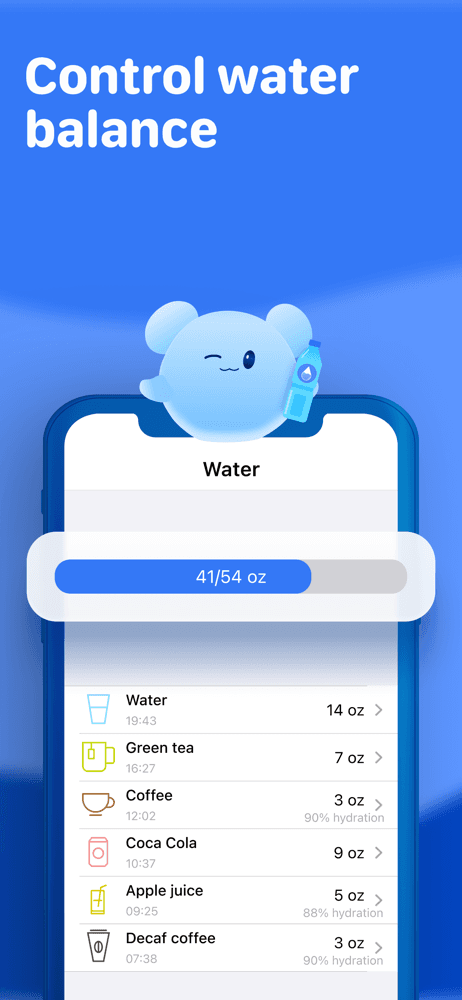
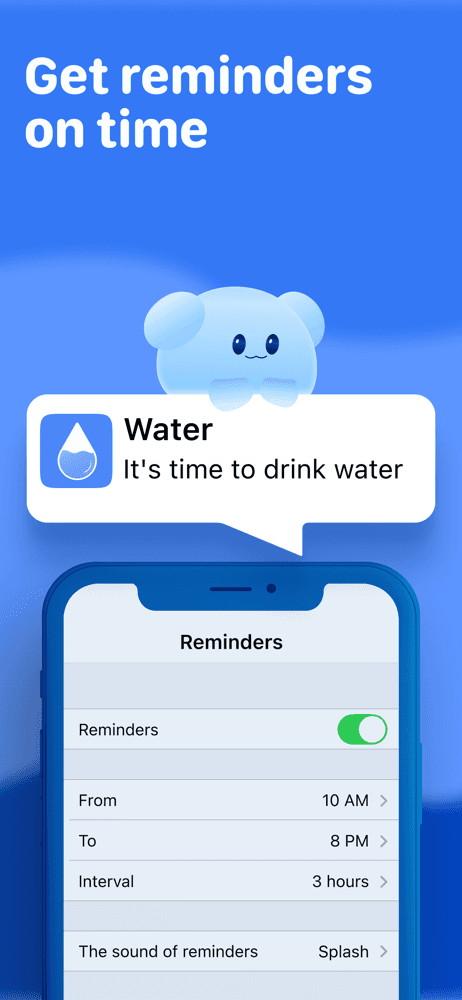
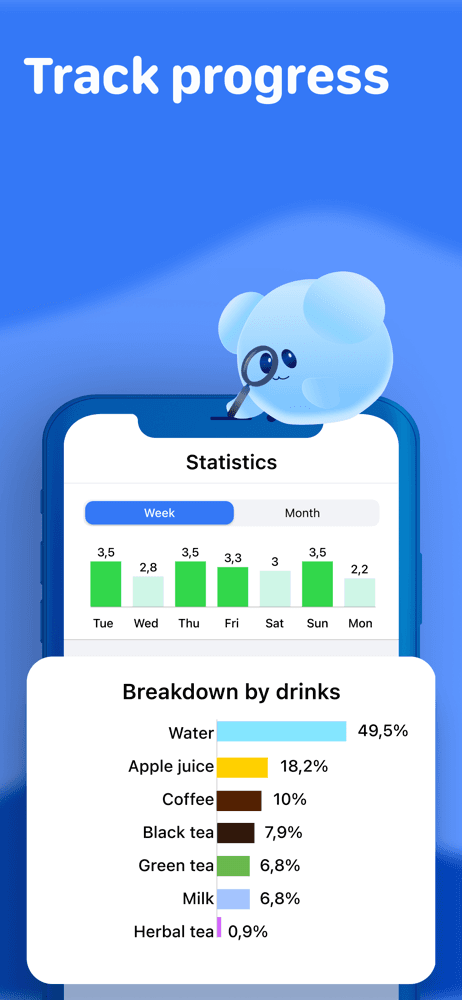
Water Tracker by Creative Technologies earns 'Best for Family' (a flexible superlative — the app's focus is habit-formation through science-based recommendations, but the simple-and-convenient design works well across age groups) through its claim of being based on recent research in psychology and neuroscience of habit formation. The 4.61 rating across 1,633 reviews reflects satisfaction at the medium-engagement level — not the high satisfaction of design-forward apps, but solid for a utility tracker. The app emphasizes simplicity and habit formation rather than gamification, which some users find refreshing. Pricing runs around $5-15 with optional in-app purchases. Honest knocks include a developer with smaller brand recognition than the leaders in the category, an interface that feels generic, and limited differentiation from other no-gamification utility trackers. The 'science-based' claim is real in the sense that the app's design choices align with habit-formation research (small consistent actions, gentle reminders, progress visibility), but the specific implementation does not stand out from competitors making similar claims. Best for users who specifically value the habit-formation framing over gamification or character collection, and as a backup option when other apps in this category are not available. Use alongside an Apple Watch complication for fast logging if you wear a Watch.
Pros
- Habit-formation framing aligns with psychology research on behavior change
- Simple-and-convenient design works across age groups
- Reasonable starting point for users who do not want gamification
Cons
- Smaller brand recognition than category leaders
- Limited differentiation from other no-gamification utility trackers
- 9
 Get on App Store
#9waterdrop® Hydration AppBest Game-Like
Waterdrop Microdrink GmbH
Drinking water – the easy way.
- Rating
- 4.8
- Reviews
- 768
- Price
- Free
- 90-day trend
- —
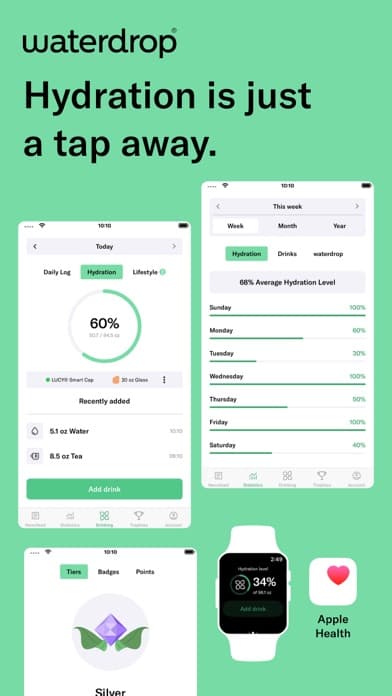
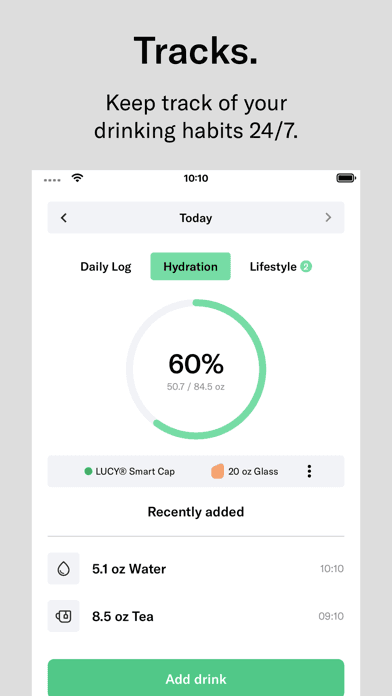
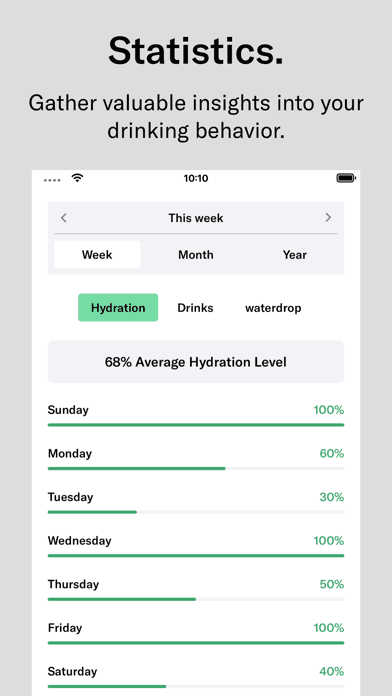
waterdrop earns 'Best Game-Like' (a slight stretch — waterdrop is utility-focused, not game-focused, but the personalized goal-setting and daily targets create a achievement-style feel) through its connection to the waterdrop microdrink brand (a real consumer beverage company that sells flavored cubes you dissolve in water). The 4.82 rating across 755 reviews reflects strong satisfaction from a smaller audience who specifically use the waterdrop product line. The app establishes personal hydration goals based on weight, age, sex, and activity, then tracks progress with reminders and analytics. Pricing runs around $5-15 with optional in-app purchases. Honest knocks include the implicit product tie-in (this is partly marketing for waterdrop microdrinks, which is fine but worth knowing), a smaller content library and feature set than larger competitors, and a brand identity that requires affinity for the waterdrop product line for full appeal. The strongest argument for waterdrop is for users who already use the waterdrop microdrink product and want a coordinated tracking experience. For users uninterested in the product line, the app stands alone reasonably but does not beat WaterMinder or Waterllama on core features. Best for waterdrop microdrink customers who want a coordinated tracking and product experience; broader users should pick from the higher-volume alternatives in this list.
Pros
- Personalized goal-setting based on weight, age, sex, and activity
- Connection to waterdrop microdrink product line for coordinated experience
- Strong 4.82 rating reflects satisfied user base
Cons
- Implicit marketing for waterdrop product line may not appeal to broader users
- Smaller content library and feature set than larger competitors
- 10
 Get on App Store
#10Waterful® Drink water trackerBest Free
Listonic sp. z o.o.
My drinking reminder & alarm
- Rating
- 4.8
- Reviews
- 603
- Price
- Free
- 90-day trend
- —
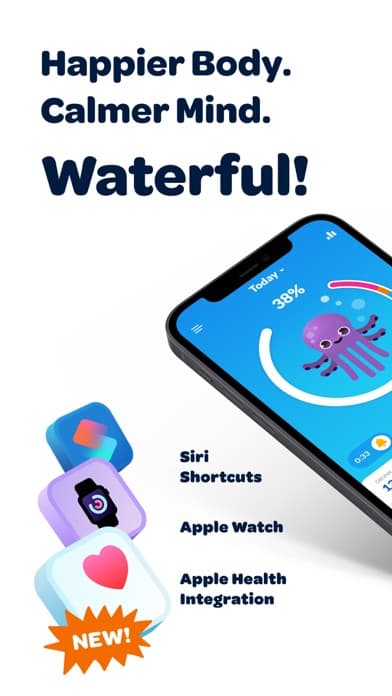
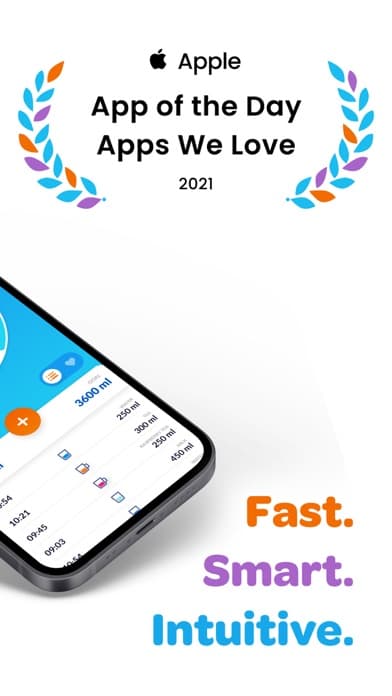
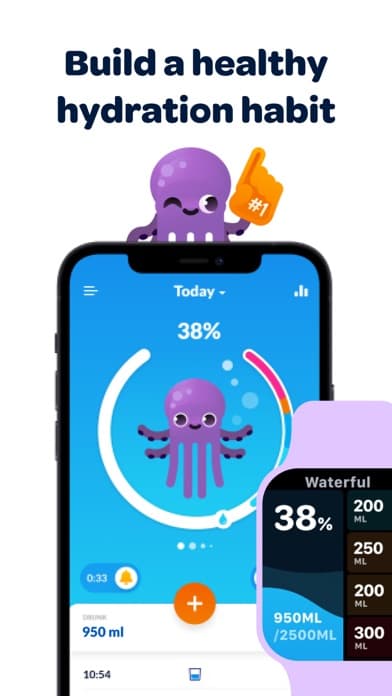
Waterful by Listonic earns 'Best Free' through one of the strongest free experiences in the water tracker category, including 'App of the Day' recognition from Apple and recent Apple Health integration. The 4.82 rating across 588 reviews reflects high satisfaction with a smaller user base. Listonic (the developer) operates several utility apps with similar design language. The free tier covers core water tracking with reminders and Apple Health sync; paid features unlock advanced themes and analytics. Honest knocks include a smaller user base than category leaders (which means fewer reviews and less third-party validation), an interface that feels less distinctive than design-forward alternatives, and feature gaps for users who want family sharing or character collection. The strongest argument for Waterful is the price-to-quality ratio for the free tier — most water trackers in this list have meaningful paywalls; Waterful does not. The Apple Health integration is recent and working well. Best for budget-conscious users who want a clean free water tracker without aggressive monetization, users who want Apple Health sync without paying for it, and anyone testing whether water tracking is a habit they will stick with before committing to a paid alternative. Upgrade to WaterMinder or Waterllama if you find you need more after a few months.
Pros
- Apple 'App of the Day' recognition and recent Apple Health integration
- Free tier is genuinely usable with core tracking and reminders
- Listonic ecosystem includes other utility apps with consistent design
Cons
- Smaller user base than category leaders means fewer reviews online
- Feature gaps for users wanting family sharing or character collection
How we picked
## What we scored
We ranked apps on five dimensions: log speed (the daily friction matters most), reminder reliability, Apple Health integration, design quality, and motivation features that keep users logging beyond the initial novelty period. App Store ratings and recent review patterns set the floor for inclusion.
## Log speed
The single most important quality-of-life feature in a water tracker is how fast you can log a drink. Apps that require 4+ taps to log a glass lose users within a week; apps that log with one tap retain users for months. We checked widget support, Apple Watch quick-log, and the in-app workflow.
## Reminders
Drink reminders are the active part of water tracking — the part that turns the app from a logger into a behavior change tool. Smart reminders that adjust based on logged drinks beat fixed-interval reminders. We checked whether reminders survive iOS notification settings changes and whether they respect Do Not Disturb windows.
## Motivation features
Water tracking is repetitive. Gamification (Waterllama's characters, Plant Nanny's plants, Waterful's alarms) turns repetition into engagement. Analytics (WaterMinder's charts, waterdrop's daily targets) appeal to data-driven users. Family sharing turns it into a collective practice. We credited apps with motivation features that match the use case rather than apps that pile on every gamification mechanic.
## What we did not test
We did not certify accuracy of hydration recommendations. The 'drink 8 glasses a day' guidance is a rough heuristic that varies by body size, climate, activity level, and food intake. Apps that calculate personalized targets are using formulas, not clinical assessments. For specific hydration needs (kidney conditions, electrolyte imbalances, athletic performance), consult a healthcare provider.
## Refresh
Reviewed every six months. New-year resolutions drive most ranking movement; summer-heat cycles create a secondary peak.