



Best Video Editing Apps for iPhone
By App Store Tracker Editorial · Updated — live App Store data verified
The short version
The best video editing app for iPhone in 2026 is **InShot** — 4.85/5 from 2.43M US ratings, free to start, and the most consistently praised editor for TikTok, Reels, and YouTube cuts. **CapCut** is the runner-up at 4.62/5 with 1.1M ratings and ships the deepest template and trending-effects library, especially for TikTok-native edits. App Store Tracker pulled live US ratings, descriptions, and review samples for all ten picks before ranking.
Jump to a pick↓
We ranked ten video editing apps on three App Store Tracker signals: live US rating, total US rating count, and the recurring themes in recent positive and 1-3 star reviews. Every app on the list clears 4.6/5 and the top four have more than 300K US ratings each, so review sentiment broke close ties. Watermarks, export caps, and paywall placement matter more here than in any other category — reviewers across InShot, CapCut, Splice, and Prequel call out subscription fatigue when it's poorly handled. We weighted the apps that earn their subscription with real features and penalized the ones whose free tier is a teaser. Use this guide to pick by job: short-form social (CapCut, InShot, Prequel), keyframe editing (VN, Filmmaker Pro), face/beauty video (Facetune), or full creative workflows (Splice, Videoshop).
- Rating
- 4.8
- Reviews
- 2.5M
- Price
- Paid
- 90-day trend
- —
InShot is the best video editing app for iPhone overall because it lets you finish a real edit — cut, trim, transitions, audio, captions, color — in five minutes without ever feeling fenced in. The differentiator is the balance: more capability than a one-tap montage tool, less complexity than a full timeline editor. Compared to CapCut, InShot stays calmer about trending effects and pushes fewer template-driven shortcuts. Compared to VN, it sacrifices some keyframe depth for speed. Real use case: drop in three clips from a trip, trim each, add a transition pack, layer in a music track with audio ducking, export at 4K — done in under ten minutes. The tradeoff comes from critical reviews: one Pro user posted 'Failed to convert video, please try again' on export failures, and others noted save-to-device glitches even on the paid tier. At 4.85/5 from 2.43M US ratings — the highest rating count of any video editor on iOS — it's the strongest default pick for creators who want to publish quickly across multiple platforms.
Pros
- Most consistent quality at 2.43M ratings with 4.85 average
- Real free tier and reasonable paid upgrade for power features
- Wide format support including 4K export and platform-specific aspect ratios
Cons
- Reviewers report export and conversion failures even on Pro tier
- Save-to-device glitches reported on large projects
- Rating
- —
- Reviews
- —
- Price
- Paid
- 90-day trend
- —
CapCut is the best video editing app for TikTok creators because it's built by ByteDance, the company that owns TikTok, and the template-to-publish loop is shorter than any other editor. The differentiator is the trending-effects library — the same packs you see go viral are one tap away inside the app, including auto-caption styles, transitions, and AI scripts. Compared to InShot, CapCut leans much harder into templates and trend-chasing; compared to VN, it gives up some manual control for one-tap polish. Real use case: shoot a 30-second clip, drop into the 'GRWM' template, autosync captions, swap the background music with a trending sound, export. The tradeoff is visible in critical reviews — 'One of the worst editing app EVER!' covers a recurring theme that CapCut's recent updates buried older free tools behind Pro paywalls. Still, at 4.62/5 from 1.1M ratings it's the most-ratings-by-far TikTok-specific editor. Free with paid Pro tier.
Pros
- Deepest TikTok template and effects library on iOS
- Auto captions and trending sounds one tap away
- Strong free tier for basic editing without watermark
Cons
- Recent updates moved previously free tools behind Pro paywall
- TikTok-coded UI feels noisy for non-TikTok creators
- 3Get on App Store
#3Videoshop - Video EditorBest for Speed
Jajijujejo Inc.
Add music, text, FX to videos!
- Rating
- —
- Reviews
- —
- Price
- Paid
- 90-day trend
- —
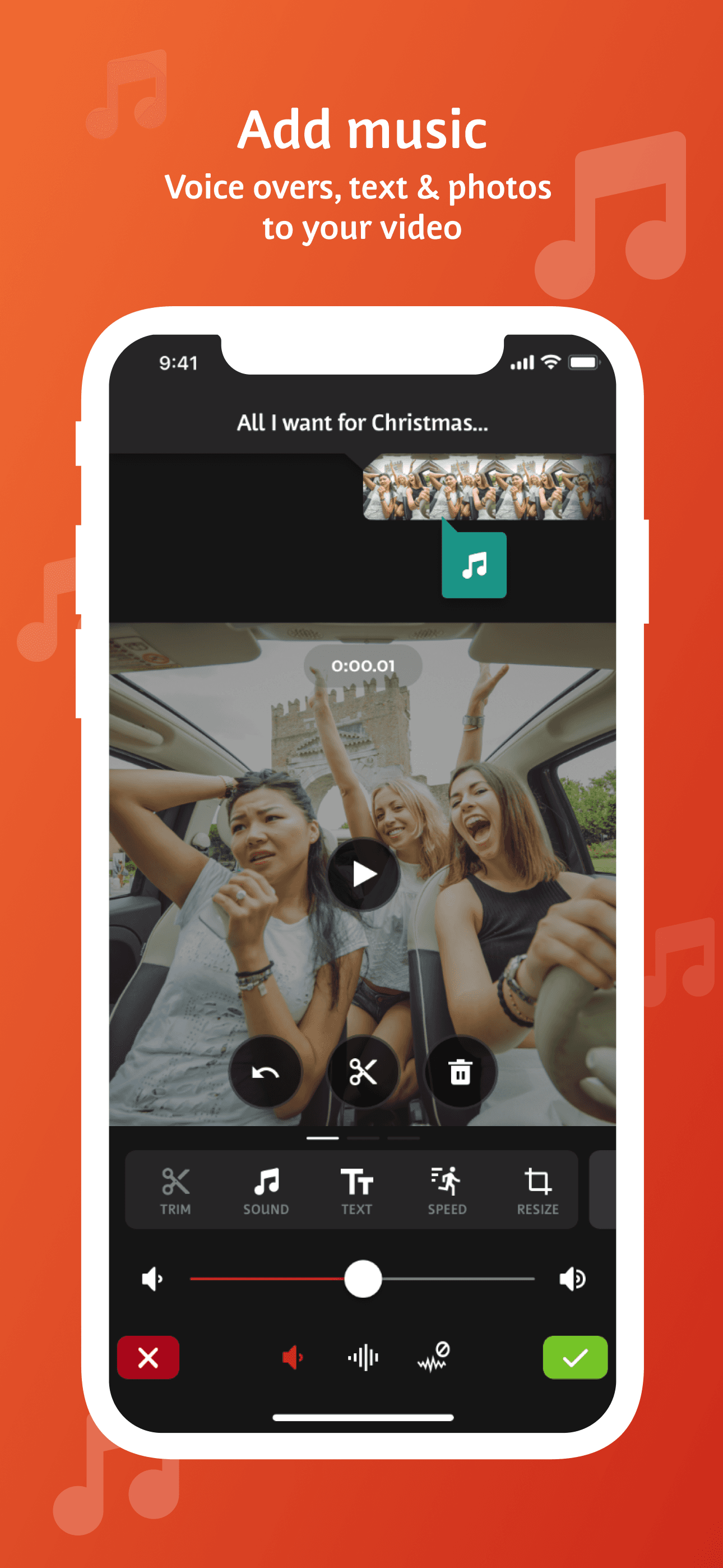
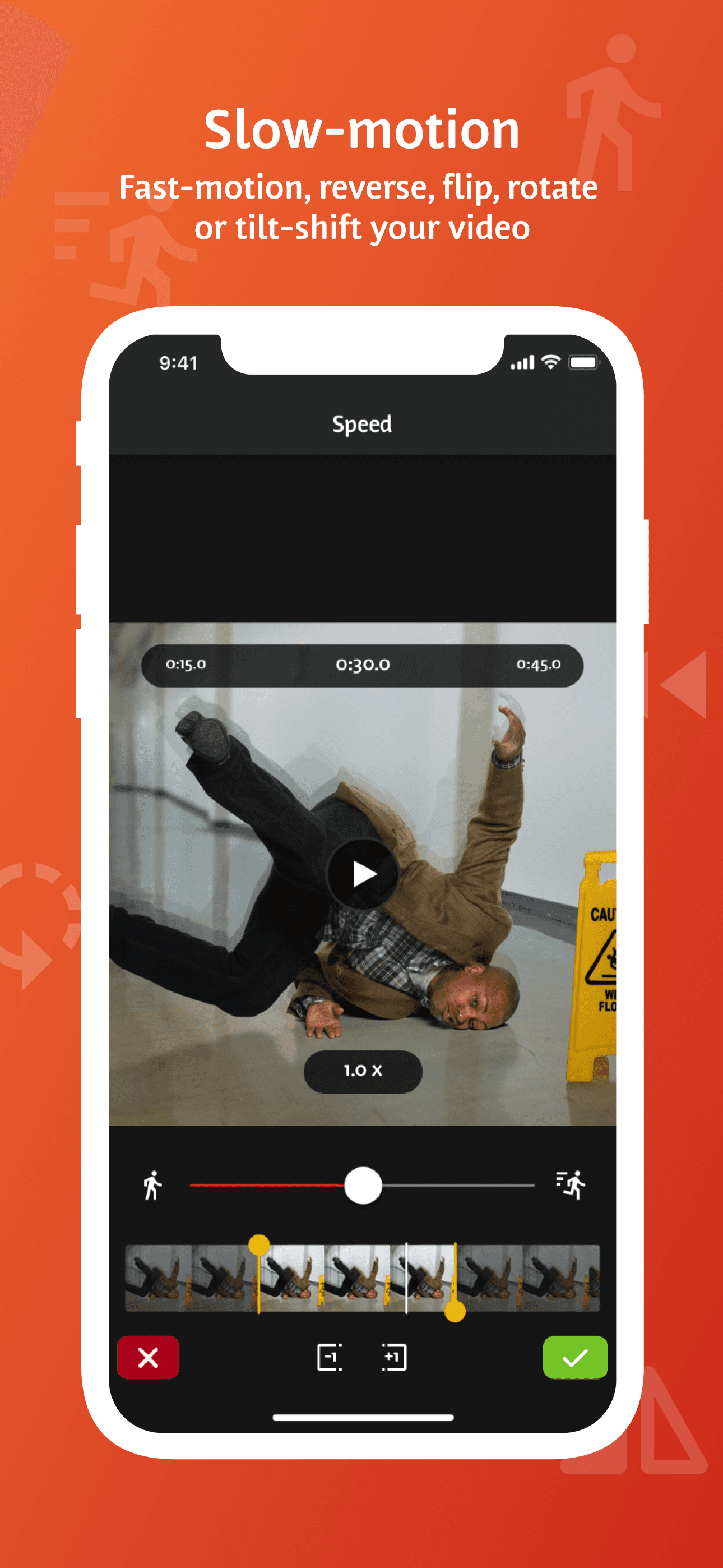
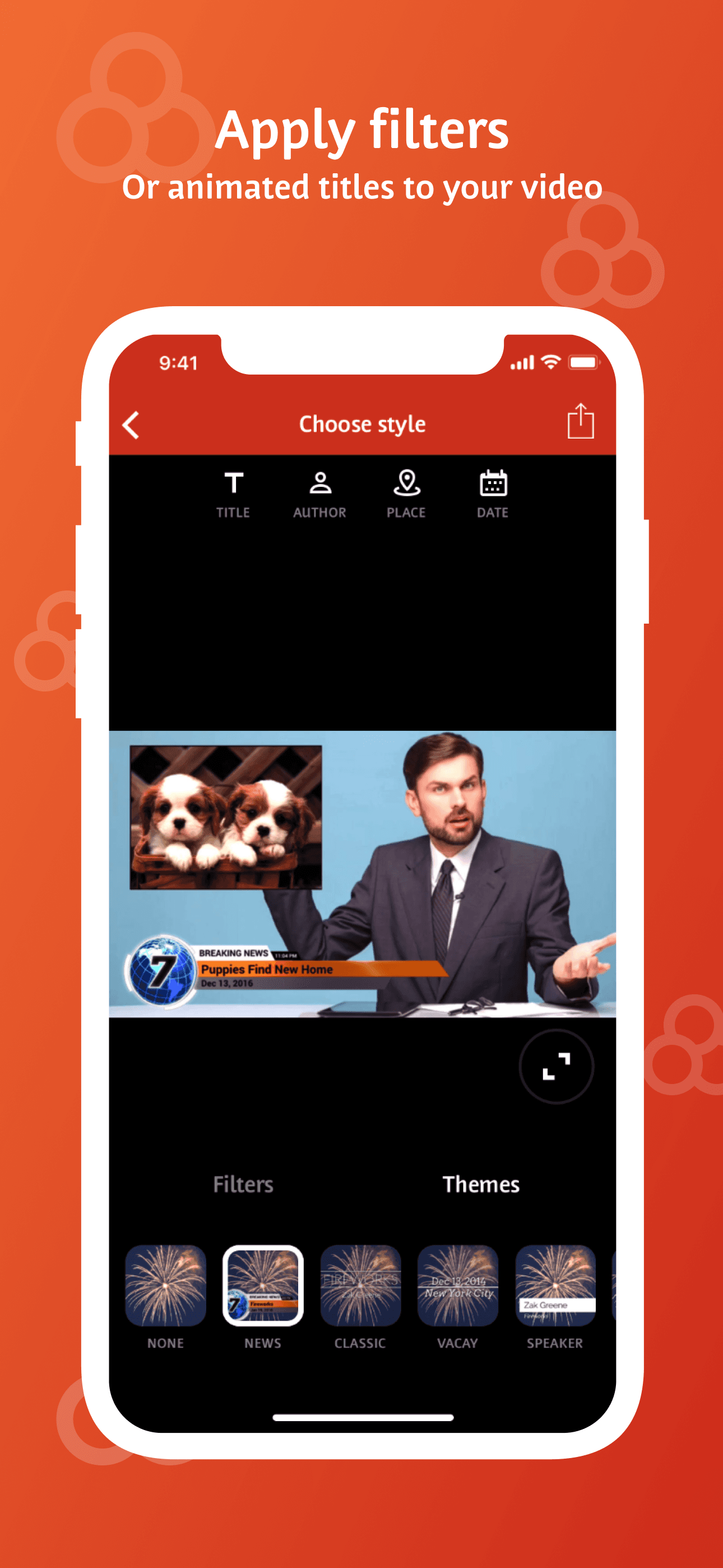
Videoshop is the best video editing app for quick effect-heavy edits because it ships with the deepest catalog of one-tap visual filters, slow-motion, and audio effects of any app at its rating level. The differentiator is speed — Videoshop is structured for fast turnaround on short clips, not multi-track project management. Compared to Filmmaker Pro, it's a vertical-video-first tool, not a desktop-style timeline. Compared to InShot, the UI is smaller and more focused. Real use case: take a phone clip, add a slow-motion section, drop in a sound effect, trim to 15 seconds, export. At 4.88/5 from 363K ratings it has the highest average rating in this list — but smaller volume than the leaders. Tradeoff: the paid model is upfront (it's not free to download with full features), so casual users skip it for InShot or CapCut even when Videoshop would serve them better. Worth the install if you're tired of subscription pressure.
Pros
- Highest average rating in this list at 4.88 from 363K ratings
- Deep catalog of one-tap effects, slow-motion, and audio FX
- Fast UI tuned for short clip turnaround
Cons
- Paid-from-download model deters casual install
- Multi-track timeline depth lags Splice and Filmmaker Pro
- Rating
- 4.7
- Reviews
- 338.8K
- Price
- Paid
- 90-day trend
- —
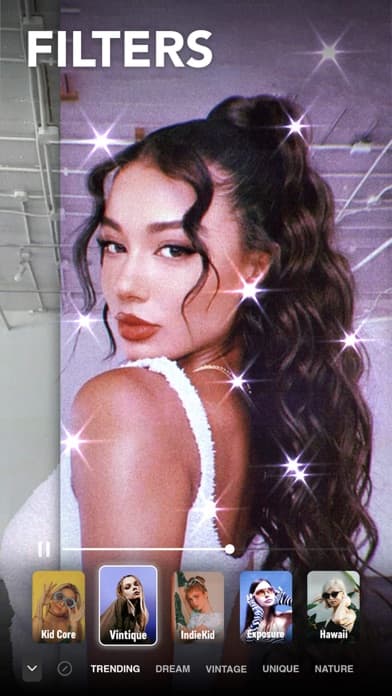
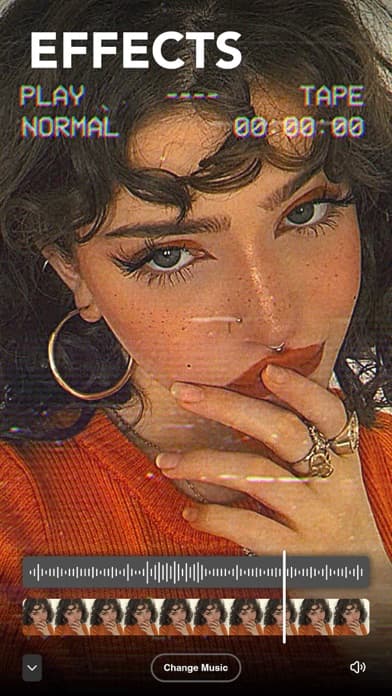
Prequel is the best video editing app for aesthetic effects and filter-driven edits because it built its reputation on a single feature set — distinctive cinematic looks like DISCO, DIAMOND, VHS, and PRISM that other editors don't ship. The differentiator is the filter pack catalog: 800+ effects tuned for a specific Instagram-friendly aesthetic. Compared to CapCut and InShot, Prequel skips heavy timeline editing and focuses on look transformation; compared to Filto, it ships more variety. Real use case: drop in a 15-second selfie video, scroll the filter wheel, apply VHS, push the color, export to Reels. The tradeoff is sharp in the reviews — '$3.00 ... didn't even have access to any good features' captures the recurring complaint about aggressive paywalls, and 'my account didn't renew' suggests friction on subscription management. At 4.74/5 from 333K ratings the filters earn their reputation, but the paywall pressure is real. Trial before you commit.
Pros
- Distinctive cinematic filter packs that rivals don't replicate
- Strong template selection for aesthetic-coded Reels and Stories
- Updated frequently with seasonal effect drops
Cons
- Aggressive paywall — small purchase still gates major features
- Subscription renewal and cancellation friction in reviews
- Rating
- —
- Reviews
- —
- Price
- Paid
- 90-day trend
- —
VN: Video Editor is the best free video editing app because it ships desktop-style features — multi-track timeline, keyframes, masks, no watermark — without a subscription wall. The differentiator is the genuine no-watermark export at every resolution, combined with a keyframe editor that rivals what you'd find in paid apps. Compared to InShot, VN is denser and more technical; compared to CapCut, it skips the social templates and focuses on raw editing power. Real use case: import three clips, key frame a zoom on the second one, mask the subject, layer an audio track, export 4K with no watermark — free. Reviewers consistently call it 'the best video editing app on App store' specifically because it doesn't force a paywall. The tradeoff is the learning curve — newer editors find the multi-track timeline intimidating, and one reviewer notes 'can't even export a 1.7gb video' on storage-edge cases. At 4.77/5 from 299K ratings it's the strongest free option here.
Pros
- Genuine no-watermark export at every resolution
- Keyframe editor and multi-track timeline without subscription
- Reviewers call it the best free editor on the App Store
Cons
- Steeper learning curve than InShot or CapCut
- Export of very large files reported failing on some devices
- 6
 Get on App Store
#6Splice - Video Editor & MakerBest for Pros
Bending Spoons Apps ApS
Editing movie and music videos
- Rating
- 4.6
- Reviews
- 426.1K
- Price
- Paid
- 90-day trend
- —
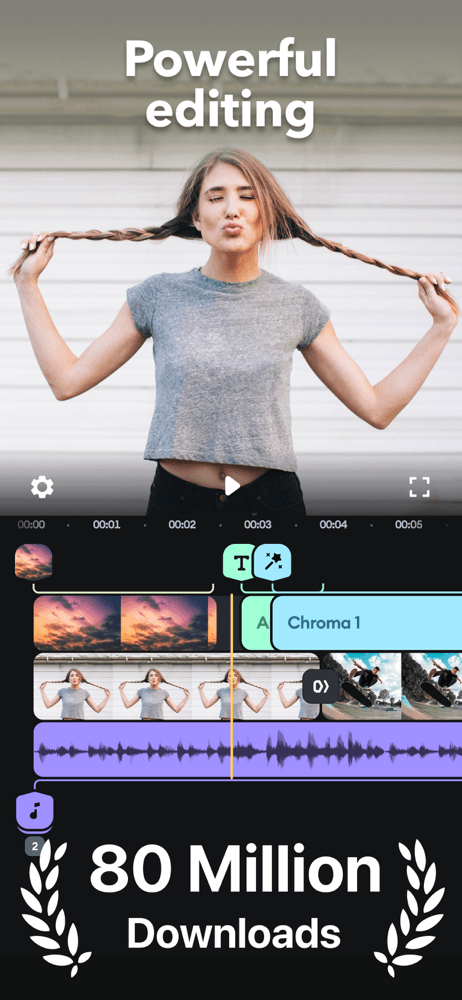
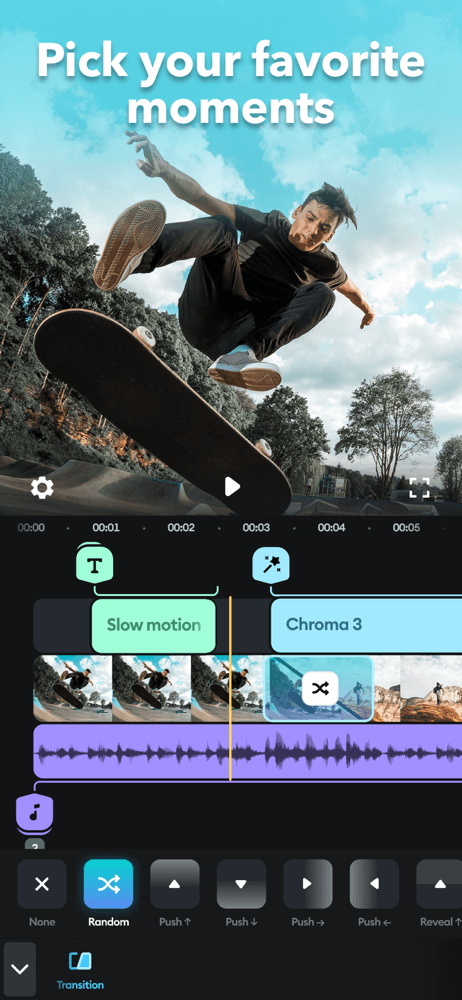
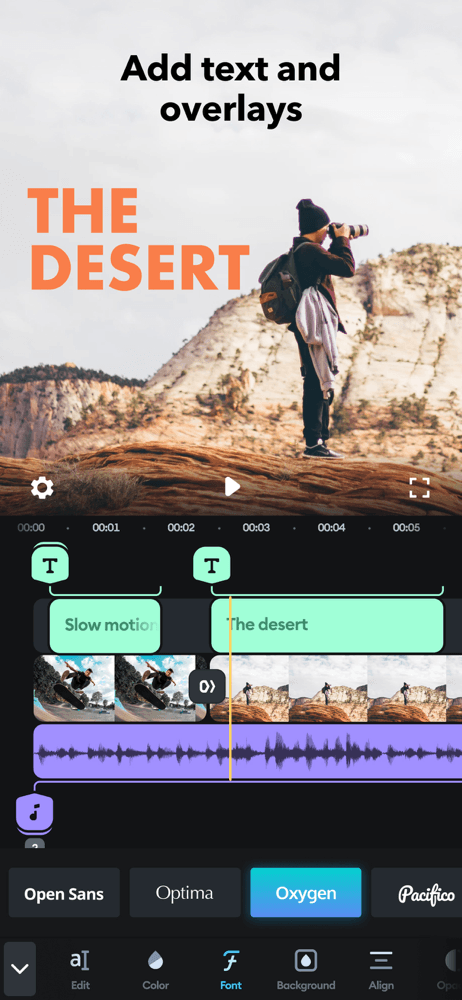
Splice is the best video editing app for creators who want a pro-feel timeline because Bending Spoons designed it to mirror desktop NLE workflows — track-based editing, ripple delete, audio waveforms, and full color correction. The differentiator is the timeline interface, paired with a music library licensed for use without copyright strikes. Compared to InShot, Splice feels closer to Premiere; compared to Filmmaker Pro, it has a friendlier UI and better music integration. Real use case: cut a 90-second YouTube short with multi-track audio, color-grade two B-roll clips, drop in royalty-free music, export 4K. Reviewers in the 5-star pool praise the music library specifically ('Includes MUSIC!!!!'). The tradeoff comes through clearly in critical reviews: 'Splice has become a cash cow' captures recurring frustration that features once free now require subscription. Long-time users feel squeezed. At 4.6/5 from 422K ratings it's still highly rated; just go in eyes-open about the upgrade path.
Pros
- Pro timeline interface closest to desktop NLE workflows
- Music library licensed for safe use without copyright strikes
- Strong color and audio mixing on mobile
Cons
- Long-time users report previously free features now subscription-gated
- Recent reviewers describe paywall pressure as relentless
- Rating
- —
- Reviews
- —
- Price
- Paid
- 90-day trend
- —
Facetune (the Photo & Video Editor edition) is the best video editing app for portrait and beauty work because Lightricks tuned its retouching model for moving faces, not just stills. The differentiator is the AI face engine — skin smoothing, eye color, jawline retouching, and color grading that hold up across frames without obvious morphing. Compared to BeautyPlus and Lensa, Facetune is the only entry in this list with serious video retouching, not just photo. Real use case: record a 30-second talking-head clip for Reels, apply Facetune's AI retouch, fix the lighting, export. The tradeoff is the subscription model — critical reviews include 'Zero customer service' and 'A Nightmare - Worst experience,' specifically tied to confusing subscription billing and trial conversion. The product is real; the billing experience is the weak point. At 4.62/5 from 367K ratings it lives in a specialty category — install only if portrait video is your job.
Pros
- Only app here built specifically for portrait video retouching
- AI face engine holds quality across frames without morphing
- Active updates from a developer known for retouching quality
Cons
- Subscription billing and customer service surface in critical reviews
- Narrow use case if you're not editing talking-head video
- 8
 Get on App Store
#8Filmmaker Pro - Video EditorBest Cross-Platform
Tinkerworks Apps
Video & Photo Editor Super App
- Rating
- —
- Reviews
- —
- Price
- Free
- 90-day trend
- —
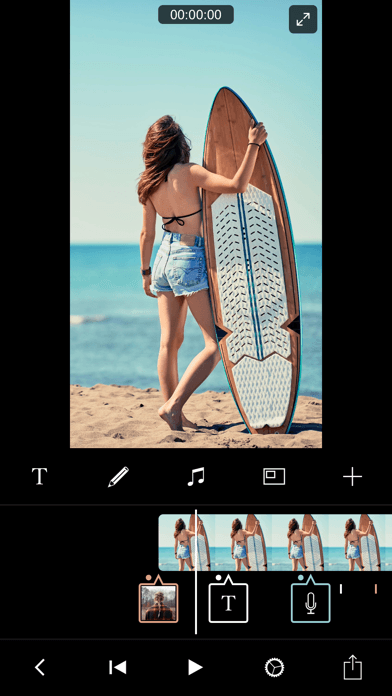
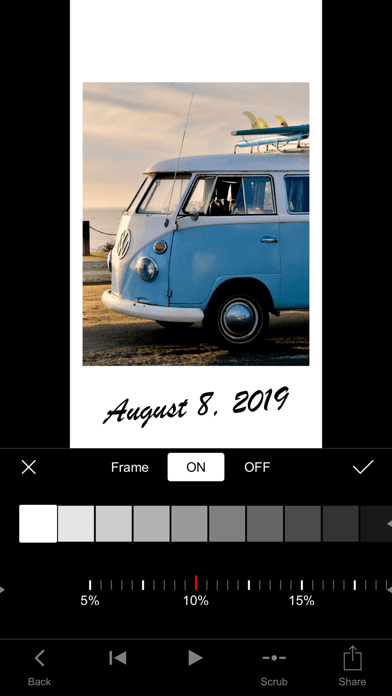
Filmmaker Pro is the best video editing app for advanced creators who want a desktop-feel timeline on iPhone because it ships features other mobile editors skip — unlimited project tracks, 200+ professional filters, and full on-device processing. The differentiator is the developer's claim that all processing happens locally with no cloud upload and no user data collection — a privacy posture nobody else here matches. Compared to Splice, Filmmaker Pro skips music licensing but goes deeper on professional color and effects. Compared to VN, it ships more filters and a more polished UI. Real use case: edit a 5-minute travel video with three audio tracks, custom color grade, and 4K export — without any clip leaving your phone. The tradeoff is the upfront paid model and a learning curve that makes it overkill for short-form social. At 4.65/5 from 263K ratings it's a pro tool for pros; casual creators stay with InShot or CapCut.
Pros
- All processing on-device with no cloud upload of footage
- Unlimited project tracks and 200+ pro-quality filters
- Strong privacy posture vs. competitors' cloud-first model
Cons
- Paid up-front model, not free-to-download
- Learning curve overkill for short-form social creators
- Rating
- 4.7
- Reviews
- 218.1K
- Price
- Paid
- 90-day trend
- —
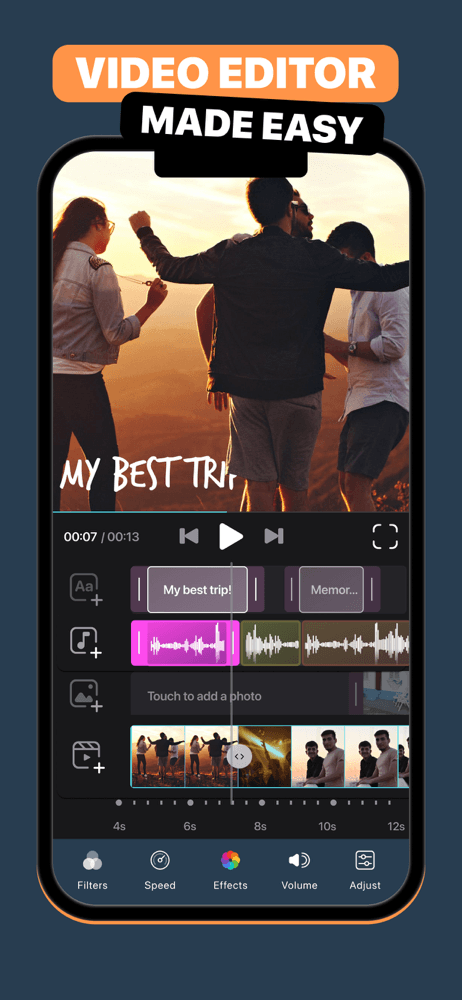
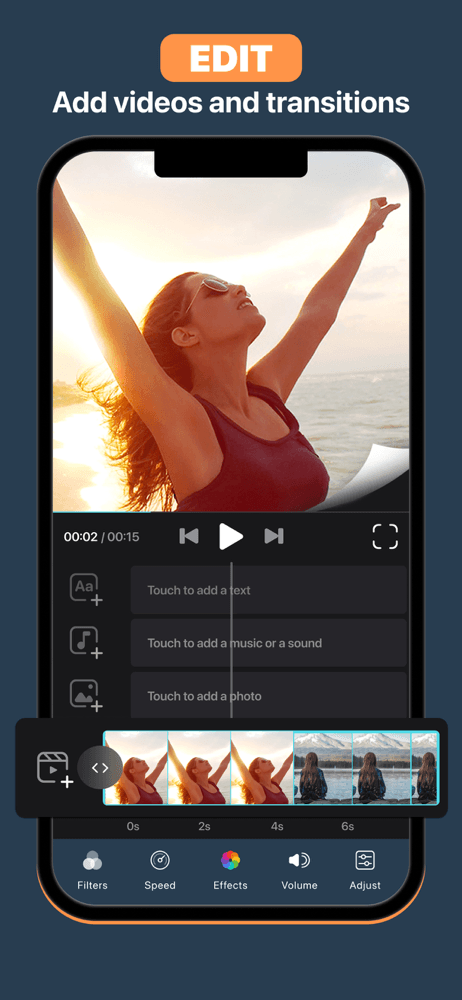
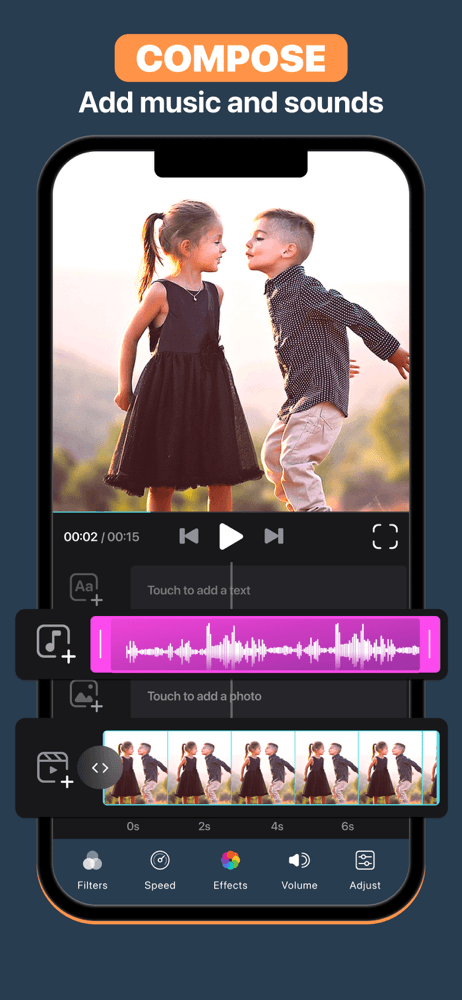
Video Editor by Luni is the best video editing app for simple, fast slideshow and montage work because its UI is built for one job: combine photos and clips with music and ship it. The differentiator is the crop-and-collage flow — a faster path to a multi-clip slideshow than any of the timeline editors. Compared to InShot, it's lighter and more template-driven; compared to Splice, it skips the pro timeline entirely. Real use case: pull 20 photos from a trip, drop them in, pick a transition pack and music track, export a 60-second highlight reel. The tradeoff is depth — there's no keyframe editing, no masks, and no advanced color work. At 4.67/5 from 218K ratings it serves a clear use case (gift videos, family slideshows, simple highlight reels) and gets out of the way. Free with paid upgrade for premium content.
Pros
- Fastest path from photos and clips to a finished slideshow
- Template and music packs designed for casual creators
- Light footprint and runs well on older iPhones
Cons
- No keyframes, masks, or advanced color tools
- Premium templates and music require subscription
- 10
 Get on App Store
#10Filto: AI Photo & Video EditorBest for Music
Pinso Marketing Limited
Effects & Filters for Pictures
- Rating
- —
- Reviews
- —
- Price
- Free
- 90-day trend
- —
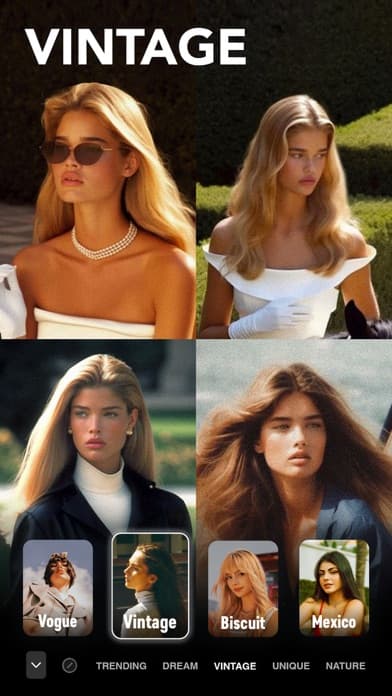
Filto is the best video editing app for vintage and aesthetic filter work because it pulls the same VHS, vintage VCR, and chic-retro looks that drive aesthetic-coded TikTok and packages them into a focused filter app. The differentiator is the filter library breadth in this specific genre — more vintage-aesthetic options than Prequel ships in the same category. Compared to Prequel, Filto skews a touch younger and TikTok-native; compared to InShot or CapCut, it's not a timeline editor at all — apply filter, export. Real use case: shoot a 15-second clip on your iPhone, drop into Filto, swipe through to find the right Y2K-coded filter, export to TikTok. The tradeoff is scope — there's no real editing, just look application, so power users need a second app for cutting and audio. At 4.7/5 from 167K ratings it's the smallest-volume pick on this list but the strongest at its narrow niche.
Pros
- Strong vintage and Y2K aesthetic filter library
- Fast single-purpose UI — apply filter, export
- Updated regularly with new aesthetic-coded packs
Cons
- Not a real timeline editor — needs a companion app for cuts
- Smallest user base on this list means slower bug fixes


How we picked
### Data sources We pull live data from Apple's iTunes Search and Lookup APIs for every app: rating, rating count, current version, price, in-app purchase status, screenshots, and full description. Review samples come directly from the public US App Store RSS feed and are stored unmodified in our `app_reviews` table. The numbers in each card reflect the latest snapshot in our pipeline as of the review date.
### How we score Three weighted signals: (1) US average rating and rating volume, weighted so apps with millions of ratings carry more confidence than 5-star apps with a few thousand; (2) sentiment from recent reviews — we read 5-star and 1-3 star samples and tag recurring themes such as crash reports, export failures, paywall complaints, and feature praise; and (3) editorial fit, using each app's official description and subtitle to confirm it solves the specific video-editing job we're ranking for.
### Refresh cadence Ratings refresh weekly. App metadata refreshes whenever the App Store reports a new version. Reviews are sampled monthly. The list itself is re-ranked when a tie-break shifts or a major release lands.
### What we exclude Apps below 4.3/5, apps with fewer than 2,000 US ratings, web-only editors, apps without a working free trial or refund path, and anything that hasn't shipped an update in 12+ months.
### What we don't do We don't take payment for placement. We don't use affiliate links to influence ordering. We don't run any AI rewriting of user reviews — themes and quotes come from real review text in our database.