



Best To-Do List Apps for iPhone
By App Store Tracker Editorial · Updated — live App Store data verified
The short version
The best to-do list app for iPhone in 2026 is Todoist — 4.8 stars across 1,737 U.S. ratings, natural-language input that reads 'every Tuesday at 9am' as a real recurring task, and the most reliable cross-platform sync in the category. TickTick is the runner-up at 4.84 stars and the better pick if you want a built-in calendar view and a Pomodoro timer in the same app. Microsoft To Do leads as the strongest free option at 4.75. Every pick on this list syncs cleanly between iPhone, iPad, and Mac and works with Siri.
Jump to a pick↓
Picking a to-do list app for iPhone in 2026 means deciding how you actually want a list to behave — minimal and fast, deep and configurable, or a full GTD system. Among the 10 apps on this list, three lean minimalist and free (Microsoft To Do, Google Tasks, MinimaList), three lean configurable-and-paid (Todoist, TickTick, Any.do), three are widget-or-single-screen focused (Do!, To Do List Widget, Daily Planner), and one is a long-running classic (Errands). Apple's own Reminders has gotten genuinely good — the right choice for many people — but the third-party apps still win on natural-language input, calendar integration, project structure, and team sharing. The data backs the order: Todoist holds a 4.8 average from 1,737 U.S. ratings on its current major version, TickTick scores even higher at 4.84, and Microsoft To Do has held its place since Wunderlist was retired in 2020. Capture speed, recurring-task reliability, widget quality, and how each app handles your first hour shaped every cut.
- Rating
- 4.7
- Reviews
- 263.5K
- Price
- Free
- 90-day trend
- —
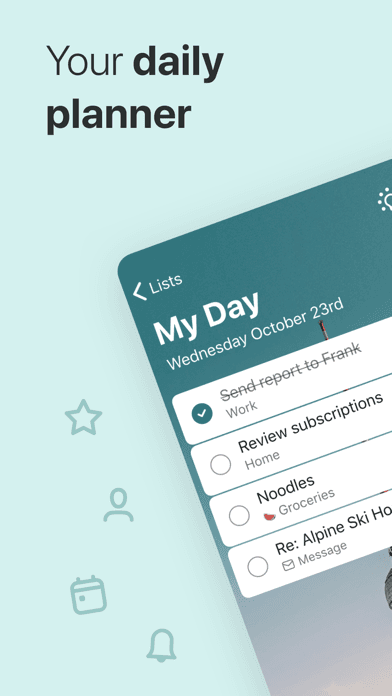
Microsoft To Do is the best to-do list app for iPhone users who want a free, polished task manager from a major vendor and don't need deep project structure. The 4.75 average across 5,342 U.S. ratings reflects a product that absorbed the Wunderlist team in 2017 and rebuilt the experience on Microsoft's infrastructure — My Day, Important, Planned, and Assigned to Me lists handle 80 percent of personal task management without setup. Microsoft To Do differs from Todoist by being simpler and free rather than configurable and paid, and from Apple Reminders by working cross-platform (Windows, Android, web) as well as on iPhone. A real scenario: you start your day on Windows, add tasks throughout the morning, and your iPhone widget shows the same My Day list when you leave for lunch. The tradeoff is reviewer-flagged: long-time Wunderlist users still describe Microsoft To Do as a 'degraded version' of Wunderlist (multiple Japanese-language reviews specifically cite missing widget options, missing email notification, and the absence of free sort ordering). Microsoft has shipped slow improvements over the years but still has not closed every Wunderlist gap. Best for users in the Microsoft ecosystem who want a clean free task app.
Pros
- Fully free with no subscription anywhere — recurring tasks and sharing included
- Cross-platform on iPhone, iPad, Mac, Windows, Android, and web in one account
- My Day list and Planner integration give a polished daily workflow out of the box
Cons
- Long-time Wunderlist users still describe it as a degraded successor seven years later
- Missing free sort ordering and limited widget options compared to direct competitors
- Rating
- 4.8
- Reviews
- 127.2K
- Price
- Paid
- 90-day trend
- —
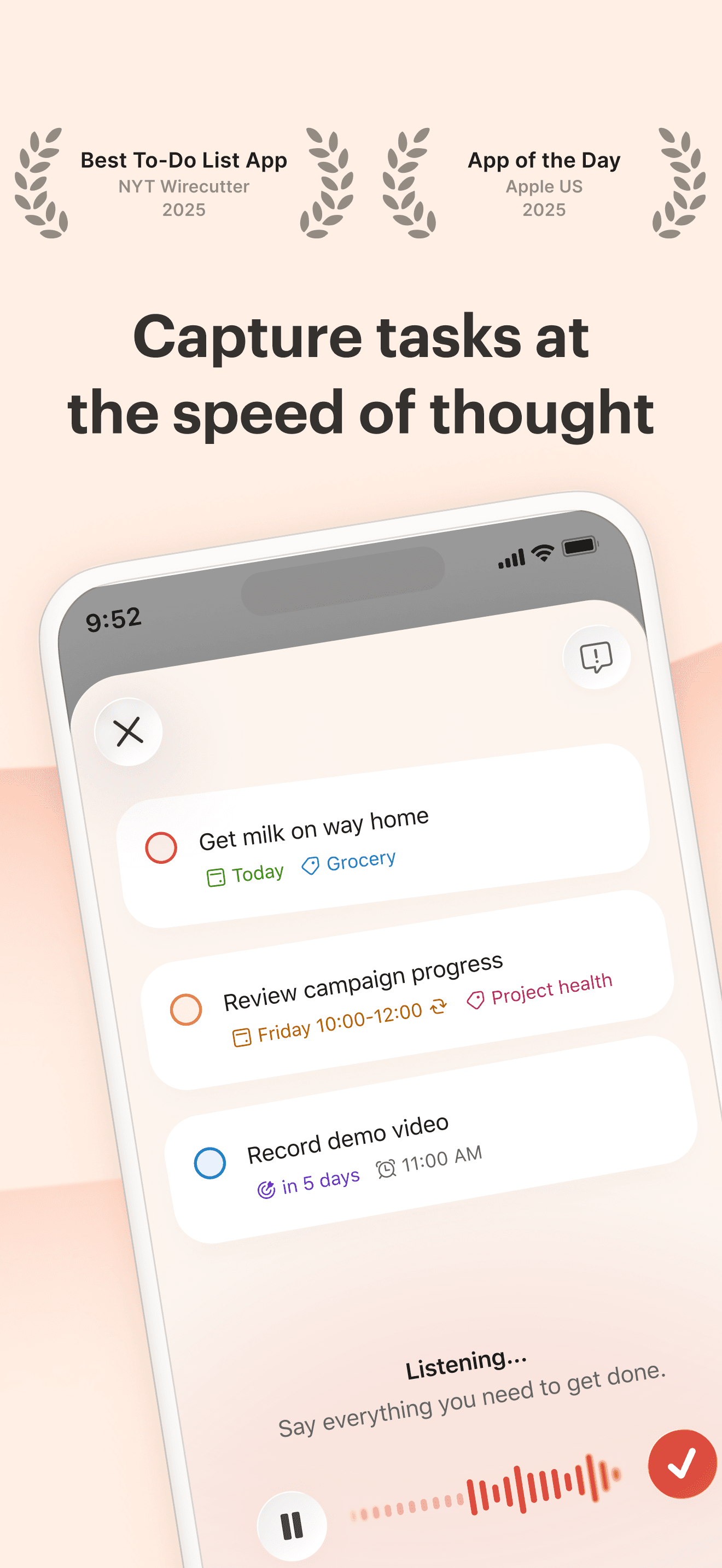
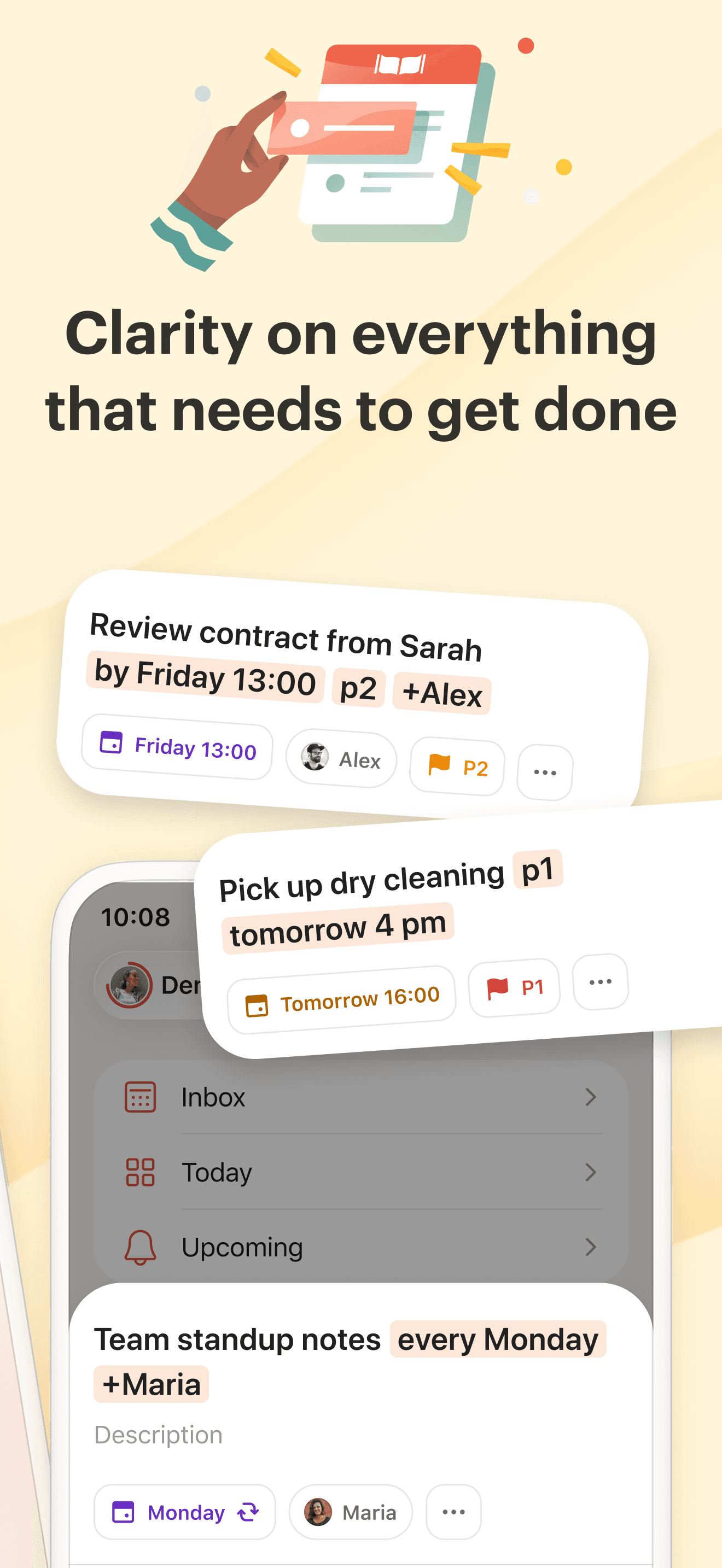
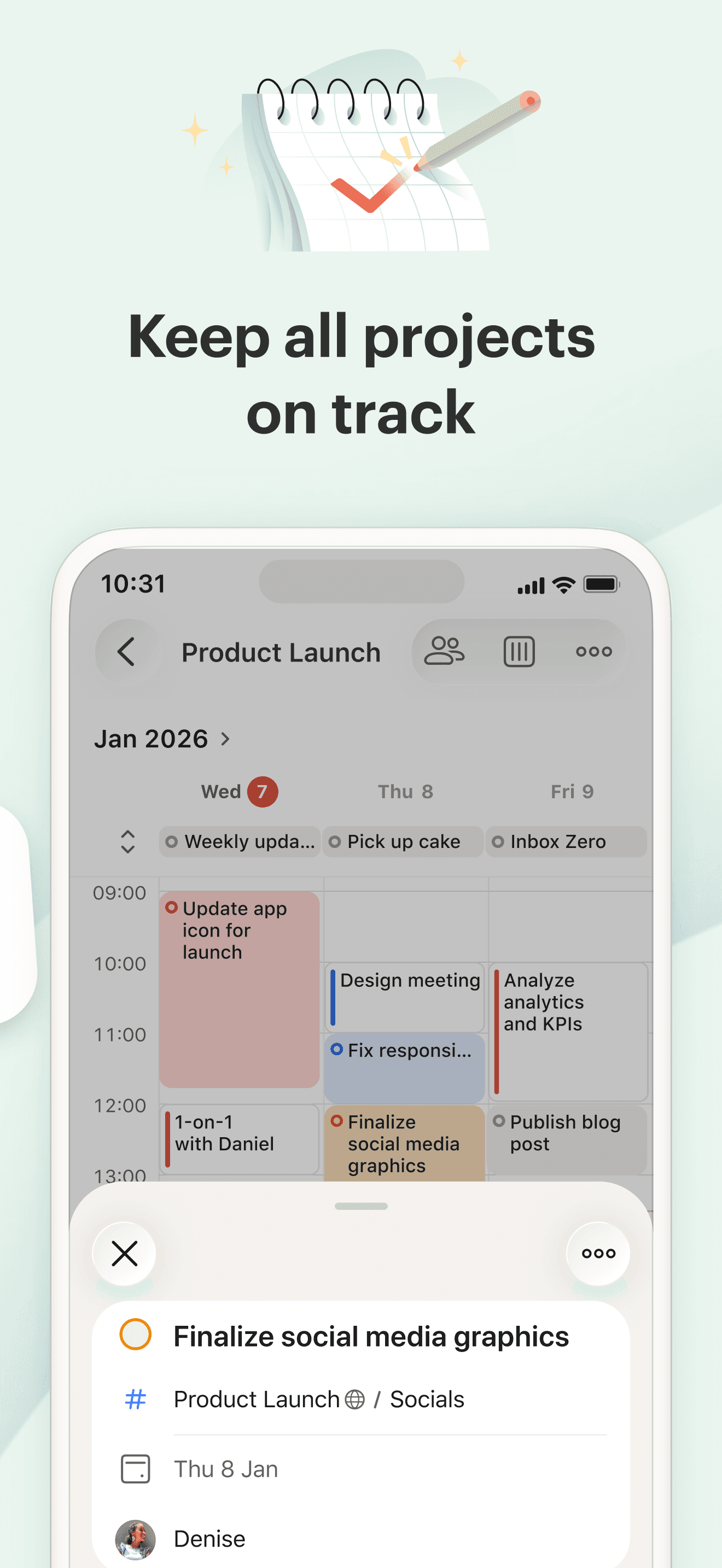
Todoist is the best to-do list app for iPhone users who want the cleanest natural-language task entry and the most reliable cross-platform sync in the category. The 4.8 average across 1,737 U.S. ratings on the current major version reflects 17 years of iteration — Doist (the company behind Todoist) is a remote-only team that ships steady improvements without major regressions most years. Natural-language input is the killer feature: type 'submit expense report every Monday at 10am p1' and Todoist understands the date, recurrence, and priority without you touching another field. Todoist differs from TickTick by leaning pure-task-manager rather than productivity-suite, and from Apple Reminders by offering deeper filters, labels, projects, and integrations. A real scenario: you have a complex GTD setup with Inbox, Next Actions, Projects, and Someday lists — Todoist handles that structure cleanly across iPhone, iPad, Mac, web, and your Apple Watch. The tradeoff is the 2024 redesign drew sustained complaint from long-time users (recent reviews specifically describe productivity going backward), and the migration friction from competitors is real per a recent reviewer who 'tried three times to switch.'
Pros
- Best natural-language input on iPhone — recurring dates parse on first try every time
- Cleanest cross-platform sync with iPad, Mac, Windows, Android, web, and Apple Watch
- 200+ integrations including Slack, Gmail, Zapier, and a public API for power users
Cons
- 2024 redesign drew sustained complaint from long-time users about productivity loss
- Migration from other task apps has friction per repeat-attempt reviewer experiences
- Rating
- —
- Reviews
- —
- Price
- Paid
- 90-day trend
- —
Google Tasks is the best to-do list app for iPhone users who live in Gmail, Google Calendar, and Google Docs and want tasks that surface inside those products. The 4.78 average across 1,009 U.S. ratings reflects a focused product that does one thing well — a flat list with subtasks, due dates, and tight integration with Google Workspace. Google Tasks differs from every other pick by being scoped to Google's ecosystem and treating the task as a single piece of metadata that follows you across Gmail, Calendar, and Drive. A real scenario: you star an email in Gmail to follow up later — it appears in Google Tasks on iPhone with a one-tap link back to the original message. The tradeoff is the product is minimal by design (no projects, no labels, no filters, no real prioritization beyond starred-or-not), and recent reviews flag stability issues — multiple Portuguese-language reviews describe the app closing immediately on open after a recent update. Localization gaps for some non-English UI strings have also drawn complaint. Best for committed Google Workspace users who want simple tasks tied to email and calendar.
Pros
- Tightest Gmail and Google Calendar integration — tasks surface alongside email and events
- Free with no subscription anywhere — Google Workspace account is the only requirement
- Minimal interface matches Google's design language and avoids power-user complexity
Cons
- Recent reviews flag crash-on-open instability after the latest update for some users
- No projects, labels, filters, or real prioritization beyond starred-or-not status
- 4
 Get on App Store
#4TickTick:To-Do List & CalendarBest with Calendar
Appest Limited
Task remind, planner,countdown
- Rating
- 4.9
- Reviews
- 44.5K
- Price
- Paid
- 90-day trend
- —
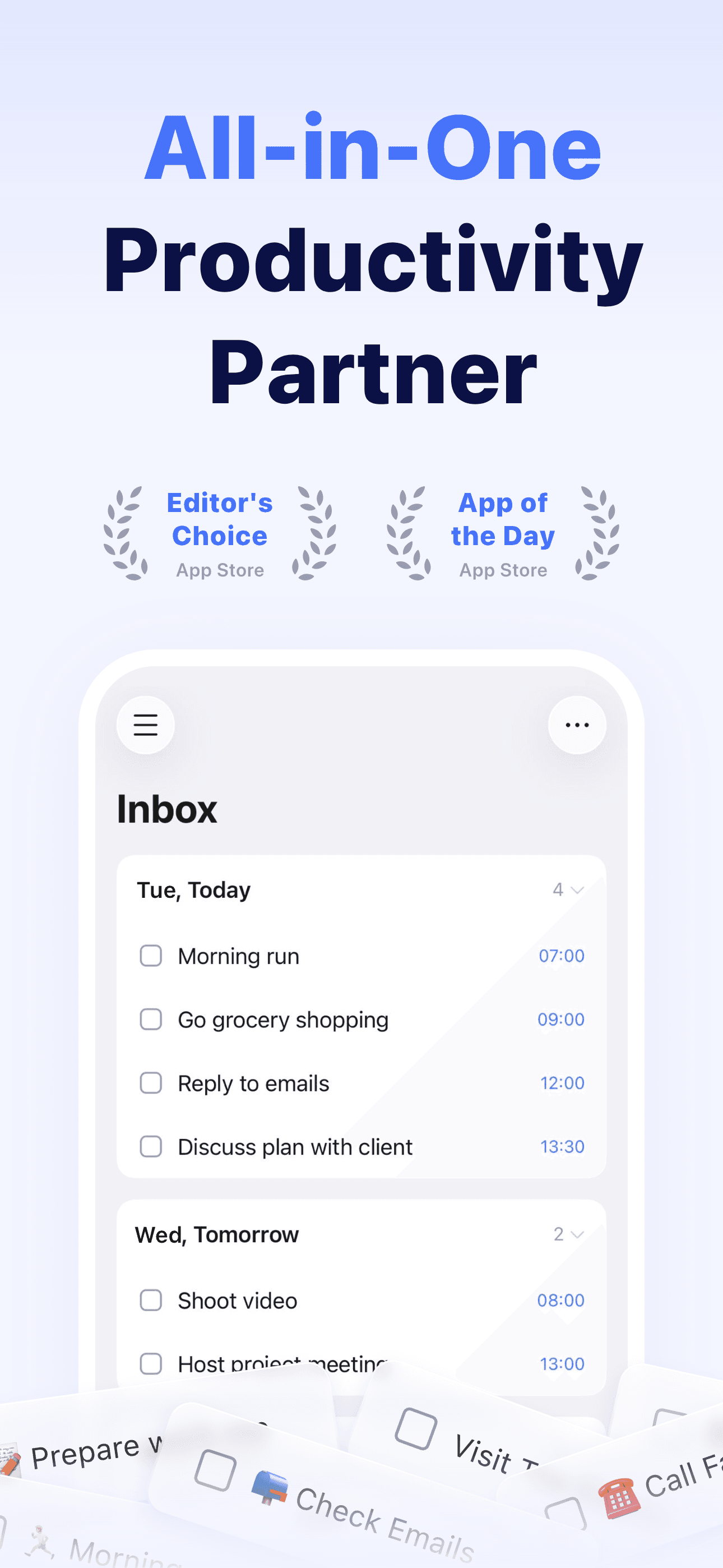
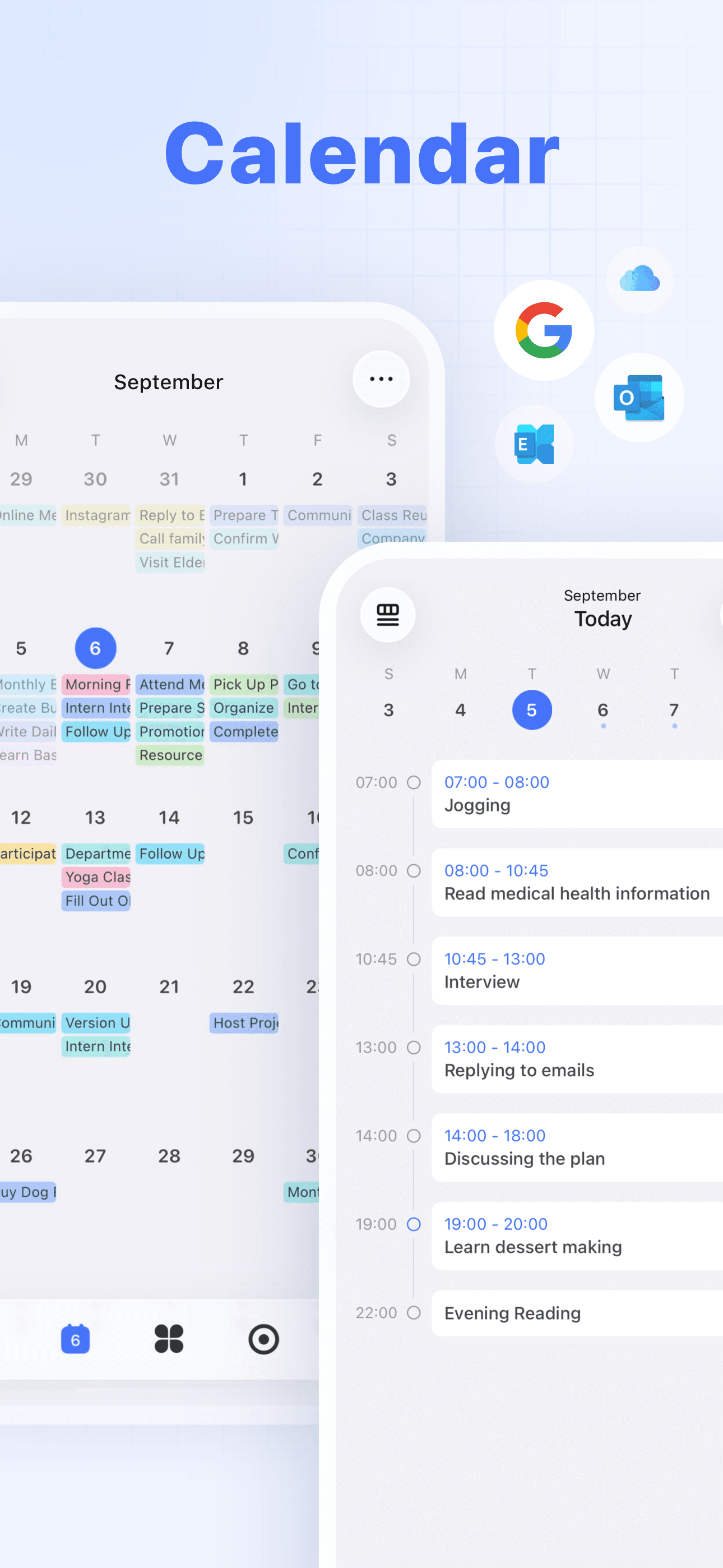
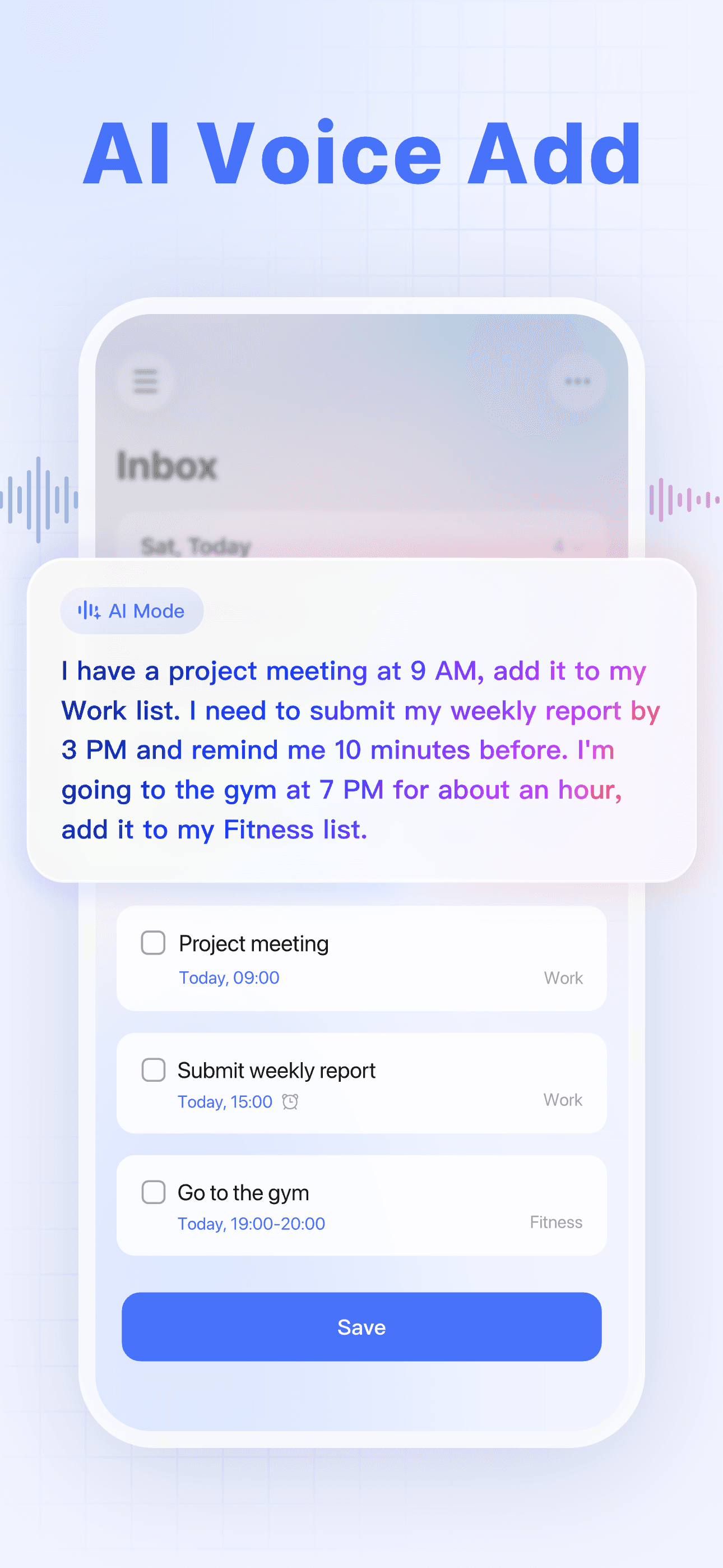
TickTick is the best to-do list app for iPhone users who want a calendar view, Pomodoro focus timer, and habit tracker bundled with a real task manager. The 4.84 average across 520 U.S. ratings is the highest combined score on this list, reflecting a product that has built a loyal user base by absorbing features one-by-one from the productivity-app neighborhood. The calendar view is the standout feature — see tasks and events on the same daily and weekly canvas without switching apps. TickTick differs from Todoist by leading bundled-productivity-suite over pure-task-manager, and from Microsoft To Do by being significantly more featureful at the paid tier. A real scenario: you plan your week on iPad in the TickTick calendar view, time-box tasks into specific hours, then run Pomodoro focus sessions on the tasks as you work them. The tradeoff is the feature breadth means more configuration on first launch, and reviewers consistently flag specific gaps — one called out a 'massive flaw' deal-breaker on a feature unique to their workflow, and a German-language review described the subscription model as off-putting. Best for users who want everything in one app.
Pros
- Highest rating in category at 4.84 across 520 U.S. ratings on current version
- Bundled calendar view, Pomodoro timer, and habit tracker reduce app-switching daily
- Generous free tier covers most personal workflows without requiring a subscription
Cons
- Feature breadth means more first-launch configuration than minimalist alternatives
- Subscription model deters some users despite the strong free tier per recent reviews
- 5
 Get on App Store
#5To Do List MinimaList & WidgetBest for Minimalists
Inner Grow Limited
Planner, Reminder & Tasks
- Rating
- 4.8
- Reviews
- 45.7K
- Price
- Free
- 90-day trend
- —
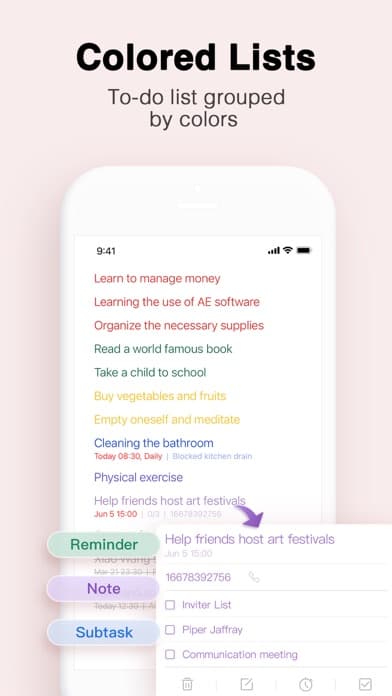
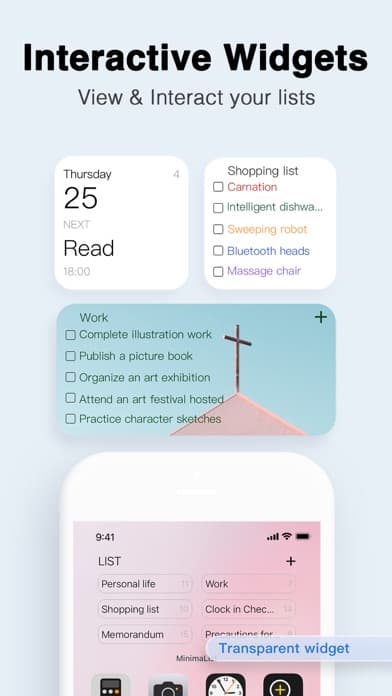
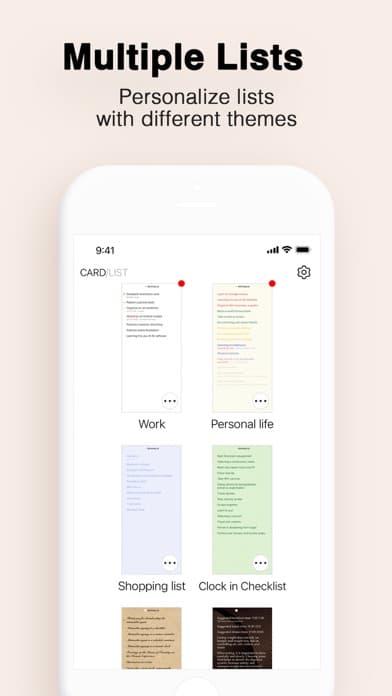
MinimaList is the best to-do list app for iPhone users who want a deliberately minimal interface and a focus-timer-first workflow. The 4.82 average across 247 U.S. ratings reflects a product that has built a small but devoted user base around the proposition that fewer features is the feature. The signature flow is the focus timer — pick a task, hit start, and a fullscreen countdown discourages context switching. MinimaList differs from every other pick by leading minimalism-and-focus over feature-breadth, and from Apple Reminders by offering a more opinionated single-screen interface. A real scenario: you have one task you've been avoiding all morning — open MinimaList, pick it, start the focus timer, and the interface gives you nothing else to look at for 25 minutes. The tradeoff is reviewer-flagged: 'false advertising — where are the widgets' shows up as the highest-recent critical review, suggesting the widget marketing oversells the current product. The minimalism is real and is the point — but it cuts in both directions for users who want more out of an app once they commit. Best for solo-focus workflows.
Pros
- Deliberately minimal interface helps focus on one task at a time without distraction
- Built-in focus timer with fullscreen countdown discourages mid-task context switching
- 4.82 average across 247 U.S. ratings reflects strong satisfaction in target audience
Cons
- Reviewers flag widgets as advertised but underdelivered in current version
- Minimalism caps usefulness for users with multi-project workflows or GTD systems
- 6
 Get on App Store
#6Any.do: To do list & PlannerBest Cross-Platform
Any.DO
Reminders, Calendar & Tasks
- Rating
- 4.6
- Reviews
- 50.3K
- Price
- Paid
- 90-day trend
- —
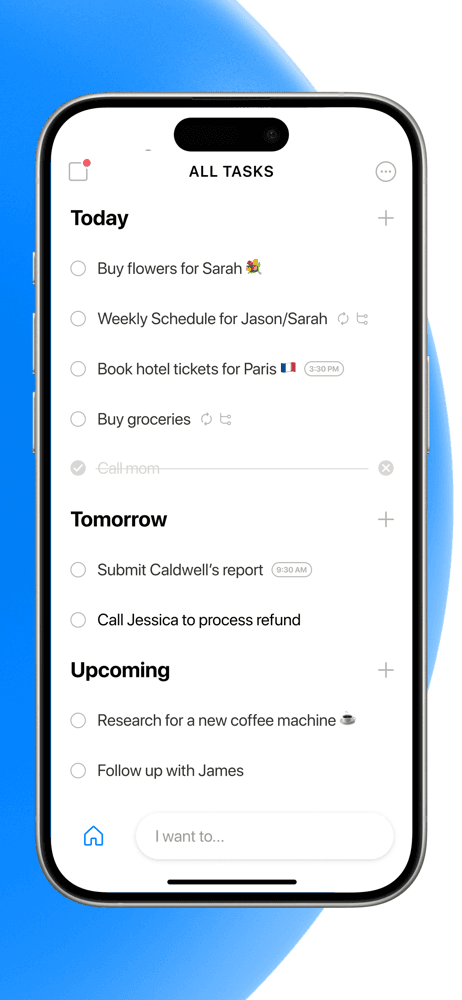
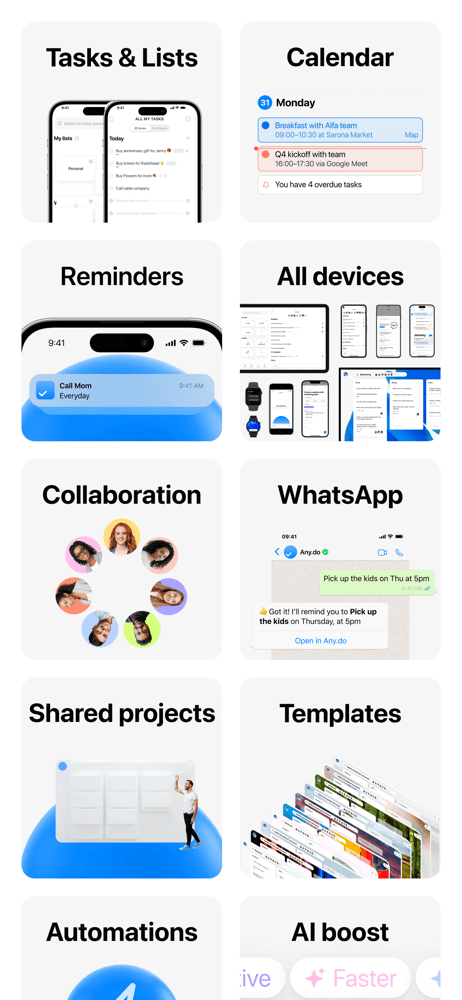
Any.do is the best to-do list app for iPhone users who want a clean calendar-and-tasks combo with a long history of cross-platform support. The 4.64 average across 2,691 U.S. ratings reflects a product that pioneered some of the swipe-to-complete and shake-to-clear gestures that competitors adopted later. Any.do differs from Todoist by leading with a daily-planner-and-calendar view rather than a project hierarchy, and from TickTick by being simpler with fewer power-user features but a cleaner default experience. A real scenario: you want a clean view of today and tomorrow that combines tasks and calendar events without configuring filters — Any.do shows that view on first launch. The tradeoff is the rating sits below the 4.7 threshold many competitors clear, and the product has shipped fewer headline features over the last two years than Todoist or TickTick. Pricing has migrated more aggressively to subscription. Best as a clean calendar-and-tasks option for users who don't want to configure their setup.
Pros
- Clean default daily-planner view combines tasks and calendar without configuration
- Long history on iPhone with broad cross-platform support including Apple Watch
- Swipe and shake gestures pioneered task-management UX patterns used industry-wide
Cons
- 4.64 average sits below the 4.7 threshold most category leaders clear on current version
- Subscription pricing has expanded into features previously available on free tier
- 7
 Get on App Store
#7Do! - Simple To Do ListBest for Simple Lists
SIMPLERION Co., Ltd
The Best of Simple To Do Lists
- Rating
- 4.7
- Reviews
- 26.1K
- Price
- Free
- 90-day trend
- —
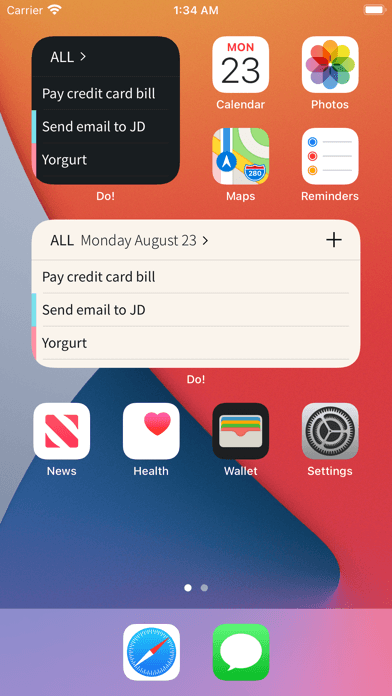
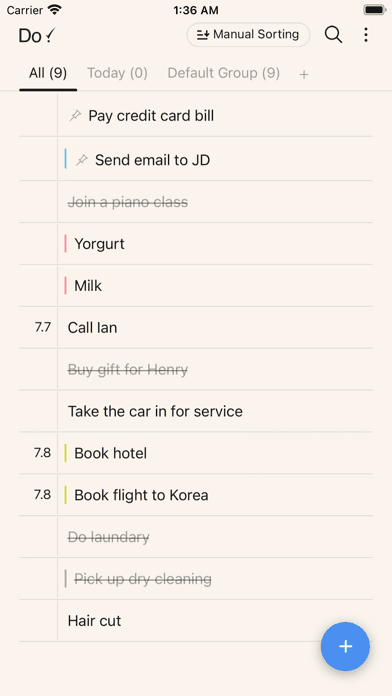
Do! is the best to-do list app for iPhone users who want a single-list, single-screen, almost-physical-notepad experience. The 4.75 average across 27,493 U.S. ratings (the second-highest review count on this list after Microsoft To Do) reflects an audience that came for one feature: the ability to write a list and check items off, with no projects, labels, or sub-tasks complicating the screen. Do! differs from every other pick by being radically simple — closer to a checklist app than a task manager. A real scenario: you're packing for a trip, you write a 20-item packing list in Do!, and you check each item off as you put it in the bag. The tradeoff is the simplicity caps the app's usefulness for ongoing personal task management — you cannot prioritize, cannot recur, cannot defer, cannot project. The 27K-rating count tells you the audience exists and is loyal. Best as a secondary app for specific-list use cases (packing, groceries, party prep) rather than a primary task manager.
Pros
- Radically simple single-list interface — closer to a physical checklist than a task app
- 27,493 U.S. ratings reflect a large loyal audience for the minimal-checklist approach
- Fast capture for one-off lists like packing, groceries, or party preparation
Cons
- No projects, recurrence, prioritization, or sub-tasks limit ongoing personal use
- Not designed to replace a primary task manager — best as a secondary checklist app
- Rating
- 4.8
- Reviews
- 13.6K
- Price
- Paid
- 90-day trend
- —
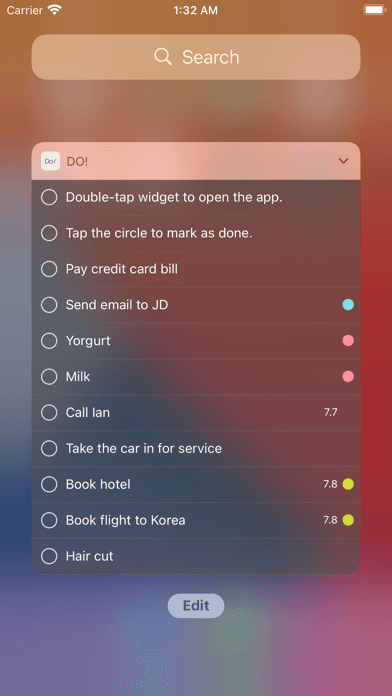
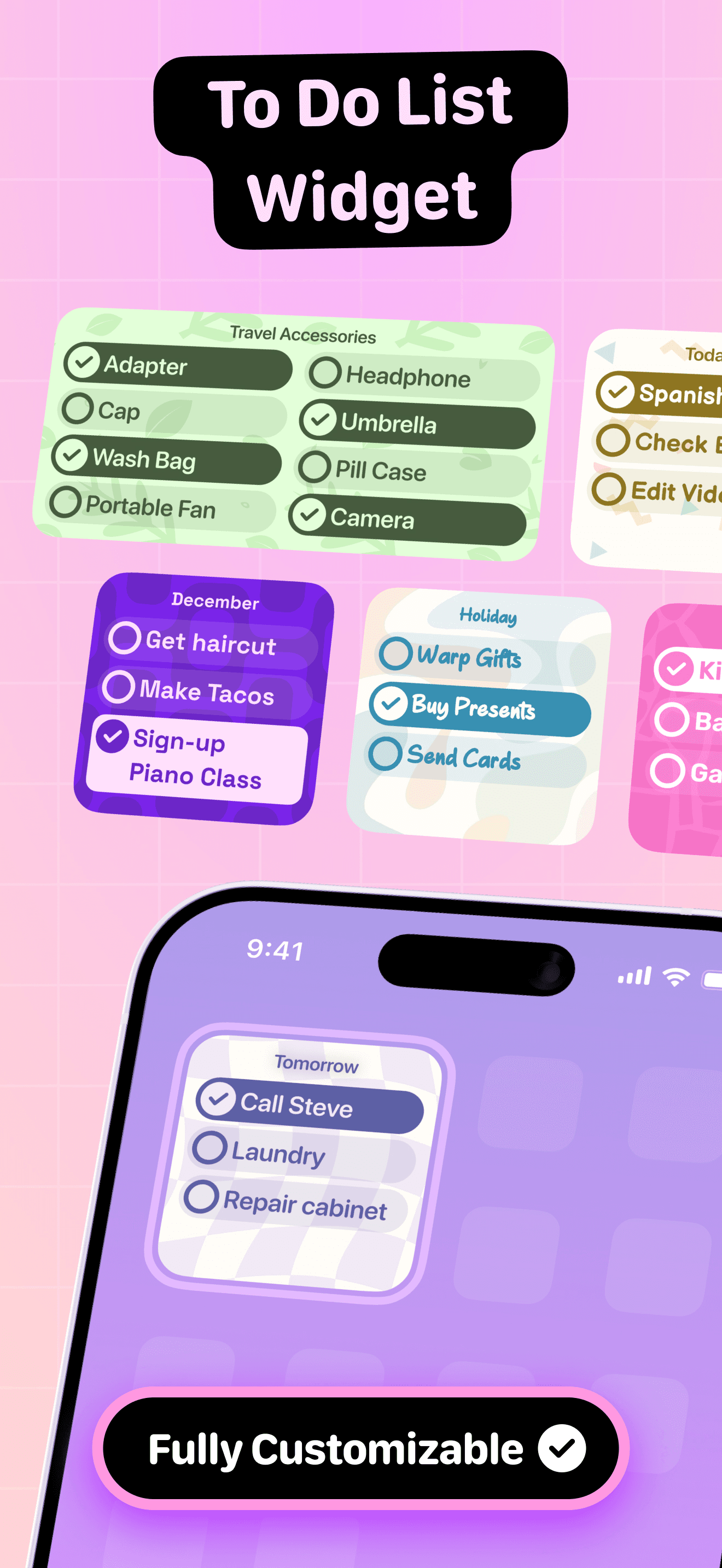
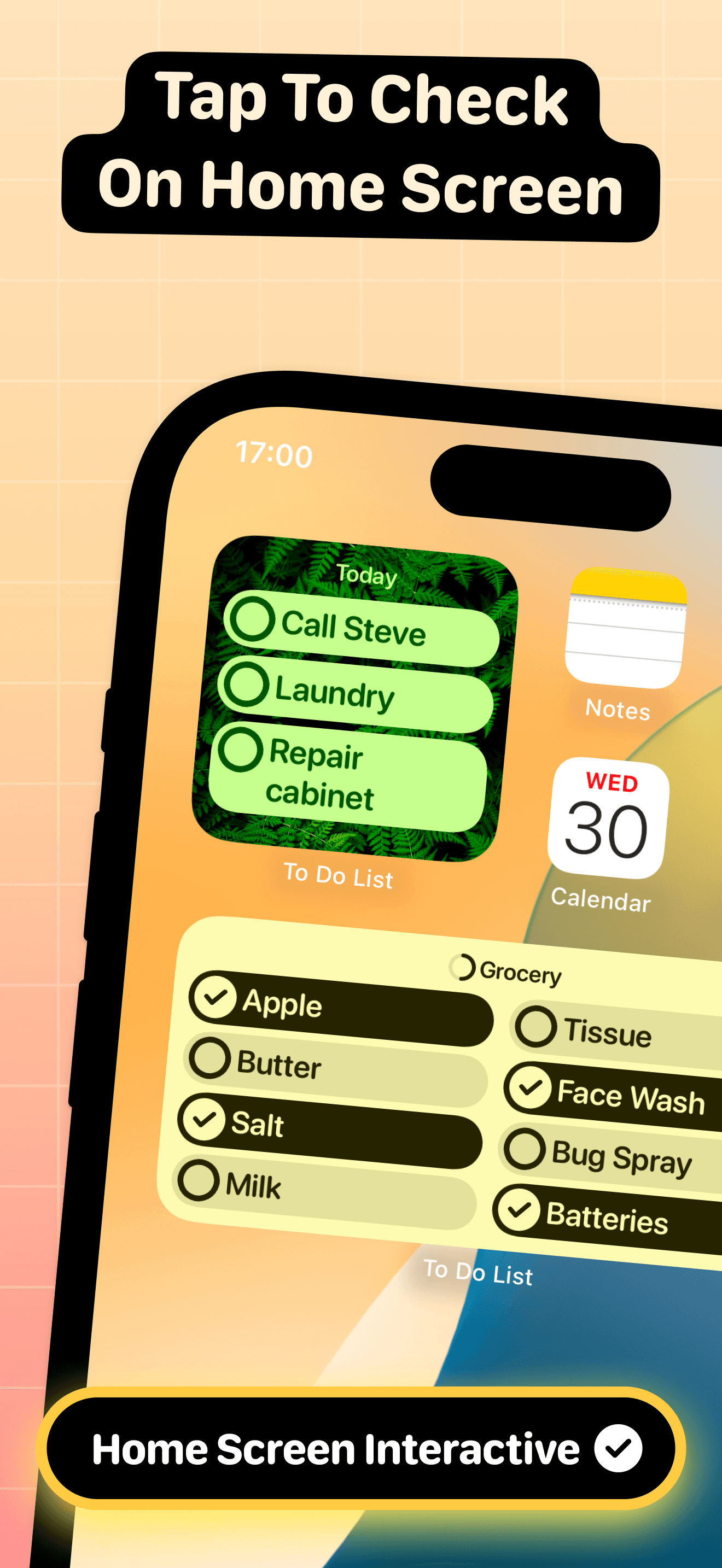
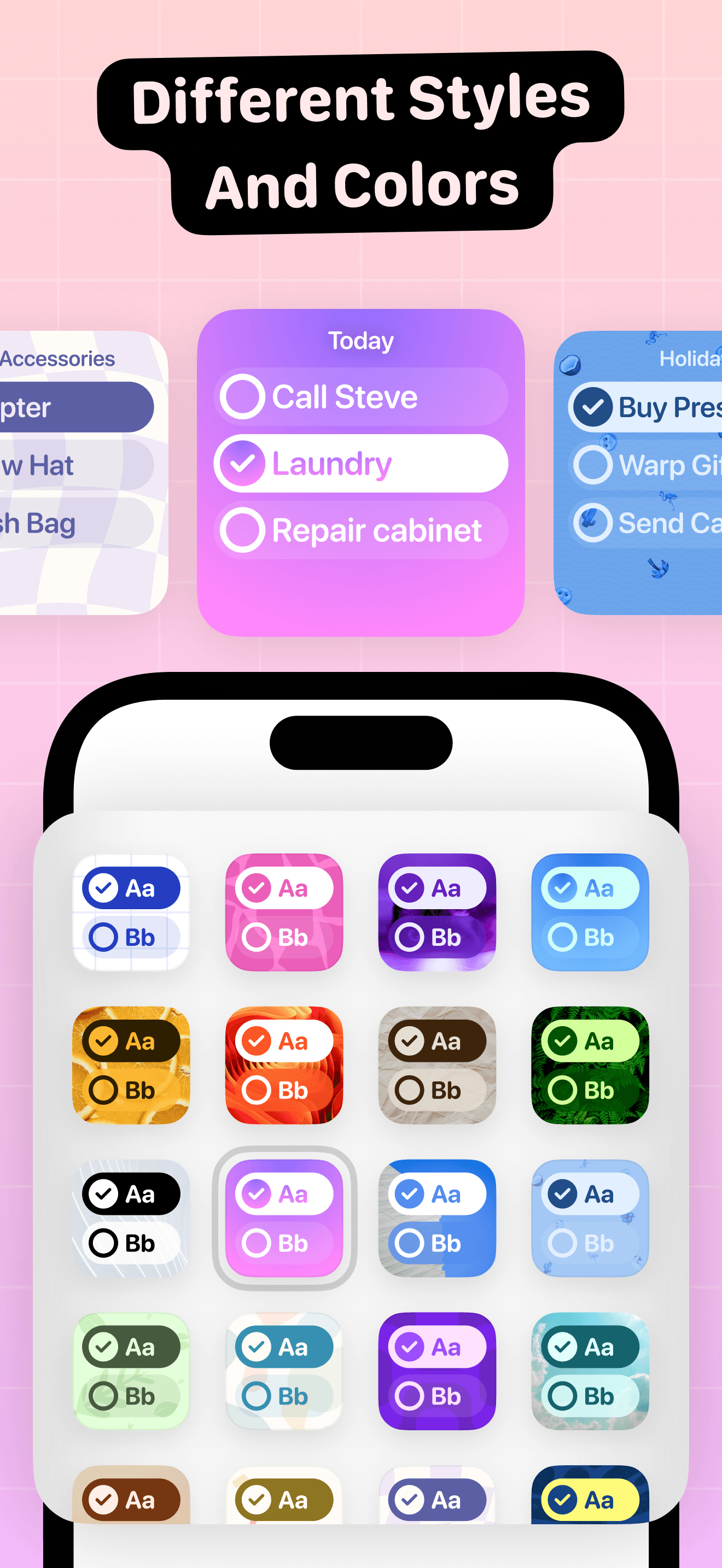
To Do List Widget is the best to-do list app for iPhone users who want the home-screen widget to be the primary interface and the app itself to fade into the background. The 4.77 average across 13,163 U.S. ratings reflects the popularity of the widget-first proposition. The app is designed around the lock-screen and home-screen widgets — small, medium, and large variants show your tasks at a glance and let you check items off without opening the app. To Do List Widget differs from every other pick by treating the widget as the product rather than a secondary surface. A real scenario: you glance at your home screen between meetings and check off the call you just finished — three taps, no app launch, no context switch. The tradeoff is the app inside the widget is less featureful than Todoist or TickTick — fewer view options, less project structure, lighter natural-language parsing. Best for users whose main interaction with tasks happens through a glance at the lock screen rather than inside a full-screen app.
Pros
- Widget-first design treats the home screen and lock screen as primary interfaces
- Small, medium, and large widget variants cover every iOS 18 widget layout cleanly
- Check tasks off without opening the app — three taps from lock screen to done
Cons
- Inside-app feature set is lighter than Todoist or TickTick for complex workflows
- Natural-language parsing is shallow compared to the dedicated task-manager leaders
- 9
 Get on App Store
#9Daily Planner & To Do ListBest for Time-Blocking
jinal alagiya
Organize Better, ADHD Planner
- Rating
- 4.8
- Reviews
- 10K
- Price
- Paid
- 90-day trend
- —
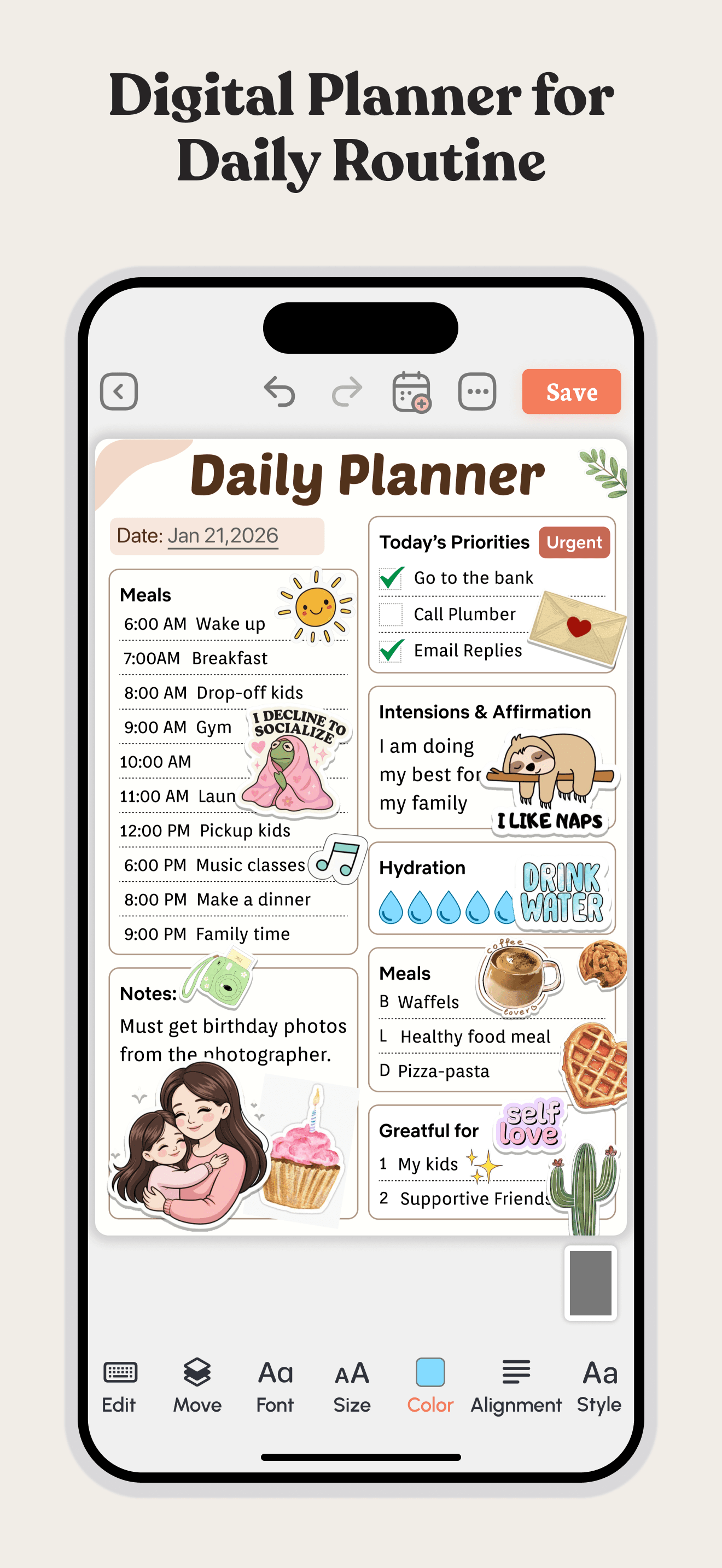
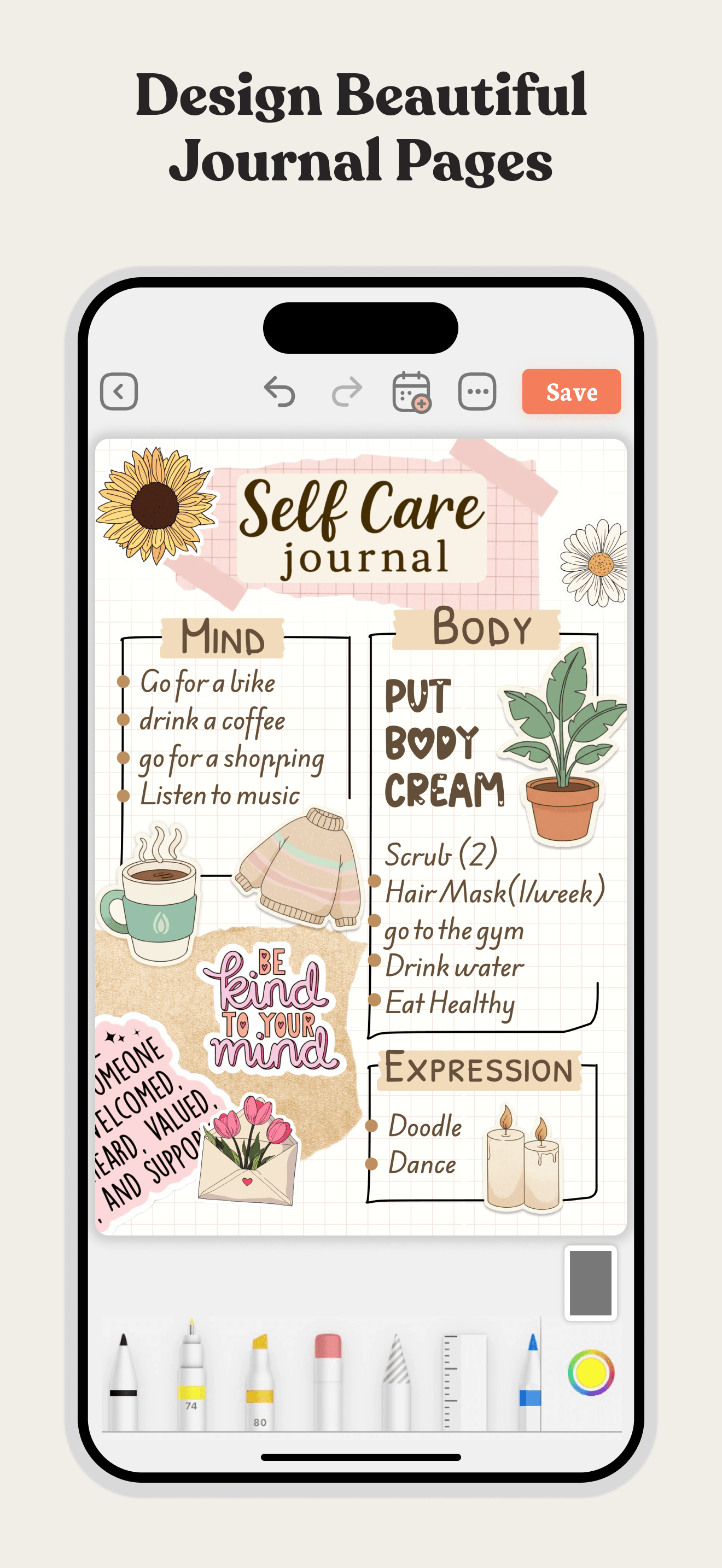
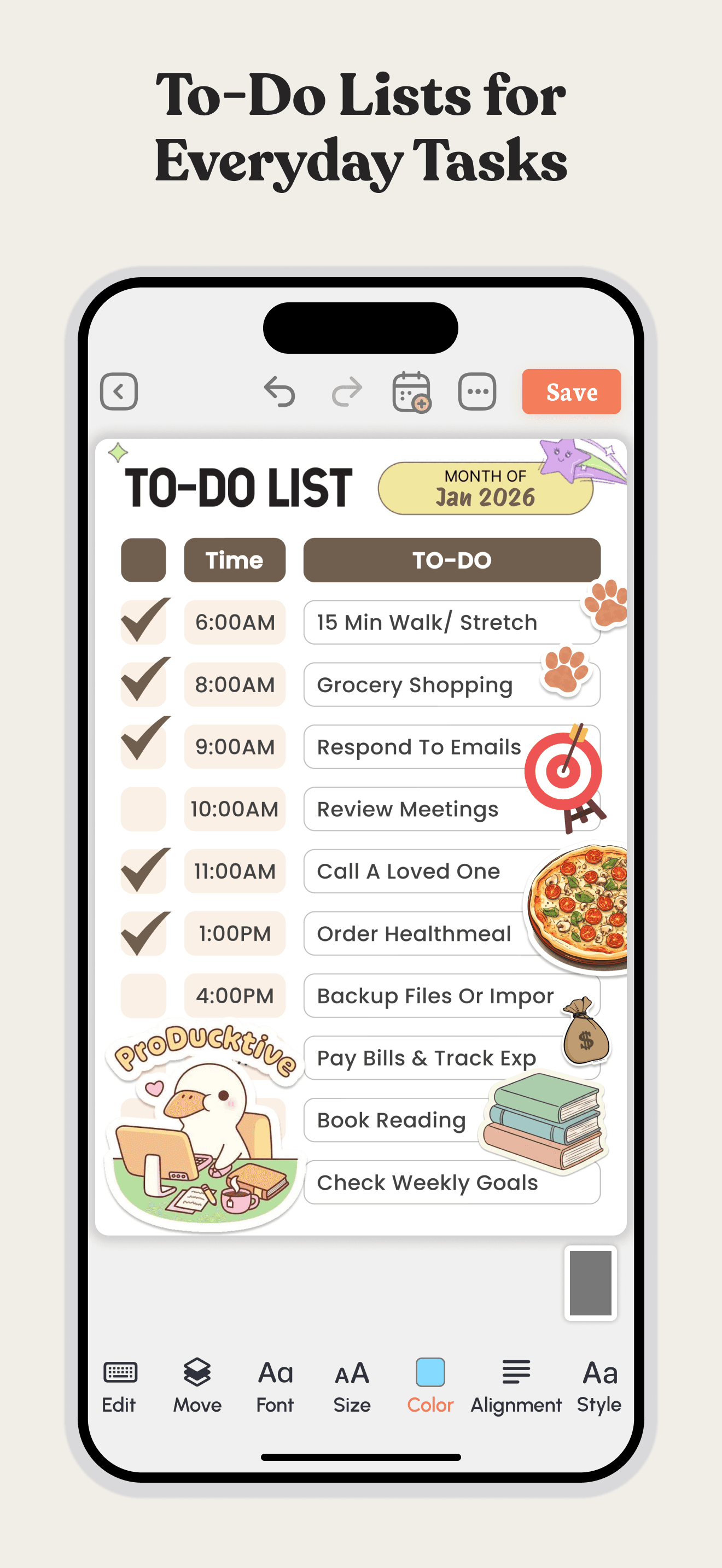
Daily Planner is the best to-do list app for iPhone users who want a structured day-planning template with time-blocking rather than a free-form task list. The 4.65 average across 62 U.S. ratings reflects a newer entrant in the planner-first category — the app's main interface is a time-blocked daily view where each task occupies a specific hour or block. Daily Planner differs from Todoist by leading time-blocking over project-management, and from Apple Calendar by treating tasks (not events) as the primary citizen. A real scenario: you start each morning by writing tomorrow's plan into hour-by-hour time blocks, and Daily Planner gives you the structured template to do that without building it in a generic calendar. The tradeoff is the product is young (the rating count is small compared to Todoist or TickTick), the long-term roadmap is less proven, and the time-blocking approach is more rigid than a free-form task list. Best for users who already practice time-blocking or want a template to start.
Pros
- Time-blocking template structures the day into hour-by-hour task assignments
- Daily planner view enforces concrete commitments instead of vague task lists
- Cleaner template than building time-blocks manually in a generic calendar app
Cons
- Time-blocking approach is more rigid than free-form task lists for fluid days
- Small rating count (62) reflects a young product with unproven long-term roadmap
- Rating
- 4.7
- Reviews
- 10.6K
- Price
- Paid
- 90-day trend
- —
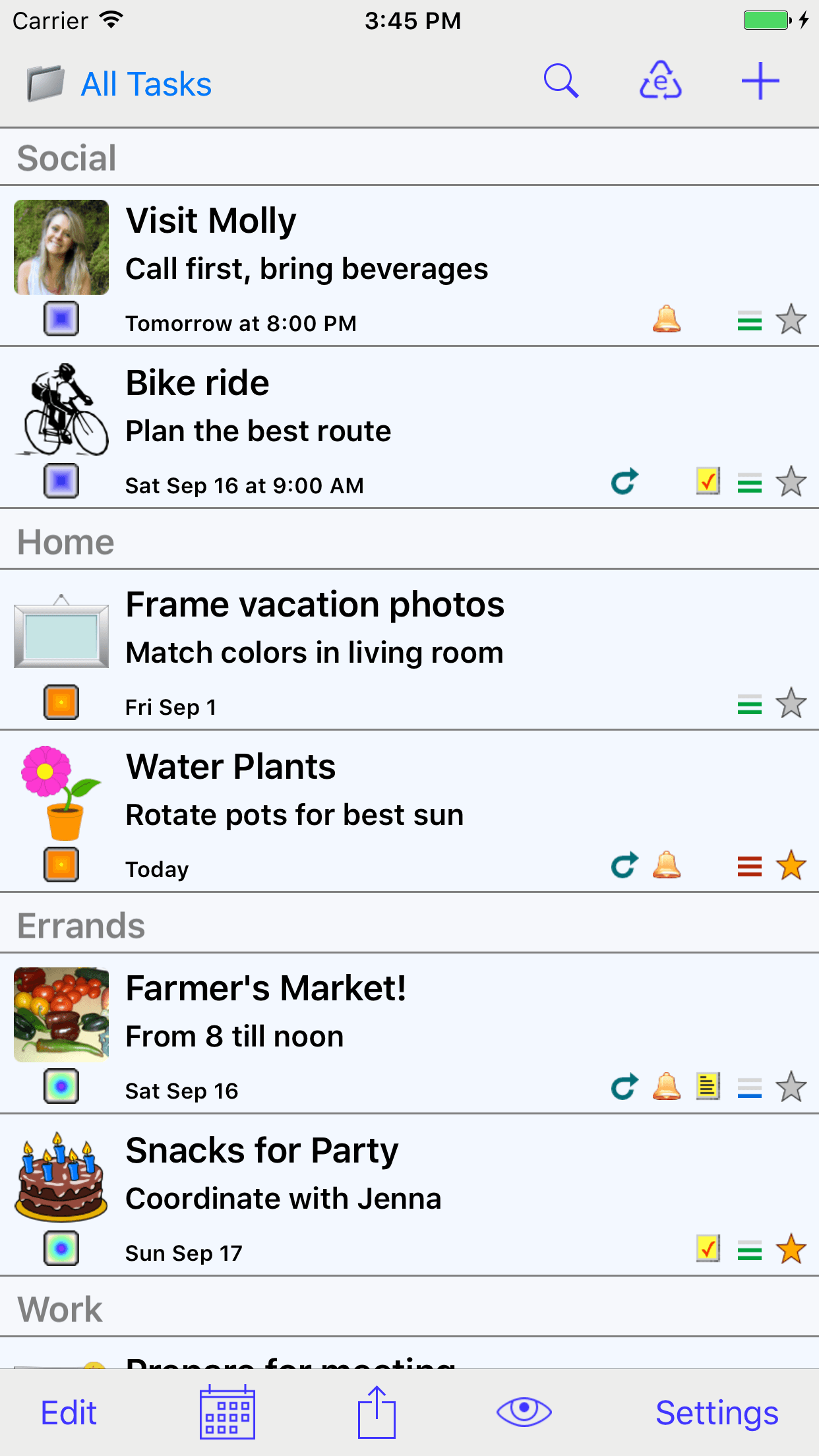
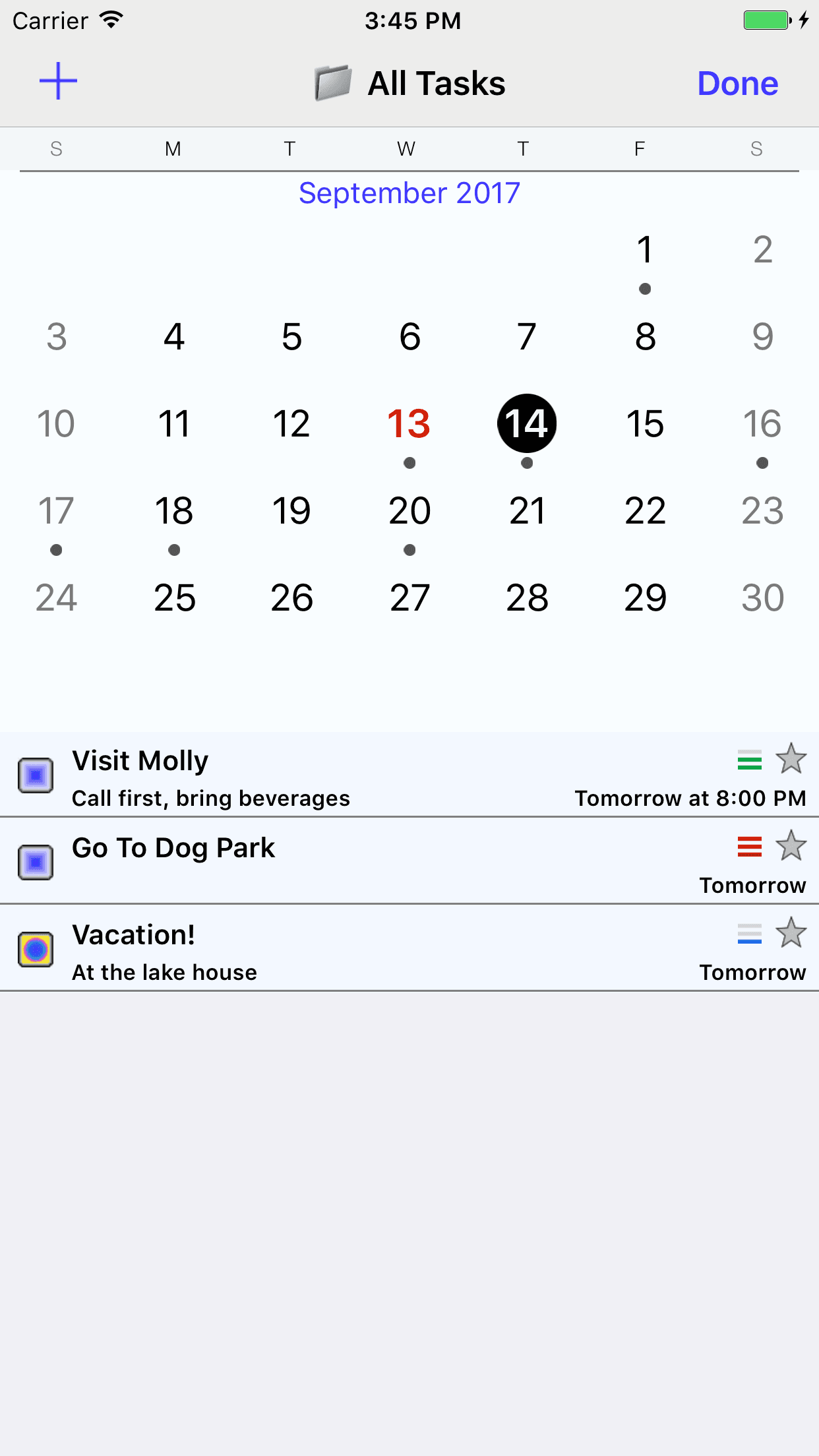
Errands is the best to-do list app for iPhone users who want a long-running classic from the early App Store era — Errands has been on iPhone since the App Store launched in 2008 and remains in active development. The product has not pivoted to subscription or rebuilt around AI, which is itself unusual in 2026. Errands differs from Todoist by being older, simpler, and free-or-pay-once rather than subscription-and-features, and from minimalist newcomers by carrying a stable feature set users have relied on for over a decade. A real scenario: you have used Errands since 2010, your task structure works, and you don't want a vendor to redesign your workflow every two years. The tradeoff is the modern feature surface is narrower than the category leaders — no natural-language parsing as deep as Todoist, no calendar view as polished as TickTick, no AI features. The current rating signal is also thin compared to active leaders. Best for long-time users and minimalists who specifically don't want the modern feature creep.
Pros
- Long-running classic in active development since the 2008 App Store launch era
- Stable feature set users have relied on for over a decade without subscription pivots
- Pay-once-and-keep model rare in 2026 among major task apps still on the App Store
Cons
- Modern feature surface is narrower than Todoist or TickTick on current versions
- No AI, no calendar view, and natural-language parsing trails category leaders


How we picked
### Data sources We combine live App Store data (ratings, recent reviews, version cadence, pricing, screenshot history) with our own ranking tracker, which logs U.S. Productivity positions daily for every app. Review themes come from the most recent U.S. reviews per app, weighted toward the last 90 days.
### How we score Four weighted axes: capture speed (how fast can you add a task from anywhere — lock screen, widget, Siri, share sheet), recurring-task reliability (does 'every other Tuesday' actually behave the way you typed it), cross-device sync (does the iPad and Mac version stay in step with iPhone), and longevity (do users still recommend it at the two-year mark, or do they outgrow it). We did not run formal sync-conflict tests; we relied on consistent themes in user reviews.
### Refresh cadence The top-10 set is re-scored quarterly. Ratings, ranks, and review-theme analysis refresh daily. When a vendor releases a major redesign (Todoist 2024), changes pricing, or removes a feature that drove its placement, it gets re-evaluated within the week.
### What we exclude Apps with an average below 4.5 stars on the current version, fewer than five hundred ratings, or no update in twelve months. We dropped pure project-management apps (Asana, Trello, Linear) — this list is for personal task lists, not team project management. AI-generated lifestyle planners that wrap an LLM around generic templates are excluded.
### What we don't do No affiliate-driven ordering. Referral commissions do not bump apps. We don't take sponsorship or paid placement from listed apps. If a pick shifts, it's because the data shifted — pricing, ratings, review themes, or feature changes.