



Best Second Brain Apps for iPhone
By App Store Tracker Editorial · Updated — live App Store data verified
The short version
The best second brain app for iPhone in 2026 is Bear — beautiful markdown notes with WikiLinks, backlinks, and iCloud sync at 4.68 stars across 6,820 U.S. ratings. RemNote leads for personal knowledge management with built-in spaced-repetition flashcards at 4.84 stars. Obsidian wins for local-first plain-text vaults with graph view. Microsoft To Do is the strongest free task layer for second-brain workflows. The DMV-style study apps appear as spaced-repetition companions, and Narrator's Voice reads notes aloud during reviews.
Jump to a pick↓
Picking a second brain app for iPhone in 2026 means matching the tool to how you actually build durable knowledge — capturing fleeting thoughts, linking ideas across years of notes, reviewing flashcards during a commute, or maintaining a personal wiki that outlives any single app. Among the 10 picks on this list, three lean dedicated-PKM-first (Bear, Obsidian, RemNote), one is a task-layer companion (Microsoft To Do), one is a text-to-speech utility for review sessions (Narrator's Voice), and the rest are spaced-repetition-style study apps that show up in second-brain workflows for users preparing for a specific exam. The data backs the order: Microsoft To Do holds 4.73 across 260,568 U.S. ratings — the largest sample by far — and RemNote leads on combined score at 4.84. Capture speed, link quality, sync reliability, and how each app handles your first year of accumulated notes shaped every cut.
- Rating
- 4.7
- Reviews
- 263.5K
- Price
- Free
- 90-day trend
- —
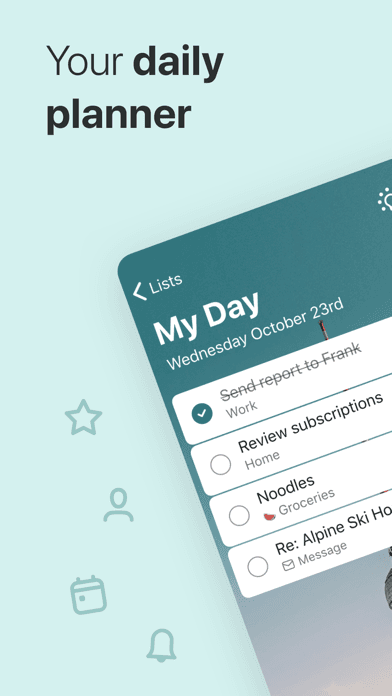
Microsoft To Do is the best task layer for iPhone users running a second-brain workflow that includes action items alongside knowledge. The 4.73 average across 260,568 U.S. ratings is by far the largest sample on this list and reflects a decade-plus run as the successor to Wunderlist (Microsoft acquired Wunderlist in 2015). Core features include unlimited lists, smart lists like My Day, Important, Planned, and Assigned to Me, list sharing for collaboration, sub-tasks, file attachments, recurring tasks, reminders, integration with Microsoft 365 (Outlook tasks sync automatically), Cortana voice creation, and natural-language date parsing. Microsoft To Do differs from every dedicated note-taking pick on this list by being a pure task layer rather than a knowledge container. A real scenario: your second brain in Bear or Obsidian captures ideas and knowledge, while Microsoft To Do captures the actions that flow out of those notes — review the daily flashcards, send the follow-up email, schedule the appointment. The tradeoff is the absence of any note or wiki structure means it cannot serve as a standalone second brain, only as the companion action layer. Best paired with a real PKM app for the knowledge side.
Pros
- Largest sample on this list with mature task management feel and reliability
- Native Microsoft 365 integration syncs Outlook tasks automatically
- Free with no in-app purchase tier across all devices and platforms
Cons
- Pure task layer with no notes, links, or knowledge container features
- Cannot serve as a standalone second brain, only as the action companion


- 2Get on App Store
#2DMV Genie: Permit Test 2026Best Free
Elegant eLearning
Driving Practice License Prep
- Rating
- 4.8
- Reviews
- 182.7K
- Price
- Free
- 90-day trend
- —
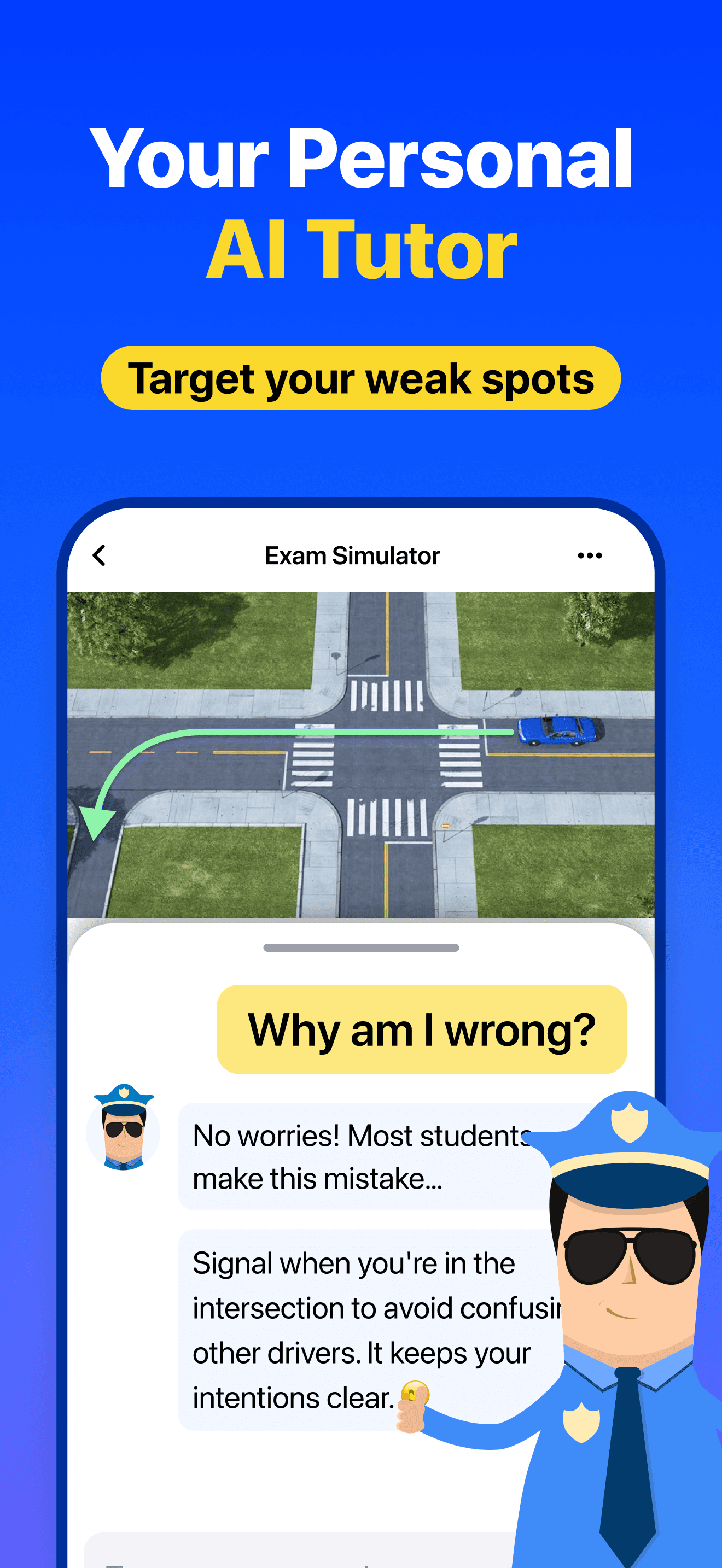
DMV Genie appears in this list as a spaced-repetition study companion second-brain users pair with their note system — it is not a second-brain app itself. The 4.77 average across 181,037 U.S. ratings reflects a learner audience that uses DMV Genie to memorize state driving manuals through quiz-style practice. DMV Genie differs from every other entry by being a domain-specific exam app rather than a general PKM tool. A real scenario: you are studying for the New York permit test — your second brain in Bear or Obsidian captures the rules of the road in your own words, DMV Genie drills you through the official question bank, and the two together reinforce retention more than either alone. The tradeoff is DMV Genie does not let you create your own decks or notes — it is locked to the official curriculum per state. The smaller use case (driving tests only) means it is not a true second brain, only a learning companion alongside one. Best for permit and license preparation paired with a real knowledge app for the conceptual notes.
Pros
- Comprehensive state-specific driving-test prep with the 2026 question bank
- Offline mode supports study sessions on commutes without signal
- Explanations on incorrect answers reinforce retention through context
Cons
- Locked to the official question bank with no free-form note creation
- Single-purpose study tool cannot replace a real second-brain app

- Rating
- 4.6
- Reviews
- 94.4K
- Price
- Paid
- 90-day trend
- —
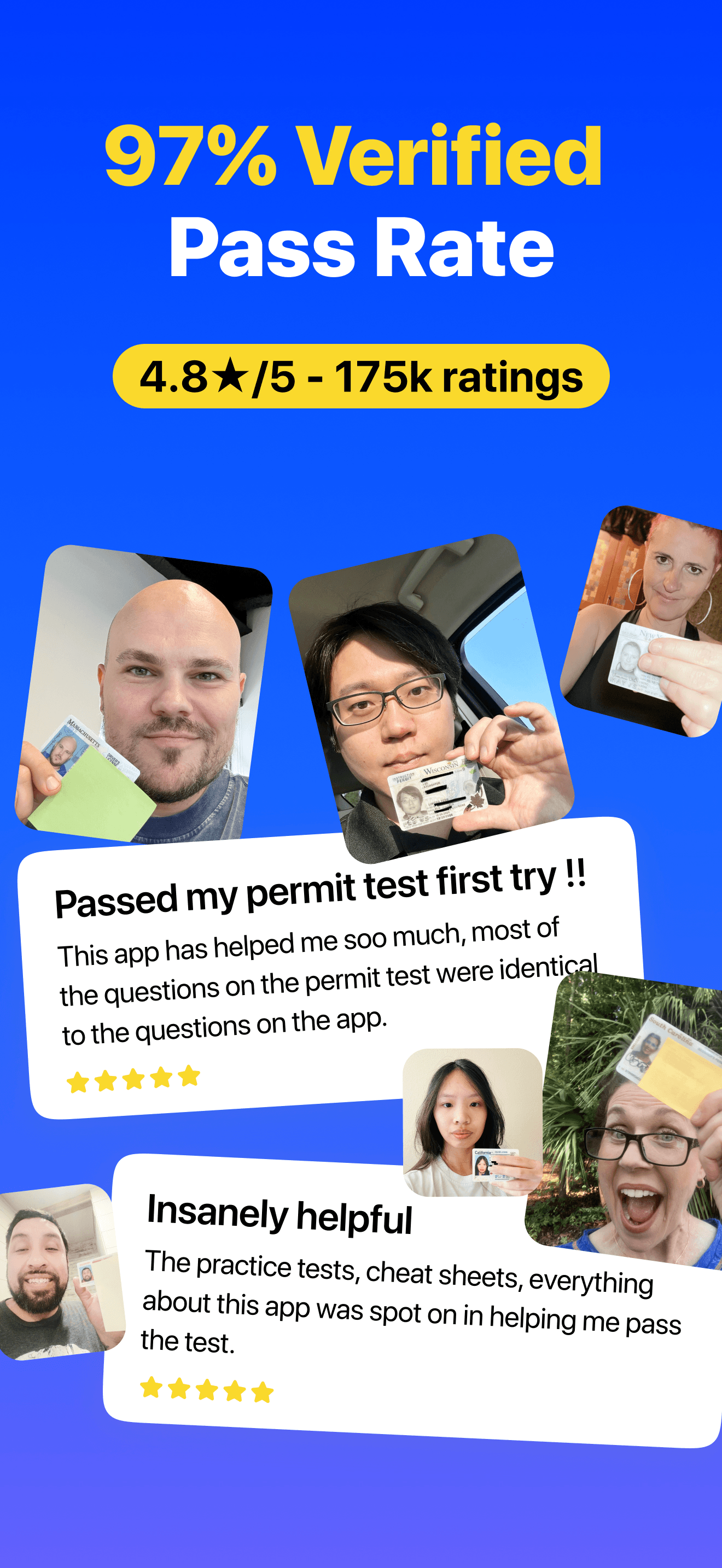
DMV Practice Test 2026 myDMV is another spaced-repetition driving test companion that shows up in second-brain workflows for users preparing for a license exam. The 4.62 average across 90,313 U.S. ratings reflects a learner audience that picked myDMV specifically for its 2026 question bank refresh. Core features include state-specific practice tests with up-to-date questions, instant scoring, explanations for incorrect answers, progress tracking, and offline mode. myDMV differs from every dedicated second-brain pick on this list by being a domain-specific exam tool rather than a general PKM system. A real scenario: you are preparing for a California behind-the-wheel test — your second brain in Bear or RemNote stores chapter summaries and personal mnemonics, myDMV drills you through state-specific exam questions, and the review session uses both. The tradeoff is the app cannot capture your own notes or knowledge — it is read-only from the official question bank. Best as a driving test companion alongside a real knowledge app, not as a standalone second brain.
Pros
- Up-to-date 2026 state question bank reflects recent DMV manual changes
- Instant scoring with detailed explanations supports active recall study
- Offline mode and progress tracking suit consistent daily review habits
Cons
- Domain-locked to driving-test content with no general PKM features
- Cannot store personal notes, summaries, or original written knowledge
- 4
 Get on App Store
#4Narrator's VoiceBest for Daily Notes
Escolha Tecnologia LTDA - ME
TTS with AI voices
- Rating
- 4.5
- Reviews
- 10.3K
- Price
- Free
- 90-day trend
- —
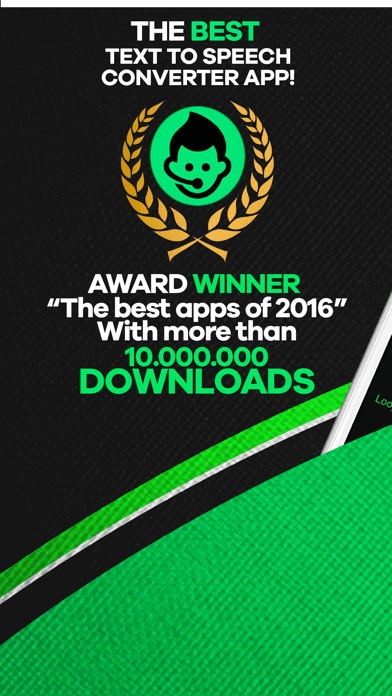
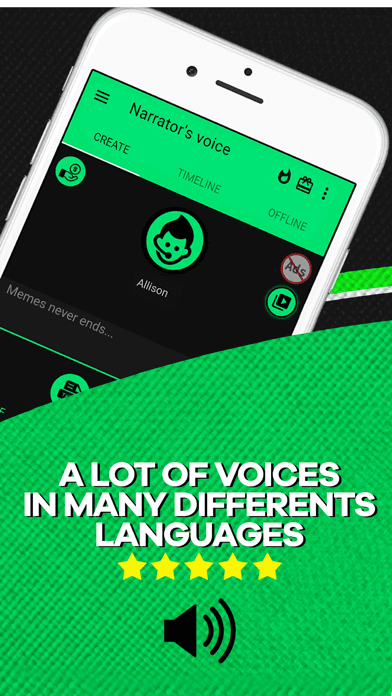
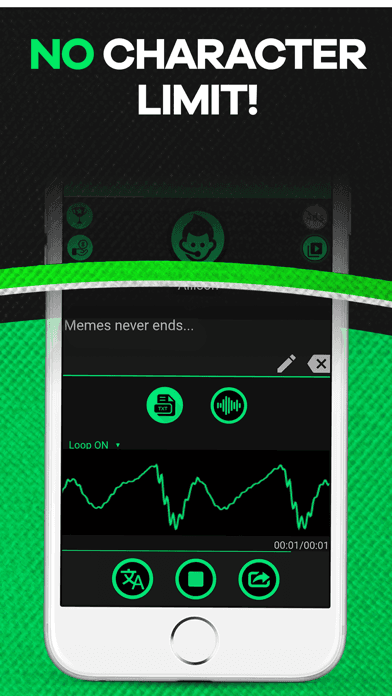
Narrator's Voice appears in this list as a text-to-speech companion second-brain users pair with their note system for review sessions — it is not a second-brain app itself. The 4.54 average across 10,107 U.S. ratings reflects an audience that picked Narrator's Voice for its broad library of voices, languages, and audio-export options. Core features include text-to-speech across 50-plus voices and 25-plus languages, audio file export for offline review, customizable speaking rate and pitch, paste-in-text or import-from-file workflows, and shareable audio output. Narrator's Voice differs from every dedicated second-brain pick by being an output utility rather than a knowledge container. A real scenario: you are building a second brain on a long topic — paste a chapter summary from Bear or Obsidian into Narrator's Voice, export it as an audio file, and review the material while walking or commuting. The tradeoff is the app does not store notes — it converts text to audio once and forgets. Best as an audio-review companion for users who already keep their notes in a real PKM app like Bear, Obsidian, or RemNote.
Pros
- 50-plus voices across 25-plus languages for varied audio review sessions
- Audio export lets you study notes while walking, driving, or commuting
- Customizable speaking rate and pitch fit different listening preferences
Cons
- Single-use utility with no knowledge storage or note management features
- Cannot connect to your second brain without manual copy-paste of text
- Rating
- 4.7
- Reviews
- 6.8K
- Price
- Free
- 90-day trend
- —
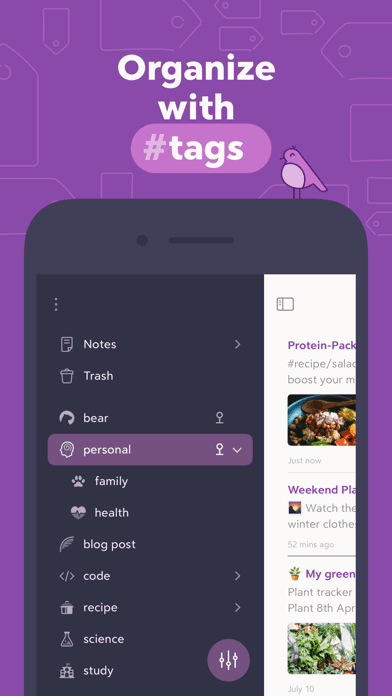
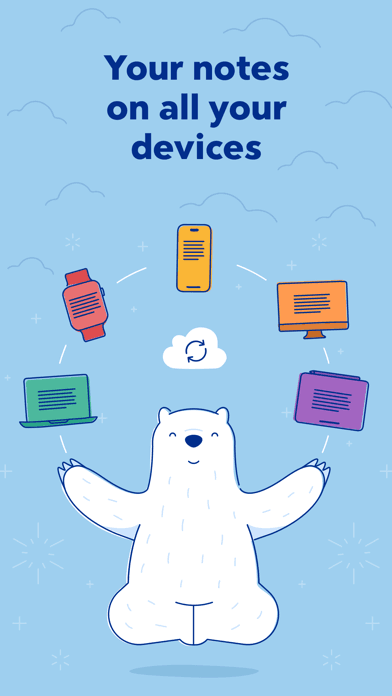
Bear is the best second brain app for iPhone users who want a beautifully designed markdown editor with WikiLinks, backlinks, and an Info Panel that turns the app into a personal wiki. The 4.68 average across 6,820 U.S. ratings reflects an Apple Design Award winner that has stayed an editors' choice for seven consecutive years. Core features include a clean markdown editor with optional rendered preview, hashtag-based organization with multi-word and nested tags, WikiLinks and backlinks that turn notes into a connected graph, an Info Panel with table of contents and links, Apple Pencil sketching on iPad, web clipping, Apple Watch dictation, iCloud sync (Pro), individual-note password encryption, plain-text or rich-text export, and 30-plus themes plus app icons on Pro. Bear differs from Obsidian by leading designed-and-iCloud-first rather than local-first-and-plugin-extensible, and from RemNote by being a connected notebook rather than a flashcard-driven study tool. A real scenario: you build a knowledge base over five years — backlinks surface every note that mentions a project or person, and the iCloud sync keeps it consistent across iPhone, iPad, and Mac. The tradeoff is the Pro subscription required for sync.
Pros
- Beautiful markdown editor with WikiLinks and backlinks for connected notes
- iCloud sync (Pro) across iPhone, iPad, and Mac with strong native feel
- 30-plus themes, app icons, and Apple Pencil sketching on iPad supported
Cons
- iCloud sync, export to DOCX or PDF, and themes require Bear Pro tier
- No built-in spaced repetition for flashcard-driven retention workflows

- 6
 Get on App Store
#6CDL Prep Test 2026: Drivers edBest Cross-Platform
Khai Vuong
US CDL Permit Practice Test
- Rating
- 4.7
- Reviews
- 6.8K
- Price
- Paid
- 90-day trend
- —
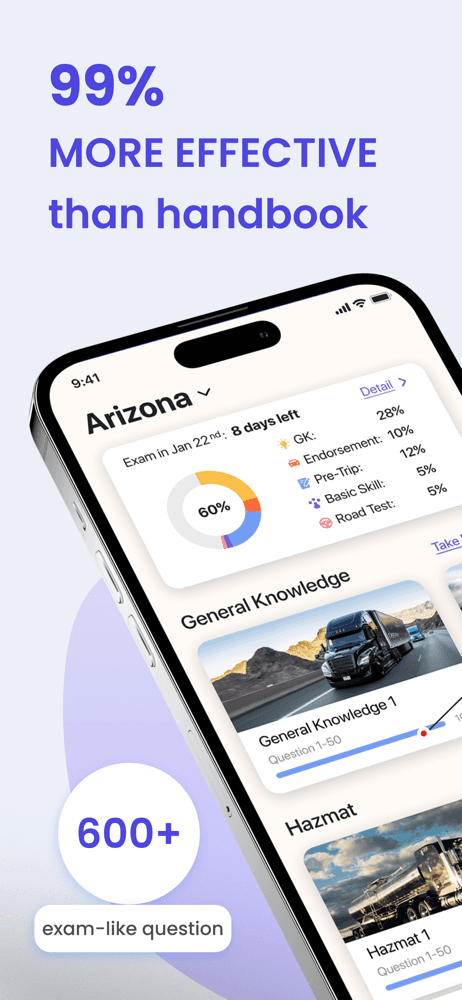
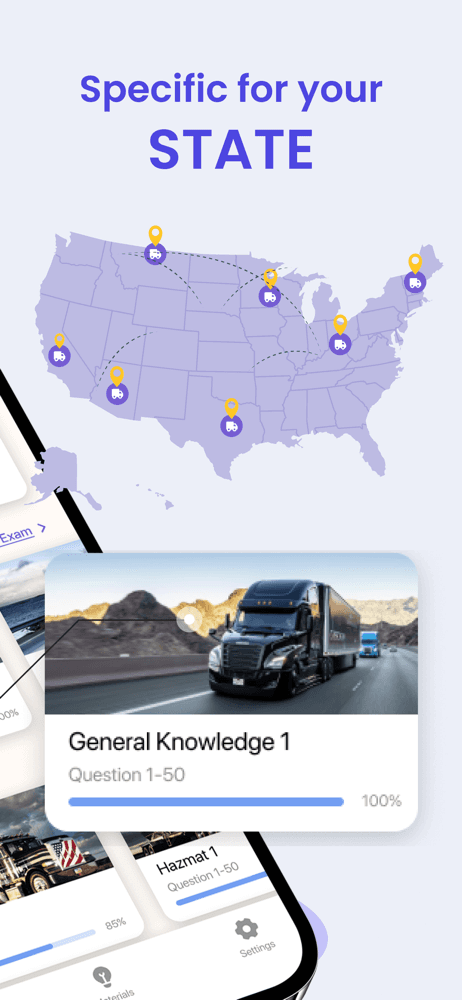
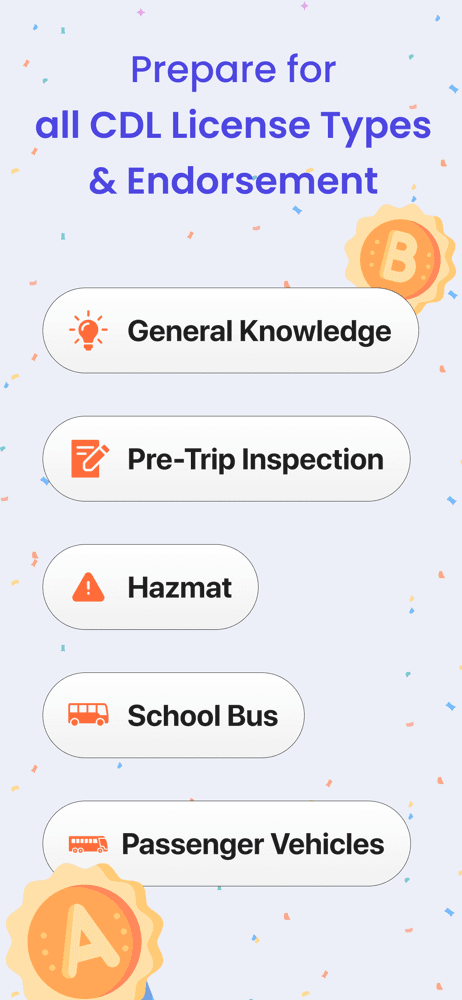
CDL Prep Test 2026 appears in this list as a commercial-driver-license study companion that shows up in second-brain workflows for users preparing for the CDL exam. The 4.72 average across 6,301 U.S. ratings reflects a focused learner audience preparing for trucking and commercial driving certifications. Core features include 2026-refreshed federal and state-specific CDL practice tests, instant feedback, explanations for wrong answers, progress tracking, and offline review. CDL Prep Test 2026 differs from every dedicated second-brain pick on this list by being a domain-specific exam app rather than a general PKM system. A real scenario: you are training as a long-haul trucker — your second brain in Obsidian or Bear stores route summaries, safety procedures, and trip-planning checklists, and CDL Prep Test drills you on the federal and state-specific exam questions. The tradeoff is the app is locked to its CDL question bank and cannot store your own notes or summaries. Best as a CDL test companion paired with a real PKM app for the broader knowledge work.
Pros
- Federal and state-specific CDL question bank refreshed for the 2026 cycle
- Free to start with optional upgrades for unlimited practice and analytics
- Explanations on every question reinforce trucking-rule retention quickly
Cons
- Domain-locked to CDL exam content with no general PKM functionality
- Cannot create your own notes, flashcards, or connected knowledge graph
- Rating
- 4.4
- Reviews
- 6.5K
- Price
- Paid
- 90-day trend
- —
Plant Identifier and Care appears in this list as a botanical-knowledge companion second-brain users pair with their note system — it is not a second-brain app itself. The 4.38 average across 6,493 U.S. ratings reflects a hobby and gardening audience that uses the app to ID plants from photos and pull care instructions. Core features include AI-powered plant identification from a single photo, care schedules with watering and sunlight reminders, plant disease diagnosis, and a personal plant collection. Plant Identifier differs from every dedicated second-brain pick on this list by being a domain-specific identification tool rather than a general PKM system. A real scenario: you keep a gardening journal as part of your second brain in Bear — Plant Identifier confirms a plant from a photo, you copy the species name and care notes into Bear, and the knowledge gets attached to your other gardening entries. The tradeoff is the app does not let you write free-form notes or connect ideas across topics. Best as a botanical reference companion for users who already keep gardening knowledge in a real PKM app.
Pros
- AI plant identification from a single photo answers field questions fast
- Care schedules with watering and sunlight reminders aid garden routines
- Plant disease diagnosis surfaces visual issues for treatment guidance
Cons
- Specialty tool with no free-form note storage or knowledge connections
- 4.38 rating trails the top picks on long-term satisfaction signal
- 8
 Get on App Store
#8DMV Practice Test 2026 OneDMVBest for Outlining
Mai Nguyen Thi
DMV Permit Practice test 2026
- Rating
- 4.7
- Reviews
- 3.4K
- Price
- Free
- 90-day trend
- —
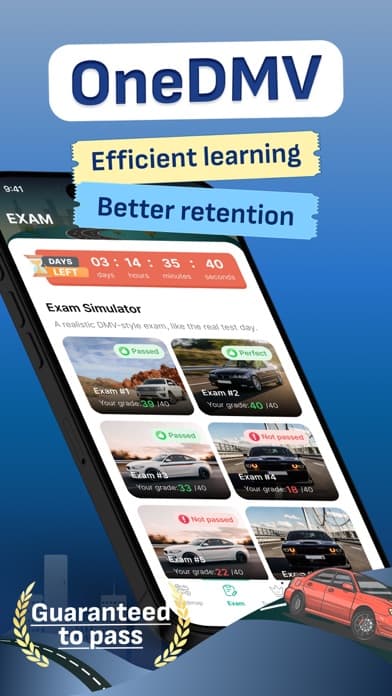
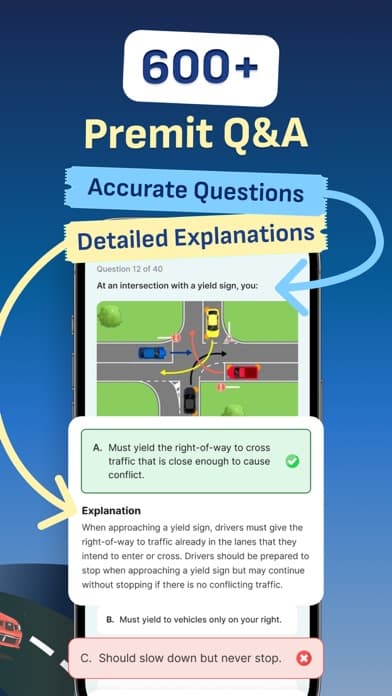
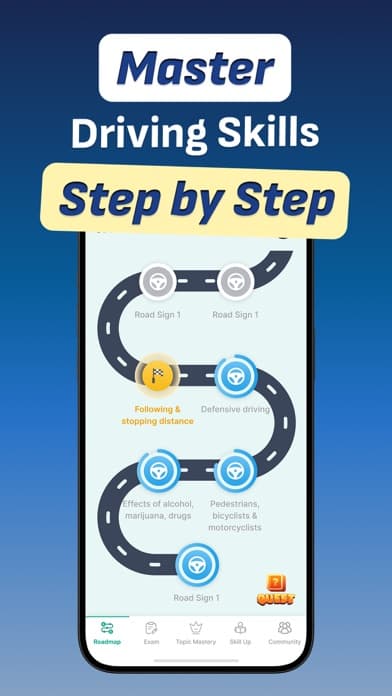
DMV Practice Test 2026 OneDMV is another driving-test spaced-repetition companion that appears in second-brain workflows for license preparation. The 4.7 average across 3,285 U.S. ratings reflects a smaller but recent rating sample for a 2026-refreshed question bank. Core features include state-specific practice tests, real-time explanations for incorrect answers, offline mode, progress tracking, and exam-style mock tests timed against state limits. OneDMV differs from every dedicated second-brain pick on this list by being a domain-specific exam app rather than a general PKM system. A real scenario: you are studying for a Texas commercial license renewal — OneDMV drills you through state-specific exam questions, while your second brain in RemNote stores spaced-repetition flashcards on the harder concepts in your own words. The tradeoff is OneDMV is locked to its official question bank and offers no free-form note capture. Best as a driving-test companion alongside a real PKM app for the broader knowledge that supports passing.
Pros
- 2026 state-specific question bank with timed exam-style mock tests
- Offline mode supports daily review without depending on a connection
- Real-time explanations reinforce concepts during active practice sessions
Cons
- Domain-locked to driving-test content with no PKM or note features
- Smaller rating sample limits long-term reliability signal vs leaders
- Rating
- 4.5
- Reviews
- 2.6K
- Price
- Paid
- 90-day trend
- —
Obsidian is the best second brain app for iPhone users who want a local-first plain-text vault, a graph view of how notes connect, and a plugin ecosystem that scales to any workflow. The 4.49 average across 2,500 U.S. ratings reflects a power-user audience that values plain-text durability above all other axes. Core features include a vault stored as plain markdown files on iCloud Drive, Obsidian Sync, or any cloud folder you choose, WikiLink-based backlinks, a graph view that visualizes connections across your library, an enormous community plugin ecosystem with hundreds of options for tasks, calendars, Kanban boards, daily notes, spaced repetition, and AI integrations, theme support, full markdown editing with optional preview, and templates for repeating note structures. Obsidian differs from Bear by leading local-first-and-plugin-extensible rather than designed-and-curated, and from RemNote by being a general vault rather than a flashcard-focused tool. A real scenario: you build a second brain over a decade — your vault travels through every iPhone, iPad, and Mac you ever own. The tradeoff is the iPhone editor can feel cramped for long sessions.
Pros
- Local-first vault stores notes as plain markdown files you fully control
- Graph view and backlinks visualize connections across years of notes
- Massive plugin ecosystem extends the app to any specific workflow
Cons
- iPhone editor can feel cramped for long writing sessions on a small screen
- Plugin sprawl raises the learning curve compared to curated PKM apps
- 10
 Get on App Store
#10RemNote - Notes & FlashcardsBest for PKM
RemNote, LLC
Replace: Notion, Quizlet, Anki
- Rating
- 4.8
- Reviews
- 1.4K
- Price
- Free
- 90-day trend
- —
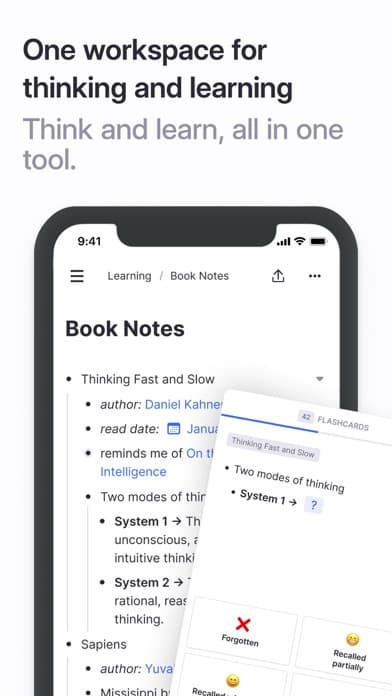
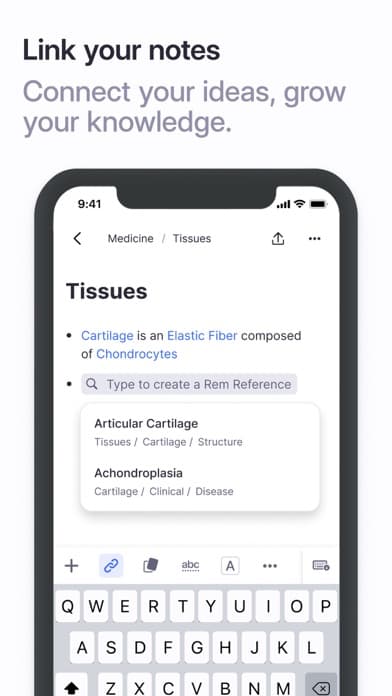
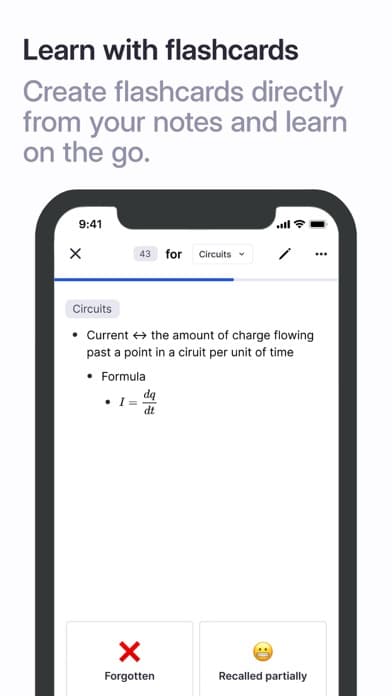
RemNote is the best second brain app for iPhone users who want spaced-repetition flashcards baked directly into their notes. The 4.84 average across 1,308 U.S. ratings is the highest combined score on this list and reflects a student, medical-school, and lifelong-learner audience that picked RemNote for the seamless note-to-flashcard pipeline. Core features include markdown editing with outliner-style indentation, an integrated spaced-repetition system (write a phrase, tag it with double colons, and it becomes a flashcard reviewed at expanding intervals), document upload with PDF annotation, image cards, cloze deletion, audio recording, mathematical formula support, daily notes, backlinks, and a flashcard scheduler that respects research-backed forgetting curves. RemNote differs from Bear by leading study-and-retention-first rather than designed-and-connected-first, and from Obsidian by being cloud-platform-and-flashcards-built-in rather than local-first-and-plugin-driven. A real scenario: you are studying for a board exam — every paragraph you write becomes a set of flashcards reviewed for years. The tradeoff is the subscription pricing for advanced features and the smaller rating sample.
Pros
- Spaced-repetition flashcards built directly into the note-taking flow
- Outliner-style markdown editing with cloze deletion and PDF annotation
- Highest combined rating on this list at 4.84 reflects strong retention
Cons
- Subscription required for advanced flashcard scheduling and storage tiers
- iPhone editor feels cramped for long-form note work versus iPad or Mac


How we picked
### Data sources We combine live App Store data (ratings, recent reviews, version cadence, pricing, screenshot history) with our own ranking tracker, which logs U.S. Productivity positions daily for every app on this list. Review themes come from the most recent U.S. reviews per app, weighted toward the last 90 days so a recent regression or pricing change surfaces quickly.
### How we score Four weighted axes: capture speed (does the app open into the keyboard so the next thought lands before it slips), link quality (WikiLinks, backlinks, graph view, and how naturally notes connect), sync reliability (cross-device parity, offline behavior, and conflict handling per real reviews), and longevity (do users still recommend the app at the two-year mark, or do they migrate). We did not run formal latency tests; we relied on consistent themes in recent user reviews and on plain-text durability claims.
### Refresh cadence The top set is re-scored quarterly. Ratings, ranks, and review-theme analysis refresh daily on the page. When a vendor changes pricing, removes a free-tier feature, or ships a new editor or sync engine, the pick gets re-evaluated within the week.
### What we exclude Apps with an average below 4.4 stars, fewer than a thousand ratings, or no update in fifteen months. We dropped pure note-taking apps without linking (those belong in note-taking) and AI summarizers that wrap an LLM around someone else's notes without storing your output durably. Apps that lock notes into a proprietary format with no export are excluded.
### What we don't do No affiliate-driven ordering. Referral commissions do not bump apps. We don't take sponsorship or paid placement from listed apps. If a pick shifts, it's because the data shifted — ratings, review themes, pricing, or feature changes.