



Best RSS Reader Apps for iPhone
By App Store Tracker Editorial · Updated — live App Store data verified
The short version
The best RSS reader app for iPhone in 2026 is Feedly — a 4.64-star average across 25,659 ratings, the largest user base on this list, with AI-powered filtering, cross-platform sync, and a free tier that handles 100 sources. Inoreader is the runner-up at 4.69 stars for power users who want stronger search and rules. feeeed is the standout indie pick at 4.84 stars. Reeder and Reeder Classic cover the Apple-native polish crowd. Unread, lire, and ReadKit serve niche workflows.
Jump to a pick↓
RSS is having a quiet renaissance. After years of decline, the protocol has regained traction as users abandon algorithm-driven feeds and rebuild their own information diets — newsletters, blogs, YouTube channels (via RSS export), and Reddit subreddits all stream cleanly through an RSS reader. The ten apps below cover every workflow: cloud-synced services (Feedly, Inoreader), Apple-ecosystem-native clients (Reeder, Reeder Classic), indie reading apps with cult followings (feeeed, Unread), and niche full-text fetchers (lire). We pulled live App Store ratings and review themes for every pick and weighted sync quality, OPML import/export, share-sheet integration, and how each app handles 1,000+ unread items — the real stress test for any RSS reader.
- Rating
- 4.6
- Reviews
- 26K
- Price
- Paid
- 90-day trend
- —
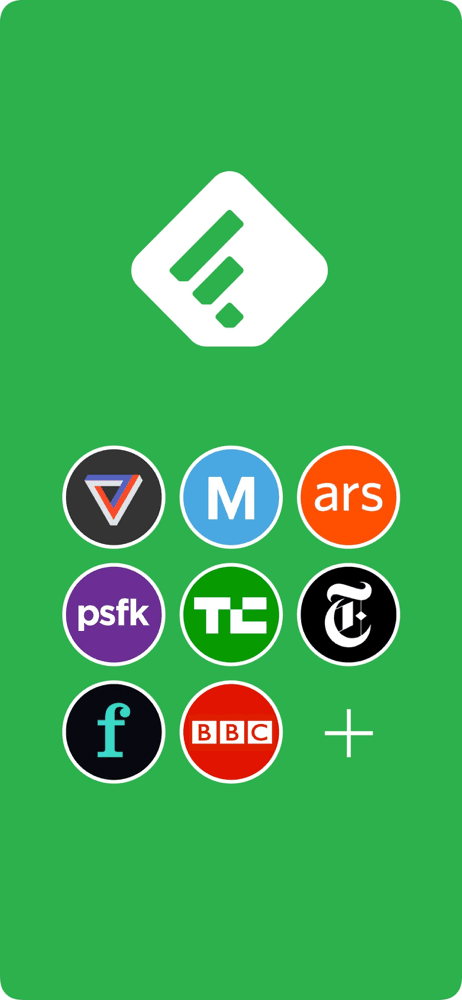
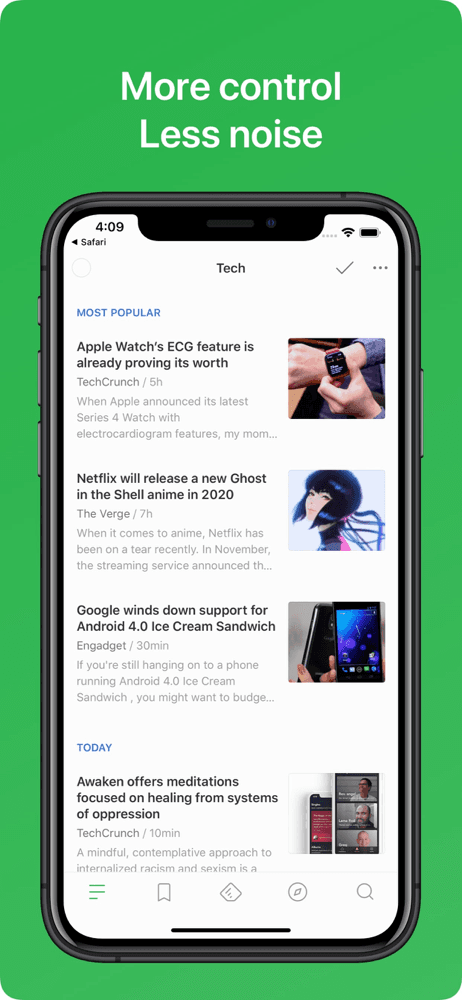
Feedly is the best RSS reader for iPhone users who want a mature, reliable cloud sync service with AI-powered filtering and the largest user base in the category. The pitch: subscribe to 100+ sources, let Leo (Feedly's AI) filter for the topics you care about, and read everything across iOS, Android, and web. Compared with Inoreader, Feedly has a more polished interface and the AI filtering is genuinely useful for noise reduction. Compared with Apple News, Feedly is editorial-free — you control every source. Real use case: a professional who follows 50 industry blogs and 10 newsletters and wants AI to surface the 5-10 must-read items each day from a feed of 500+ unread items. The 4.64 from 25,659 ratings is the largest user base on this list. Free tier covers 100 sources. Tradeoff: the iOS app feels slightly behind the web experience on advanced features, and AI filtering requires the Pro tier ($6/month). For users who want the most polished cloud-synced RSS experience, Feedly is the right pick.
Pros
- Largest user base on list with reliable cloud sync across all platforms
- Leo AI filtering surfaces the most important items from large feeds
- Free tier handles 100 sources for most casual RSS user needs
Cons
- iOS app feels slightly behind web experience on advanced power features
- AI filtering and full-text search require Pro tier subscription

- 2Get on App Store
#2Inoreader: News & RSS readerBest for Power Users
Innologica
Build your own newsfeed
- Rating
- 4.7
- Reviews
- 4.4K
- Price
- Paid
- 90-day trend
- —
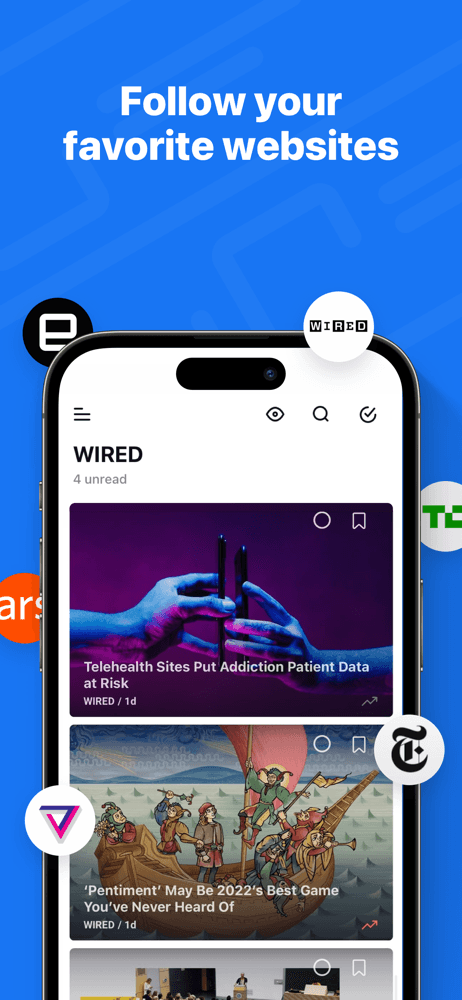
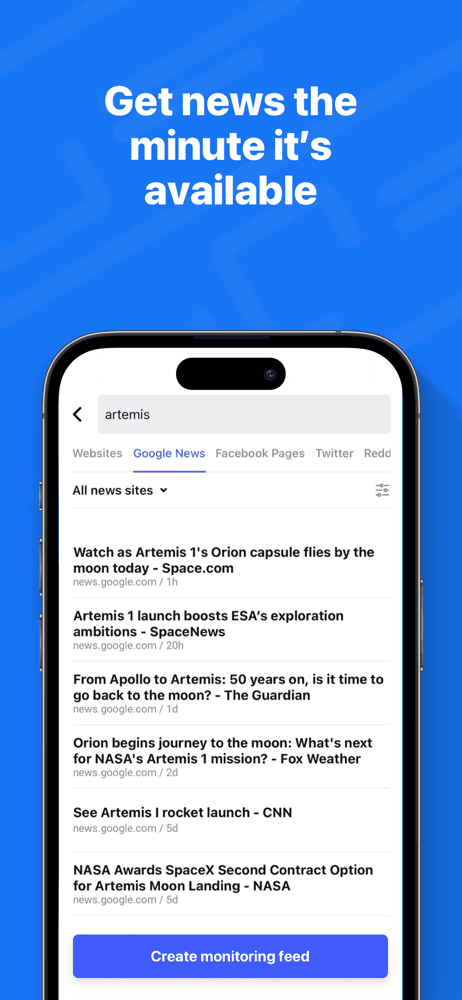
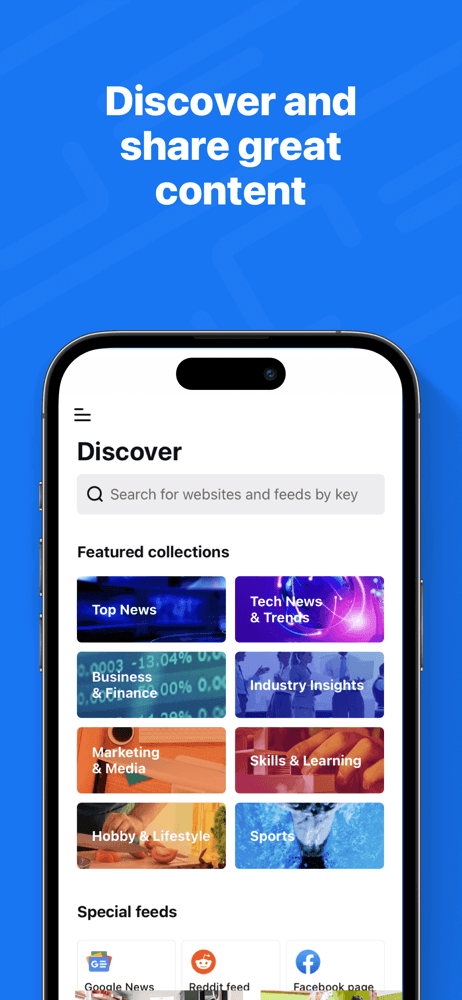
Inoreader is the best RSS reader for power users who want server-side filtering rules, full-text search across years of saved articles, and the most flexible workflow in the category. The pitch is depth: every advanced RSS feature you can imagine, plus IFTTT integration, OPML bulk management, and global rules that fire across all feeds. Compared with Feedly, Inoreader does more but is denser to learn. Compared with Reeder, Inoreader is a complete service rather than just a client. Real use case: a researcher or journalist who follows 200+ sources and uses rules to auto-tag, auto-save, and auto-route content into different folders based on keywords. The 4.69 from 4,220 ratings reflects loyal power-user adoption. Tradeoff: the interface is dense and the free tier is more restrictive than Feedly's. Best for users who outgrow Feedly and want server-side power tools. The web app is the primary experience; the iOS app is good but secondary to the desktop experience.
Pros
- Server-side filtering rules and IFTTT integration unlock power workflows
- Full-text search across years of saved articles for research workflows
- Most flexible source management with bulk OPML and folder operations
Cons
- Interface density makes learning curve steeper than Feedly's polished onboarding
- Free tier more restrictive than Feedly's on subscription source limits
- 3Get on App Store
#3Podcast Player - Video & RSSBest for Podcasts
Maple Media Apps, LLC
Watch & Listen to Podcasts App
- Rating
- 4.7
- Reviews
- 2.2K
- Price
- Paid
- 90-day trend
- —
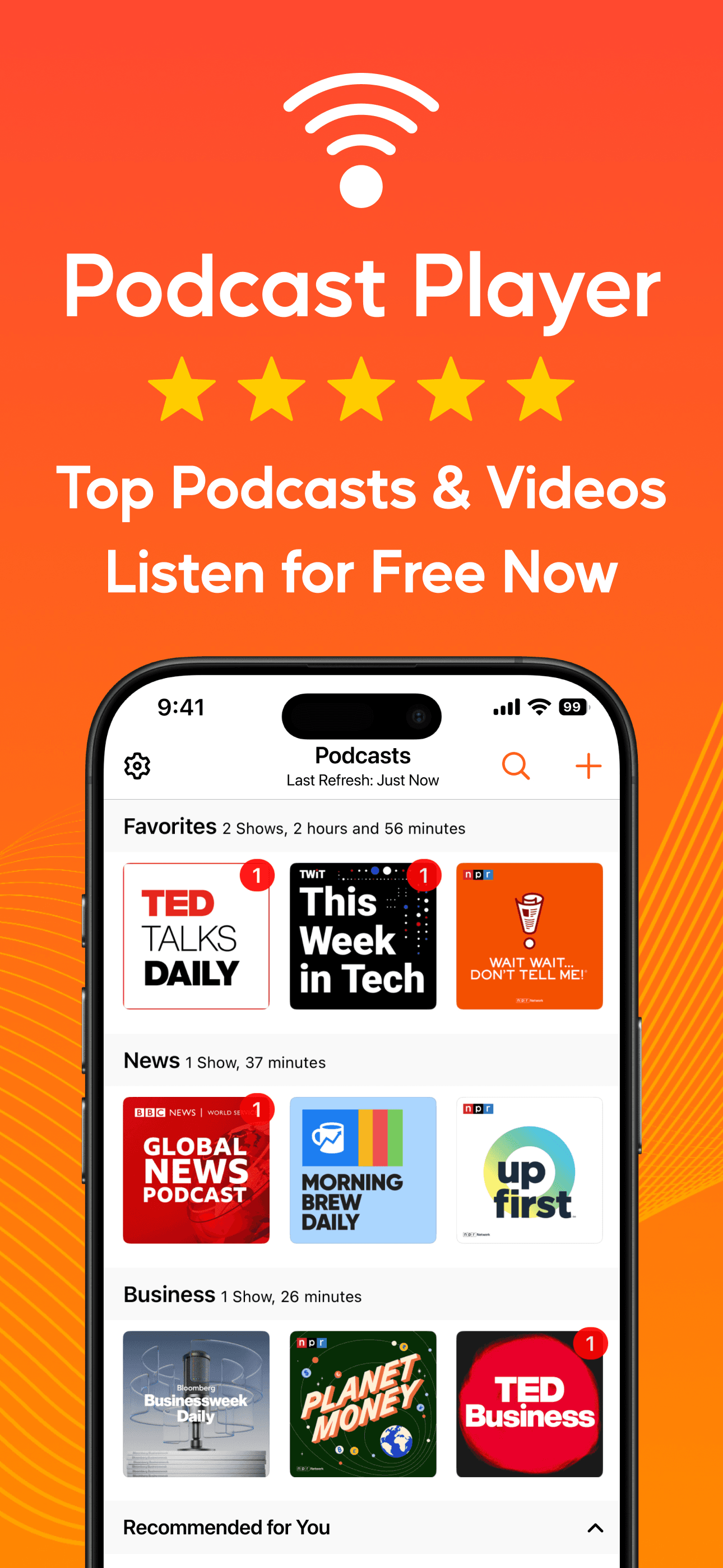
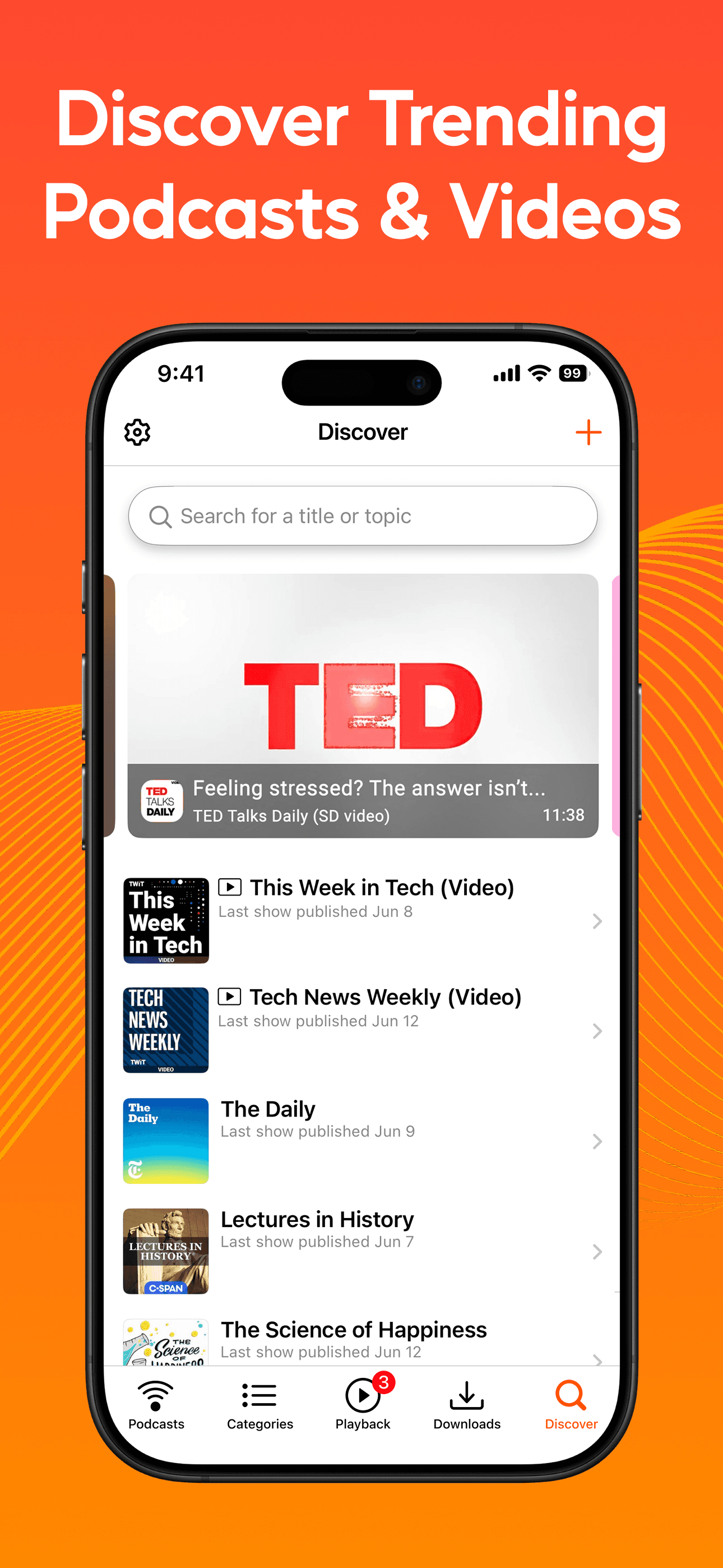
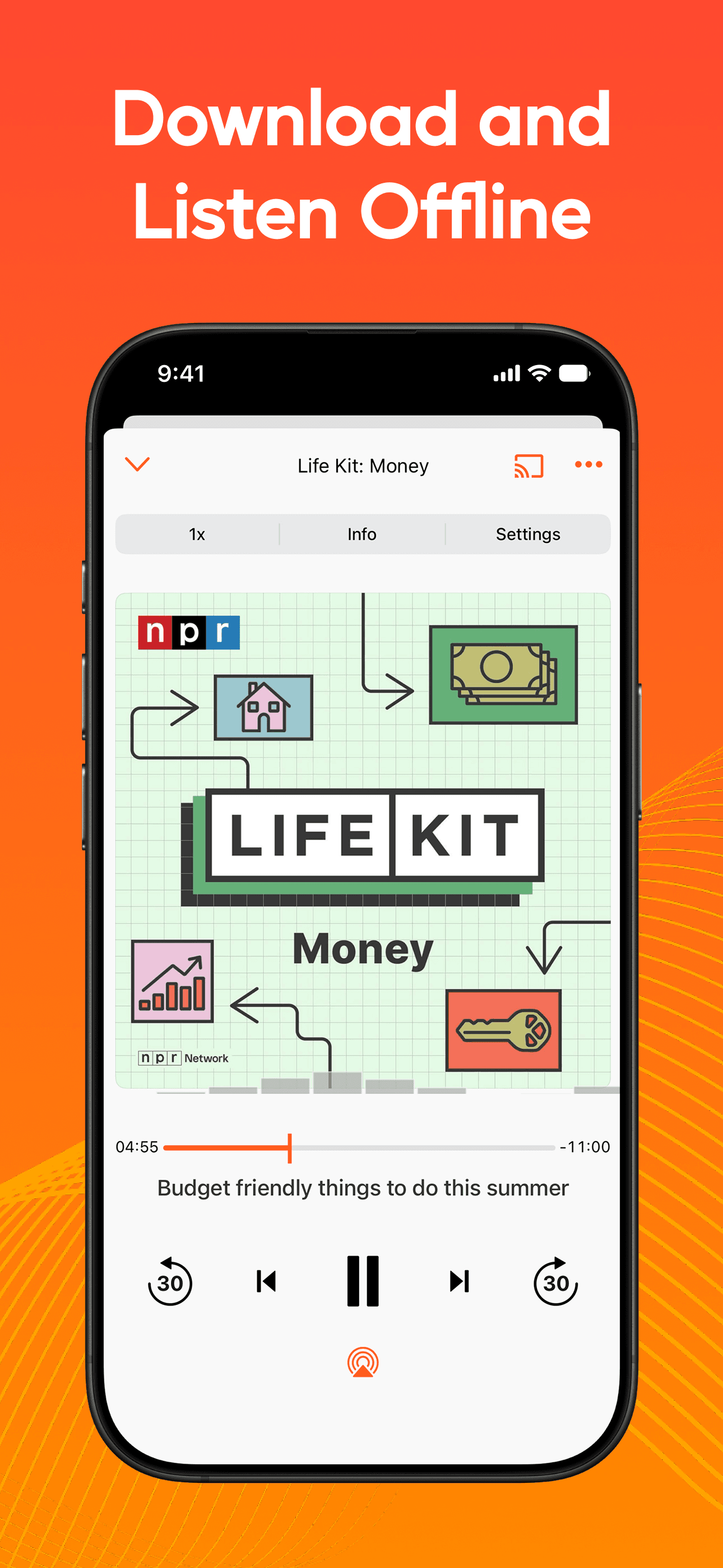
Podcast Player - Video & RSS is included here because RSS still underpins the entire podcast distribution model — podcast subscriptions are RSS feeds. The app handles podcast audio and video alongside standard RSS subscriptions. Compared with Apple Podcasts, this app gives finer control over RSS-fed audio content. Compared with dedicated podcast apps like Pocket Casts, this is broader in scope but less polished on the podcast-specific workflow. Real use case: a user who consumes podcasts via RSS feeds (skipping Apple Podcasts entirely) and wants the same client to handle text-based RSS feeds. The 4.68 from 2,182 ratings reflects steady niche use. Tradeoff: it is less polished than dedicated text-RSS readers (Feedly, feeeed) and less polished than dedicated podcast apps (Pocket Casts, Overcast). Best for users who want one app for all RSS-fed content regardless of format, which is a legitimate but narrow workflow.
Pros
- Handles podcast audio, video, and text RSS feeds in single client app
- Useful for users who consume podcasts via raw RSS rather than Apple Podcasts
- Steady 4.68 rating reflects niche but loyal cross-format user base
Cons
- Less polished than Pocket Casts on podcast-specific workflows like queuing
- Less polished than Feedly on text-RSS feed management workflows
- 4
 Get on App Store
#4feeeed: rss reader and moreBest Beautiful Design
James Parrott
build your own news feed
- Rating
- 4.8
- Reviews
- 1.5K
- Price
- Paid
- 90-day trend
- —
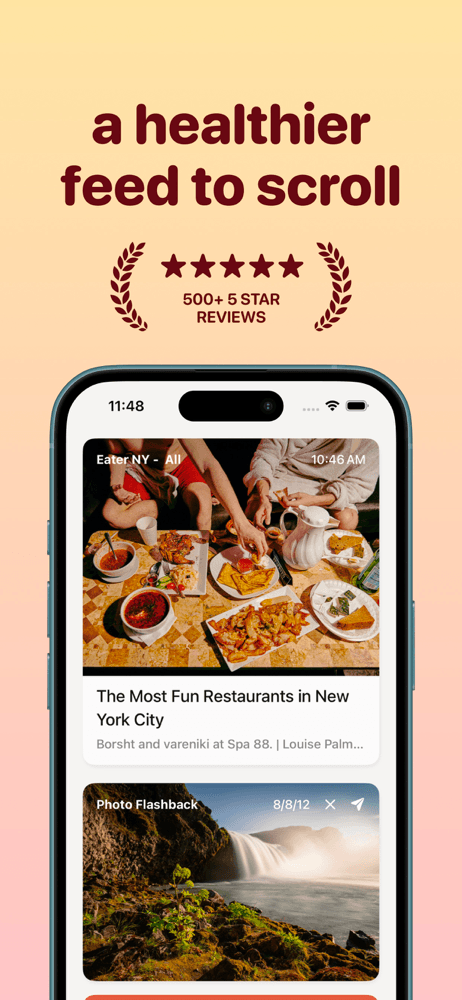
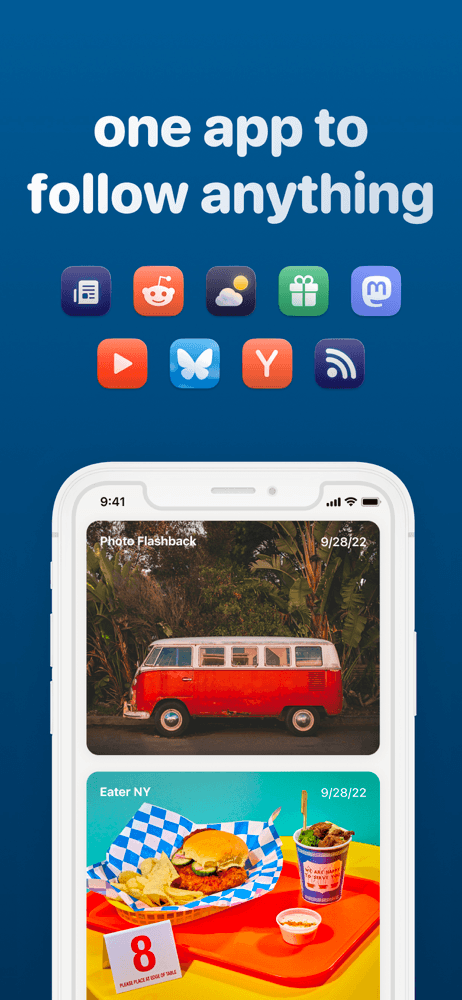
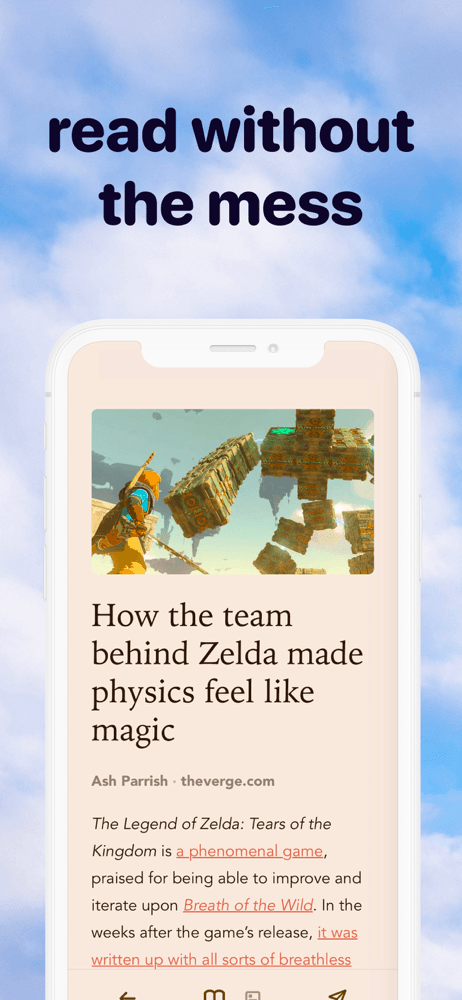
feeeed is the best indie RSS reader for iPhone users who want a clean, modern interface with personality and the cult-following polish that comes from a single developer obsessed with quality. The pitch is simplicity plus delight: subscribe to RSS feeds, newsletters, YouTube channels, Reddit subs, and read everything in a beautiful unified inbox. Compared with Feedly, feeeed is more focused and more iOS-native. Compared with Reeder, feeeed has a more modern interface and broader source-type support. Real use case: a design-conscious user who wants the most polished RSS experience available on iOS without enterprise feature bloat. The 4.84 from 1,367 ratings is the highest non-niche rating on this list. Tradeoff: smaller user base means smaller community, and the indie developer ships at his own pace. For users who value design polish and a single-developer ethos, feeeed is the standout pick. Genuinely the best-designed RSS reader on iOS in 2026.
Pros
- Highest design polish in category with indie-developer attention to detail
- Supports RSS, newsletters, YouTube channels, and Reddit subs in unified inbox
- Strong 4.84 rating reflects passionate user enthusiasm and quality
Cons
- Smaller user base means smaller community and slower update cadence
- Single-developer ethos limits feature pace versus venture-funded competitors
- Rating
- 4.3
- Reviews
- 864
- Price
- Paid
- 90-day trend
- —
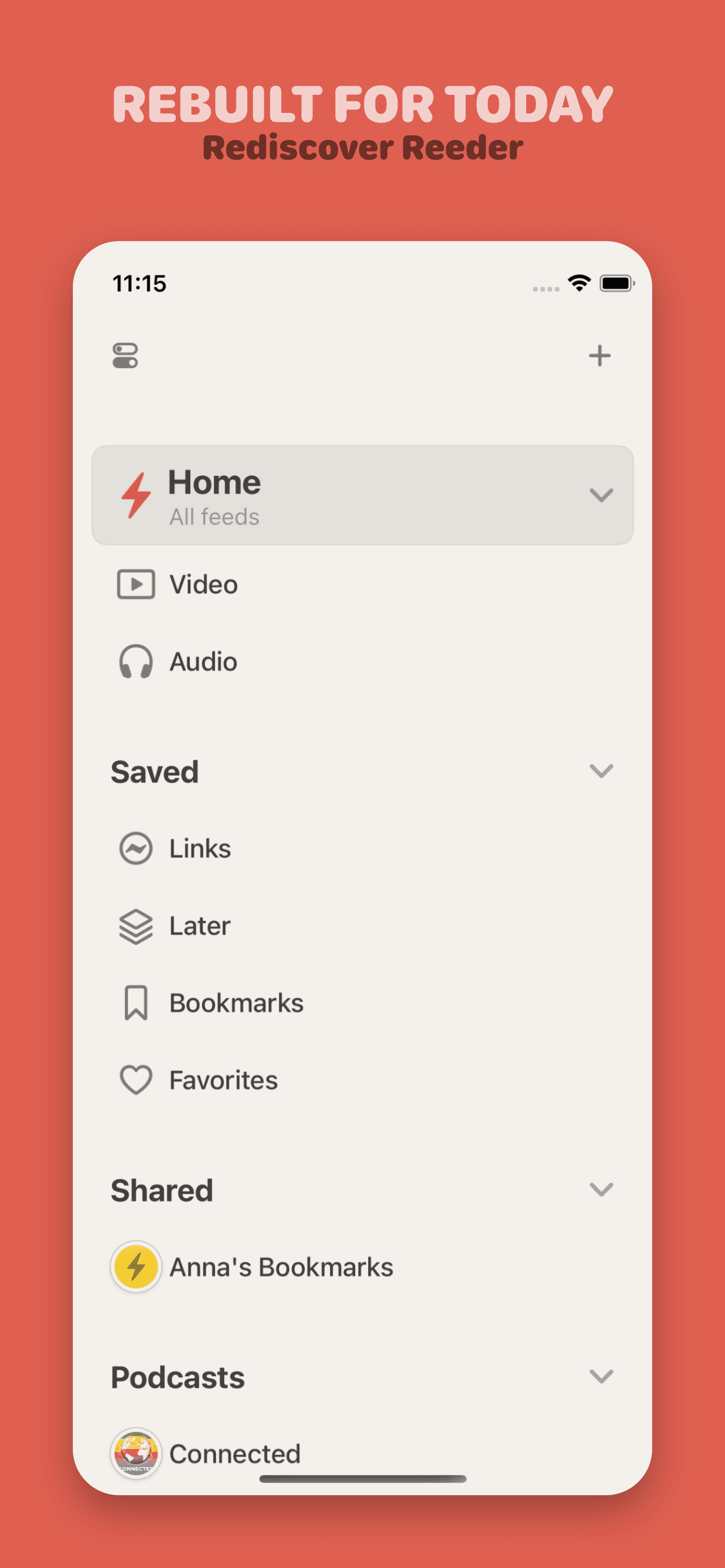
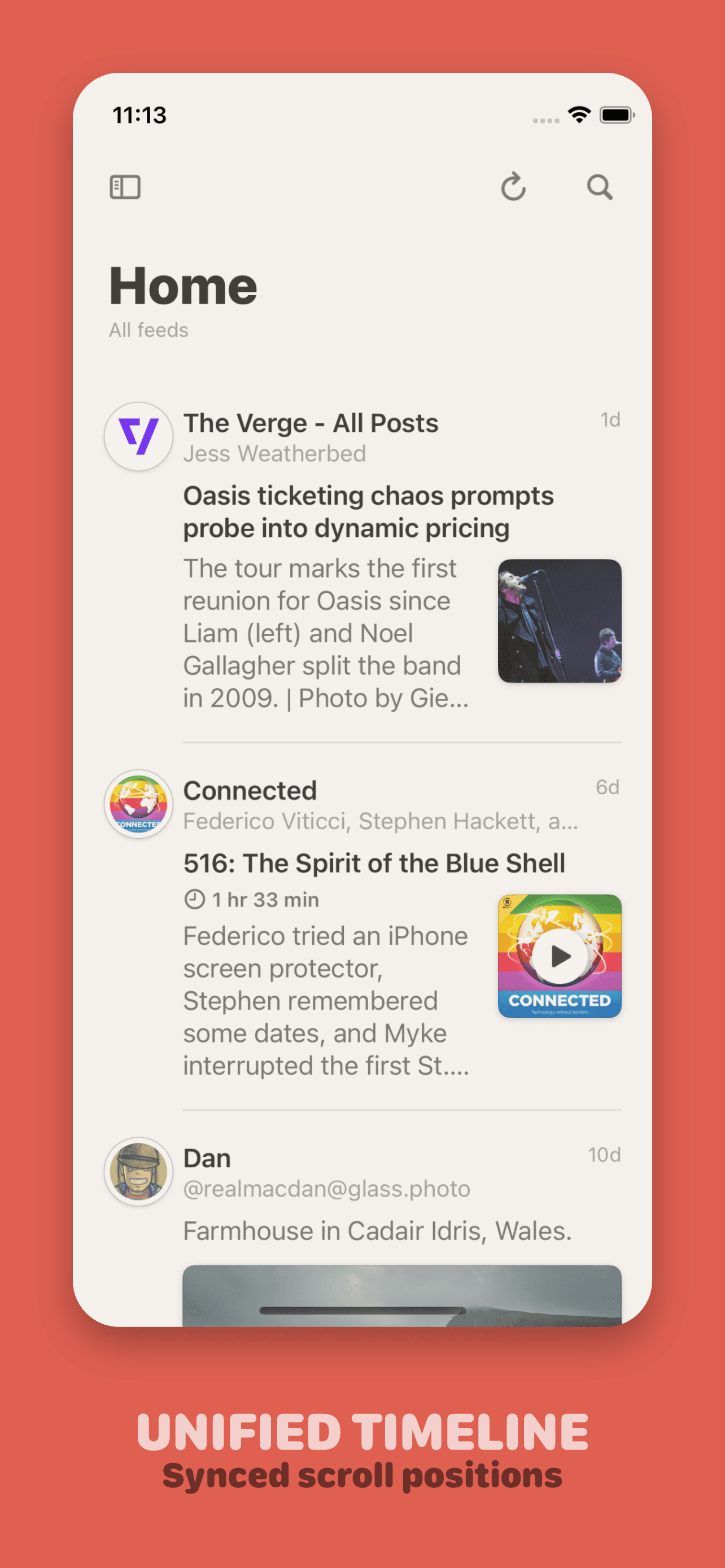
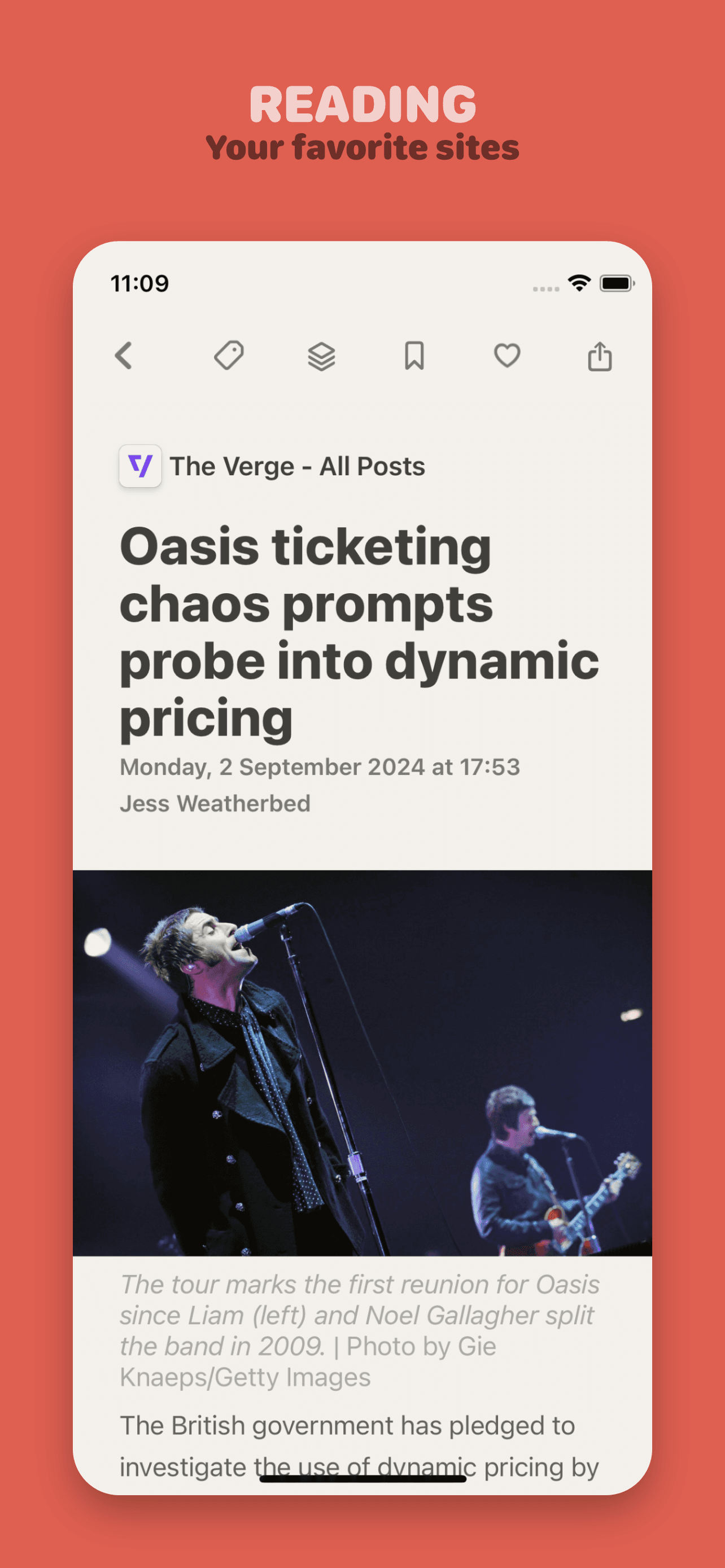
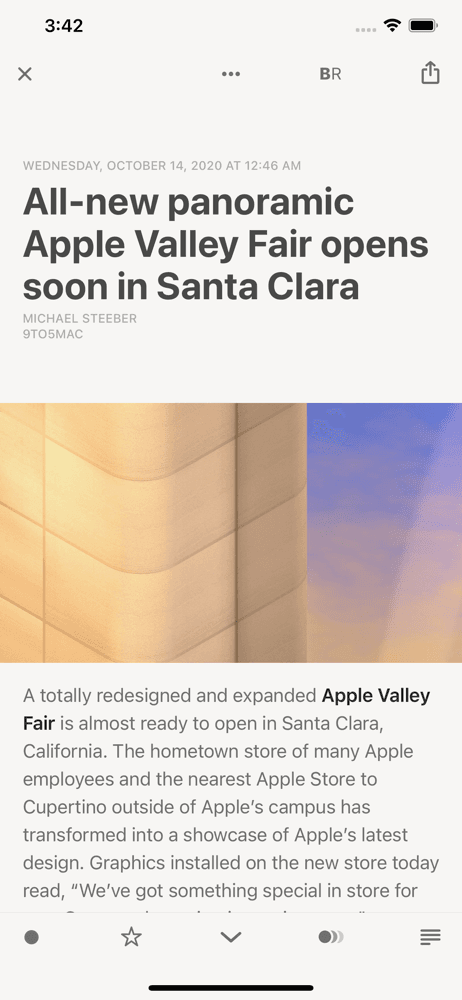
Reeder is the best Apple-native RSS reader for users who want a modern client that works with iCloud sync, Feedly, Inoreader, and most major back-end services. The pitch from the developer Silvio Rizzi: a polished iOS-native experience with the latest design language and feature set. Compared with Reeder Classic, the new Reeder dropped some legacy features in favor of modern iOS integration. Compared with Feedly's native app, Reeder is faster and feels more at home on iOS. Real use case: an Apple-ecosystem user who wants iCloud-synced RSS across iPhone, iPad, and Mac (a separate Mac app exists) with a polished native interface. The 4.27 from 804 ratings is the lowest in the polished-client category — many longtime users prefer Reeder Classic, and the new Reeder's feature reductions caused review backlash. Tradeoff: the feature reductions vs Reeder Classic are real, and some users feel the new app is a downgrade. Best for users new to Reeder or who specifically want the modern design.
Pros
- Modern iOS design language with iCloud sync across iPhone, iPad, and Mac
- Native client experience faster than Feedly's official app for browsing
- Supports multiple back-end services including Feedly, Inoreader, iCloud
Cons
- Feature reductions versus Reeder Classic caused longtime user backlash
- Lowest rating in polished-client tier at 4.27 from review dissatisfaction
- Rating
- 4.6
- Reviews
- 438
- Price
- Paid
- 90-day trend
- —
Unread is the best minimalist RSS reader for users who want a focused, distraction-free reading experience with strong typography and gesture-based navigation. The pitch from developer John Brayton: a reader designed for reading, not for managing massive feed inboxes. Compared with Feedly or Inoreader, Unread is intentionally less feature-rich — it strips RSS down to the act of reading articles. Compared with Reeder, Unread is more opinionated about typography and gestures. Real use case: a reader who subscribes to 20-30 sources and wants a beautiful, fast app to read articles without managing folders, tags, or filtering rules. The 4.59 from 433 ratings reflects loyal use among readers who value the focused approach. Tradeoff: it does not support cloud services like Feedly or Inoreader at the same depth as Reeder — best with iCloud-sync or Feedbin. Free with optional Pro upgrade. Best for users who think most RSS readers have too many features.
Pros
- Minimalist reading focus with strong typography and gesture navigation
- Free download with optional Pro upgrade for users on limited budgets
- iCloud and Feedbin sync options serve cloud-and-self-hosted users
Cons
- Intentionally less feature-rich than Feedly or Inoreader for power users
- Limited back-end service support compared with Reeder's broader options
- Rating
- 4.1
- Reviews
- 822
- Price
- Paid
- 90-day trend
- —
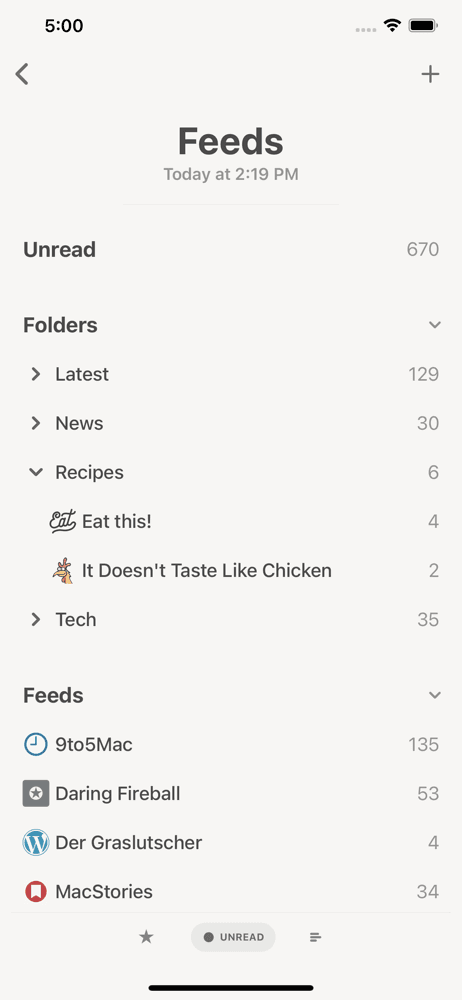
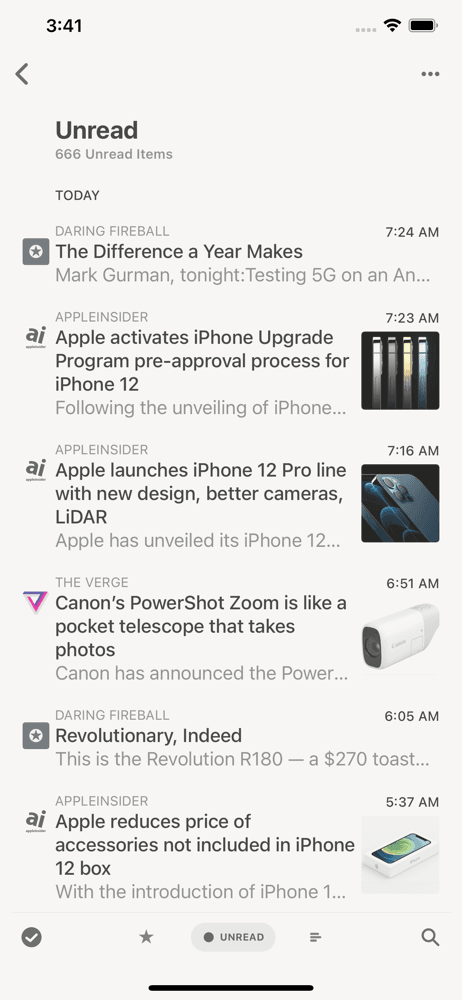
Reeder Classic is the legacy version of Reeder that the developer continues to maintain alongside the new Reeder, for users who prefer the original feature set and design. The pitch: the Reeder you know, kept alive. Compared with the new Reeder, Reeder Classic retains features that were dropped in the redesign — folder-based navigation, some advanced gestures, and broader back-end service compatibility (Fever, BazQux, self-hosted FreshRSS). Compared with Feedly's app, Reeder Classic is more flexible on back-end choice. Real use case: a longtime Reeder user who upgraded to the new Reeder, didn't like the changes, and migrated back to Classic — or anyone who wants the broadest back-end service support. The 4.12 from 817 ratings reflects that this is the legacy product with diminishing updates. Tradeoff: it will eventually stop receiving updates as the developer focuses on the new Reeder. For users with self-hosted RSS services or specific legacy needs, Reeder Classic is the right call today.
Pros
- Broadest back-end service support including Fever, BazQux, and FreshRSS
- Retained features dropped in new Reeder for power-user workflows
- Self-hosted RSS service compatibility for privacy-conscious users
Cons
- Legacy product with diminishing updates as developer focuses on new Reeder
- Will eventually be deprecated as the new Reeder matures over time
- Rating
- 4.4
- Reviews
- 150
- Price
- Paid
- 90-day trend
- —
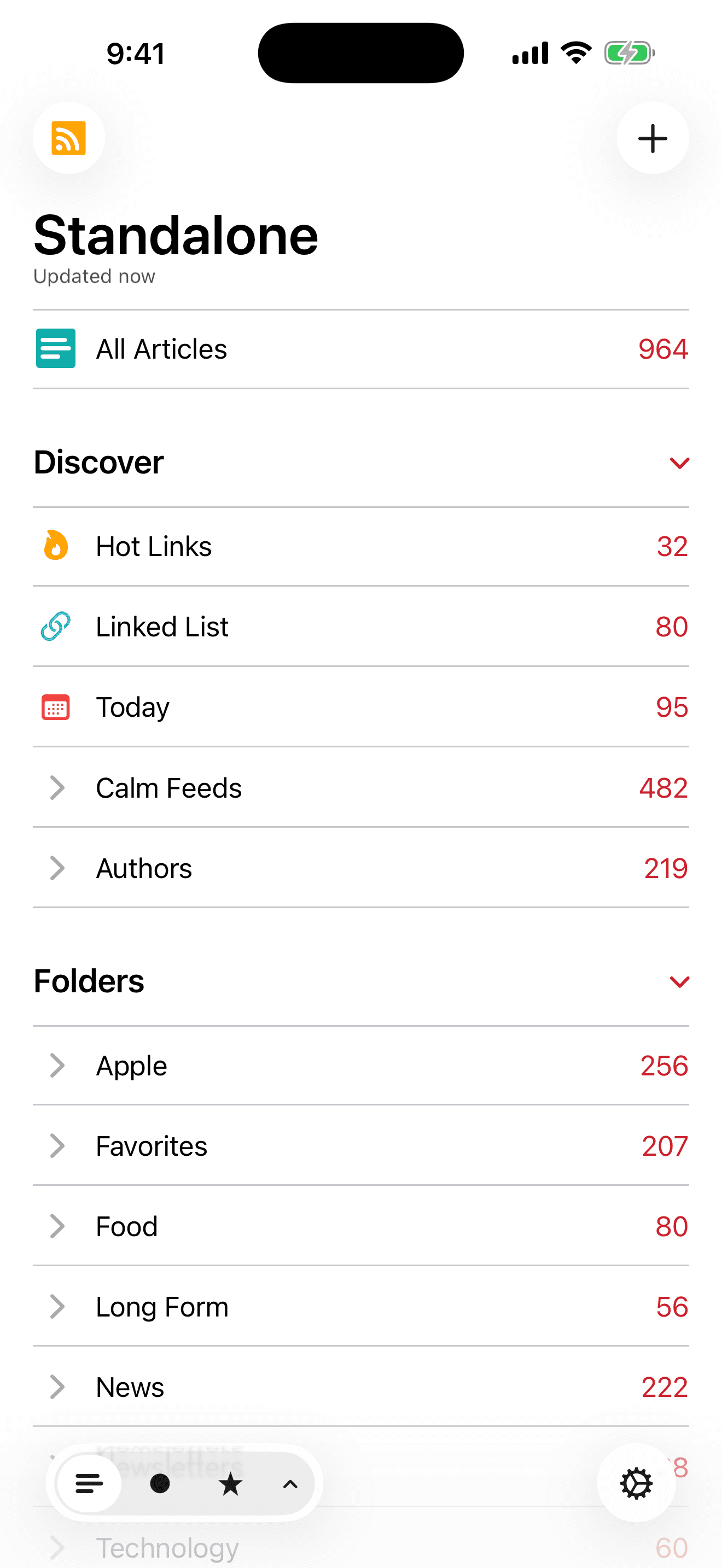
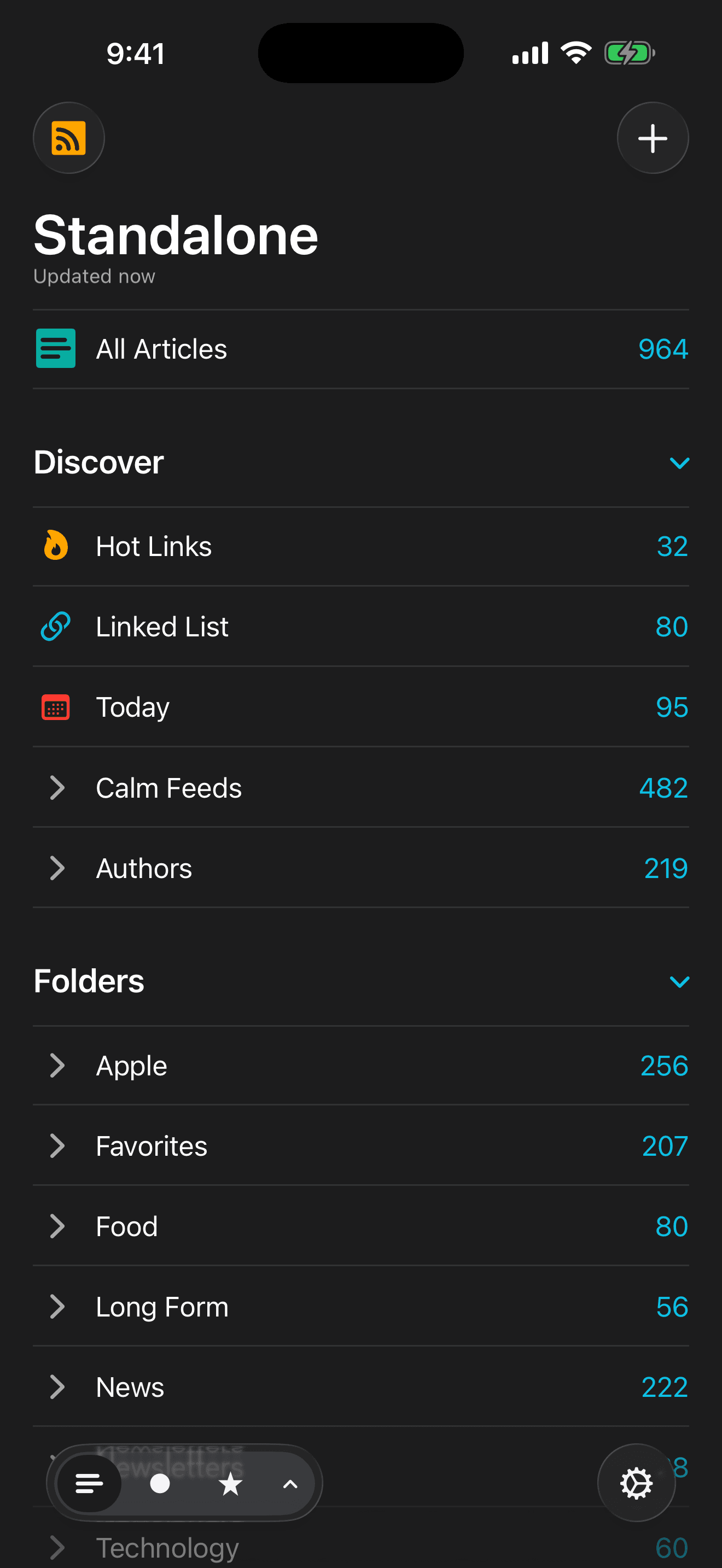
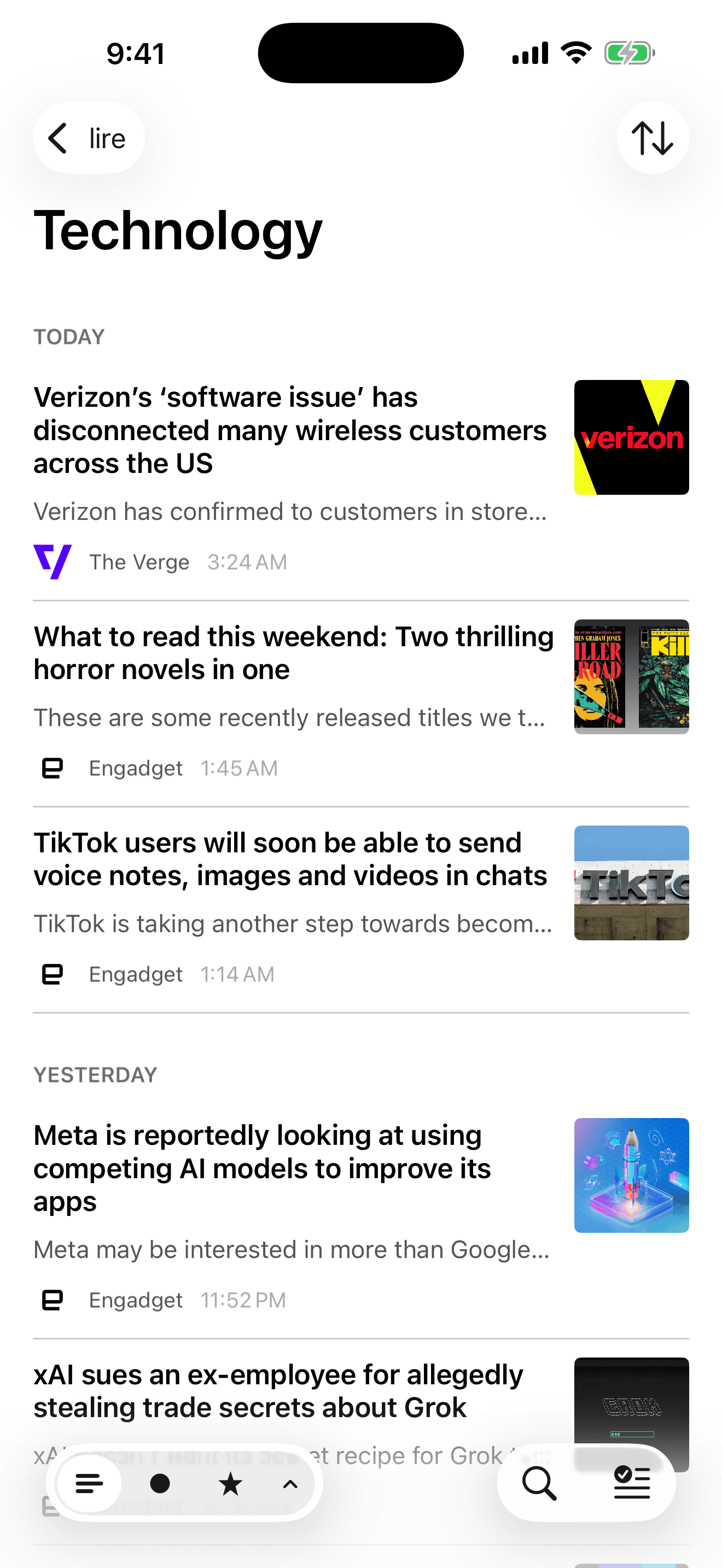
lire is the best RSS reader for users who need reliable full-text fetching — many feeds publish only summaries, and lire's full-text extraction pulls the complete article into the reader without requiring a tap-out to the source site. The pitch: read full articles offline even when publishers only provide summary feeds. Compared with Feedly Pro's full-text feature, lire's implementation is included in the base price. Compared with Unread or Reeder, lire is more focused on offline-first reading. Real use case: a commuter who wants to read on the subway with no signal and needs full article content cached locally before leaving WiFi. The 4.36 from 149 ratings reflects a small but loyal user base. Tradeoff: the interface is less polished than feeeed or Reeder, and language coverage on full-text extraction varies by site. Best for users whose primary frustration is summary-only feeds that force tap-outs to the source site.
Pros
- Reliable full-text extraction even for publishers who provide summary feeds only
- Offline-first design caches complete articles before leaving WiFi connections
- Single-purchase model included with no separate Pro tier subscription required
Cons
- Interface less polished than feeeed or Reeder in modern design terms
- Full-text extraction quality varies by publisher site language and layout
- Rating
- 4.8
- Reviews
- 90
- Price
- Paid
- 90-day trend
- —
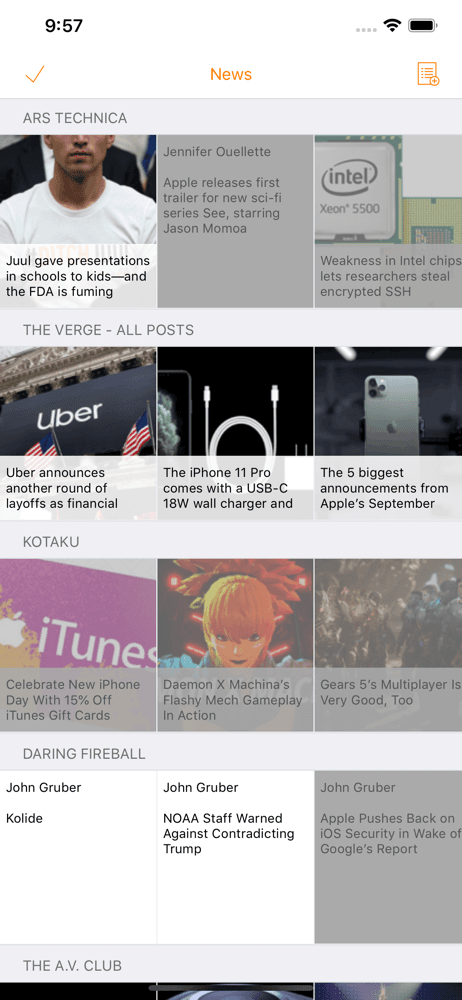
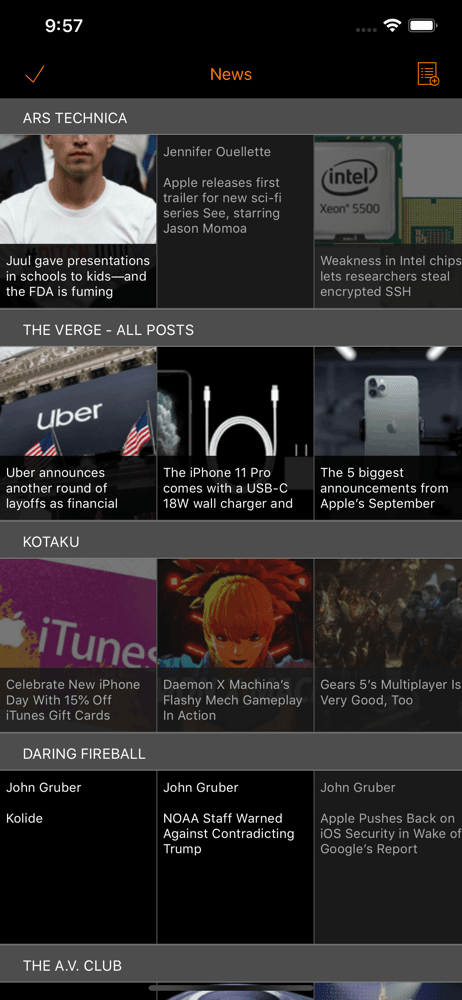
Heartfeed is a smaller indie RSS reader with a 4.76 average from 89 ratings — high enthusiasm in a tiny user base. The pitch is simple, focused RSS reading without the feature load of Feedly or Inoreader. Compared with feeeed, Heartfeed is smaller and earlier-stage but follows a similar indie ethos. Compared with Unread, Heartfeed is newer with less established polish. Real use case: a user who wants to support indie developers in the RSS space and try a fresh alternative to the established players. Free tier covers basic feed reading. Tradeoff: the very small rating count means unproven at scale and feature parity with established readers is uncertain. The 4.76 average is encouraging but should be treated as early-adopter enthusiasm rather than mature-product validation. Best for users curious about newer indie entries in the category who don't mind being early to a smaller user base.
Pros
- Strong 4.76 early-review average from passionate indie-RSS enthusiasts
- Focused simple reading experience without bloat of bigger players
- Supports indie developers in the RSS reader space directly
Cons
- Very small rating sample at 89 reviews limits confidence in average
- Unproven at scale — feature parity with established readers is uncertain

- Rating
- 4.4
- Reviews
- 124
- Price
- Paid
- 90-day trend
- —
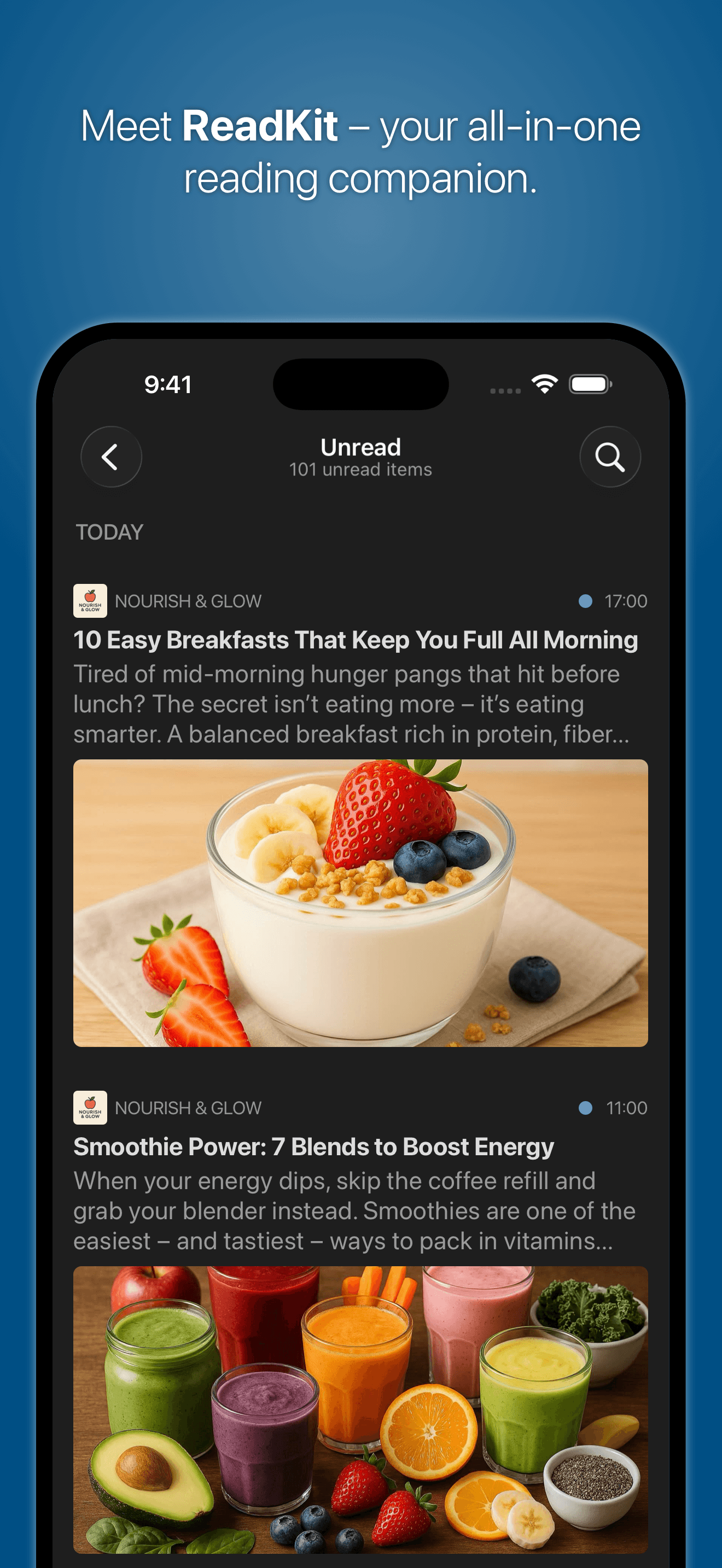
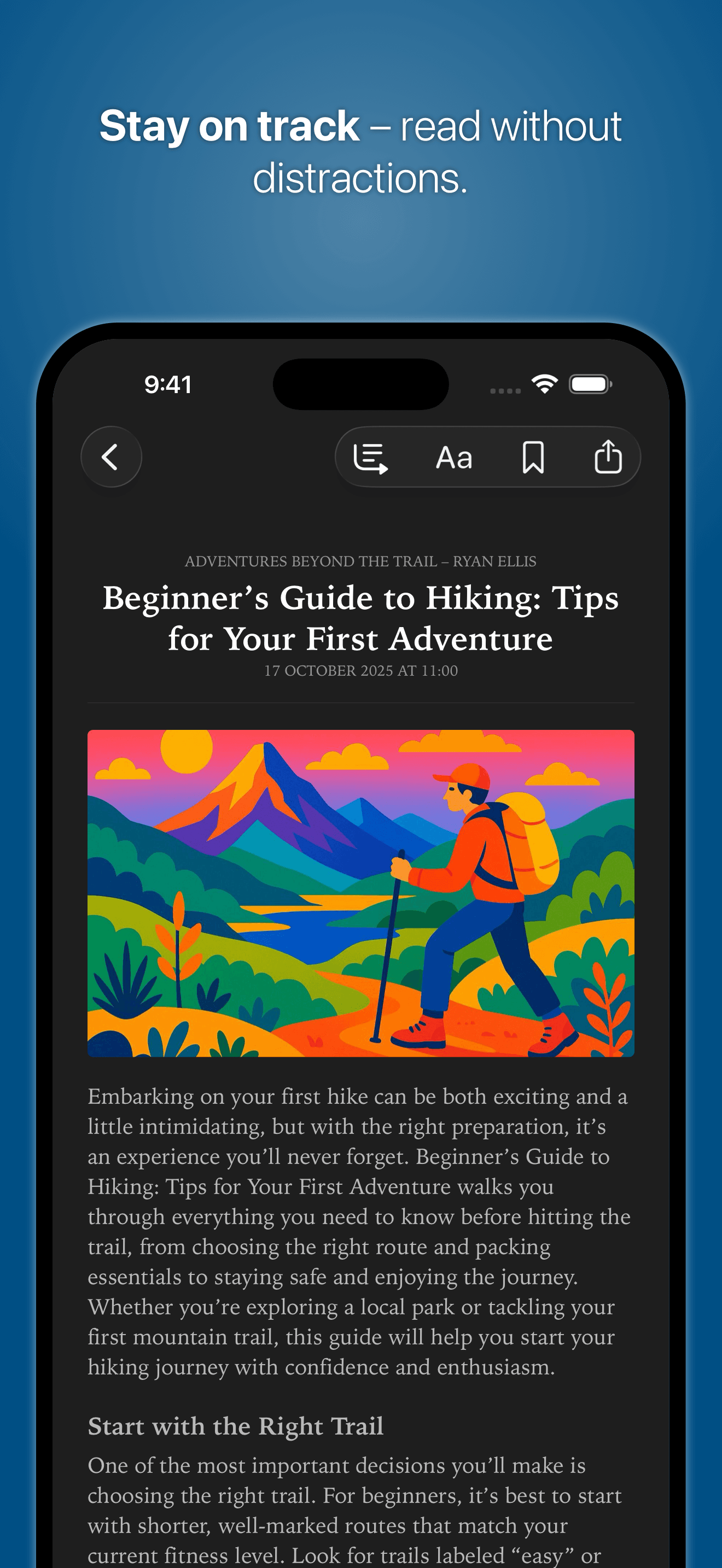
ReadKit is the best RSS reader for users who want a unified hub combining RSS, read-later (Instapaper, Pocket, Pinboard), and Twitter (when API permits) in one app. The pitch is consolidation: stop switching between three reading apps and use one. Compared with Feedly, ReadKit handles multiple service back-ends simultaneously. Compared with Reeder, ReadKit's read-later integration is deeper. Real use case: a knowledge worker who wants RSS feeds, Instapaper articles, and Pinboard bookmarks in one reading inbox without app-switching. The 4.39 from 125 ratings reflects steady use among the consolidation crowd. Free tier exists with limited features. Tradeoff: smaller user base means slower update cadence, and the broader scope creates more setup complexity than a focused RSS-only reader. Best for users who already use Instapaper or Pinboard and want them unified with RSS in a single app.
Pros
- Unifies RSS, Instapaper, Pocket, and Pinboard in single reading hub app
- Reduces app-switching for users with content in multiple reading services
- Free tier exists for users wanting to test the consolidation approach
Cons
- Smaller user base means slower update cadence than focused single-purpose readers
- Broader scope creates more setup complexity than RSS-only alternatives


How we picked
### Data sources Live App Store metadata, ratings, and recent review samples pulled via our iTunes ingestion pipeline. Ratings shown in this article are current as of the most recent crawl, not stale snapshots. Review themes weighted toward the last 90 days.
### How we score Five weighted axes: sync model (cloud service like Feedly/Inoreader/iCloud, or self-hosted like FreshRSS), reading experience (typography, dark mode, font choice, image handling), filtering and rules, OPML import/export support, and integration with read-later apps (Instapaper, Pocket, Readwise Reader).
### Refresh cadence Reviewed every six months. The category moves slowly — most major players are mature and stable — so refresh cadence is driven by indie launches and pricing changes rather than rapid feature evolution.
### What we exclude Apps that don't support standard OPML import/export (a non-starter for serious RSS users). Apps that rely on proprietary services without third-party feed compatibility. Apps with fewer than 50 ratings unless they have a clear cult following and active development.
### What we don't do We do not host or recommend specific RSS feeds. We do not provide opinions on which news sources to subscribe to. We do not accept paid placement; picks are editorial. Feed curation is personal; the best reader is one that gets out of your way and lets you build your own information diet.