



Best Recipe Apps for iPhone
By App Store Tracker Editorial · Updated — App Store ratings fetched to
The short version
The best recipe app for iPhone in 2026 is NYT Cooking — 4.91 stars across 534K U.S. ratings, with the deepest professional recipe library and the best editorial quality on the App Store. Tasty (BuzzFeed) ties on rating with strong free video-driven content. Paprika leads on personal recipe organization, ReciMe leads on web imports and meal planning, and SuperCook is the standout for cooking from what's already in your pantry. Most of these apps split between editorial libraries (NYT, Tasty) and personal organizers (Paprika, Recipe Keeper).
Jump to a pick↓
Recipe apps for iPhone in 2026 fall into two camps, and the right pick depends on whether you want recipes given to you or recipes organized for you. The 10 apps on this list split that way — editorial libraries (NYT Cooking, Tasty, BigOven, Starbucks Secret Menu) hand you curated content; personal organizers (Paprika, Recipe Keeper, ReciMe, RecipeBox, OrganizEat) help you save, scale, and meal-plan your own collection from the web, cookbooks, or memory. SuperCook is the niche outlier — it asks what's in your kitchen and suggests recipes you can make right now. NYT Cooking and Tasty share the top of the ratings table at 4.91 stars each. The personal-organizer category is where the App Store still has serious craft — Paprika at 4.9 is built for serious home cooks. Pick by failure mode: too many tabs open of half-saved recipes (Paprika), no idea what to cook (NYT), wilting vegetables in the crisper (SuperCook).
Best Recipe Apps for iPhone compared
| App | Best for | Rating | Price | Last update |
|---|---|---|---|---|
| 1. NYT Cooking: Quick Tasty Meals | Best Overall | 4.9 (548K) | Free | Oct 15, 2026 |
| 2. Tasty: Recipes, Cooking Videos | Best Free | 4.9 (432.8K) | Free · IAP | Oct 8, 2026 |
| 3. ReciMe: Recipes & Meal Planner | Best Imports | 4.8 (312.8K) | Free · IAP | Oct 5, 2026 |
| 4. Paprika Recipe Manager 3 | Best Apple-Native | 4.9 (54.1K) | $4.99 | Jul 16, 2026 |
| 5. Recipe Keeper | Best for Meal Planning | 4.8 (30.9K) | Free · IAP | Apr 9, 2026 |
| 6. SuperCook Recipe By Ingredient | Best for Pantry | 4.8 (21.8K) | Free | Jun 15, 2022 |
| 7. Your Secret Menu for Starbucks | Best for Quick Meals | 4.7 (15.6K) | Free | Aug 17, 2026 |
| 8. BigOven Recipes & Meal Planner | Best for Healthy Eating | 4.7 (14.1K) | Free · IAP | Sep 23, 2026 |
| 9. RecipeBox - Save Your Recipes! | Best Voice | 4.7 (14K) | Free · IAP | Aug 7, 2026 |
| 10. Recipe Keeper Box - OrganizEat | Best for Bakers | 4.8 (8.4K) | Free · IAP | Oct 11, 2026 |
US App Store ratings, prices and update dates from Apple.
- Rating
- 4.9
- Reviews
- 548K
- Price
- Free
- Last update
- Oct 15, 2026
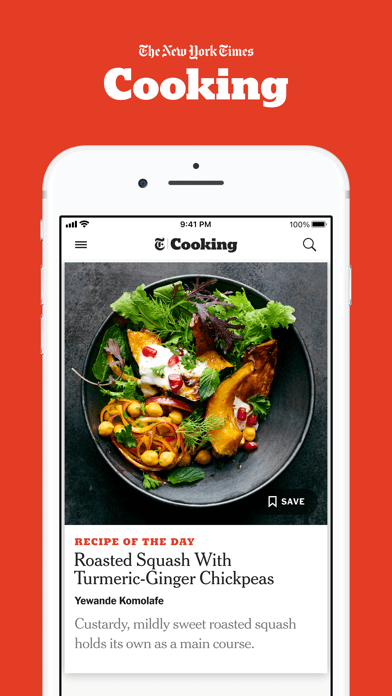
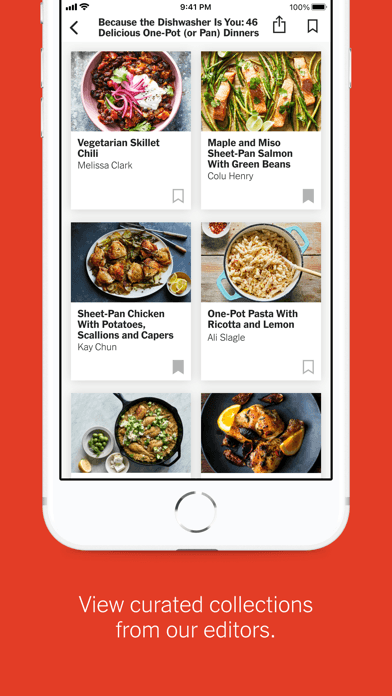
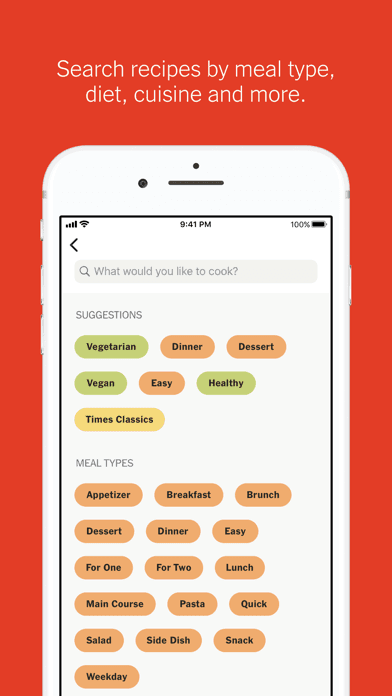
NYT Cooking is the best recipe app for iPhone in 2026 by both quality and breadth. With a 4.91-star average across 534,129 U.S. ratings, it's tied for the highest-rated pick on this list and built around the largest editorially tested recipe library on any app. Subscribers get the full NYT Cooking archive (thousands of recipes from the Times's food section back catalog), the weekly editorial menus, video technique content, and a personal recipe box with notes and ratings. NYT Cooking differs from Tasty by leaning professional rather than viral — the recipes are tested by recipe developers, not crowd-sourced, and the technique content is closer to a culinary school than a cooking video channel. A real scenario: you save 30 recipes over a year, the app surfaces them by season and occasion in personalized suggestions, and your private notes ('skipped the cumin, used half the salt') sit with each recipe forever. The tradeoff is the subscription gate (~$5/month) that gets you the full library. Best for serious home cooks who want trusted, tested recipes and don't mind paying.
Pros
- Largest professionally tested recipe library on any iPhone app
- Technique content and video walkthroughs at near culinary-school quality
- Personal recipe box with private notes that travel with each recipe permanently
Cons
- Requires NYT Cooking subscription (~$5/month) for full library access
- Editorial style favors ambitious cooking over weeknight quick-meal browsing
- Rating
- 4.9
- Reviews
- 432.8K
- Price
- Free · IAP
- Last update
- Oct 8, 2026
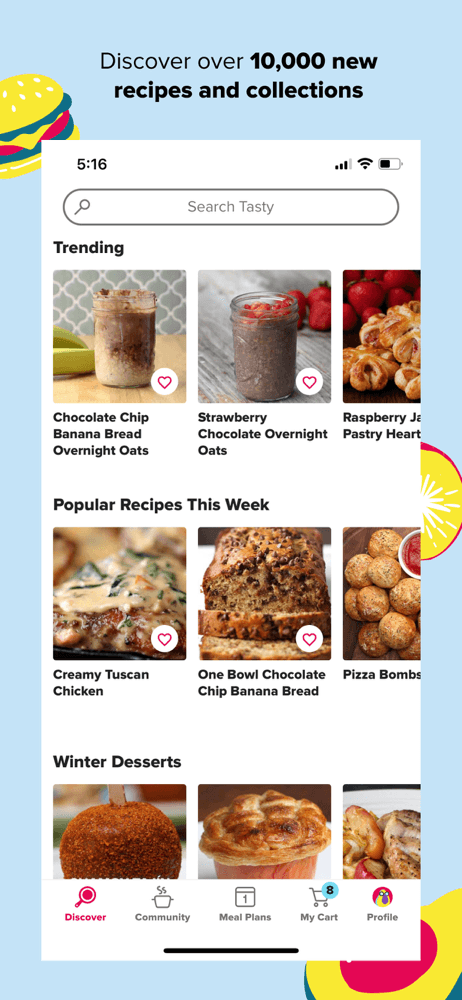
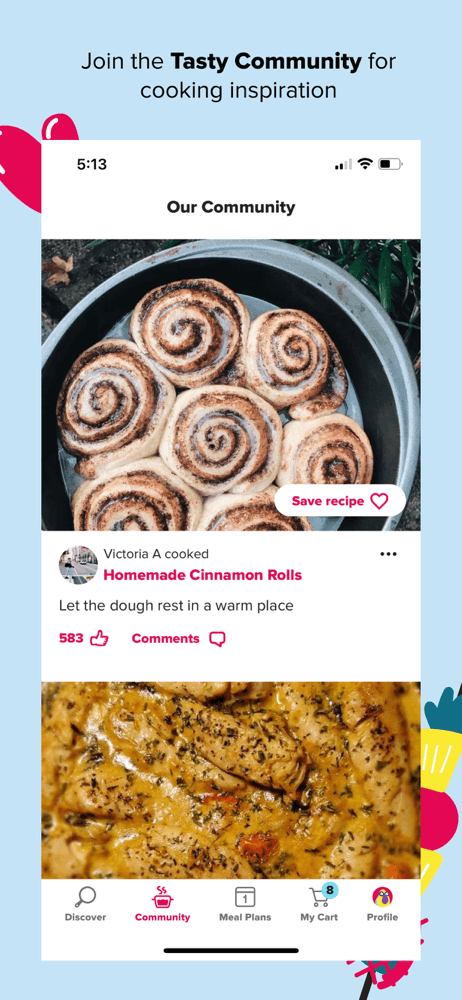
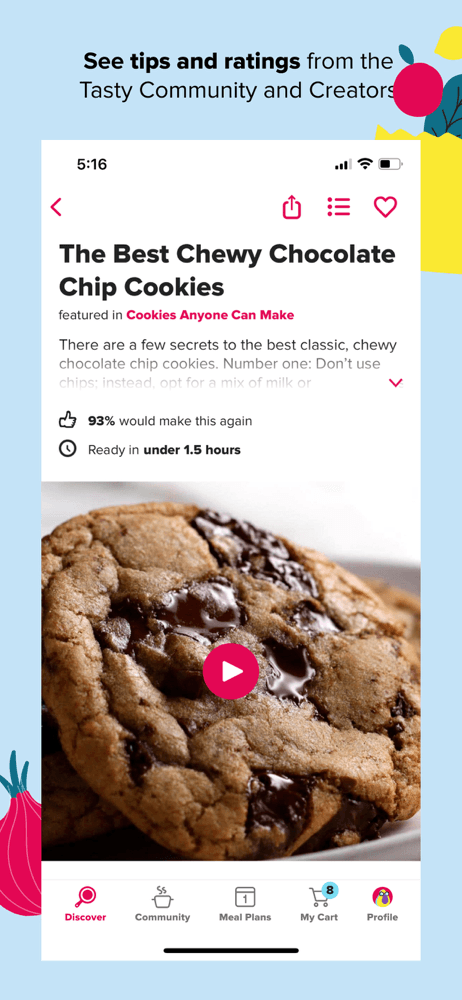
Tasty by BuzzFeed is the best free recipe app for iPhone, leading with video-driven content that made it a social-media phenomenon before becoming an app. With a 4.91 average across 432,317 U.S. ratings — tied with NYT Cooking for the highest rating on this list — Tasty offers video walkthroughs for thousands of recipes, meal-planning tools, a personal cookbook, and integrated grocery-list features. Tasty differs from NYT Cooking by being free with no paywall, and by leaning into approachable rather than ambitious cooking. A real scenario: you're picking up groceries on Sunday with no plan, you scroll Tasty for 30 seconds, save five recipes for the week, and Tasty builds your shopping list. The tradeoff is recipe quality varies more than NYT's because Tasty draws from a wider editorial pool — the video-first format favors visually striking dishes over technique depth, and reviewers occasionally describe recipes feeling under-tested versus NYT's standards. Best for casual cooks who want free recipes with strong video guidance.
Pros
- Completely free with video walkthroughs on most recipes
- Built-in meal planner and grocery list cover the full Sunday-cook-Wednesday flow
- 4.91-star rating across 432K U.S. ratings is the highest tied with NYT
Cons
- Video-first format favors visually striking dishes over technique depth
- Recipe quality varies more than NYT Cooking's curated pool
- Rating
- 4.8
- Reviews
- 312.8K
- Price
- Free · IAP
- Last update
- Oct 5, 2026
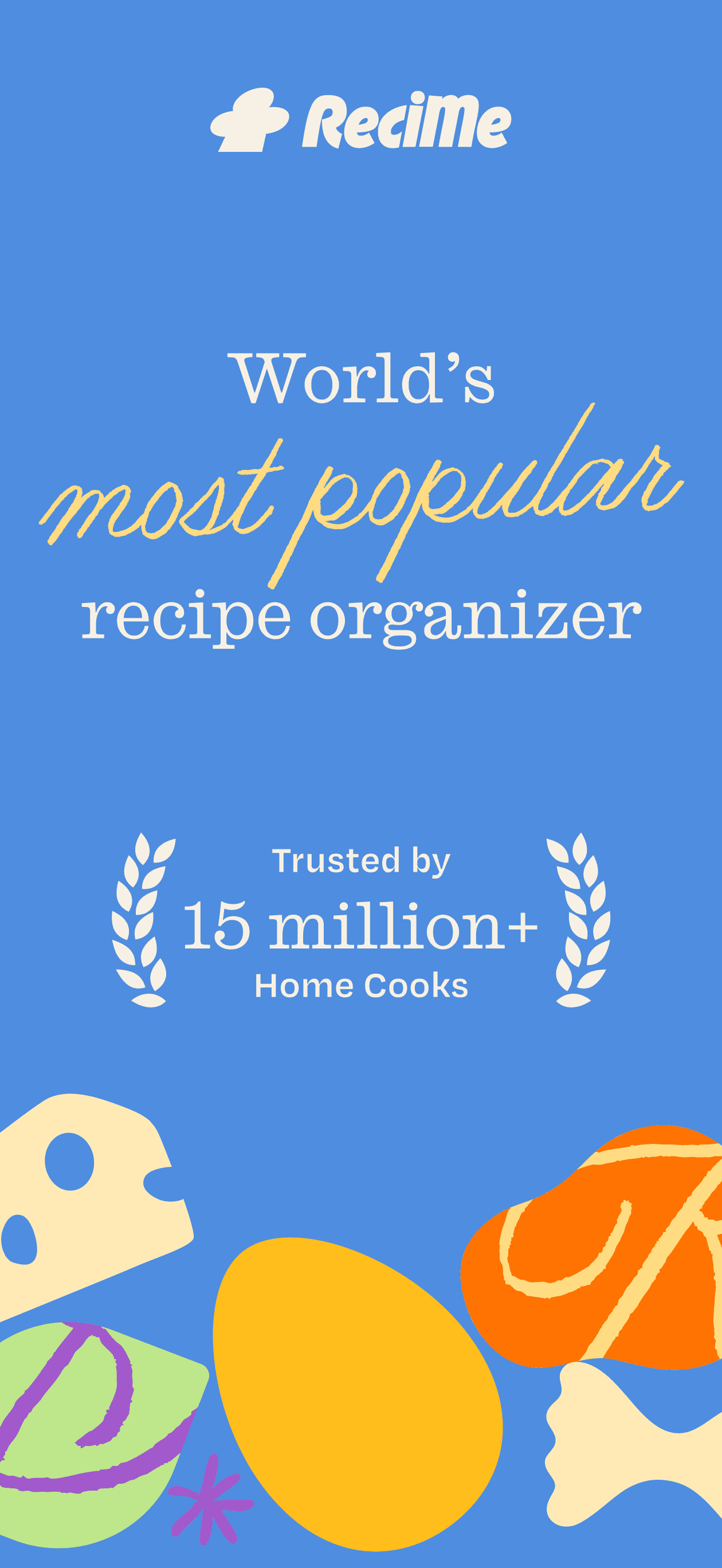
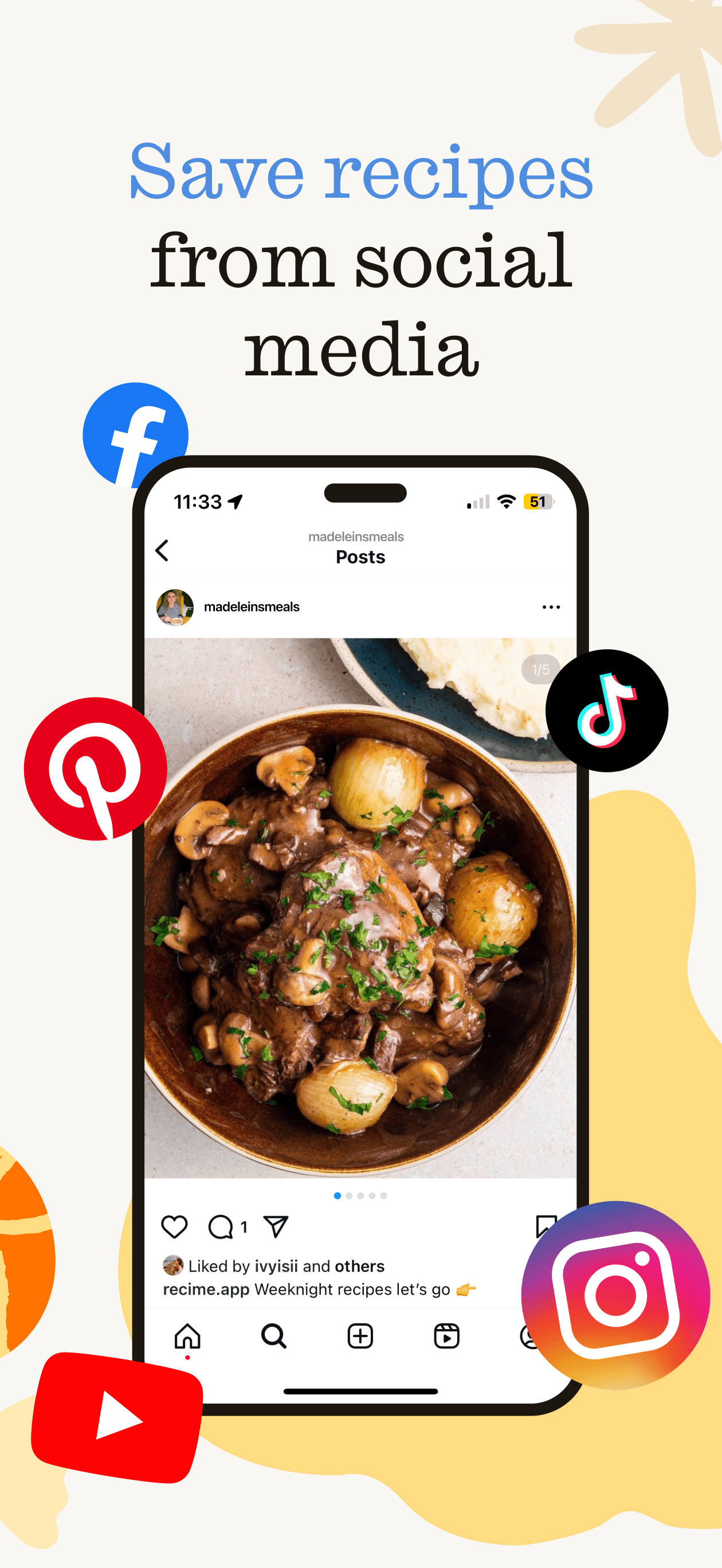
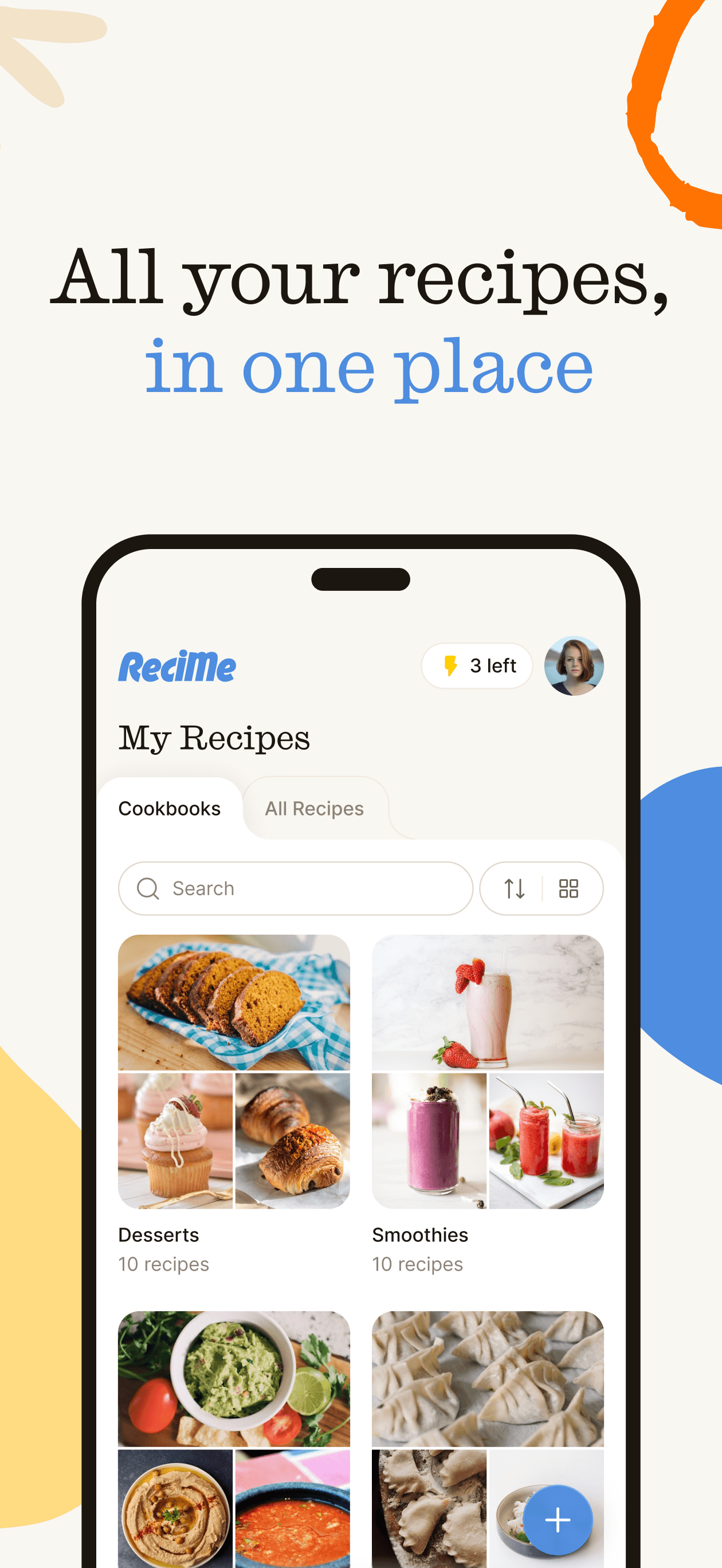
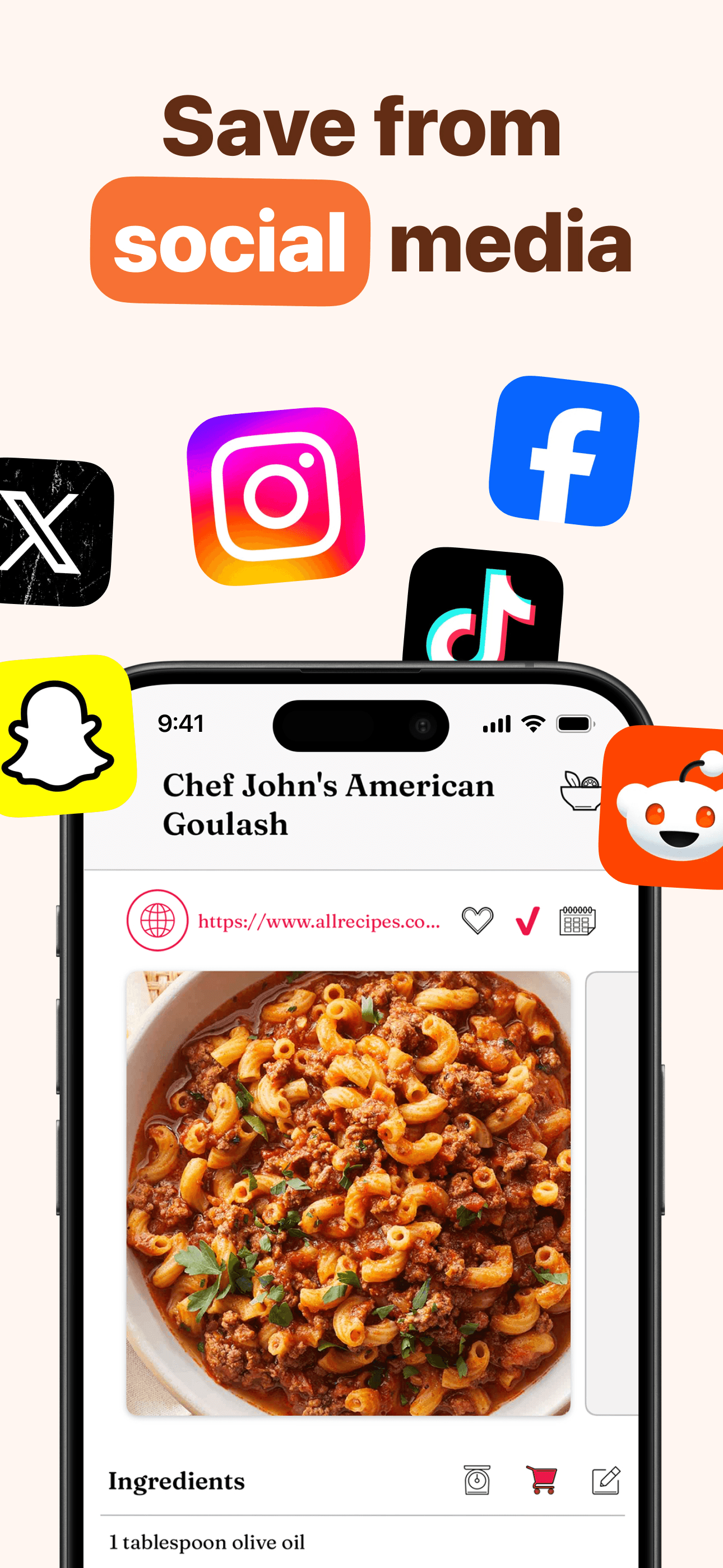
ReciMe is the best recipe app for iPhone users who want to save recipes from anywhere — websites, Instagram, TikTok screenshots, cookbook photos — into one organized library. The 4.8 average across 226,148 U.S. ratings reflects strong adoption of the AI-driven import features that handle non-standard sources better than competitors. ReciMe differs from Paprika by leading with import flexibility (AI parsing of social-media posts is the standout) and from NYT Cooking by being a personal organizer rather than an editorial library. A real scenario: you screenshot a TikTok cooking video, share it to ReciMe, the AI extracts the ingredients and steps into a clean recipe card, and the dish lands in your meal planner for next week. The tradeoff is the subscription model — reviewers consistently flag the pricing as a friction point, with several mentioning accidental subscriptions during trial signups. The free tier is functional but the strongest features sit behind a paywall. Best for people who collect recipes from social media and want one organized home.
Pros
- AI parsing handles Instagram, TikTok, and screenshot recipe imports cleanly
- Built-in meal planner with strong calendar and grocery integration
- Photo-OCR for cookbook scanning works on most cleanly printed pages
Cons
- Subscription pricing flagged as friction, especially around trial signups
- Free tier locks the strongest import features behind the paywall
- Rating
- 4.9
- Reviews
- 54.1K
- Price
- $4.99
- Last update
- Jul 16, 2026
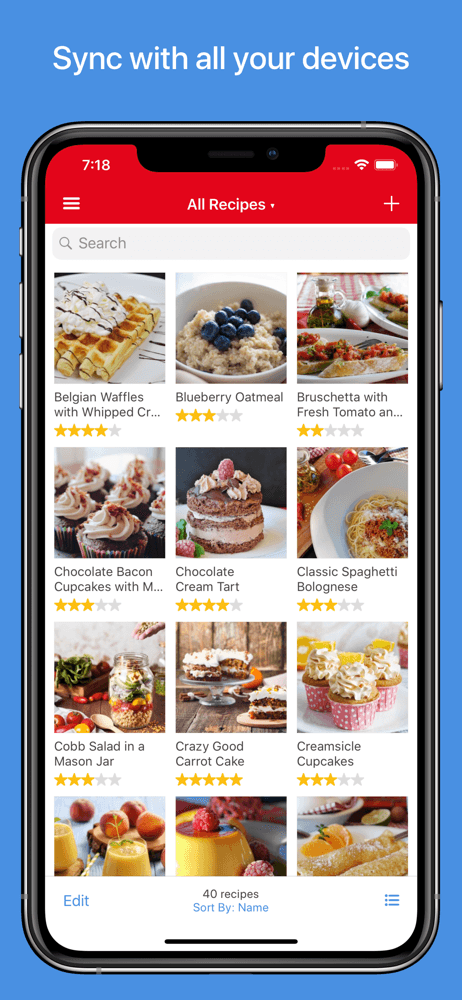
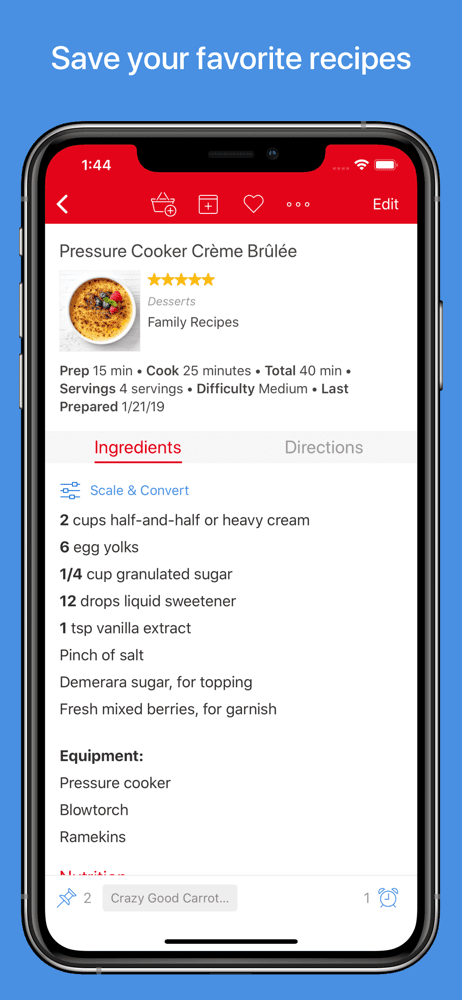
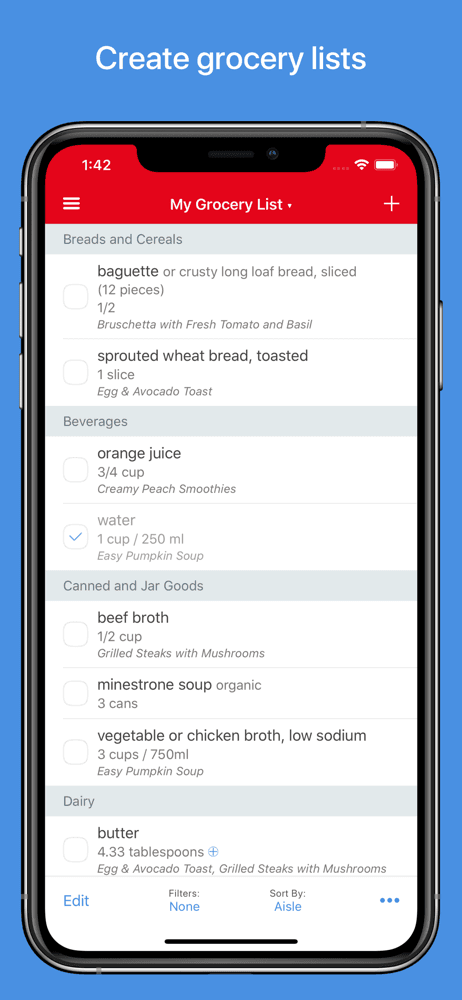
Paprika Recipe Manager 3 is the gold standard for iPhone users who organize their own recipes from websites, cookbooks, or memory. With a 4.9 average across 52,606 U.S. ratings, Paprika has earned a long-running reputation as the serious home cook's organizer. The signature: one-time purchase ($4.99 on iPhone, separate purchase on Mac/iPad) with no subscription, web-import parsing that handles thousands of recipe sites, ingredient scaling, meal planning, grocery list, and pantry tracking. Paprika differs from ReciMe by being subscription-free and from NYT Cooking by bringing your own recipes (no editorial library). A real scenario: you find a recipe on Bon Appétit's site, tap Share-to-Paprika, the app parses the recipe into clean ingredients and instructions, you scale it from 4 to 6 servings, and the grocery list updates automatically. The tradeoff is purchases don't transfer between platforms (iPhone, Mac, and iPad require separate purchases at ~$5 each), and the AI-import for non-standard sources lags ReciMe. Best for serious home cooks who want a permanent home for recipes without subscription overhead.
Pros
- One-time purchase ($4.99 on iPhone) — no subscription overhead ever
- Web-import parser handles thousands of recipe sites reliably
- Ingredient scaling, meal planner, grocery list, and pantry tracking all built in
Cons
- Separate purchases required on iPhone, Mac, and iPad — no universal license
- AI-import for non-standard sources lags ReciMe's parsing
- 5
 Get on App Store
#5Recipe KeeperBest for Meal Planning
Tudorspan Limited
Meal planner & shopping list
- Rating
- 4.8
- Reviews
- 30.9K
- Price
- Free · IAP
- Last update
- Apr 9, 2026
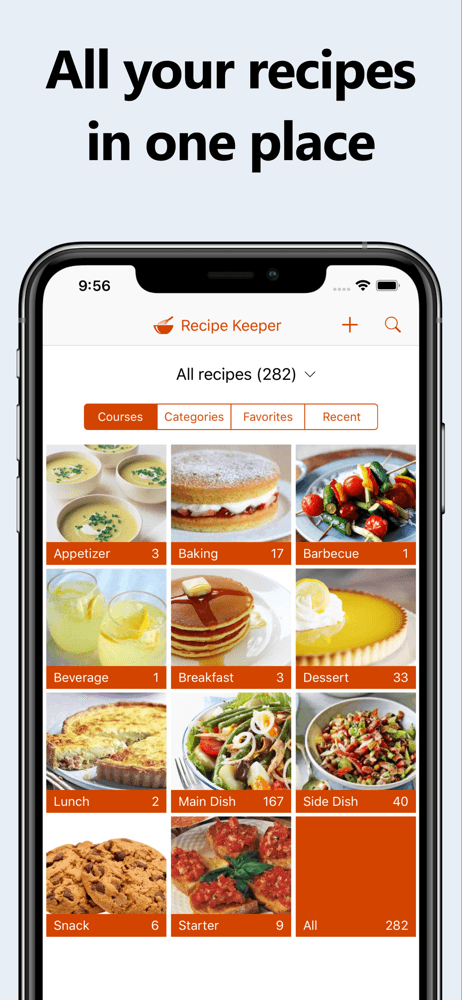
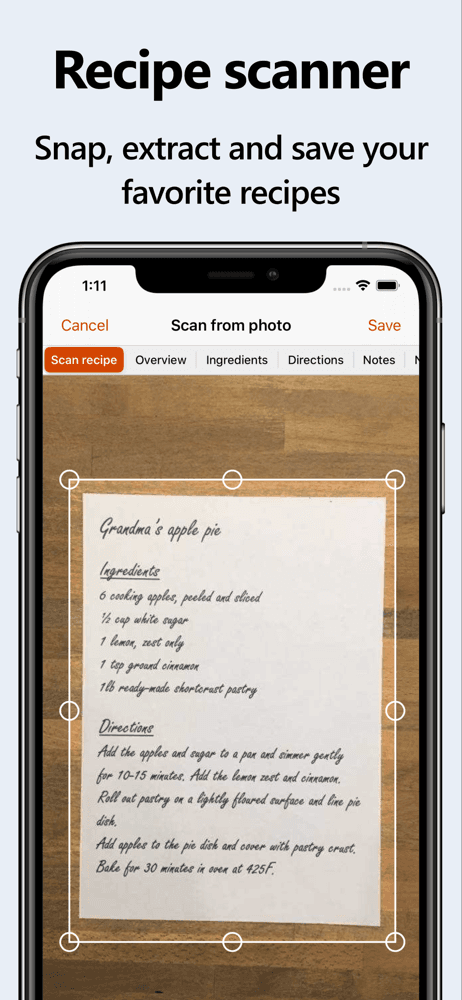
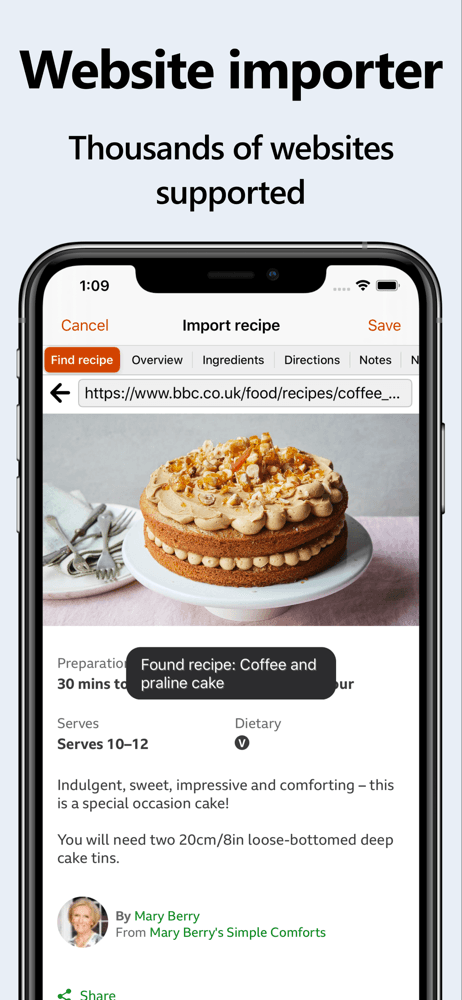
Recipe Keeper by Tudorspan is the best recipe app for iPhone users who want straightforward personal organization without the feature sprawl of Paprika or ReciMe. With a 4.84 average across 28,394 U.S. ratings, Recipe Keeper offers manual entry, web import, meal planner, shopping list, and photo attachments in a clean, no-frills interface. Recipe Keeper differs from Paprika by being lighter-weight and from ReciMe by skipping the AI-import surface. A real scenario: you type in your grandmother's lasagna recipe (handwritten on an index card), add a photo of the card, tag it 'family,' and assign it to next Sunday in the meal planner. Shopping list auto-generates from the planned meals. The tradeoff is import flexibility — Recipe Keeper's web parser handles common sites but stumbles on less-popular sources, and there's no social-media or photo-OCR import. The interface design is functional rather than delightful. Best for users who want clean personal organization without learning a power-user app.
Pros
- Clean, no-frills interface that's approachable for non-power-users
- Manual entry, web import, photo attachments, and meal planner all covered
- Free tier is genuinely usable without paywall pressure
Cons
- Web import handles common sites but stumbles on less-popular sources
- Interface design is functional rather than polished
 Free · IAPSee full data on Recipe Keeper →
 - 6
 Get on App Store
#6SuperCook Recipe By IngredientBest for Pantry
AMR Systems LLC
Recipes that use what you have
- Rating
- 4.8
- Reviews
- 21.8K
- Price
- Free
- Last update
- Jun 15, 2022
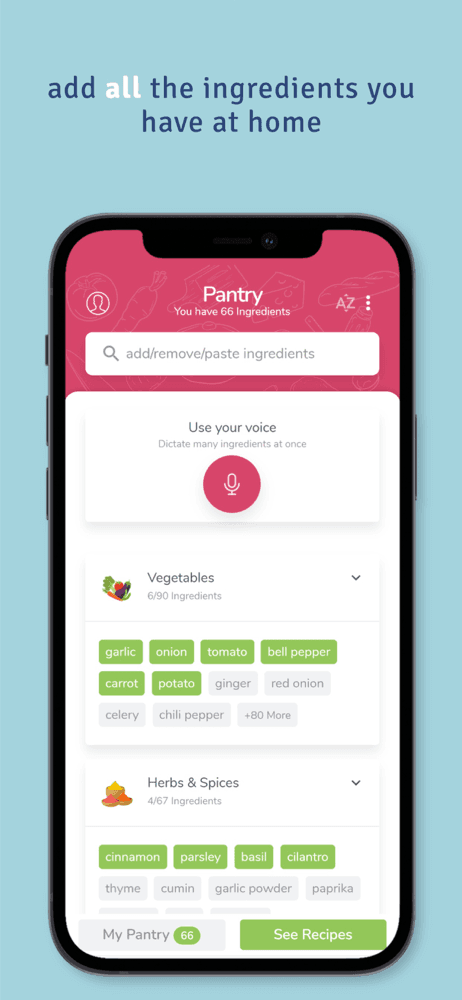
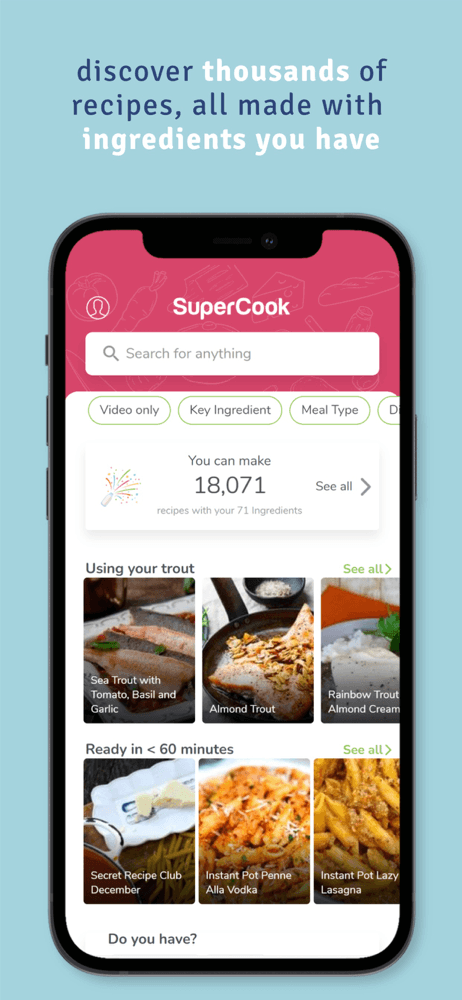
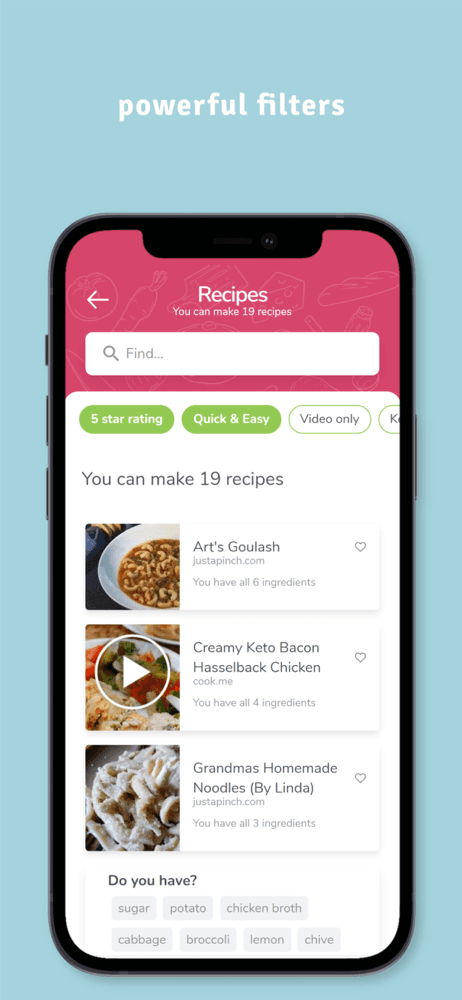
SuperCook is the best recipe app for iPhone users who cook from what they already have rather than going shopping for a specific dish. The premise: you check off ingredients in your pantry, fridge, and freezer; SuperCook returns recipes that use only those ingredients. The 4.82 average across 21,435 U.S. ratings reflects strong adoption among home cooks who treat reducing food waste as a daily problem. SuperCook differs from every other pick by being ingredient-first rather than recipe-first — you don't browse for inspiration, you start from inventory. A real scenario: it's Tuesday at 6 PM, you check off the seven items you've got (chicken, rice, two limes, garlic, soy sauce, ginger, scallions), SuperCook surfaces 12 matching recipes, you pick a ginger-lime chicken and start cooking in 30 seconds. The tradeoff is recipe quality varies — SuperCook pulls from a wide aggregated pool and not every recipe is tested. Best for weeknight improvisation, less so for special-occasion cooking. Free with optional Premium for advanced filters.
Pros
- Ingredient-first search finds recipes that use exactly what's in your pantry
- Reduces food waste by surfacing recipes for what's about to expire
- Free core feature with optional Premium for advanced filters
Cons
- Recipe quality varies because the aggregated pool isn't editorially tested
- Less useful for special-occasion or ambitious cooking
- 7
 Get on App Store
#7Your Secret Menu for StarbucksBest for Quick Meals
Anthem Ventures LLC
Secret coffee drinks & recipes
- Rating
- 4.7
- Reviews
- 15.6K
- Price
- Free
- Last update
- Aug 17, 2026
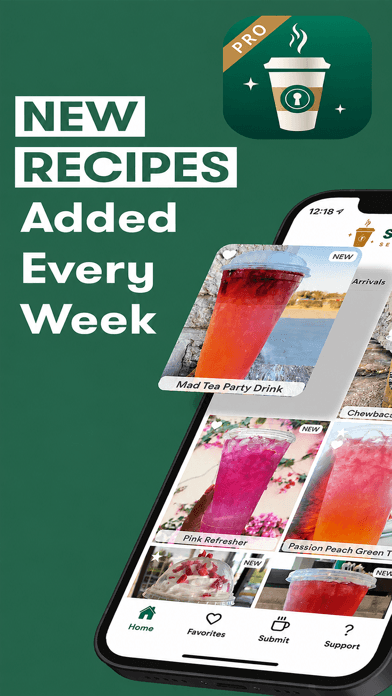
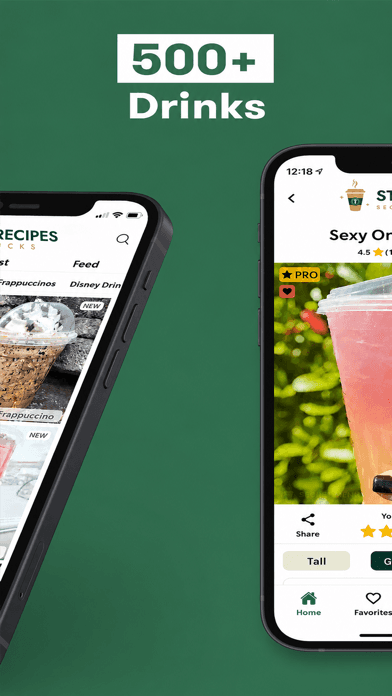
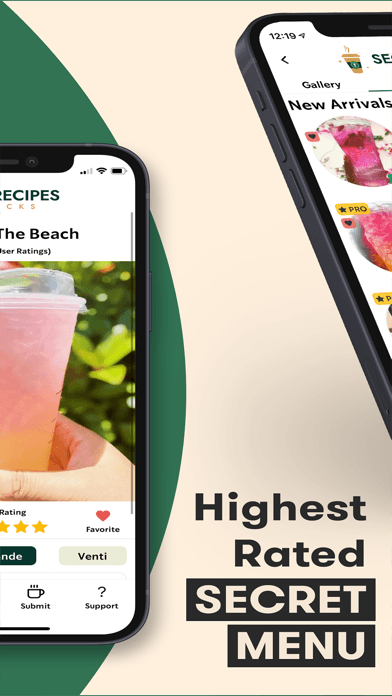
Starbucks Secret Menu Plus is a niche app focused on the viral 'secret menu' drinks — custom Starbucks orders combining standard menu items into named drinks (cotton candy frappuccino, butterbeer latte, captain crunch coffee). With a 4.74 average across 15,294 U.S. ratings, the app's appeal is narrow but devoted: it's a curated catalog of community-invented orders with ingredients, modifications, and ordering instructions. Starbucks Secret Menu Plus differs from every other pick on this list by not being a real recipe app — it's an ordering reference for one coffee chain. A real scenario: you're in the Starbucks drive-through line, you browse the app for a fun drink to try, you order 'a tall iced caramel macchiato with vanilla syrup, java chips, and extra caramel drizzle' as written, and the barista nods. The tradeoff is depth — the app does one specific thing for one specific chain. Reviewers describe the subscription gate as misleading; the in-app upsell pattern is the dominant complaint. Best for Starbucks loyalists who want viral-drink ideas in one place.
Pros
- Curated catalog of viral 'secret menu' Starbucks orders with full ingredients
- Useful for ordering quickly in the drive-through line without inventing your own
- Community-driven content with frequent additions
Cons
- Subscription gate flagged as misleading in recent reviews
- Narrow scope — Starbucks-only, not a real recipe app
- 8
 Get on App Store
#8BigOven Recipes & Meal PlannerBest for Healthy Eating
BigOven.com
With Grocery List & More
- Rating
- 4.7
- Reviews
- 14.1K
- Price
- Free · IAP
- Last update
- Sep 23, 2026
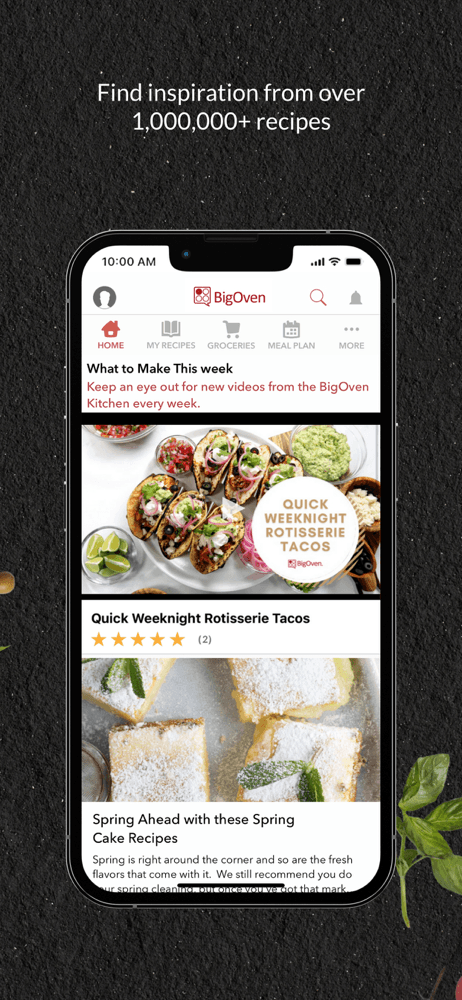
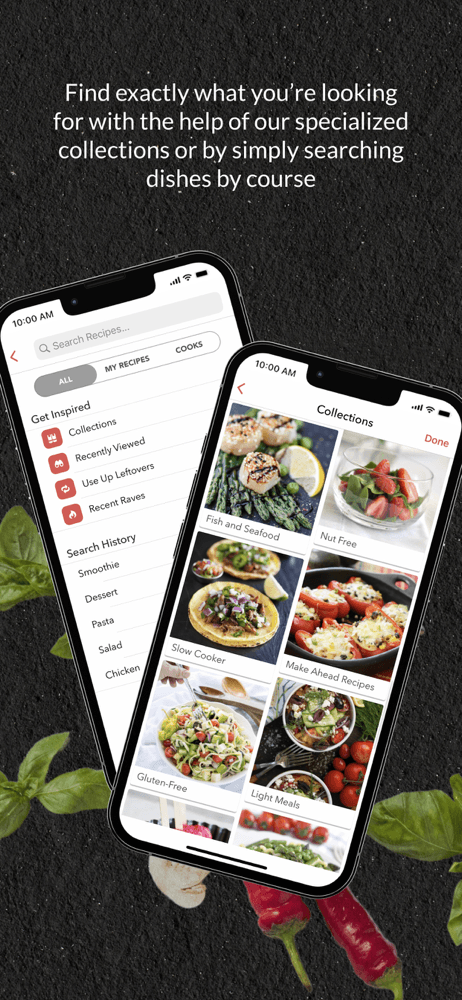
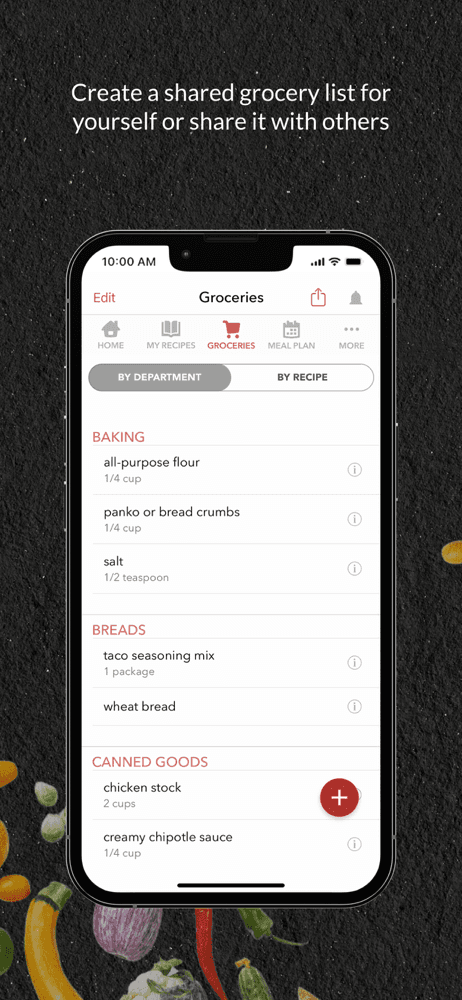
BigOven is one of the older recipe apps on iPhone, originally launched when 'recipe app' meant a desktop website plus a mobile companion. With a 4.71 average across 13,822 U.S. ratings, BigOven offers a recipe library, meal planner, grocery list, and a leftover-tracker (specifically: enter what you have left from last night's cooking, and the app suggests what to make with it). BigOven differs from SuperCook by combining pantry-driven and traditional browsing modes, and from Paprika by being subscription-based rather than one-time purchase. A real scenario: you cooked too much chicken last night, you log the leftovers, BigOven surfaces three recipes that use cold chicken plus stuff you've got, and dinner's planned. The tradeoff is the interface feels closer to 2017 than 2026, and reviewer complaints around subscription billing and grandfathered-feature loss are a dominant negative theme — long-time users describe core features moving behind paywalls over the years. Best for users who want leftover-tracker functionality and don't mind the older interface.
Pros
- Leftover-tracker is unique among recipe apps — log what you have, get matches
- Recipe library, meal planner, and grocery list integrated in one app
- Long-running app with mature feature set
Cons
- Interface feels older than 2026 competitors
- Reviewers describe core features moving behind paywalls over the years
- Rating
- 4.7
- Reviews
- 14K
- Price
- Free · IAP
- Last update
- Aug 7, 2026
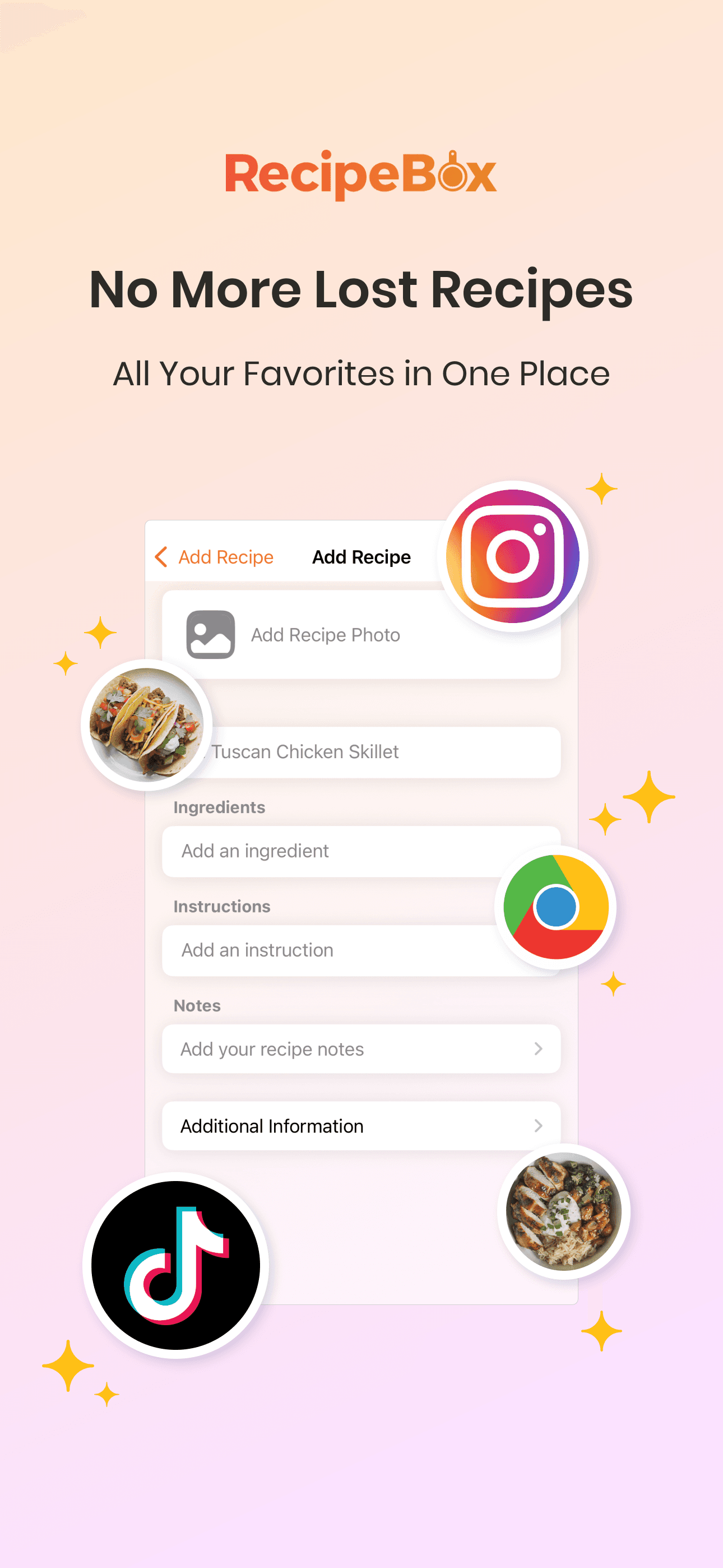
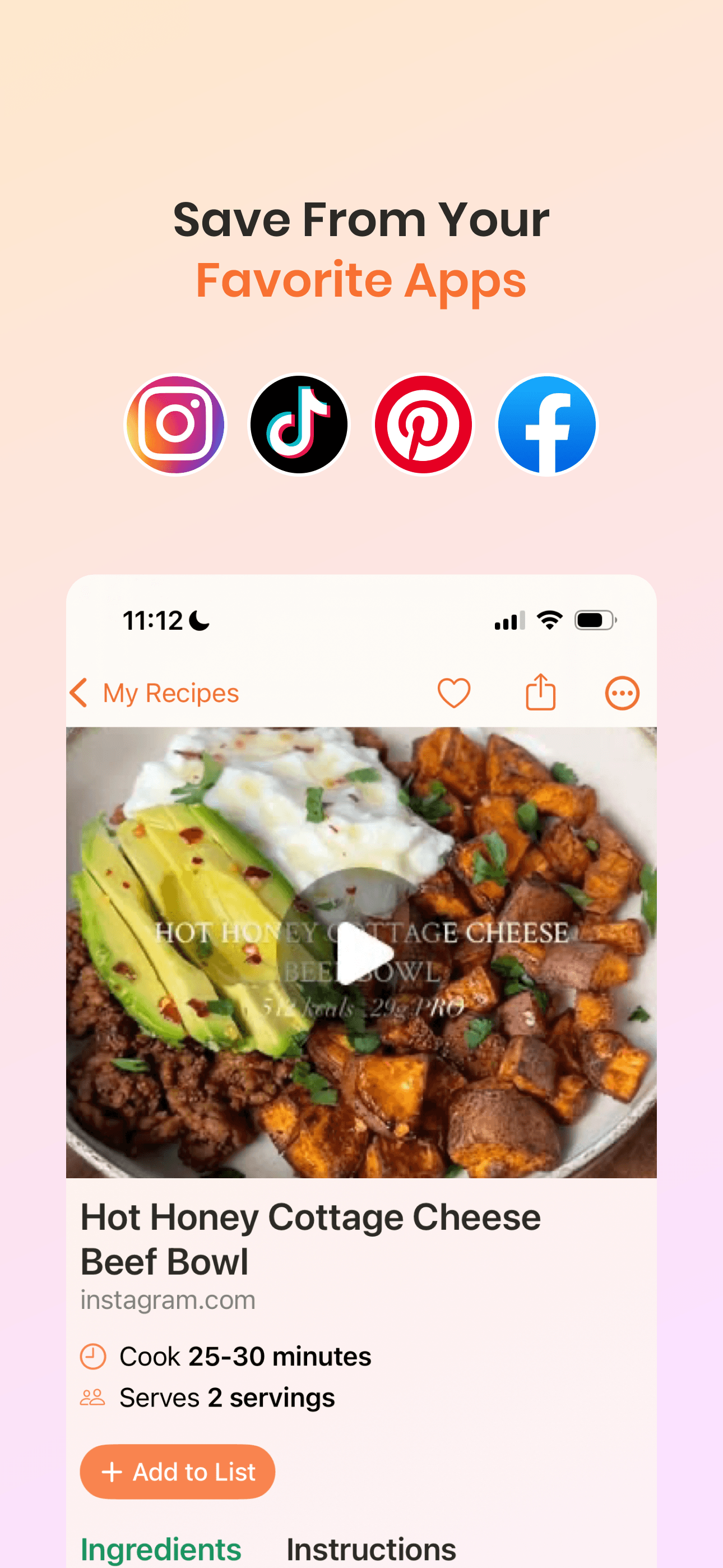
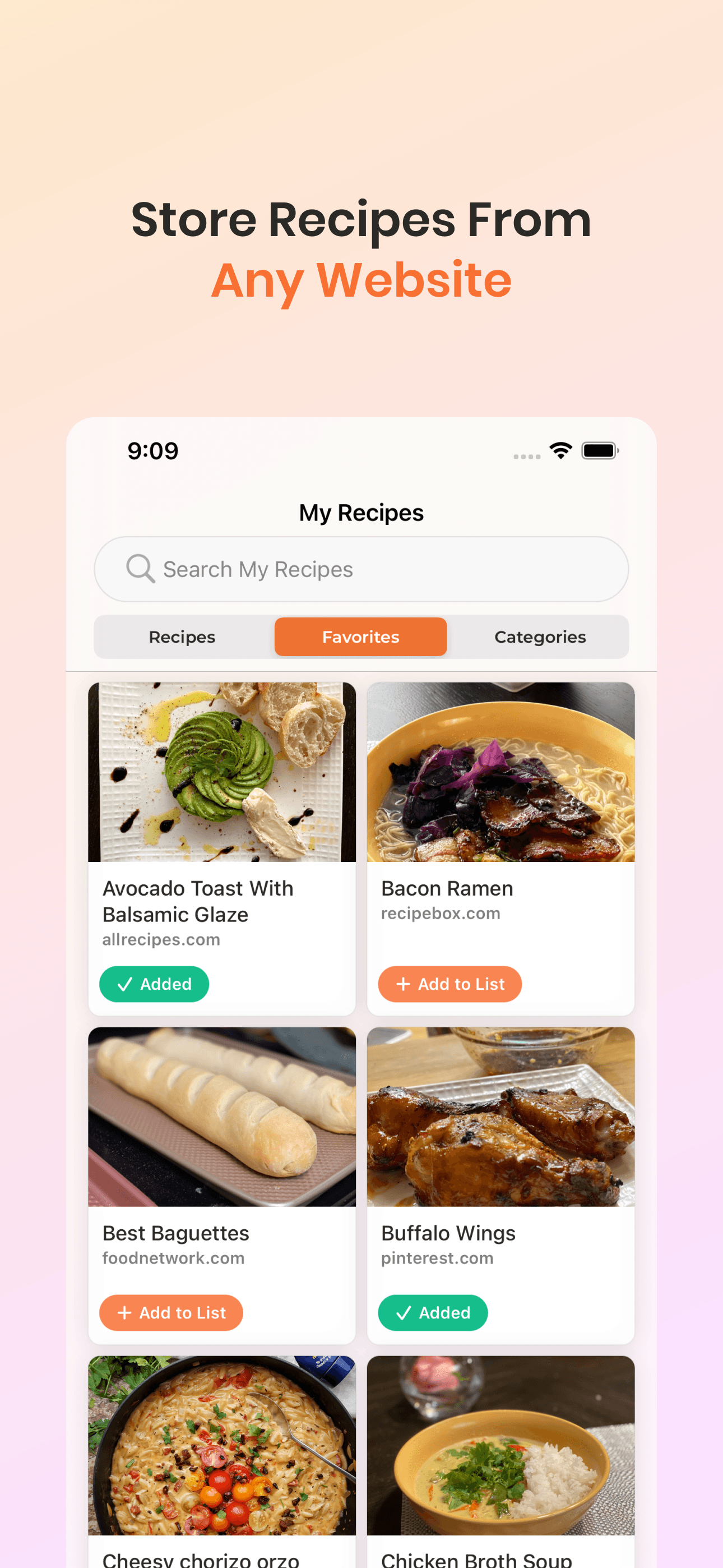
RecipeBox by RecipeBox LLC is a simple personal recipe organizer for iPhone users who want fewer features, not more. With a 4.69 average across 13,714 U.S. ratings, the app offers manual entry, web import, photo attachments, and category tagging in an interface designed to be approachable for non-power-users. RecipeBox differs from Paprika by being simpler and from Recipe Keeper by leaning even more toward minimal — there's no meal planner, no grocery list, no scaling, just a place to save recipes. A real scenario: you type in your aunt's chocolate chip cookie recipe, add a photo of the finished cookies, tag it 'desserts,' and find it again next month. That's the entire workflow. The tradeoff is depth — power users will outgrow the app quickly, and the lack of meal planning or grocery integration means you're keeping that workflow somewhere else. The web-import parser handles basic sites but not the long tail. Best for users who want a digital recipe-card box and nothing else.
Pros
- Approachable minimal interface for users who want fewer features
- Photo attachments and basic category tagging cover personal-organizer basics
- No subscription pressure on the core saving workflow
Cons
- No meal planner, grocery list, or recipe scaling
- Web-import parser handles basic sites but not the long tail
- Rating
- 4.8
- Reviews
- 8.4K
- Price
- Free · IAP
- Last update
- Oct 11, 2026
OrganizEat by ORGANIZEAT LTD is a personal recipe organizer optimized for capturing recipes from photos — handwritten cards, cookbook pages, magazine clippings, screenshots. With a 4.79 average across 7,947 U.S. ratings, it's the smaller pool on this list, but adoption is steady among users with significant physical cookbook collections to digitize. OrganizEat differs from Paprika by leading with photo-OCR rather than web import, and from ReciMe by being simpler in feature scope (no social-media AI, no advanced meal planning). A real scenario: you've got a shoebox of handwritten family recipes from your grandmother, you photograph each one over a weekend, OrganizEat OCRs the ingredients and instructions into clean cards, and the entire collection lives in your pocket. The tradeoff is the photo-OCR works best on cleanly printed pages and struggles with messy handwriting — you'll spend time correcting parsed text. The web-import surface is functional but lighter than Paprika's. Best for users digitizing physical cookbooks and recipe cards.
Pros
- Photo-OCR pipeline optimized for cookbooks, recipe cards, and magazine clippings
- Cleanly captures handwritten and printed recipes for digitizing physical collections
- Free tier is functional for casual users
Cons
- OCR struggles with messy handwriting and requires correction time
- Web-import surface is lighter than Paprika's


How we picked
### Data sources We combine live App Store data (ratings, recent reviews, version cadence, pricing, screenshots) with our own ranking tracker, which logs U.S. Food & Drink category positions daily for every app. Review themes come from the most recent U.S. reviews per app, weighted toward the last 90 days.
### How we score Four weighted axes: recipe quality (editorial standards, tested-versus-user-submitted ratio, photo and instruction craft), import and organization (URL parsing, photo OCR, cookbook scanning, tag and search), meal planning and grocery (shopping list build, calendar view, partner sharing), and free-tier usefulness (what's behind a paywall versus what's truly free).
### Refresh cadence The top-10 set is re-scored monthly. Ratings, ranks, and review-theme analysis refresh daily. When an app changes pricing, drops below 4.0 stars, or removes a feature that drove its ranking (such as free web imports going behind a paywall), it gets re-evaluated within the week — not at the next monthly window.
### What we exclude Apps with an average below 4.0 stars, fewer than a few hundred ratings on the current version, or no update in nine months. Cookbook-app companion editions tied to a single physical book are excluded — they're products, not recipe-app platforms. Diet-specific apps (Whole30, keto-only, AIP-only) are evaluated against the broader category, not given separate slots; for those, see our diet-specific lists.
### What we don't do No affiliate-driven ordering. Referral commissions from grocery-delivery integrations don't bump apps. We don't take sponsorship from listed apps. If a pick shifts, it's because the data shifted — pricing, ratings, review themes, or removed features. We don't evaluate recipe success rates ourselves; we use review themes to surface tested-versus-untested patterns.