



Best Read-Later Apps for iPhone
By App Store Tracker Editorial · Updated — App Store ratings fetched to
The short version
The best read-later app for iPhone in 2026 is Instapaper — the 17-year-old original still nails the core job at 4.6 stars from 3,512 ratings with the cleanest reading experience in the category. Anybox is the runner-up at 4.72 stars for users who want a bookmark manager that doubles as a read-later vault. Readwise Reader leads for power users ingesting articles, newsletters, RSS, and PDFs into one place. Other picks cover niche reading workflows: book TBR tracking, ebook reading, podcast queues, and planner-based reading habits.
Jump to a pick↓
Read-later apps split into three real workflows: classic article savers (Instapaper, Pocket-style), modern knowledge tools (Readwise Reader, Matter), and bookmark managers that double as reading queues (Anybox, Raindrop). Pocket's recent shutdown left a gap, and the apps below filled it with very different approaches. We pulled live App Store ratings and review themes for every pick and weighted offline reading quality, highlight workflow, share-sheet capture, and what users actually do with saved content a week after saving. Adjacent reading tools — book TBR trackers, ebook readers, podcast queues — earned spots where they overlap with the read-later workflow, because for many users the question is less about article apps and more about managing everything they intend to read later across every format.
Best Read-Later Apps for iPhone compared
| App | Best for | Rating | Price | Last update |
|---|---|---|---|---|
| 1. PocketLife Calendar | Best for Reading Time Planning | 4.7 (41.7K) | Free · IAP | Sep 18, 2026 |
| 2. Reading List: Book Tracker | Best for Book Tracking | 4.8 (30.1K) | Free · IAP | Oct 4, 2026 |
| 3. Pocket Casts: Podcast Player | Best for Podcasts | 4.5 (16.2K) | Free | Oct 10, 2026 |
| 4. PocketBook Reader | Best for Ebooks | 4.5 (10.1K) | Free | Sep 3, 2026 |
| 5. Pocket Schedule Planner | Best for Students | 4.5 (8.3K) | Free · IAP | Apr 16, 2026 |
| 6. Instapaper | Best Overall | 4.6 (3.5K) | Free | Sep 21, 2026 |
| 7. Pocket Planner, Calendar, Note | Best with Notes | 4.7 (1.4K) | Free · IAP | Aug 29, 2026 |
| 8. Pocket Novel | Best for Fiction | 4.8 (1.3K) | Free · IAP | Sep 5, 2025 |
| 9. Anybox - Bookmark & Read Later | Best Minimalist | 4.7 (522) | Free · IAP | Sep 23, 2026 |
| 10. Readwise Reader | Best for Power Users | 4.6 (585) | Free | Oct 8, 2026 |
US App Store ratings, prices and update dates from Apple.
- 1Get on App Store
#1PocketLife CalendarBest for Reading Time Planning
OvalKey Ltd.
Calendar Organizer & Reminders
- Rating
- 4.7
- Reviews
- 41.7K
- Price
- Free · IAP
- Last update
- Sep 18, 2026
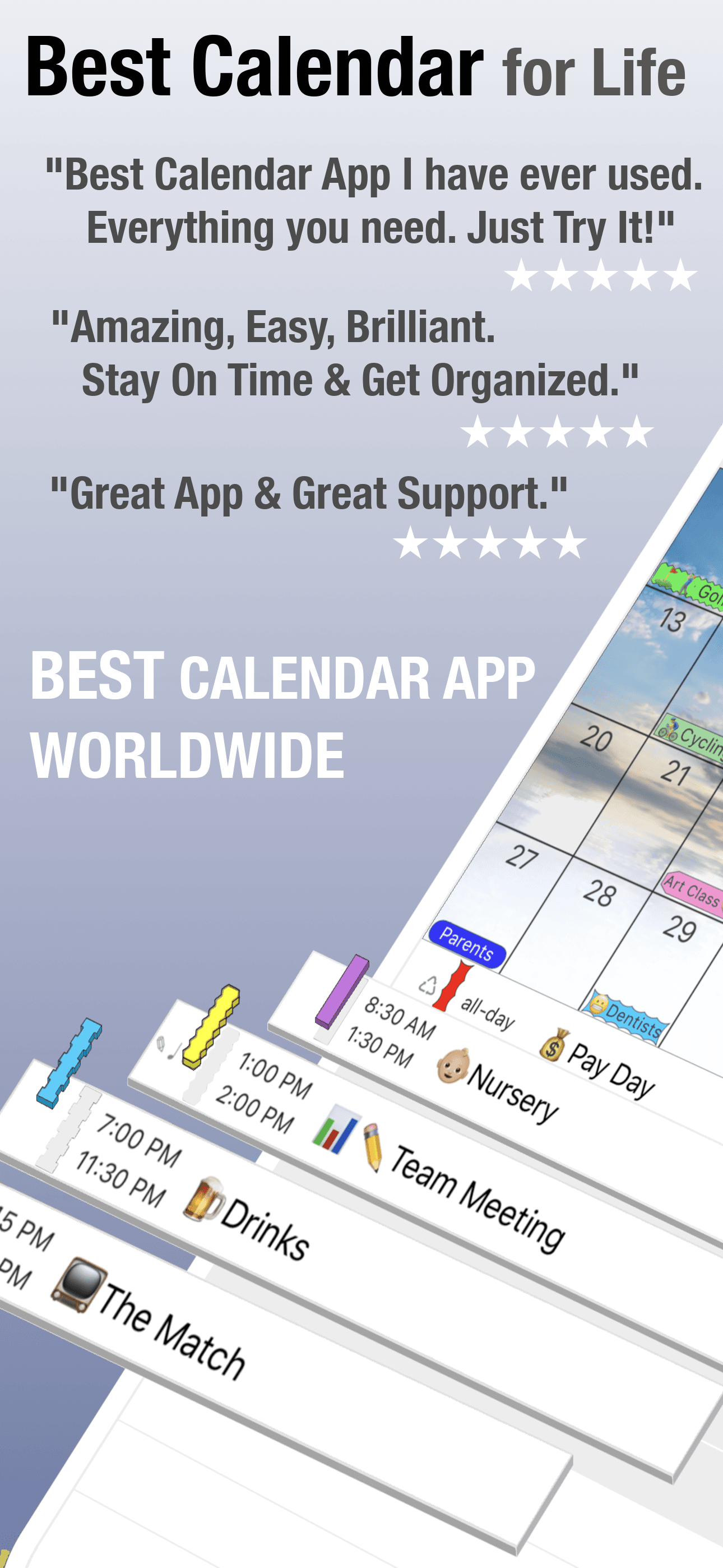
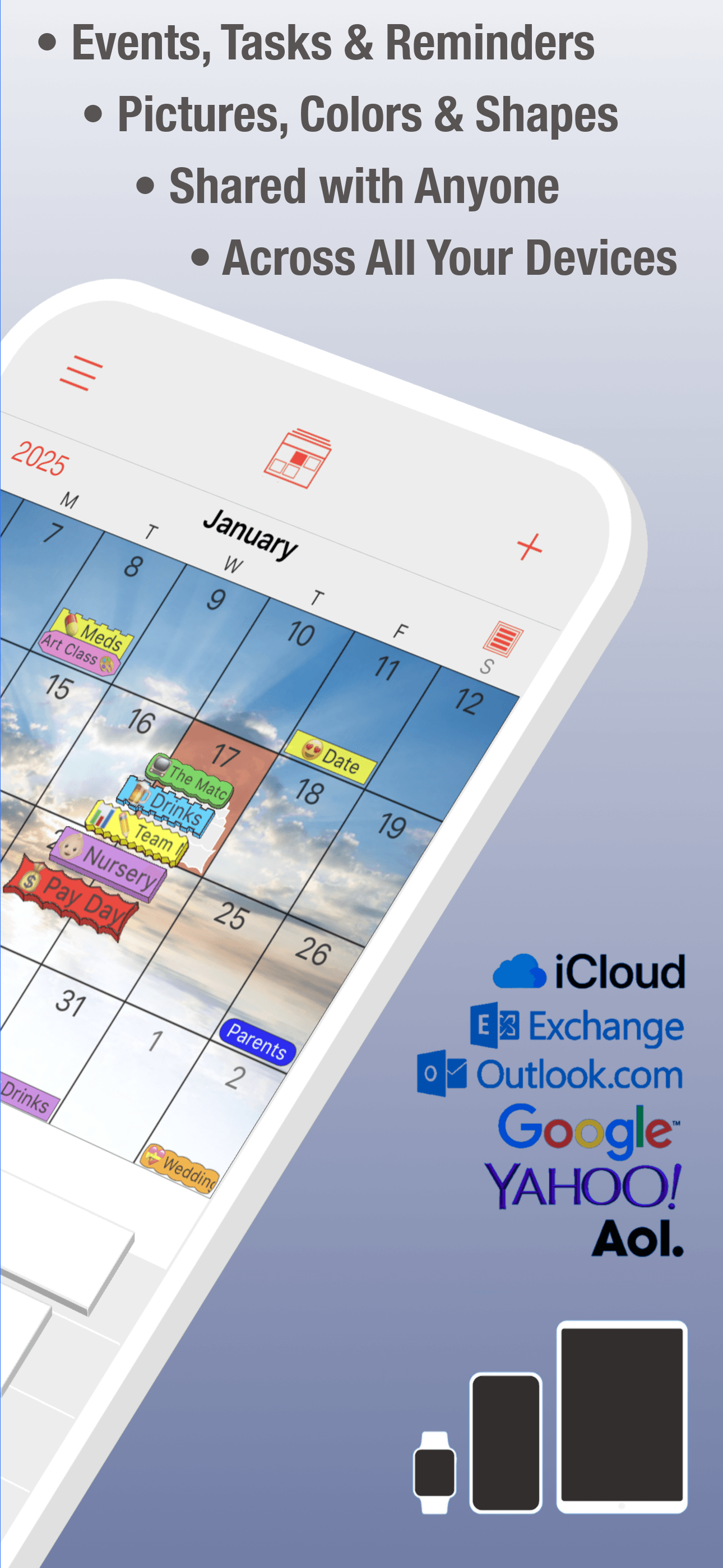
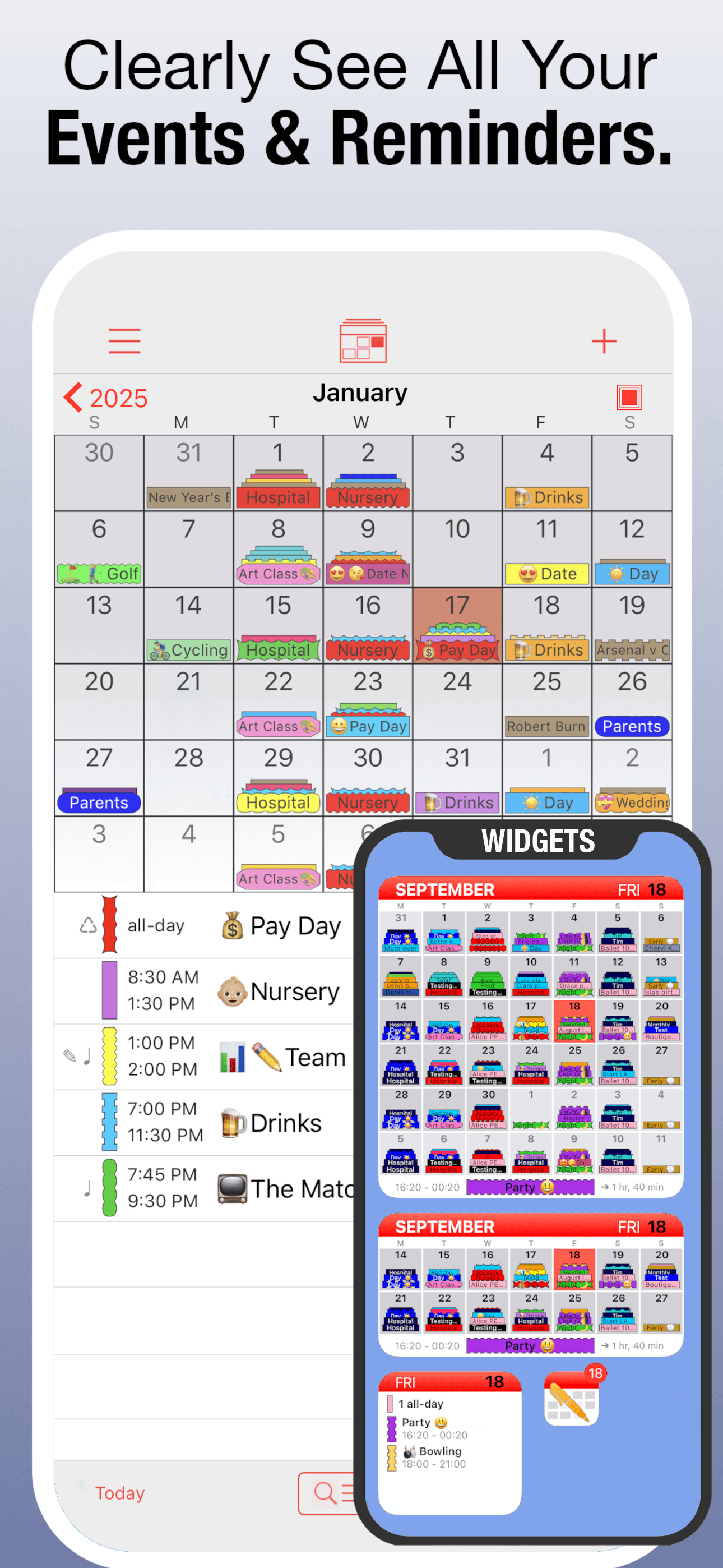
PocketLife Calendar is included as an honest acknowledgment that calendar-based reading-time planning is part of how many users actually consume read-later content. The app is a calendar planner with reminders that some users repurpose to schedule reading time, block out focused-reading windows, or set due dates for articles they want to finish. Compared with Apple Calendar, PocketLife has a cleaner interface for daily planning. Compared with dedicated read-later apps, it does not save articles itself — but it can help you actually read what you saved. Real use case: a user who saves articles to Instapaper but never reads them, then uses PocketLife to schedule 30 minutes of daily reading time as a recurring block. The 4.73 from 41,277 ratings reflects mainstream calendar use. Tradeoff: this is a calendar app, not a reading app, and users searching for an article-saving tool will find it irrelevant. Included for users whose read-later problem is not capture but follow-through, which is a real workflow gap.
Pros
- Clean calendar interface for scheduling dedicated reading time blocks
- Reminders system helps surface saved articles before they go stale
- Mainstream calendar adoption with 41,277 ratings backs reliability
Cons
- Not a read-later app at all — it is a calendar planner instead
- Users seeking article saving need to pair with a true read-later tool
 Free · IAPSee full data on PocketLife Calendar →
 - 2Get on App Store
#2Reading List: Book TrackerBest for Book Tracking
Andrew Bennet Ltd
TBR planner and bookshelf log
- Rating
- 4.8
- Reviews
- 30.1K
- Price
- Free · IAP
- Last update
- Oct 4, 2026
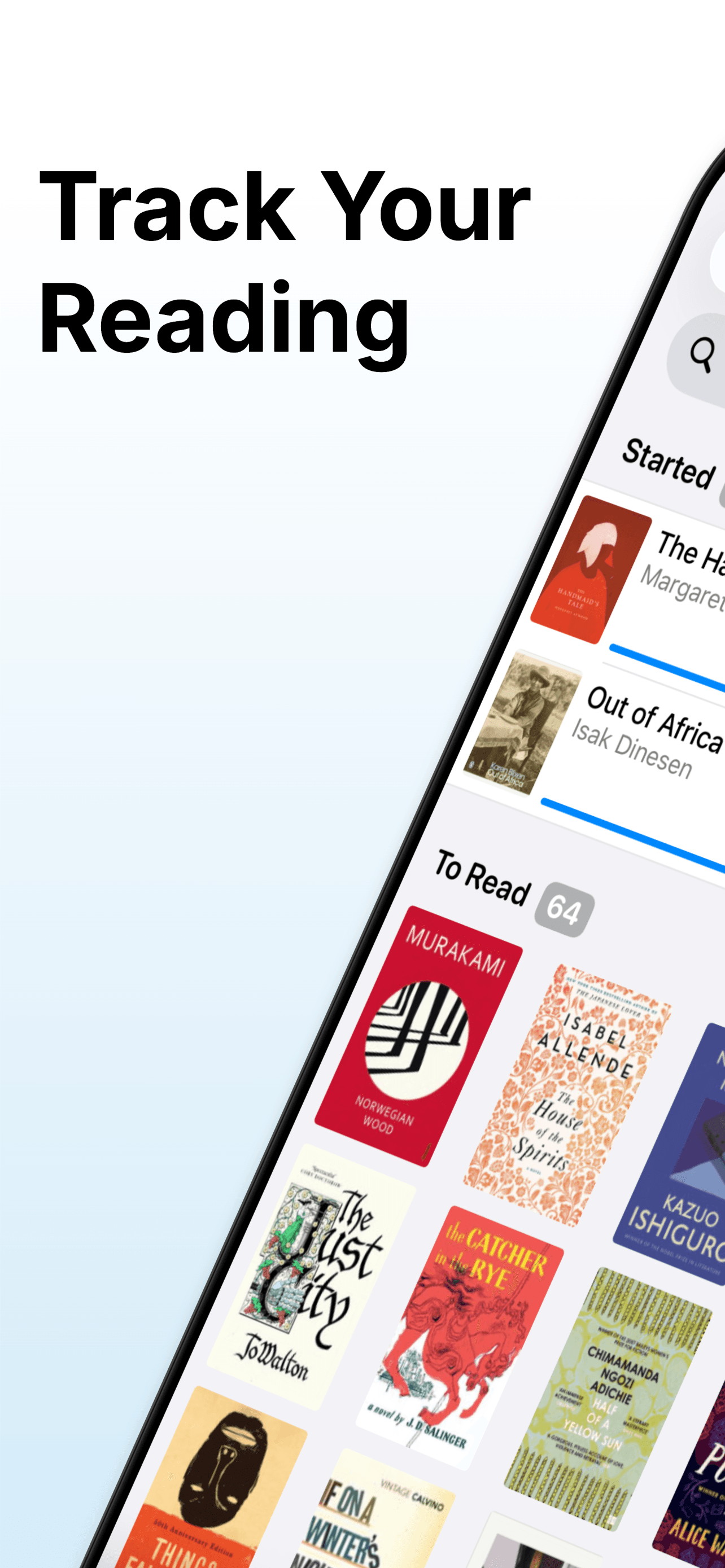
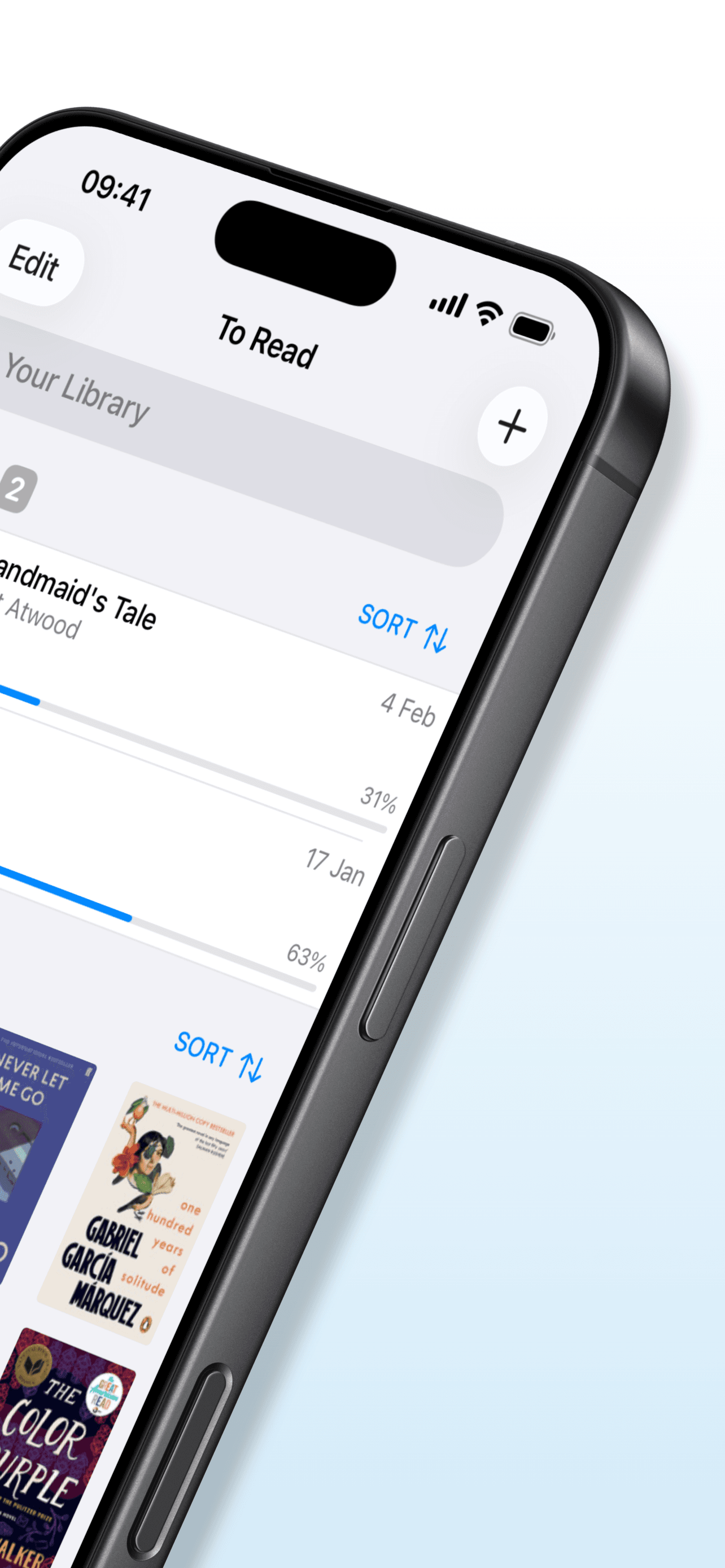
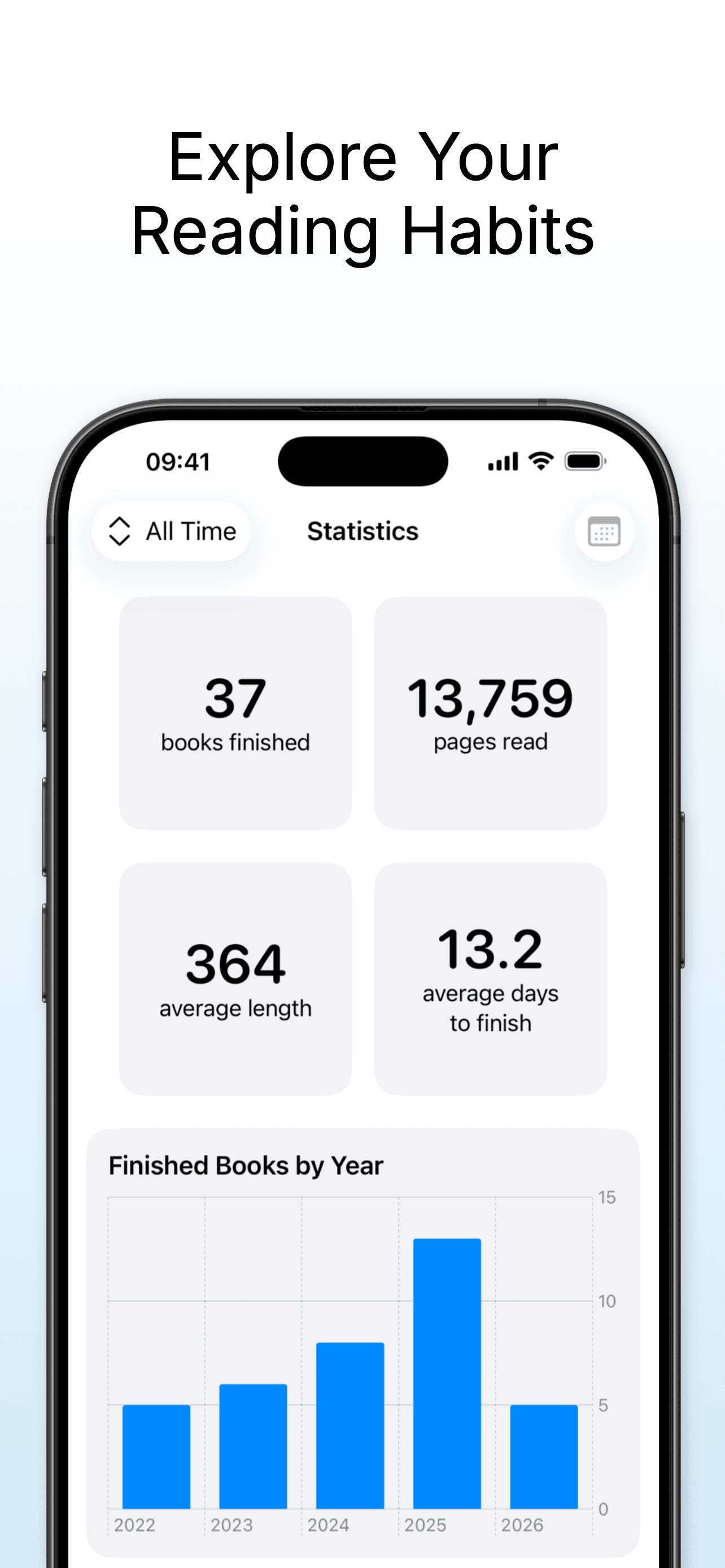
Reading List earns a spot for users whose read-later workflow centers on books rather than articles. It is a book TBR (to-be-read) tracker with bookshelf logging, reading progress, and stat tracking. Compared with Instapaper or Anybox, Reading List is not for articles — it is for tracking which books you want to read next, which you have finished, and what you thought of them. Compared with Goodreads, Reading List is iOS-native and privacy-respecting (no algorithmic feed, no social pressure). Real use case: a book reader who wants to log every book they finish, plan their TBR pile, and track reading goals without the bloat or data harvesting of Amazon-owned Goodreads. The 4.82 average across 29,054 ratings reflects strong loyalty in the iOS book-tracker niche. iCloud sync handles cross-device. Tradeoff: it does not handle articles at all, so it is a complement to a read-later app rather than a replacement. Users who read books and articles need two apps — Reading List for one, Instapaper or Anybox for the other.
Pros
- Privacy-respecting book TBR tracking without Goodreads' data harvesting
- iCloud sync handles cross-device without account creation overhead
- Strong stat tracking with reading goals and finished-book logging
Cons
- Does not handle articles at all — book-only scope
- Smaller community than Goodreads limits social discovery features
- Rating
- 4.5
- Reviews
- 16.2K
- Price
- Free
- Last update
- Oct 10, 2026
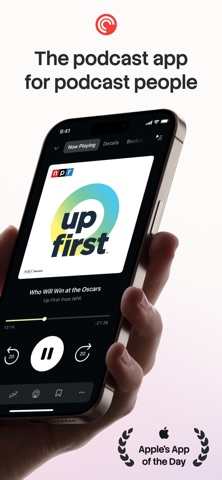
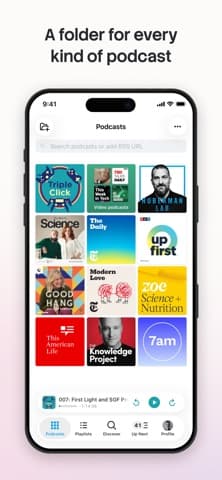
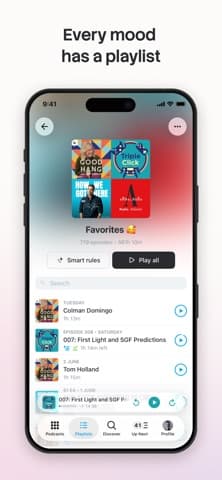
Pocket Casts earns a spot for the audio side of the read-later workflow — for many users, podcasts are the read-later format that actually gets consumed. Pocket Casts is the best podcast app for users who want a queue, smart sync across devices, and powerful playback controls. Compared with Apple Podcasts, Pocket Casts has stronger queue management, variable speed with audio normalization, and silence trimming. Compared with Overcast, Pocket Casts has broader cross-platform support (web, Android, desktop). Real use case: a podcast listener who subscribes to 20+ shows and wants a smart queue that prioritizes episodes by show priority, not chronological order. The 4.47 from 13,937 ratings reflects strong adoption since its acquisition and re-acquisition. Tradeoff: it does not save articles or books, so it complements rather than replaces a text-based read-later app. Included because many users' actual queue of unread content is half articles, half podcasts, and a complete read-later workflow needs to address both.
Pros
- Strong queue management with smart sync across iPhone, iPad, and web
- Variable speed with audio normalization and silence trimming for efficiency
- Cross-platform support including web and Android for non-Apple devices
Cons
- Does not save articles or books — podcast-only scope
- Premium features require subscription that some users find unnecessary
- 4
 Get on App Store
#4PocketBook ReaderBest for Ebooks
Pocketbook International SA
PDF, EPUB, FB2, Audiobooks
- Rating
- 4.5
- Reviews
- 10.1K
- Price
- Free
- Last update
- Sep 3, 2026
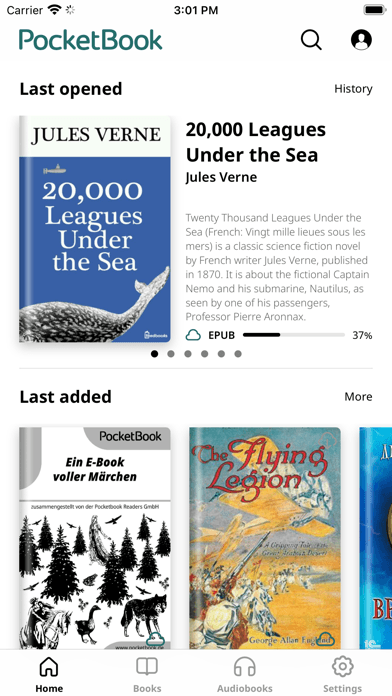
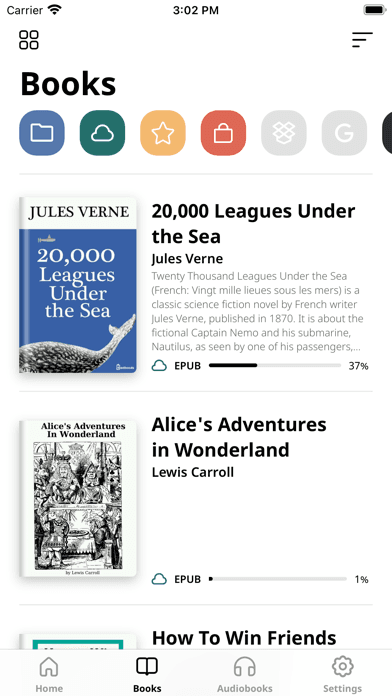
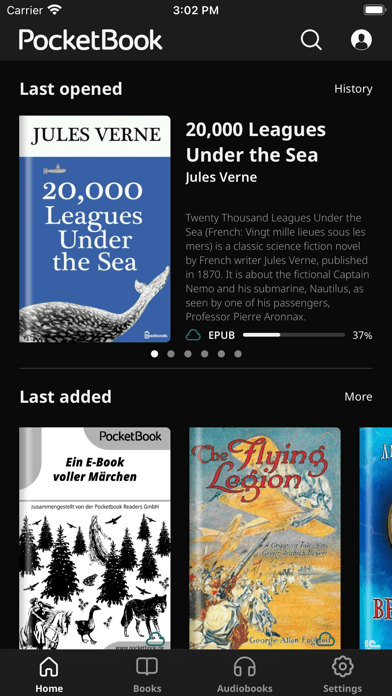
PocketBook Reader is the best read-later app for users with ebook libraries in EPUB, PDF, FB2, or other open formats. The app reads almost every ebook format and supports audiobooks, syncing with cloud storage (Dropbox, Google Drive) to pull in books from outside iOS. Compared with Apple Books, PocketBook handles more formats and works across non-Apple devices. Compared with Kindle, PocketBook supports user-loaded EPUB libraries (Kindle requires sideloading workarounds). Real use case: a reader with a substantial EPUB library from Project Gutenberg, Standard Ebooks, Calibre exports, or personal purchases who wants one app that reads everything. Audiobook support adds value for users who switch between text and audio for the same book. The 4.49 from 9,241 ratings reflects steady use among power readers. Tradeoff: it is not an article-save tool, so pair with Instapaper or Anybox for that workflow. Users who want a single read-later inbox for both articles and ebooks should look at Readwise Reader instead, which handles both.
Pros
- Reads almost every ebook format including EPUB, PDF, FB2, and audiobook formats
- Cloud storage integration pulls books from Dropbox, Google Drive seamlessly
- Audiobook support unifies text and audio reading in one app
Cons
- Not an article-save tool — pair with Instapaper or Anybox for articles
- Interface feels dated compared with modern reading apps in 2026
- Rating
- 4.5
- Reviews
- 8.3K
- Price
- Free · IAP
- Last update
- Apr 16, 2026
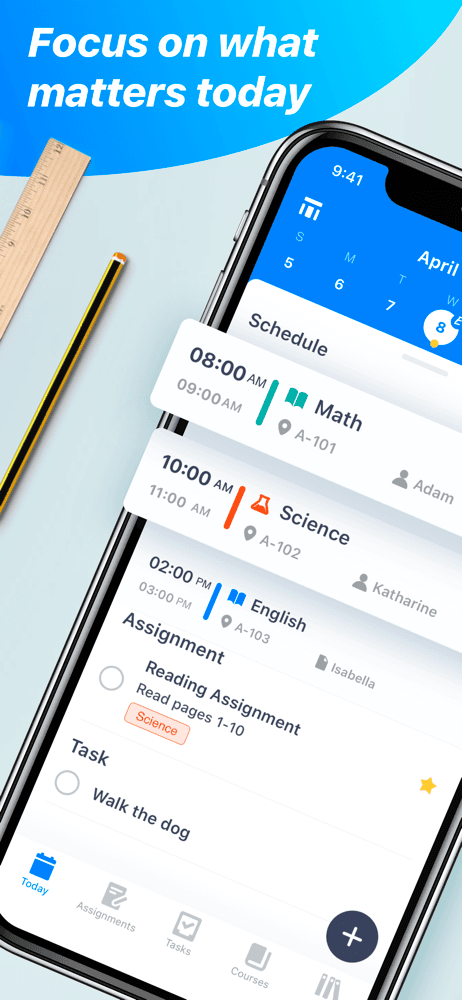
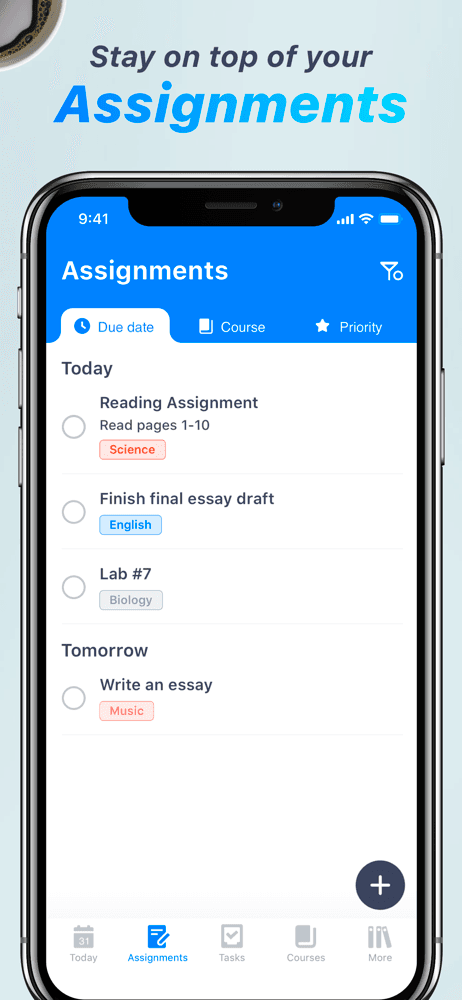
Pocket Schedule Planner is included for the same reason as PocketLife — calendar and planning tools that some readers use to actually finish their saved articles. The app is a schedule planner with assignment tracking, originally aimed at students managing class schedules and homework deadlines. Compared with PocketLife, it is more academic-focused with grade tracking and class management. Compared with dedicated read-later apps, it does not save articles. Real use case: a student who saves academic readings to Instapaper or PDFs to Readwise Reader and uses Pocket Schedule Planner to track when those readings are due. The 4.48 from 8,258 ratings reflects steady student adoption. Tradeoff: this is a study planner, not a read-later app. Users who want a true article-saving tool should pick Instapaper, Anybox, or Readwise Reader. Included as a niche complement for the student workflow where reading queues live inside academic schedules rather than personal article inboxes.
Pros
- Class schedule and assignment tracking serves student reading workflows
- Due-date system helps surface academic readings before deadlines
- Strong adoption in student-focused academic planning category
Cons
- Not a read-later app — it is an academic schedule planner
- Limited utility outside the student or academic workflow context
- Rating
- 4.6
- Reviews
- 3.5K
- Price
- Free
- Last update
- Sep 21, 2026
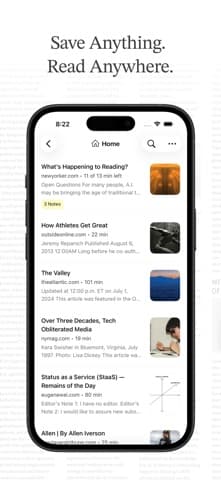
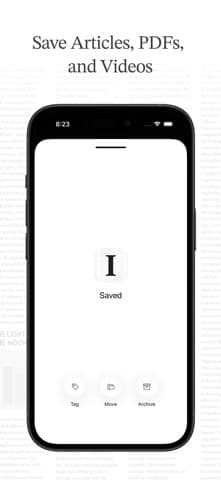
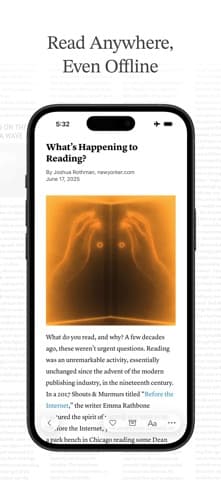
Instapaper is the best read-later app for iPhone users who want the classic clean article-saving experience without bloat. Launched in 2008, it survived Pocket's shutdown and remains the most polished pure reading app in the category. Compared with Readwise Reader, Instapaper does less but does it better — typography is the cleanest in the category, offline reading just works, and the share-sheet save is instant. Compared with Anybox, Instapaper is article-focused rather than a general bookmark manager. Real use case: a knowledge worker who saves 5-10 articles a day from Twitter and email and wants a quiet place to read them on a commute or before bed. Highlight export works to standard formats. Speed-reading mode is included for power users who want to push through queues. Tradeoff: it is subscription-only now (Instapaper Premium), the free tier has been pared back over the years, and newsletter forwarding does not match Readwise Reader's depth. For users who only need clean articles, Instapaper is still the right call after 17 years.
Pros
- Cleanest typography and reading experience in the read-later category
- Survived Pocket's shutdown with steady updates and 17-year track record
- Speed-reading mode and full highlight export support power users
Cons
- Subscription-only model — free tier has been pared back over the years
- Newsletter forwarding and RSS not as deep as Readwise Reader
- 7
 Get on App Store
#7Pocket Planner, Calendar, NoteBest with Notes
Digital Legal Tech
Week View, To-Do, Diary, Task
- Rating
- 4.7
- Reviews
- 1.4K
- Price
- Free · IAP
- Last update
- Aug 29, 2026
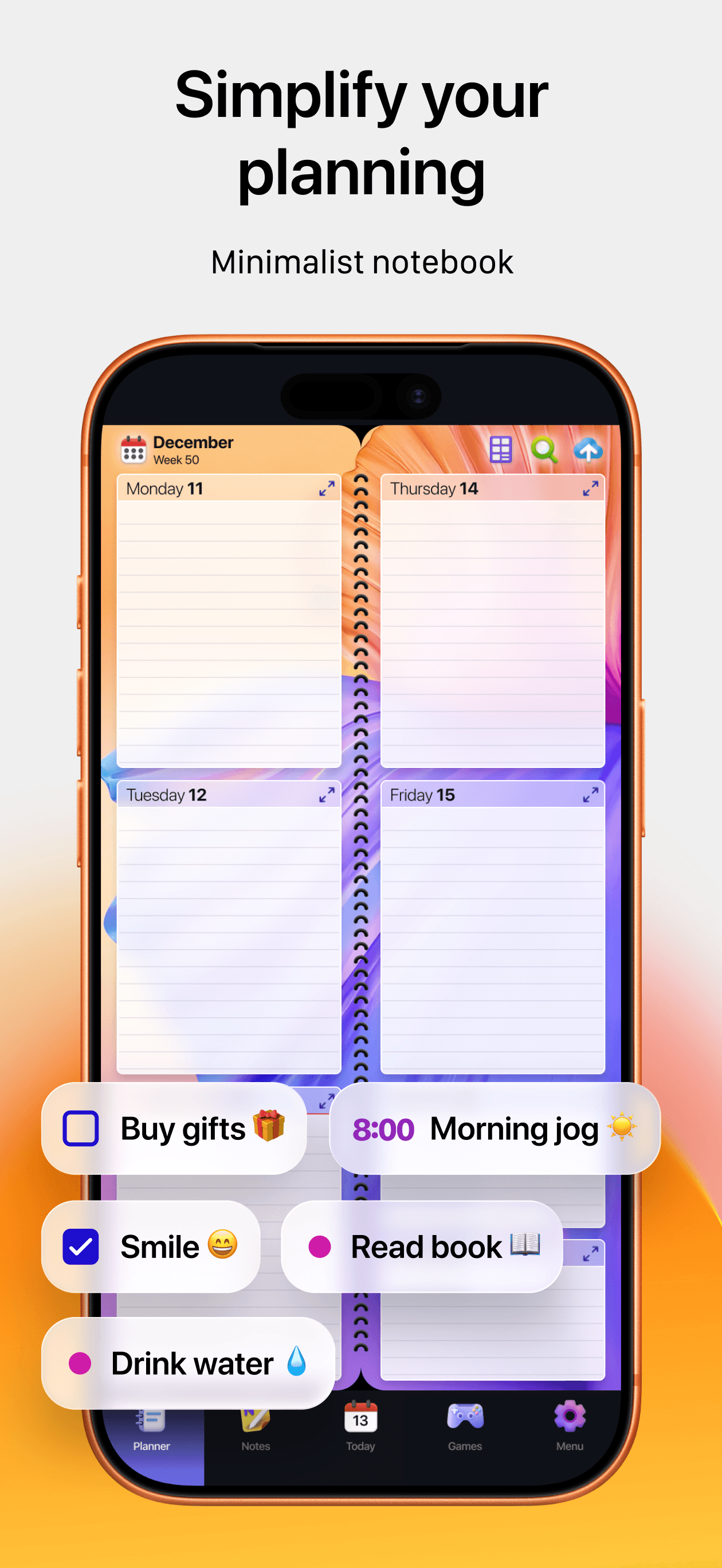
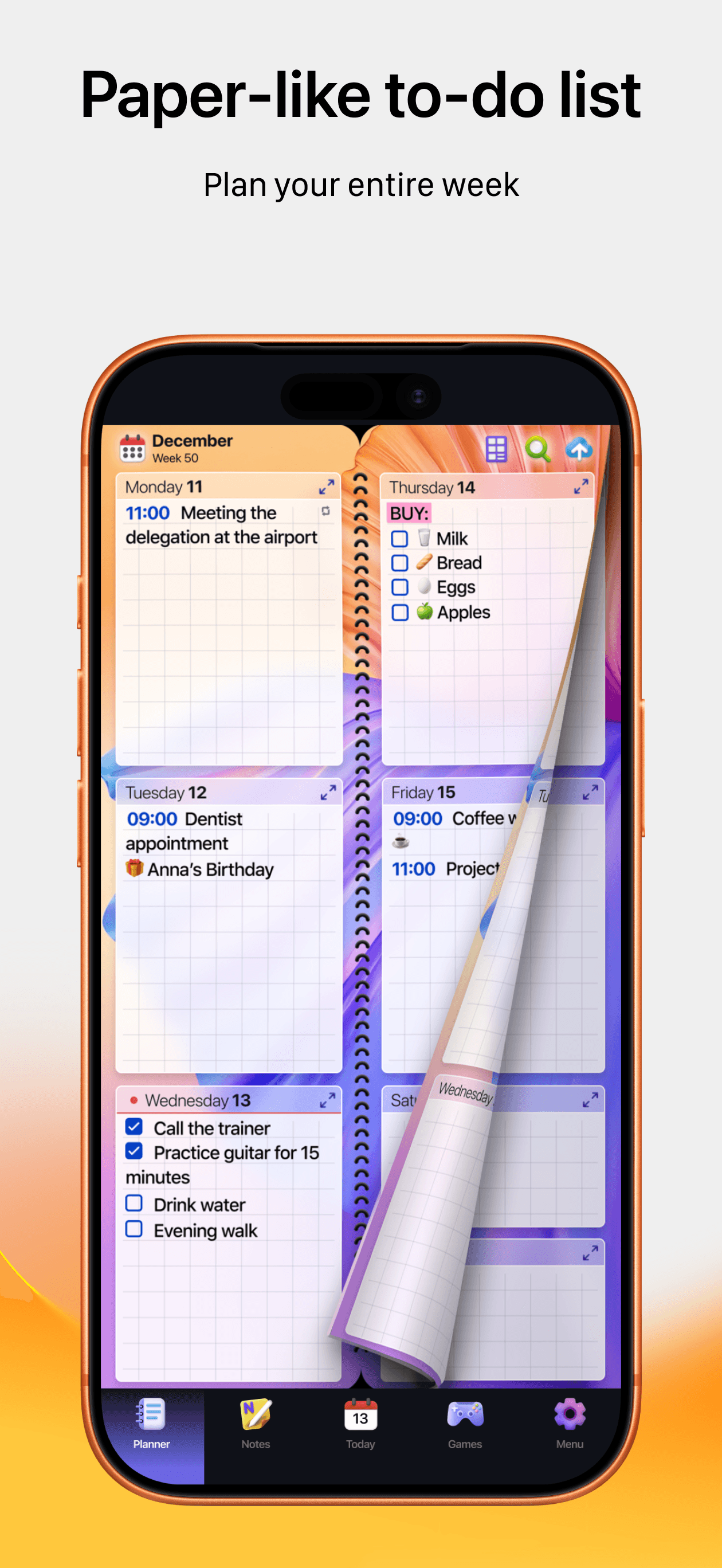
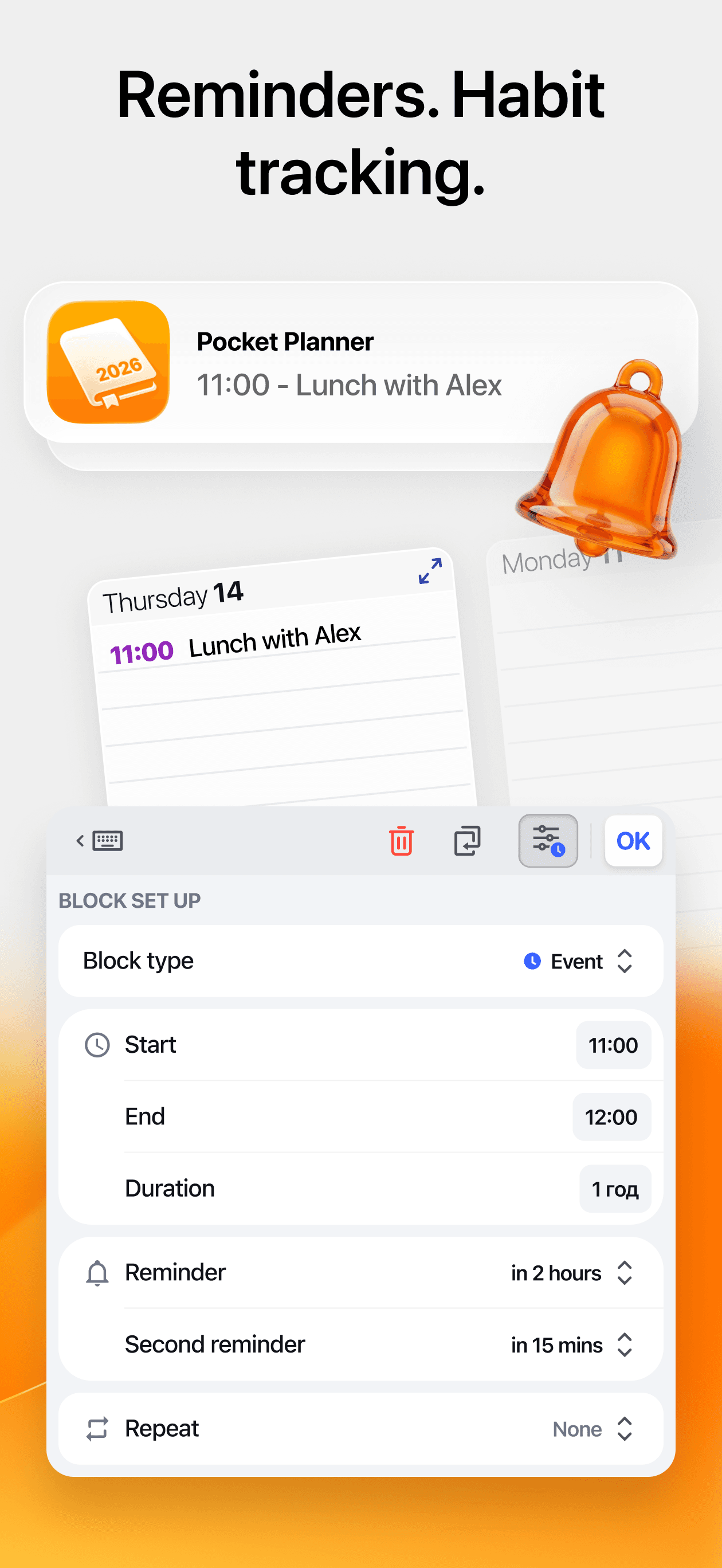
Pocket Planner, Calendar, Note rounds out the planning-tools side of this list as another planner that some users repurpose for reading-time management. Combines calendar, planner, and note-taking into one app. Compared with PocketLife or Pocket Schedule Planner, it adds note-taking which some users repurpose to draft article summaries or save key takeaways from articles they have read. Compared with dedicated read-later apps, it does not save URLs or articles. Real use case: a knowledge worker who reads articles in Instapaper and uses Pocket Planner's notes to capture takeaways and link them to calendar events. The 4.74 from 1,373 ratings is solid for a smaller-audience planner. Tradeoff: it is not a read-later app in any meaningful sense — users looking for article saving should pick from Instapaper, Anybox, or Readwise Reader. Included as the third planning-and-notes pick for users whose reading workflow lives in their calendar and planner rather than in a dedicated reading vault.
Pros
- Combines calendar, planner, and note-taking for unified reading planning
- Notes can capture article takeaways alongside calendar reading blocks
- Clean interface with iCloud sync for personal use cases
Cons
- Not a read-later app — it is a calendar and notes planner
- Smaller user base means slower feature development cadence
- Rating
- 4.8
- Reviews
- 1.3K
- Price
- Free · IAP
- Last update
- Sep 5, 2025
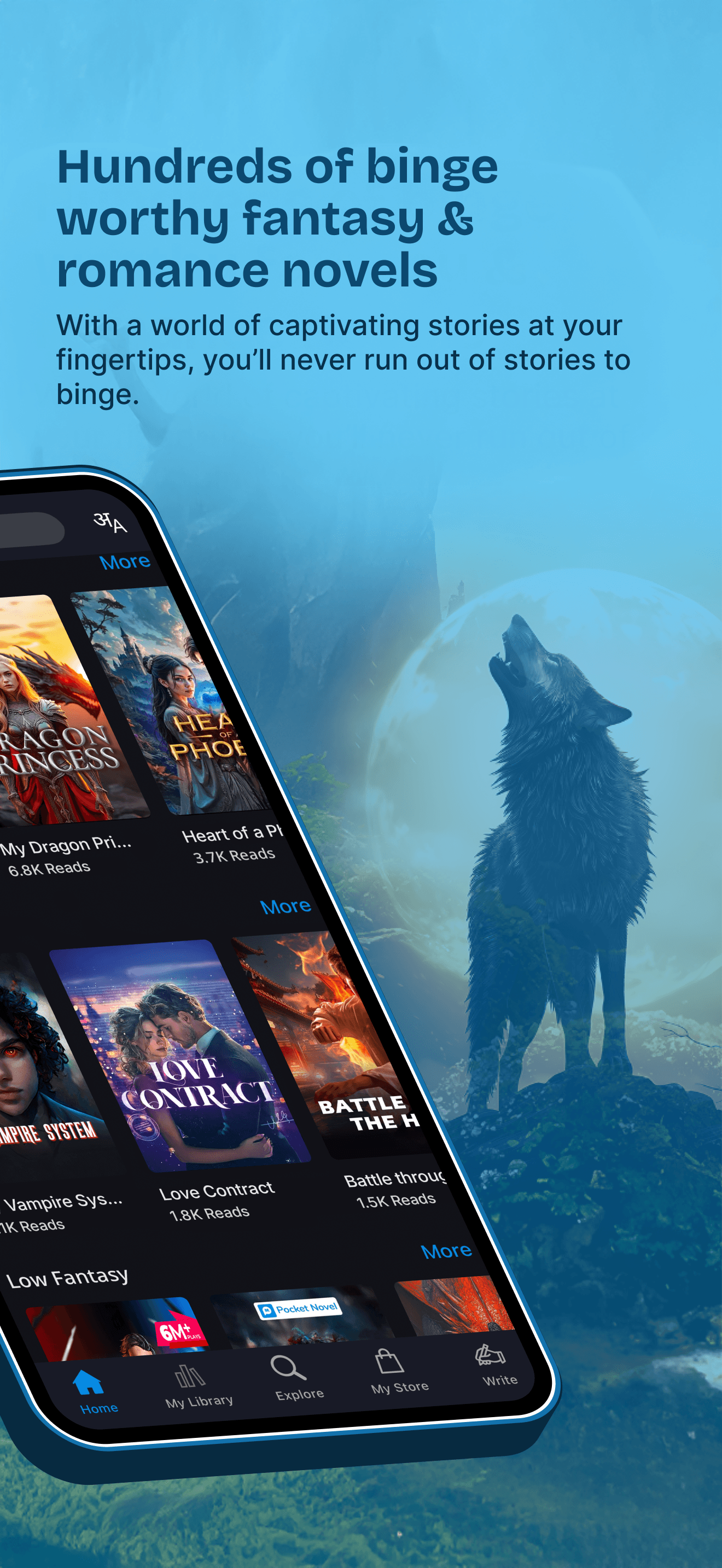
Pocket Novel is included as the best read-later app for users whose reading queue is fiction rather than nonfiction. The app provides a clean reading interface for novels with offline support, font customization, and a built-in library. Compared with Instapaper, Pocket Novel is for full books rather than article snippets. Compared with Kindle, Pocket Novel is iOS-native with a simpler interface and no Amazon ecosystem lock-in. Real use case: a fiction reader who wants a no-account, no-subscription way to read novels on iPhone with offline support and customizable typography. The 4.78 average across 1,268 ratings reflects a small but loyal user base. Free tier covers core reading features. Tradeoff: the library is curated rather than the full Kindle catalog, so users who want specific titles will hit limits. Users who want a read-later app for both articles and books should pair Pocket Novel (or Kindle) with Instapaper. Included as a niche pick because reading queues span more than just articles for many users.
Pros
- Clean fiction reading interface with offline support and font customization
- No-account, no-subscription model for casual fiction readers on iOS
- Built-in library covers popular titles for users without an existing ebook collection
Cons
- Library is curated rather than the full Kindle or Apple Books catalog
- Does not handle articles, PDFs, or non-fiction reading workflows

 Free · IAPSee full data on Pocket Novel →
- Rating
- 4.7
- Reviews
- 522
- Price
- Free · IAP
- Last update
- Sep 23, 2026
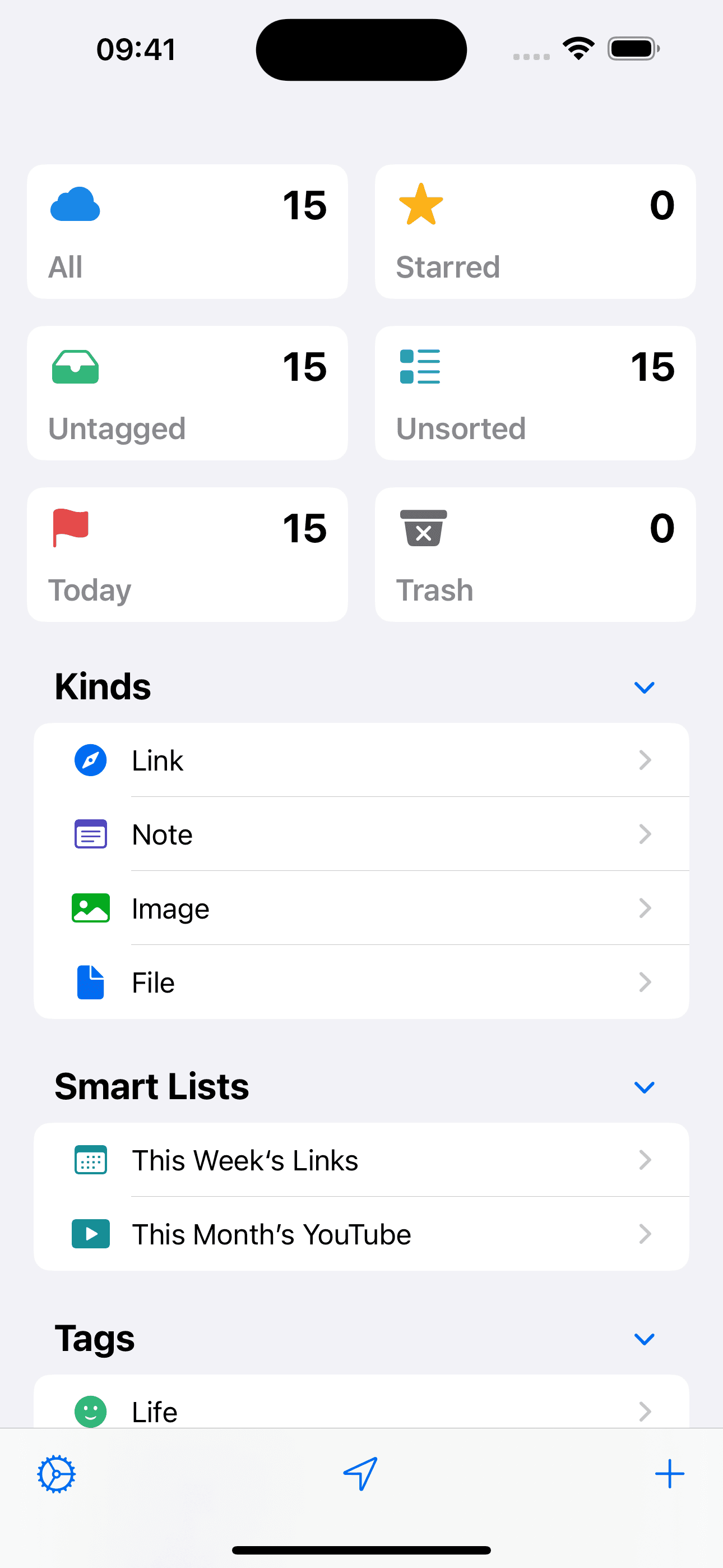
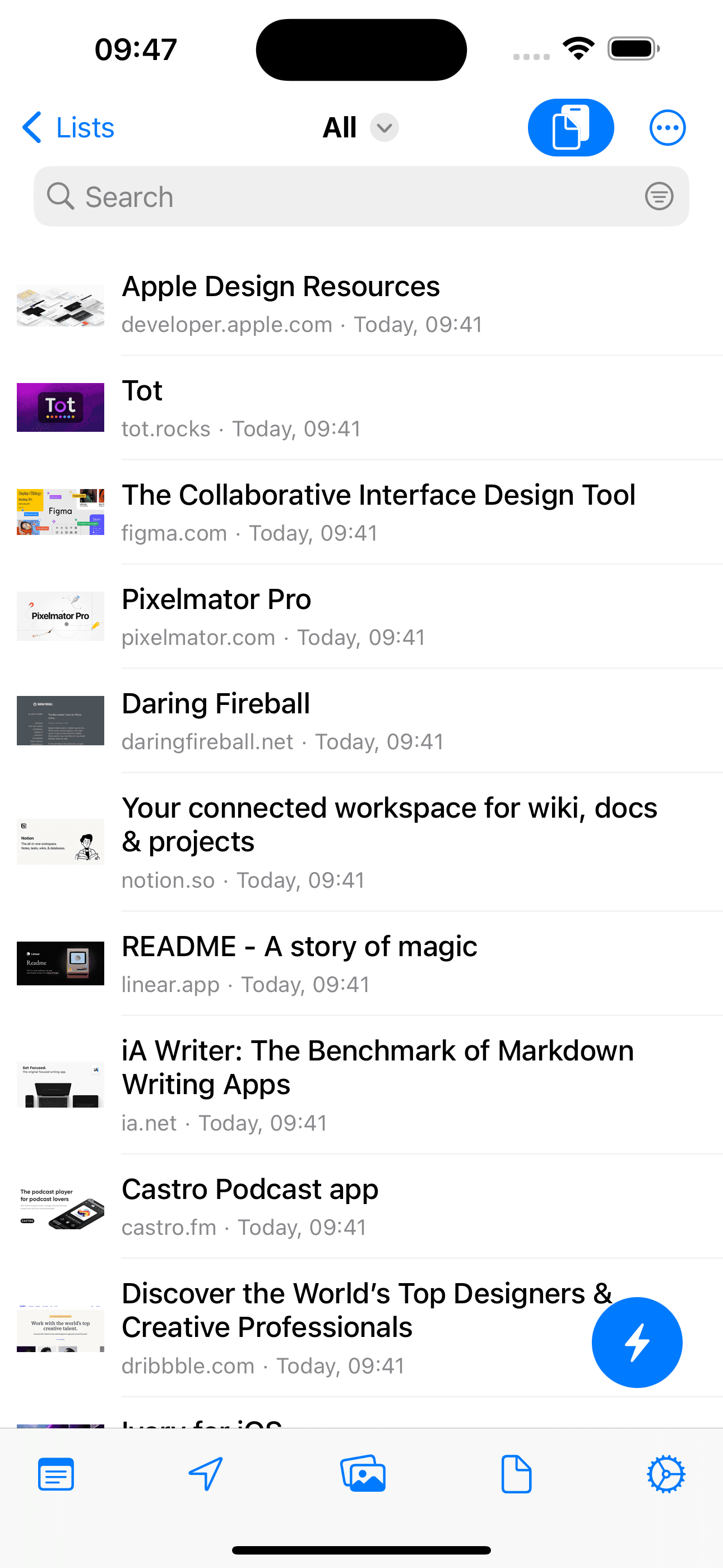
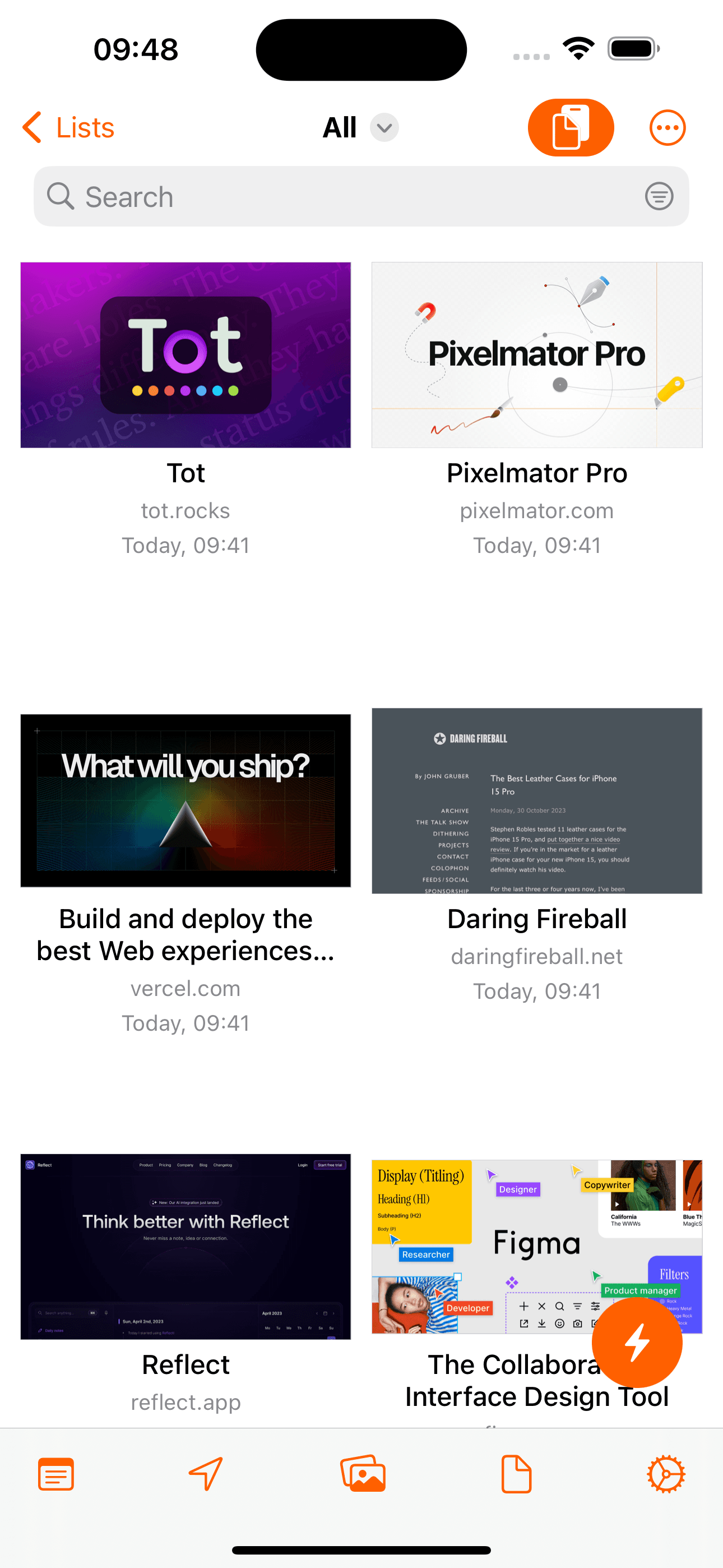
Anybox is the best read-later app for users who want bookmarks, links, and reading queues unified in one app. The pitch is straightforward: save anything (links, articles, PDFs, screenshots), tag and organize it, and read or revisit later. Compared with Instapaper, Anybox is broader — it handles bookmarks and reference saves alongside read-later articles. Compared with Raindrop, Anybox has a stronger native iOS reading experience with built-in reader view. Real use case: a researcher or designer who saves dozens of references daily and wants a single inbox that mixes articles to read, design inspiration, and reference links. iCloud sync handles cross-device without account creation. RSS feed support is included as a separate section. Highlight and annotation tools cover the basics. Tradeoff: the 4.72 from 483 ratings reflects a smaller user base than Instapaper, and the developer is a small indie team that ships slower than the bigger players. For users who want a flexible, all-purpose save-and-read app, Anybox is the strongest current pick.
Pros
- Unifies bookmarks, read-later articles, and reference saves in one app
- iCloud sync works without account creation for privacy-conscious users
- RSS feed support and tag-based organization for flexible workflows
Cons
- Small indie developer ships slower than bigger competitors in category
- User base is smaller, so community workflows and integrations are limited
- Rating
- 4.6
- Reviews
- 585
- Price
- Free
- Last update
- Oct 8, 2026
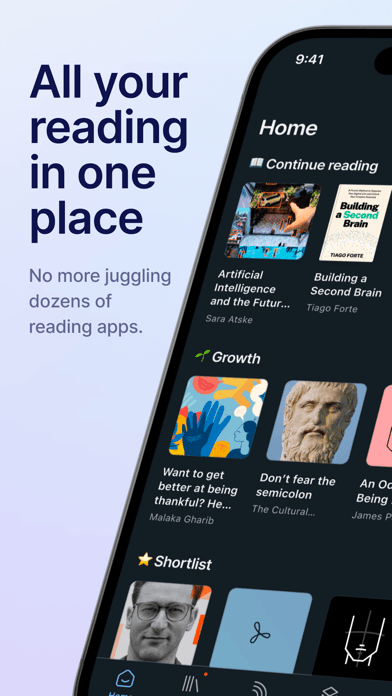
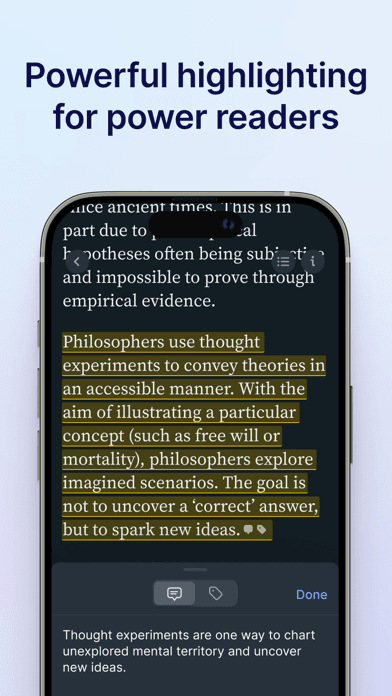
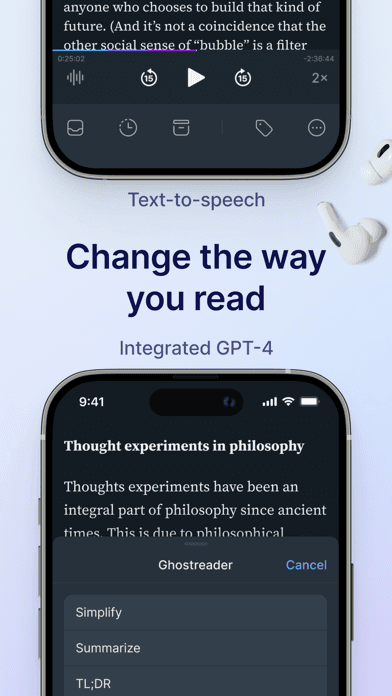
Readwise Reader is the best read-later app for power users who want articles, newsletters, RSS feeds, PDFs, EPUBs, and Twitter threads in one unified inbox. The pitch is ambitious and the execution mostly delivers — Reader is the most comprehensive reading tool in the category, with first-class highlight workflows that sync into your second-brain tools (Obsidian, Notion, Logseq, Roam). Compared with Instapaper, Reader does more but takes longer to learn. Compared with Anybox, Reader is reading-focused rather than bookmark-focused, with no expectation that you keep saved content forever. Real use case: a knowledge worker who reads 20+ articles, multiple newsletters, and RSS feeds weekly and wants every highlight automatically reviewed via Readwise's spaced-repetition system. PDF and EPUB reading with annotations work well on iPhone but shine on iPad. Tradeoff: it is subscription-only at $9.99/month or $99/year, the interface has a learning curve, and casual readers will find it overkill. For serious readers building a personal knowledge system, Reader is the most powerful pick.
Pros
- Most comprehensive read-later inbox: articles, newsletters, RSS, PDFs, EPUBs
- Highlight workflow syncs into Obsidian, Notion, Logseq, and Roam
- Spaced-repetition review surfaces old highlights for active recall
Cons
- Subscription required at $9.99/month or $99/year for full access
- Learning curve is real — casual readers will find it overkill


How we picked
### Data sources Live App Store metadata, ratings, and recent review samples pulled through our iTunes ingestion pipeline. Ratings shown in this article are current as of the most recent crawl, not stale snapshots. Review themes weighted toward the last 90 days.
### How we score Five weighted axes: capture quality (share-sheet, URL handling, RSS, newsletter forwarding), reading experience (typography, offline support, dark mode, font choice), highlight and annotation workflow, sync model (iCloud, account-based, cross-platform), and free-tier usefulness.
### Refresh cadence Reviewed every six months. We re-pull ratings and reviews on every refresh and re-rank if a higher-volume entrant clearly beats a current pick. The Pocket shutdown in 2025 prompted an emergency refresh of this list outside the normal cadence.
### What we exclude Apps that are pure RSS readers without read-later capture (those live on a separate list). Apps with fewer than 200 ratings unless they fill a niche no major player covers. Web-only services without a real iOS app.
### What we don't do We do not run controlled reading-comprehension studies. We do not accept paid placement — picks are editorial. Reading workflows are personal; the right pick depends heavily on whether you want a clean article saver or a full knowledge system.