



Best PDF Scanner Apps for iPhone
By App Store Tracker Editorial · Updated — App Store ratings fetched to
The short version
The best PDF scanner app for iPhone in 2026 is Genius Scan — a 4.9-star average across 1,328,668 U.S. ratings, no-subscription core scanning, and reviewer praise from notaries and online students. Adobe Scan is the runner-up at 4.88 stars across 1,545,048 ratings, with the strongest OCR in the category. TurboScan leads on rating quality at 4.91, while CamScanner remains the mass-market default at 1.8 million ratings. Microsoft Lens wins for OneDrive-and-Office workflows.
Jump to a pick↓
Picking a PDF scanner app for iPhone in 2026 means matching the tool to what you actually scan — receipts, contracts, lecture notes, books, business cards, or handwritten pages you need to OCR. Among the 10 PDF scanner apps on this list, two lead on raw rating quality (Genius Scan, TurboScan), one leads on OCR via Adobe's document AI (Adobe Scan), two anchor the mass-market default category (CamScanner, iScanner), one ties into Microsoft 365 (Microsoft Lens), and the rest are credible alternatives at different price points. The data backs the order: Genius Scan holds a 4.9 average from 1,328,668 U.S. ratings — the highest combined score-and-volume on this list — and Adobe Scan trails by .02 stars on a slightly larger sample. Edge detection accuracy, OCR quality, subscription friction, and how each app handles your first ten scans shaped every cut. Treat the picks as starting points; the scanner app you open during tax season is the one worth keeping.
Best PDF Scanner Apps for iPhone compared
| App | Best for | Rating | Price | Last update |
|---|---|---|---|---|
| 1. CamScanner - PDF Scanner App | Best Mass-Market | 4.8 (1.9M) | Free · IAP | Oct 8, 2026 |
| 2. Adobe Scan: PDF & Doc Scanner | Best for OCR | 4.9 (1.6M) | Free | Oct 14, 2026 |
| 3. Scanner App: Genius Scan | Best Overall | 4.9 (1.4M) | Free · IAP | Oct 16, 2026 |
| 4. iScanner: PDF Document Scanner | Best for Quick Capture | 4.8 (1.4M) | Free | Oct 7, 2026 |
| 5. Scan Hero: PDF Scanner | Best for Business | 4.7 (242.1K) | Free · IAP | Jun 8, 2026 |
| 6. Microsoft Lens: PDF Scanner | Best Cloud Sync | 4.8 (144.5K) | — | Jan 9, 2026 |
| 7. TurboScan™: document scanner | Best for Books | 4.9 (103K) | Free | Apr 14, 2026 |
| 8. ScanGuru: PDF Scanner App | Best Apple-Native | 4.6 (93.3K) | Free · IAP | Aug 10, 2026 |
| 9. Scan to PDF-Document Scanner | Best Free | 4.7 (61.7K) | Free · IAP | Oct 5, 2026 |
| 10. My Scans, best PDF Scanner App | Best for Receipts | 4.8 (50.4K) | Free · IAP | Feb 3, 2026 |
US App Store ratings, prices and update dates from Apple.
- 1Get on App Store
#1CamScanner - PDF Scanner AppBest Mass-Market
INTSIG Information Co., Ltd
Document Scanner PDF Converter
- Rating
- 4.8
- Reviews
- 1.9M
- Price
- Free · IAP
- Last update
- Oct 8, 2026
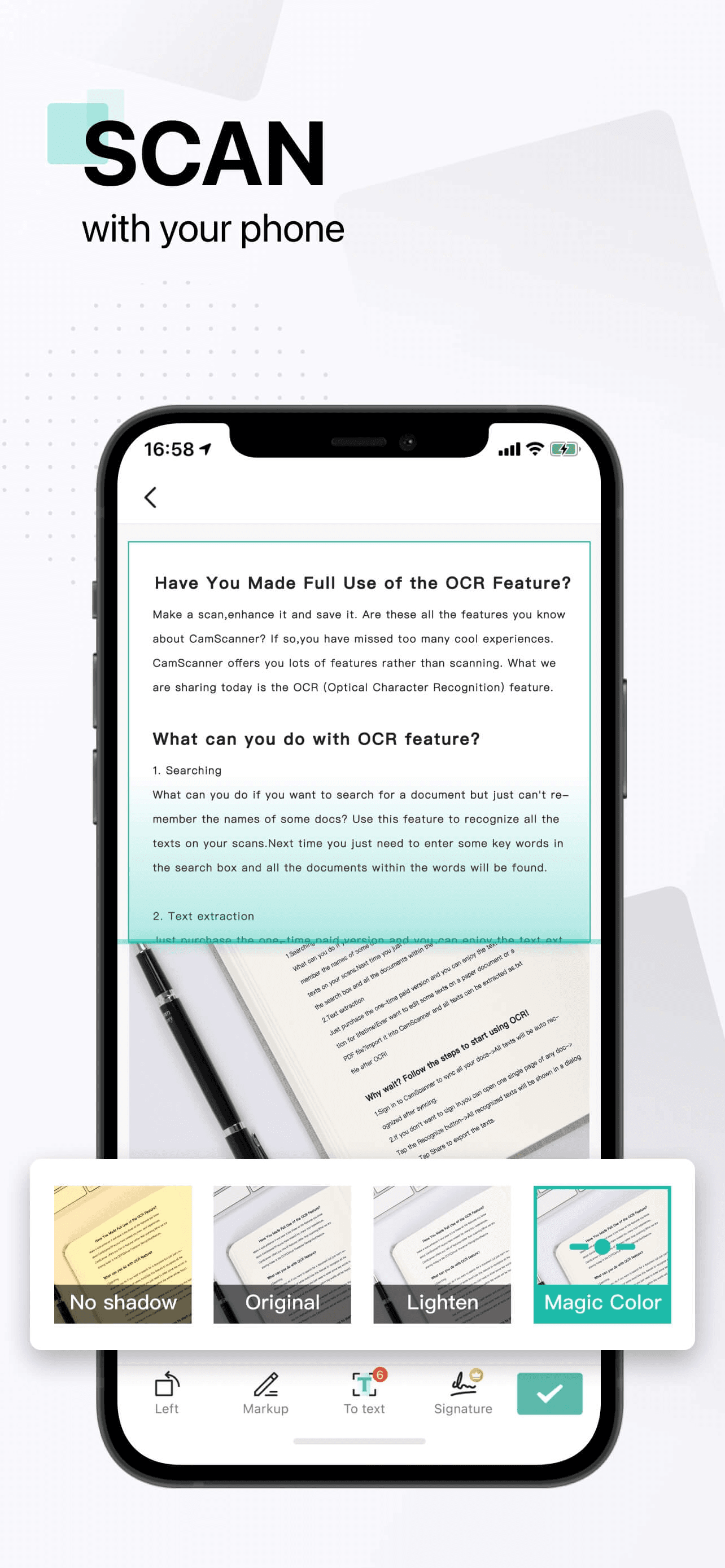
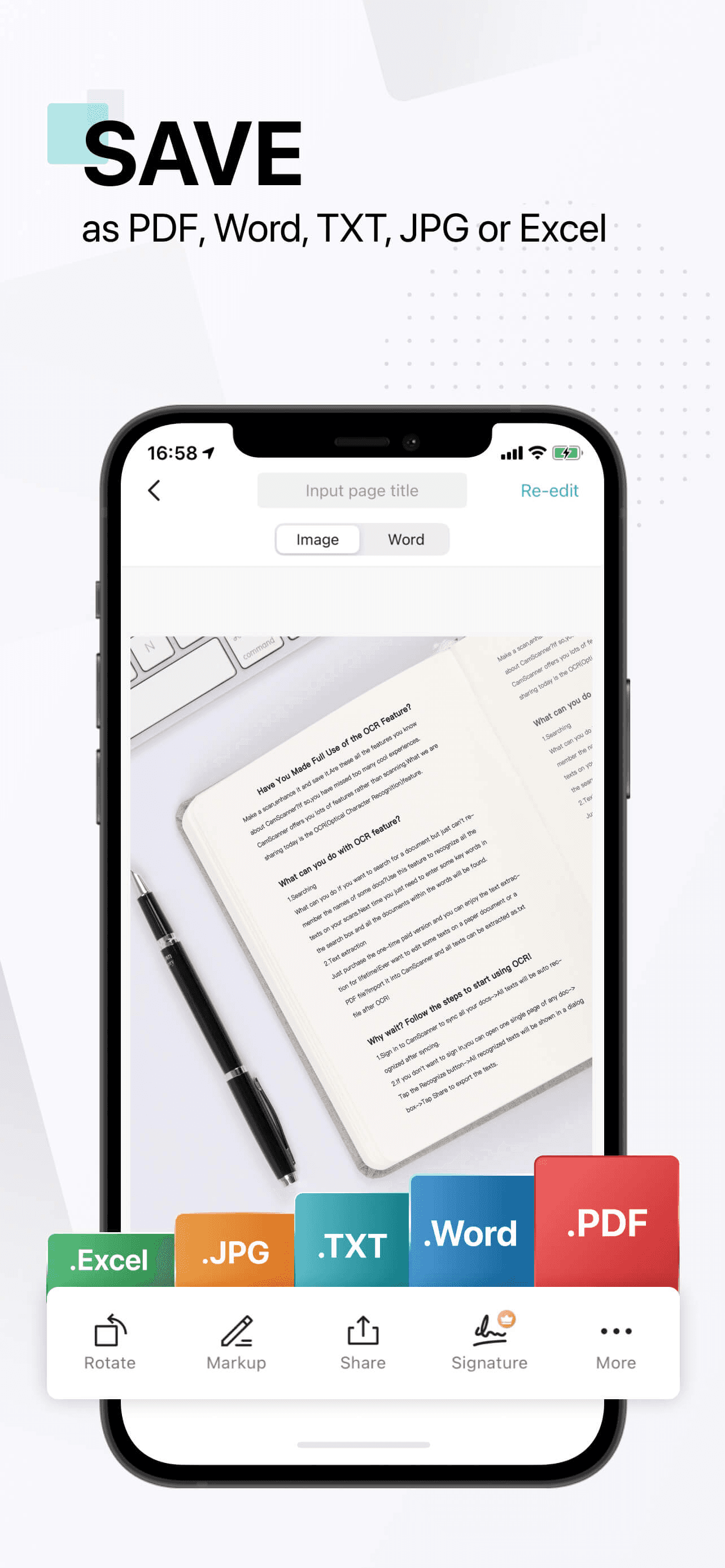
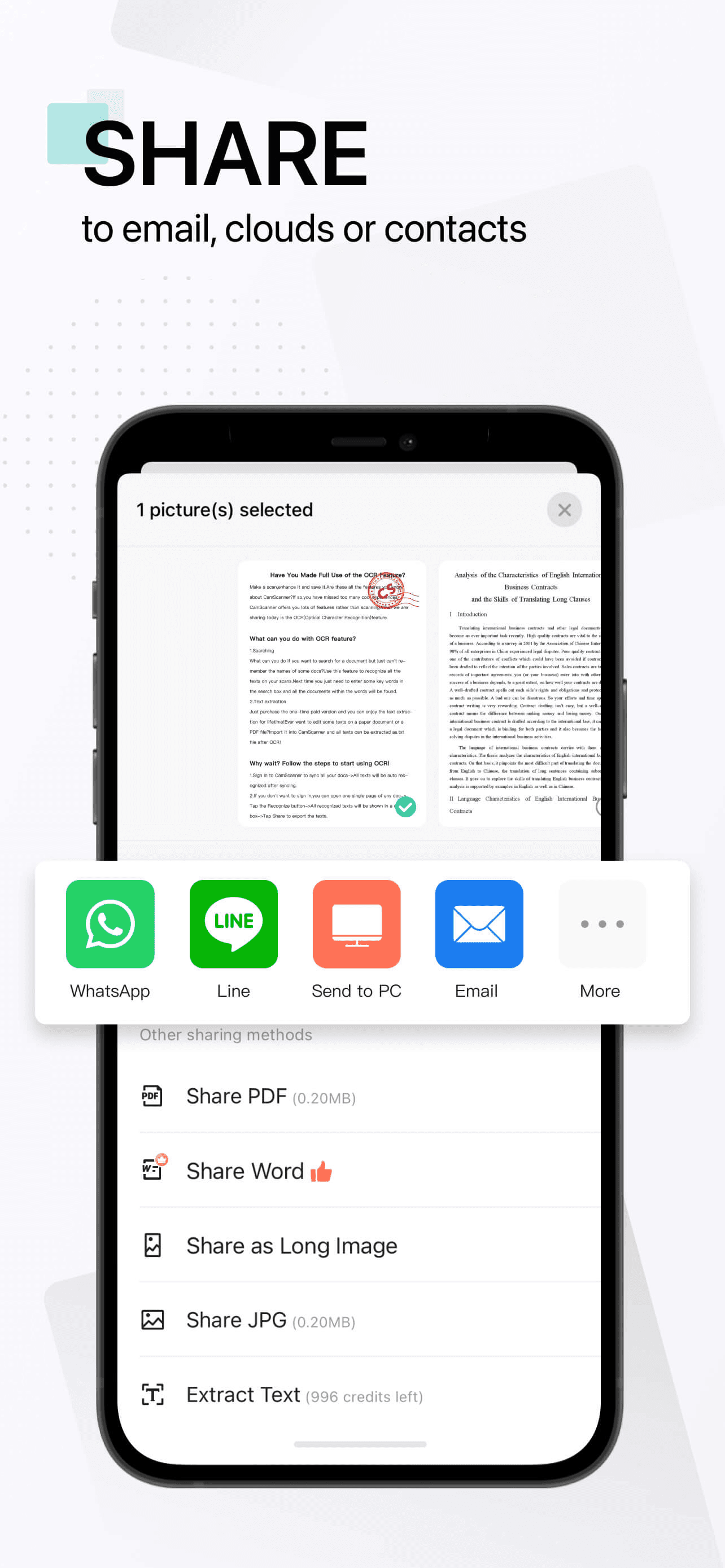
CamScanner is the best PDF scanner app for iPhone users who want the mass-market default with the largest tested user base on this list. The 4.85 average across 1,805,339 U.S. ratings reflects an audience that has used CamScanner for years across iPhone, Android, and Windows, and the product spans every basic scanner feature plus advanced workflows like ID-card scanning, batch processing, and team folders. CamScanner differs from Adobe Scan by leading mass-market-and-volume-first rather than OCR-and-Adobe-ecosystem-first, and from Genius Scan by being more aggressive on Premium upsells. A real scenario: you scan a stack of receipts before a tax filing — CamScanner batches them, OCRs the totals, and exports a single multi-page PDF in under a minute. The tradeoff is well-documented in recent reviews: one long-time user flagged the developer for 'ceasing to support' a previous paid version and pushing users to subscribe to a new app, and the in-app upsell pressure is consistently called out. Best for users who want the broadest feature set and don't mind dismissing upsells, especially Windows-and-Android users who need cross-platform parity.
Pros
- Largest tested user base on this list at 1.8 million U.S. ratings with 4.85 average
- Broadest feature set with ID-card mode, batch scanning, and team folders included
- Cross-platform parity across iPhone, Android, Windows, and web for shared workflows
Cons
- Reviewers flag aggressive Premium upsells that interrupt core scanning flows
- One long-time user reported the developer pushing paid customers to a new app
- Rating
- 4.9
- Reviews
- 1.6M
- Price
- Free
- Last update
- Oct 14, 2026
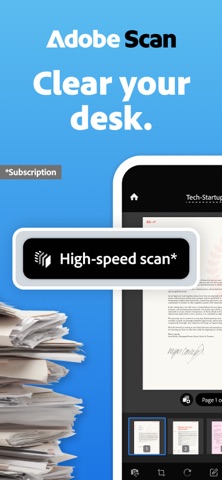
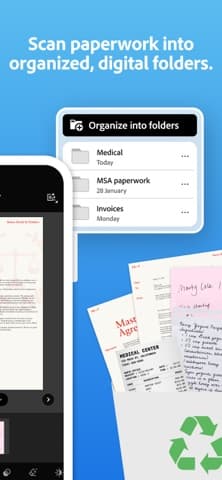
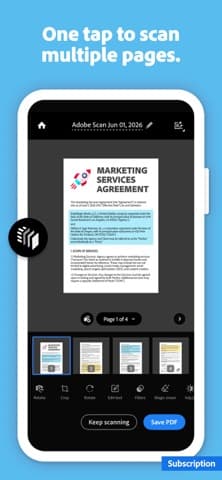
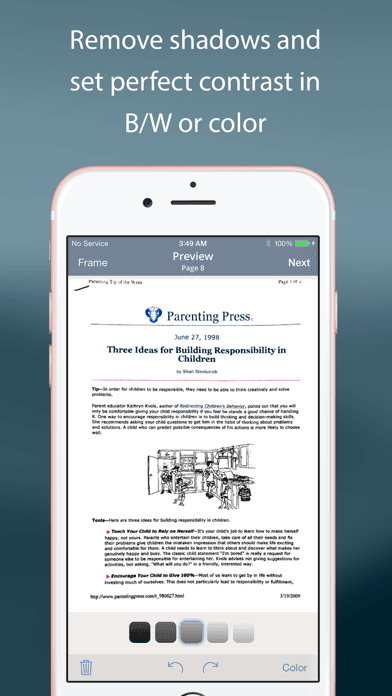
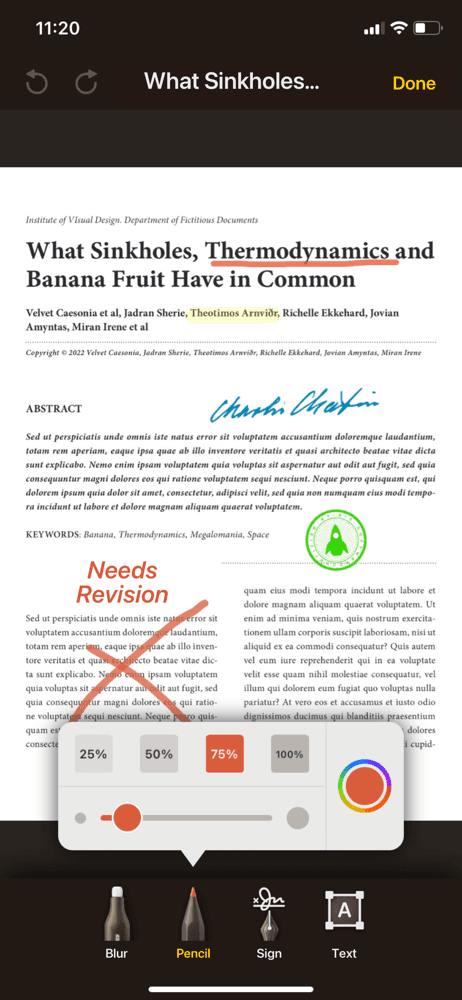
Adobe Scan is the best PDF scanner app for iPhone users who need top-tier OCR and want a free first-party Adobe app that ties into Acrobat and Document Cloud. The 4.88 average across 1,545,048 U.S. ratings reflects an audience that has switched from CamScanner and Genius Scan specifically because Adobe's OCR engine handles handwritten and faded text more reliably. Adobe Scan differs from CamScanner by leading OCR-and-Acrobat-ecosystem-first rather than feature-breadth-first, and from Genius Scan by being free with a generous baseline. A real scenario: you scan a handwritten letter, Adobe Scan OCRs the text into searchable PDF, and the file opens directly in Acrobat for editing or signing. Document Cloud sync keeps the file across iPhone, iPad, Mac, and Windows. The tradeoff is the experience is best inside the Adobe ecosystem — users without an Adobe ID get a thinner experience, and some advanced editing requires an Acrobat subscription. Best for users who already use Acrobat for signing or editing, and anyone who scans documents with handwritten text that needs to become searchable.
Pros
- Top-tier OCR for printed and handwritten text leveraging Adobe document AI
- Free with an Adobe ID — no subscription required for core scanner and OCR features
- Scans sync to Adobe Document Cloud for direct opening in Acrobat across devices
Cons
- Best experience requires an Adobe ID and benefits from Acrobat subscription downstream
- Some advanced editing and export features sit behind Acrobat paid plans
- Rating
- 4.9
- Reviews
- 1.4M
- Price
- Free · IAP
- Last update
- Oct 16, 2026
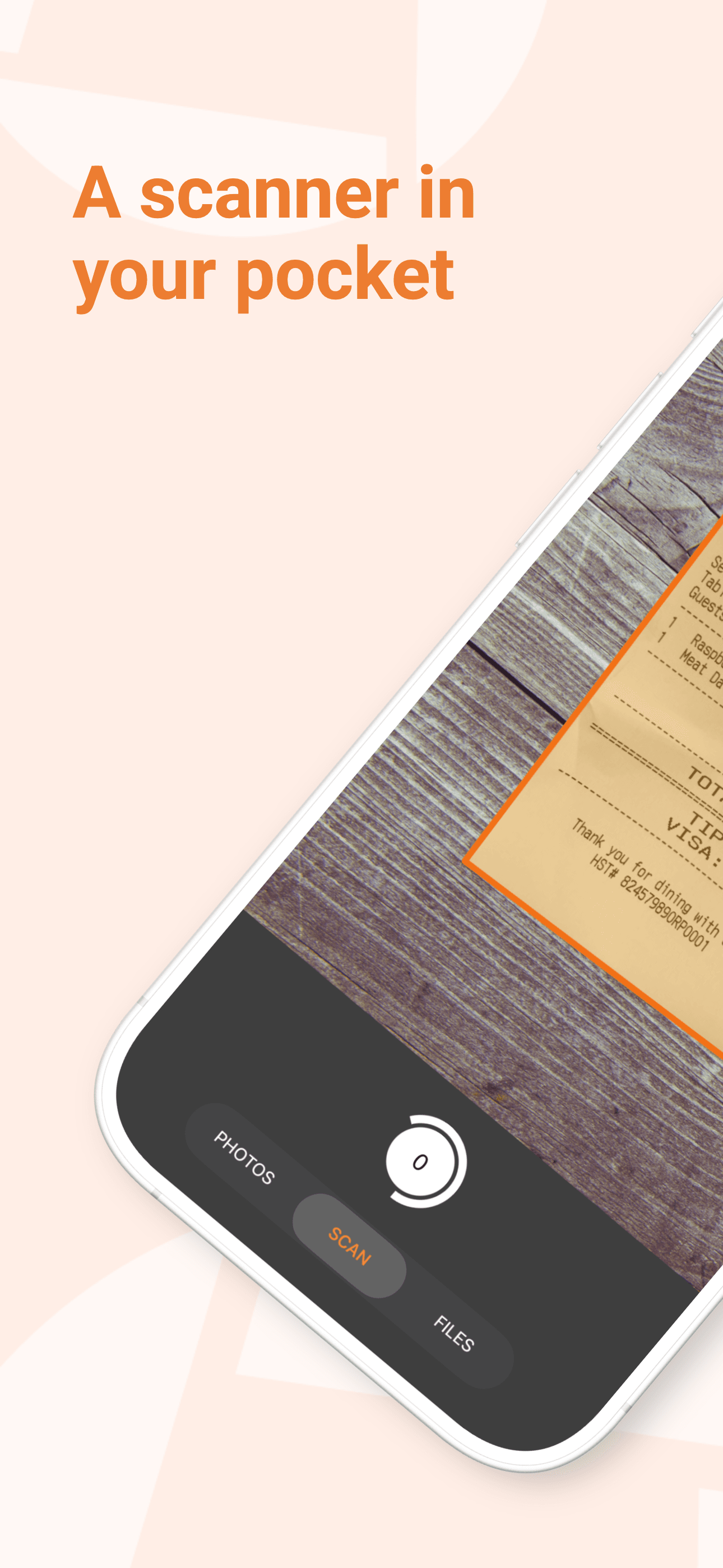
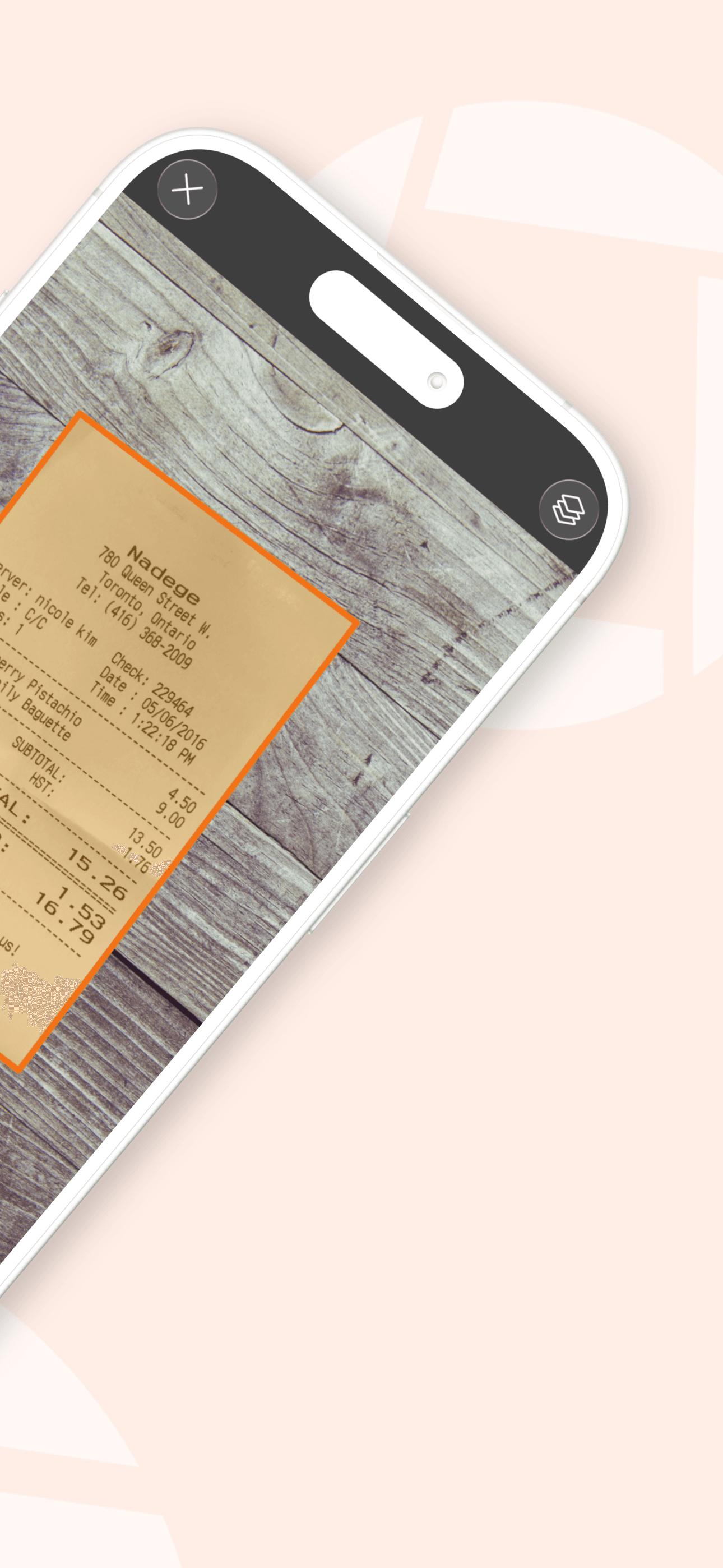
Genius Scan is the best PDF scanner app for iPhone users who want category-leading scan quality, a long-running independent product, and a generous free tier that doesn't pressure subscriptions. The 4.9 average across 1,328,668 U.S. ratings is the highest combined score-and-volume on this list, and reviewers specifically call it 'the online student's savior' and praise the response at notary offices when impressed bystanders ask which app it is. Genius Scan differs from CamScanner by leading scan-quality-and-no-subscription-pressure rather than mass-market-feature-breadth, and from Adobe Scan by being independent rather than ecosystem-tied. A real scenario: you photograph a paper document on a coffee-shop table, Genius Scan finds the edges automatically, corrects the perspective, brightens the image, and exports a clean multi-page PDF in three taps. The tradeoff is real but limited: one recent reviewer flagged that handwritten text appears as 'illegible dots unless very bold and well-lit,' so very light handwriting needs better lighting. Best for users who want the cleanest scans, a free tier they can actually use, and a developer that has resisted subscription-everywhere pressure.
Pros
- Highest combined score-and-volume on this list at 4.9 stars across 1.3 million ratings
- Generous free tier covers core scanning without aggressive subscription pressure
- Reviewers cite notary-office moments where bystanders ask which scanner app it is
Cons
- Light handwritten text scans as 'illegible dots' without strong lighting per a recent review
- OCR for handwriting trails Adobe Scan despite stronger printed-text accuracy
- Rating
- 4.8
- Reviews
- 1.4M
- Price
- Free
- Last update
- Oct 7, 2026
iScanner is the best PDF scanner app for iPhone users who want a polished mass-market alternative to CamScanner with strong long-term-user retention. The 4.76 average across 1,377,465 U.S. ratings reflects an audience that has stayed with iScanner for years (recent reviewers report '4 years' of use) and praises the steady update cadence and feature additions. iScanner differs from CamScanner by leaning slightly less aggressive on upsells (relative, not absolute) and more polish on UI, and from Genius Scan by being more feature-loaded with measurement tools, ID-card mode, and AI math problem-solving. A real scenario: a single mom organizing documents for an international move uses iScanner to digitize everything — passports, school records, lease agreements — into searchable cloud-synced PDFs. One reviewer described exactly this scenario. The tradeoff is the Premium pricing is on the high side for the category, and the feature breadth includes scope-creep additions (math solver, ruler) that pull attention from the core scanner. Best for users who want a polished CamScanner alternative with active development.
Pros
- Polished mass-market alternative to CamScanner with strong long-term-user retention
- Adds measurement, ID-card mode, and AI math solver beyond core scanner features
- Reviewers report multi-year use and steady update cadence with creative improvements
Cons
- Premium pricing sits on the high side for the PDF scanner category
- Feature scope-creep (math solver, ruler) pulls attention from the core scanner loop
- 5
 Get on App Store
#5Scan Hero: PDF ScannerBest for Business
Mosaic S.r.l.
For Documents, Photos & Text
- Rating
- 4.7
- Reviews
- 242.1K
- Price
- Free · IAP
- Last update
- Jun 8, 2026
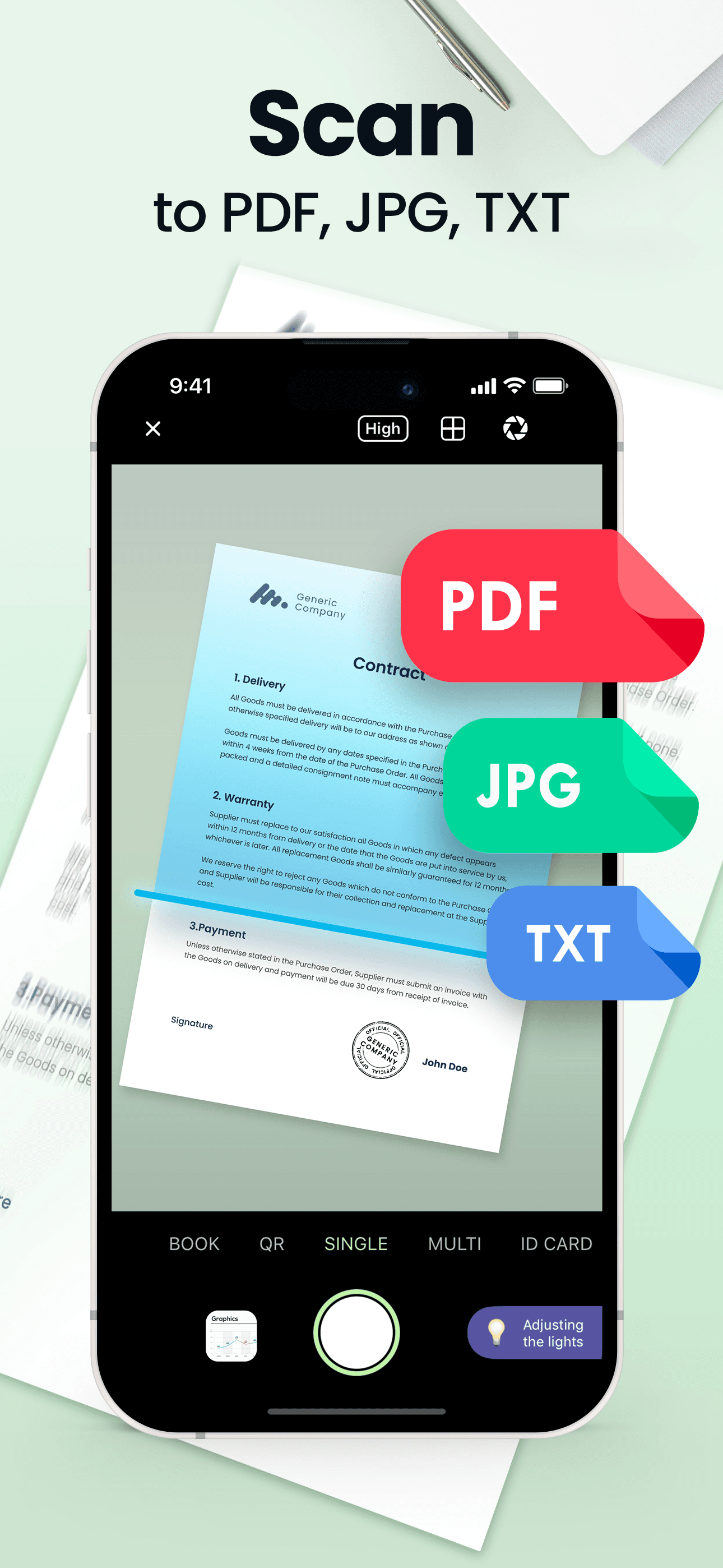
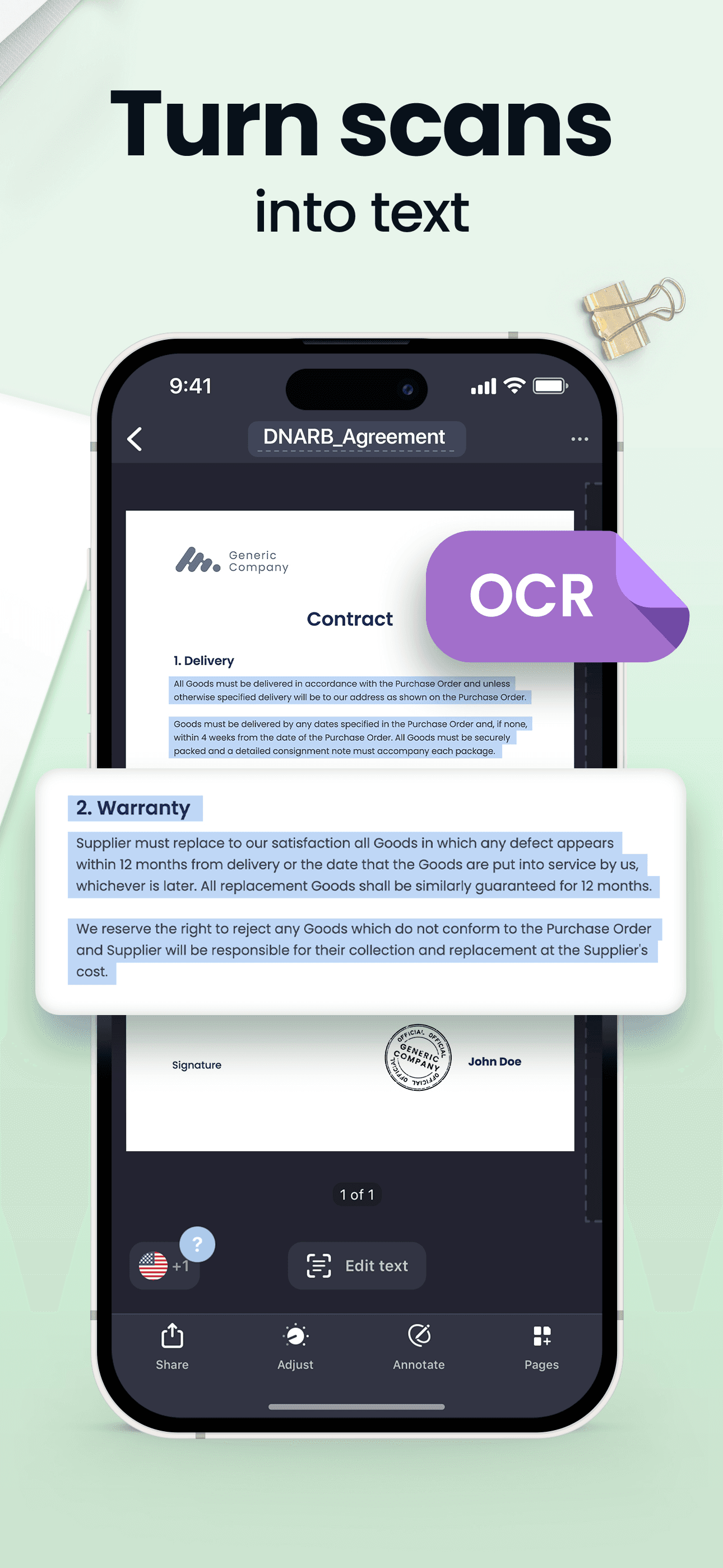
Scan Hero is the best PDF scanner app for iPhone users who run small-business document workflows — invoices, contracts, signatures, and file sharing as part of a daily business routine. The 4.68 average across 241,244 U.S. ratings reflects a product positioned explicitly for business use, with editing, signing, and management built around document-workflow needs rather than casual scanning. Scan Hero differs from Adobe Scan by being a standalone product rather than an Adobe-ecosystem on-ramp, and from CamScanner by leading business-workflow-first rather than mass-market-first. A real scenario: a freelancer receives a contract by email, prints it, signs by hand, then scans, signs digitally, and emails it back — Scan Hero handles the whole loop without leaving the app. The tradeoff is the audience is narrower than the mass-market picks, and users without a daily document workflow may find the business framing heavier than they need. Best for solo professionals and small-business owners who treat document management as a recurring weekly task.
Pros
- Business-workflow-first design with editing, signing, and document management built in
- Handles full contract loop — receive, sign, scan, return — without leaving the app
- Strong feature parity with Adobe Scan for solo professionals avoiding the Adobe ecosystem
Cons
- Narrower audience than mass-market picks means slower feature velocity
- Business framing feels heavy for casual users with no daily document workflow
- 6
 Get on App Store
#6Microsoft Lens: PDF ScannerBest Cloud Sync
Microsoft Corporation
PDF scan, Docs, Whiteboard
- Rating
- 4.8
- Reviews
- 144.5K
- Price
- —
- Last update
- Jan 9, 2026
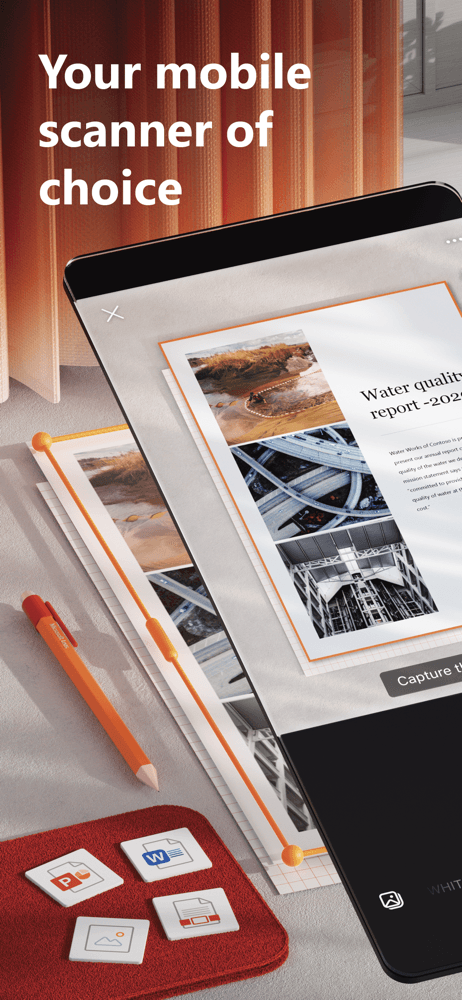
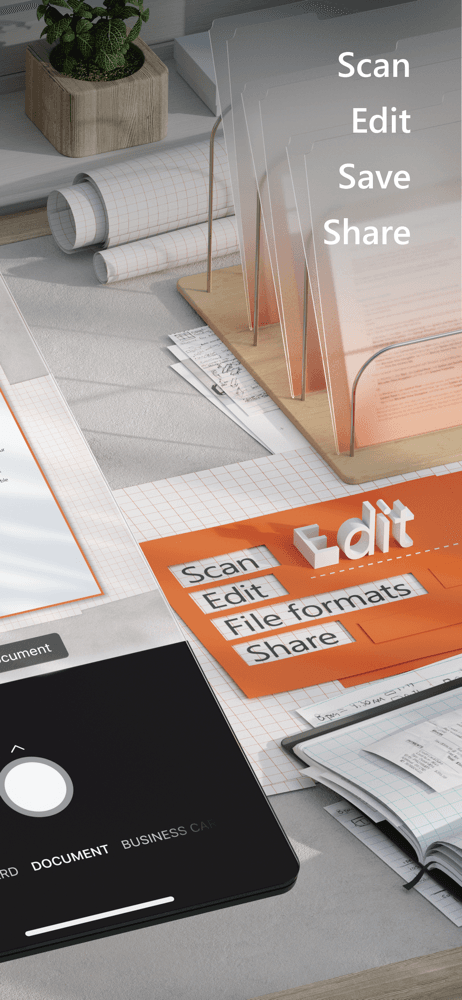
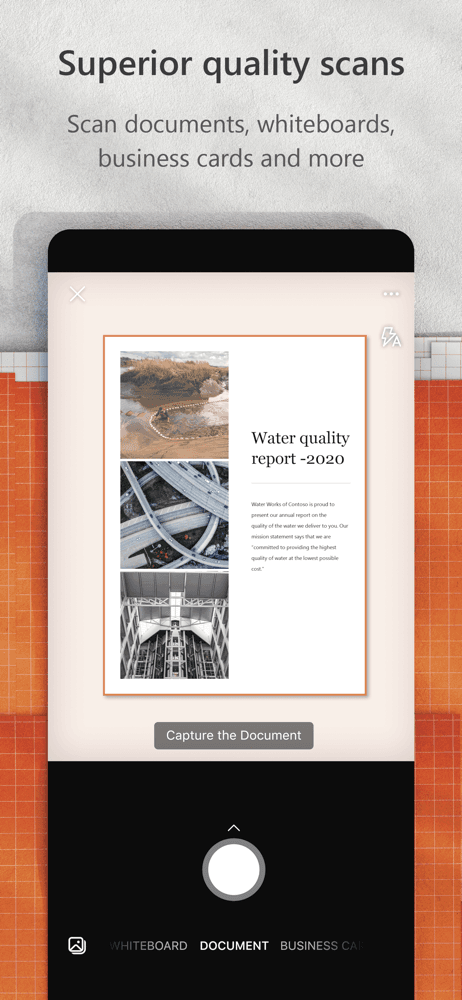
Microsoft Lens is the best PDF scanner app for iPhone users who live in Microsoft 365 and want scans landing automatically in OneNote, OneDrive, Word, or PowerPoint. The 4.8 average across 144,494 U.S. ratings reflects an audience that has self-selected for the Microsoft ecosystem — students with Office 365 subscriptions, employees at Microsoft-shop workplaces, and OneNote power users. Microsoft Lens differs from Adobe Scan by leading Microsoft-ecosystem-first rather than Adobe-ecosystem-first, and from CamScanner by being completely free with no upsells. A real scenario: you photograph a whiteboard at the end of a meeting — Microsoft Lens auto-detects the whiteboard, removes glare, OCRs the contents, and saves to OneNote where the team can find it. The tradeoff is the value collapses outside Microsoft 365 — if you don't use OneDrive or OneNote, Microsoft Lens is just another scanner. The mobile UI also lags behind Adobe Scan and Genius Scan in polish. Best for Microsoft 365 users and students whose schools provide Office accounts.
Pros
- Completely free with no upsells across all platforms for Microsoft 365 users
- Saves scans directly to OneDrive, OneNote, Word, and PowerPoint with one tap
- Whiteboard mode removes glare and OCRs contents for meeting documentation
Cons
- Value collapses outside Microsoft 365 — pointless without OneDrive or OneNote
- Mobile UI polish trails Adobe Scan and Genius Scan in several core flows
- Rating
- 4.9
- Reviews
- 103K
- Price
- Free
- Last update
- Apr 14, 2026
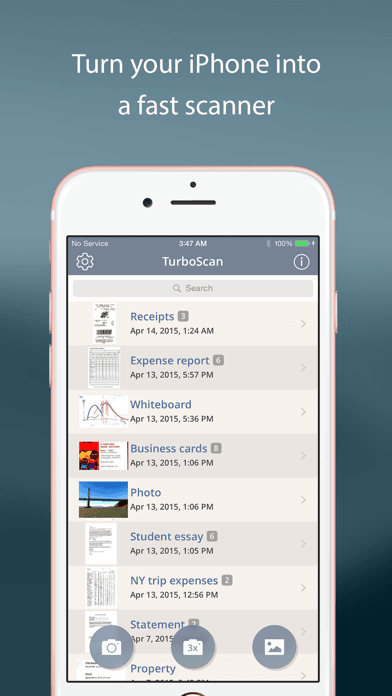
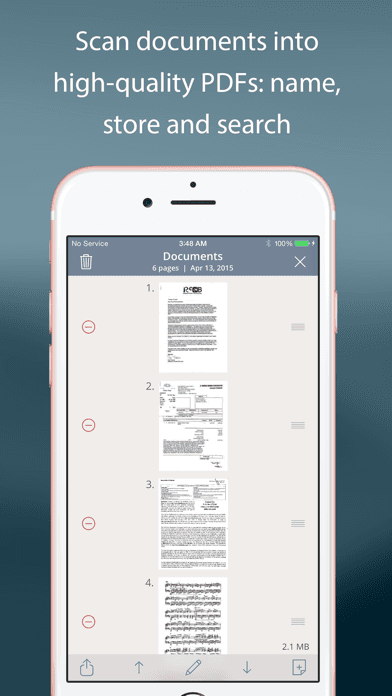
TurboScan is the best PDF scanner app for iPhone users who want the highest possible scan quality and the highest rated app on this list. The 4.91 average across 98,513 U.S. ratings is the highest star rating on the list, and the product has earned press coverage from The New York Times, CNN Money, and The Telegraph for the SureScan three-photo mode that takes three shots and merges them for highest accuracy on tricky documents. TurboScan differs from Genius Scan by leading quality-first with a paid model (no aggressive free tier), and from Adobe Scan by being independent rather than ecosystem-tied. A real scenario: you scan a 30-page book chapter for class — TurboScan's SureScan mode compensates for hand shake and lighting variation, producing cleaner pages than single-shot mode on competing apps. The tradeoff is the smaller user base (98K ratings versus 1.3M for Genius Scan) means slower feature velocity, and the paid model rules out users who want a free option. Best for users who care about scan accuracy above all else and are willing to pay once for a serious tool.
Pros
- Highest star rating on this list at 4.91 stars across 98,513 U.S. ratings
- SureScan three-photo mode compensates for hand shake on tricky documents
- Press coverage from NYT, CNN Money, and The Telegraph signals long-term quality
Cons
- Smaller user base means slower feature velocity than mass-market leaders
- Paid model rules out users who want a free option for casual scanning
- 8
 Get on App Store
#8ScanGuru: PDF Scanner AppBest Apple-Native
GM UniverseApps Limited
Scan Document, Image Converter
- Rating
- 4.6
- Reviews
- 93.3K
- Price
- Free · IAP
- Last update
- Aug 10, 2026
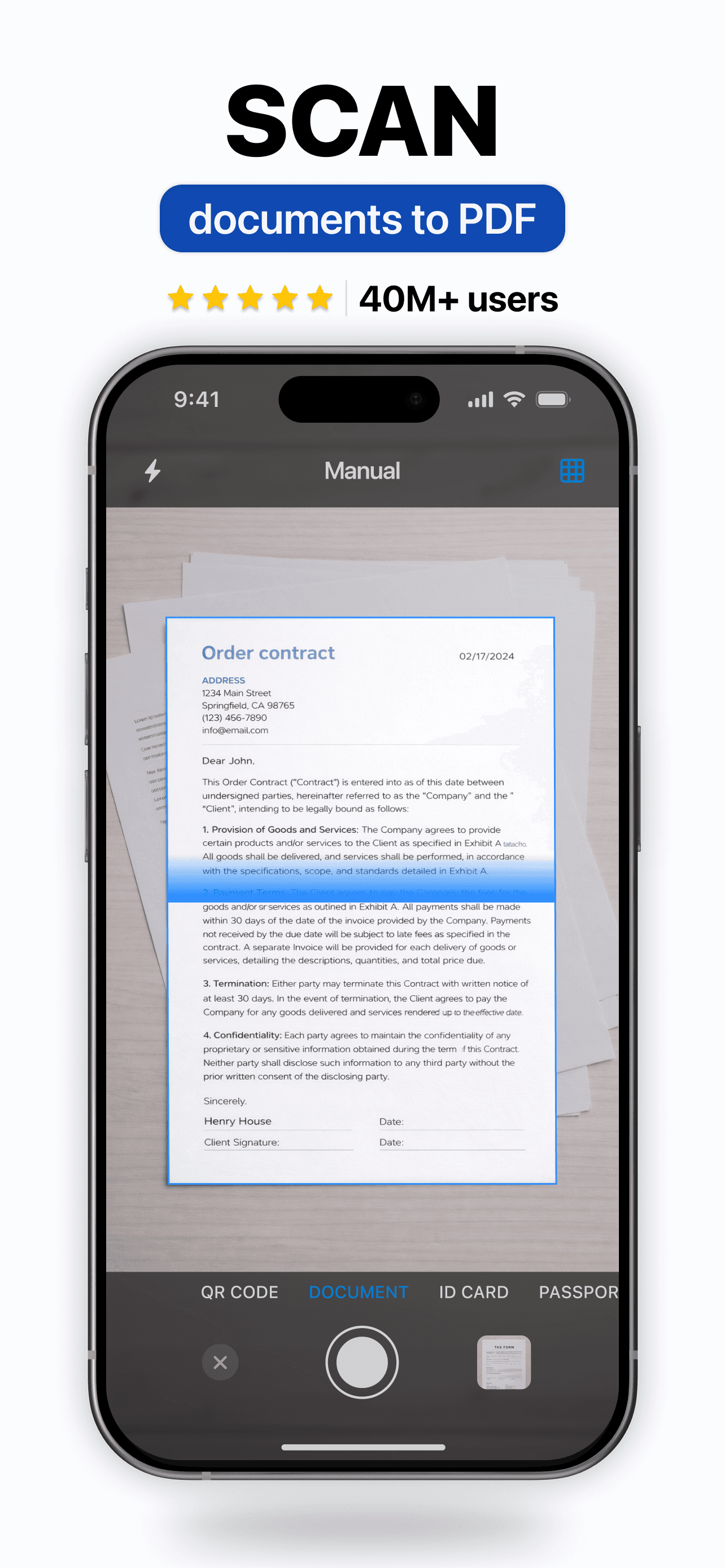
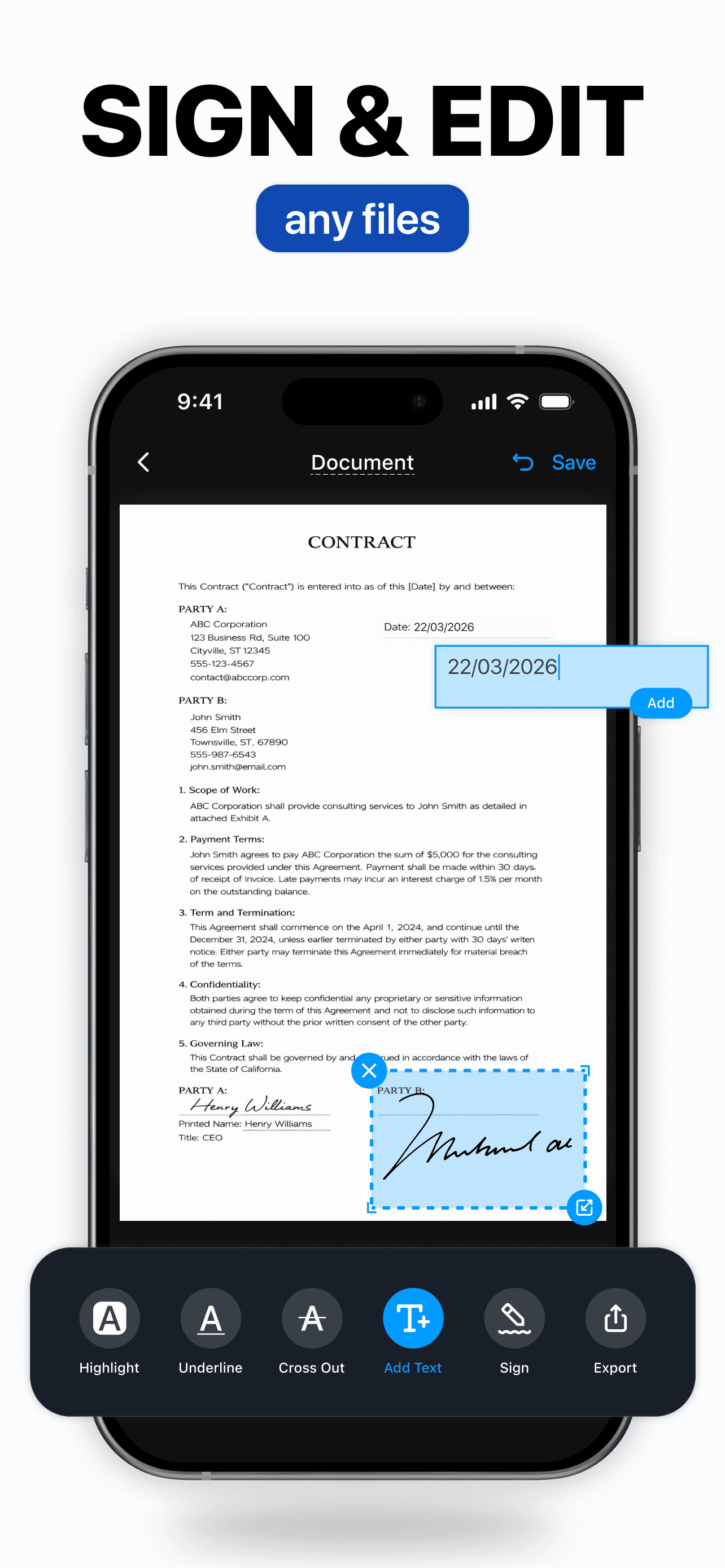
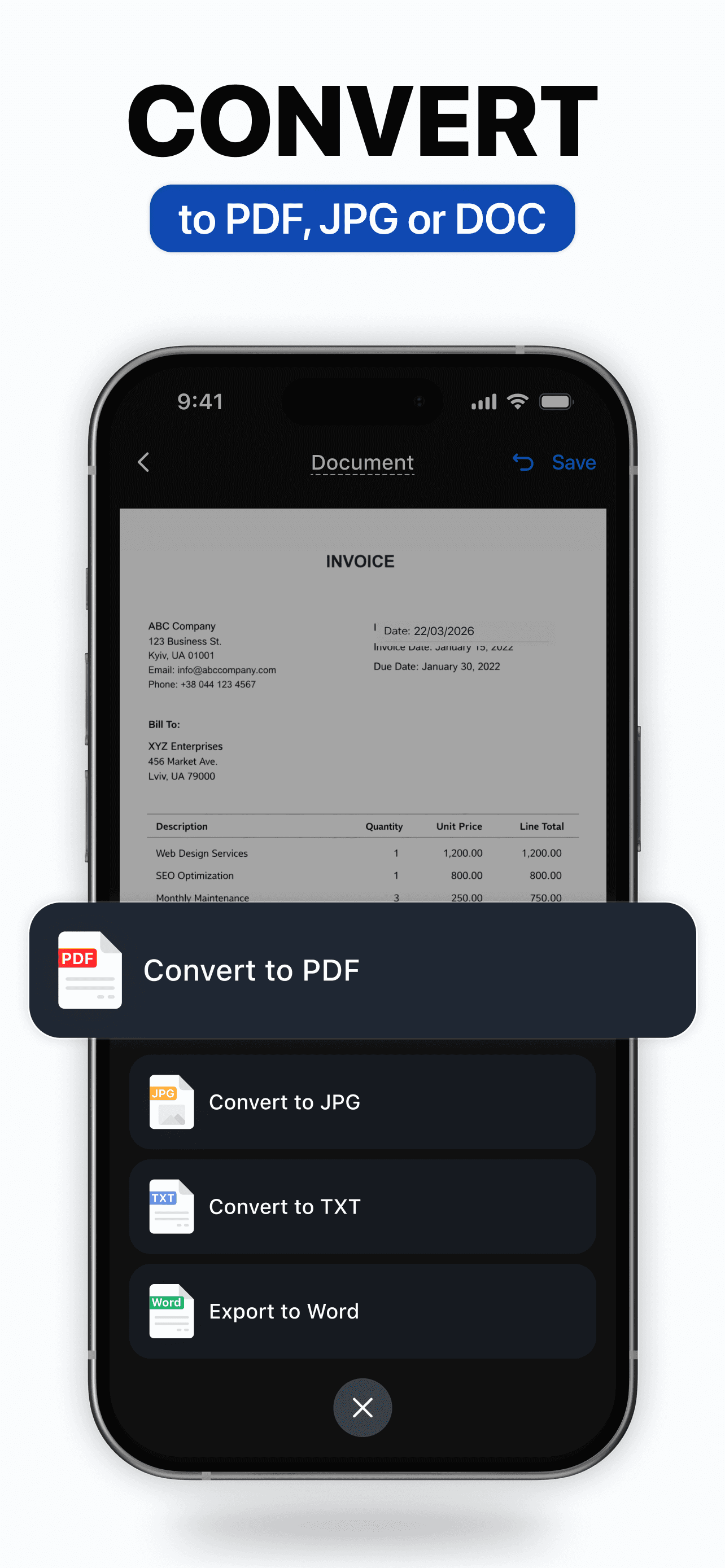
ScanGuru is the best PDF scanner app for iPhone users who want a competent generalist scanner without the mass-market dominance of CamScanner. The 4.6 average across 91,821 U.S. ratings is the lowest rating on this list, but the product has shipped consistently and covers the standard scanner feature set — edge detection, multi-page PDF, OCR, cloud export, signature, and watermark. ScanGuru differs from CamScanner by being a smaller, less-promoted alternative, and from Adobe Scan by not requiring an ecosystem account. A real scenario: you want a basic scanner on a household iPhone that's not signed into an Adobe or Microsoft account — ScanGuru installs, scans, and exports without making you sign up for anything. The tradeoff is the smaller user base and lower rating reflect a product that hasn't differentiated against the leaders — users who try ScanGuru and Genius Scan back-to-back usually stay with Genius Scan. Best for users wanting a frill-free scanner without ecosystem commitments and who don't need top-of-category OCR.
Pros
- Competent generalist scanner without requiring Adobe or Microsoft accounts
- Standard feature set with edge detection, OCR, signature, and cloud export covered
- No ecosystem lock-in for users who want a frill-free scanner that just works
Cons
- 4.6-star rating is the lowest on this list and reflects mixed differentiation
- Users who try ScanGuru and Genius Scan back-to-back usually stay with Genius Scan
- 9
 Get on App Store
#9Scan to PDF-Document ScannerBest Free
Scanner App PDF Tool
ScanShot・Image Converter & OCR
- Rating
- 4.7
- Reviews
- 61.7K
- Price
- Free · IAP
- Last update
- Oct 5, 2026
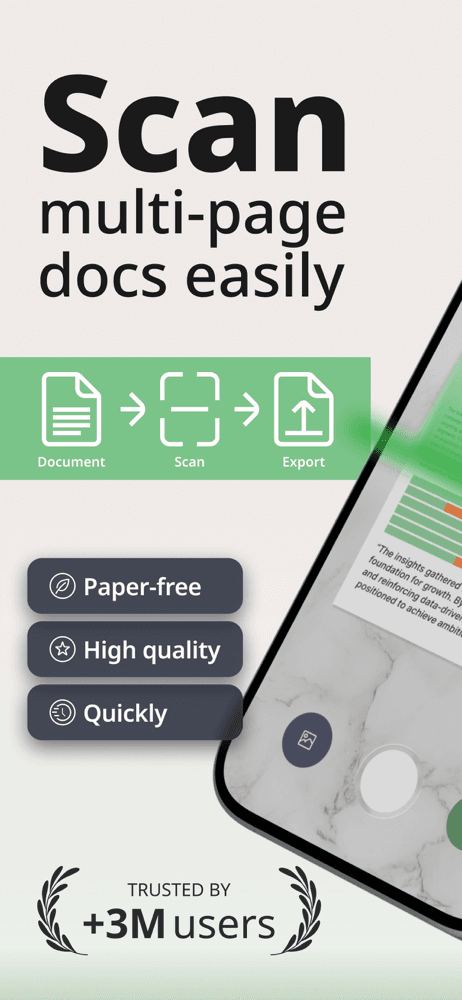
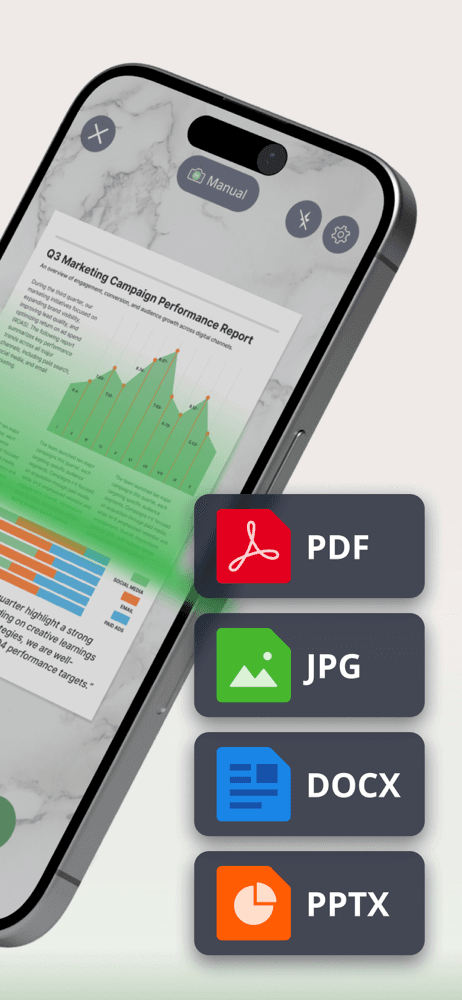
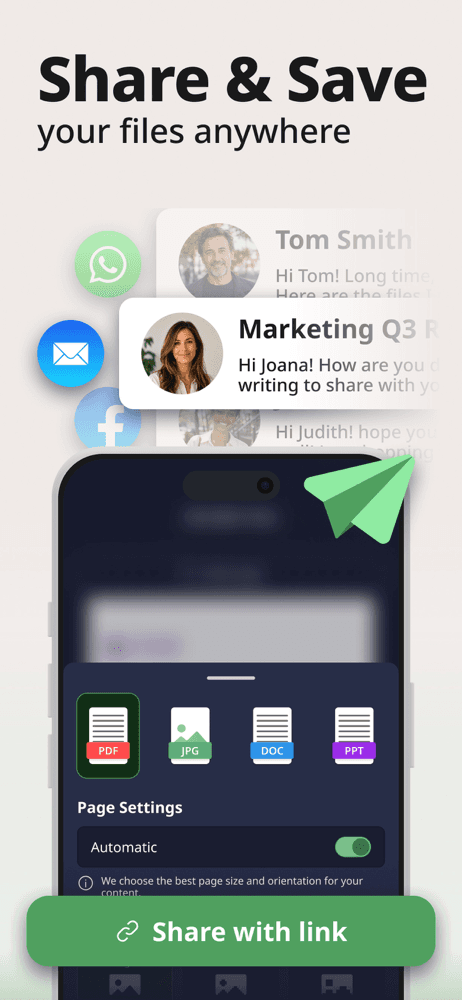
Scan to PDF is the best PDF scanner app for iPhone users who want a free, unlimited-scan workflow without subscription pressure. The 4.7 average across 60,988 U.S. ratings reflects a newer entrant (released in 2021) that positions explicitly against the subscription-heavy leaders — unlimited scanning, no usage caps, and export to PDF, JPG, DOCX, PPTX, and TXT in the free tier. Scan to PDF differs from CamScanner by being aggressively free, and from the built-in iOS scanner by adding multi-format export and document management. A real scenario: a college student scans lecture handouts weekly without hitting a paywall — Scan to PDF exports as searchable PDF and Word, sized for sharing or printing. The tradeoff is the product is newer than the established leaders, so the long-term roadmap and developer reliability are less certain, and advanced features like OCR for handwriting lag the category leaders. Best for high-volume casual users who want unlimited free scans and don't need top-tier OCR or signature workflows.
Pros
- Unlimited scans on the free tier with no usage caps or aggressive subscription pressure
- Exports to PDF, JPG, DOCX, PPTX, and TXT for flexible downstream workflows
- Strong free-tier value for high-volume casual users like students and freelancers
Cons
- Newer 2021 entrant means long-term roadmap and developer reliability are less proven
- Handwriting OCR and signature workflows lag the established category leaders
- 10
 Get on App Store
#10My Scans, best PDF Scanner AppBest for Receipts
TOP APP d.o.o.
Scan, Sign, FAX, Print, Email
- Rating
- 4.8
- Reviews
- 50.4K
- Price
- Free · IAP
- Last update
- Feb 3, 2026
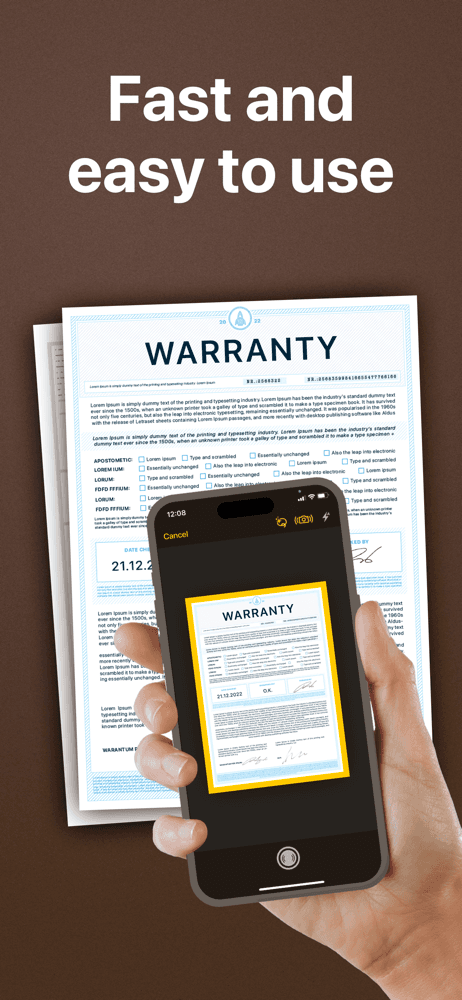
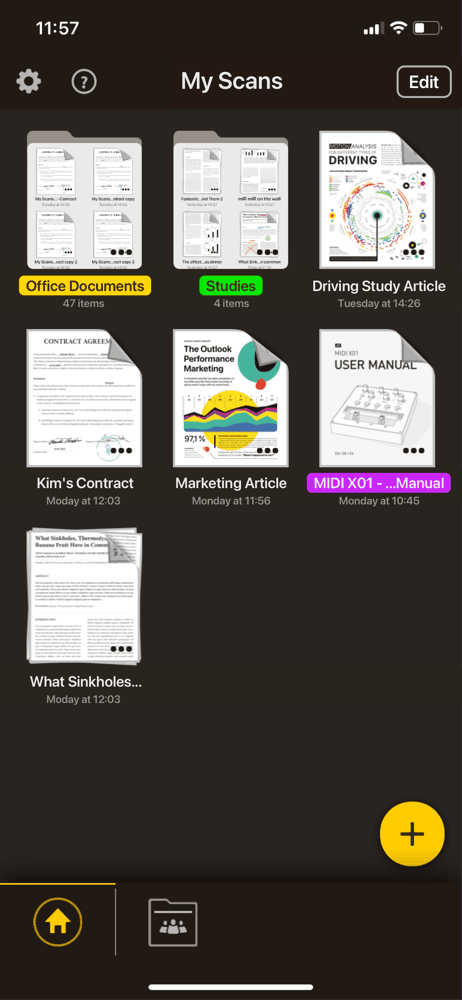
My Scans is the best PDF scanner app for iPhone users who want a long-running, no-frills scanner with optional cloud sync that doesn't lock you into a major ecosystem. The 4.78 average across 49,564 U.S. ratings reflects an audience that has used My Scans for years — released in 2015, updated in February 2026, with a focused feature set around the core scanner loop. My Scans differs from CamScanner by being smaller and more focused, and from Microsoft Lens by being ecosystem-agnostic with optional My Scans Cloud sync. A real scenario: you scan a business card, an invoice, and a memo into one PDF, then sync via My Scans Cloud to your iPad — the workflow is short and the app stays out of the way. The tradeoff is the smaller user base means less momentum than the category leaders, and the cloud sync is a small custom service rather than tying into iCloud or Google Drive natively (Share Sheet integration covers this gap). Best for users who want a focused scanner from an independent developer.
Pros
- Long-running focused scanner from an independent developer since 2015
- Optional My Scans Cloud sync without locking you into a major ecosystem
- Standard feature set covered without scope-creep features pulling focus
Cons
- Smaller user base means less momentum than category leaders for feature velocity
- Cloud sync is a small custom service rather than native iCloud or Google Drive integration


How we picked
### Data sources We combine live App Store data (ratings, recent reviews, version cadence, pricing, screenshot history) with our own ranking tracker, which logs U.S. Business and Productivity positions daily for every app. Review themes come from the most recent U.S. reviews per app, weighted toward the last 90 days.
### How we score Four weighted axes: scan quality (edge detection, perspective correction, contrast on faded receipts), OCR accuracy (searchable PDF output, handwritten text recognition where applicable), workflow speed (how fast you go from camera button to shareable PDF), and pricing fairness (free tier usefulness, subscription pressure in core flows). We did not run formal OCR benchmarks; we relied on consistent themes in user reviews and product behavior.
### Refresh cadence The top-10 set is re-scored quarterly. Ratings, ranks, and review-theme analysis refresh daily. When a vendor releases a major redesign, changes pricing, or removes a feature that drove its placement, it gets re-evaluated within the week. PDF scanner apps have unusually volatile pricing — we re-check every quarter.
### What we exclude Apps with an average below 4.6 stars on the current version, fewer than fifty thousand ratings, or no update in nine months. We dropped pure photo-to-PDF converters that don't actually do edge detection or perspective correction — that's a Files action, not a scanner. We also dropped scanner apps that aggressively dark-pattern the subscription flow during onboarding, since reviewers report payment-without-meaning-to in these cases.
### What we don't do No affiliate-driven ordering. Referral commissions do not bump apps. We don't take sponsorship or paid placement from listed apps. If a pick shifts, it's because the data shifted — pricing, ratings, review themes, or feature changes.