



Best Password Manager Apps for iPhone
By App Store Tracker Editorial · Updated — live App Store data verified
The short version
The best password manager app for iPhone in 2026 is Apple Passwords — the built-in app shipped with iOS 18 hits 4.73 stars across 700,470 ratings, the largest user base in the category. Runner-up Keeper holds an extraordinary 4.9 from 225,403 ratings with the strongest enterprise and family features. Dashlane (4.79, 102K) wins on dark-web monitoring. Bitwarden is the open-source pick for users who want auditable code. Authy and LastPass Authenticator cover dedicated 2FA. 1Password rounds out the cross-platform pros.
Jump to a pick↓
Picking a password manager is one of the few app decisions where switching cost is high. You will live inside this app for years, sync it across every device you own, and trust it with credentials for your bank, your email, and everything else that matters. Apple's native Passwords app shipped with iOS 18 and is now a real product — for most Apple-only households it is the obvious starting point. Third-party managers still win on cross-platform sync, secure sharing, breach monitoring, and team features. We scored ten picks on encryption architecture, autofill quality on iOS, recovery options, sharing model, and the honest themes that show up in real user reviews. Every credible pick uses AES-256 encryption with a zero-knowledge architecture, which means even the company that makes the app cannot read your vault. The differences are about workflow, ecosystem, and pricing.
- Rating
- 4.7
- Reviews
- 758K
- Price
- Free
- 90-day trend
- —
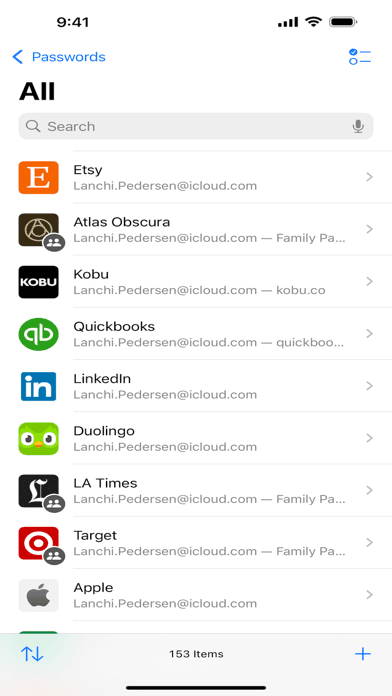
Apple Passwords is the best password manager for iPhone users who live inside the Apple ecosystem. Shipped with iOS 18, it pulls iCloud Keychain out of Settings and into a real first-class app — autofill, Passkey support, shared family vaults, Face ID unlock, and audit history are all built-in and free. Compared with Keeper or 1Password, you skip the subscription and the syncing complexity. Compared with Bitwarden, you give up cross-platform support (Windows access is limited, Android nonexistent). Real use case: an all-iPhone-and-Mac household that wants strong autofill on iOS, Passkey storage that just works in Safari, and shared family logins for streaming services. The 4.73 average across 700,470 ratings — the largest user base in the category — reflects how broadly Apple has rolled this out. Tradeoff: there is no Android app, Windows requires the iCloud for Windows utility, and audit logs are thin compared with enterprise tools. If you have ever bought a Chromebook for a family member, you need a third-party manager. If not, Apple Passwords is the right call.
Pros
- Built into iOS 18 — no subscription, no extra app needed
- Passkeys, autofill, and Face ID unlock work natively in Safari
- Shared family vaults sync seamlessly through iCloud Keychain
Cons
- No proper Android app limits cross-platform households
- Windows support requires the iCloud for Windows utility installation
- 2Get on App Store
#2Keeper Password ManagerBest for Families
Callpod Inc.
Passkey & Password Generator
- Rating
- 4.9
- Reviews
- 227.8K
- Price
- Paid
- 90-day trend
- —
Keeper is the best password manager for families and small teams who want enterprise-grade security with friendlier pricing than 1Password. The 4.9-star average across 225,403 App Store ratings is the highest in this category — users consistently mention the smooth family sharing model and the strong dark-web monitoring (BreachWatch). Compared with 1Password, Keeper has more granular sharing controls and includes secure file storage on the family plan. Compared with Apple Passwords, Keeper works on Windows, Android, and Linux with full feature parity. Real use case: a family with mixed iPhone and Android devices that wants shared vaults for streaming logins, a kids vault with parental approval, and dark-web alerts when a family member's email shows up in a breach. KeeperChat (encrypted messaging) is included on premium plans. Tradeoff: the interface is denser than 1Password's, with more visible options that can overwhelm first-time users. The annual subscription is competitive but locks you into yearly pricing for the best rates.
Pros
- Highest App Store rating in category at 4.9 from 225,000+ ratings
- BreachWatch dark-web monitoring included on personal and family plans
- Granular sharing controls and Kids Vault for family setups
Cons
- Interface density can overwhelm first-time password manager users
- Best pricing requires annual commitment rather than month-to-month
- Rating
- 4.8
- Reviews
- 103.7K
- Price
- Free
- 90-day trend
- —
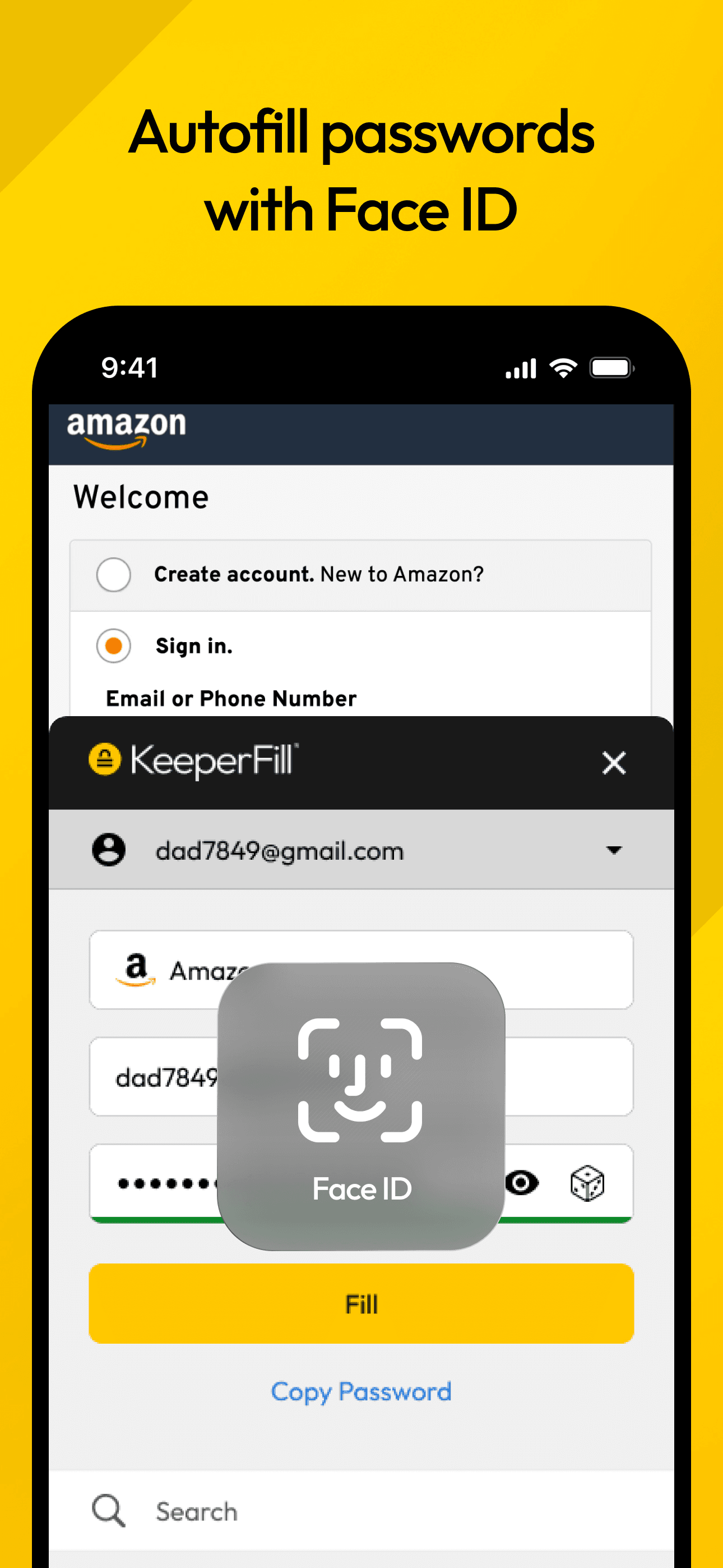
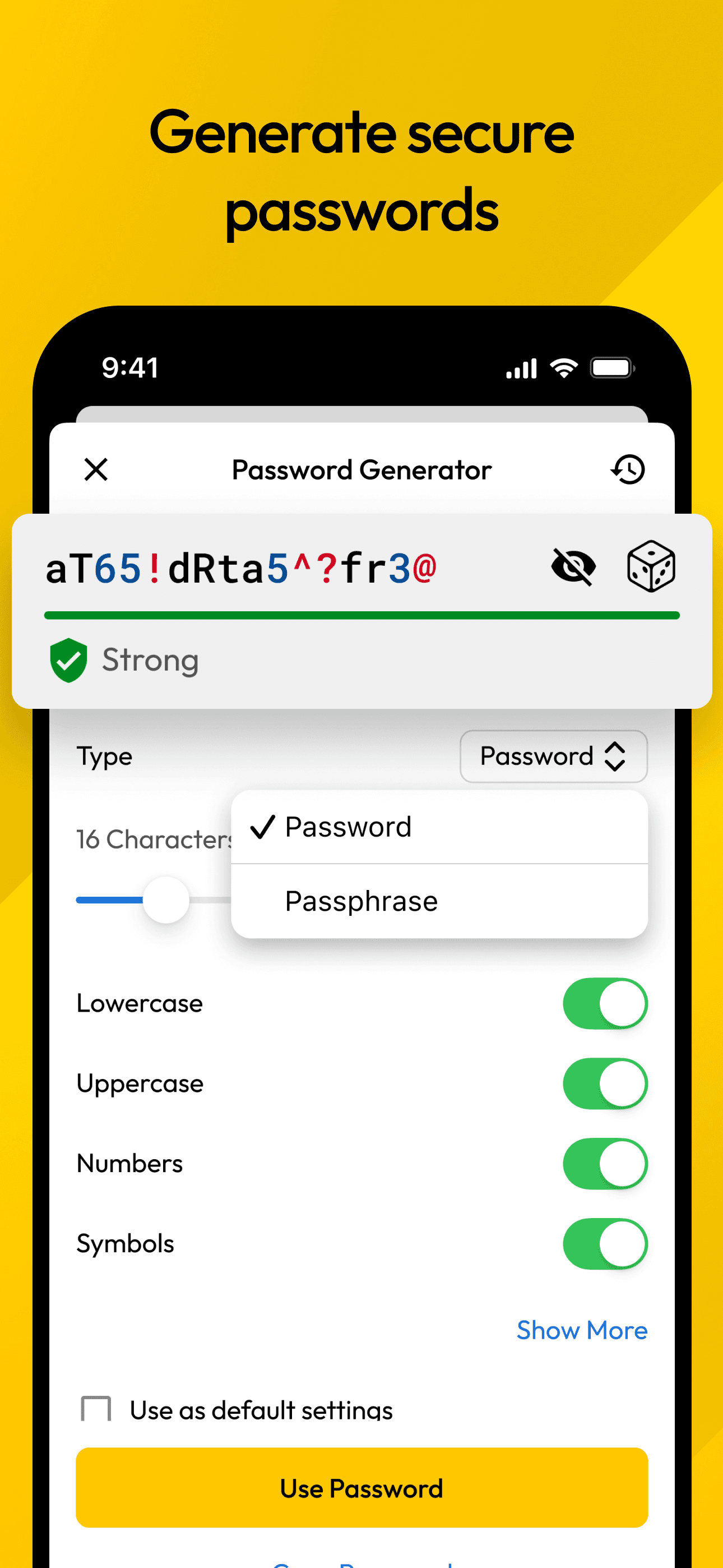
Dashlane is the best password manager for users who want dark-web monitoring and password-health scoring as core features rather than add-ons. The interface is the cleanest in the category — Dashlane consistently wins design awards — and the included VPN (on premium tiers) is a real perk for users who travel or use public Wi-Fi. Compared with Keeper or 1Password, Dashlane's Password Health scoring is the best-implemented version of this feature, flagging weak, reused, and compromised passwords with clear remediation steps. Compared with Bitwarden, you pay for polish and a friendlier onboarding. Real use case: a knowledge worker who switches between iPhone, Mac, and a Windows work laptop and wants automatic password changes for compromised accounts (Dashlane offers this for some sites). Free tier limits to 25 passwords on a single device, which is fine for evaluation but not for daily use. Tradeoff: the auto-password-change feature only works on a limited list of sites, and the bundled VPN is from Hotspot Shield (third-party) rather than first-party.
Pros
- Cleanest interface in the category with award-winning design polish
- Password Health scoring flags weak, reused, and breached credentials clearly
- Bundled VPN on premium tiers covers public Wi-Fi risks
Cons
- Free tier limits to 25 passwords on a single device only
- Auto-password-change works on a limited list of supported sites
- 4
 Get on App Store
#4Password Manager - mSecureBest Privacy
mSeven Software, LLC
Secure Storage Digital Wallet
- Rating
- 4.8
- Reviews
- 50.7K
- Price
- Paid
- 90-day trend
- —
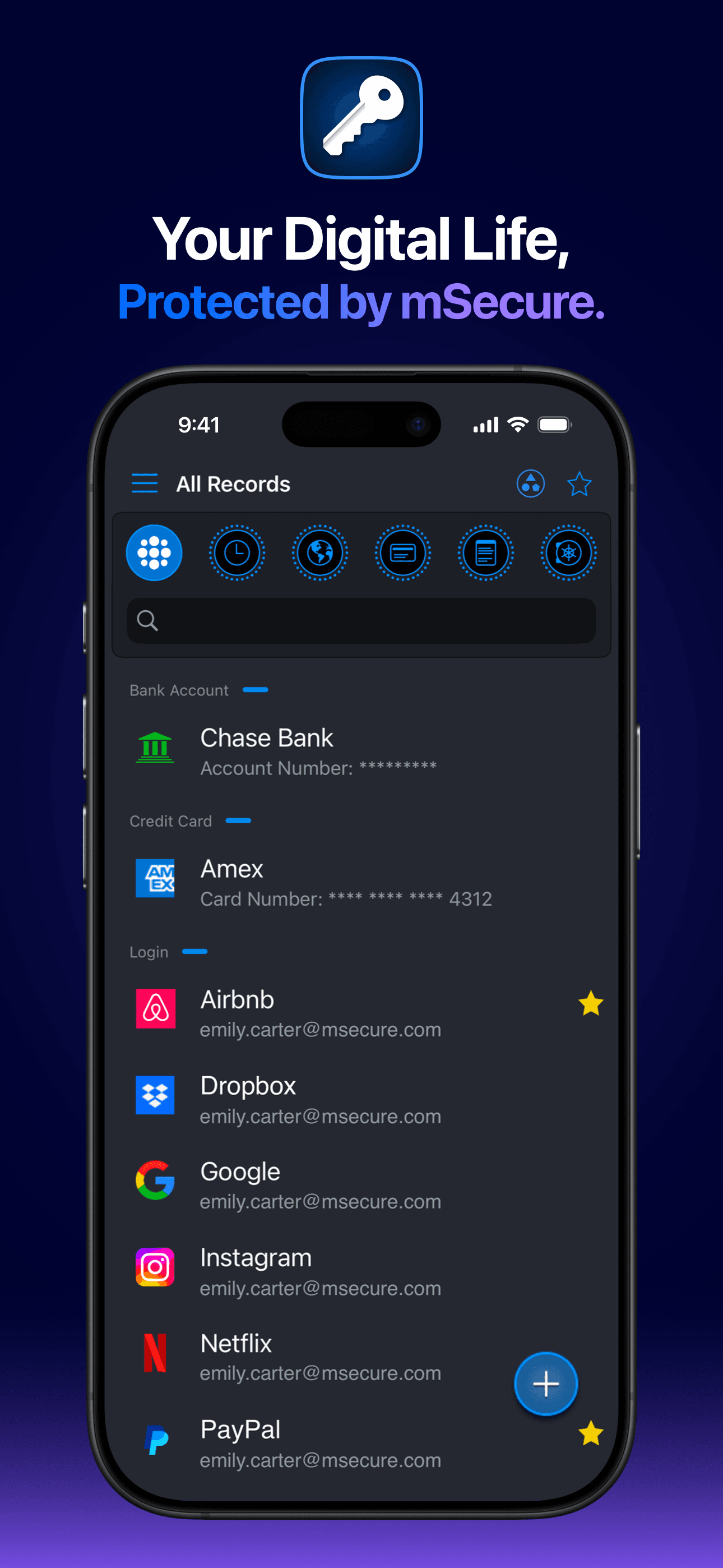
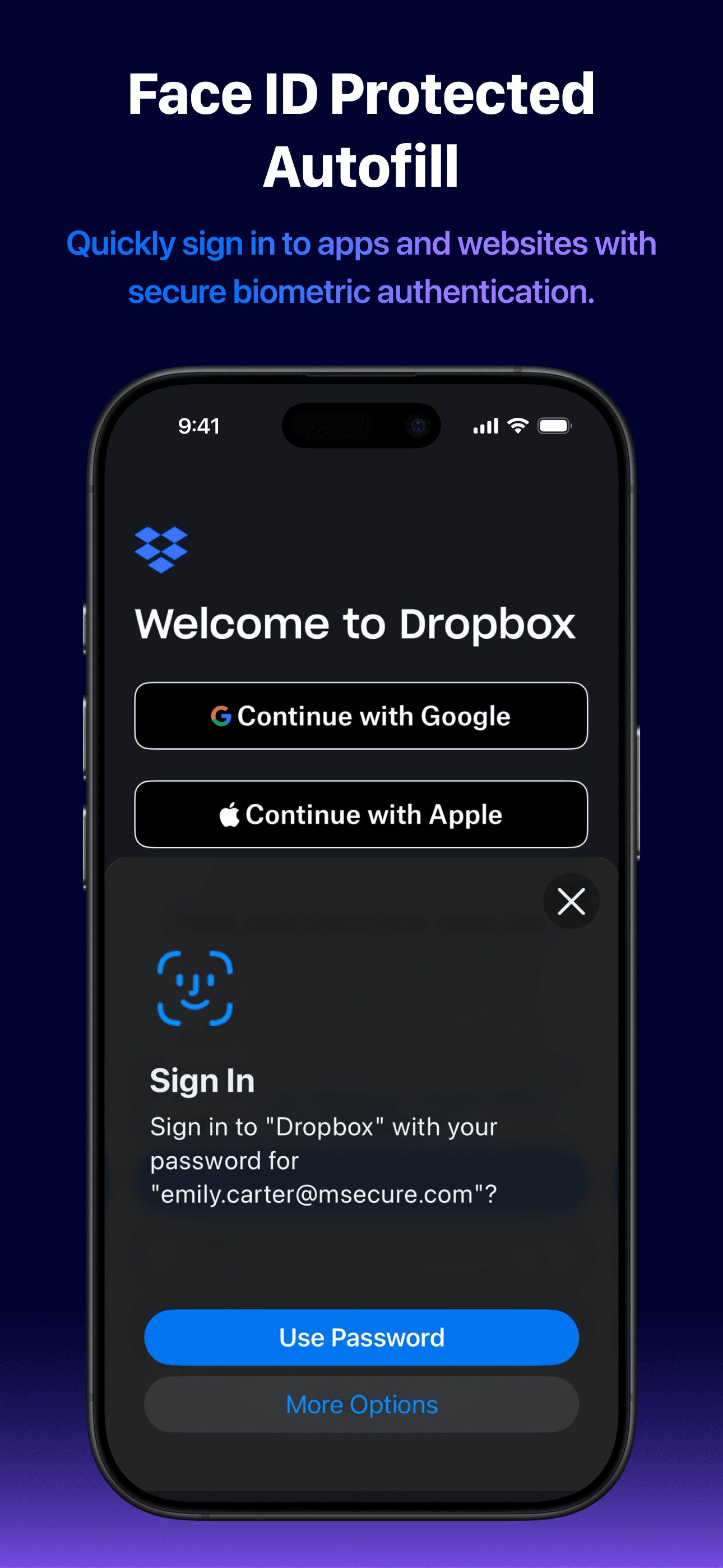
mSecure is the best password manager for users who prefer a one-time purchase or simple subscription model without the marketing of bigger competitors. The app has been around since the early iPhone era and the developer has consistently shipped updates without selling out to a larger vendor. The 4.82 average across 50,275 ratings reflects a loyal base. Compared with Keeper or 1Password, mSecure is leaner and the company is smaller — which some users see as a feature (less attack surface, less attention from data-hungry executives). Compared with Bitwarden, mSecure is closed-source but has a cleaner mobile interface. Real use case: a longtime iOS user who wants a password manager that does the basics well without the upsell pressure of the bigger players, with secure notes, identity storage, and a straightforward autofill experience. iCloud sync is included. Tradeoff: it does not have the dark-web monitoring or enterprise features of Keeper or 1Password, and the desktop apps lag behind the mobile experience in polish. Best for individuals over teams.
Pros
- One-time purchase option avoids subscription fatigue from competitors
- Small independent developer reduces attack surface and corporate bloat
- Clean mobile interface with reliable iCloud sync across iOS devices
Cons
- No dark-web monitoring or enterprise features for teams
- Desktop apps lag behind mobile in polish and feature parity
- 5
 Get on App Store
#5RoboForm Password ManagerBest for Travelers
Siber Systems, Inc.
Keep Secure & Auto Fill Forms
- Rating
- 4.7
- Reviews
- 47.7K
- Price
- Paid
- 90-day trend
- —
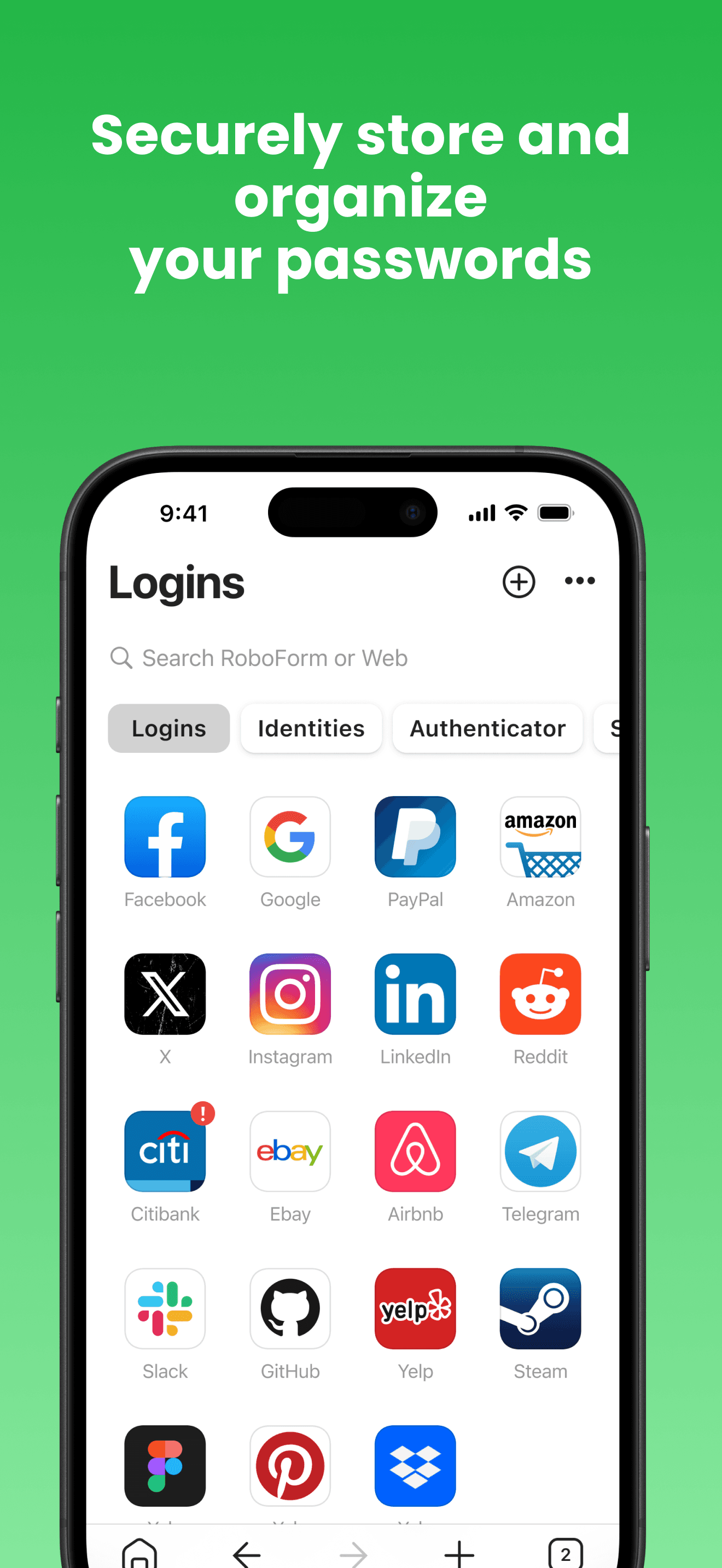
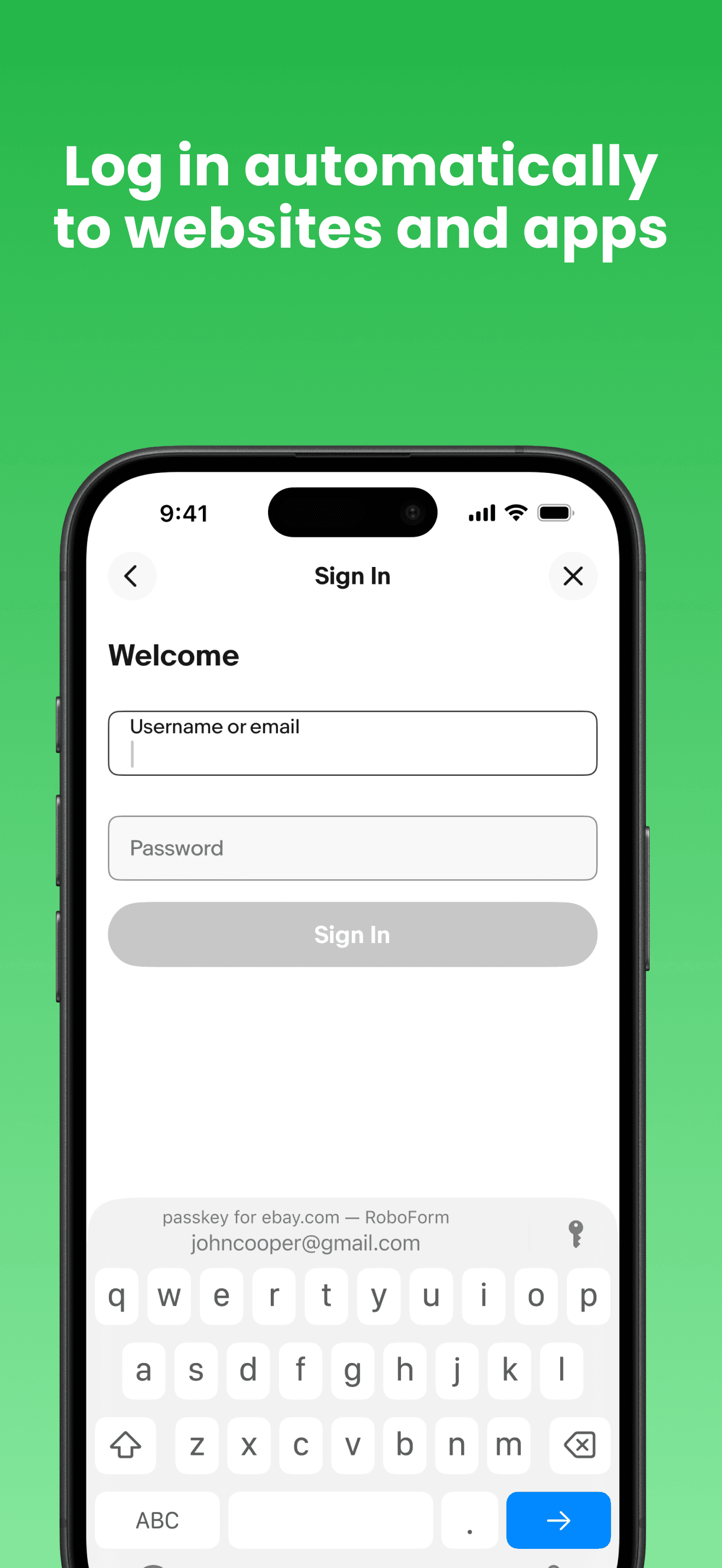
RoboForm is the best password manager for users who prioritize form-filling beyond just usernames and passwords. RoboForm started as a form-filler in the early 2000s and has kept that DNA — saving identities, addresses, and credit card details for one-click checkout across hundreds of sites is its core strength. Compared with Dashlane or 1Password, RoboForm's form-filling is faster and more reliable on edge-case sites. Compared with Apple Passwords, RoboForm gives you Windows and Android coverage plus advanced fill rules. Real use case: a small business owner who fills the same vendor forms repeatedly, someone who shops online frequently, or anyone who hates re-typing their address and credit card. RoboForm Free covers unlimited passwords on a single device; Everywhere paid tier syncs across devices. Tradeoff: the interface is less polished than newer entrants — RoboForm has not redesigned aggressively in years — and emergency access requires the paid Family plan. The 4.74 from 46,908 ratings reflects steady loyalty rather than viral growth.
Pros
- Best-in-class form-filling for addresses, identities, and credit cards
- Free tier covers unlimited passwords on a single device
- Long developer track record without selling to a larger vendor
Cons
- Interface design has not been refreshed in several years
- Emergency access feature gated behind the paid Family plan
- Rating
- 4.7
- Reviews
- 53K
- Price
- Free
- 90-day trend
- —
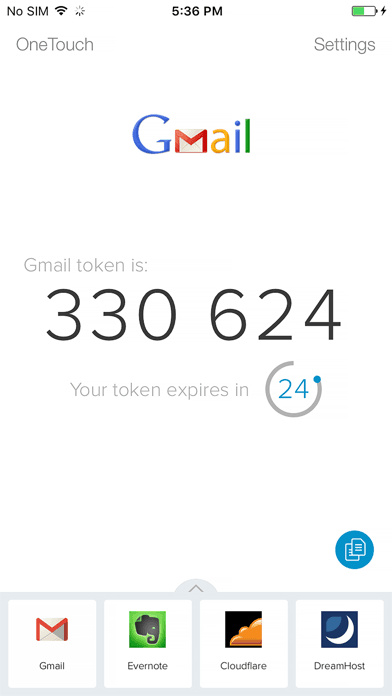
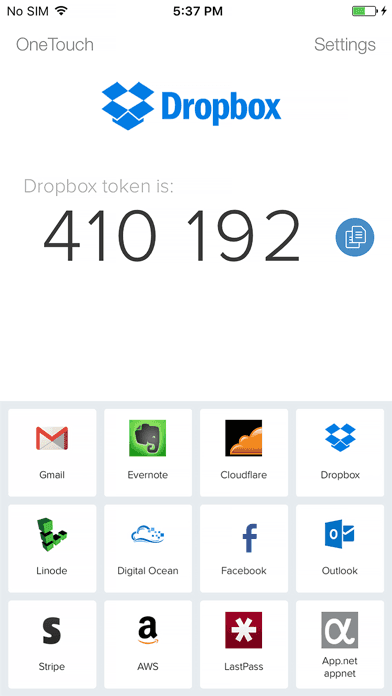
Authy is the best dedicated two-factor authentication app for users who want 2FA stored separately from their password manager. Twilio acquired Authy and has kept it free with backups, multi-device sync, and a desktop app. Compared with Google Authenticator, Authy backs up your tokens to encrypted cloud storage — lose your phone and you can restore on a new device. Compared with storing 2FA in your password manager, separating the factors means a breach of one does not compromise both. Real use case: a security-aware user who keeps passwords in 1Password or Bitwarden and 2FA codes in Authy, requiring both an attacker would need to compromise two independent accounts. Time-based one-time passwords (TOTP) are supported for any service that uses the standard. Tradeoff: Twilio has discontinued the Authy desktop app, which annoyed long-time users who relied on it. Mobile is the only supported platform now. The 4.67 from 52,505 ratings is strong but reflects some user backlash over the desktop deprecation.
Pros
- Encrypted cloud backup means losing your phone does not lose your 2FA codes
- Free with no upsell — Twilio funds it through its core SMS business
- Multi-device sync supports tablets and previously the desktop app
Cons
- Desktop app was discontinued in 2024, frustrating long-time users
- Limited to TOTP — no support for hardware key or push notification factors
- Rating
- 4.7
- Reviews
- 44.3K
- Price
- Paid
- 90-day trend
- —
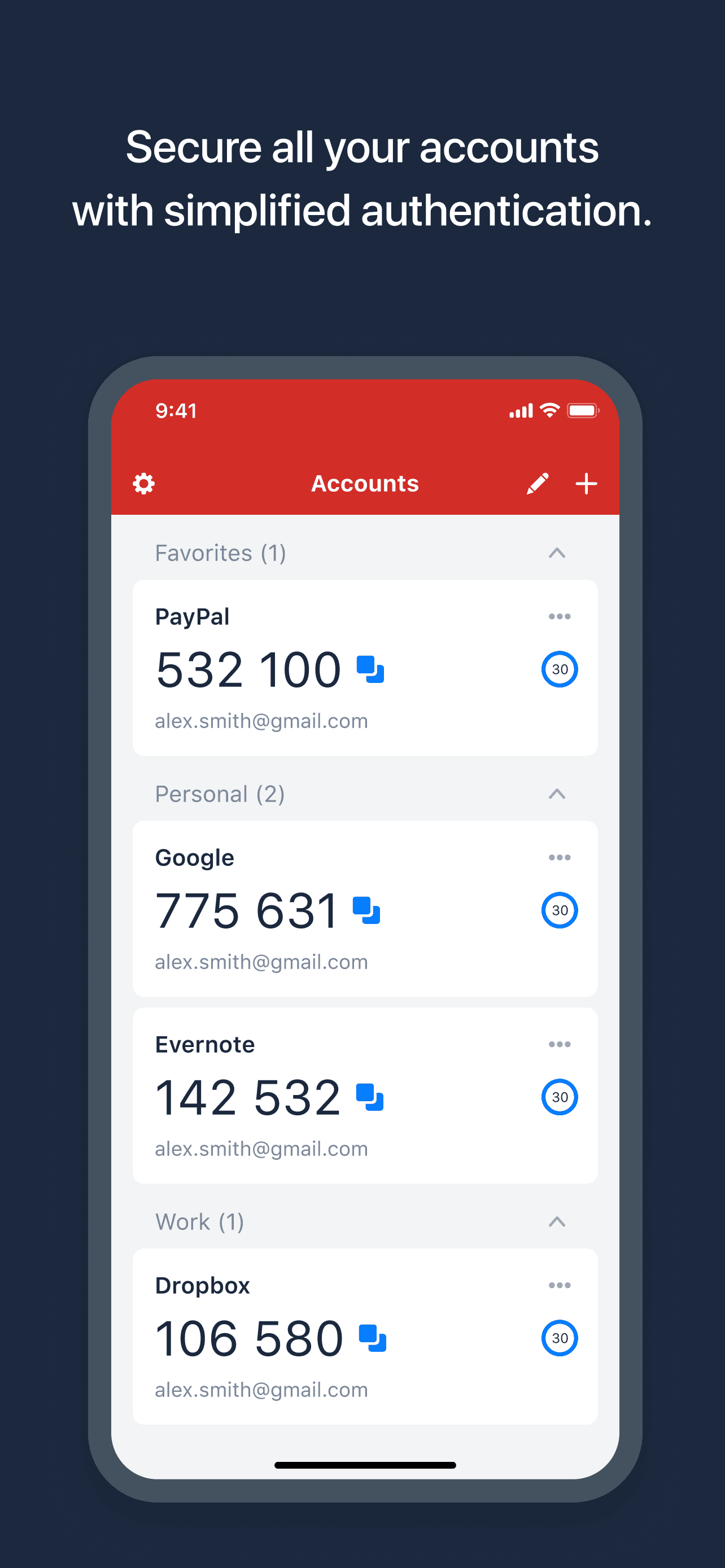
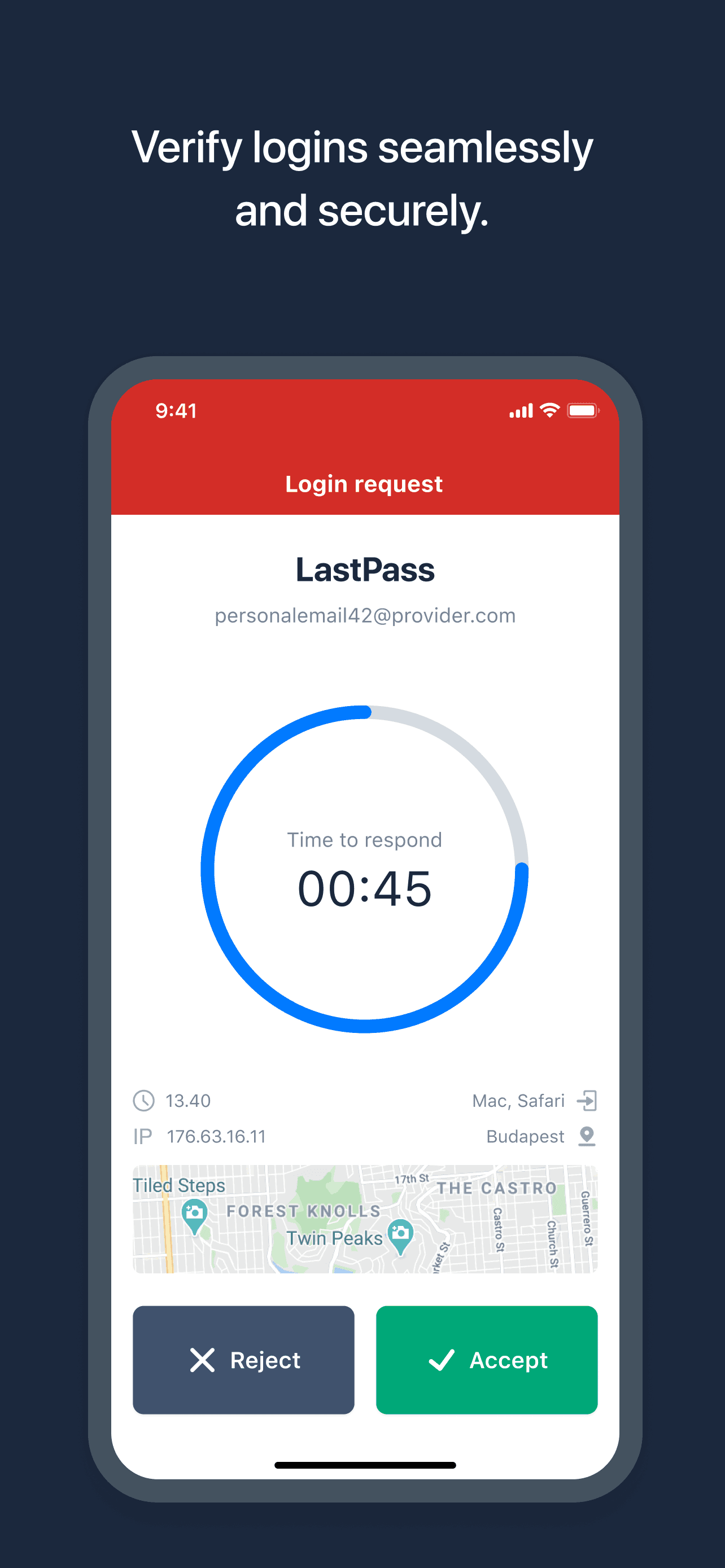
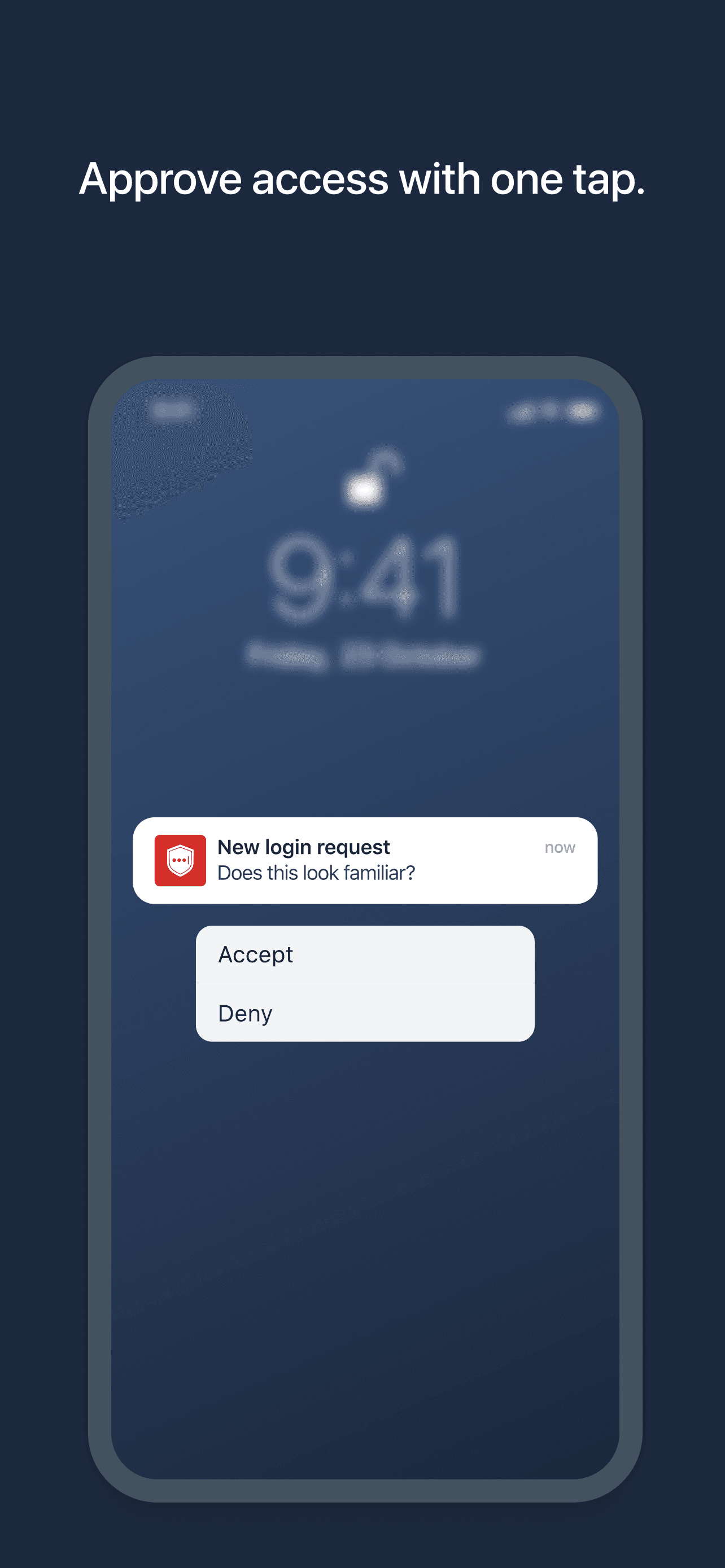
LastPass Authenticator is the best 2FA app for users already inside the LastPass ecosystem who want one-tap approval pushes for their LastPass logins. It is also a fine standalone authenticator. Compared with Authy, LastPass Authenticator supports cloud backup of 2FA codes (after a 2024 update) and integrates tightly with the LastPass vault for one-tap approval. Compared with Google Authenticator, you get backup and recovery — a real benefit if you ever lose your phone. Real use case: a LastPass user who wants 2FA codes managed by the same company without storing them inside the password vault. The free tier covers all core authenticator features. Tradeoff: LastPass had a significant security breach in 2022, and while the company has invested heavily in remediation since, the trust deficit persists in user reviews. The 4.65 from 44,005 ratings is solid but lower than competitors. For users with no LastPass dependency, Authy is the better dedicated choice; the LastPass Authenticator earns its spot for ecosystem users.
Pros
- One-tap approval pushes integrate tightly with LastPass vault logins
- Cloud backup of 2FA codes added in 2024 update for easy recovery
- Free tier covers all core authenticator features without restrictions
Cons
- Parent company's 2022 breach still affects user trust noticeably
- Best value only realized if you already use the LastPass password vault
- Rating
- 4.8
- Reviews
- 29.2K
- Price
- Paid
- 90-day trend
- —
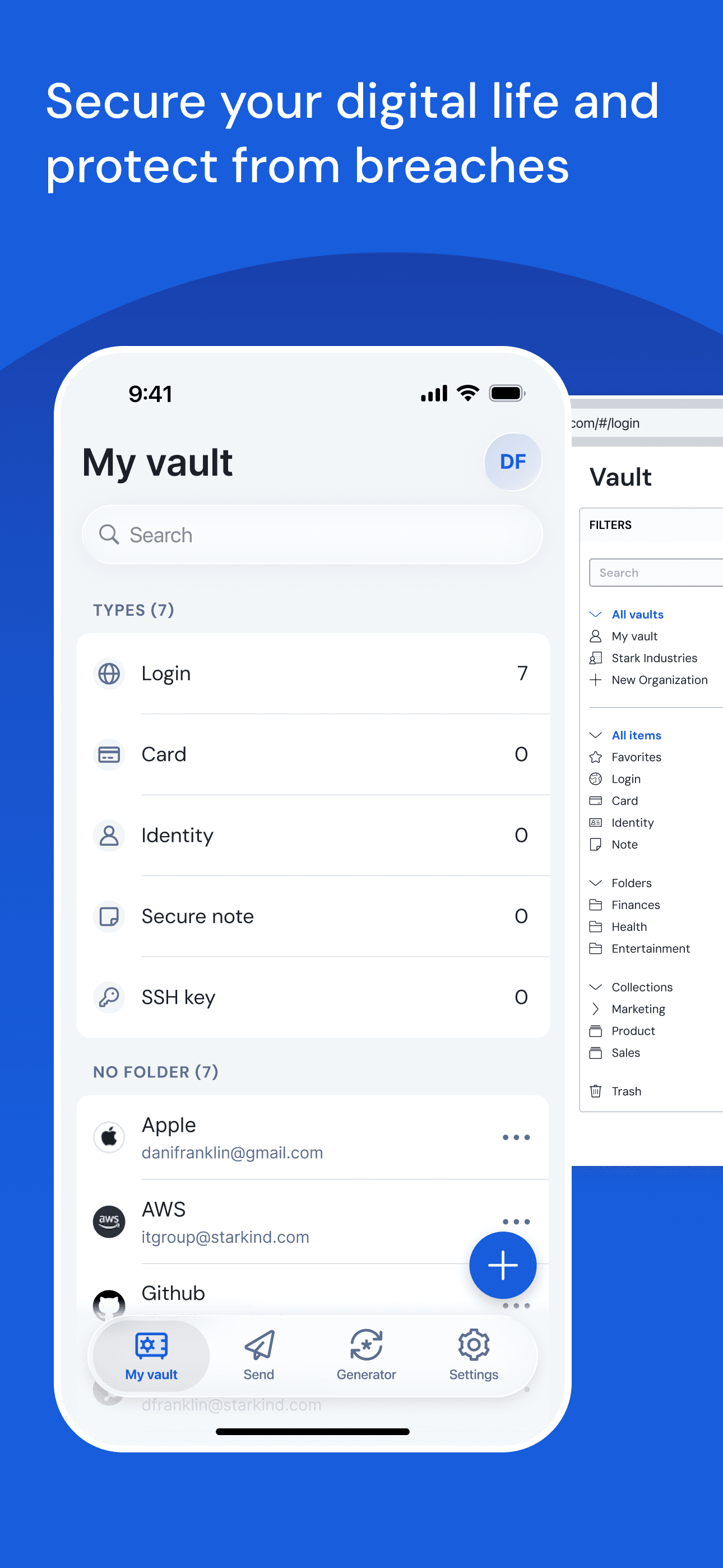
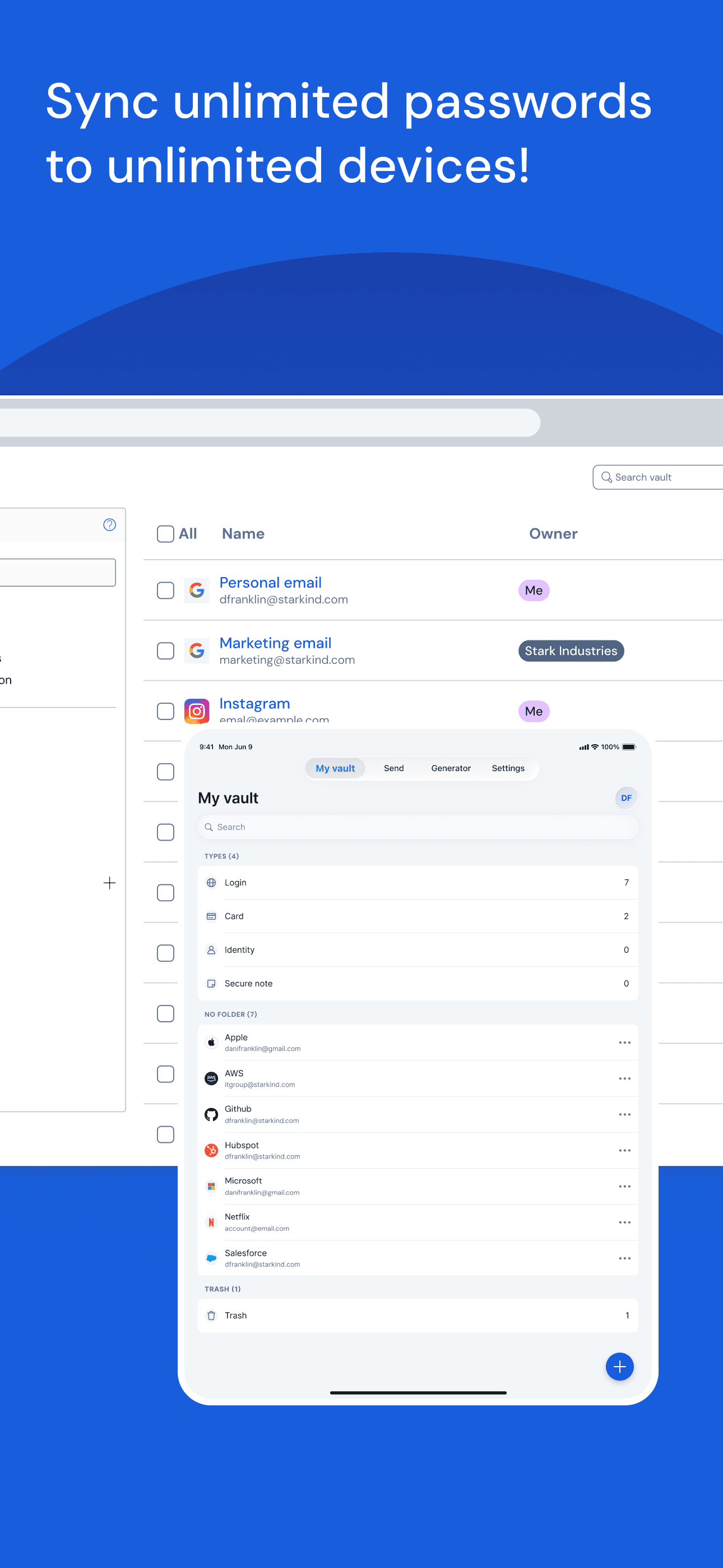
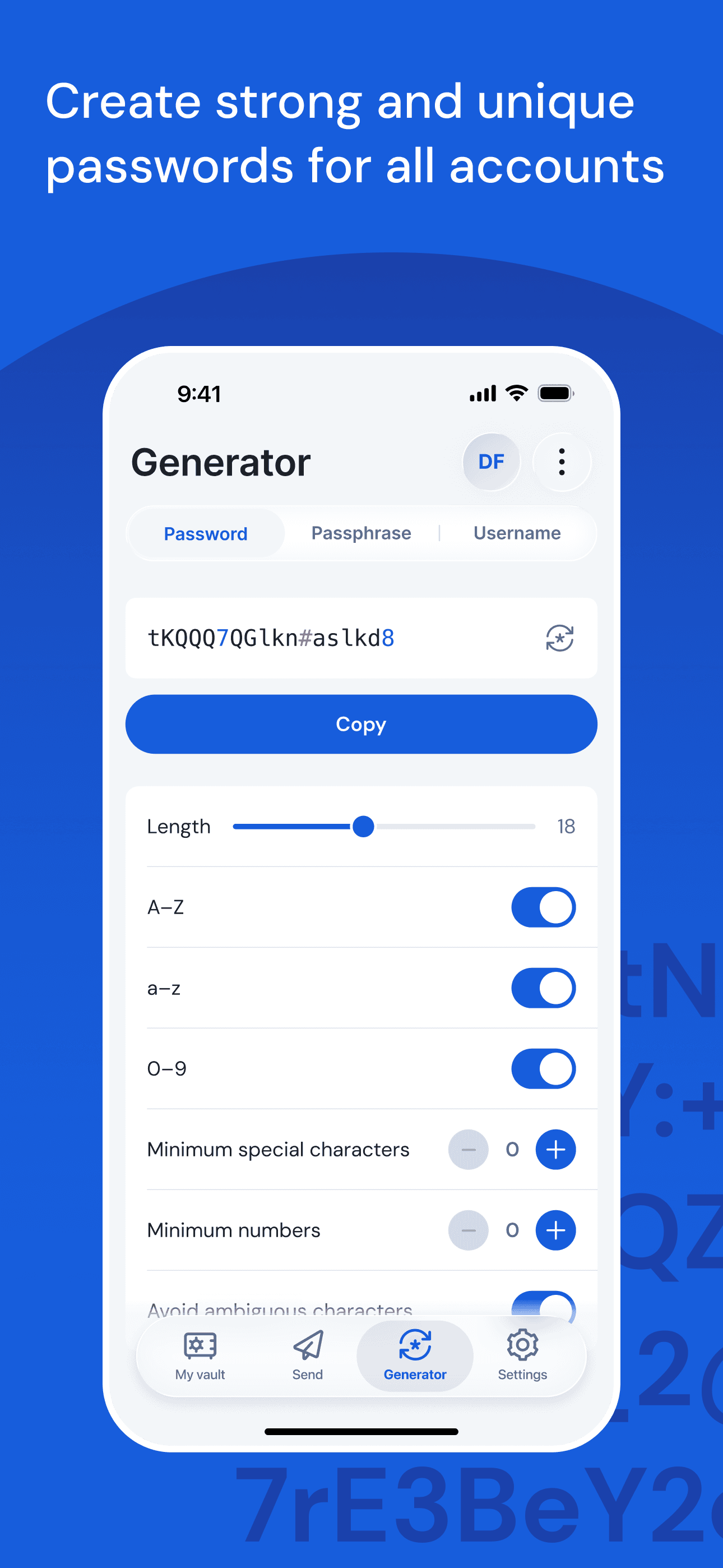
Bitwarden is the best open-source password manager for users who want auditable code and the most generous free tier in the category. Self-hosting is supported for advanced users who want full control of their vault data. Compared with 1Password or Keeper, Bitwarden is fully open-source — security researchers regularly audit the code and the company commissions third-party audits. Compared with Apple Passwords, Bitwarden works across every platform including Linux. Real use case: a developer or security-conscious user who wants unlimited password storage and cross-device sync for free, or a small team that wants paid plans at a fraction of competitor pricing ($10/user/year for teams). The free tier is fully usable — no artificial password count limits, no device restrictions. Tradeoff: the interface is functional rather than beautiful, and the iOS app feels a step behind 1Password and Keeper on polish. Some advanced features (TOTP storage, emergency access, file attachments) require the Premium tier, but at $10/year it is the cheapest premium in the category by far.
Pros
- Fully open-source with regular third-party security audits commissioned
- Free tier supports unlimited passwords across unlimited devices
- Self-hosting option gives advanced users complete control of vault data
Cons
- Mobile interface feels less polished than 1Password or Keeper
- Some features like TOTP and file attachments require Premium tier
- 9
 Get on App Store
#9LastPass Password ManagerBest Browser Extensions
LastPass US LP
Store & Autofill Passwords
- Rating
- 4.4
- Reviews
- 57.1K
- Price
- Free
- 90-day trend
- —
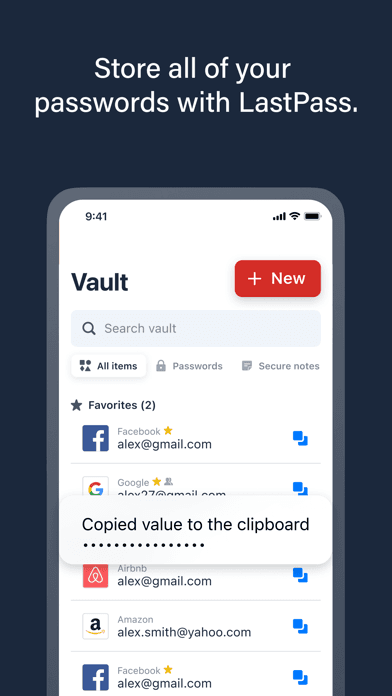
LastPass is included for users who already have a LastPass vault and need an article-by-article comparison before deciding whether to migrate. The 2022 breach disclosed that encrypted vaults were exfiltrated, and while the master password is required to decrypt them, the trust impact is real and shows up in the 4.38 App Store rating — the lowest of any pick on this list. Compared with Bitwarden or 1Password, LastPass has slid behind on both feature velocity and reputation. Compared with Keeper or Dashlane, LastPass's pricing premium is harder to justify after the breach. Real use case: existing LastPass users evaluating whether to stay or migrate. The product itself still works — autofill, cross-device sync, and family sharing are all present — but most security-conscious users have moved to Bitwarden or 1Password. Tradeoff: the brand damage from the 2022 breach is the dominant factor. If you are choosing a password manager fresh in 2026, pick another option from this list. If you have a LastPass vault, plan a migration to Bitwarden (easiest free path) or 1Password (best paid alternative).
Pros
- Mature feature set with autofill, sharing, and family plan support
- Existing users have years of vault data and workflow muscle memory
- Browser extensions remain among the most reliable in the category
Cons
- 2022 breach exfiltrated encrypted vaults and damaged brand trust significantly
- Lowest App Store rating among modern picks at 4.38 from review backlash
- Rating
- 4.6
- Reviews
- 19.9K
- Price
- Paid
- 90-day trend
- —
1Password is the best password manager for developers and tech-forward teams who want first-class CLI support, SSH key management, and Secrets Automation for production environments. The Secret Key architecture (a 128-bit key combined with your master password) is the strongest recovery model in the category — even if 1Password's servers were breached, vaults remain unreadable without the Secret Key stored on your devices. Compared with Bitwarden, 1Password is closed-source but more polished and more deeply integrated with developer workflows. Compared with Keeper, 1Password has stronger developer tooling but weaker family-plan ergonomics. Real use case: a software engineer storing SSH keys, API tokens, and environment variables alongside passwords, or a startup using Secrets Automation to deliver secrets to production services. Watchtower (1Password's monitoring) flags compromised passwords and weak vault items. Tradeoff: the 4.57 average across 19,874 ratings is the lowest among the polished commercial picks here — many complaints in reviews trace back to the 1Password 8 redesign that switched from native apps to Electron-based shared codebases. The product is still excellent; the design transition lost some longtime fans.
Pros
- Secret Key architecture means even a server breach cannot expose vaults
- First-class CLI, SSH key management, and Secrets Automation for developers
- Watchtower flags compromised passwords and weak vault items automatically
Cons
- 1Password 8 Electron redesign cost the app some longtime native-app fans
- Family plan ergonomics weaker than Keeper for non-technical members


How we picked
### Data sources We combine live App Store data (ratings, recent reviews, version cadence, pricing) with security architecture research from each vendor's published whitepapers. Ratings are pulled fresh on each crawl — the numbers in this article reflect current values, not stale snapshots.
### How we score Five weighted axes: security architecture (zero-knowledge, encryption standard, audit history), iOS integration (autofill quality, Passkey support, Face ID unlock), sharing model (family plans, team plans, emergency access), free-tier usefulness, and recovery options. Apps with public security audits and bug-bounty programs ranked higher.
### Refresh cadence Reviewed every six months, plus immediately after any vendor breach disclosure, major iOS release, or significant pricing change. Ratings and review themes refresh daily through our ingestion pipeline.
### What we exclude Apps that store passwords in plaintext or use proprietary undocumented encryption. Apps with fewer than 5,000 ratings. Apps without a public security whitepaper. Browser-extension-first products that have been ported to iOS without proper iOS autofill integration.
### What we don't do We do not run penetration tests or attempt to break vault encryption. We do not accept paid placement — picks are editorial. We do not recommend specific recovery strategies; consult your password manager's documentation and consider a hardware key as a second factor.