



Best Mind Mapping Apps for iPhone
By App Store Tracker Editorial · Updated — live App Store data verified
The short version
The best mind mapping app for iPhone in 2026 is Xmind — beautiful tree, fishbone, and matrix mind maps with a 4.8-star average across 6,925 U.S. ratings, the highest combined score among dedicated mind-mapping picks here. Lucidchart leads for team diagramming with cloud collaboration. AYOA wins for ADHD-friendly visual thinking with built-in tasks. SimpleMind Pro is the strongest paid offline option for power users. Microsoft 365 Copilot and Zoom Workplace appear as workflow companions writers and facilitators pair with their primary mind map.
Jump to a pick↓
Picking a mind mapping app for iPhone in 2026 means matching the tool to how you actually think — branching ideas around a central topic, sketching a fishbone analysis of a project blocker, building a study outline from a textbook chapter, or running a real-time brainstorm with a remote team. Among the 10 picks on this list, three lean dedicated-mind-mapping-first (Xmind, AYOA, SimpleMind), one is a diagramming and flowchart platform that also handles mind maps (Lucidchart), and the rest are AI, search, and conferencing companions that show up alongside mind-mapping in real workflows. The data backs the order: Xmind holds 4.8 across 6,925 U.S. ratings — the highest combined score among the pure mind-mapping picks. Visual clarity, offline reliability, export flexibility, and how each app handles your first big brainstorm session shaped every cut.
- Rating
- 4.7
- Reviews
- 3.2M
- Price
- Paid
- 90-day trend
- —
Zoom Workplace appears in this list as the conferencing companion teams pair with their mind mapping app during live brainstorms — it is not a mind mapping app itself. The 4.66 average across 3,163,948 U.S. ratings is by far the largest sample on this list and reflects a product that became the default video meeting platform during 2020 and has stayed essential since. Zoom Workplace combines HD video meetings, screen sharing, whiteboarding, team chat, scheduling, and AI Companion summaries in one app. Zoom Workplace differs from every other entry on this list by securing the synchronous-meeting layer rather than the mind-mapping canvas itself. A real scenario: you run a kickoff brainstorm — Lucidchart or Xmind handles the shared map while Zoom Workplace handles the camera, audio, and recording. The tradeoff is well-documented in recent reviews: the 40-minute free-tier meeting cap with a 10-minute lockout interrupts longer sessions, occasional iPad spotlight bugs surface in recent reviews, and the app does not replace a real mind mapping tool. Best as the conferencing layer underneath whichever mind mapping app your team picks for the visual canvas.
Pros
- Industry-standard video conferencing layer for live brainstorm sessions
- Built-in whiteboard supports basic mind-map-style canvas drawing
- AI Companion summarizes meetings and surfaces action items automatically
Cons
- Not a mind mapping app, only the conferencing layer underneath one
- Free tier 40-minute meeting cap plus 10-minute lockout interrupts sessions
- Rating
- 4.7
- Reviews
- 1.3M
- Price
- Paid
- 90-day trend
- —
Microsoft 365 Copilot appears in this list as the AI companion knowledge workers pair with their mind mapping app — it is not a mind mapping app itself. The 4.71 average across 1,264,628 U.S. ratings reflects a Microsoft-ecosystem audience that adopted Copilot for chat, document drafting, search across OneDrive and SharePoint, and meeting summarization. Copilot also gives knowledge workers a structured-AI-outline starting point — ask Copilot to outline a complex topic, then paste the outline into Xmind or SimpleMind Pro as a node tree. Microsoft 365 Copilot differs from every other entry on this list by being a general-purpose AI assistant rather than a visual mind mapping tool. A real scenario: you have a one-hour brainstorm window — Copilot drafts the topic skeleton in five minutes, you spend the remaining 55 minutes shaping it in your visual mind map. The tradeoff is the Microsoft 365 subscription required for full Copilot features, the iOS app focus on Microsoft Office documents rather than visual canvas tools, and the absence of any direct mind map export. Best paired with a real mind mapper, not used alone.
Pros
- AI outline generation seeds mind maps with structured branches fast
- Deep Microsoft 365 integration for Word, Excel, and PowerPoint exports
- Search across OneDrive and SharePoint surfaces source material instantly
Cons
- Not a visual mind mapping tool, only a text-output AI companion
- Full Copilot features require a paid Microsoft 365 subscription tier
- Rating
- 4.8
- Reviews
- 7K
- Price
- Paid
- 90-day trend
- —
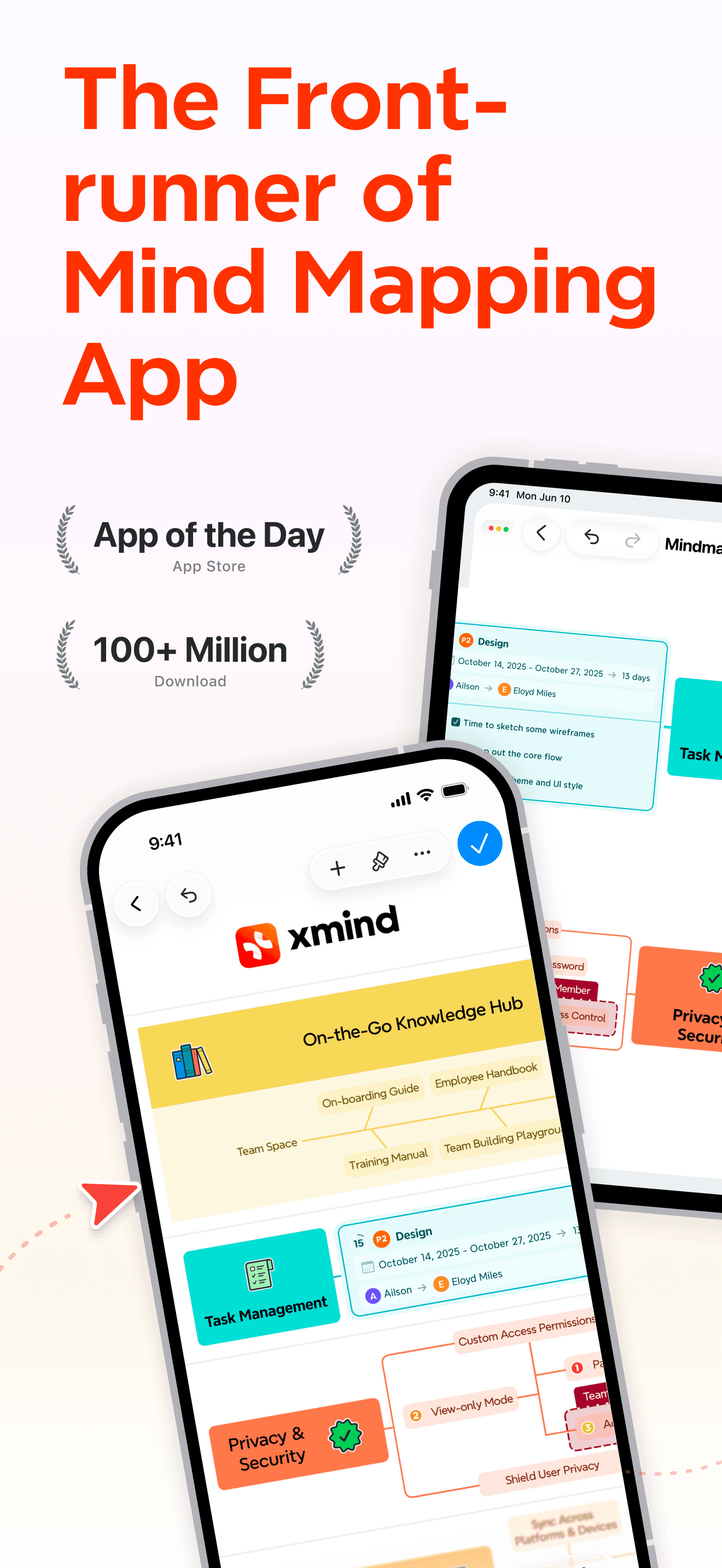
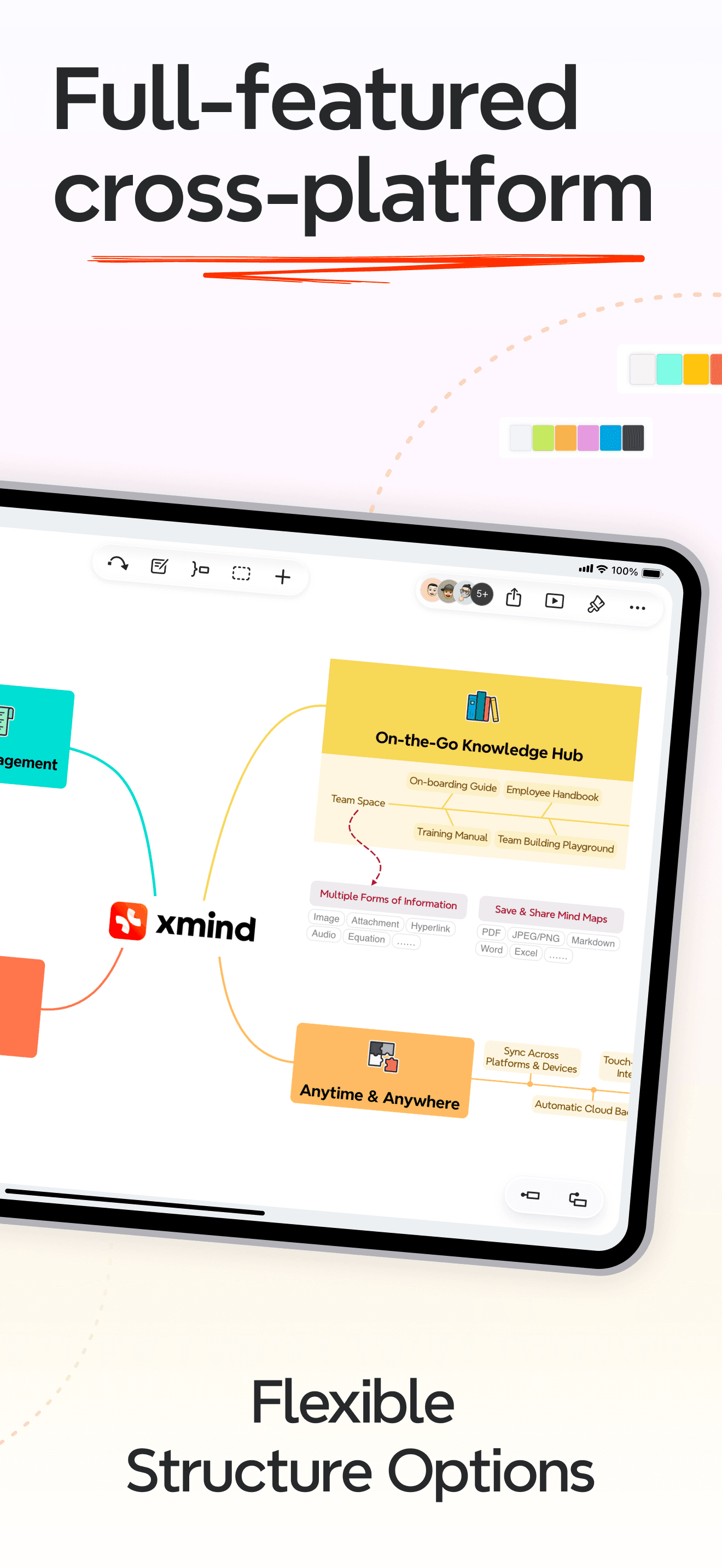
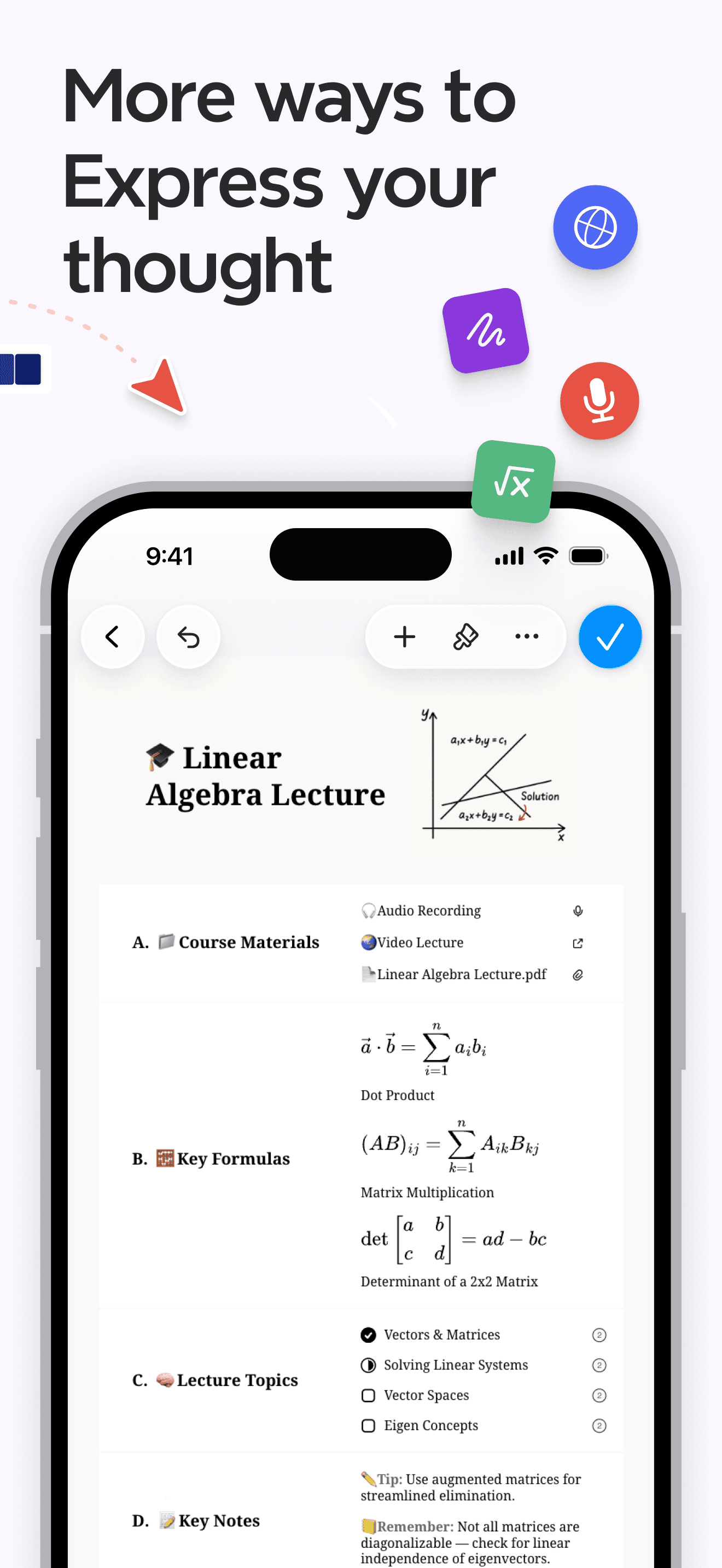
Xmind is the best mind mapping app for iPhone users who want beautiful, structured maps with multiple layout types and cross-platform parity. The 4.8 average across 6,925 U.S. ratings is the highest combined score among dedicated mind mappers on this list and reflects a global audience built across iPhone, iPad, Mac, Windows, Android, and Linux. Core features include tree, fishbone, matrix, timeline, and org-chart layouts, ZEN mode for distraction-free editing, pitch mode that turns a map into a presentation, exports to PDF, PNG, SVG, OPML, Markdown, Word, PowerPoint, and TextBundle, attached images and stickers, themes, fonts, and structure customization, an outliner view that toggles with the spatial view, and a cloud sync option. Xmind differs from SimpleMind by leading visual-polish-and-cross-platform-first rather than offline-first, and from Lucidchart by being mind-mapping-first rather than diagram-platform-first. A real scenario: you map a quarterly OKR set on iPhone over coffee — the map opens identical on Mac at the office, you flip to outliner view, and export a slide-ready PowerPoint for the team meeting. The tradeoff is the recurring subscription pricing for full export and the watermark on the free tier.
Pros
- Tree, fishbone, matrix, timeline, and org-chart layouts in one app
- Cross-platform parity across iPhone, iPad, Mac, Windows, and Android
- Pitch mode turns a finished map into a presentation without exporting
Cons
- Watermark on free tier exports pushes serious users to subscription
- Subscription pricing has crept up over recent yearly renewal cycles
- Rating
- 4.6
- Reviews
- 5.3K
- Price
- Free
- 90-day trend
- —
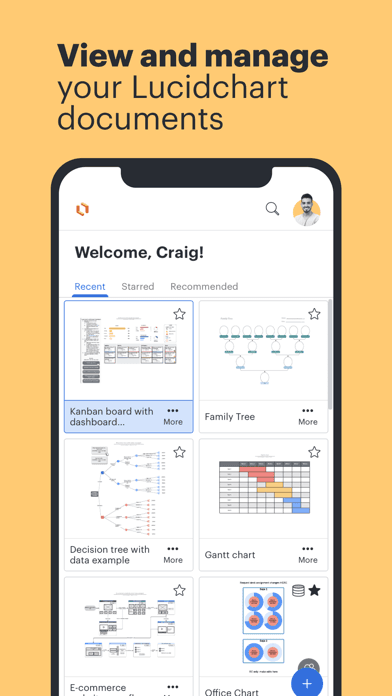
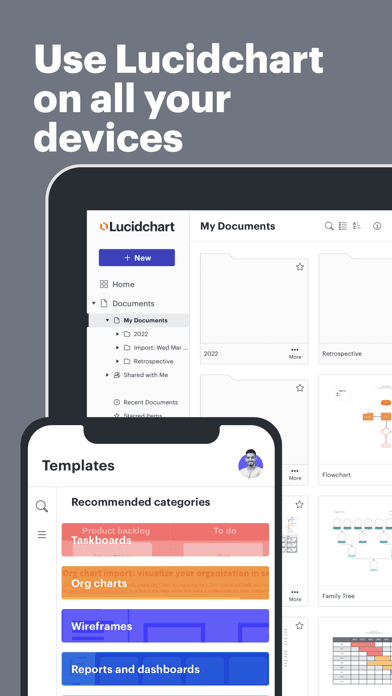
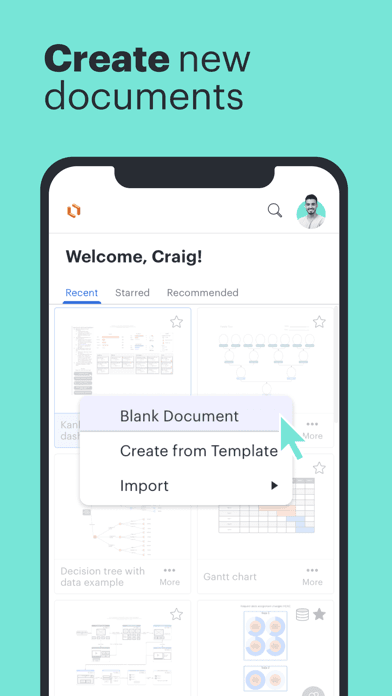
Lucidchart is the best mind mapping app for iPhone users who also need flowcharts, swim lanes, network diagrams, mockups, and team collaboration in one tool. The 4.6 average across 5,323 U.S. ratings reflects a business audience that uses Lucidchart for both pure mind mapping and broader diagramming work. Core features include real-time multi-user editing with live cursors, comments, and revision history, an enormous shape library that spans mind mapping, flowcharts, UML, AWS, mockups, and engineering diagrams, integrations with Google Workspace, Microsoft 365, Slack, and Confluence, export to PDF, PNG, SVG, PPT, DOCX, and Visio, cloud-first storage, and a free tier that includes three editable documents. Lucidchart differs from Xmind by leading team-diagramming-first rather than mind-mapping-first, and from SimpleMind by being cloud-and-collaborative rather than offline-and-solo. A real scenario: you sketch a customer-journey mind map with two teammates on Zoom — Lucidchart updates every cursor in real time, exports a shareable PNG for Slack, and a PPT for the leadership deck. The tradeoff is the focus on diagrams of every kind makes the mind mapping mode feel less polished than Xmind's dedicated tool.
Pros
- Real-time multi-user editing with live cursors and comment threads
- Massive shape library spans mind maps, flowcharts, UML, and engineering
- Free tier includes three editable documents for one-off team sessions
Cons
- Mind-mapping mode feels less polished than Xmind's dedicated app
- Three-document free cap forces upgrade for anyone with a full pipeline
- Rating
- 4.6
- Reviews
- 1.4K
- Price
- Paid
- 90-day trend
- —
OneSearch DeepSearch Finder appears in this list as a research companion mind mappers pair with their visual canvas — it is not a mind mapping app itself. The 4.67 average across 1,352 U.S. ratings reflects a niche audience that uses OneSearch to spin up an AI-assisted research dossier on a topic before turning it into a structured map. OneSearch differs from every other entry on this list by being a search-and-research tool that produces text output rather than a node-and-branch visual map. A real scenario: you need to map a competitor analysis but you do not have the underlying research — OneSearch surfaces deep-search results across the web, you copy the key findings into Xmind or SimpleMind as parent nodes, and the structured map writes itself from there. The tradeoff is OneSearch produces no spatial output and offers no direct path to a mind mapping app, so the workflow requires manual copy-paste. The smaller rating sample also reflects a less mature product than the leading mind mappers. Best as a research starting point for users who already own a real mind mapping app.
Pros
- Deep-search across the web surfaces research for parent nodes quickly
- AI-assisted summaries condense long sources into branch-ready bullet points
- Pairs naturally with any mind mapper for a research-then-structure workflow
Cons
- Produces text output only, no spatial mind map view of its own
- Smaller rating sample reflects a less mature product than the leaders
- 6
 Get on App Store
#6AI Writer - Writing AssistantBest Mobile-First
MasterMind Software LLC
Smart Chatbot Powered by GPT 5
- Rating
- 4.8
- Reviews
- 1.1K
- Price
- Free
- 90-day trend
- —
AI Writer appears in this list as an AI drafting companion mind mappers pair with their visual canvas — it is not a mind mapping app itself. The 4.75 average across 1,079 U.S. ratings reflects a writer audience that uses AI Writer to draft topic outlines before turning them into structured maps. AI Writer differs from every other entry on this list by being an AI text generator rather than a node-and-branch visual map. A real scenario: you need to map an article structure but you do not have the topic outline yet — AI Writer drafts a five-section outline with sub-bullets in 60 seconds, you copy the outline into Xmind or SimpleMind Pro as parent nodes and children, and the structured map populates fast. The tradeoff is AI Writer produces no spatial output and offers no direct path to a mind mapping app, so the workflow requires manual copy-paste. The smaller rating sample reflects a less mature product than the leading mind mappers, and reviewers note the subscription pricing can surprise trial users. Best as a drafting companion for writers who already own a real mind mapping app.
Pros
- AI drafts topic outlines in 60 seconds for use as parent nodes
- Pairs cleanly with Xmind, SimpleMind, or AYOA via copy-paste workflow
- Useful for non-writers who need a structured starting point fast
Cons
- Not a mind mapping app, only a text generation companion
- Subscription pricing surfaces in critical reviews from trial users
- 7
 Get on App Store
#7AYOA - Mind MappingBest Beautiful Design
OpenGenius Limited
Neuro-inclusive productivity
- Rating
- 4.6
- Reviews
- 1K
- Price
- Paid
- 90-day trend
- —
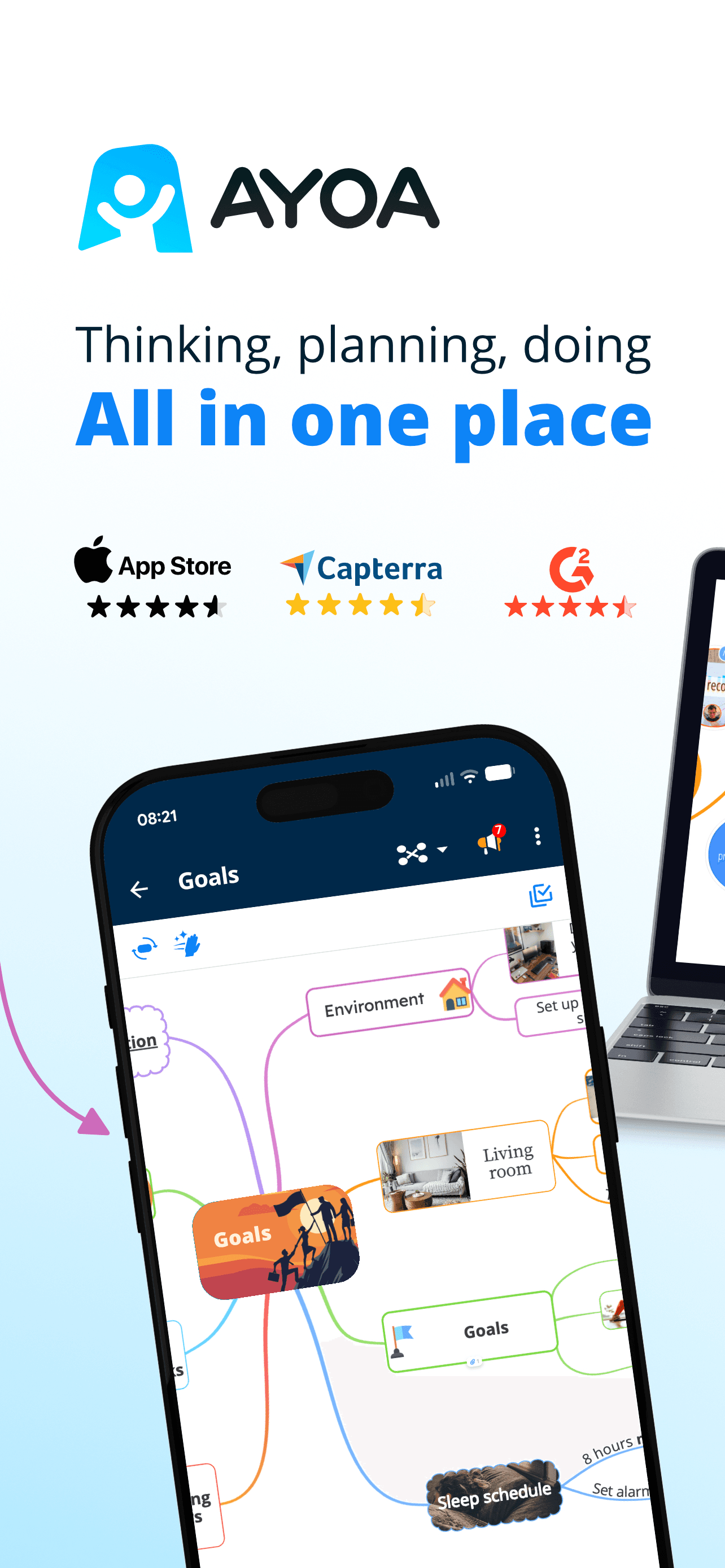
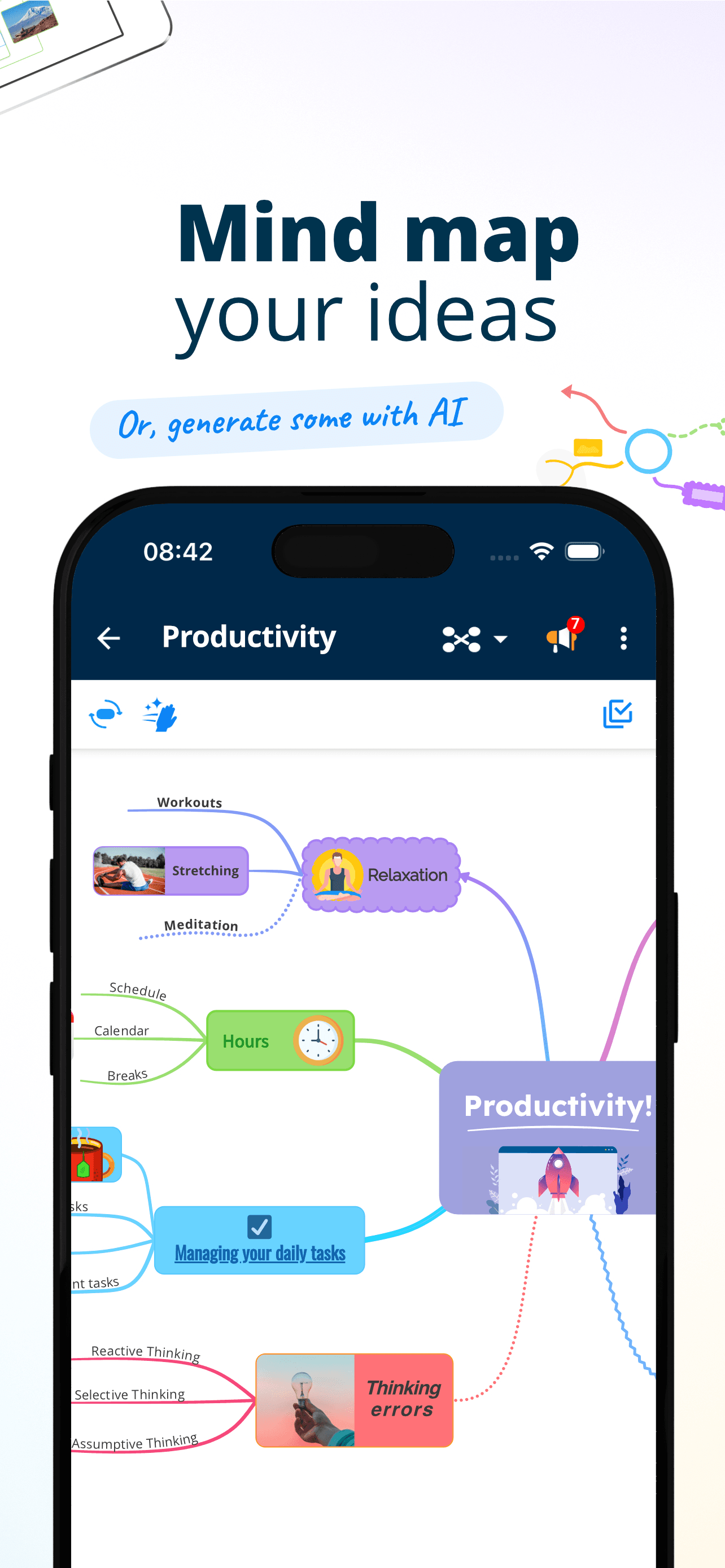
AYOA is the best mind mapping app for iPhone users who want visual thinking plus built-in tasks and Gantt charts. The 4.62 average across 1,030 U.S. ratings reflects a visual-learner and ADHD-friendly audience that picked AYOA for its bright color palette, freehand mode, branching templates, and integration of tasks directly into branches. Core features include mind maps, organic maps that mimic hand-drawn freeflow brainstorming, speed maps for fast capture, whiteboard mode for visual notes, task assignments per branch, a Gantt-chart view that turns a map into a timeline, real-time collaboration on shared maps, and an AI assistant that can suggest next branches. AYOA differs from Xmind by leading task-and-project-execution-first rather than visual-polish-first, and from SimpleMind by being collaborative-cloud-first rather than offline-first. A real scenario: you map a launch with five teammates — each branch becomes an assignable task, the Gantt view shows due dates, and the team comments inside the map without leaving the canvas. The tradeoff is the subscription pricing and the smaller rating sample.
Pros
- Mind maps with tasks, Gantt charts, and assignments inside the canvas
- Bright color palette and freehand mode suit visual and ADHD thinkers
- Real-time collaboration with shared maps and inline commenting
Cons
- Subscription pricing required for full team and AI feature set
- Smaller rating sample limits long-term reliability signal vs leaders

- 8
 Get on App Store
#8SimpleMind - Mind MappingBest Free
xpt Software & Consulting B.V.
Capture your ideas and notes
- Rating
- 4.5
- Reviews
- 976
- Price
- Free
- 90-day trend
- —
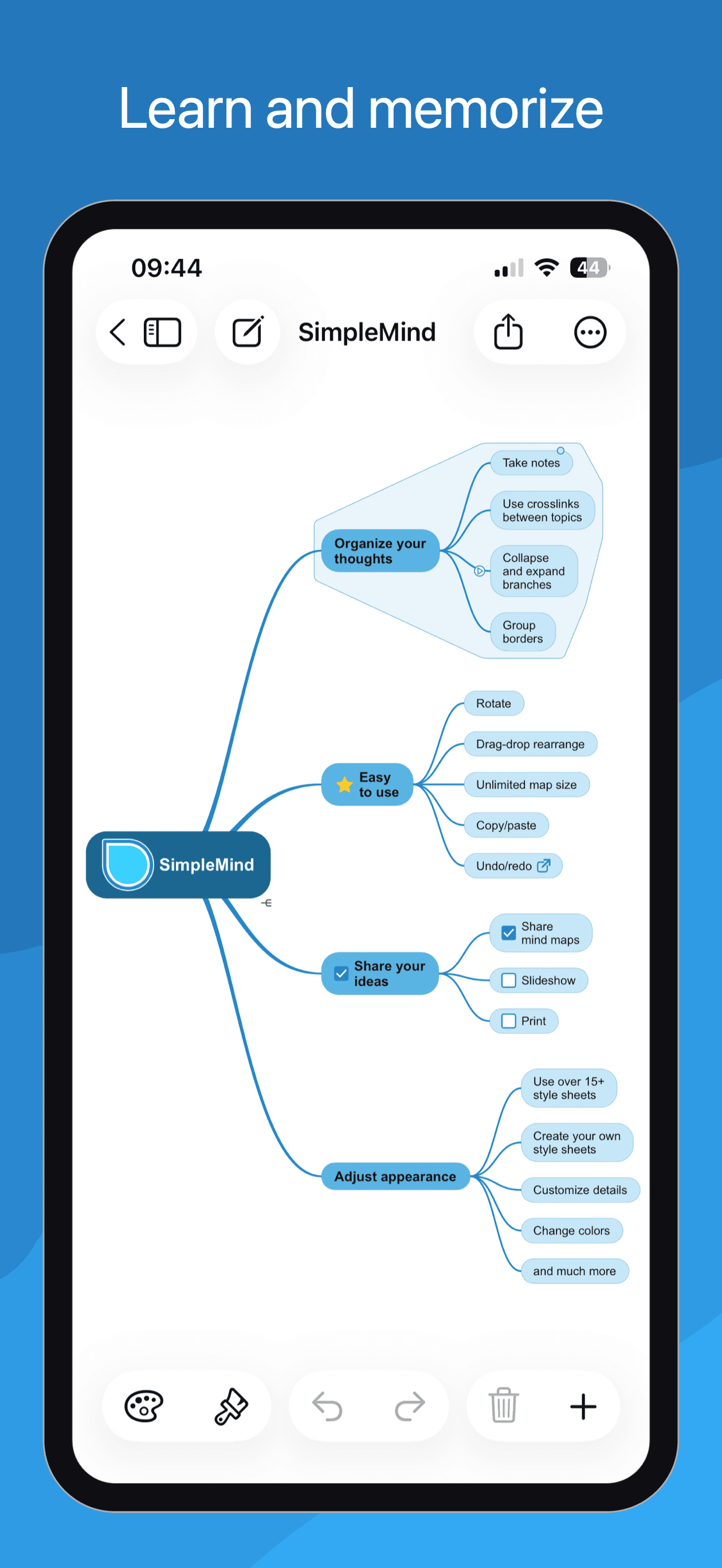
SimpleMind is the best free mind mapping app for iPhone users who want a clean, no-frills offline mind mapper without subscriptions. The 4.54 average across 972 U.S. ratings reflects an audience that picked SimpleMind for its reliability and simplicity. Core features include free-form mind mapping with multiple layouts, auto-layout, custom node colors and styles, image and icon attachments, voice memos attached to nodes, full offline operation, export to PDF and PNG, optional cloud sync via Dropbox or Google Drive, and a one-time purchase upgrade path to SimpleMind Pro for power features. SimpleMind differs from Xmind by leading offline-and-simple-first rather than visual-polish-and-cross-platform-first, and from AYOA by being solo-and-quiet rather than collaborative-and-task-heavy. A real scenario: you are on a plane with no Wi-Fi and need to map a presentation — SimpleMind opens instantly, you map the talk, and it syncs to your Mac the moment you land. The tradeoff is the dated interface compared to Xmind and the limited export formats on the free tier. Best for users who want reliable, lightweight mind mapping with no subscription commitment.
Pros
- Reliable offline mind mapping with auto-layout and clean visual style
- Free tier covers single-map creation across iPhone and iPad
- Voice memos and image attachments enrich nodes without leaving the app
Cons
- Dated interface trails Xmind on visual polish for shared maps
- Free tier export options are limited to PDF and PNG only
- Rating
- 4.8
- Reviews
- 567
- Price
- Free
- 90-day trend
- —
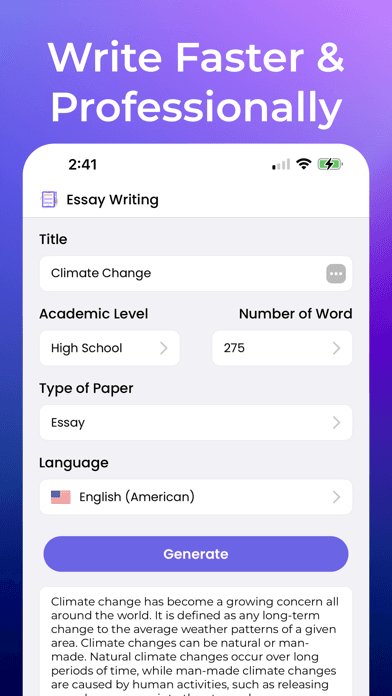
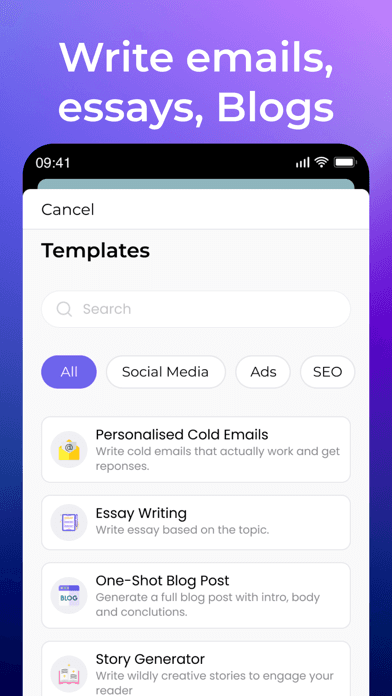
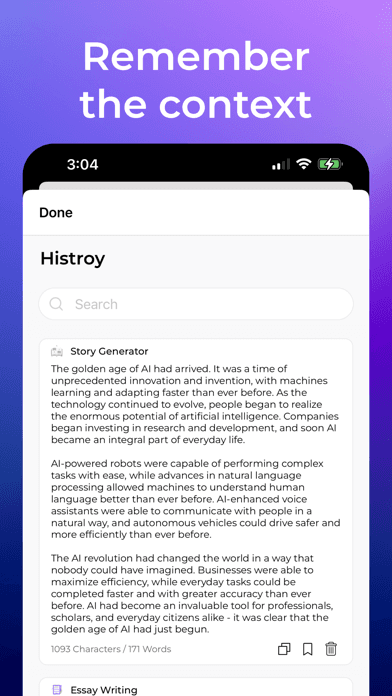
Japer AI appears in this list as an AI writing companion mind mappers pair with their visual canvas — it is not a mind mapping app itself. The 4.81 average across 557 U.S. ratings is high for the small sample size and reflects a writer audience that uses Japer AI for content drafting, brainstorming prompts, and outline generation. Japer AI differs from every other entry on this list by being an AI chatbot and writing assistant rather than a node-and-branch visual map. A real scenario: you need to map a piece of writing but you want the AI to seed the first branches — Japer AI returns a structured outline with five main themes and three sub-points each, you copy the structure into Xmind, SimpleMind, or AYOA, and the structured map appears almost instantly. The tradeoff is Japer AI produces no spatial output and offers no direct path to a mind mapping app, so the workflow requires manual copy-paste. The small rating sample (557) reflects an early-stage product that has not yet been tested at scale. Best paired with a real mind mapper.
Pros
- AI drafts mind-map-ready outlines with branches and sub-points fast
- Pairs with any mind mapper through a quick copy-paste workflow
- Small but high 4.81 rating reflects strong early-user satisfaction
Cons
- Not a mind mapping app, only an AI writing companion
- Tiny 557 rating sample limits confidence in long-term reliability
- 10
 Get on App Store
#10SimpleMind Pro - Mind MappingBest for Export
xpt Software & Consulting B.V.
Capture your ideas and notes
- Rating
- 4.7
- Reviews
- 447
- Price
- Paid
- 90-day trend
- —
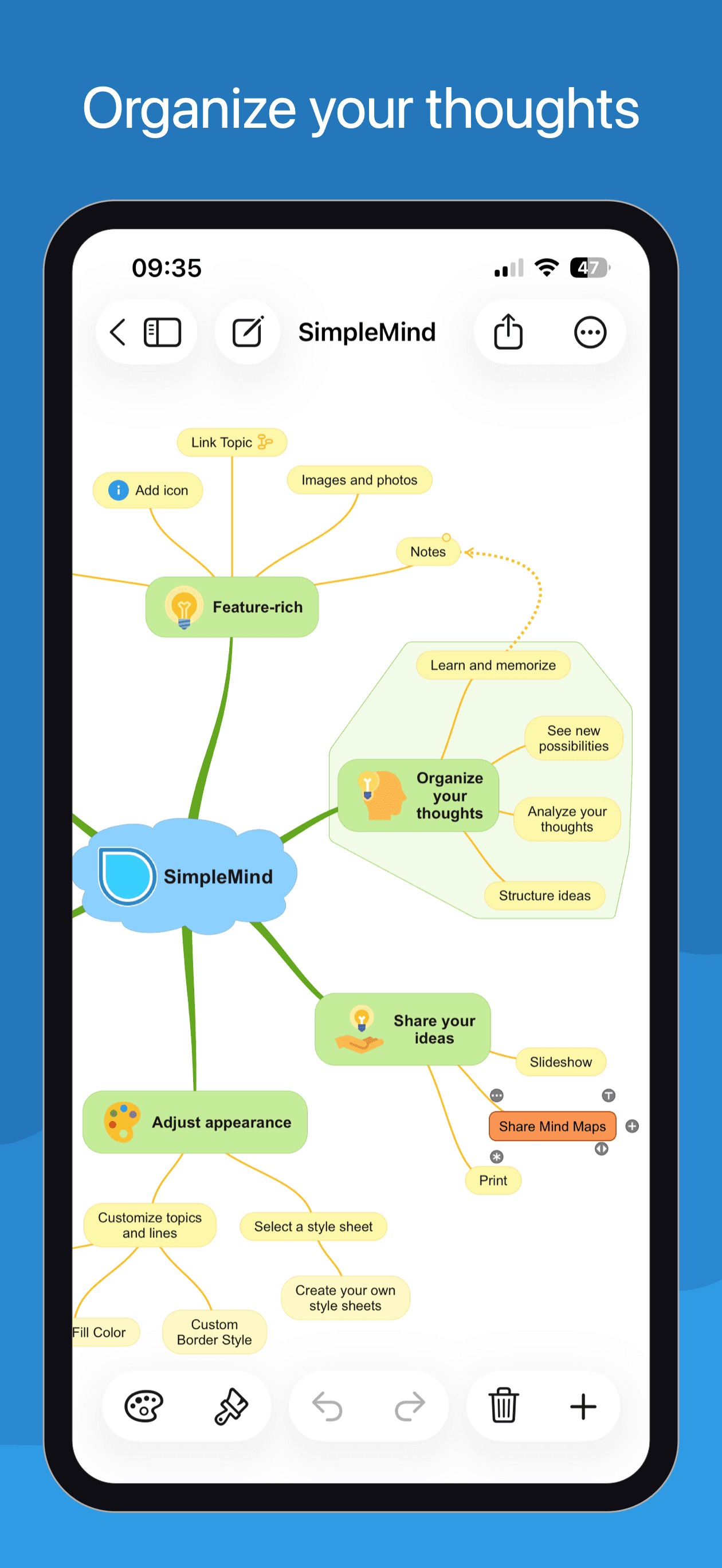
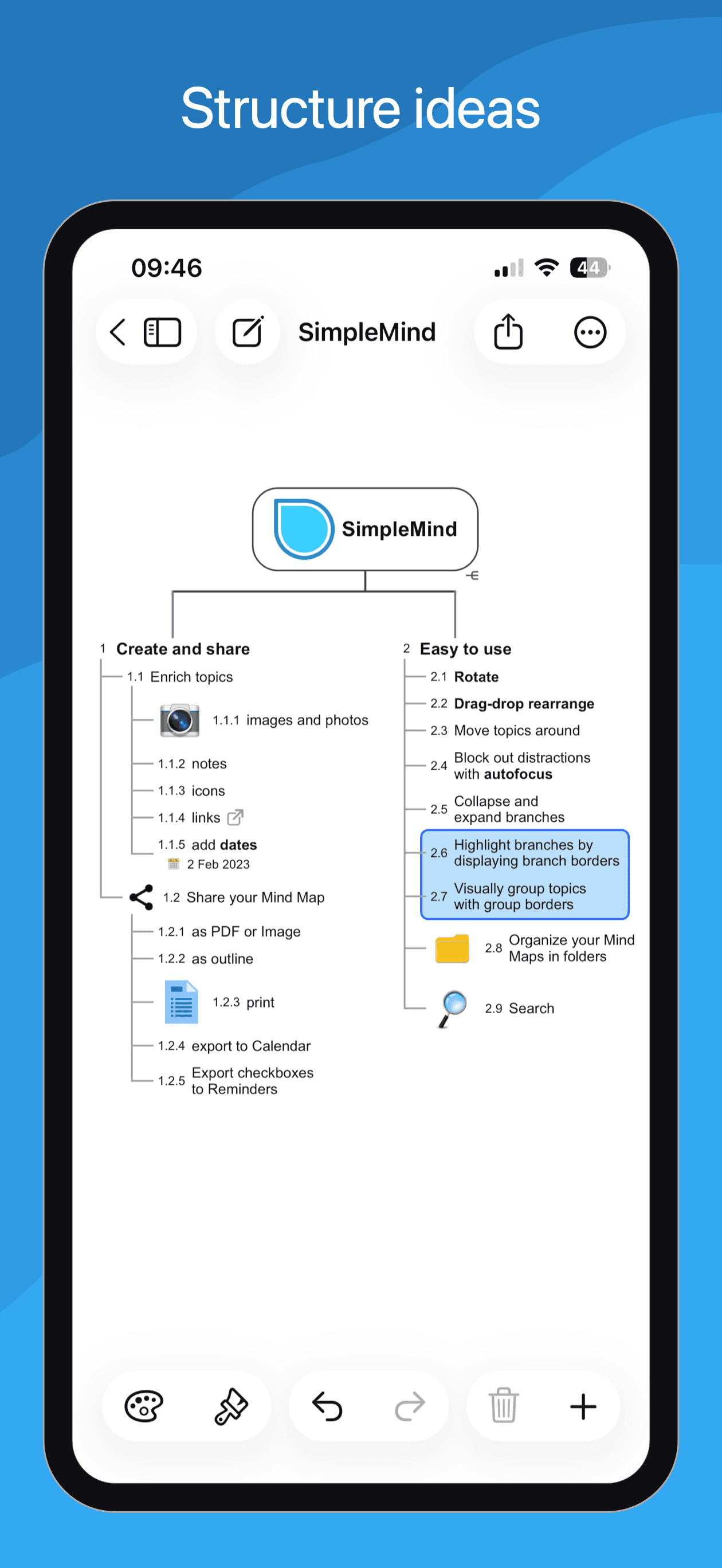
SimpleMind Pro is the best paid mind mapping app for iPhone users who want a one-time purchase, full offline reliability, and the deepest customization of any pick on this list. The 4.73 average across 446 U.S. ratings reflects a power-user audience that picked SimpleMind Pro for its lifetime-purchase model. Core features include everything in the free SimpleMind app plus auto-style topics that adopt parent colors, custom borders and line styles per branch, image upload directly into nodes, voice memos, video attachments, password protection per map, presentation mode, multiple cloud sync providers (Dropbox, iCloud, Google Drive, OneDrive, NextCloud), and export to PDF, PNG, OPML, Markdown, TextBundle, Word, and PowerPoint. SimpleMind Pro differs from Xmind by leading lifetime-purchase-and-offline-first rather than subscription-and-cross-platform-first, and from AYOA by being a quiet solo power tool rather than a collaboration platform. A real scenario: you want to escape the mind-mapping subscription treadmill — buy SimpleMind Pro once and own a serious tool that works offline forever. The tradeoff is the iOS interface is less polished than Xmind and the cross-platform parity trails the leading apps.
Pros
- One-time purchase escapes the mind-mapping subscription treadmill
- Auto-style topics, custom borders, and password protection per map
- Multiple cloud sync providers including iCloud, Dropbox, and OneDrive
Cons
- Interface trails Xmind on polish and modern theme support
- Cross-platform parity is weaker than the leading subscription apps


How we picked
### Data sources We combine live App Store data (ratings, recent reviews, version cadence, pricing, screenshot history) with our own ranking tracker, which logs U.S. Productivity positions daily for every app on this list. Review themes come from the most recent U.S. reviews per app, weighted toward the last 90 days so a recent regression or pricing change surfaces quickly.
### How we score Four weighted axes: visual quality (do maps look good on iPhone and read clearly when shared), capture speed (can you turn a fresh idea into a node before the thought slips), export flexibility (PDF, PNG, OPML, Word, PowerPoint, Markdown), and longevity (do reviewers still recommend the app at the two-year mark, or do they outgrow it). We did not run formal rendering tests; we relied on consistent themes in recent user reviews and on first-party feature claims.
### Refresh cadence The top set is re-scored quarterly. Ratings, ranks, and review-theme analysis refresh daily on the page. When a vendor changes pricing, removes a free-tier feature, or ships a new rendering engine, the pick gets re-evaluated within the week.
### What we exclude Apps with an average below 4.4 stars, fewer than 400 ratings, or no update in fifteen months. We dropped pure outliner apps with no spatial layout (those belong in note-taking), and AI summarizers that wrap an LLM around someone else's outline rather than producing a real map. Apps that only render mind maps without letting you author them are out.
### What we don't do No affiliate-driven ordering. Referral commissions do not bump apps. We don't take sponsorship or paid placement from listed apps. If a pick shifts, it's because the data shifted — ratings, review themes, pricing, or feature changes.