



Best Hiking Apps for iPhone
By App Store Tracker Editorial · Updated — live App Store data verified
The short version
Relive takes the top spot for its 3D route videos and broad device support across iPhone, Apple Watch, and Garmin. Komoot remains the strongest dedicated route planner for backpackers. TrailLink is the right pick if you live near a rail-trail or paved greenway. WTA Trailblazer is the gold standard for one region (Washington state) and a useful template for what a great regional hiking app looks like. The rest cover specific niches — mountain bike trails, treadmill simulations, national parks. None require a watch, though most pair well with one.
Jump to a pick↓
Hiking apps used to be a single-feature category — show me the trail, plot my GPS, save me from getting lost. They have grown into route planners, social feeds, trail-condition aggregators, and even 3D-video makers for after the hike is done. The ten apps below cover the spread, from Relive's video-first social angle to WTA Trailblazer's hyper-local trail-condition reporting in Washington state. We picked apps that handle the iPhone-without-watch experience well (since most casual hikers do not own an Apple Watch), apps that work when cellular service drops at trailheads, and apps that earn their App Store ratings honestly. Free tiers in this category are mostly real — Komoot, TrailLink, and Relive all give you a usable product without paying. Paid plans matter when you want offline maps for the whole country instead of one region, or when you want premium analytics and topographic overlays.
- 1Get on App Store
#1Relive: Hike & Ride MemoriesBest Overall
Relive B.V.
3D videos & activity tracking
- Rating
- 4.8
- Reviews
- 69.5K
- Price
- Free
- 90-day trend
- —
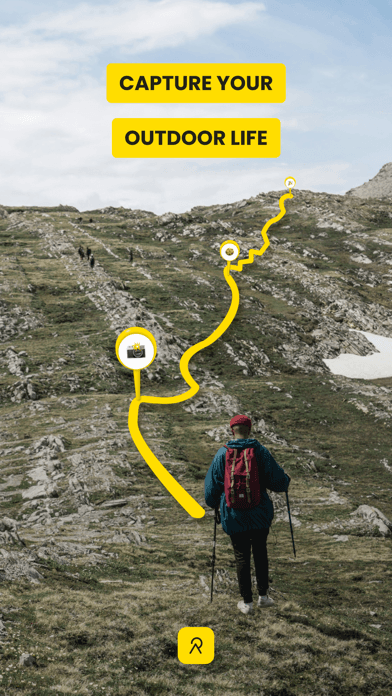
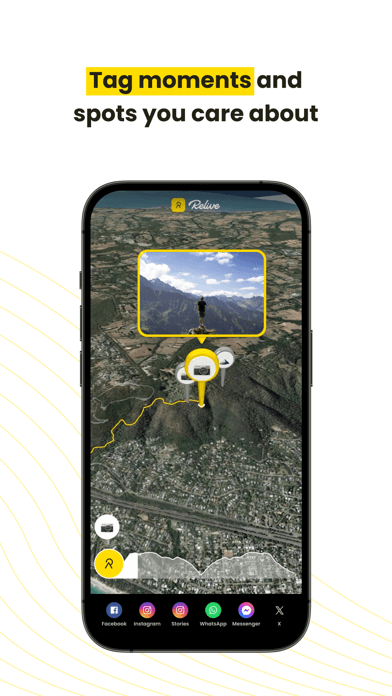
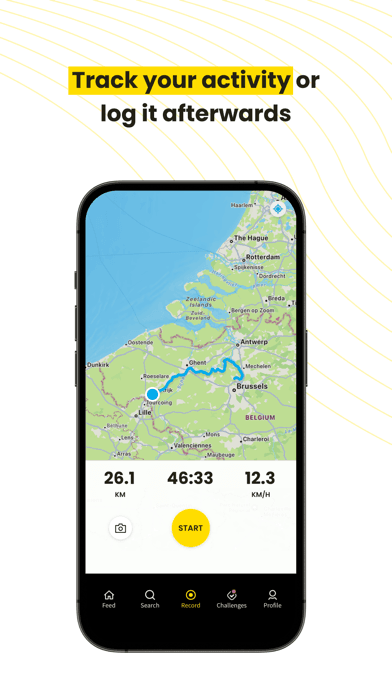
Relive earns 'Best Overall' through a creative angle most hiking apps ignore — the post-hike video. The 3D animated route flyovers turn a typical GPS track into something you actually want to share with friends and family. The app records your activity through its own GPS or imports from Apple Health, Garmin, Suunto, and a long list of other devices, then generates a 3D video showing your route over satellite imagery with up to 100 photos placed at their actual GPS coordinates along the way. The 4.84 average rating across 69,000 reviews reflects strong product-market fit with casual outdoor people who want a memorable artifact from their weekend hike, not just a CSV of GPS coordinates. The free tier creates one video per activity without editing — Relive Plus (around $40 per year) unlocks unlimited edits, music, longer activities over 12 hours, and HD output. Honest knocks cluster around two things. First, the freemium model has tightened over the years with more features behind paywall, and longtime free users feel the value has narrowed. Second, the app is video-first and not a serious navigation tool — if you need turn-by-turn directions on trail, use Komoot alongside Relive rather than Relive alone. The integration story is the real moat: Relive imports cleanly from almost any GPS source, which means you can keep using your existing tracker and add Relive purely for the share-worthy output.
Pros
- 3D animated route videos turn GPS tracks into share-worthy content
- Imports from Apple Health, Garmin, Suunto, and most major GPS sources
- 4.84 average across 69,000 reviews reflects strong product-market fit
Cons
- Freemium model has tightened with more features behind paywall over time
- Not a serious navigation tool; needs to be paired with Komoot or AllTrails
- 2Get on App Store
#2Walkmeter Walking & Hiking GPSBest for Power Users
Abvio Inc.
Walk, Hike, Run & Ride Tracker
- Rating
- 4.7
- Reviews
- 13.4K
- Price
- Paid
- 90-day trend
- —
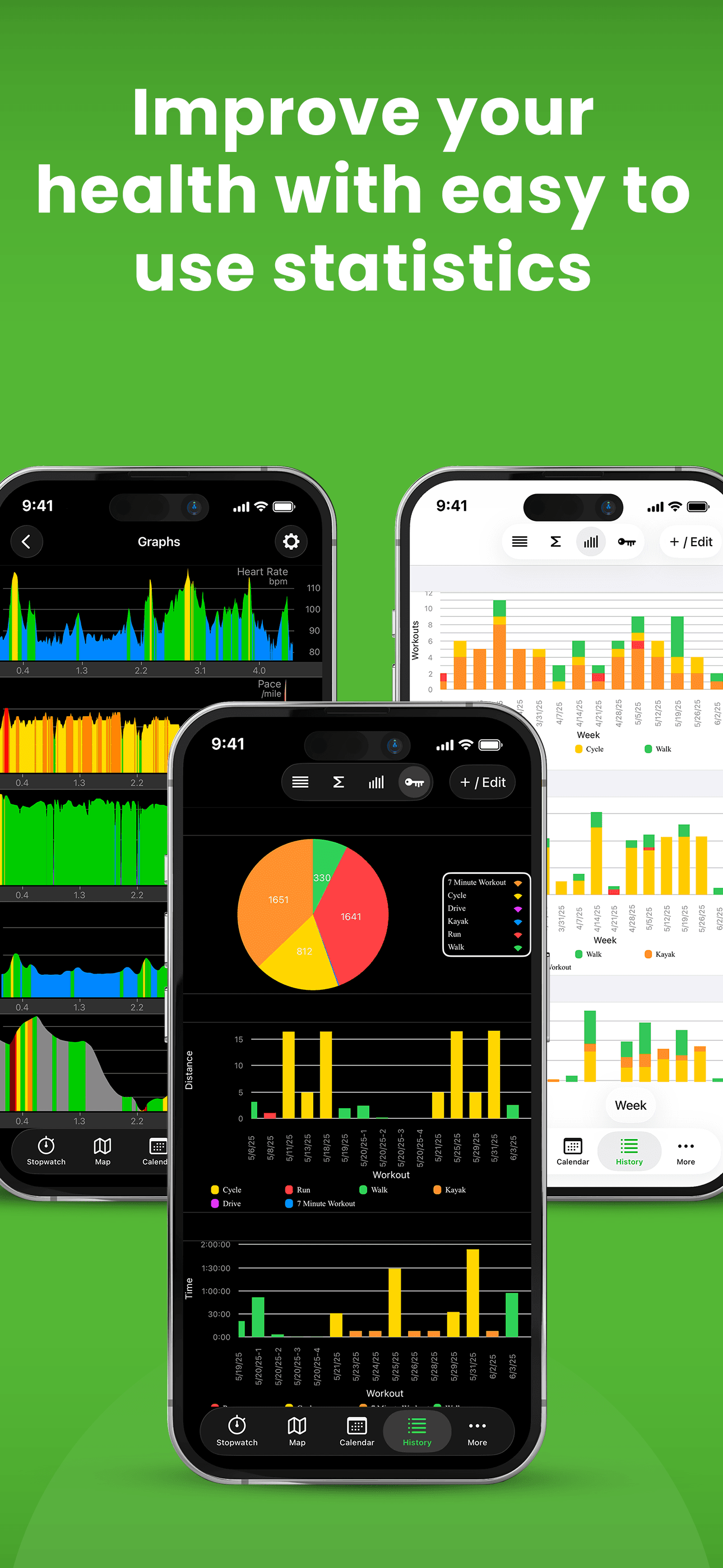
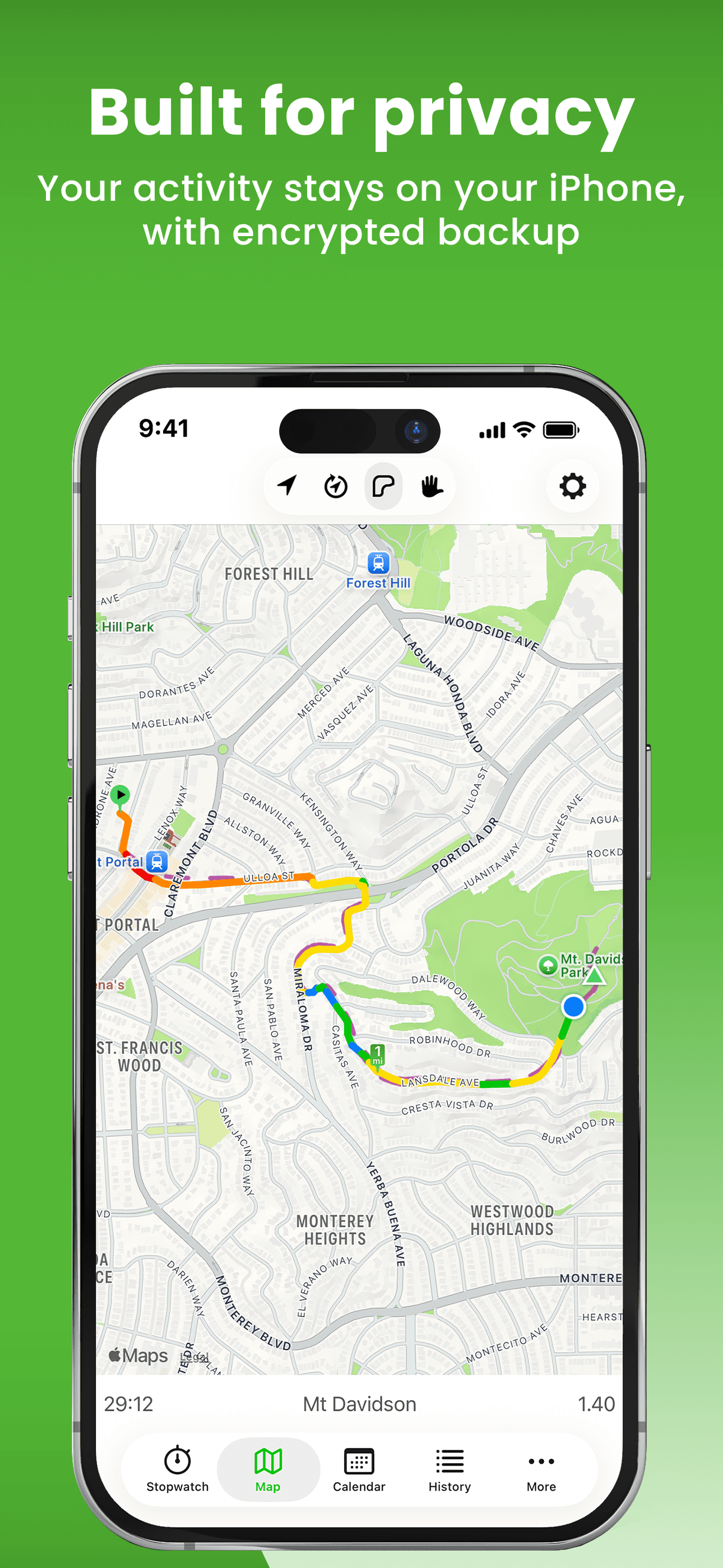
Walkmeter earns 'Best for Power Users' through 15+ years of dedicated development by a small Apple-focused studio (Abvio also makes Cyclemeter and Runmeter). The app is dense — pages and pages of configurable stats, splits, intervals, lap counters, zones, training plans, and announcements. Power users describe it as 'obsessively complete,' which is a fair summary; the learning curve is real, and the interface feels engineered for users who want every dial exposed rather than the Strava-style polished simplicity. The 4.71 average across 13,000 reviews comes from a self-selecting power-user base who explicitly want this depth. Live tracking and messaging are free; the Elite subscription unlocks advanced features around $30 per year with a 7-day trial. Honest knocks include a UI that feels dated next to Komoot and Strava, and a learning curve that is genuinely steep for casual hikers — many reviewers describe abandoning the app and returning to it after a year because they could not figure out the configuration. iCloud sync between iPhone, iPad, and Apple Watch works well, and the GPX/TCX/FIT export support is among the best in the category for users who want their data portable. Best for hikers who also cycle and run, want one app across all three, and are willing to invest a few hours in setup to get exactly the screens and announcements they want.
Pros
- Obsessively configurable splits, intervals, zones, and announcements
- Full GPX, TCX, FIT, KML export for portable data
- iCloud sync across iPhone, iPad, and Apple Watch works reliably
Cons
- Interface feels dated next to modern alternatives like Komoot
- Steep learning curve discourages casual hikers who want simple tracking

- 3Get on App Store
#3komoot - hike, bike & runBest for Trip Planning
komoot GmbH
Your all-in-one route planner
- Rating
- 4.7
- Reviews
- 8.9K
- Price
- Paid
- 90-day trend
- —
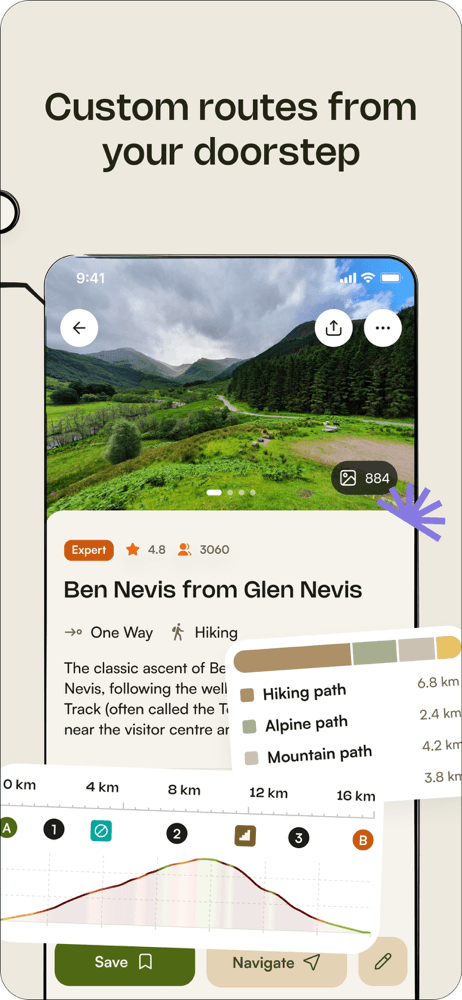
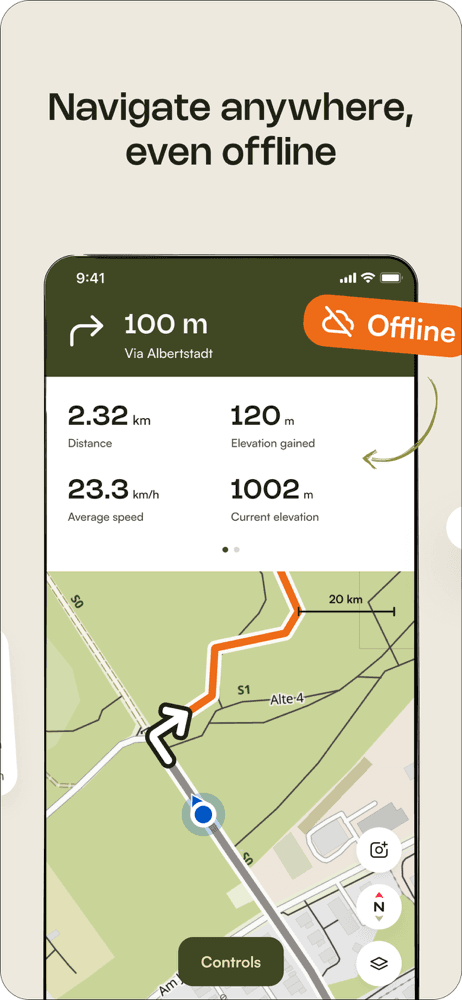
Komoot earns 'Best for Trip Planning' through the strongest route-building experience on iPhone for serious hikers and backpackers. The planner lets you pick from hiking, road cycling, MTB, running, and several other sport types, then optimizes the route surface and difficulty for that mode — singletrack for MTB, asphalt for road cycling, natural trails for hiking. Turn-by-turn voice navigation works on iPhone alone (no watch required) and is good enough for forested singletrack where you would otherwise be checking the screen every two minutes. The 'Highlights' system surfaces community-recommended points along your route, which makes route discovery feel less mechanical than a pure GPS line on a map. Komoot's free tier gives you one region forever — for most local hikers that is enough. Paid expansion packs cover larger areas or the entire World Pack. The honest knocks are pricing complexity (the expansion-pack model confuses some users versus a simple subscription) and a route algorithm that occasionally routes through private property or impassable terrain on less-traveled trails. The 4.71 average and consistent product investment make this the right pick for hikers who plan trips in advance and want one app that handles the planning, the navigation, and the after-hike record. Used together with Relive for the share-worthy output, this is the strongest hiking pairing on iPhone.
Pros
- Strongest route planner in the category for serious backpackers
- Turn-by-turn voice navigation works on iPhone alone, no watch needed
- Community Highlights surface real trail recommendations along your route
Cons
- Expansion-pack pricing model confuses some users versus a simple subscription
- Route algorithm occasionally routes through private property on rural trails

- 4
 Get on App Store
#4TrailLink: Bike, Run, WalkBest for Trail Discovery
Rails to Trails Conservancy
Trail Maps Finder & Biking GPS
- Rating
- 4.6
- Reviews
- 7.9K
- Price
- Free
- 90-day trend
- —
TrailLink earns 'Best for Rail-Trails and Greenways' through its direct partnership with Rails-to-Trails Conservancy and coverage of more than 40,000 miles of multi-use trails across the United States. If you hike, walk, or run on a paved or crushed-stone path that was once a railway, this is the canonical app for the category — no other app comes close on coverage of urban greenways, bike paths, and rail-trail conversions. Trail data is genuinely curated rather than crowd-sourced, with restroom, parking, and water-fountain locations marked at real GPS coordinates by RTC staff. The 4.57 average rating across 7,700 reviews reflects strong satisfaction among the rail-trail community, which is older and more accessibility-focused than the typical trail-app demographic. The free tier covers search and basic tracking; TrailLink Unlimited at $30 per year unlocks unlimited offline map downloads. The honest knocks are two. First, coverage of true backcountry trails is limited — this is a rail-trail and greenway specialist, not a wilderness app. Second, the interface has been described by reviewers as functional rather than polished, with some rough edges in the trip-planning flow. Best for hikers who walk paved paths, families with strollers, and anyone with mobility needs who values verified accessibility data over raw mile count.
Pros
- 40,000+ miles of curated rail-trails and greenways across the US
- Real verified amenities (restrooms, parking, water) at actual GPS points
- Free tier covers search and basic tracking with no aggressive paywalls
Cons
- Limited backcountry trail coverage; this is a rail-trail specialist
- Interface has rough edges in the trip-planning and account flows
- 5
 Get on App Store
#5RidePal - MTB Trails & GPSBest for Mountain Biking
TalkUp LLC
Track rides and find trails
- Rating
- 4.8
- Reviews
- 2.9K
- Price
- Paid
- 90-day trend
- —
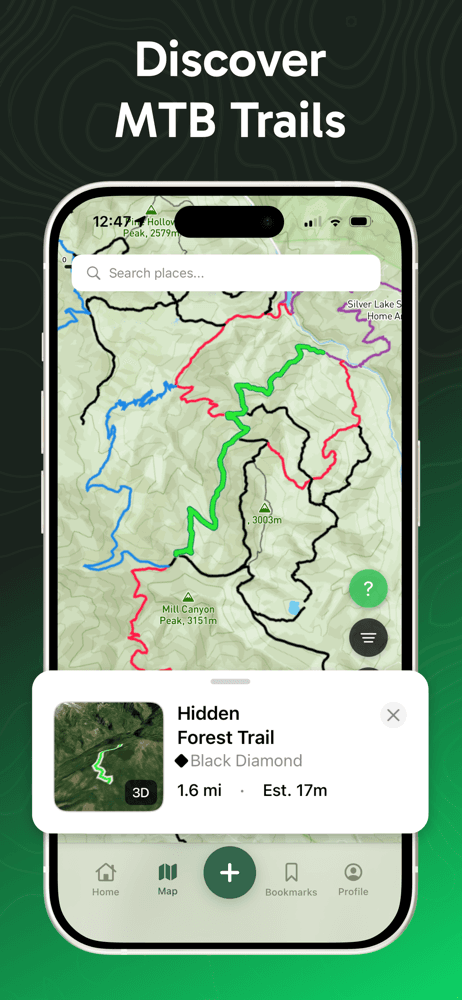
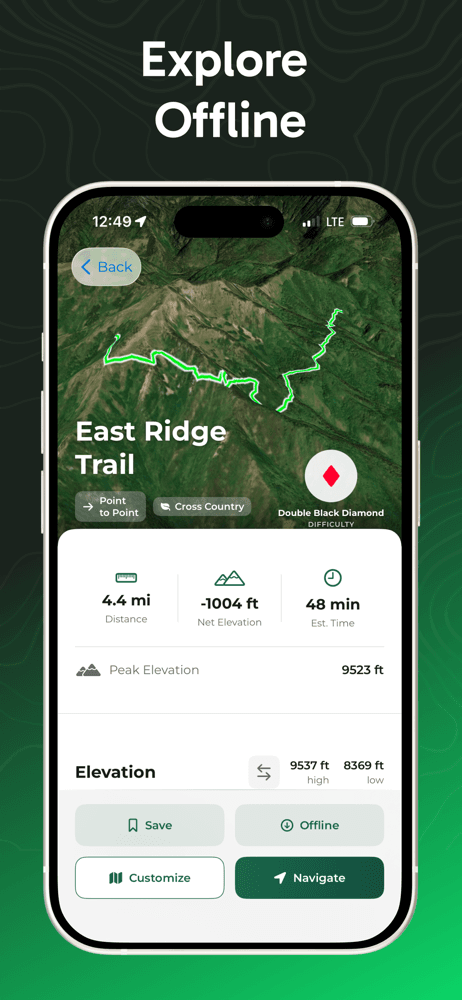
RidePal earns 'Best for Mountain Biking' as the newest app in this list, launched in August 2025 and already at a 4.8 rating from 2,600 reviews. The app focuses specifically on MTB trail discovery with difficulty ratings, segment competition, achievement badges, and offline maps for trails far from cellular service. Reviewers describe finding trails in their neighborhood they did not know existed, which is the right outcome for a discovery-focused app in a category dominated by Trailforks. The free tier covers basic tracking and trail search; the paid 'Pro' tier unlocks deeper features. The honest knocks come from early-stage reviews and should be weighed against the app being only nine months old. First, one reviewer documented elevation discrepancies between RidePal and Strava (45 feet versus 300 feet on the same ride), which suggests barometric data handling needs work. Second, several reviewers flagged Strava sync limitations and Apple Watch issues where rides started on Watch do not save to iPhone. Third, the free tier feels thin compared to Trailforks for users who want offline trail downloads without paying. The trajectory is right — frequent updates, active developer engagement with reviews, and growing trail-add capability through user contributions. Worth installing if you mountain bike and want to see whether RidePal becomes a real Trailforks alternative over the next year.
Pros
- Active developer engagement and frequent updates since August 2025 launch
- Trail discovery surfaces local MTB routes users did not know existed
- User-contributed trail data is growing fast
Cons
- Documented elevation discrepancies versus Strava on the same rides
- Apple Watch rides do not save to iPhone for some users

- 6
 Get on App Store
#6WTA Trailblazer: Go HikingBest Community
Washington Trails Association
Washington’s hiking app
- Rating
- 4.9
- Reviews
- 2.2K
- Price
- Paid
- 90-day trend
- —
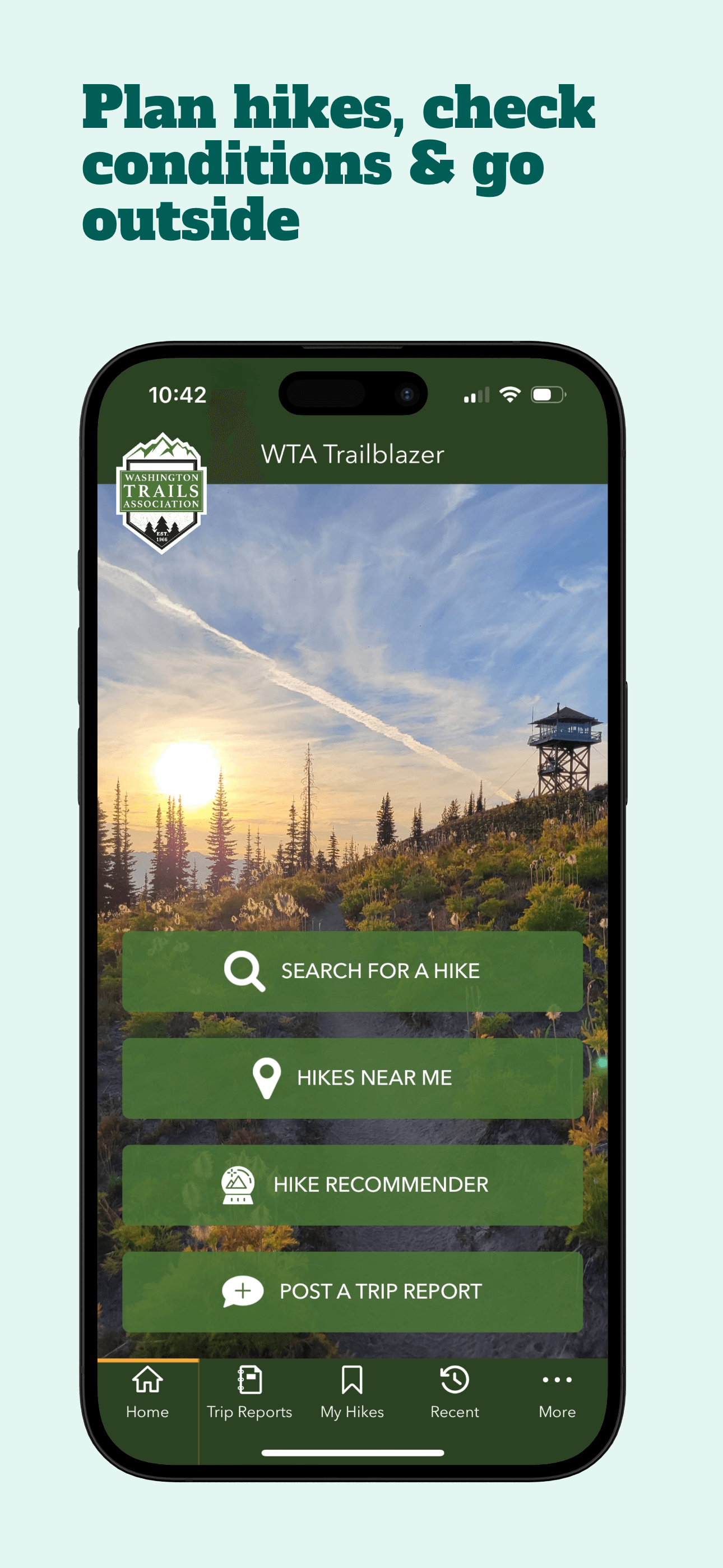
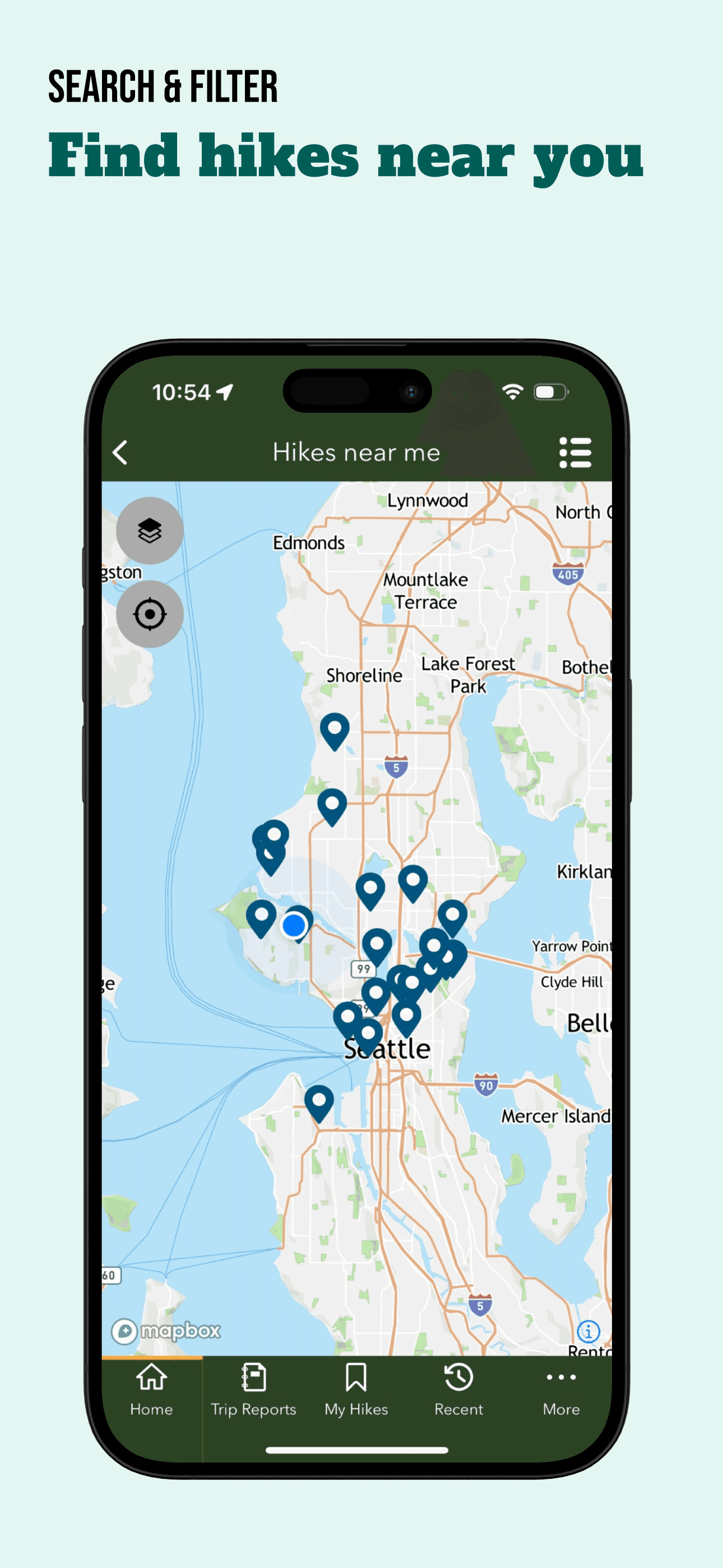
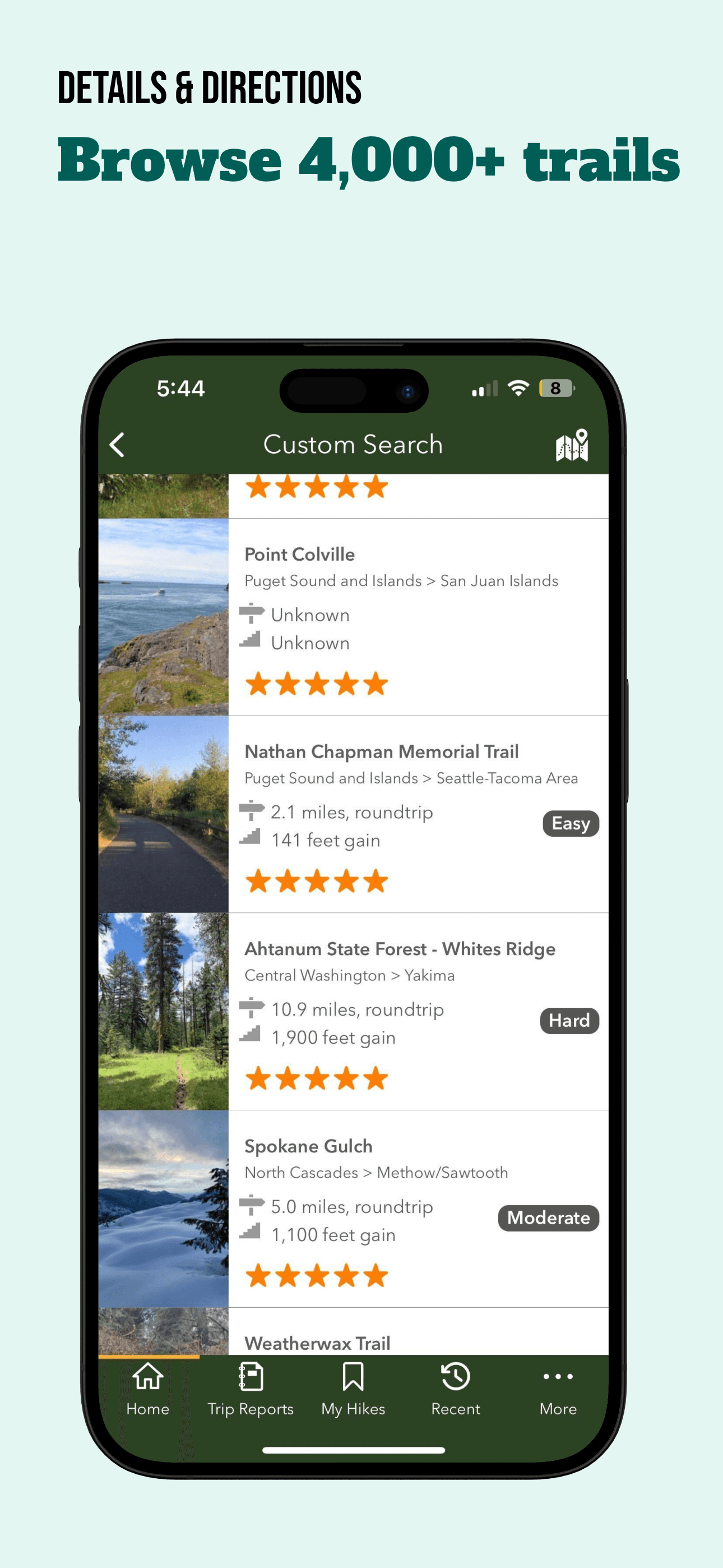
WTA Trailblazer is 'Best Community' and the gold-standard example of what a regional hiking app should look like. Built by Washington Trails Association, a non-profit with decades of trail-conservation history, the app covers 4,000+ Washington state hikes with trip reports submitted by hikers within the last week. The 4.86 average rating across 2,129 reviews is one of the highest in this list and reflects how much hikers value timely trail-condition information — knowing that the road to a trailhead is washed out, that a creek crossing is impassable, or that the wildflowers are peaking right now is genuinely different from generic AllTrails data. The 'red alert' system surfaces trail and road closures before you leave home, and the kid-friendly, dog-friendly, and wheelchair-accessible filters use verified WTA data rather than crowd-sourced tags. The entire app is free with no in-app purchases — WTA funds development through membership donations. Honest knocks are narrow. The app only covers Washington state, which means it is useless if you hike anywhere else. The interface is functional rather than polished, with some rough edges around account management and trip-report submission. For Washington hikers, this is the must-install app; for hikers elsewhere, the lesson is to look for whether your state has a similar trail-association app before defaulting to a national one.
Pros
- Recent trip reports from real hikers within the last week
- Red-alert system surfaces trail and road closures before you leave home
- Entirely free with no in-app purchases, funded by WTA membership
Cons
- Only covers Washington state; useless for hikers elsewhere
- Interface and account flows feel functional rather than polished
- 7
 Get on App Store
#7Sports Tracker: Run Bike HikeBest for Backpacking
Suunto
Plan, track & analyze workout
- Rating
- 4.6
- Reviews
- 1.9K
- Price
- Free · IAP
- 90-day trend
- —
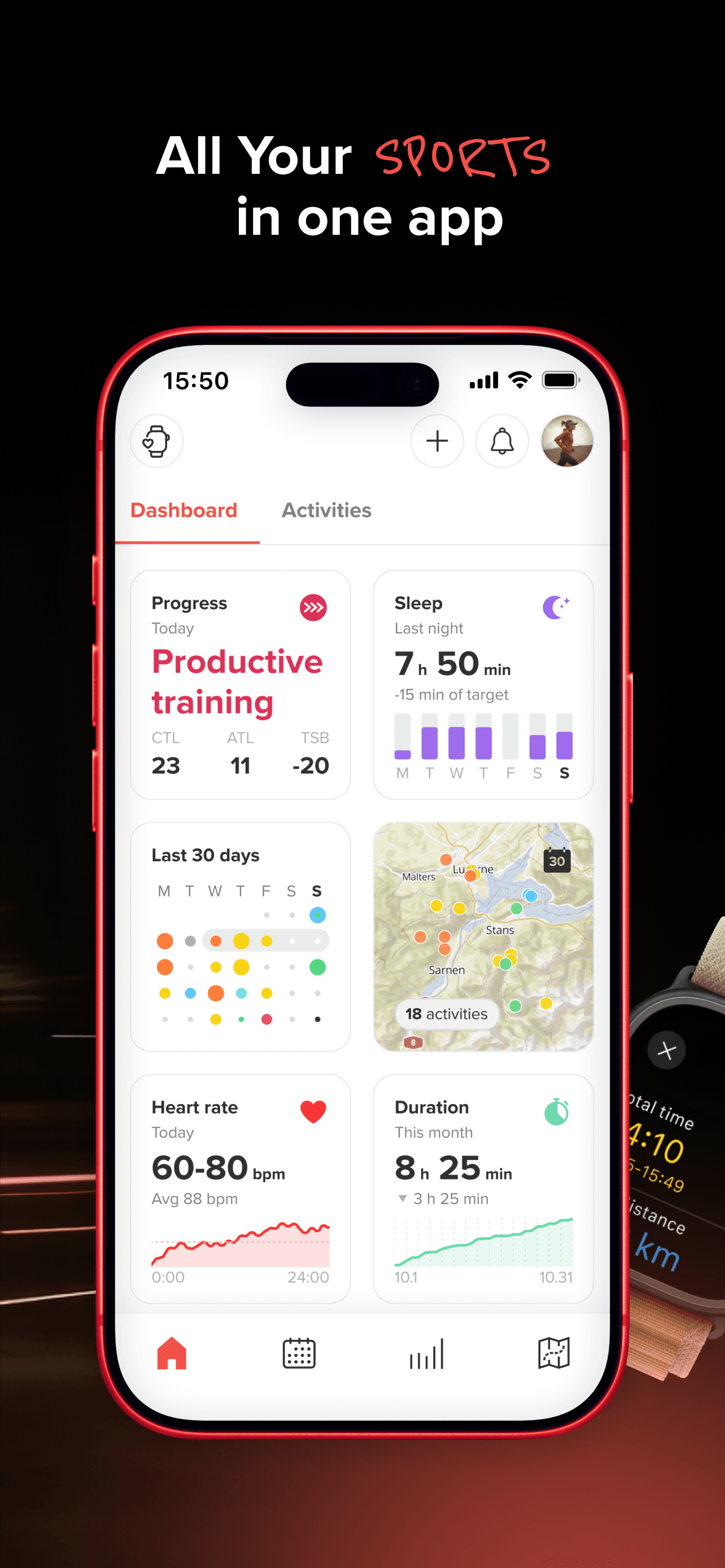
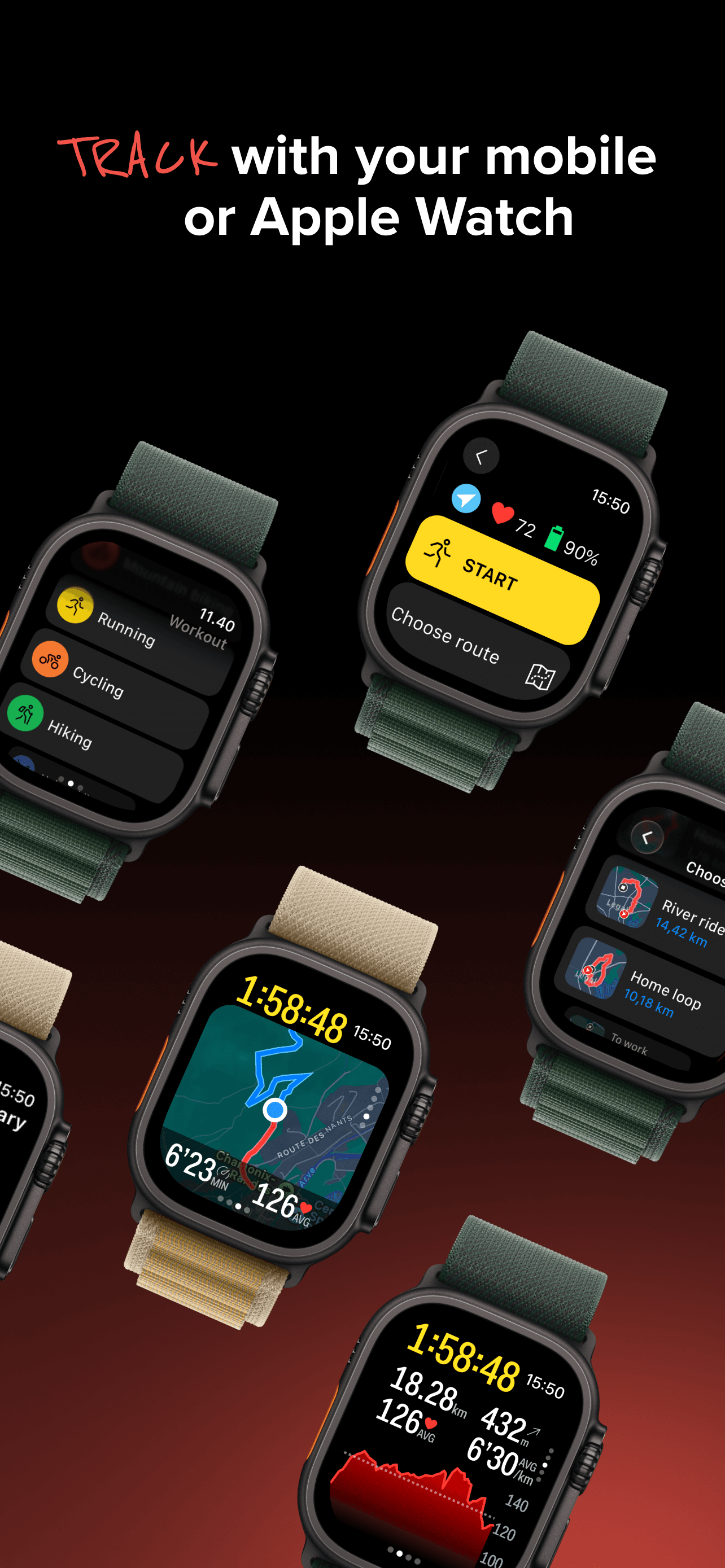
Sports Tracker earns 'Best for Backpacking' as a Suunto-owned multi-sport app that handles 90+ activity types with the same reliability across running, hiking, cycling, and skiing. The 4.57 rating across 1,900 reviews reflects a solid but unspectacular product that has been steady for years rather than rapidly evolving. The standout feature for backpackers is heatmap-driven route discovery — you can see where other backpackers have actually walked in a given area, which is more useful for off-trail terrain than a single GPX line. Apple Watch support is full standalone (track without iPhone present), and the workout export supports GPX and FIT for users who feed data into other systems. The free tier covers basic tracking; the paid tier unlocks heatmaps and advanced analysis. Honest knocks include an interface that has been overshadowed by Komoot and Strava in recent years, and a brand that some reviewers say feels caught between Suunto's hardware ecosystem and the standalone-app ecosystem without committing fully to either. For Suunto watch owners this is the natural pairing; for everyone else it competes hard against Komoot for the same use case, and Komoot generally wins on route-planning depth. Best for multi-sport athletes who want one app across hiking, cycling, running, and skiing and value the export options.
Pros
- Heatmap-driven route discovery is useful for off-trail backpacking
- Full Apple Watch standalone tracking without iPhone present
- Multi-sport coverage across 90+ activity types
Cons
- Brand feels caught between Suunto hardware and standalone-app positioning
- Komoot generally wins head-to-head on route-planning depth

- 8
 Get on App Store
#8Yogaia: Daily Yoga & WorkoutBest for Recovery
Yogaia Oy
Fitness, Pilates, Flexibility
- Rating
- 4.8
- Reviews
- 1.2K
- Price
- Free
- 90-day trend
- —
Yogaia earns its place on this list as 'Best Recovery' for the unexpected category of trail recovery — yoga and breathwork after a hard hike. The app is not a hiking app, and including it on a hiking listicle is a curatorial choice rather than a category-matched one. Yogaia offers 3,000+ classes across yoga, Pilates, meditation, Yoga Nidra, and breathwork, with live classes that include camera opt-in for individualized teacher feedback. For hikers, the 5-to-15-minute post-hike yoga sessions targeting feet, hips, and lower back recovery are the relevant use case — a category many hikers ignore until they develop chronic injuries. The 4.81 rating across 1,184 reviews reflects strong product-market fit with general yoga users, not specifically hikers. The honest knocks are that this is a yoga app and not a hiking app — if you came here looking for trail navigation, this is not the answer. The subscription is around $20 per month or $120 per year, which is the most expensive in this list and earns its price for users who do daily yoga, not for users who want occasional post-hike stretches. Worth considering if you already wanted a yoga app and value the multi-language audio support (Portuguese, Spanish, more coming). For pure trail use, skip and use one of the dedicated hiking apps above.
Pros
- Strong post-hike recovery and breathwork content for trail athletes
- 3,000+ classes across yoga, Pilates, meditation, and Yoga Nidra
- Multi-language audio support is growing (Portuguese, Spanish, more)
Cons
- Not a hiking app; included for recovery use only
- Subscription pricing is the most expensive in this list at ~$120/year
- 9
 Get on App Store
#9National Park Trail GuideBest Free
Adventure Projects Inc.
National parks guide and maps
- Rating
- 4.5
- Reviews
- 1.5K
- Price
- Paid
- 90-day trend
- —
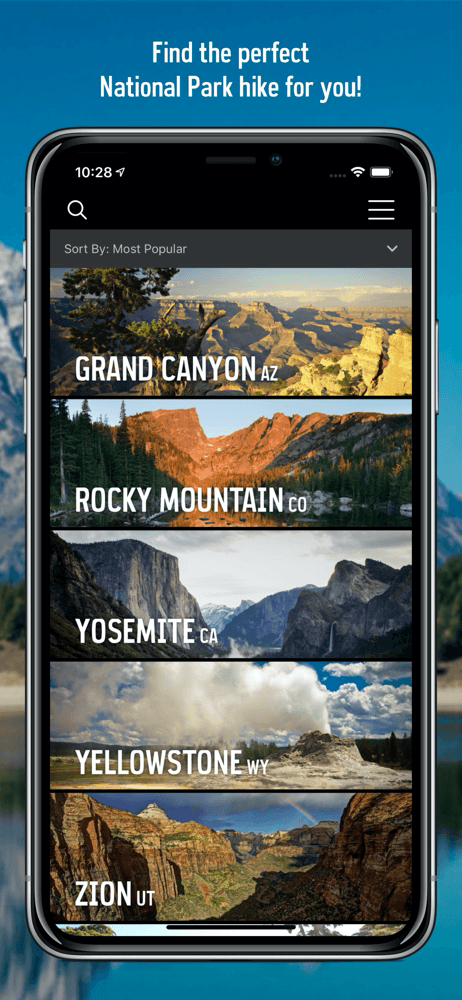
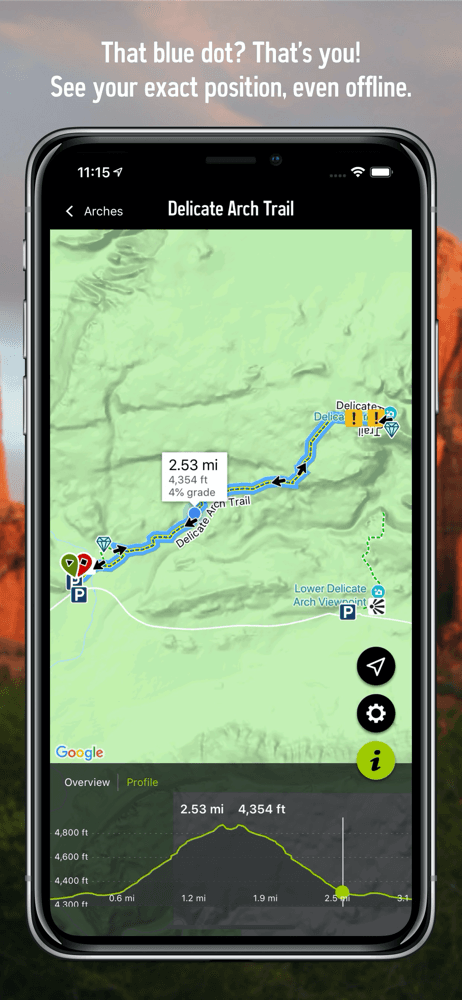
National Park Trail Guide earns 'Best for National Parks' from Adventure Projects (the team behind MountainProject and TheCrag) and is genuinely free with no in-app purchases. Coverage focuses on the big-name US National Parks — Yellowstone, Yosemite, Grand Canyon, Zion, Grand Teton, Mount Rainier, Acadia, Rocky Mountain, Point Reyes — with curated 'best of' lists, family-friendly hike filters, and full trail descriptions written by editors rather than crowd-sourced. Offline map support works without cellular; the iPhone GPS continues to show your position on terrain and satellite maps when service drops, which it usually does in National Park interiors. The 4.54 rating across 1,451 reviews is solid for a free niche app. Honest knocks include limited coverage outside the big parks (smaller National Monuments and National Recreation Areas have thin data), an interface that feels dated next to commercial alternatives, and infrequent updates compared to actively developed apps like Komoot or AllTrails. The app launched as part of National Park Service Centennial activities and has been maintained but not aggressively expanded. Worth installing for any trip to a major National Park; complement with AllTrails or Komoot for trails outside the park system. For National Parks specifically, this is the right free pick — the curation quality exceeds what crowd-sourced apps deliver for these high-visit destinations.
Pros
- Curated trail descriptions for major US National Parks written by editors
- Offline maps work without cellular in park interiors
- Genuinely free with no in-app purchases
Cons
- Thin coverage outside the major National Parks
- Infrequent updates compared to actively developed competitors
- Rating
- 4.7
- Reviews
- 1K
- Price
- Free
- 90-day trend
- —
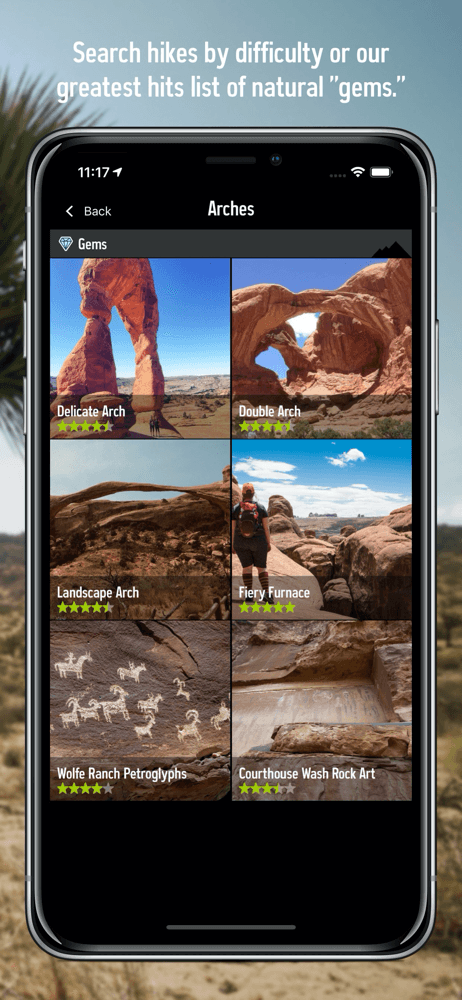
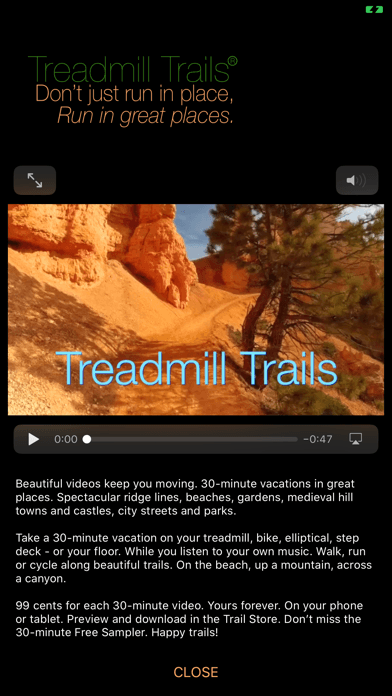
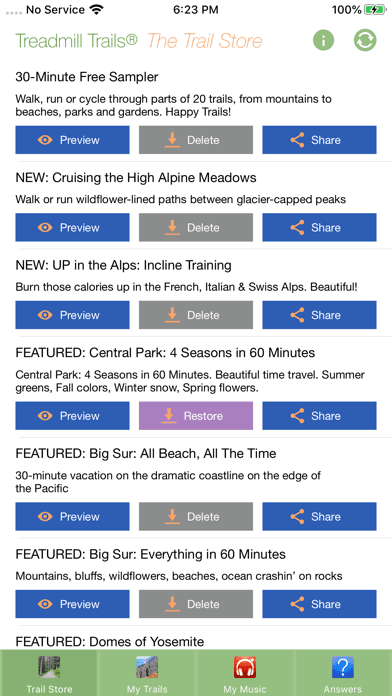
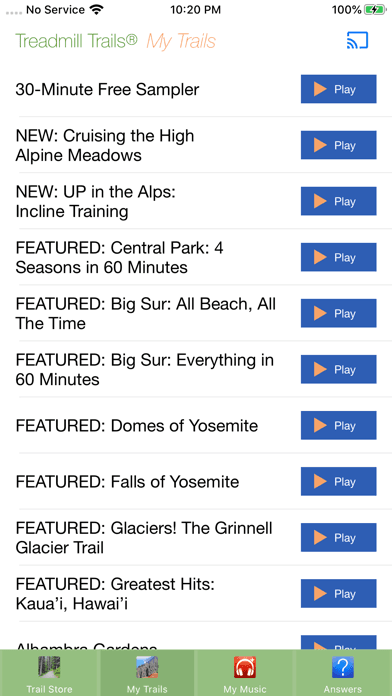
Treadmill Trails earns 'Best Apple Watch Alternative' through an unconventional angle — it brings the outdoors inside for treadmill users. The app offers 30-minute video tours through Hawaii, National Parks, ancient hill towns, and other beautiful destinations, designed to play on your iPhone or iPad while you walk, run, or cycle indoors. Videos are $0.99 each, owned forever, with a free 30-minute sampler to try the experience before buying. The 4.7 rating across 1,011 reviews comes from a niche user base that found exactly what they needed: a way to make treadmill cardio less mind-numbing without committing to a Peloton-style subscription. There is no Apple Watch app in the traditional sense — the title's superlative reflects that this app addresses the same 'I cannot hike outside today' problem that some hikers solve with watch-based indoor workout tracking. Honest knocks are obvious. This is not a hiking app in the conventional sense — there is no GPS, no trail data, no offline maps. The video library is finite (a few dozen trails), and production quality varies across the catalog. Worth considering if you have a treadmill, indoor bike, or elliptical and want a low-commitment alternative to Zwift or Peloton without monthly fees. For pure outdoor hiking this is not the right tool; for indoor cardio on hiking-off days it serves a real need.
Pros
- Unique angle for indoor cardio days when outside is not an option
- Pay-once $0.99 per video model, no subscription required
- Free 30-minute sampler lets you try before buying
Cons
- Not a hiking app in the conventional sense; no GPS or trail data
- Video library is finite and production quality varies

How we picked
## What we scored
We ranked apps on five dimensions: trail data quality, offline-map reliability, GPS tracking accuracy, value of the free tier, and how each handles the iPhone-only experience. App Store ratings and recent review patterns set the floor for inclusion in this list.
## Trail data
The single most important thing a hiking app does is tell you where the trail actually goes. We gave credit to apps with curated trail descriptions, photos at junctions, and real difficulty ratings — not just GPS lines drawn over satellite imagery. WTA Trailblazer set the bar for what hyper-regional curation looks like; Komoot and TrailLink follow with broader national coverage.
## Offline maps
Cellular service drops at most trailheads. Apps that handle offline-map downloads gracefully and continue tracking GPS when cellular drops earned credit. Apps that gate offline maps behind aggressive paywalls were noted but not penalized — that is a reasonable business model for a category where offline storage is genuine infrastructure cost.
## iPhone-only experience
We checked how each app behaves with only an iPhone in a hip belt or backpack pocket. Apps that lock features behind Apple Watch use were penalized; apps that handle GPS reliably without a wrist sensor were credited.
## What we did not test
We did not certify trail accuracy by walking every route. We did not benchmark battery drain in controlled conditions; reviewer reports suggest Komoot and Relive run heavier than minimal trackers because of the rich map detail. We did not evaluate hunting-specific overlays — that is a separate category with apps like onX Hunt that did not make this list.
## Refresh
Reviewed every six months. Trail season (May through October in the northern hemisphere) drives most ranking movement.