



Best Focus Apps for iPhone
By App Store Tracker Editorial · Updated — live App Store data verified
The short version
The best focus app for iPhone in 2026 is Brick — a physical NFC tile you tap to lock distracting apps with no software override, which is why 38,916 users rate it 4.94 stars. one sec is the runner-up for software-only friction (4.83 from 22,777 ratings, Max Planck research backing). Be Focused leads classic Pomodoro with cross-Apple sync and a free tier. Plantie owns the gamified-tree niche. Flow, Emphasis, and Focus Dog cover the rest of the Pomodoro spectrum.
Jump to a pick↓
Focus apps split into three real camps: hard blockers that make distracting apps unreachable, Pomodoro timers that structure work into intervals, and gamified trackers that reward consistency. The ten apps below cover all three plus a few session-logging edge cases. We pulled live App Store ratings and review samples for every pick to surface what users actually complain about, not just what marketing pages promise. Two patterns repeat across every focus-app review thread we sampled: people quit apps that let them override their own blocks too easily, and people stick with apps that introduce real friction. That insight drove the ordering here. Brick tops the list because the friction is physical hardware you cannot click past. Software picks are ranked by review depth, rating volume above 1,000 where possible, and whether each app solves a clearly different focus problem.
- Rating
- —
- Reviews
- —
- Price
- Paid
- 90-day trend
- —
Brick is the best focus app for iPhone users who have already broken every software blocker they tried. The premise: a small physical NFC tile you tap to enable or disable blocked apps. There is no software override. If the tile is in your car, your blocked apps stay blocked until you go get the tile. Compared with one sec or any Screen Time setup, the difference is that Brick removes the moment-of-weakness loophole entirely — the bypass requires you to physically retrieve the tile, walk back, and tap it. That extra friction is the whole point. Real use case: a freelancer reviewing the app says they put Brick in a drawer at the start of the workday and have reclaimed hours of social-media time because opening the drawer is a deliberate decision, not a reflex. Strict Mode closes common bypass routes. Each unit ships with five emergency unbricks for genuine surprises. Tradeoff: it costs real money up front — you are paying for hardware plus an app, not just an app. If you cannot stick with software-only focus tools, that cost pays back fast.
Pros
- Physical NFC tile makes overriding blocks impossible without it
- No subscription — buy once, use forever with full app access
- Strict Mode closes common bypass routes during sessions
Cons
- Up-front hardware cost is higher than software-only competitors
- Five emergency unbricks per year may not cover heavy travel use
- 2Get on App Store
#2one sec | screen time + focusBest Site Blocker
riedel.wtf apps S.L.
App & Website Limit, Blocker
- Rating
- 4.8
- Reviews
- 23.2K
- Price
- Paid
- 90-day trend
- —
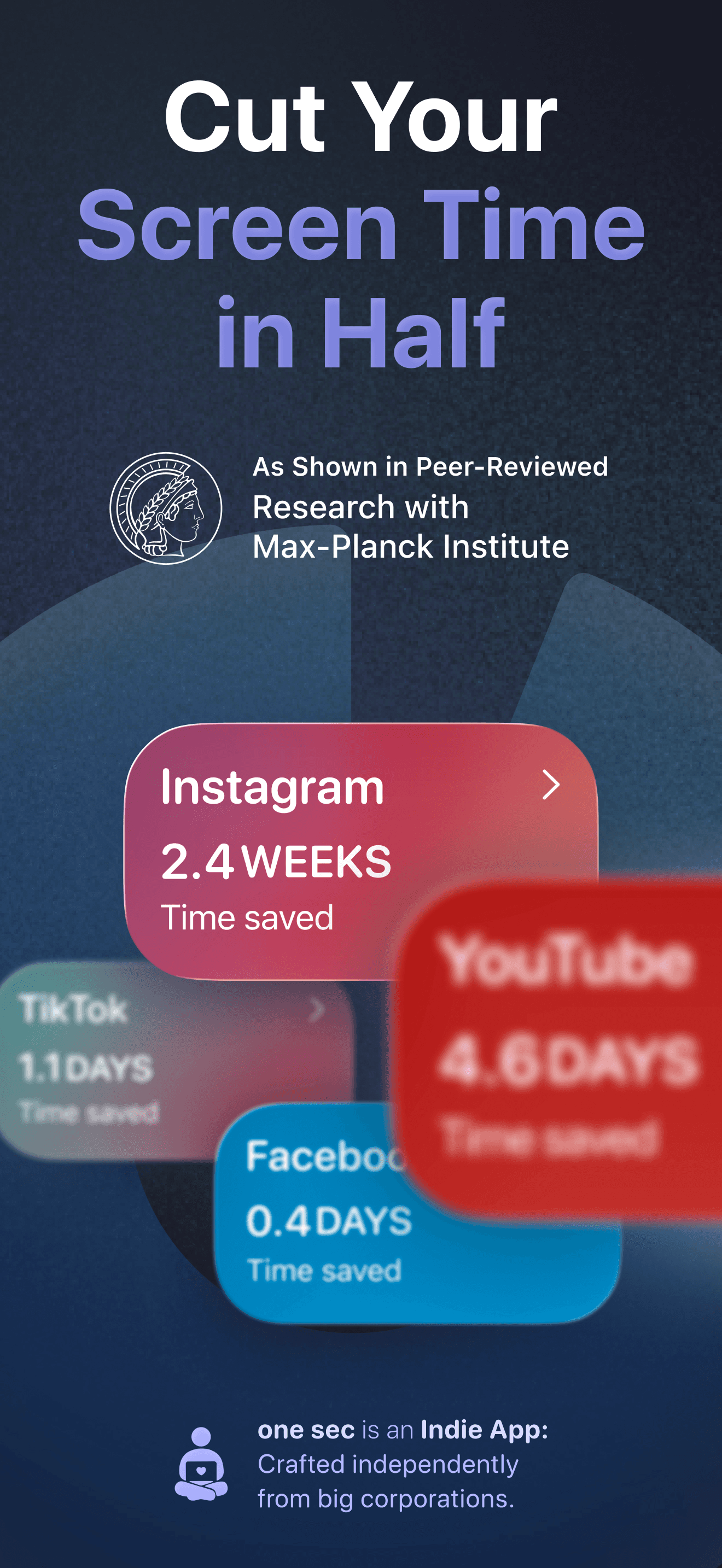
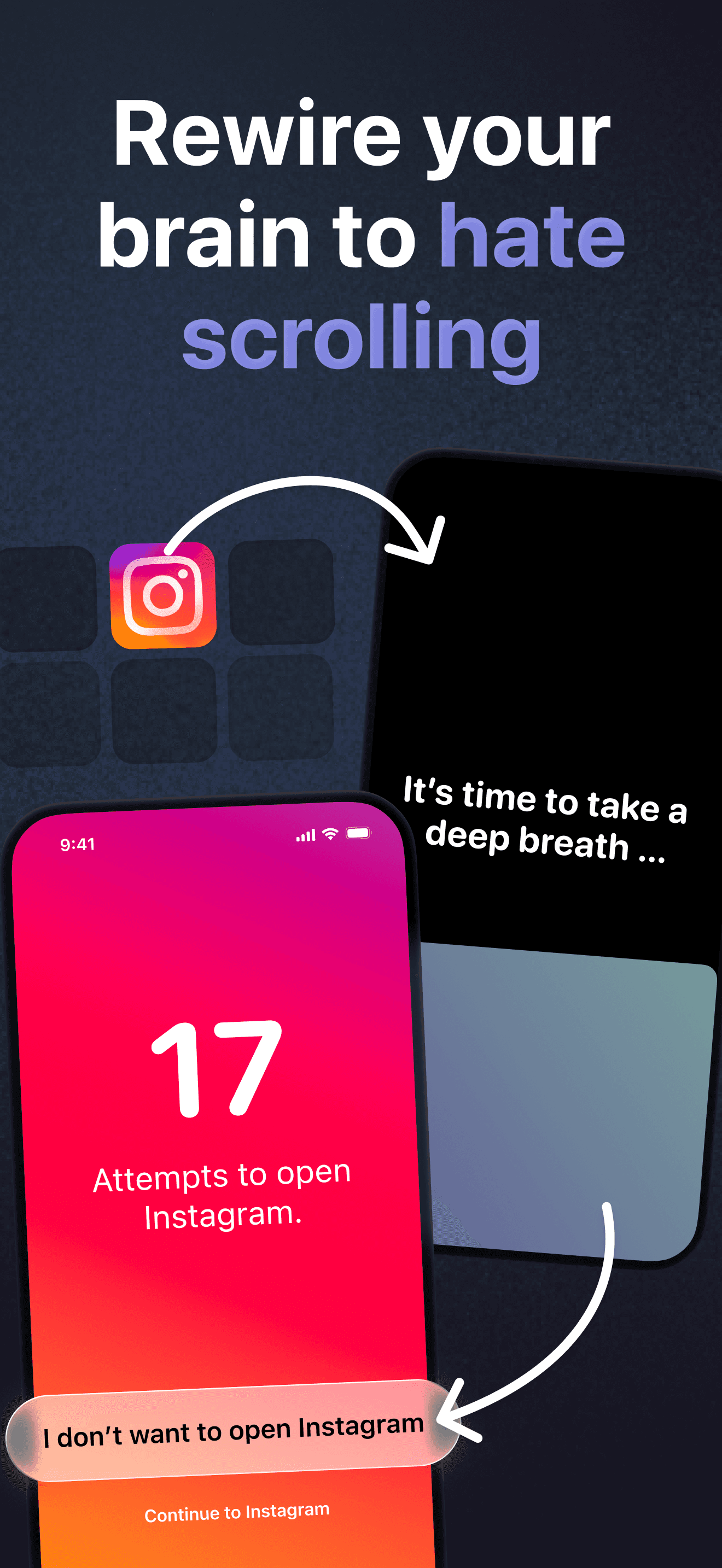
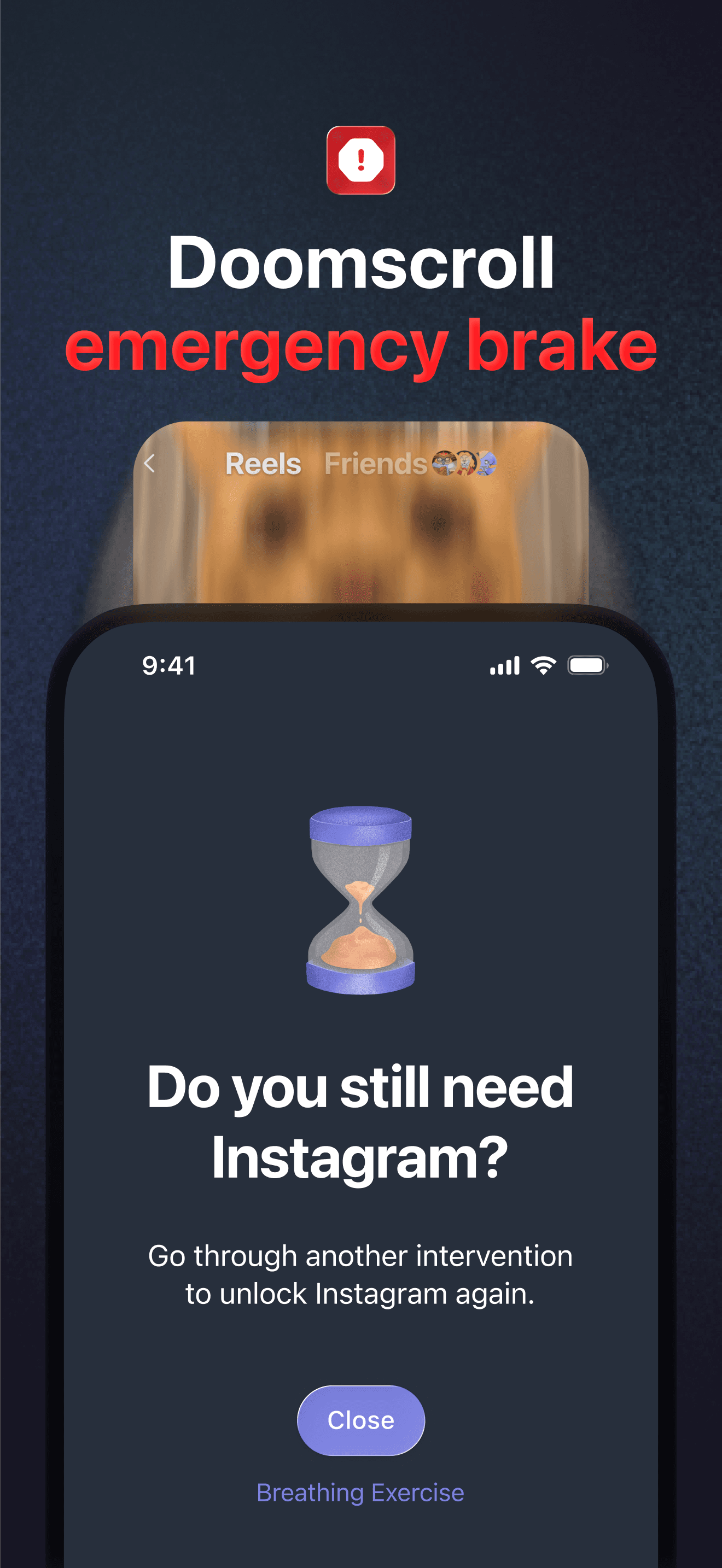
one sec is the best focus app for users who want strong friction without buying hardware. Open Instagram and one sec interrupts with a forced breath-animation delay before letting you through. The Max Planck Institute and partner researchers have published studies showing the friction model reduces distracting app usage by 57% on average. Compared with Brick, you skip the hardware purchase. Compared with Plantie or Flow, the focus is squarely on stopping app-opens, not on timing work sessions. The Re-Intervention feature handles the doom-scrolling edge case: after a set time inside an app, one sec kicks you out and requires another intervention to re-enter. Real use case: students and remote workers who open Instagram or TikTok dozens of times a day report the delay alone breaks the habit loop within a week. Lifetime unlock pricing is reasonable. Tradeoff: it only works on apps you configure, and the free tier covers a single app — most users need pro to cover their full distraction stack.
Pros
- Max Planck research shows 57% average reduction in distracting app usage
- Forced breath-animation delay breaks the impulse-open habit loop fast
- Re-Intervention kicks you out of doom-scrolling after configured time
Cons
- Free tier only covers a single app — pro needed for full coverage
- Configuration is per-app, so adding every distraction takes setup work
- 3Get on App Store
#3Be Focused – Deep Focus TimerBest for Pomodoro
Denys Ievenko
Work & Study Pomodoro Timer
- Rating
- 4.7
- Reviews
- 4.3K
- Price
- Free
- 90-day trend
- —
Be Focused is the best classic Pomodoro app for users who want a clean, reliable timer across iPhone, iPad, and Mac. Single Pro purchase unlocks every Apple device — no subscription required if you choose lifetime. Compared with Flow or Emphasis, Be Focused leans more toward task management: you can create discrete tasks, assign Pomodoro intervals to each, and track completion accuracy over time. Compared with Brick or one sec, it does not block anything — it is a structuring tool, not a blocker. Real use case: developers and students who run focused 25/5 cycles and want CSV exports of their session data for personal analytics. Apple Watch app starts and stops the timer from your wrist, and Live Activities keep the countdown visible on the Lock Screen without opening the app. iCloud sync across devices is the killer feature for anyone who switches between Mac for deep work and iPhone for mobile sessions. Tradeoff: the interface looks dated next to newer Pomodoro apps, and reports stop short of the depth offered by dedicated time-tracking tools.
Pros
- Single Pro purchase unlocks iPhone, iPad, and Mac with no subscription
- Apple Watch app and Live Activities keep timer accessible everywhere
- Task management with CSV export beats most pure Pomodoro apps
Cons
- Interface feels dated compared with newer Pomodoro app designs
- Reports lack the depth offered by dedicated time-tracking tools
- Rating
- 4.7
- Reviews
- 1.9K
- Price
- Paid
- 90-day trend
- —
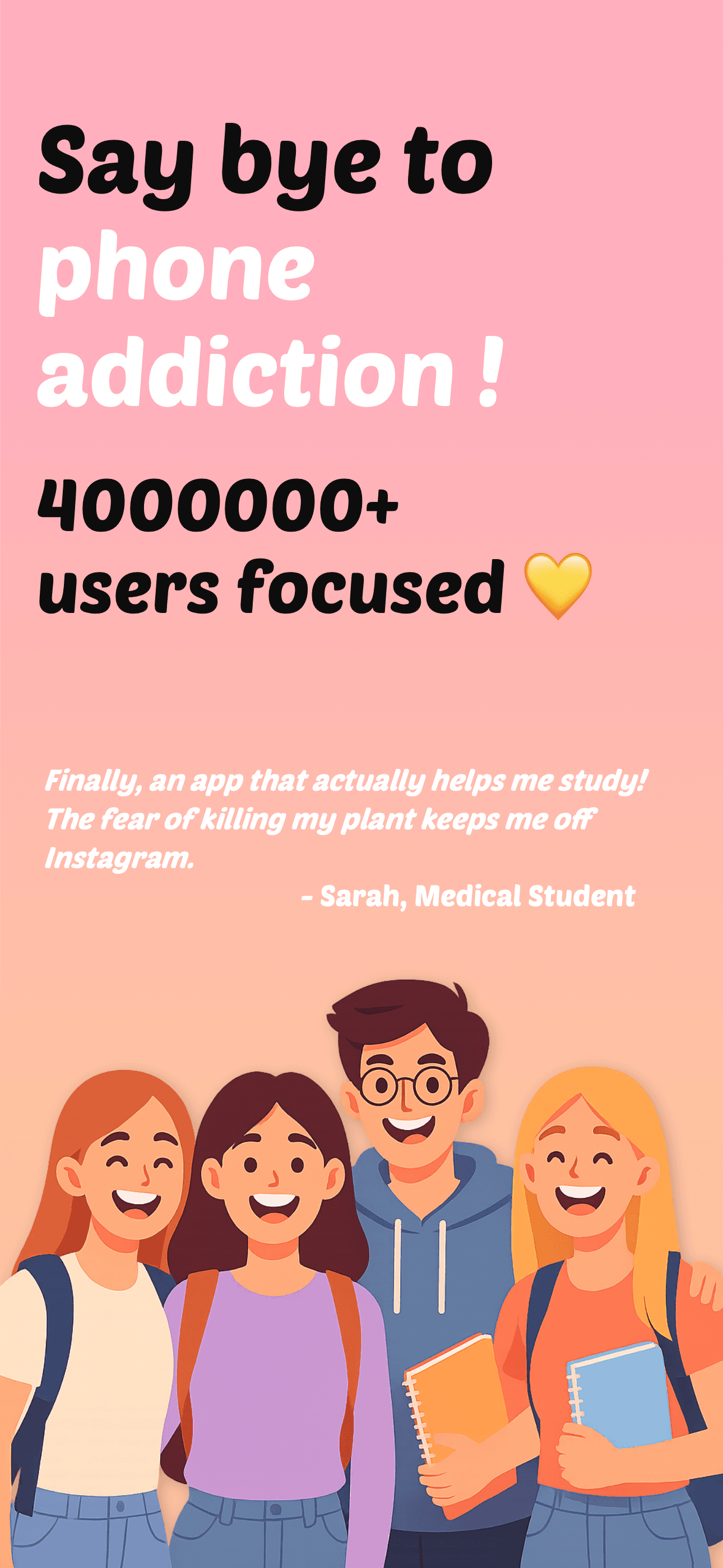
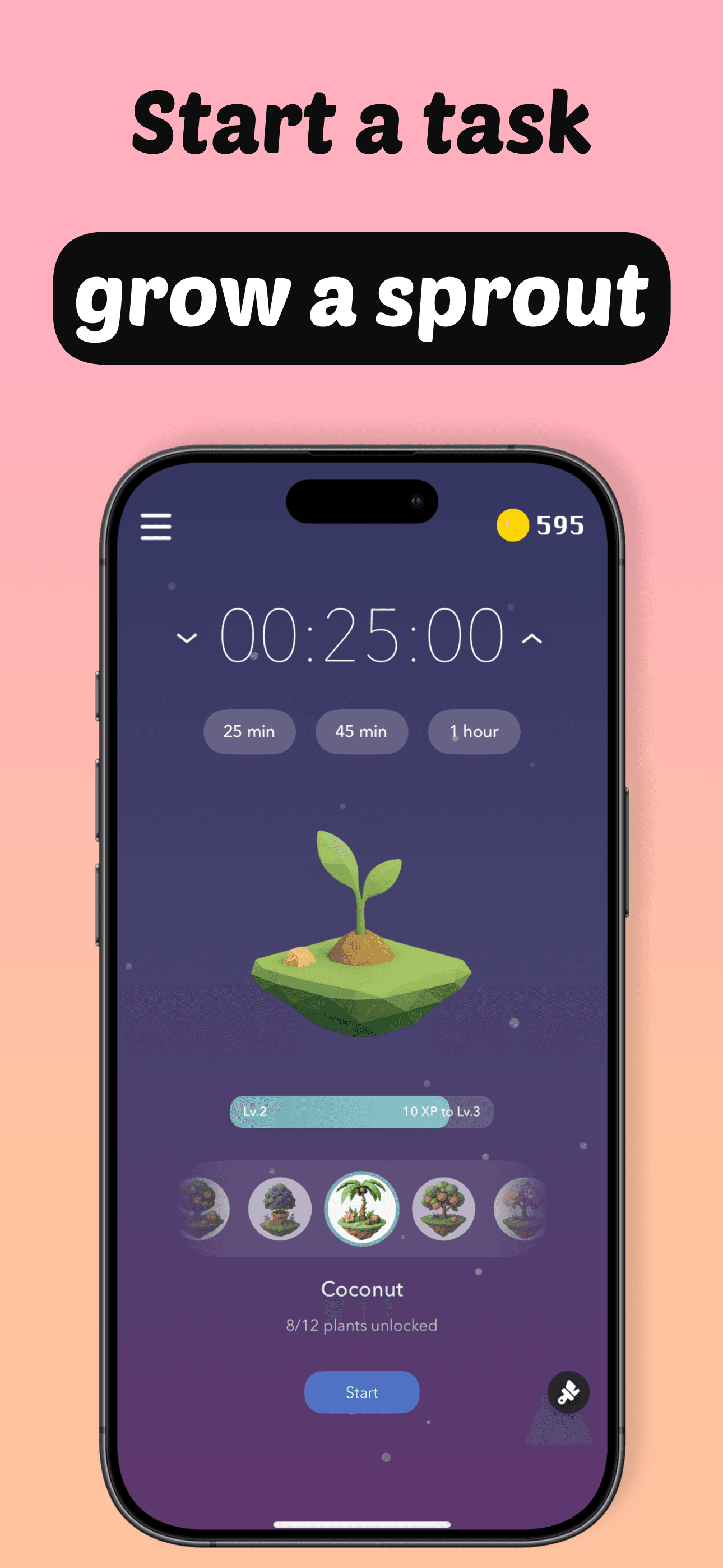
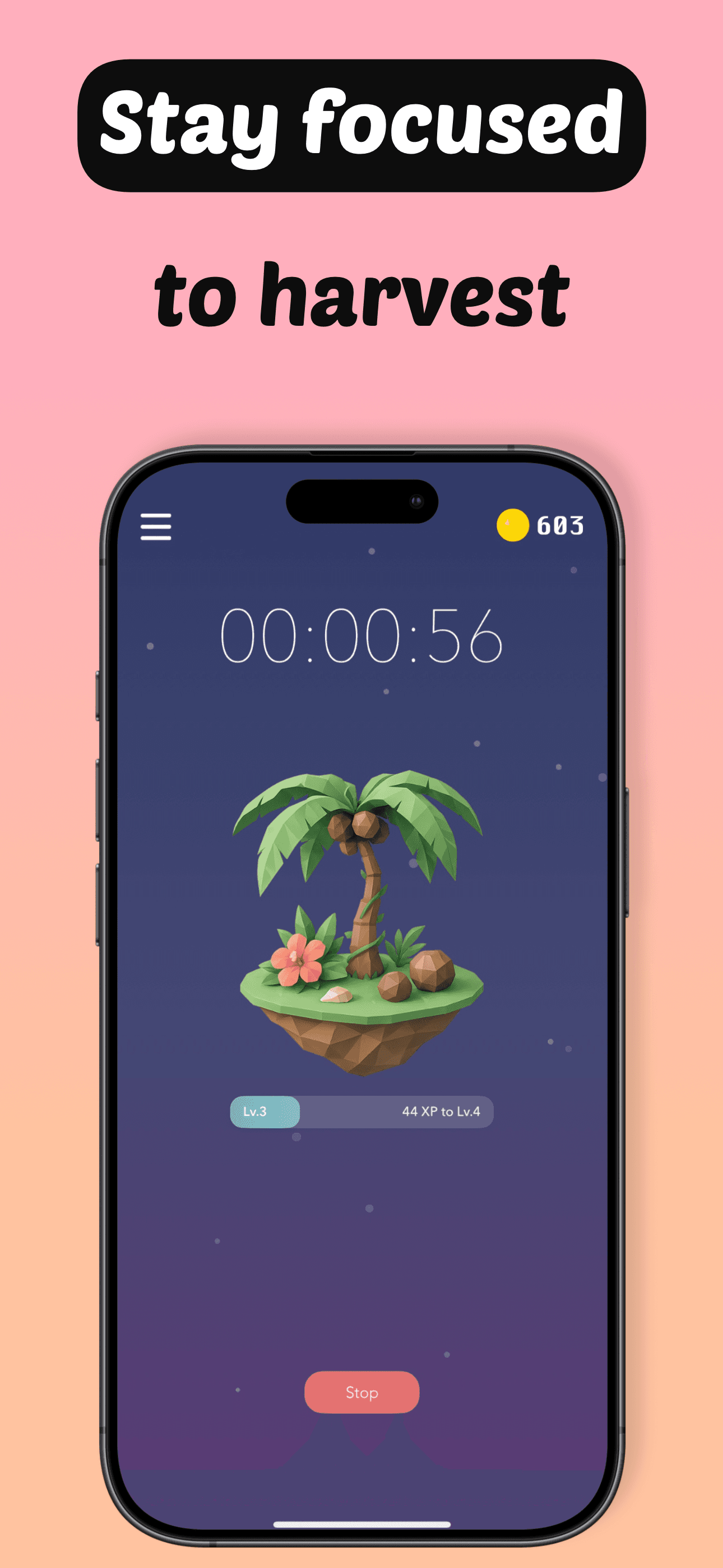
Plantie is the best gamified focus app for students and visual-reward learners. The loop: set a Pomodoro-style timer, plant a virtual seed, and watch it grow as long as you stay in-app. Leave the app and the plant withers. Over time you build a garden of completed sessions. Compared with Be Focused or Flow, Plantie's reward system is the whole product — the timer is just the vehicle. Compared with the original tree-growing focus apps, Plantie skews younger and has 15+ plant types plus a coin economy. Real use case: high school and college students reviewing Plantie report sticking with it through finals when other focus apps got abandoned, because the visual stakes feel real enough to matter. Plant variety expands as you complete more sessions, which keeps long-term users invested. Tradeoff: it cannot block apps — if you ignore the dying plant and switch to TikTok, nothing stops you. Best paired with one sec or Screen Time for users who need both rewards and friction.
Pros
- Gamified plant-growing loop keeps students engaged through long study sessions
- 15+ plant types and coin economy add long-term replay value
- Free tier is genuinely usable with optional ads for bonus rewards
Cons
- Cannot actually block apps — quitting the session has no real cost
- Plant variety unlocks slowly for users who only do short sessions
- 5
 Get on App Store
#5Flow: Focus & Pomodoro TimerBest for Deep Work
Yugen GmbH
Concentration for work & study
- Rating
- 4.8
- Reviews
- 1.7K
- Price
- Paid
- 90-day trend
- —
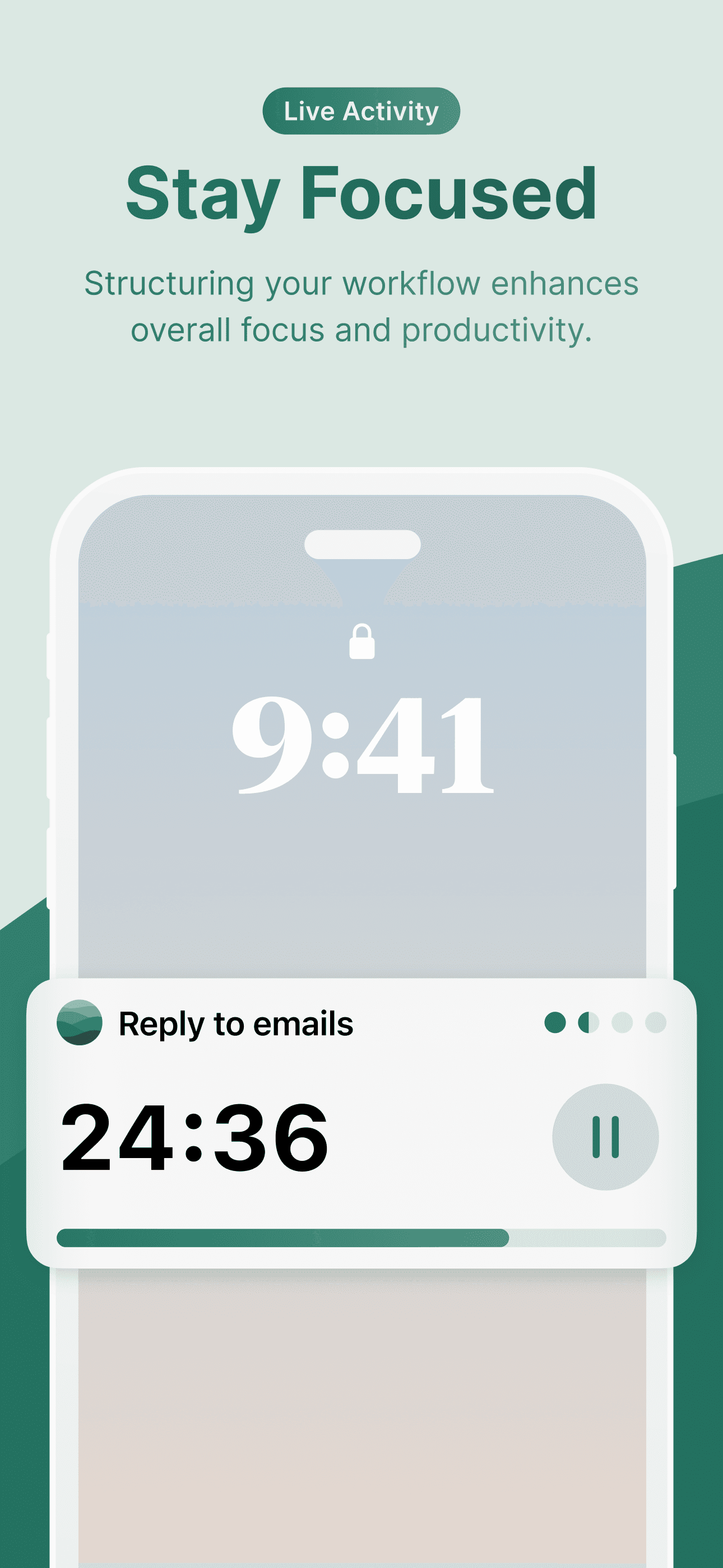
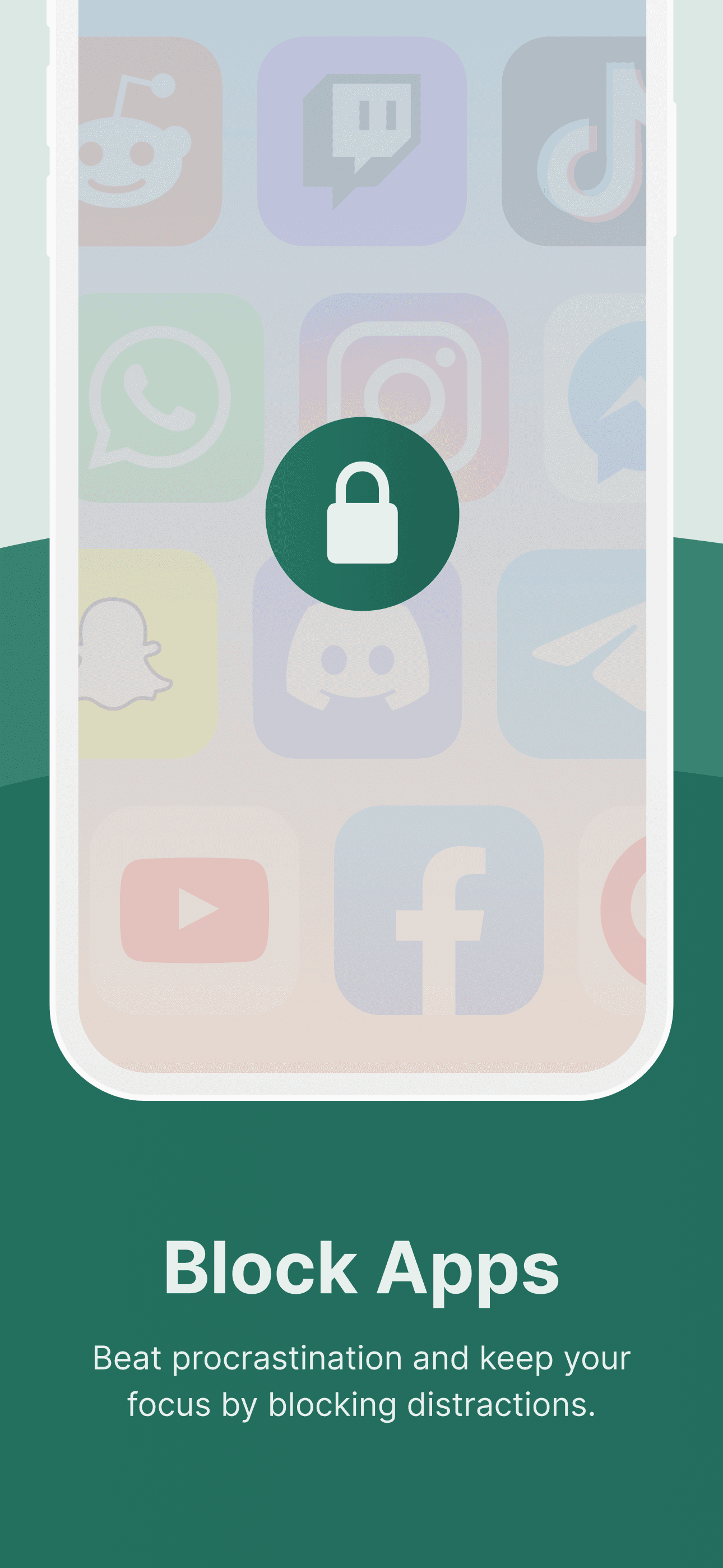
Flow is the best minimal Pomodoro app for users who want the timer plus light app-blocking in a single tool. The interface is intentionally simple: pick a session length, start, and Flow handles the rest with breaks at the right intervals. Compared with Be Focused, Flow strips out task management and focuses purely on session quality — including Commitment Mode, which prevents you from quitting an in-progress session, and a built-in app blocker that triggers during work intervals. Compared with one sec, Flow's blocking is session-scoped rather than always-on. Real use case: writers and coders who want a single button to start a deep-work block and a single mode that blocks everything during it. Apple Calendar sync logs sessions automatically, which is useful for time-tracking against client work. iCloud sync covers stats across devices. Live Activities and Dynamic Island keep the timer glanceable. Tradeoff: the free tier is generous but Flow Pro is needed for cross-device sync and the in-app blocker, and the indie developer ships updates less frequently than the bigger players.
Pros
- Commitment Mode prevents quitting in-progress sessions for self-discipline
- Built-in app blocker triggers during work intervals automatically
- Apple Calendar sync logs sessions for time tracking against client work
Cons
- Cross-device sync and in-app blocker require Pro subscription
- Indie developer ships updates less frequently than larger competitors
- 6
 Get on App Store
#6Emphasis: Flow & Focus TimerBest for ADHD
Aleksandr Fiodorov
Time blocking for deep work
- Rating
- 4.7
- Reviews
- 1.1K
- Price
- Paid
- 90-day trend
- —
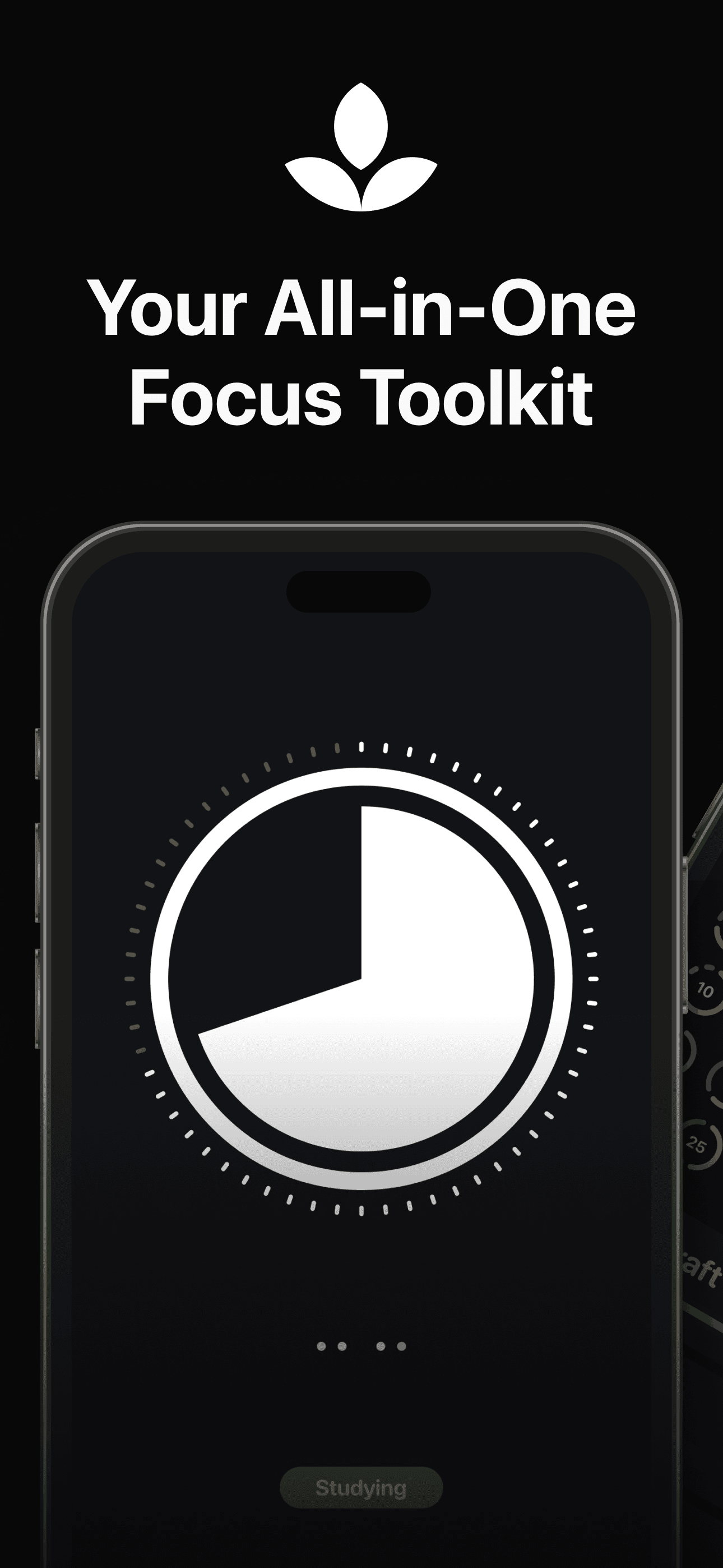
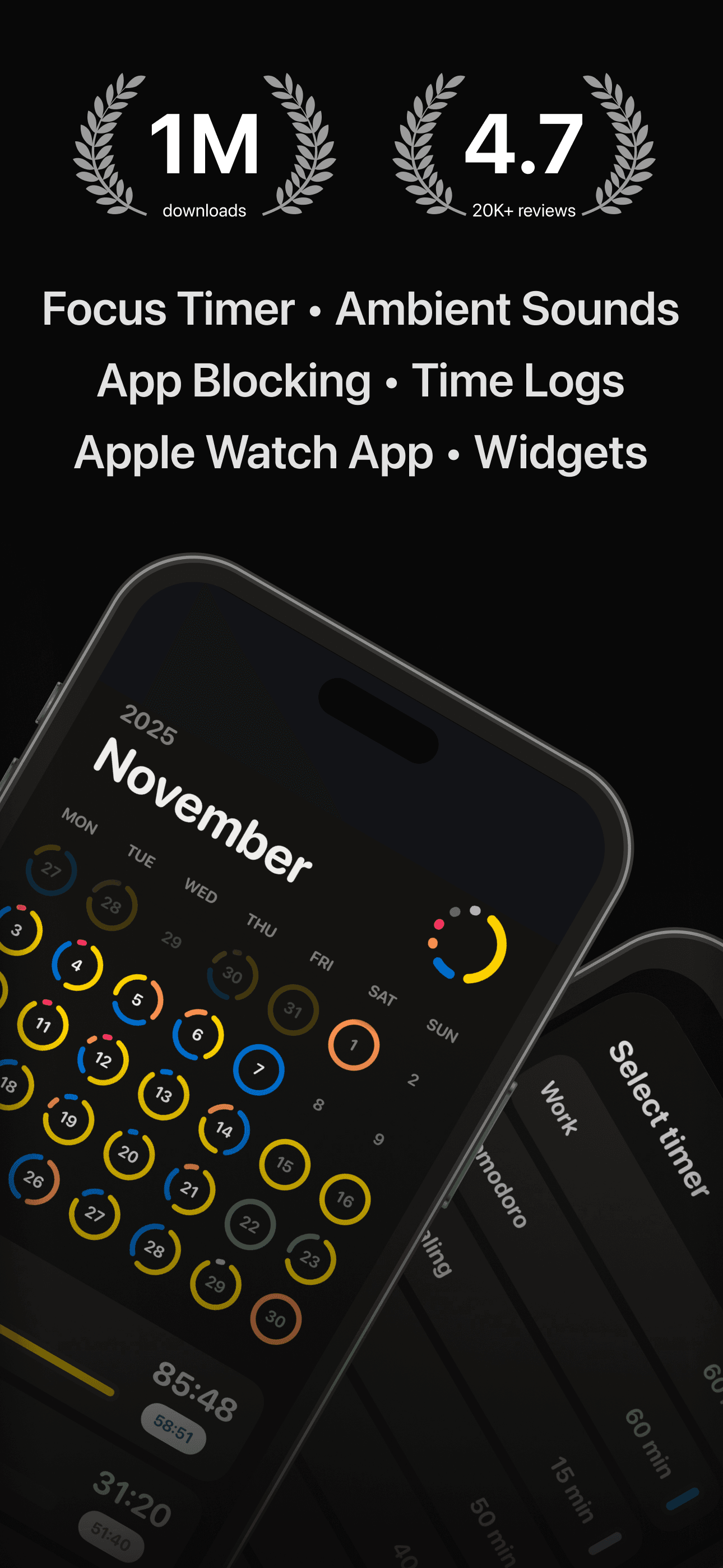
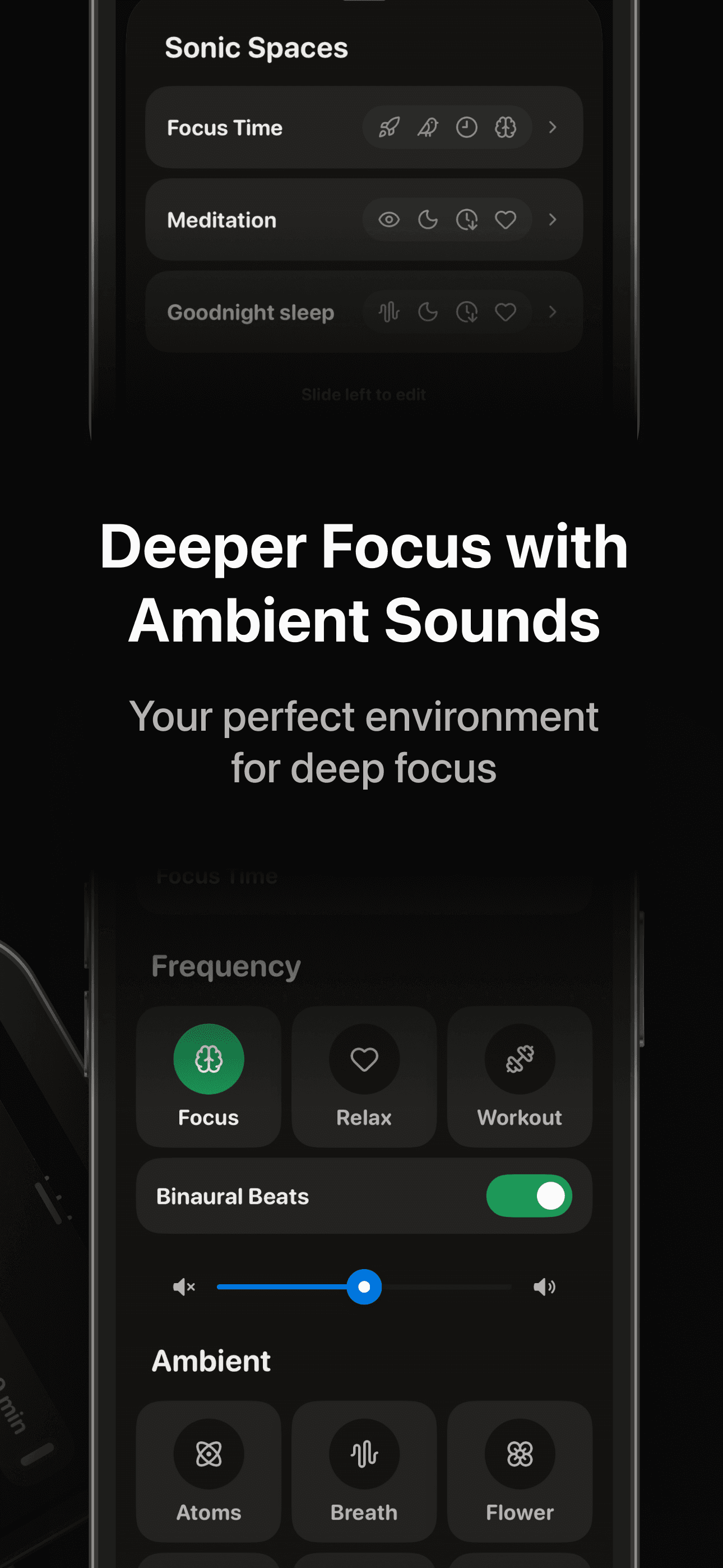
Emphasis is the best ADHD-aware Pomodoro app for users who bounce off productivity apps that punish missed days. The developer built Emphasis explicitly for ADHD brains and creators — the language inside the app avoids productivity-shame patterns, sessions are fully customizable, and the Focus-O-Meter rewards small wins rather than tracking failures. Compared with Be Focused or Flow, Emphasis emphasizes ambient sounds and personalization over strict task tracking. Compared with Plantie's gamification, Emphasis goes for calm aesthetic and gentle progress visualization. Real use case: writers, designers, and ADHD adults reviewing it consistently mention the ambient sound library as the reason they stuck with it after abandoning louder Pomodoro apps. The Focus-O-Meter visualizes time reclaimed from distractions, which works for people motivated by progress feedback rather than streak fear. iPad sync is included. Tradeoff: the customization can be a setup tax for users who just want a default timer, and ambient sounds are nice but not as deep as a dedicated soundscape app.
Pros
- Built explicitly for ADHD users with shame-free language and gentle feedback
- Ambient sound library covers focus, nature, and meditative tones in-app
- Focus-O-Meter visualizes time reclaimed rather than tracking failures
Cons
- Customization overhead is real for users who just want a default timer
- Ambient sounds are good but not as deep as dedicated soundscape apps
- 7
 Get on App Store
#7Focus Dog: Pomodoro & StudyBest Simple
Fancy Ventures UG (haftungsbeschraenkt)
Track study time with Pomodoro
- Rating
- 4.7
- Reviews
- 897
- Price
- Paid
- 90-day trend
- —
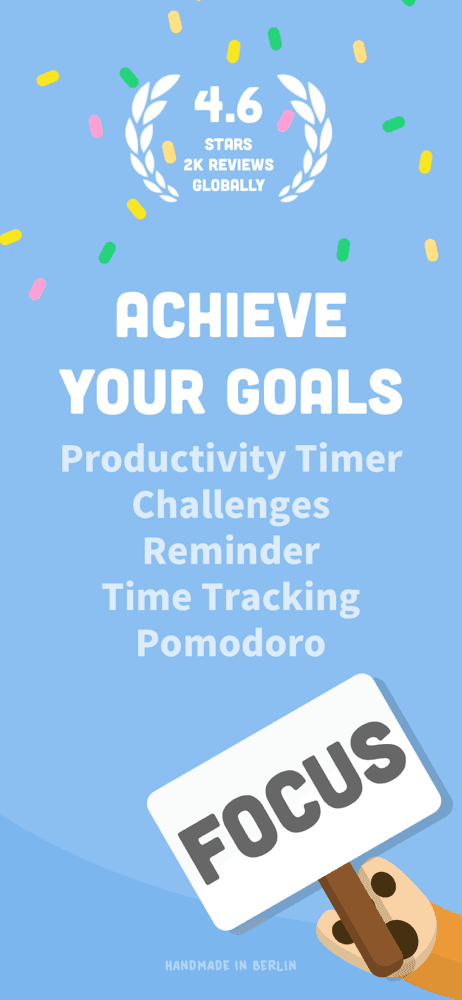
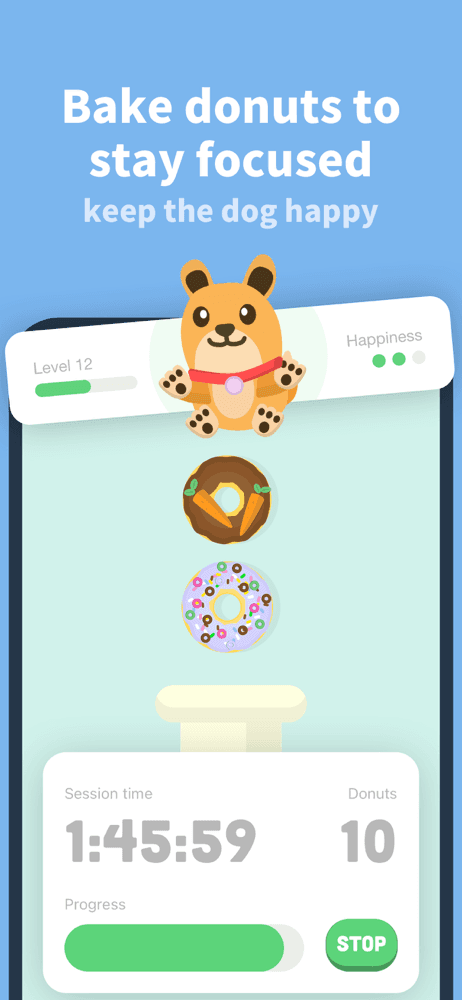
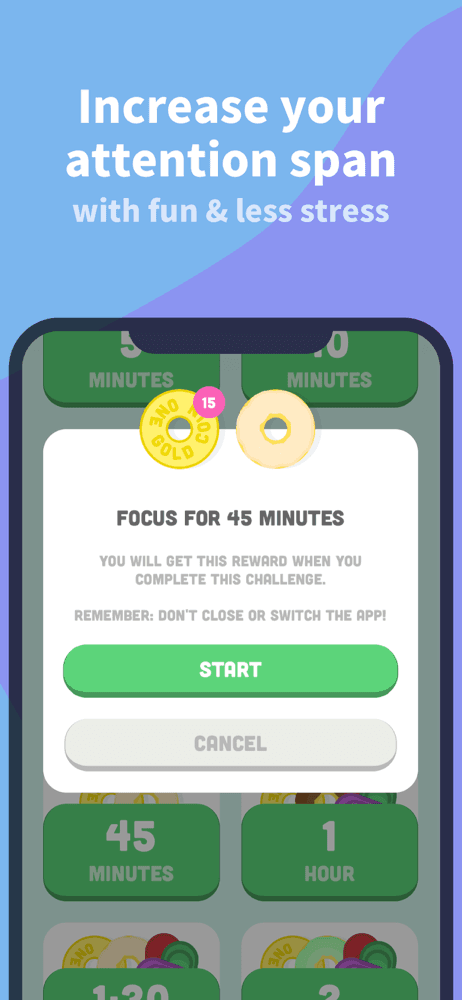
Focus Dog is the best gamified focus app for users who want a Pomodoro timer with a pet they care about. The hook: a virtual dog that gets fed donuts you produce during focus sessions. Open Instagram during a session and the donut machine stops, the dog gets sad. Compared with Plantie, the pet is more emotionally engaging than a static plant for most users — the dog has skins, animations, and leveling. Compared with Be Focused or Flow, Focus Dog wraps the Pomodoro timer in a game layer that keeps you coming back. Real use case: students and remote workers who lapsed on every previous Pomodoro app stick with Focus Dog because checking in on the dog becomes a positive habit instead of a chore. Charitable donation feature converts in-app gems into real shelter-dog meals, which adds meaning to the loop. Tradeoff: the gamification can become its own distraction if you spend session breaks customizing donuts, and Pro is required for CSV exports and serious tag-based analytics — casual users will not miss those.
Pros
- Virtual dog with skins and animations beats static plant for emotional pull
- Gem-to-shelter-meal charity feature adds meaning to focus sessions
- Apple Watch app and Live Activities keep timer glanceable everywhere
Cons
- Customizing donuts and dogs can itself become a distraction layer
- CSV export and tag analytics gated behind Pro subscription tier
- Rating
- 4.6
- Reviews
- 515
- Price
- Paid
- 90-day trend
- —
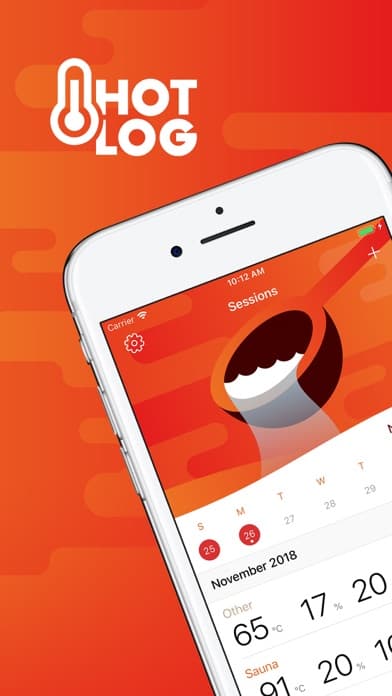
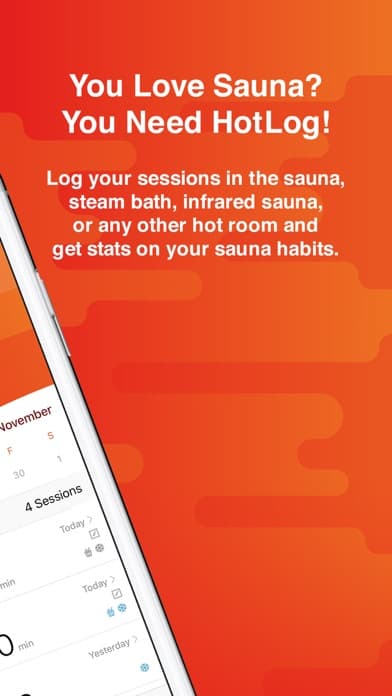
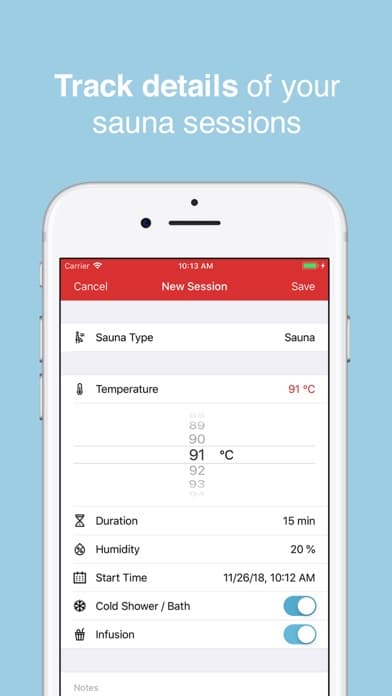
HotLog earns a niche pick on this list because focus extends beyond app-blocking — for many users, sauna sessions are the dedicated single-tasking time they actually achieve. HotLog tracks sauna, steam, and infrared sessions with details like temperature, humidity, duration, and optional cold plunge logging. Compared with general focus apps, this is for the user whose deep-work time happens off-phone entirely. Compared with Apple Fitness, HotLog captures sauna-specific data that the built-in app cannot. Real use case: sauna regulars who want a clean log of weekly sessions and can sync workouts to Apple Health for unified tracking. The interface is purpose-built for sauna culture — aufguss tracking included. Tradeoff: it is not a focus app in the traditional sense, and users coming to this list looking for app-blockers will find it irrelevant. Included as a single-tasking pick for users whose focus practice happens in a hot room rather than in front of a screen, which is a legitimate workflow we wanted to acknowledge.
Pros
- Purpose-built sauna logging with temperature, humidity, and aufguss tracking
- Apple Health sync logs sauna sessions as workouts for unified tracking
- One-time purchase with no subscription or in-app purchases ever
Cons
- Not a focus app in the traditional app-blocking or Pomodoro sense
- Niche utility — irrelevant to users not already doing sauna regularly
- Rating
- 4.8
- Reviews
- 331
- Price
- Free
- 90-day trend
- —
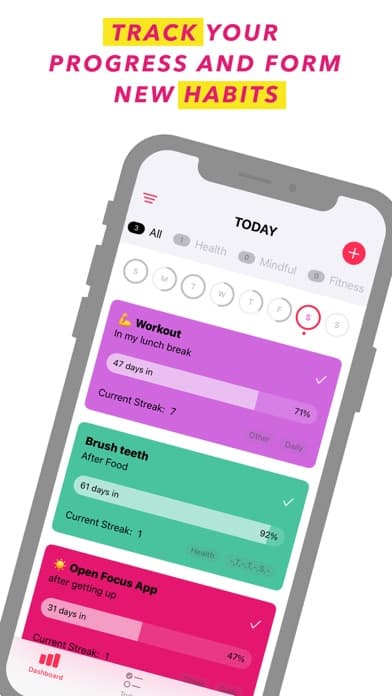
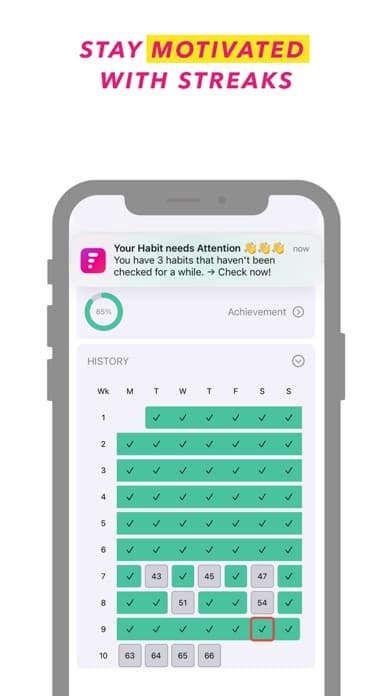
Focus Habits is the best truly-free habit tracker on this list for users who want to build daily focus practices without paying anything ever. No subscriptions, no in-app purchases, no premium tier — every feature is free. Compared with paid habit trackers, Focus Habits matches the core feature set: streaks, smart reminders, statistics, color-coded habits, widgets. Compared with Be Focused or Flow, this is not a Pomodoro timer — it is a daily check-in tool for building consistency around any habit, including focus sessions themselves. Real use case: users who want to log a daily 25-minute deep-work block as a habit and watch the streak grow. The 66-day challenge structure is built into every habit, drawing on the research that habits stabilize around that timeframe. Apple Fitness-style achievement rings give visual feedback without ads or upsells. Tradeoff: the design is functional rather than beautiful, and there is no cross-device sync — your data lives on the device. Best for users who appreciate the no-paywall ethos and don't need fancy visualizations.
Pros
- Fully free with no paywall, subscription, or in-app purchases anywhere
- 66-day challenge structure backed by habit-formation research
- Achievement rings and streak tracking work without upsell pressure
Cons
- No cross-device sync — habit data lives on a single device only
- Visual design is functional rather than polished or modern
- 10
 Get on App Store
#10Fitsession: Workout JournalBest with Apple Watch
Fitsession Ltd
Workout Tracker & Planner
- Rating
- 4.8
- Reviews
- 158
- Price
- Free
- 90-day trend
- —
Fitsession rounds out the list as a workout-focused tracker for users whose focus practice is physical training rather than desk work. Create any workout — strength, bodyweight, HIIT, cardio — and Fitsession guides you through it on iPhone or Apple Watch with rest timers and supersets. Compared with general focus apps, this is for the user whose deep single-tasking time is in the gym. Compared with Apple Fitness+, Fitsession is structured around self-programmed workouts rather than guided classes. Real use case: lifters and home-gym users who want a clean session log without bloated competitor apps, and can sync completed sessions to Apple Health. The free tier covers 100+ exercises, supersets, and basic logging — enough for most users. Tradeoff: it is not a focus app in the desk-work sense, and users looking for app-blockers will not find them here. Included for the same reason as HotLog — recognition that focus practice means different things to different users, and workouts are a high-quality single-tasking activity that deserves a tracker designed for it.
Pros
- Free tier covers 100+ exercises, supersets, and core workout logging
- Apple Watch companion follows along during sessions with rest timers
- Apple Health sync unifies workouts with broader fitness tracking
Cons
- Not a focus app for desk work — irrelevant to app-blocker seekers
- Pro required for results charts, personal records, and analytics depth


How we picked
### Data sources We pulled current App Store metadata, ratings, and review samples for every pick using our iTunes ingestion pipeline. Ratings shown are live as of the most recent crawl. Review themes were extracted from a sample of recent 1-star and 5-star reviews per app, weighted toward reviews from the last 12 months.
### How we score Five dimensions: friction strength (how hard the app makes it to break focus), evidence or design rigor, value of the free tier, App Store rating with sufficient volume, and whether each app solves a distinct focus problem versus duplicating another pick on the list.
### Refresh cadence Reviewed every six months or whenever a top-three pick ships a major version. We re-pull ratings and reviews on every refresh and re-rank if a higher-volume entrant beats a current pick.
### What we exclude Apps with very few App Store ratings, apps that have not shipped an update in 12+ months, and apps with rating averages below 4.3. We also exclude apps that rely entirely on Screen Time API without adding meaningful friction — those duplicate built-in iOS features.
### What we don't do We do not run controlled productivity studies. We do not measure clinical attention outcomes. We do not accept paid placement — picks are editorial. We are not affiliated with any of the developers listed.