



Best Email Apps for iPhone
By App Store Tracker Editorial · Updated — live App Store data verified
The short version
The best email app for iPhone in 2026 is Apple Mail — free, ships with iOS, supports every major provider, and holds a 4.65-star average across 4.19 million U.S. ratings. Gmail is the runner-up for Google account holders at 4.72 from 2.4 million ratings. Spark Mail leads for AI-powered triage and team collaboration, Proton Mail leads for end-to-end encrypted privacy at 4.75 stars, and Edison Mail wins for one-tap unsubscribe and an independent privacy stance. Every pick here syncs across iPhone, iPad, and Mac.
Jump to a pick↓
Picking an email app for iPhone in 2026 means matching the tool to how you actually process mail — triaging hundreds of messages a day from multiple accounts, keeping a single Gmail inbox tidy, encrypting sensitive correspondence, or quickly killing newsletter subscriptions. Among the 10 picks on this list, two are platform-native (Apple Mail, Gmail), three lean AI-and-productivity-first (Spark, Edison, the new VK Mail), one is privacy-first (Proton Mail), and the rest are multi-account aggregators. The data backs the order: Apple Mail holds 4.65 across 4.19 million U.S. ratings — by far the largest sample on this list — and Gmail follows with 4.72 across 2.4 million ratings. Notification reliability, free-tier usefulness, multi-account handling, and how each app handles your first week of triage shaped every cut. Treat the picks as starting points; the inbox you check without thinking is the one worth keeping.
- Rating
- —
- Reviews
- —
- Price
- Paid
- 90-day trend
- —
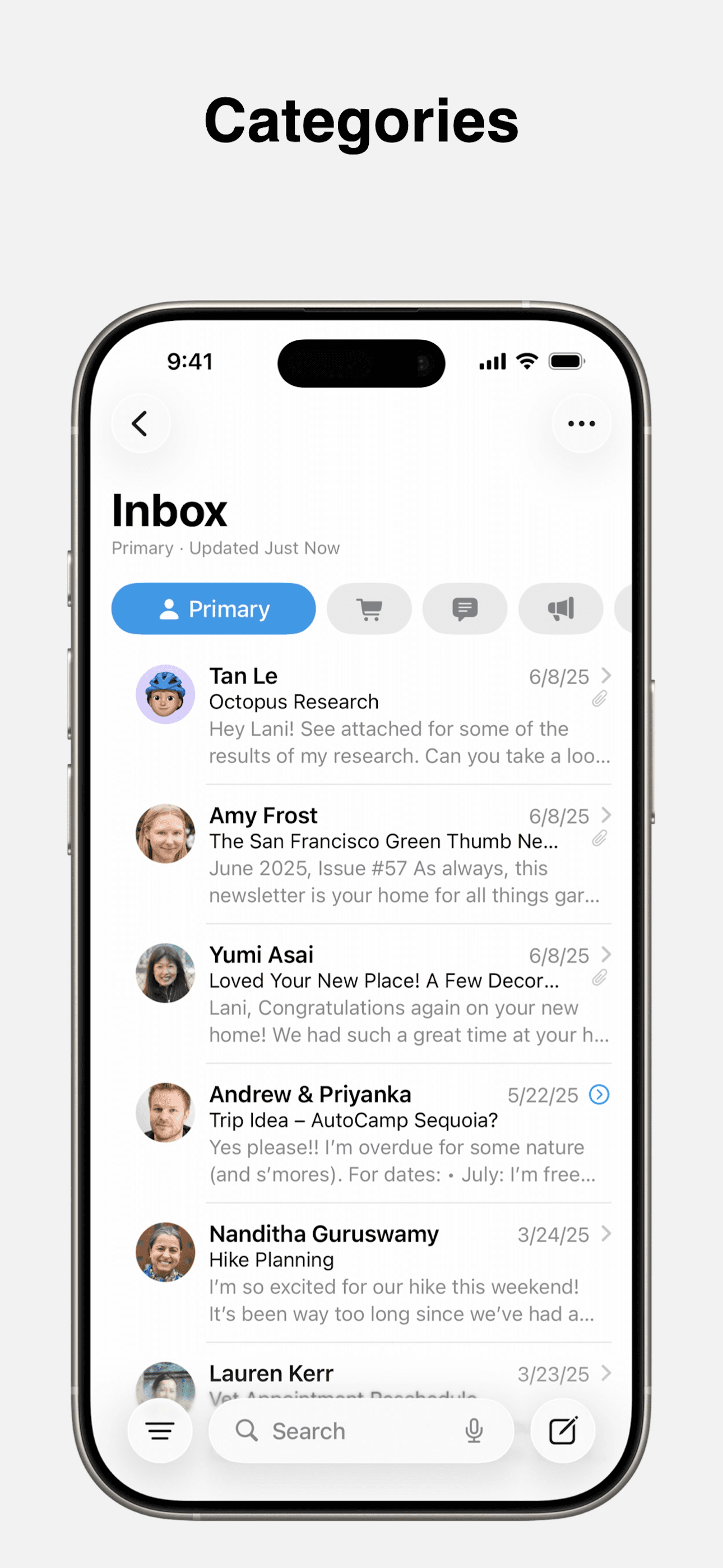
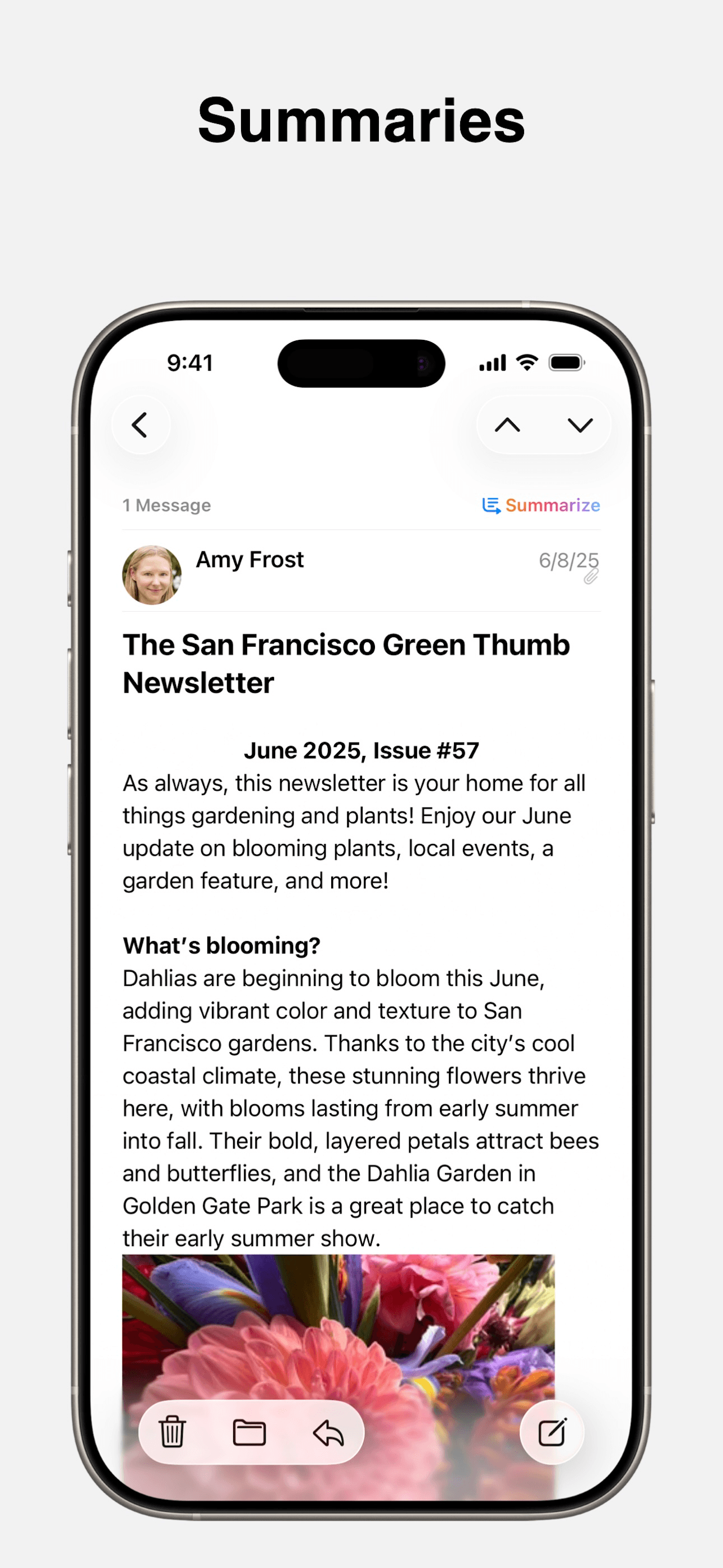
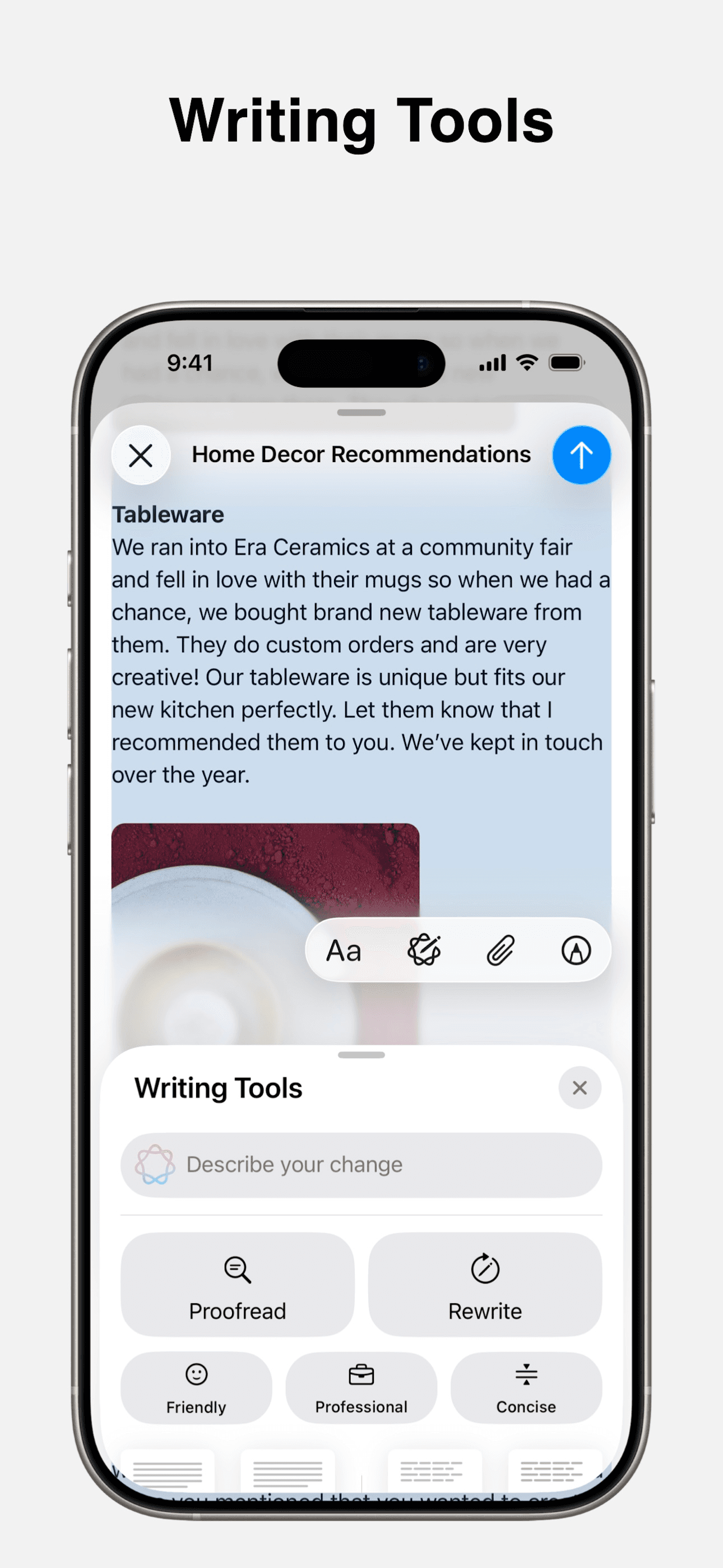
Apple Mail is the best email app for iPhone users who want a free, native, multi-provider inbox that just works. The 4.65 average across 4.19 million U.S. ratings is the largest sample on this list by an order of magnitude, and it reflects a product that ships every year with iOS and now leans on Apple Intelligence for triage. Apple Mail supports iCloud, Gmail, Exchange, Yahoo, Outlook, and any IMAP provider in one unified inbox, plus categorization into Primary, Transactions, Updates, and Promotions, Priority Messages at the top, Smart Reply, thread summarization, schedule send, undo send, snooze, and Mail Privacy Protection that hides your IP address. Apple Mail differs from Gmail by treating every provider as equal rather than Google-first, and from Spark by being flat-and-fast rather than AI-and-feature-rich. A real scenario: you're standing in line, swipe down on the lock screen, see a Priority Message preview, swipe to archive three newsletters, and your inbox is clean before you reach the counter. The tradeoff is the absence of power-user features like send-later templates or team shared inboxes — Spark and Edison cover those. For most iPhone users, Apple Mail is the right default.
Pros
- Free with iOS, supports every major provider in one unified inbox
- Apple Intelligence Priority Messages and thread summaries triage fast
- Mail Privacy Protection blocks tracking pixels and hides your IP
Cons
- Missing power-user features like team shared inboxes and templates
- Categorization can mis-bucket transactional mail into Promotions
- Rating
- —
- Reviews
- —
- Price
- Paid
- 90-day trend
- —
Gmail is the best email app for iPhone users who live in Google Workspace and want the official client. The 4.72 average across 2.4 million U.S. ratings is the second-largest sample on this list, and it reflects 15-plus years of iteration on the iOS app. Gmail handles up to five Google accounts plus other providers via IMAP, but its real strength is the Google-side intelligence — categories like Primary, Promotions, Social, and Updates, smart compose suggestions, nudges that resurface unanswered threads, confidential mode, undo send, snooze, and tight integrations with Calendar, Meet, and Drive. Gmail differs from Apple Mail by being Google-first rather than provider-agnostic, and from Spark by relying on Google's intelligence rather than third-party AI. A real scenario: you're triaging your work Gmail at lunch, smart-reply suggests three responses for a quick scheduling thread, you tap one, snooze a follow-up for tomorrow, and the Calendar invite appears automatically. The tradeoff is the iOS app has historically lagged the Android version on new features, push notifications can feel slow versus Apple Mail, and the IMAP integration with non-Google providers is less polished. Best when most of your mail is already in Gmail.
Pros
- Deep Google Workspace integration with Calendar, Meet, and Drive
- Smart compose, nudges, and snooze handle daily Gmail triage well
- Free for personal accounts with 15 GB of Google storage
Cons
- iOS app historically lags Android on new feature rollouts
- Non-Google IMAP integration feels secondary to native Gmail accounts
- 3Get on App Store
#3mail.com - email & cloudBest Free
1&1 Mail & Media Inc.
Mailbox for storage & mail
- Rating
- 4.7
- Reviews
- 103.7K
- Price
- Paid
- 90-day trend
- —
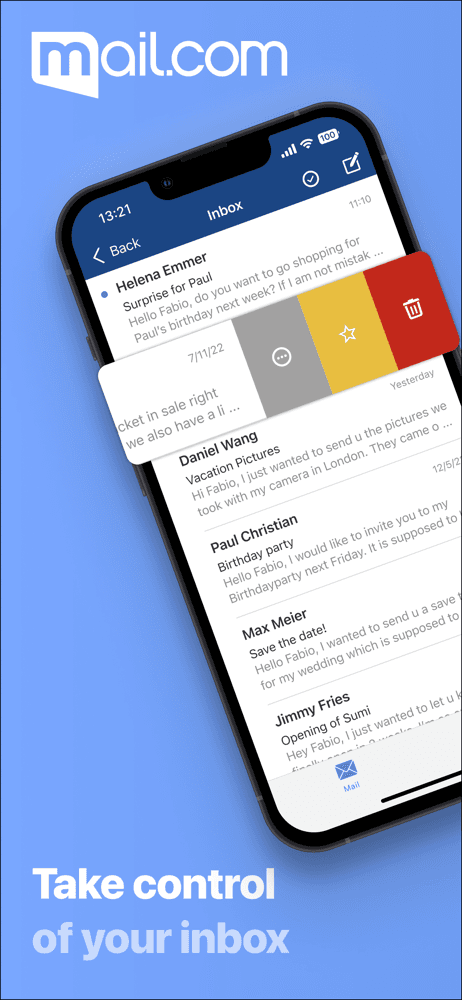
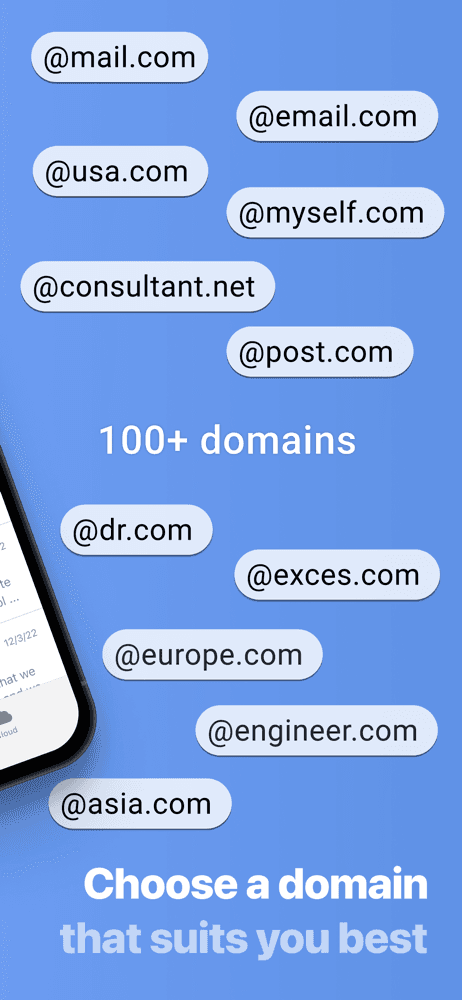
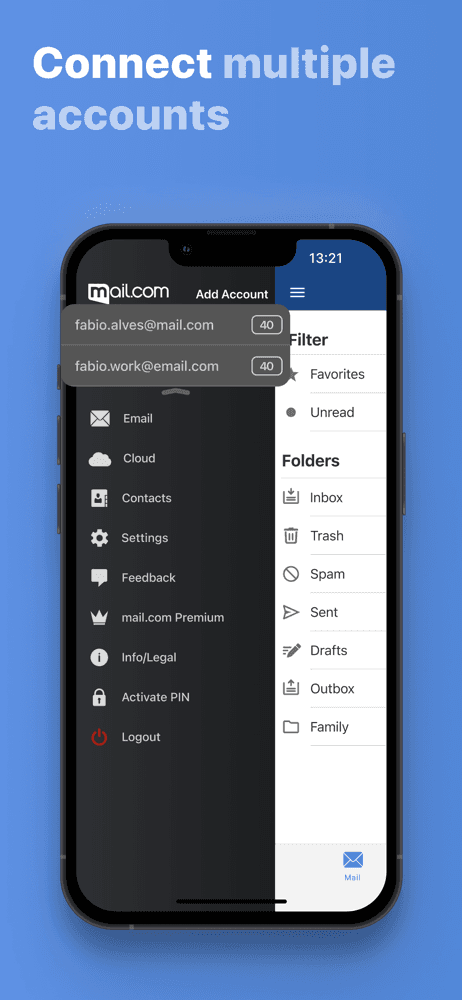
mail.com is the best email app for iPhone users who want a free, multi-domain consumer account with cloud storage baked in. The 4.72 average across 102,643 U.S. ratings reflects a product that has held a loyal consumer base for over a decade — sign-ups can pick from 100-plus email domains like @email.com, @usa.com, @post.com, @techie.com, or @dr.com, and the free tier ships with 2 GB of cloud storage for attachments and photo backup. mail.com differs from Gmail by giving you domain choice over Google branding, and from Apple Mail by bundling mail and cloud storage in one app. A real scenario: you need a second email address that does not tie back to your Apple ID or Google account — sign up at mail.com, pick a domain that fits your hobby or business, and the unified inbox plus 2 GB cloud is live in minutes. The tradeoff is the consumer-grade ad-supported model means more upsell prompts than Apple Mail or Gmail, and the spam filtering and threading have drawn occasional reviewer complaint compared to first-party clients. Best as a secondary or burner inbox with cloud storage included, not as your primary work account.
Pros
- Choice of 100-plus email domains beyond the default mail.com
- Free tier ships with 2 GB of cloud storage and photo backup
- Convenient PIN and biometric authentication for sensitive mail
Cons
- Ad-supported model surfaces more upsell prompts than Apple Mail
- Threading and spam filtering trail first-party clients on busy accounts
- 4
 Get on App Store
#4Spark Mail: AI Email AssistantBest AI-Powered
Readdle Technologies Limited
Streamline your email inbox
- Rating
- 4.6
- Reviews
- 82.1K
- Price
- Paid
- 90-day trend
- —
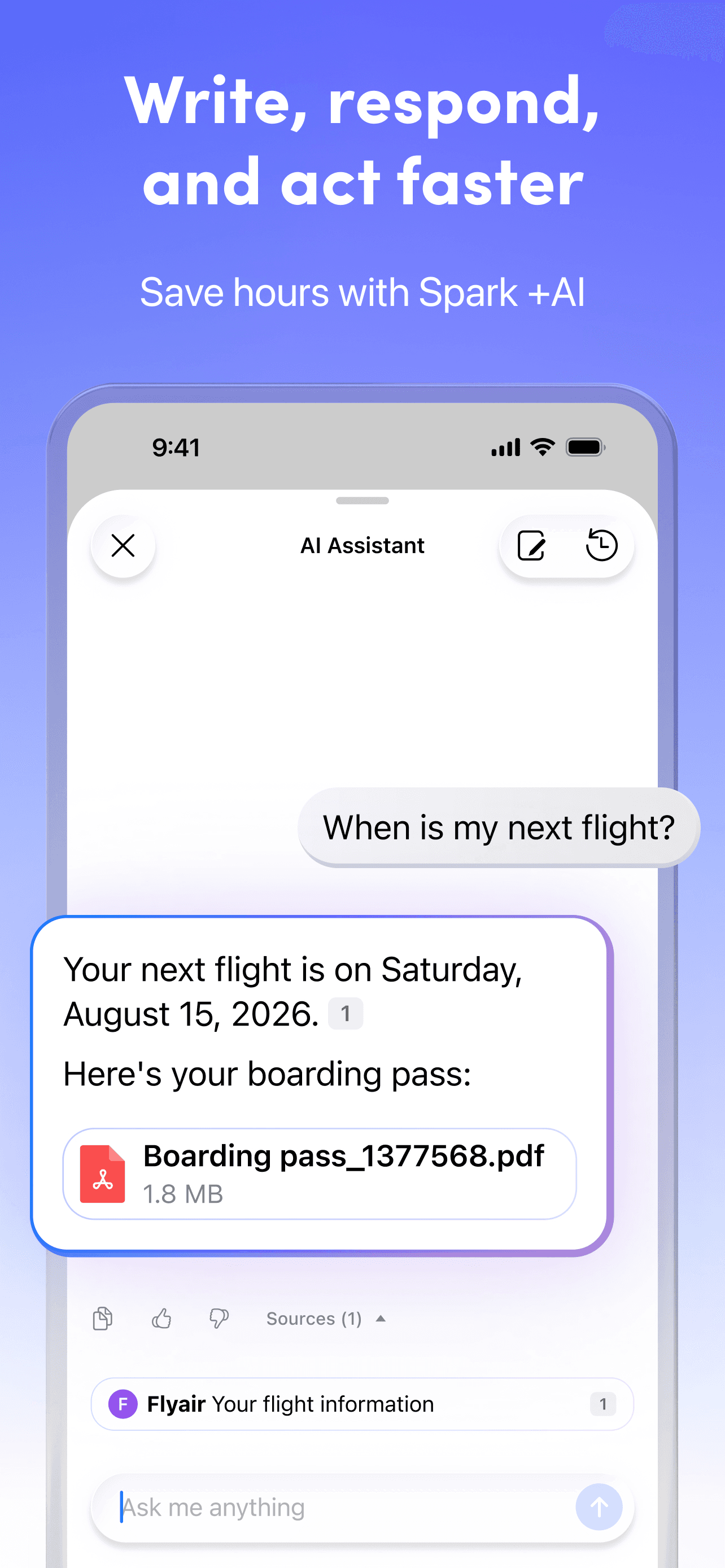
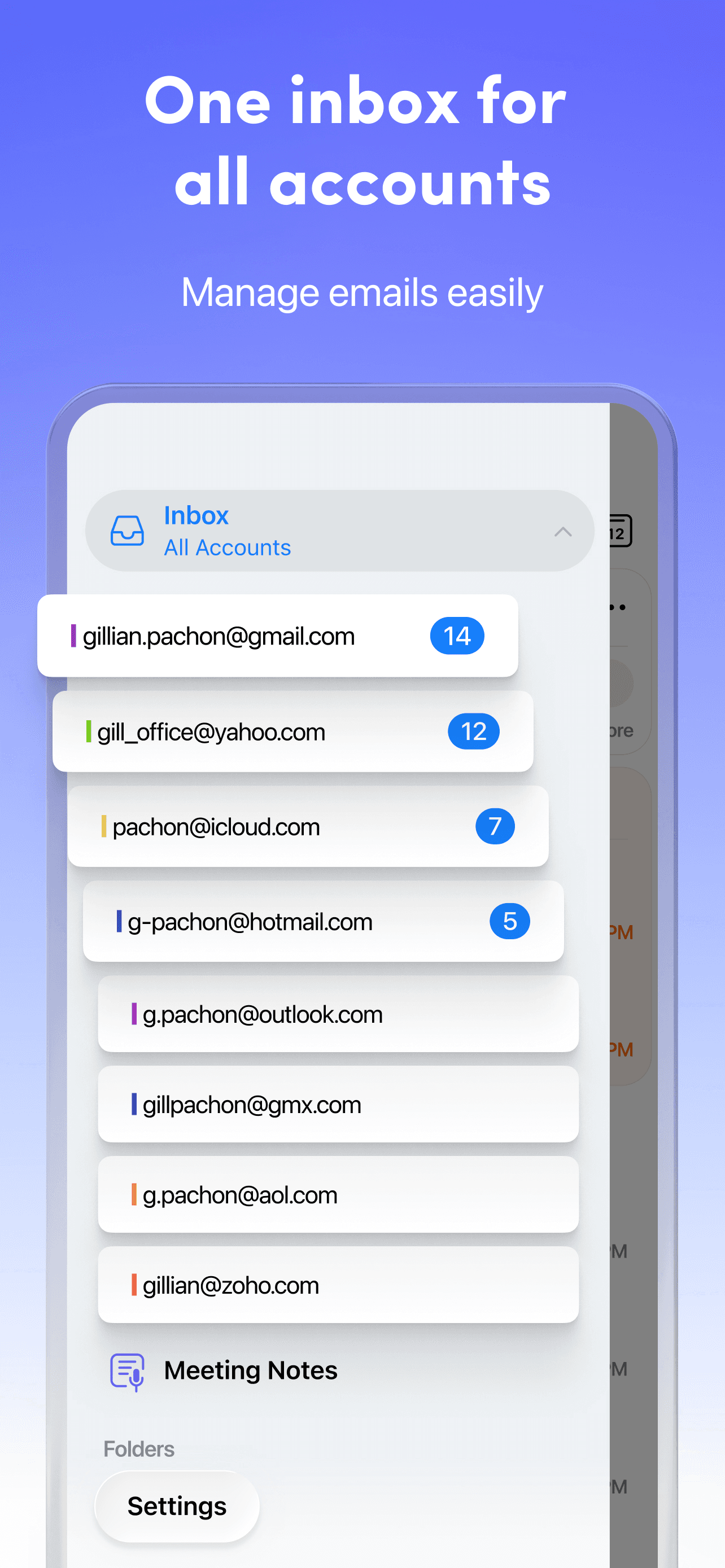
Spark Mail is the best email app for iPhone users who juggle four or more accounts and want AI triage. The 4.63 average across 81,512 U.S. ratings reflects a power-user audience that has stuck with Spark through its 2015 launch, 2022 redesign, and 2024 AI rebuild. Spark unifies Gmail, Outlook, AOL, Yahoo, Hotmail, GMX, iCloud, and any IMAP account into a Smart Inbox that surfaces priority mail at the top and groups newsletters below. Spark +AI summarizes long threads, drafts replies, rephrases messages, and adjusts tone, while Gatekeeper pre-screens new senders. Team plans add co-authored emails, private comments, shareable email links, and read receipts. Spark differs from Apple Mail by leading AI-and-collaboration-first rather than native-and-fast, and from Edison Mail by adding team workflows. A real scenario: a busy founder triaging 200 messages — Spark groups newsletters, summarizes a long client thread, drafts a reply in your tone, and you ship cleanups in 15 minutes. The tradeoff is the subscription pricing surprises new users who assumed the free tier covered AI (it does not), and recent reviewers cite occasional sync hiccups across iPhone and Mac. Best for power users and small teams.
Pros
- Smart Inbox surfaces priority mail and groups newsletters automatically
- Spark plus AI summarizes threads, drafts replies, and adjusts tone
- Team plans add shared inboxes, private comments, and read receipts
Cons
- AI features sit behind paid Plus and Pro tiers, not the free plan
- Some users report occasional sync hiccups across iPhone and Mac
- 5
 Get on App Store
#5Mail: Email, Cloud, CalendarBest for Multiple Accounts
VK LLC
Tackle your inbox email!
- Rating
- 4.7
- Reviews
- 60K
- Price
- Paid
- 90-day trend
- —
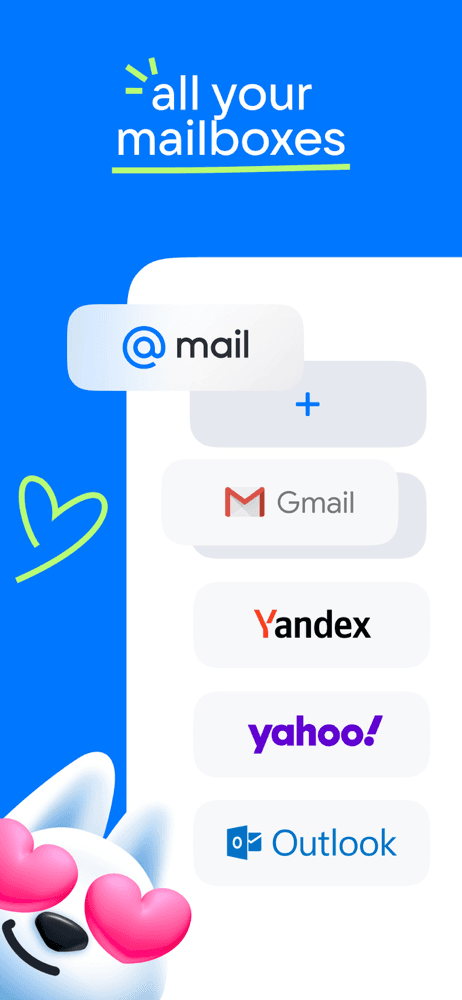
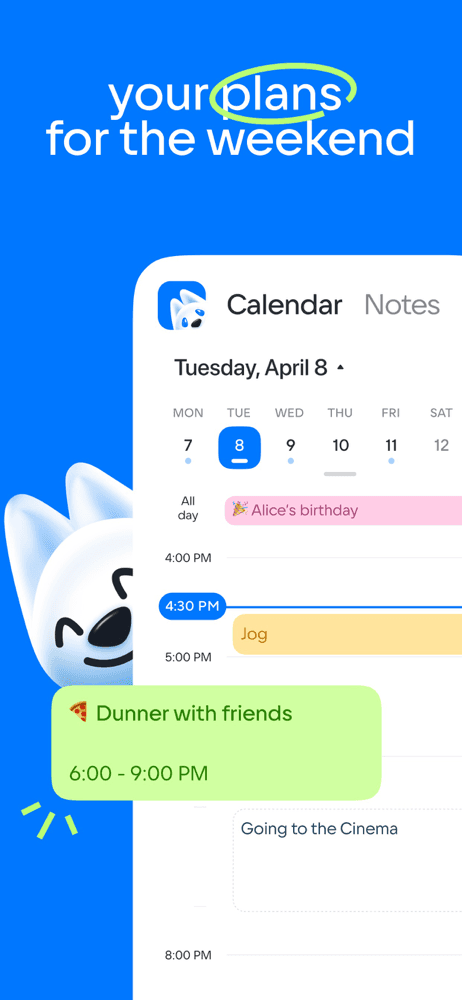
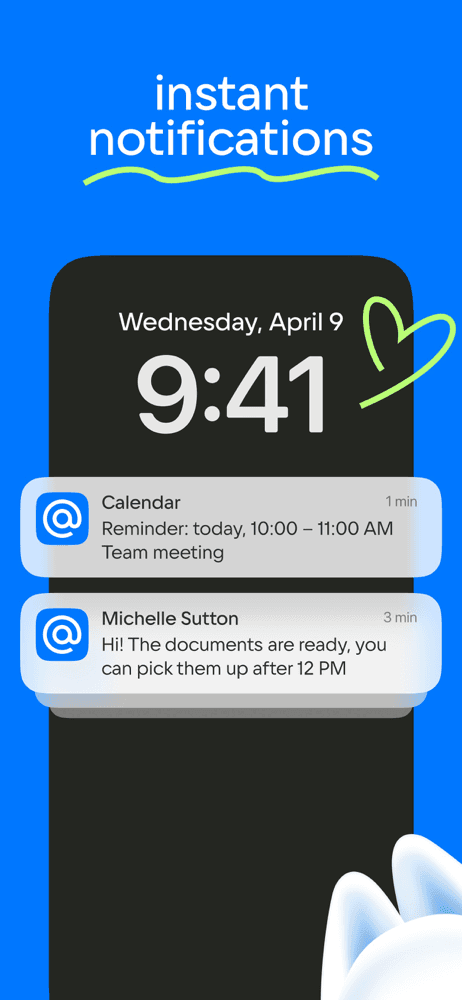
VK Mail (Mail: Email, Cloud, Calendar) is the best email app for iPhone users who want a free all-in-one productivity bundle — mail, calendar, notes, cloud, news — under a single account. The 4.7 average across 57,832 U.S. ratings reflects a product that has rebuilt itself around an AI-summarization neural network for long threads. The app supports Yandex.Mail, Outlook, Gmail, Hotmail, Rambler, Yahoo, and any IMAP provider, with per-folder push notifications and a translator that handles foreign-language threads on the fly. VK Mail differs from Apple Mail by bundling calendar, notes, cloud, and news into the same app, and from Spark by leading neural-summary-and-utility rather than AI-collaboration. A real scenario: you receive a long foreign-language vendor email — VK Mail summarizes the thread, translates the message inline, and a one-tap calendar entry appears for the requested meeting. The tradeoff is the consumer-grade interface feels busier than Apple Mail, some users report that the bundled news and shopping features can distract from pure inbox work, and the iOS app updates lag the desktop and Android versions. Best for users who want one app to replace mail, calendar, notes, and cloud rather than four separate tools.
Pros
- Bundles mail, calendar, notes, cloud, and news in a single app
- Neural network summarizes long emails and translates threads inline
- Per-folder push notifications with customizable quiet hours per account
Cons
- Consumer-grade interface feels busier than focused clients
- iOS app updates lag the Android and desktop versions
- 6
 Get on App Store
#6Email - Edison MailBest Minimalist
Edison Software Inc.
Fast, secure & organized inbox
- Rating
- —
- Reviews
- —
- Price
- Free
- 90-day trend
- —
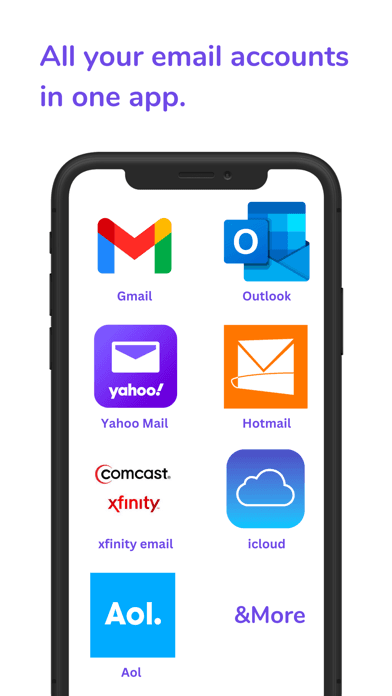
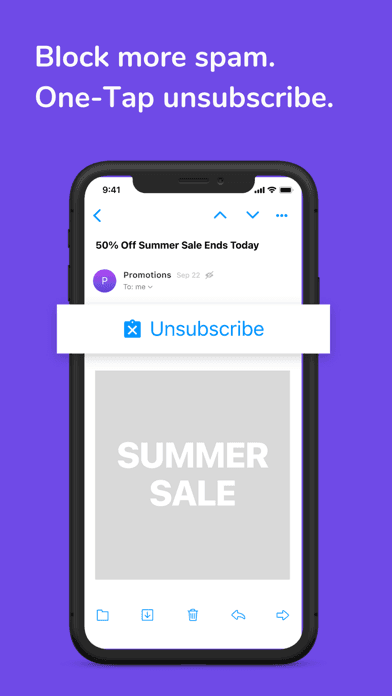
Edison Mail is the best email app for iPhone users who want to kill newsletter subscriptions fast and use an independent client with on-device processing. The 4.52 average across 77,596 U.S. ratings reflects a product that pioneered one-tap unsubscribe and still holds a vocal independent-privacy following. Edison unifies Outlook, Yahoo, Hotmail, iCloud, Office 365, Exchange, AOL, Gmail, and any IMAP account in one inbox, with customizable swipes, sender blocking, Touch ID and Face ID lock, and assistant features that surface bills, receipts, travel plans, and package alerts. Edison Mail differs from Apple Mail by being privacy-by-design with optional anonymized research opt-out, and from Spark by leading inbox-cleanup-first rather than AI-collaboration-first. A real scenario: you inherited a year of unread newsletters — Edison surfaces every sender, you tap unsubscribe across 40 of them in two minutes, and the inbox shrinks visibly. The tradeoff is the assistant features (bills, travel, packages) are U.S., UK, Canada, Australia, and India only, the Mail Plus subscription pricing has surprised some long-time free users, and reviewers occasionally cite ad placement in the free tier. Best for inbox declutterers and independent-app fans.
Pros
- Pioneer one-tap unsubscribe makes newsletter cleanup almost effortless
- On-device email processing with optional anonymized research opt-out
- Face ID and Touch ID lock the inbox plus customizable swipe actions
Cons
- Assistant features for bills, travel, and packages are region-limited
- Mail Plus pricing surprised some long-time free-tier users
- Rating
- —
- Reviews
- —
- Price
- Paid
- 90-day trend
- —
Proton Mail is the best email app for iPhone users who need end-to-end encrypted email, zero-access architecture, and Swiss jurisdiction. The 4.75 average across 43,105 U.S. ratings is the highest combined score on this list, reflecting a privacy-conscious audience that values transparency and open-source code. Proton encrypts every message at rest and end-to-end between Proton users, blocks tracking pixels by default, hides your IP address, supports custom domains on paid plans, and pairs with Proton VPN, Calendar, Drive, and Pass for a full privacy suite. Proton Mail differs from Apple Mail by being zero-access (even Proton cannot read your inbox), and from Gmail by refusing to scan content for ads. A real scenario: a journalist or activist needs encrypted communication with sources — Proton handles it without surfacing metadata that competitor providers would log. The tradeoff is real and reviewer-flagged: support is email-only with 3-5 day response times per recent reviewers, the iOS app's UX has drawn complaint compared to Apple Mail and Gmail (archiving multiple messages is multi-step), and the App Store subscription tier offers fewer plans than the website. Best for users who treat encryption as non-negotiable.
Pros
- End-to-end encryption and zero-access architecture under Swiss law
- Tracking pixels blocked by default and IP address hidden automatically
- Pairs with Proton VPN, Calendar, Drive, and Pass for a full privacy suite
Cons
- Email-only support with frequent 3-5 day response times per reviewers
- iOS UX trails Apple Mail and Gmail on multi-message archive workflow
- Rating
- 4.6
- Reviews
- 81.1K
- Price
- Paid
- 90-day trend
- —
Proton VPN ships in this list as the recommended companion privacy app for Proton Mail users — it is not a mail client itself, but routinely appears alongside Proton Mail in privacy-first workflows. The 4.56 average across 44,767 U.S. ratings reflects a product widely covered by PCMag, TechRadar, and Wired for offering the best free VPN tier on the App Store (unlimited data, no bandwidth cap, strict no-logs policy). Free users get servers in five countries; paid users unlock 17,000-plus servers across 120 countries, VPN Accelerator that boosts speed by up to 400 percent, NetShield ad and tracker blocking, Secure Core multi-hop VPN, Tor over VPN, and connections for up to 10 devices. Proton VPN differs from every other entry on this list by securing the network layer rather than the inbox itself. A real scenario: you check Proton Mail on hotel Wi-Fi — Proton VPN encrypts the connection end-to-end so the network operator cannot see the SNI or DNS. The tradeoff is occasional reconnect delays on the free tier (the 20-minute wait timer after server changes is reviewer-flagged) and the country-picker UX has drawn complaint. Best paired with Proton Mail rather than used alone.
Pros
- Best free VPN tier on the App Store with unlimited data and no bandwidth cap
- Strict no-logs policy independently audited and published openly
- Premium adds VPN Accelerator for up to 400 percent faster speeds
Cons
- Free tier reconnect timers and country picker drew recent UX complaint
- Occasional disconnects on iOS 17 reported by reviewers across builds
- 9
 Get on App Store
#9myMail box: email client appBest Apple-Native
IT CENTURY21, MCHJ XK
E-mail for Gmail, Hotmail, AOL
- Rating
- —
- Reviews
- —
- Price
- Free
- 90-day trend
- —
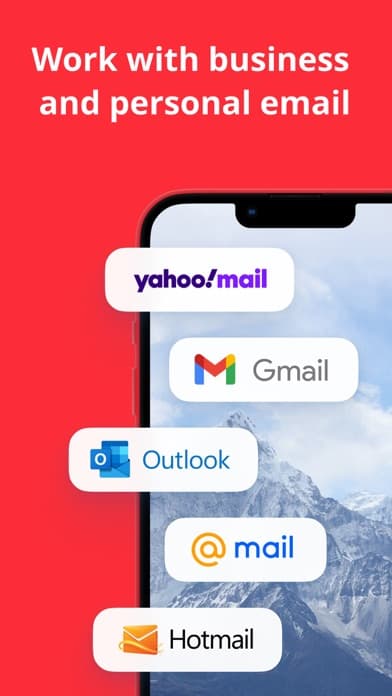
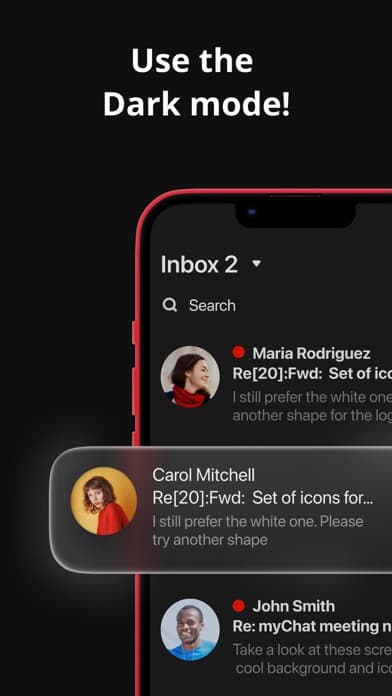
myMail is the best email app for iPhone users who want a free, lightweight multi-account inbox without a subscription upsell. The 4.44 average across 17,552 U.S. ratings reflects a niche but loyal audience that picked myMail for its push notification reliability and clean visual inbox. myMail supports Gmail, Hotmail, Live, Outlook, Yahoo, MSN, iCloud, AOL, and any IMAP or POP3 account, with avatar-based message lists, email threading, quick search with filters, customizable push schedules, quiet times per account, and PIN plus Touch ID lock. myMail differs from Spark by being free-and-no-subscription rather than AI-power-user, and from Apple Mail by surfacing contacts and avatars more prominently. A real scenario: you want a no-frills multi-account client that just notifies you reliably — myMail handles Gmail and iCloud in one inbox with predictable push, custom quiet hours for work and personal, and a fingerprint lock. The tradeoff is the free model surfaces ads and the AdChoices framework has drawn reviewer complaint, the iOS app has been updated less frequently than Spark or Edison, and the threading occasionally misses replies on busy threads. Best for users who want a free secondary client with reliable push.
Pros
- Free multi-account client with reliable push and quiet-hour controls
- Avatar-rich message list makes contact recognition fast in busy inboxes
- PIN and Touch ID lock plus optimized data compression for low bandwidth
Cons
- Ad placement and AdChoices framework draw reviewer privacy complaints
- Update cadence trails Spark and Edison so new iOS features land slower
- 10
 Get on App Store
#10Proton Pass - Password ManagerBest for Teams
Proton AG
Secure end-to-end encryption
- Rating
- —
- Reviews
- —
- Price
- Paid
- 90-day trend
- —
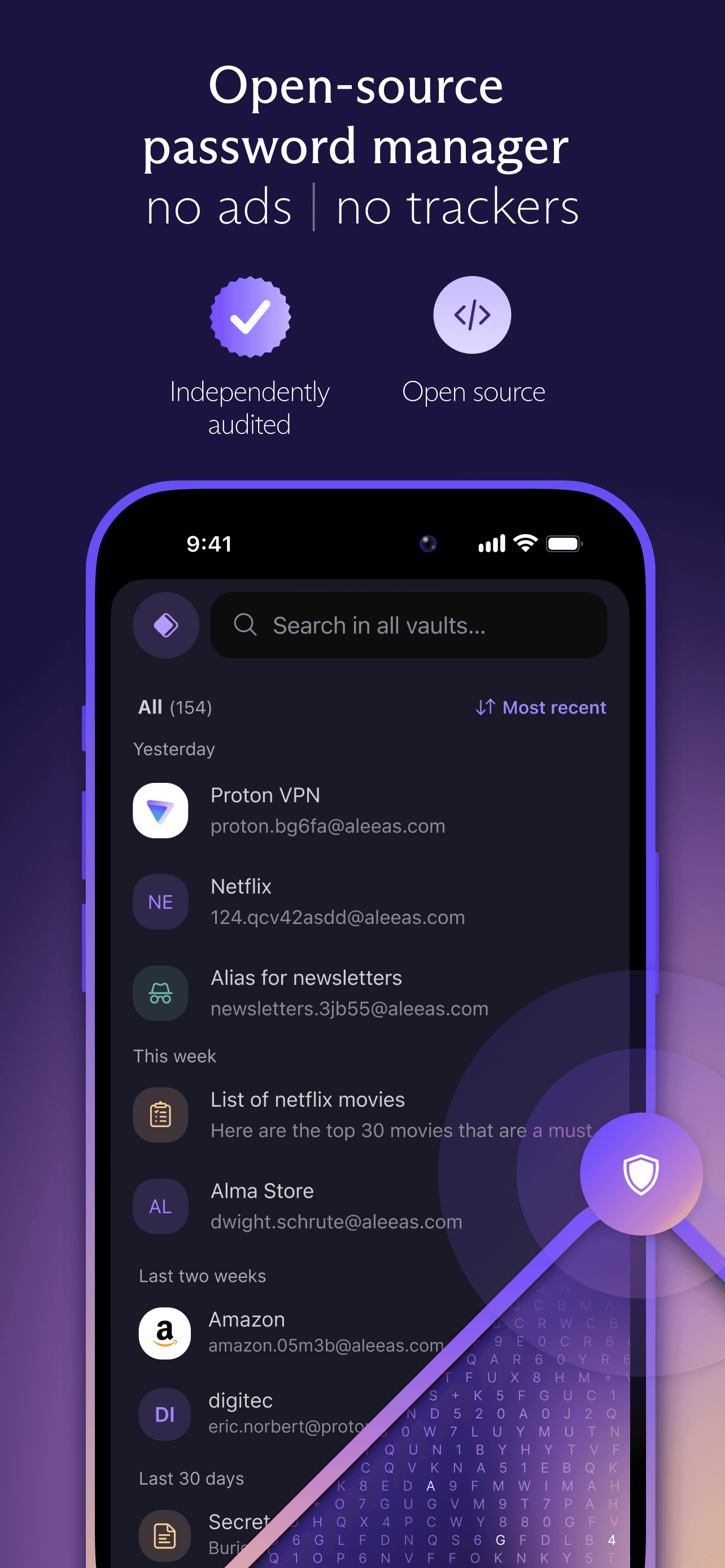
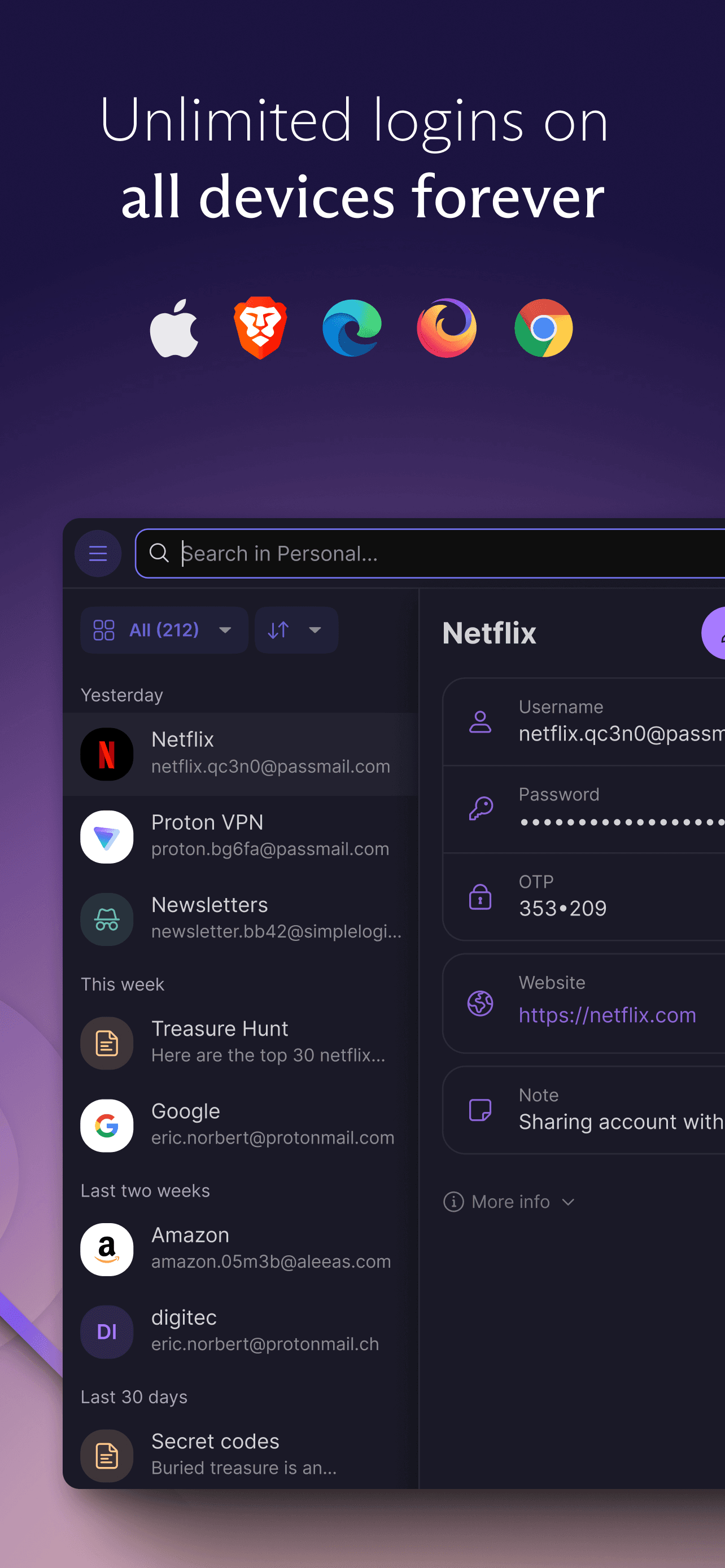
Proton Pass ships in this list as the recommended companion identity app for Proton Mail users — like Proton VPN, it is not a mail client itself but routinely appears alongside Proton Mail in privacy-first workflows. The 4.83 average across 5,935 U.S. ratings is the highest combined score on this list for a recent entrant (the iOS app launched in 2023), reflecting strong early adoption. Proton Pass stores unlimited passwords across unlimited devices, generates and autofills logins, builds 2FA codes inside the app, supports passkeys, creates hide-my-email aliases that protect your real address, stores credit cards and secure notes, and runs Pass Monitor for breach and weak-password alerts. Proton Pass differs from every other entry by securing the credentials and aliases layer rather than the inbox itself. A real scenario: you sign up for a new service — Proton Pass autofills a generated password and uses a hide-my-email alias so your real Proton Mail address never reaches the service's database. The tradeoff is it is not an email client, so include it only if you want the full Proton suite for mail, passwords, VPN, and storage. Best paired with Proton Mail rather than used alone.
Pros
- Free unlimited passwords, aliases, 2FA codes, and credit card storage
- Hide-my-email aliases protect your real address at signup forms
- Open source code base under Swiss privacy law with Pass Monitor alerts
Cons
- Not a mail client itself, only useful alongside another inbox app
- Mobile autofill has reported friction on some non-WebKit browsers


How we picked
### Data sources We combine live App Store data (ratings, recent reviews, version cadence, pricing, screenshot history) with our own ranking tracker, which logs U.S. Productivity positions daily for every email app on this list. Review themes come from the most recent U.S. reviews per app, weighted toward the last 90 days so a recent regression or pricing change shows up fast.
### How we score Four weighted axes: triage speed (how quickly can you process a busy inbox with swipes, snooze, and unsubscribe), notification reliability (do push alerts actually fire when mail lands, per real reviews), multi-account handling (can you unify Gmail, iCloud, Outlook, Yahoo, and IMAP without compromises), and longevity (do users still recommend the app at the two-year mark, or do they churn back to Apple Mail). We did not run formal latency tests; we relied on consistent themes in recent user reviews.
### Refresh cadence The top-10 set is re-scored quarterly. Ratings, ranks, and review-theme analysis refresh daily on the page. When a vendor changes pricing, removes a free-tier feature, or ships a redesign, the pick gets re-evaluated within the week.
### What we exclude Apps with an average below 4.4 stars, fewer than 5,000 ratings, or no update in nine months. We dropped pure SMTP utilities and corporate-only clients. AI summarizer wrappers that sit on top of another mail provider without their own sync are excluded.
### What we don't do No affiliate-driven ordering. Referral commissions do not bump apps. We don't take sponsorship or paid placement from listed apps. If a pick shifts, it's because the data shifted — ratings, review themes, pricing, or feature changes.