



Best Drawing Apps for iPhone
By App Store Tracker Editorial · Updated — live App Store data verified
The short version
The best drawing app for iPhone in 2026 is Bazaart, an AI-powered art and design tool that holds a 4.80-star average across 257,512 U.S. ratings and turns photos into composed illustrations in a tap. PicCollage is the runner-up and the best free pick at 4.79 stars across 1,810,954 ratings — the largest pool here. Across these 10 photo-to-art picks, Bazaart leads on layered composition, Photoleap leads on AI generative depth, ToonMe leads on cartoon portraits, and Voilà leads on Renaissance and hand-drawn caricature styles.
Jump to a pick↓
Picking a drawing app for iPhone in 2026 means deciding whether you want to draw from a blank canvas or transform a photo into a drawing using AI. This list focuses on the latter — the AI photo-to-art, cartoon-maker, and design-tool category that has grown into one of the most-installed surfaces on the App Store. The 10 apps here cover four creative jobs: layered illustration and design (Bazaart, PicCollage, Photoleap), cartoon portraits (ToonMe, Toonapp, Voilà), filter-driven photo art (Photo Lab, Meitu), and video-first art (VivaVideo, Likee). Ratings cluster tight — eight of the ten are above 4.7 stars — so review themes and which AI styles each app actually does well matter more than raw averages. Free downloads dominate; the heavier paywalls live inside Photoleap and Photo Lab. Most users land on one of these apps from a specific viral trend they saw on TikTok or Instagram, so style range is the real spec.
- Rating
- —
- Reviews
- —
- Price
- Paid
- 90-day trend
- —
PicCollage by Cardinal Blue is the best free drawing-and-design app for iPhone users who want to compose photos, stickers, and text into shareable collages and freestyle artwork. The 4.79-star average across 1,810,954 U.S. ratings is the largest pool on this list — the app has been a top photo-tool for over a decade and updates monthly. PicCollage's library includes grids, templates, stickers, fonts, drawing tools, and AI-driven background cutouts. It differs from Bazaart by leaning playful-collage rather than design-asset, and from Photoleap by being free-first with light premium gating. A real scenario: you build a Mother's Day collage with five photos, hand-cut backgrounds, a 'love mom' sticker, and a quick scribble — all in five minutes — then export at 2K to text. The tradeoff is that the deepest cutouts and the prettiest templates are premium, and the upsell shows up during the export flow. Best for casual users who want one app for collages, photo cards, scrapbook pages, and quick drawn-over photo edits — not for users who want a serious freehand sketchbook.
Pros
- Massive free-tier surface — collages, stickers, fonts, drawings, cutouts
- Largest user base on this list at 1.8M ratings
- Decade-long update cadence keeps it compatible with each iOS release
Cons
- Premium upsell during export interrupts the flow on free tier
- Not a real freehand drawing tool — the brush surface is light
- 2Get on App Store
#2VivaVideo - Video Cut & EditorBest for Sketching
Hangzhou Xiaoying Innovation Technology Co., Ltd.
AI Video Generator・Effect・Reel
- Rating
- 4.8
- Reviews
- 280K
- Price
- Paid
- 90-day trend
- —
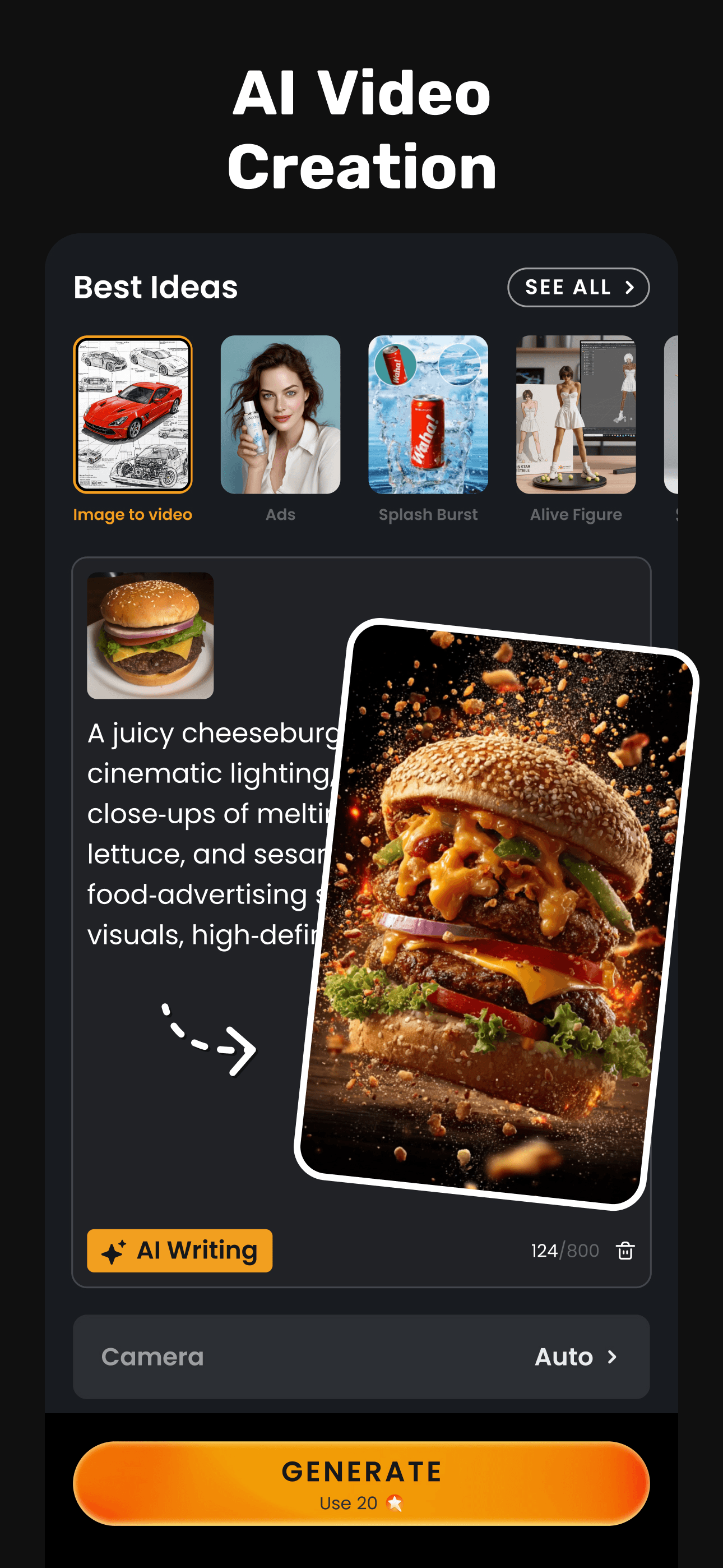
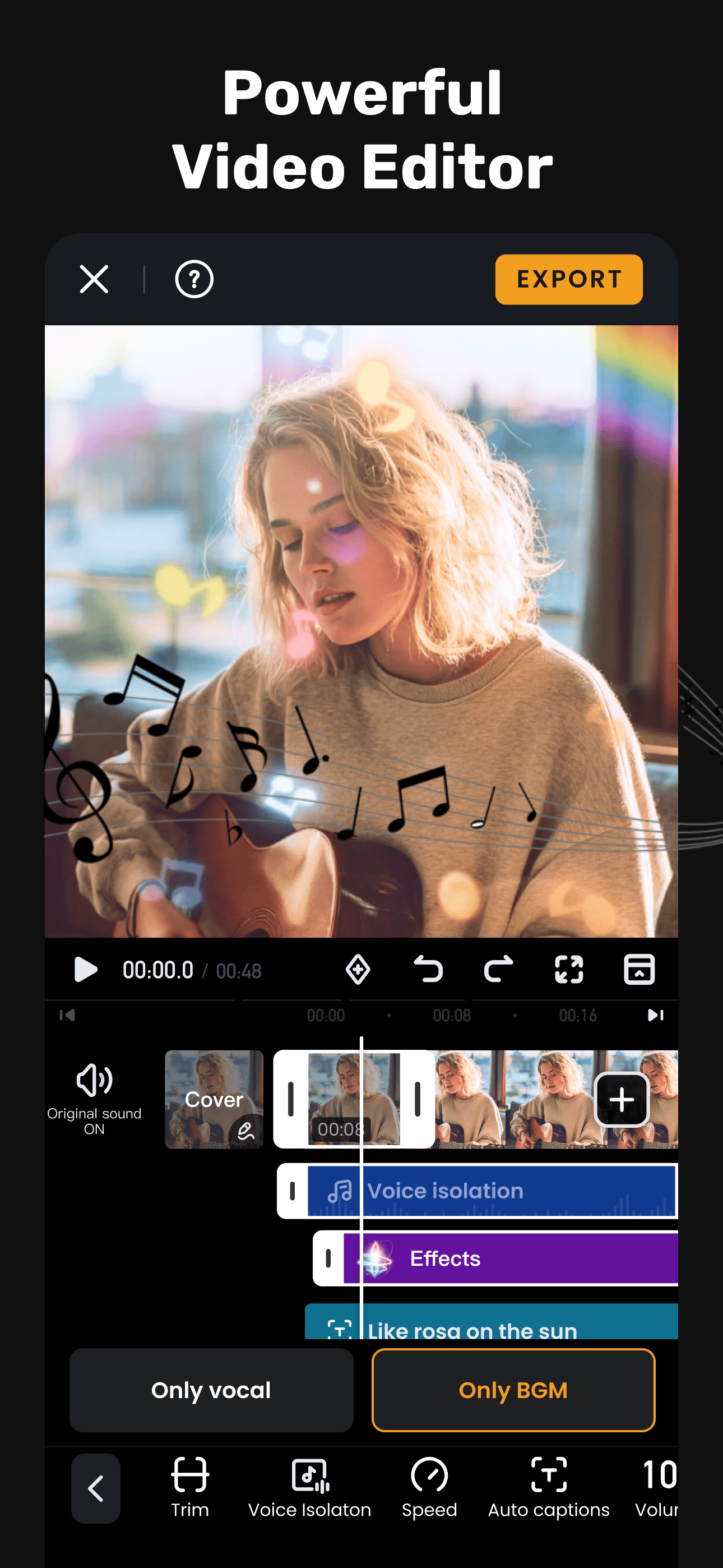
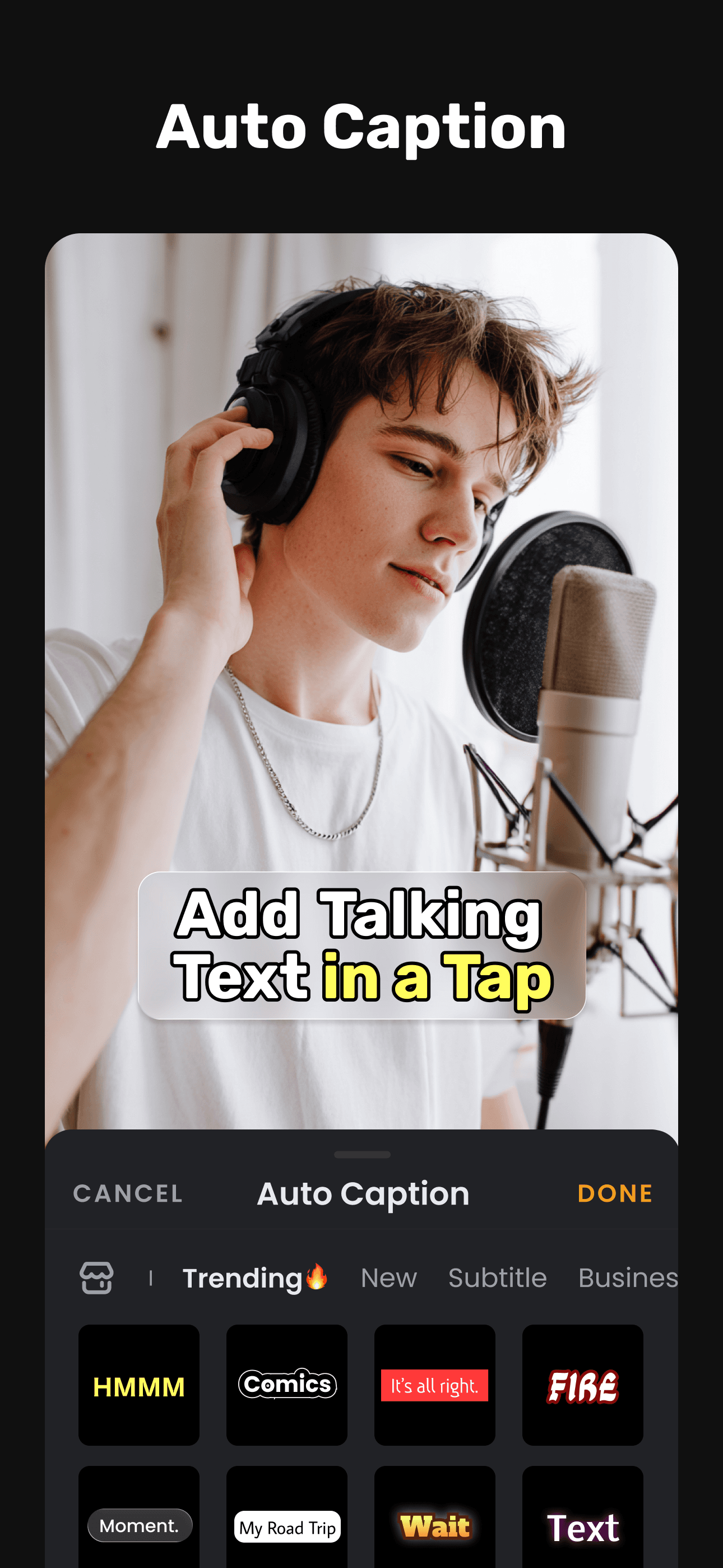
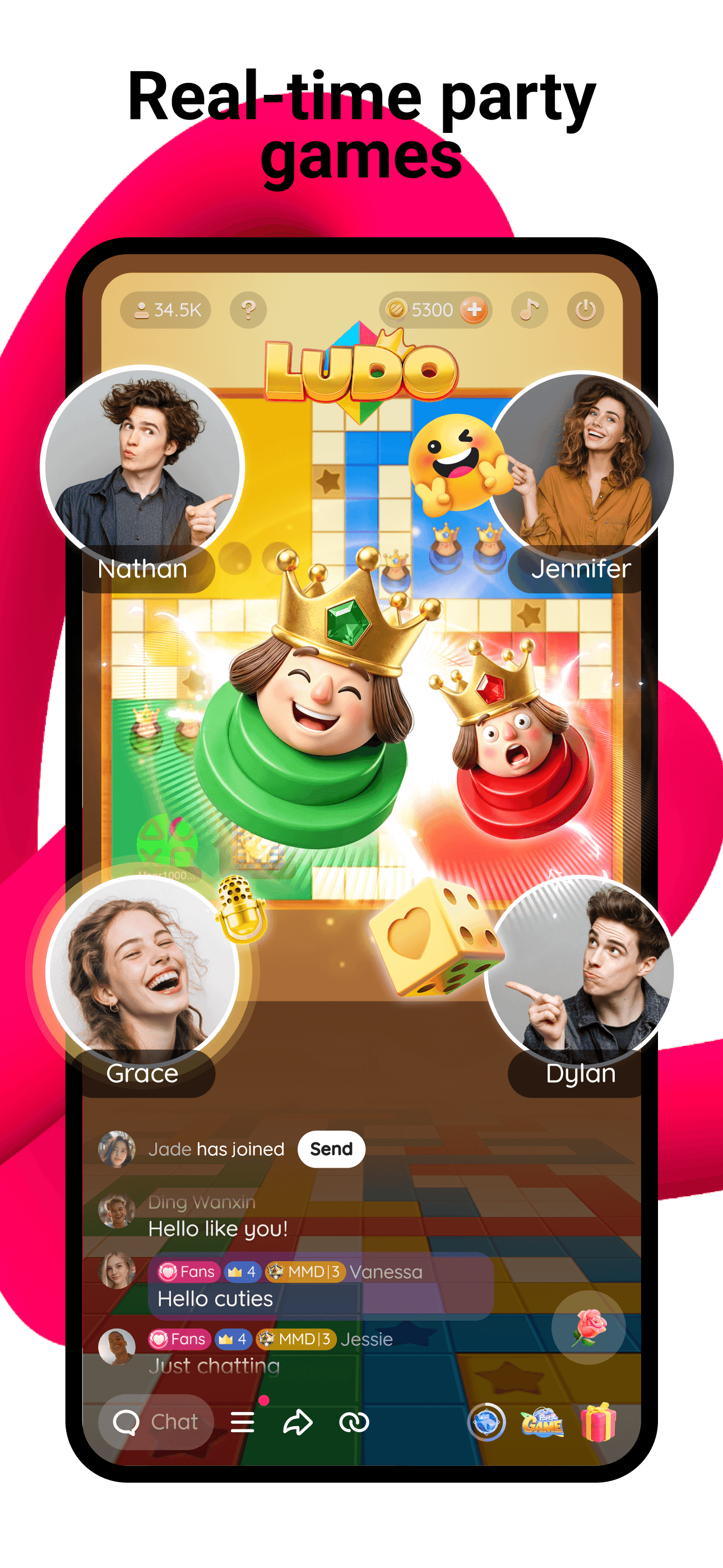
VivaVideo is the best drawing-style app on this list for users who want their art to be video-first — AI text-to-video, image-to-video, reel templates, and animated effects that turn still photos into motion artwork. Built by Hangzhou Xiaoying, the app holds a 4.79-star average across 280,050 U.S. ratings. The AI generation surface is where it sets itself apart: type a prompt, get a short generated video; upload a photo, get an animated version. VivaVideo differs from PicCollage by leading with motion rather than collage, and from Likee by being editing-focused rather than community-driven. A real scenario: you upload a vacation photo, pick a 'painted brushstroke' AI effect, and the app generates a 10-second clip that looks hand-painted in motion. The tradeoff is that the heaviest AI features run on the paid tier, and free exports carry a watermark. Reviewers flag occasional crashes during long renders on older iPhones. Best for creators who want their drawn-style output to live as Reels and TikToks rather than static images.
Pros
- AI text-to-video and image-to-video for motion-art output
- Strong template library for Reels and TikTok formats
- Solid track record at 4.79 stars across 280K ratings
Cons
- Free exports carry a watermark
- Reviewers flag crashes during long AI renders on older iPhones
- 3Get on App Store
#3Likee - Video, Live, ChatBest Cross-Platform
LIKEME PTE. LTD.
Short Video & Live Streams
- Rating
- 4.5
- Reviews
- 560.8K
- Price
- Paid
- 90-day trend
- —
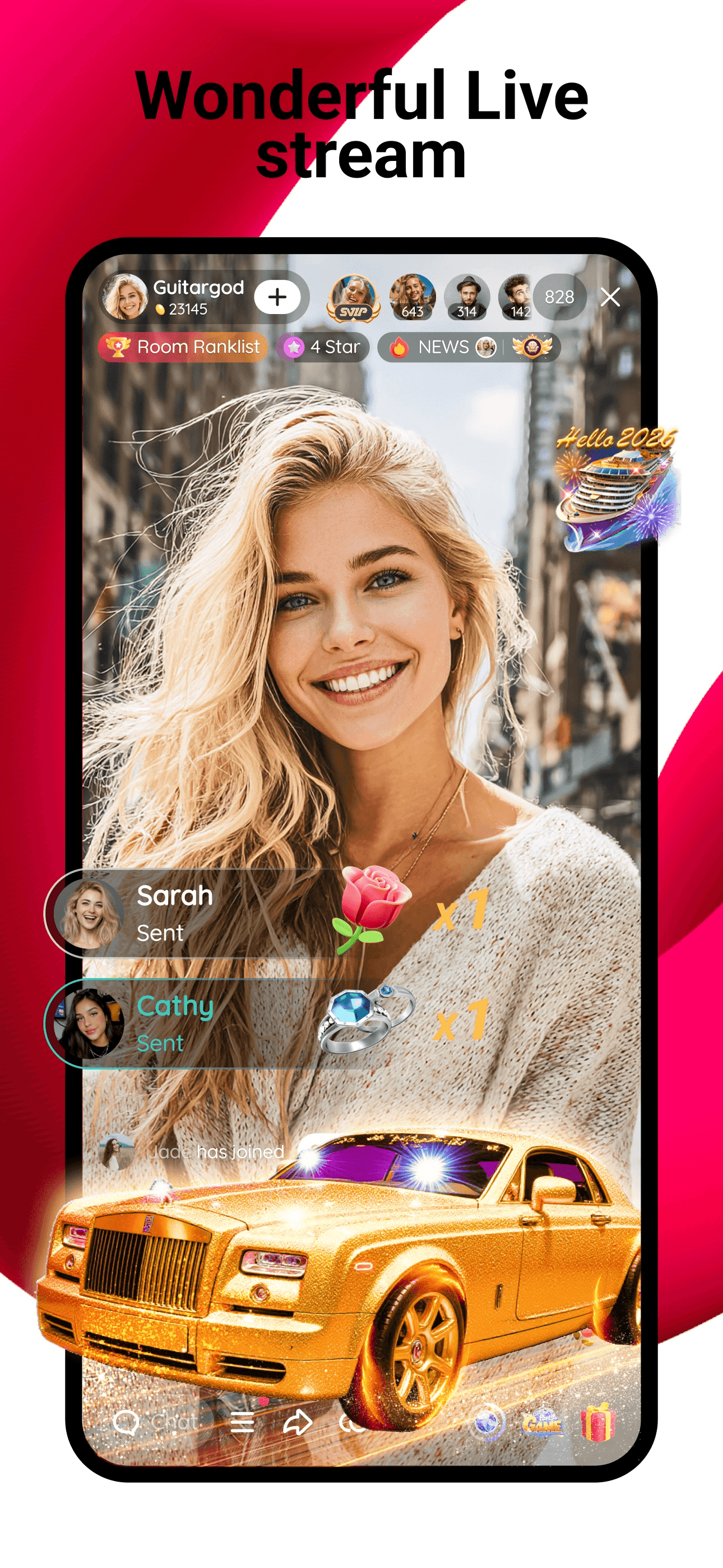
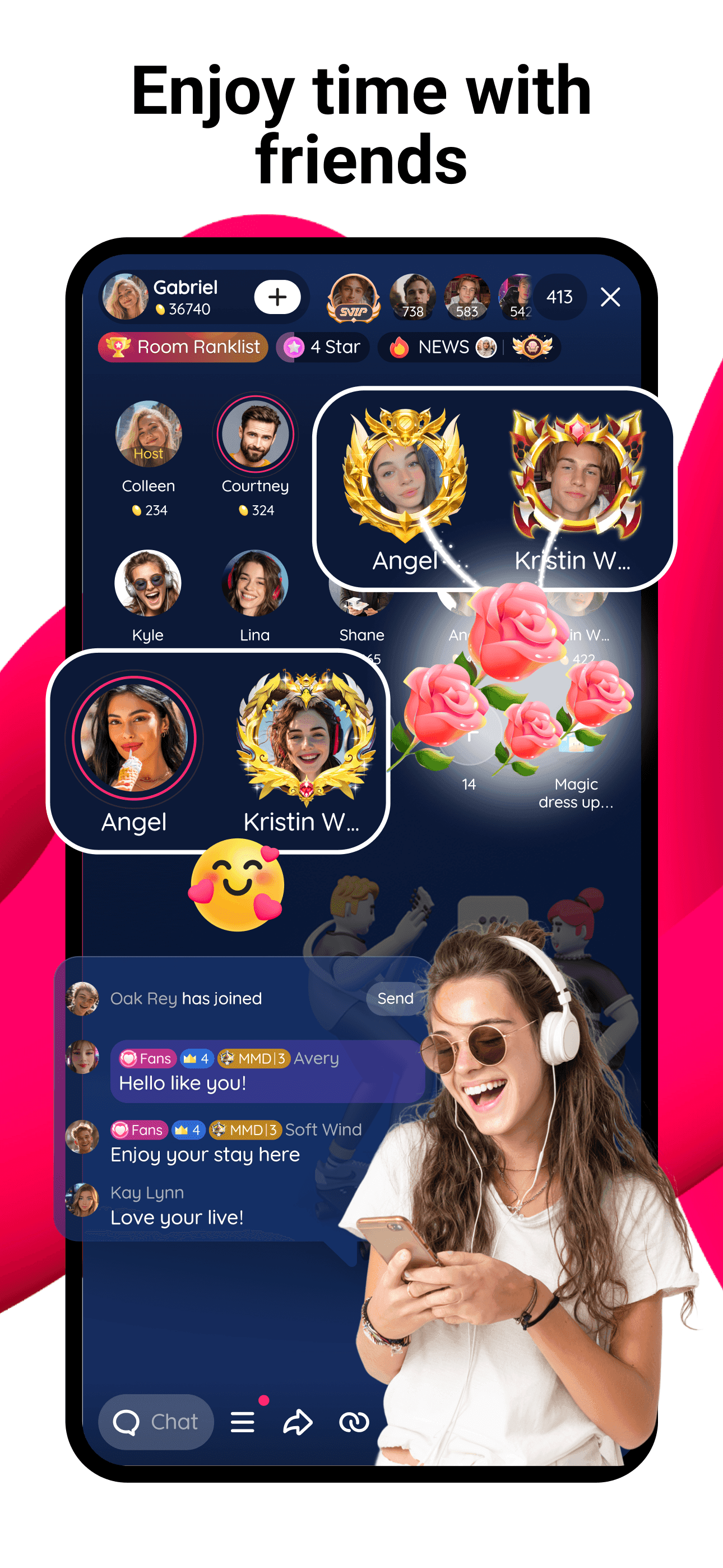
Likee is the best drawing-adjacent app for iPhone users who want short-video community alongside their photo art. Owned by LIKEME PTE, the app is a TikTok-style social platform with built-in AI effects, drawn-on filters, and live-streaming. The 4.53-star average across 558,965 U.S. ratings is the lowest on this list, reflecting the trade community apps make between feature breadth and rating polish. Likee differs from VivaVideo by leading with the social feed rather than the editor, and from PicCollage by being video-only. A real scenario: you film a 15-second clip with a hand-drawn cartoon filter, the AI tracks your face, and you post it to your Likee feed alongside Instagram Reels. The tradeoff is the community focus — if you don't want a public feed, half the app's value disappears, and the rating reflects users who came for effects and stayed for the social UX with mixed feelings. Best for short-video creators who want drawn-style filters bundled with audience reach.
Pros
- Built-in community for sharing drawn-style short videos
- Live-stream support alongside the editor
- Free with broad AI-effect library
Cons
- Lowest rating on the list at 4.53 stars across 558K ratings
- The social feed is core — if you don't want public posting, half the value disappears
- 4
 Get on App Store
#4Bazaart AI Photo Editor DesignBest Overall
Bazaart Ltd.
Remove background and objects
- Rating
- 4.8
- Reviews
- 259.3K
- Price
- Paid
- 90-day trend
- —
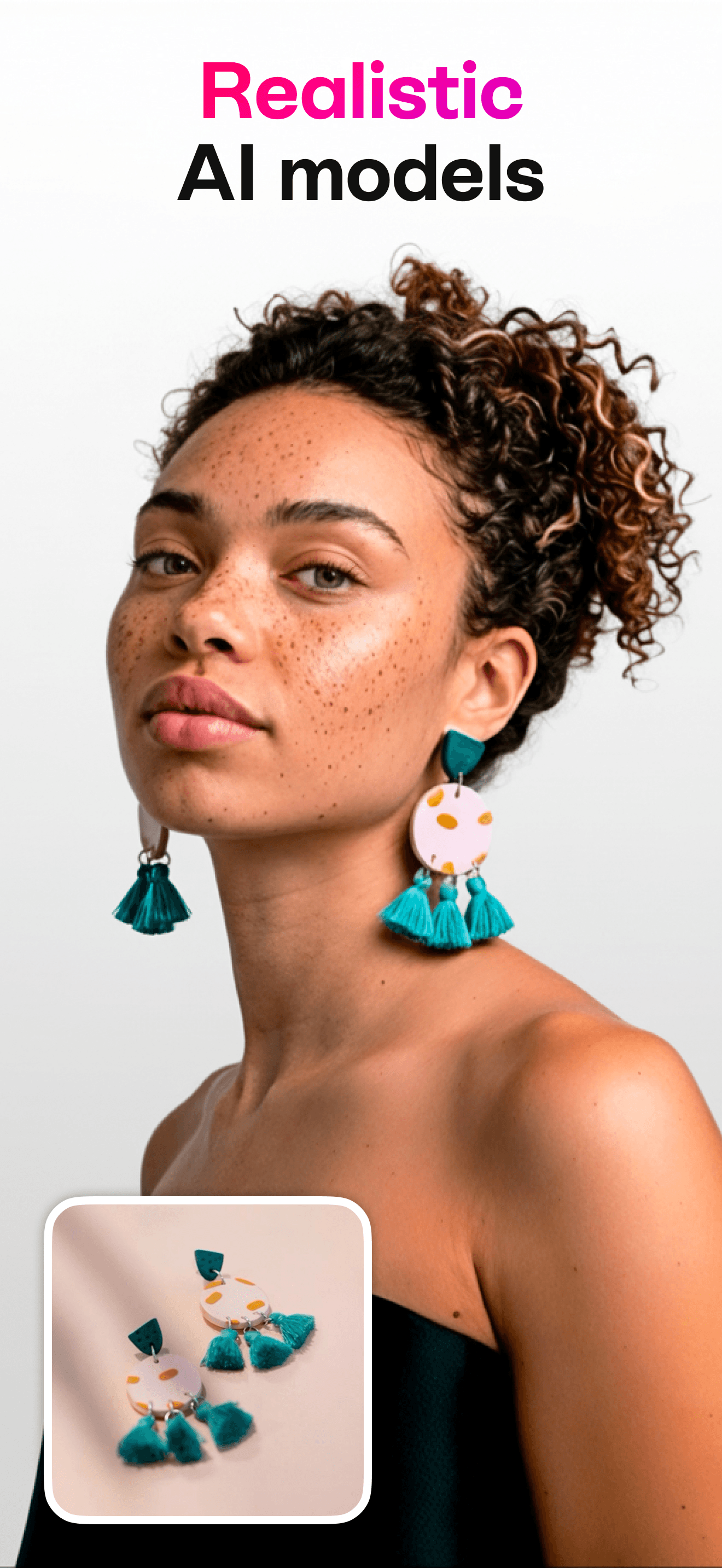
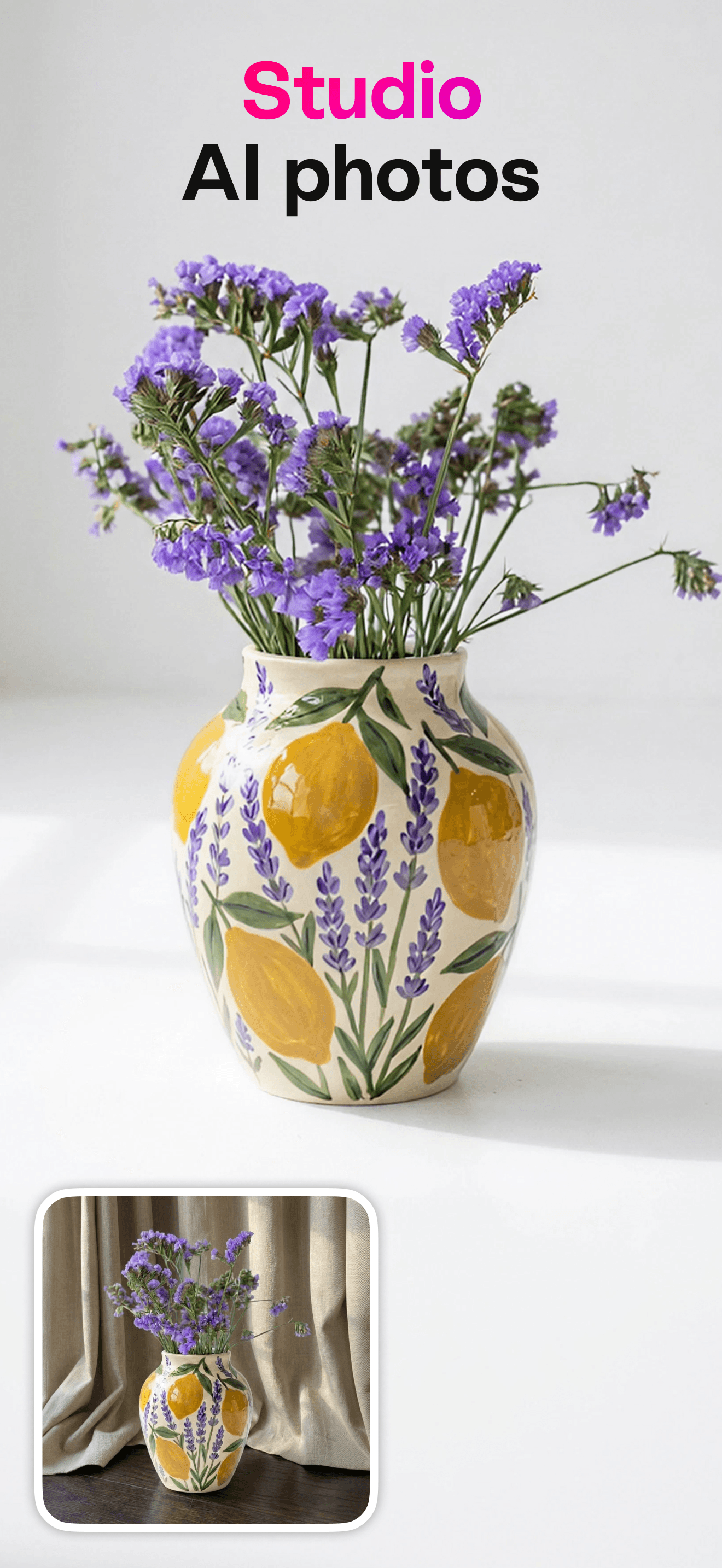
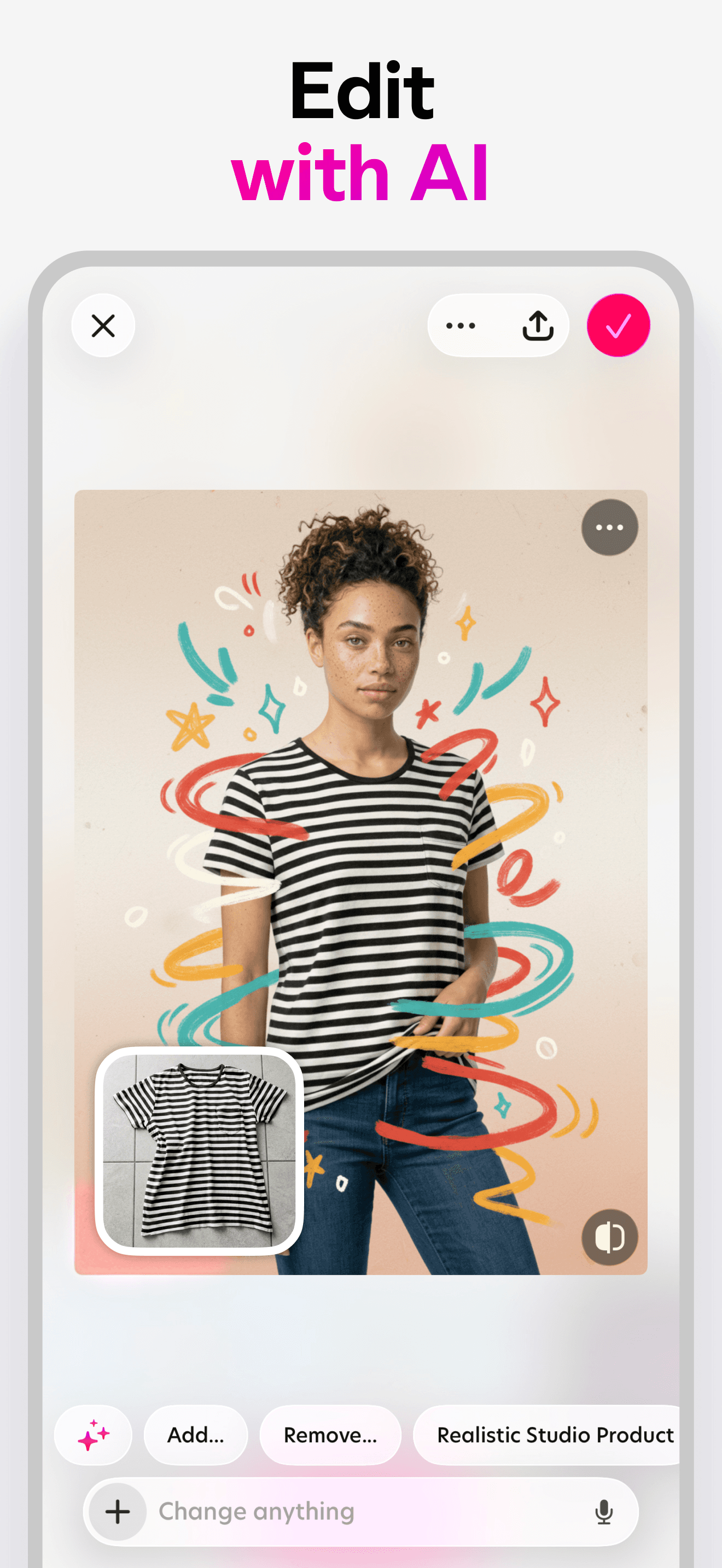
Bazaart is the best overall drawing-and-design app for iPhone users who want layered composition with AI cutout, background removal, and template-driven design work. Built by Bazaart Ltd, the app holds a 4.80-star average across 257,512 U.S. ratings. Where most apps on this list run a single filter pass, Bazaart treats your photo as a layer in a larger composition — you cut out subjects, swap backgrounds, stack illustrations, and export PNG with transparency. Bazaart differs from PicCollage by leaning design-asset rather than collage, and from Photoleap by being composition-first rather than generation-first. A real scenario: you want a polished Instagram product post — Bazaart removes the background of your product photo, sets it on a curated gradient backdrop, layers in a text frame, and exports at 4K in under three minutes. The tradeoff is reviewer-flagged friction around crashes during heavy layered work and the constant premium upsell on the best templates. Best for small-business owners and content creators making finished marketing assets, not for one-tap art transforms.
Pros
- Real layered composition with AI cutout and PNG export
- Strong template library for marketing and social assets
- Best output quality for finished design work on this list
Cons
- Crashes during heavy layered work flagged in recent reviews
- Best templates are premium-locked and the upsell is constant
- 5
 Get on App Store
#5Photo Lab — AI Image EditorBest for Beginners
Linerock Investments LTD
Picture Generator: Edit & Art
- Rating
- 4.7
- Reviews
- 184.8K
- Price
- Paid
- 90-day trend
- —
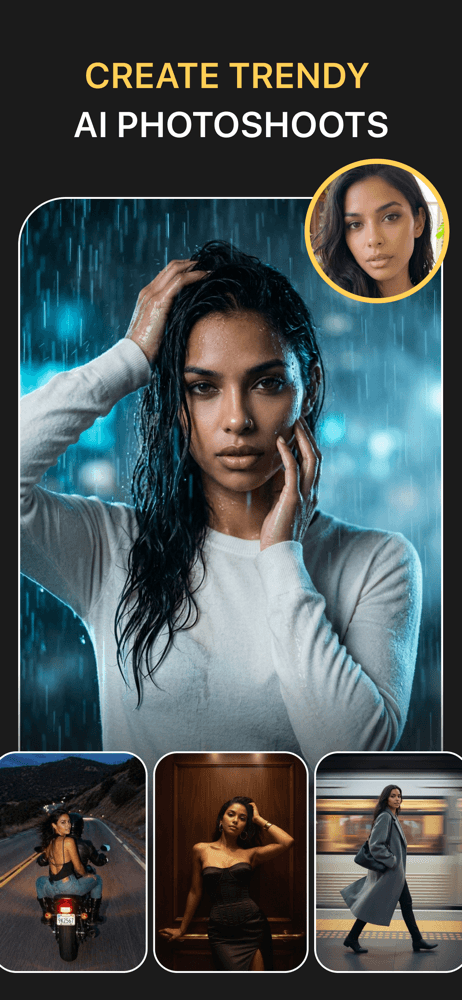
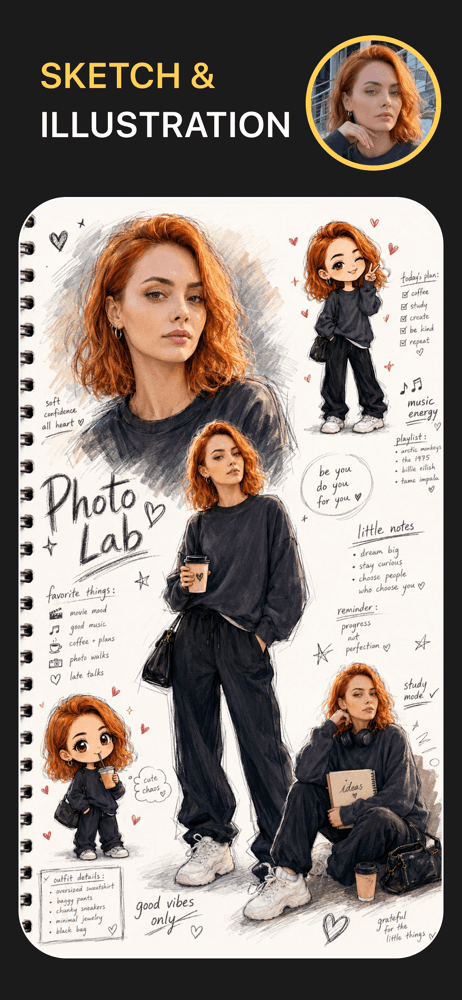
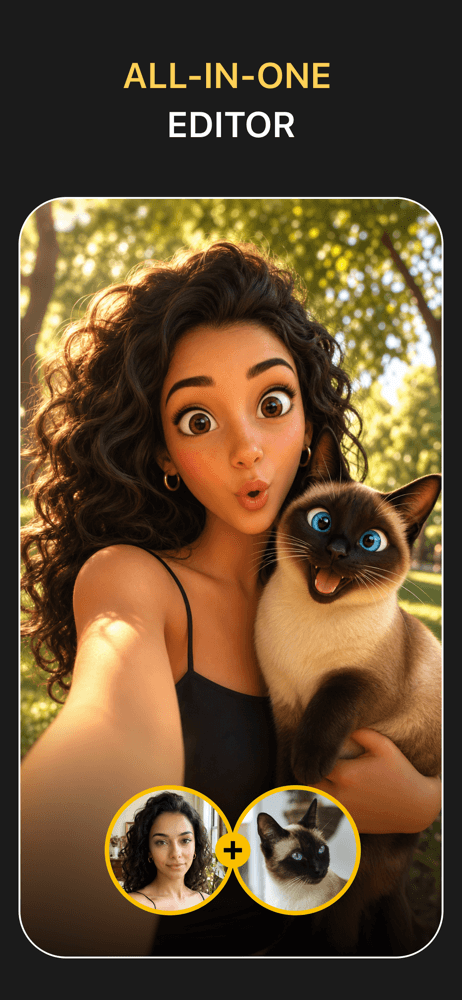
Photo Lab is the best drawing app for iPhone users who want one-tap classic art-filter effects without learning a tool. With 230 million-plus lifetime users and a 4.74-star average across 184,425 U.S. ratings, Photo Lab is the long-running filter catalog — oil painting, watercolor, sketch, pop-art, cartoon — applied with a single tap on any photo. Photo Lab differs from Bazaart by being filter-only (no layered composition), and from Photoleap by being preset-driven rather than generative. A real scenario: you upload a portrait, pick the 'classic oil portrait' filter, and have a frameable painted version of the photo in under a minute. The tradeoff is that Photo Lab is the oldest design language on this list — the app feels its age compared to Bazaart and Photoleap, and the paid model is a hard requirement after a short trial. Reviewers consistently mention 'hours of fun' on the positive side; on the negative side, they note the heavy ad load on the free tier. Best for users who want quick presets, not flexibility.
Pros
- Massive lifetime user base (230M+) with deep filter library
- Classic art-style presets (oil, watercolor, pop-art) work in one tap
- Consistent 4.74 stars across 184K ratings
Cons
- Heavy ad load on the free tier
- Older design language — feels dated next to Bazaart and Photoleap
- 6
 Get on App Store
#6Toonapp: AI Photo & Video ArtBest for Comics
LYREBIRD STUDIO FZE
Viral Filters, Cartoon & Anime
- Rating
- 4.7
- Reviews
- 141.5K
- Price
- Free
- 90-day trend
- —
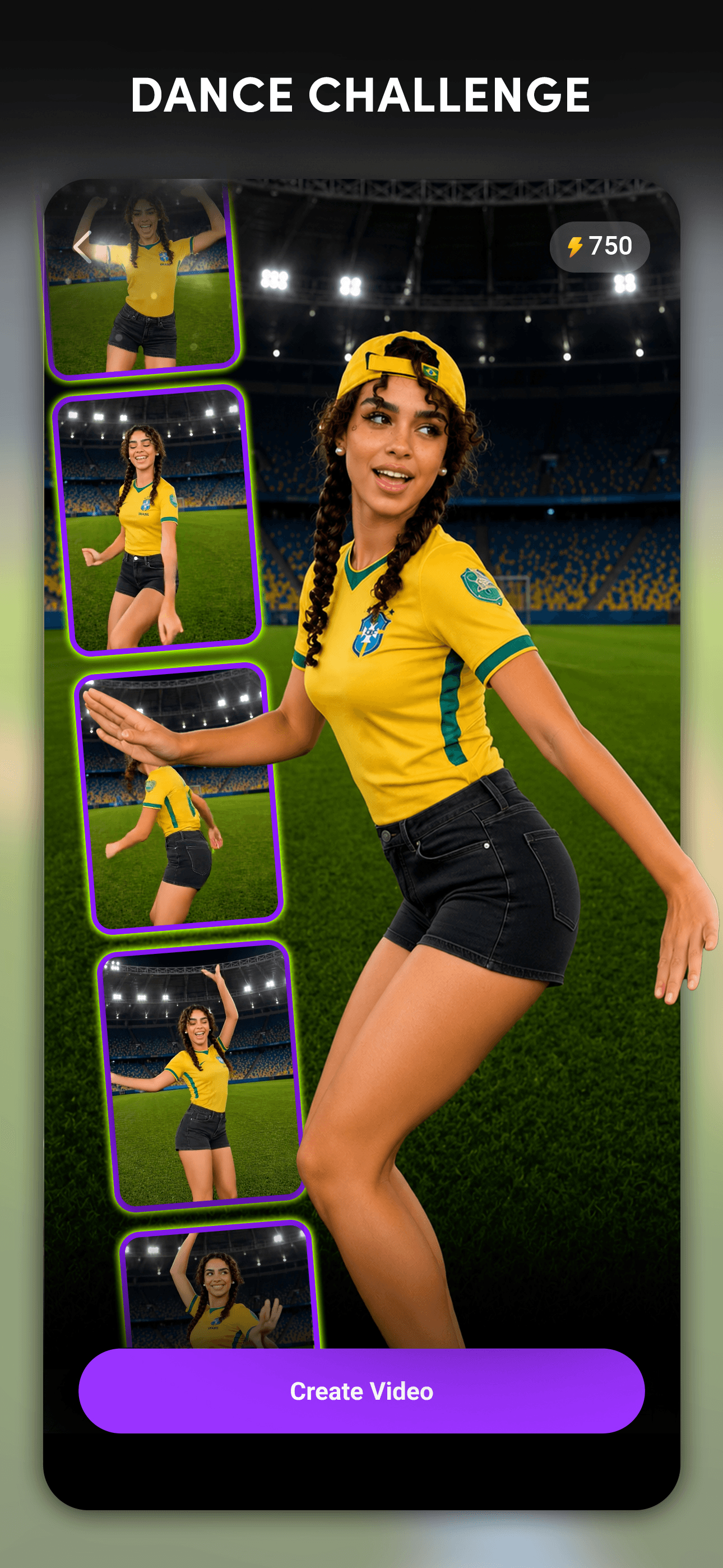
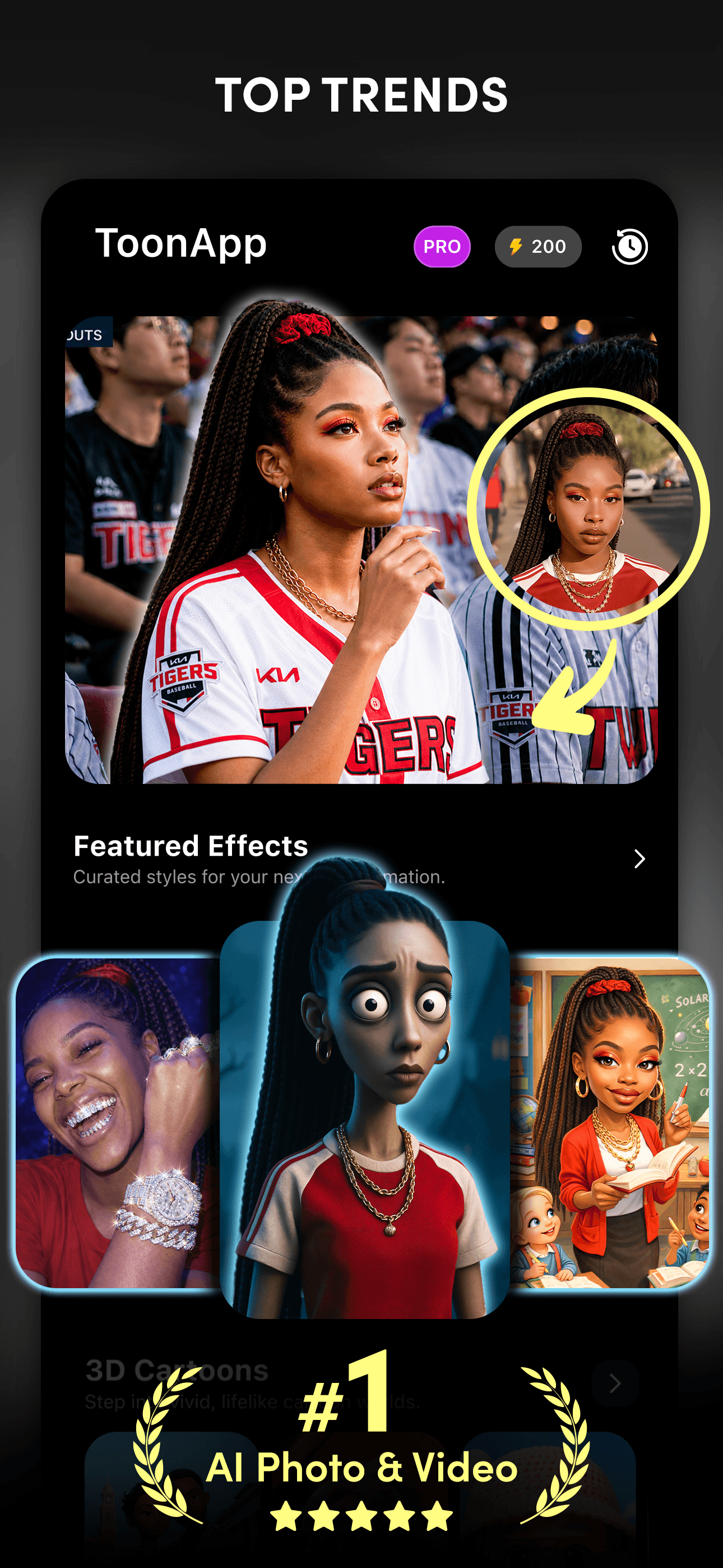
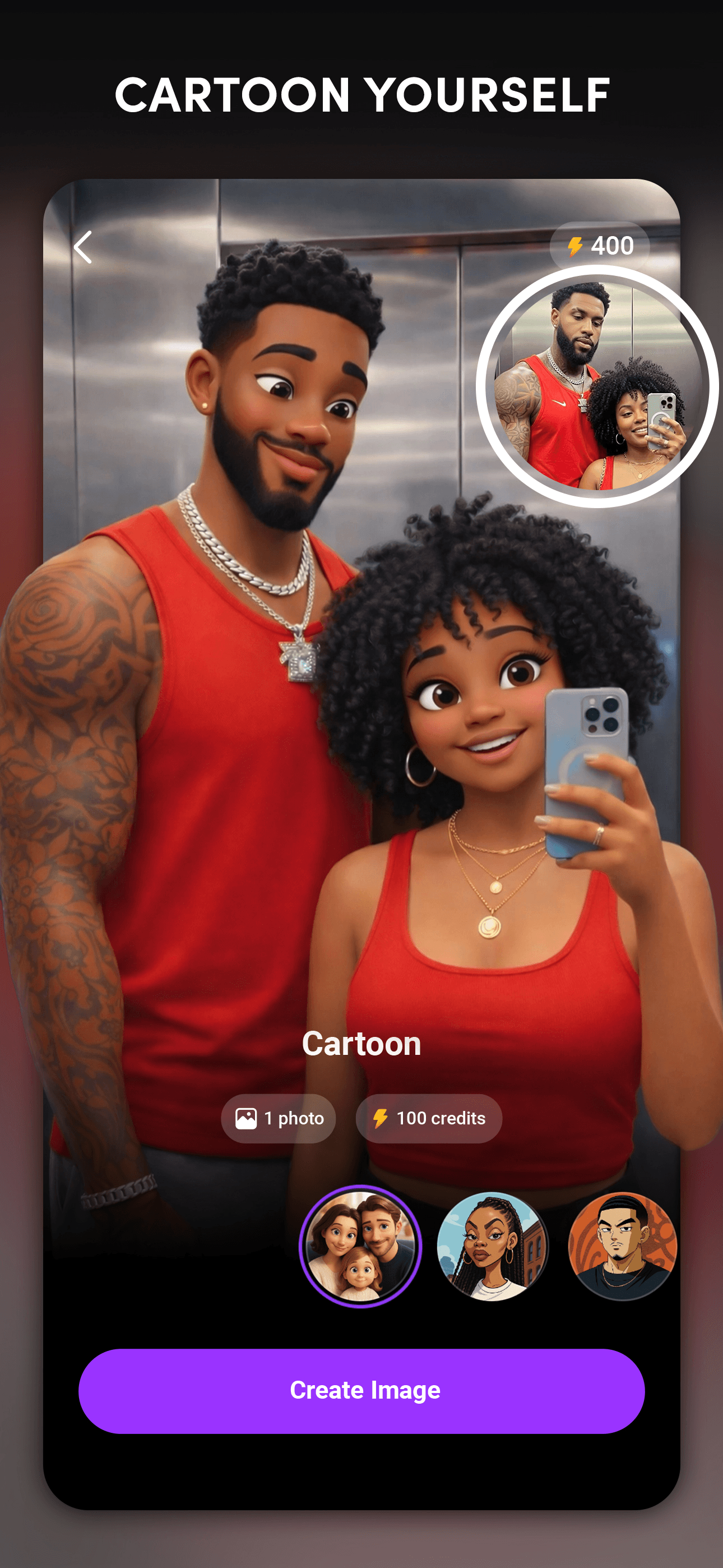
Toonapp by Lyrebird Studio is the best drawing app for iPhone users who want viral cartoon and anime filters from selfies and short videos. The 4.72-star average across 140,667 U.S. ratings reflects steady fan adoption around its disposable, trend-driven style packs. Toonapp differs from ToonMe by also handling video (animate a photo, not just cartoon-ify), and from Voilà by leaning more anime than Renaissance. A real scenario: a new Toonapp pack drops on TikTok — say, 'studio anime portraits' — you upload a selfie, get six variations in 30 seconds, and post your favorite to Stories before the trend cools. The tradeoff is reviewer-flagged friction around the paywall — multiple recent reviews describe being routed into a subscription after one free generation, which feels deceptive to first-time users. Output quality varies by template; some give cartoon brilliance, others miss the likeness. Best for trend-chasing users who want viral filter packs and don't mind subscribing for a month and canceling.
Pros
- Trend-driven viral filter packs that match TikTok cycles
- Handles short video as well as photos
- Good cartoon-and-anime output quality on flagship templates
Cons
- Subscription paywall after one free generation is reviewer-flagged as deceptive
- Output quality varies wildly by template — some packs miss likeness entirely
- 7
 Get on App Store
#7Photoleap: AI Photo GeneratorBest for Pros
Lightricks Ltd.
Professional Headshot Editor
- Rating
- 4.7
- Reviews
- 137.7K
- Price
- Paid
- 90-day trend
- —
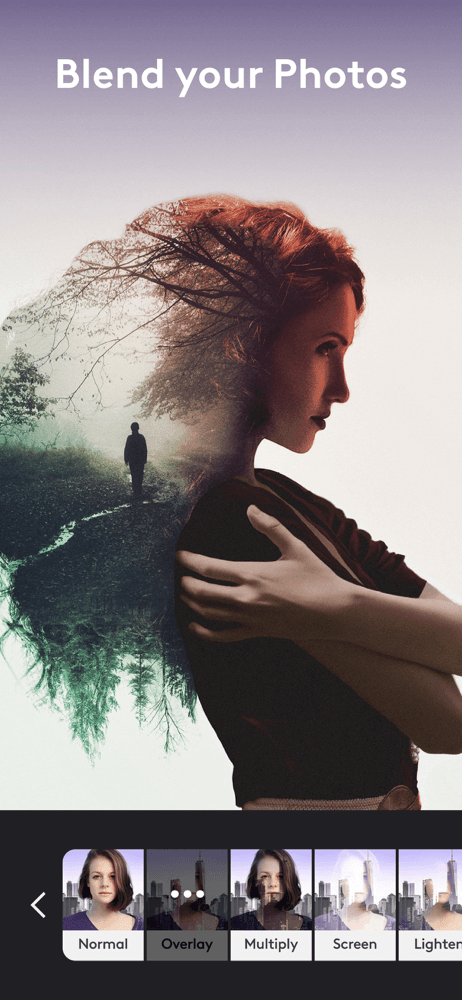
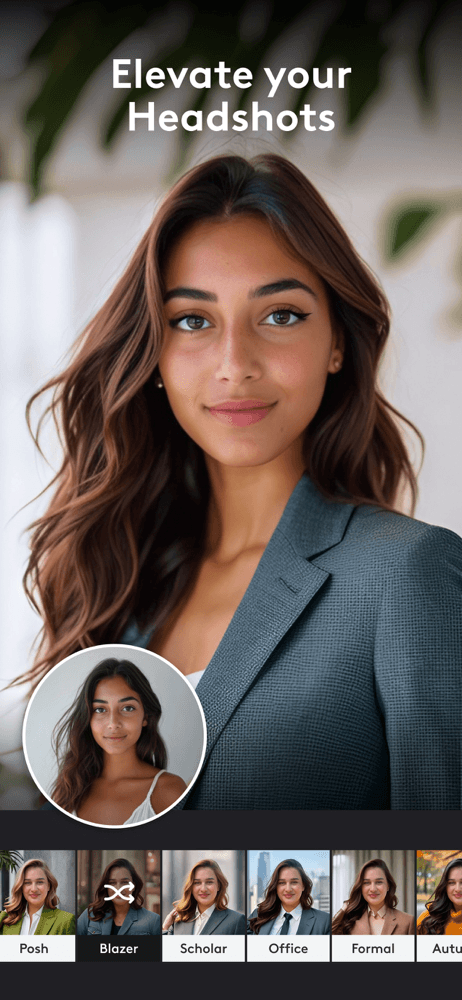
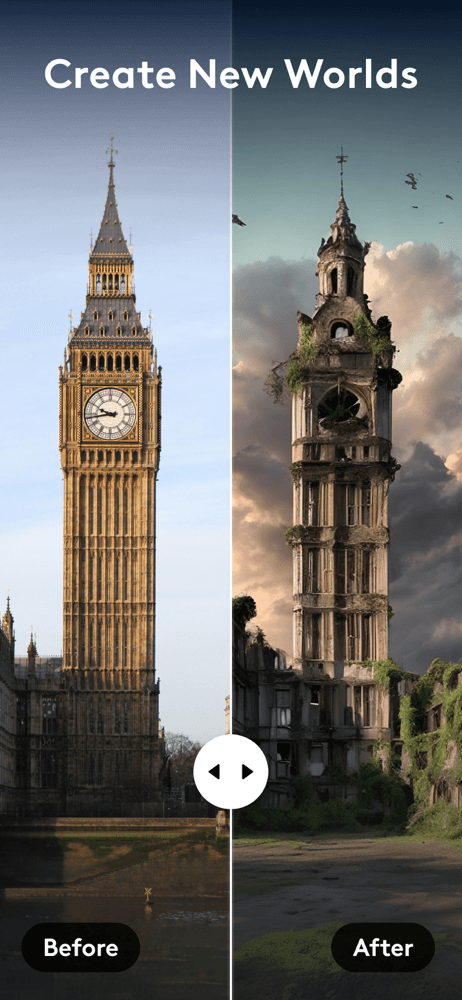
Photoleap by Lightricks is the best generative AI drawing app for iPhone users who want prompt-driven illustration and style transfer on top of their photos. Lightricks (the team behind Facetune and Videoleap) brings serious AI craft — generative fill, AI portrait generation, style transfer from text prompts, and high-resolution exports. The 4.68-star average across 137,116 U.S. ratings reflects sustained adoption among committed creators. Photoleap differs from Bazaart by leading with generation rather than composition, and from ToonMe by offering open-ended prompts instead of preset templates. A real scenario: you have a portrait photo, you type 'oil painting in the style of John Singer Sargent,' and Photoleap generates four variations in under a minute. The tradeoff is the price — Photoleap is one of the heavier subscriptions on this list, and the genuinely useful features sit behind the paywall. Free trial is short. Best for serious creators who want AI generation built into a polished editing toolkit.
Pros
- Genuine prompt-based AI generation, not just preset filters
- From Lightricks (Facetune, Videoleap) — serious creative-tool craft
- Style transfer and generative fill at near-desktop quality
Cons
- One of the heavier subscriptions on this list
- Short free trial — the best features are gated almost immediately
- 8
 Get on App Store
#8ToonMe: AI Cartoon Face MakerBest Apple Pencil
Informe Laboratories, Inc.
Animate photo & Toon Editor
- Rating
- 4.7
- Reviews
- 115.4K
- Price
- Free
- 90-day trend
- —
ToonMe is the best drawing app for iPhone users who want a one-tap cartoon portrait that actually looks like them. Built by Informe Laboratories, the app's signature is an AI algorithm trained on hand-drawn cartoon styles — upload a selfie, pick a template, get a portrait that reads as both 'cartoon' and 'you.' The 4.74-star average across 115,045 U.S. ratings reflects strong satisfaction with output quality. ToonMe differs from Toonapp by going deeper on cartoon-portrait quality (vs trend-pack breadth), and from Voilà by skipping Renaissance and caricature for cartoon and Disney-adjacent styles only. A real scenario: you want a profile picture that's cartoon-you, you upload one selfie, pick the classic ToonMe template, and have a new avatar in 20 seconds. The tradeoff is the single-purpose focus — there's no editor, no layering, no design surface, just selfie-in and cartoon-out — and the paywall gates the best templates. Best for users who want one cartoon portrait, not a creative toolkit.
Pros
- Best likeness preservation on cartoon portraits across the list
- One-tap workflow — selfie in, portrait out, 20 seconds
- 4.74 stars across 115K ratings reflects strong output satisfaction
Cons
- Single-purpose — no editing surface, no layering, no design tools
- Best templates are subscription-gated
- 9
 Get on App Store
#9Meitu AI Photo & Video EditorBest with Layers
Xiamen Meitu Technology Co., Ltd.
Retouch, Flash & Aesthetic
- Rating
- 4.8
- Reviews
- 79.2K
- Price
- Paid
- 90-day trend
- —
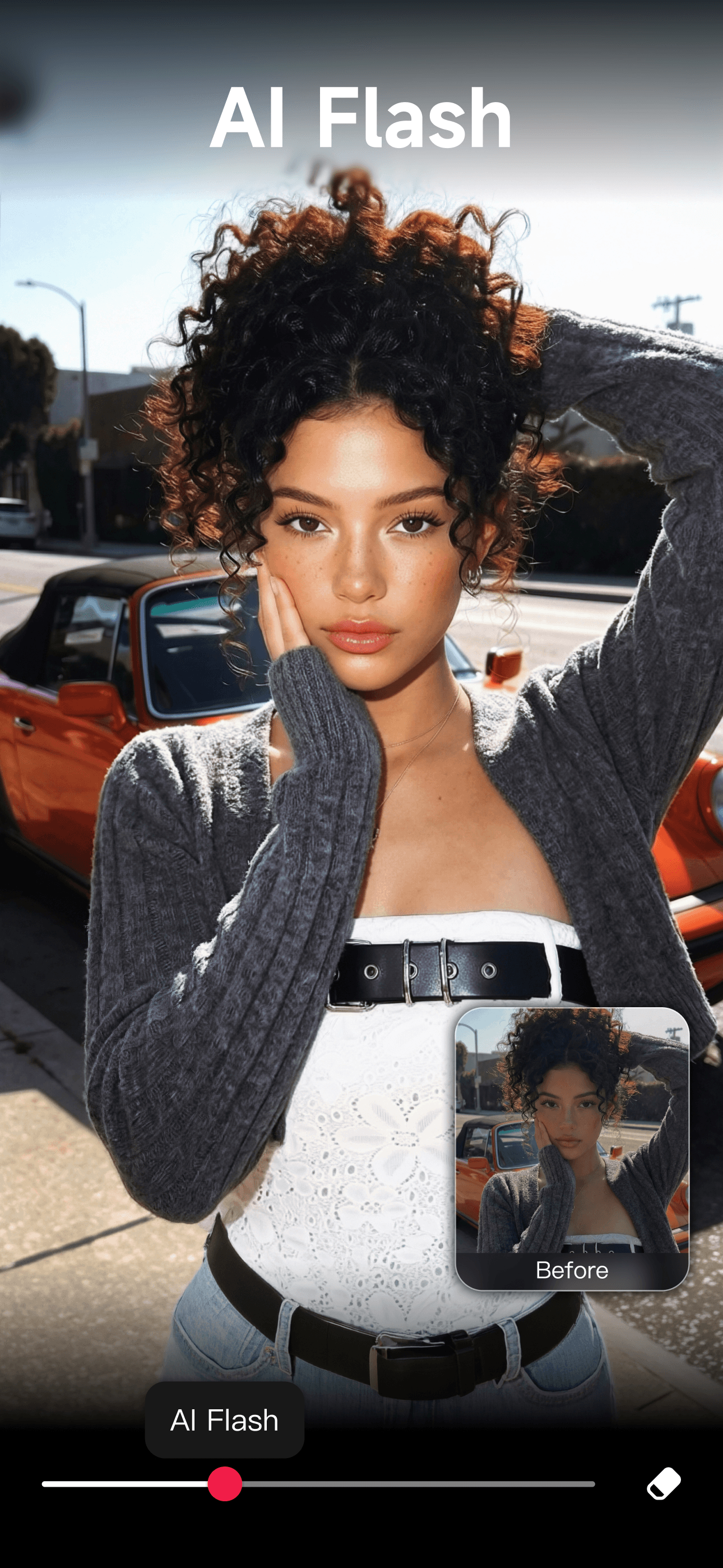
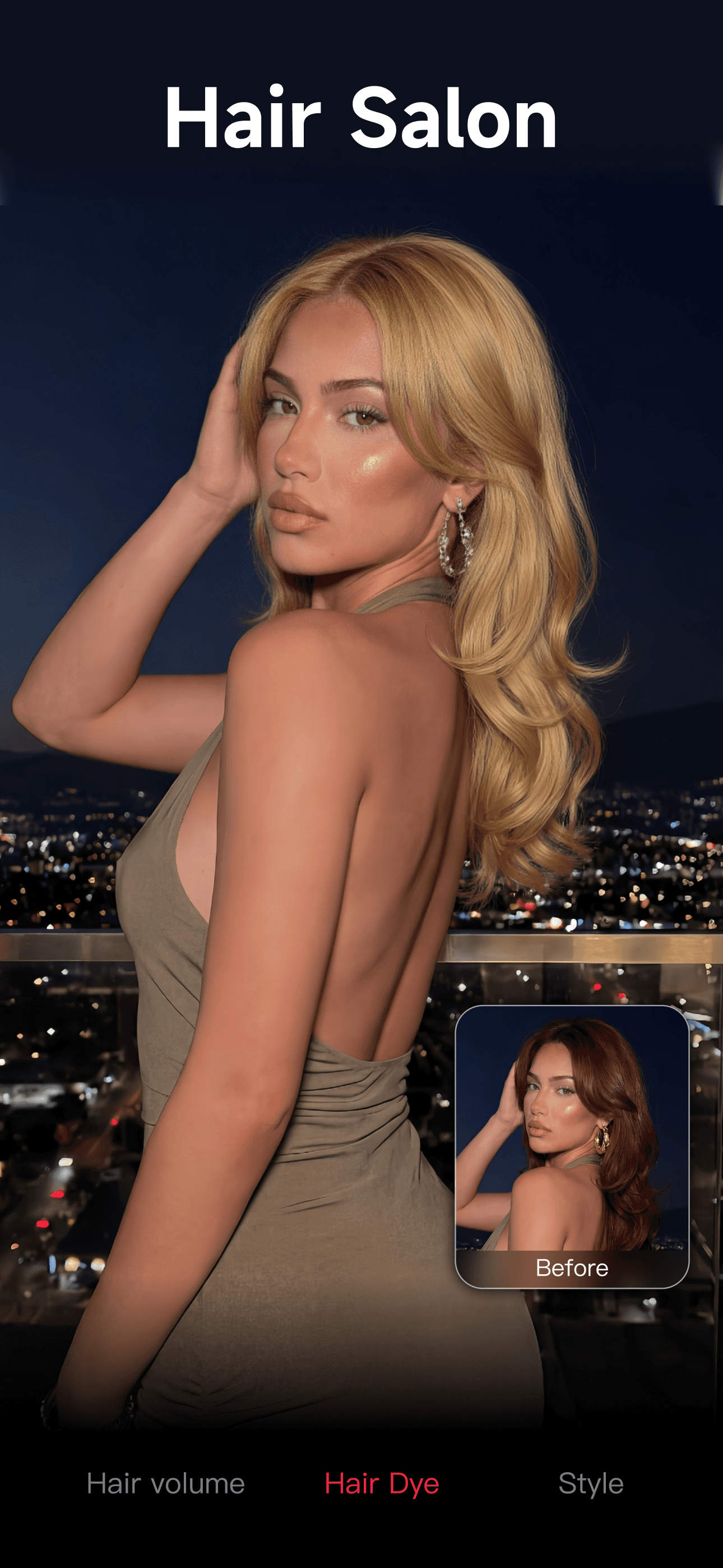
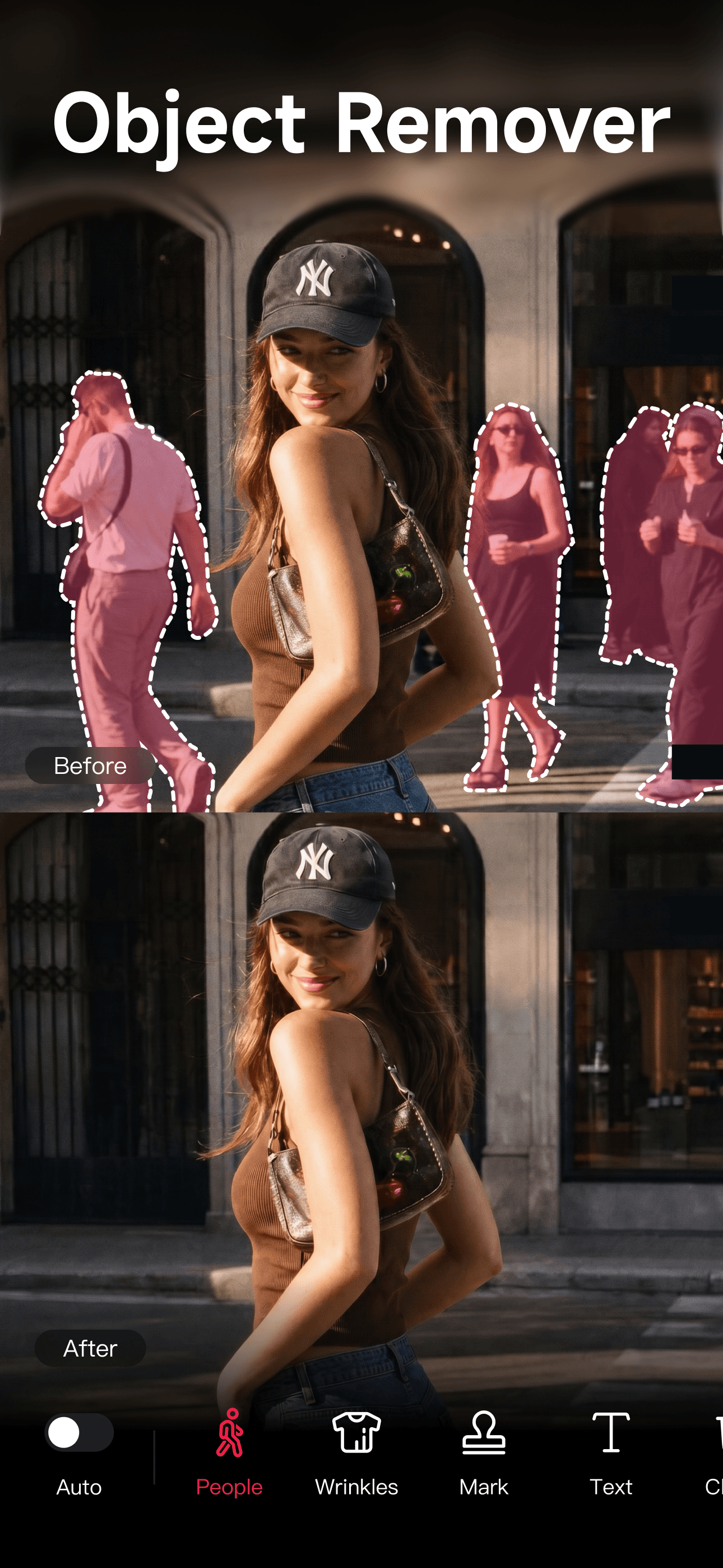
Meitu is the best drawing app for iPhone users who want a deep all-in-one editor that includes 200+ filters, body shape adjustments, animated stickers, video editing, and one-tap art-style transforms. Owned by Xiamen Meitu Technology, the app holds a 4.79-star average across 78,503 U.S. ratings and remains one of the dominant photo apps in Asia. Meitu differs from PicCollage by being editor-deep rather than collage-first, and from Photo Lab by handling video edits alongside photo art. A real scenario: you take a selfie, run a beauty-edit pass, apply a watercolor filter, drop on an animated sticker, and export to Stories — all in one app. The tradeoff is reviewer-flagged friction around video clip imports recently breaking on some devices, and warnings sometimes appearing in languages the user can't read. The free tier covers a lot, but the deepest filters and VIP-only features push toward subscription. Best for users who want one app for both photo retouch and drawn-style art transforms.
Pros
- All-in-one editor — beauty, filters, stickers, video, art-style transforms
- 200+ filters and a deep retouch toolkit
- Strong free tier covers most casual workflows
Cons
- Recent video-import bugs flagged on some devices
- Warnings occasionally surface in non-English text
- 10
 Get on App Store
#10Voilà AI Artist Cartoon FilterBest for Watercolor
Wemagine.ai LLP
Studio Anime Maker Style Photo
- Rating
- 4.8
- Reviews
- 83.7K
- Price
- Free
- 90-day trend
- —
Voilà AI Artist is the best drawing app for iPhone users who want Renaissance painting, 3D cartoon, and hand-drawn caricature styles applied to their photos. Built by Wemagine.ai, the app holds a 4.76-star average across 83,763 U.S. ratings and went viral in 2021 around its Renaissance-portrait filter. Voilà differs from ToonMe by going broader on art history (Renaissance and caricature, not just cartoon) and from Photoleap by being preset-driven rather than prompt-based. A real scenario: you upload a portrait of a family member, pick the Renaissance filter, and have a framed-painting-style result that reads like an actual oil portrait — popular for gifting. The tradeoff is the paywall — Voilà gates most of the better styles behind subscription and surfaces the upsell after the first free generation, which reviewers consistently flag as aggressive. Output quality on the Renaissance style remains the gold standard; the 3D cartoon and caricature styles are hit-or-miss. Best for one-off gifting and viral filter use, not as a daily art tool.
Pros
- Best-in-class Renaissance portrait filter — gift-worthy output
- Strong likeness preservation on classic art styles
- Steady update cadence keeps the viral styles fresh
Cons
- Aggressive paywall surface after one free generation
- 3D cartoon and caricature styles are inconsistent compared to the Renaissance pack
How we picked
### Data sources We combine live App Store data (ratings, recent reviews, version cadence, pricing, screenshots) with our own ranking tracker, which logs U.S. Photo & Video category positions daily. Review themes come from the most recent U.S. reviews per app, weighted toward the last 90 days.
### How we score Four weighted axes: style range (how many distinct AI art styles the app produces well — cartoon, anime, watercolor, Renaissance, oil, etc.), output quality (likeness preservation, artifact rate, resolution of the export), edit depth (layers, masking, retouch, background removal beyond the one-tap filter), and price-to-value (free-tier usefulness versus what premium unlocks, given that many apps in this category gate the actual finished export).
### Refresh cadence The top-10 set is re-scored monthly. Ratings, ranks, and review-theme analysis refresh daily. When an app changes pricing, drops below 4.0 stars, breaks compatibility with a major iOS release, or removes a feature that drove its ranking, it gets re-evaluated within the week — not at the next monthly window.
### What we exclude Apps with an average below 4.0 stars, fewer than a few hundred ratings on the current version, or no update in nine months. We also drop face-swap-only apps that don't generate any drawing styles, and AI image generators (Stable Diffusion frontends) that aren't built around your own photo as the input. Selfie-beauty filters that only retouch are out — we're looking for apps that produce a drawn-looking output.
### What we don't do No affiliate-driven ordering. Referral commissions don't bump apps. We don't take sponsorship or paid placement from listed apps. If a pick shifts, it's because the data shifted — pricing, ratings, review themes, or removed features.