



Best Camera Apps for iPhone
By App Store Tracker Editorial · Updated — live App Store data verified
The short version
The best camera app for iPhone in 2026 is **Lapse** — 4.76/5 from 118K US ratings, the strongest disposable-camera concept on the App Store, and the only social-first camera with real momentum. **Dazz Cam** is the runner-up at 4.75/5 with 107K ratings and ships the deepest catalog of authentic vintage and film looks. For pro work, Leica LUX (4.84) and Halide (4.44) are the standouts. App Store Tracker pulled live US ratings, descriptions, and review samples for all ten picks before ranking.
Jump to a pick↓
We ranked ten camera apps by App Store Tracker's three signals: live US rating, total US rating count, and themes pulled from recent positive and 1-3 star reviews. The category splits cleanly into three jobs: social-first cameras (Lapse, Dazz, Life Lapse) that compete on aesthetic and community rather than image quality; manual pro cameras (Halide, ProCamera, Leica LUX, Manual Camera Pro) that give you exposure, focus, and RAW control Apple's stock app smooths over; and specialist tools (RNI Films, DSLR Camera, Leica FOTOS). Apple's built-in Camera app is excellent and ships ProRAW on Pro iPhones, so we focused on apps that beat the stock experience for a specific use case. Subscription pressure is high across the category and we weighted that into ordering.
- Rating
- 4.8
- Reviews
- 118.3K
- Price
- Paid
- 90-day trend
- —
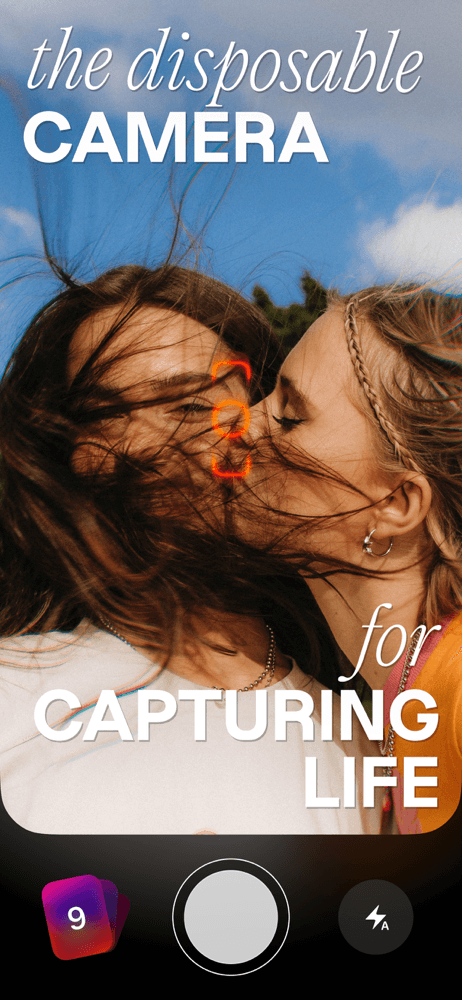
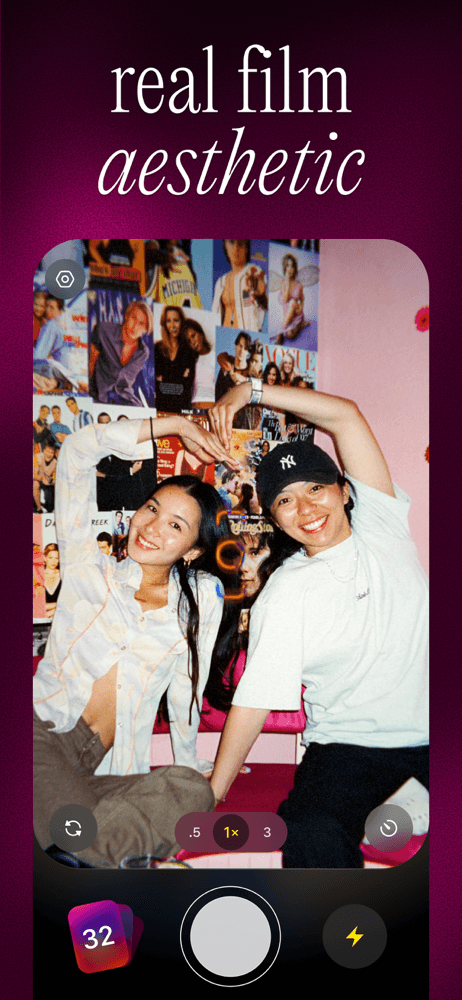
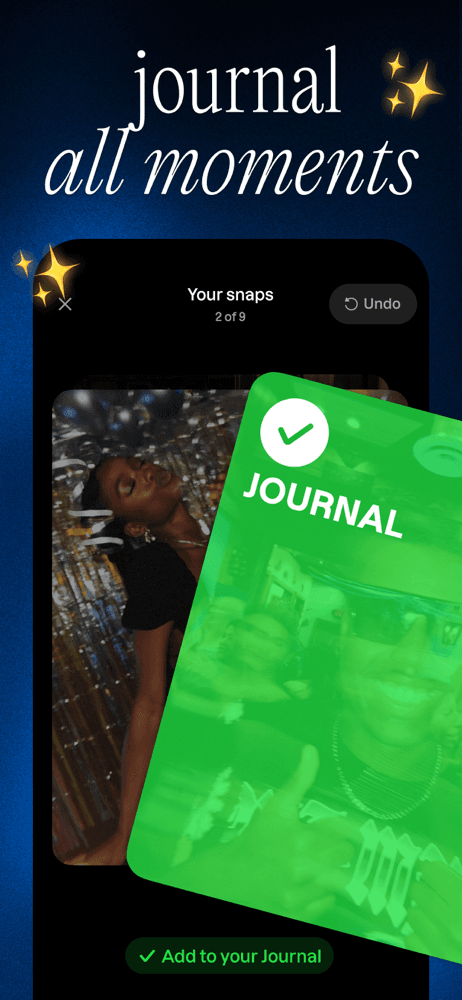
Lapse is the best camera app for iPhone overall because it's the only third-party camera with real social momentum and a concept that solves a problem Instagram has stopped solving — a low-pressure friends-only feed for everyday photos. The differentiator is the disposable-camera mechanic: photos 'develop' on a delay, you can't see them immediately, and the feed shows only your friends with no ads or influencers. Compared to Dazz Cam, Lapse is a community first and a camera second. Real use case: take a photo at dinner, forget about it, get a push that morning that your 'roll' developed, share with friends. Reviewers in the 5-star pool specifically praise it 'as an avid hater of what Instagram has become' — the anti-Instagram pitch lands. The tradeoff appears in critical reviews: 'Each update this app has it gets worse' and 'Used to be one of my fave apps' suggest the product is wobbling, and the paid model has tightened. Still, at 4.76/5 from 118K US ratings, it's the most-rated social camera on iOS by a wide margin.
Pros
- Disposable-camera concept with no public feed or ads
- Friends-only social model praised as an Instagram alternative
- Highest-rated and most-rated social camera on iOS
Cons
- Recent updates have removed features long-time users loved
- Paid model has tightened, with more features behind subscription
- Rating
- 4.8
- Reviews
- 111.1K
- Price
- Paid
- 90-day trend
- —
Dazz Cam is the best camera app for vintage and film looks because Dazz Pte Ltd built the deepest catalog of authentic-feeling analog filters applied at capture time, not in post. The differentiator is the camera-pack collection — dozens of looks modeled on specific film stocks and vintage camera bodies (Polaroid, VHS, 35mm) with the grain, light leaks, and color shifts baked in. Compared to RNI Films, Dazz is more playful and TikTok-coded; compared to Lapse, it's pure look without the social layer. Real use case: shoot a night-out video, swipe through to the 'Digital Cam' filter, capture the moment with the look already applied. Reviewers in the 5-star pool praise the filters specifically ('all of its mind blowing filters'). The tradeoff appears in negative reviews: subscription pressure ('non-paying users can simply screenshot the filtered preview') and 'a bit complicated' import/export flow. At 4.75/5 from 107K ratings, the look quality is what keeps people paying.
Pros
- Deepest catalog of authentic-feeling vintage and film camera looks
- Filters applied at capture, not as a post-process
- Active development with new camera packs added regularly
Cons
- Subscription locks the best filters and exports
- Import and export flow described as 'a bit complicated' by reviewers
- 3Get on App Store
#3Life Lapse Stop MotionBest for Stories
Bolandia Creative Inc.
StopMotion Animation Maker
- Rating
- 4.8
- Reviews
- 9.4K
- Price
- Free
- 90-day trend
- —
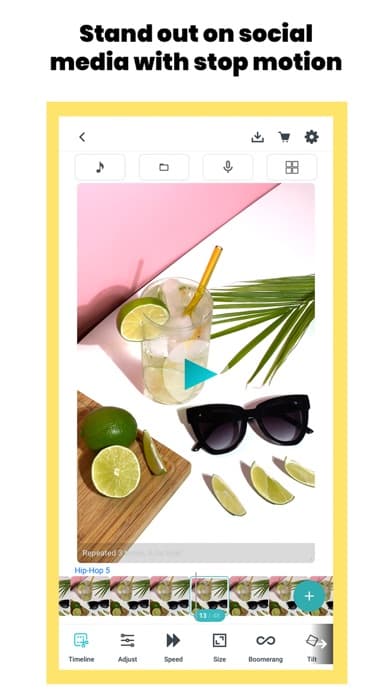
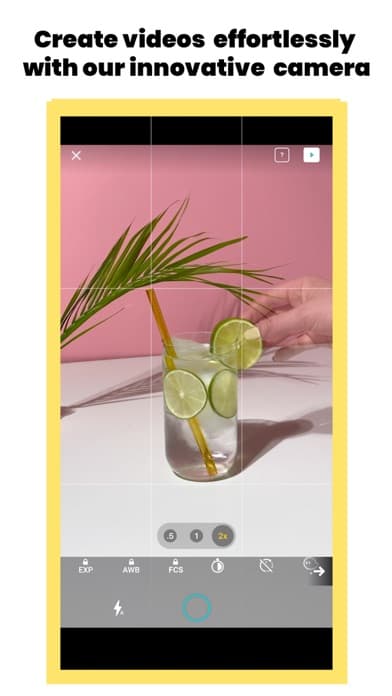
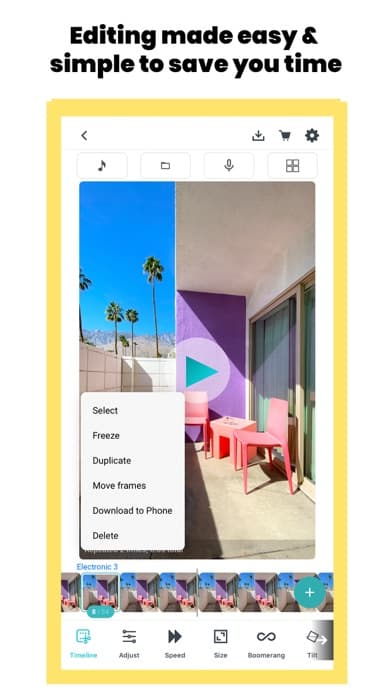
Life Lapse is the best camera app for stop-motion and time-lapse work because it ships a complete stop-motion workflow — onion-skinning, frame-rate control, audio sync — that no other app on this list offers. The differentiator is the dedicated stop-motion UI: instead of being a general camera with a hidden time-lapse mode, Life Lapse is built for the one job. Compared to the stock Camera app's time-lapse, Life Lapse gives you full creative control over frame rate, duration, and frame-by-frame editing. Real use case: animate a craft project frame by frame, adjust the playback speed, add a music track, export at 60fps for Instagram. The tradeoff is scope — if you're not doing stop-motion, this app sits unused on your phone, and the AI features sit behind subscription. At 4.79/5 from 9,329 ratings the volume is small but the rating is high, which means people who use it for the niche love it. Worth the install only if stop-motion is part of your workflow.
Pros
- Only dedicated stop-motion camera with onion skinning on iPhone
- Full frame-rate and audio control for finished animations
- High 4.79 rating from a focused niche user base
Cons
- Useless outside stop-motion or time-lapse workflows
- AI features and music library require subscription
- 4
 Get on App Store
#4ProCamera. Professional CameraBest Manual Controls
Cocologics
Pro HDR, RAW+ Manual Video Cam
- Rating
- 4.7
- Reviews
- 11K
- Price
- Paid
- 90-day trend
- —
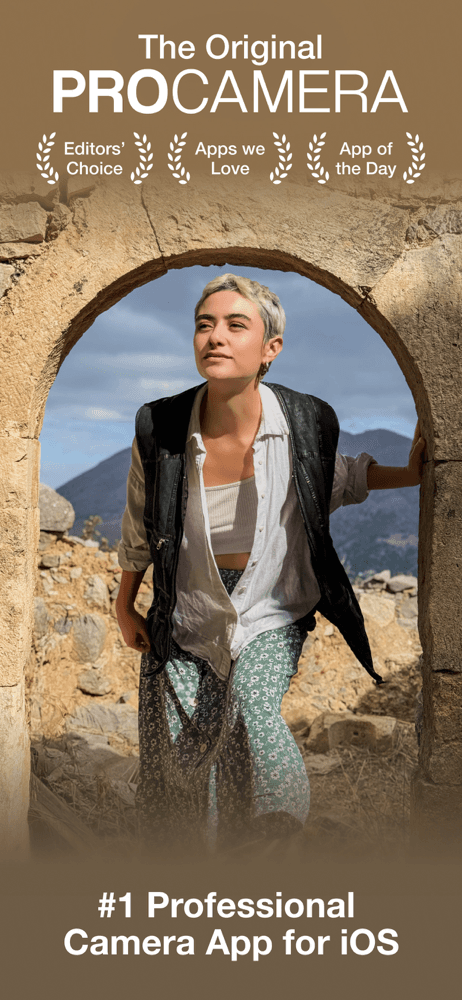
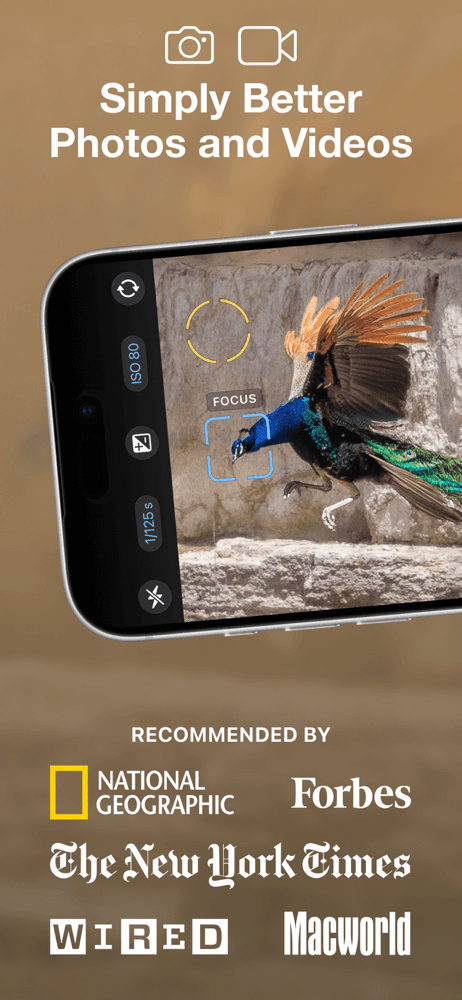
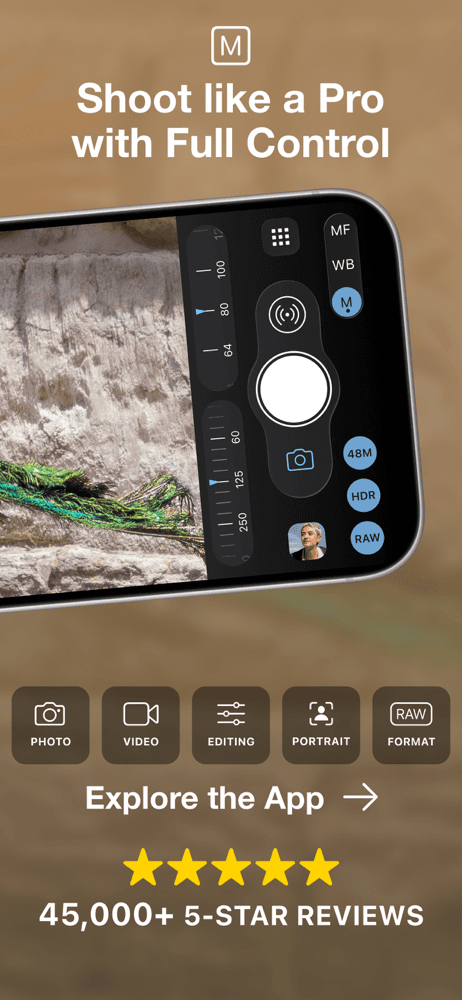
ProCamera is the best camera app for professional manual control because Cocologics has spent over a decade refining the touch-driven manual interface that working photographers actually use day-to-day. The differentiator is the deep manual exposure ladder — shutter, ISO, white balance, and focus all directly accessible without menus, plus HDR and a strong video mode. Compared to Halide, ProCamera is older and more menu-driven; compared to Manual Camera Pro, it has a broader feature set including HDR composite. Real use case: shoot a backlit portrait, dial in -1 EV, lock focus on the eye, capture in RAW+, export to Lightroom for finishing. The tradeoff is the subscription model — the 7-day trial ends in a recurring fee, and reviewers expect a one-time purchase given the app's age. At 4.71/5 from 10,856 ratings, the rating reflects loyal pro users who trust the interface; casual users push back on the pricing.
Pros
- Decade-refined manual exposure interface for pro photographers
- Strong HDR composite and RAW+ workflow
- Trusted by working photographers for daily use
Cons
- Subscription model rather than one-time purchase frustrates loyal users
- UI feels older next to Halide and Leica LUX
- 5
 Get on App Store
#5RNI Films: Photo & RAW EditorBest for DSLR Sim
Really Nice Images LTD
Analog & Vintage Film Filters
- Rating
- 4.8
- Reviews
- 9.1K
- Price
- Free
- 90-day trend
- —
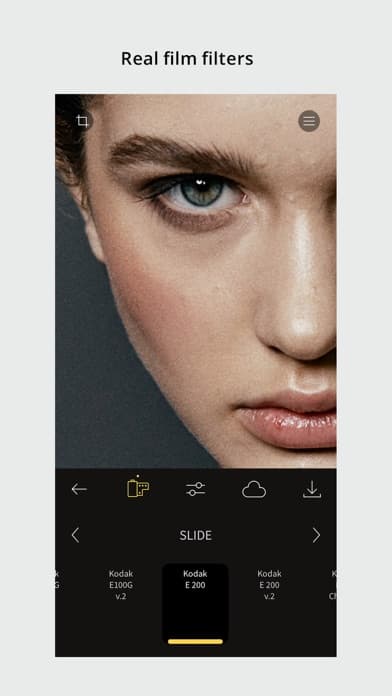
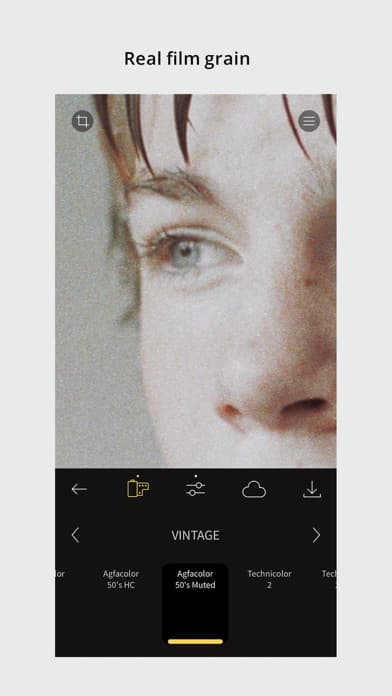
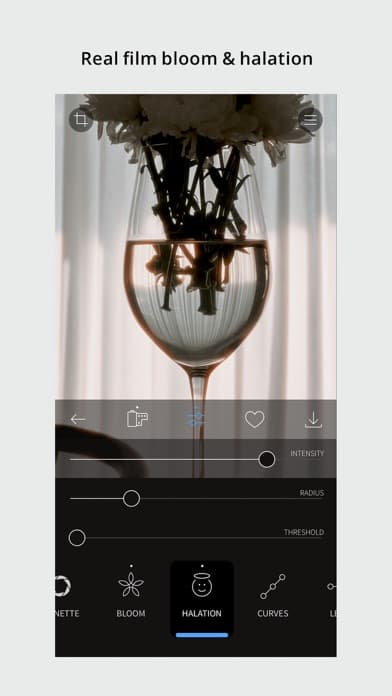
RNI Films is the best camera app for shooting digital with an analog film look because RNI built its business on digitizing real film stocks and packaging the color and grain as filter presets. The differentiator is authenticity — the looks come from actual film negatives RNI scanned and profiled, not synthesized in software. Compared to Dazz Cam, RNI is more serious and photo-first (less TikTok-coded). Compared to Halide, it adds aesthetic looks rather than RAW control. Real use case: shoot a portrait in RAW, apply the Kodak Portra 400 profile in-app, fine-tune the grain, export with the film look baked in. The tradeoff is scope — RNI is essentially a single-purpose tool, and the subscription model gates the largest film stock libraries. At 4.79/5 from 9,023 ratings the volume is small but the rating is the highest in the pro-camera tier, which says serious users trust the color work.
Pros
- Film looks built from real scanned negatives, not simulations
- Color science respected by working photographers
- Highest rated app in the pro-camera tier at 4.79
Cons
- Subscription required for full film stock library
- Single-purpose tool with limited capture controls
- Rating
- 4.8
- Reviews
- 6.9K
- Price
- Paid
- 90-day trend
- —
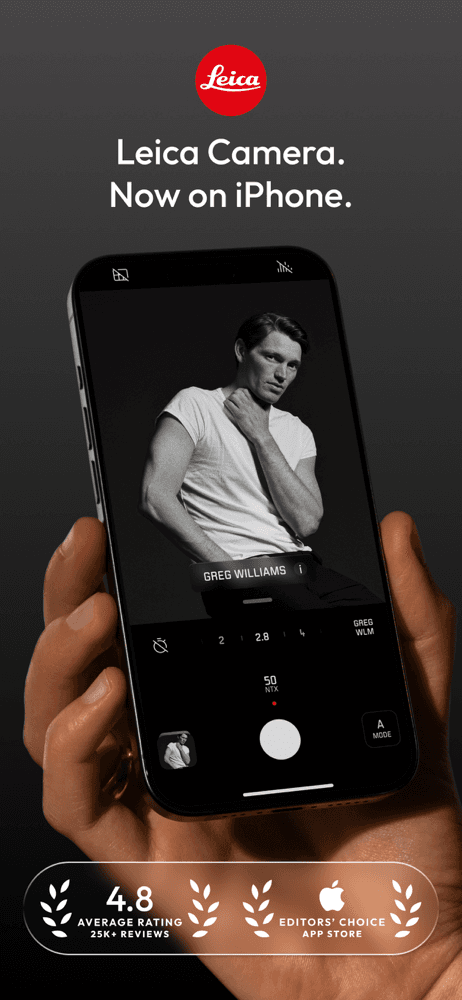
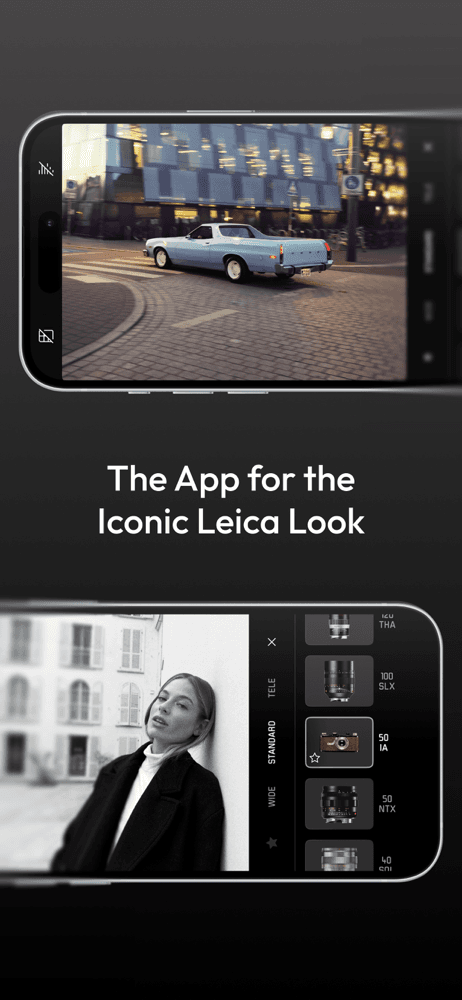
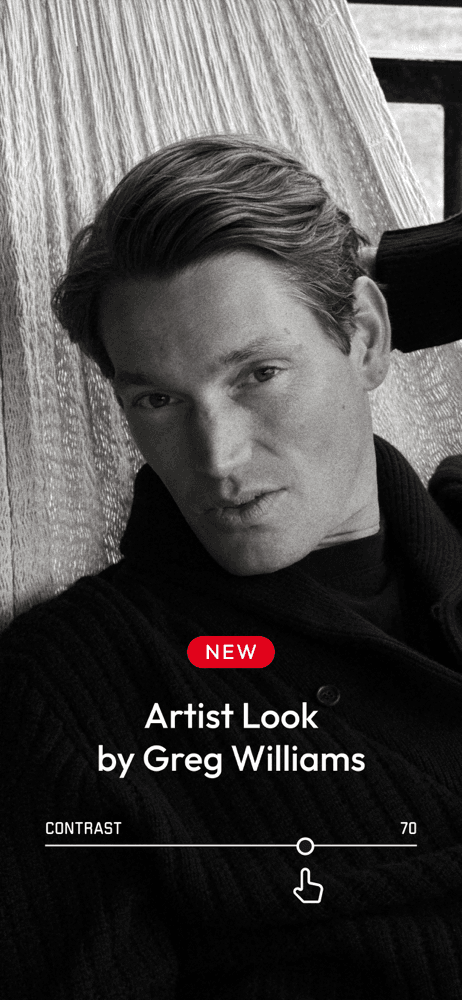
Leica LUX is the best camera app for cinematic color because it's developed in-house by Leica and applies the company's signature lens and color profiles to the iPhone sensor at capture. The differentiator is the Leica Look — the same color science used in M-series and Q-series cameras, optimized for the iPhone pipeline. Compared to Halide, Leica LUX is less about manual control and more about color and aesthetic; compared to Dazz Cam, it's the real thing, not a stylized approximation. Real use case: shoot a street portrait, apply the 'Leica Standard' profile, capture in RAW DNG, export. Reviewers in the 5-star pool note Leica's acquisition of Fjorden and praise the lens emulations specifically. The tradeoff is the freemium pressure — the free tier is real but the most distinctive lens looks require a Pro subscription. At 4.84/5 from 6,054 ratings, this is the highest-rated paid pro camera in the list. Worth a trial.
Pros
- Leica's own color science applied to iPhone sensor at capture
- Highest-rated paid pro camera on this list at 4.84/5
- Real RAW DNG output for Lightroom and pro workflows
Cons
- Best lens emulations gated behind Pro subscription
- Less manual control than Halide or ProCamera
- 7
 Get on App Store
#7Halide Mark III - Pro CameraBest for RAW
Lux Optics Incorporated
Zero AI, Natural Photos, RAW
- Rating
- 4.5
- Reviews
- 13.2K
- Price
- Paid
- 90-day trend
- —
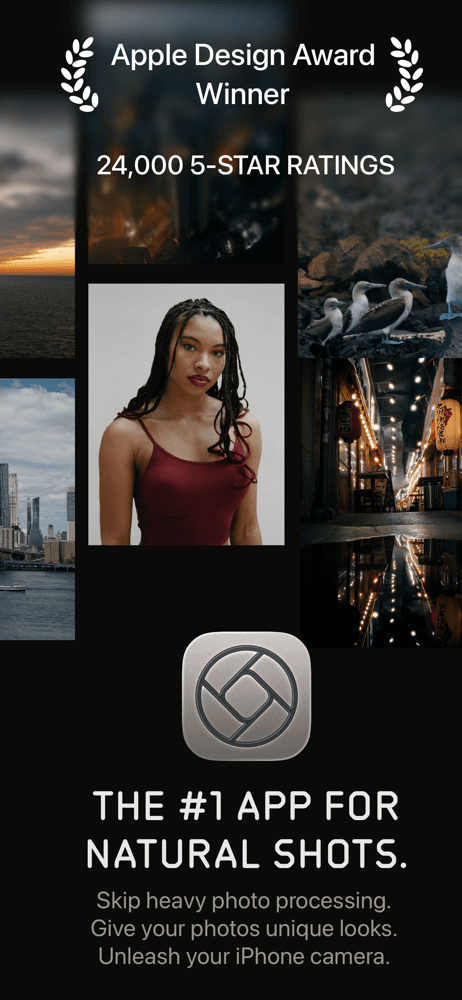
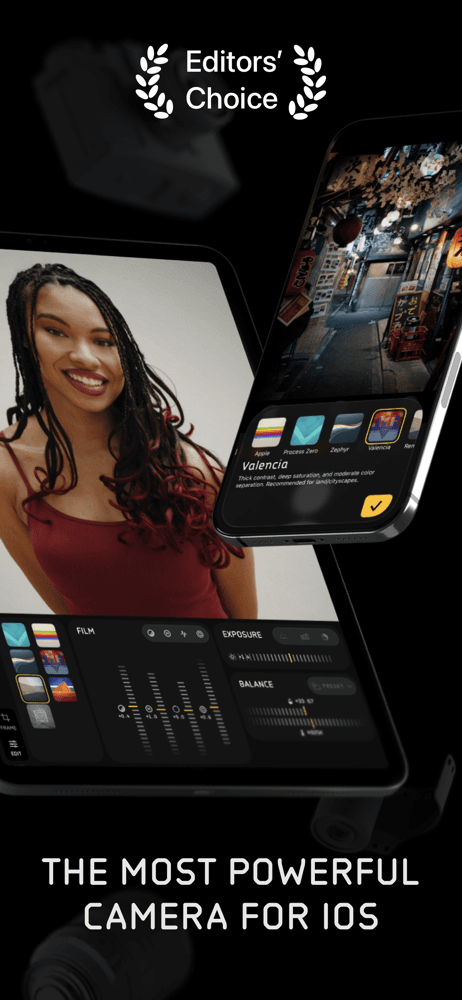
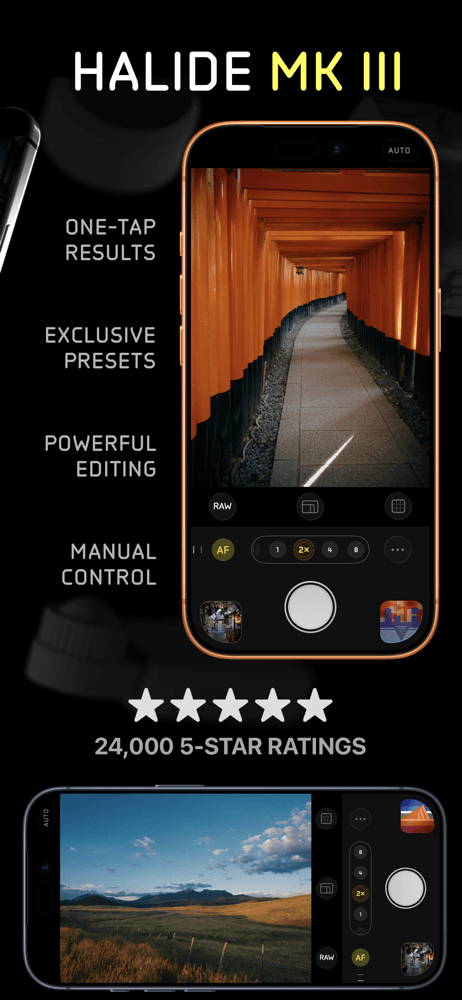
Halide Mark II is the best camera app for purist manual photography because Lux Optics built it on a 'Zero AI' philosophy — no neural processing, no smart HDR, just direct control over the iPhone sensor. The differentiator is the radical no-AI commitment paired with focus peaking, depth-mapping, and macro mode that working photographers depend on. Compared to ProCamera, Halide is more focused and minimal; compared to Leica LUX, it skips aesthetic color in favor of clean signal. Real use case: shoot a landscape in RAW DNG, lock manual focus with peaking, dial in shutter and ISO independently, export with no Apple processing. The tradeoff is the rating itself — at 4.44/5 it's the lowest-rated app on this list, and reviewers note the steep learning curve and the developer's polarizing subscription pivot. But the 12,928 ratings reflect a loyal pro audience. Worth it if you specifically want Apple's pipeline out of your photos.
Pros
- 'Zero AI' commitment — no Apple processing on output
- Focus peaking and depth tools serious photographers depend on
- Available as one-time purchase outside subscription
Cons
- Lowest rating on this list at 4.44 — learning curve frustrates some users
- Subscription pivot polarizing for long-time paid users
- Rating
- 4.6
- Reviews
- 3.2K
- Price
- Paid
- 90-day trend
- —
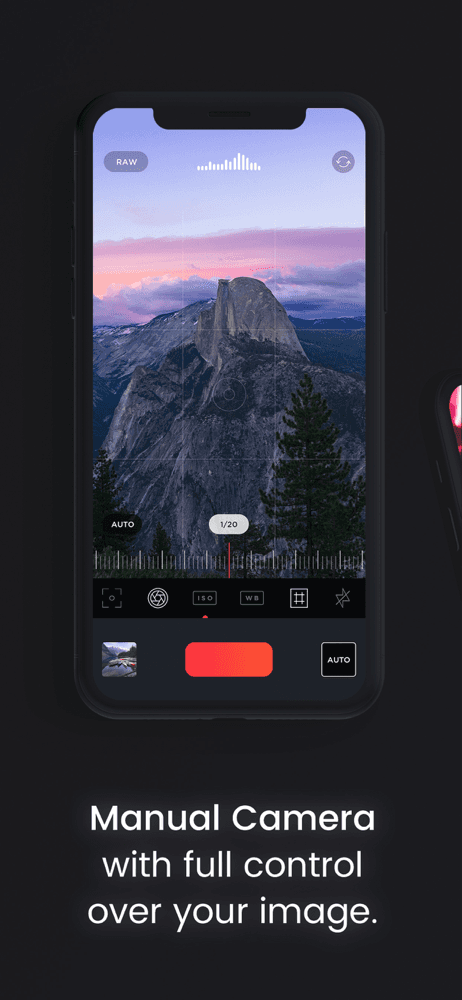
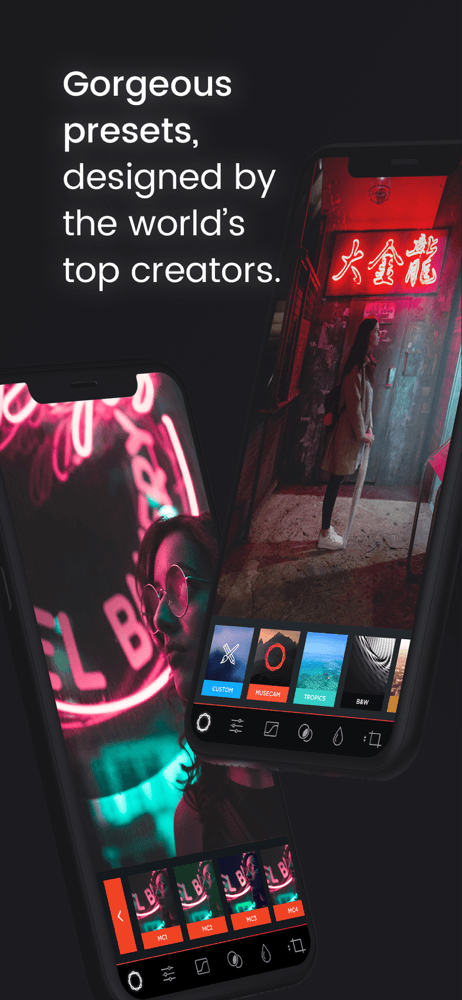
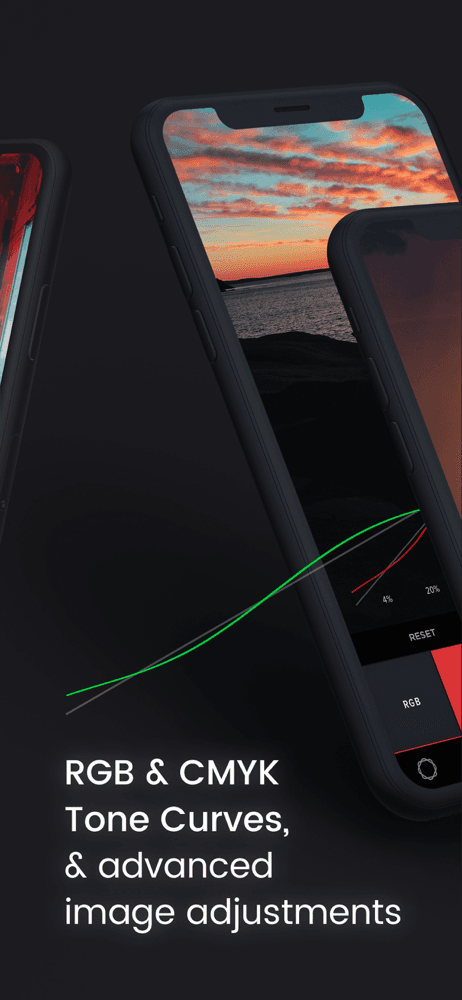
Manual Camera Pro (Musecam) is the best camera app for accessible manual RAW because it's an App Store Editor's Choice that pairs manual exposure with a built-in preset-based RAW editor. The differentiator is the manual-capture-plus-RAW-editor combo: shoot in RAW with full manual control, then edit on the same screen using curated presets. Compared to Halide, this includes the editor; compared to ProCamera, the UI is cleaner and the presets are more interesting. Real use case: shoot a moon photo with manual exposure, apply a sky-enhancing preset, export. Reviewers specifically praise the RAW editing flow ('RAW just got real ... most powerful RAW editor in iOS'). The tradeoff is the smaller user base — at 3,226 ratings it has the lowest volume in the pro tier, which means slower updates if you hit a bug. At 4.61/5 the rating is solid; treat it as the budget-conscious pro choice.
Pros
- App Store Editor's Choice with manual capture and RAW editor combined
- Curated presets simplify the RAW finishing flow
- Solid value for accessible pro-grade manual control
Cons
- Small user base means slower updates and bug fixes
- Preset library smaller than dedicated editor apps
- 9
 Get on App Store
#9DSLR CameraBest for Disposable
Fulvio Scichilone
The complete photo & video app
- Rating
- 4.7
- Reviews
- 2.9K
- Price
- Paid
- 90-day trend
- —
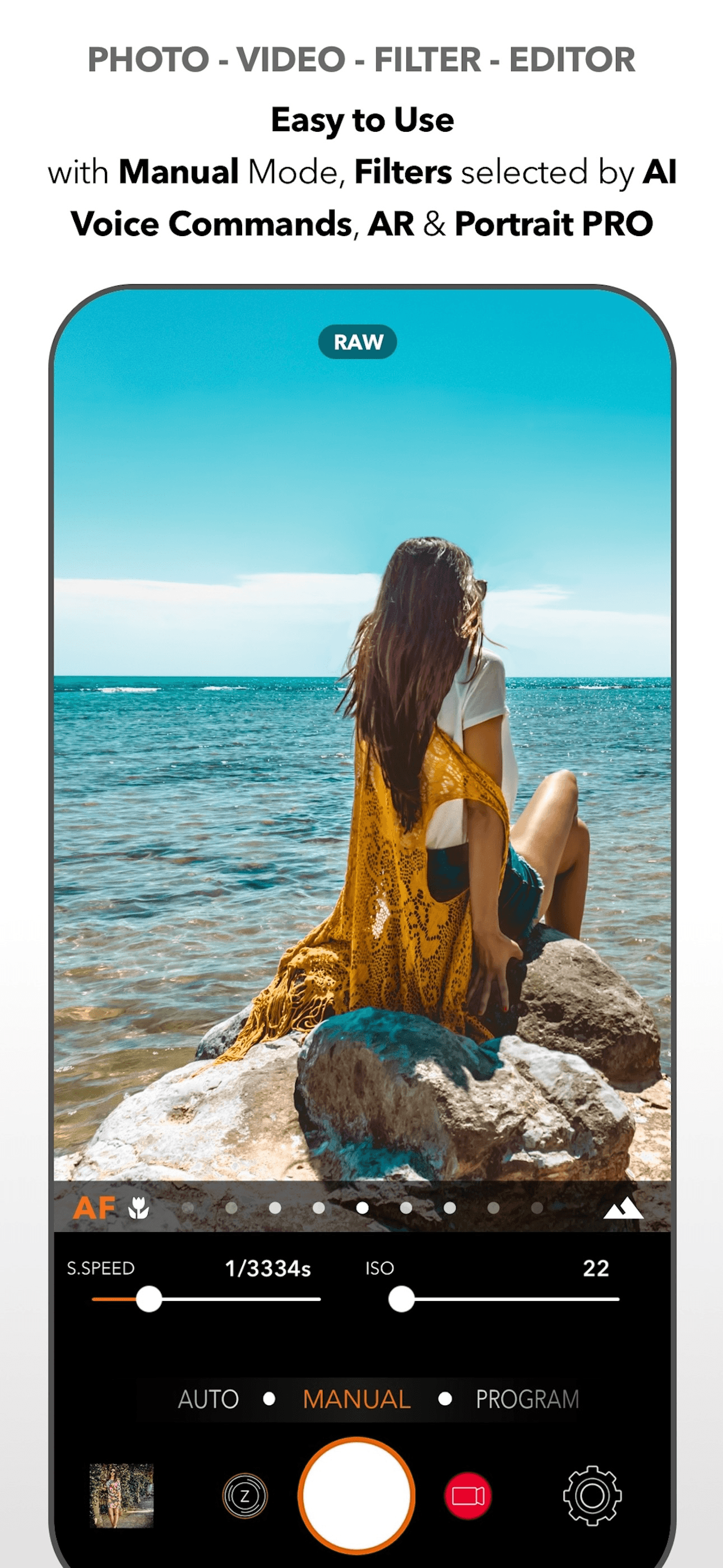
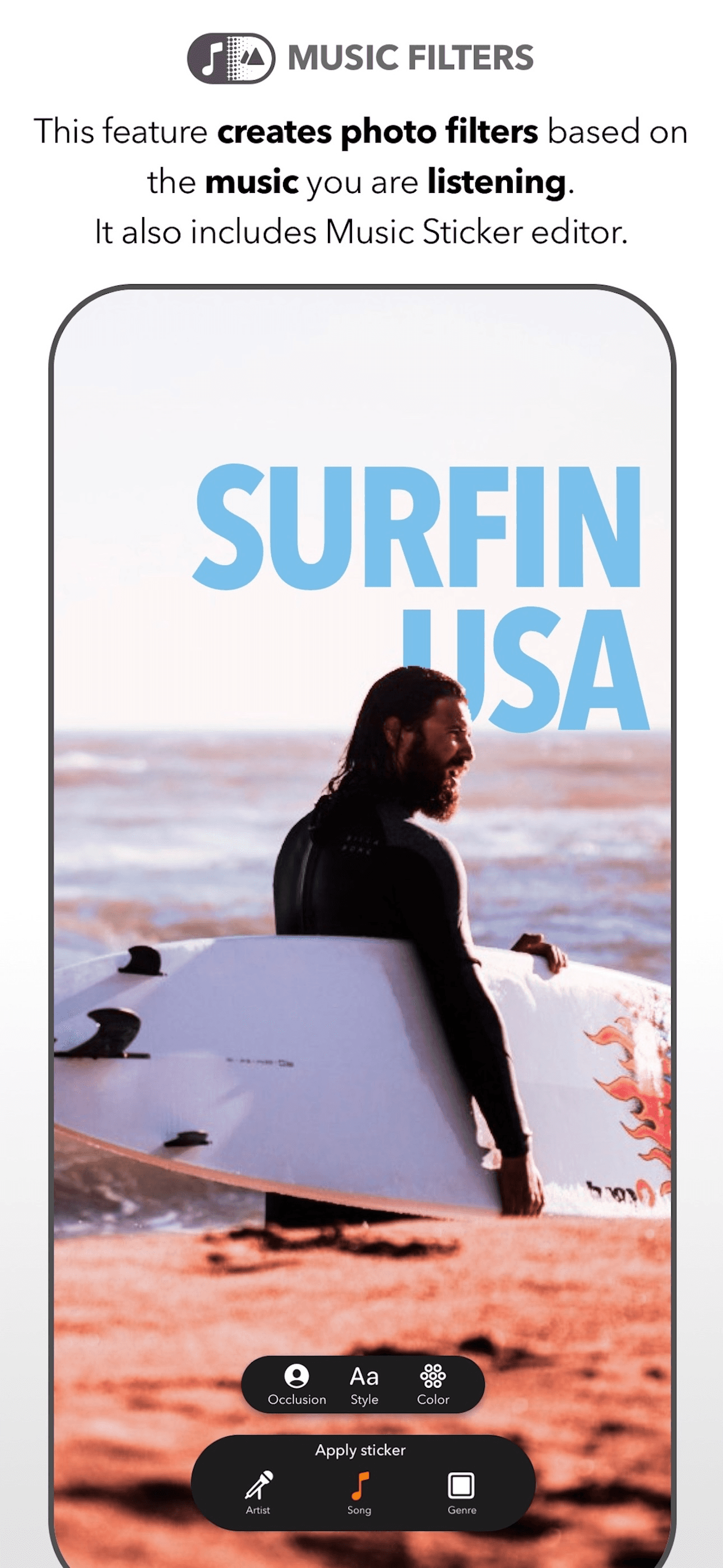
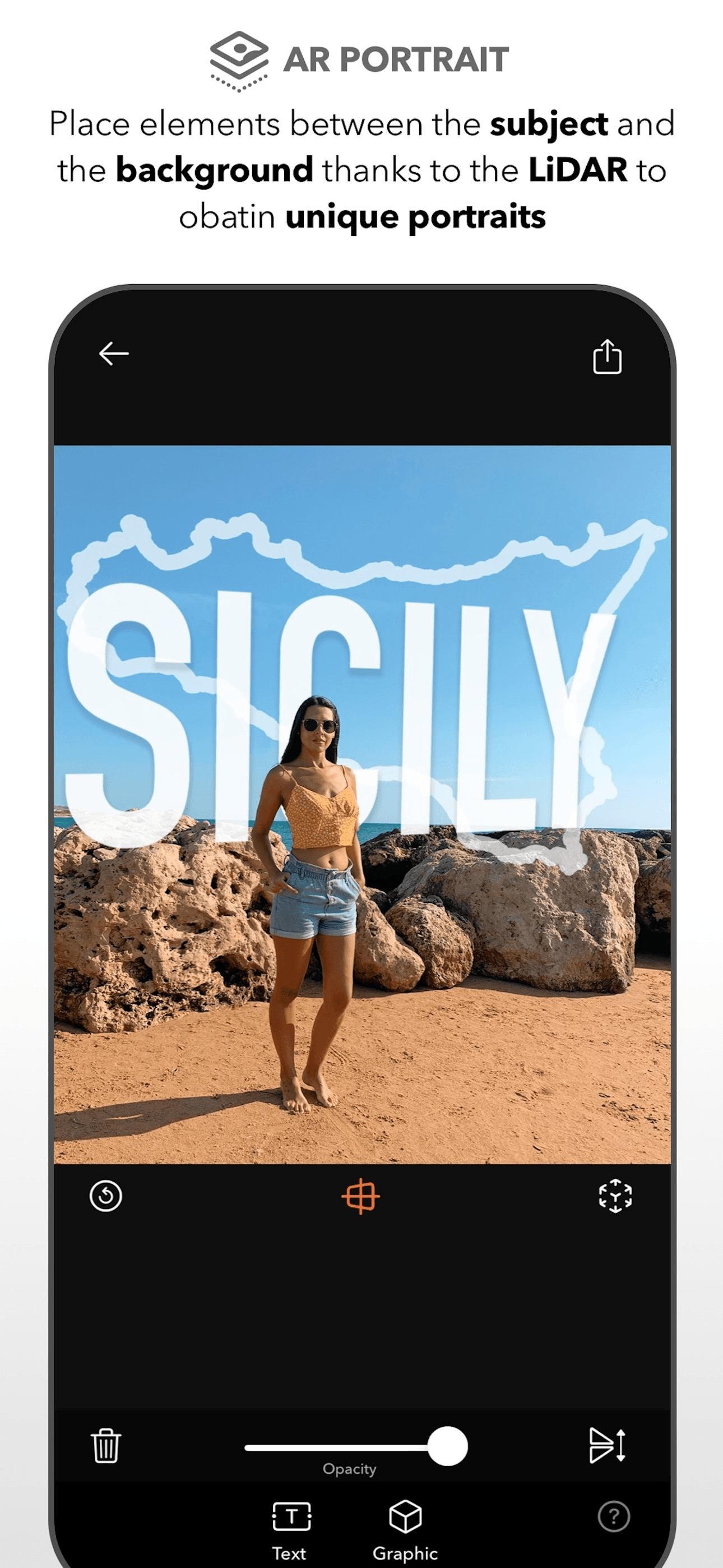
DSLR Camera is the best camera app for simulated DSLR controls because Fulvio Scichilone built a Swiss-army-knife camera that puts manual controls, advanced filters, and a photo editor into one bundle. The differentiator is the breadth — manual exposure, focus, 200+ filters, Apple Watch support, and iMessage integration in a single paid download. Compared to ProCamera, it's broader but less polished; compared to Halide, it adds filters Halide refuses to ship. Real use case: shoot a portrait with manual exposure, apply one of the built-in 200+ filters, share to iMessage with the Watch app. The tradeoff is the kitchen-sink design — the UI feels dated next to Halide and Leica LUX, and the filter library mixes hit-or-miss aesthetic looks. At 4.66/5 from 2,866 ratings the rating holds; the volume is small enough that it's a niche pick for users who specifically want broad utility in one paid download.
Pros
- Manual controls, 200+ filters, and Apple Watch support in one bundle
- Paid one-time download includes editor and capture
- Strong breadth of features for the price
Cons
- UI feels dated next to Halide and Leica LUX
- Filter quality is uneven across the 200+ library
- Rating
- 4.6
- Reviews
- 2.4K
- Price
- Paid
- 90-day trend
- —
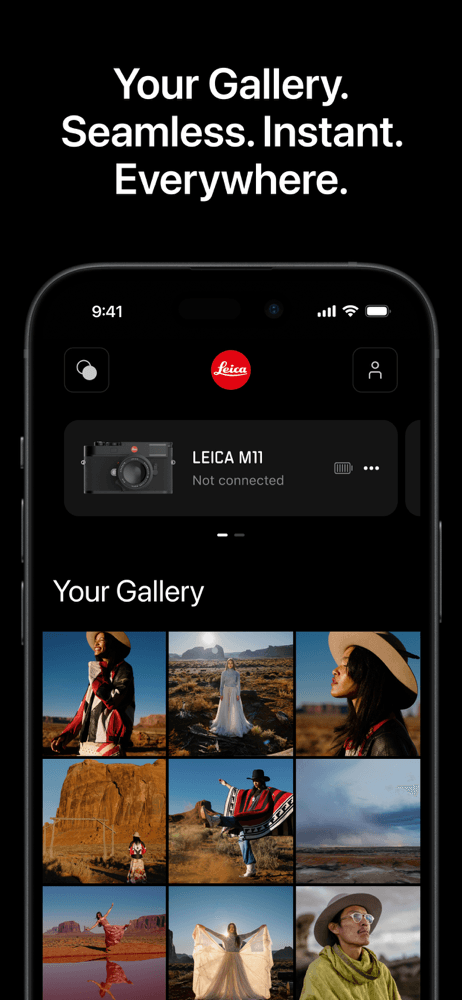
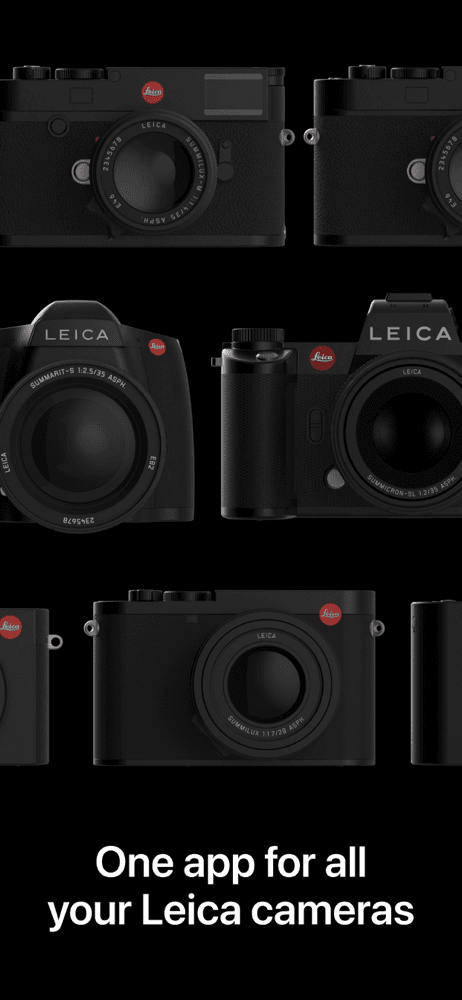
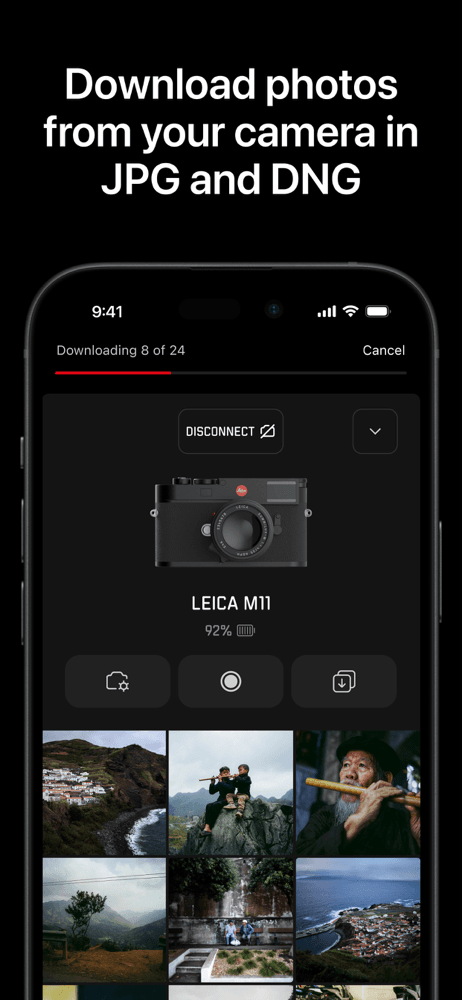
Leica FOTOS is the best camera app for Leica camera owners because it's the official companion app for connecting an iPhone to a Leica body — not a standalone iPhone camera. The differentiator is the workflow: tethered shooting, instant transfer of RAW DNG files from M and SL cameras, and remote camera control. Compared to every other app on this list, this isn't a competitor — it's a companion. Real use case: shoot with a Leica Q3 on the street, transfer the DNG to your iPhone over Wi-Fi, edit in Lightroom, post immediately. The tradeoff is sharply niche: if you don't own a Leica body, this app does nothing useful for you. At 4.58/5 from 2,211 ratings the rating reflects a small, satisfied audience of Leica owners. We include it for the photographers in our audience who actually shoot with Leica gear; for everyone else, skip to Leica LUX or Halide for an iPhone-native experience.
Pros
- Official Leica companion for tethered iPhone-to-camera workflow
- Instant DNG transfer from M and SL bodies over Wi-Fi
- Remote camera control and exposure adjustment from iPhone
Cons
- Useless without a Leica camera body in the bag
- Not an iPhone-native camera — it's a companion app


How we picked
### Data sources We pull live data from Apple's iTunes Search and Lookup APIs for every app: rating, rating count, current version, price, in-app purchase status, screenshots, and full description. Review samples come directly from the public US App Store RSS feed and are stored unmodified in our `app_reviews` table. Numbers in each card reflect the latest snapshot in our pipeline as of the review date.
### How we score Three weighted signals: (1) US average rating and rating volume, with rating count weighting confidence — a 4.7 from 100K beats a 4.9 from 1K; (2) recent review sentiment, where we read 5-star and 1-3 star samples and tag recurring themes (paywall complaints, crash reports, feature praise, broken updates); and (3) editorial fit for the niche, using each app's official description and subtitle to confirm it actually solves a camera-app problem instead of being a pure editor.
### Refresh cadence Ratings refresh weekly. Metadata refreshes whenever the App Store reports a new version. Reviews are sampled monthly. The list is re-ranked when a tie-break shifts or a major release lands.
### What we exclude Apps below 4.3/5, apps with fewer than 2,000 US ratings, web-only tools, apps without a working trial or refund path, and anything that hasn't shipped an update in 12+ months.
### What we don't do We don't take payment for placement. We don't use affiliate links to influence ordering. We don't run AI rewriting on user reviews — themes and quotes come from real review text in our database.