



Best Calorie Counter Apps for iPhone
By App Store Tracker Editorial · Updated — live App Store data verified
The short version
The best calorie counter app for iPhone in 2026 is MyFitnessPal — the largest food database (2.3M+ U.S. ratings, 4.71 average), barcode scanner, and the most established sync ecosystem on iOS. Noom is the runner-up if you want a behavior-and-psychology layer alongside calorie logging. Among these 10 picks, MyFitnessPal and Cronometer lead on database depth, Cal AI and Appediet lead on photo-based logging, Zero leads on fasting, and MyNetDiary leads on macro tracking. None of this is medical advice — describe-your-meals, not treat-your-condition.
Jump to a pick↓
A calorie counter for iPhone in 2026 isn't really about counting — it's about how easily logging your food fits into a tired Wednesday evening. Among the 10 calorie-tracking apps on this list — drawn from the U.S. App Store's Health & Fitness category — six lean on a database-and-barcode model, three are AI-photo-first, and one is structured around fasting windows. We weighted apps with mature food databases (millions of items, USDA-aligned), accurate barcode scanners, and macros breakdowns over apps with the prettiest charts. With over 2.3 million U.S. ratings, MyFitnessPal sits alone at the top of the volume curve. Treat the picks as logging tools, not as medical guidance — talk to a clinician about weight, eating disorders, and specific dietary needs.
- 1Get on App Store
#1MyFitnessPal: Calorie CounterBest Overall
MyFitnessPal, Inc.
Workout & AI Nutrition Tracker
- Rating
- 4.7
- Reviews
- 2.3M
- Price
- Free · IAP
- 90-day trend
- —
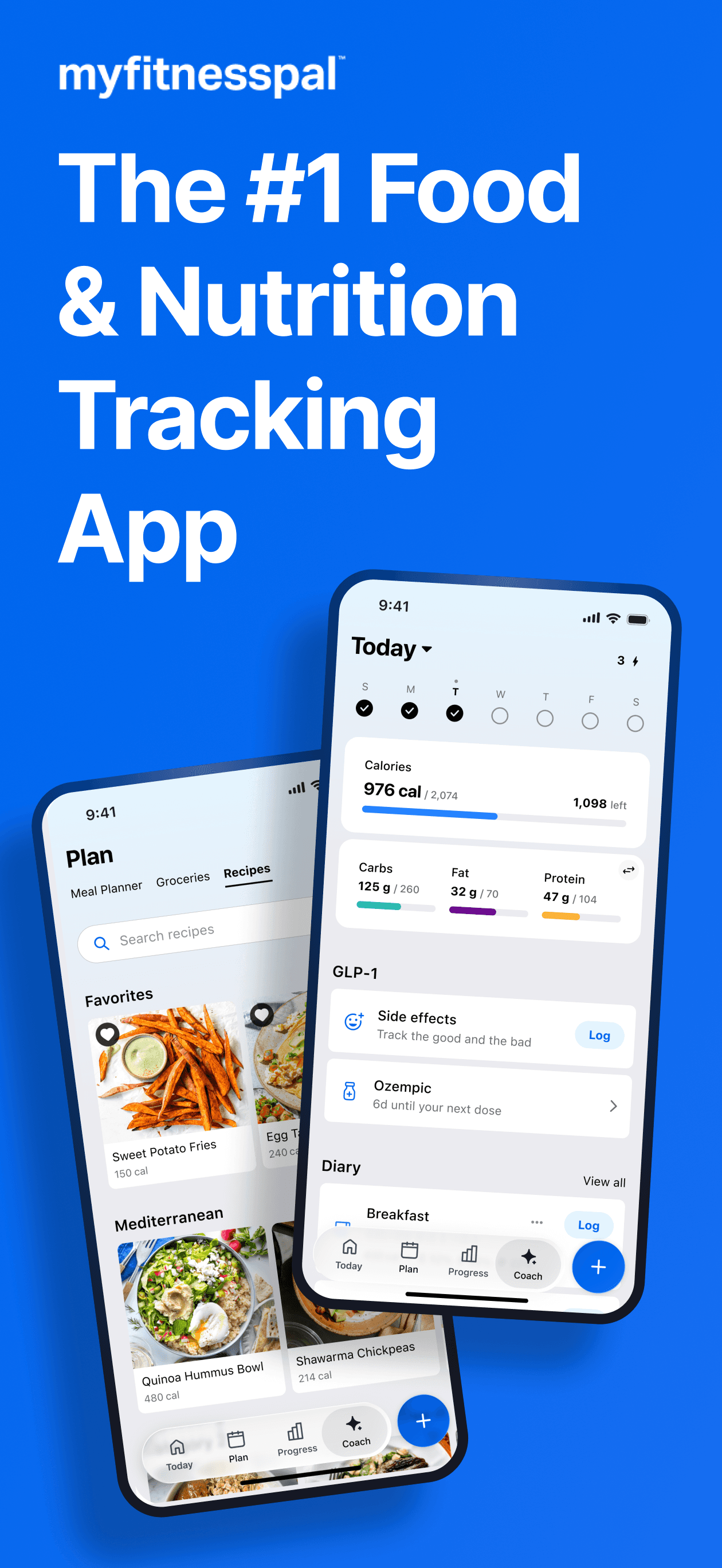
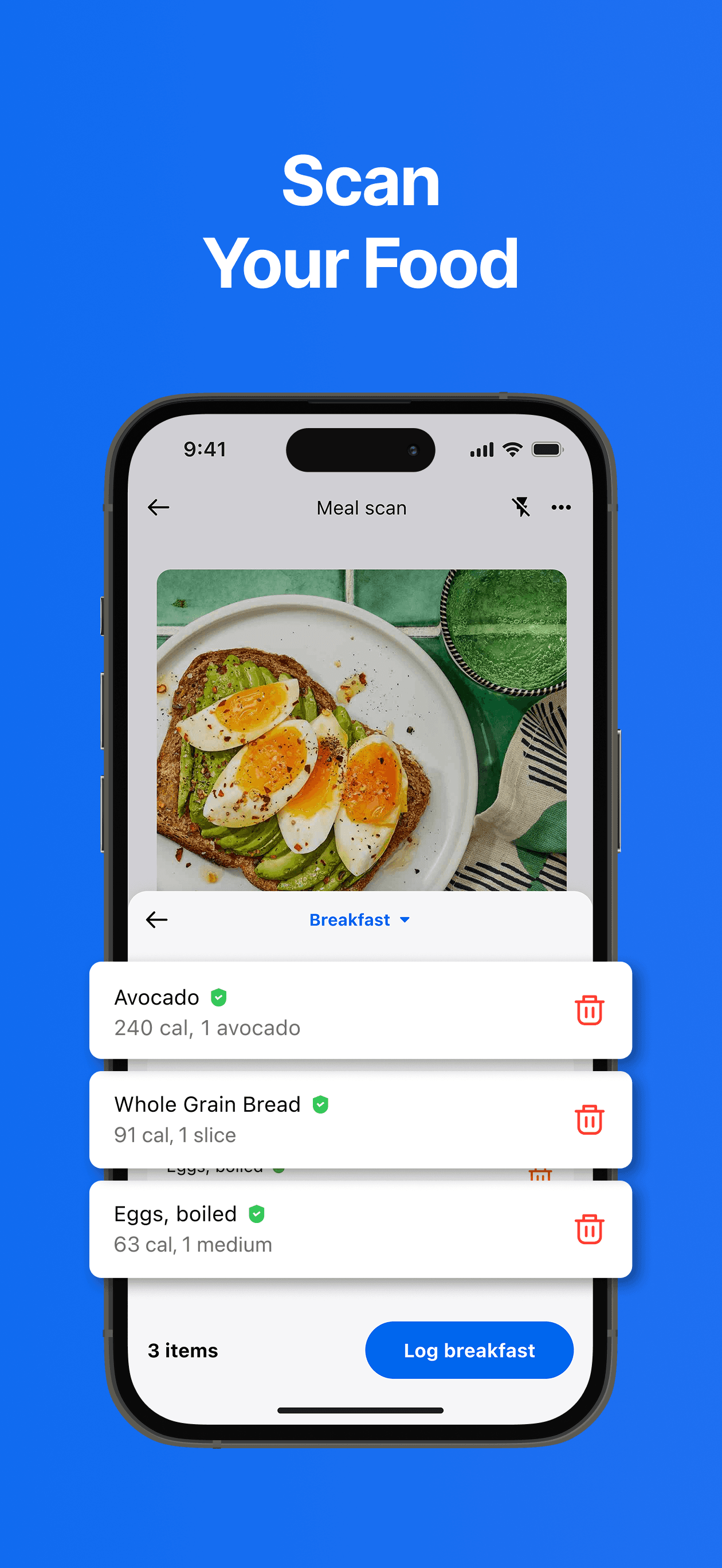
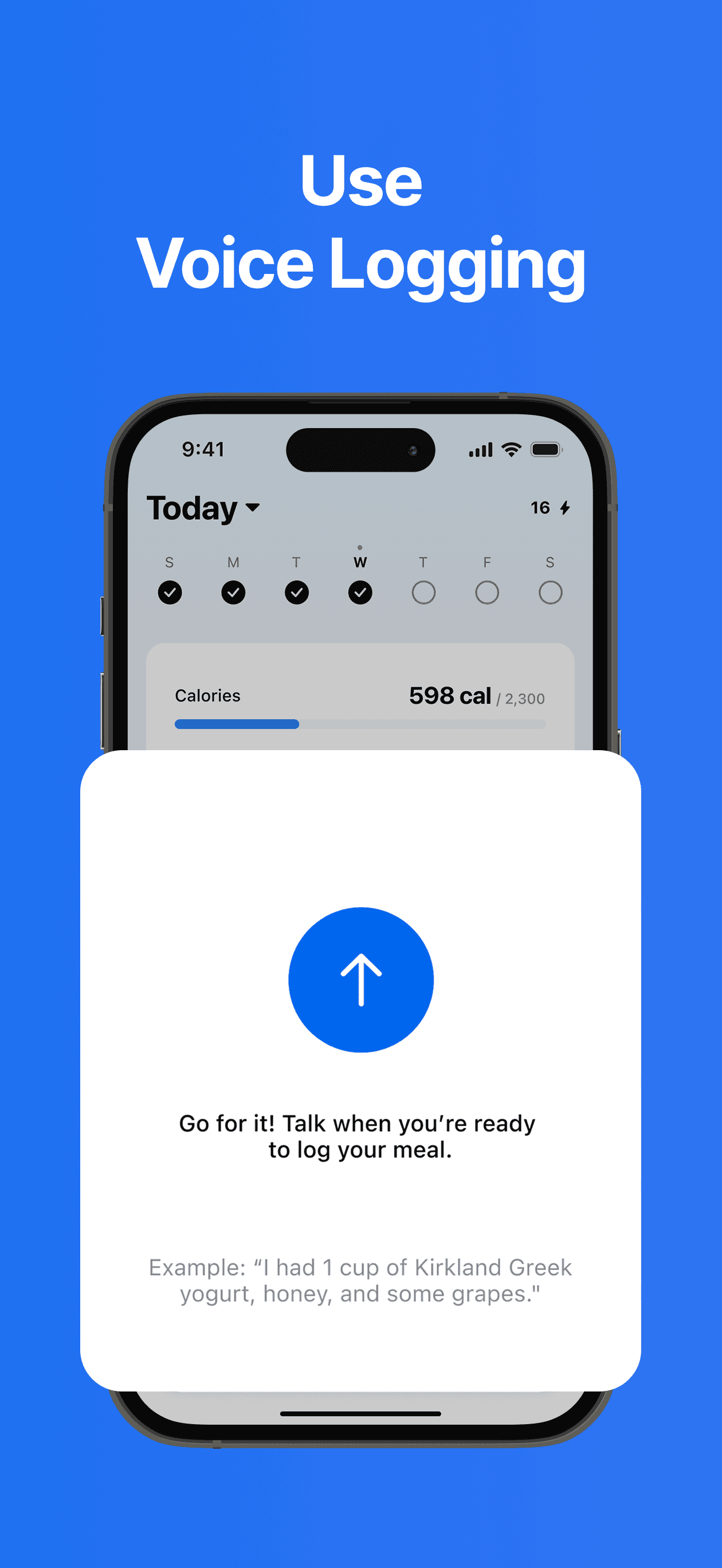
MyFitnessPal is the best calorie counter app for iPhone because volume wins this category. With 2,325,333 U.S. ratings against a 4.71 average — more than every other pick on this list combined — its food database is genuinely the largest U.S.-available, the barcode scanner recognizes nearly every supermarket item, and restaurant chains (Chipotle, Sweetgreen, Starbucks, Chick-fil-A) come pre-loaded with verified entries. MyFitnessPal differs from Noom by being a tool, not a program — there's no weekly lesson, no behavior-change pitch, just logging that gets faster the longer you use it. A real scenario: you scan a Trader Joe's barcode, the entry pulls in macros, you tap 'log to lunch,' and the whole process takes 12 seconds while you're still in line. The tradeoff is the freemium model — recipe import, advanced macros, and food analysis sit behind Premium ($19.99/month or $79.99/year). The interface has accumulated 15 years of features and feels denser than newer competitors. Best if you want the database breadth and don't mind navigating a mature app.
Pros
- Largest U.S. food database with 2.3M+ ratings and 4.71-star average
- Barcode scanner recognizes nearly every supermarket and restaurant chain entry
- Writes back to Apple Health so nutrition data stays unified across iOS
Cons
- Premium gates recipe import, advanced macros, and food analysis behind paywall
- Interface has 15 years of accumulated features and feels denser than newer apps
- 2Get on App Store
#2Noom Weight Loss, Food TrackerBest for Weight Loss
Noom, Inc.
Healthy Habits, Meals & GLP-1s
- Rating
- 4.7
- Reviews
- 868.5K
- Price
- Free · IAP
- 90-day trend
- —
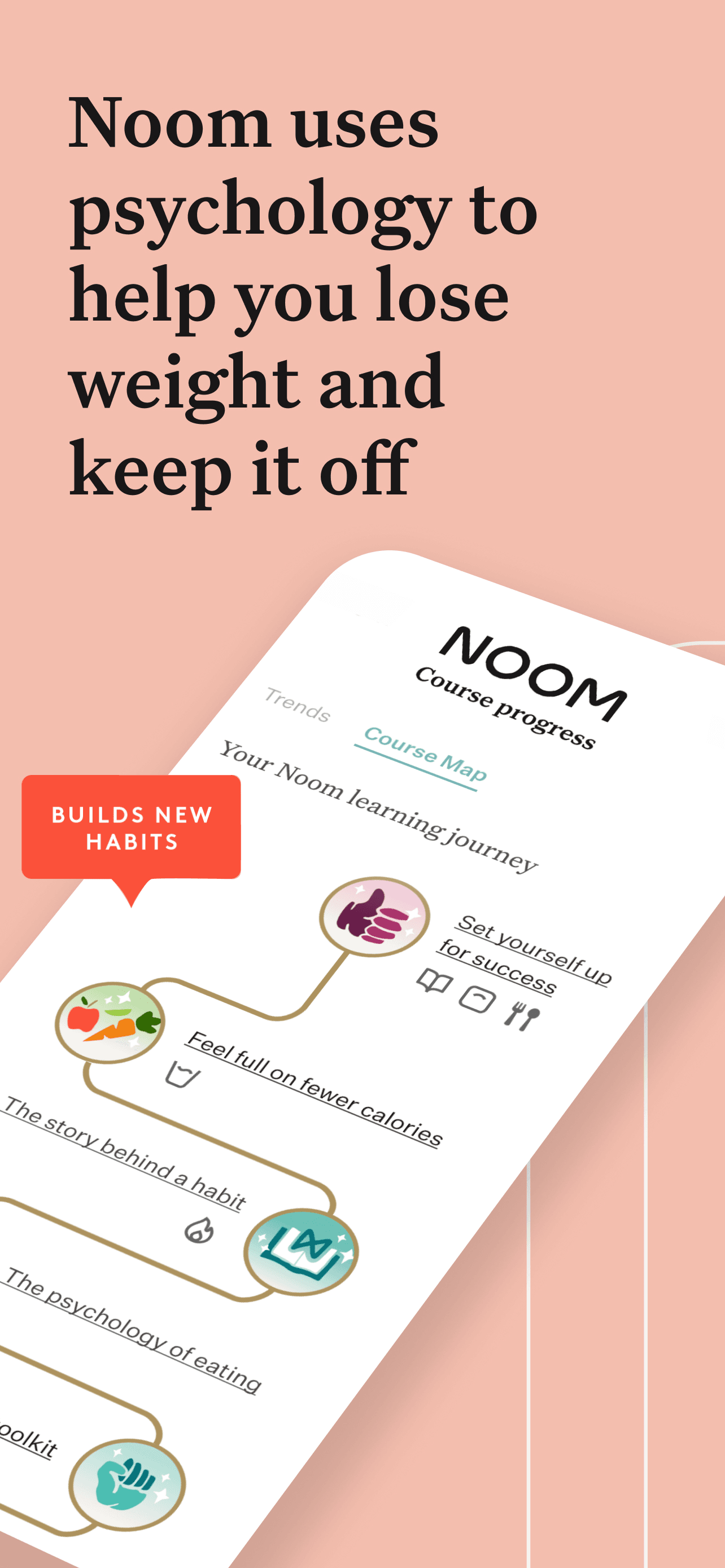
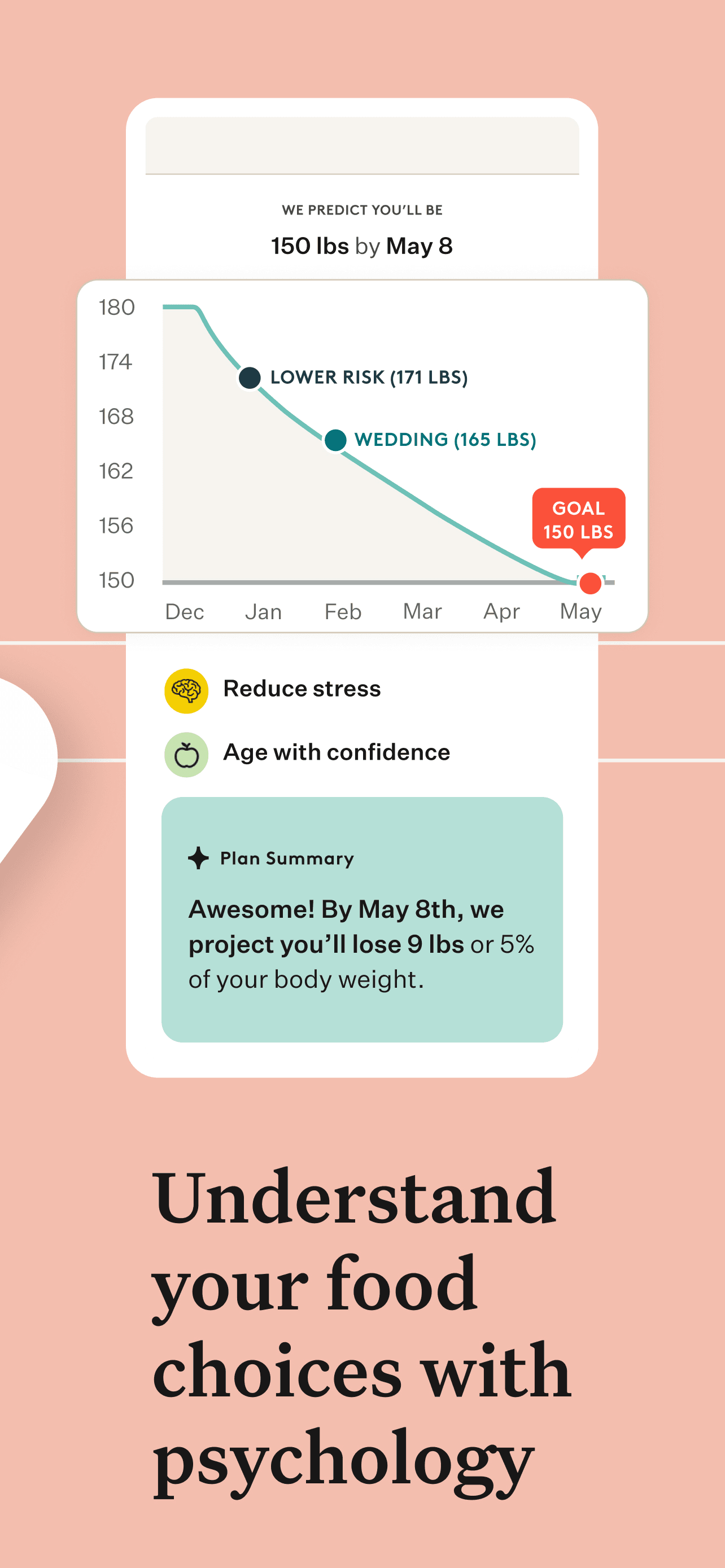
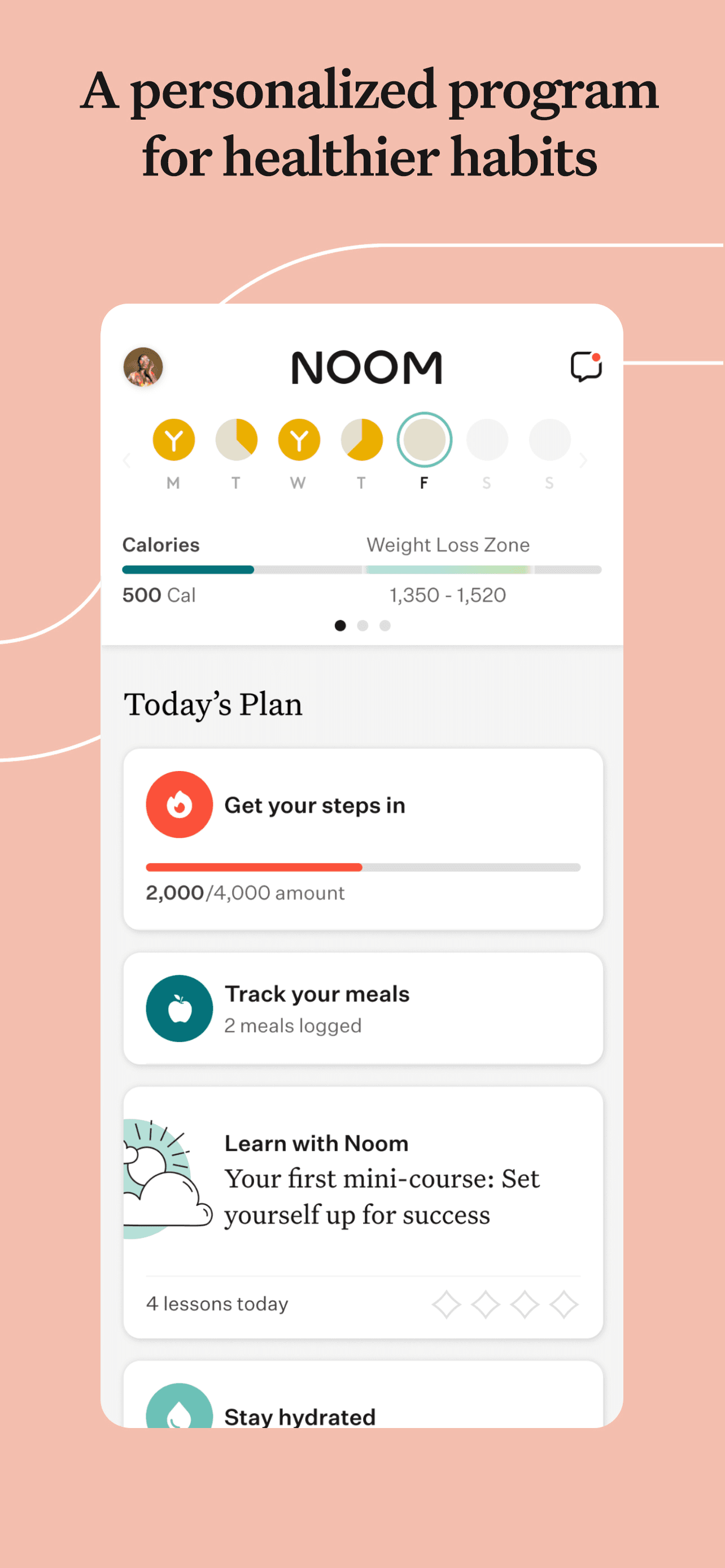
Noom is the best calorie counter app for iPhone users who've tracked before and bounced off the daily habit. With 864,290 U.S. ratings and a 4.7 average, Noom pairs calorie logging with daily behavior-change lessons, weekly check-ins, and (on higher tiers) human coaching. Noom differs from MyFitnessPal by treating tracking as the spreadsheet and the lessons as the actual product — you're paying for the program, not just the database. A real scenario: you log breakfast, get a five-minute psychology mini-lesson about hunger versus craving, and check off the day's reading; the cumulative habit is the point. The tradeoff is price ($70/month or $209/year is common at standard prices, with frequent promotional discounts) and review-flagged friction around the subscription experience — users describe difficulty getting refunds after a trial converts. The food database is solid but smaller than MyFitnessPal's; the color-coded green/yellow/red system simplifies choices but isn't truly clinical-grade nutrition guidance. Best when behavior is the obstacle, not measurement.
Pros
- Daily behavior-change lessons turn tracking into a program rather than a tool
- Color-coded green-yellow-red system simplifies food choices for new trackers
- 864K U.S. ratings and 4.7-star average reflect sustained user retention
Cons
- Subscription pricing runs high and reviewers cite difficulty obtaining refunds
- Food database is solid but smaller than MyFitnessPal's category-leading catalog
- 3Get on App Store
#3Zero: Fasting & Food TrackerBest for Fasting
Zero Longevity Science, Inc.
Intermittent Fasting Timer
- Rating
- 4.8
- Reviews
- 445.3K
- Price
- Paid
- 90-day trend
- —
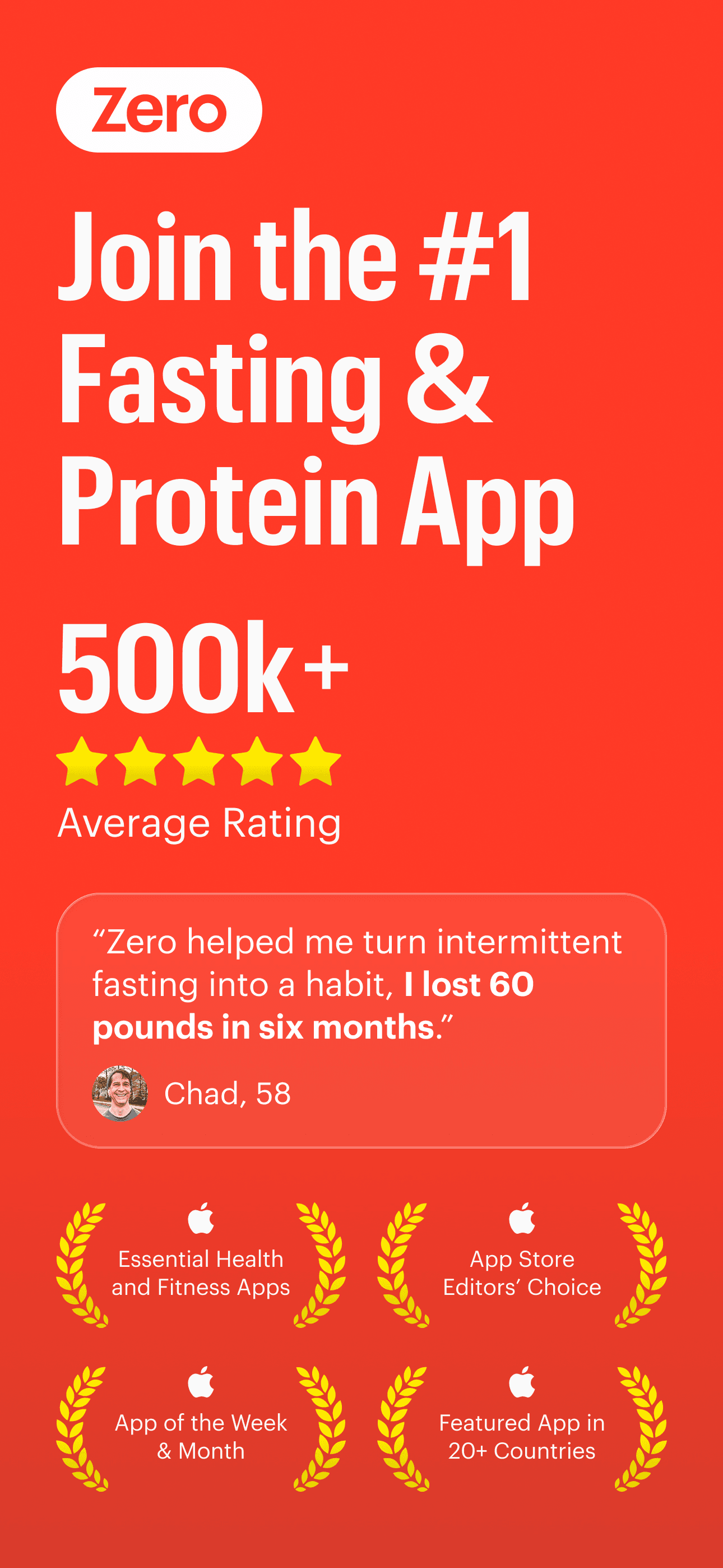
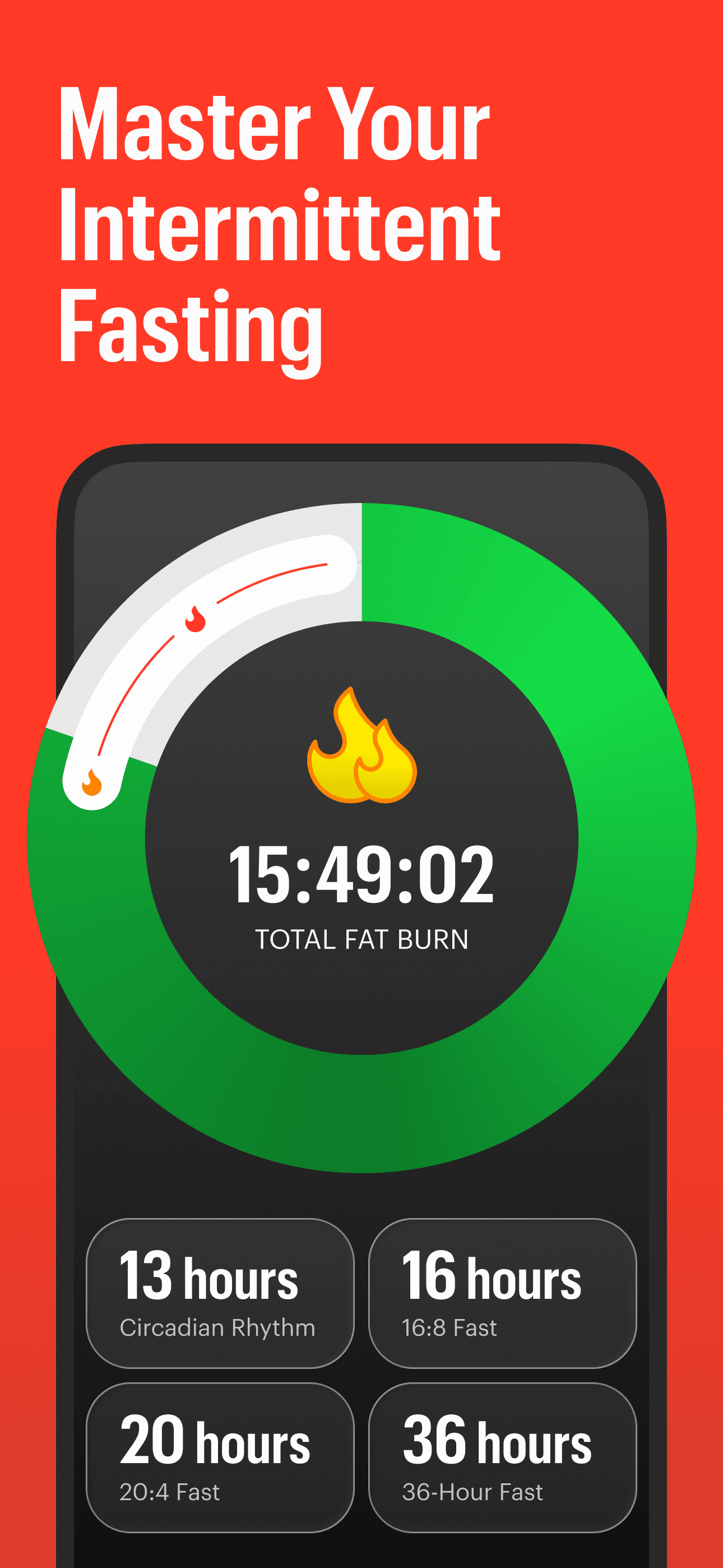
Zero is the best calorie counter app for iPhone users built around intermittent fasting. With 445,265 U.S. ratings at a 4.82 average, Zero leads on fasting-window tracking and pairs that with a food log that focuses on what and when, not just how many calories. Zero differs from MyFitnessPal by structuring the day around eating windows rather than meal slots — your fasting timer is the home screen, calories sit alongside. A real scenario: you set a 16:8 fasting protocol, the app tracks your fast in real time, calories you log fit inside the eight-hour window, and you watch a weight chart correlate with adherence over weeks. The tradeoff is that if you're not fasting, half the app is dead weight — the fasting structure is the value. Premium ($69.99/year as a common price) unlocks longer fast tracking, advanced charts, and personalized fast goals. Review themes praise the simplicity and the visible progress; positive testimonials mention real weight changes alongside fasting adherence. Best for people whose plan starts with when they eat.
Pros
- Fasting timer drives the home screen with eating windows tracked in real time
- Reviewer testimonials report measurable weight changes tied to fasting adherence
- 4.82-star average across 445K ratings is the highest in the calorie category
Cons
- Half the app is dead weight if you are not actively fasting any window
- Premium tier required for longer fast tracking and personalized goals
- Rating
- 4.8
- Reviews
- 344.5K
- Price
- Paid
- 90-day trend
- —
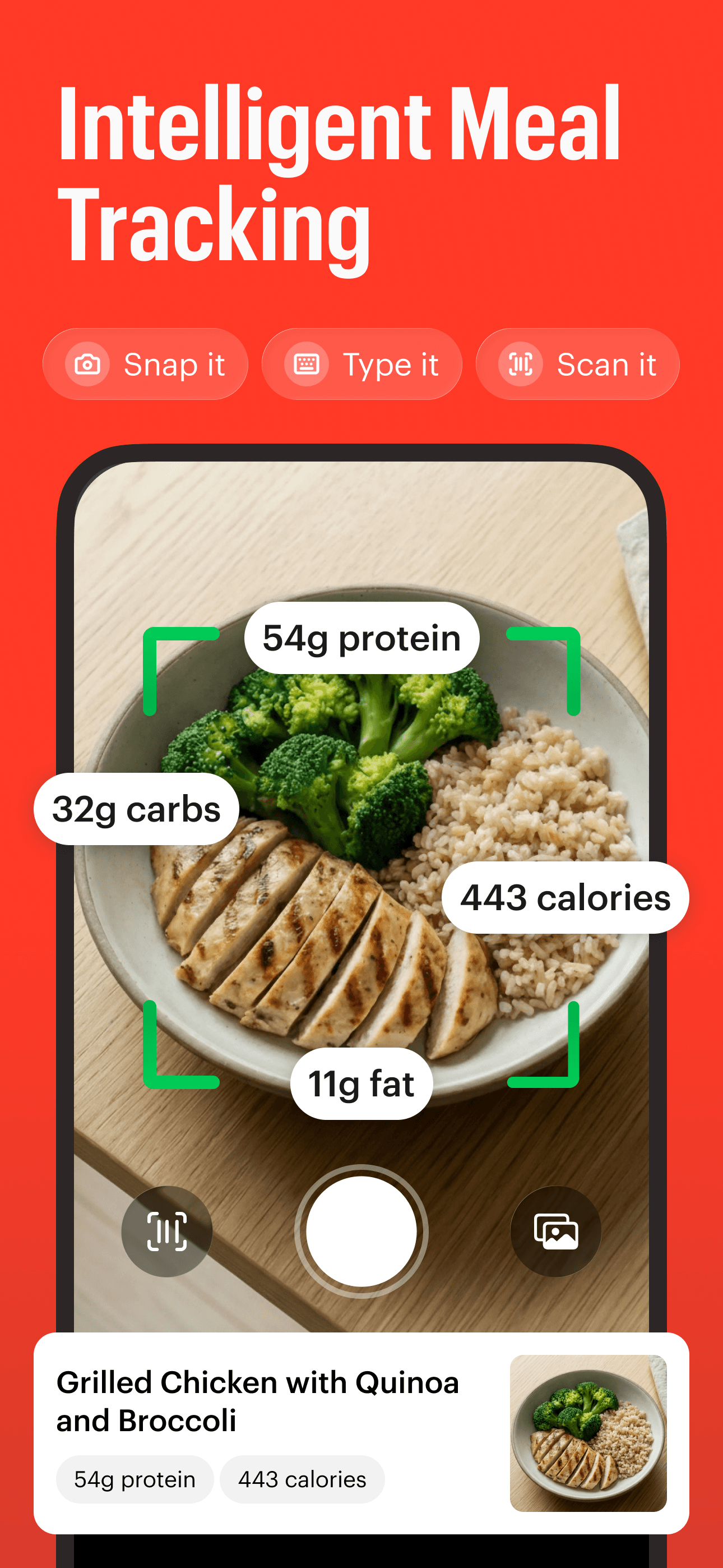
Cal AI is the best calorie counter app for iPhone users who hate searching a database. With 309,655 U.S. ratings at a 4.8 average, Cal AI leads with photo-first logging: point the camera at a plate, the app identifies the food, estimates portion size, and logs calories and macros without typing. Cal AI differs from MyFitnessPal by skipping the database-search step entirely. A real scenario: you finish a chicken-and-rice bowl at lunch, photograph it from above, get a calorie estimate within seconds, and tap to confirm before the next bite. The tradeoff is reviewer-flagged friction: multiple recent 1-star reviews describe a paywall on first launch with no opportunity to test the recognition before paying, a 3-day trial that converts quickly, and accuracy that disappoints on mixed dishes (the same complaint affects every photo-based tracker). Mixed dishes routinely miss hidden oils, dressings, and sauces — exactly where calories hide. Best for breakfast and snacks where the meal is one obvious thing.
Pros
- Photo-first logging skips the database-search step for single-item meals
- 4.8-star average across 309K U.S. ratings shows strong category traction
- Macros and calorie estimates appear within seconds of taking the photo
Cons
- Paywall locks first launch with no opportunity to test recognition before paying
- Mixed-dish accuracy misses hidden oils, sauces, and dressings per recent reviews
- 5
 Get on App Store
#5Calorie Counter - MyNetDiaryBest for Macros
MyNetDiary Inc.
Food Nutrition Macro Tracker
- Rating
- 4.8
- Reviews
- 157.5K
- Price
- Free · IAP
- 90-day trend
- —
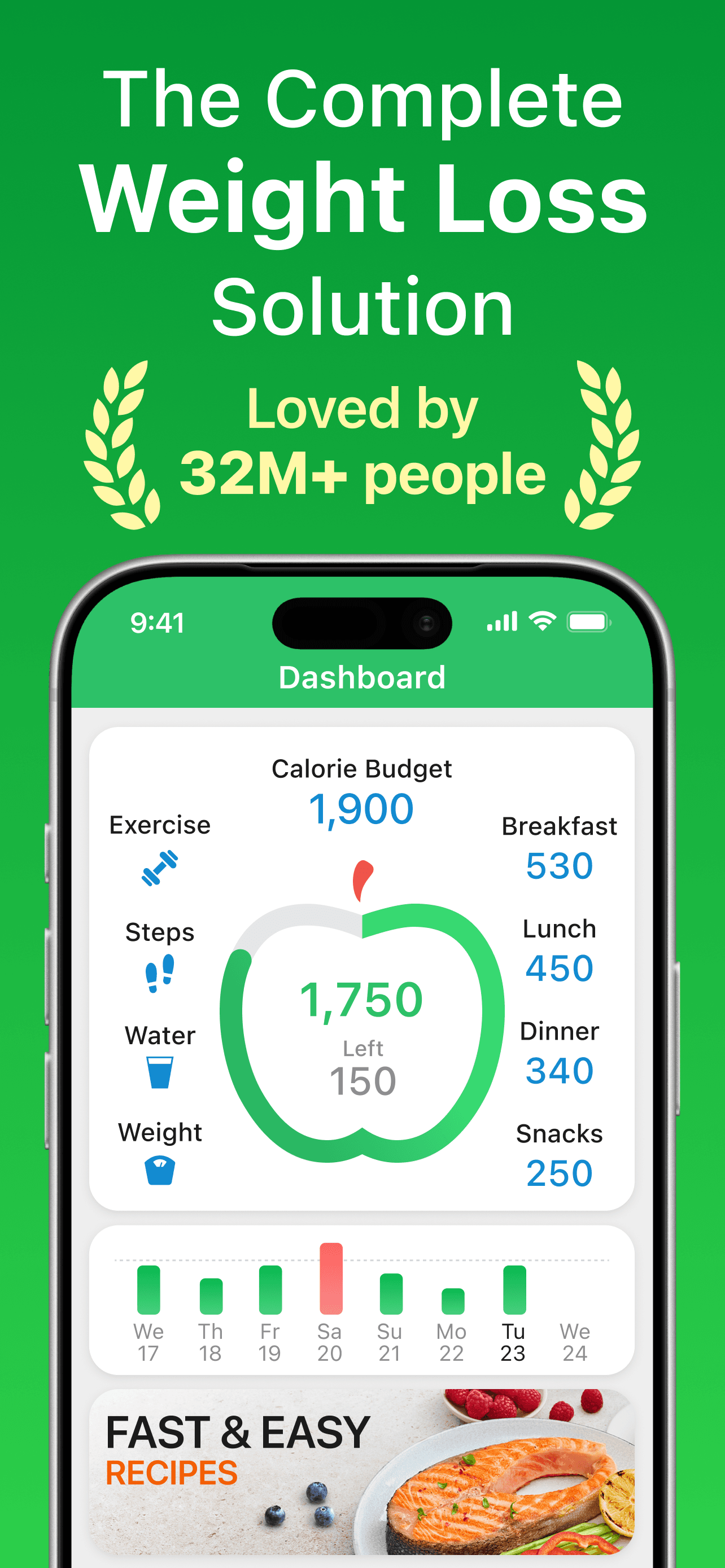
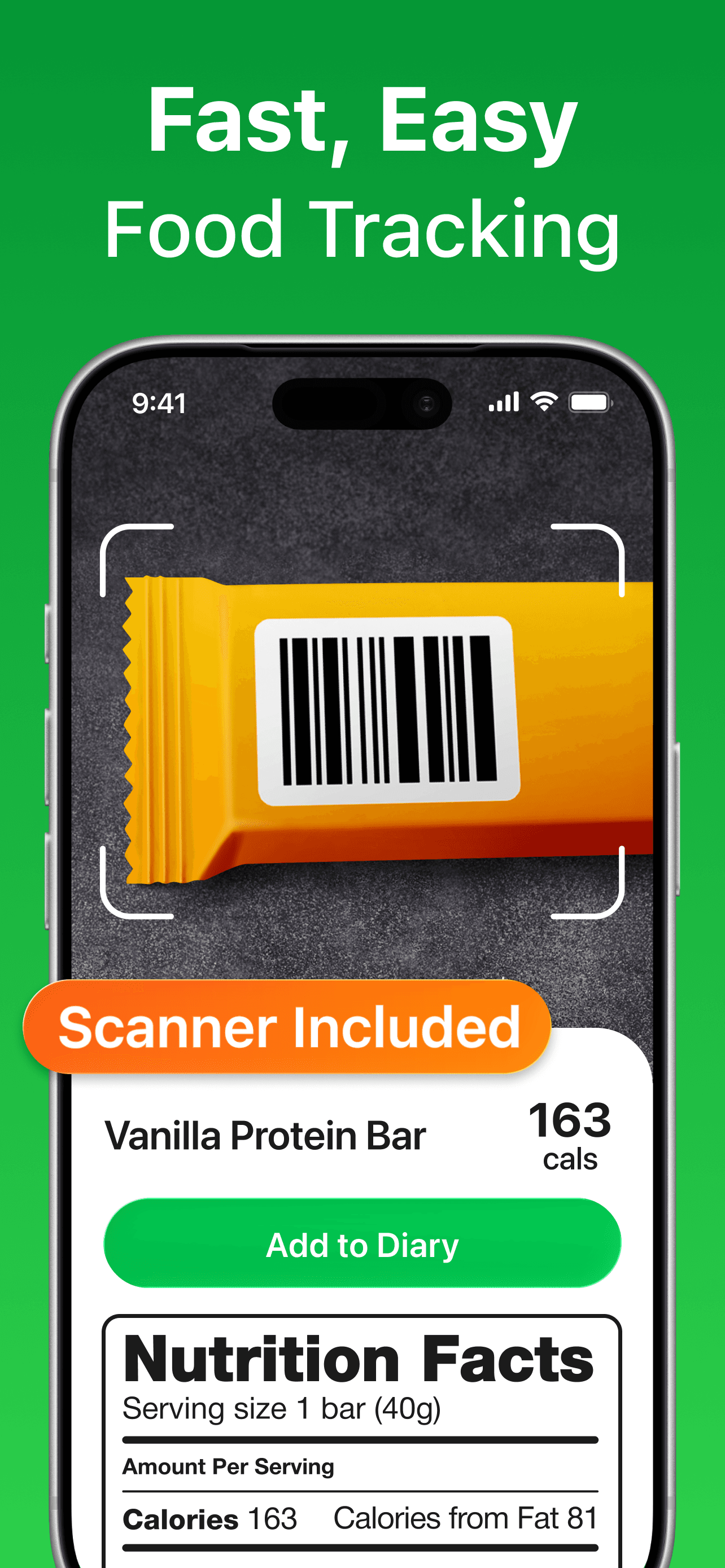
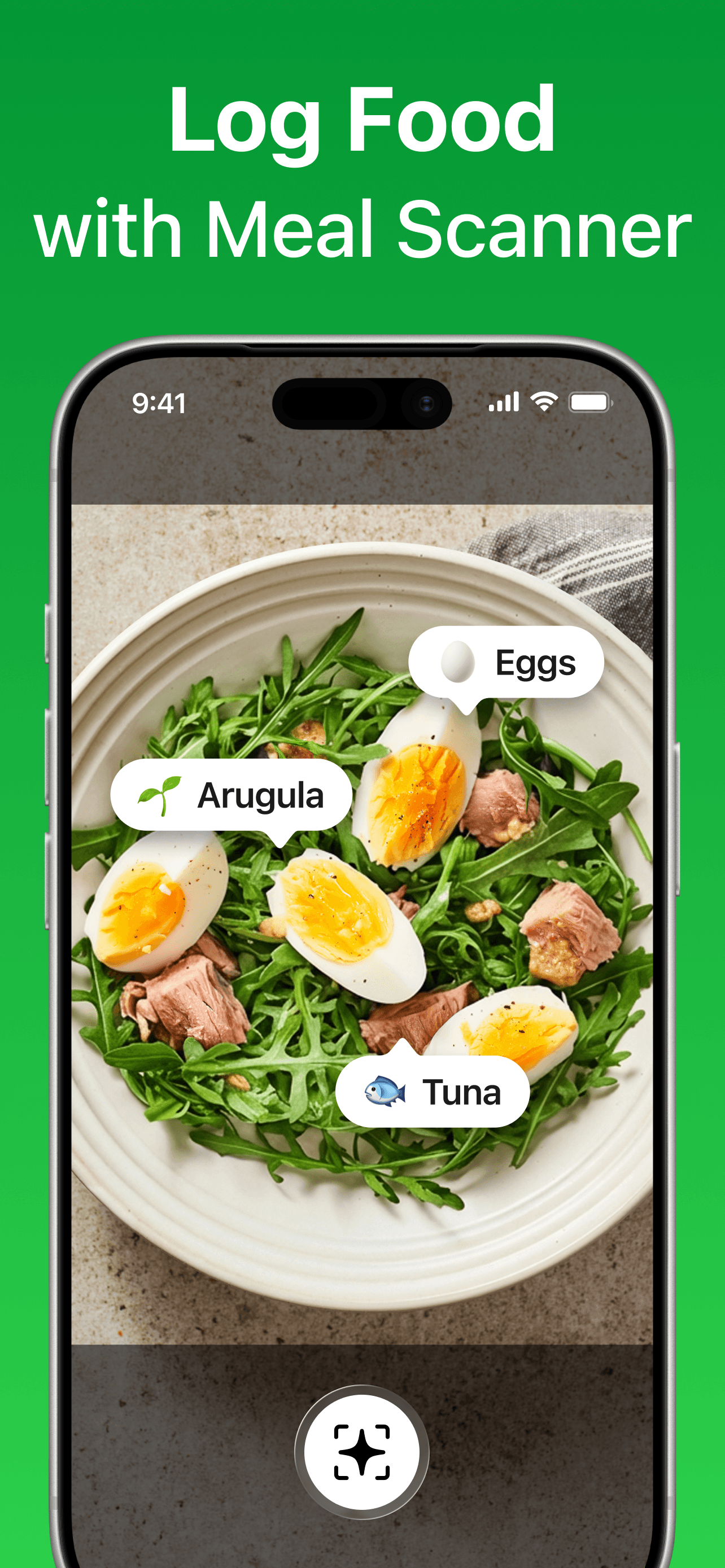
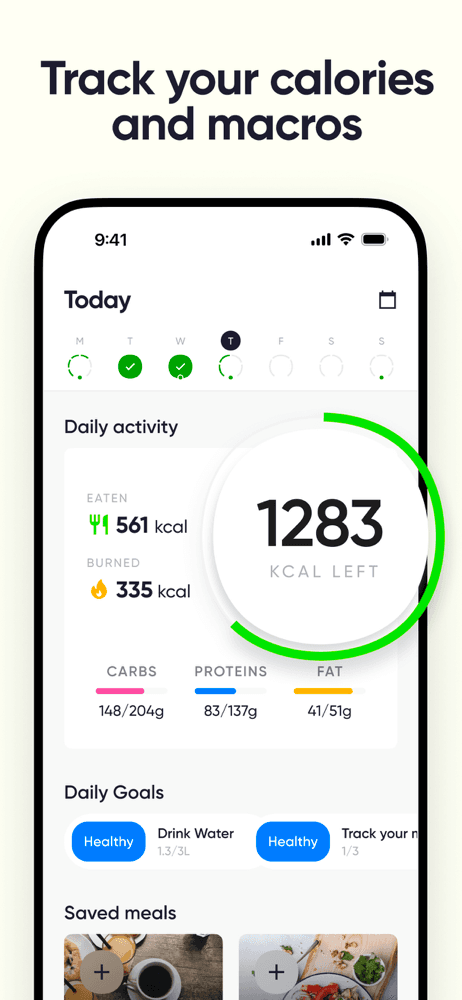
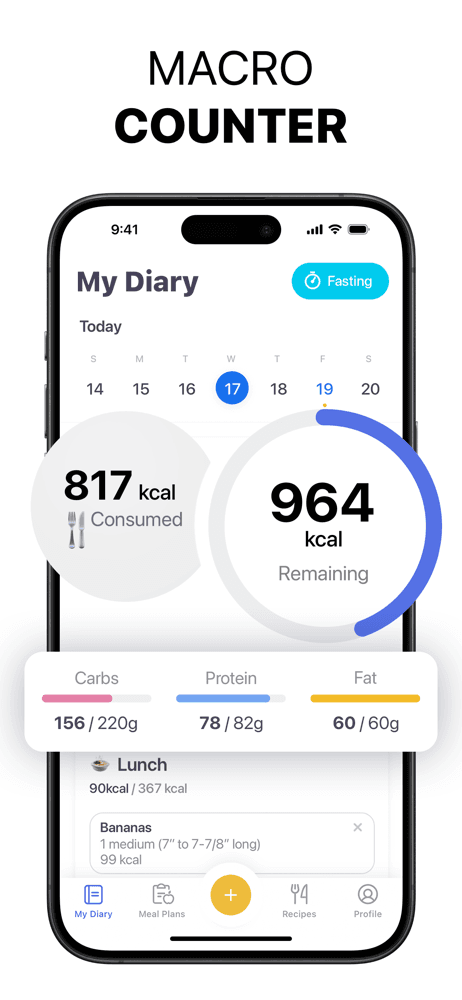
MyNetDiary is the best calorie counter app for iPhone users who care about macro precision and clean visual reports. With 148,832 U.S. ratings at a 4.81 average, MyNetDiary built its reputation on daily-report clarity — review themes consistently praise the visual breakdown over MyFitnessPal's denser interface. MyNetDiary differs from MyFitnessPal by being slimmer and more focused: fewer features, less clutter, faster daily logging once you know your foods. A real scenario: you finish dinner, open the day report, and see a single screen showing calories in, calories burned, macro split, and a one-line trend — no tabs, no nav. The tradeoff is the smaller food database (still in the millions of items but not the MyFitnessPal-scale catalog) and Premium pricing that gates the deeper meal plans and recipes. Review themes flag a recent change to the Day Report that users want reversed — a sign the product still iterates on its strongest feature. Best for tracking veterans who prefer focus over breadth.
Pros
- Day Report shows calories, burns, macros, and trend on one clean screen
- Visual reporting consistently praised in reviews against MyFitnessPal's density
- 4.81-star average across 148K U.S. ratings reflects strong daily-use retention
Cons
- Recent Day Report changes have drawn user requests to reverse the redesign
- Smaller food database than MyFitnessPal means more manual entries for niche brands
- 6
 Get on App Store
#6Lifesum: AI Calorie CounterBest for Beginners
Lifesum AB
Food Tracker, Nutrition Coach
- Rating
- 4.7
- Reviews
- 150.1K
- Price
- Paid
- 90-day trend
- —
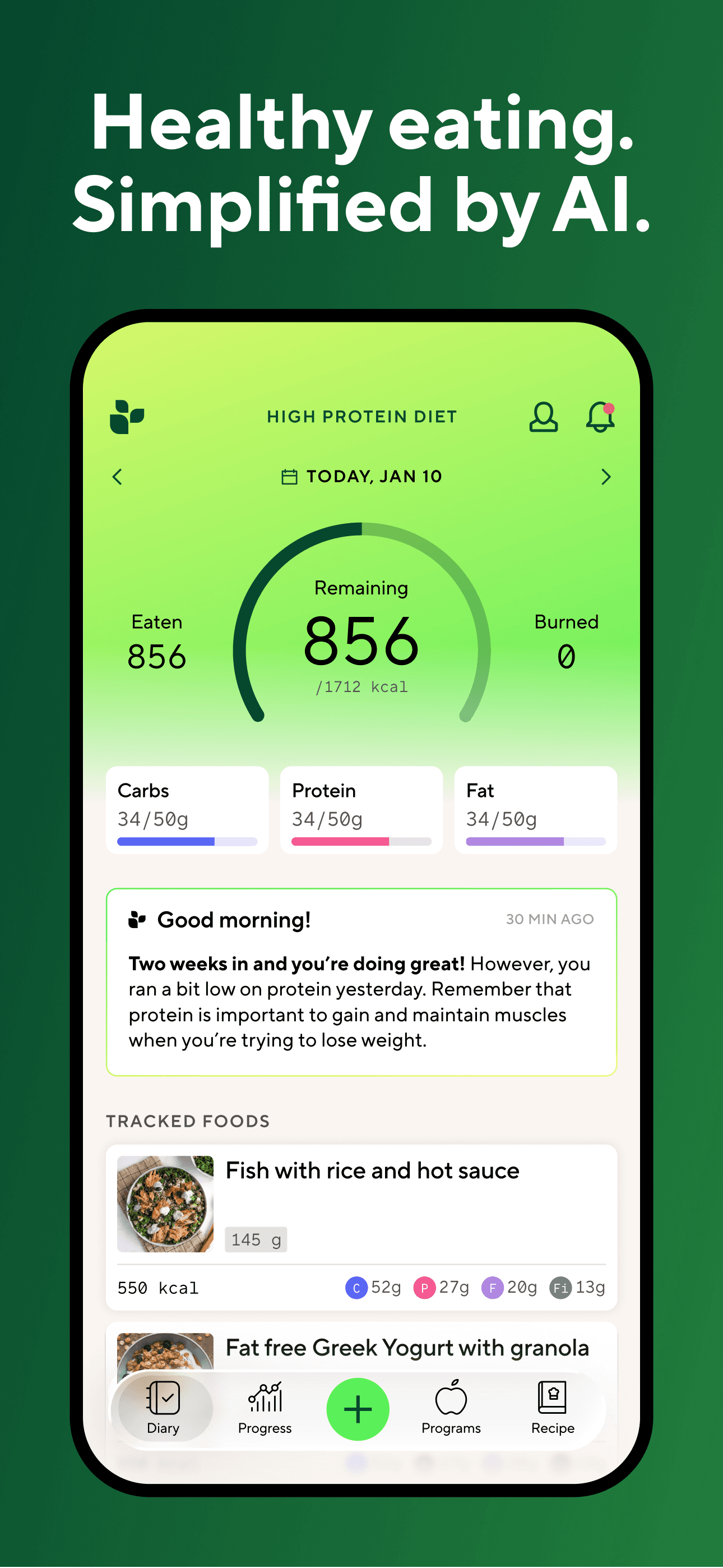
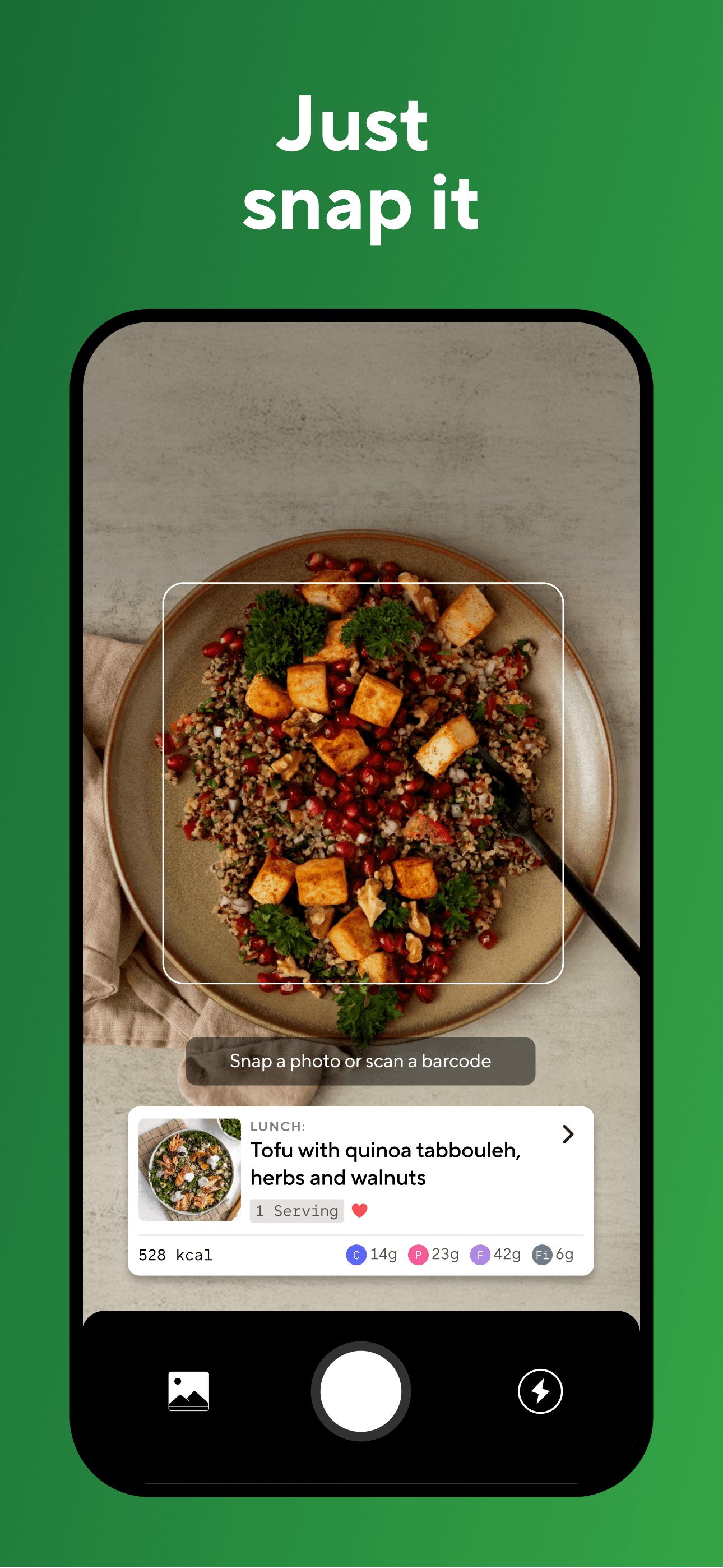
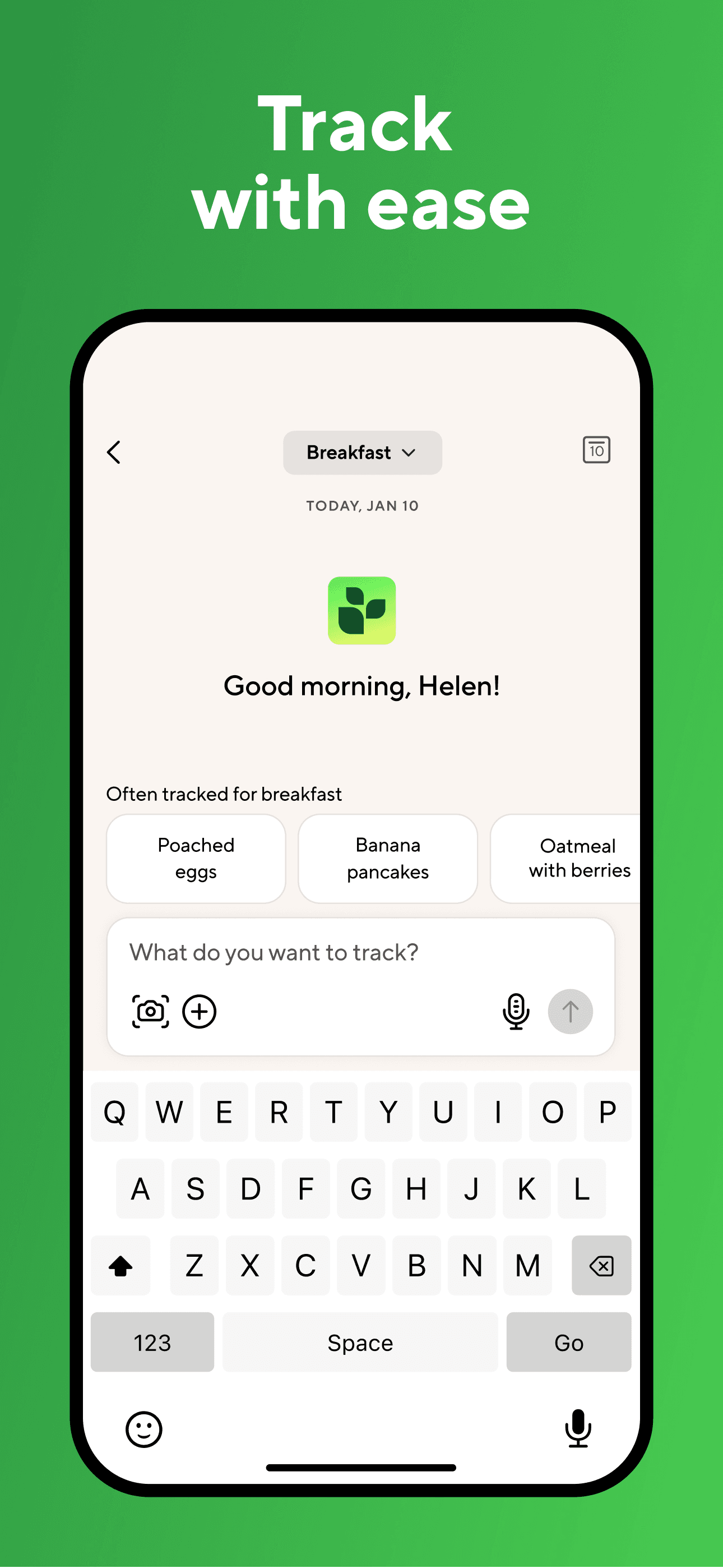
Lifesum is the best calorie counter app for iPhone users who want a calorie log built around named diets — keto, Mediterranean, high-protein, intermittent fasting. With 149,333 U.S. ratings at a 4.65 average, Lifesum pairs the database-and-barcode standard with curated meal plans that fit specific eating styles. Lifesum differs from MyFitnessPal by being more design-led and prescriptive — the app suggests meals rather than waiting for you to log them. A real scenario: you pick a Mediterranean plan, the app suggests a salmon-and-quinoa lunch with macros pre-filled, and you decide whether to follow it or log your own. The free tier is more capable than most peers — basic tracking, barcode scanning, and limited diet plans are included. The tradeoff is that the diet-plan framing can feel restrictive if you'd rather just log what you eat, and the AI calorie-counter framing on the listing has set expectations the app doesn't fully deliver yet versus dedicated photo apps. Best for users who want a guided eating style alongside the count.
Pros
- Curated meal plans built around named diets like keto, Mediterranean, and IF
- Free tier includes basic tracking, barcode scanning, and limited diet plans
- Design-led interface feels more modern than older calorie-counter incumbents
Cons
- AI-calorie-counter framing on the listing exceeds the current photo accuracy
- Diet-plan suggestions can feel restrictive for users who just want to log freely
- 7
 Get on App Store
#7Nutrition Coach: Food trackerBest Free
Eclipse Studios
Calorie Counter & Meal Planner
- Rating
- 4.8
- Reviews
- 87.7K
- Price
- Paid
- 90-day trend
- —
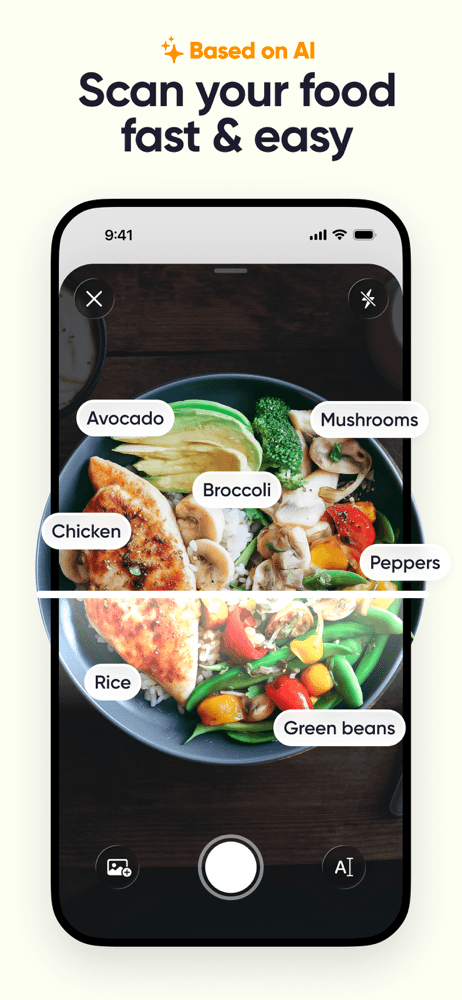
Nutrition Coach by Eclipse Studios is a high-rated up-and-comer with 87,658 U.S. ratings at a 4.8 average — earned over three years of focused iteration on customized meal plans, recipes, and a clean macro tracker. Nutrition Coach differs from MyFitnessPal and Noom by leading with the meal-plan side rather than the logging side: the home screen suggests today's meals based on your goal, and you can swap a suggestion for a custom log when life intervenes. A real scenario: you set a weight-loss goal of 1.5 lb/week, the app generates a daily meal plan with recipes and shopping items, and you swap Tuesday's dinner for a real-life sushi run without breaking the plan. The tradeoff is database depth — Nutrition Coach's food library is smaller than MyFitnessPal's, so manual entries are more common for less-mainstream brands. The free tier has the basics; premium unlocks the personalized plans and full recipe library. Best for users who want suggestions, not just measurements.
Pros
- Generates daily meal plans with recipes and shopping items from a single goal
- 4.8-star average across 87K ratings reflects three years of focused iteration
- Swap a meal for a manual log without breaking the underlying daily plan logic
Cons
- Food library smaller than MyFitnessPal means more manual entries for niche items
- Personalized plans and full recipe library gated to the premium subscription
- Rating
- 4.8
- Reviews
- 94.2K
- Price
- Paid
- 90-day trend
- —
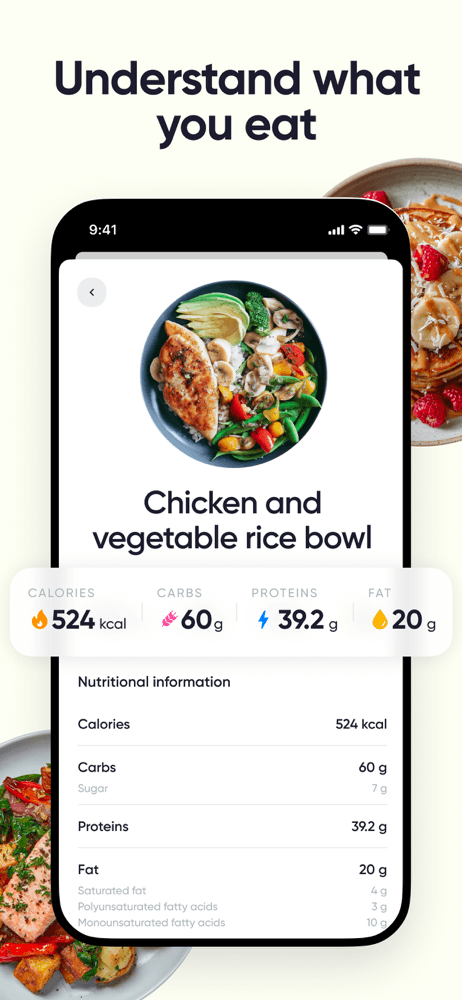
Cronometer is the best calorie counter app for iPhone users who care about micronutrients, not just calories. With 91,134 U.S. ratings at a 4.77 average, Cronometer maintains a USDA-grade nutrient database that tracks 80+ micronutrients per food entry — the deepest nutrient resolution on this list by a wide margin. Cronometer differs from MyFitnessPal by being curated rather than crowd-sourced: every food in the core database is reviewed by the Cronometer team, so calorie and nutrient values are more trustworthy on average. A real scenario: you log a kale-salmon-quinoa lunch, the day-report flags low magnesium and adequate selenium, and you swap tomorrow's snack to a handful of almonds based on the gap. The tradeoff is reviewer-flagged friction with recent updates — multiple 3-star reviews describe new releases breaking workflows and the mobile UI lagging the desktop client. Premium ($49.99/year is common) unlocks custom recipes, biometric tracking, and timeline reports. Best for users with specific micronutrient goals.
Pros
- Tracks 80-plus micronutrients per food entry against USDA-grade reference data
- Curated database vetted by Cronometer team rather than crowd-sourced submissions
- Day report flags low and adequate micronutrients to guide next meal choices
Cons
- Recent releases reportedly break workflows per multiple 3-star user reviews
- Mobile UI lags the desktop client which reviewers note for power-user workflows
- 9
 Get on App Store
#9AI Calorie Counter - AppedietBest Rising
Appediet Information PTE. LTD
Food, Macro & Fitness Tracker
- Rating
- 4.8
- Reviews
- 45.5K
- Price
- Free
- 90-day trend
- —
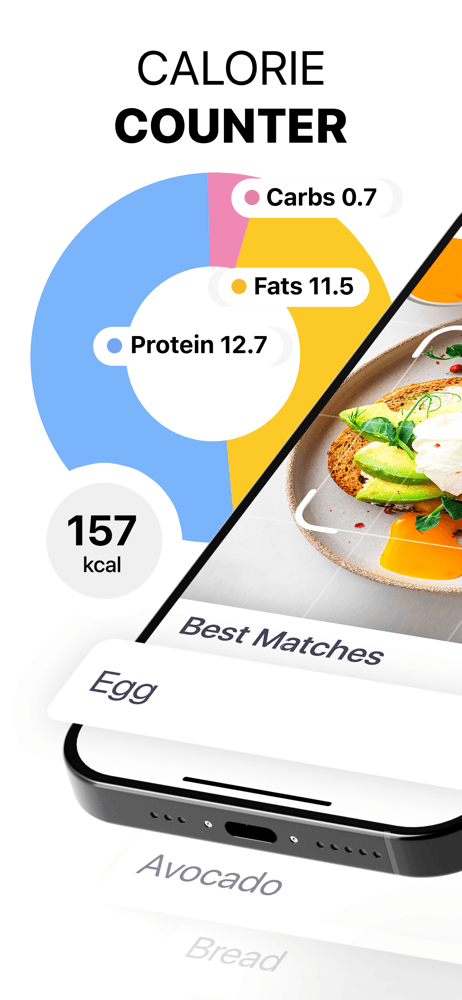
Appediet is a newer AI-first calorie counter at 43,201 U.S. ratings and a 4.78 average. It combines barcode scanning, food scanning, and macro tracking with diet templates (intermittent fasting, calorie deficit, custom plans). Appediet differs from Cal AI by leading less aggressively with photo recognition and offering a more conventional database fallback. A real scenario: you scan a packaged item barcode, the app pulls calories and macros instantly, and you log the entry into a daily plan that adapts to your weekly weight trend. The tradeoff is the small user base by category standards — under 50K ratings means review themes are thinner, and you're trusting fewer signals than for MyFitnessPal or Noom. Most user feedback is paid-tier focused, so the free experience is harder to validate from outside. Best for users who want a clean, modern AI-tracker without the paywall friction Cal AI's reviewers describe.
Pros
- Combines barcode, food, and photo scanning with adaptive weekly plans
- Diet templates cover intermittent fasting, calorie deficit, and custom plans
- 4.78-star average and 43K ratings reflect strong early-cohort sentiment
Cons
- Under 50K U.S. ratings is a thinner signal pool than category leaders
- Free experience is harder to validate as most feedback covers paid tier features
- Rating
- 4.7
- Reviews
- 49K
- Price
- Paid
- 90-day trend
- —
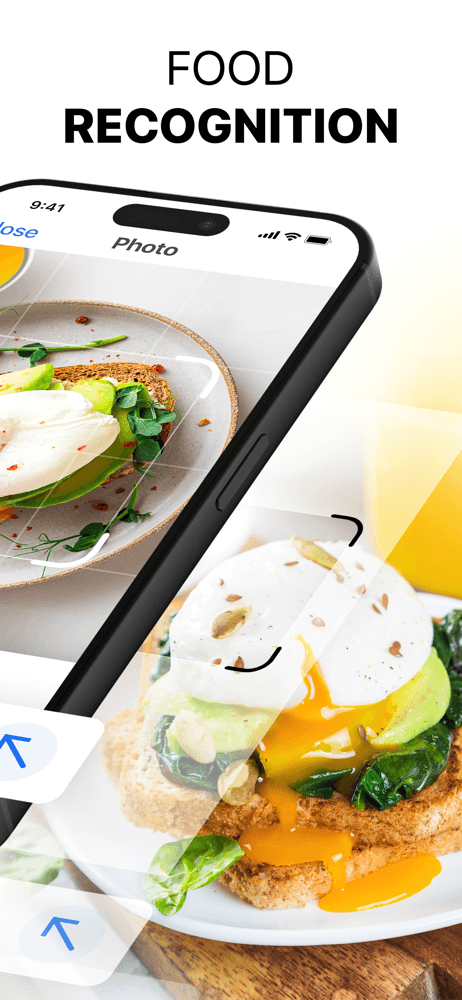
HitMeal is a paid AI-style calorie counter from AIBY at 48,269 U.S. ratings and a 4.66 average. The app pairs food logging with meal plans, recipes, and an AI assistant that helps build a daily nutrition picture. HitMeal differs from Cal AI by leading with the meal-plan structure rather than pure photo recognition. A real scenario: you set a goal, the app builds a daily plan, you log breakfast and lunch as suggested, and the macros chart updates with each entry. The tradeoff is reviewer-flagged friction around two specific themes: the advertised photo-recognition feature underdelivers compared to ad creative (multiple recent reviews cite this directly), and the meal-plan structure is rigid — you can't easily reassign a lunch meal to dinner without breaking the plan logic. Customer-support response time also draws repeated complaints. Best for users who want the structured-plan experience and accept the AI-photo feature as a bonus rather than the main attraction.
Pros
- Meal plans and recipes structure the day around a chosen weight goal
- AI assistant helps build daily nutrition picture from logged entries
- Barcode and food scanning support the database-and-plan hybrid workflow
Cons
- Photo-recognition feature reportedly underdelivers compared to advertising creative
- Rigid meal-plan logic prevents easy reassignment of lunch foods to dinner slots


How we picked
### Data sources Live App Store metadata feeds ratings, version cadence, screenshots, and recent reviews. Our ranking tracker logs U.S. Health & Fitness category positions daily for every app. Review themes are aggregated from the most recent U.S. reviews per app, weighted toward the last 90 days.
### How we score Four weighted axes: database depth (food entries, restaurant chains, barcode coverage, USDA alignment), logging friction (taps to add a meal, scan-to-log speed, recent-foods recall), accuracy signals (review themes around mis-scans, wrong calorie counts, manual override workflows), and price-to-value (free-tier usefulness measured against the paywall).
### Refresh cadence The top 10 set is re-scored monthly. Ratings, ranks, and review themes refresh daily. When an app changes pricing, drops below 4.0 stars, or removes a feature that drove its ranking (e.g., free barcode scanning), it gets re-evaluated within the week.
### What we exclude Apps with an average below 4.0 stars, fewer than 10,000 U.S. ratings, or no update in nine months. We exclude pure recipe apps without calorie counting, and we exclude apps making explicit clinical-grade claims that haven't been validated.
### What we don't do No affiliate ordering. Referral commissions don't bump apps. We don't take sponsorship from listed apps. This is a feature comparison — not medical guidance and not a weight-loss recommendation. Eating disorders, athlete-specific macros, and clinical conditions belong to your clinician and registered dietitian.