



Best Calendar Apps for iPhone
By App Store Tracker Editorial · Updated — live App Store data verified
The short version
The best calendar app for iPhone in 2026 is Apple Calendar — free, built into iOS, and a 4.85-star average across 1,515,291 U.S. ratings, by far the largest sample on this list. Structured is the runner-up at 4.8 stars across 159,106 ratings for visual day planning, while TickTick leads task-plus-calendar workflows at 4.86. TimeTree wins for shared family scheduling at 4.85, and Saturn is the right pick for students. Six of ten picks install free.
Jump to a pick↓
Picking a calendar app for iPhone in 2026 means matching the tool to who you share time with and how much structure you actually need. Among the 10 calendar apps on this list, two are Apple-native or near-native (Apple Calendar, Calendars by Readdle), two lean cross-platform-and-Google-first (Google Calendar, TimeTree), two combine tasks with calendar (Todoist, TickTick), one is a visual day planner (Structured), one is a mail-plus-calendar combo (Spark Mail), one targets students (Saturn), and one is a long-running family option (PocketLife). The data backs the order: Apple Calendar holds a 4.85 average from over 1.5 million U.S. ratings — the largest tested user base on this list — and ships free with every iPhone. Structured, TickTick, and TimeTree all clear 4.8 stars on samples in the tens-of-thousands. Sync reliability, natural-language event entry, shared-calendar usability, and first-week behavior shaped every cut. Treat the picks as starting points; the calendar you open without thinking is the one worth keeping.
- Rating
- 4.8
- Reviews
- 1.5M
- Price
- Free
- 90-day trend
- —
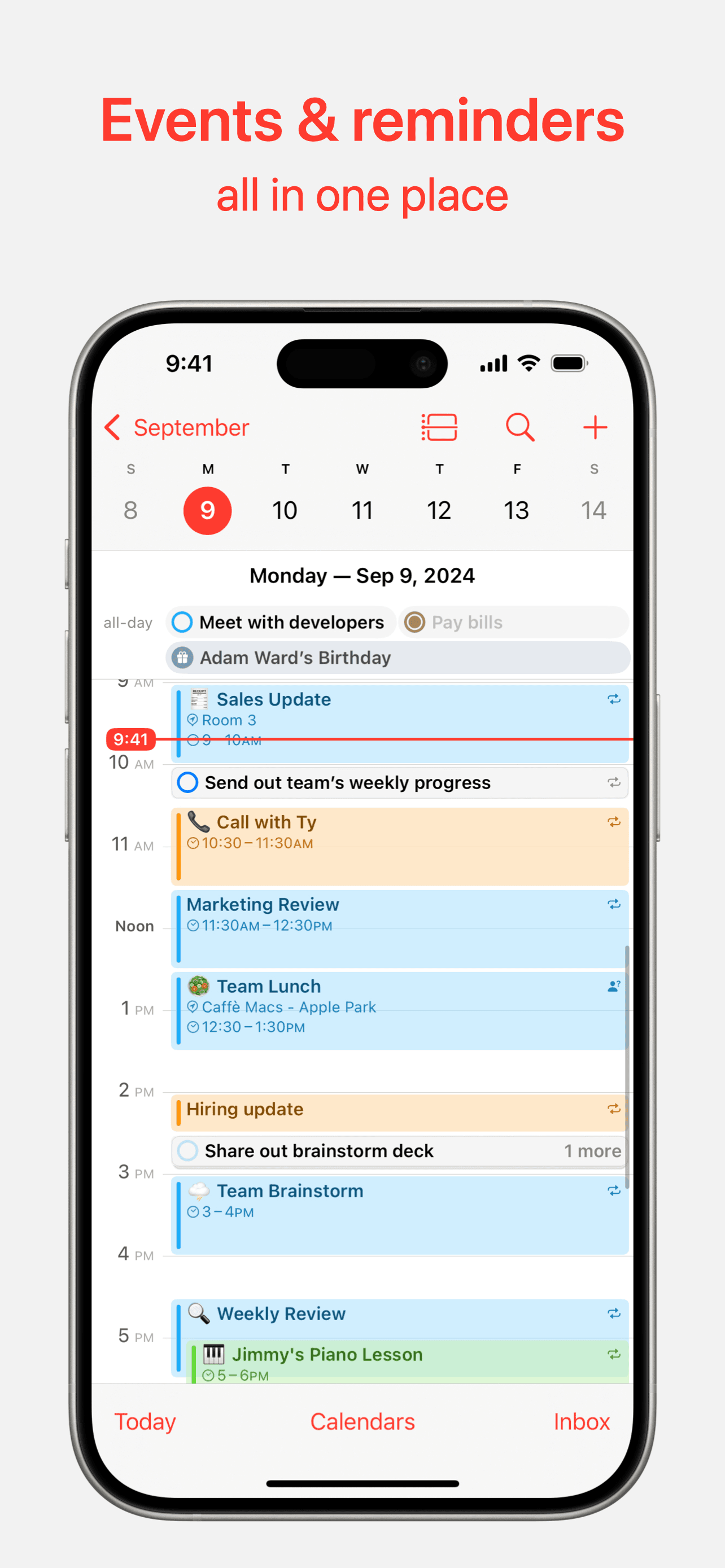
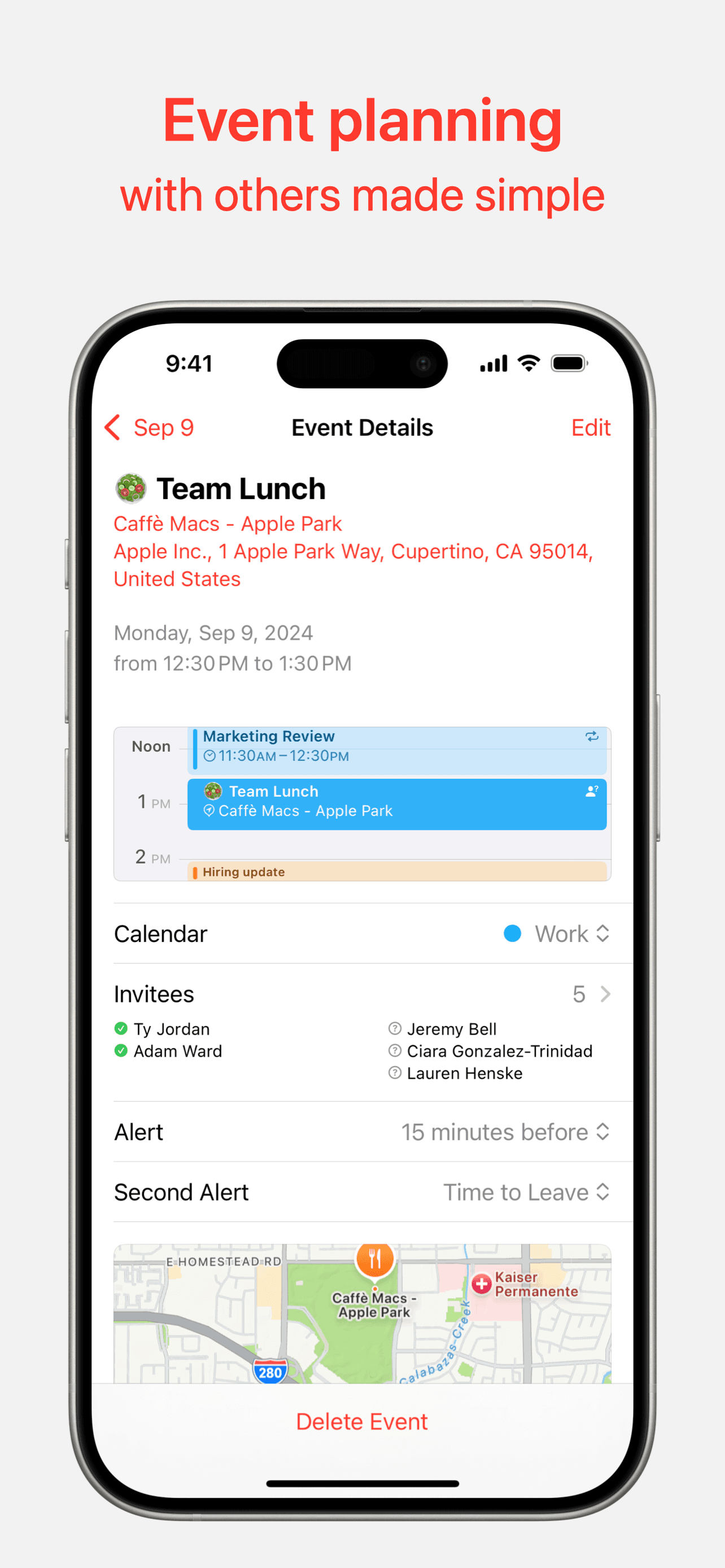
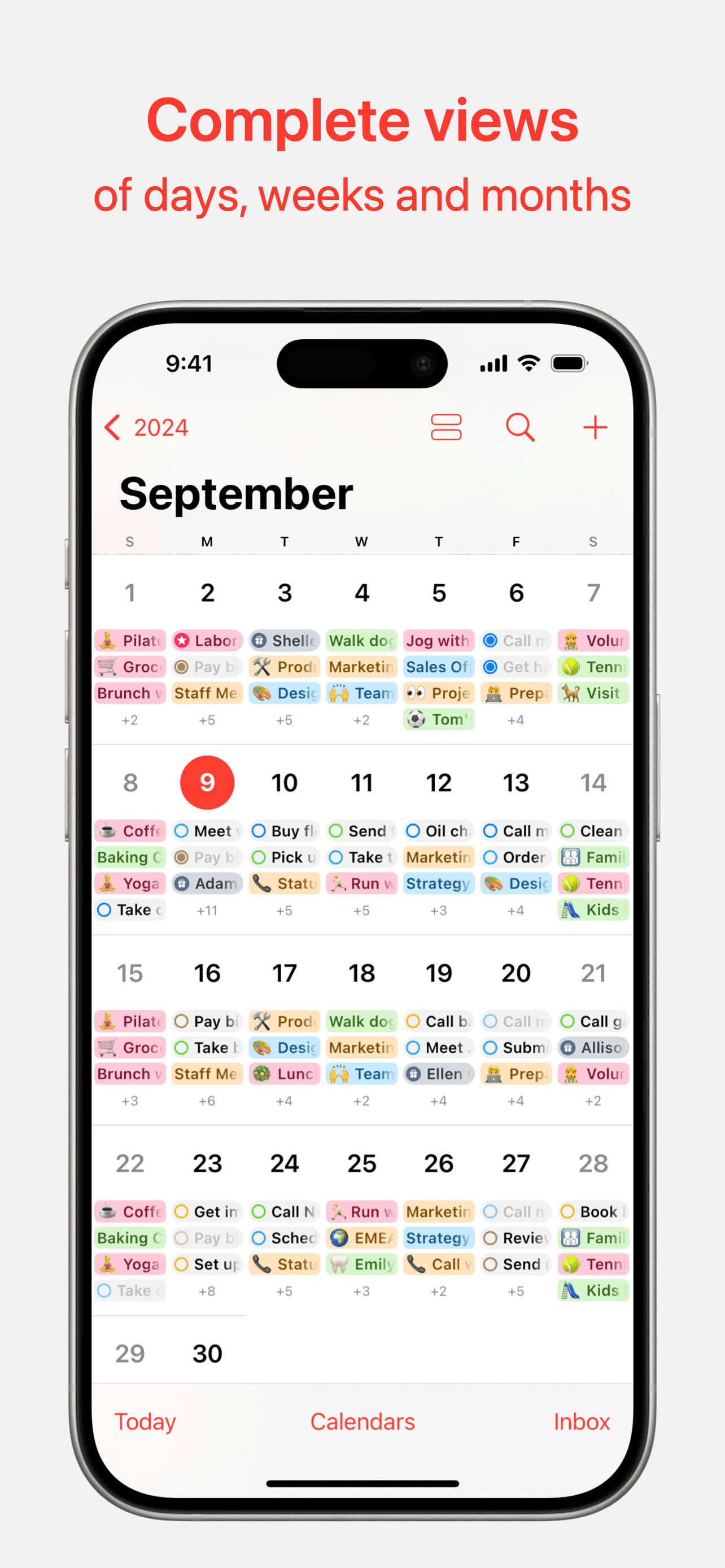
Apple Calendar is the best calendar app for iPhone users who want a free, native option that syncs to iPad, Mac, and Apple Watch with zero setup. The 4.85 average across 1,515,291 U.S. ratings is by far the largest tested user base on this list, and it reflects a product that ships with every iPhone and gets a meaningful update with every iOS release. Apple Calendar differs from Google Calendar by leaning iCloud-and-Apple-first rather than cross-platform-first, and from third-party picks by being already on your phone and already free. A real scenario: you sign into your iPhone, your work Google account, and your spouse's shared family calendar — Apple Calendar surfaces all three in one combined view with color coding, shows next-event complications on Apple Watch, and surfaces birthdays from Contacts automatically. iOS 18 brought Reminders into the same view so to-dos and events share a timeline. The tradeoff is the design is utilitarian rather than expressive — Structured and Saturn both feel more visually opinionated — and natural-language event entry is less aggressive than third-party picks. For most iPhone users in 2026, this is the right default; reach for a third-party app only when you hit a specific limit Apple Calendar does not address.
Pros
- Largest tested user base on this list at 1.5 million U.S. ratings with 4.85 average
- Free, built into every iPhone, iPad, Mac, and Apple Watch with iCloud sync
- Combined view of iCloud, Google, Exchange, and subscribed calendars in one app
Cons
- Utilitarian design feels less expressive than Structured or Saturn for visual planning
- Natural-language event entry is less aggressive than Fantastical or TickTick
- Rating
- 4.8
- Reviews
- 162.9K
- Price
- Paid
- 90-day trend
- —
Structured is the best calendar app for iPhone users who think in visual day timelines rather than week grids — the killer feature is a vertical scrollable timeline showing your tasks and calendar events as colored blocks stacked through the day. The 4.8 average across 159,106 U.S. ratings reflects an audience that has self-selected for visual planning, and the product has earned a strong reputation among ADHD users (one recent reviewer specifically called it 'adhd friendly!'). Structured differs from Apple Calendar by leading day-timeline-first rather than week-grid-first, and from TickTick or Todoist by being more visual and less list-driven. A real scenario: you wake up, open Structured, and see your morning as a stack of time blocks — gym at 7, deep work at 9, lunch with Sarah at 12, calls until 4. You drag blocks around as the day shifts. The tradeoff is the visual model assumes you actually want to time-block your day, and users who prefer reactive task lists will find it forces too much planning. The free tier covers daily use well; Pro adds repeats, multiple devices, and AI features.
Pros
- Visual day timeline turns tasks and events into stacked time blocks for clear planning
- Reviewers specifically flag the app as ADHD-friendly versus generic planner alternatives
- Free tier covers daily use without aggressive paywall nudges in core flows
Cons
- Visual model assumes you actually want to time-block — wrong fit for reactive workflows
- Repeating tasks, multiple devices, and AI features sit behind Structured Pro
- 3Get on App Store
#3Todoist: To Do List & CalendarBest for Power Users
Doist Inc.
Task manager & Reminders
- Rating
- 4.8
- Reviews
- 127.2K
- Price
- Paid
- 90-day trend
- —
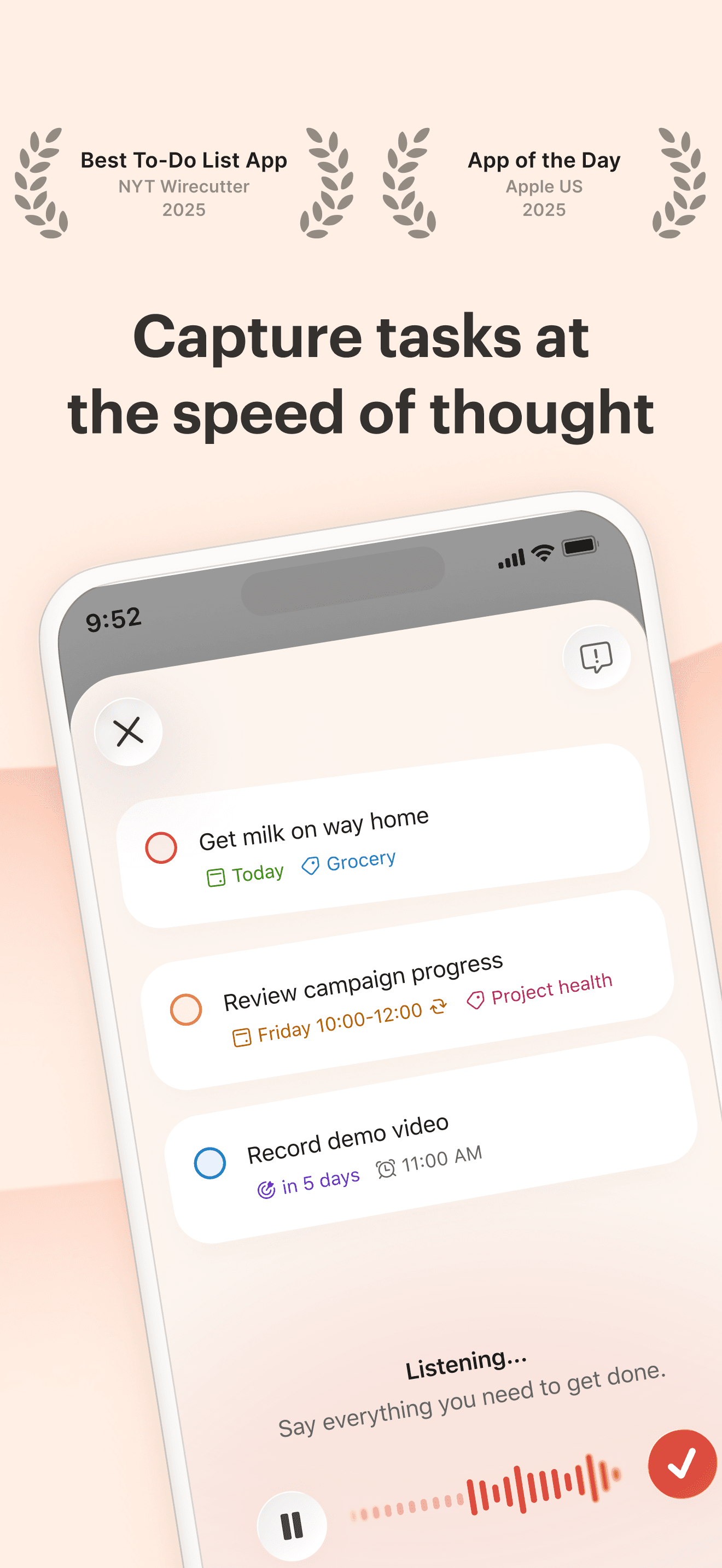
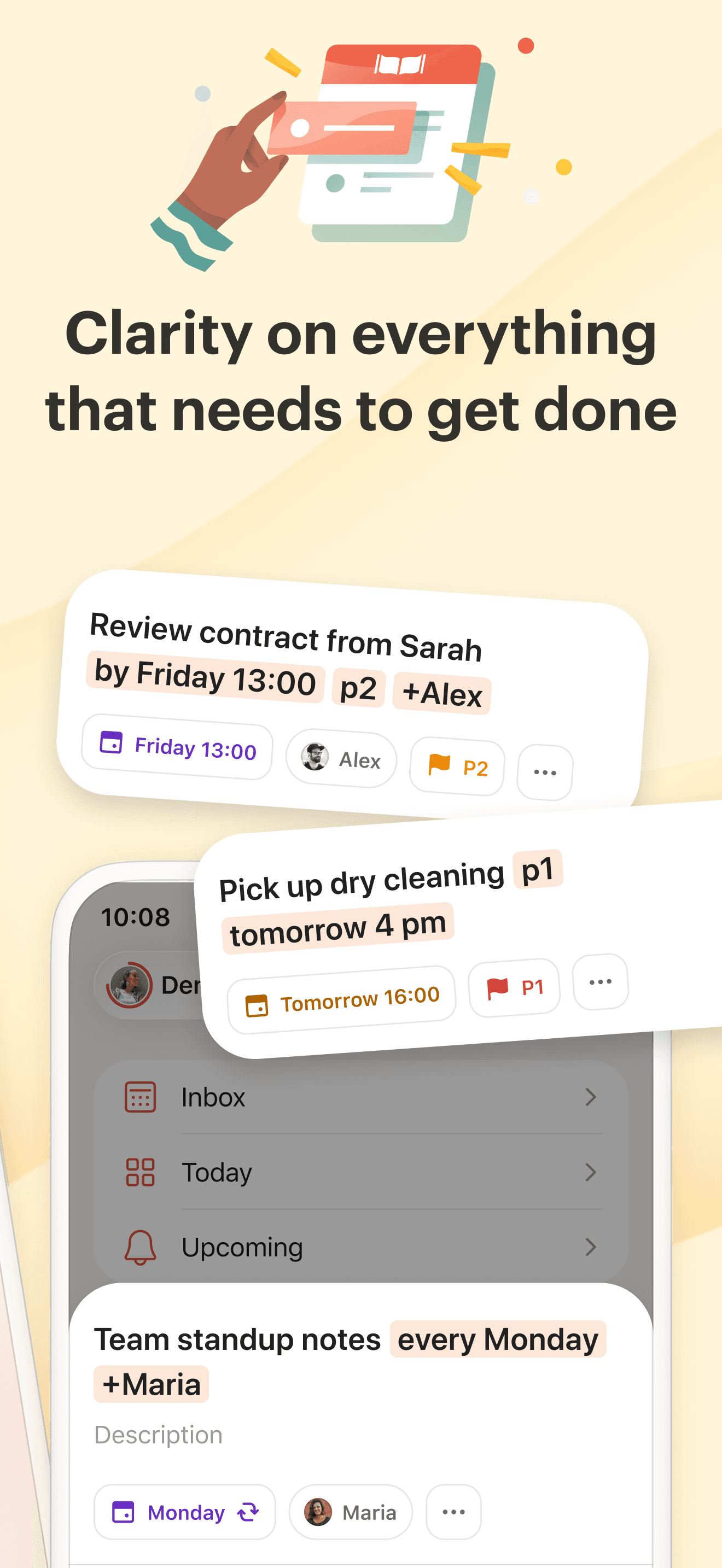
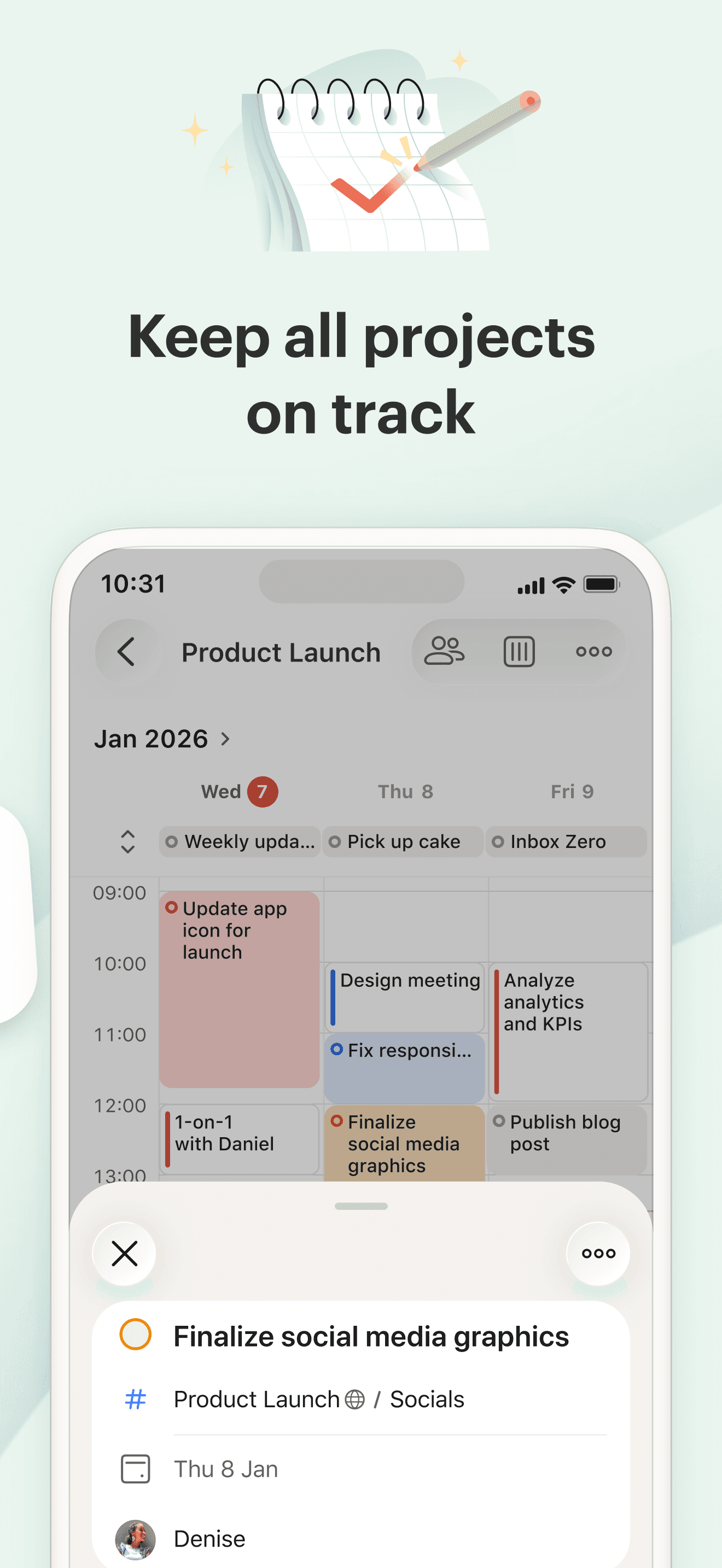
Todoist is the best calendar app for iPhone users who want their tasks and calendar in one tool and are willing to lead with tasks rather than events. The 4.8 average across 125,826 U.S. ratings reflects an audience that has used Todoist as a 'second brain' for over a decade — natural-language entry, projects, labels, filters, and a clean iOS app that has survived multiple redesigns. Todoist differs from Apple Calendar by being task-first with calendar as a view rather than calendar-first, and from TickTick by leading on workflow flexibility and a more refined design. A real scenario: you type 'Submit invoice every Friday p1' and Todoist parses the recurring task, the priority, and surfaces it in your week. Calendar integration shows your iCloud or Google events alongside tasks so deadlines respect meetings. The tradeoff is Todoist is subscription-first — the free tier covers personal use but caps projects, filters, and reminders. Power users hit the paywall fast. Recent reviewers specifically call it 'the best so far for professionals with date-critical needs,' which is the right summary — it's a serious workflow app, not a casual planner.
Pros
- Natural-language entry like 'Submit invoice every Friday p1' is fast and accurate
- Reliable cross-platform sync across iPhone, iPad, Mac, Windows, Android, and web
- Reviewers call it the best for professionals with date-critical work demands
Cons
- Subscription-first model caps projects, filters, and reminders on the free tier
- Calendar integration is a view on tasks, not a fully featured calendar app
- 4
 Get on App Store
#4Calendars: Schedule PlannerBest Apple-Native
Readdle Technologies Limited
2026 Daily Organizer・Reminder
- Rating
- 4.7
- Reviews
- 120.5K
- Price
- Paid
- 90-day trend
- —
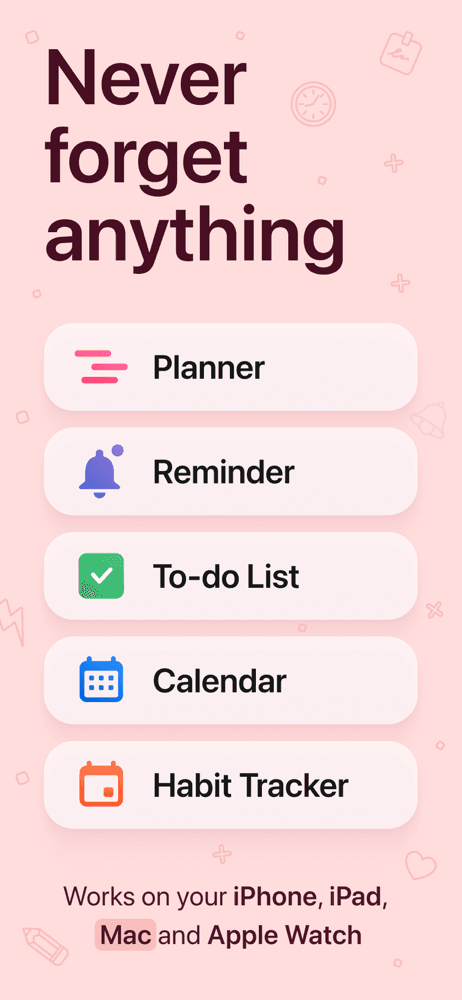
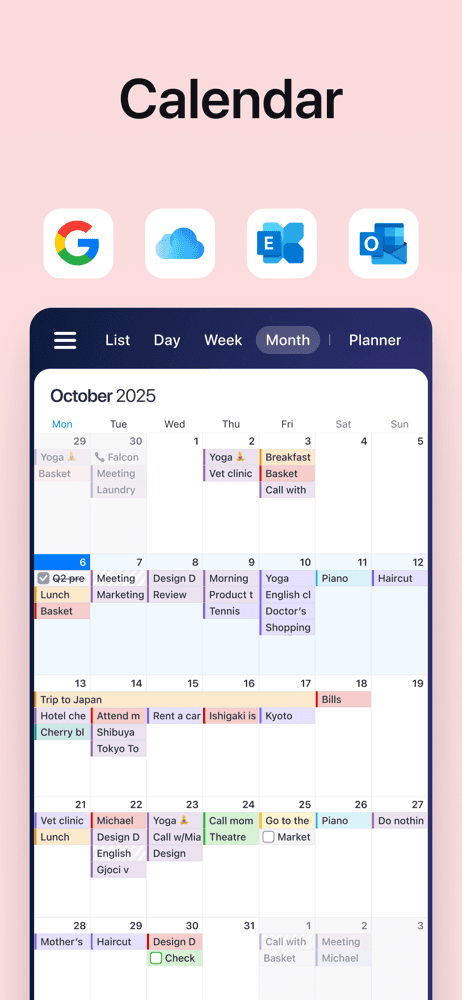
Calendars by Readdle is the best calendar app for iPhone users who want a polished Apple-ecosystem calendar with task management and habit tracking layered on top. The 4.72 average across 119,252 U.S. ratings reflects a long-running product (released in 2013) that Readdle has continued to invest in — current version landed in May 2026, and the integration with iPhone, iPad, Mac, and Apple Watch is among the smoothest on this list. Calendars differs from Apple Calendar by adding tasks, habits, and a more opinionated daily-planner view, and from Structured by keeping a traditional week-grid as the primary view. A real scenario: you want one app for events, recurring habits, and a daily to-do — Calendars handles all three without forcing you into a separate task app like Todoist or a separate planner like Structured. Natural-language entry is reliable and the design feels Apple-native. The tradeoff is the Premium subscription unlocks the habit tracker and several power features, and the product can feel like a more capable Apple Calendar rather than a fundamentally different model. Best for users who like Apple Calendar but want more without leaving the iCloud world.
Pros
- Smooth integration across iPhone, iPad, Mac, and Apple Watch with iCloud sync
- Combines events, tasks, and habits in one Apple-ecosystem-native interface
- Reliable natural-language event entry without the heavy task-app overhead
Cons
- Premium subscription unlocks the habit tracker and several power-user features
- Feels closer to a more capable Apple Calendar than a fundamentally different model
- Rating
- —
- Reviews
- —
- Price
- Paid
- 90-day trend
- —
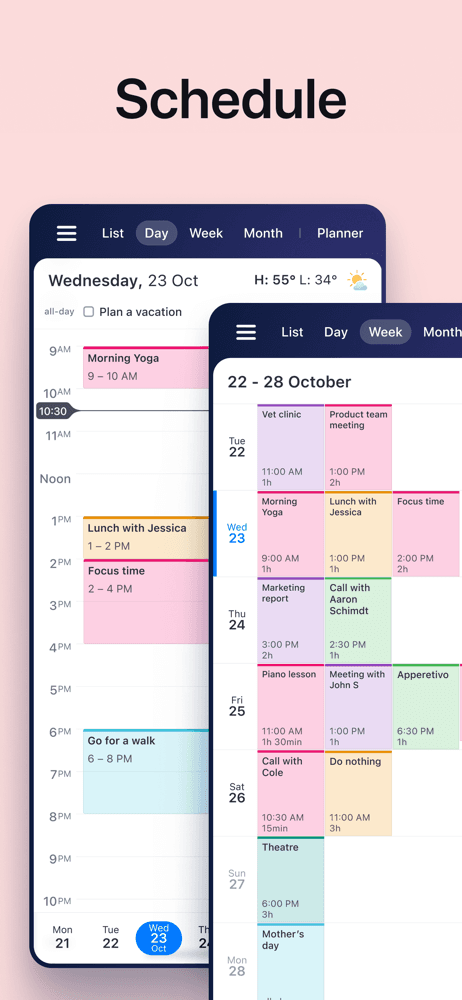
TimeTree is the best calendar app for iPhone users who share a calendar with family members, partners, or small groups and need explicit collaboration features. The 4.85 average across 85,273 U.S. ratings reflects an audience that uses TimeTree daily for kids' activities, work shifts, couple planning, and household logistics — and the reviews are unusually emotional for a calendar app ('My lifesaver. No joke,' 'Super Helpful when dealing with illness'). TimeTree differs from Apple Calendar by leading shared-and-collaborative-first rather than personal-first, and from Google Calendar by treating the shared calendar as the product rather than a feature. A real scenario: a family with five kids in different sports — each member has a color, anyone can add or edit events, every event has a comment thread, and a shared activity feed shows what changed. The tradeoff is TimeTree is most powerful when both sides actually use it — one-sided adoption falls back to a slightly-better Google Calendar. The free tier covers full shared-calendar use; Premium adds advanced filters and storage. Best for any household where two or more people need to coordinate time.
Pros
- Built specifically for shared family, couple, and small-group calendar coordination
- Member colors, event comments, and a shared activity feed beat generic shared calendars
- Free tier covers full shared-calendar use without forcing a subscription
Cons
- Most valuable when both parties actually adopt it — one-sided use limits payoff
- Personal-only single-user workflows are better served by Apple Calendar or TickTick
- Rating
- —
- Reviews
- —
- Price
- Paid
- 90-day trend
- —
Google Calendar is the best calendar app for iPhone users whose work, school, or family lives in Google Workspace and need a first-party Google app on iOS. The 4.54 average across 129,971 U.S. ratings reflects an audience that uses Google Calendar as the source of truth even on iPhone — and the rating dips below other picks because of consistent iPhone-specific friction (Apple Watch support, complications, time-zone bugs). Google Calendar differs from Apple Calendar by leading Workspace-and-Gmail-first rather than iCloud-first, and from third-party picks by being made by Google rather than wrapping a Google account. A real scenario: your work uses Gmail and Workspace, your kid's school sends Google Calendar invites, and you book restaurants through Reserve with Google — events land in your calendar automatically. The tradeoff is documented in recent reviews: one reviewer flagged a 'constant bug that sets your time zone to Greenwich Mean Time,' and another specifically called out the lack of Apple Watch complication for next event ('Google, add this and you'll win me over from Apple's calendar'). Best for Workspace users; on Apple-native households, Apple Calendar plus a Google account inside it works better.
Pros
- First-party Google app for users whose work or school lives in Google Workspace
- Auto-adds events from Gmail including flights, hotels, reservations, and concerts
- Cross-platform sync makes it the right pick for mixed iPhone-and-Android households
Cons
- Reviewers report a time-zone bug that sets calendars to GMT in certain conditions
- No Apple Watch complication for next event — a deal-breaker for some Apple users
- 7
 Get on App Store
#7Spark Mail: AI Email AssistantBest Natural Language
Readdle Technologies Limited
Streamline your email inbox
- Rating
- 4.6
- Reviews
- 82.1K
- Price
- Paid
- 90-day trend
- —
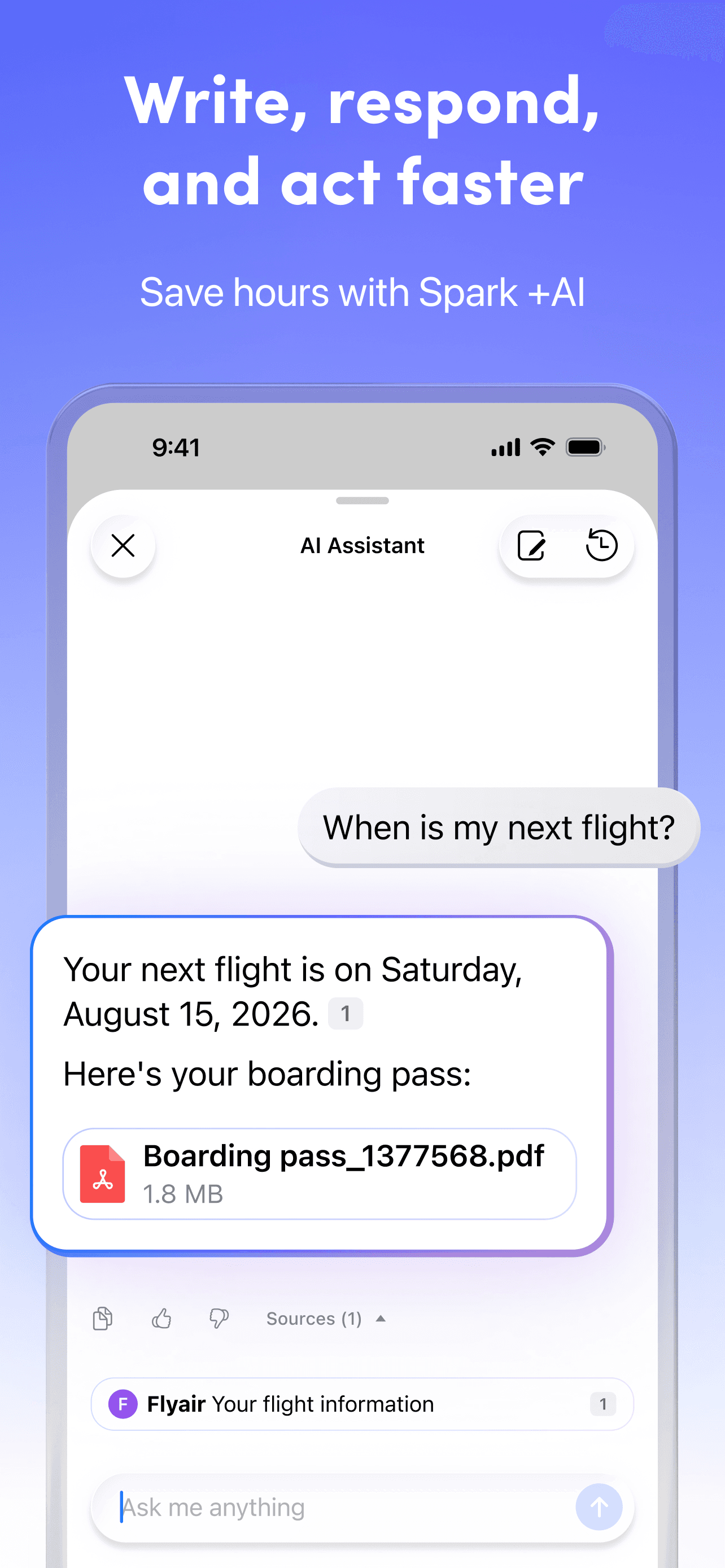
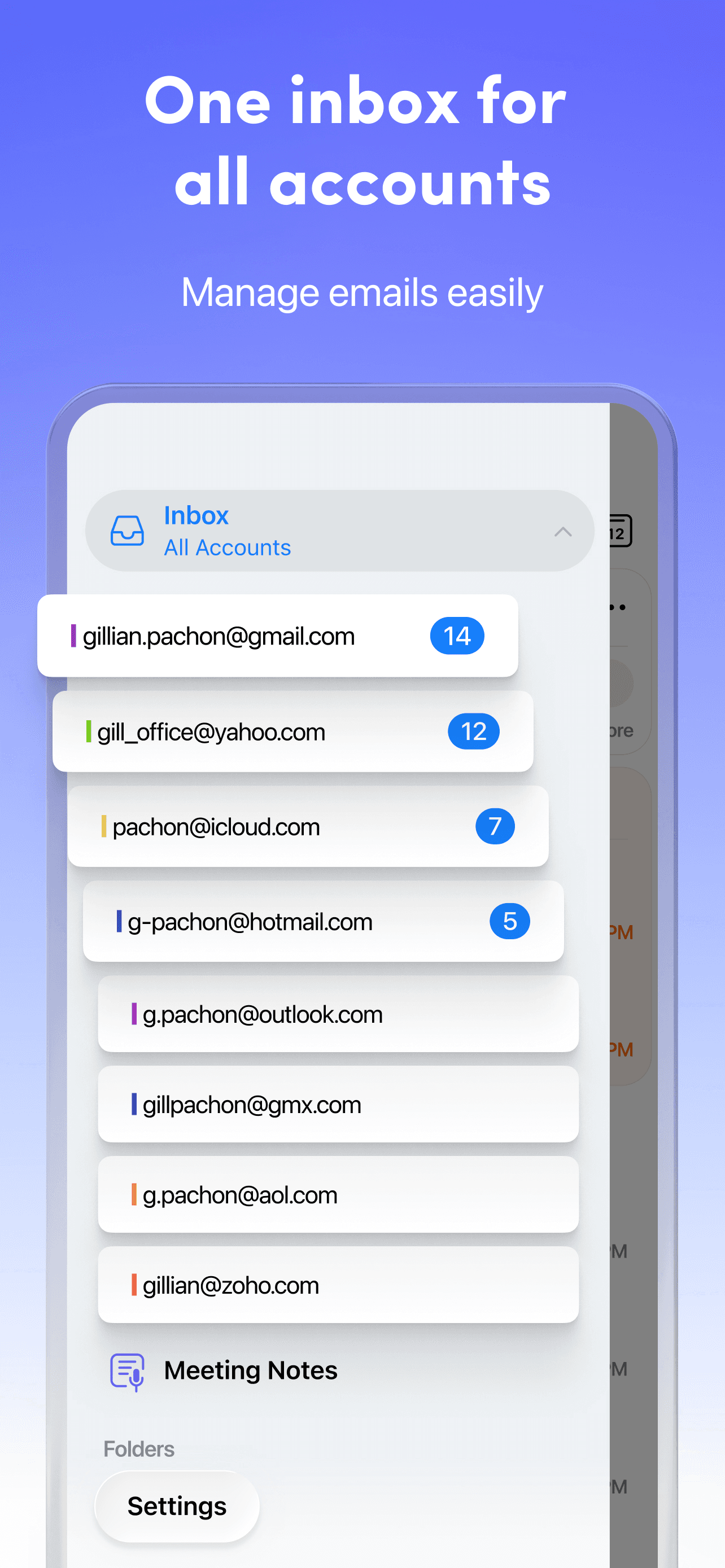
Spark Mail is the best calendar app for iPhone users who think of calendar as something that lives inside their email — meeting invites, flight confirmations, and reservations all arrive by email anyway. The 4.63 average across 81,512 U.S. ratings reflects an audience that has adopted Spark as a mail-plus-calendar combination rather than as either tool alone. Spark differs from Apple Calendar by being email-first with calendar attached, and from a pure calendar app by handling inbox triage and scheduling in one place. A real scenario: a meeting invite arrives, you accept it, Spark adds the event to your calendar, AI surfaces the agenda and prep notes, and you reply to the organizer without switching apps. The tradeoff is the calendar view is functional rather than category-leading — Spark wants to be your mail app first, your calendar second — and the AI features are tied to a Spark Premium subscription. Best for users who spend half their day in email and would rather not context-switch between Mail and Calendar. Skip if you treat calendar and mail as fundamentally separate tools.
Pros
- Combines email and calendar in one app for users who think of both as one workflow
- AI features summarize meeting invites and suggest replies inside the inbox
- Free tier covers core mail-plus-calendar workflows without forcing a subscription
Cons
- Calendar view is functional rather than category-leading versus dedicated apps
- Advanced AI features and team workflows sit behind Spark Premium
- Rating
- 4.7
- Reviews
- 67.6K
- Price
- Paid
- 90-day trend
- —
Saturn Calendar is the best calendar app for iPhone users who are high-school or college students juggling class schedules, friend group plans, and the specific rhythm of a school year. The 4.7 average across 67,619 U.S. ratings reflects an audience that has adopted Saturn as a student-first product — schedules import directly from school systems, friends see each other's class schedules, and the social layer turns a calendar into a way to find time with people on campus. Saturn differs from Apple Calendar by being student-first rather than general-purpose, and from TimeTree by treating peers and friends as the social unit rather than family. A real scenario: you import your fall semester schedule once, your friends do the same, and Saturn shows when everyone is free this week between classes — the dorm version of a shared family calendar. The tradeoff is the product depends on your school being supported and on your friends adopting it, and after graduation the product mismatches general-adult workflows. Best while in school; treat Apple Calendar as the post-graduation step.
Pros
- Imports school class schedules directly and shares them with friends on campus
- Social layer helps students find shared free time between classes and activities
- Designed around how a school year actually runs versus a generic week grid
Cons
- Requires friends to adopt the app for the social features to deliver any value
- Mismatches general-adult workflows after graduation — student-first by design
- 9
 Get on App Store
#9TickTick:To-Do List & CalendarBest Free
Appest Limited
Task remind, planner,countdown
- Rating
- 4.9
- Reviews
- 44.5K
- Price
- Paid
- 90-day trend
- —
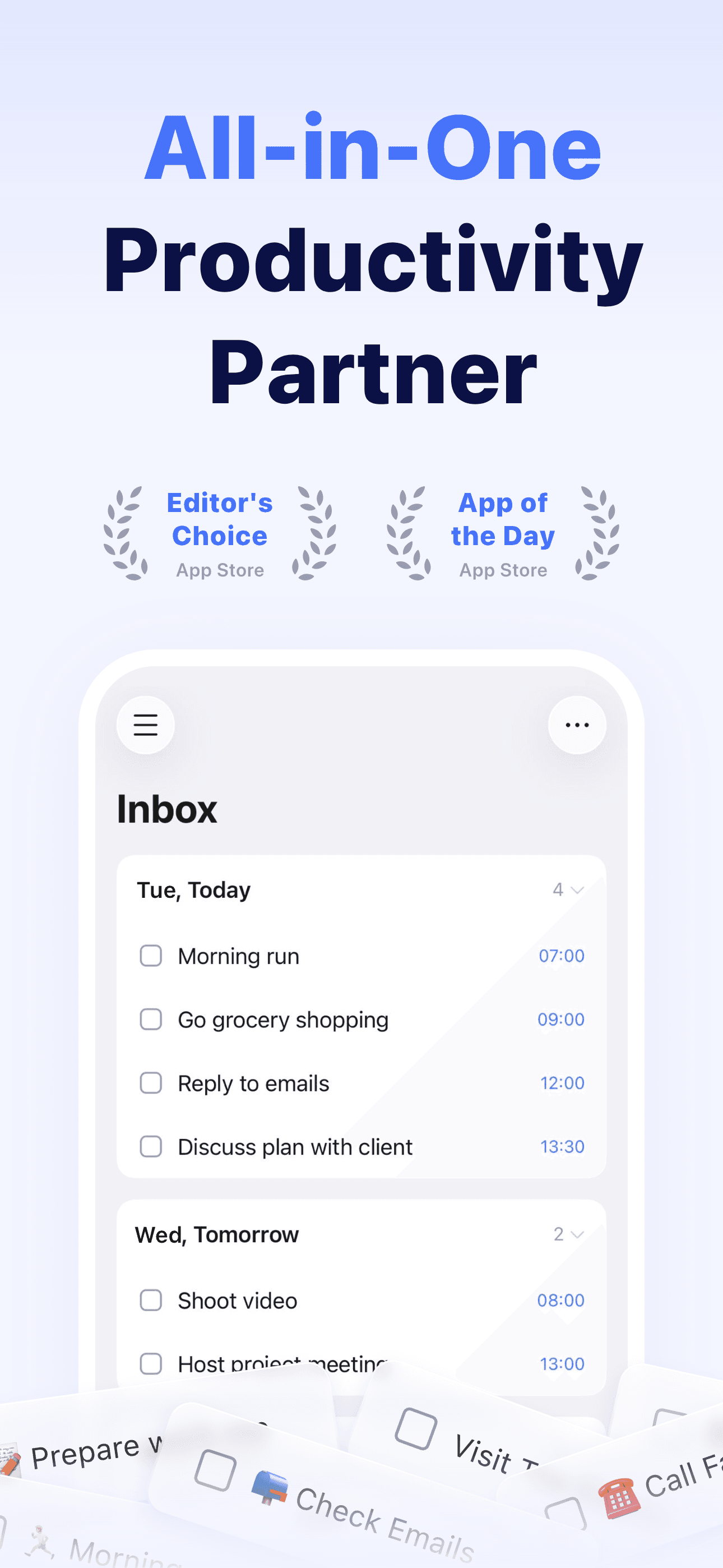
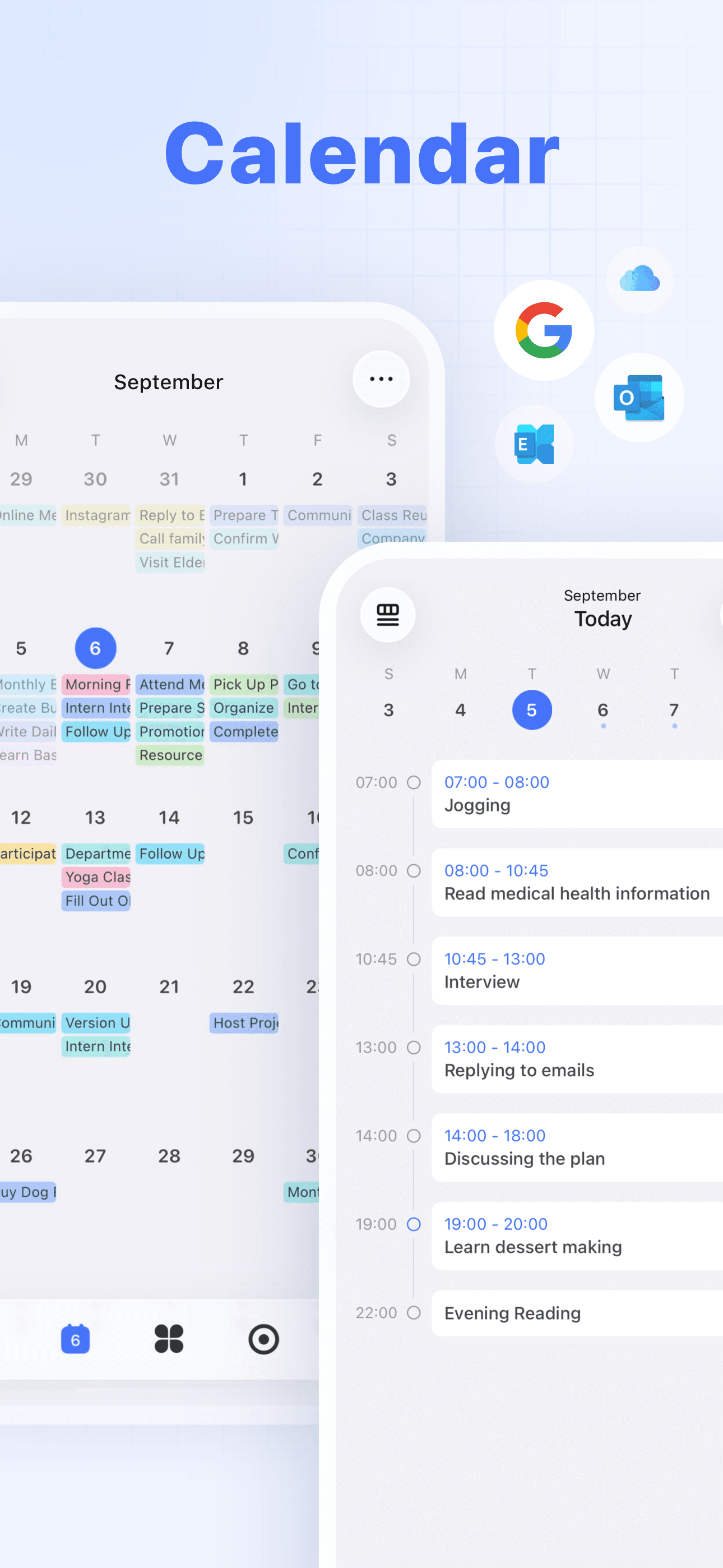
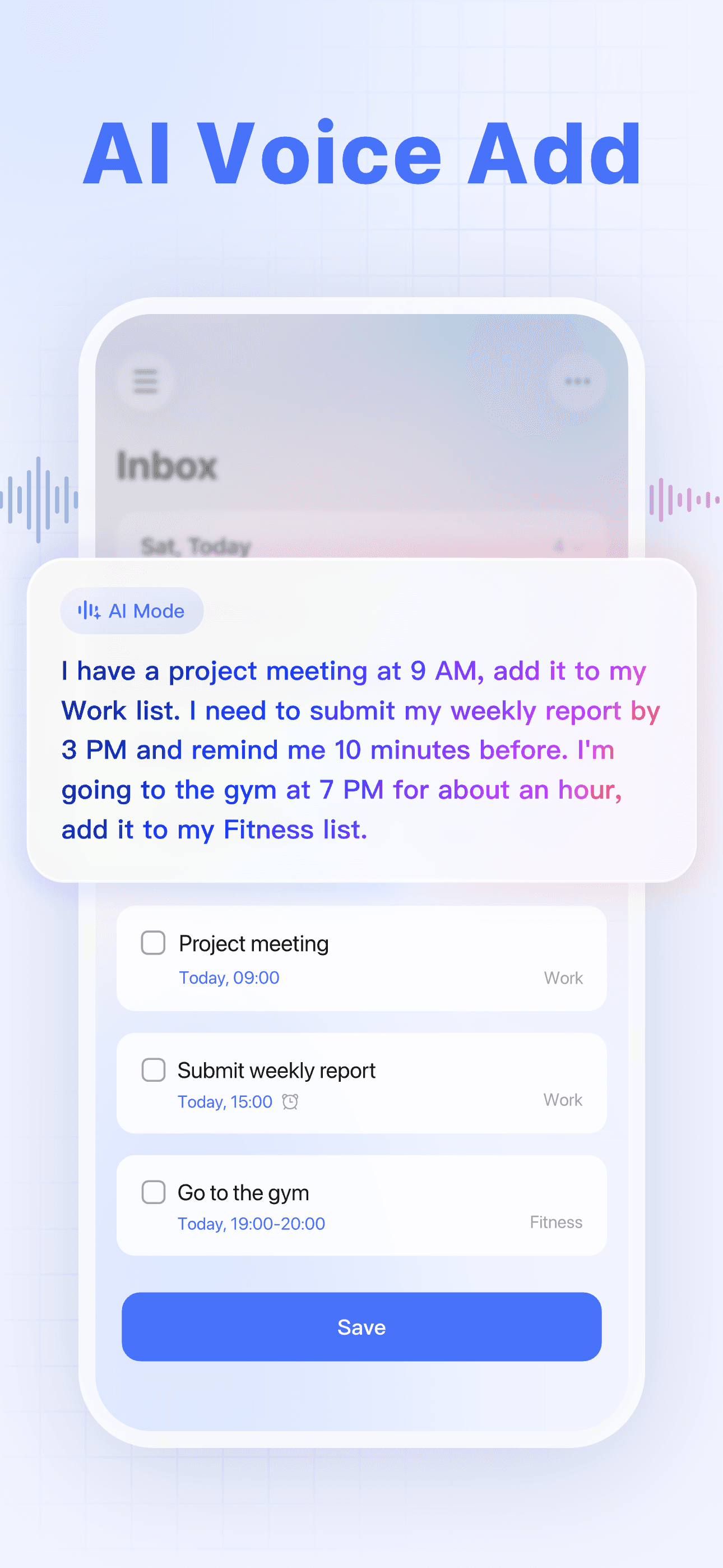
TickTick is the best calendar app for iPhone users who want tasks and calendar combined in a single tool and want a slightly more feature-loaded option than Todoist. The 4.86 average across 43,139 U.S. ratings is the highest combined rating on this list, and it reflects an audience that has gradually moved from Apple Reminders or a plain calendar to a unified task-and-calendar workflow. TickTick differs from Todoist by including a Pomodoro timer, habit tracker, and built-in calendar view (versus Todoist's calendar-as-integration), and from Apple Calendar by being task-first. A real scenario: you have meetings, recurring habits, and a task list — TickTick shows all three in a unified day view, the Pomodoro timer tracks focused work on tasks, and the habit tracker stays alongside the day. Natural-language entry is reliable. Recent reviewers specifically call it 'the only thing that works' after trying bullet journals and paper planners. The tradeoff is Premium unlocks the calendar view, advanced reminders, and team features — the free tier is task-only. Best for users who want a single tool covering tasks, calendar, habits, and focus sessions.
Pros
- Highest combined rating on this list at 4.86 stars across 43,139 U.S. ratings
- Combines tasks, calendar, Pomodoro timer, and habit tracker in a single tool
- Reliable natural-language entry and clean unified day view across event types
Cons
- Calendar view and advanced reminders sit behind a Premium subscription
- Feature breadth can overwhelm users wanting a simple events-only calendar
- 10
 Get on App Store
#10PocketLife CalendarBest Minimalist
OvalKey Ltd.
Calendar Organizer & Reminders
- Rating
- 4.7
- Reviews
- 41.4K
- Price
- Paid
- 90-day trend
- —
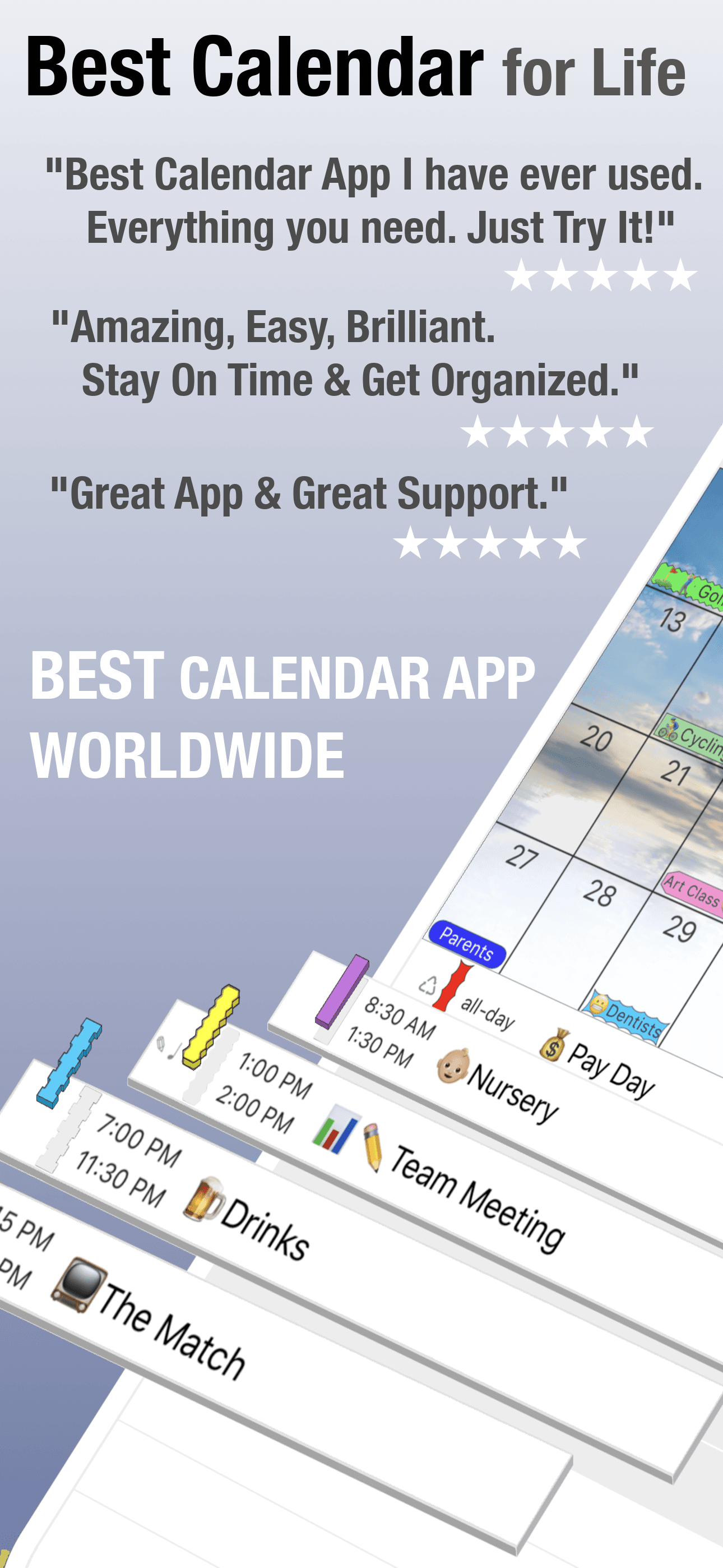
PocketLife is the best calendar app for iPhone users who want a long-running, customizable family calendar with deep visual personalization. The 4.73 average across 41,277 U.S. ratings reflects a product that has shipped since 2010 and continues to update — the current version landed in February 2026, which is a notable cadence for a 16-year-old app. PocketLife differs from Apple Calendar by leaning customization-and-personalization-first, and from TimeTree by being more single-user-and-household-focused. A real scenario: you have multiple subscribed calendars, you want each in its own color with custom icons, and you want a daily view that surfaces birthdays, weather, and reminders in one panel — PocketLife handles the personalization without forcing you into a generic look. The tradeoff is the user base is smaller than the top picks and the product can feel dated against Structured or Saturn for users who want more opinionated visual design. The free tier covers core use; in-app purchases unlock themes and advanced features. Best for users who care about visual customization and want a calendar that feels personal.
Pros
- Deep visual customization with per-calendar colors, icons, and themed daily views
- Has shipped continuously since 2010 with frequent updates and a stable user base
- Free tier covers core use with in-app purchases unlocking themes and extras
Cons
- Smaller user base than the top picks means slower feature roadmap and fewer integrations
- Visual design can feel dated against newer entrants like Structured or Saturn
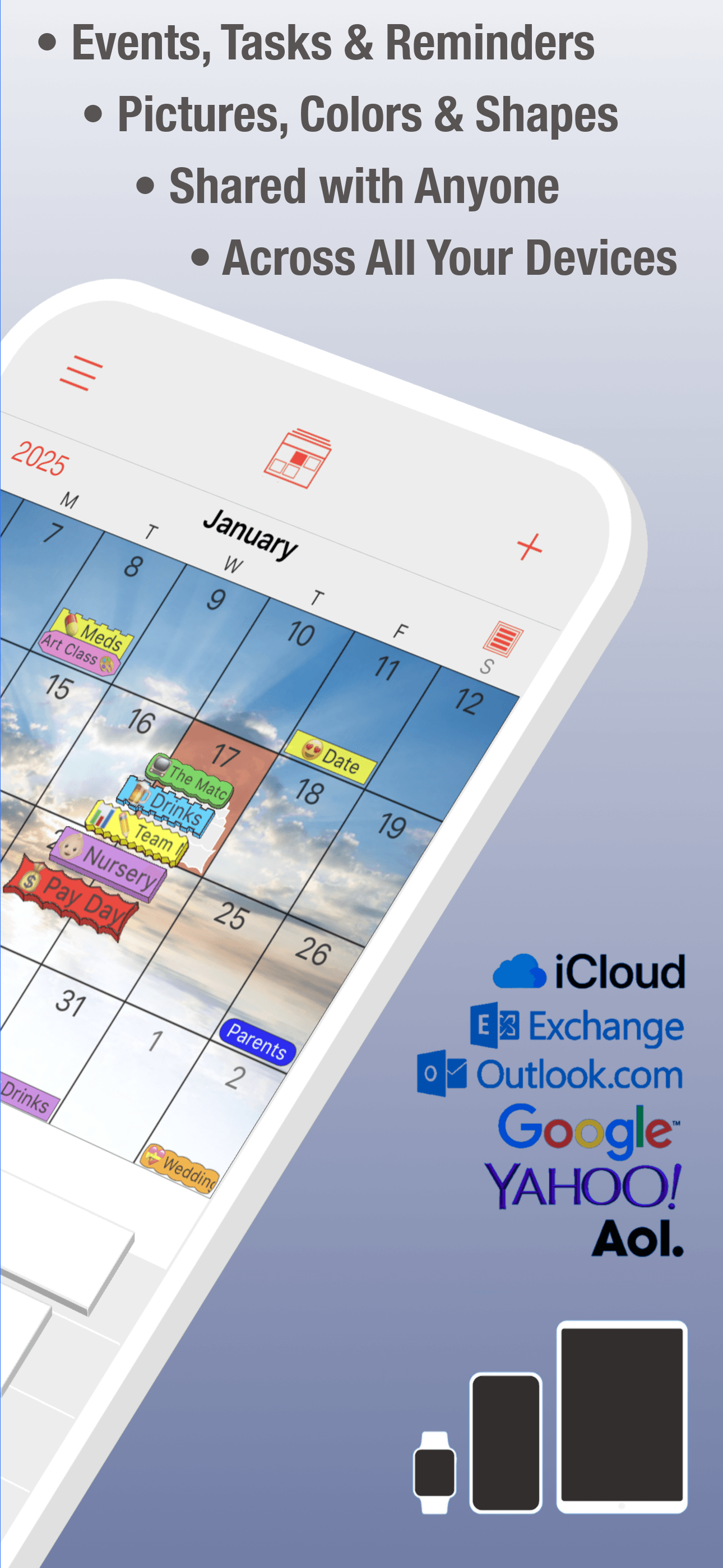
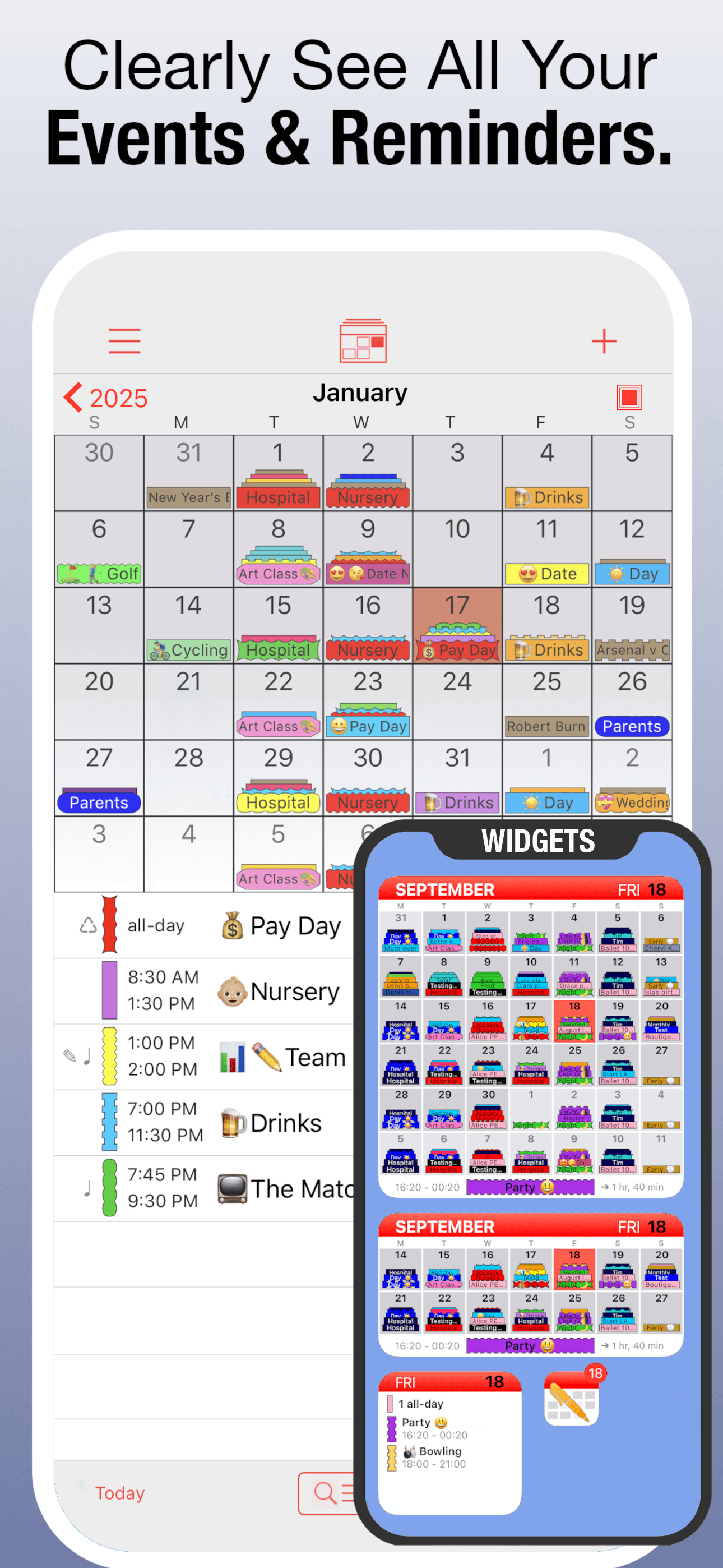


How we picked
### Data sources We combine live App Store data (ratings, recent reviews, version cadence, pricing, screenshot history) with our own ranking tracker, which logs U.S. Productivity positions daily for every app. Review themes come from the most recent U.S. reviews per app, weighted toward the last 90 days.
### How we score Four weighted axes: capture speed (how fast you can add an event with a date, time, location, and invitees), sync reliability (cross-device parity and behavior across iCloud, Google, and Exchange per real reviews), sharing quality (how well shared calendars work for families, teams, and couples), and longevity (do users still recommend the app at the two-year mark, or do they outgrow it). We did not run formal latency tests; we relied on consistent themes in user reviews.
### Refresh cadence The top-10 set is re-scored quarterly. Ratings, ranks, and review-theme analysis refresh daily. When a vendor releases a major redesign, changes pricing, or removes a feature that drove its placement, it gets re-evaluated within the week.
### What we exclude Apps with an average below 4.4 stars on the current version, fewer than five thousand ratings (with carve-outs for niche picks like Saturn), or no update in nine months. We dropped pure event-list apps that don't actually render a calendar grid. We also dropped calendar widgets that piggyback on Apple Calendar without adding new capability — the underlying data is identical, so the widget is a wrapper not a product.
### What we don't do No affiliate-driven ordering. Referral commissions do not bump apps. We don't take sponsorship or paid placement from listed apps. If a pick shifts, it's because the data shifted — pricing, ratings, review themes, or feature changes.