



Best Apps for Apple Watch
By App Store Tracker Editorial · Updated — live App Store data verified
The short version
The best Apple Watch app in 2026 is Peloton — its workout companion at 4.92 stars across 808,585 U.S. ratings is the highest-rated app on this list. Fly Delta is the runner-up and the best for travel at 4.85 stars across 7,004,629 ratings — the largest pool in the category. Across these 10 picks, Strava leads on outdoor activity tracking, MyFitnessPal leads on calorie logging on the wrist, Map My Run leads on cadence and pace coaching, and White Noise Lite leads on sleep audio.
Jump to a pick↓
Picking an Apple Watch app in 2026 means picking what lives on the wrist when your phone is in another room — the workout tracker that doesn't need GPS, the airline boarding pass before you reach security, the run pace alerts that tap your wrist mid-stride. The 10 apps on this list are the top-rated cross-category picks where the Apple Watch companion is actually used, not just available as a checkbox feature. Peloton leads on raw rating at 4.92 stars; Fly Delta and American Airlines anchor travel; MyFitnessPal, Map My Run, Nike Run Club, Strava, and StepsApp cover the fitness spectrum; MyHyundai shows the car-control category; and White Noise Lite covers sleep audio with wrist controls. Ratings cluster high — eight of the ten sit at 4.77 or above. The right pick depends on what you're holding in your other hand at the moment you raise your wrist.
- Rating
- 4.8
- Reviews
- 7M
- Price
- Paid
- 90-day trend
- —
Fly Delta is the best Apple Watch app for frequent travelers — boarding pass, gate, terminal, and flight-status updates land on your wrist before you reach security. With 4.85 stars across 7,004,629 U.S. ratings, it's the largest pool on this list, reflecting Delta's scale. The Watch app surfaces real-time flight status, bag-tracking notifications, and the boarding pass that scans straight from the wrist at gate. Fly Delta differs from American Airlines (its closest competitor here) by being the more polished implementation with a slightly higher rating and a richer Watch surface. A real scenario: you're walking through ATL with a coffee in one hand and a roller bag in the other; your watch taps, you raise your wrist, and the boarding pass scans at gate D24. The tradeoff is reviewer-flagged friction around app stability — a recent one-star review describes errors during booking that 'happen on the app and online,' suggesting backend issues bleed into the mobile experience. The core flight-status loop works reliably; the booking flow is the weak spot. Best for any traveler flying Delta more than once a quarter.
Pros
- Boarding pass scans straight from the wrist at gate
- Largest user base on the list at 7M ratings reflects deep adoption
- Real-time flight status and bag tracking on Apple Watch
Cons
- Booking flow has reliability issues per recent reviews
- Useful only if you fly Delta or its Skyteam partners
- 2Get on App Store
#2MyFitnessPal: Calorie CounterBest for Habits
MyFitnessPal, Inc.
Workout & AI Nutrition Tracker
- Rating
- —
- Reviews
- —
- Price
- Free · IAP
- 90-day trend
- —
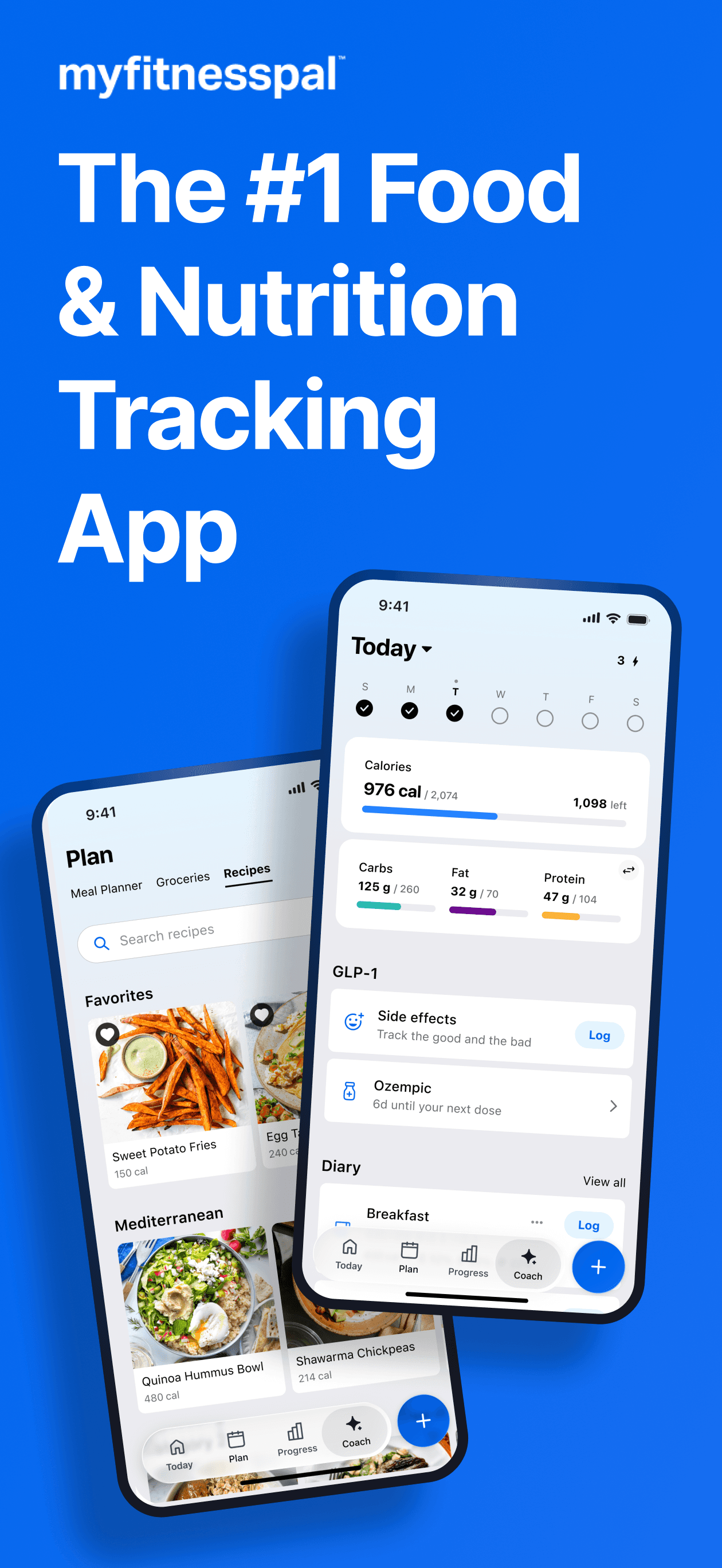
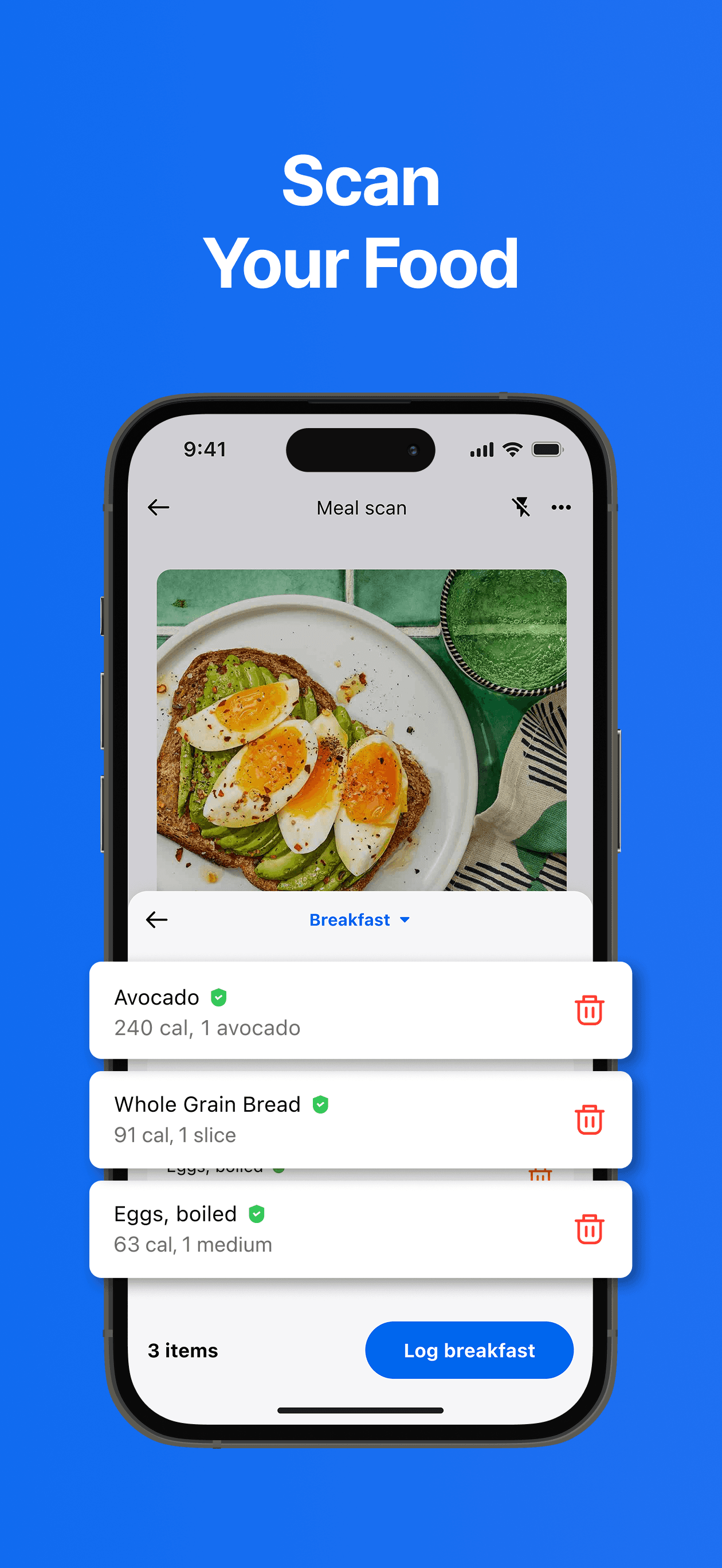
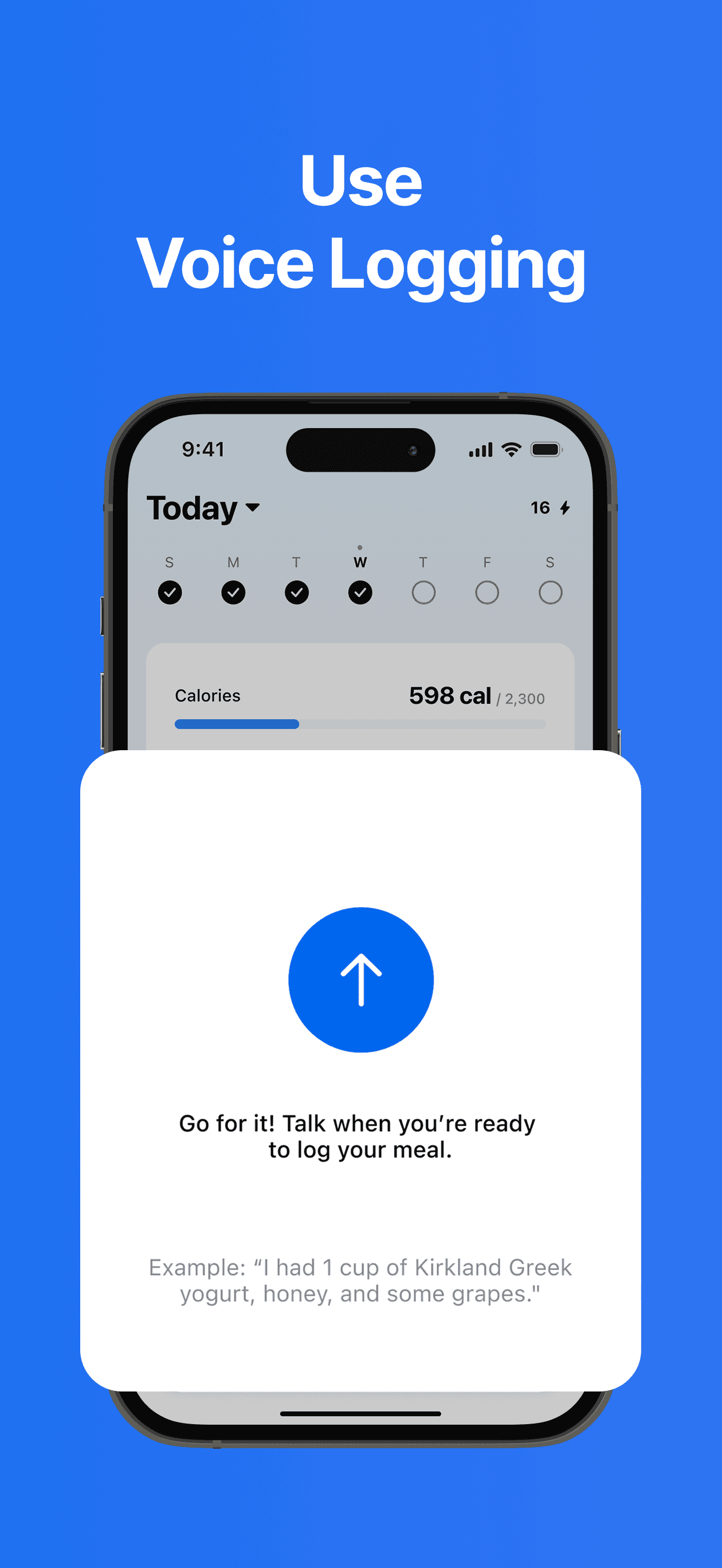
MyFitnessPal is the best Apple Watch app for calorie counters who want to log meals from the wrist without pulling out a phone. The 4.71-star average across 2,325,333 U.S. ratings reflects the largest fitness-app user base in the category, and the Watch complication surfaces today's calorie progress glanceably. The Watch app supports quick-log from a recents list and views remaining macros. MyFitnessPal differs from generic Apple Health by being food-database-deep — millions of restaurant and packaged-food entries cataloged. A real scenario: you have a 200-calorie snack, raise your wrist, tap 'log,' pick 'almonds' from your recents, and the daily progress ring updates without ever opening the phone. The tradeoff is the deeper food-search flow lives on the phone — barcode scanning, recipe building, and detailed analysis aren't practical on the watch. MyFitnessPal Premium unlocks more macro detail. Best for users who already track calories and want the wrist as a logging tap-tap-tap interface.
Pros
- Quick-log meals from the wrist via the recents list
- Calorie progress complication glanceable on the watch face
- Largest food database in the category
Cons
- Barcode scanning and recipe building only work on the phone
- Premium subscription gates the deeper macro analysis
- Rating
- 4.9
- Reviews
- 813.8K
- Price
- Paid
- 90-day trend
- —
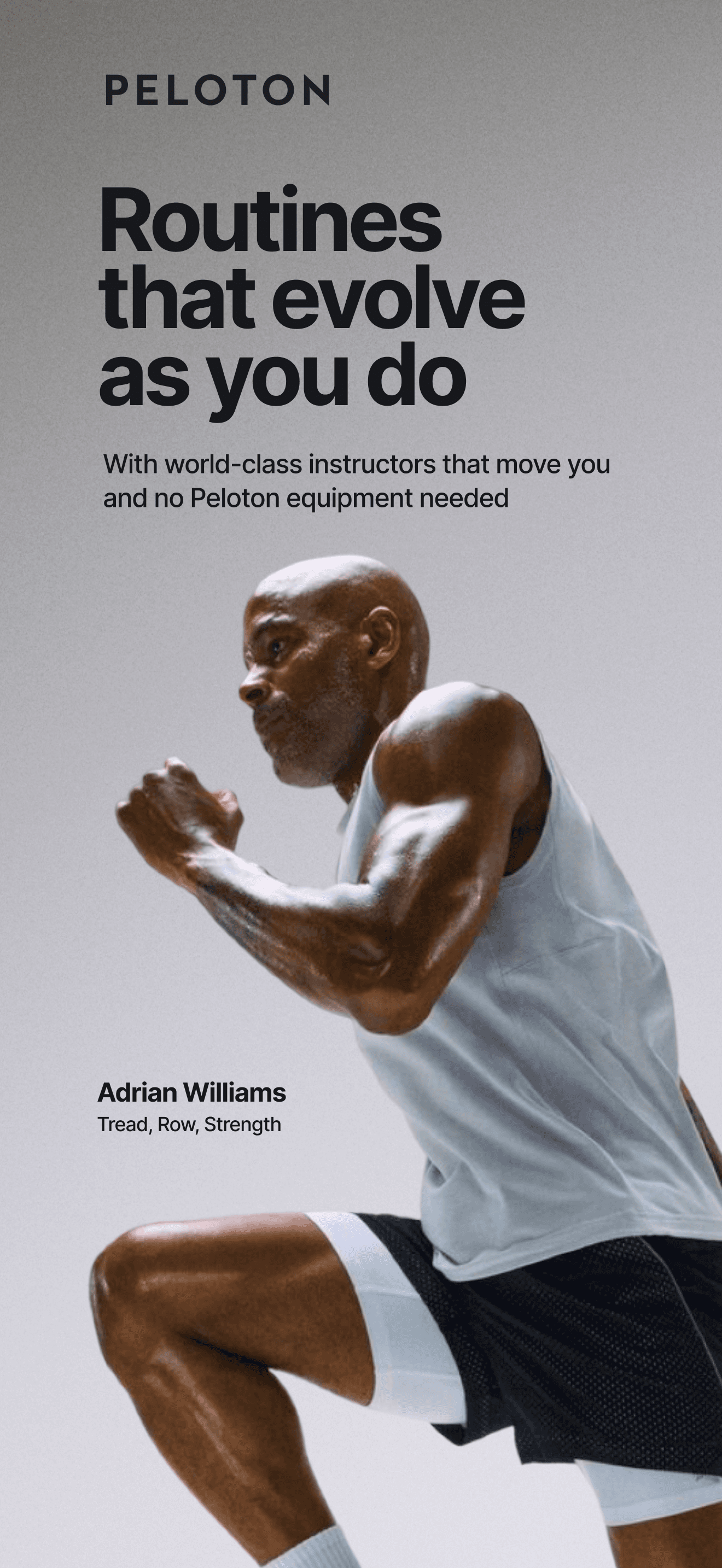
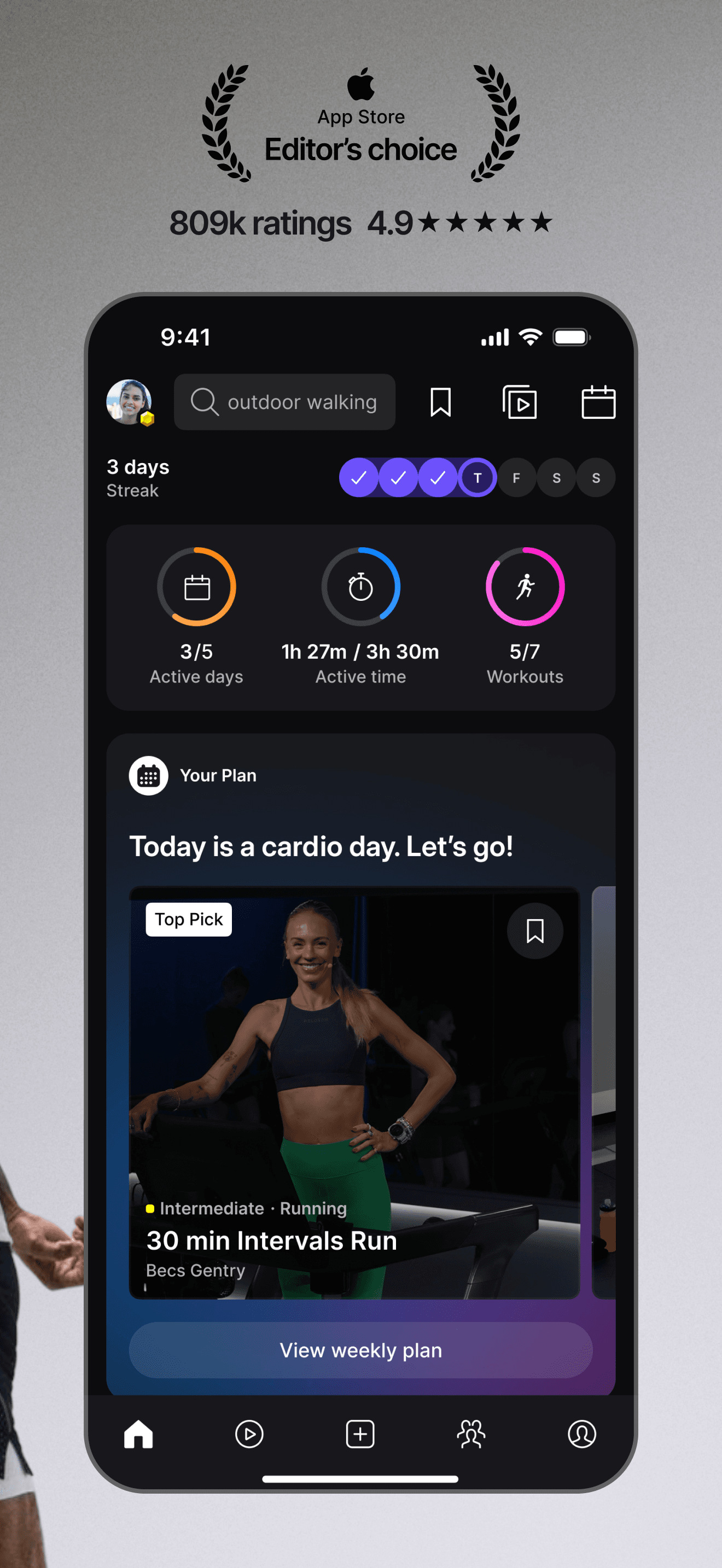
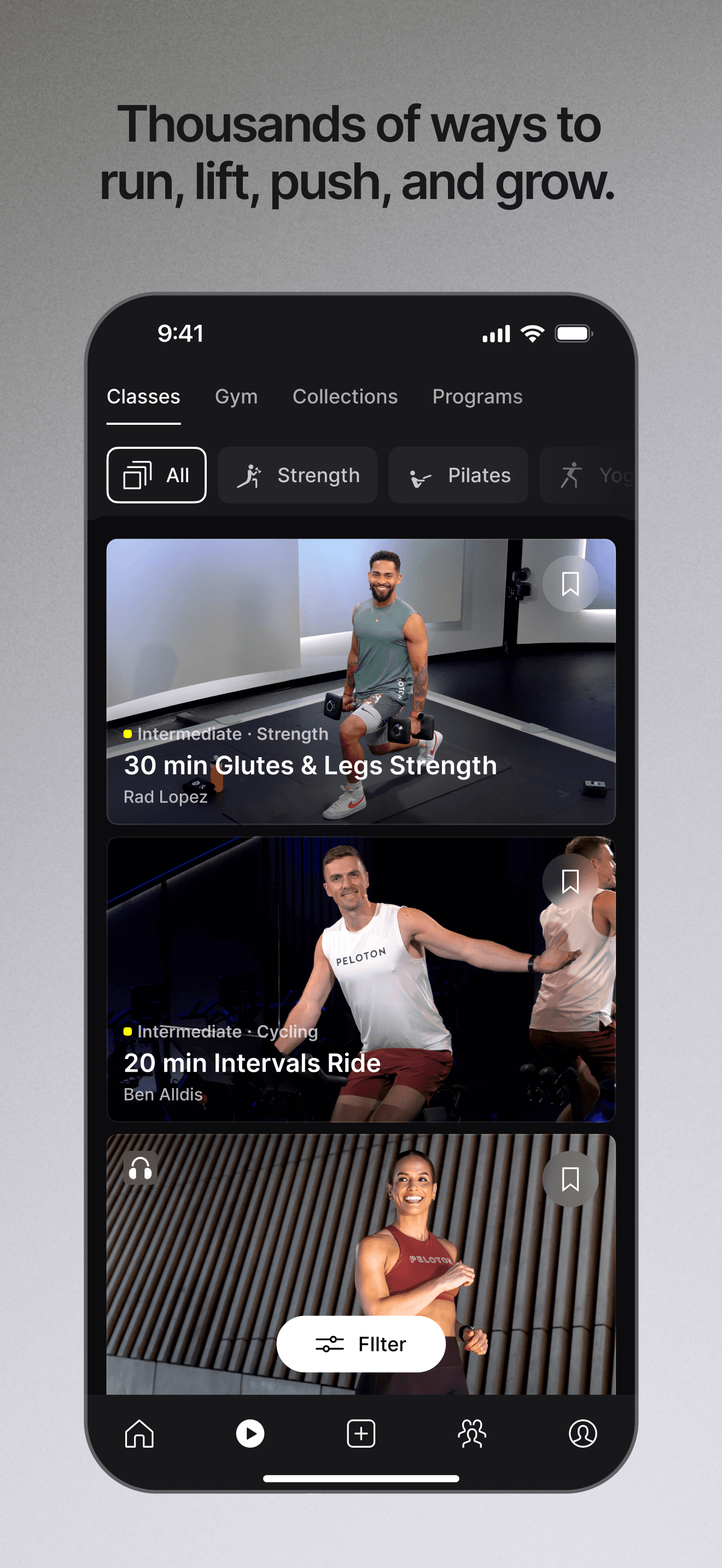
Peloton is the best Apple Watch app overall — the 4.92-star average across 808,585 U.S. ratings is the highest rating on this list, and the Watch companion does what it's supposed to do: shows live class metrics on the wrist while you're on the bike, treadmill, or yoga mat. The app handles GPS-tracked outdoor runs, syncs heart-rate from the Watch to the class in real time, and lets you start a class from the wrist. Peloton differs from generic workout apps by being class-led — every session has a coach, music, and a structured arc. A real scenario: you start a 20-minute treadmill class, the Watch shows current pace and heart rate, the class auto-logs to Apple Health, and you finish with the class metrics in your Peloton profile and your activity rings closed. The tradeoff is reviewer-flagged friction around hardware ownership — recent reviews include a serious complaint about post-purchase customer service for the physical bike, which doesn't affect the app rating directly but reflects on the brand. Best for committed class-takers; requires Peloton App subscription.
Pros
- Highest-rated app on this list at 4.92 stars
- Real-time heart-rate sync from Watch into the class
- Standalone GPS outdoor runs on cellular Apple Watch
Cons
- Requires Peloton App subscription for full class library
- Customer service complaints around physical hardware can drag the brand perception
- Rating
- 4.8
- Reviews
- 1.3M
- Price
- Paid
- 90-day trend
- —
American Airlines is the best Apple Watch app for AAdvantage travelers who want boarding-pass and flight-status updates on the wrist. The 4.76-star average across 1,041,412 U.S. ratings reflects steady adoption among AA's frequent-flyer base. The Watch app surfaces flight changes, boarding-group reminders, and the boarding pass for scanning at gate. American Airlines differs from Fly Delta by being its closest competitor — slightly lower rating, slightly less polished, but the same core feature set. A real scenario: your AA flight gate changes 20 minutes before boarding, your watch buzzes, and you see the new gate before the phone-only travelers do. The tradeoff is the consistent negative-review theme isn't about the app — it's about the airline's service quality (delays, cancellations, customer service), which gets surfaced through the app rating because users blame the channel they interact with. The Watch implementation itself works reliably. Best for AAdvantage members and Oneworld travelers.
Pros
- Boarding pass and gate-change alerts on the wrist
- Strong 1M-rating user base across AAdvantage members
- Reliable Watch implementation for everyday travel
Cons
- App rating reflects airline service quality, not always app quality
- Slightly less polished than Fly Delta's Watch surface
- Rating
- —
- Reviews
- —
- Price
- Paid
- 90-day trend
- —
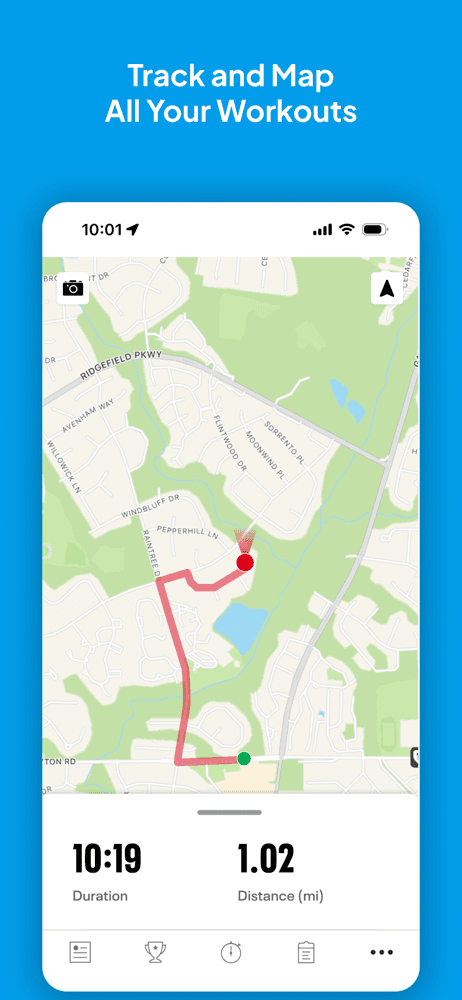
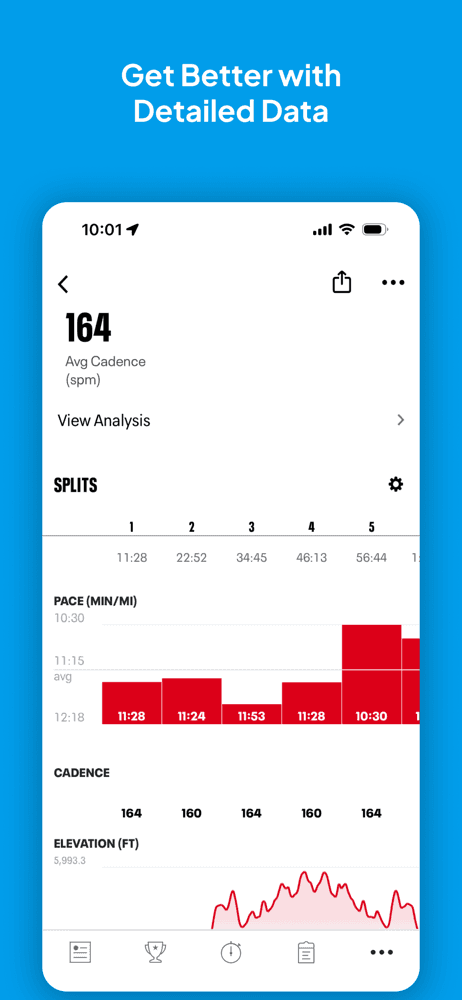
Map My Run by Outside Television is the best Apple Watch app for runners who want detailed wrist-based pace, cadence, and split alerts mid-stride. The 4.84-star average across 738,160 U.S. ratings reflects a loyal user base going back to MapMyRun's pre-Outside-acquisition days. The Watch app handles standalone GPS recording (on cellular models), splits announcements via your AirPods, and full route mapping post-run. Map My Run differs from Strava by leaning toward solo training data over community, and from Nike Run Club by skipping audio-led guided runs. A real scenario: you start a 5K run from the wrist, get split alerts in your ear at each kilometer, finish, and the run uploads to MapMyFitness for analysis. The tradeoff is reviewer-flagged friction around a recent update — long-time users describe it as 'killing the app for me' with new behavior they don't want, which is a common pattern in fitness apps after redesigns. Best for runners who want a detailed mid-stride coaching layer.
Pros
- Standalone GPS recording on cellular Apple Watch
- Detailed split alerts and cadence coaching mid-run
- 738K-rating user base reflects long-term loyalty
Cons
- Recent update flagged by long-time users as a downgrade
- Best features live behind MVP subscription
- Rating
- —
- Reviews
- —
- Price
- Paid
- 90-day trend
- —
MyHyundai with Bluelink is the best Apple Watch app for Hyundai owners who want car control on the wrist — remote start, climate preconditioning, lock and unlock, and vehicle status. The 4.78-star average across 481,234 U.S. ratings reflects steady adoption among Hyundai's connected-vehicle owners. The Watch app surfaces the most common commands as wrist shortcuts. MyHyundai differs from generic key-fob apps by integrating with Hyundai's vehicle systems — battery state, fuel level, and service intervals show up in the app. A real scenario: you're walking from the office to the parking lot on a 95-degree day, raise your wrist, tap 'start,' and your car cools to 70°F before you reach it. The tradeoff is reviewer-flagged friction around the Bluelink subscription — multiple negative reviews call out the $99-200/year cost after the free year and describe reliability issues, with one reviewer noting commands failing during the exact moments they wanted them (a snowstorm at work). Best for Hyundai owners willing to pay for Bluelink Premium.
Pros
- Remote start, climate, and lock control from the wrist for Hyundai owners
- Strong 481K-rating user base
- Vehicle status (battery, fuel, service) on the watch
Cons
- Bluelink subscription required after the free year is reviewer-flagged as expensive
- Command reliability suffers in poor cellular conditions
- Rating
- —
- Reviews
- —
- Price
- Paid
- 90-day trend
- —
Nike Run Club is the best Apple Watch app for runners who want audio-led guided runs from real coaches and Nike athletes. The 4.77-star average across 412,584 U.S. ratings reflects a community that values the coaching layer as much as the tracking. The Watch app records standalone GPS runs (on cellular models), supports guided runs in the ear, and surfaces achievements as wrist buzzes. Nike Run Club differs from Strava by being coaching-led rather than community-led, and from Map My Run by leading with structured workout plans. A real scenario: you start a 'first 5K' guided run, the coach talks you through the warm-up, the run, and the cool-down via AirPods, and your watch tracks pace and heart rate the whole way. The tradeoff is the absence of recent reviews in our sample (the app updates frequently but reviewers tend to comment positively in cycles). The base experience is genuinely free — Nike doesn't charge for the coaching content. Best for runners who want a coach in their ear and zero cost.
Pros
- Audio-led guided runs from real coaches in your ear
- Standalone GPS runs on cellular Apple Watch
- Free — Nike doesn't charge for coaching content
Cons
- Recent review pool is thin, making trend tracking harder
- Community layer is shallow compared to Strava
- Rating
- —
- Reviews
- —
- Price
- Paid
- 90-day trend
- —
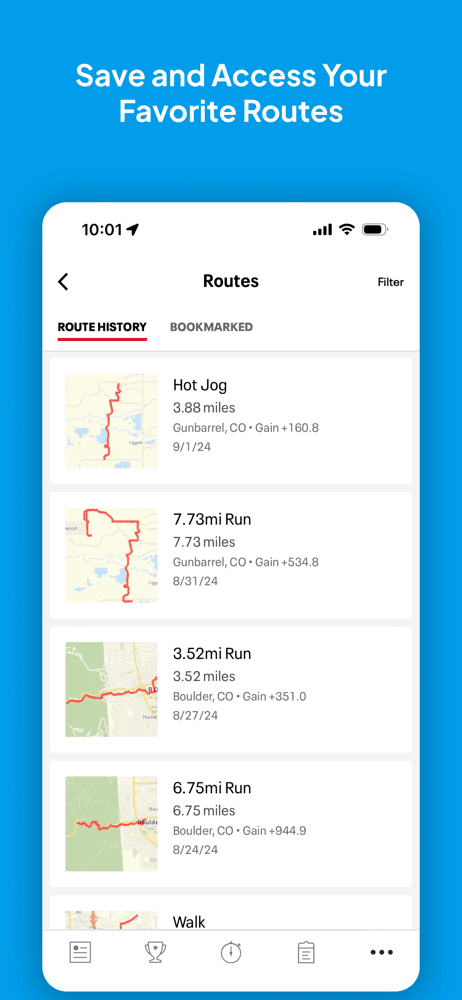
Strava is the best Apple Watch app for cyclists, runners, and outdoor athletes who want community, segments, and detailed post-activity analysis. The 4.81-star average across 356,587 U.S. ratings reflects deep adoption among committed athletes. The Watch app records GPS workouts standalone (on cellular), surfaces live metrics, and uploads completed activities to Strava's social feed automatically. Strava differs from Nike Run Club by leading with community and segment competition, and from Map My Run by being multi-sport (cycling, hiking, swimming, gym) rather than running-focused. A real scenario: you ride a 25-mile loop, finish, and Strava's segments tell you that you placed 7th on the steepest climb out of 4,200 attempts. The tradeoff is reviewer-flagged friction around navigation — a paid subscriber complaint notes that finding hiking and gym-workout logs is harder than it should be, and a separate reviewer flags occasional Apple Health distance truncation on cycling syncs. Best for athletes who want a competitive community layer on top of their watch's recording.
Pros
- Best community and segment-leaderboard system in the fitness category
- Multi-sport — cycling, running, hiking, swimming, gym all supported
- Standalone Watch GPS recording on cellular models
Cons
- Navigation between non-running activities is harder than it should be
- Apple Health cycling distance occasionally syncs truncated
- Rating
- 4.8
- Reviews
- 287.4K
- Price
- Paid
- 90-day trend
- —
StepsApp Pedometer is the best Apple Watch app for users who want a beautiful, minimalist step counter that pulls from Apple Health and surfaces meaningful daily and weekly trends. The 4.82-star average across 274,612 U.S. ratings reflects strong satisfaction with a single-purpose app done right. The Watch complication shows current steps; the iPhone app builds the trend chart. StepsApp differs from Apple Fitness by being step-focused rather than ring-focused, and from generic activity trackers by leaning on visual design over feature breadth. A real scenario: you glance at your watch face, see 7,400 of 10,000 steps for the day, and the complication uses color to signal progress against your goal. The tradeoff is the narrow scope — if you want anything beyond steps, this isn't it, and StepsApp Pro is the upsell for chart export and additional widget styles. Best for users who care specifically about step counts and want a calmer alternative to the native ring system.
Pros
- Clean, single-purpose step counter with beautiful Watch complications
- Reads from Apple Health without re-recording activity
- 4.82 stars across 274K ratings reflects strong satisfaction
Cons
- Narrow scope — steps only, no other activity tracking
- Pro upgrade required for chart export and additional widget styles
- Rating
- —
- Reviews
- —
- Price
- Paid
- 90-day trend
- —
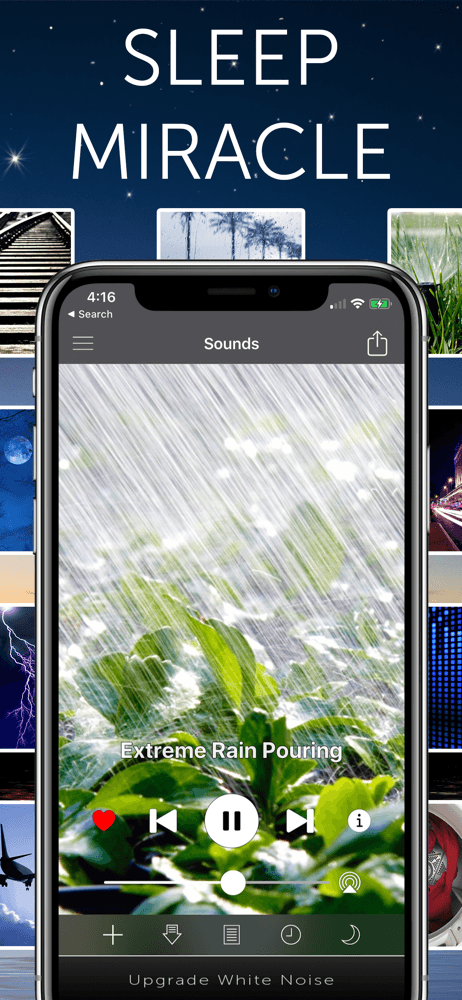
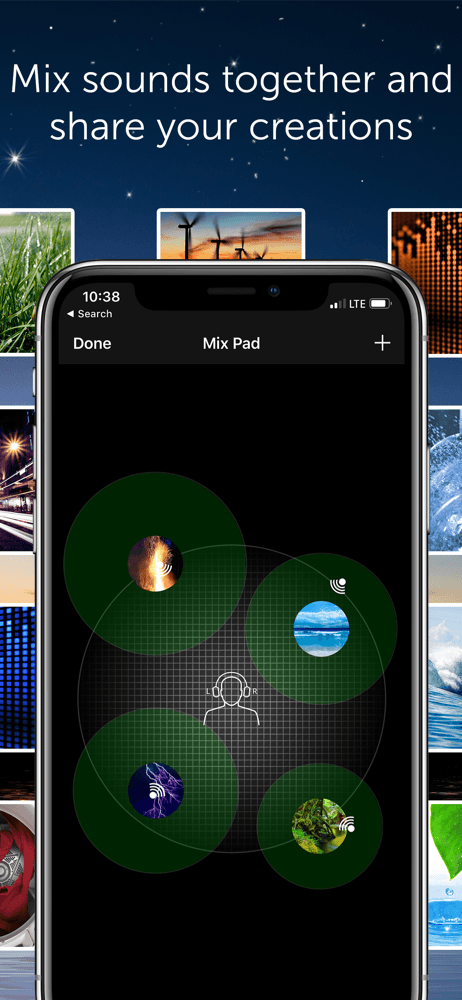
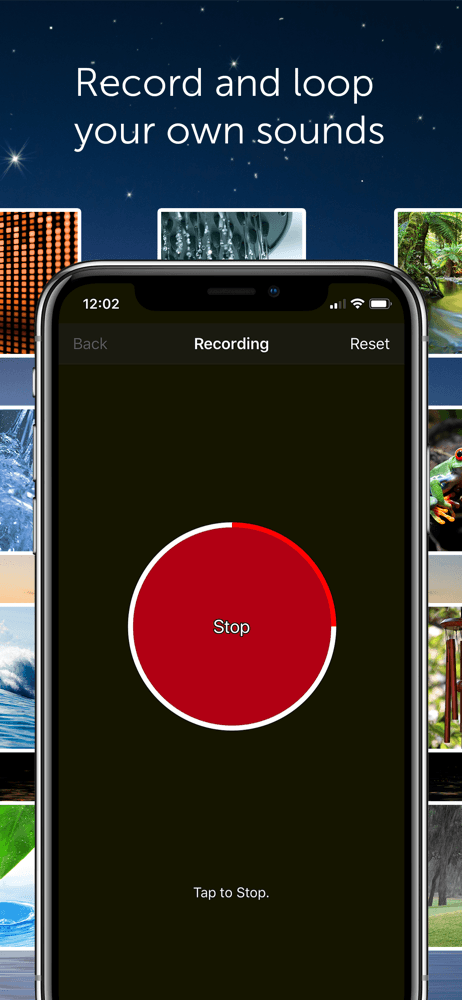
White Noise Lite by TMSOFT is the best Apple Watch app for sleep audio — start a noise track from the wrist, set a sleep timer, and stop without ever lifting your phone. The 4.83-star average across 266,281 U.S. ratings reflects long-term adoption from users who treat the app as nightly infrastructure. The Watch app handles play, pause, and timer controls, with the audio playing from the phone or AirPods. White Noise Lite differs from generic music apps by being deep on noise types — rain, ocean, fan, brown noise, and dozens more curated tracks. A real scenario: you go to bed, raise your wrist, tap your 'sleep' shortcut, the watch starts your favorite rain track on your bedside HomePod via AirPlay, and a 60-minute sleep timer ends it automatically. The tradeoff is the Lite version's catalog is curated rather than exhaustive — White Noise Pro adds more sounds and the companion White Noise Market app extends the library. Best for nightly listeners who already know which sound puts them to sleep.
Pros
- Start, stop, and timer controls from the wrist for sleep audio
- Deep noise-track library (rain, ocean, fan, brown noise, and dozens more)
- Plays via AirPlay to HomePod or bedside speakers from the watch
Cons
- Lite version's catalog is curated; Pro is required for the full library
- Audio plays from the phone — battery cost on long overnight sessions


How we picked
### Data sources We combine live App Store data (ratings, recent reviews, version cadence, pricing, screenshots) with our own ranking tracker, which logs U.S. category positions daily for every app. Review themes come from the most recent U.S. reviews per app, weighted toward the last 90 days.
### How we score Four weighted axes: wrist-first usefulness (does the Watch complication or app stand alone, or is it just a phone mirror?), complications and Smart Stack support (does the data show up where you need it on the watch face?), offline behavior (does the app work without the phone present?), and update stability (do reviewers describe recent versions as worse or better than long-time versions?).
### Refresh cadence The top-10 set is re-scored monthly. Ratings, ranks, and review-theme analysis refresh daily. When an app changes pricing, drops below 4.0 stars, breaks compatibility with a major watchOS release, or removes a feature that drove its ranking, it gets re-evaluated within the week — not at the next monthly window.
### What we exclude Apps with an average below 4.0 stars, fewer than a few hundred ratings on the current version, or no update in nine months. We also drop iPhone-only apps that ship a watch app in name only with no real on-wrist feature, and pure remote-control apps that don't offer Apple Watch-specific functionality. Apps that route everything through the phone (no offline behavior) are de-prioritized in favor of apps that work standalone on the watch.
### What we don't do No affiliate-driven ordering. Referral commissions don't bump apps. We don't take sponsorship or paid placement from listed apps. If a pick shifts, it's because the data shifted — pricing, ratings, review themes, or removed features.