



Best App Blocker Apps for iPhone
By App Store Tracker Editorial · Updated — live App Store data verified
The short version
The best app blocker for iPhone in 2026 is Pushscroll — a 4.69-star average across 15,014 U.S. ratings, the largest tested sample on this list, that trades pushups for scrolling time. BB Screen Time leads on rating quality at 4.87, Bloom wins for NFC hardware-card friction at 4.79, and Fortify is the strongest free option focused on compulsive habits. Freedom remains the cross-platform classic at 4.39 stars. Most picks use Apple's Screen Time API for reliable blocking.
Jump to a pick↓
Picking an app blocker for iPhone in 2026 means choosing how the friction works — physical hardware you have to scan, social accountability tied to a friend, exercise you have to do, or a simple scheduled lock. Among the 10 app blockers on this list, three lean exercise-or-physical-friction (Pushscroll, Bloom, Blok), two lean social-or-accountability (Friend Controls, Fortify), three lean schedule-and-blocklist (Freedom, Liberate, BB Screen Time), and two are wellness-tracker apps that adjacent to the niche but not strictly blockers (Zepbound Tracker, CaloPal). The data backs the ordering: Pushscroll holds a 4.69 average from 15,014 U.S. ratings — by far the largest tested user base on this list — and BB Screen Time scores 4.87 on a smaller sample. Friction design, Screen Time API integration, bypass resistance, and how each app behaves on day 30 (not day 1) shaped every cut. Treat the picks as starting points; the blocker that survives the urge to delete it is the one worth keeping.
- Rating
- 4.7
- Reviews
- 17.6K
- Price
- Paid
- 90-day trend
- —
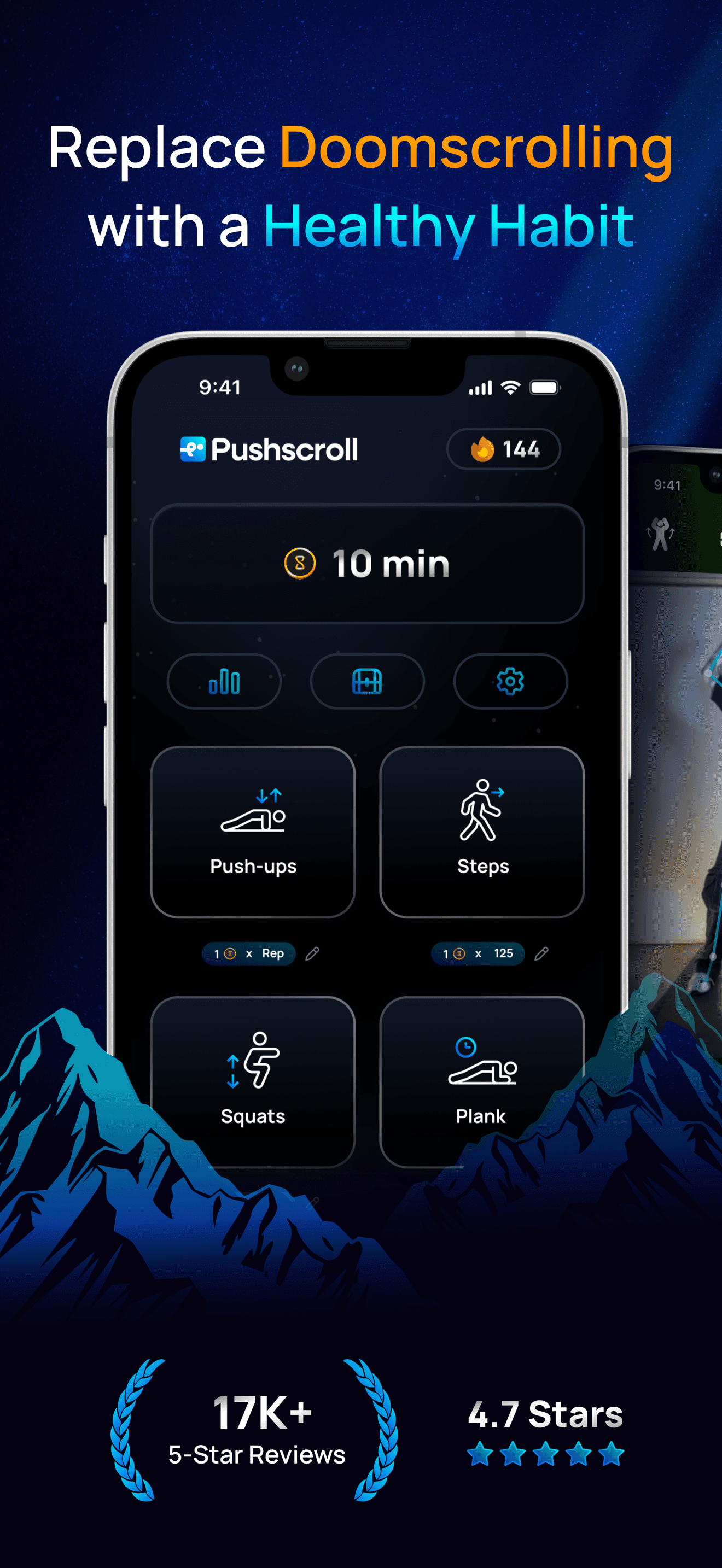
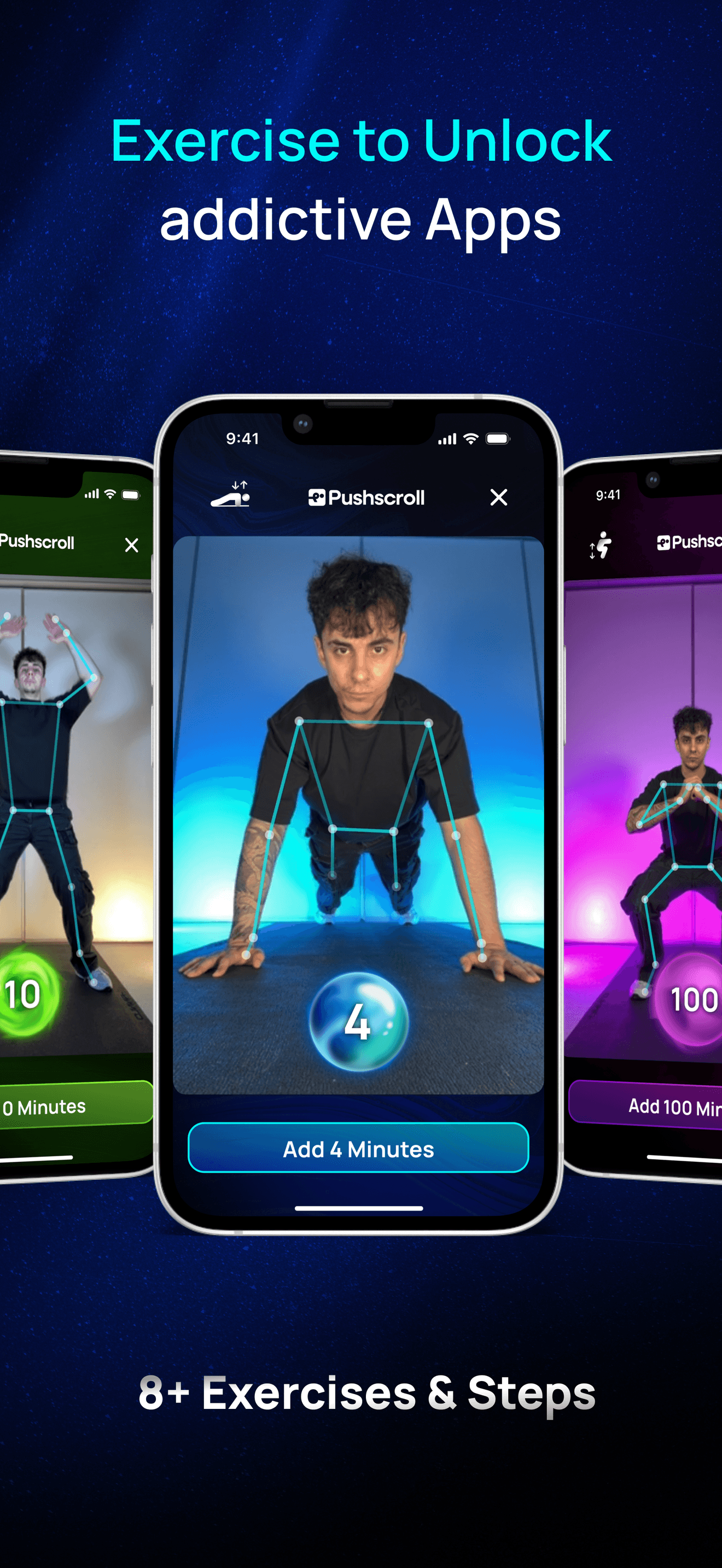
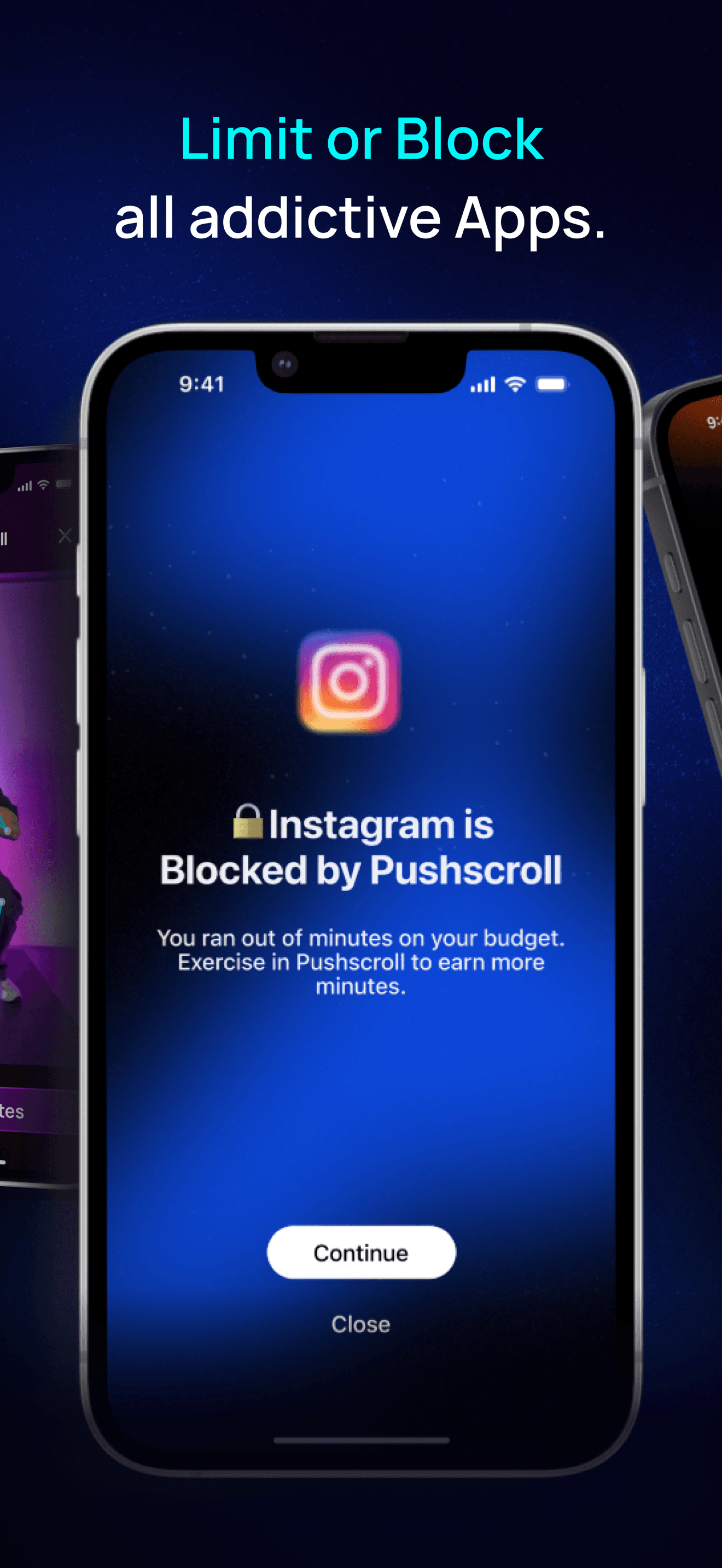
Pushscroll is the best app blocker for iPhone users who want a habit-stacking blocker that ties phone unblock to fitness — every minute of scrolling costs you pushups, squats, or other reps. The 4.69 average across 15,014 U.S. ratings is by far the largest tested user base on this list, and recent reviewers report dramatic results: one user with a 13-hour daily screen time average described Pushscroll as 'the only thing helping' after trying willpower and app deletion. Pushscroll differs from Bloom by leading exercise-friction-first rather than hardware-card-friction-first, and from Freedom by being explicitly gamified rather than schedule-and-blocklist. A real scenario: you reach for Instagram, the app is blocked, Pushscroll opens and asks for 20 pushups to unlock five minutes — after a few days the cost-benefit math shifts and the scrolling impulse fades. The tradeoff is reviewer-flagged: one user wanted unlock minutes stored as actual time rather than clock-time, and another wished for additional exercise variations. Best for users whose phone addiction is severe enough that ordinary blockers fail and who want fitness to be the reward loop replacing scrolling.
Pros
- Largest tested user base on this list at 15,014 U.S. ratings with 4.69 average
- Habit-stacks fitness with phone unblock so the friction builds physical results
- Reviewers with severe phone addiction report it working after willpower and deletion failed
Cons
- Reviewers wish unlock minutes were stored as time rather than counted on the clock
- Exercise variety is limited and some users want more options beyond pushups
- Rating
- 4.8
- Reviews
- 3.2K
- Price
- Paid
- 90-day trend
- —
Fortify is the best app blocker for iPhone users dealing with compulsive sexual content habits — the product is explicit about its niche and combines blocking, education, lifestyle coaching, and community support. The 4.75 average across 3,216 U.S. ratings reflects an audience that has self-selected for the specific use case, and the developer has shipped since 2017 with active updates through March 2026. Fortify differs from Pushscroll by being recovery-and-community-focused rather than gamification-focused, and from Freedom by addressing a specific compulsive pattern rather than general distraction. A real scenario: a user identifies that lust and explicit imagery are hurting mental health and relationships, Fortify blocks the trigger apps and websites, and the in-app coaching, lessons, and community provide accountability over months. The tradeoff is the niche framing means the app is not the right pick for general distraction blocking — users wanting to block TikTok for productivity reasons should choose Pushscroll, BB Screen Time, or Bloom instead. The free tier covers core blocking and community. Best for users with the specific compulsive-habit pattern Fortify addresses.
Pros
- Recovery-focused design combining blocking, education, lifestyle coaching, and community
- Free with no in-app purchases and active development since 2017 with 2026 updates
- Niche-specific framing means the product matches the use case precisely for its audience
Cons
- Niche framing rules it out for general distraction blocking or productivity workflows
- Specialized audience means the feature set does not generalize beyond the use case
- Rating
- 4.4
- Reviews
- 5.9K
- Price
- Paid
- 90-day trend
- —
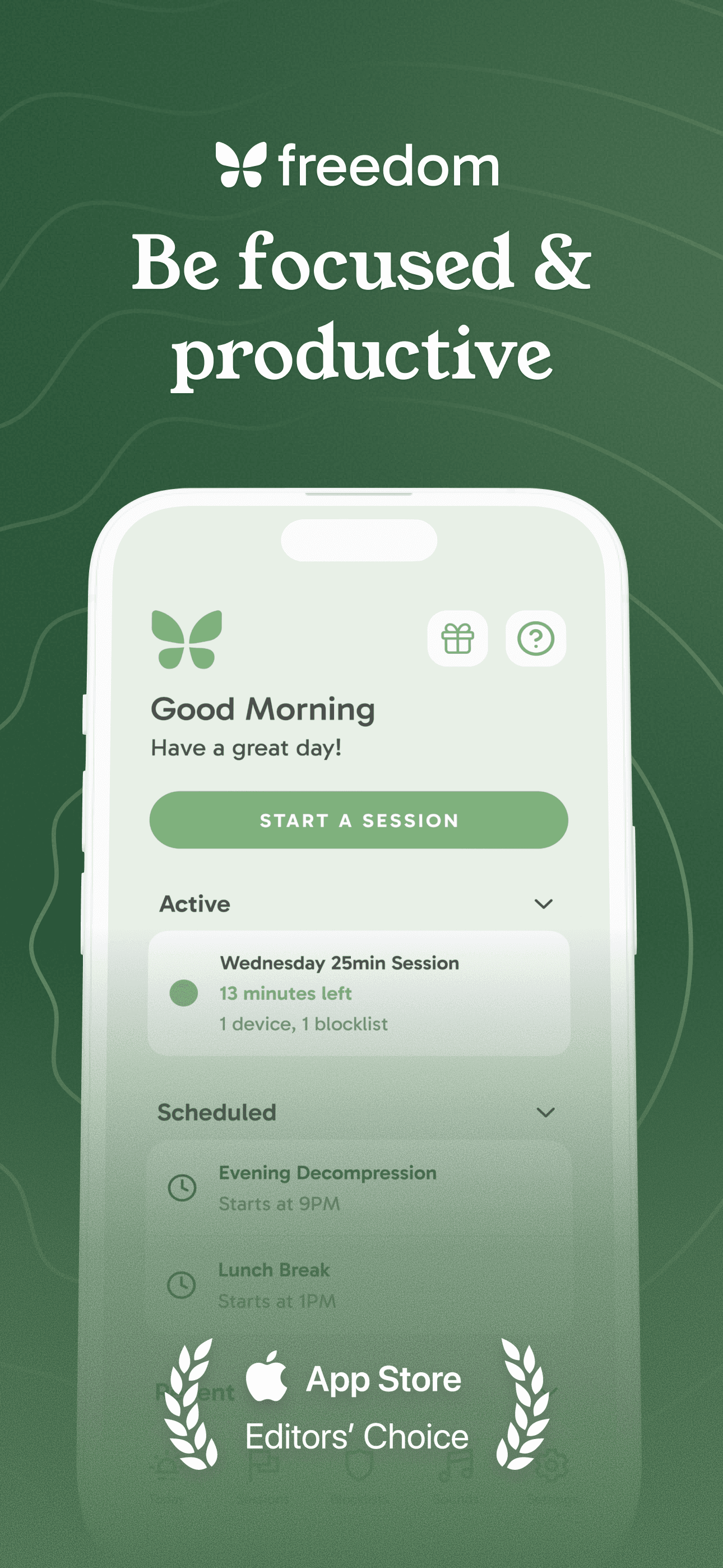
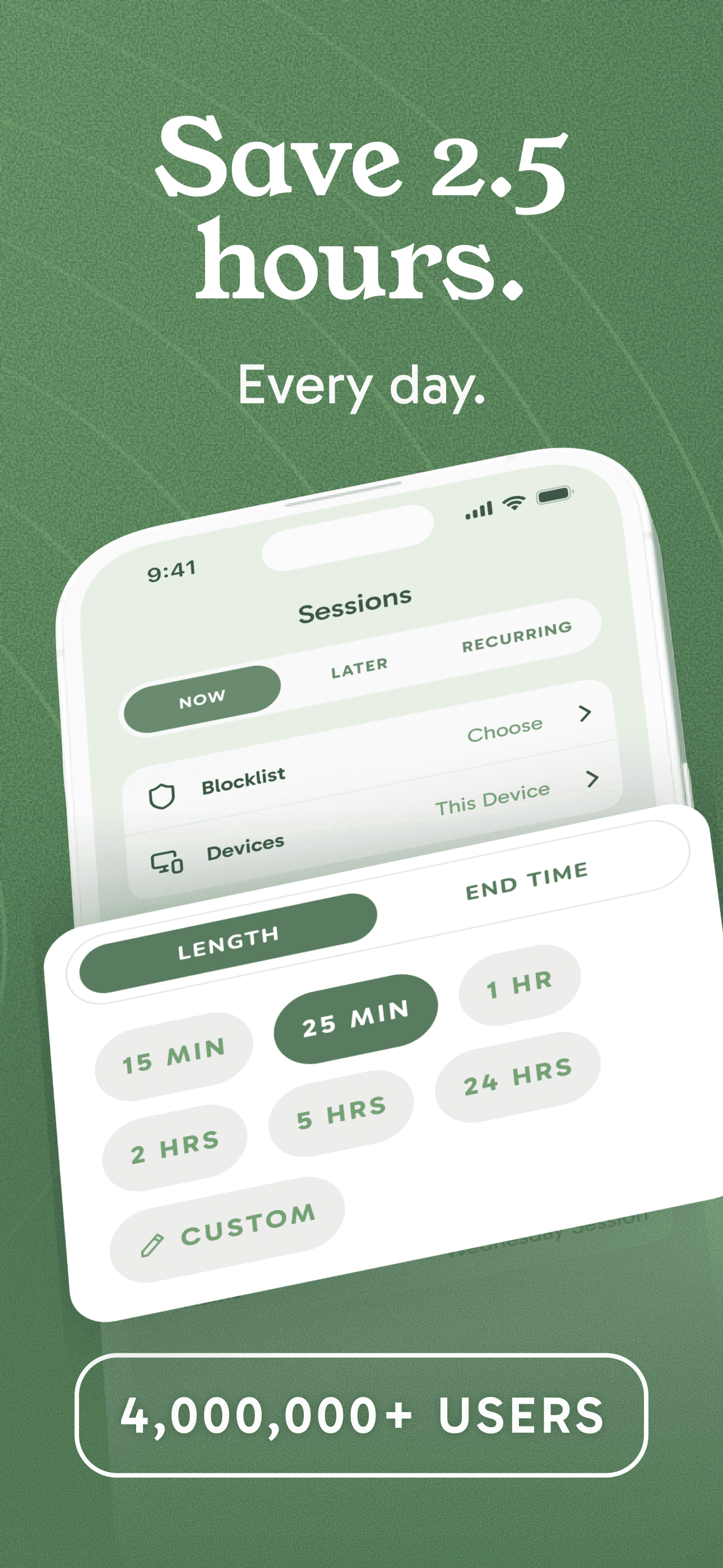
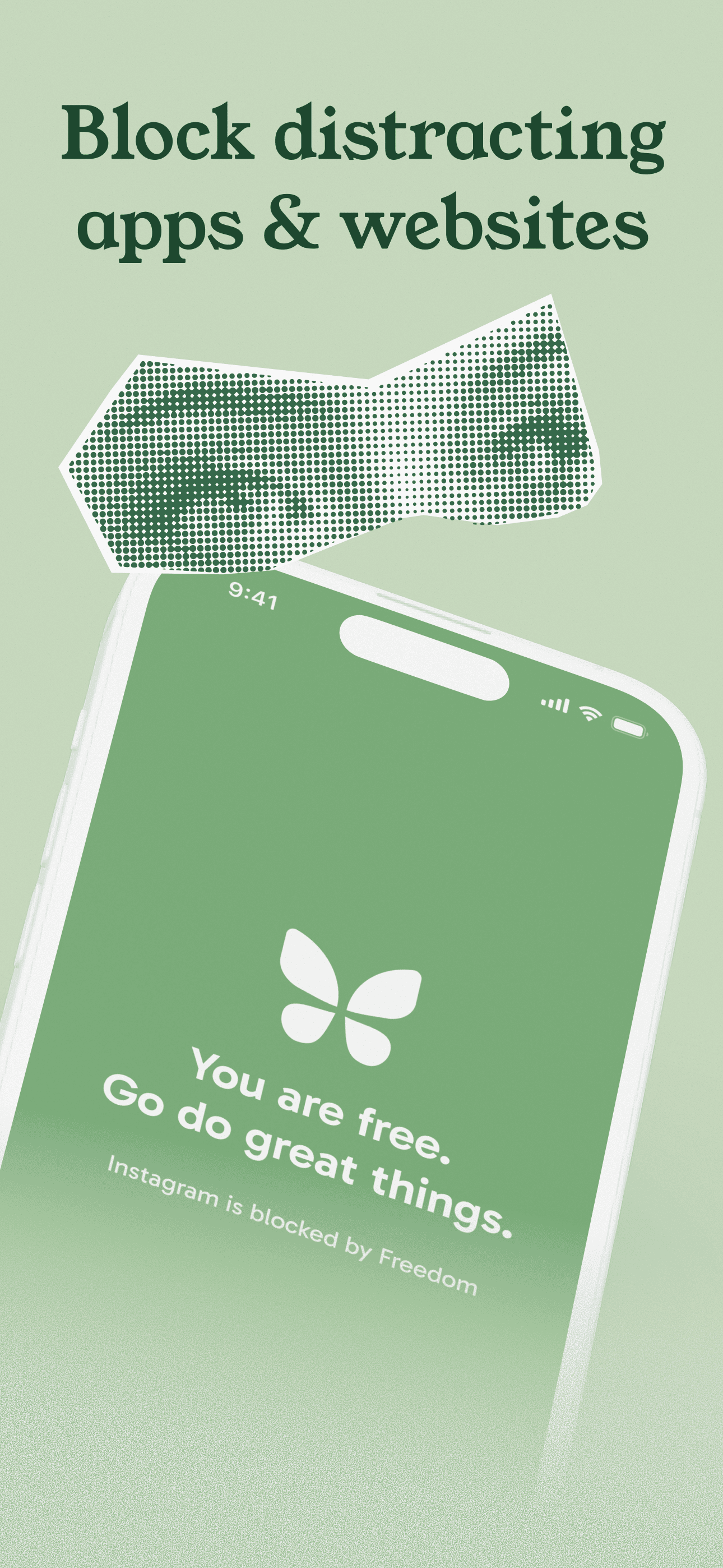
Freedom is the best app blocker for iPhone users who want the long-running cross-platform classic — three million users across iPhone, iPad, Mac, Windows, Android, and Chrome. The 4.39 average across 5,176 U.S. ratings is the lowest among the top picks here, but reflects the breadth and complexity of a 7-year-old product covering many use cases. Freedom differs from Pushscroll by being schedule-and-blocklist-first rather than friction-game-first, and from Bloom by being software-only without hardware. A real scenario: you create a blocklist of 30 apps and websites, schedule a recurring weekday-9-to-5 session, and Freedom blocks them across every device you own simultaneously. Cal Newport from Deep Work has publicly endorsed it. The tradeoff is documented in recent reviews: one reviewer reported privacy concerns after support emailed back with detailed account settings even after the user had uninstalled, and another long-time customer rated it 4 stars rather than 5 due to recent friction. Best for users on multiple platforms (iPhone plus Windows or Android) who need cross-device blocking and are willing to navigate the more complex setup.
Pros
- Cross-platform blocking across iPhone, iPad, Mac, Windows, Android, and Chrome browser
- Three million users and a Cal Newport endorsement signal long-term category leadership
- Detailed blocklist and scheduling controls for power users with complex workflows
Cons
- Reviewer reported privacy concerns after support knew settings without prior identification
- Lower star rating reflects friction from complex setup and recent product changes
- 4
 Get on App Store
#4Bloom - Conquer Screen TimeBest Friction-Based
Find Your Bloom LLC
Tap to Remove All Distractions
- Rating
- 4.8
- Reviews
- 3.3K
- Price
- Paid
- 90-day trend
- —
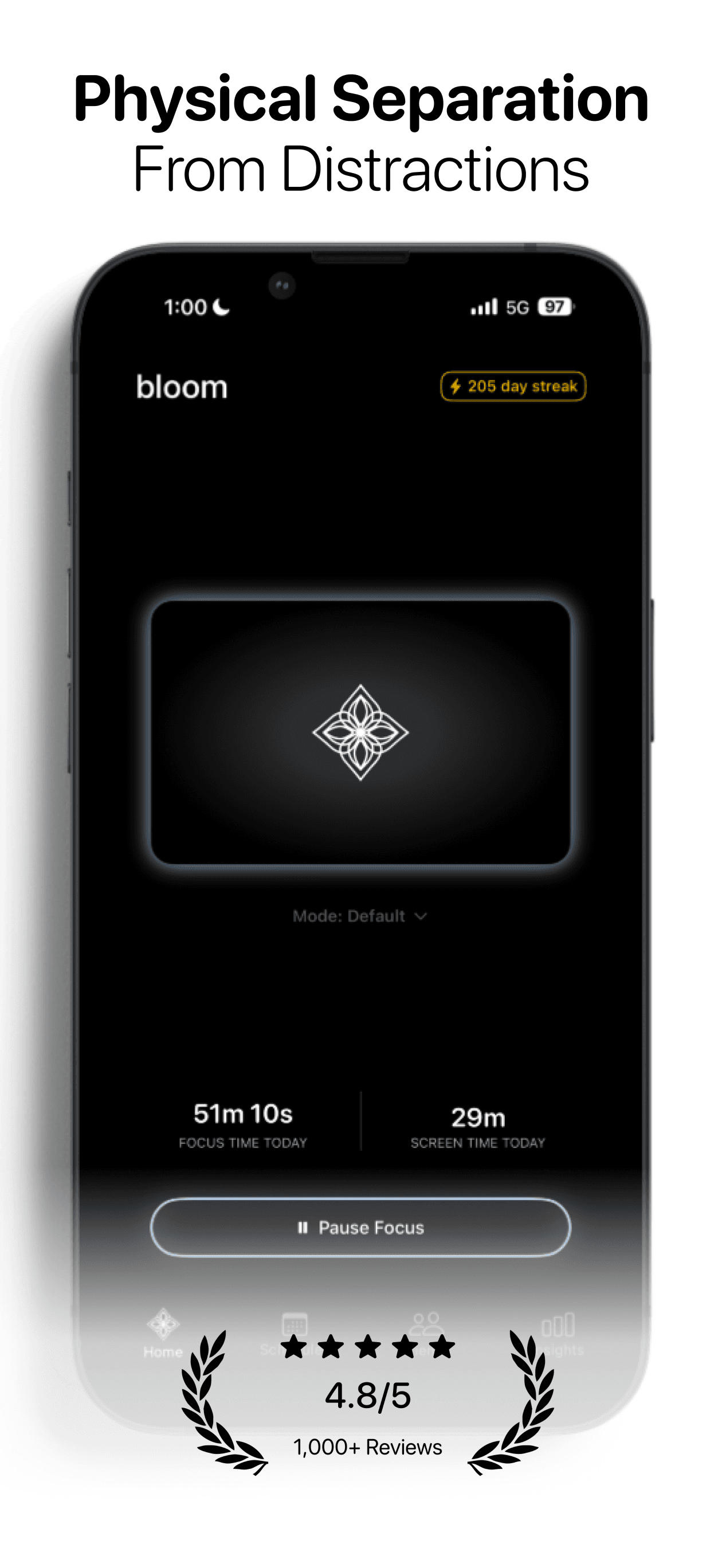
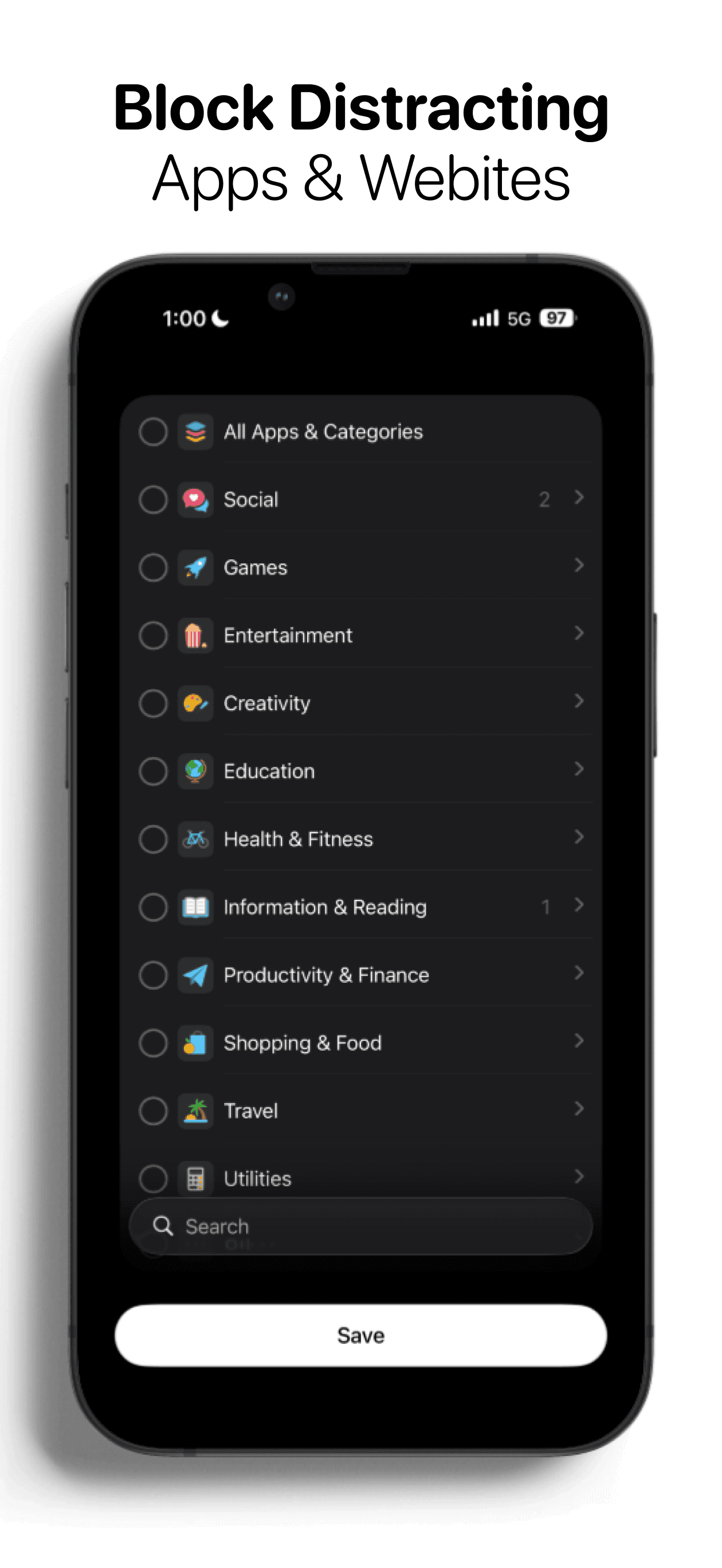
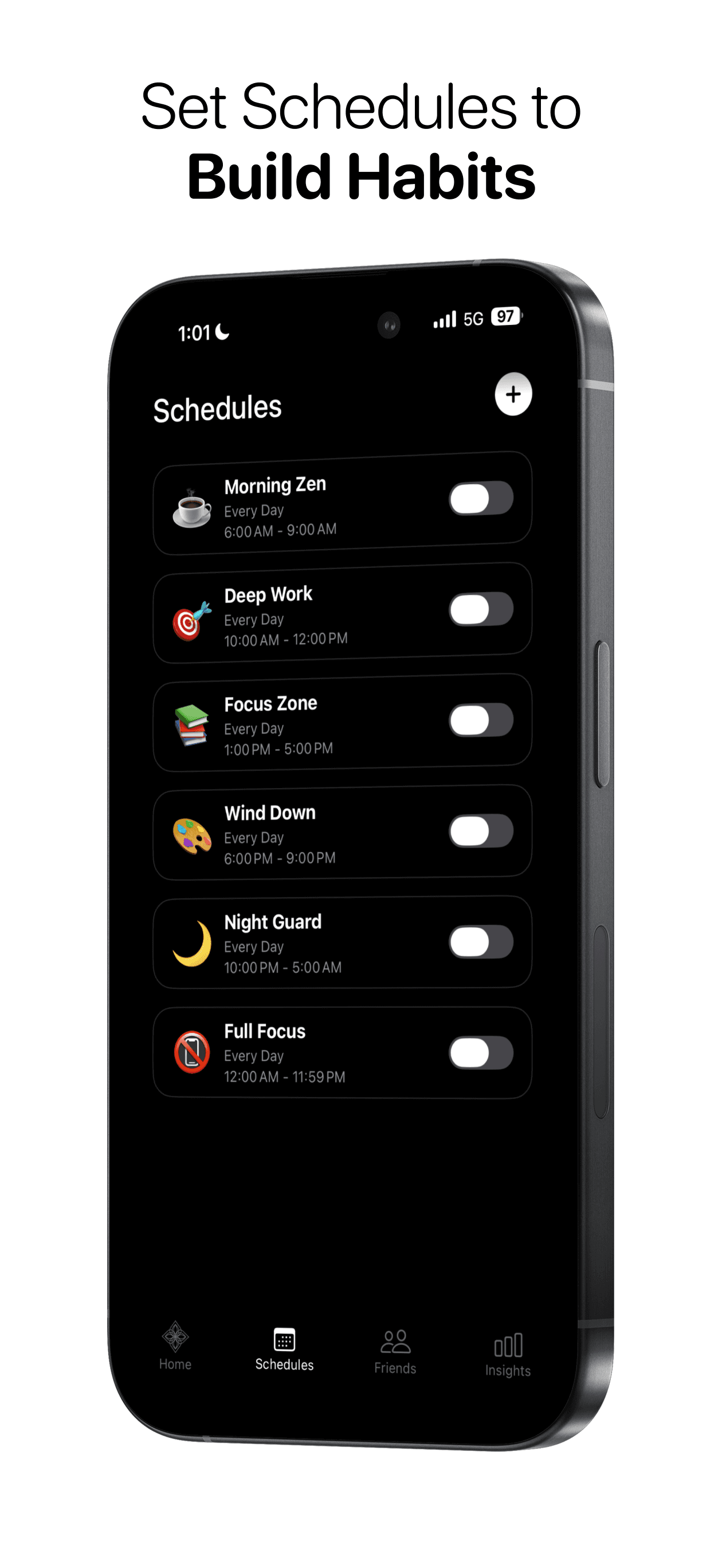
Bloom is the best app blocker for iPhone users who want hardware-level friction — a physical NFC keycard that you have to scan to unlock blocked apps, and if the card isn't with you, the apps stay blocked. The 4.79 average across 2,498 U.S. ratings reflects an audience that has tried software-only blockers and bounced off them. Bloom differs from Pushscroll by leading hardware-friction-first rather than exercise-friction-first, and from Friend Controls by being physical rather than social. A real scenario: you put your NFC card in another room at the start of a deep-work session, your blocked apps stay blocked until you physically walk over and scan it — the 30-foot trip is enough friction to break the scrolling impulse. Free to install with no in-app purchases. The tradeoff is the product depends on you actually carrying or hiding the card with intention, and the card is a physical object that can get lost. The free model is generous; the NFC card itself is the purchase. Best for users who have tried software blockers and need physical friction to actually disconnect.
Pros
- Hardware NFC card friction makes bypass require physical movement to scan the card
- Free to install with no in-app purchases — the NFC card itself is the only cost
- Reviewers who failed with software-only blockers report Bloom finally working at scale
Cons
- Depends on you actually placing the NFC card out of reach with intention each session
- Physical card can be lost or forgotten — bypass possible if you take the card with you
- 5
 Get on App Store
#5Zepbound & Mounjaro TrackerBest for ADHD
The Manhattan App Studio LLC
For GLP-1s, Mounjaro, Wegovy
- Rating
- 4.8
- Reviews
- 3K
- Price
- Free
- 90-day trend
- —
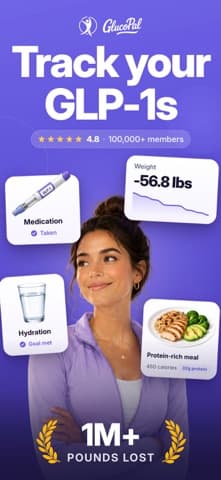
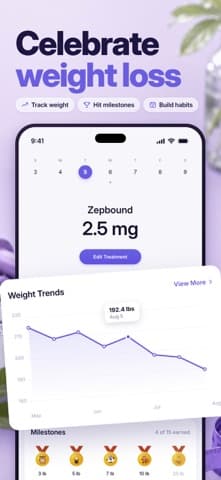
Zepbound Tracker is included in this list as an adjacency rather than a pure app blocker — the product tracks GLP-1 medications (Zepbound, Mounjaro, Wegovy), weight, and side effects rather than blocking apps directly. The 4.82 average across 1,777 U.S. ratings reflects the niche audience using GLP-1 medications and tracking habits around them. Zepbound Tracker differs from every other pick by being a medical-tracker rather than a blocker, and surfaces here because users replacing phone-time with health-tracking-time often pair it with a separate blocker. A real scenario: you're on a GLP-1 program and want to replace mindless scrolling with intentional health tracking — Zepbound Tracker becomes the productive app you open instead of social media. The tradeoff is this app does not block anything by itself; pair it with Pushscroll or Bloom for actual blocking. Best treated as a complement to a real blocker for users on GLP-1 programs; for primary app-blocking use, choose Pushscroll, Bloom, or Freedom instead.
Pros
- 4.82-star average across 1,777 ratings reflects strong fit for GLP-1 medication tracking
- Replaces mindless scrolling time with intentional health-and-medication tracking
- Active development with current version landing in March 2026
Cons
- Does not block any apps directly — strictly a medical tracker by design
- Niche audience tied to specific GLP-1 medications limits general blocker use

- Rating
- 4.7
- Reviews
- 865
- Price
- Paid
- 90-day trend
- —
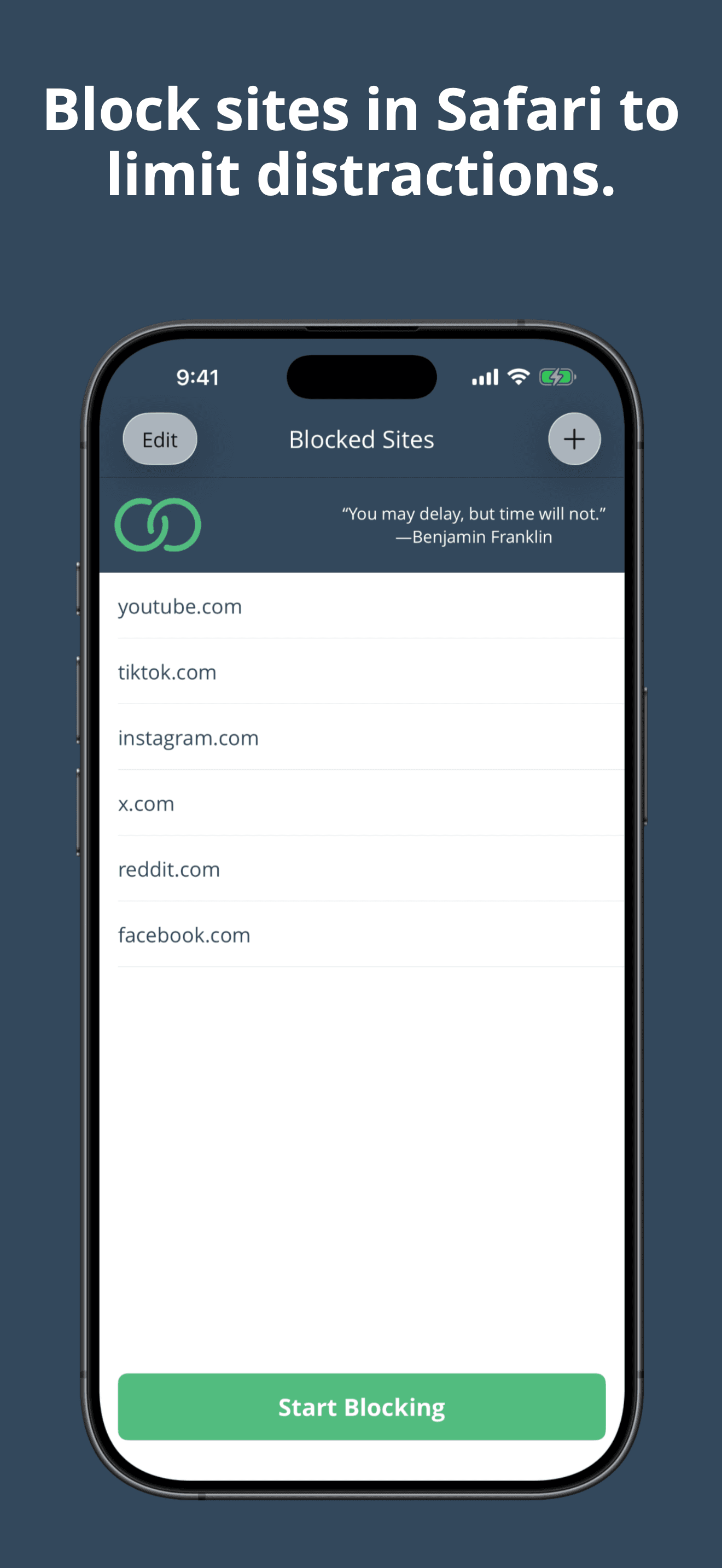
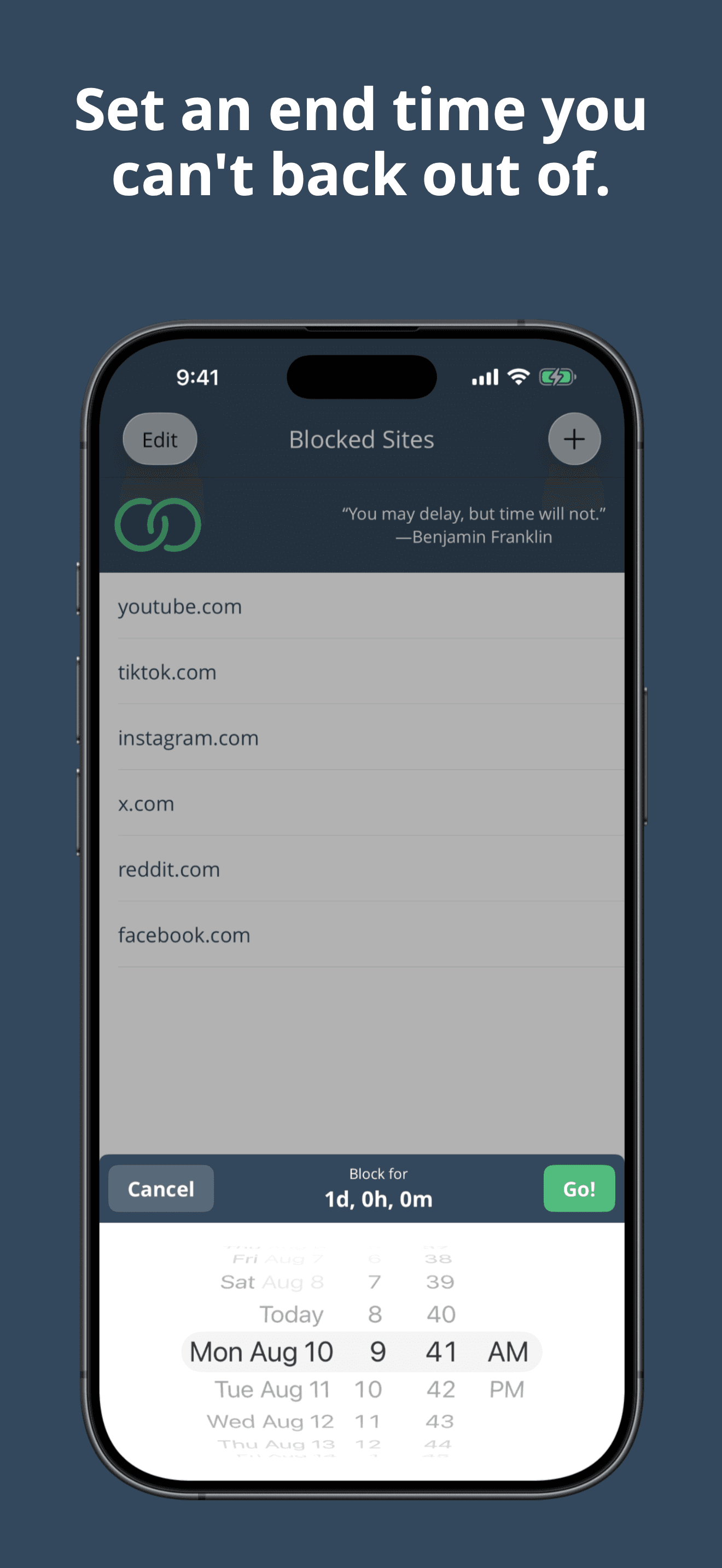
Liberate is the best app blocker for iPhone users who want a simple Safari website blocker with set-and-forget date locks. The 4.69 average across 858 U.S. ratings reflects a long-running indie product (released 2017) that has stayed within scope: pick sites, set an end date, no access in Safari until that date passes. Liberate differs from Freedom by being Safari-website-only rather than app-and-cross-platform, and from Pushscroll by leading simplicity-first rather than gamification-first. A real scenario: you block Twitter, Reddit, and YouTube in Safari until next Monday — Liberate enforces the date and you cannot revisit the sites in Safari until the deadline. The tradeoff is the development cadence has stalled (current version dates to 2022 per the data), and the Safari-only scope means it does not block native apps like Instagram or TikTok. The one-time-purchase model with no IAPs is rare in this category. Best for users who specifically want a Safari distraction blocker with date-based commitment and accept the slower update cadence.
Pros
- Simple set-and-forget Safari website blocker with date-based commitment locks
- One-time-purchase model with zero in-app purchases — rare in this category
- Long-running indie product since 2017 with a focused use case that has not drifted
Cons
- Safari-only scope does not block native apps like Instagram, TikTok, or YouTube
- Current version dates to 2022 — development cadence has clearly slowed recently
- Rating
- 4.6
- Reviews
- 750
- Price
- Paid
- 90-day trend
- —
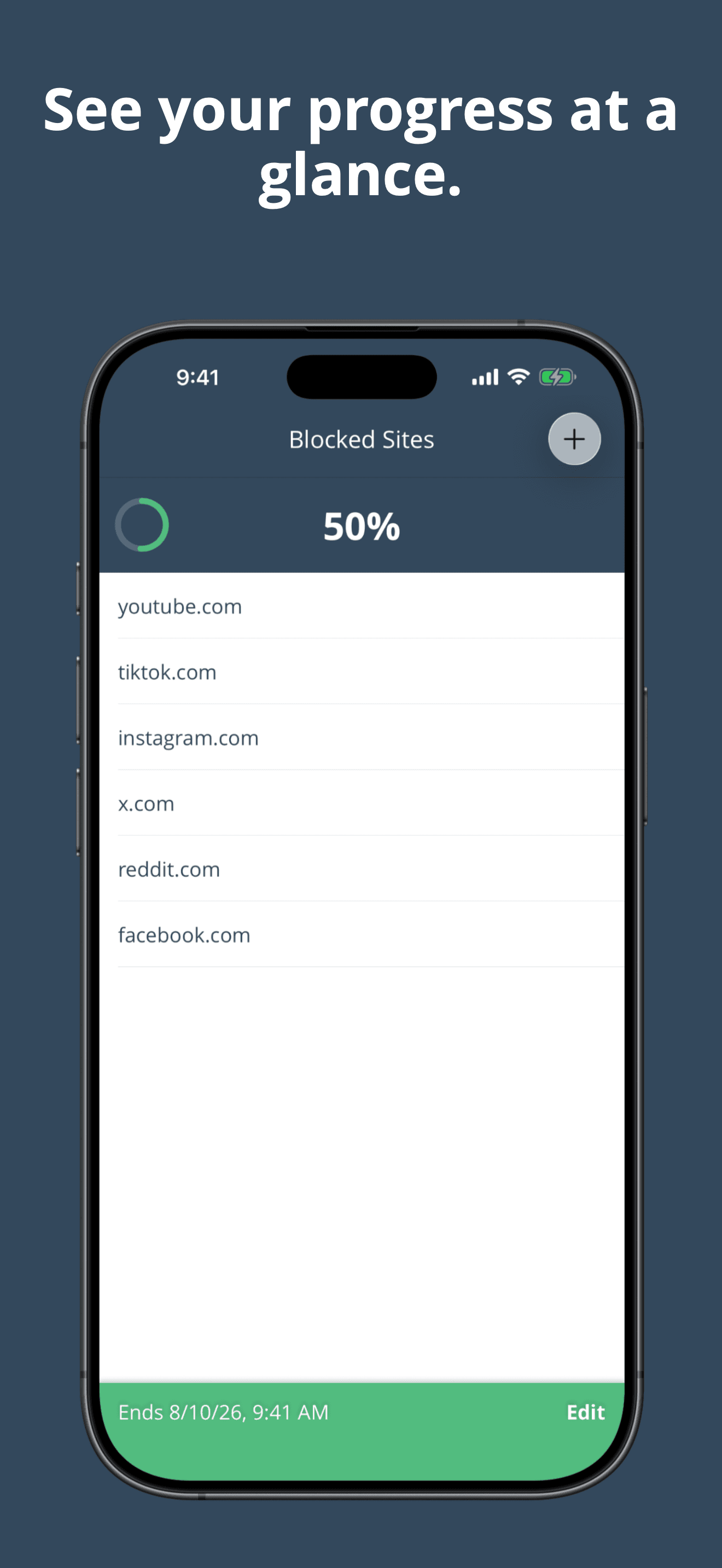
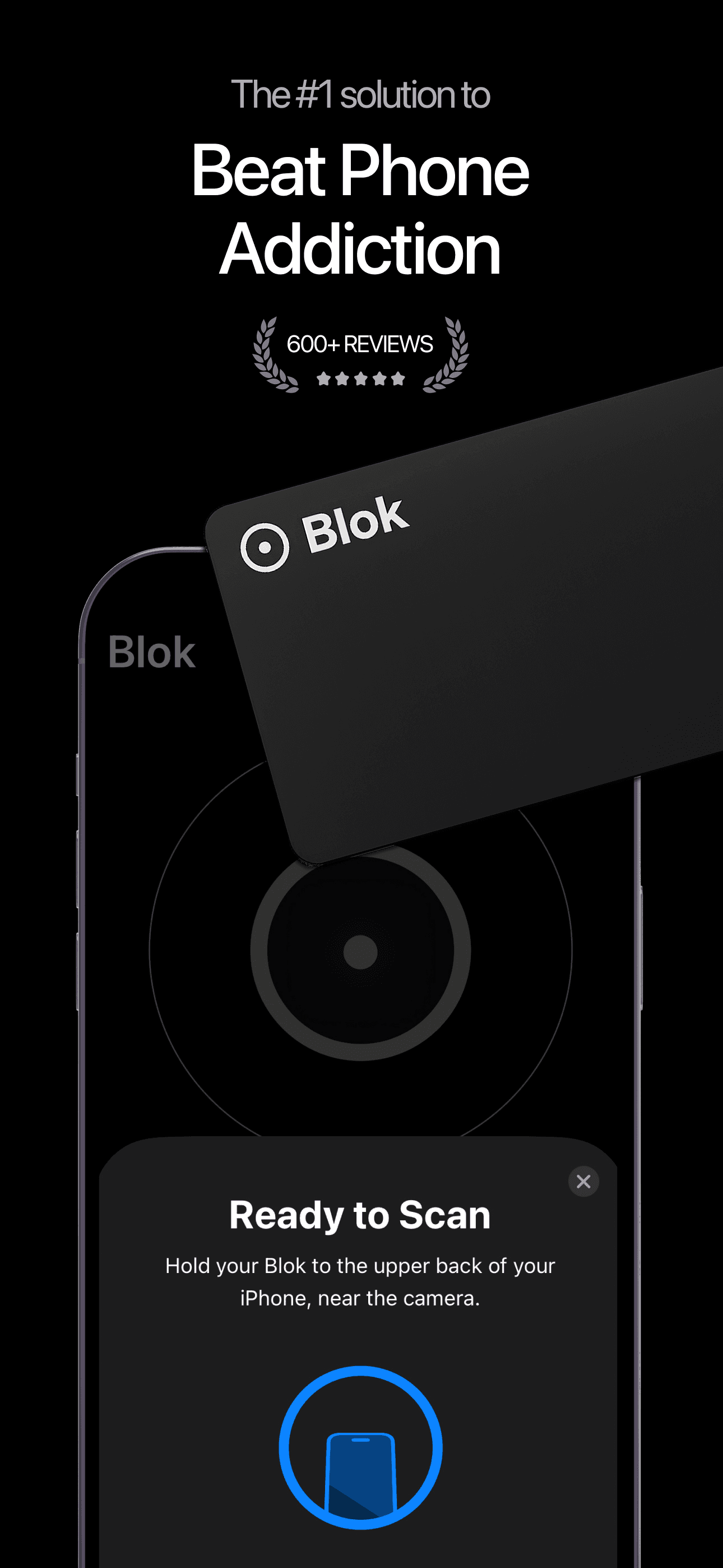
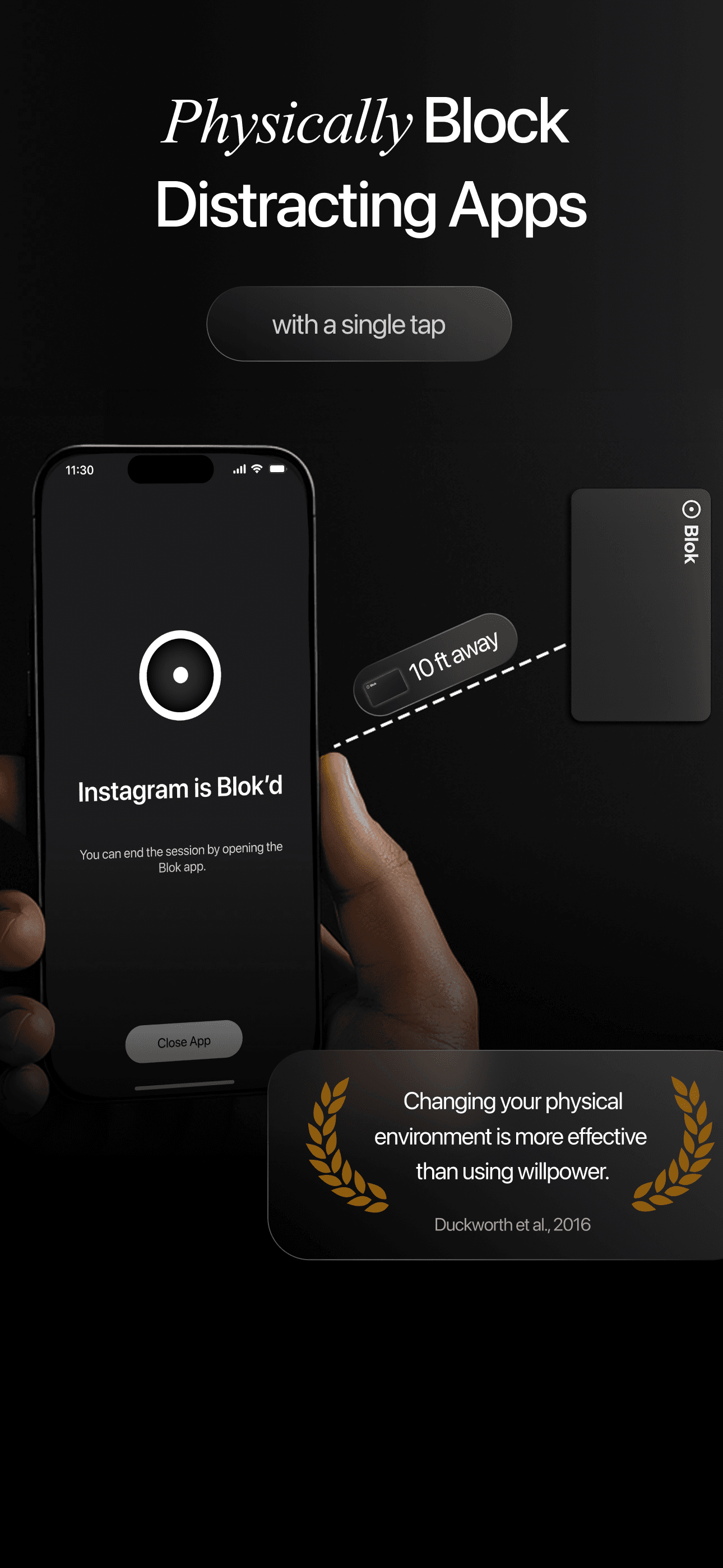
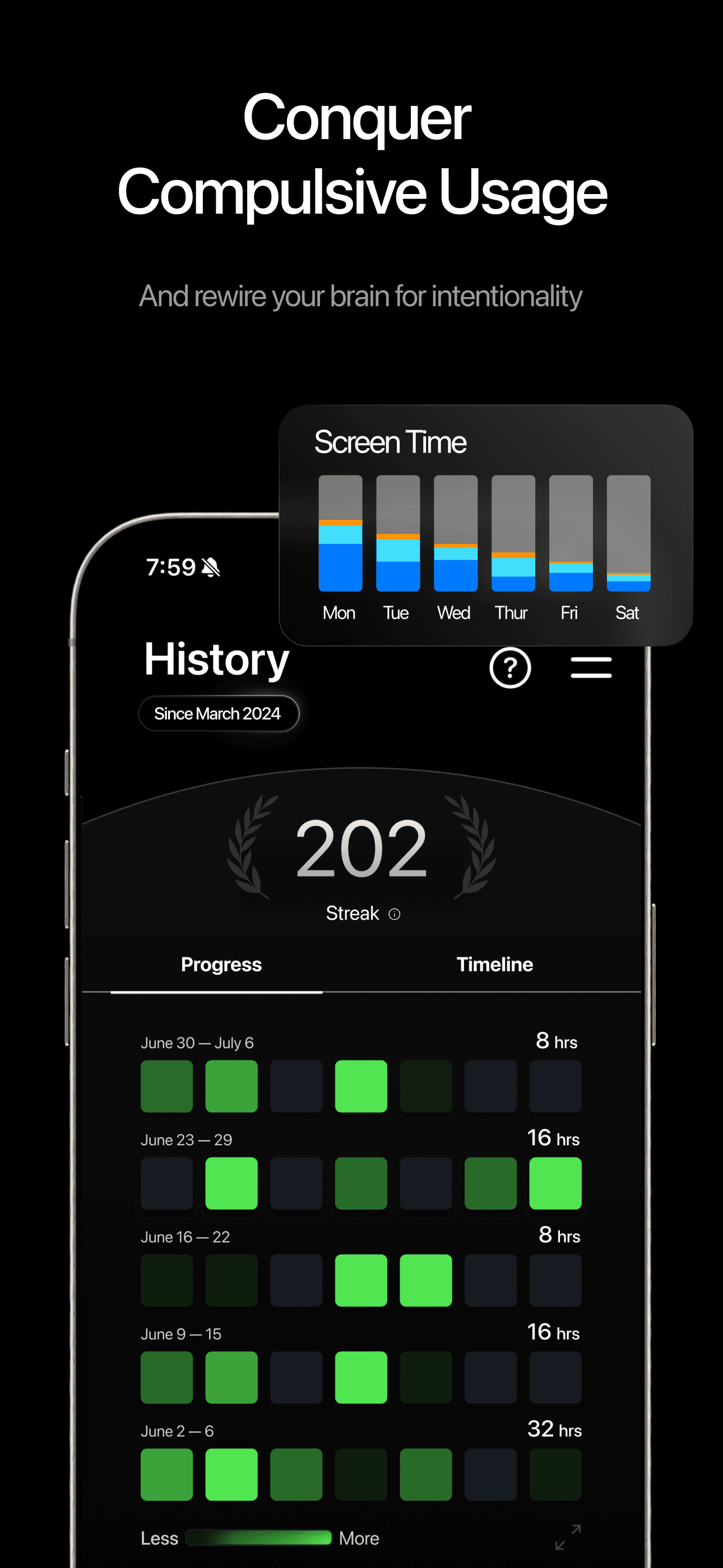
Blok is the best app blocker for iPhone users who want hardware-level friction similar to Bloom — a physical device that you use to reclaim time and focus. The 4.57 average across 701 U.S. ratings reflects an audience that has chosen Blok specifically for the hardware approach. Blok differs from Bloom by being a different hardware concept (the developer markets it as a 'revolutionary device' for physical-to-digital friction), and from Pushscroll by being a hardware-purchase product rather than a software-only app. A real scenario: you set up blocked apps in the iPhone app, then use the physical Blok device to unblock them only when you have intentional access — the device sits outside arm's reach during deep work. The tradeoff is the hardware purchase is an upfront commitment, the user base is smaller than Bloom's, and the product depends on you actually engaging the hardware rather than reaching for software bypass. Best for users who want a hardware-friction alternative to Bloom and don't mind a smaller installed base.
Pros
- Hardware-level friction similar to Bloom but with a different physical device design
- Active development with current version landing in March 2026
- Alternative for users who want hardware blockers but bounced off Bloom specifically
Cons
- Hardware purchase is an upfront commitment with no software-only fallback option
- Smaller user base than Bloom limits real-world testing and feature velocity
- 8
 Get on App Store
#8BB - Screen Time & App BlockerBest Cute
Bruno da Rocha e Silva
Control and limit social media
- Rating
- 4.9
- Reviews
- 251
- Price
- Paid
- 90-day trend
- —
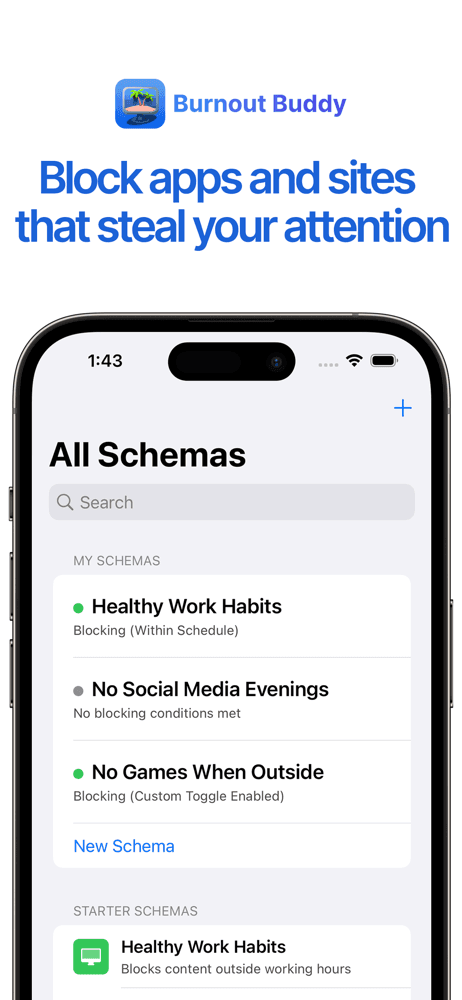
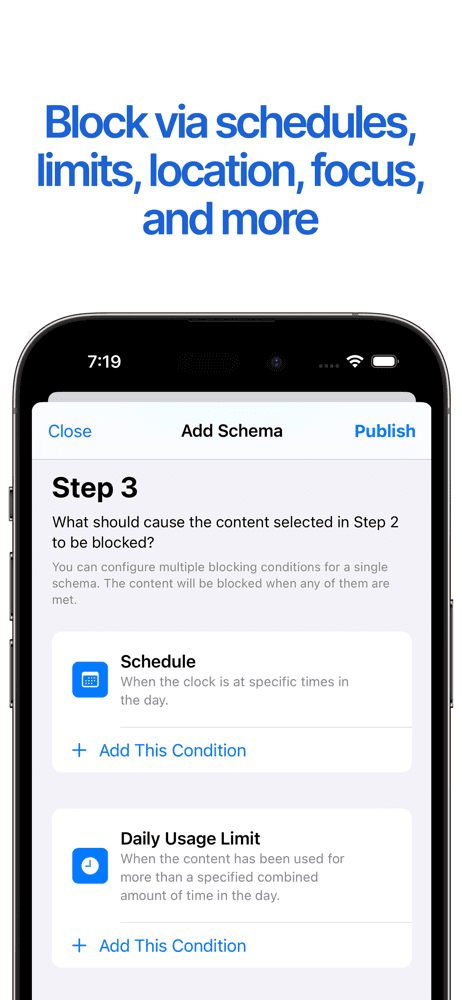
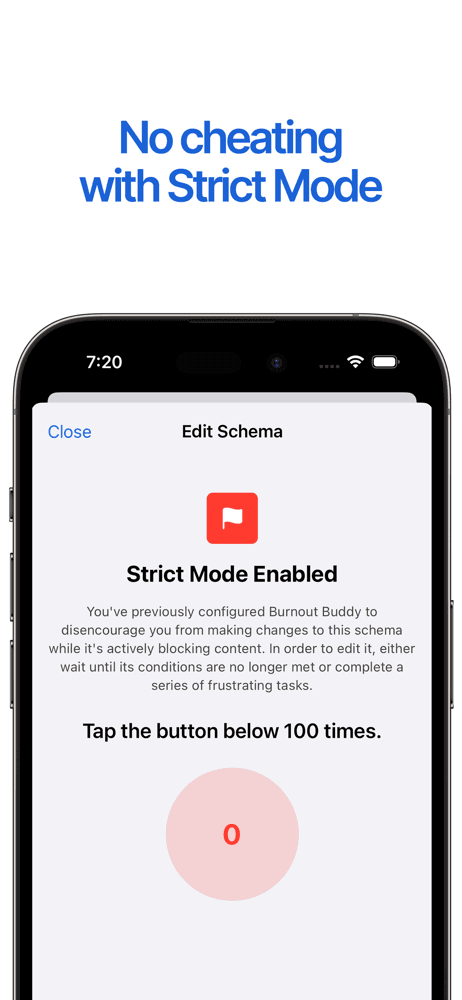
Burnout Buddy (BB) is the best app blocker for iPhone users who want the highest-rated indie blocker on this list with multiple blocking mechanisms and zero account requirement. The 4.87 average across 372 U.S. ratings is the highest star rating on this list, and the product positions explicitly against subscription-heavy alternatives — completely free for most use cases, no account, no data collection. BB differs from Pushscroll by leading mechanism-variety-first rather than fitness-friction-first, and from Freedom by being free and account-free. A real scenario: you want to block Instagram on weekdays from 9 to 5, BB sets up a schedule with one of several blocking mechanisms (countdown timer, social media-style friction, time-based block) and runs without ever asking for an account. The tradeoff is the smaller user base (372 ratings) limits long-term confidence, and the last update was April 2025 — older than the 2026 updates from other picks. Best for users who want a free, no-account indie blocker and don't mind a smaller installed base.
Pros
- Highest star rating on this list at 4.87 across 372 U.S. ratings
- Completely free for most use cases with no account required and no data collection
- Multiple blocking mechanisms beyond simple time limits or schedules
Cons
- Smaller user base of 372 ratings limits long-term confidence versus mass-market picks
- Last meaningful update was April 2025 — older than the 2026 cadence of competitors
- 9
 Get on App Store
#9Friend Controls: Screen TimeBest Multi-Profile
Ryan Moazzami
Ask Friends for Screen Time
- Rating
- 4.7
- Reviews
- 575
- Price
- Free
- 90-day trend
- —
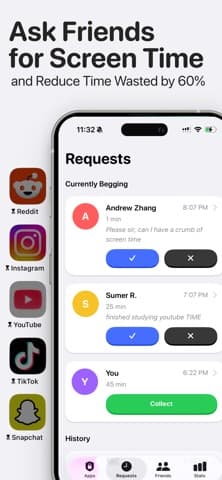
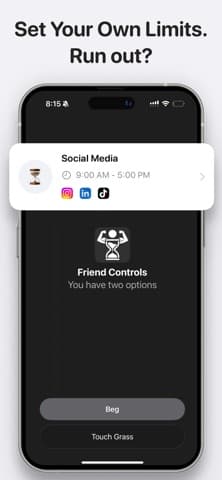
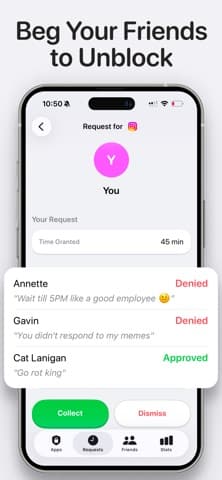
Friend Controls is the best app blocker for iPhone users who motivate best through social accountability — your real friends decide whether you get extra screen time after your daily limit runs out. The 4.76 average across 416 U.S. ratings reflects an audience that has self-selected for the social-accountability mechanism, and the product claims an average 60% screen time reduction. Friend Controls differs from Pushscroll by leading social-friction-first rather than exercise-friction-first, and from Bloom by being software-only with friends as the friction layer. A real scenario: you hit your daily TikTok limit, the app blocks, you message your designated friend asking for 15 more minutes, and they decide whether to approve — the social cost of repeatedly asking is the friction. The tradeoff is the product depends on actually having a friend willing to play the role consistently, and the friend can simply say yes if they don't take the role seriously. Best for users with a designated accountability friend or a small mutual-accountability group; for solo users, choose Pushscroll or Bloom.
Pros
- Social accountability through a friend granting extra screen time when limits run out
- Claims an average 60% screen-time reduction across users with friends actively engaged
- Active development with current version landing in May 2026 since September 2025 launch
Cons
- Requires a designated accountability friend willing to play the role consistently
- Mechanism breaks if the friend says yes routinely without taking accountability seriously
- 10
 Get on App Store
#10CaloPal - AI Calorie TrackerBest for Mindless Scrolling
Brighthink Innovation
Calorie Counter to Weight Lose
- Rating
- 4.4
- Reviews
- 285
- Price
- Paid
- 90-day trend
- —
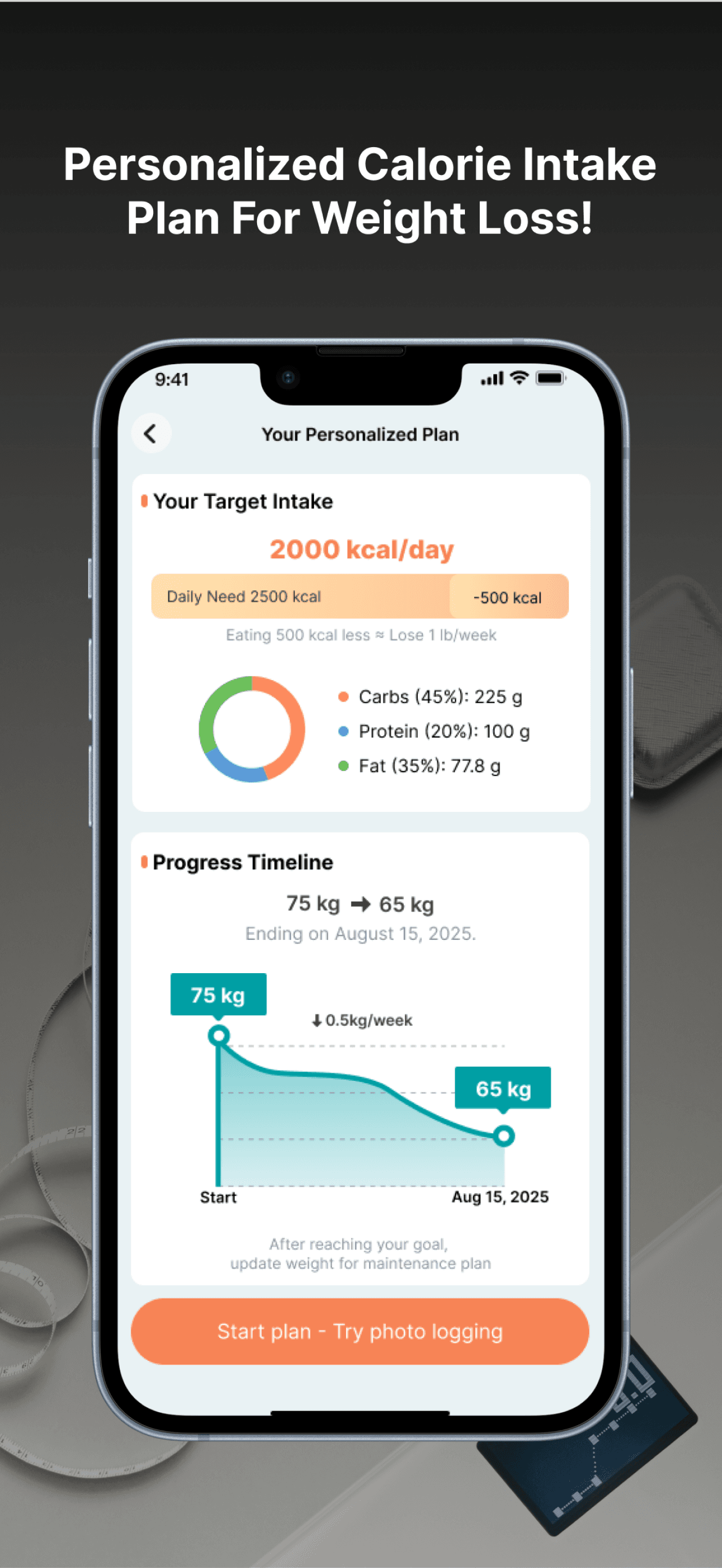
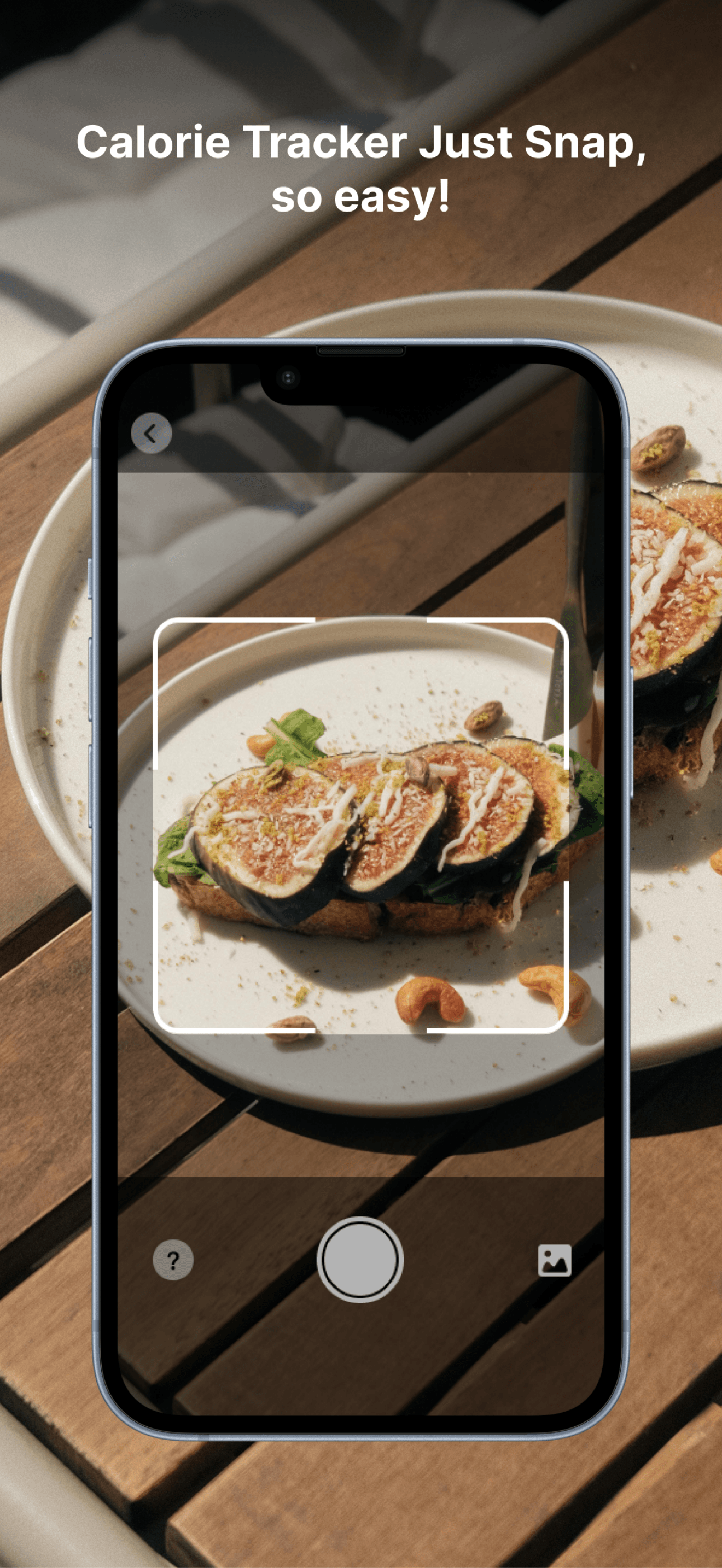
CaloPal is included in this list as an adjacency rather than a pure app blocker — the product is an AI calorie counter and nutrition tracker rather than a blocker. The 4.45 average across 285 U.S. ratings reflects a wellness-tracker audience that often replaces phone-time with intentional health tracking. CaloPal differs from every other pick by being a tracker rather than a blocker, and surfaces here only because users replacing scrolling with health habits sometimes pair it with a separate blocker. A real scenario: you replace passive scrolling with logging meals, weight, and exercise — CaloPal becomes the productive app you open instead of TikTok. The tradeoff is this app does not block anything; pair it with Pushscroll or Bloom for actual blocking. The current version dates to June 2025, behind the 2026 updates of other picks. Best treated as a complement to a real blocker for users using calorie counting as a productive scrolling replacement; for primary app-blocking use, choose Pushscroll, Bloom, Freedom, or BB Screen Time instead.
Pros
- 4.45-star average reflects audience using calorie counting as productive scrolling replacement
- AI-assisted nutrition tracking covers the productive-app replacement use case well
- Free to install with optional Premium for advanced AI tracking features
Cons
- Does not block any apps directly — strictly a wellness tracker by design
- Current version dates to June 2025 — older than the 2026 updates of real blockers


How we picked
### Data sources We combine live App Store data (ratings, recent reviews, version cadence, pricing, screenshot history) with our own ranking tracker, which logs U.S. Health & Fitness and Productivity positions daily for every app. Review themes come from the most recent U.S. reviews per app, weighted toward the last 90 days.
### How we score Four weighted axes: friction quality (does the block actually make it harder to use the app, or is it easy to bypass), Screen Time API integration (apps using the official API are more reliable than VPN-based hacks), follow-through (does the design actually keep you off the app at day 30, or do users uninstall the blocker first), and pricing fairness (free options versus reasonable subscription pricing). We did not run formal bypass tests; we relied on consistent themes in user reviews.
### Refresh cadence The top-10 set is re-scored quarterly. Ratings, ranks, and review-theme analysis refresh daily. When a vendor releases a major redesign, changes pricing, or removes a feature that drove its placement, it gets re-evaluated within the week. Apple's Screen Time API changes regularly — we re-check that every blocker still uses the current version each quarter.
### What we exclude Apps with an average below 4.4 stars on the current version, fewer than two hundred ratings, or no update in eighteen months. We dropped blockers using VPN tricks or hidden profile installations rather than Apple's Screen Time API, since these break on iOS updates and create privacy risks. We also dropped apps reviewers consistently bypass within hours.
### What we don't do No affiliate-driven ordering. Referral commissions do not bump apps. We don't take sponsorship or paid placement from listed apps. If a pick shifts, it's because the data shifted — pricing, ratings, review themes, or feature changes.