



Best AI Voice Generator Apps for iPhone
By App Store Tracker Editorial · Updated — live App Store data verified
The short version
The best AI voice generator app for iPhone in 2026 is Speechify — the text-to-speech leader at 4.66 stars across 470,378 U.S. ratings, the largest pool in the category. Labs AI Voice (powered by ElevenLabs) is the runner-up and the highest-rated pick at 4.91 stars across 2,150 ratings. Across these 9 picks, Wispr Flow leads on voice-to-text dictation at 4.80 stars, Live Translator and AI Voice Translator lead on multi-language voice translation, and Typeless leads on natural-language voice keyboarding.
Jump to a pick↓
Picking an AI voice generator app for iPhone in 2026 means deciding which direction the audio flows — text becoming speech (Speechify, Labs AI, Voiser, VoiceGen), or speech becoming text (Wispr Flow, Typeless), or voice flowing through translation (Live Translator, AI Voice Translator), or audio becoming ringtones (LittyTone). The 9 apps on this list span all four jobs. Speechify dominates the listening-to-text market with the largest pool on the list at 470K ratings. Labs AI Voice routes through ElevenLabs' best-in-class voice cloning. Wispr Flow has become the iPhone-dictation pick committed users won't go back from. Most are paid-after-trial — voice generation is expensive to host, so the free tiers are short. We weighted output naturalness, voice variety, and dictation accuracy over feature breadth. The right pick depends on whether you're producing audio, listening to documents, or replacing your keyboard.
- Rating
- 4.7
- Reviews
- 485.6K
- Price
- Paid
- 90-day trend
- —
Speechify is the best AI voice generator app for iPhone users who want to listen to PDFs, web articles, books, and documents on a commute or workout. With 4.66 stars across 470,378 U.S. ratings, it's the largest user base in the text-to-speech category and the long-running accessibility leader. The app imports PDF, EPUB, web pages, raw text, and even photographs of printed pages (via OCR), and reads them aloud with a wide voice library — from basic robotic to celebrity-licensed voices like Snoop Dogg. Speechify differs from Labs AI Voice by being content-listening-first (not voice-generation-first) and from generic TTS apps by going deep on input formats. A real scenario: you photograph a 30-page article in a magazine, the app OCRs the text, and you listen on your commute home. The tradeoff is reviewer-flagged friction around recent updates — a recent two-star review describes the latest version as 'disastrous updates' that damaged file storage that worked in earlier versions. Best for anyone whose reading happens mostly on ears, not eyes; Pro subscription gates the best voices.
Pros
- Largest text-to-speech user base on iOS at 470K ratings
- Imports PDF, EPUB, web articles, raw text, and OCRs photos of printed pages
- Long-running accessibility leader with celebrity-licensed voice options
Cons
- Recent updates flagged as 'disastrous' for file storage that worked in earlier versions
- Best voices and PDF features are gated behind Pro subscription
- Rating
- 4.6
- Reviews
- 15.6K
- Price
- Paid
- 90-day trend
- —
Live Translator by DigitalSail is the best AI voice generator app for iPhone users who want real-time conversational translation across 100+ languages. The 4.57-star average across 14,338 U.S. ratings reflects a smaller but functional user base. The app handles voice-in, voice-out translation — you speak in English, hear back in Spanish (or any of 100+ supported languages). Live Translator differs from Speechify by being translation-led rather than reading-led, and from text-only translation tools by adding the voice surface on both sides. A real scenario: you're at a Mexico City market negotiating a price, you tap to speak in English, the app plays Spanish from your phone, the seller responds, and the app translates back to your ear via AirPods. The tradeoff is the 4.57-star rating — translation quality varies by language pair, and rare languages are weaker than common ones. Best for travel and casual cross-language conversations; not for high-stakes business or legal interpretation.
Pros
- Real-time voice-to-voice translation across 100+ languages
- Functional on travel-tier conversations without preparation
- Works through AirPods for handsfree two-way translation
Cons
- Translation quality varies by language pair — rare languages are weaker
- Not for high-stakes business or legal interpretation
- Rating
- 4.8
- Reviews
- 12.3K
- Price
- Paid
- 90-day trend
- —
Wispr Flow is the best AI voice generator app for iPhone users who want voice dictation that produces text reading as if you typed it carefully — punctuation, capitalization, and filler-word removal handled automatically. The 4.80-star average across 8,293 U.S. ratings reflects a small but fanatically loyal user base. Wispr Flow works on Mac, iPhone, and iPad; it's strongest on Mac and iPhone, with reviewer-flagged friction on iPad. The app replaces the keyboard for committed users — you press a button, speak naturally, and watch the polished text appear in any input field. Wispr Flow differs from native iOS dictation by being smarter about filler words and structure, and from Typeless by being further along in the product. A real scenario: you draft a 500-word email by speaking for 2 minutes and tap once to send — no keyboard touch required. The tradeoff is the iPad experience reviewers flag as 'frustrating' compared to Mac. Best for committed knowledge workers who want to type with their voice for the rest of their career.
Pros
- Polished dictation output reads like carefully-typed prose
- Highest-quality voice-to-text on iOS for committed users
- Works across Mac, iPhone, iPad with shared workflow
Cons
- iPad experience flagged as frustrating compared to Mac and iPhone
- Small ratings pool — early-stage product with limited long-term track record
- 4
 Get on App Store
#4LittyTone:Ringtone & AI VoiceBest Free
Shenzhen Chuangyuan Huaqi technology Co., LTD
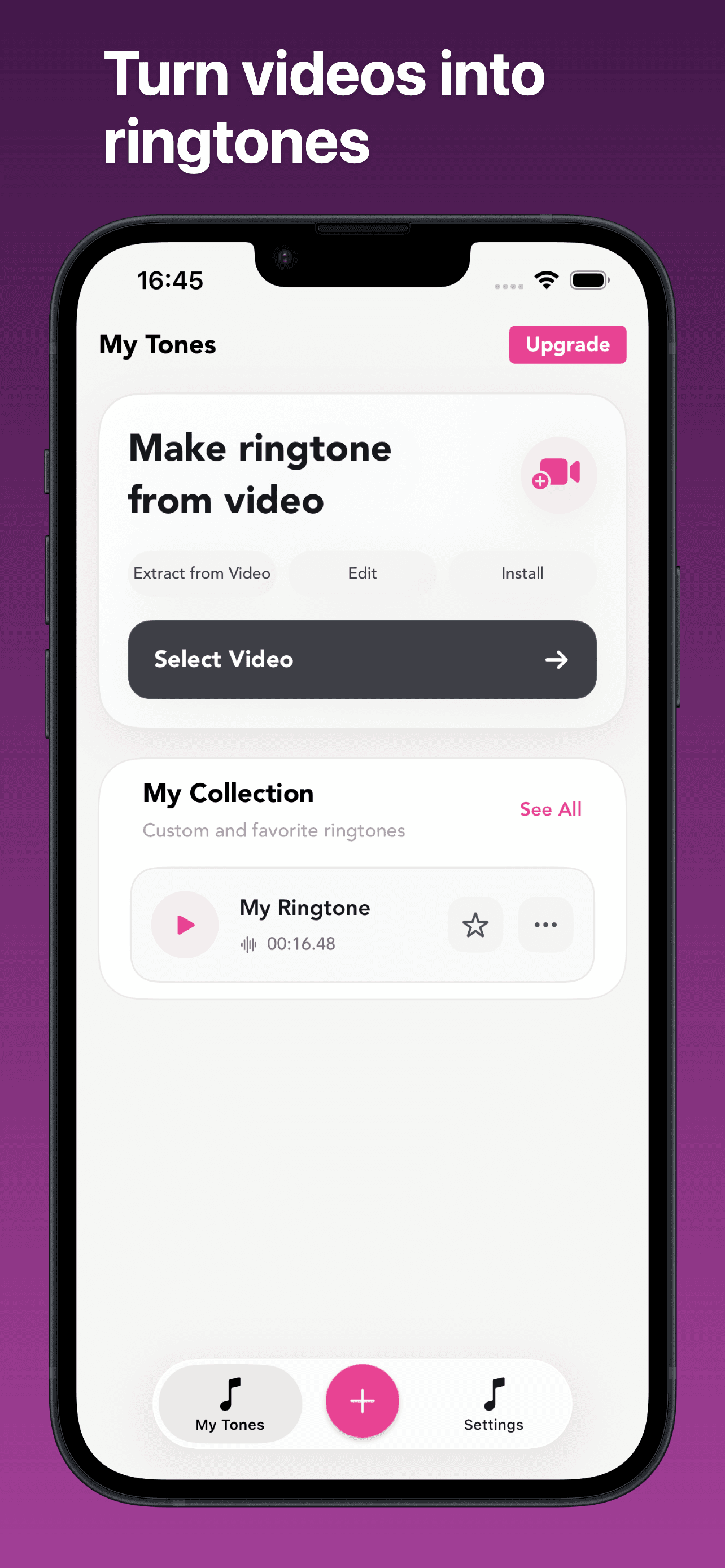
Make ringtone from your videos
- Rating
- 4.7
- Reviews
- 5.8K
- Price
- Paid
- 90-day trend
- —
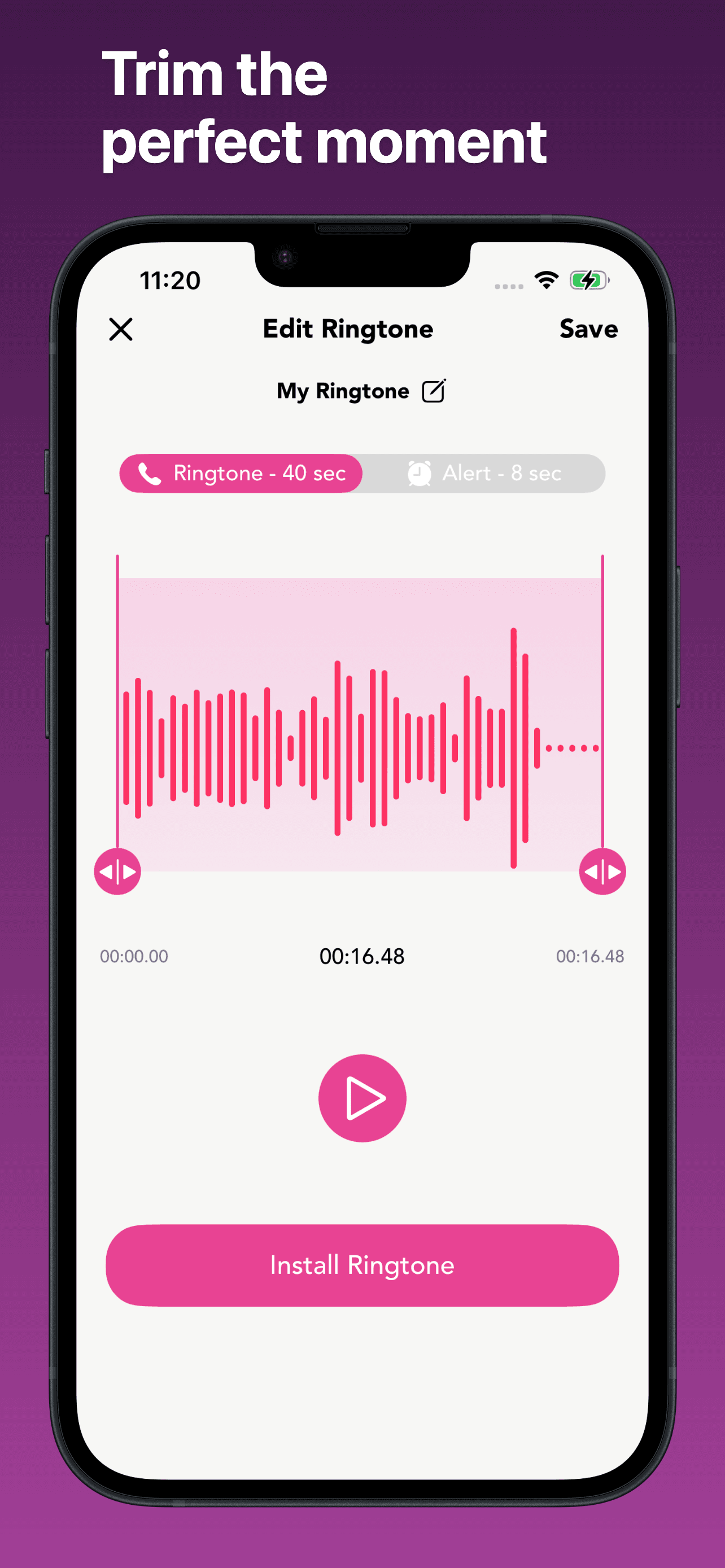
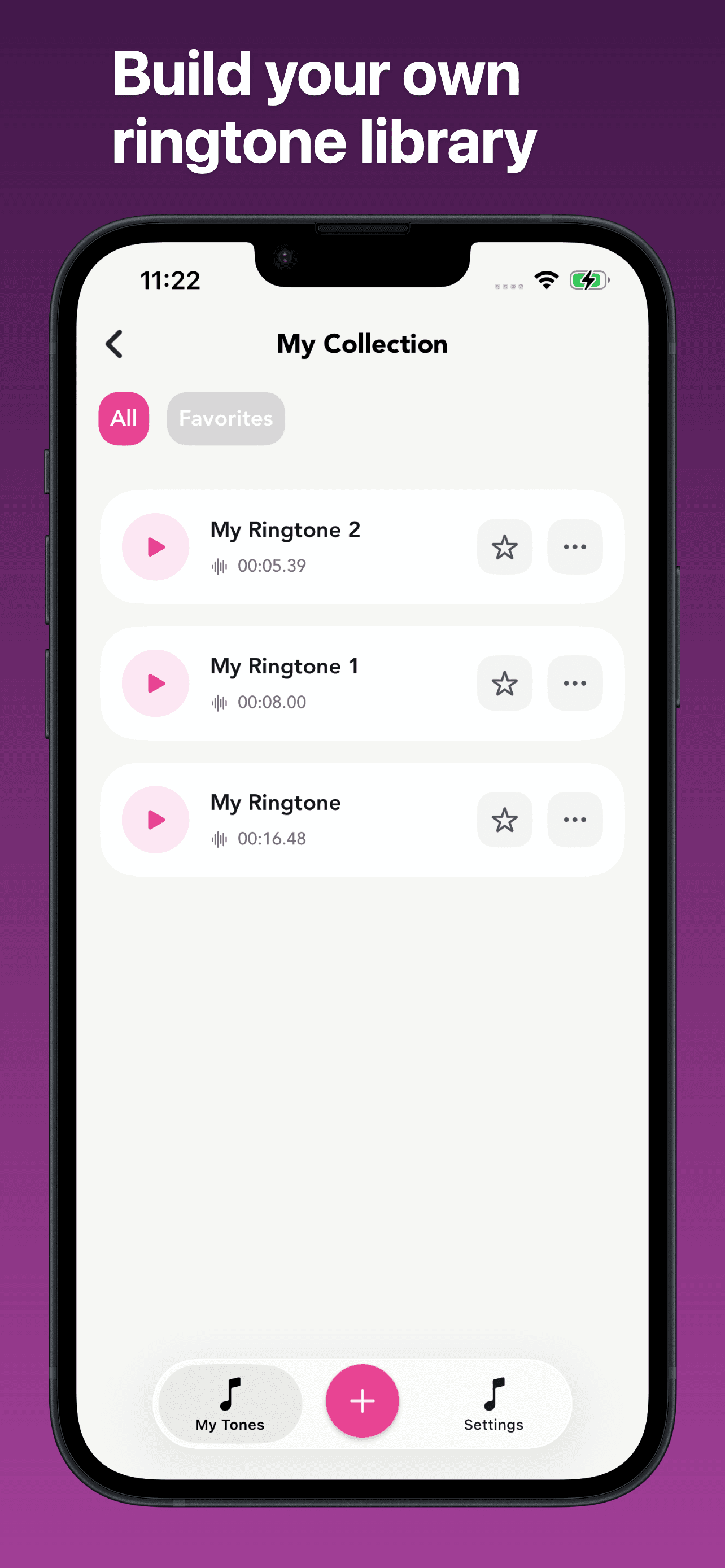
LittyTone is the best AI voice generator app for iPhone users who want to turn videos into custom ringtones — extract audio from any video, trim the exact moment, and set it as your iPhone ringtone. The 4.74-star average across 5,073 U.S. ratings reflects a niche but happy user base. LittyTone differs from every other pick on this list by being voice-to-ringtone rather than voice-generation; it's on this list because it uses AI to clean audio extraction and surface the most viable ringtone clips from a video. A real scenario: you have a 30-second video of your dog barking 'I love you,' LittyTone extracts the 2-second clip you want, applies basic audio cleanup, and sets it as your incoming-call ringtone in three taps. The tradeoff is the narrow scope — this isn't a TTS or voice-cloning tool, and the AI features are light. Best as a single-purpose utility for users who want to use their own audio as iPhone ringtones without learning Garageband.
Pros
- Three-tap path from video to custom iPhone ringtone
- Free download; minimal upsell pressure
- Useful single-purpose tool that doesn't require learning Garageband
Cons
- Narrow scope — not a TTS or voice-cloning tool
- Small ratings pool at 5K reflects niche appeal
- 5
 Get on App Store
#5Labs AI Voice Text to SpeechBest Realistic Voices
Django Lito
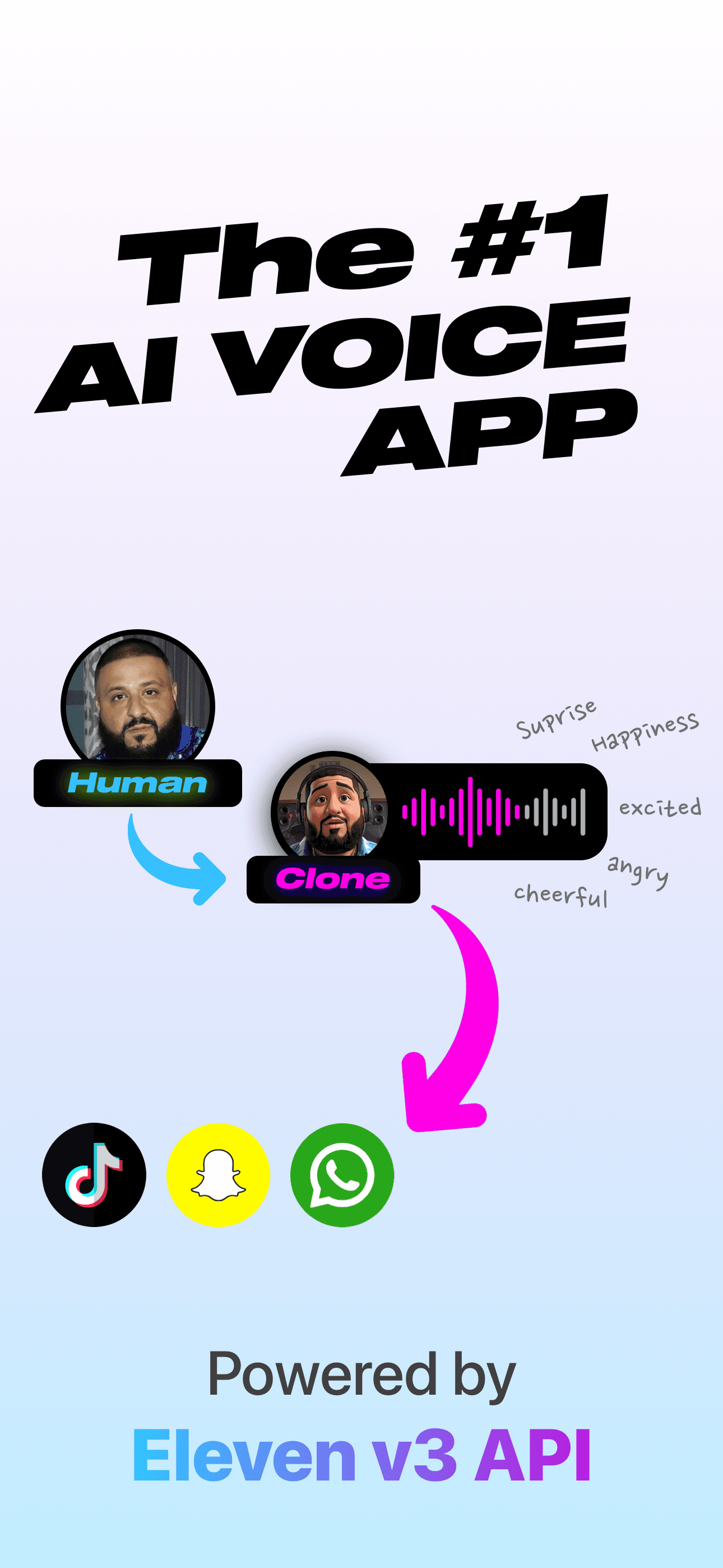
Powered by Eleven Labs API
- Rating
- 4.9
- Reviews
- 2.1K
- Price
- Paid
- 90-day trend
- —
Labs AI Voice by Django Lito is the best AI voice generator app for iPhone users who want publishing-grade output — the app routes through the ElevenLabs API, which is the current best-in-class voice engine in commercial use for audiobooks, podcasts, and AI agents. The 4.91-star average across 2,150 U.S. ratings is the highest rating on this list. Labs AI Voice supports 32+ languages, deep voice variety, and human-like intonation that crosses the uncanny valley on the better voices. Labs AI Voice differs from Speechify by being voice-generation-first rather than reading-first, and from VoiceGen by leaning on a single best-in-class engine instead of mixing several. A real scenario: you type a 30-second narration script, pick a deep American male voice, generate the audio, and download an MP3 ready to drop into a podcast intro. The tradeoff is cost — ElevenLabs is the most expensive voice API in commercial use, and the app's pricing reflects that. Best for creators who want commercial-quality voice output and can pay for it.
Pros
- Highest-rated app on this list at 4.91 stars
- Powered by ElevenLabs — the best commercial voice engine in production
- 32+ languages with human-like intonation that crosses the uncanny valley
Cons
- Most expensive voice API in commercial use translates to higher subscription costs
- Small ratings pool at 2K means less long-tail review evidence
- Rating
- 4.5
- Reviews
- 591
- Price
- Paid
- 90-day trend
- —
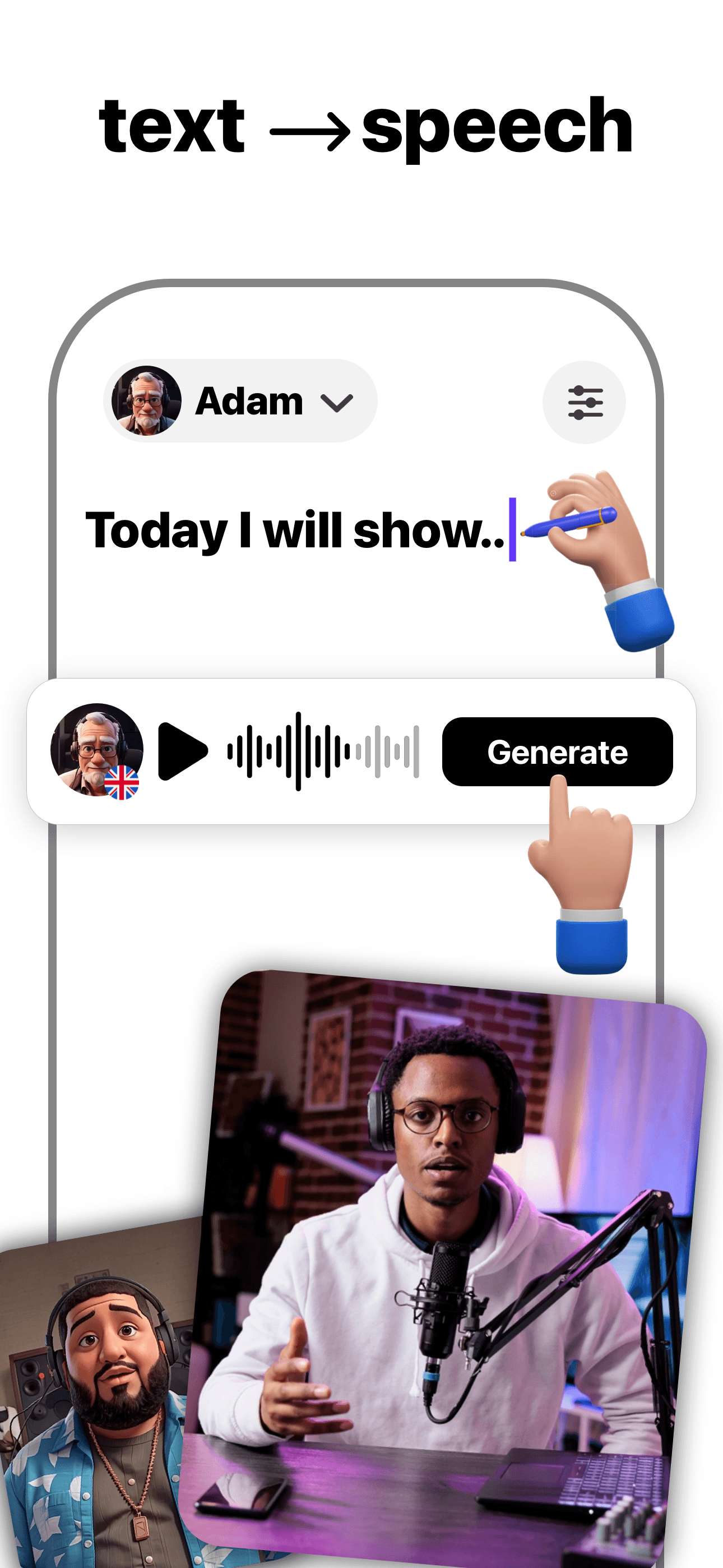
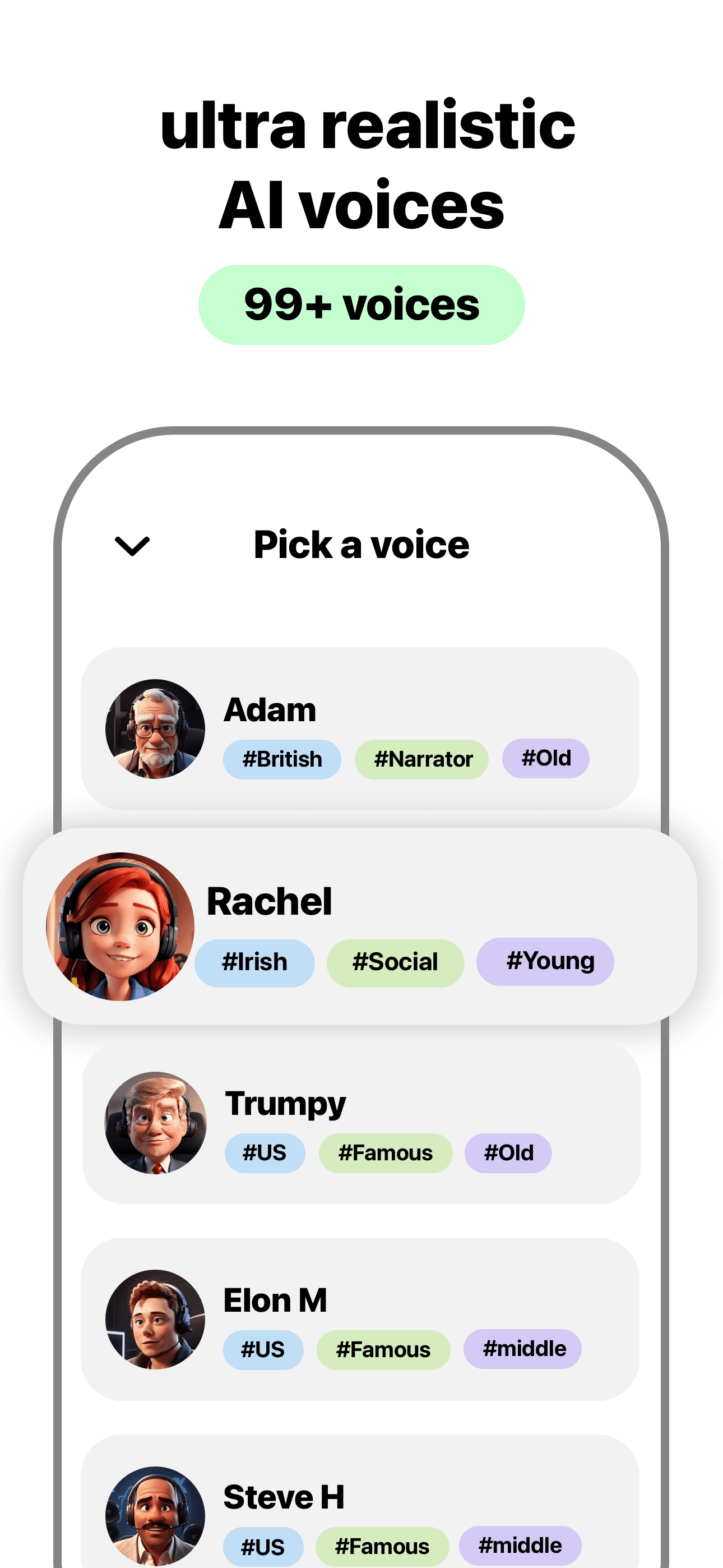
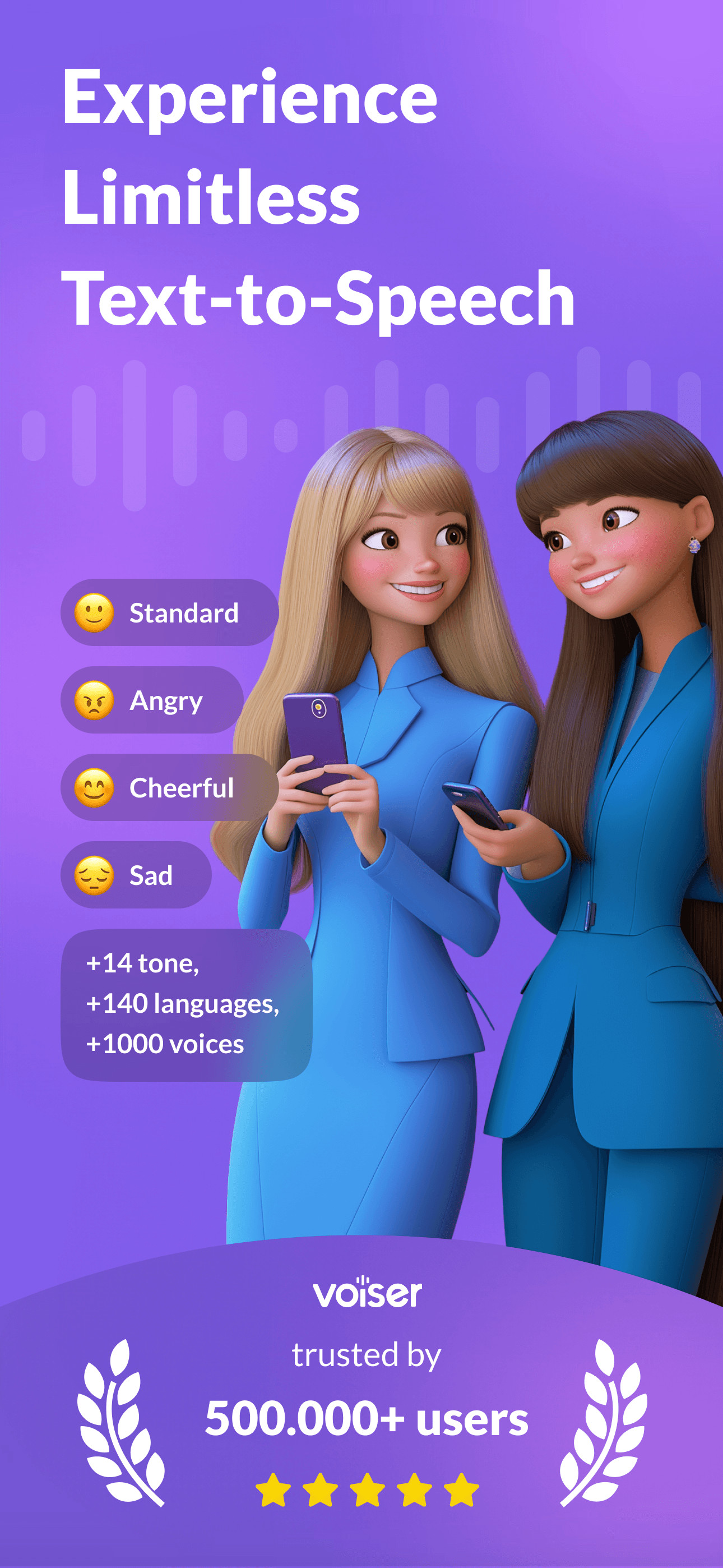
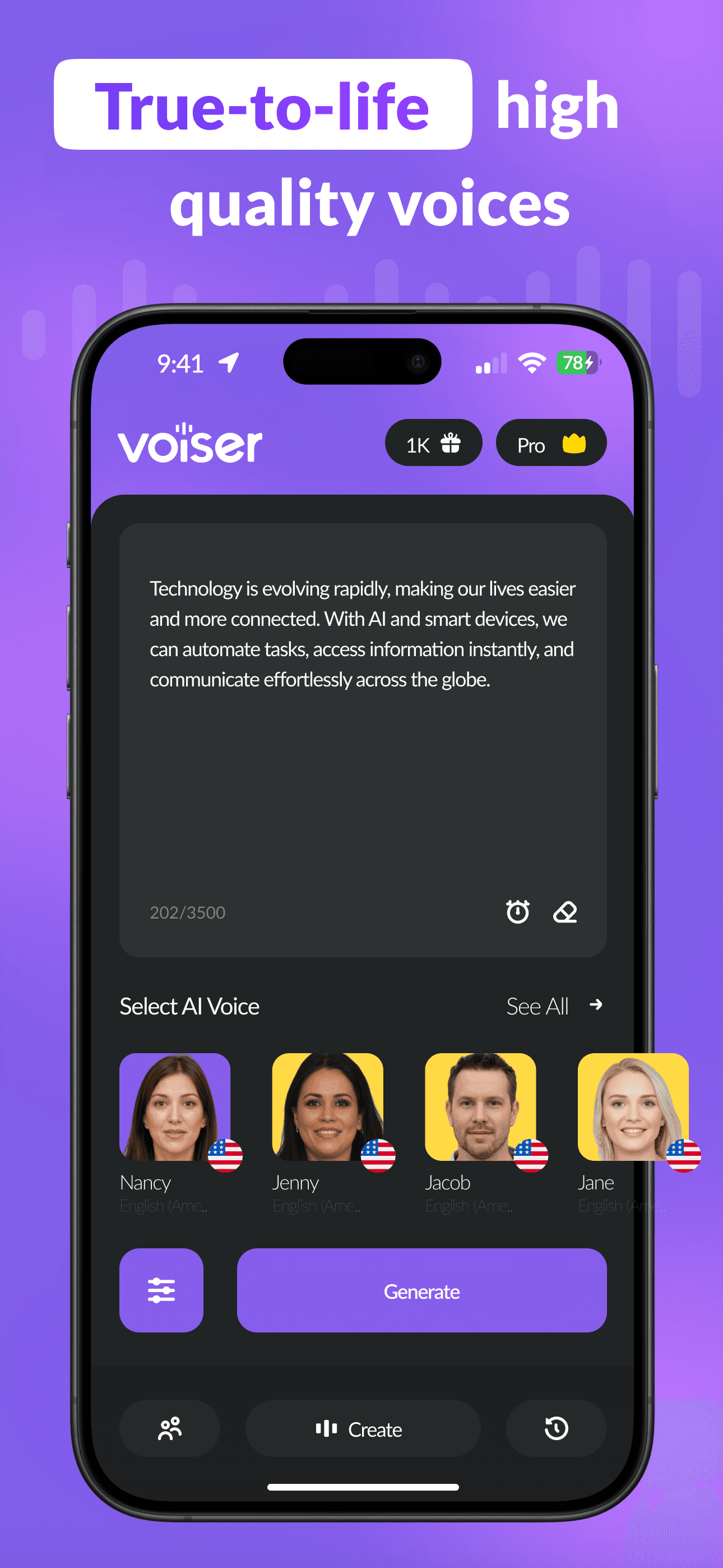
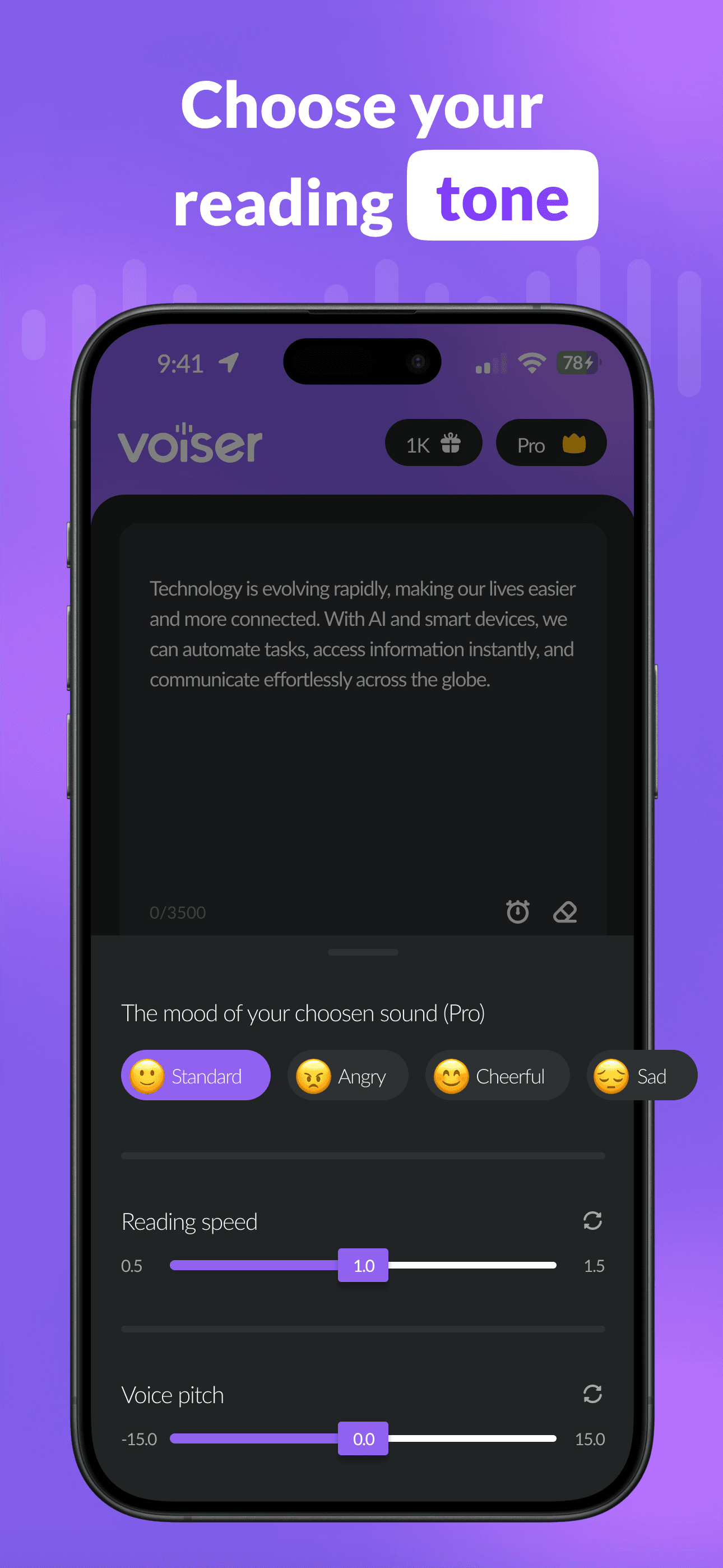
Voiser is the best AI voice generator app for iPhone users who want a TTS tool focused on creating audio for videos, podcasts, audiobooks, and presentations. The 4.42-star average across 520 U.S. ratings reflects a smaller user base than the leaders, and the lower-tier rating suggests quality is uneven. Voiser differs from Labs AI Voice by using a different voice engine (less expensive but less natural) and from Speechify by being generation-focused rather than reading-focused. A real scenario: you draft a 60-second YouTube intro script, pick a voice, generate the audio, and export to your video editor. The tradeoff is voice quality — Voiser sounds closer to mid-tier TTS than to ElevenLabs-grade output, which matters for any project where listeners will detect AI-generated audio. Best as a budget option for short-form audio where natural fidelity isn't the top requirement.
Pros
- Focused TTS tool for videos, podcasts, audiobooks, and presentations
- Free tier covers basic use cases
- Multiple voice options across major languages
Cons
- 4.42-star rating reflects uneven output quality versus the category leaders
- Voice naturalness lags Labs AI Voice and Speechify Pro
- 7
 Get on App Store
#7Typeless: AI Voice KeyboardBest for Accessibility
Simply LLC
Effortless voice dictation
- Rating
- 4.5
- Reviews
- 591
- Price
- Free
- 90-day trend
- —
Typeless is the best AI voice generator app for iPhone users who want a smart voice-keyboard alternative to native iOS dictation. The 4.58-star average across 415 U.S. ratings reflects an early-stage product with a small but engaged audience. The app markets itself as '6x faster than typing' and uses AI to polish raw speech into clear, polished messages, emails, and documents in real time. Typeless differs from Wispr Flow by being newer and less proven on platform stability, and from native iOS dictation by adding cleanup and structure to the output. A real scenario: you reply to a 4-sentence Slack message by speaking for 15 seconds; the app strips your filler words ('um,' 'so,' 'kind of'), structures the sentences, and sends polished prose. The tradeoff is the small ratings pool — Typeless hasn't been around long enough to have a long review history, and you're betting on a younger product. Best for early adopters who want a Wispr Flow alternative.
Pros
- AI-polished output strips filler words and structures sentences automatically
- Marketed as 6x faster than typing — promises real productivity gains
- Active development cadence from a small team
Cons
- 415 ratings is the smallest pool of any productivity pick here
- Younger product than Wispr Flow with less proven track record
- 8
 Get on App Store
#8VoiceGen - AI Voice GeneratorBest Quick Generate
Daria Khalitova
Text to Speech & Voice Changer
- Rating
- 4.4
- Reviews
- 402
- Price
- Paid
- 90-day trend
- —
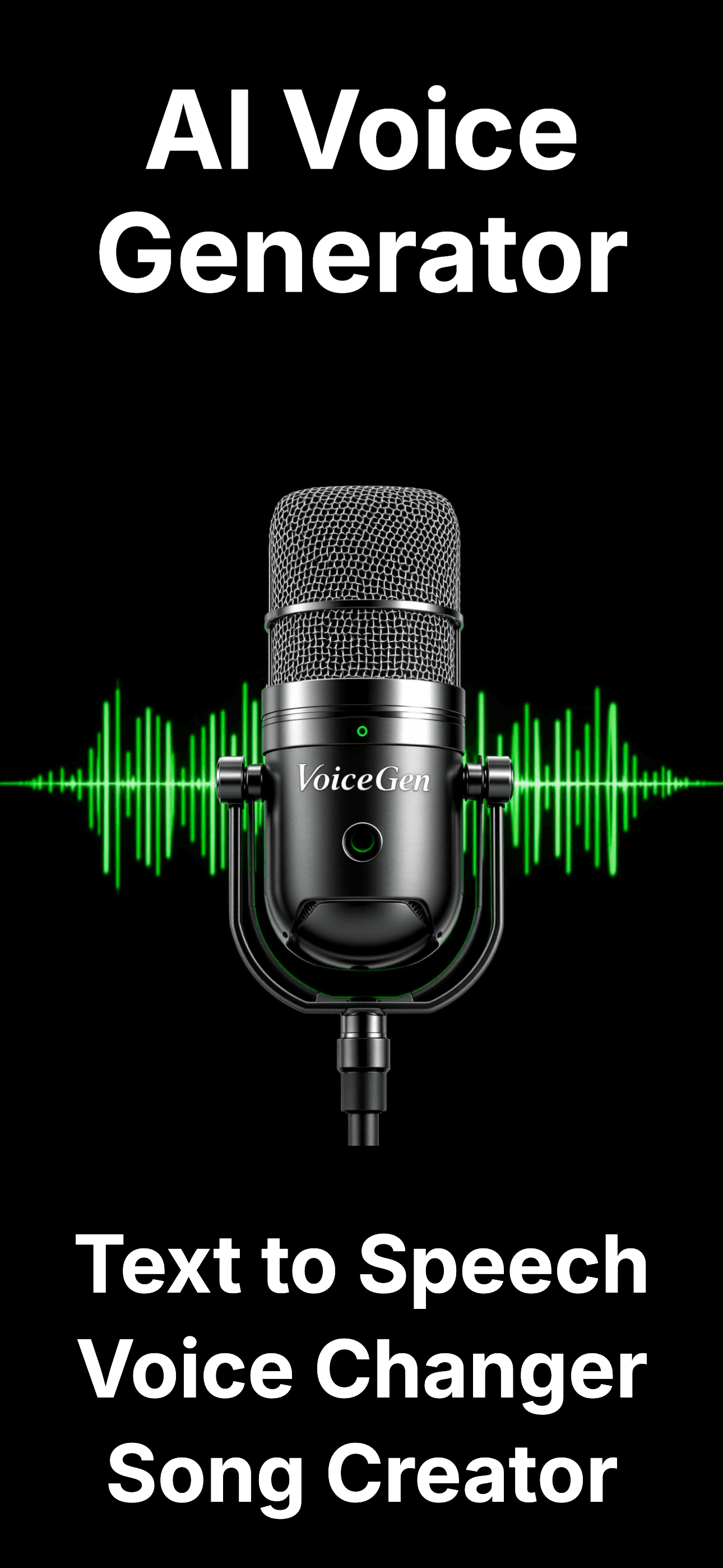
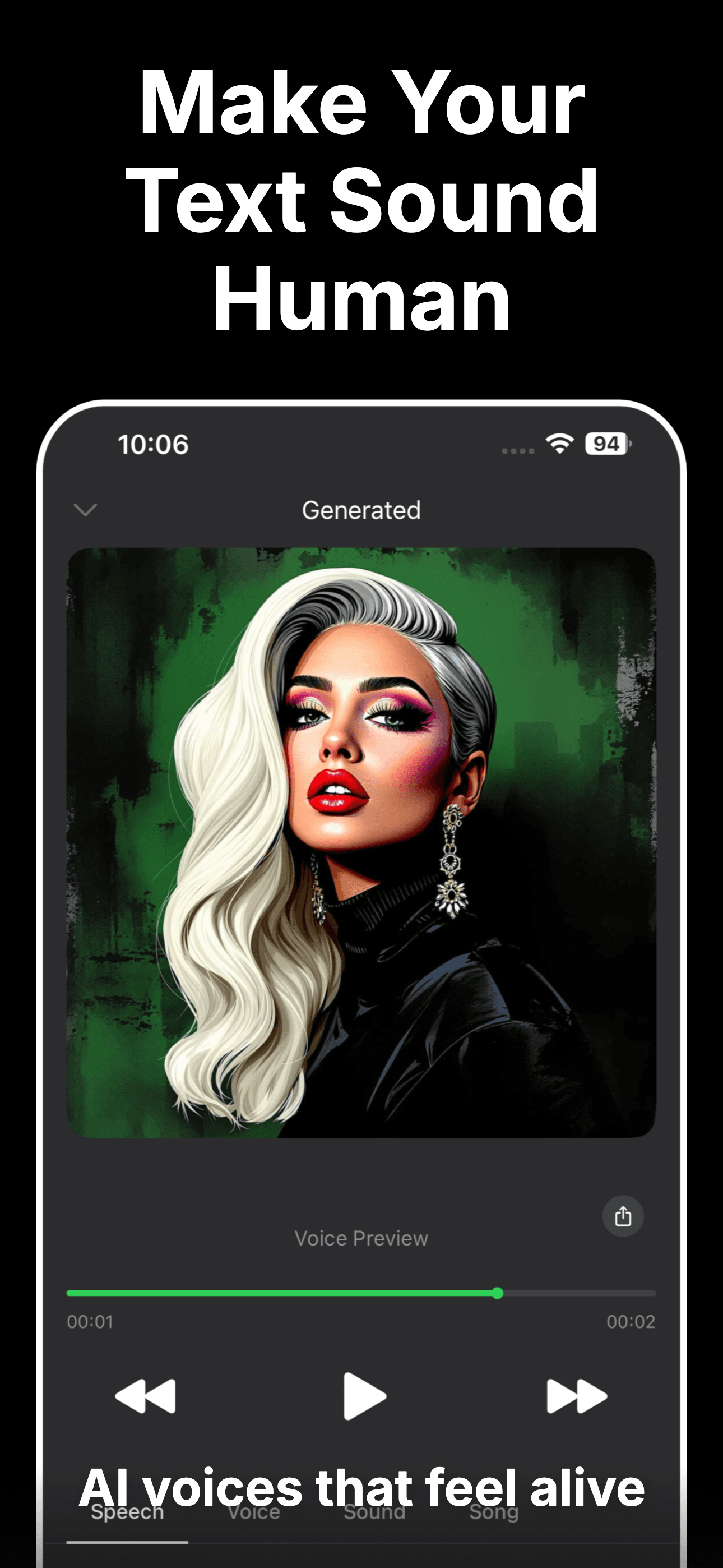
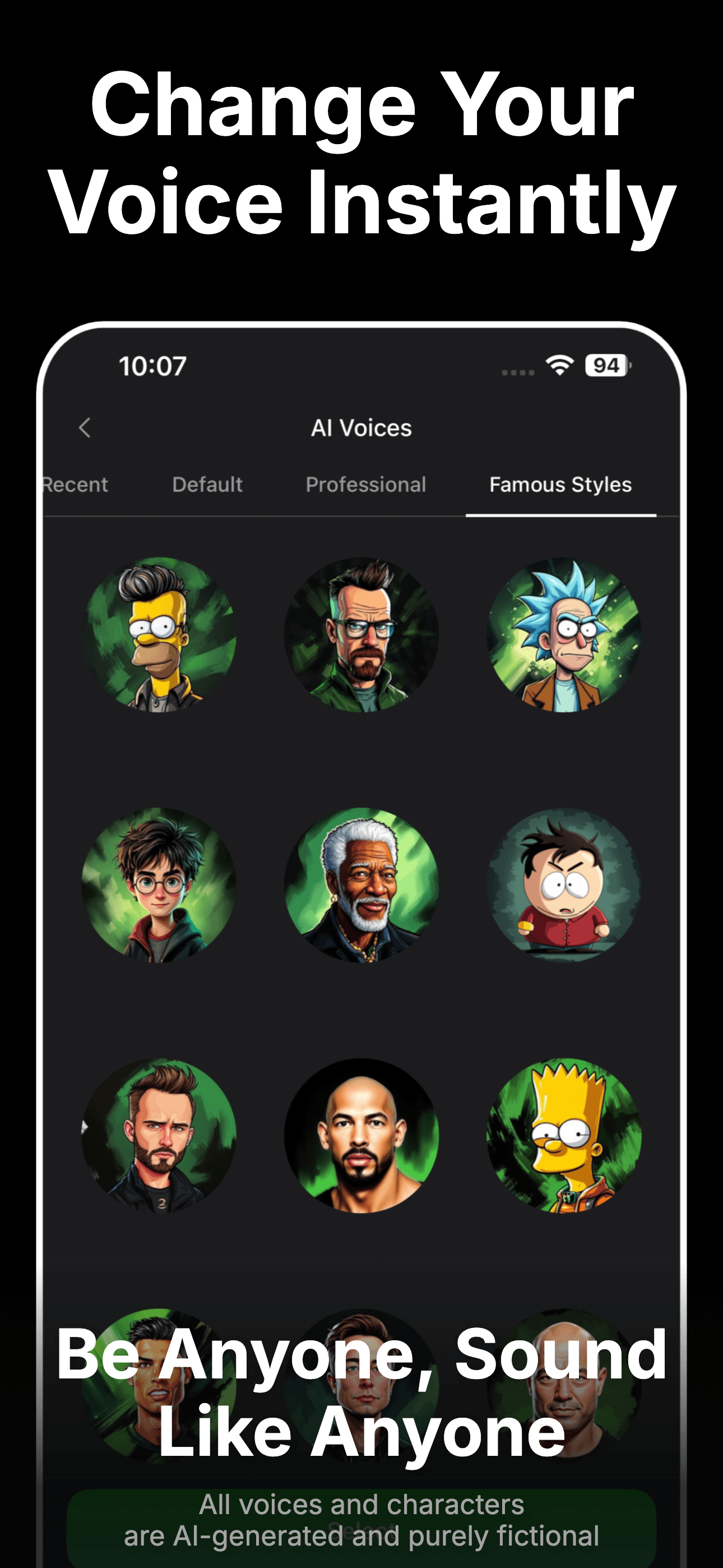
VoiceGen by Daria Khalitova is the best AI voice generator app for iPhone users who want one app combining text-to-speech, voice changer, AI songs, and sound effects. The 4.36-star average across 402 U.S. ratings is the lowest on this list but reflects a still-functional product. VoiceGen differs from Labs AI Voice by being a feature-bundle (TTS plus voice changer plus AI song generation) rather than a focused TTS tool, and from LittyTone by going broader on audio creation. A real scenario: you generate a TTS clip for a TikTok voiceover, run it through a voice-changer effect, and export the audio for editing. The tradeoff is the rating gap — bundles often suffer because none of the features hit the depth of a focused competitor, and 4.36 stars reflects that. Best for casual content creators experimenting across multiple audio formats; not for anyone whose output needs to compete with Labs AI Voice quality.
Pros
- All-in-one bundle — TTS, voice changer, AI songs, sound effects
- Useful for casual content creators experimenting across audio formats
- Free tier covers basic use cases
Cons
- Lowest rating on the list at 4.36 stars
- Bundle approach means no single feature hits the depth of a focused competitor
- 9
 Get on App Store
#9AI Voice Translator TranslateBest for Translation
Talkao
Language translation text word
- Rating
- 4.3
- Reviews
- 400
- Price
- Paid
- 90-day trend
- —
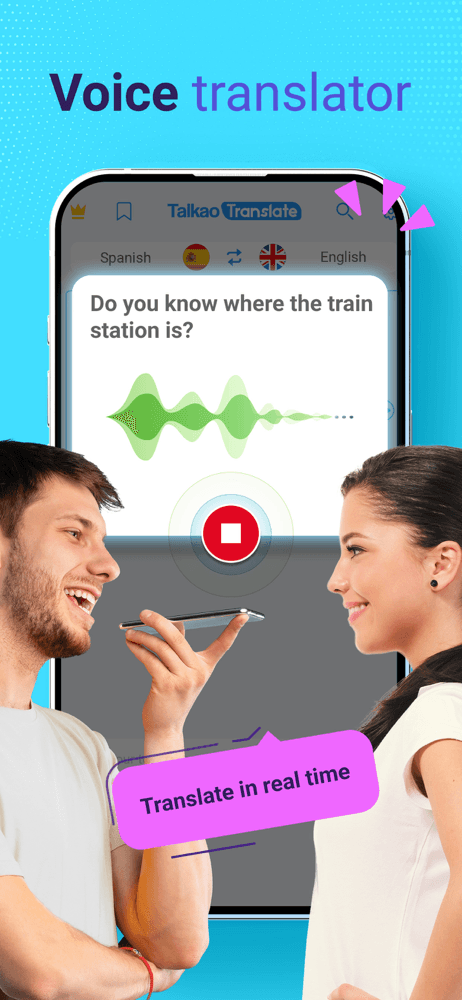
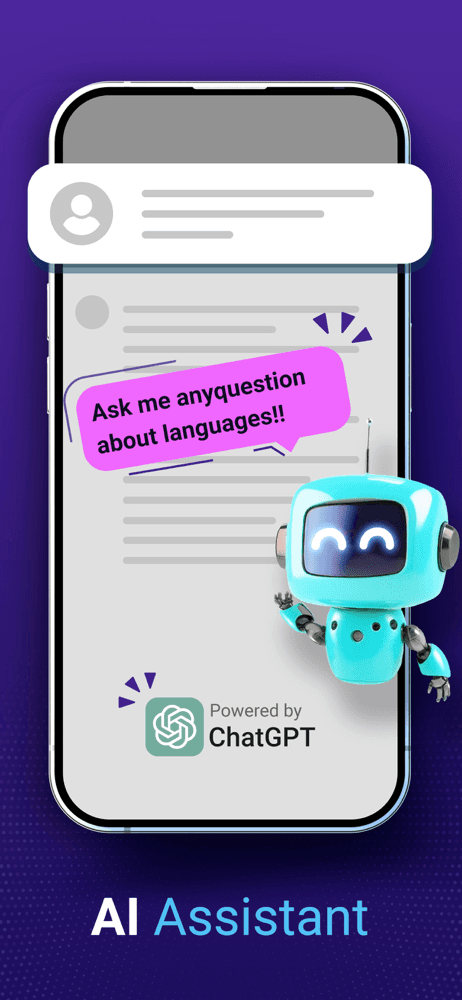
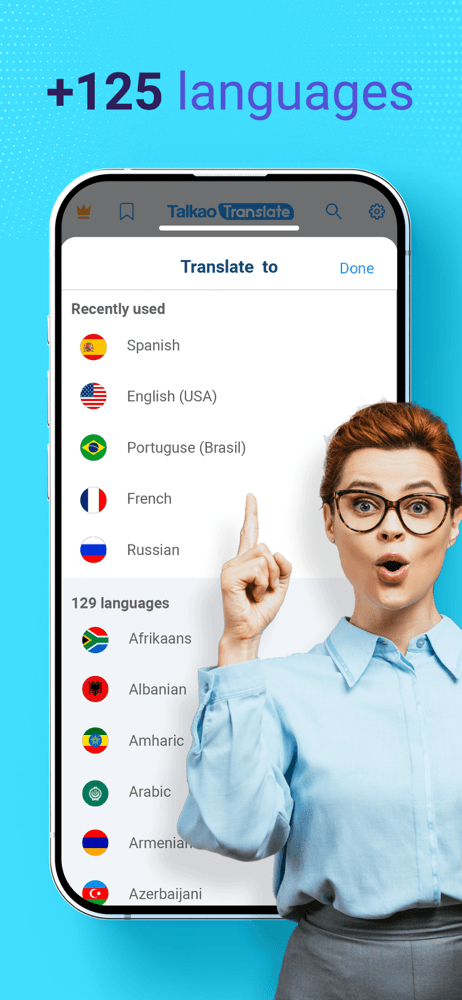
AI Voice Translator by Talkao is the best AI voice generator app for iPhone users who want a long-running voice translation tool with 100+ languages and a track record. The 4.34-star average across 399 U.S. ratings is the smallest pool on this list, but the app has been around longer than most voice-translation competitors. AI Voice Translator handles voice-to-voice translation, text translation, and word lookup across the supported languages. The app differs from Live Translator by being from a different developer with a slightly different language coverage. A real scenario: you're traveling in Tokyo, speak English into the phone, hear Japanese played back, and show the printed translation if the audio fails to communicate clearly. The tradeoff is the lower rating — competitors with better polish (Live Translator, Google Translate, Apple Translate) have eaten share, and the 4.34-star rating reflects the gap. Best as a backup translation tool; native Apple Translate or Google Translate is the safer primary pick.
Pros
- Long track record in voice translation across 100+ languages
- Voice-to-voice and text translation in one app
- Free tier covers basic translation needs
Cons
- Lower rating (4.34) reflects polish gaps versus newer competitors
- Native Apple Translate and Google Translate cover the same ground with better polish

How we picked
### Data sources We combine live App Store data (ratings, recent reviews, version cadence, pricing, screenshots) with our own ranking tracker, which logs U.S. Productivity and Utilities category positions daily. Review themes come from the most recent U.S. reviews per app, weighted toward the last 90 days.
### How we score Four weighted axes: output quality (does the synthesized voice sound human or robotic? Does dictation actually pick up natural speech?), voice and language variety (how many voices, accents, and languages does the catalog cover?), input flexibility (PDF, web articles, raw text, voice memos — what can the app actually take in?), and price-to-value (free-tier usefulness versus the monthly cost, given that voice generation is one of the more expensive AI categories to host).
### Refresh cadence The top-9 set is re-scored monthly. Ratings, ranks, and review-theme analysis refresh daily. When an app changes pricing, drops below 4.0 stars, breaks compatibility with a major iOS release, or removes a feature that drove its ranking, it gets re-evaluated within the week — not at the next monthly window.
### What we exclude Apps with an average below 4.0 stars, fewer than a few hundred ratings on the current version, or no update in nine months. We also drop pure voice-changer toy apps that don't generate speech from text or transcribe natural language, and white-label TTS apps that don't pair with a recognizable voice engine. Translation apps that are text-only (no voice input or output) belong on a different list.
### What we don't do No affiliate-driven ordering. Referral commissions don't bump apps. We don't take sponsorship or paid placement from listed apps. If a pick shifts, it's because the data shifted — pricing, ratings, review themes, or removed features.