



Best AI Photo Enhancer Apps for iPhone
By App Store Tracker Editorial · Updated — live App Store data verified
The short version
AI photo enhancers on iPhone serve two distinct audiences: people restoring old, blurry, or low-resolution photos, and creators producing studio-grade content for selling, social, or marketing. Canva and Adobe Express anchor the design end, Remini and PhotoApp specialize in one-tap restoration, and Photoroom dominates background removal for e-commerce. Most apps offer a useful free tier; the AI upscaling features almost always sit behind a subscription.
Jump to a pick↓
Photo enhancement has become the most crowded AI category on iPhone, and for good reason. Restoring old family photos, salvaging blurry phone snaps, and producing clean product imagery used to require Photoshop skills or a paid editor. AI has flattened that curve, with one-tap restoration apps producing results that genuinely impress on the right input photo. Background removal, skin retouching, and selective object erasure have followed the same path.
Our picks split the category into design suites with AI features layered on, dedicated enhancers focused on upscaling and restoration, and specialist tools optimized for one task like background removal. Canva and Adobe Express bring full creative workflows; Remini and PhotoApp deliver fast results on old or damaged photos; Photoroom and Bazaart serve sellers and small businesses. Reviews flag a common frustration around the enhancement category: marketing screenshots show miraculous transformations, but real-world results depend heavily on the input photo. Lower the expectation, and most of these tools earn their place.
- Rating
- —
- Reviews
- —
- Price
- Paid
- 90-day trend
- —
Canva sits in a category of its own, with 3.3M+ ratings and a creative platform that extends far beyond AI photo enhancement. The Magic Studio AI features include background removal, photo enhancement, object erasure, and generative fill, all integrated into the broader design and template ecosystem that made Canva ubiquitous. For users who want photo enhancement as part of a workflow that ends in a social post, presentation, or marketing asset, no other app provides this level of integration. The Pro tier unlocks the strongest AI features and removes most usage caps, with pricing that compares favorably to standalone editor subscriptions. Free tier users get meaningful access to enhancement tools, more so than dedicated enhancer apps. The trade-off is that Canva's photo enhancement is competent rather than best-in-class for tasks like old photo restoration, where specialized tools like Remini produce better dedicated results. For everything else, Canva is hard to argue with.
Pros
- AI enhancement integrated into the largest design platform on mobile
- Generous free tier with meaningful AI access without subscription
- 3.3M+ ratings reflect category-leading scale and trust
Cons
- Enhancement quality competent but not best-in-class for old photo restoration
- Pro subscription required for the strongest AI features
- Rating
- 4.7
- Reviews
- 1.2M
- Price
- Paid
- 90-day trend
- —
Picsart from PicsArt, Inc. bundles AI photo editing, video editing, and creative design tools into a single app with over 1.1M ratings. The AI features include image generation, AI photo enhancement, retouching, background changes, and AI-powered video effects, sitting alongside a deep traditional editing toolkit refined over years. Heavy users get genuine flexibility from the breadth of tools available in one place. The free tier is usable but pushes hard toward Picsart Gold subscription, where the strongest AI features live. Reviews consistently praise the creative variety; criticisms cluster around subscription pricing and aggressive upsell prompts during normal editing workflows. The 4.67 average rating across 1.1M ratings reflects long-term satisfaction among users who find their workflow inside Picsart. For users who want one app handling photo enhancement, video editing, and graphic design without juggling subscriptions, this remains one of the most complete options on iOS.
Pros
- Bundles AI photo, video, and design tools in one polished app
- 1.1M ratings show staying power in a competitive category
- Strong free tier with depth across multiple creative tasks
Cons
- Aggressive upsell prompts interrupt normal editing workflows
- Best features locked to Picsart Gold subscription
- 3Get on App Store
#3Adobe Express: Create AnythingBest for Subscriptions
Adobe Inc.
Graphic Design, All In-One App
- Rating
- 4.8
- Reviews
- 365.3K
- Price
- Paid
- 90-day trend
- —
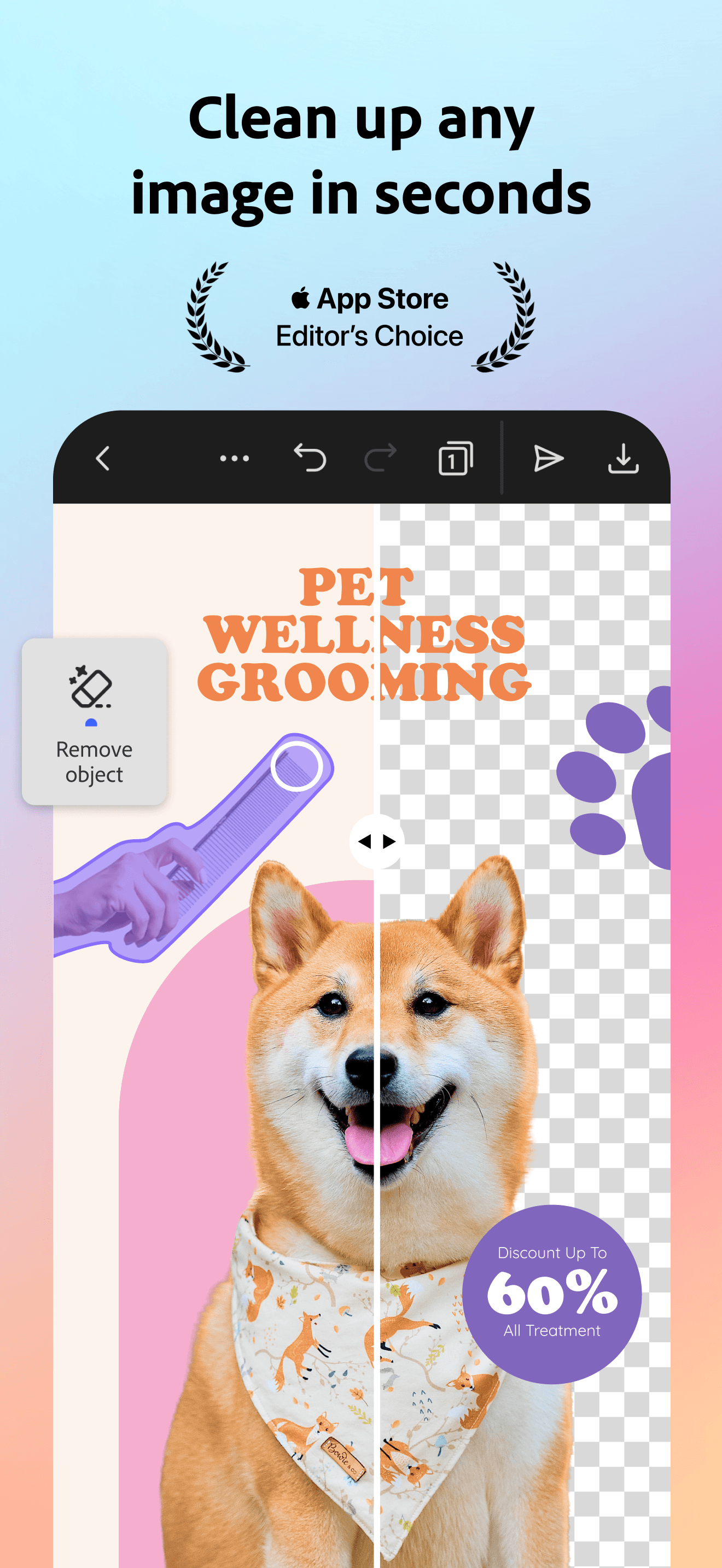
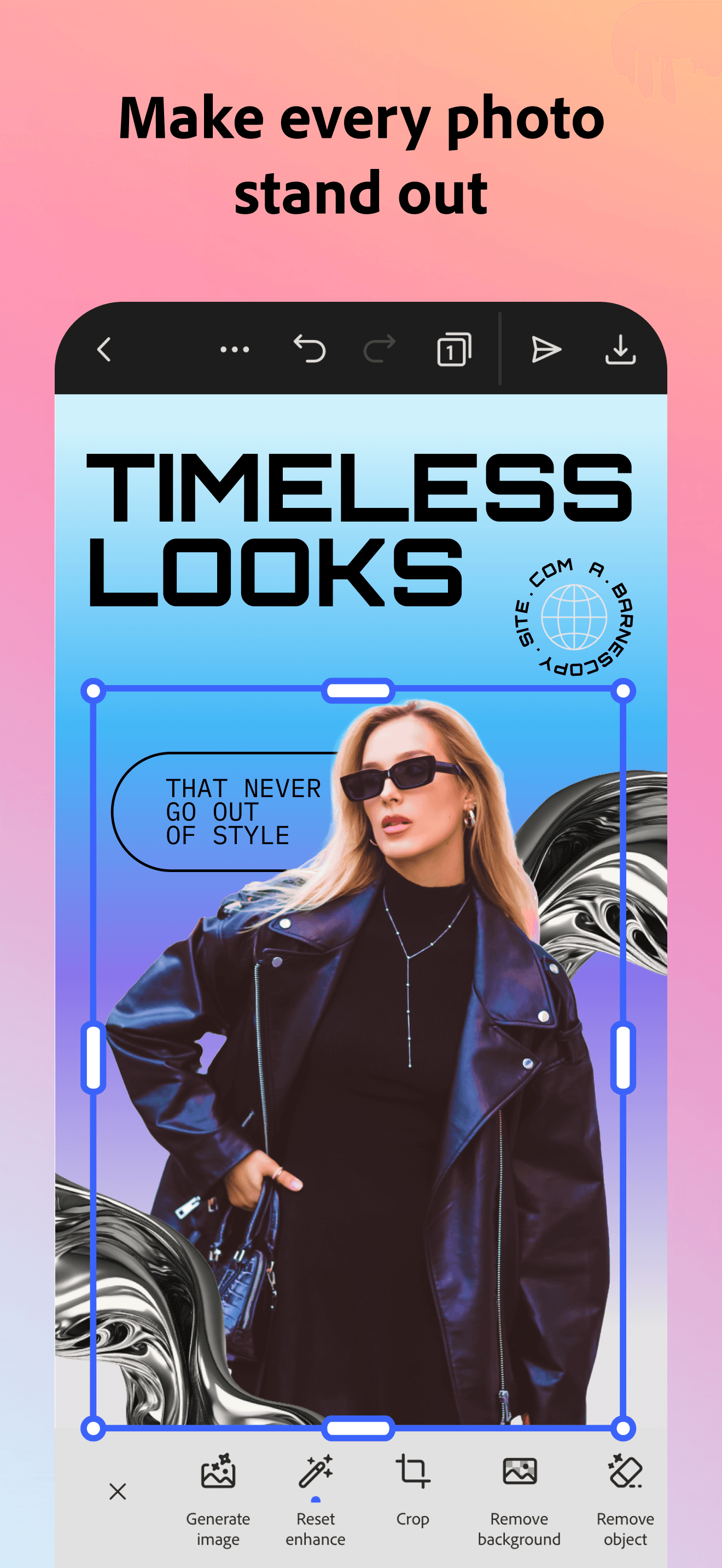
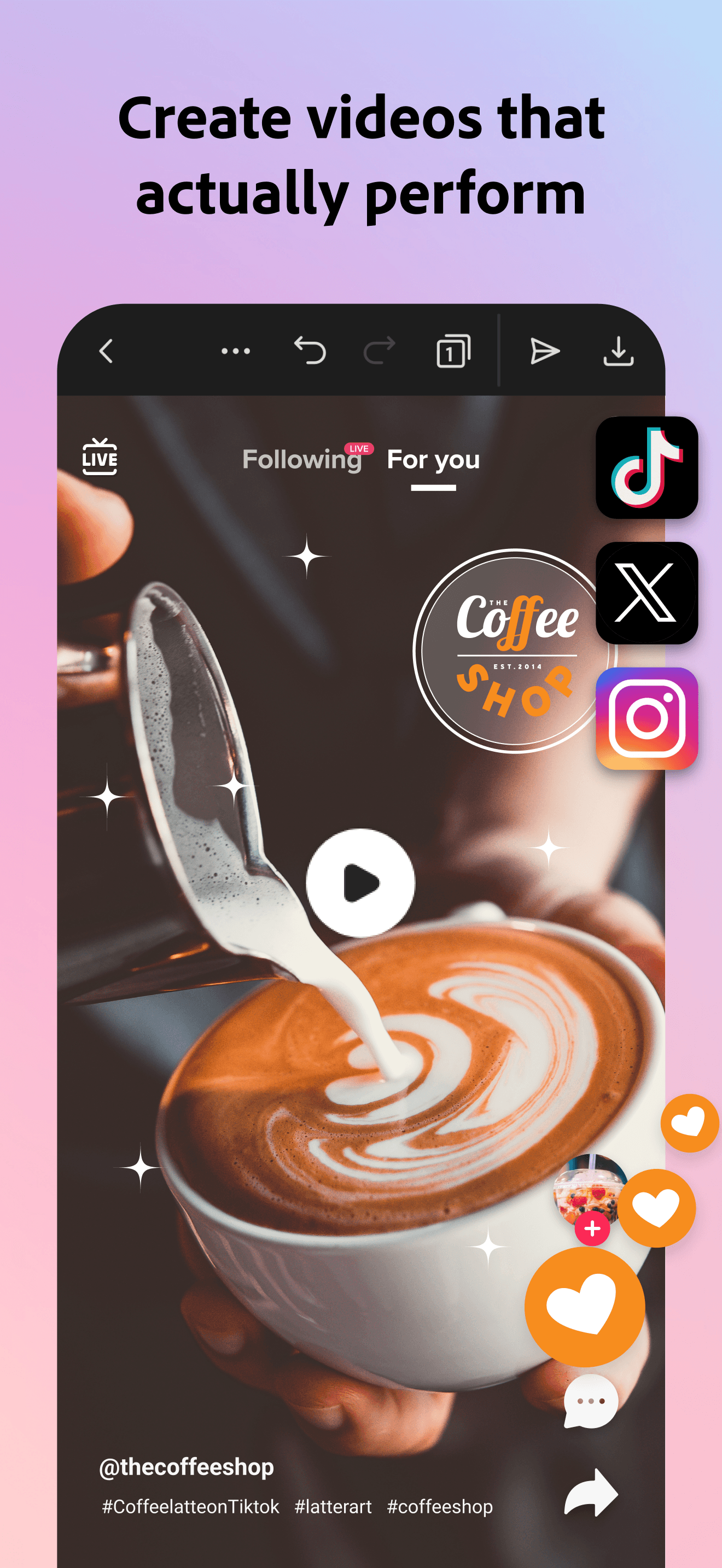
Adobe Express brings the Adobe creative platform to mobile with AI features powered by the same underlying engines as Photoshop and Lightroom. The 4.83 star rating across 361K ratings reflects strong satisfaction from users who get professional-grade output without the complexity of full Adobe applications. AI features include background removal, photo enhancement, generative AI, and animation tools. The integration with Creative Cloud means assets sync across devices, and users with existing Adobe subscriptions get expanded AI credits at no additional cost. The free tier is more generous than Adobe's traditional creative apps, with meaningful AI access available without subscription. Reviews highlight the polish of the experience and the strength of background removal in particular. For users who already pay for Adobe products or want professional-quality output without the Photoshop learning curve, Adobe Express bridges the gap well.
Pros
- Adobe-grade AI features in a mobile-first interface
- Free tier more generous than traditional Adobe apps
- Creative Cloud integration adds value for existing subscribers
Cons
- Best experience requires Adobe Creative Cloud subscription
- Less optimized for casual selfie editing than specialist apps
- 4
 Get on App Store
#4BeautyPlus-Selfie Photo EditorBest for Skin
PIXOCIAL TECHNOLOGY (SINGAPORE) PTE. LTD.
- Rating
- 4.8
- Reviews
- 346.5K
- Price
- Paid
- 90-day trend
- —
BeautyPlus from Pixocial focuses on selfie editing with AI auto-beautification, makeup tools, cartoon filters, and background removal across more than 50 easy-to-use editing features. The 800 million worldwide user count signals scale, even if iOS-specific traction is more modest. The app is heavily optimized for face-focused editing, with skin retouching, blemish removal, and AI auto-enhancement producing strong results on selfies and portraits. The cartoon filter and AI avatar features extend usefulness for users who want both serious retouching and fun transformations. The free tier offers meaningful access to core tools, with subscription unlocking advanced filters and higher resolution exports. Reviews praise the simplicity of the interface for users without editing experience; criticisms focus on aggressive paywall prompts and the standard concern that AI beautification can produce overly smoothed results. A strong default for selfie-focused editing rather than general photo restoration.
Pros
- 50+ editing tools optimized specifically for selfies and portraits
- Strong AI auto-beautification with one-tap results
- Free tier covers core retouching needs without subscription
Cons
- AI beautification can over-smooth skin and lose texture
- Aggressive paywall prompts on advanced filters
- 5
 Get on App Store
#5Bazaart AI Photo Editor DesignBest Watermark-Free
Bazaart Ltd.
Remove background and objects
- Rating
- 4.8
- Reviews
- 259.3K
- Price
- Paid
- 90-day trend
- —
Bazaart from Bazaart Ltd. targets small business owners and online sellers with AI tools focused on product photography, profile pictures, and marketing imagery. Background removal is the core strength, with quality competitive with dedicated tools and integration into a broader design workflow that lets you composite, retouch, and finalize in one app. The 4.8 average rating across 257K ratings reflects high satisfaction among users in the target segment. AI features include background removal, object removal, image generation, and AI-powered design suggestions, with templates tailored for Etsy listings, Instagram posts, and similar use cases. The free tier is workable for occasional use; serious sellers will need the subscription for unlimited exports and full template access. Less aggressive on selfie beautification than competitors, which makes it cleaner for product-focused work. A strong pick for small e-commerce sellers who want one app handling photo enhancement and listing design.
Pros
- Background removal tuned specifically for product photography
- Templates tailored for e-commerce listing creation
- 4.8 rating across 257K reviews shows category satisfaction
Cons
- Less optimized for selfie and portrait editing
- Serious sellers need subscription for unlimited exports


- Rating
- —
- Reviews
- —
- Price
- Paid
- 90-day trend
- —
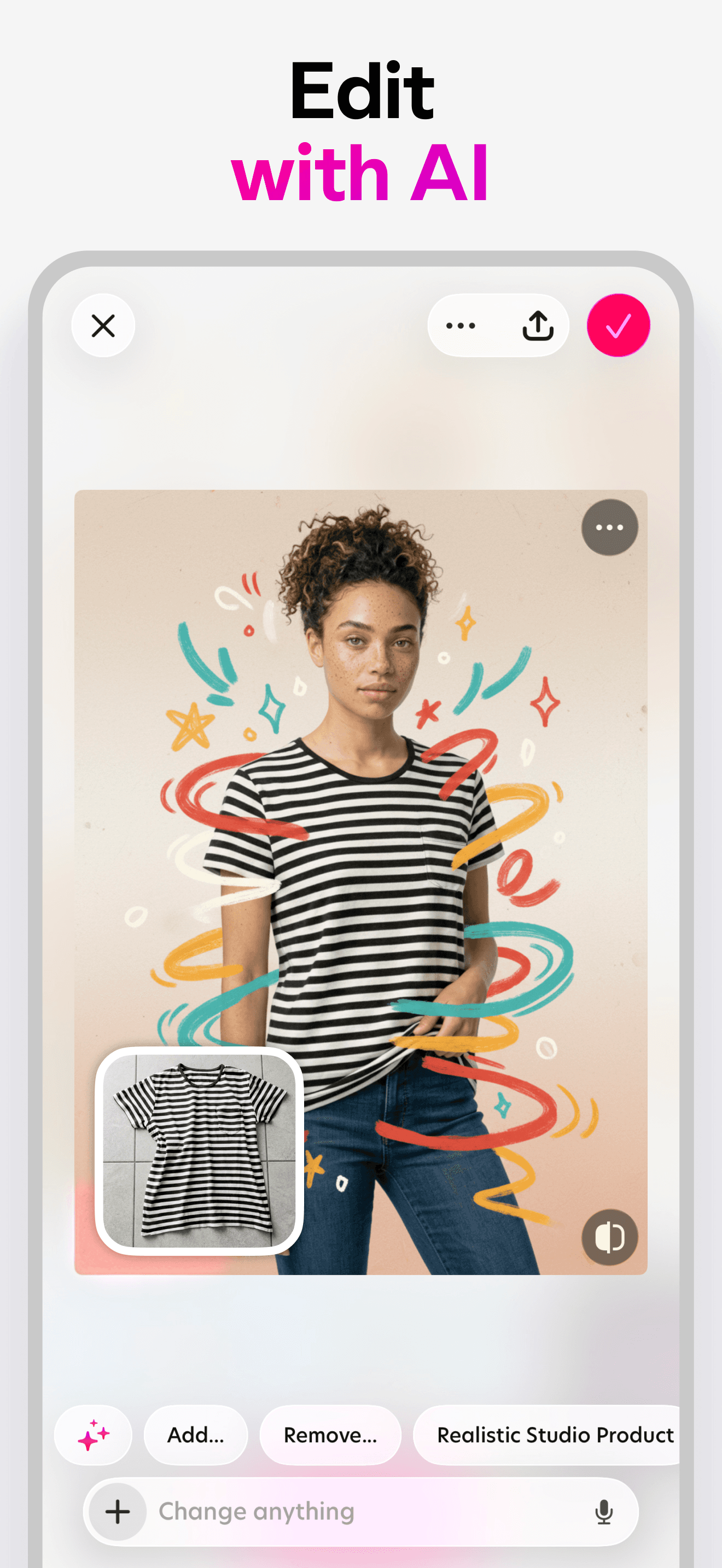
Photoroom is the specialist that built its 300 million user base on one task done extremely well: background removal. The AI consistently produces clean cutouts on product photos, portraits, and complex subjects with hair or transparent elements, areas where general-purpose editors often produce messy edges. The dedicated focus means Photoroom feels purpose-built for sellers, marketers, and creators who need clean product imagery fast. The app extends background removal with batch processing, AI-generated background scenes, virtual try-on for clothing, and automated product photography workflows. The free tier is generous compared to many competitors, with usable background removal available without subscription. Pro unlocks batch operations, advanced AI features, and the strongest output quality. Reviews from e-commerce sellers consistently highlight time savings and listing quality improvements. For background removal as a primary use case, this is the category leader.
Pros
- Best-in-class background removal on complex subjects and hair
- Batch processing saves serious time for e-commerce sellers
- Trusted by 300M users with category-leading dedicated focus
Cons
- Specialized tool means less value for users needing broader editing
- Pro subscription required for batch operations and best output
- Rating
- 4.7
- Reviews
- 324.8K
- Price
- Paid
- 90-day trend
- —
InstaSize from Instasize Inc. positions itself as a complete photo editor and resizer for content creators who post across multiple social platforms. The 100 million creator user count signals appeal to influencers and casual posters rather than enterprise users. AI features include photo enhancement, background generation, and collage creation, alongside premium photo filters, presets, and cropping tools optimized for Instagram, TikTok, and other platforms. The 4.67 average rating across 323K ratings reflects steady satisfaction among the target audience. The resize and crop tools are stronger than most general editors, with one-tap presets for every major platform's aspect ratios. AI enhancement is a recent addition rather than the core competency, and quality is competent rather than category-leading. Best treated as a content creation toolkit with AI enhancement included, rather than a specialist enhancer.
Pros
- Resize and crop presets tuned for every major social platform
- Workflow optimized for content creators posting cross-platform
- Premium filters and presets included in subscription
Cons
- AI enhancement is a recent feature rather than core competency
- Less specialized for old photo restoration than dedicated tools
- Rating
- —
- Reviews
- —
- Price
- Paid
- 90-day trend
- —
Remini from Bending Spoons is the dominant dedicated photo restoration app on iOS, with 340K ratings and the strongest one-tap results on degraded, blurry, or low-resolution photos. The AI is trained heavily on face reconstruction, which means old family photos with recognizable subjects produce particularly impressive results. The marketing claim of turning blurry photos into HD in one tap holds up well on the right input. Reviews show consistent satisfaction with restoration quality on faces; some users note that the AI sometimes alters facial features slightly, which is the standard limitation of reconstruction-based enhancement. Pricing follows the dominant weekly subscription pattern, with the free tier offering a small number of daily enhancements. Heavy users will find the subscription worthwhile; casual users restoring a handful of family photos may finish their project within the free tier. For old photo restoration as a primary use case, this remains the benchmark.
Pros
- Category-leading one-tap restoration on faces and old photos
- 340K ratings with strong satisfaction on the headline use case
- Free tier sufficient for restoring a handful of family photos
Cons
- AI reconstruction can subtly alter facial features
- Weekly subscription pricing for unlimited use
- 9
 Get on App Store
#9Photoleap: AI Photo GeneratorBest AI Upscale
Lightricks Ltd.
Professional Headshot Editor
- Rating
- 4.7
- Reviews
- 137.7K
- Price
- Paid
- 90-day trend
- —
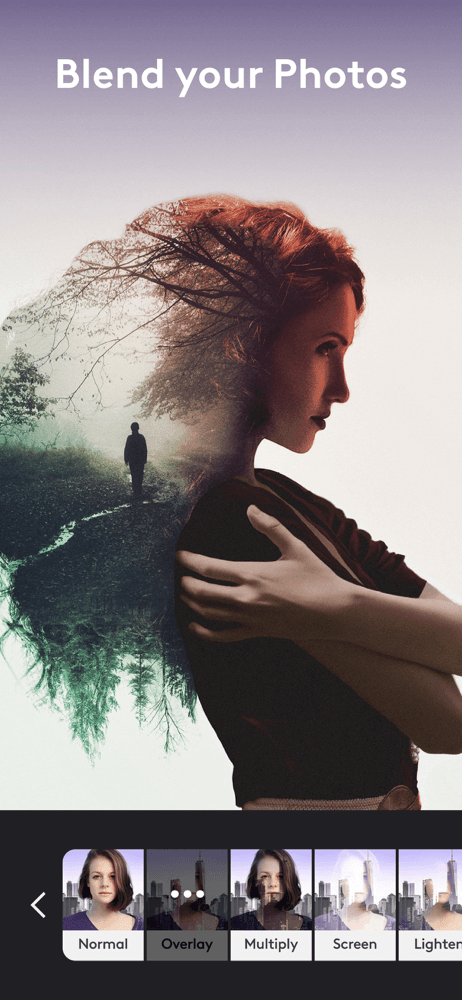
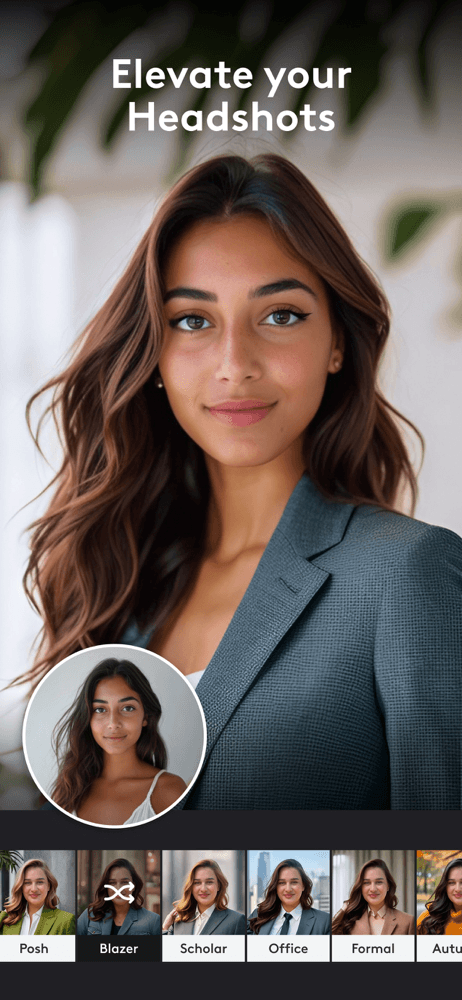
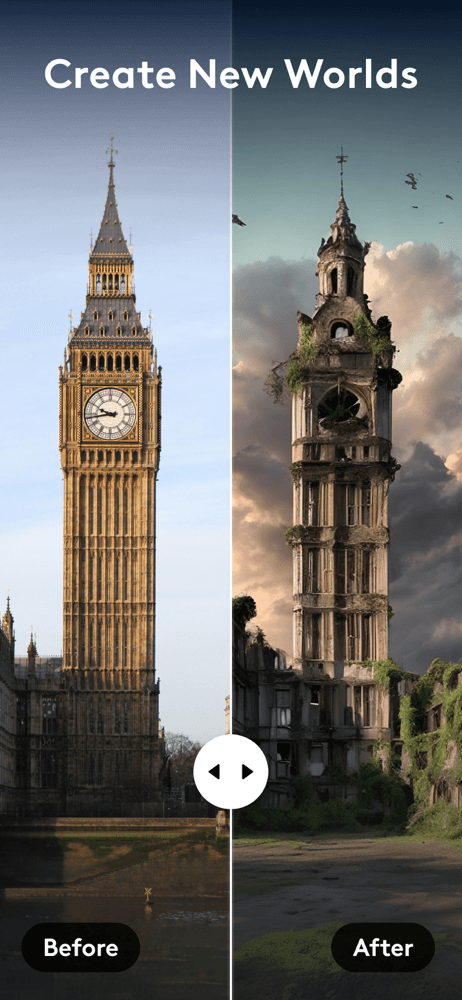
Photoleap from Lightricks brings professional-grade editing with AI generation, layer-based workflows, and the kind of granular controls that creative hobbyists appreciate. The AI photo enhancement features sit alongside text-to-image generation, masking, blending modes, and traditional editing tools. The combination makes Photoleap one of the few apps where you can enhance a photo, generate a new background, composite elements, and refine the result without leaving the app. The 137K rating count and 4.68 average reflect strong satisfaction from users who value flexibility over one-tap simplicity. Subscription pricing reflects the premium positioning, and the free tier is more limited than restoration-focused competitors. For users who want enhancement as part of a serious creative workflow rather than a standalone task, this is one of the strongest picks. For pure one-tap restoration of old photos, Remini remains more focused.
Pros
- Layer-based workflow integrates enhancement with broader editing
- AI generation alongside enhancement in a single app
- Premium positioning backed by strong long-term ratings
Cons
- Subscription pricing above one-tap competitors
- Steeper learning curve than restoration-focused tools
- 10
 Get on App Store
#10PhotoApp - AI Photo EnhancerBest Free
SCALEUP YAZILIM HIZMETLERI
Enhance, Unblur, Fix Image
- Rating
- 4.6
- Reviews
- 86.2K
- Price
- Paid
- 90-day trend
- —
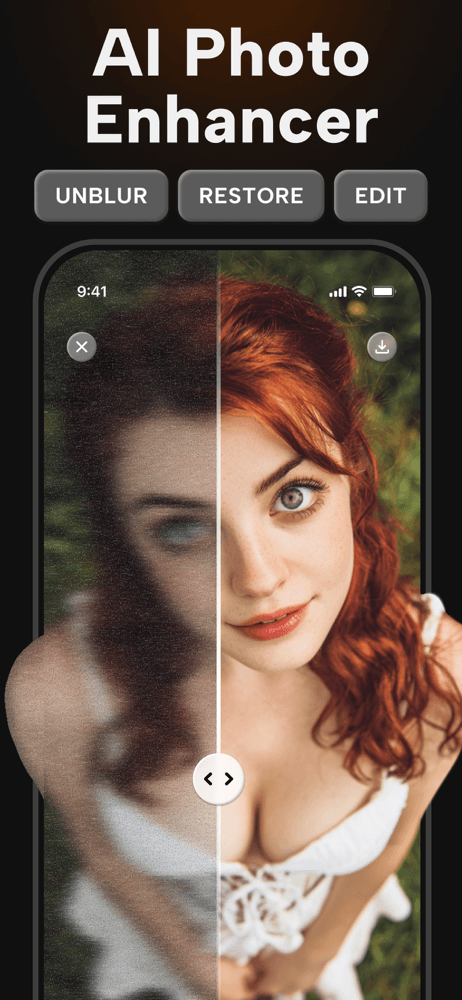
PhotoApp from Scaleup Yazilim Hizmetleri is the most direct Remini competitor, with the same one-tap enhancement and restoration pitch and the same focus on unblurring and restoring old photos. The 200 million photos enhanced figure signals genuine scale despite the smaller rating count of 85K. The 4.64 average rating reflects solid output quality on the target use case. The app keeps its scope tight, focusing on enhancement rather than expanding into broader editing or design features, which keeps the experience uncluttered for users who want a specialist tool. Subscription pricing is competitive with Remini, and the free tier offers a workable trial. Reviews suggest comparable quality to category leaders on standard restoration tasks, with some variation in handling of severely degraded photos. A reasonable alternative if Remini's pricing or subscription model does not fit your needs, with similar one-tap restoration quality.
Pros
- Tight focus on enhancement keeps the experience uncluttered
- 200M photos enhanced shows genuine scale
- Competitive pricing versus Remini for similar core functionality
Cons
- Variable quality on severely degraded photos
- Smaller rating base than category leaders limits confidence


How we picked
### Selection criteria We sourced top-grossing and top-rated AI photo enhancer apps in the US App Store, then filtered for apps with at least 80,000 ratings to ensure a real user base. Both single-purpose enhancers and broader AI-driven editors made the cut, since users searching for photo enhancement often end up wanting adjacent tools like background removal or color correction.
### How we tested We ran each app through a consistent test set: a low-resolution family photo from the 1990s, a blurry phone snapshot, a damaged scan with creases, a portrait needing skin retouching, and a product photo requiring background removal. We tracked first-tap output quality, processing speed, watermarking, free tier limits, and whether the app preserved facial features faithfully or applied aggressive smoothing.
### What we weighted Restoration fidelity on degraded photos mattered most, since that is the headline use case. We weighted natural skin and texture handling above pure sharpness, because over-enhanced photos that look plasticky are a common complaint. Pricing transparency and the ability to remove watermarks without a subscription influenced ranking, as did how the app handles privacy on uploaded photos.
### What we excluded We excluded text-to-image generators covered in a separate guide and pure cartoon or anime filter apps. Apps without active version updates within the last year were removed. We also excluded tools that produce inconsistent quality across our test photos or aggressively over-process faces in ways that distort identifying features.
### What changed this month
Remini shipped a Pro Studio mode in May 2026 with multi-pass enhancement for old film scans, which markedly improves grain handling on pre-2000 photos. YouCam Enhance expanded its AI portrait restoration to handle pre-1950 black-and-white originals. HitPaw Photo Enhancer rolled out a batch mode handling 50+ images per run. Apple Photos added on-device enhancement for skin and detail recovery in iOS 18, which means casual users now have a strong native baseline before reaching for third-party tools. The category overall is rapidly commoditizing around the same 4-5 underlying models.
### Privacy + storage considerations
Most AI photo enhancers upload your images to a remote model for processing. If you are enhancing personal photos or family portraits, check the privacy policy for retention windows and whether outputs are used to train future models. Remini, YouCam Enhance, and HitPaw all clearly disclose their handling; some smaller apps do not. For maximum privacy, Apple Photos in iOS 18 handles enhancement on-device, and Draw Things on iPhone runs fully offline (slower but with zero data transfer). Storage matters too: enhanced outputs are typically 3-5x larger than originals (higher resolution, less compression). Plan for an extra 200-500MB if you process a backlog of family photos. Compress before sharing if you upload to messaging or social — most platforms re-compress aggressively anyway, so the bulk gain from enhancement is mostly invisible at typical Instagram or text-attachment sizes.