



Best AI Image Generator Apps for iPhone
By App Store Tracker Editorial · Updated — live App Store data verified
The short version
AI image generators on iPhone split between selfie-to-art apps that transform your photo into cartoon, anime, or painted styles, and text-to-image tools that build from scratch. Toonapp and Voilà dominate viral selfie filters, Photoleap leads on serious editing power, and Draw Things stands alone as a fully offline diffusion studio. Most apps gate the good outputs behind weekly subscriptions, so trial output quality before committing.
Jump to a pick↓
The AI image space on mobile is louder than it is coherent. Dozens of apps promise stunning visuals from a single tap, but the actual capability ranges wildly: some are thin wrappers around Stable Diffusion endpoints, others are mature creative suites with years of editing tools layered alongside AI features. Selfie-to-art apps optimized for viral templates rarely overlap with text-to-image tools built for original concept work, and asking one to do the other usually disappoints.
Our picks separate the categories rather than pretending they compete. We weighted output fidelity on real prompts, model selection or template variety, watermark policy, subscription transparency, and whether the app handles editing iterations gracefully. Reviews flagged consistent frustrations: paywalls that hide after one generation, results that don't match the marketing screenshots, and subscription auto-renewals that catch users off guard. The lineup below highlights when an app earns its price, when free credits get you somewhere real, and when offline generation is worth the steeper learning curve.
- 1Get on App Store
#1Toonapp: AI Photo & Video ArtBest Overall
LYREBIRD STUDIO FZE
Viral Filters, Cartoon & Anime
- Rating
- 4.7
- Reviews
- 141.5K
- Price
- Free
- 90-day trend
- —
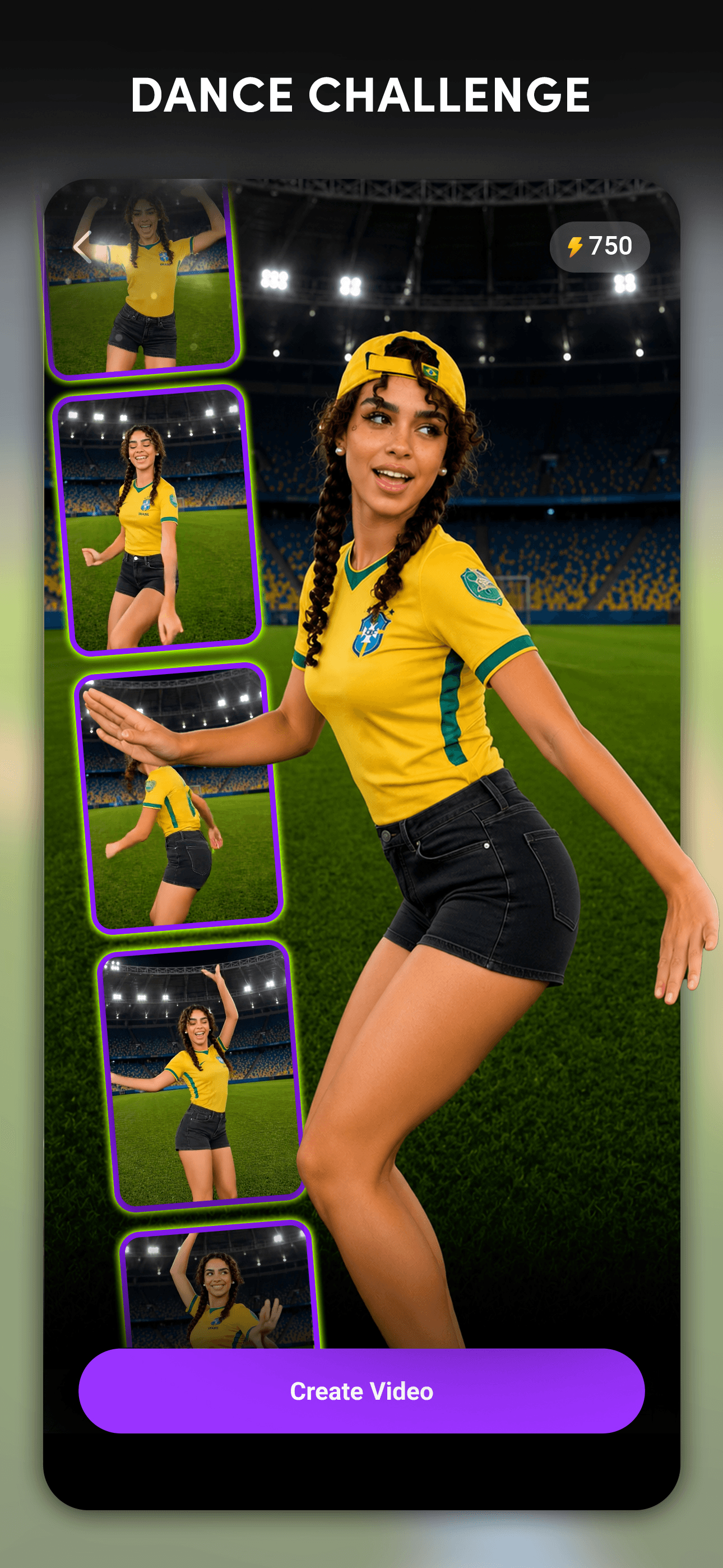
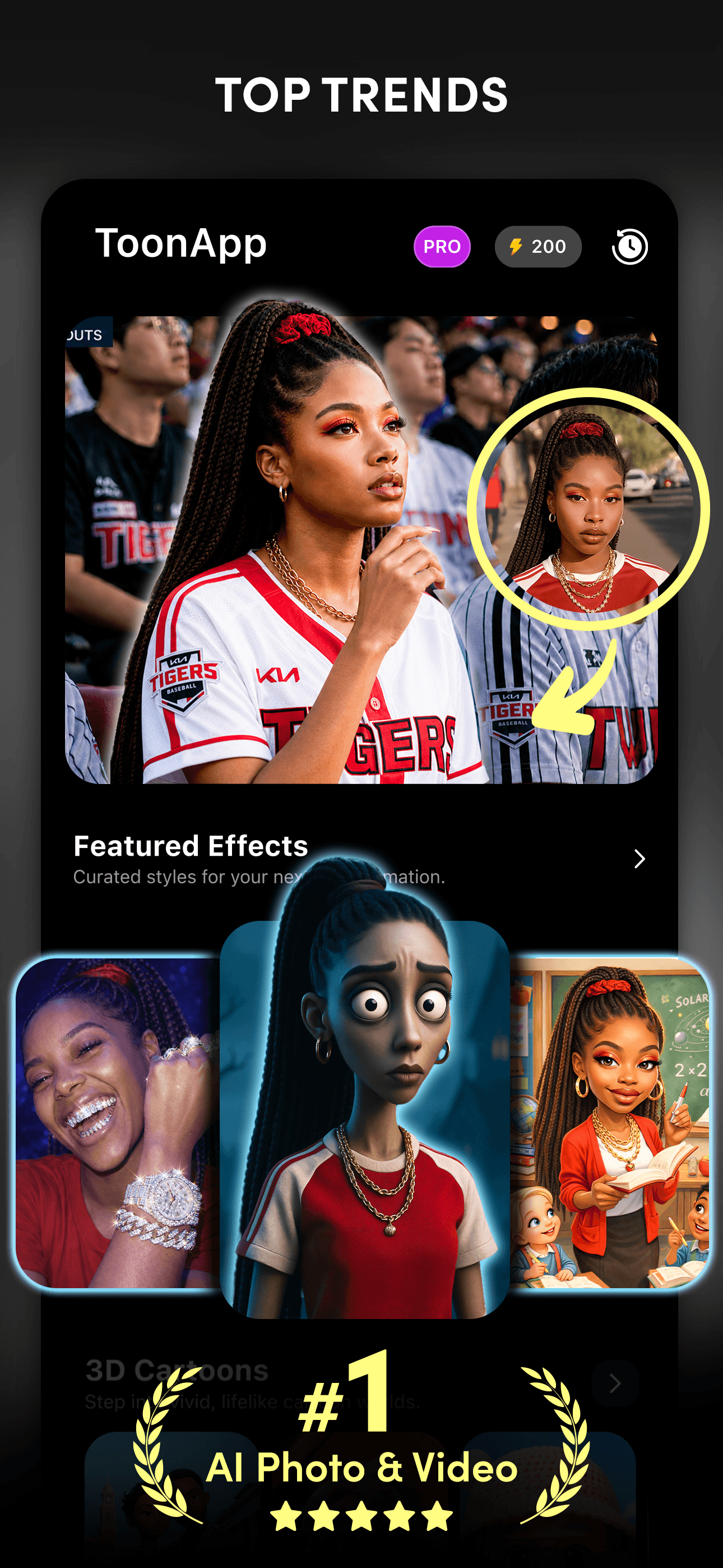
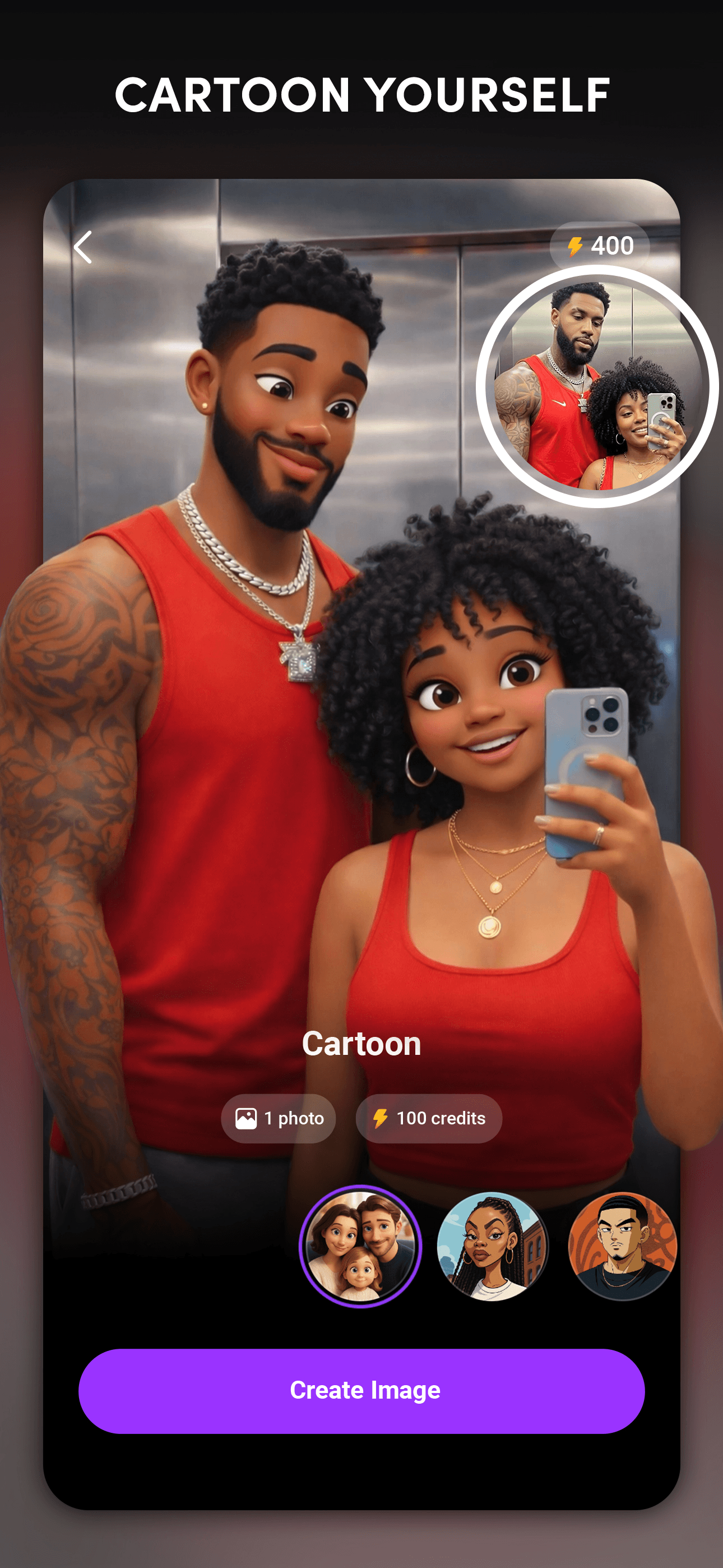
Toonapp from Lyrebird Studio is the dominant selfie-to-cartoon app, with 140K+ ratings and a steady stream of viral template updates. The core experience is dead simple: pick a style, upload a selfie, and get a polished cartoon or anime version within seconds. Recent updates added image-to-video capabilities that turn a single photo into a short animation, which extended its appeal beyond static art. The template library is the genuine strength, refreshed often enough that returning users find new looks each visit. Reviews fall into two camps. Enthusiasts love the breadth of styles and the ease of producing share-ready content for TikTok and Instagram. Frustrated users push back on the paywall, which kicks in after a single try and gates most premium templates behind a weekly subscription. Output quality on the cartoon and anime styles is consistently strong; more experimental templates produce more variable results. For viral selfie content, this is the default pick.
Pros
- Largest template library refreshed often with viral styles
- Image-to-video feature extends utility beyond static art
- 140K ratings prove staying power in a crowded category
Cons
- Paywall hits after a single try with limited free use
- Output quality varies on experimental templates
- 2Get on App Store
#2Photoleap: AI Photo GeneratorBest Subscription Value
Lightricks Ltd.
Professional Headshot Editor
- Rating
- 4.7
- Reviews
- 137.7K
- Price
- Paid
- 90-day trend
- —
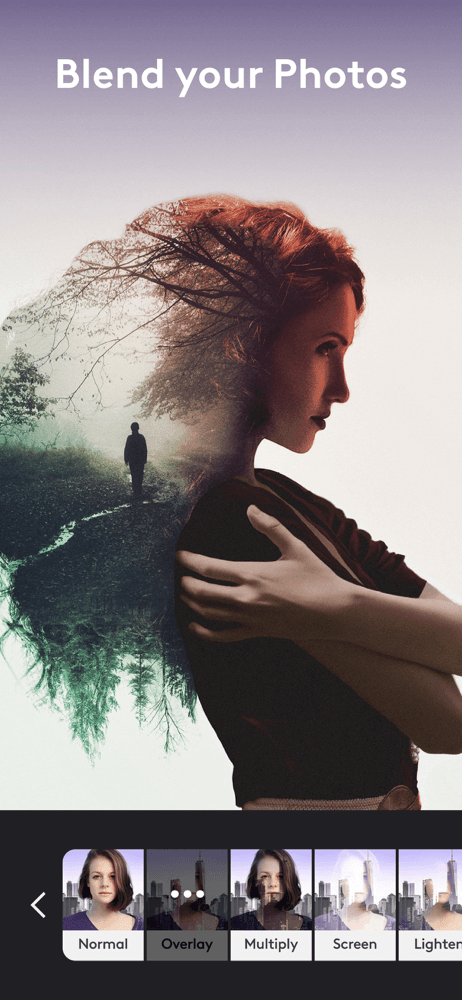
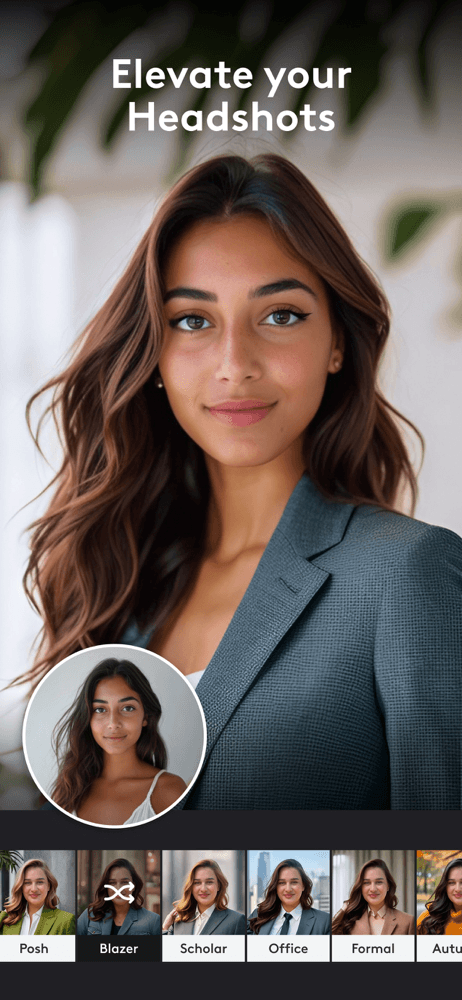
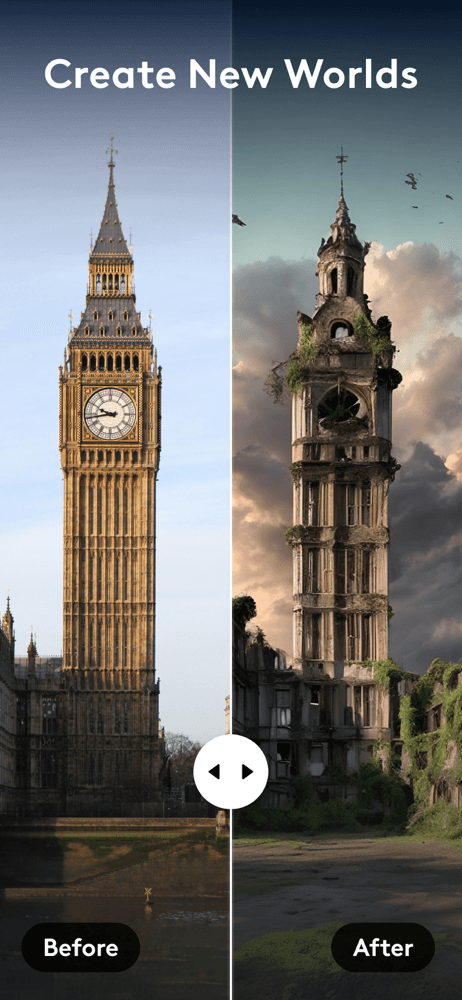
Photoleap from Lightricks is the most editorially mature app in this lineup, descending from a long lineage of professional-grade mobile editors. The AI image generator sits alongside layer-based editing tools, masking, blending modes, and the kind of granular controls that hobbyist photographers actually use. That positioning means Photoleap competes less with selfie filter apps and more with desktop creative suites. The AI image generation feature handles text-to-image prompts with respectable fidelity, and the integration with the broader editing toolkit means you can generate a background, composite a subject, and refine the result in one app. Subscription pricing reflects the premium positioning, and the free tier is limited compared to viral selfie apps. The 137K rating base and 4.68 average score indicate strong long-term satisfaction among users who put in the effort. For anyone wanting AI generation as part of a real creative workflow rather than a one-tap filter, this is the strongest pick.
Pros
- Layer-based editing makes generated images part of a real workflow
- Strong on AI generation plus inpainting and compositing
- Premium positioning backed by 137K ratings at 4.68 stars
Cons
- Subscription pricing reflects premium tier above viral apps
- Free tier limited compared to filter-focused competitors
- 3Get on App Store
#3Voilà AI Artist Cartoon FilterBest for Anime/Manga
Wemagine.ai LLP
Studio Anime Maker Style Photo
- Rating
- 4.8
- Reviews
- 83.7K
- Price
- Free
- 90-day trend
- —
Voilà AI Artist from Wemagine.ai built its reputation on Renaissance painting and 3D cartoon filters that went viral on social media. The app continues to lead in painted-style transformations, including 15th, 18th, and 20th century painting filters that produce noticeably different aesthetics rather than near-identical variations on a theme. The 3D cartoon filter remains one of the strongest in the category, and the hand-drawn caricature option offers a distinctive look that competing apps often miss. Reviews show high satisfaction with output quality, with a 4.76 average rating across 83K ratings. The standard criticisms apply: weekly subscription pricing for unlimited generations, and the free tier is more demonstration than usable workflow. The app excels at one-shot artistic transformations for sharing rather than ongoing creative production. If your goal is a great profile picture or a striking shareable image rather than a workflow, Voilà delivers consistently good results.
Pros
- Multiple painting era filters that produce genuinely distinct looks
- Standout 3D cartoon and hand-drawn caricature styles
- 4.76 rating across 83K reviews shows consistent satisfaction
Cons
- Weekly subscription required for meaningful generation volume
- Best suited for one-shot results rather than iterative workflows
- 4
 Get on App Store
#4PicsHub-AI Art & Photo EditBest for Realism
Onekitty International Limited
AI Avater, AI Paint ,Get Old
- Rating
- 4.5
- Reviews
- 32.7K
- Price
- Free
- 90-day trend
- —
PicsHub from Onekitty International packages AI avatar generation with traditional photo editing in a single app, positioned for users who want both filters and AI portraits without juggling tools. The AI avatar generator produces ultra-realistic versions of yourself across various styles, similar to Lensa Magic Avatars but at a lower price point. Traditional photo editing tools, multiple exposure filters, and AI paint features round out the offering. The 4.47 average across 32K ratings reflects a competent but not standout experience. Reviews indicate the avatar quality is hit-or-miss compared to specialist competitors, and users sometimes report that promoted features differ from what is actually available without subscription. The breadth of tools makes it useful for users who want a single app for casual photo work and occasional AI art. For users prioritizing AI avatar quality specifically, dedicated competitors produce more polished results. For a generalist photo editor with AI features bolted on, this fits the niche.
Pros
- Bundles AI avatars with traditional photo editing in one app
- Lower price point than dedicated AI avatar specialists
- Multiple exposure filters add creative flexibility
Cons
- Avatar quality hit-or-miss versus specialist competitors
- Promoted features sometimes differ from free-tier availability
- Rating
- —
- Reviews
- —
- Price
- Paid
- 90-day trend
- —
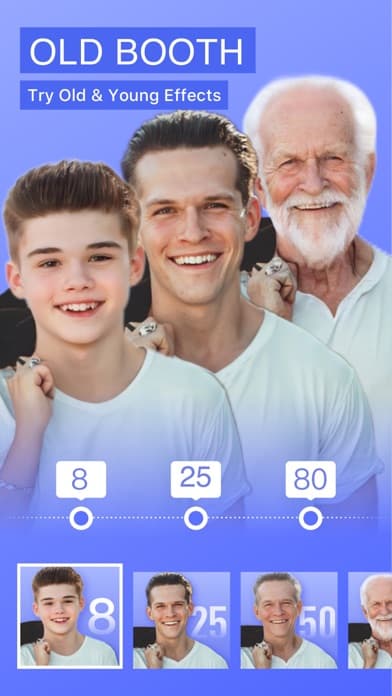
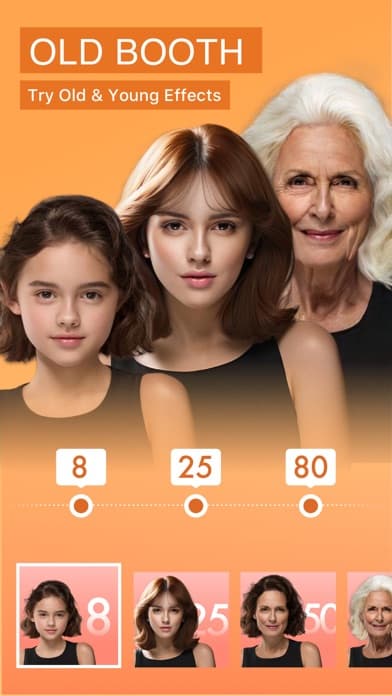
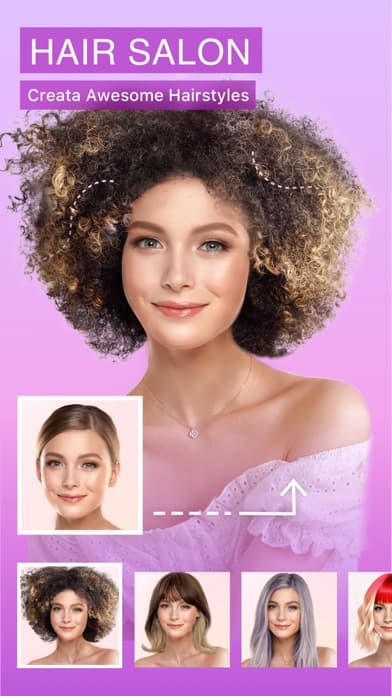
AI Photo Video Editor from COOL SUMMER LIMITED markets itself on viral features including AI baby dance videos, future baby predictions, photo animation, and HD art generation. The breadth is unusual in this category and lands the app squarely in trend-driven novelty rather than core creative tools. The unblur and restore tools work as a basic photo enhancer, and the AI art generation handles standard text-to-image prompts. The novelty features explain the app's traction: future baby predictions and AI baby dance videos are perennial viral formats that drive social shares and downloads. Quality on those novelty features depends heavily on input photo quality, and reviews indicate variable results. The lack of clear in-app purchase disclosure flagged in the metadata makes pricing trust harder to establish. For users specifically chasing the latest viral AI photo trend, this is one of several apps competing for that audience. For sustained creative work, look at Photoleap or Hypic instead.
Pros
- Bundles future baby predictions and AI baby dance videos
- Photo unblur and restore tools work for basic enhancement
- Free entry into trending AI photo formats
Cons
- Novelty-focused features limit long-term creative utility
- In-app purchase disclosure unclear in store metadata
- Rating
- —
- Reviews
- —
- Price
- Paid
- 90-day trend
- —
Hypic from Bytedance carries the design language of the company behind TikTok and CapCut, with a clean interface and polish that exceeds most independent competitors. The app combines traditional photo editing including retouch, filters, and beauty tools with AI art generation that turns selfies into artwork or applies AI-driven background removal. The AI features feel integrated rather than bolted on, and the overall experience reflects Bytedance's expertise in mobile-first creative tools. The free tier is more generous than most viral filter apps, with usable features available without subscription. The trade-off is the same as any Bytedance app: your data flows through a company subject to ongoing regulatory scrutiny in the US, which some users will weigh against the strong product experience. Output quality on the AI features is consistently good, and the editing tools alongside are competent for everyday photo work. A strong all-around pick if data residency is not a primary concern.
Pros
- Polished interface from the team behind TikTok and CapCut
- AI features feel integrated rather than bolted on
- Generous free tier compared to most competitors
Cons
- Bytedance data handling raises privacy concerns for some users
- Less specialized than purpose-built generators for hard prompts
- 7
 Get on App Store
#7Spellai - AI Art MakerBest for Logos
POLYVERSE ENTERTAINMENT INC.
Text to Image, Video & AI Chat
- Rating
- 4.4
- Reviews
- 3.7K
- Price
- Free
- 90-day trend
- —
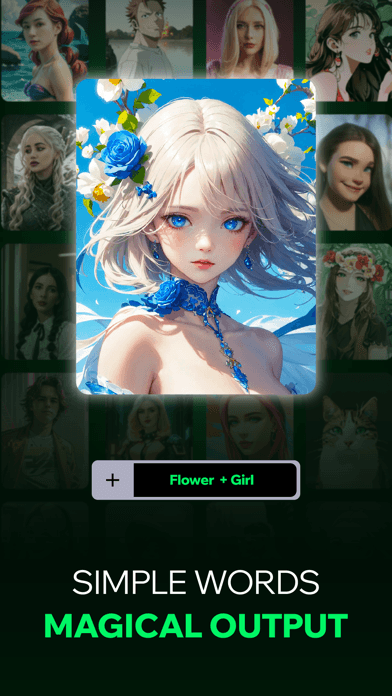
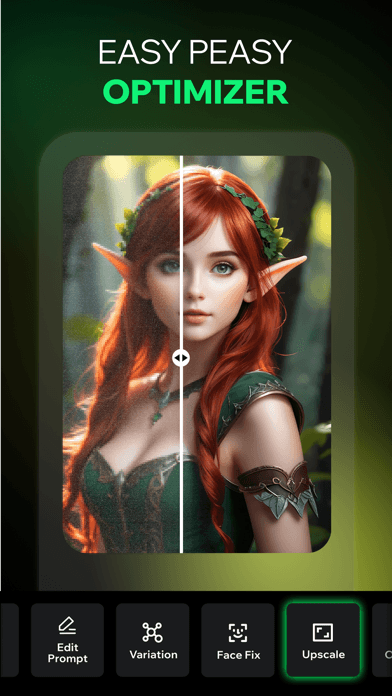
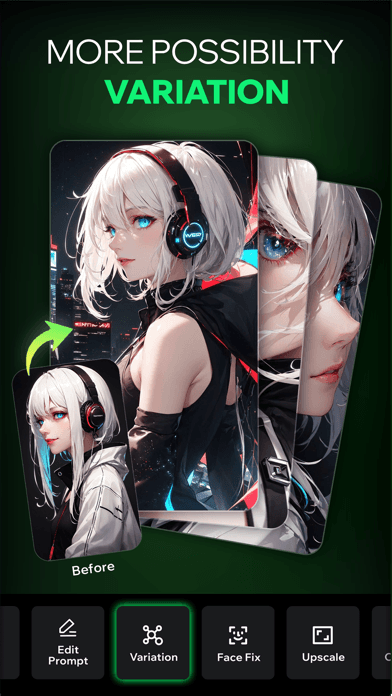
Spellai from Polyverse Entertainment positions itself on text-to-image generation with an AI chat layer, blending conversation and image creation. The chat feature lets you describe what you want in plain language, and the AI generates images within the conversation rather than forcing you to formulate perfect prompts. That conversational approach lowers the barrier for users intimidated by prompt engineering. The image quality is competent for casual creative work but not on par with dedicated tools like Midjourney or Stable Diffusion. The 3,670 rating count is modest, indicating a smaller audience than viral selfie apps but a real one. The combination of chat and image generation in one app is a meaningful differentiator for users who want both without subscribing to multiple services. Subscription pricing follows the standard weekly and yearly pattern, and the limited public review count makes long-term quality harder to gauge confidently. Worth a free trial if conversational image generation matches how you work.
Pros
- Conversational interface lowers prompt engineering barrier
- Combines chat and image generation in a single app
- Subtitle clearly signals text-to-image plus AI chat positioning
Cons
- Output quality not on par with dedicated text-to-image leaders
- Smaller user base means less public review confidence
- Rating
- 4.6
- Reviews
- 1.9K
- Price
- Free
- 90-day trend
- —
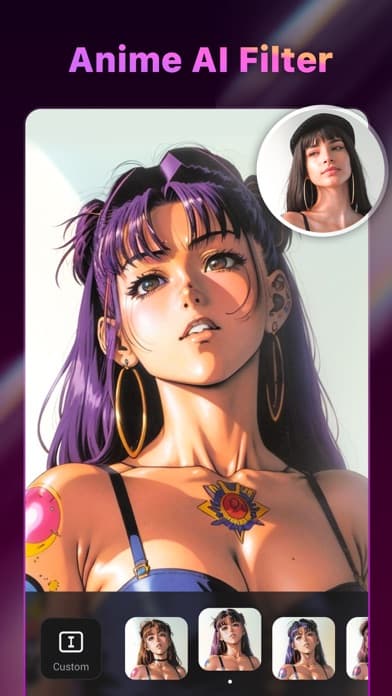
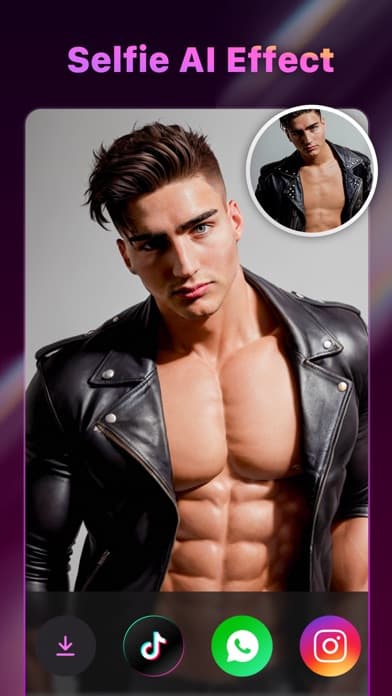
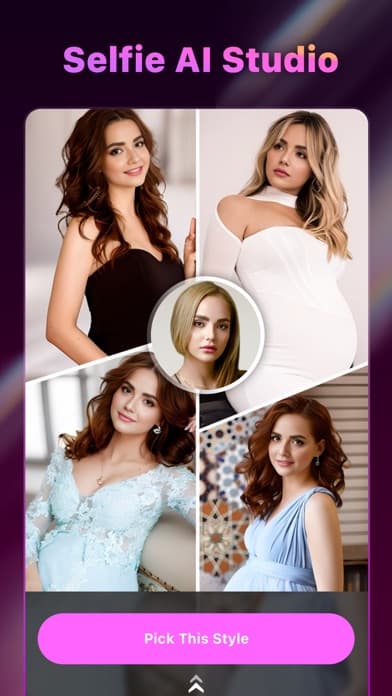
AI Art Photo Editor by Selfie AI focuses tightly on cartoon, portrait, and anime filter transformations applied to user photos. The app launched as a sweet selfie editor and pivoted into AI art generation, which shows in the user-friendly approach and one-tap workflow. Pick a style, upload, generate, share. The style library covers the popular categories: cartoon, anime, realistic portrait, and dreamlike scene variants. The 1,874 rating count is small relative to category leaders, but the 4.58 average suggests users who try it generally find what they came for. The app does what it advertises without trying to be a full creative suite, which is refreshing in a category dominated by everything-in-one positioning. Subscription pricing is standard, and the free tier shows watermarked output to demonstrate quality before commitment. A reasonable choice for users who specifically want quick selfie transformations without the complexity of broader editing tools.
Pros
- Focused one-tap workflow without overwhelming feature creep
- Style library covers the major popular categories
- 4.58 rating shows users find what they came for
Cons
- Small rating count limits confidence in long-term quality
- No advanced editing beyond preset style application
- 9
 Get on App Store
#9Draw Things: Offline AI ArtBest for Inpainting
Draw Things, Inc.
Your Private AI Art Studio
- Rating
- 4.5
- Reviews
- 721
- Price
- Paid
- 90-day trend
- —
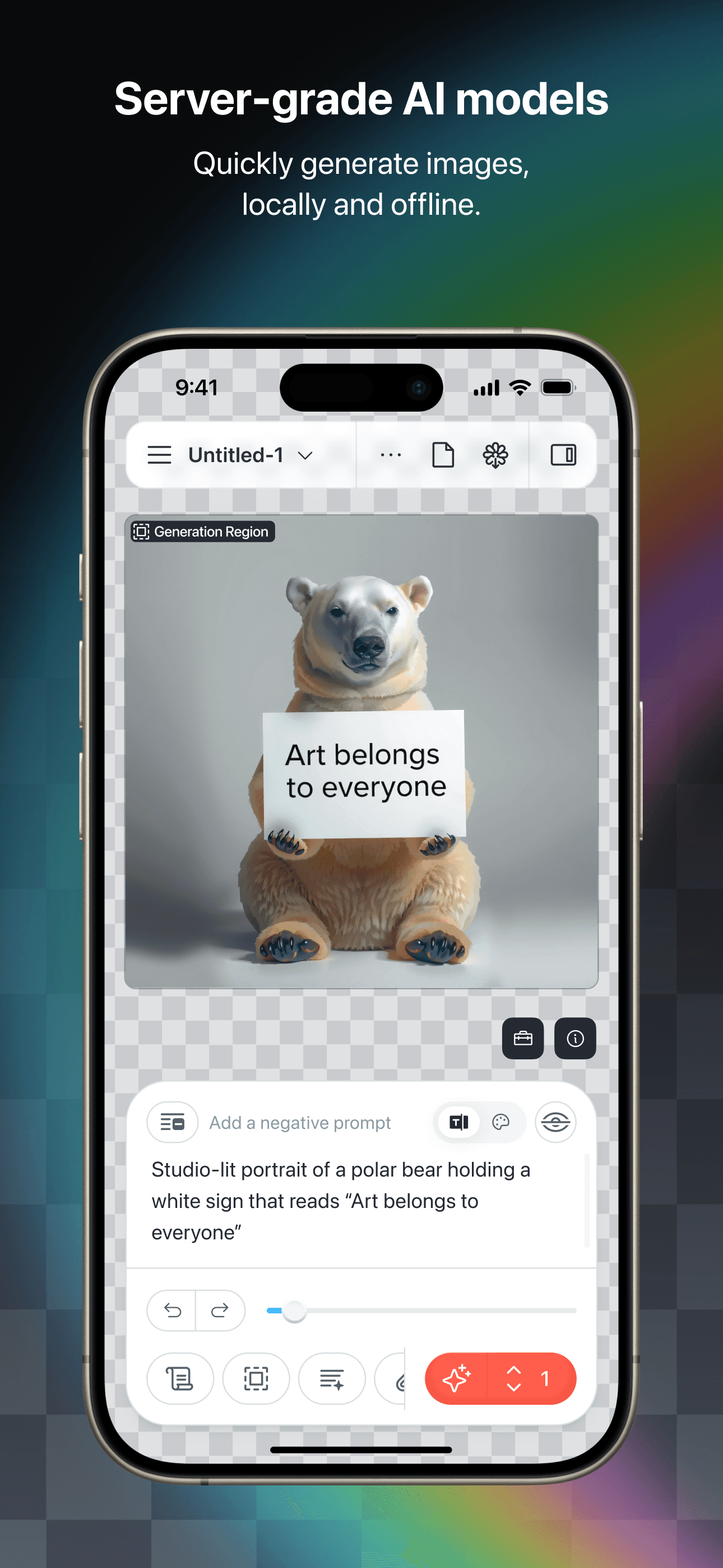
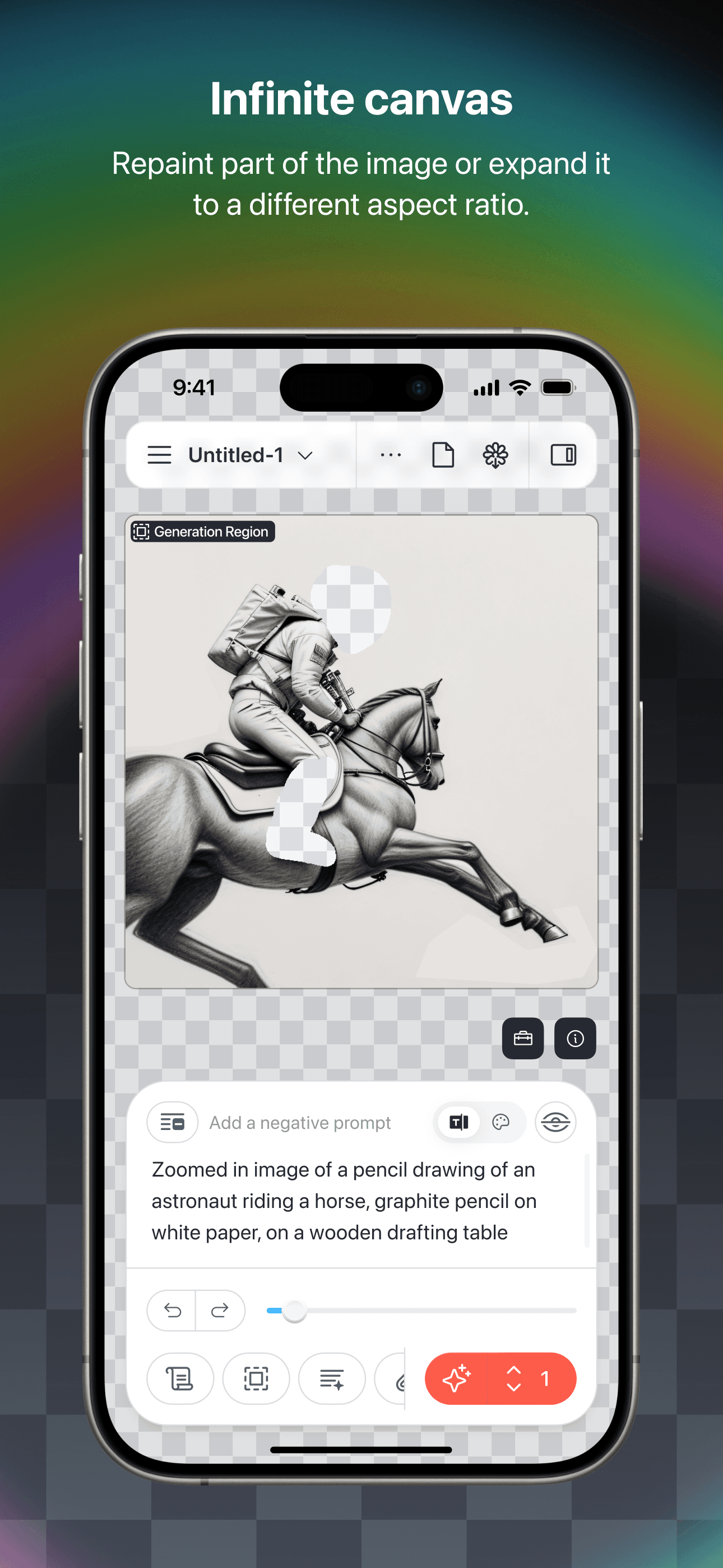
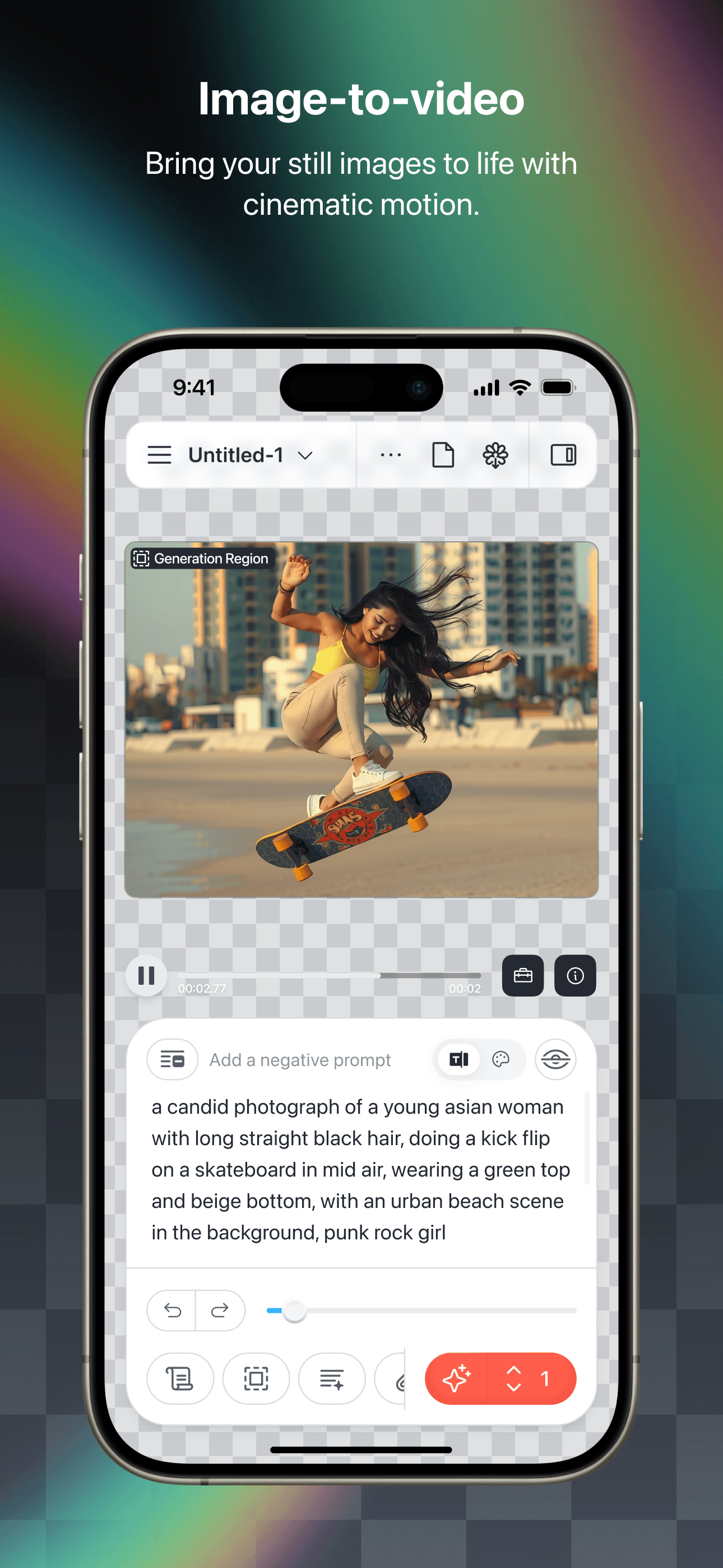
Draw Things is the outlier in this list and the only AI image generator that runs fully offline on your iPhone. Powered by Stable Diffusion variants including SDXL, the app generates images locally with no internet connection required and no prompts ever leaving your device. That privacy posture is unique in the consumer space and earns the app a category of its own. The trade-off is complexity. Draw Things exposes the full Stable Diffusion workflow including model selection, samplers, steps, CFG scale, and advanced techniques like inpainting and ControlNet. Casual users will find the learning curve steep compared to one-tap selfie apps. Power users gain something genuinely valuable: a private creative studio that costs less than cloud subscriptions over time and works on airplanes. The 711 rating count reflects the niche audience, but the 4.47 average shows that users who invest in learning the tool stick with it. For privacy-conscious creators or hobbyists who want real control, this is unmatched.
Pros
- Fully offline generation with no data leaving the device
- Full Stable Diffusion controls including inpainting and ControlNet
- One-time purchase model avoids recurring subscription costs
Cons
- Steep learning curve compared to one-tap filter apps
- Local generation slower than cloud-based competitors


How we picked
### Selection criteria We started from the top-grossing and top-rated AI image generation apps in the US App Store, filtered to apps with at least 700 ratings, and required active version updates within the last year. Both selfie-to-art and text-to-image tools made the cut, since they serve different but adjacent needs and many users want both.
### How we tested Each app received the same prompt battery: a photorealistic portrait, a stylized anime concept, a logo brief, a complex multi-subject scene, and a selfie transformation across three popular styles. We tracked first-generation quality, iteration controls, watermark behavior on the free tier, subscription pricing transparency, and how much the app pushes you toward upgrades before letting you test outputs.
### What we weighted Output quality on the first generation mattered most, since most users will not iterate dozens of times. Style breadth came next, especially for selfie apps where one or two great templates can carry the entire experience. We weighted watermark-free output and clear pricing higher than feature breadth, since reviews repeatedly show that hidden recurring charges drive negative ratings.
### What we excluded We excluded apps focused primarily on photo enhancement and restoration, which we cover separately. Apps with credible reports of unauthorized weekly charges or sub-30-day cancellation lockouts were removed entirely. Free-only apps without active development were skipped, as were single-style novelty apps without enough variety to justify a recommendation.
### What changed this month
Leonardo.Ai shipped a Flux Pro upgrade in May 2026 that materially improves typography rendering — the long-standing weakness of diffusion models. Dream by WOMBO added a Style Library with 300+ presets indexed by aesthetic. Draw Things continues to be the strongest fully-local option for iPhone users who want offline generation without uploading prompts. Picsart pushed harder on its layered editor mode, making it the closest mobile competitor to Photoshop for creators who finish images on-device. Midjourney still has no first-party iOS app — third-party clients remain the only path.
### Prompting tips that work across these apps
The biggest accuracy lever for any AI image generator on iPhone is prompt structure. Lead with subject, then medium, then style modifiers, then lighting, then camera or lens details. "A red fox in a forest, oil painting, golden hour, 50mm, shallow depth of field" produces materially better results than "red fox forest painting." For text inside images, name fonts where possible (Helvetica, Times) and request typography explicitly — most apps still struggle with text rendering. Negative prompts (telling the model what NOT to include) tend to outperform positive constraints; "avoid blur, avoid text, avoid extra fingers" cleans up common artifacts. Run the same prompt 3-4 times with different seeds before judging an app — variance per prompt is significant. Save your best prompts in Notes or a dedicated app like AI Prompt Tracker; reusable prompt templates are the single biggest workflow improvement after picking the right app.