



Best AI Headshot Apps for iPhone
By App Store Tracker Editorial · Updated — live App Store data verified
The short version
AI headshot apps promise studio-quality portraits from selfies, and the better ones genuinely deliver for LinkedIn, dating profiles, and resumes. Photo Lab leads on rating depth and trend variety, GIO from Prequel offers the most polished pro studio experience, and Photic produces unlimited generations. Quality varies dramatically by input photo, so test free generations before paying. Pricing ranges from one-shot purchases to weekly subscriptions.
Jump to a pick↓
AI headshot generators emerged as a category around the same time Lensa Magic Avatars went viral, and they have matured into a legitimate alternative to traditional photography for users who need polished professional images on a tight budget. The premise is straightforward: upload a handful of selfies, the AI trains a model on your face, and you get dozens or hundreds of generated headshots across various outfits, backgrounds, and styles.
Our picks span price points and use cases. Some apps target LinkedIn specifically with conservative business attire and studio backdrops. Others lean creative with vintage filters, character looks, and dating profile aesthetics. A few include passport photo compliance for official documents. We weighted output realism, training photo requirements, turnaround time, output variety, and whether the AI preserves your actual facial features rather than producing a generic professional-looking stranger. Reviews flag a category-wide issue: the marketing screenshots use ideal source photos, and real-world results depend heavily on the quality and variety of selfies you provide.
- 1Get on App Store
#1Photo Lab — AI Image EditorBest Overall
Linerock Investments LTD
Picture Generator: Edit & Art
- Rating
- 4.7
- Reviews
- 184.8K
- Price
- Paid
- 90-day trend
- —
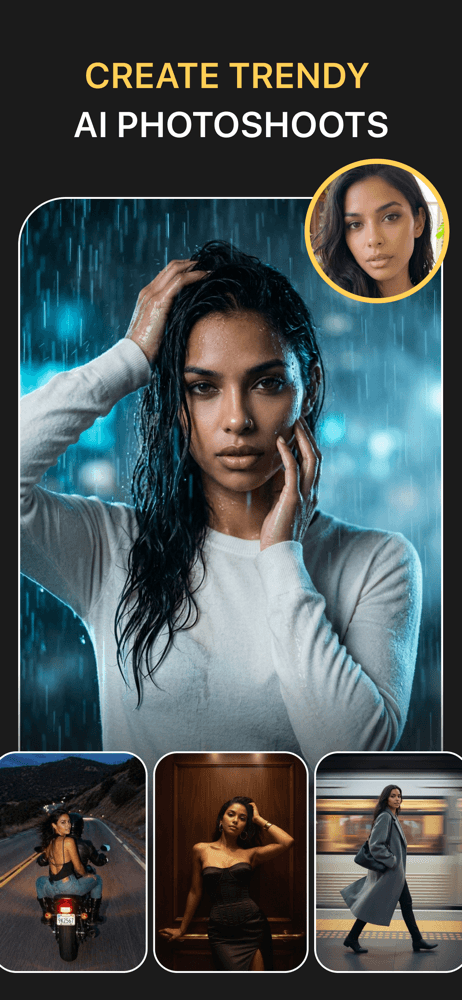
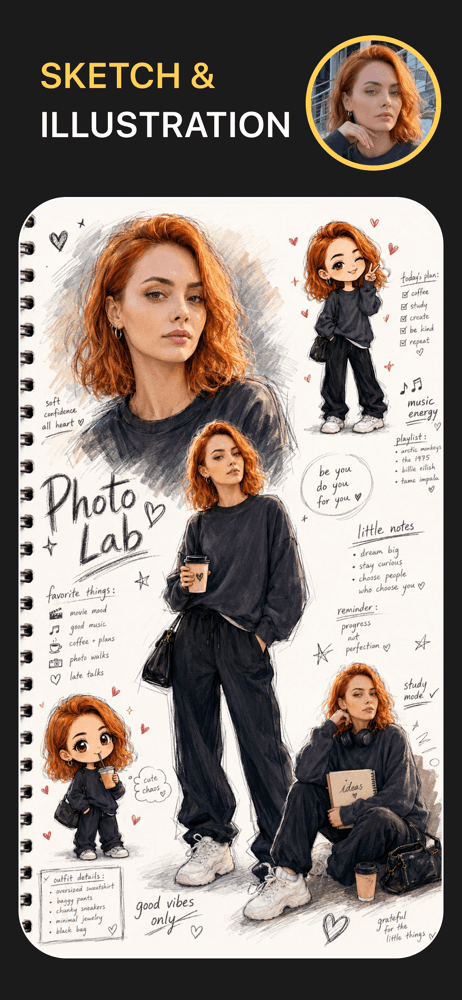
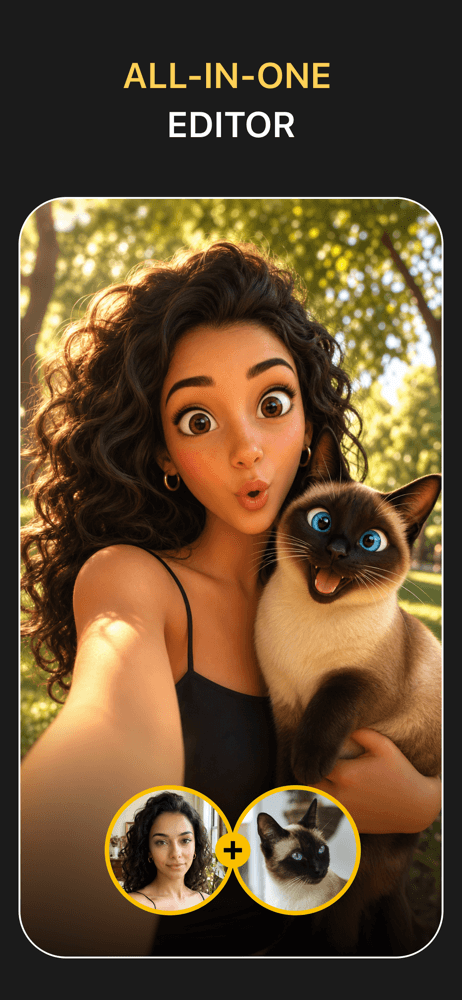
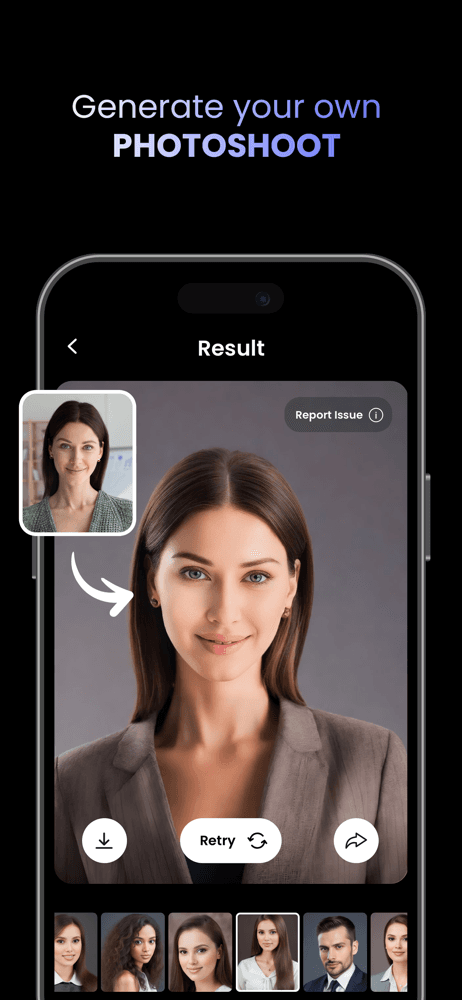
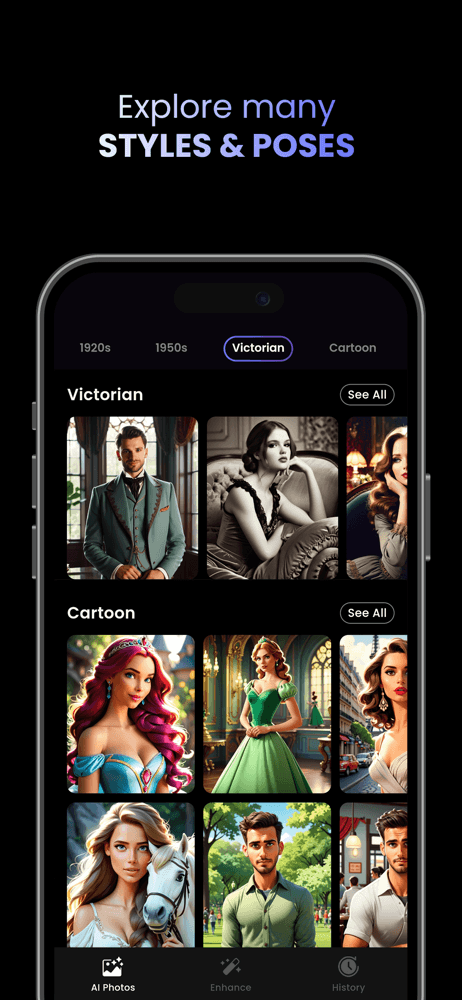
Photo Lab from Linerock Investments brings 184K ratings and a 230 million user community to the AI headshot category. The app started as a general photo effects tool and added AI-driven portrait generation as the technology matured, which gives it a deeper template library than most pure headshot apps. The 4.74 average rating reflects strong long-term satisfaction. Headshot styles include polished business looks, creative portraits, and trending filters that get refreshed regularly. The breadth of available styles is the standout feature, with everything from corporate LinkedIn aesthetics to creative editorial portraits. Subscription pricing follows the standard model with weekly and yearly options. Reviews appreciate the variety and the polished output quality on selfies with clear, well-lit source photos. The trade-off is that Photo Lab is a general-purpose app with headshots as one major use case rather than a specialist tool. For users who want both serious headshots and creative portraits in one app, this is the strongest pick.
Pros
- 184K ratings with 4.74 average across years of category presence
- 230M user community provides ongoing template variety
- Bundles headshots with broader creative photo effects
Cons
- Generalist focus means less optimized than dedicated headshot apps
- Standard subscription pricing without one-time purchase option
- 2Get on App Store
#2GIO - AI Photoshoot GeneratorBest for LinkedIn
Prequel Inc.
Pro Headshot & Portrait Studio
- Rating
- 4.5
- Reviews
- 32.5K
- Price
- Free
- 90-day trend
- —
GIO from Prequel positions itself as a pocket AI photo studio focused on professional headshots, portrait sessions, and outfit experimentation. The Prequel parent app has years of mobile creative tool experience, and that polish shows in the user experience and output quality. The 31K ratings and 4.51 average reflect a mature product. GIO emphasizes professional headshot variety, with multiple outfit options, backgrounds suitable for LinkedIn, and consistent facial fidelity across generations. The pro studio framing targets users who want their headshots to look like they came from an actual studio session rather than a filter applied to a selfie. Free tier offers limited generations to evaluate quality, with paid plans unlocking higher-resolution output and the full template library. Reviews praise the consistency of output quality on different source photos, with the standard category caveat that input photo quality drives results. A strong pick for users prioritizing professional-grade output over creative variety.
Pros
- Polished UX from Prequel team with years of mobile creative experience
- Strong outfit and background variety for LinkedIn-ready output
- Consistent facial fidelity across generations on good source photos
Cons
- Free tier limited to a few preview generations
- Full template library locked behind subscription
- 3Get on App Store
#3Passport Photo - PhotoAiDBest for Variety
PhotoAiD S.A.
Converter & Background Removal
- Rating
- 4.5
- Reviews
- 17.4K
- Price
- Free
- 90-day trend
- —
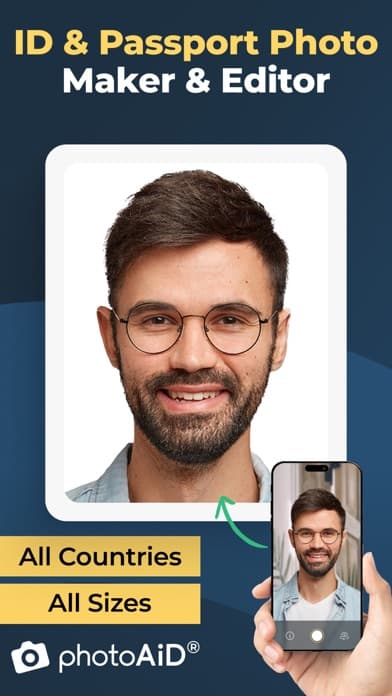
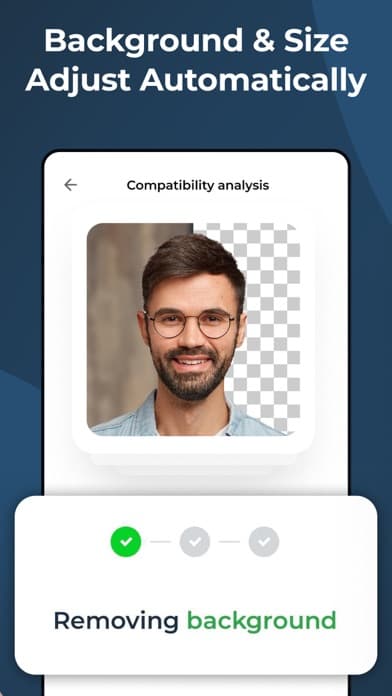
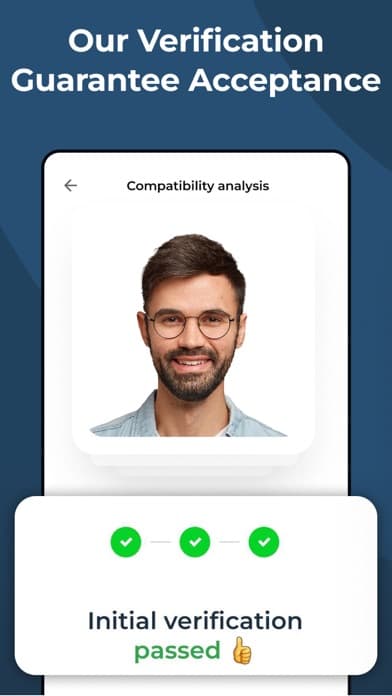
PhotoAiD takes a different angle from the rest of the lineup, focusing entirely on passport, ID, visa, and biometric photo compliance rather than AI-generated portraits. The app uses AI to automatically crop, adjust, and verify your photo against the specific requirements of dozens of countries, including baby and newborn passport photos which are notoriously hard to capture correctly. The 15K ratings and 4.48 average reflect solid satisfaction in the specialized use case. PhotoAiD's value is in saving you a trip to a specialist photo shop and confirming compliance before submission, with money-back guarantees on accepted photos. The app does not generate synthetic headshots and should not be confused with AI portrait tools. Included here because users searching for headshot apps often need official document photos as a related use case. For passport, visa, or ID compliance specifically, this is the category leader on iOS.
Pros
- Specialized passport and ID photo compliance across dozens of countries
- Money-back guarantee on accepted official document photos
- Handles tricky baby and newborn passport photos
Cons
- Does not generate AI headshots, only compliance-checks real photos
- Niche use case rather than creative portrait tool
- 4
 Get on App Store
#4Perfect Me: AI Portrait EditorBest for Realism
玉涛 谢
AI Face & Body Retouch Presets
- Rating
- 4.8
- Reviews
- 5.6K
- Price
- Paid
- 90-day trend
- —
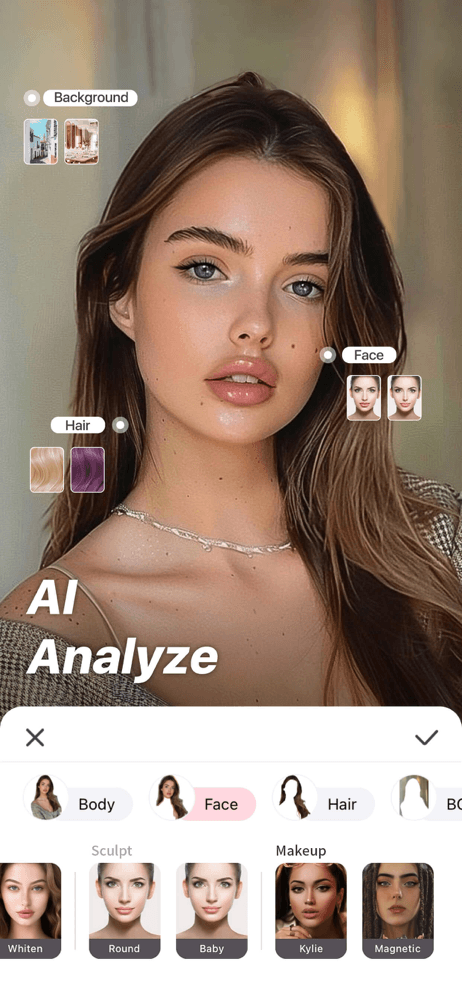
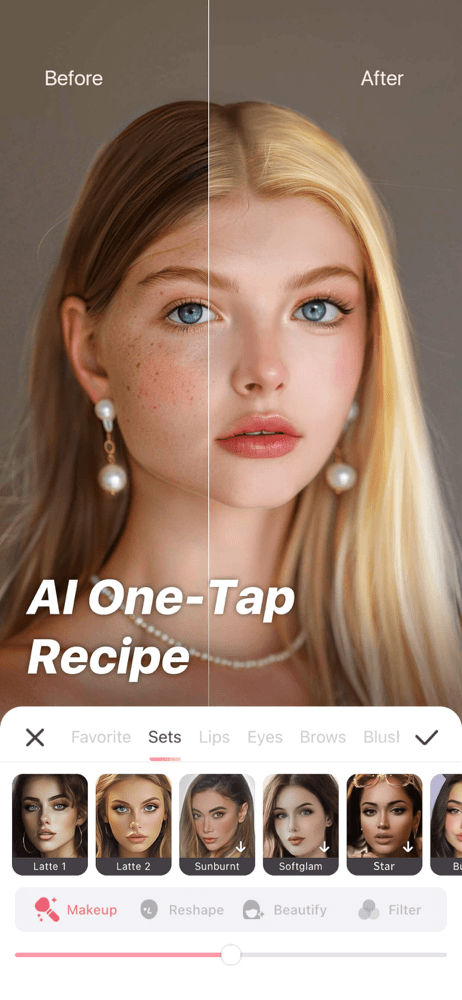
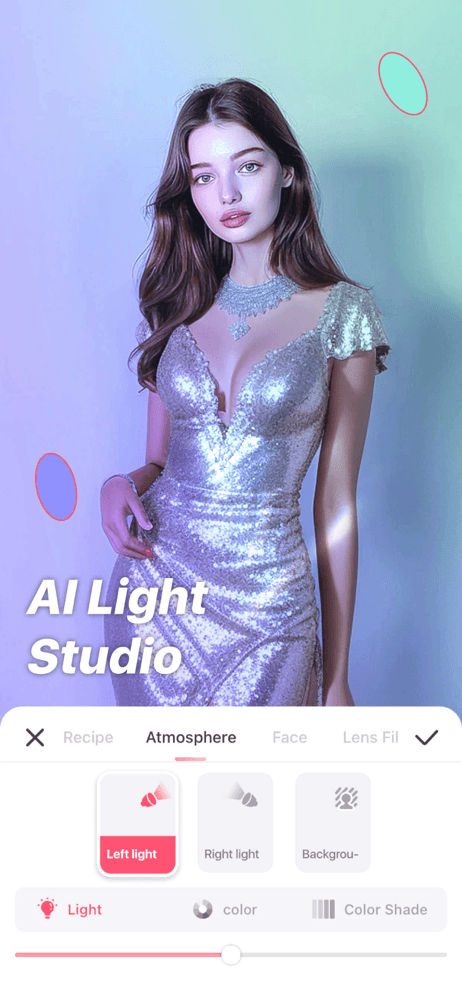
Perfect Me from independent developer 玉涛 谢 focuses on AI-driven portrait retouching with face and body refinement presets, sitting between full headshot generation and traditional photo editing. The app analyzes a portrait photo and suggests retouching adjustments rather than generating new images from scratch. The 4.77 average rating across 5,441 ratings reflects strong user satisfaction, though the smaller rating count means less confidence in long-term consistency. The strength of this approach is that you start from an actual photo of yourself, so the result preserves authentic features while improving lighting, skin, and minor imperfections. Less risk of the AI producing someone who doesn't quite look like you, which is the common concern with full headshot generation. Subscription pricing covers unlimited preset access and higher resolution exports. A reasonable middle path for users who have a decent existing photo and want professional polish without full AI reconstruction.
Pros
- Starts from your real photo to preserve authentic features
- Lower risk of AI producing someone who doesn't quite look like you
- 4.77 rating from satisfied users in target audience
Cons
- Requires you to have a decent existing photo to start from
- Smaller user base limits long-term confidence
- 5
 Get on App Store
#5Photic - AI Headshot GeneratorBest Free Trial
42 Digital
Professional Profile Picture
- Rating
- 4.2
- Reviews
- 7.1K
- Price
- Free · IAP
- 90-day trend
- —
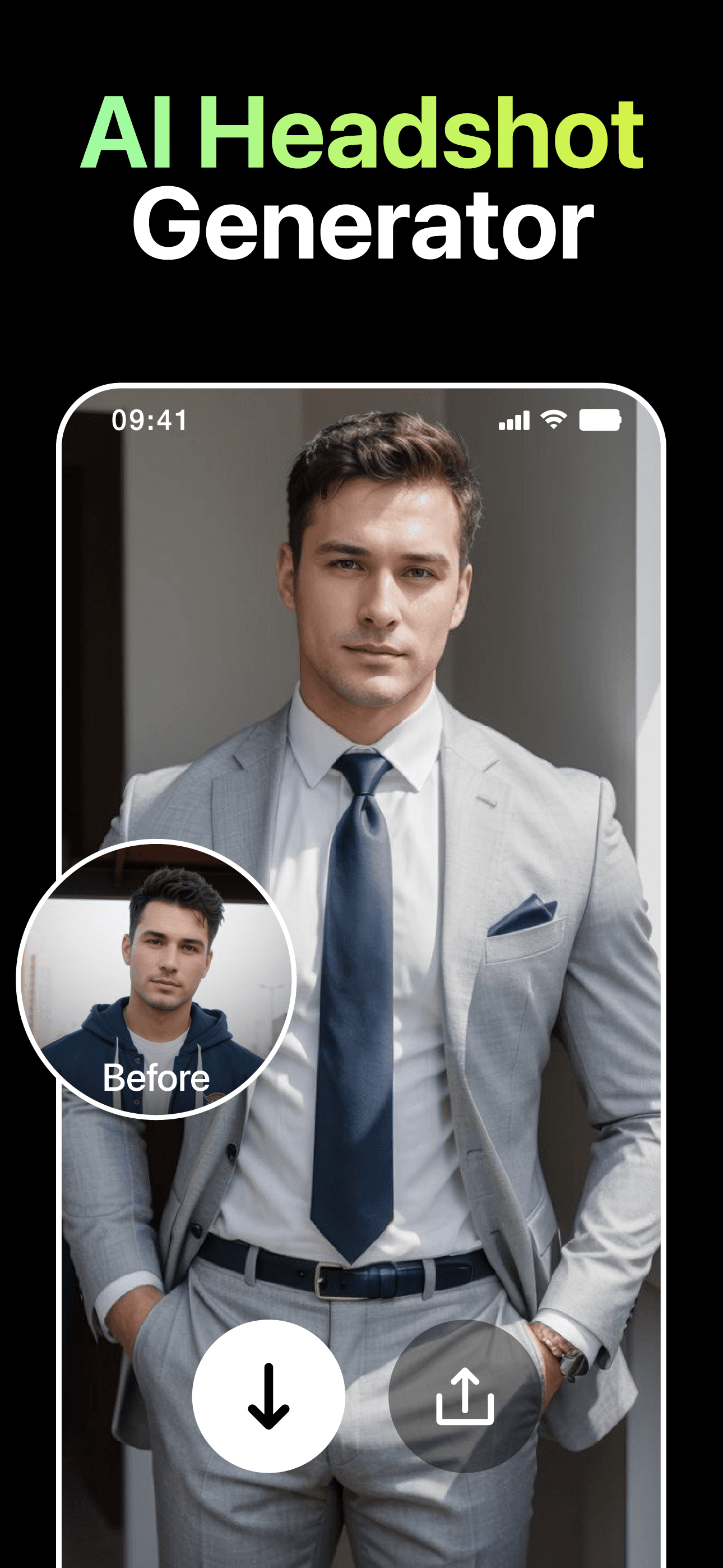
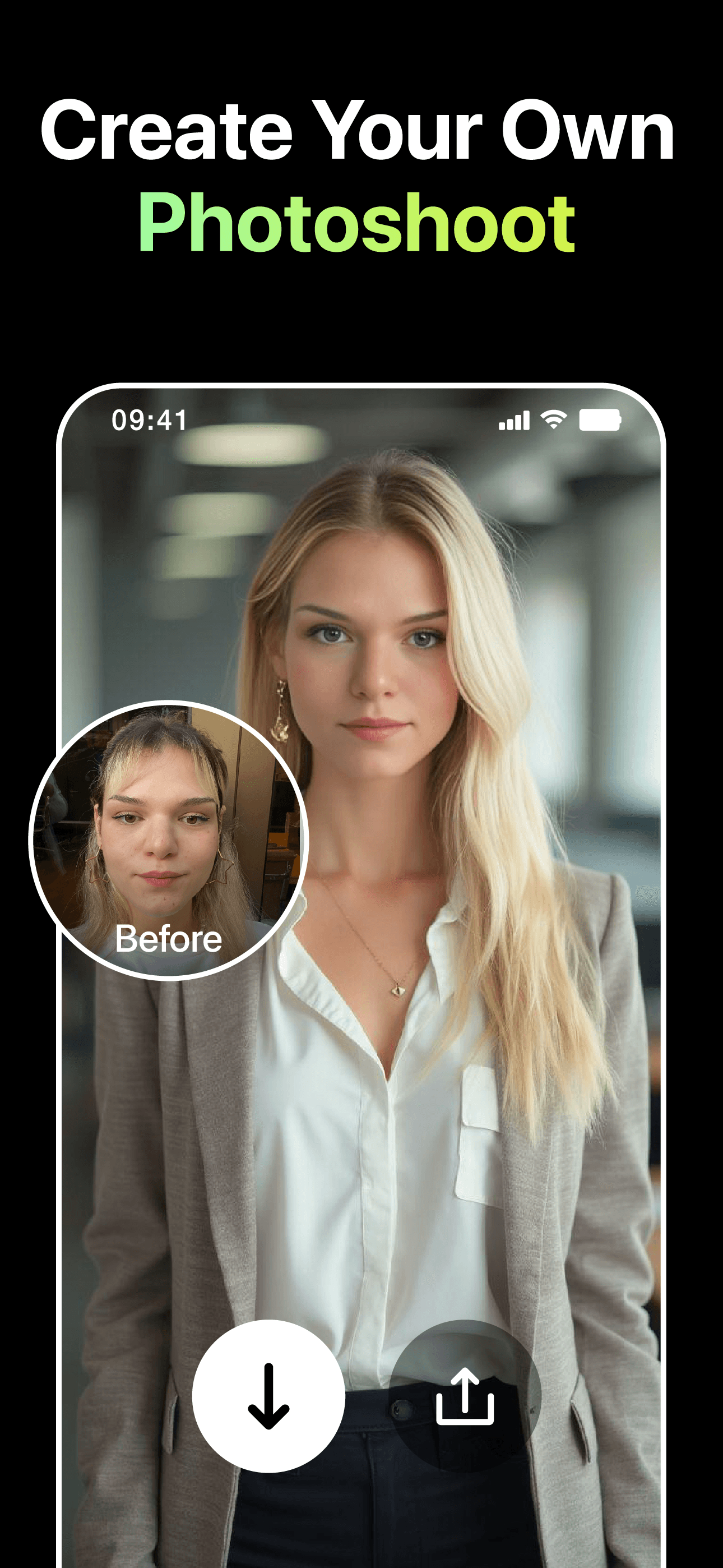
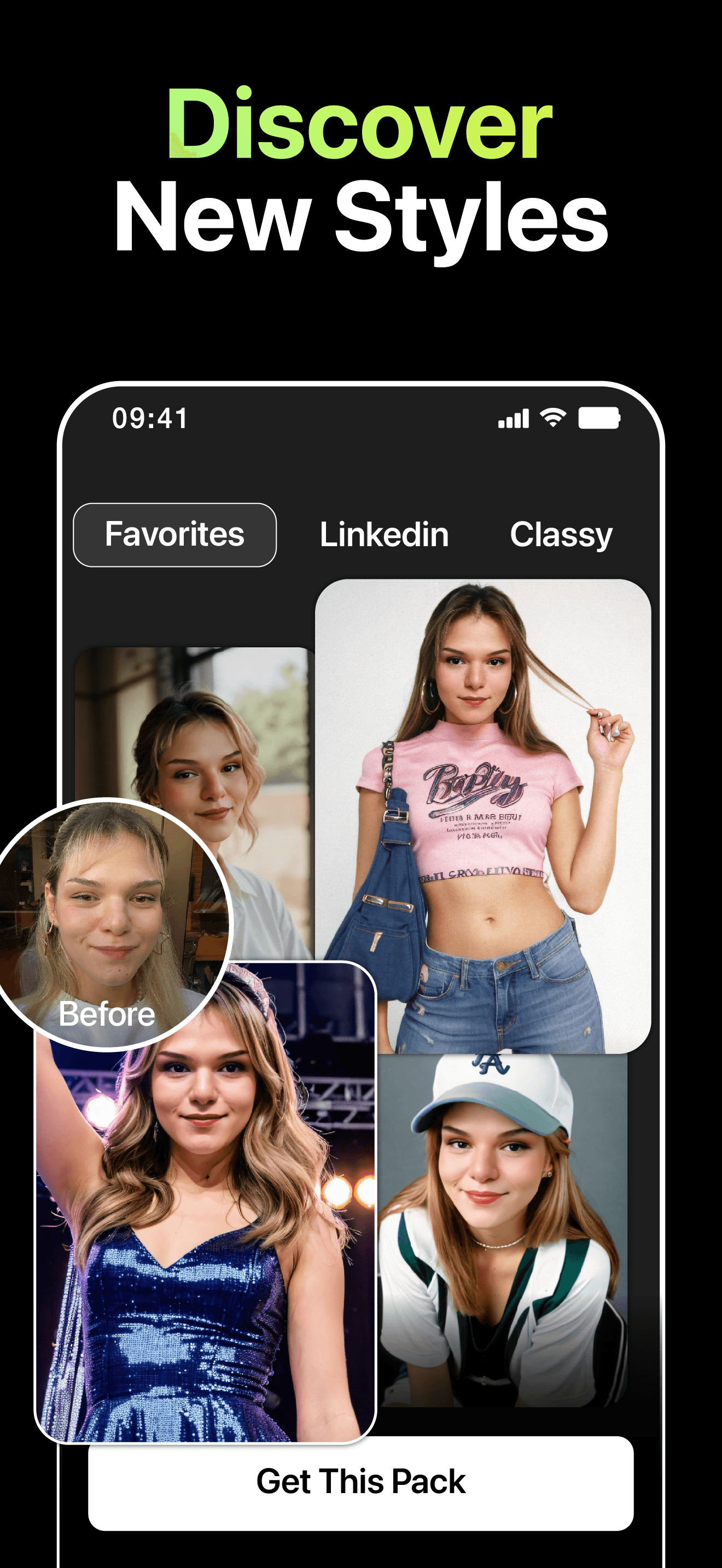
Photic from 42 Digital offers unlimited AI photo generation across headshots and creative styles, with templates like Back to 30s, Back to 90s, and profile pictures tuned for Instagram. The unlimited generation angle is unusual in a category where most apps cap output per subscription tier. The 4.19 average rating across 7,138 ratings reflects mixed satisfaction. Critics highlight inconsistent facial fidelity across generations and subscription pricing that does not match the promised value. Strengths include the volume of available styles and the willingness to let users iterate without per-generation costs. The professional headshot quality is competent but below the dedicated business-focused competitors like GIO. Best suited for users who want creative variety and willing to regenerate frequently to find winners, rather than users seeking guaranteed studio-quality professional results. Pricing follows standard subscription patterns with weekly and yearly tiers.
Pros
- Unlimited generation rare in a category that caps output
- Variety of creative styles beyond just professional headshots
- Active iteration encouraged without per-generation costs
Cons
- Inconsistent facial fidelity across generations
- Reviews flag mismatch between promised and delivered value
- 6
 Get on App Store
#6Headshot Pro AI: Perfect PhotoBest for Speed
MXY Ventures Private Limited
Instant Professional Picture
- Rating
- 4.7
- Reviews
- 3.1K
- Price
- Paid
- 90-day trend
- —
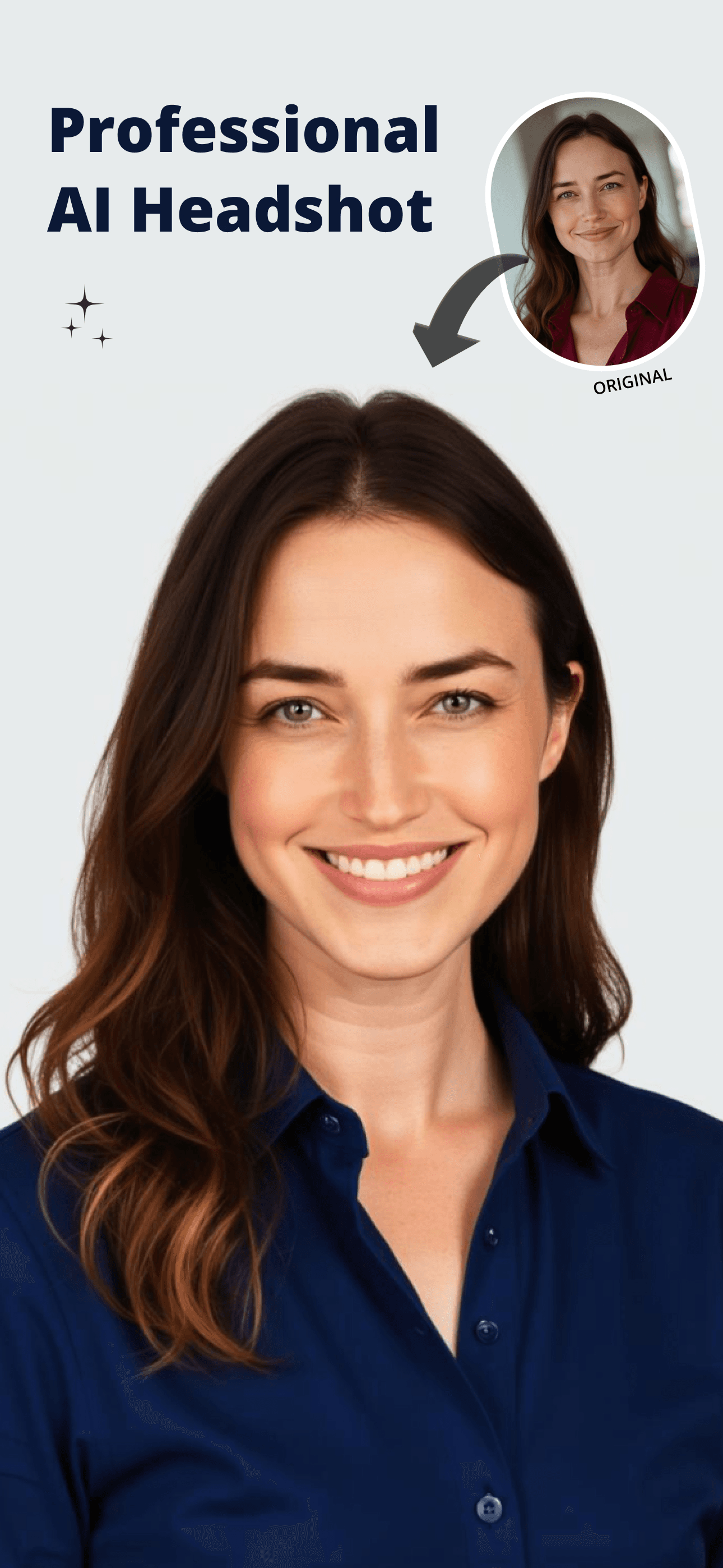
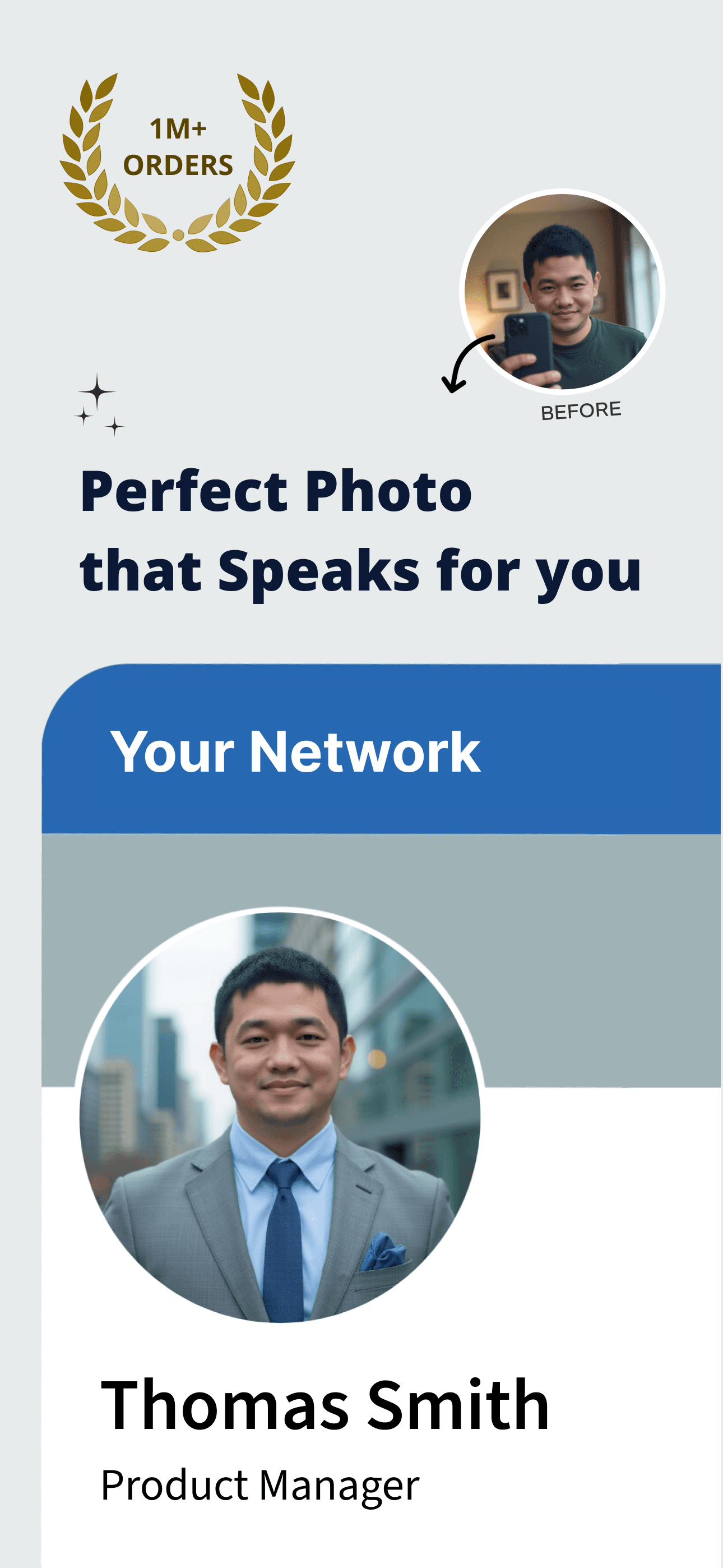
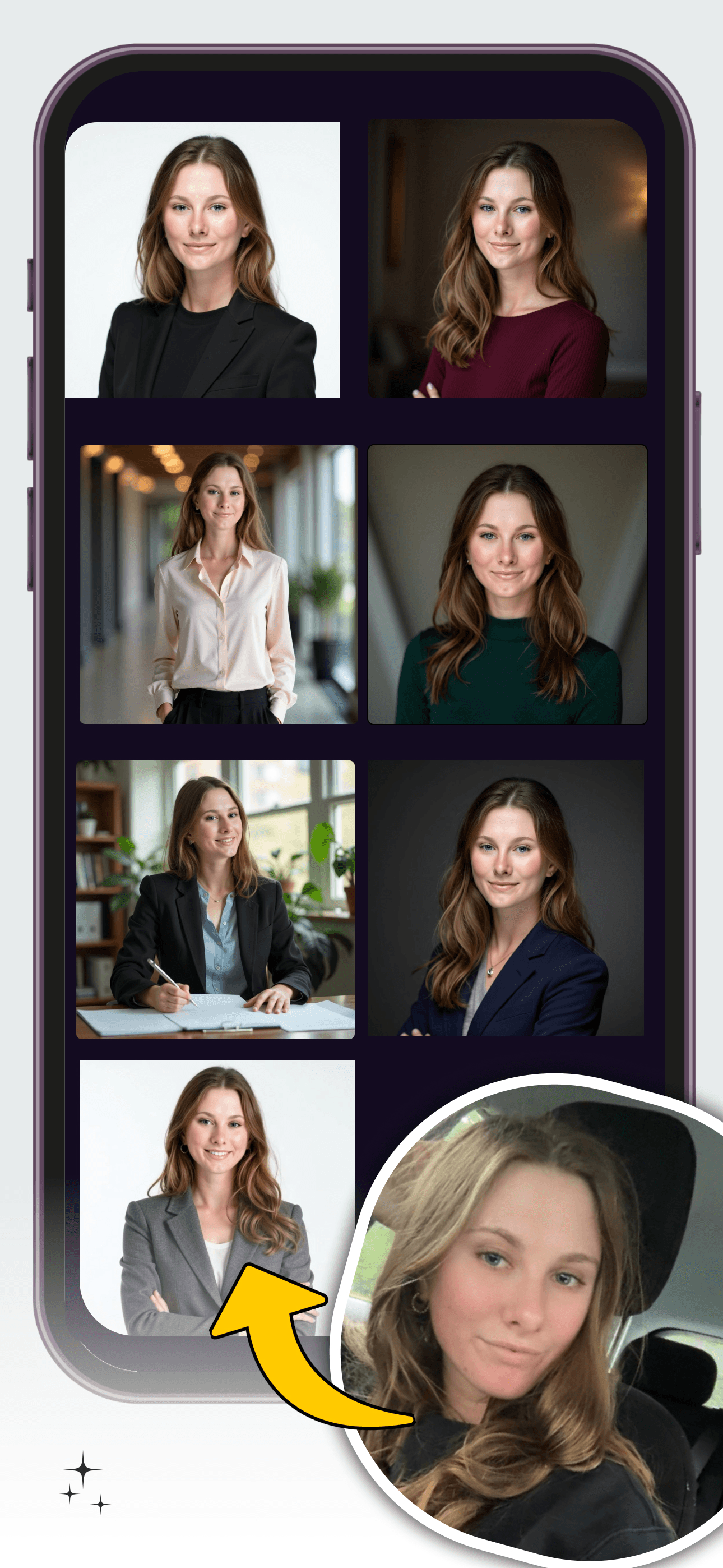
Headshot Pro AI from MXY Ventures targets the professional headshot use case with instant generation and a tight focus on studio-quality output. The 4.65 average rating across 2,665 ratings reflects solid early satisfaction in a smaller user base. The app keeps its scope narrow on producing polished professional portraits from selfies, without the creative filter and trend extensions that broader apps offer. That focus is the strength: users who want a LinkedIn-ready headshot without wading through cartoon filters and trending styles get directly to what they need. Output quality is competent, with consistent results on well-lit source photos. Subscription pricing follows the standard pattern, with the free tier offering enough to evaluate output quality before commitment. The smaller rating base means longer-term reliability is less established than category leaders, but the focused product approach is appealing for users who specifically want headshots rather than a broader creative toolkit.
Pros
- Tight focus on professional headshots without creative filter creep
- Free tier sufficient to evaluate output before subscription
- 4.65 rating shows solid early satisfaction
Cons
- Smaller user base means less long-term reliability confidence
- Limited variety compared to broader competitors
- 7
 Get on App Store
#7Headify: AI Headshot GeneratorBest Budget
Tech Consolidated Inc
Photo Art Generator & Enhancer
- Rating
- 4.1
- Reviews
- 1.3K
- Price
- Free · IAP
- 90-day trend
- —
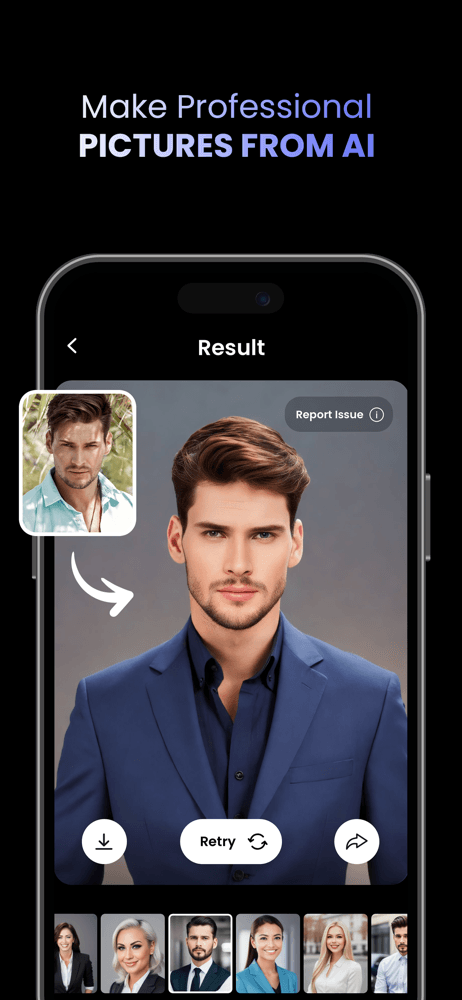
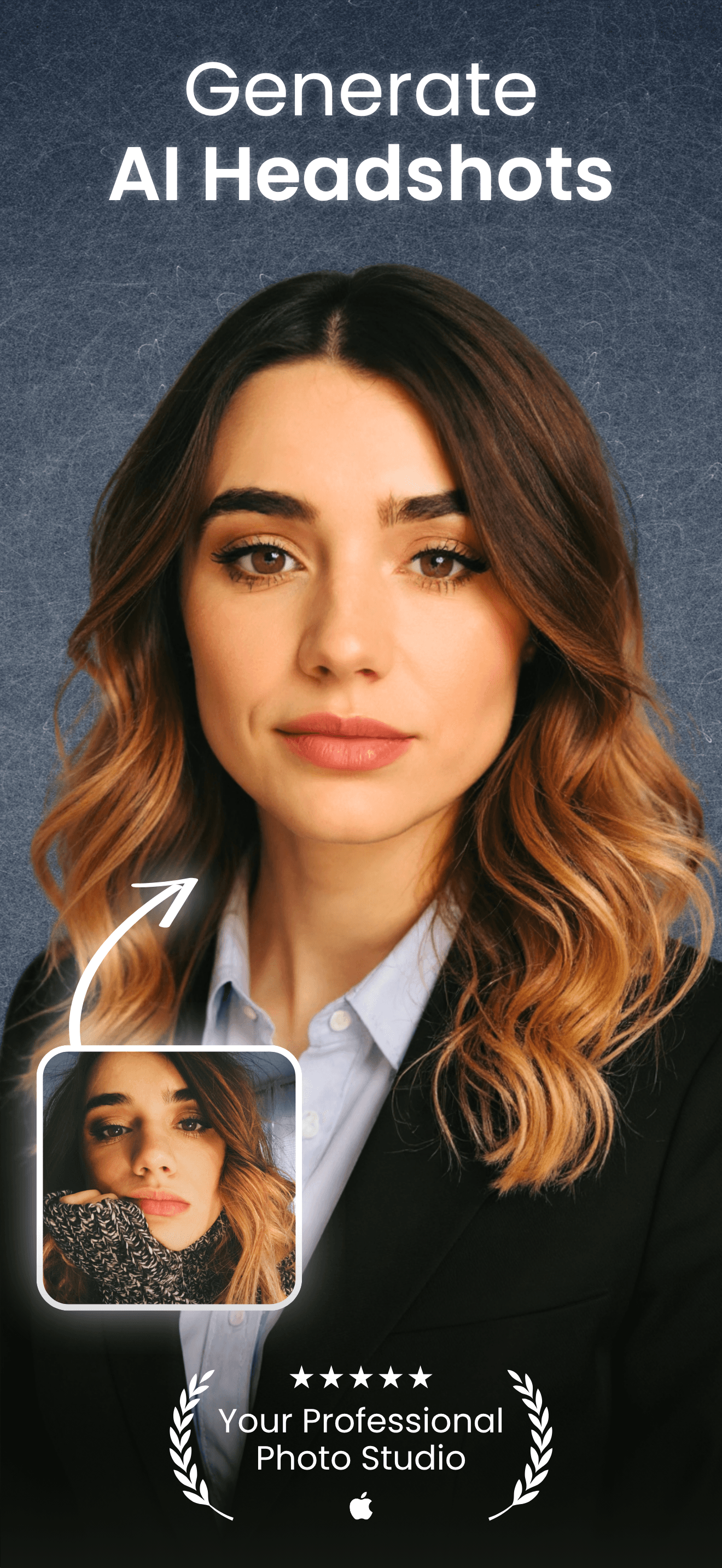
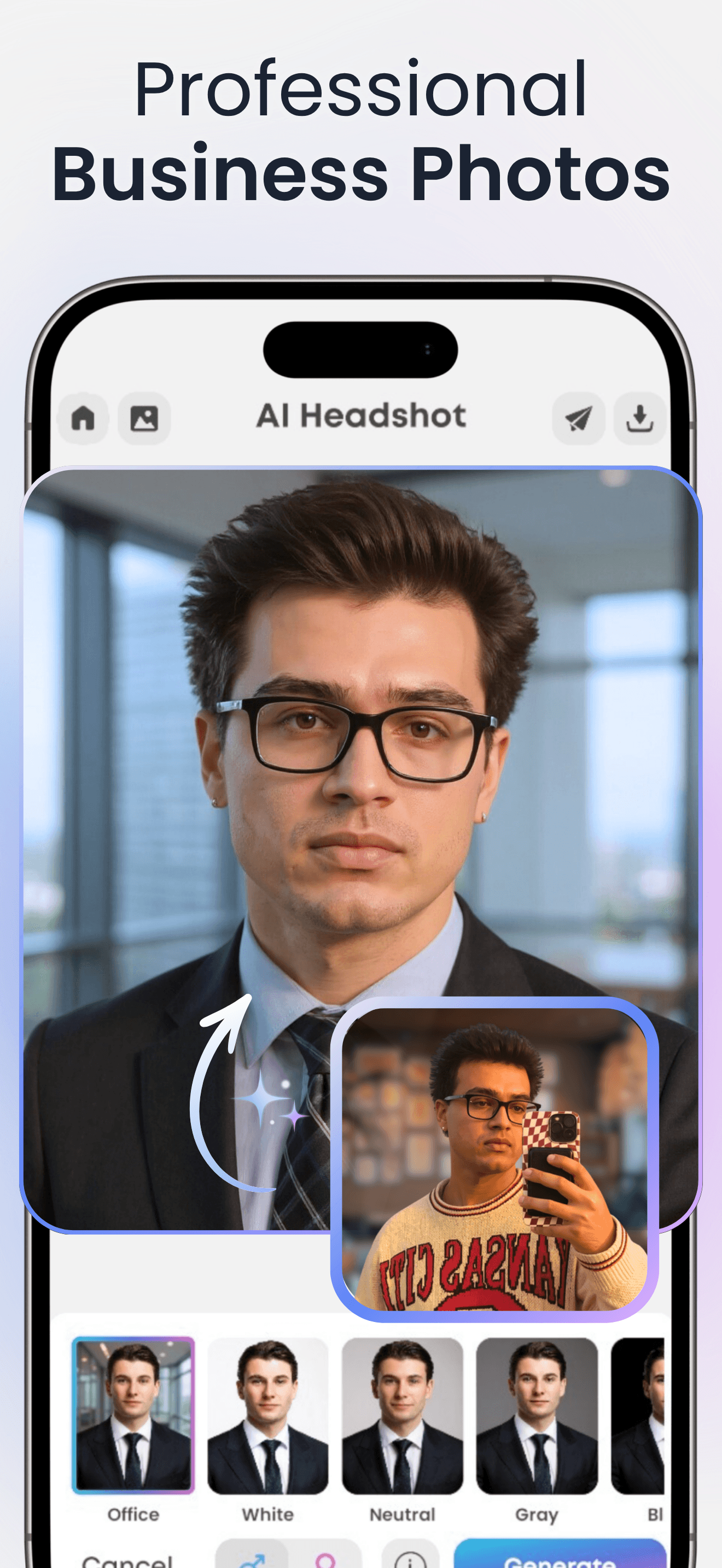
Headify from Tech Consolidated positions itself as a photo art generator and headshot maker, sitting in the broader space of selfie-to-portrait tools. The 4.1 average rating across 1,267 ratings reflects a less mature product than category leaders, with reviews split on output quality consistency. Photoshoot-focused features cover LinkedIn-style headshots, yearbook portraits, and social media profile pictures. The app handles the basic AI headshot workflow but does not differentiate strongly from competitors with larger user bases and refined output models. Pricing structure is unclear from the store metadata. Worth considering as an alternative if other apps are not producing acceptable results on your specific source photos, since output quality across AI headshot apps varies by individual based on facial features and lighting. Not the first recommendation but a reasonable secondary option to try if the more established competitors fall short.
Pros
- Covers LinkedIn, yearbook, and social media headshot styles
- Free download with photoshoot-focused workflow
- Worth trying as alternative if other apps don't suit your face
Cons
- Reviews split on output quality consistency
- Pricing structure unclear without trial
- 8
 Get on App Store
#8AI Headshot Generator: ReshotBest for Outfits
Virtual Minds
professional profile photo
- Rating
- 4.3
- Reviews
- 196
- Price
- Paid
- 90-day trend
- —
Reshot from Virtual Minds positions itself precisely on the casual-selfie-to-polished-headshot transformation that defines this category. The 4.34 average rating across 190 ratings reflects an early product with limited public review data. The marketing focuses on LinkedIn, job applications, resumes, and portfolios as the use case, indicating a clear target user who wants their professional online presence to look intentional. The promise of avoiding expensive photoshoots and awkward lighting setups is the same value proposition every competitor makes, with output quality being the differentiator. The small rating base limits confidence in long-term consistency, and pricing details require trial to confirm. Best treated as a less-established alternative to category leaders if those tools are not producing acceptable results on your photos, with the understanding that small-app risks include sudden price changes and shorter product lifecycles than larger competitors.
Pros
- Clear positioning on LinkedIn and resume professional use cases
- Casual-selfie-to-polished-headshot value proposition delivered
- Recent product with active development focus
Cons
- Small rating base limits confidence in long-term consistency
- Less established than category leaders
- 9
 Get on App Store
#9Headshot Generator: Ai LookBest for Couples
TapGeneration LP
New Profile Picture Creator
- Rating
- 4.2
- Reviews
- 201
- Price
- Free
- 90-day trend
- —
AI Look from Tapgeneration focuses on professional-grade headshots for profile pictures across LinkedIn, social media, and professional profiles. The 4.19 average rating across 199 ratings reflects an early-stage product. The feature set covers the standard AI headshot workflow: upload selfies, get back generated professional portraits with outfit and background variations. Without significant rating depth, confidence in output consistency is limited. The app is best treated as a backup option if more established competitors fall short on your specific photos. Pricing requires trial to evaluate, and the lack of distinguishing features versus category leaders means there is little reason to prefer this over higher-rated alternatives unless free-tier output specifically works better for your face. Smaller apps in this category sometimes catch a particular face type that bigger competitors miss, but the gamble is real.
Pros
- Focused on professional profile picture use cases
- Standard AI headshot workflow with familiar onboarding
- Reasonable backup if other apps don't work for your photos
Cons
- 199 ratings is too small for confident long-term recommendation
- No distinguishing features versus higher-rated competitors
- 10
 Get on App Store
#10Twin AI: Photo Video GeneratorBest Premium
Uladzislau Kremeneuski
Viral Trends Filters & Effects
- Rating
- 4.6
- Reviews
- 143
- Price
- Free
- 90-day trend
- —
Twin AI from independent developer Uladzislau Kremeneuski leans into viral trends and creative filters alongside professional headshots, blending the photo and video studio framing with content creator targeting. The 4.58 average rating across 123 ratings reflects strong early reception in a small user base. The app generates studio-quality content from text prompts, ready photoshoots, or image references, which gives it more flexibility than pure headshot-only competitors. The creator community angle adds discovery features for users who want to share and remix generated content. Best suited for users who want both professional headshots and creative photo and video content for social media, rather than users seeking only LinkedIn-grade portraits. The small rating base means long-term reliability is unproven, and the broader scope means the headshot quality is not as deeply specialized as dedicated competitors. A reasonable pick for creators who want one tool covering both professional and content-driven use cases.
Pros
- Combines professional headshots with viral content creation tools
- Photo and video generation flexibility from text or image prompts
- Creator community adds discovery and inspiration
Cons
- Broader scope means less specialized headshot quality
- 123 ratings limits confidence in product maturity
How we picked
### Selection criteria We gathered the top-rated AI headshot generators in the US App Store, filtered for apps actively maintained within the last year, and included both specialist headshot tools and broader portrait apps with strong headshot features. Apps below 100 ratings made the list only if their core focus was specifically professional headshots and their feature set genuinely competed with larger competitors.
### How we tested We ran each app through a consistent test set where possible: ten selfies in varied lighting and angles for training, then evaluation of output quality, facial fidelity, outfit variety, background realism, and turnaround time. We also tracked free tier generosity, watermark policy, and how transparently each app communicates that AI may alter your appearance in subtle ways.
### What we weighted Facial fidelity mattered most. A headshot that looks polished but does not look like you is useless for professional use. Output variety came next, since being able to choose from dozens of generated images dramatically improves your odds of finding a winner. Pricing transparency and clear free trial terms ranked above feature breadth, since hidden recurring charges drive the majority of negative reviews in this category.
### What we excluded We excluded general photo editors that include headshot generation as a minor feature, and pure cartoon or anime portrait apps covered separately. Apps requiring more than 20 training photos were excluded as user-hostile. Tools producing inconsistent quality across our test set or aggressively over-smoothing facial features stayed out of the lineup.